ClipTrend.ai Blog
AI Video Guides & Tutorials
Tutorials, model guides, and best practices for AI image-to-video and photo-to-video, from the ClipTrend.ai team.
Welcome to the ClipTrend AI video blog — practical AI video guides for turning a single photo into a finished clip. Each post breaks down a real workflow: which model to pick (Kling, Veo 3.1, Seedance 2, Sora 2, or Wan), how to write a prompt that holds up, and how to recreate the trending effects creators are posting on TikTok and YouTube Shorts. Whether you are comparing image-to-video engines, troubleshooting a render, or hunting for the next viral format, these AI video guides give you a tested, step-by-step path instead of guesswork.
Nano Banana 2.1 vs GPT Image 2.5: Which Image Model to Pick
Compare Nano Banana 2.1 and GPT Image 2.5 on ClipTrend.ai by reference limits, aspect ratios, resolution, editing controls, and the credits shown before generation.
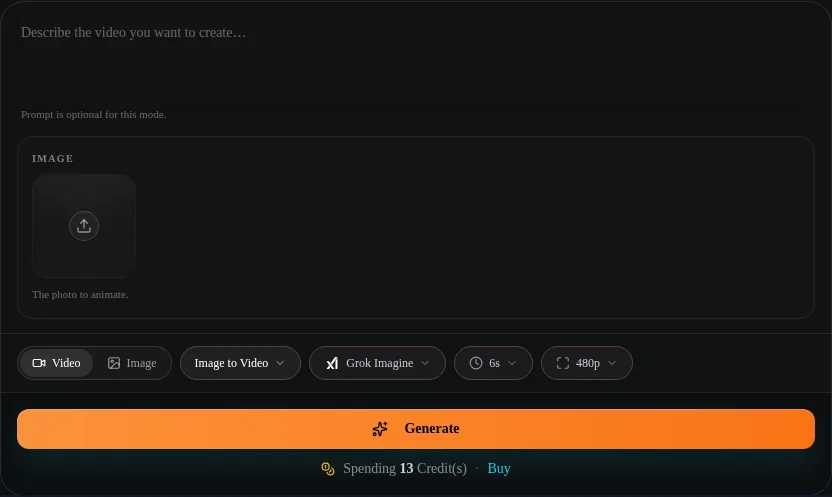
Grok Imagine Video Length: Plan a 6- or 10-Second Clip
Choose Grok Imagine's 6- or 10-second video length on ClipTrend.ai, plan one action with a clear ending, and avoid squeezing a whole scene into one clip.
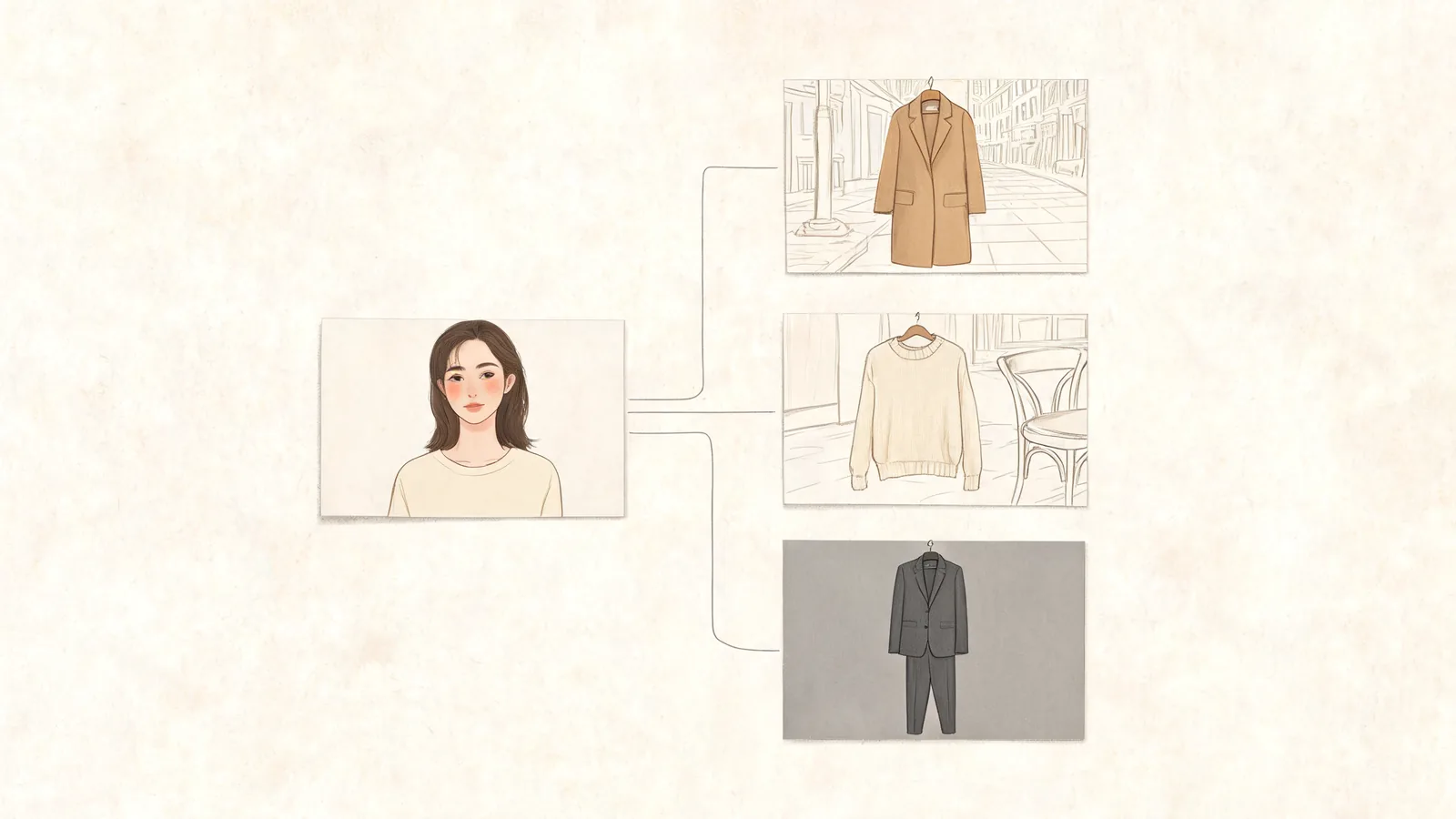
Fashion Influencer Photos With AI: A One-Selfie Guide
Create fashion influencer photos from a selfie. Choose eight looks, plan a three-photo lookbook, check details, and write captions that disclose AI.
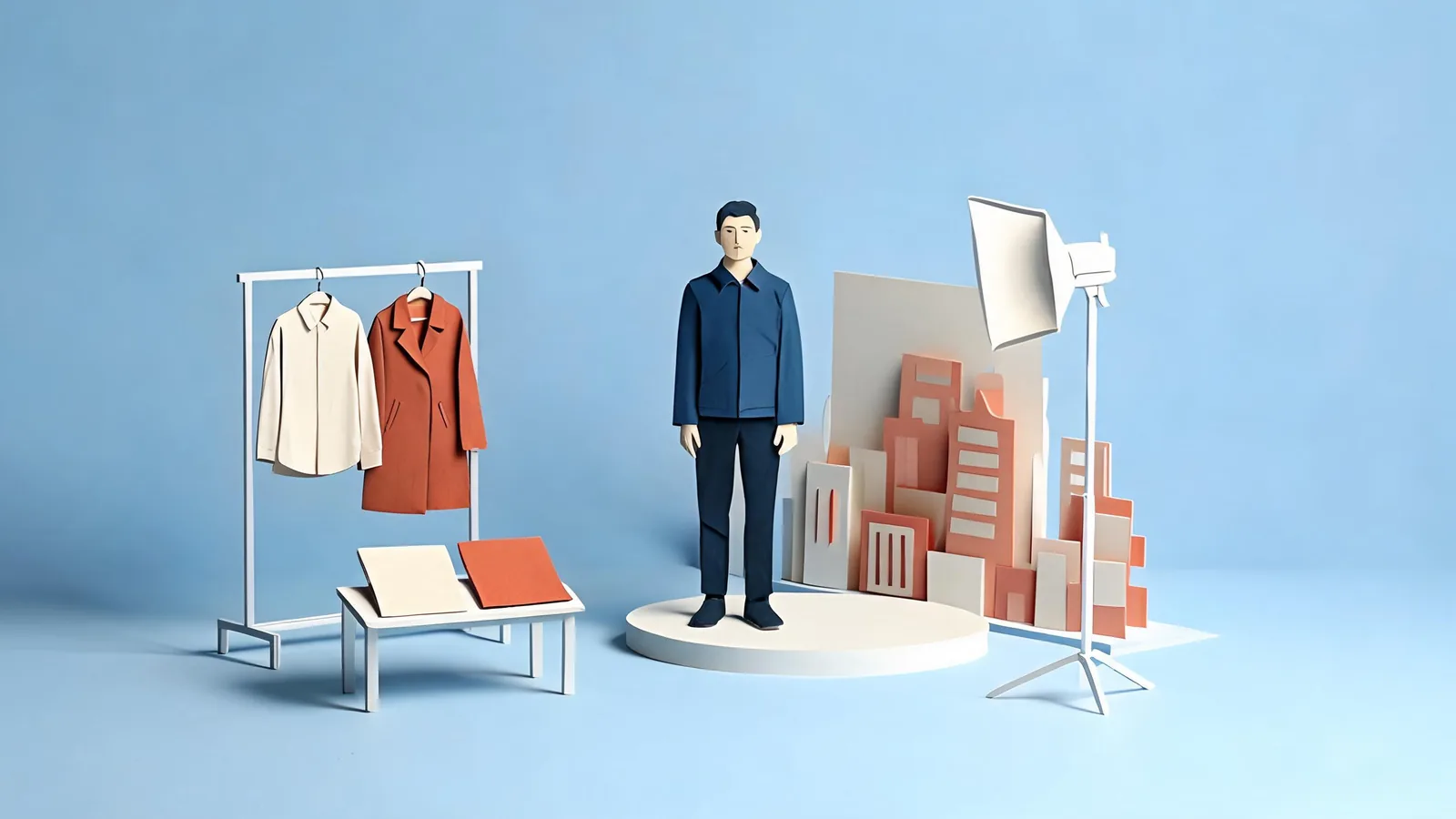
AI Fashion Influencer: Outfit Photos Without a Shoot
Learn what an AI fashion influencer means, how selfie-based outfit photos work, and where styling concepts need real garment checks and clear disclosure.
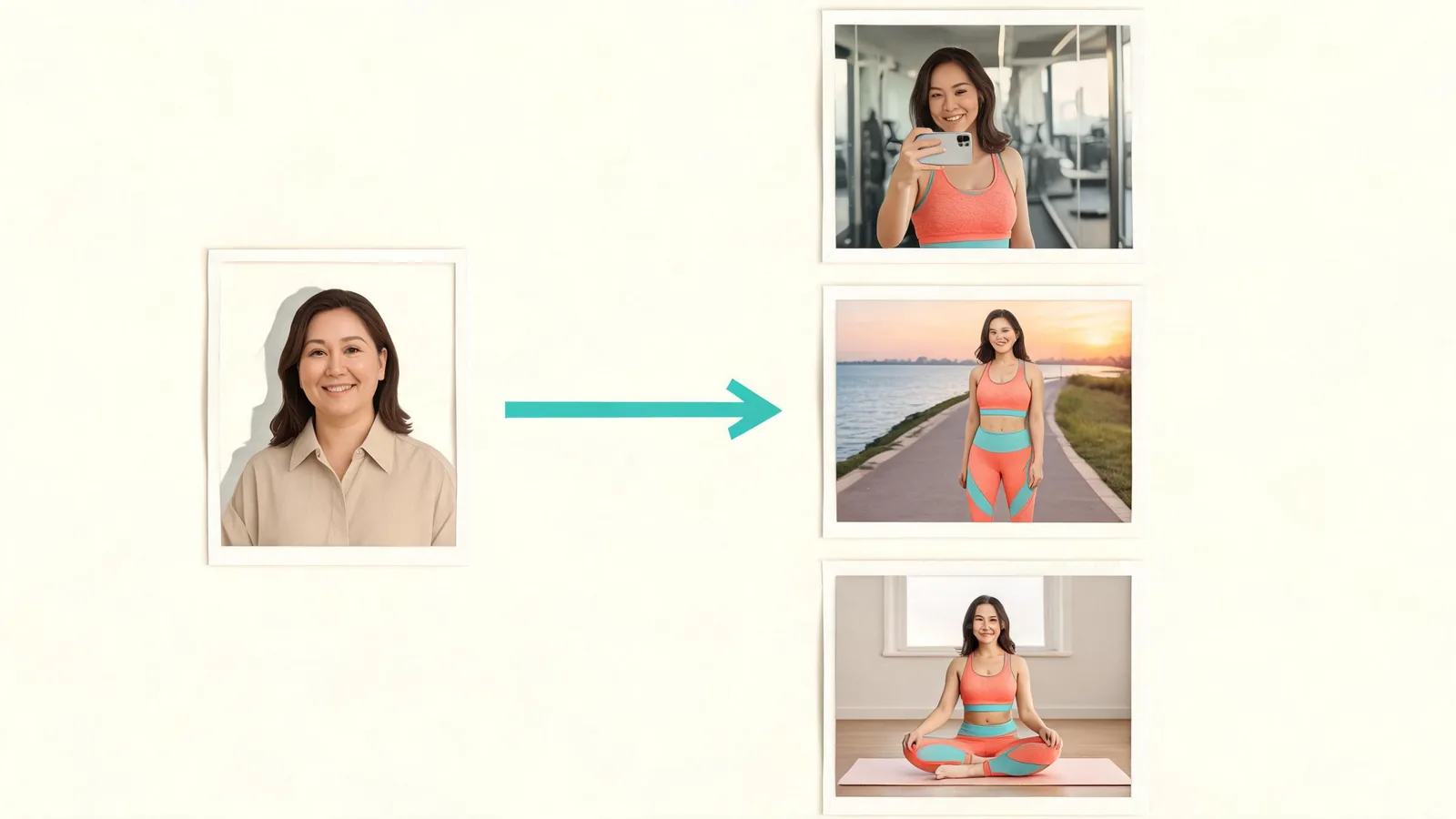
Fitness Influencer Photos With AI: A One-Selfie Guide
Make fitness influencer photos from one selfie. Choose eight gym and lifestyle shots, review a coordinated set, and label your AI-made images clearly.
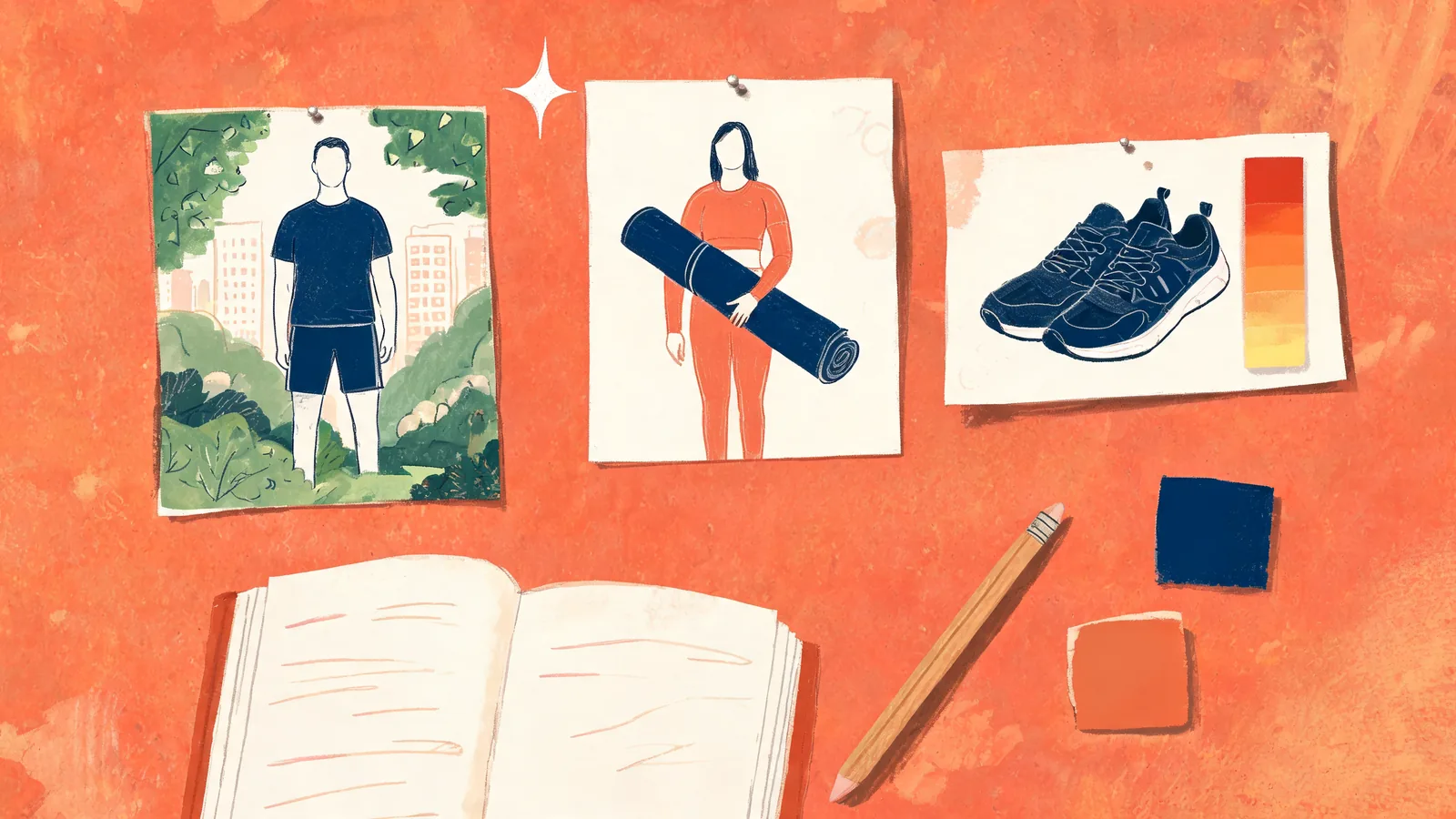
AI Fitness Influencer: What It Is and Honest Uses
Learn what an AI fitness influencer means, how selfie-based photos differ from virtual personas, and where mood boards, profile visuals, and disclosure fit.
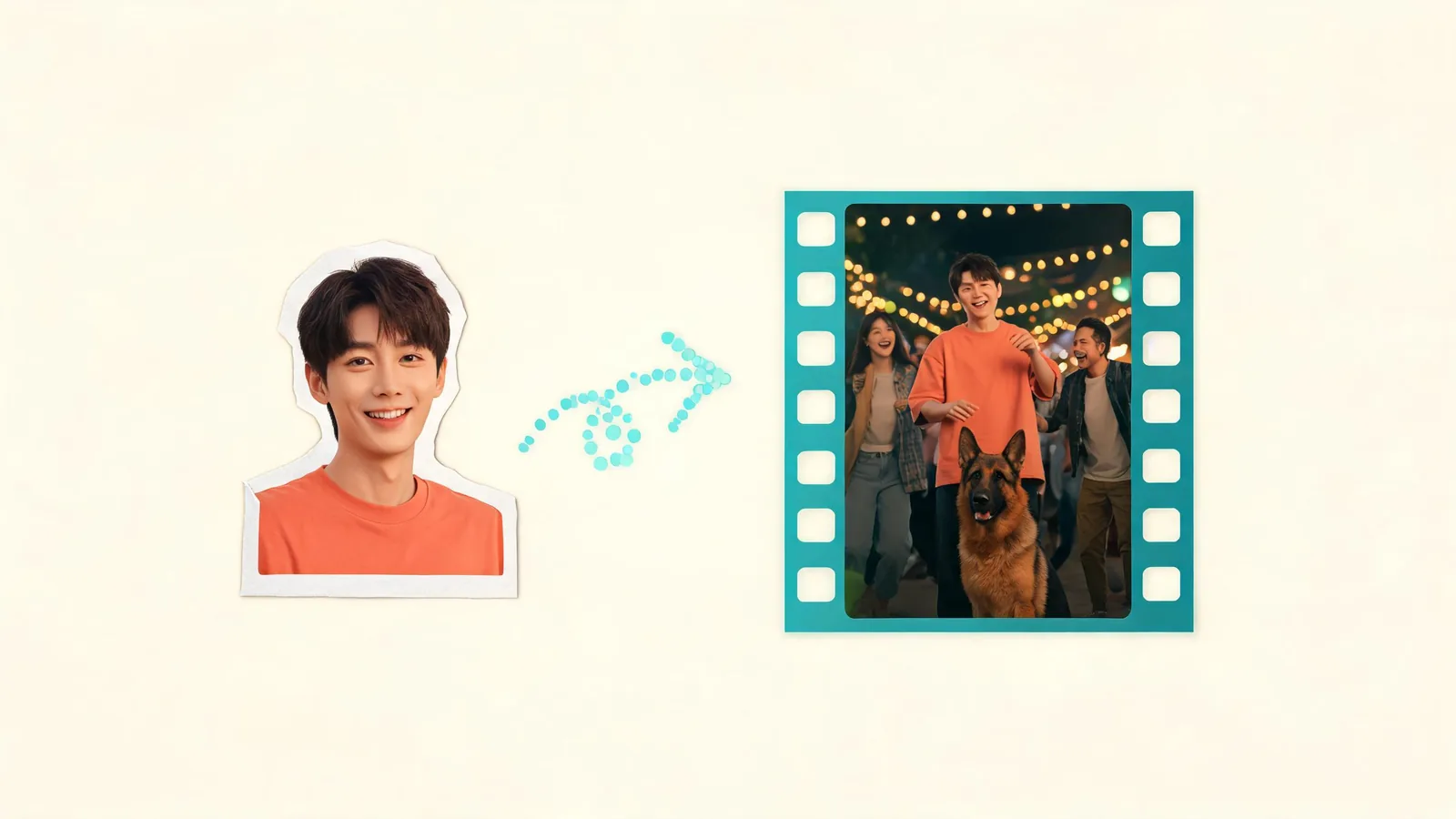
Sniffer Dog AI: Make the Party Prank Video From a Photo
Make a Sniffer Dog AI party video from one clear photo. Follow the upload steps, allow 4–10 minutes, review the result, and add a light reaction caption.
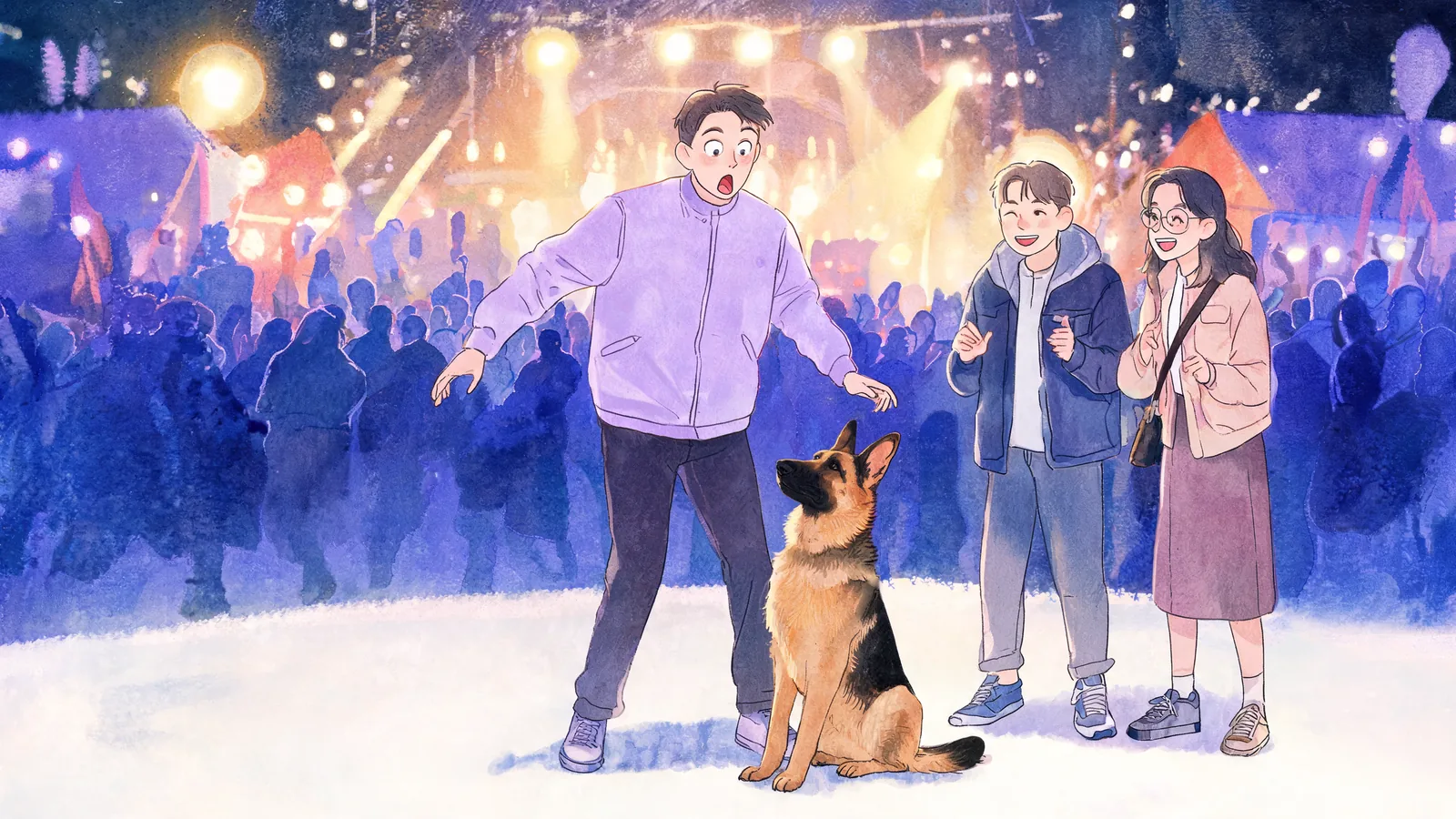
Sniffer Dog Meme Explained: Why the Party Reaction Works
The Sniffer Dog meme turns a quiet sit into a big party reaction. Learn the scene's comic beats, what the generated version adds, and how to join with one photo.
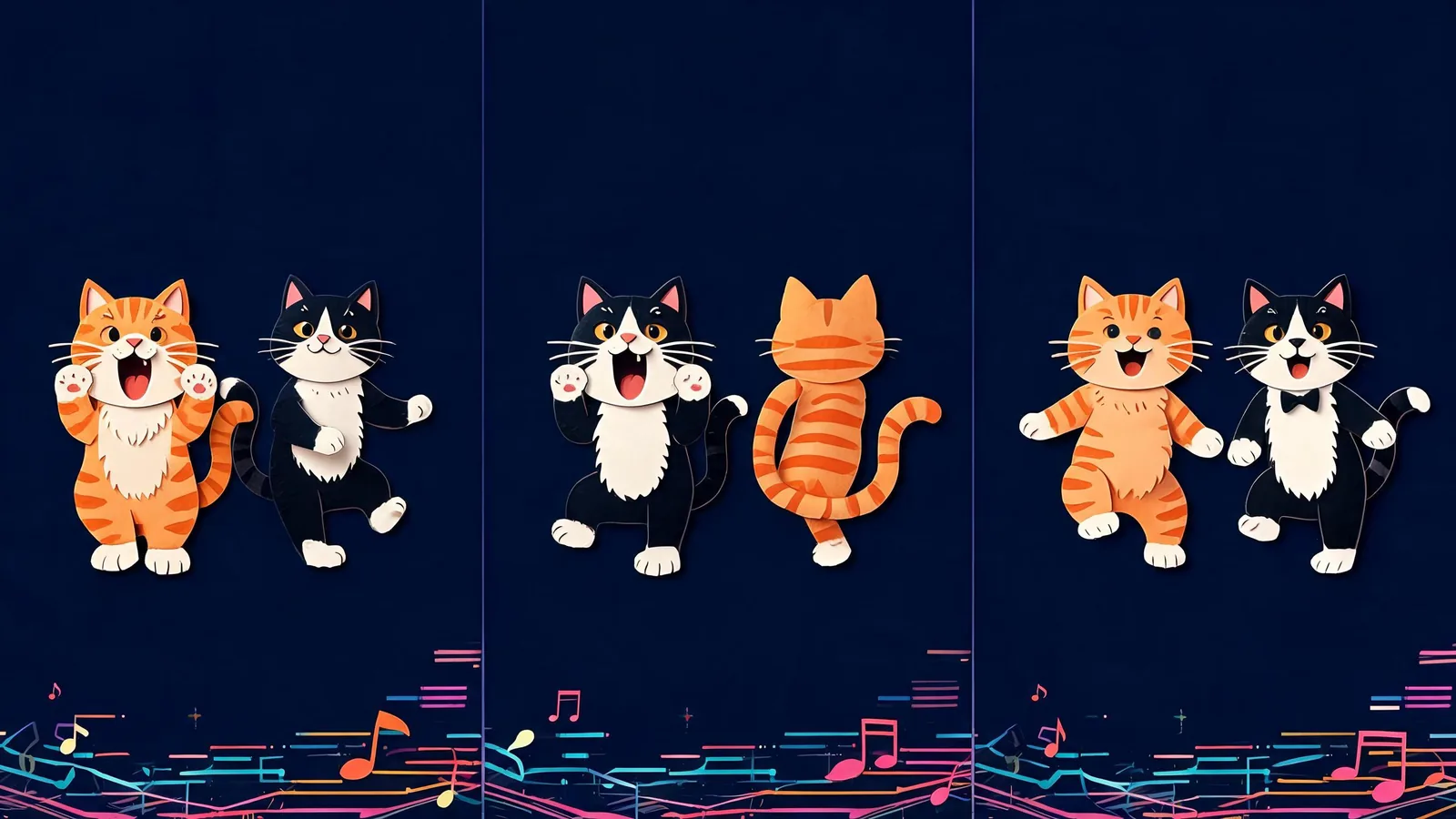
Smalltown Boy Trend Explained: The Screaming Cat Duo
The Smalltown Boy trend turns an 80s song into a scream-and-swap duet. Understand the cats version, the three-part routine, and how photo remakes work.
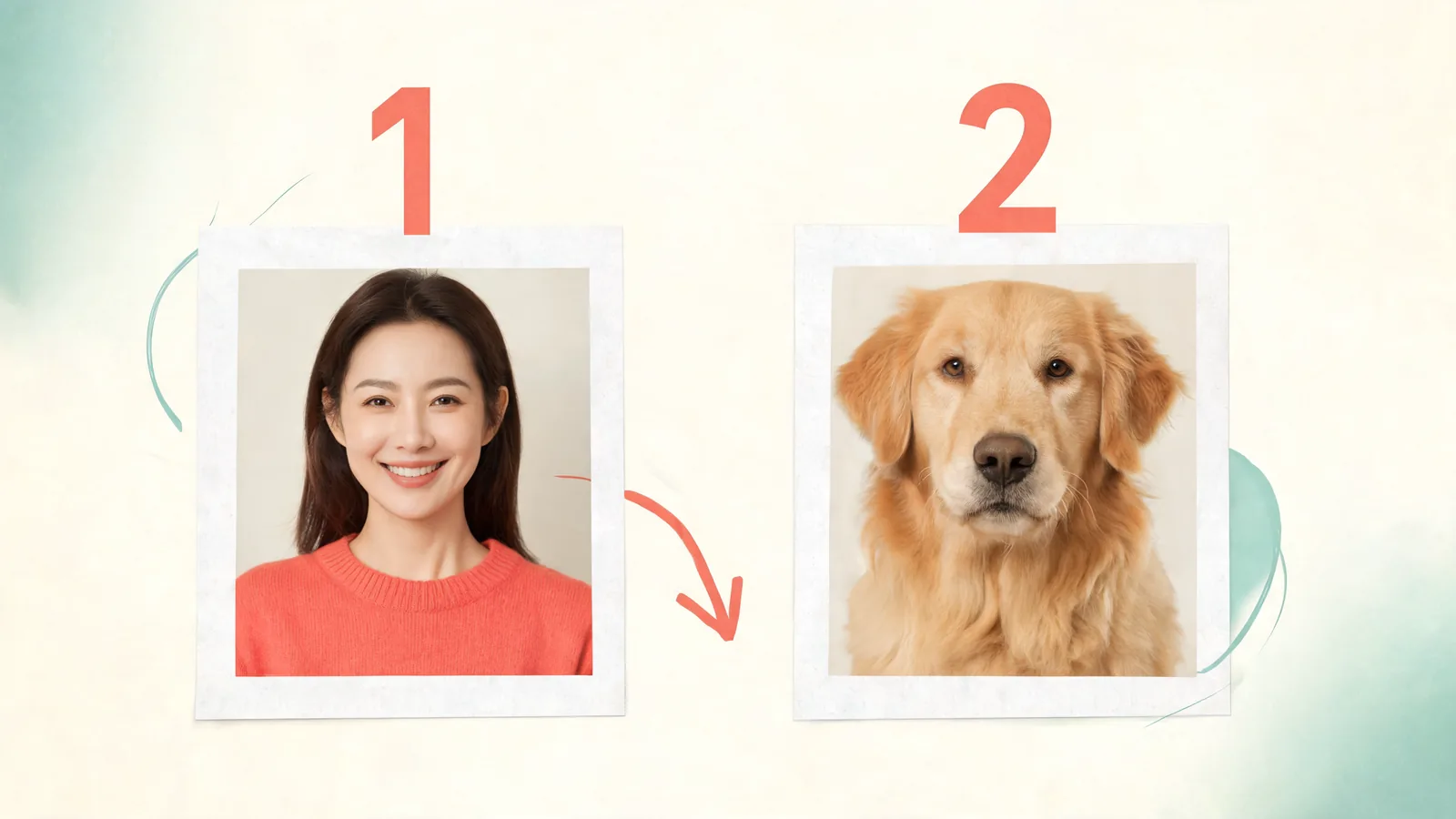
Smalltown Boy AI: Make the Scream Duo With 2 Photos
Make a Smalltown Boy AI video from two photos. Assign the screamer and dancer, choose clear portraits, then review your ten-second vertical clip with the song.
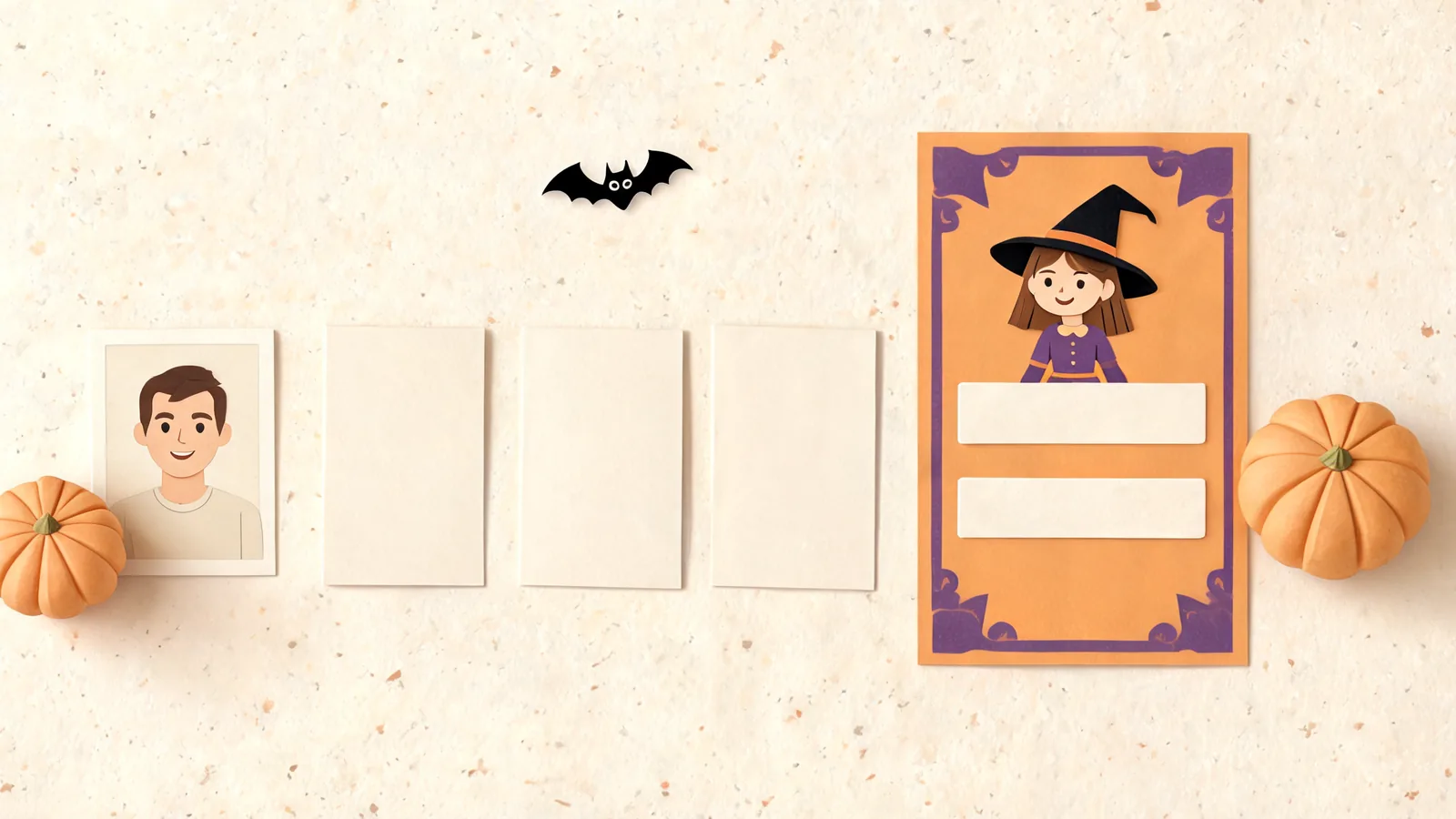
Halloween Poster: Make a Party Invite With Your Photo
Make a Halloween poster with three short text lines, four styles, and an optional portrait. Check spelling and readability before sharing or printing a small invite.
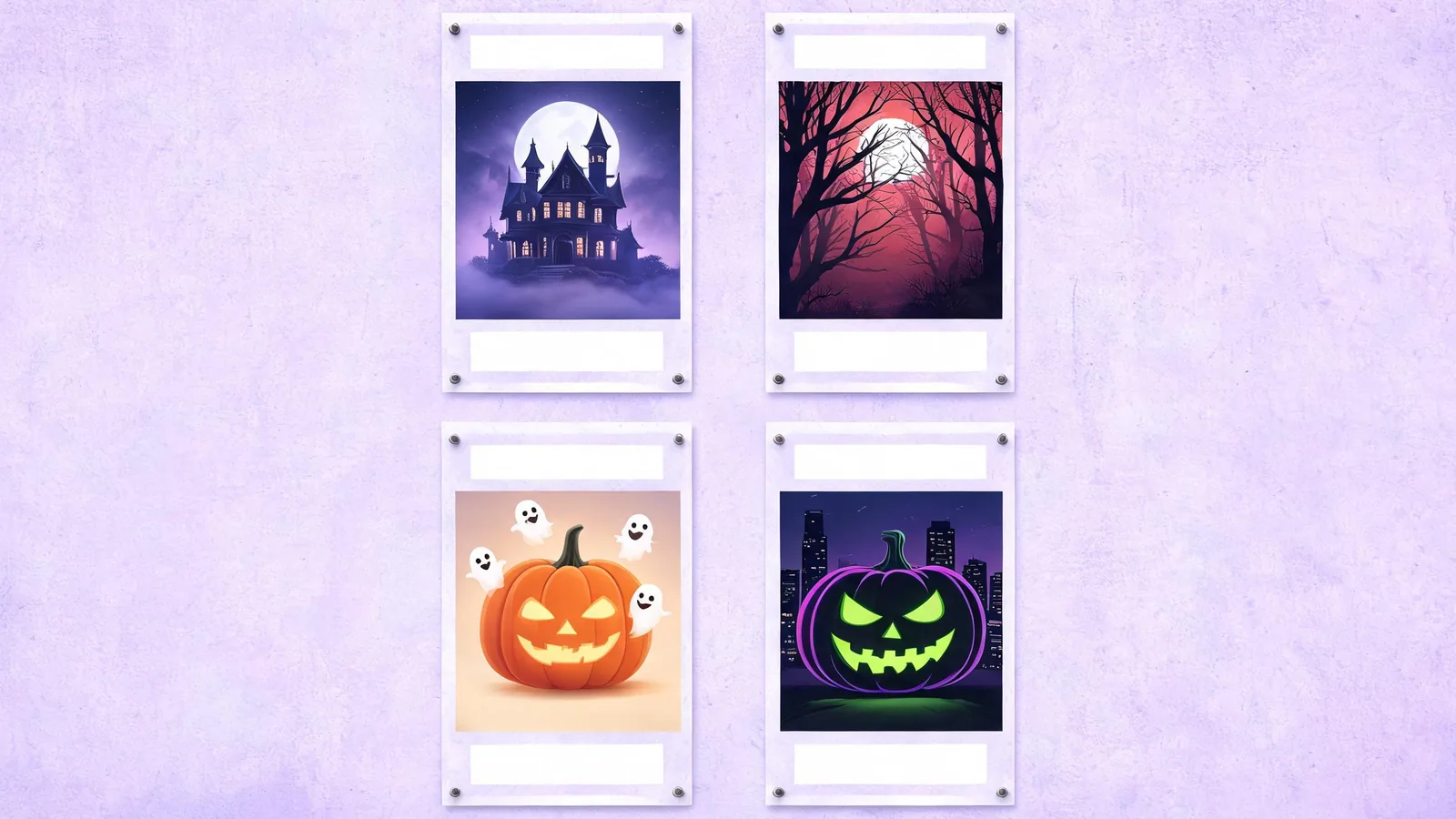
Halloween Party Poster Ideas: 8 Themes and Wording Examples
Explore eight Halloween party poster ideas with short title, date, and place examples. Match your event mood to four styles and keep guest details easy to read.
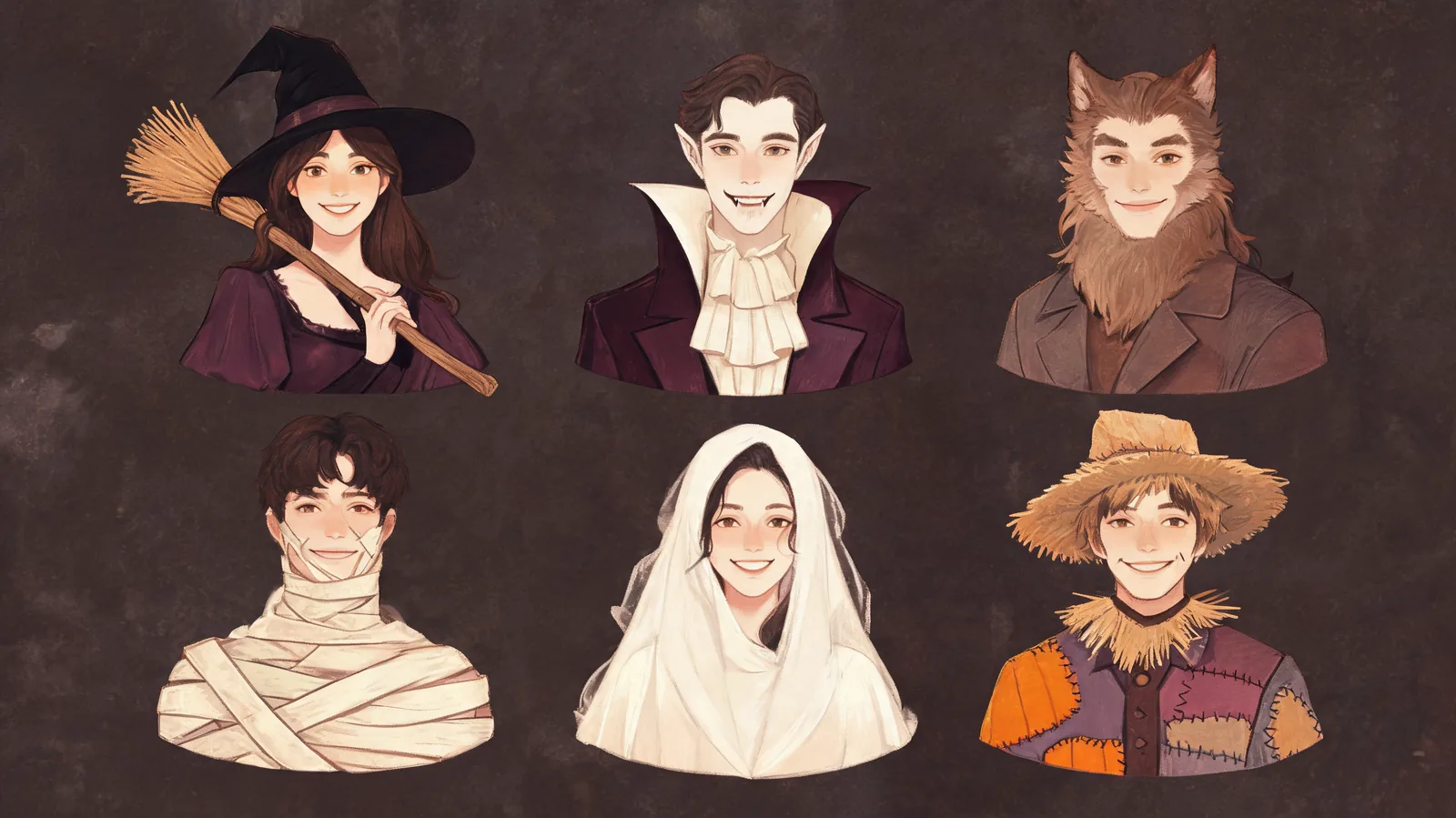
Classic Halloween Characters: Origins and Signature Looks
Explore classic Halloween characters, from witches and vampires to werewolves and mummies. Learn their origins and signature looks, then choose a portrait preset.
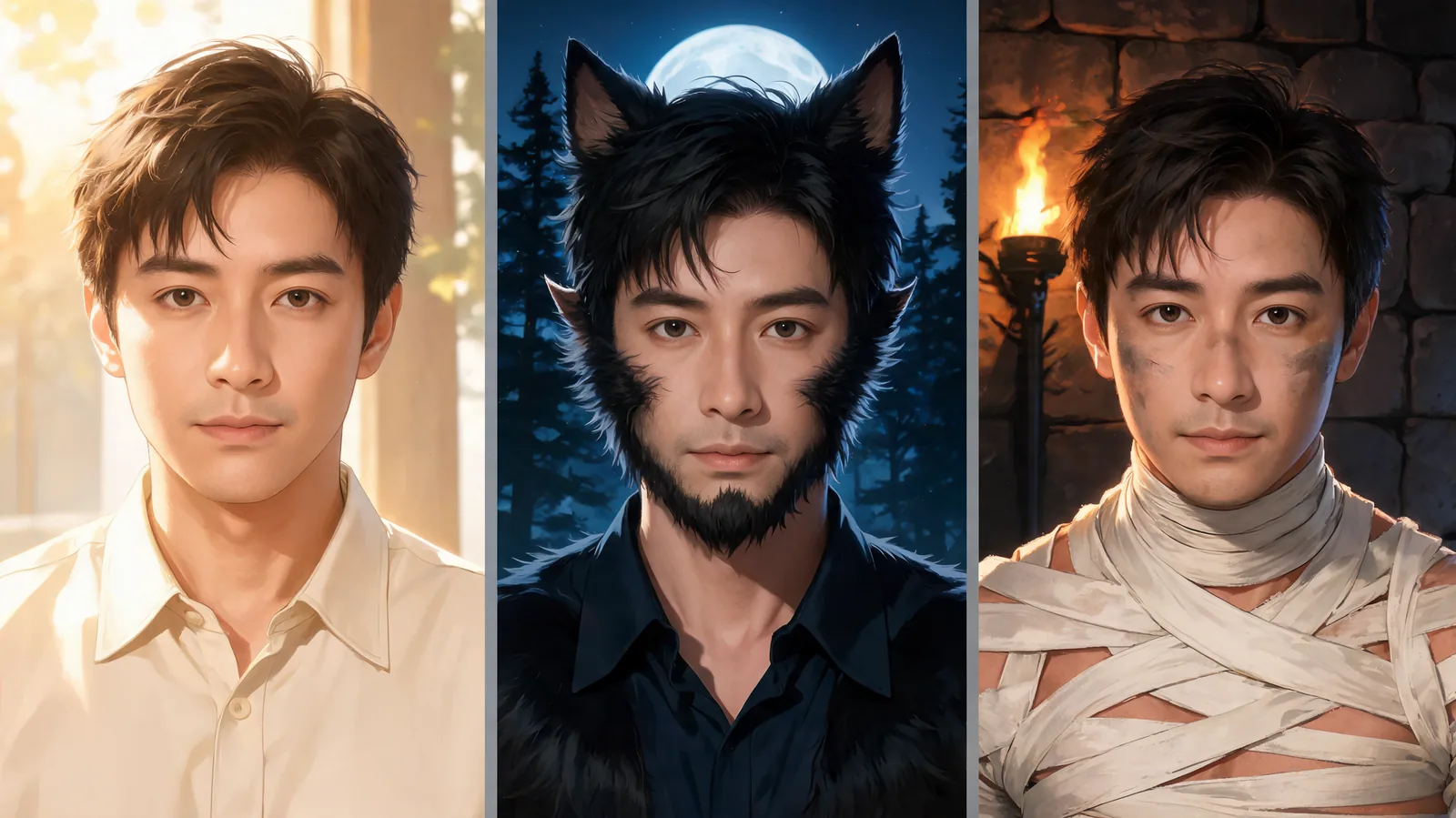
Halloween Characters: Turn Your Photo Into a Classic Monster
Turn a selfie into Halloween characters with makeup, creature details, and a matching scene. Compare werewolf and mummy portraits, then make a five-second video.
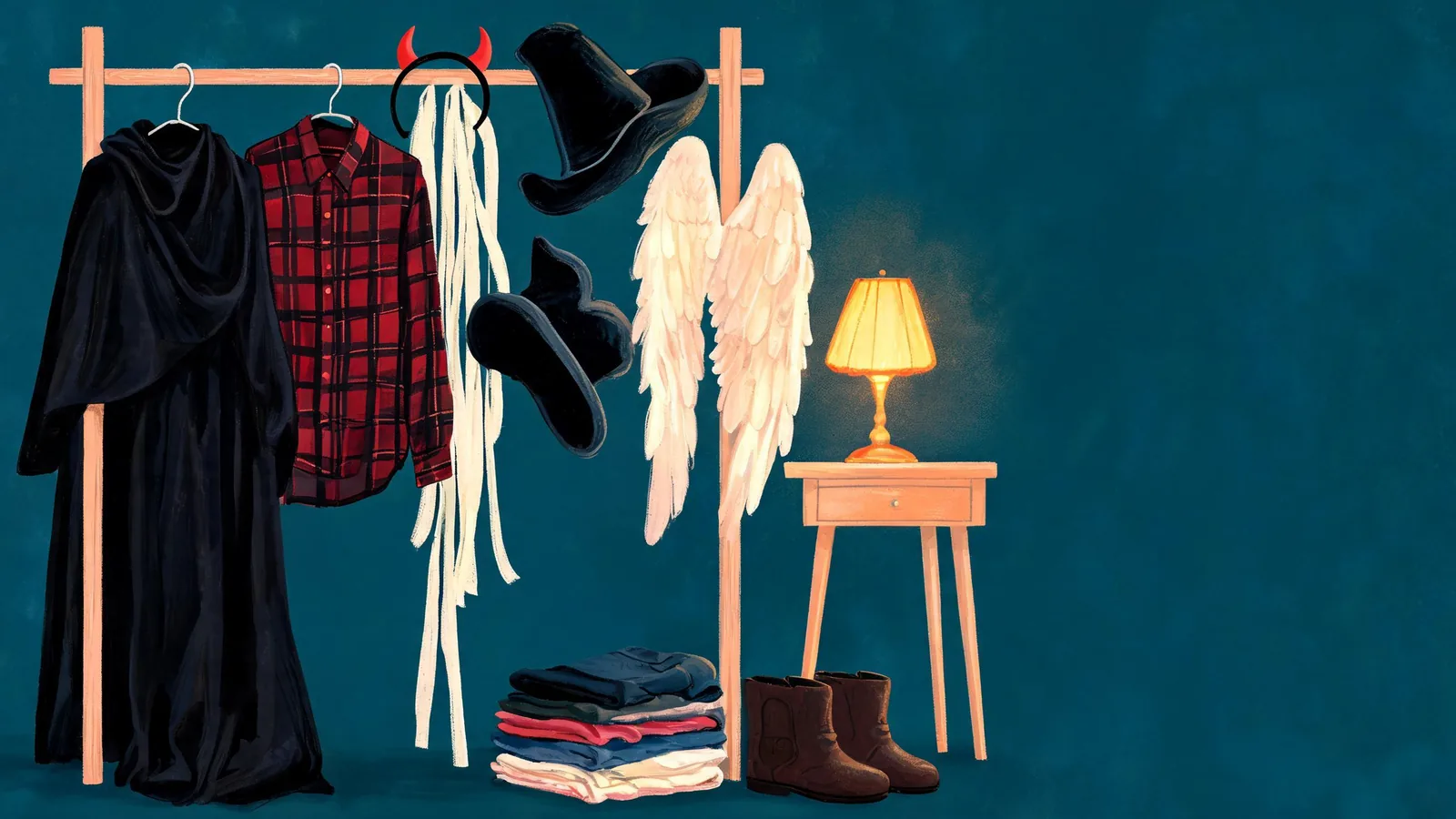
Halloween Costume Ideas 2026: 12 Looks to Preview on Your Photo
Compare 12 Halloween costume ideas for 2026 by wardrobe pieces, makeup, and preparation. Preview your favorites on your photo before choosing what to wear.
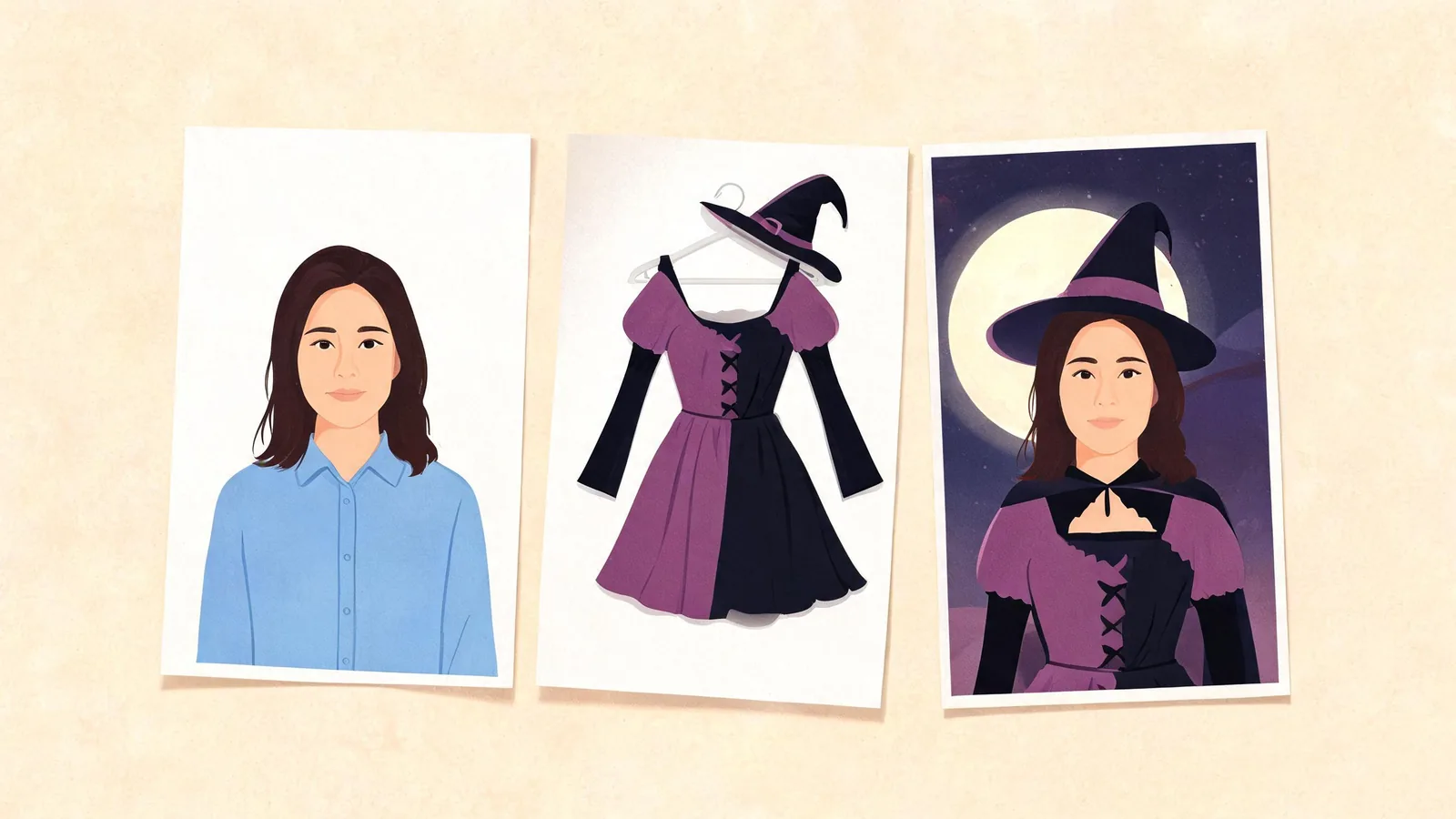
Halloween Costume Try-On: Preview a Look Before You Buy
Use Halloween costume try-on to preview a preset or shop outfit on your selfie. Compare looks, check the details, and understand what AI cannot tell you about fit.
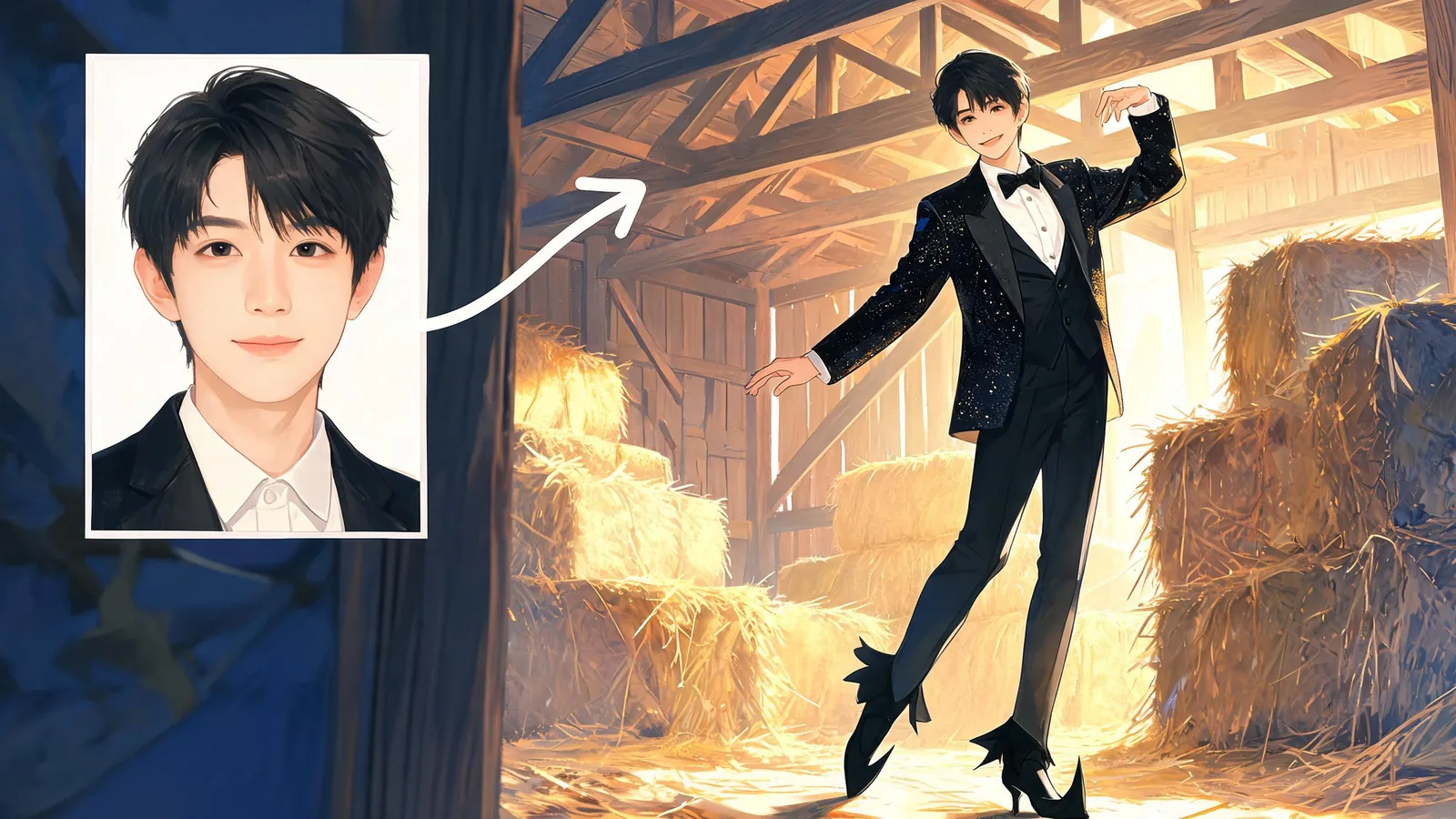
Tip Toeing in My Jordans AI: Make Your Barn Dance Video
Make a Tip Toeing in My Jordans AI video from one selfie. Follow the upload, ten-minute wait, face and sound checks, then download your barn-dance clip.
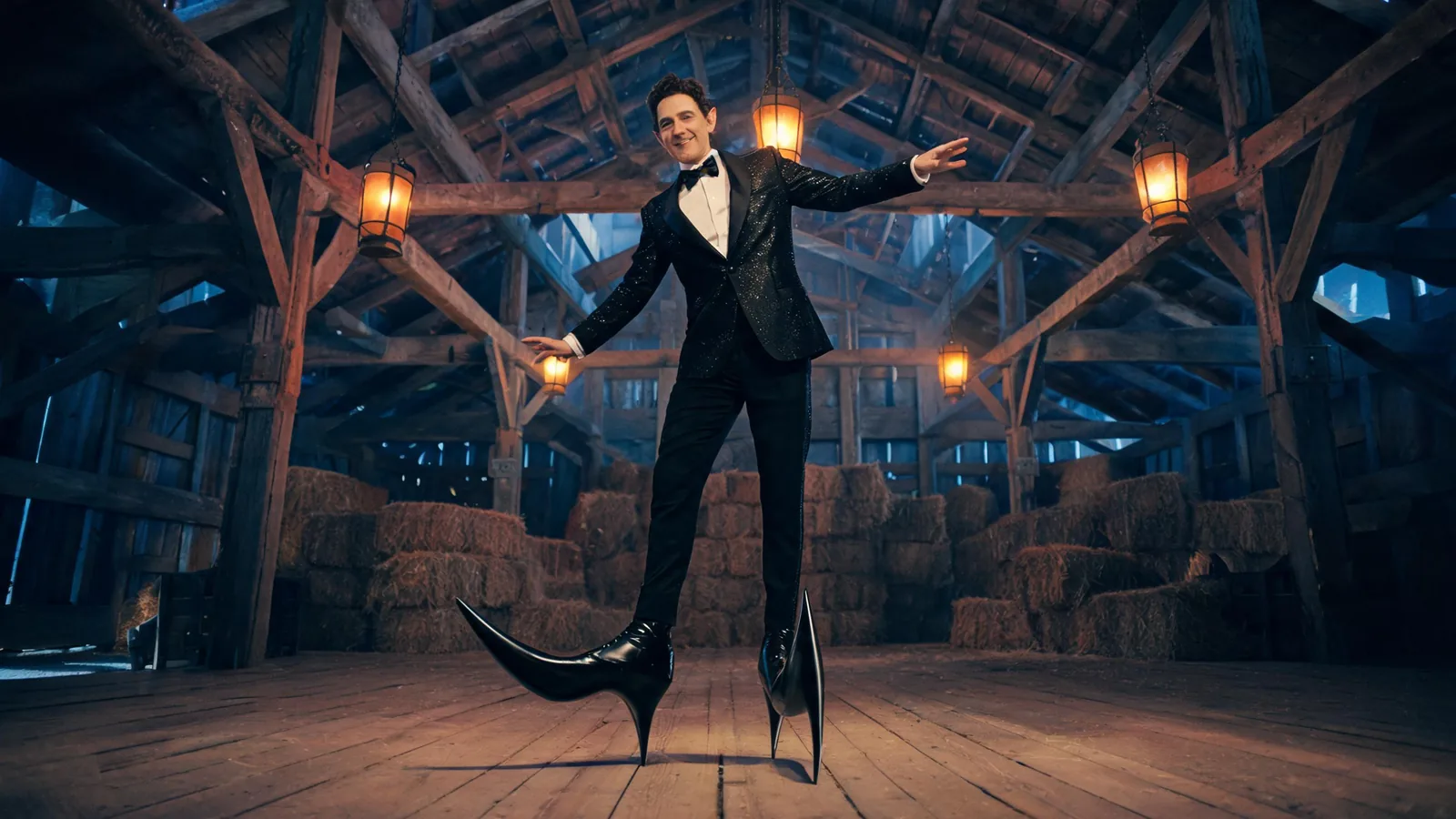
Tip Toeing Trend Explained: The AI Rumpelstiltskin Meme
The Tip Toeing trend is an AI Rumpelstiltskin barn dance, not an old movie scene. Learn its origin, Riff Raff song, pointed-shoe joke, and how remakes work.
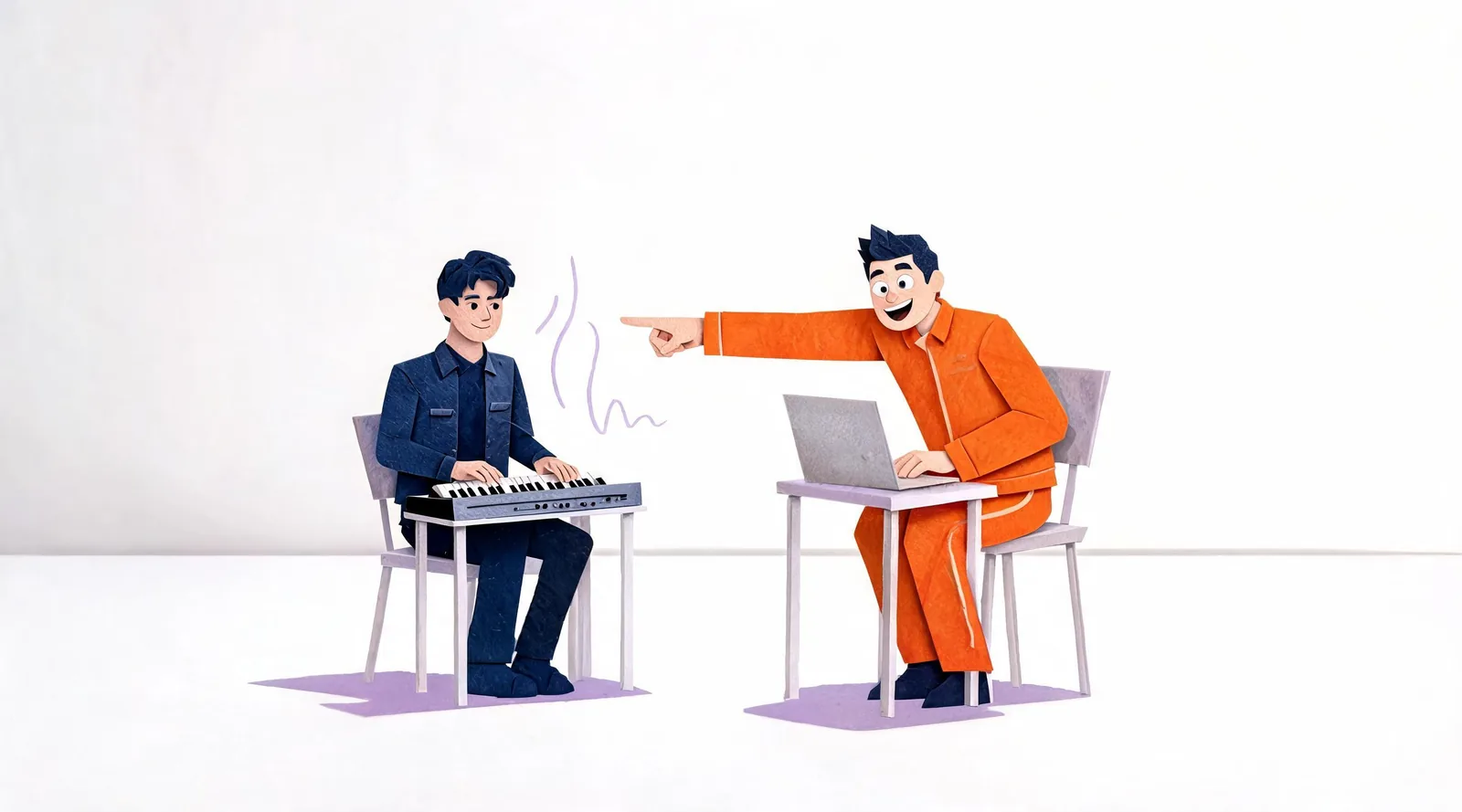
Alors on Danse Trend Explained: The Keyboard Duo
The Alors on Danse trend recasts a Stromae and Jamel Debbouze studio sketch. Learn its origin, the keyboard and coach roles, and what changes in AI remakes.
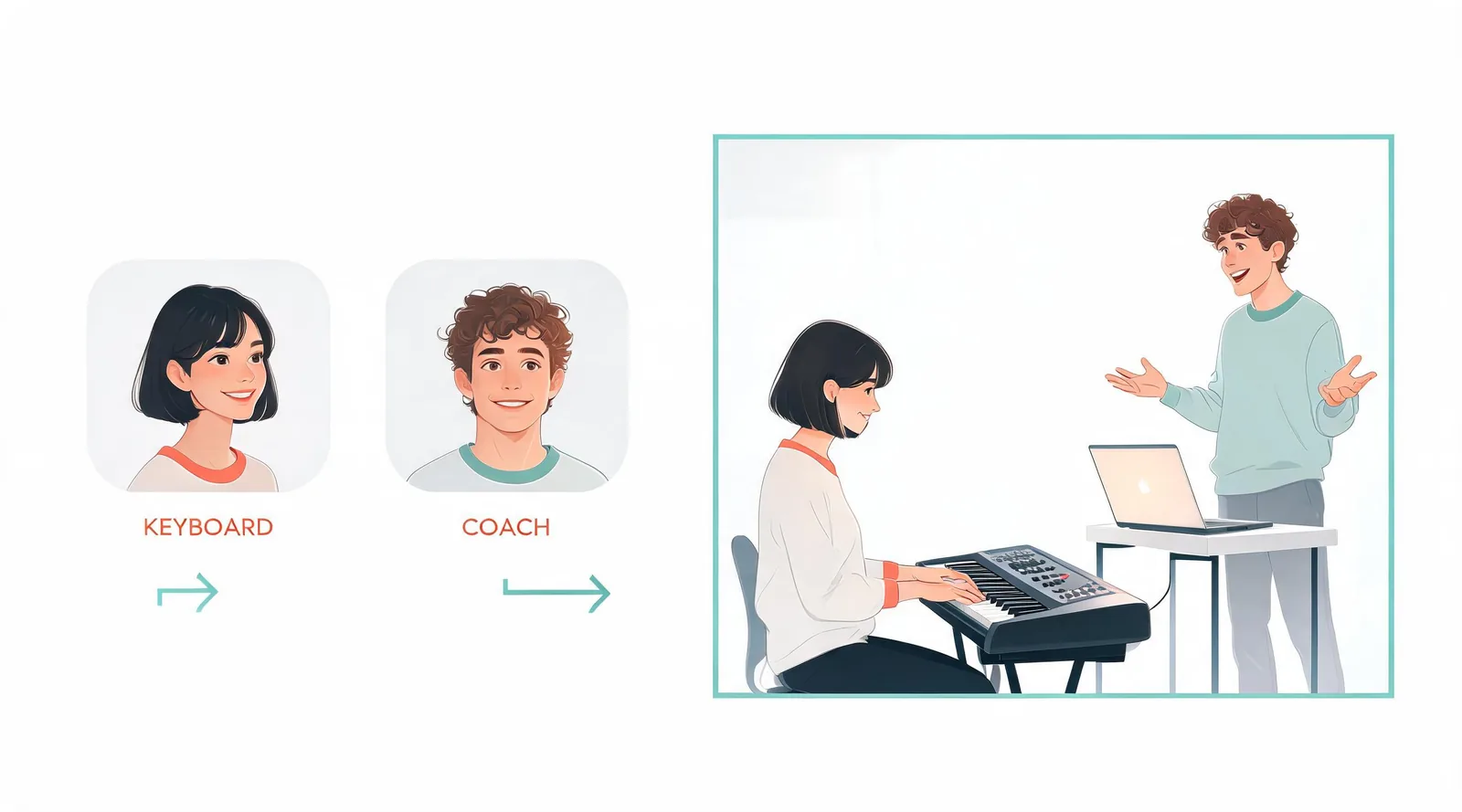
Alors on Danse AI: Make the Studio Duo With 2 Photos
Make an Alors on Danse AI video with two photos. Choose the keyboard player and coach, prepare clear portraits, then download your ten-second studio duo.
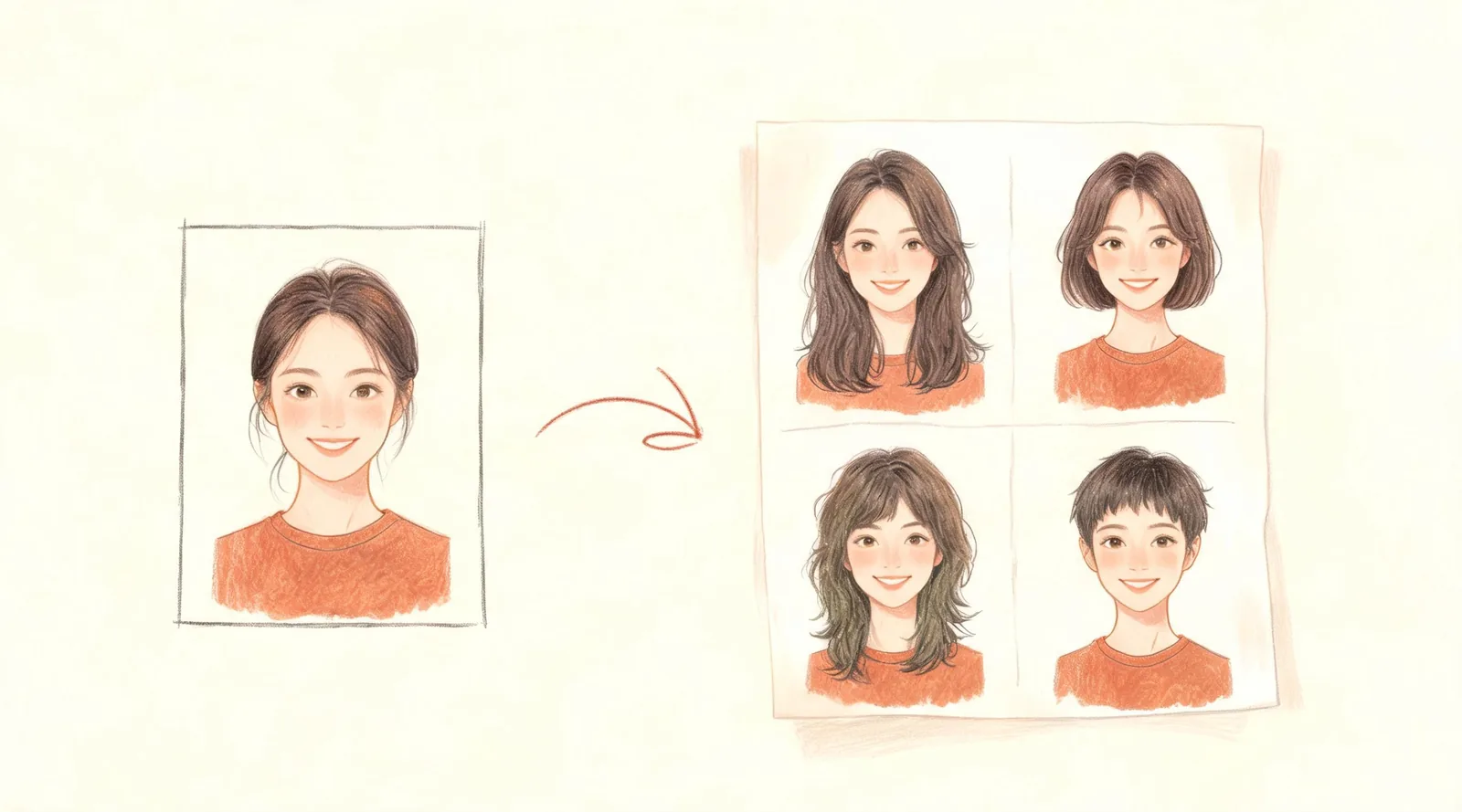
What Hairstyle Suits Me? Choose a Cut From One Photo
Wondering what hairstyle suits me? Upload one clear photo, compare four named cuts on your own face, and take a useful reference to your barber or stylist.
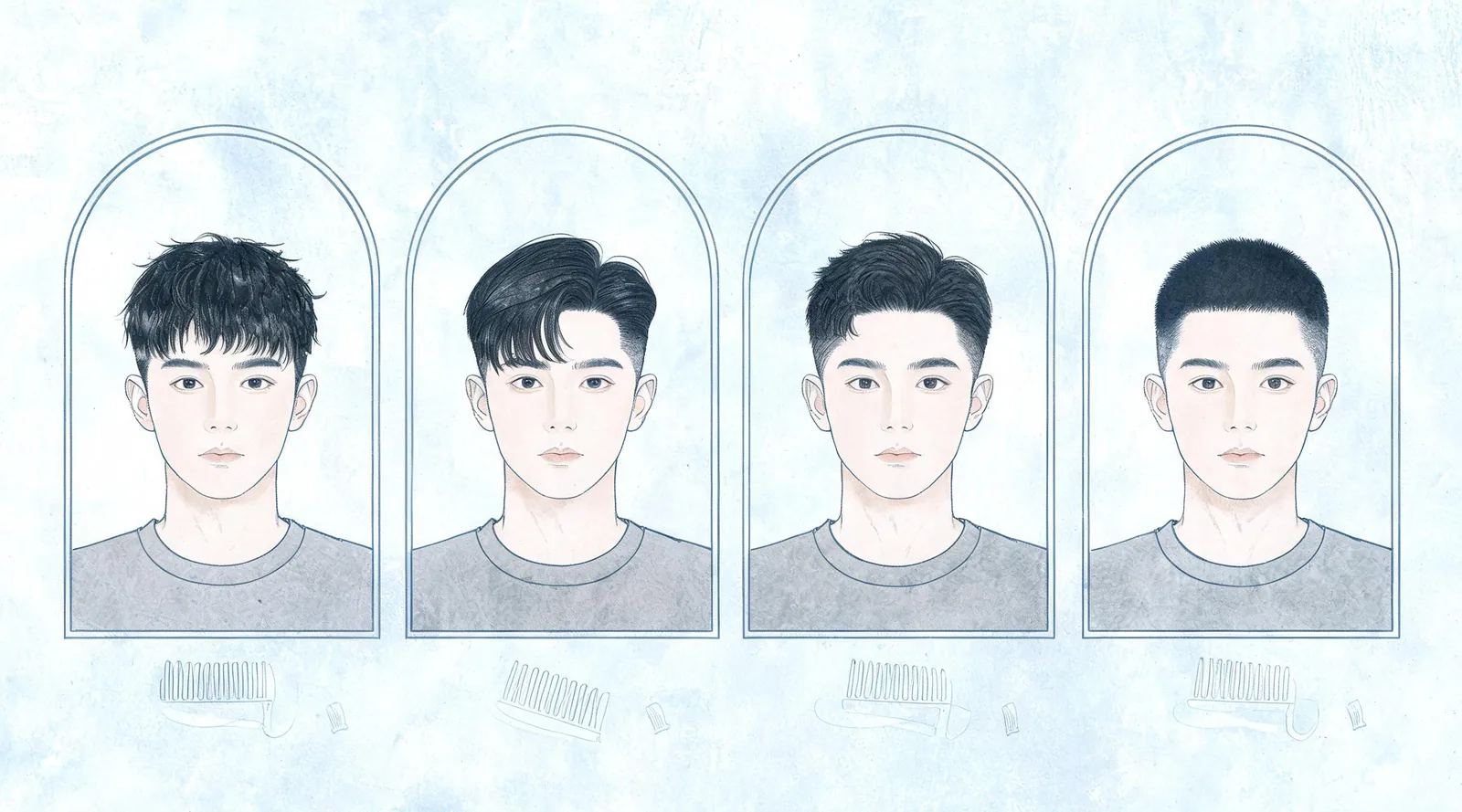
Best Haircuts for a Square Face (Men): 4 Cuts Compared
Compare haircuts for men with a square face: crops, side parts, quiffs and crew cuts. Choose side length and a styling routine before your next trim.
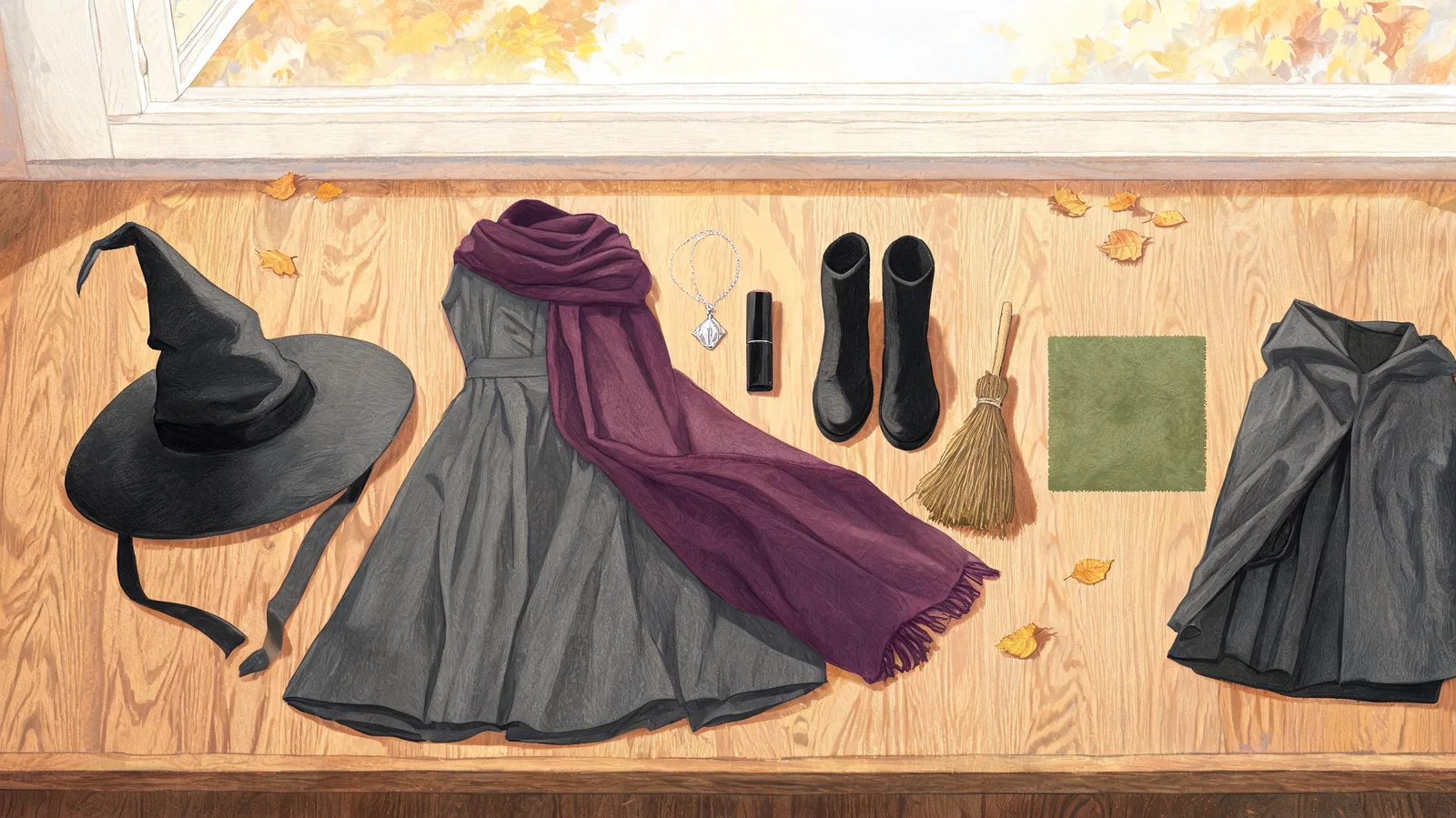
Witch Costume Ideas: Preview Your Look Before You Buy
Choose witch costume pieces that work together: hat, dress, shawl, broom, and makeup. Compare classic, cottage, and couple looks before buying an outfit.
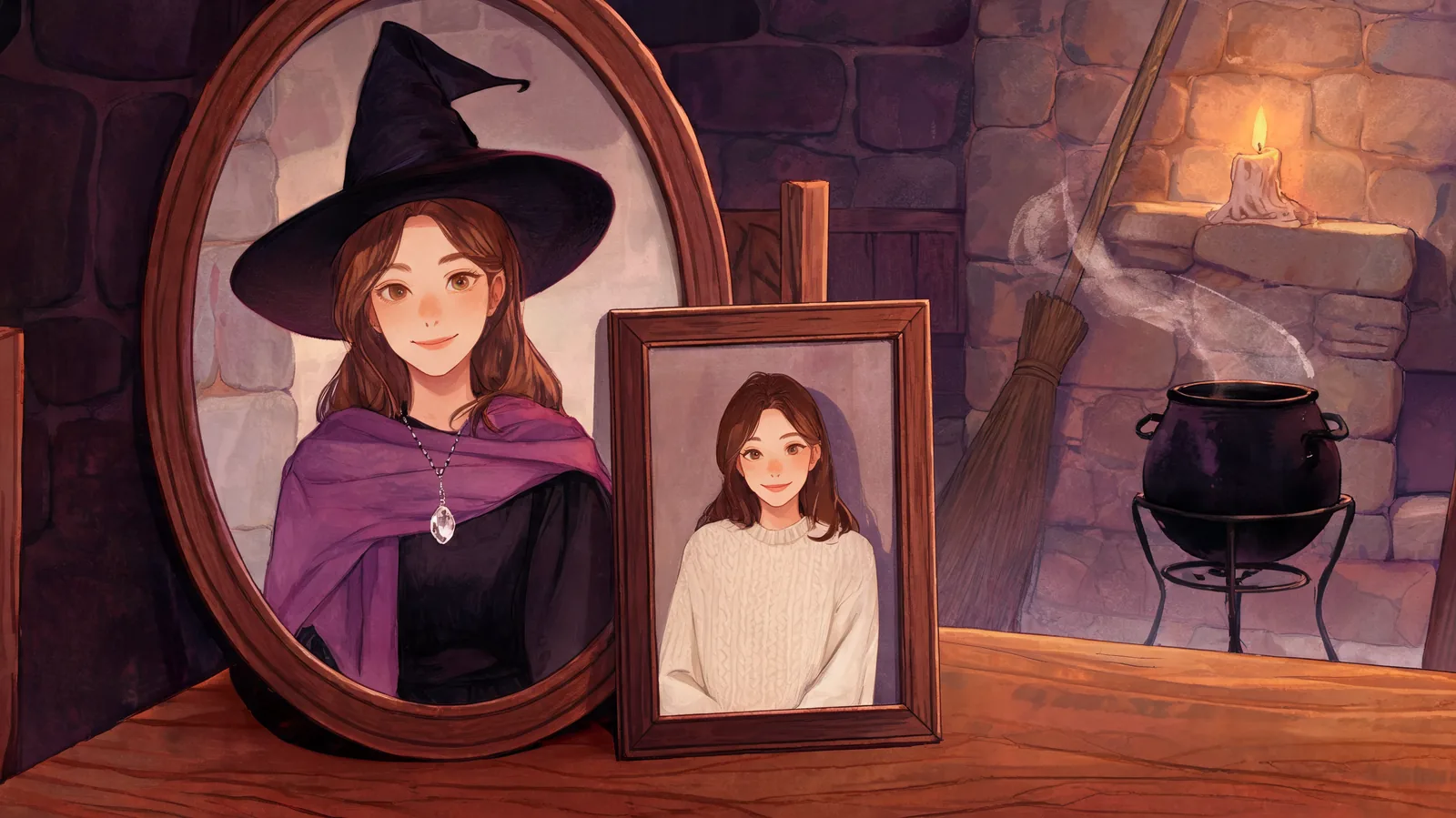
AI Witch: Turn Your Photo Into a Witch Step by Step
Make an AI witch portrait from a selfie. Choose a clear photo, use the Witch preset, check your face, and add a partner or an optional five-second video.
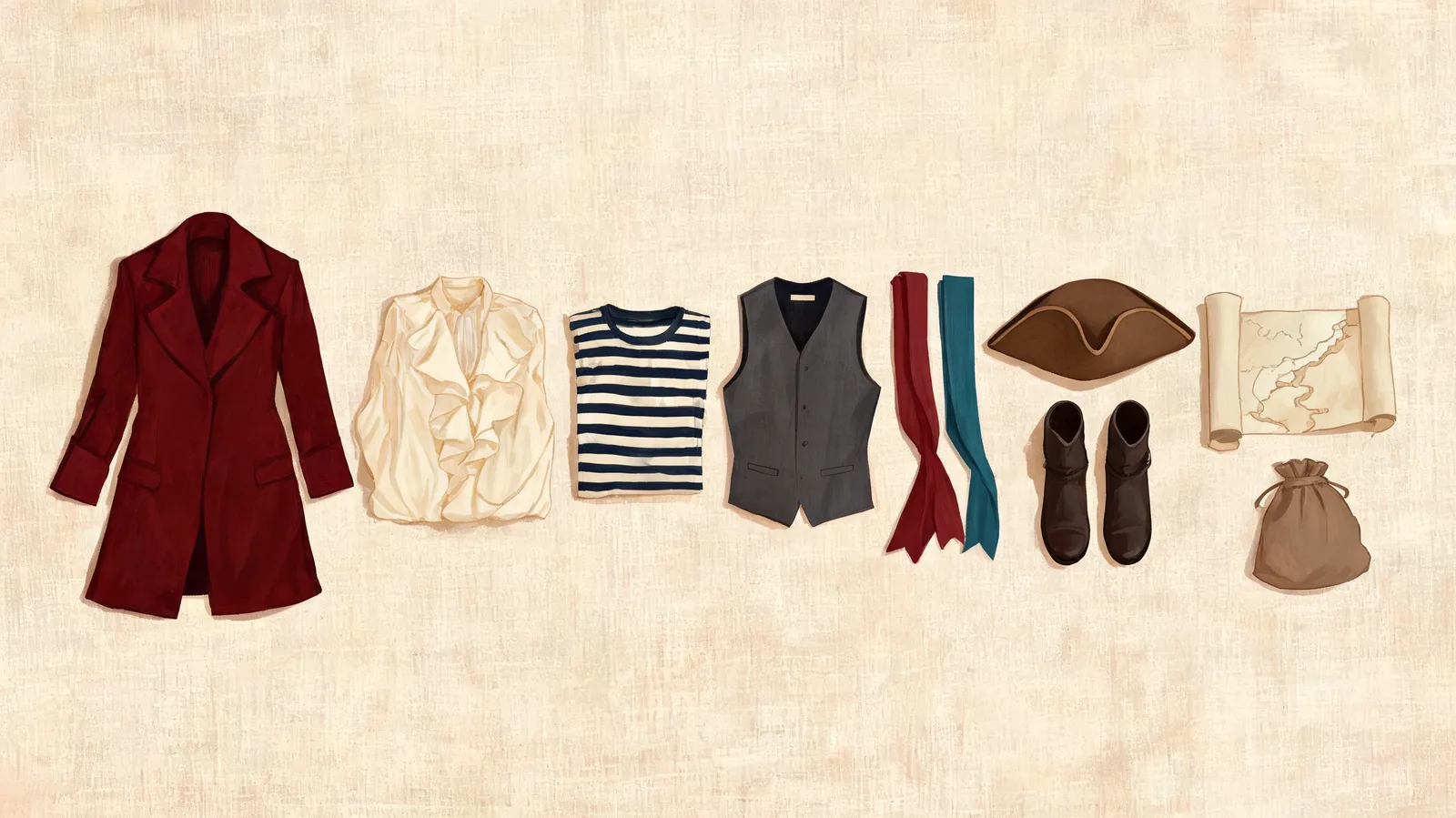
Pirate Costume Ideas: 7 Looks to Preview Before Halloween
Choose pirate costume ideas for a solo look, couple, or crew. Compare seven outfits by clothing and effort, then preview a direction on your own photo.
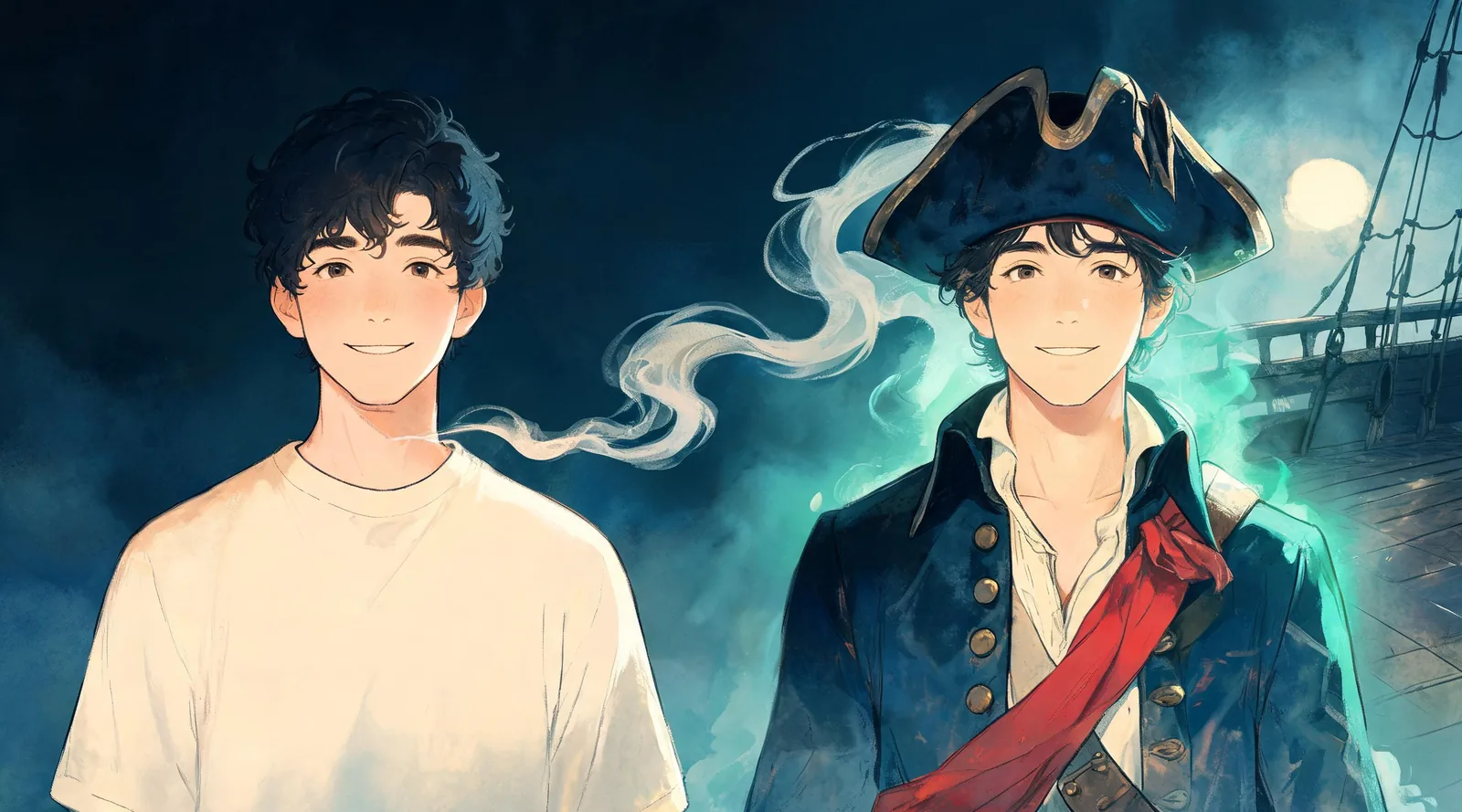
AI Pirate: How to Turn Yourself Into a Pirate Captain
Make an AI pirate photo from a clear selfie. Follow the captain preset, check your portrait, add a partner, or turn the finished picture into a short video.
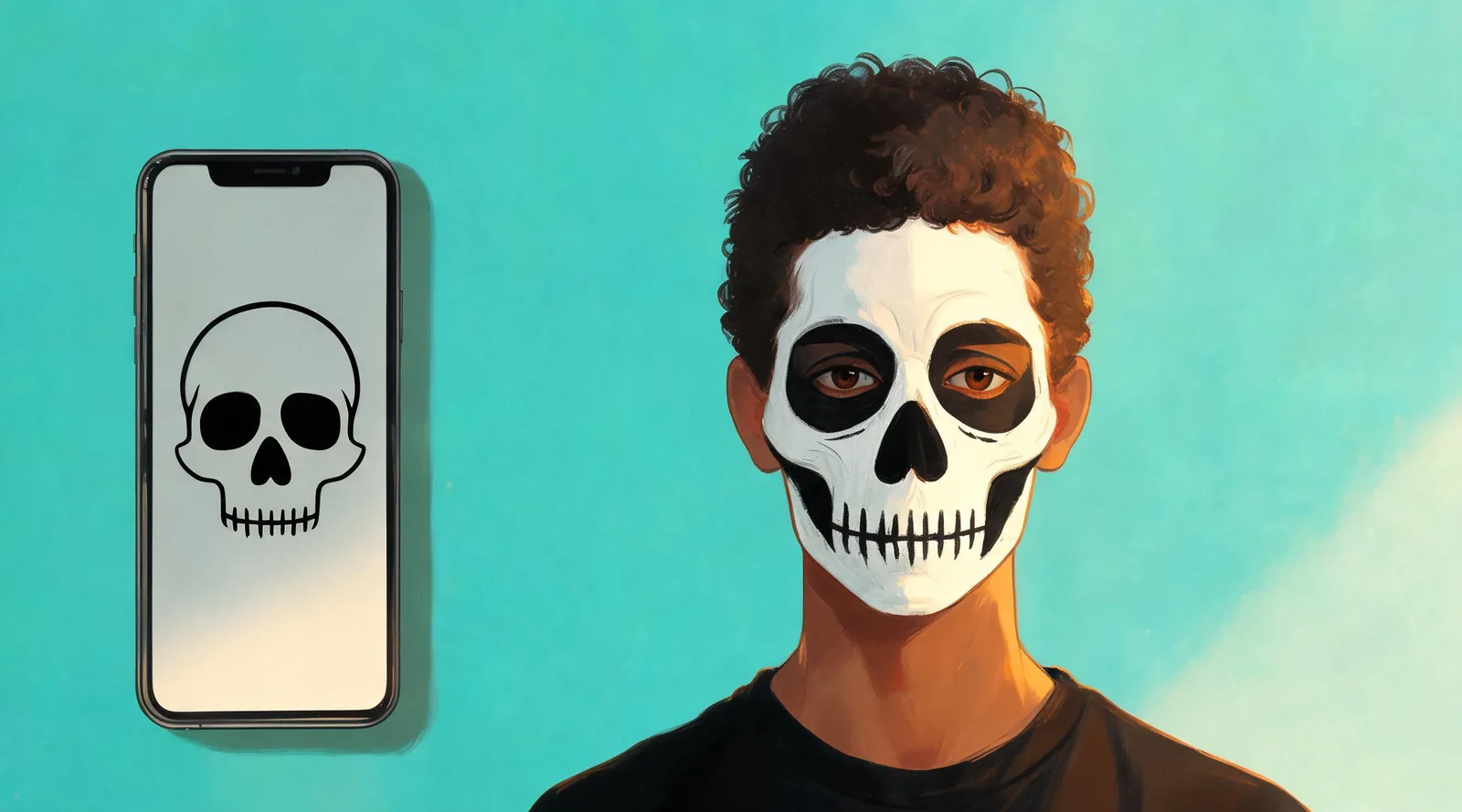
AI Skeleton: How to Get Skull Face Paint on Your Photo
Create an AI skeleton photo from a selfie with black-and-white skull paint. Follow the solo and couple steps, save a makeup reference, or add a short video.
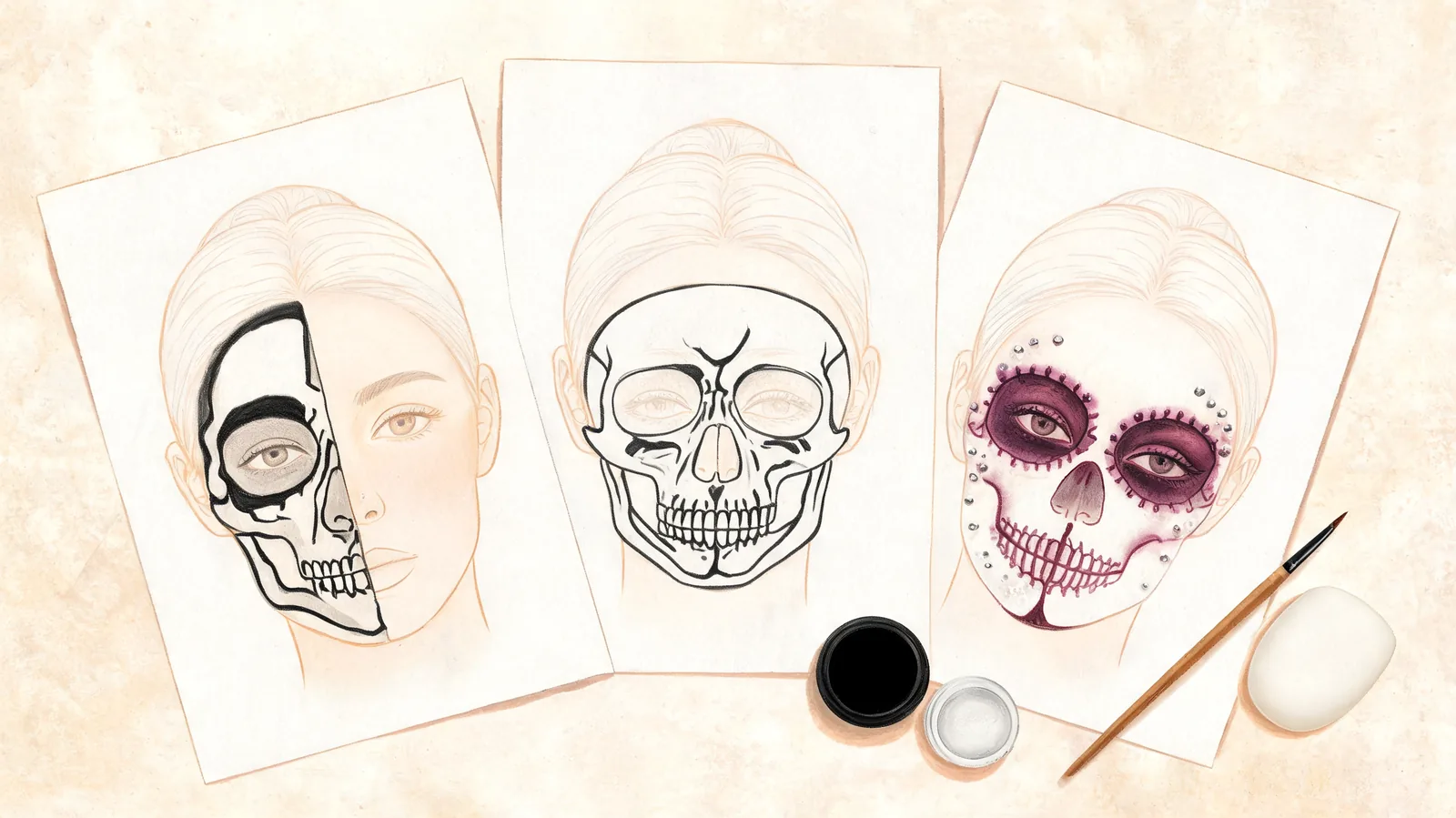
Skeleton Face Paint Ideas: 7 Styles to Preview and Paint
Compare seven skeleton face paint ideas by difficulty, supplies and coverage. Choose a half skull, full skull or glam look, then preview a direction on your face.
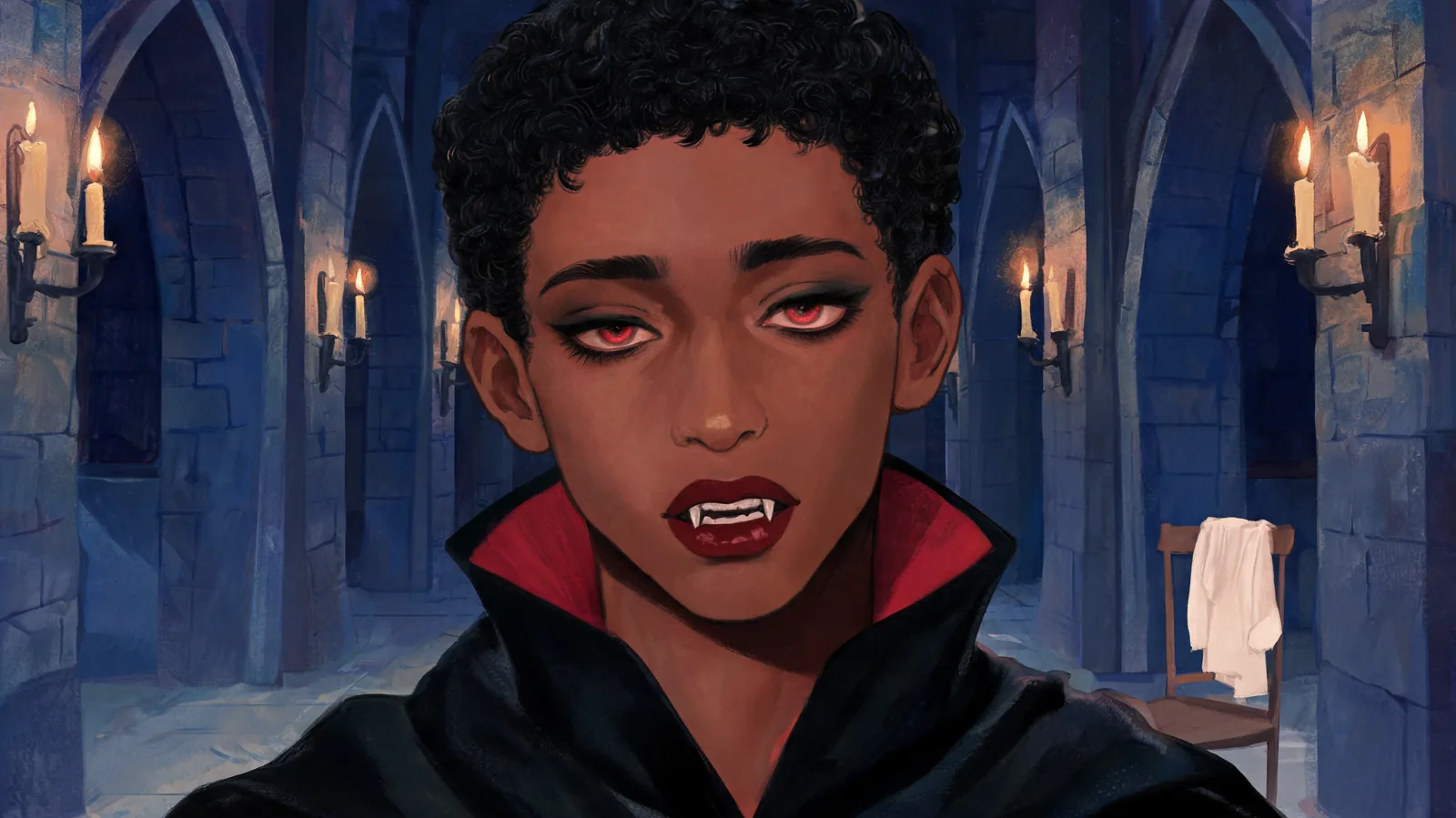
AI Vampire: How to Turn Your Photo Into a Vampire
Turn a clear selfie into an AI vampire portrait with a cape, fangs and gothic makeup. Follow the photo steps, try two people, and choose an optional video.
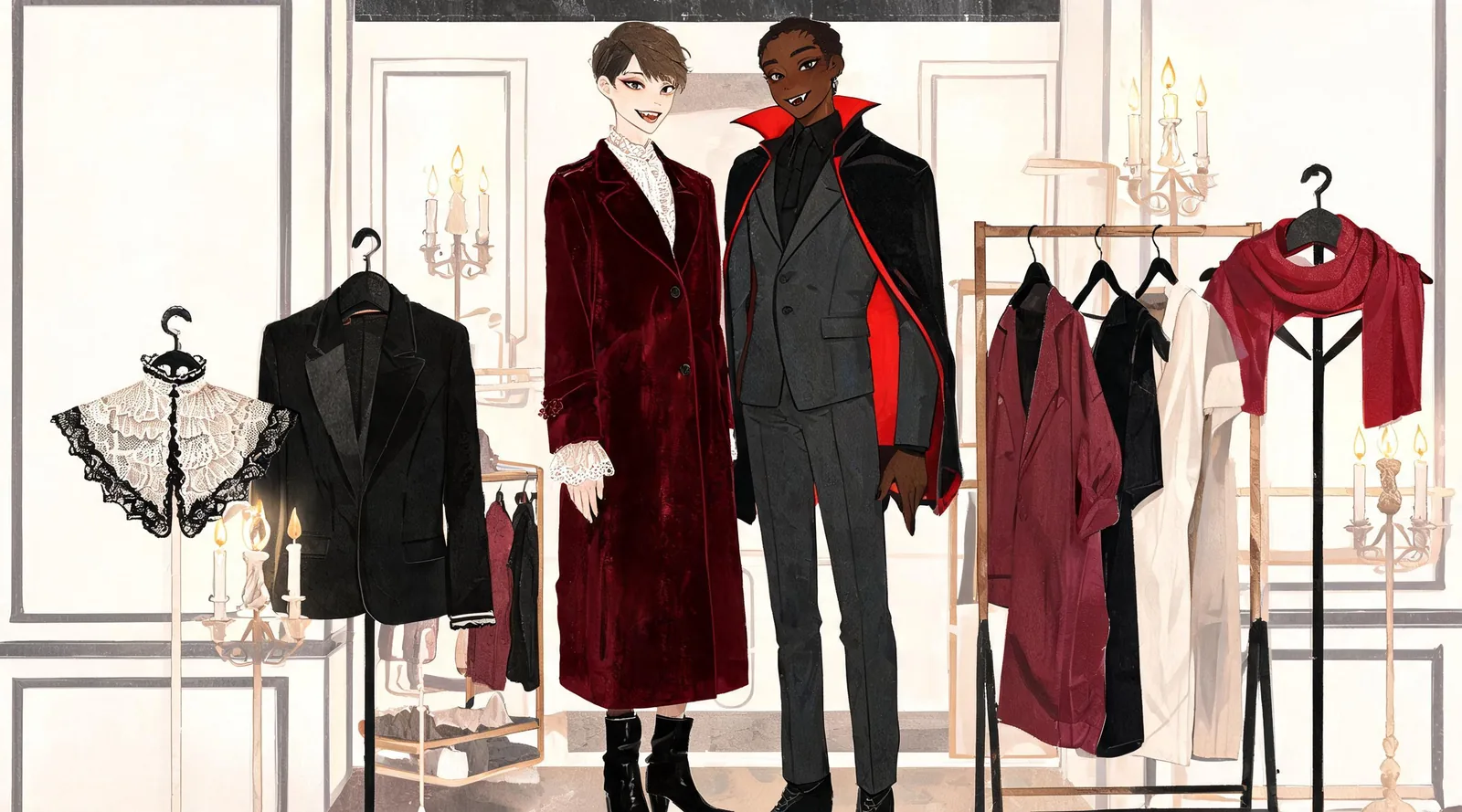
Vampire Couple Costume Ideas You Can Preview on Yourselves
Compare seven vampire couple costume ideas, from classic capes to modern goth looks. Choose clothing and makeup, then preview a pair using two selfies.