
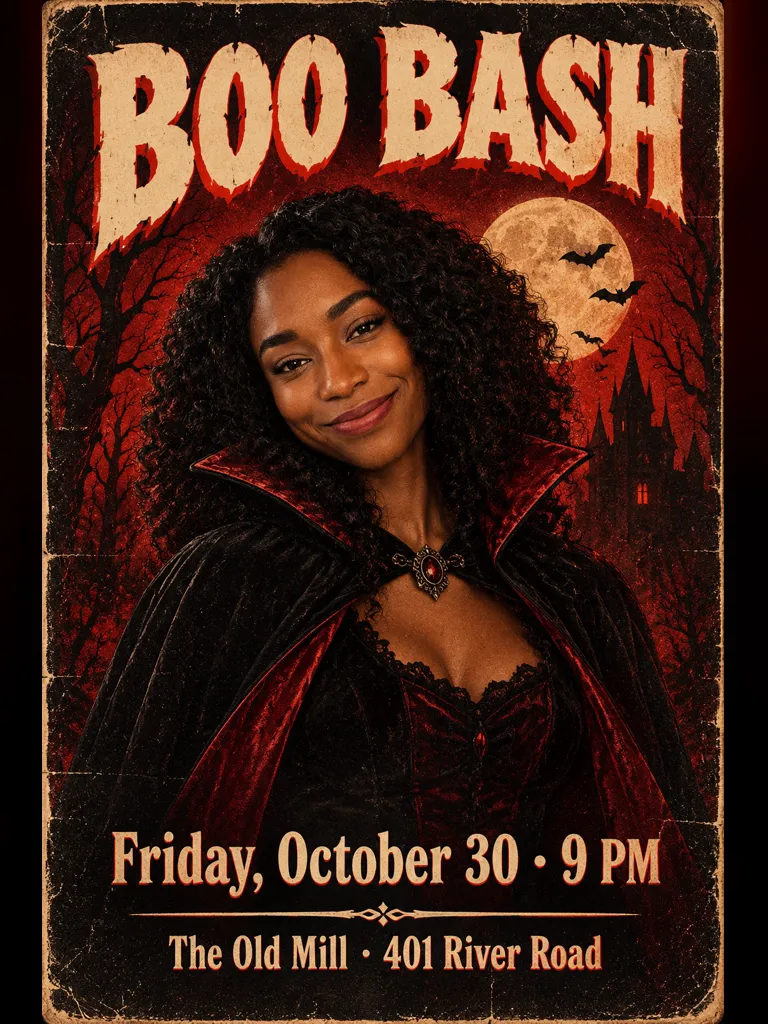
From three lines of text to a Halloween poster
Your party details, printed clean on the Halloween poster
AI images used to turn words into scribbles. This Halloween poster tool runs on GPT Image 2.5, which handles short text well: the title goes big at the top, the date and time under the art, the address or dress code at the bottom. Keep each line short (40 characters for the title, 60 for the others) and check the result before you print. If a letter is off, run it again.
- ✓Three lines of text — title, date and time, place
- ✓Bold, readable lettering — styled to match the art
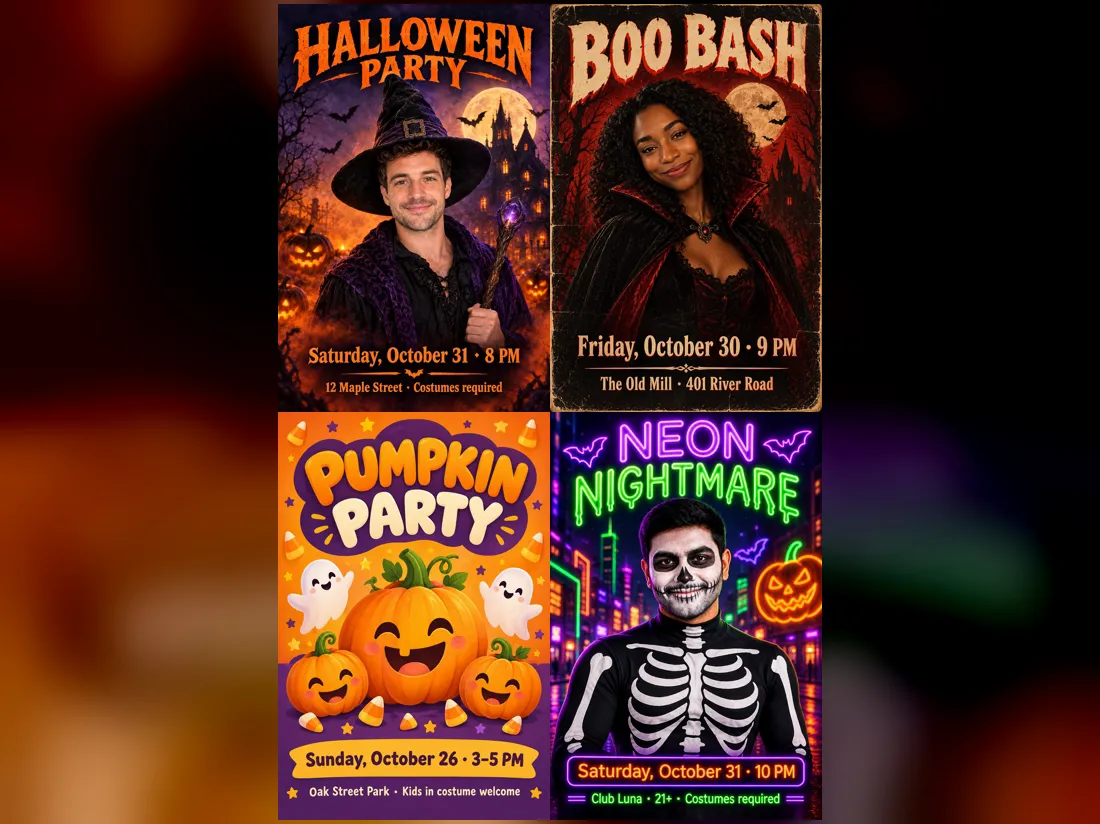
Haunted house, retro horror, cute pumpkin or neon
Pick the mood before you generate. Haunted house is moonlit and spooky, retro horror looks like a worn 1970s movie poster, cute pumpkin is made for a kids’ party, and neon night suits a club or a bar crawl. Each style changes the art, the colors and the lettering.
- ✓Same text, new look — switch the style and run again
- ✓Vertical 2:3 — the classic poster shape
Kids’ party or office party? Skip the photo
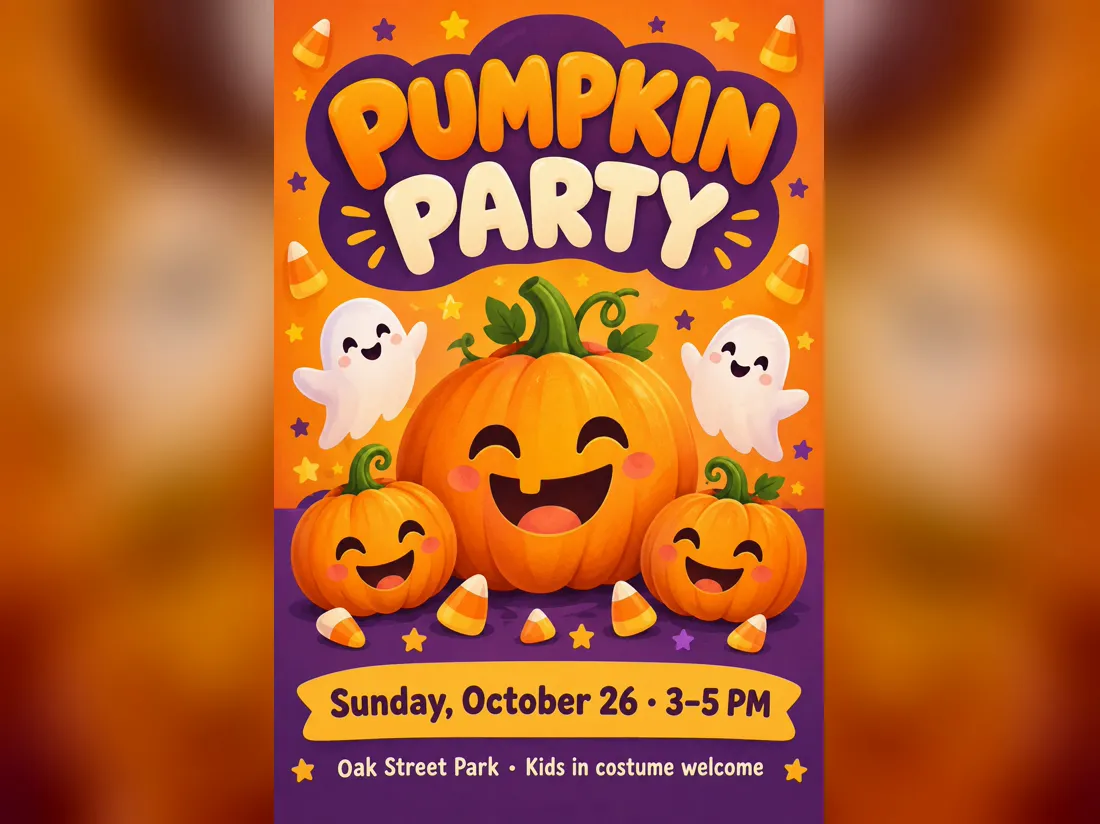
Leave the photo box empty and you get an illustrated Halloween poster with no people in it, like this cute pumpkin invite for a Sunday afternoon in the park. It is the safest pick for school, work and anything you will pin on a public board.
- ✓Illustrated art — pumpkins, ghosts, bats, candy
- ✓Same price — 20 credits with or without a photo
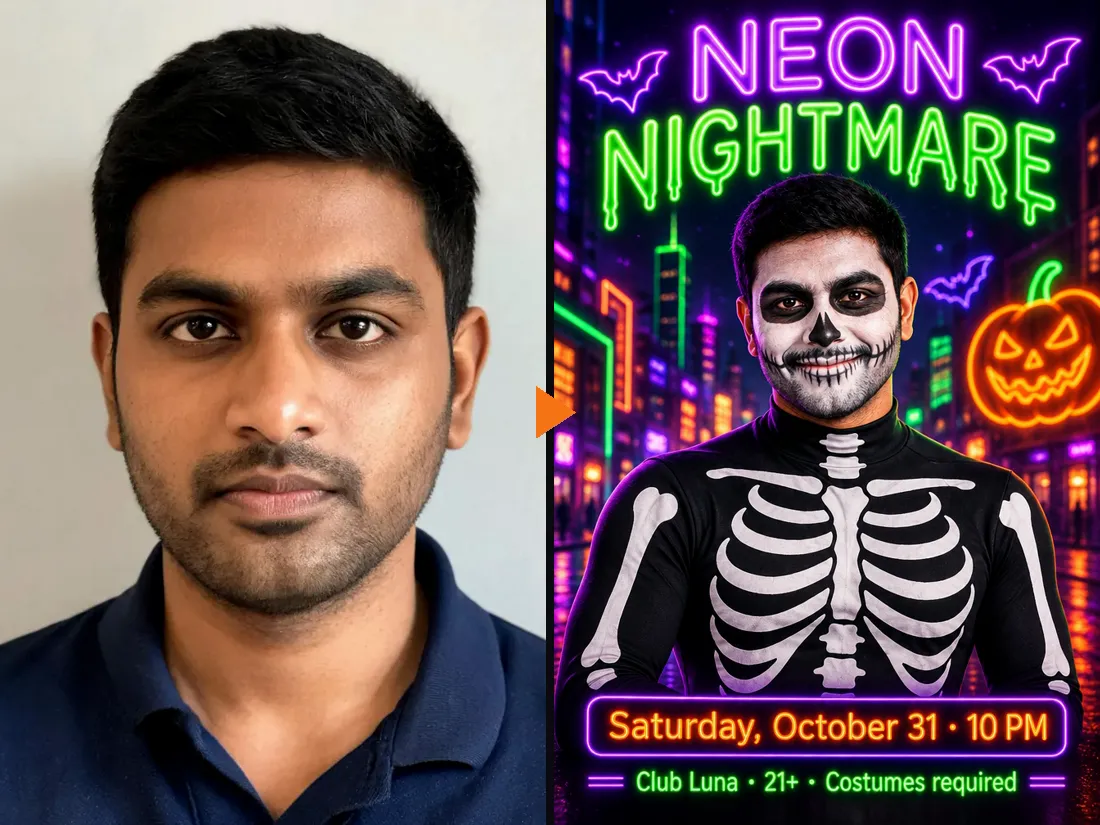
Add a selfie and pick your costume
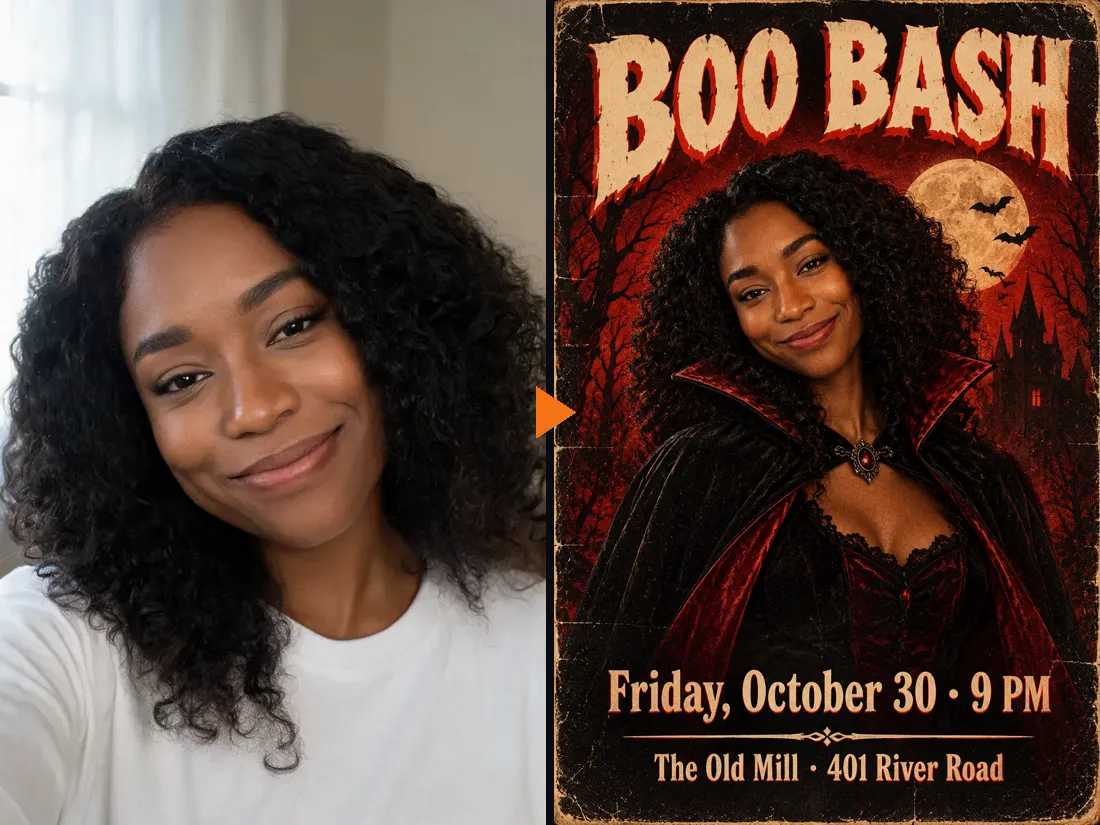
Upload one front-facing photo and the poster is built around you, waist up and smiling, in the costume you choose: witch, vampire, skeleton, ghost, pirate or pumpkin. Your face, hair and skin tone stay the same. Here, a plain selfie became the skeleton host of a neon club night.
- ✓6 costumes — picked under the style choice
- ✓Your face kept — no face swap
With your photo or without?
The photo is optional. The price is the same either way: 20 credits per Halloween poster.
With your photo
You are the star.
When to use it
For your own party, a birthday that lands on Halloween, or a poster friends will recognize you on.
What it produces
A 2:3 poster with you in the middle in costume, plus your title, date and place.
- ✓One clear, front-facing photo
- ✓6 costumes to pick from
- ✓4 poster styles
- ✓Face, hair and skin tone kept
Text only
No people on it.
When to use it
For school, office and community events, or any poster going on a public wall.
What it produces
A 2:3 illustrated poster with your title, date and place.
- ✓No photo needed
- ✓4 poster styles
- ✓Pumpkins, ghosts, bats and haunted houses
- ✓Same 20 credits
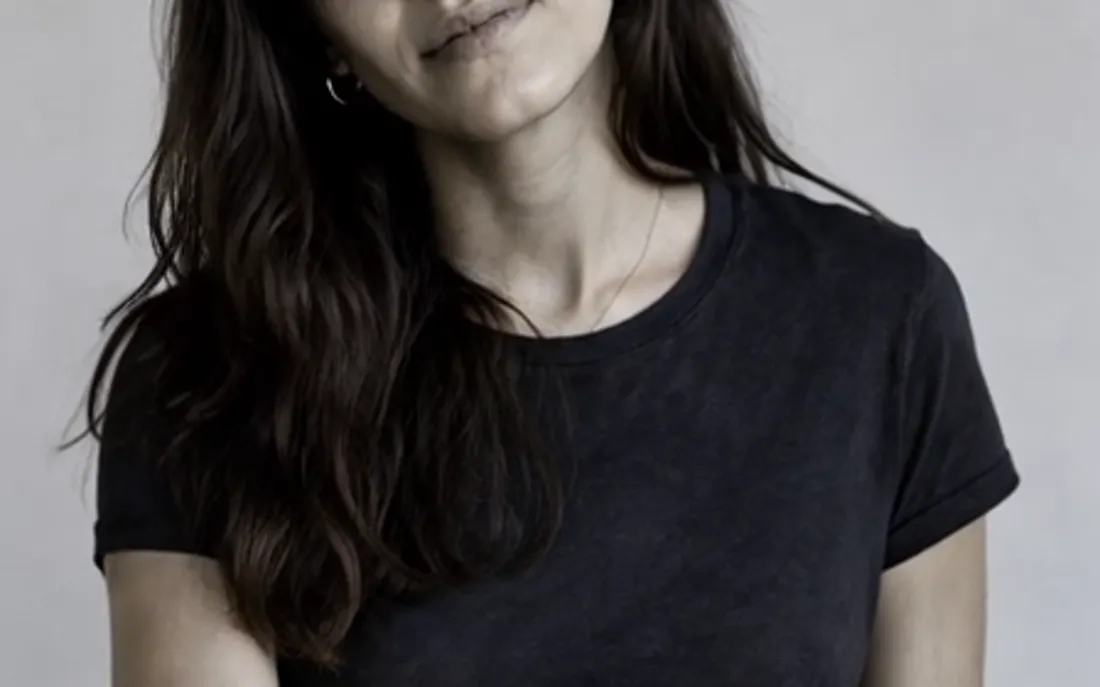
AI Zombie Generator
The AI zombie generator turns one photo into a Halloween zombie video
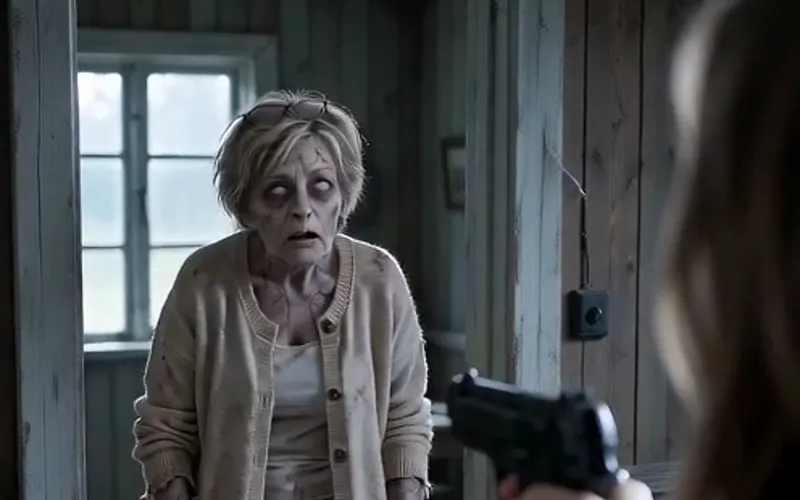
AI Zombie Video
The viral AI zombie video trend: a zombie leap that ends in a wheat-field hug
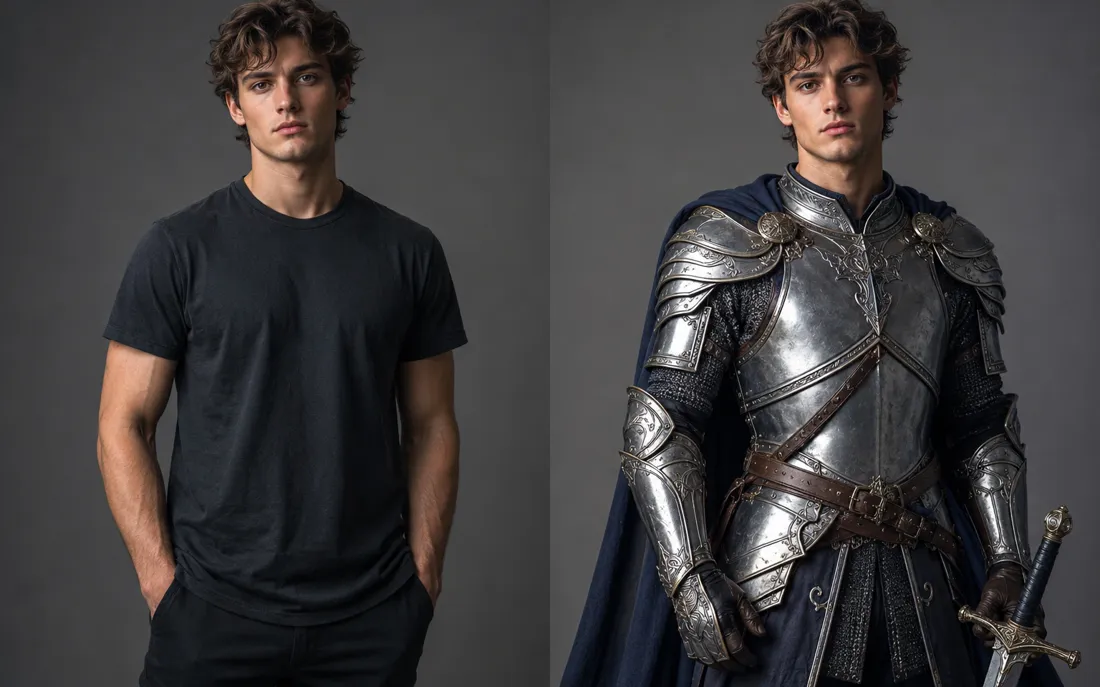
AI Costume Generator
The AI costume generator dresses you up from a single photo
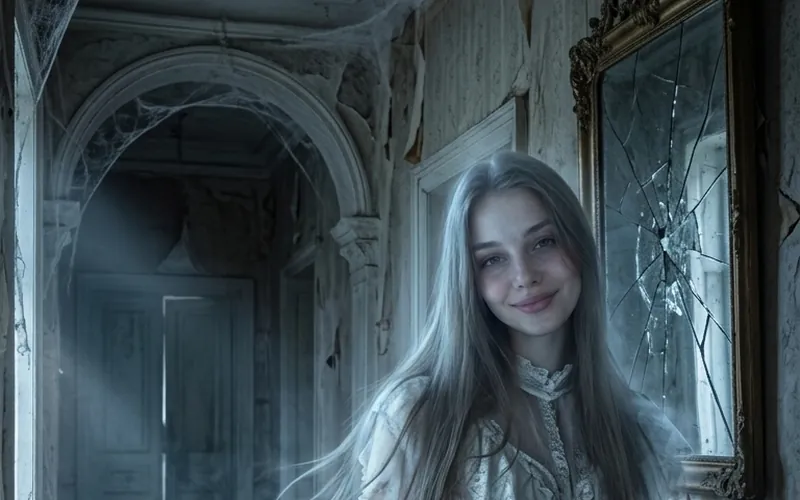
AI Ghost
AI Ghost turns your photo into a glowing ghost
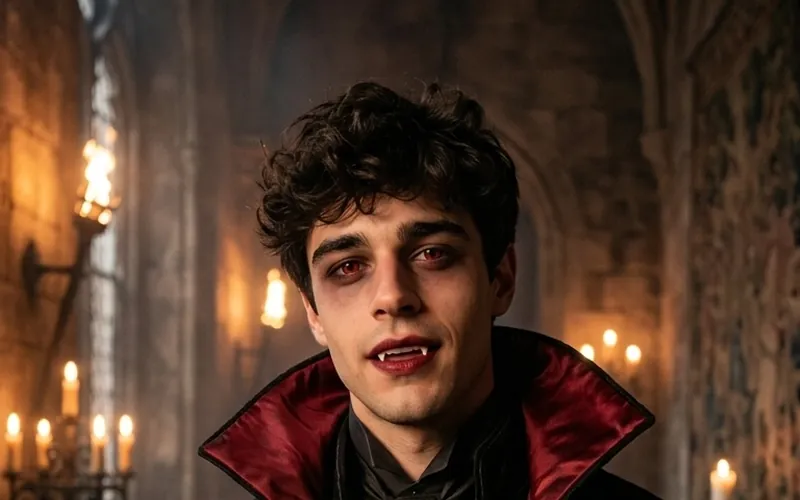
AI Vampire
AI Vampire turns your photo into a vampire
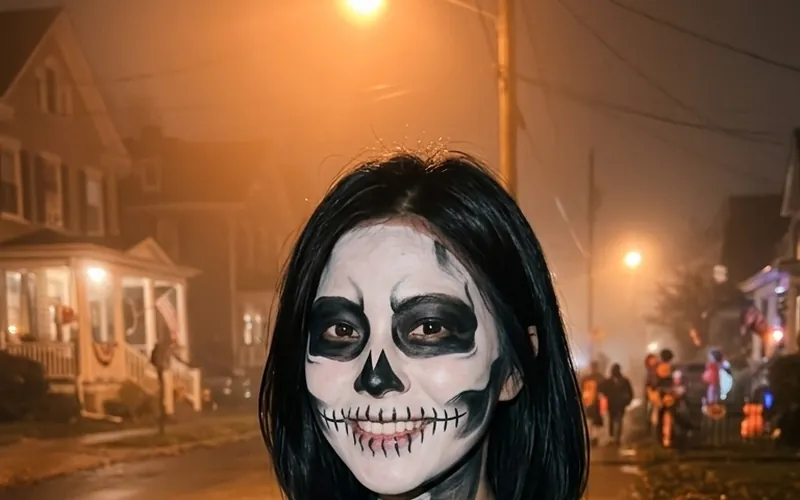
AI Skeleton
AI Skeleton paints skull face paint on your photo
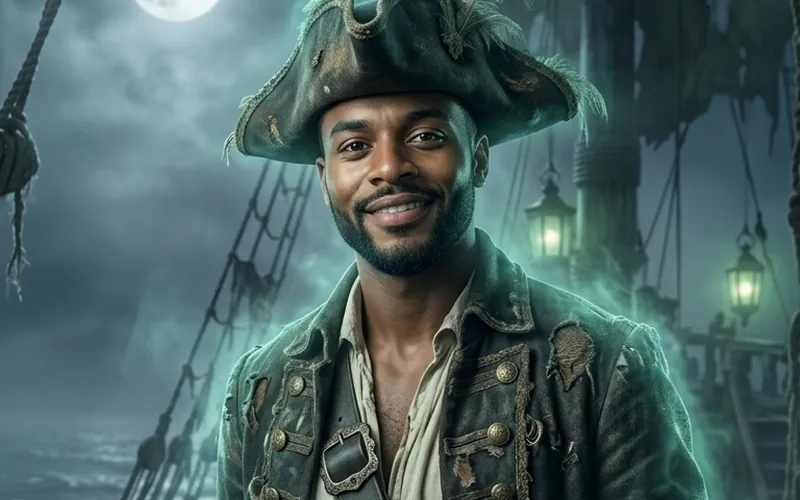
AI Pirate
AI Pirate turns your photo into a pirate captain
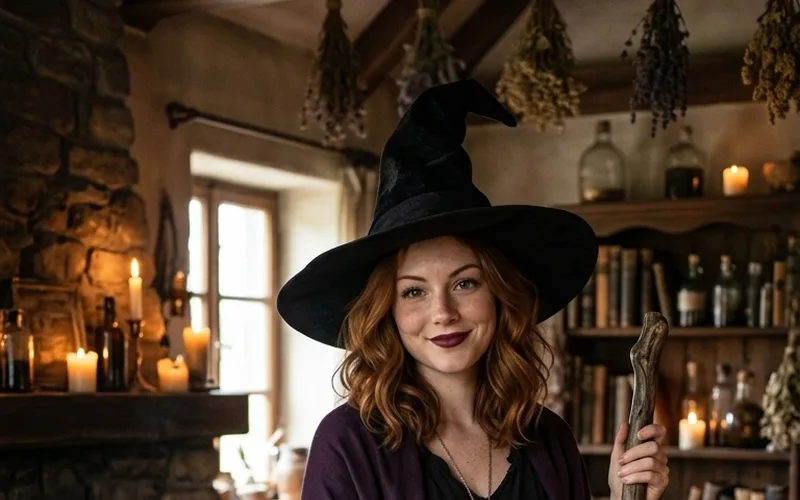
AI Witch
AI Witch turns your photo into a witch with a hat and broom
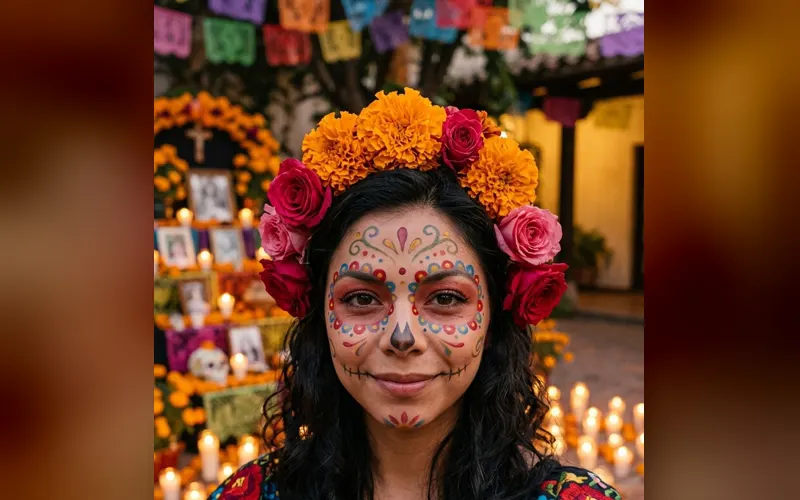
Halloween Costume
Try a Halloween costume on your photo before you buy it
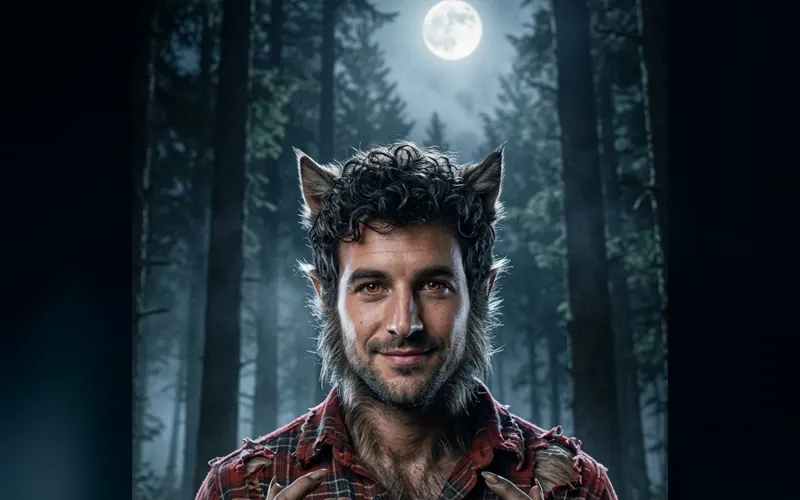
Halloween Characters
Turn your photo into a werewolf, mummy or another classic character
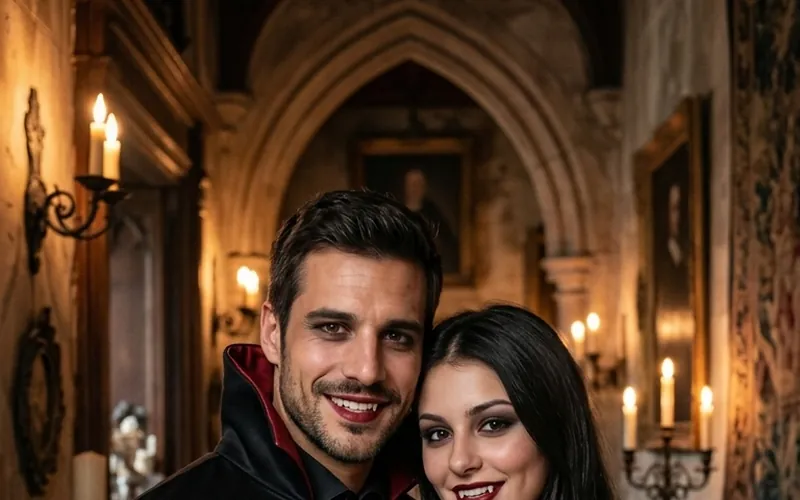
Couples Halloween Costumes
Try couples Halloween costumes on you both from two photos
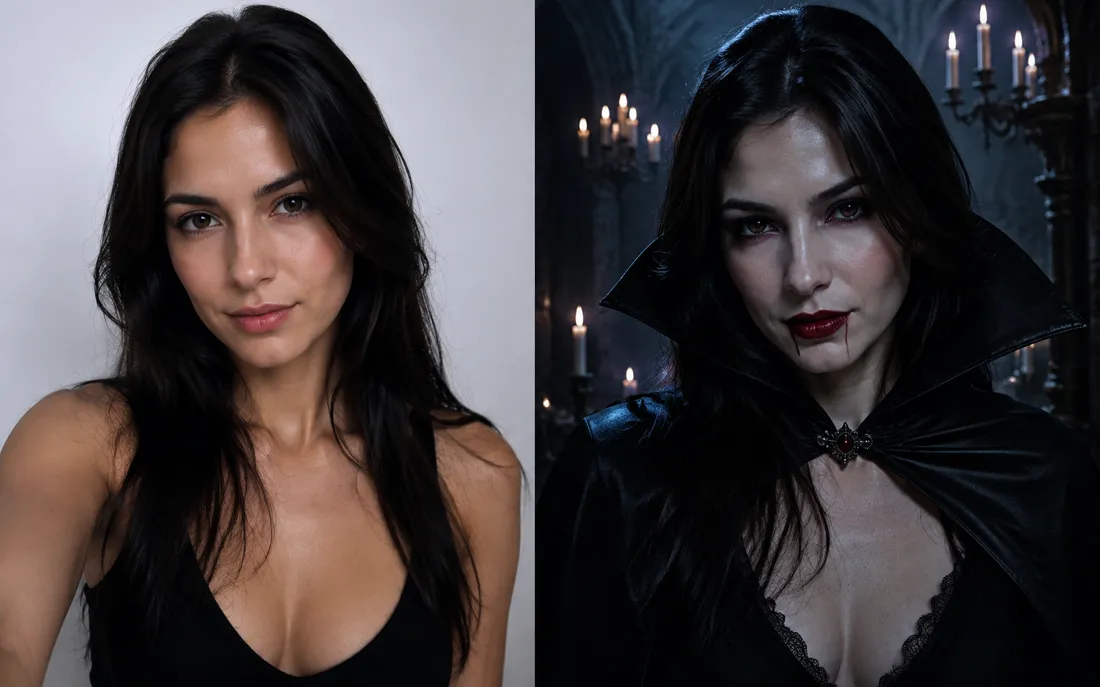
AI Halloween Generator
One regular selfie is enough to throw you into a vampire, witch or ghoul costume for the night.
Frequently asked questions
How do I make a Halloween poster here?⌄
Type a title, the date and time, and a place or extra line. Pick one of four styles, add a selfie if you want to be on it, and tap Generate Image. Your Halloween poster is ready in about a minute.
Will my text be spelled correctly?⌄
Usually, yes. The Halloween poster is made with GPT Image 2.5, which writes short text clearly, and every style was tested with real party details. AI can still slip on a letter now and then, so read the poster before you print it and run it again if anything is off. Short lines work best.
Do I need to upload a photo?⌄
No. Without a photo you get an illustrated poster with no people. With a photo you appear in the middle in the costume you pick.
What size is the Halloween poster? Can I print it?⌄
It is a vertical 2:3 image at the 1K size. That looks sharp on phones, in group chats and on social media, and it prints fine as a small flyer or a 4 × 6 inch card. For a large wall poster it will look soft.
What can I write on it?⌄
Up to 40 characters for the title and 60 for each of the other two lines. Double quotes and special symbols are removed. Text and photos go through the same safety checks as the rest of ClipTrend.
How much does a Halloween poster cost?⌄
Each poster costs 20 credits, with or without a photo. New accounts start with free credits, enough for a first poster, and downloads have no watermark.
Make your Halloween poster
Three lines of text, one style, an optional selfie. Print it, post it or send it to the group chat.
Make my Halloween poster