
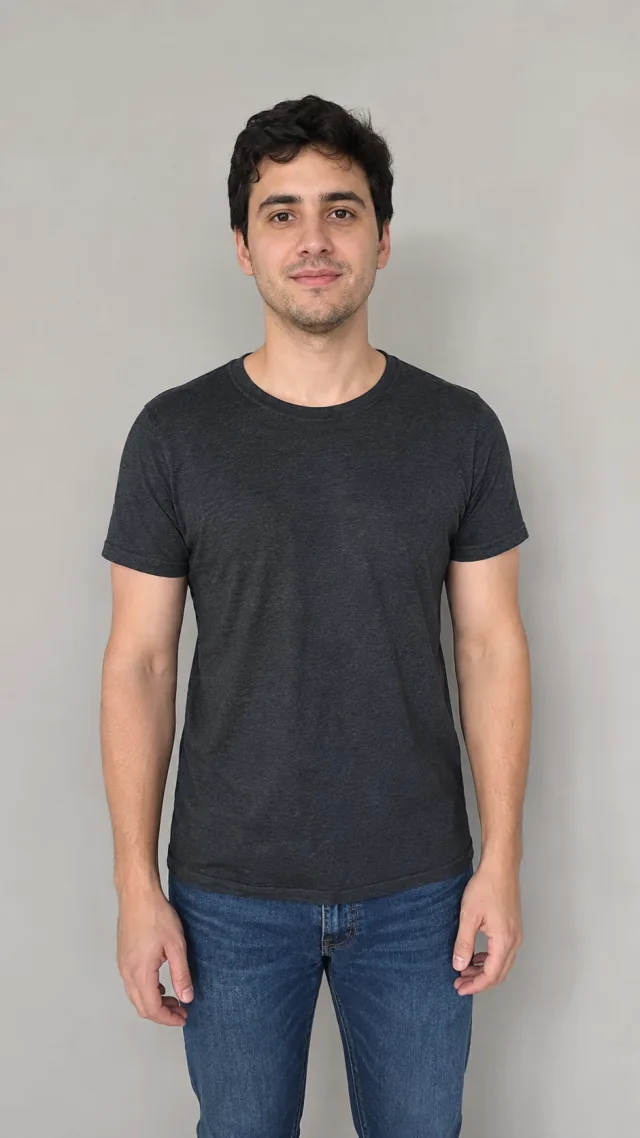
Dress up in any costume, from one photo
Swap your outfit for a costume in one tap
The AI costume generator takes one ordinary photo and re-dresses you in a full costume — armor, a superhero suit, a pirate getup, a witch's robes, whatever you pick. No sewing, no rented outfit, no photo editing: upload a single shot and the costume is fitted onto you, then animated into a short clip. The change lands on your clothes and styling while the photo still reads as you.
- ✓One photo in, fully costumed out — no editing app, no prompt-writing, no fitting room
- ✓Real-looking outfits — fabric, armor and props that sit naturally on you
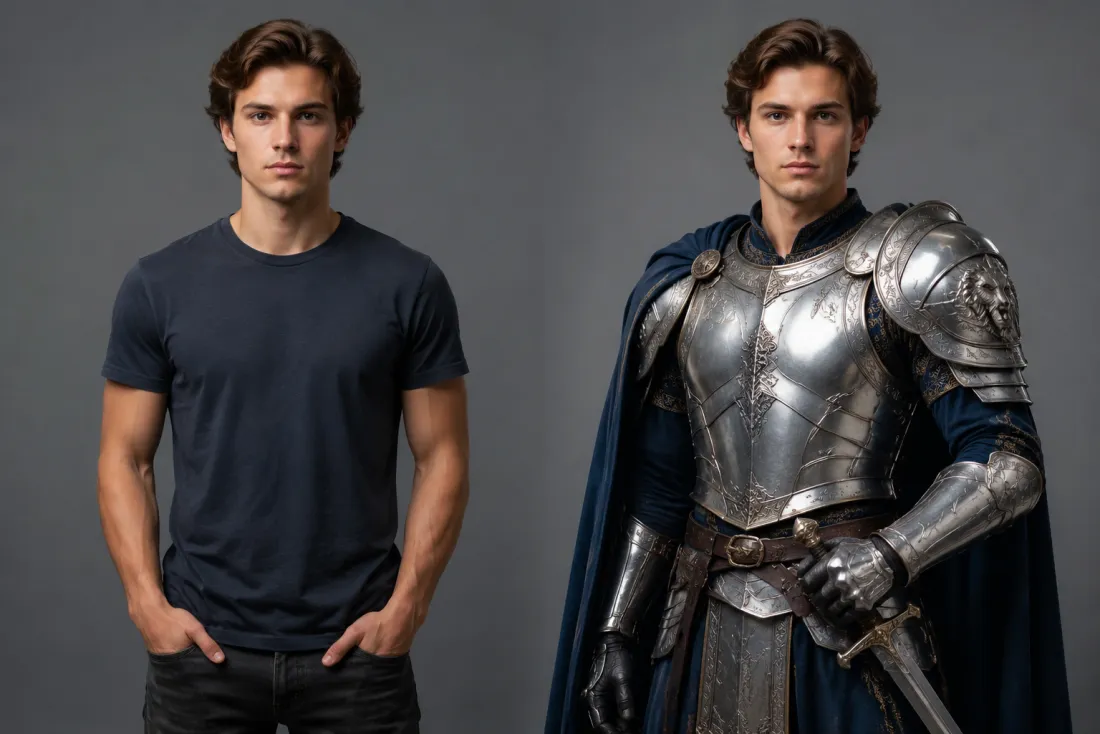
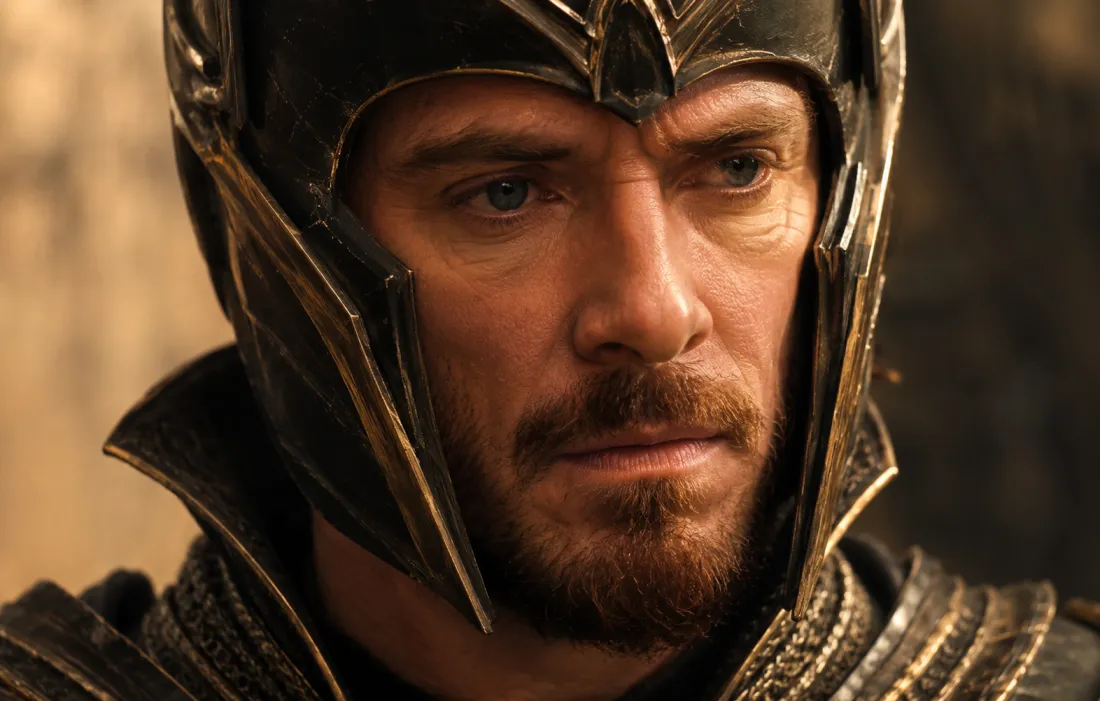
It's a new outfit, not a new person
A good costume should still be you underneath it. The AI costume generator reads your face from your own photo and is told to keep your features, hairstyle, skin tone and expression unchanged. Only your wardrobe is replaced, so friends instantly recognize you in the cape or the crown — the costume is the surprise, not your identity.
- ✓Your face, unchanged — same features, hair and expression under the costume
- ✓Recognizably you — the outfit transforms, you don't
Pick a theme and become the part
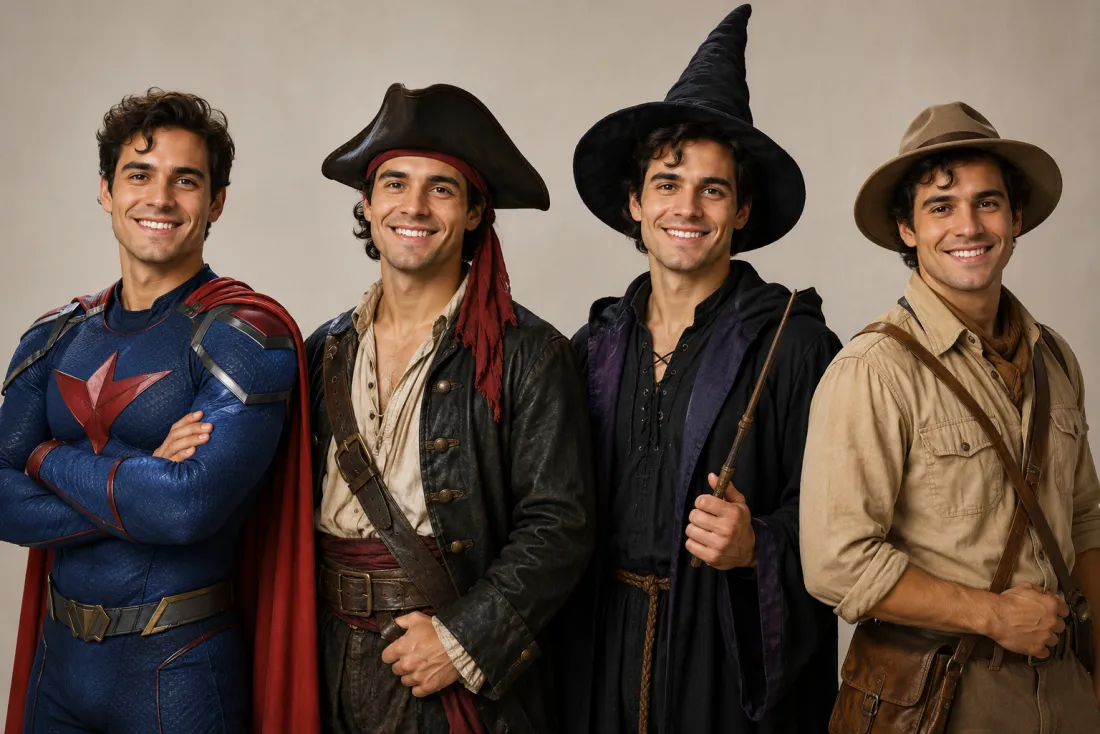
Halloween, cosplay, a fantasy hero, a vintage era — the AI costume generator handles the whole look from a simple selfie. Tell it the costume you want and it builds the outfit, props and styling to match, so you can try on five different characters in the time it'd take to find one in a shop. Great for trends, party invites or a quick what-if.
- ✓Endless themes — heroes, villains, fantasy, vintage, holiday looks
- ✓From a plain selfie — no special photo needed, just a clear face
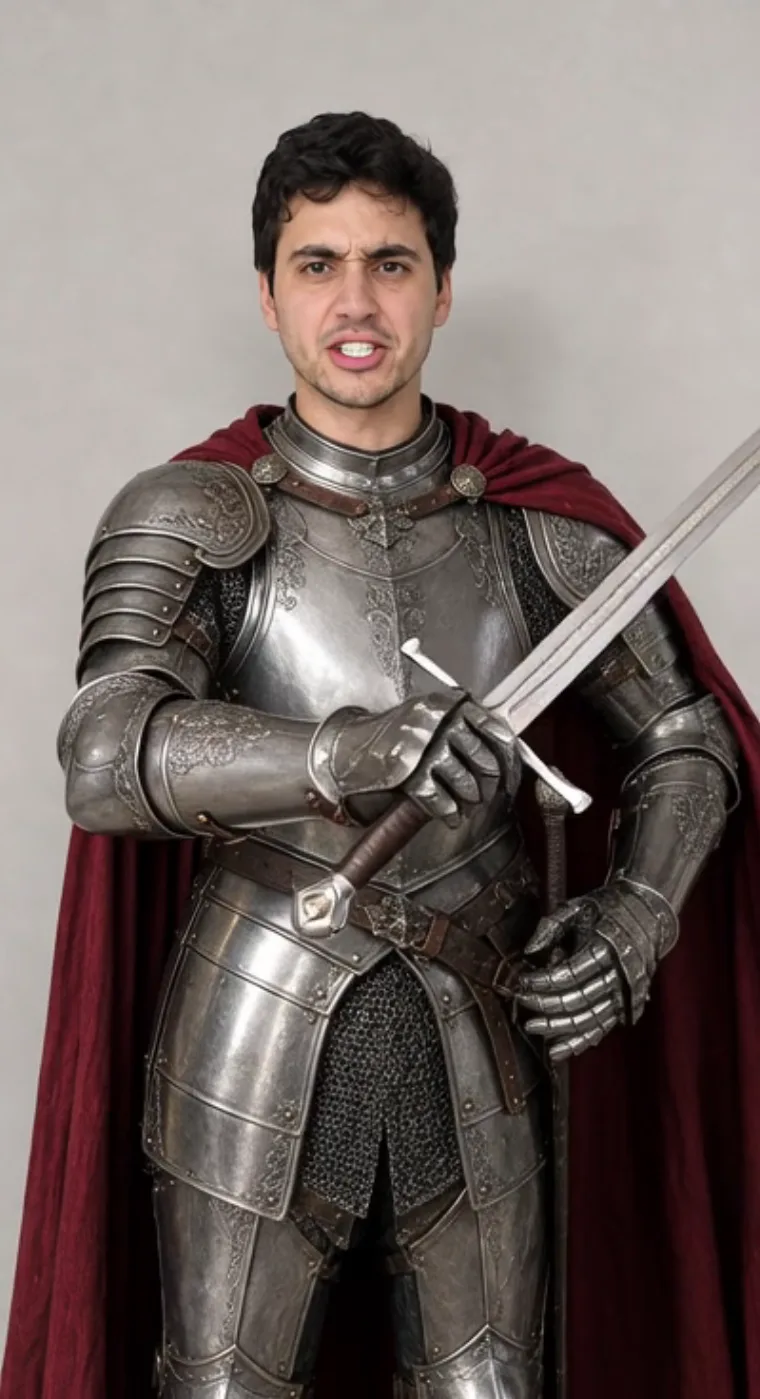
One click, ready for Reels & TikTok
Out comes a short 6-second, 9:16 vertical MP4 of your costume reveal — exported with no ClipTrend watermark. It's sized for Reels, Shorts, TikTok and stories, made for a Halloween post, a cosplay teaser or a fun costume-swap trend. Try it free to start, no card required.
- ✓Vertical 9:16 MP4 — a 6-second clip sized for Reels, Shorts and stories
- ✓No watermark — a clean file you can post or send anywhere
Which photo should you upload?
The AI costume generator works from a single photo — the only choice is how much of the costume you want to show.
Head-and-shoulders selfie
A clear face shot keeps you recognizable.
When to use it
When you want the most convincing face and a costume that reads from the shoulders up — helmets, hats, collars and capes.
What it produces
Focuses on your face and the upper costume for a sharp, recognizable reveal that still shows off the theme.
- ✓Best for a recognizable, convincing look
- ✓Sharpest detail on face and hair
- ✓Great for selfies and portraits
- ✓Keeps your features and expression
- ✓Ideal for a quick costume reaction clip
Full-body photo
Show more for the complete costume.
When to use it
When you want the whole outfit — armor, gown, full superhero suit, boots and props head to toe.
What it produces
Builds the full costume from head to toe so the character feels complete, not just from the neck up.
- ✓Shows the entire costume and props
- ✓A fuller, head-to-toe transformation
- ✓Still keeps your facial identity
- ✓Good for cosplay and fantasy looks
- ✓Ideal for a full-character glow-up post
AI Dance Generator
Turn one photo into an energetic dance video.
AI Action Figure Generator
The AI action figure generator turns one photo into a boxed collect…

AI Pregnant Generator
The AI pregnant generator adds a believable, fully clothed baby bum…
AI Superhero Generator
One ordinary photo is all it takes to suit you up in full cinematic superhero armor.
AI Aging Generator
Feed a single photo to the AI aging generator and see yourself decades older, or years younger.
AI Mini Me Generator
Give the AI mini me generator a photo and it stands a pint-sized clone right beside you.
AI Inflate Effect
Pick one shot and the AI inflate effect puffs your subject up like a balloon.
AI Squish Effect
Hand the AI squish effect a photo and it gives the frame that oddly satisfying squish.
AI Explode Effect
Pop a single photo into a funny, scattering burst with the AI explode effect.
AI Flying Generator
The AI flying generator lifts one still photo off the ground and se…
AI Laughing Generator
A single still becomes a warm, genuine laugh through the AI laughing generator.
AI Baby Generator
Upload two parent photos and the AI baby generator blends both face…
Frequently asked questions
How does the AI costume generator work?⌄
Upload one clear photo and the AI costume generator re-dresses you in the costume you pick, then animates a short reveal. It runs in two stages — first it fits the new outfit, props and styling onto you while keeping your face true, then it brings the result to life as a 6-second video, all from a single upload.
Will it change or swap my face?⌄
No — that's the point. The AI costume generator keeps your face, hairstyle and expression from your own photo and only changes your outfit, so you stay recognizable in any costume. An automated safety check runs on uploads before anything is generated.
What costumes can I make?⌄
Plenty — superheroes, knights and warriors, witches and wizards, pirates, fairy-tale characters, vintage eras and classic Halloween looks. Pick a theme and the AI costume generator builds the outfit, props and styling to match, all from one selfie.
Do I need one photo or two?⌄
Just one. The AI costume generator is a single-photo effect — upload one clear, front-facing shot of yourself and it handles the whole costume change and reveal. A head-and-shoulders selfie is fastest; a full-body photo gives a complete head-to-toe costume.
What do I get, and is it watermarked?⌄
You get a short 6-second vertical (9:16) MP4 of your costume reveal, exported with no ClipTrend watermark, ready for Reels, Shorts, stories or a quick share. Generation runs on credits, with a free allowance to start and pay-as-you-go after.
What photos work best for a costume change?⌄
Clear, well-lit, front-facing photos with your face visible give the best result. A head-and-shoulders selfie is ideal for a recognizable look; a full-body shot lets the whole costume show. JPG and PNG both work — blurry, tiny or heavily filtered photos can lower the result quality.
Can I use the AI costume generator on my phone?⌄
Yes. It runs in your mobile browser — no app to install. Pick a photo from your camera roll, tap generate, and save the costume video straight to your phone. New accounts start with free credits, so you can try it at no cost; each video uses a small, fixed number of credits shown beside the Generate button, then it's simple pay-as-you-go with no subscription.
Try the AI costume generator free
Upload one photo, pick a costume, and get a short 9:16 reveal video with your face kept true and no watermark. New accounts start with free credits — no card needed.
Open the AI costume generator