What Hairstyle Suits Me? Choose a Cut From One Photo
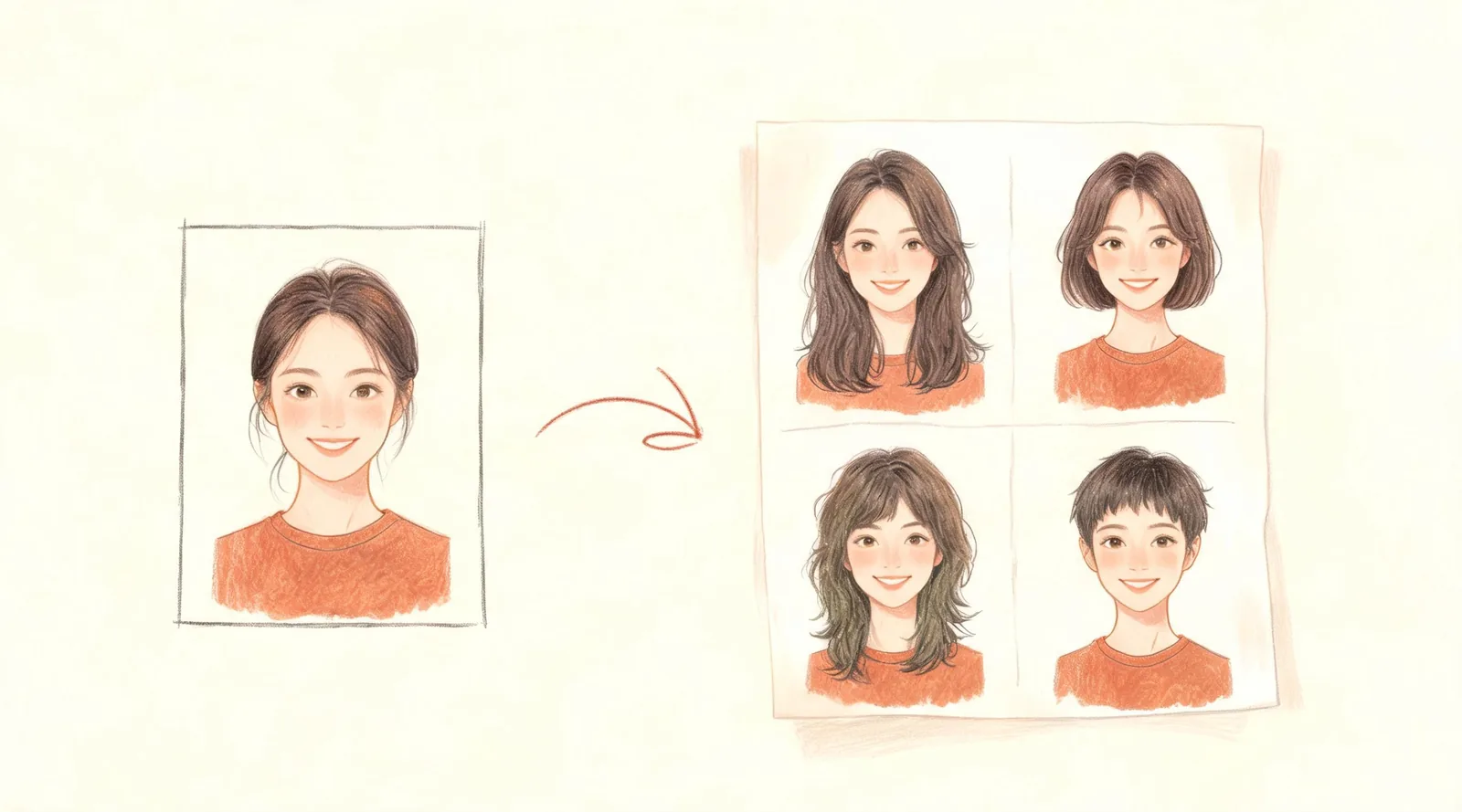
To answer “what hairstyle suits me?” with a photo, open the What Hairstyle Suits Me page, upload a straight-on photo with your hair pushed back, and select Generate Image. You receive one picture containing a face-shape label and four named haircut previews on your own face. Compare their lengths and outlines, then take your favorite to a barber or stylist. The sheet is normally ready in about a minute; treat that as an estimate.
Updated October 14, 2026 · By the ClipTrend.ai Editorial Team
Disclosure: ClipTrend.ai offers the photo tool described here. The cover is a conceptual illustration, not a studio result. Hairstyle previews are styling suggestions, not professional or medical assessments.
1. Take a photo that shows your face outline
Face the camera at eye level. Push a fringe away from your forehead and tuck long hair behind your ears so your hairline, cheeks and jaw are visible. Use soft, even light: standing near a window usually gives you a clearer starting photograph than a dark room with one bright ceiling lamp.
Keep one person in the frame, with the entire head and some shoulder space visible. Remove hats and sunglasses. Choose an ordinary photograph rather than one with a beauty filter that changes your jaw, smooths away the hairline or enlarges your eyes.
A practical test is whether another person could see the outline of your face without guessing where it disappears into shadow or hair. If not, retake the photo before uploading it. You do not need to dress up or style a new haircut first.
Use a photograph of yourself, or ask the person pictured for permission. Agreement to try a hairstyle preview does not automatically mean agreement to share the result publicly.
2. Open the page and look at its own example
The page's example shows a man from a park selfie with a square face-shape label and four named styles: textured pompadour, classic side part, undercut and crew cut. It demonstrates the format: one picture, four portraits, names underneath. Your recommendations can differ from that example.
As of October 14, 2026, this page offers a 1 Photo image workflow. It makes a hairstyle sheet, rather than a video. You do not need to choose a video duration or describe a moving scene.
The comparison is designed to keep your face, expression, clothes and natural hair color the same while changing the haircut. That helps you focus on shape and length. Still check the face and hairline afterward; a convincing illustration does not establish that a haircut is physically achievable with your current hair.
3. Upload the photo and check the Generate label
Select Upload your photo and provide the clear portrait you prepared. Before starting, confirm that you picked the intended image, especially if your phone library contains several similar selfies. A picture with your chin raised or head turned is less useful than the level, front-facing one.
The Generate area currently displays 20 credits per image. Read the label beside the button before every run, since the displayed amount is the relevant one for your session. This guide does not promise a particular free allowance or account balance.
Press Generate Image once and let the run finish. About a minute is the page's normal expectation, not a deadline. Making another request gives you another sheet; it does not turn the first result into extra selectable previews.
4. Read the face-shape line without treating it as a verdict
The result places a face-shape line above the four portraits. The possible labels are oval, round, square, heart, long or diamond. Use the label to organize your comparison, rather than deciding that a single photograph proves exactly what shape you have.
Camera angle, hair covering the temples, a beard and uneven light can all make the outline harder to judge. If the label surprises you, compare it with a mirror view and ask your stylist how they would describe your proportions. You can also prepare a clearer photo and make another sheet.
A face-shape category does not rank anyone's appearance. It is one way to discuss visual balance. Compare how the four styles frame your face, then keep the ones you would enjoy wearing. Personal preference still matters.
5. Compare the four cuts by a real decision
Start with the outline rather than the name. Does the preview open up your forehead? Does it leave hair beside your cheeks? Does the shorter option feel comfortable to you? These questions are more useful than picking whichever portrait looks most polished.
Then separate the haircut from its styling. A lifted front may need a different morning routine from a loose fringe. Long layers may retain overall length while changing the hair around your face. A short style can require regular appointments even when it is quick to arrange each morning.
| Decision | What to compare in the sheet | What to ask in the chair |
|---|---|---|
| Keep or lose length | Where the shortest ends sit relative to your jaw and shoulders | Can we keep enough length to tie it back? |
| Open or cover the forehead | Fringe length, parting and front height | Will my hair naturally fall this way? |
| More or less side volume | Width at the temples and beside the cheeks | How should the sides be shaped as they grow? |
| Daily effort | Whether the look depends on a carefully arranged finish | What will it look like when I air-dry it? |
Choose a first choice and a backup. If two portraits appeal to you for different reasons, explain that distinction instead of asking the stylist to combine every detail. For example: “I like the length of this one, but the softer fringe on that one.”
6. For men: check the sides as well as the top
The men's recommendations can include familiar barbershop directions such as crops, side parts, quiffs and fades. The useful question is how much contrast you want between the top and the sides, and how much of your forehead you want visible.
A named preview does not provide a clipper guard number or a complete cutting plan. Ask the barber to translate the picture into lengths that work with your density, hairline and growth direction. Keep your beard in the discussion even though the hairstyle comparison is intended to leave it unchanged.
Stylist Tim Carr's haircut advice emphasizes texture, thickness and bringing pictures because haircut names can vary. If your result says square and you want to compare specific choices, read the men's square-face haircut guide.
7. For women with long hair: decide what length you can keep
Look first at the most conservative option. A long-layer preview can help you discuss change without immediately committing to a bob or pixie. Then compare any shorter suggestions by where they end and whether they meet practical needs such as a ponytail, sport or keeping hair off your face.
Ask which layers would be shortest, whether a fringe would need separate styling, and how your natural wave or curl might alter the outline. The photo shows a proposed appearance; it does not measure shrinkage, hair density or how easily your hair holds that shape.
If a short option looks appealing, use it as a conversation starter. You can ask about an intermediate length before deciding on a larger change. The four recommendations are options to discuss, not four instructions you must follow.
8. Bring the sheet and a short brief to your appointment
Save the result using the page's available download control and keep the original photograph handy. Show the entire sheet first, then point to your preferred portrait and its name. Explain what attracts you to it and what you need to keep.
A useful brief might be: “I prefer this shoulder-length shape because it leaves less weight around my cheeks. I still need to tie my hair back, and I want to wear my natural waves without straightening them every day.” This is an example of how to communicate, not a report from a salon visit.
Let the stylist inspect your actual hair before agreeing on the cut. Ask what is achievable now, what needs more growth and what the maintenance will involve. If none of the four suggestions feels right, another run produces a new sheet, but you can also stop and discuss your existing pictures.
FAQ
Do I need to know my face shape before uploading?
No. The sheet includes a suggested face-shape label along with four haircut previews. You can compare it with what you see in a mirror and discuss it with a stylist if the category seems uncertain.
Can I ask for one particular haircut in this workflow?
The page recommends four cuts from your photograph. It is intended for finding options, rather than selecting one exact haircut from a menu. The example's four names are not a promise that everyone receives those same styles.
Does it produce four separate downloads?
The output is one picture containing a labelled 2x2 grid. Save that sheet and show the relevant portrait to your barber or stylist.
Will another run give me a different sheet?
Yes, running again produces another sheet. A clearer photograph can also change the suggested face-shape reading. Check the credits beside Generate before starting again.
Can the preview replace advice from a hair professional?
No. It helps you describe an appearance you like. A barber or stylist can assess texture, density, growth patterns and maintenance in person and adapt the idea accordingly.
Ready to compare a few possibilities? Upload your photo and see four hairstyle suggestions.