
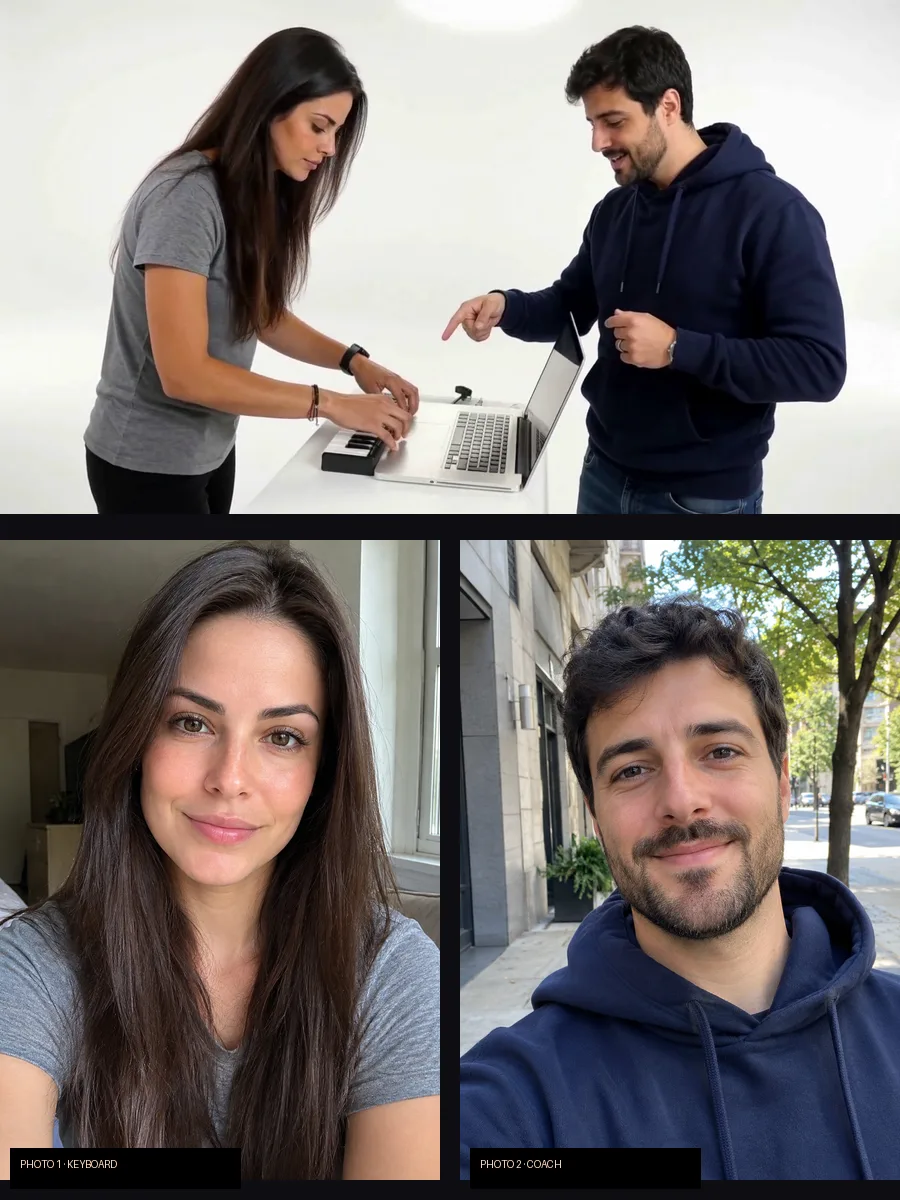
Two photos, the Alors on Danse studio duo
Upload two photos, recast the Alors on Danse duo
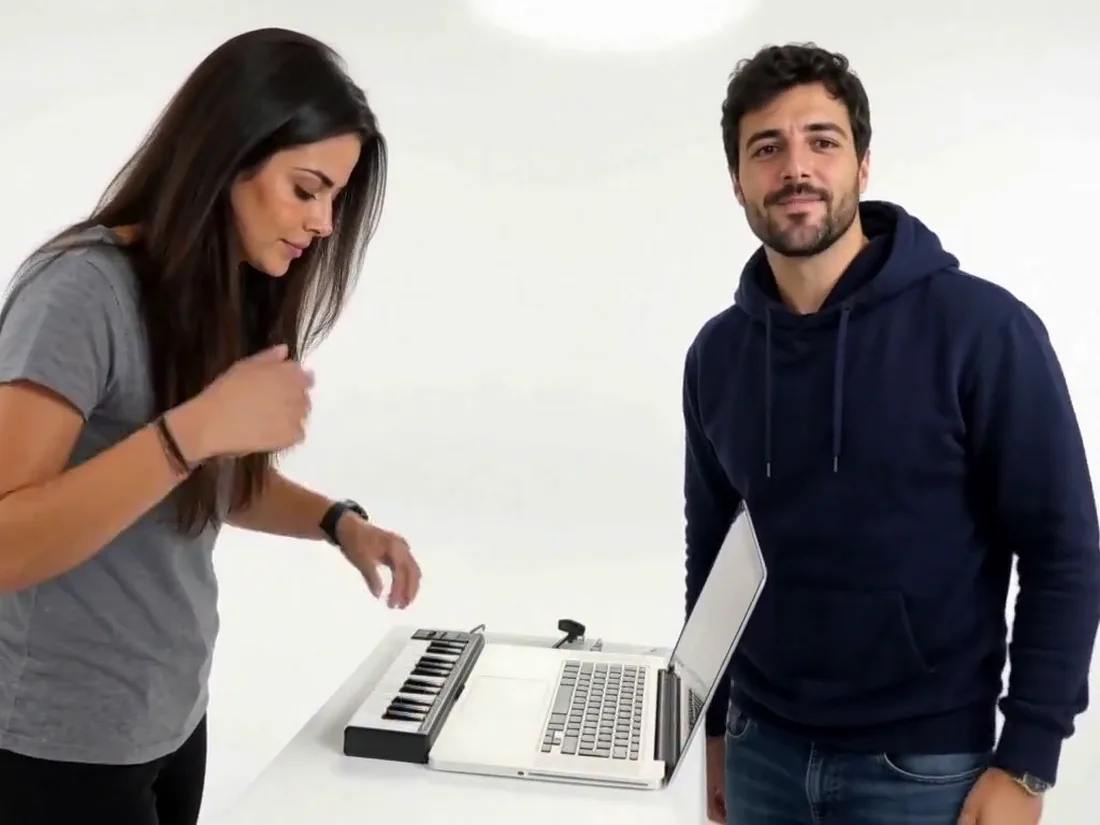
The Alors on Danse trend replays a short studio sketch: one person taps a riff on a tiny keyboard next to a laptop while the other hypes them up, points at the keys and finally leans right into the camera. Alors on Danse AI keeps the white studio, the timing and the moves, and puts the two people from your photos in both roles.
- ✓Nothing to film — two photos are the only input
- ✓You pick the roles — photo 1 plays, photo 2 coaches
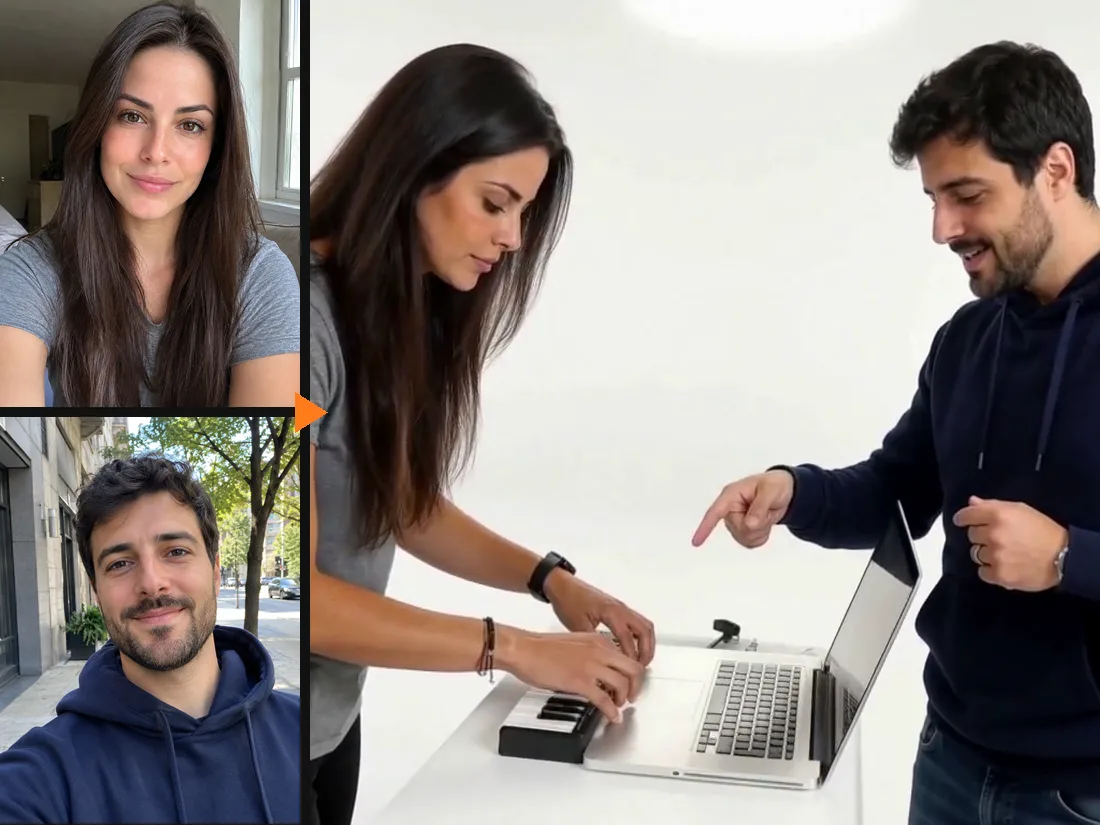
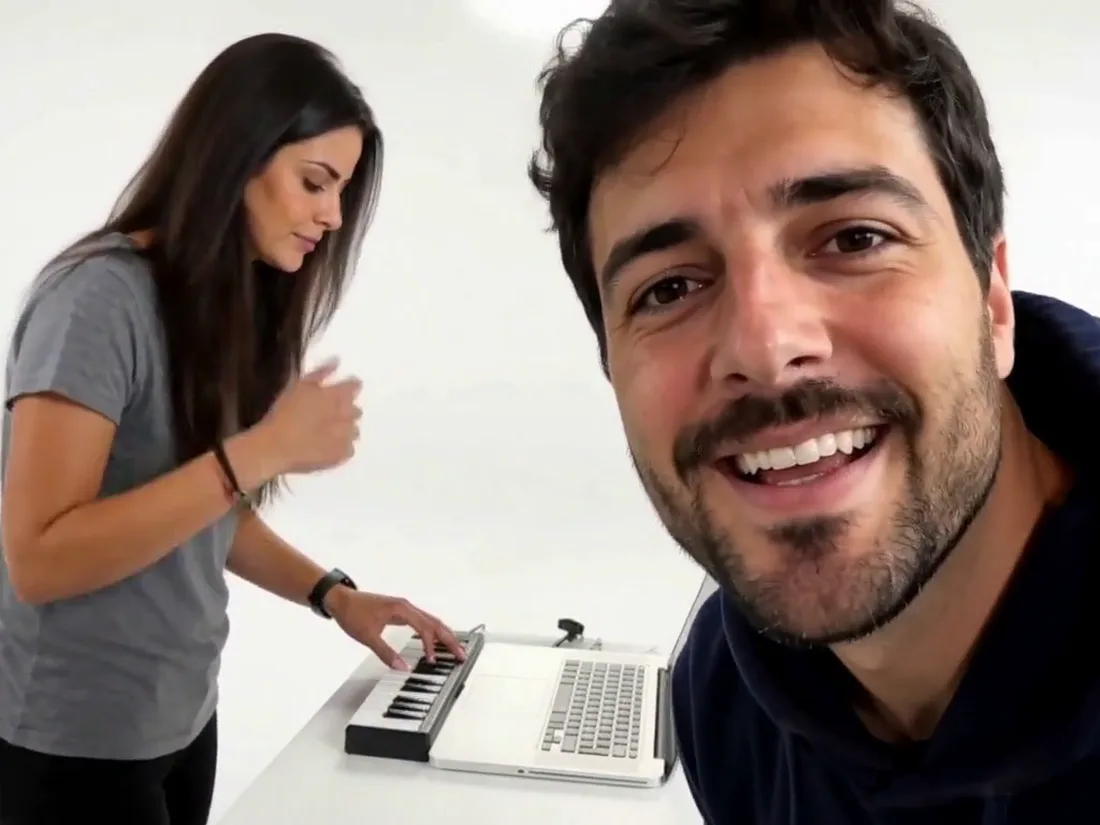
The coach gets the close-up
Photo 2 is the star of the last seconds: big gestures, a pointing finger, then a lean into the lens with a grin. Put the friend who loves the camera here, or swap the photos if you want the close-up yourself.
- ✓Face held to the end — the close-up keeps the face from photo 2
- ✓Swap anytime — switch the two photos to switch the roles
The Alors on Danse song, already in the clip
Every Alors on Danse AI video comes out with the original audio of the trend, in sync with the moves, so it is ready to post. The clip is 10 seconds, 720P and landscape, the same framing as the studio duo everyone is remaking.
- ✓With sound — no need to add the track yourself
- ✓720P, 10 seconds — landscape, like the original duo
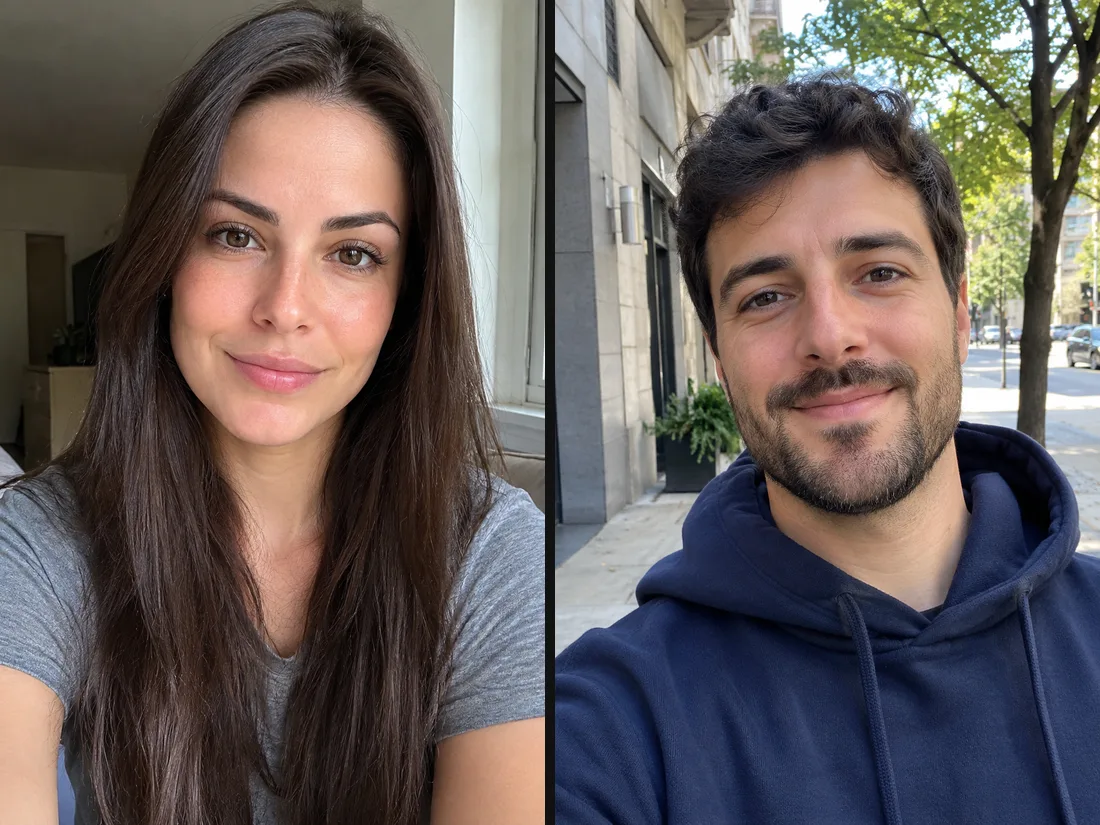
Which photos make the best Alors on Danse AI video
Use two clear, front-facing photos with the face and upper body in frame and good light. Friends, couples, a parent and a kid, a pet or a drawn character all work. Skip sunglasses, heavy filters and group shots. A render takes about 10 minutes; you can close the page and find the video in My Creations.
- ✓One subject per photo — a single person or character each
- ✓Face visible — front-facing, no sunglasses or masks
Who should play which role?
The two upload slots are the two roles. Put each photo where it fits the joke.
Photo 1 — keyboard player
Calm, focused, on the keys.
When to use it
For the friend who plays it straight while chaos happens next to them.
What it produces
Stands at the table on the left and taps the riff on the tiny keyboard for the whole clip.
- ✓Left side of the frame
- ✓Plays the keyboard
- ✓Stays serious
- ✓Face kept from the photo
Photo 2 — coach
Loud, proud, in your face.
When to use it
For the one who hypes everyone up, or a pet that steals the show.
What it produces
Gestures and points on the right, then leans into the camera for the close-up.
- ✓Right side of the frame
- ✓Big gestures
- ✓Close-up at the end
- ✓Face kept from the photo
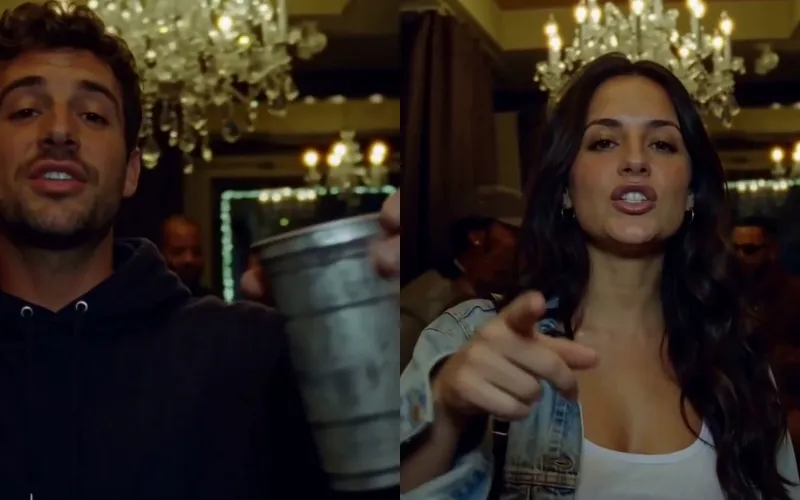
Burning Bridges AI
Put yourself in the viral Burning Bridges party clip from one photo.
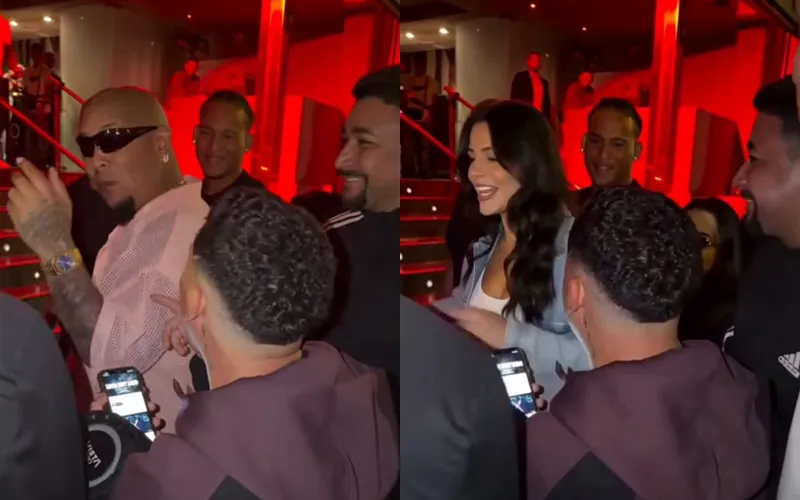
Bulin 47 AI
Put yourself in the viral Bulin 47 freestyle from one photo.
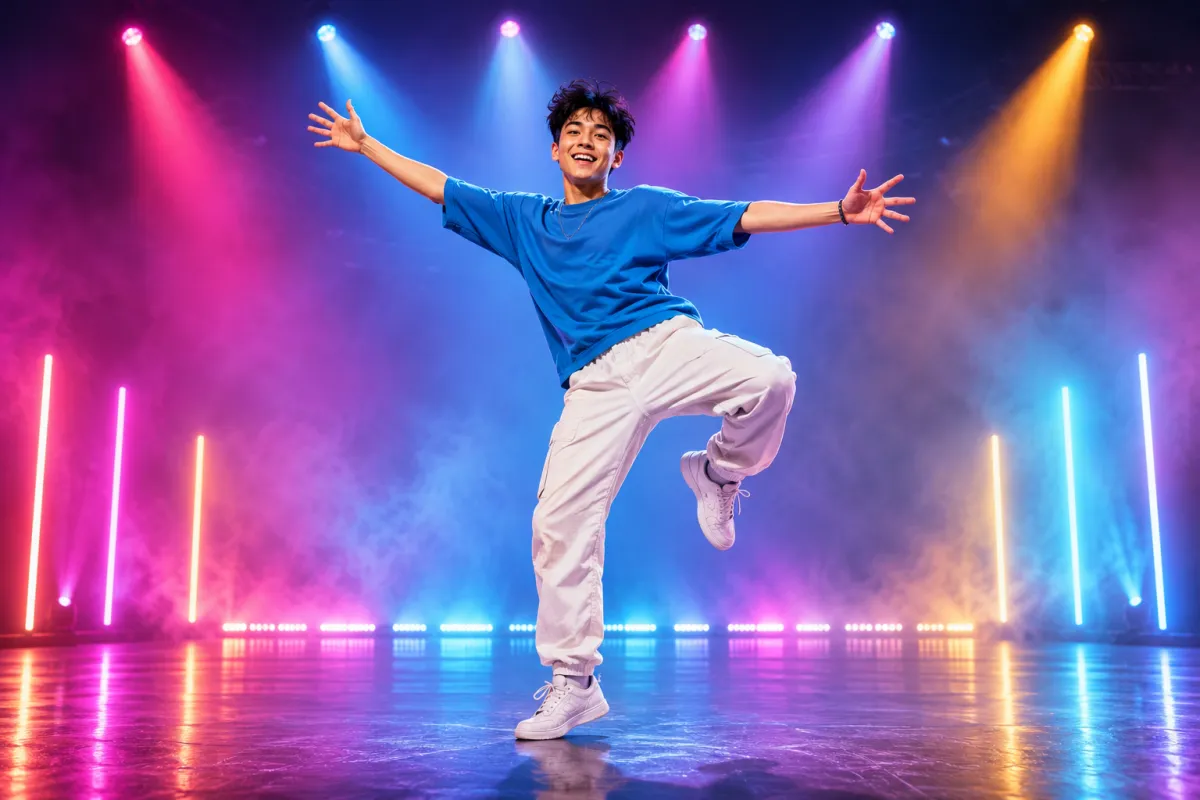
AI Dance Generator
Turn one photo into an energetic dance video.
AI Action Figure Generator
The AI action figure generator turns one photo into a boxed collect…

AI Pregnant Generator
The AI pregnant generator adds a believable, fully clothed baby bum…
AI Superhero Generator
One ordinary photo is all it takes to suit you up in full cinematic superhero armor.
AI Zombie Video
The viral AI zombie video trend: a zombie leap that ends in a wheat-field hug
AI Costume Generator
The AI costume generator dresses you up from a single photo
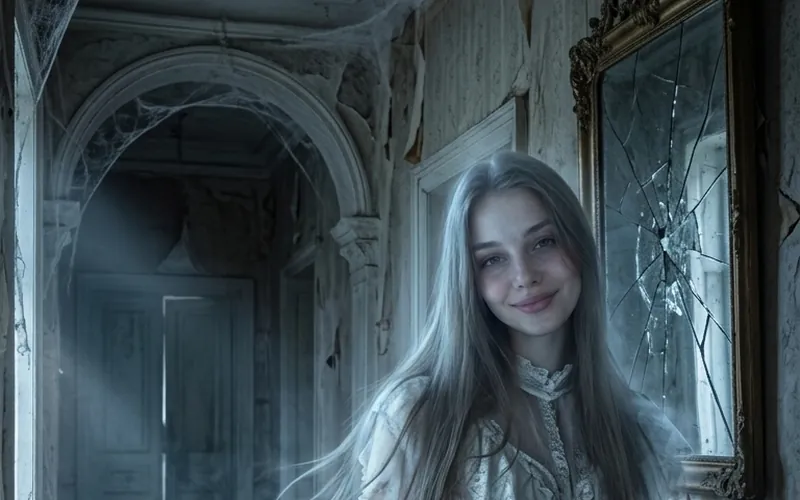
AI Ghost
AI Ghost turns your photo into a glowing ghost
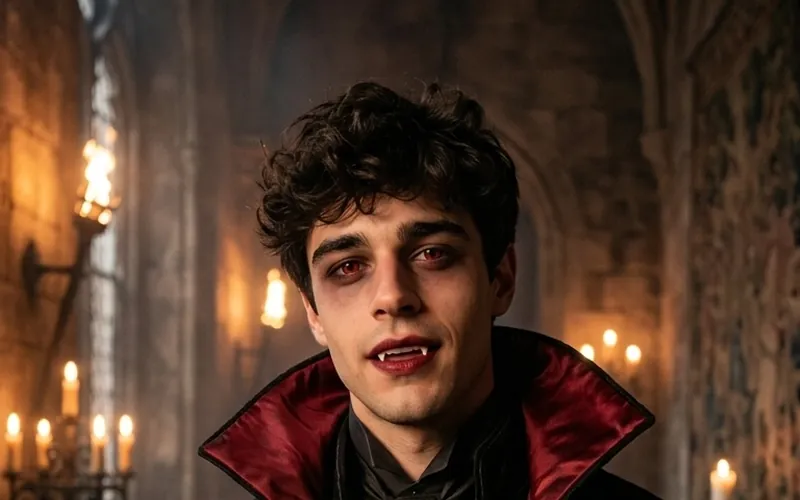
AI Vampire
AI Vampire turns your photo into a vampire
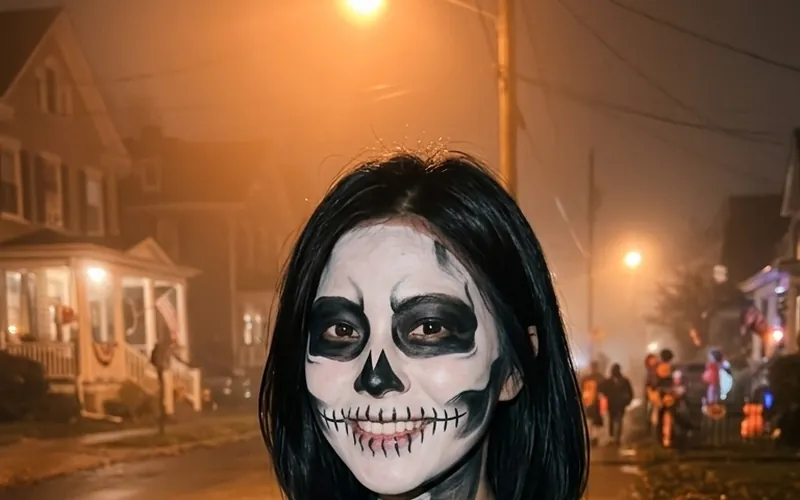
AI Skeleton
AI Skeleton paints skull face paint on your photo
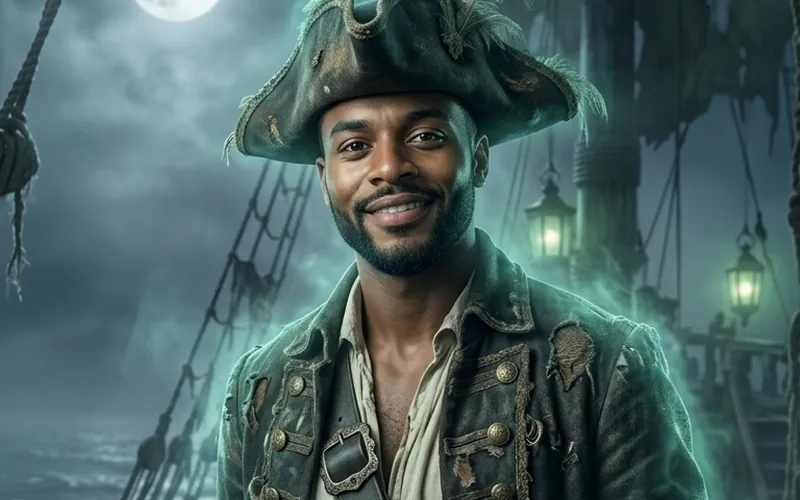
AI Pirate
AI Pirate turns your photo into a pirate captain
Frequently asked questions
What is the Alors on Danse AI trend?⌄
It recasts a short studio sketch set to Stromae’s song Alors on Danse: one person plays a riff on a tiny keyboard and the other coaches, points and leans into the camera. People replace the two with themselves, friends, pets or characters and post the result with the song.
How many photos do I need?⌄
Two: one for the keyboard player and one for the coach. Each photo should show one person or character, front-facing, with the face and upper body visible.
Can I choose who plays the keyboard?⌄
Yes. Photo 1 always plays the keyboard on the left and photo 2 is the coach on the right who gets the close-up. Swap the photos to swap the roles.
Does the video have the Alors on Danse song?⌄
Yes. The clip keeps the original audio of the trend, in sync with the moves, so you can post it as it is.
How long does it take?⌄
Usually about 10 minutes. You can leave the page; the video is saved in My Creations when it is ready.
How much does it cost?⌄
Each Alors on Danse AI video costs 160 credits, shown beside the Generate button. Downloads have no watermark.
Is this the official Alors on Danse video?⌄
No. Alors on Danse AI is an unofficial fan tool, not affiliated with Stromae or the original sketch. Only upload photos of people who agreed to be in the video.
Make your Alors on Danse AI video
Two photos, pick the roles, about 10 minutes. Get the studio duo with the original song, ready to post.
Make my Alors on Danse video