
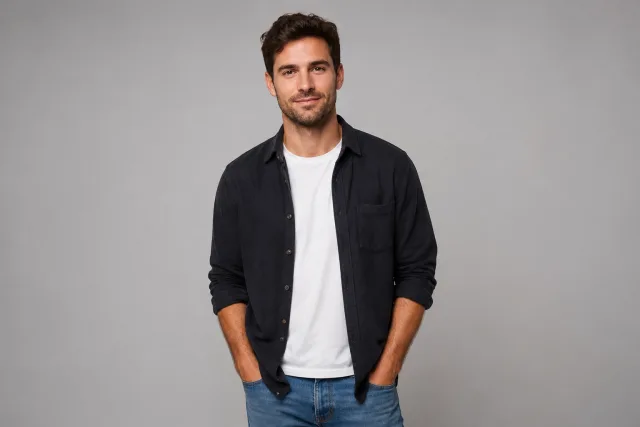
Watch a single photo grow old (or young) again
One photo, decades older in a tap
The AI aging generator takes one ordinary photo and pushes it forward in time — grey threading through your hair, soft creases at the eyes, skin that's settled with the years. No mockup apps, no filters to fiddle with, no guesswork about how you'll look at 70. Upload a single picture and the older you is composed in seconds, then animated into a short clip.
- ✓One photo, years added — no apps to install, no manual retouching
- ✓Believable aging — grey hair, fine lines and settled skin, not a cheap overlay
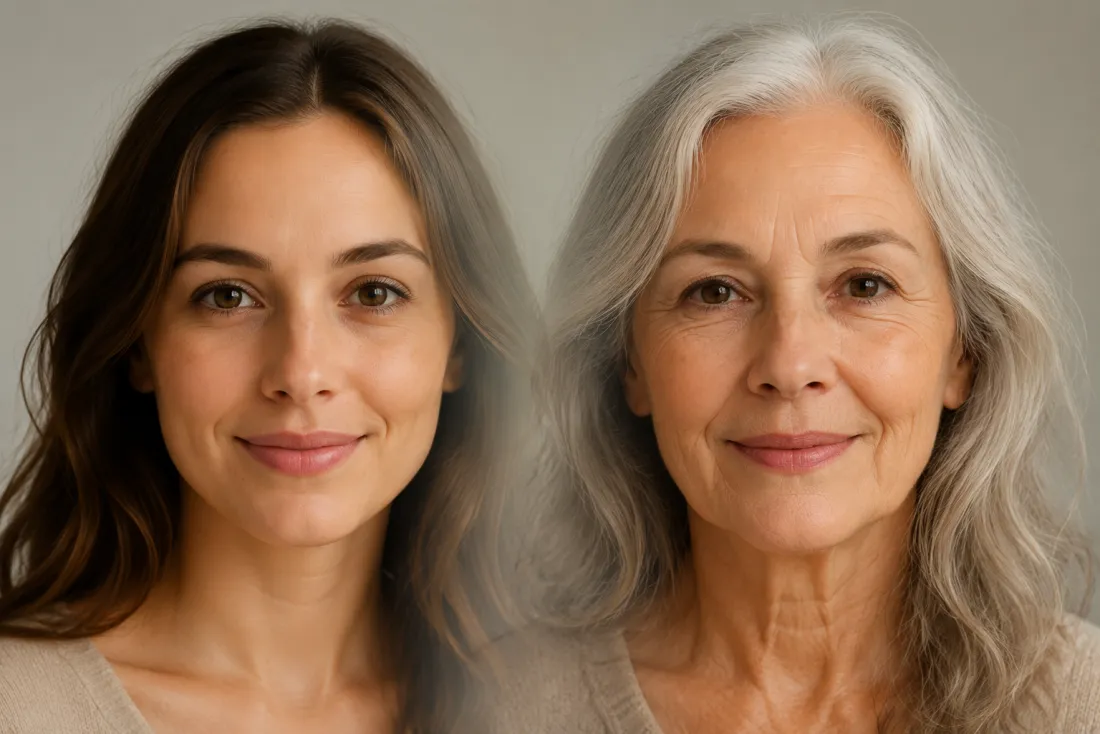
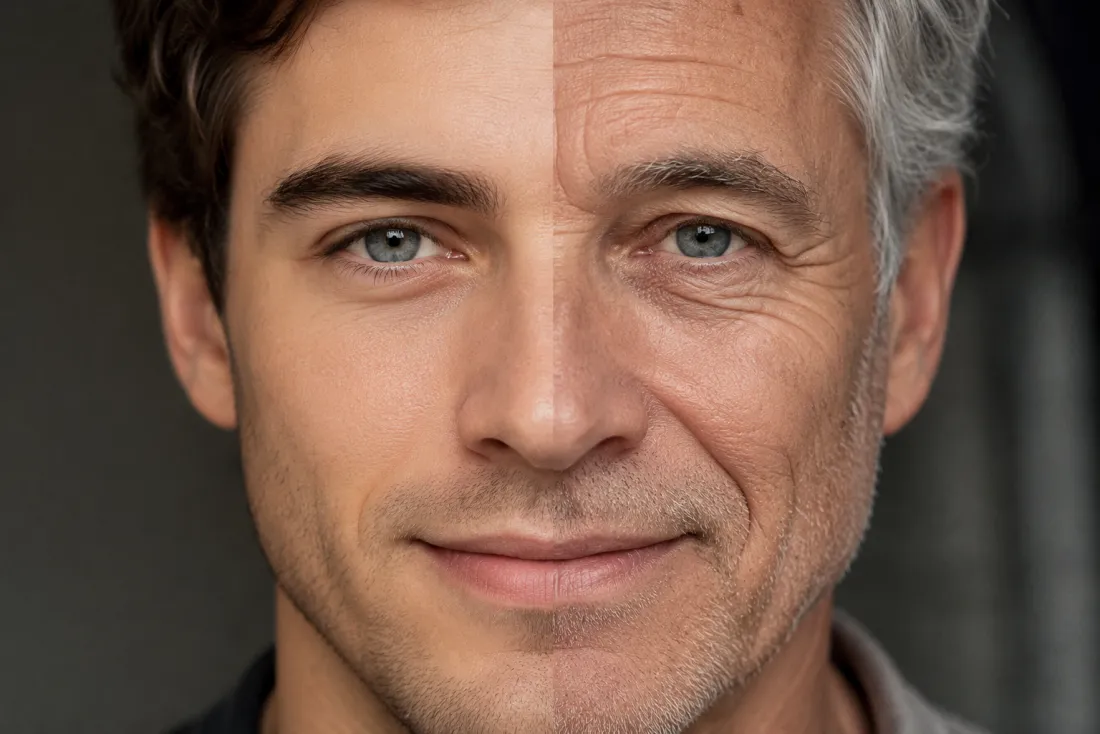
Older, but still unmistakably you
Age the face and you usually lose the person. Not here. The AI aging generator reads your features from your own photo and keeps your bone structure, eye shape, smile and expression intact, then layers the years on top. The result reads like a real glimpse of future-you at a family dinner, not a stranger wearing your name.
- ✓Same face, more years — bone structure and smile stay yours, only age changes
- ✓No swap, no morph — it ages your actual photo, it doesn't paste on an old stranger
Roll the clock back too
The same AI aging generator de-ages you younger — smoother skin, fuller hair, the face you had a decade or two ago. It's the fun part nobody else nails: see your teenage self and your grandparent self from one upload. Couples and families love running both directions to watch a whole lifetime stitch together in two short clips.
- ✓Younger on demand — smoother skin and fuller hair, your features intact
- ✓Full lifespan — go old or young from the very same photo
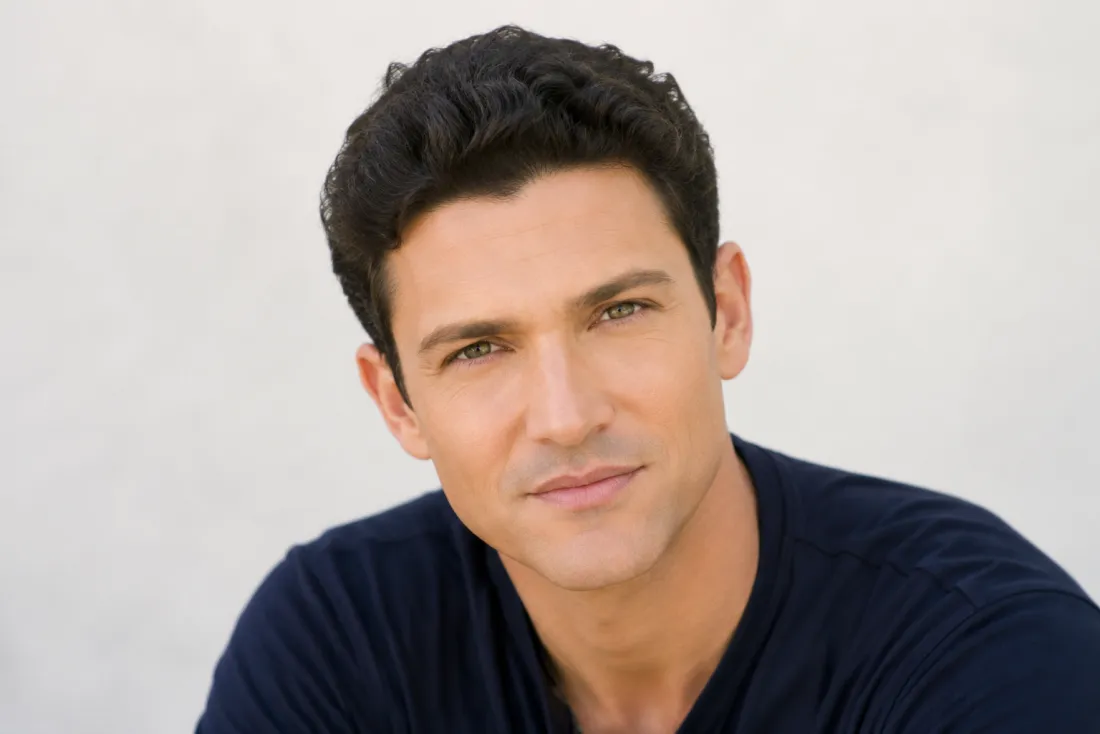
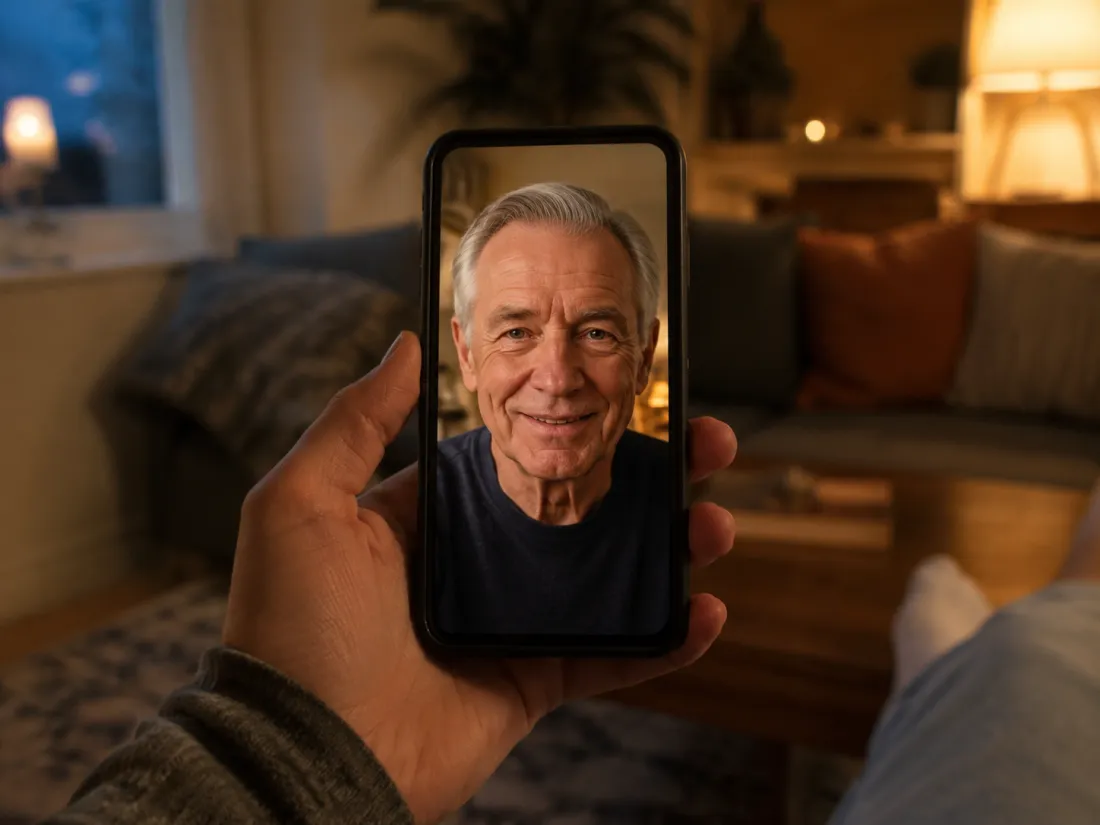
A 6-second aging reveal for your feed
Out comes a 6-second, 9:16 vertical MP4 of your aging reveal — the older (or younger) you settling into the frame with a small, natural shift, exported with no ClipTrend watermark. It's sized for Reels, Shorts, TikTok and stories, ideal for an age-challenge reveal or a 'meet future me' post. Try it free to start, no card needed.
- ✓Vertical, watermark-free — 6s 9:16 MP4 built for Reels, Shorts and stories
- ✓Free to start — new accounts get free credits, then simple pay-as-you-go
One photo, age it any direction
The AI aging generator works from a single photo — the only choice is which way time runs.
Age Older
See the future you
When to use it
When you want to add decades — grey hair, soft lines, the settled look of later life.
What it produces
A 6s vertical video of an older you settling into the frame, face kept true.
- ✓Adds years convincingly: grey hair, fine lines, settled skin
- ✓Keeps your bone structure, eye shape and smile intact
- ✓Great for age-challenge and 'meet future me' reveals
- ✓Works from one clear, front-facing photo
- ✓Exports watermark-free in 9:16 for Reels and Shorts
De-Age Younger
Roll the clock back
When to use it
When you'd rather take years off — smoother skin, fuller hair, a younger face.
What it produces
A 6s vertical video of a younger you, your features unmistakably preserved.
- ✓Smooths skin and restores fuller hair believably
- ✓Keeps the face yours — no stranger pasted in
- ✓Pair with Age Older to show a full lifetime
- ✓Same single upload, opposite direction
- ✓Watermark-free 9:16 MP4 ready to post
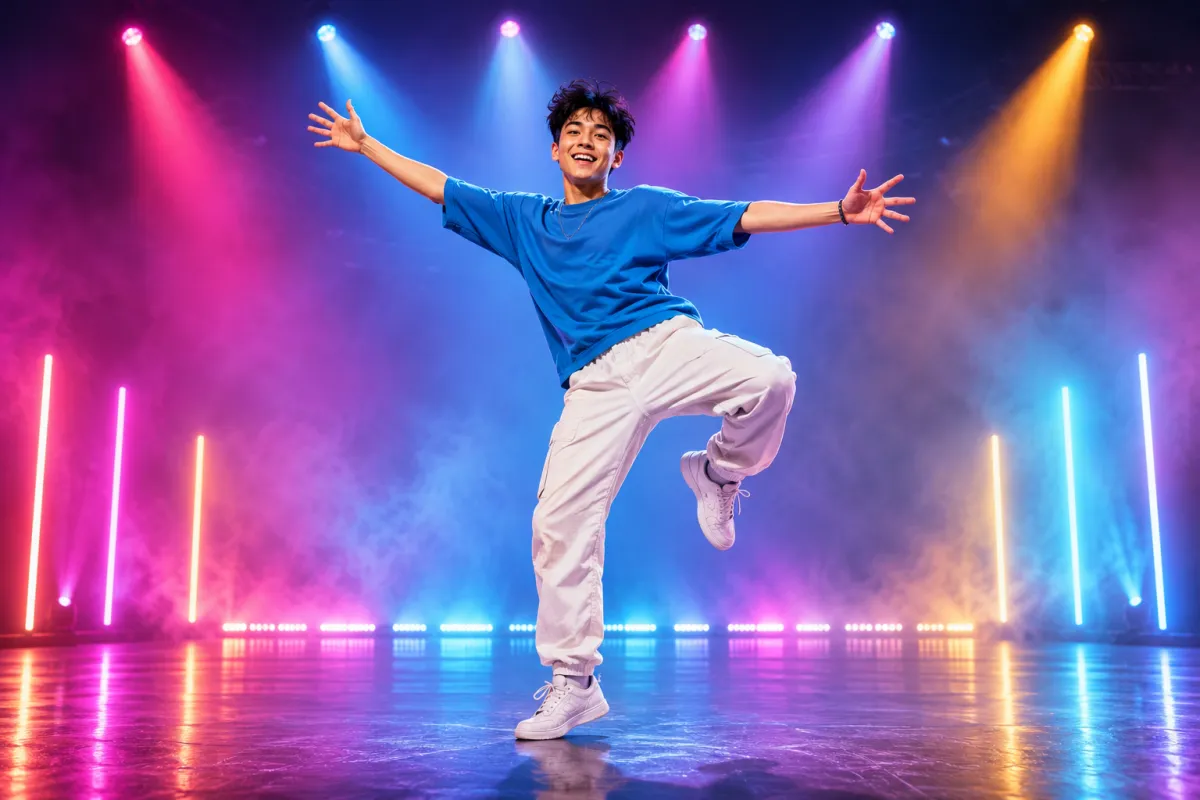
AI Dance Generator
Turn one photo into an energetic dance video.
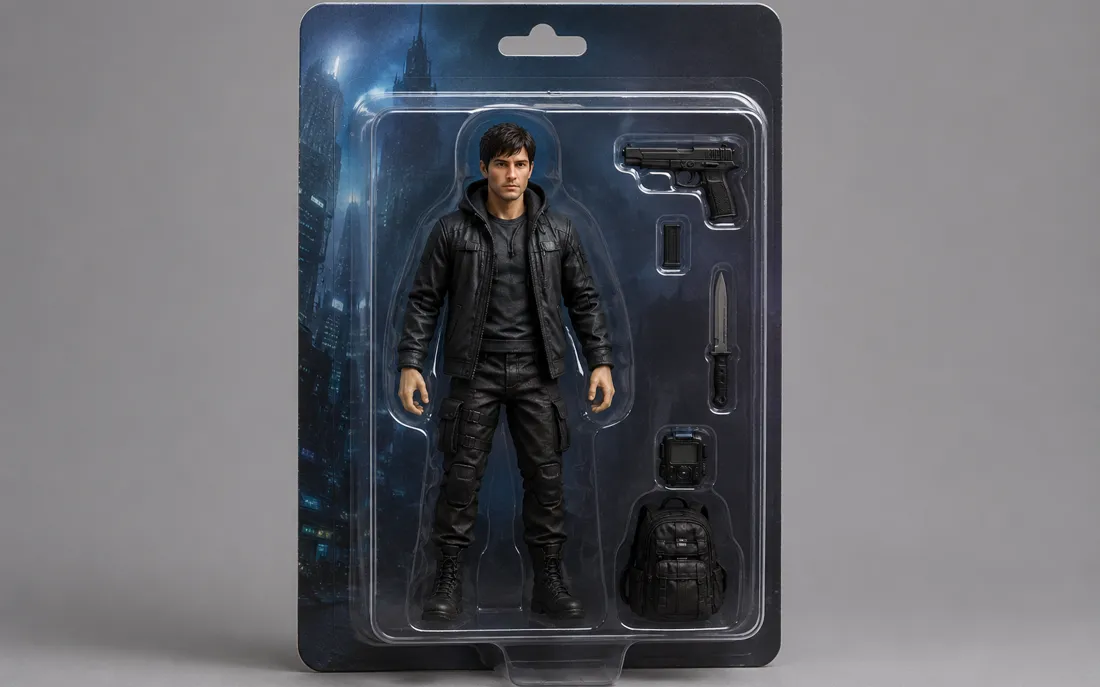
AI Action Figure Generator
The AI action figure generator turns one photo into a boxed collect…
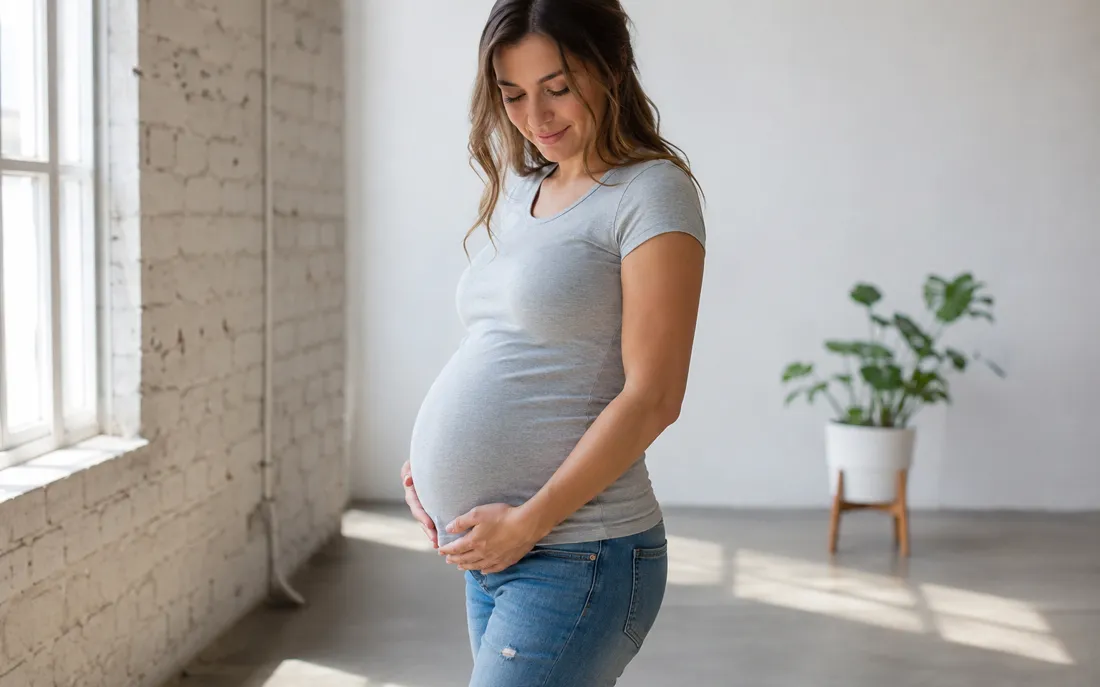
AI Pregnant Generator
The AI pregnant generator adds a believable, fully clothed baby bum…
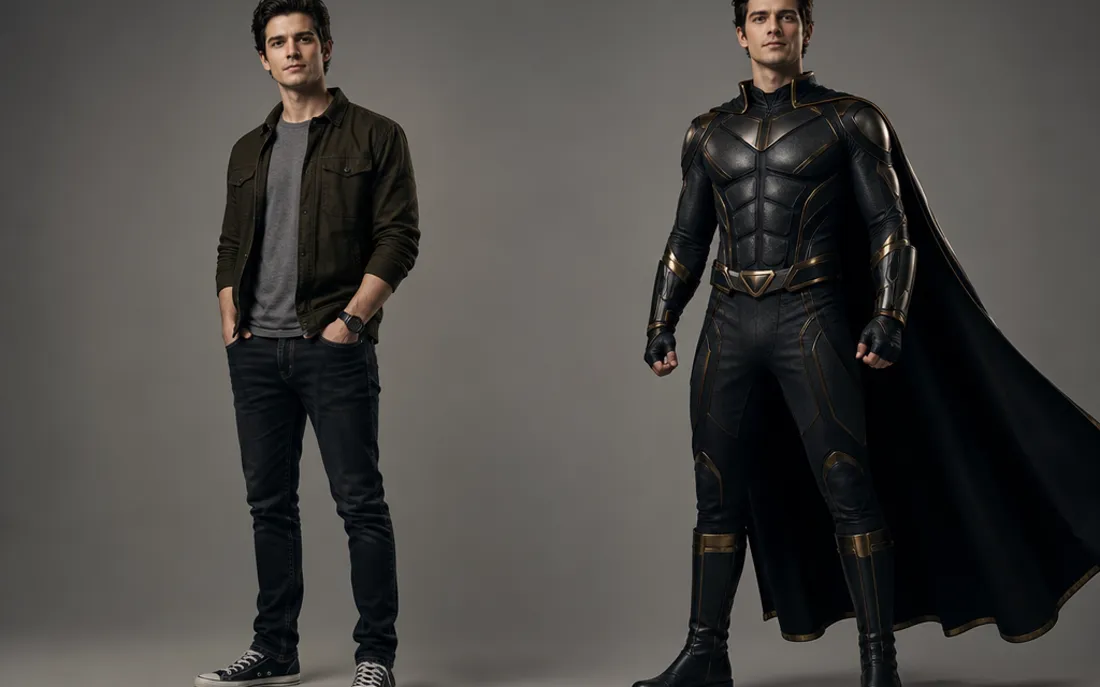
AI Superhero Generator
One ordinary photo is all it takes to suit you up in full cinematic superhero armor.
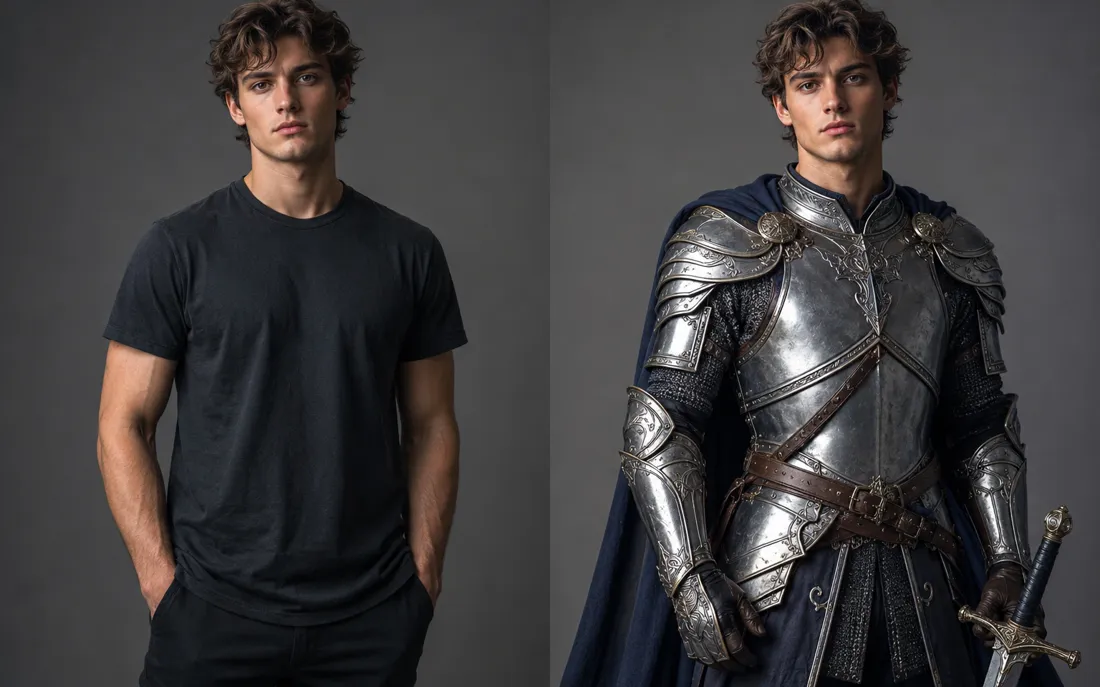
AI Costume Generator
The AI costume generator dresses you up from a single photo
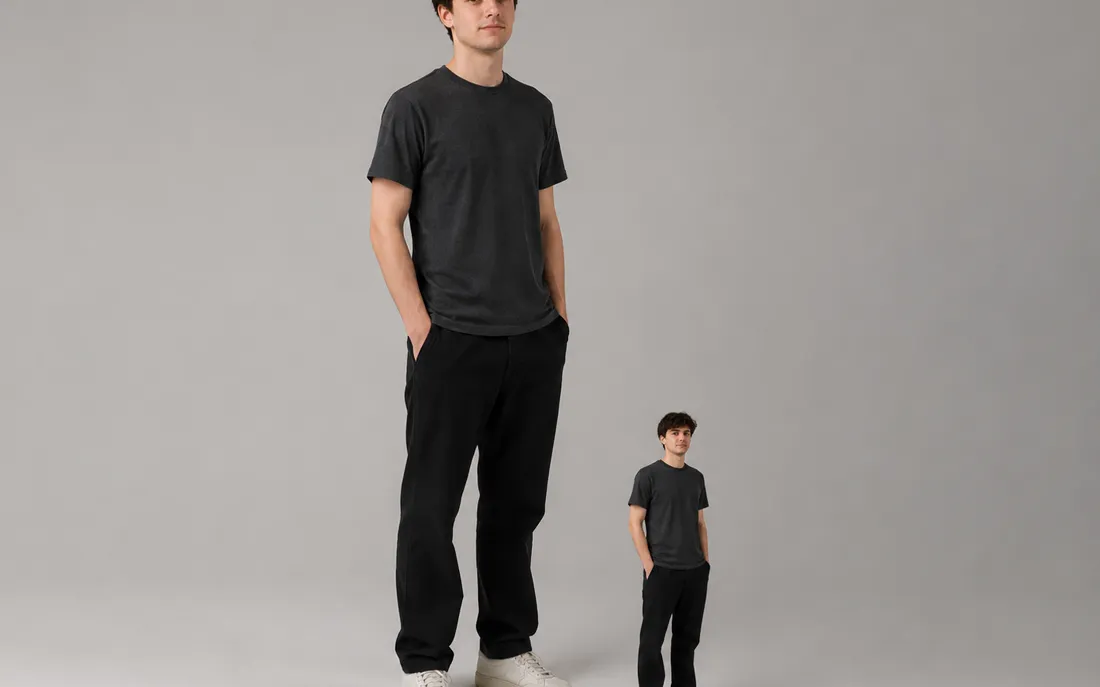
AI Mini Me Generator
Give the AI mini me generator a photo and it stands a pint-sized clone right beside you.
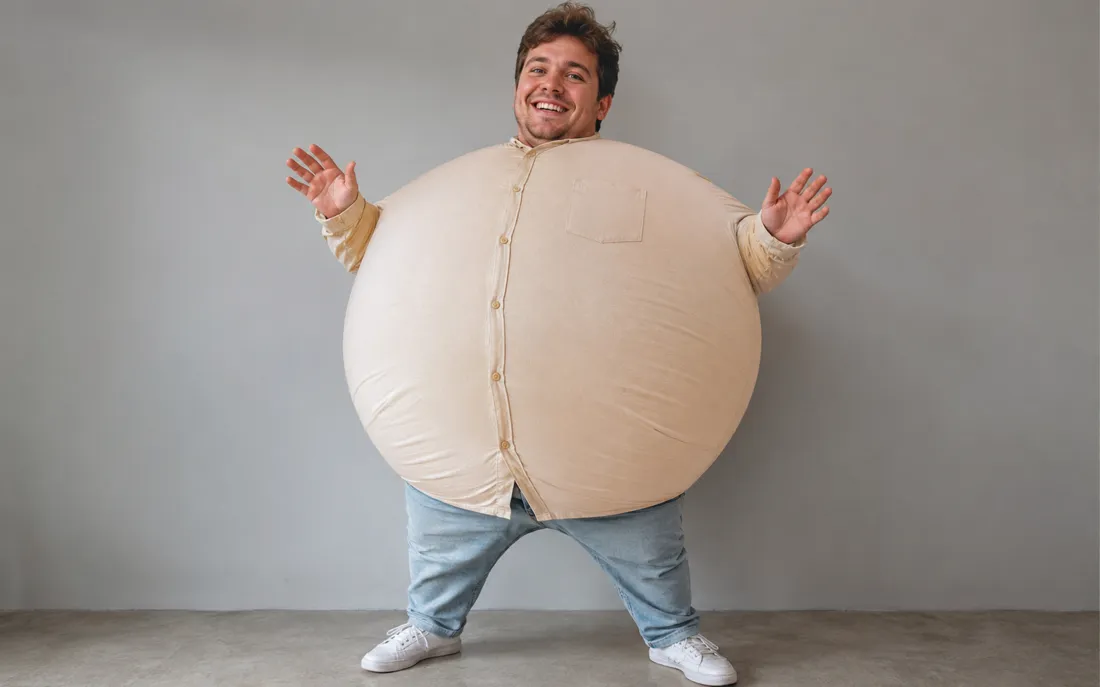
AI Inflate Effect
Pick one shot and the AI inflate effect puffs your subject up like a balloon.
AI Squish Effect
Hand the AI squish effect a photo and it gives the frame that oddly satisfying squish.
AI Explode Effect
Pop a single photo into a funny, scattering burst with the AI explode effect.

AI Flying Generator
The AI flying generator lifts one still photo off the ground and se…
AI Laughing Generator
A single still becomes a warm, genuine laugh through the AI laughing generator.
AI Baby Generator
Upload two parent photos and the AI baby generator blends both face…
Frequently asked questions
How does the AI aging generator work?⌄
Upload one clear photo and the AI aging generator reimagines your face decades older — or younger if you choose — keeping your features true, then animates it into a short reveal. It runs in two stages: first it ages the photo, then it brings the result to life as a 6-second video, all from a single upload.
Will it change or swap my face?⌄
No. The AI aging generator ages your actual photo rather than pasting on a different person. It's instructed to keep your bone structure, eye shape, smile and expression, then layer the years on, so the older or younger result still reads clearly as you.
Can it make me look younger too, not just older?⌄
Yes. The same AI aging generator works in both directions — pick Age Older to add decades or De-Age Younger to take years off. Many people run both from one photo to see their future and past selves side by side.
Do I need one photo or two?⌄
Just one. The AI aging generator is a single-photo effect — upload one clear, front-facing shot and it handles the whole transformation. A well-lit portrait that shows your full face gives the cleanest aging result.
What do I get at the end?⌄
You get a short 6-second vertical (9:16) MP4 of your aging reveal, exported with no ClipTrend watermark so it's ready for Reels, Shorts, stories or a quick share. Generation runs on credits, with a free allowance to start and pay-as-you-go after.
What photos work best for an aging result?⌄
Clear, well-lit, front-facing photos with your full face visible give the cleanest result. Avoid heavy filters, sunglasses or low light. JPG and PNG both work; an automated safety check runs on every upload, so keep photos tasteful and of a real person.
How long does it take, and how do credits work?⌄
Most clips render in well under a minute, often in a few seconds, and you watch the result appear right on the page. New accounts start with free credits so you can try the AI aging generator at no cost; each video uses a small, fixed number of credits shown beside the Generate button, then it's simple pay-as-you-go with no subscription.
Meet the older — and younger — you
Upload one photo, add decades or roll the clock back, and watch the reveal animate — watermark-free, no subscription, your face kept exactly.
Open the AI aging generator