
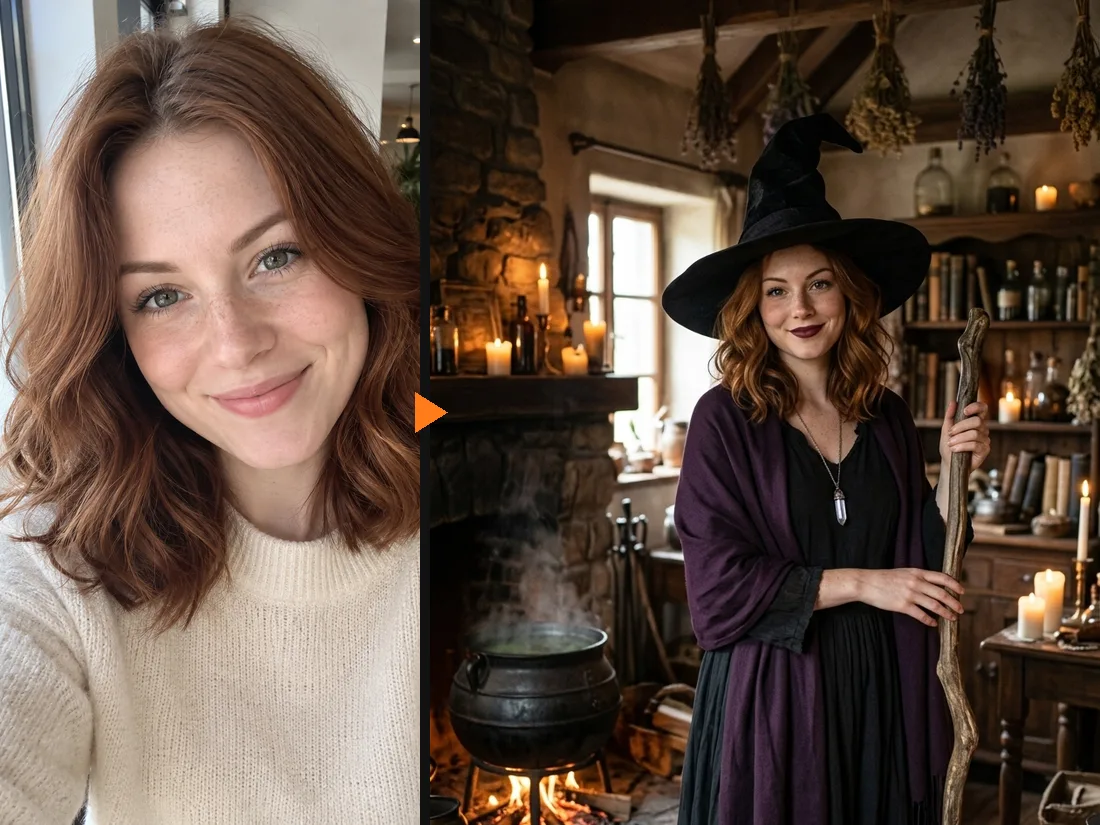
What AI Witch does to your photo
From everyday selfie to cottage witch
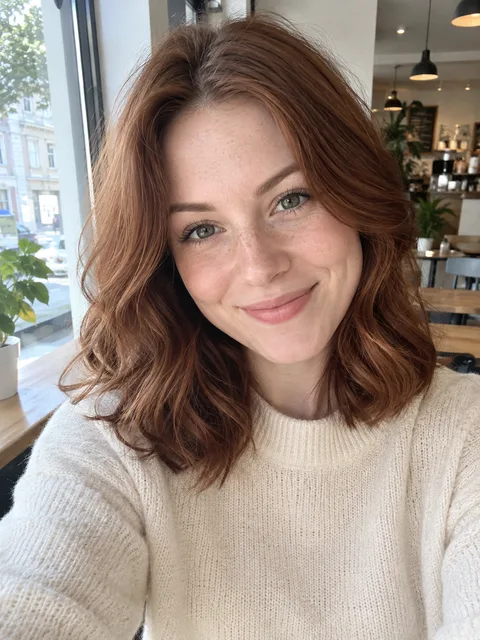
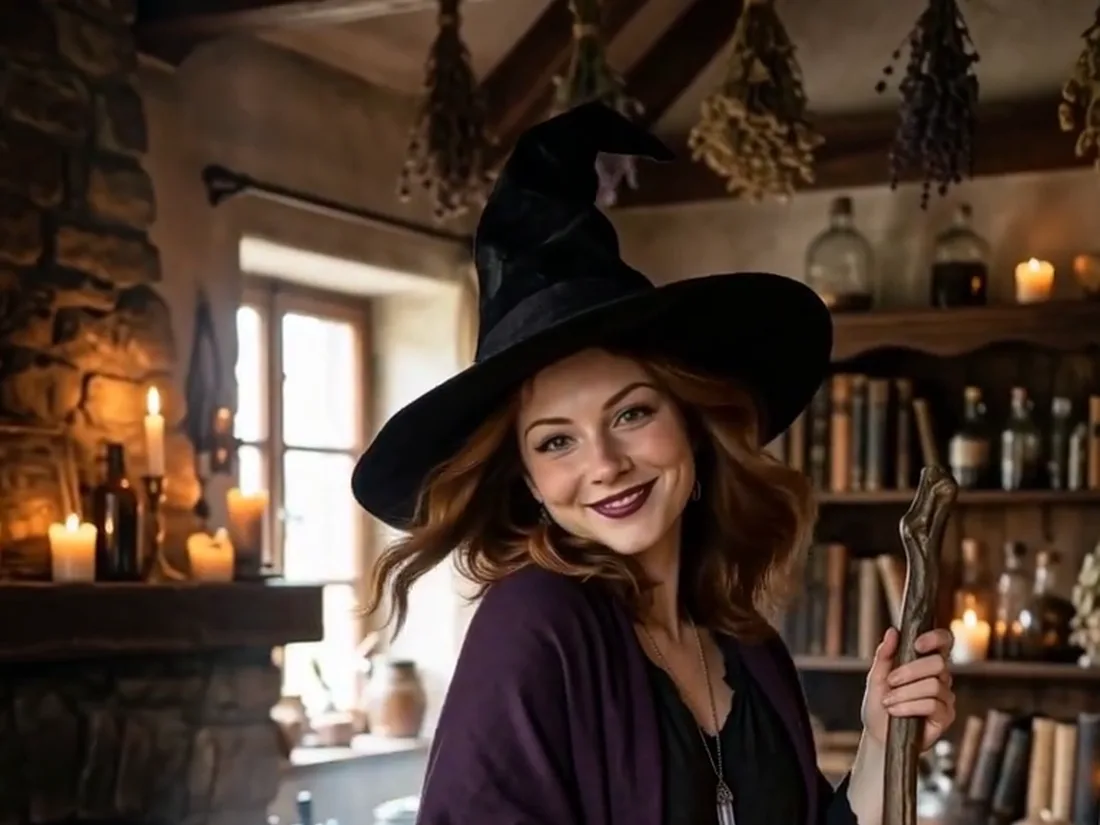
Most witch filters stick a cartoon hat on your head and stop there. AI Witch redraws the whole picture: a tall wide-brimmed hat, a long dark dress, a purple shawl, a crystal pendant and a broom in your hand, standing in a stone cottage lit by candles with a cauldron steaming by the fire. Your face, hair color and smile stay yours, so friends know it is you.
- ✓Hat, dress, broom, cauldron — the full costume and set in one tap
- ✓Your face stays visible — no mask, no face swap
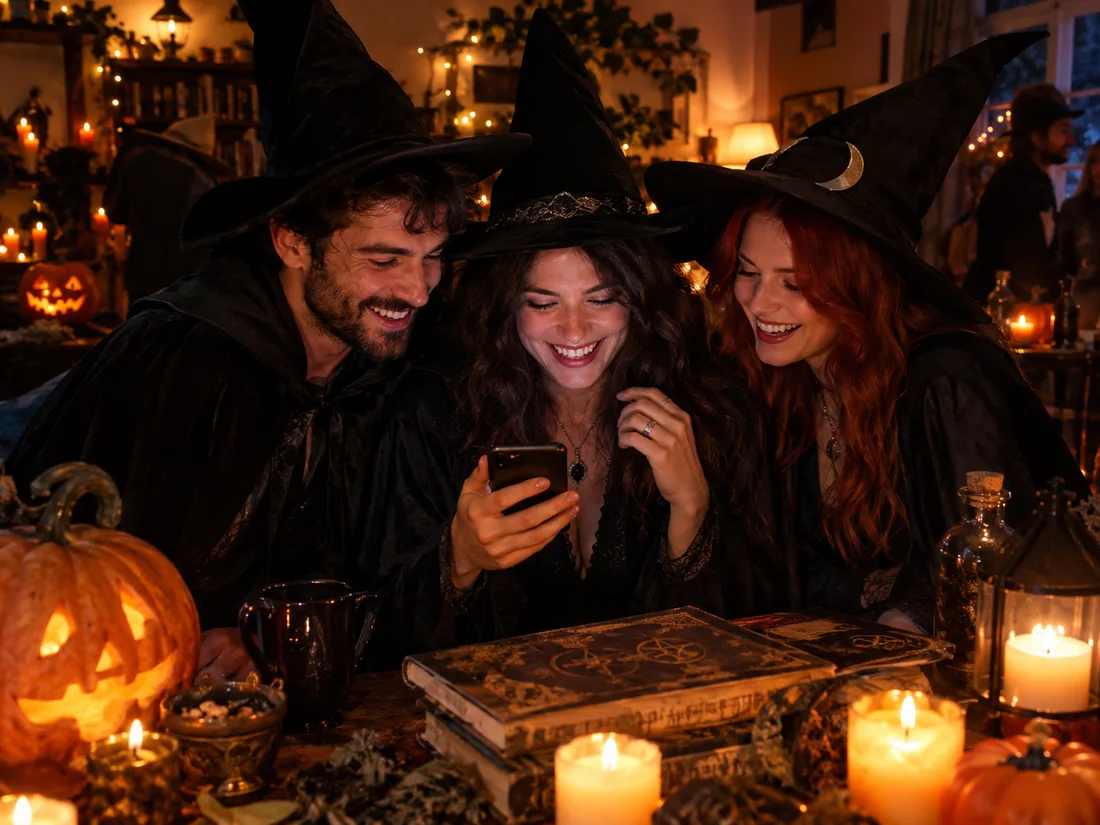
Hosting a witchy Halloween party? Make the invites
Run each guest through AI Witch and you have a matching coven for the group chat, the invitation or the costume vote. Someone already ordered a costume? Switch to Upload a costume and try that exact outfit on their photo instead of the preset.
- ✓One selfie per guest — the whole coven gets the same look
- ✓Bought a costume already? — upload a photo of it and try it on
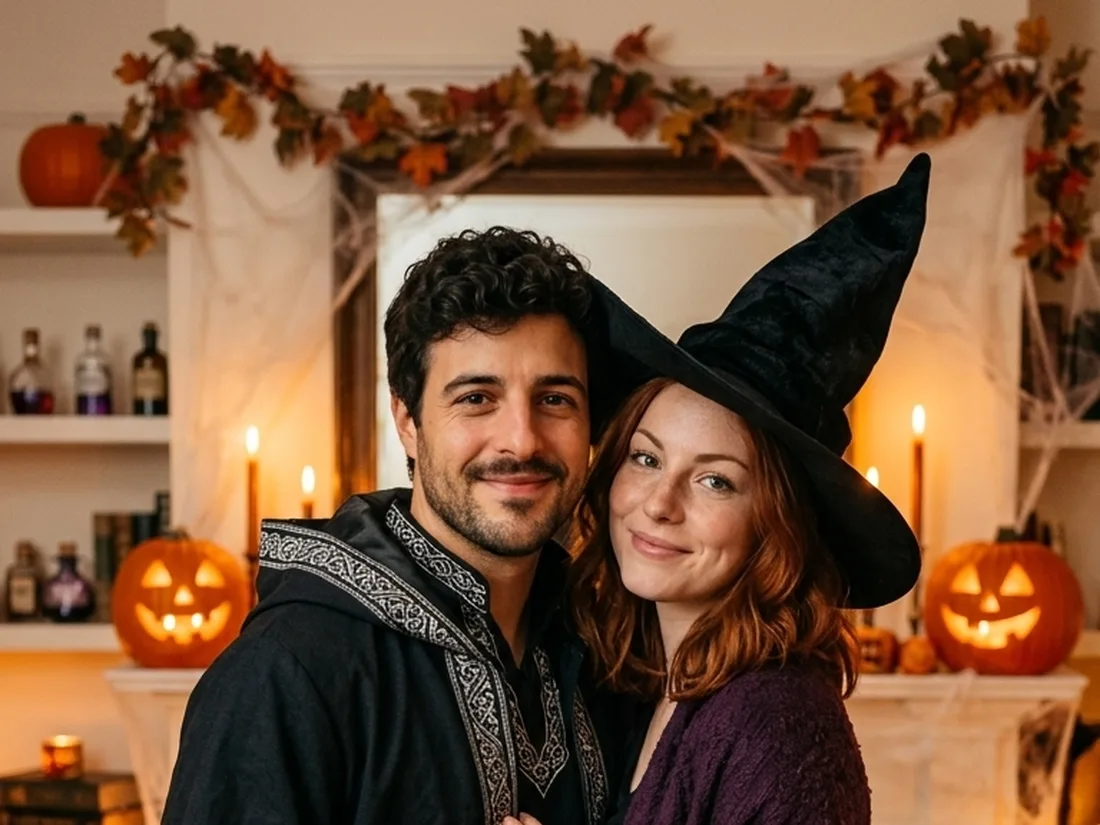
Two people? Make it a witch and warlock
Switch to 2 People and add a selfie of each of you. Person 1 becomes a warlock in a hooded robe with silver embroidery and a carved staff; Person 2 gets the witch hat, the long dress and the purple shawl, in a living room full of candles, pumpkins and spell books.
- ✓A selfie each — no photo of the two of you together needed
- ✓12 couple looks — witches, vampires, pirates and more
Turn your witch photo into a short video
Like the result? Make it move: candles flicker, steam rolls off the cauldron, the shawl stirs in a draft and you give the camera a knowing smile. Choose Standard (480p, 10 credits) or HD with sound (768p, 50 credits). A witch photo costs 20 credits, and new accounts get free credits to start.
- ✓Vertical clip — sized for Reels, TikTok and Stories
- ✓No watermark — download the photo and the video
One person or two?
The same witch filter works for one person or a pair. Pick the mode at the top of the tool.
1 Person — AI Witch
Just your selfie.
When to use it
For your own witch photo, a profile picture or a party invite.
What it produces
A picture of you as a witch in a candlelit cottage, then an optional short video.
- ✓Hat, dress, shawl and broom
- ✓Cottage with a bubbling cauldron
- ✓Head-and-shoulders or full-body photos
- ✓11 more Halloween filters to try
- ✓Optional video
2 People — witch and warlock
A selfie each.
When to use it
For a couples costume idea, a duo post or a party invite.
What it produces
A picture of you as a warlock and a witch, then an optional short video.
- ✓Both faces kept
- ✓Person 1 is the warlock, on the left
- ✓Works for friends and siblings
- ✓11 more couple looks
- ✓Same price as one person
AI Zombie Generator
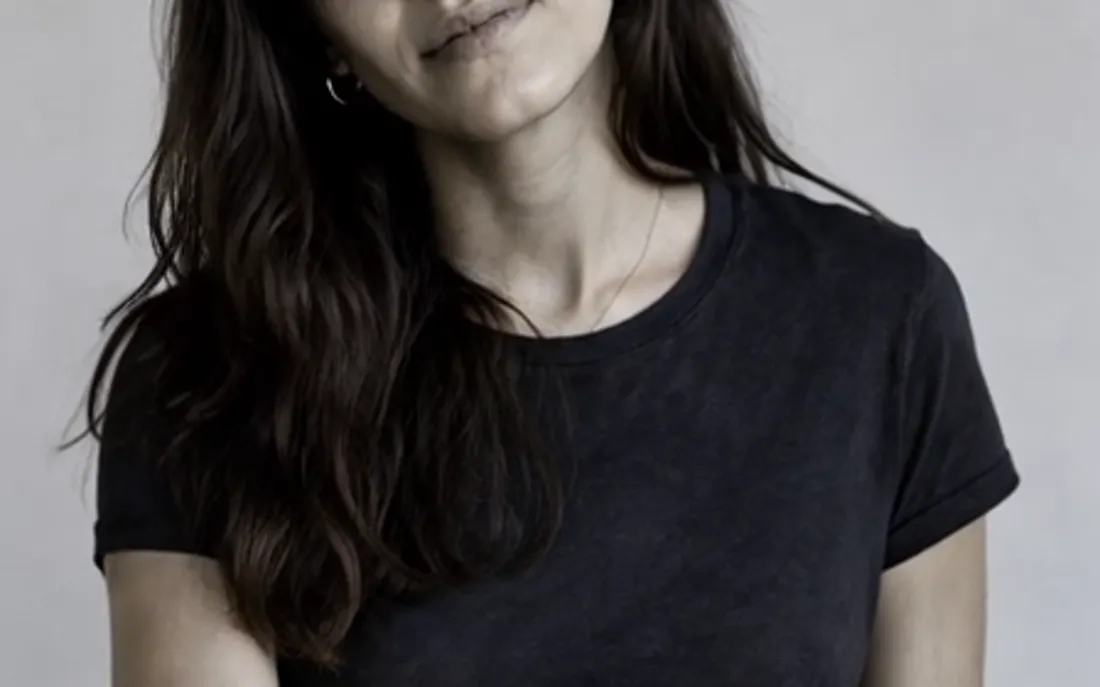
The AI zombie generator turns one photo into a Halloween zombie video
AI Zombie Video
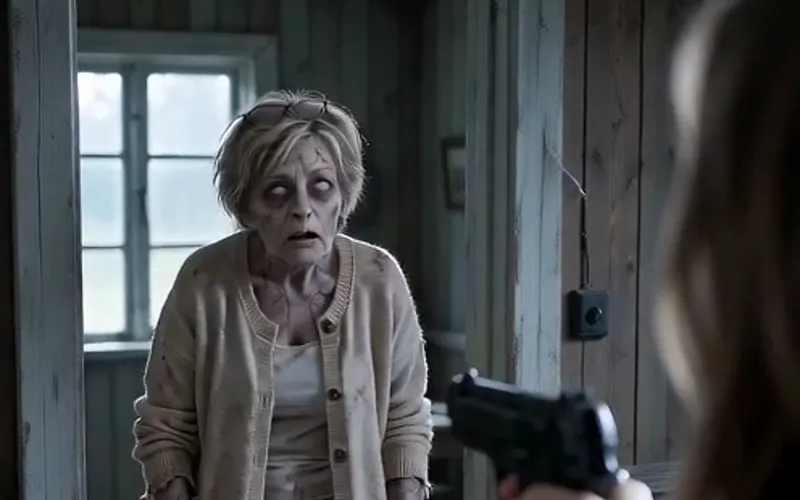
The viral AI zombie video trend: a zombie leap that ends in a wheat-field hug
AI Costume Generator
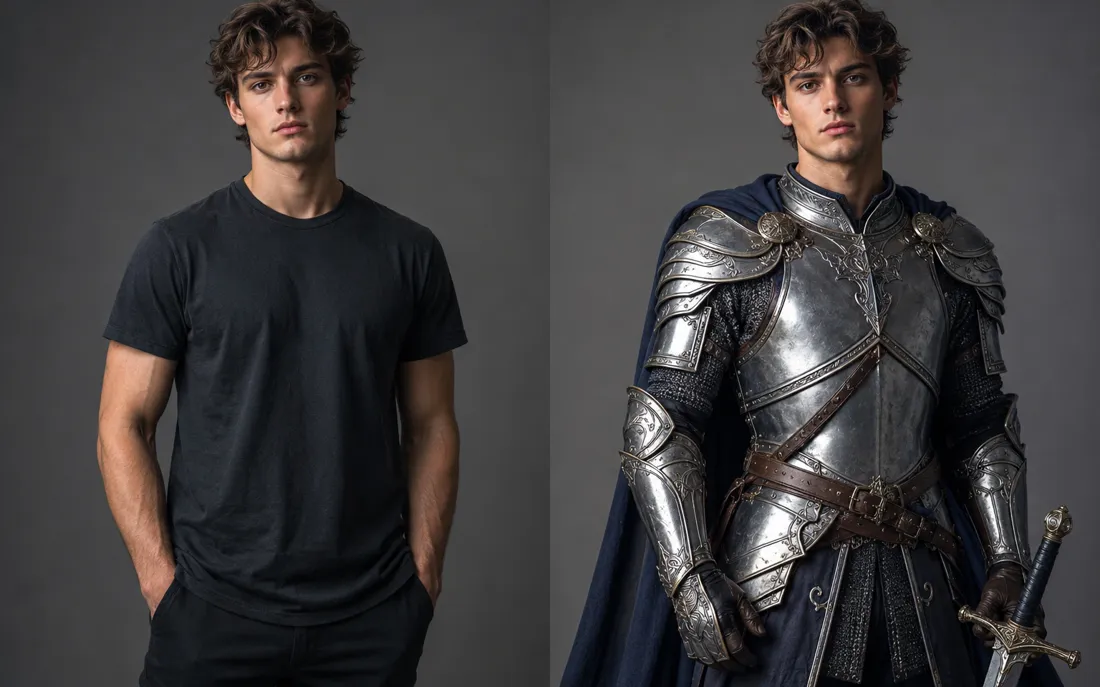
The AI costume generator dresses you up from a single photo
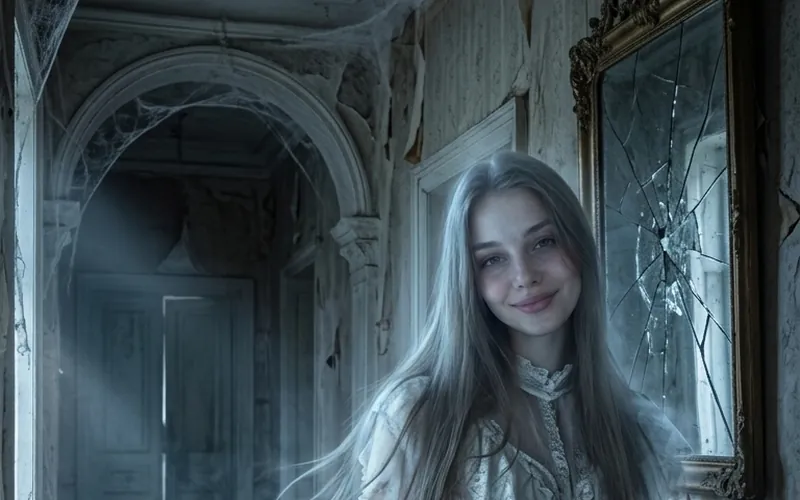
AI Ghost
AI Ghost turns your photo into a glowing ghost
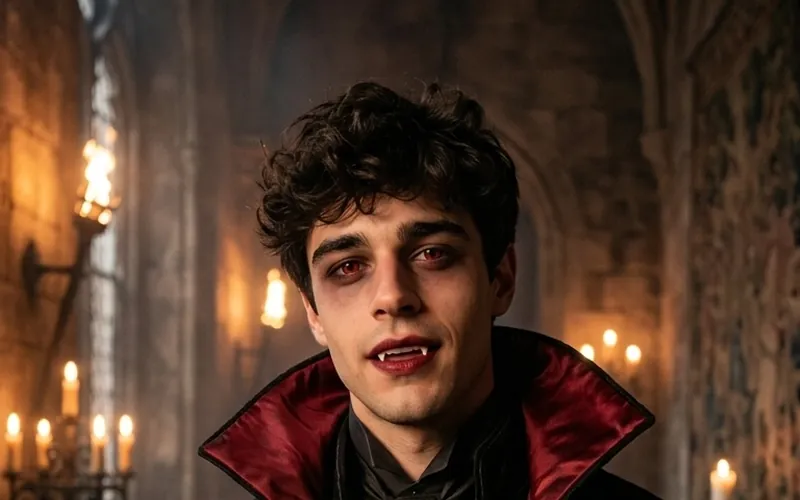
AI Vampire
AI Vampire turns your photo into a vampire
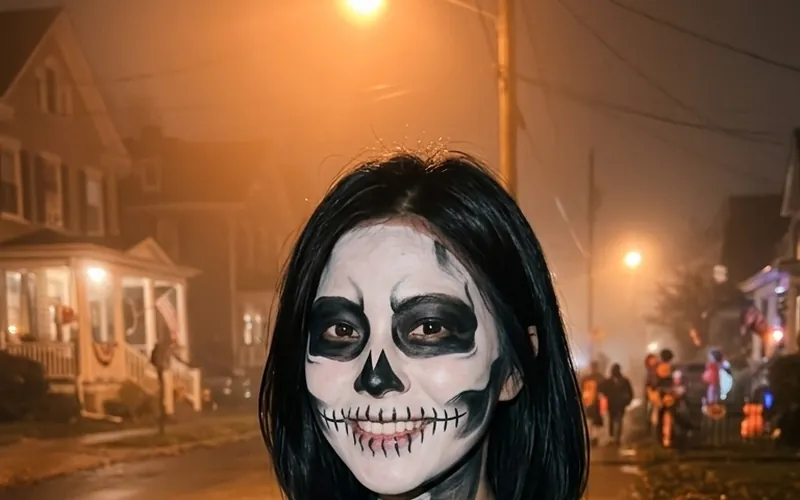
AI Skeleton
AI Skeleton paints skull face paint on your photo

AI Pirate
AI Pirate turns your photo into a pirate captain
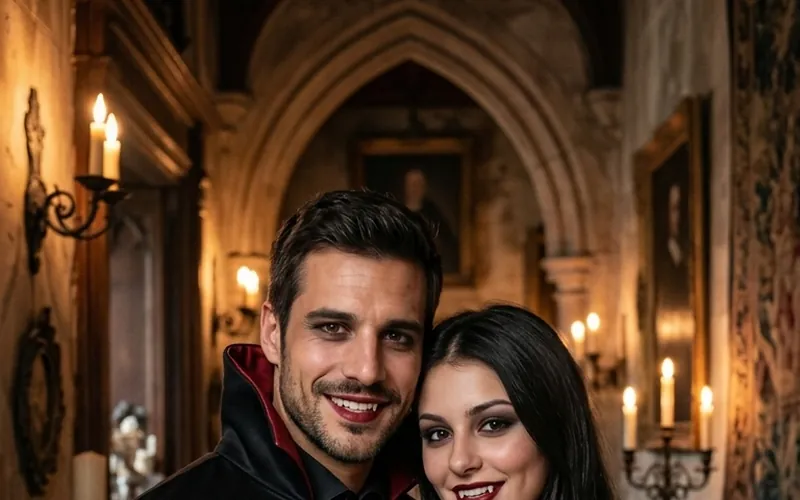
Couples Halloween Costumes
Try couples Halloween costumes on you both from two photos
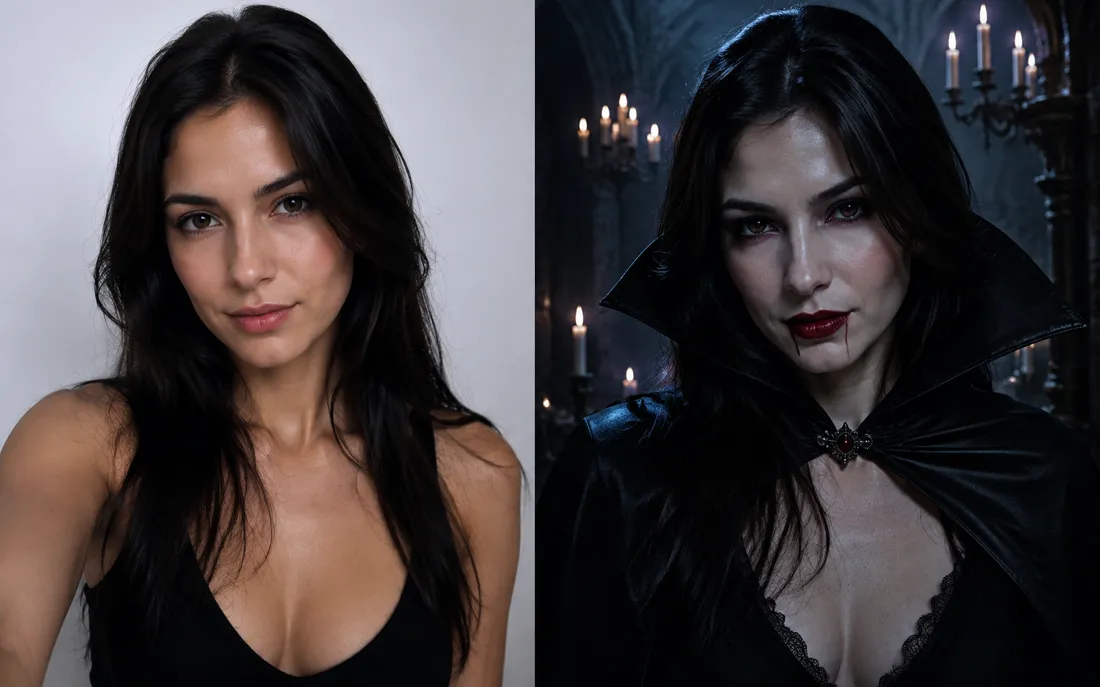
AI Halloween Generator
One regular selfie is enough to throw you into a vampire, witch or ghoul costume for the night.
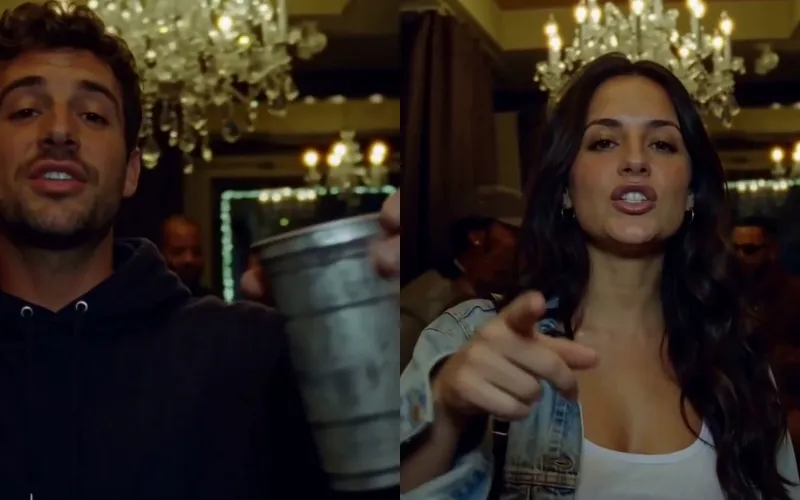
Burning Bridges AI
Put yourself in the viral Burning Bridges party clip from one photo.
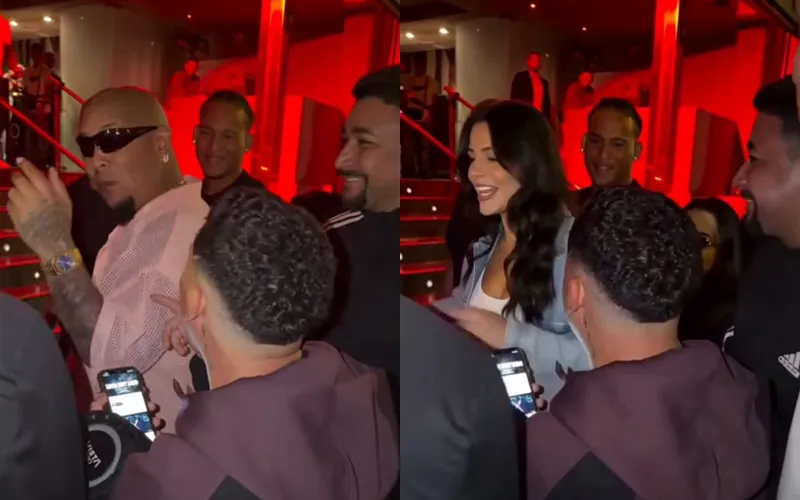
Bulin 47 AI
Put yourself in the viral Bulin 47 freestyle from one photo.
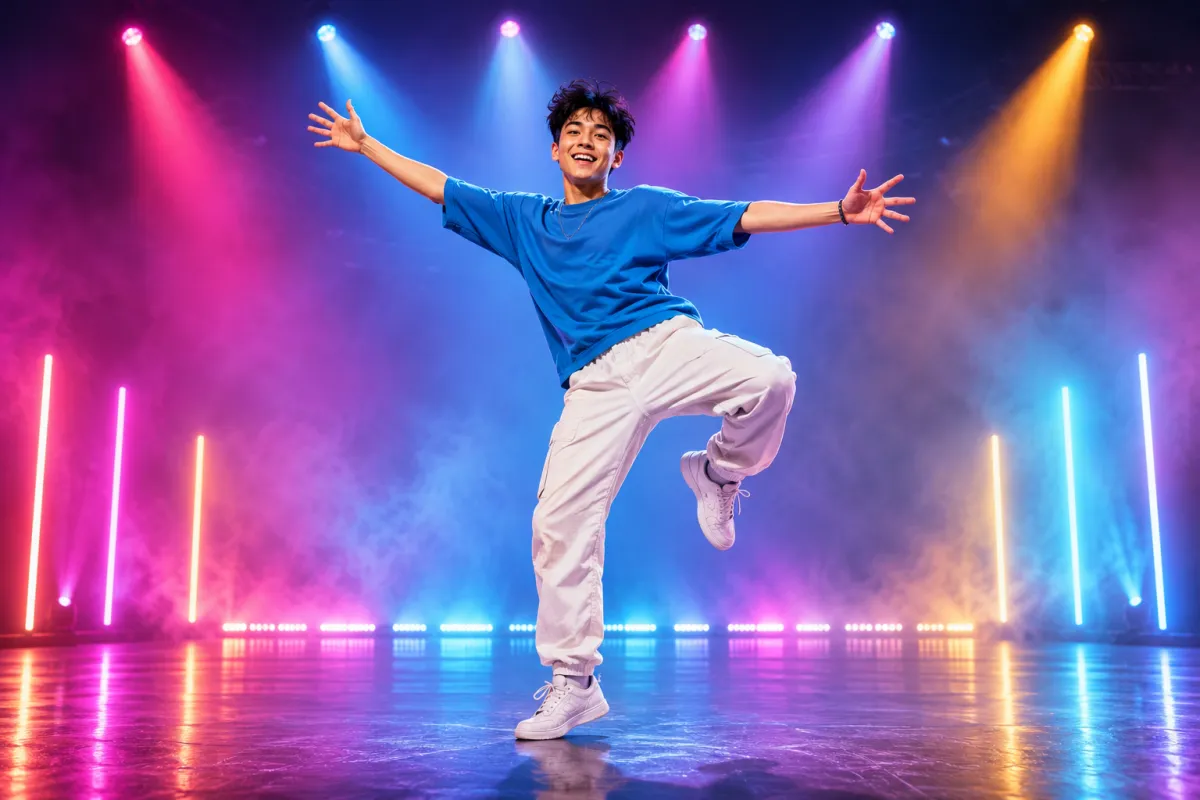
AI Dance Generator
Turn one photo into an energetic dance video.
Frequently asked questions
What is AI Witch?⌄
AI Witch is an online witch filter that dresses the person in your photo as a classic witch: a tall black hat, a long dark dress, a purple shawl and a broom, in a cottage with candles and a cauldron. Upload a selfie, tap Generate Image and the picture is ready in about a minute.
Will it change my face or turn me into an old hag?⌄
No. The witch look comes from the hat, the clothes, the makeup, the props and the room. Your face, age and hair stay the same, so it still looks like you.
Can my partner be the warlock?⌄
Yes. Pick 2 People and upload a selfie of each person. Person 1 becomes the warlock on the left and Person 2 the witch on the right. You do not need a photo of the two of you together.
Can I try a different Halloween look?⌄
Yes. The same tool has 12 single looks, including ghost, vampire, skeleton, zombie and pirate, plus 12 couple looks. You can also upload a photo of a costume you want to buy or describe any costume in words.
Can I turn the witch photo into a video?⌄
Yes. After the photo is ready, make a 5-second clip: Standard at 480p for 10 credits, or HD at 768p with sound for 50 credits. The video is vertical, so it fits Reels, TikTok and Stories.
How much does AI Witch cost?⌄
A witch photo costs 20 credits. New accounts start with free credits, and downloads have no watermark.
Try AI Witch
One selfie, one tap, and you are the witch of the cottage. Keep the photo, or turn it into a short clip by the cauldron.
Turn my photo into a witch