
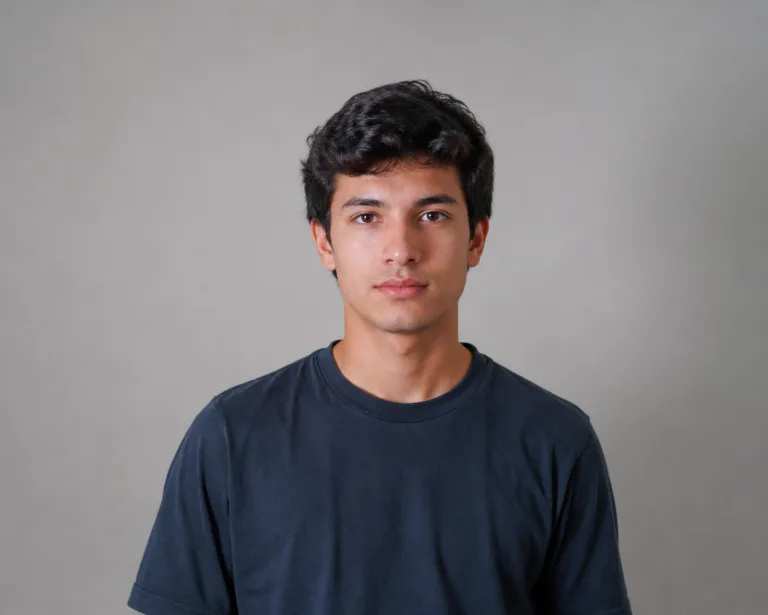
A photo that squishes, bounces and makes people watch twice
One photo, squished and bouncing
The AI squish effect takes a single still photo and gives it that oddly satisfying squeeze — your subject compresses, rounds out and springs back like soft jelly, all on its own. There's nothing to film and no editing app to learn. Upload one picture, hit generate, and the squish-and-bounce is animated for you in seconds. It's the same goofy, satisfying trend you keep scrolling past, made from your own shot.
- ✓One photo in, a squish out — no recording, no frame-by-frame editing
- ✓Satisfying squash and bounce — real compress-and-spring motion, not a flat wobble
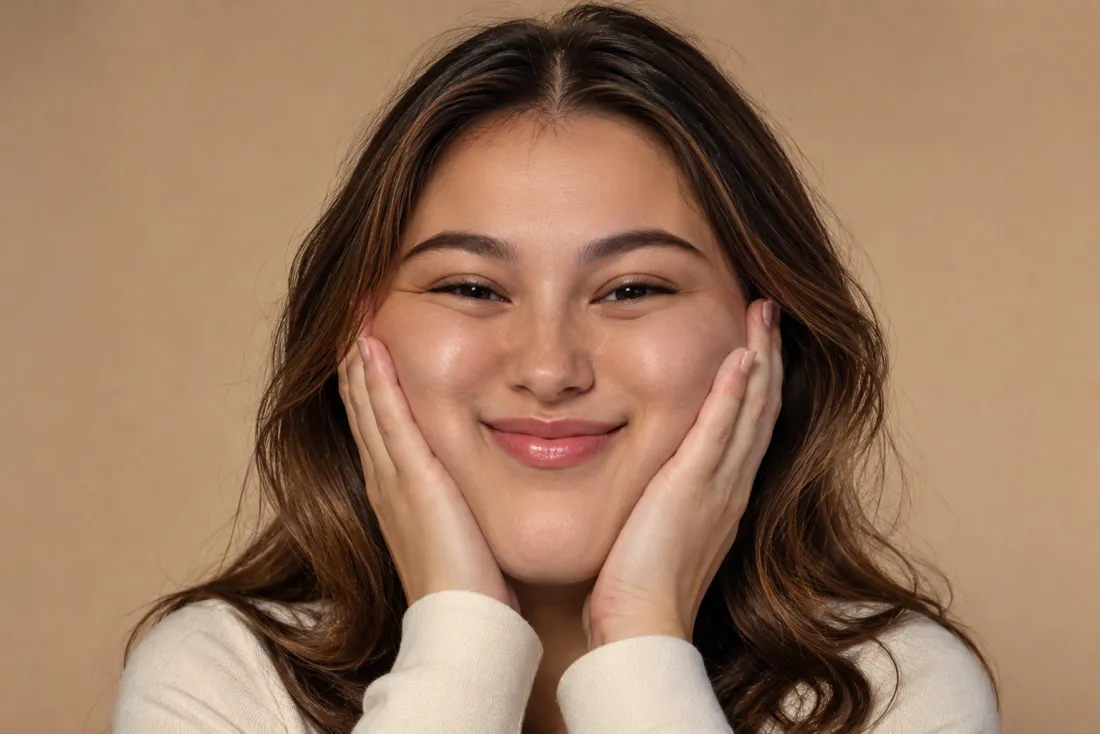
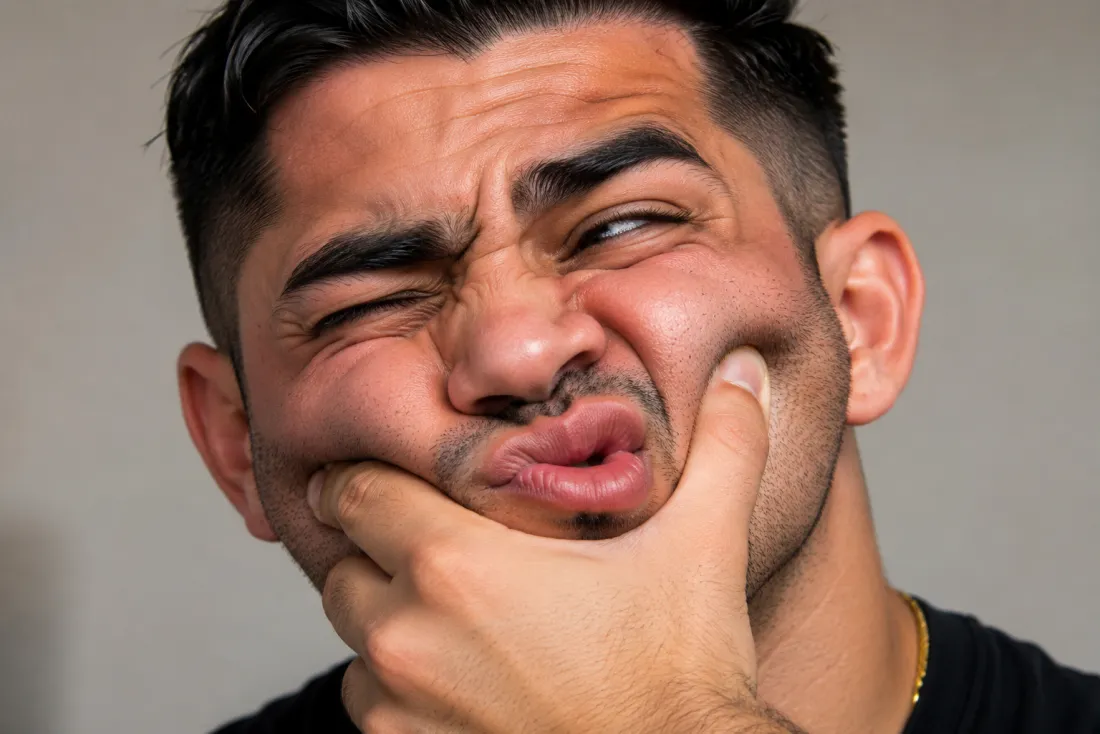
Still you, just squished
It still reads as the real you under all that squashing. The AI squish effect references your face straight from your uploaded photo and keeps your face, hairstyle, skin tone and outfit true, so the clip stays clearly recognizable while it stretches and snaps back. No face swap, no morphing into a stranger or a cartoon — just your own photo having a bit of fun.
- ✓No face swap, no morphing — your face is pulled straight from your photo
- ✓Outfit and setting kept — only the squish motion is layered on top
The squeeze-and-spring that loops perfectly
What makes this one fun is the snap. Your subject pinches in, rounds out, then bounces back with real elastic give — the kind of motion that's weirdly hard to stop watching. The AI squish effect tunes that timing so the compress and release feel springy and alive, whether you upload a tight selfie or a full standing shot. It's built for the meme, not a stiff zoom.
- ✓Elastic give — a real squeeze and spring, not a slow stretch
- ✓Made to loop — the bounce reads great as a quick repeating clip
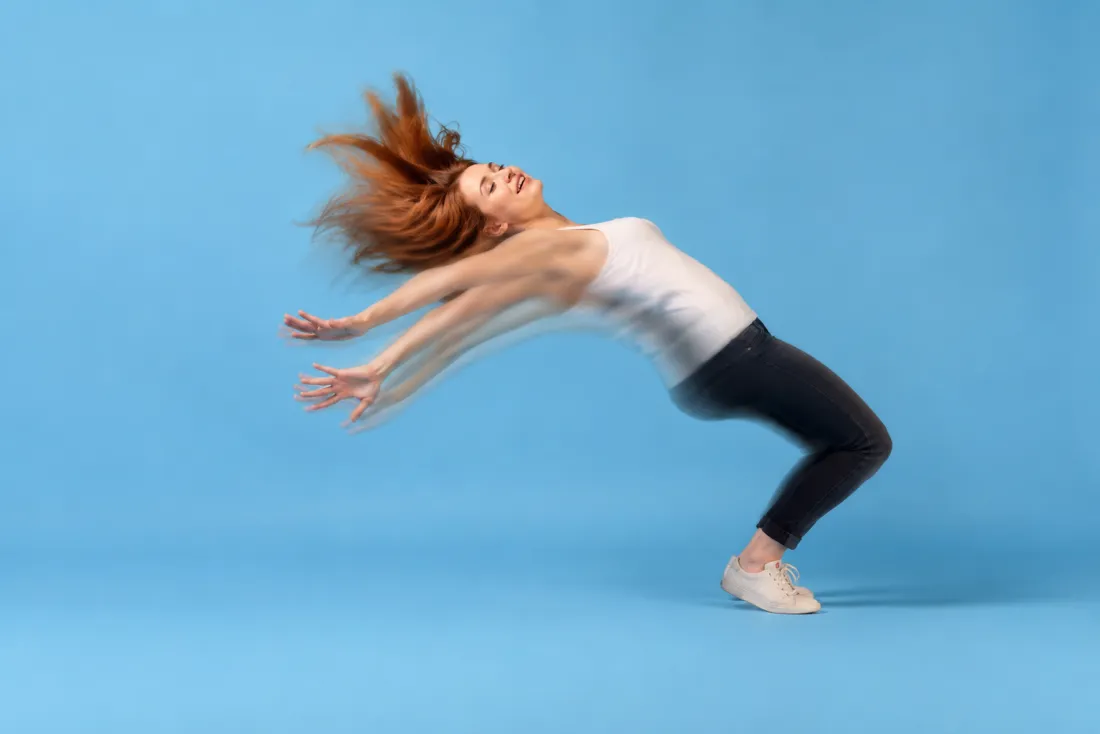
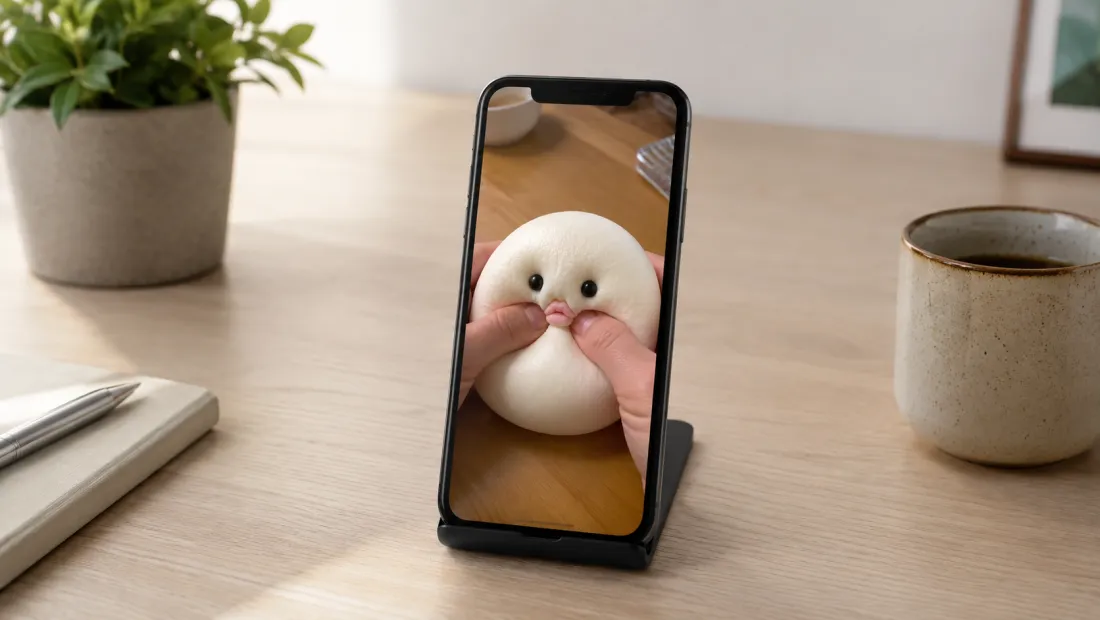
A clean vertical clip for Reels & TikTok
Out comes a short 6-second, 9:16 vertical MP4 of your squish, exported with no ClipTrend watermark. It's sized for Reels, Shorts, TikTok and stories, so you can drop it straight into the trend or fire it off to a friend. New accounts start with free credits, so you can try the AI squish effect before spending anything.
- ✓Vertical 9:16 MP4 — a 6-second clip sized for Reels, Shorts and stories
- ✓No watermark — a clean file you can post or send anywhere
Which photo should you upload?
The AI squish effect works from a single photo — the only choice is how much of you it squishes.
Upper-body photo
A quick selfie or portrait squishes great.
When to use it
When you want the fastest result and the squish mainly on the face and shoulders — perfect for a goofy reaction clip.
What it produces
Pinches and bounces your face and shoulders while your features stay recognizable, the quickest path to a shareable squish.
- ✓Fastest way to a squish clip
- ✓Best for selfies and head-and-shoulders shots
- ✓Puts the bounce right on your face
- ✓Your face and expression kept true
- ✓Ideal for a quick, funny post
Full-body photo
Show your whole frame for a bigger squish.
When to use it
When you want the whole subject to compress and spring — a head-to-toe squash that exaggerates the bounce.
What it produces
Squishes your entire frame into a satisfying compress-and-release while keeping your face, outfit and pose true to the photo.
- ✓Best for a dramatic, full-frame squish
- ✓Captures a head-to-toe squash and bounce
- ✓Great for a standing or full-length shot
- ✓Your face, hairstyle and outfit kept exactly
- ✓Ideal for an over-the-top meme clip
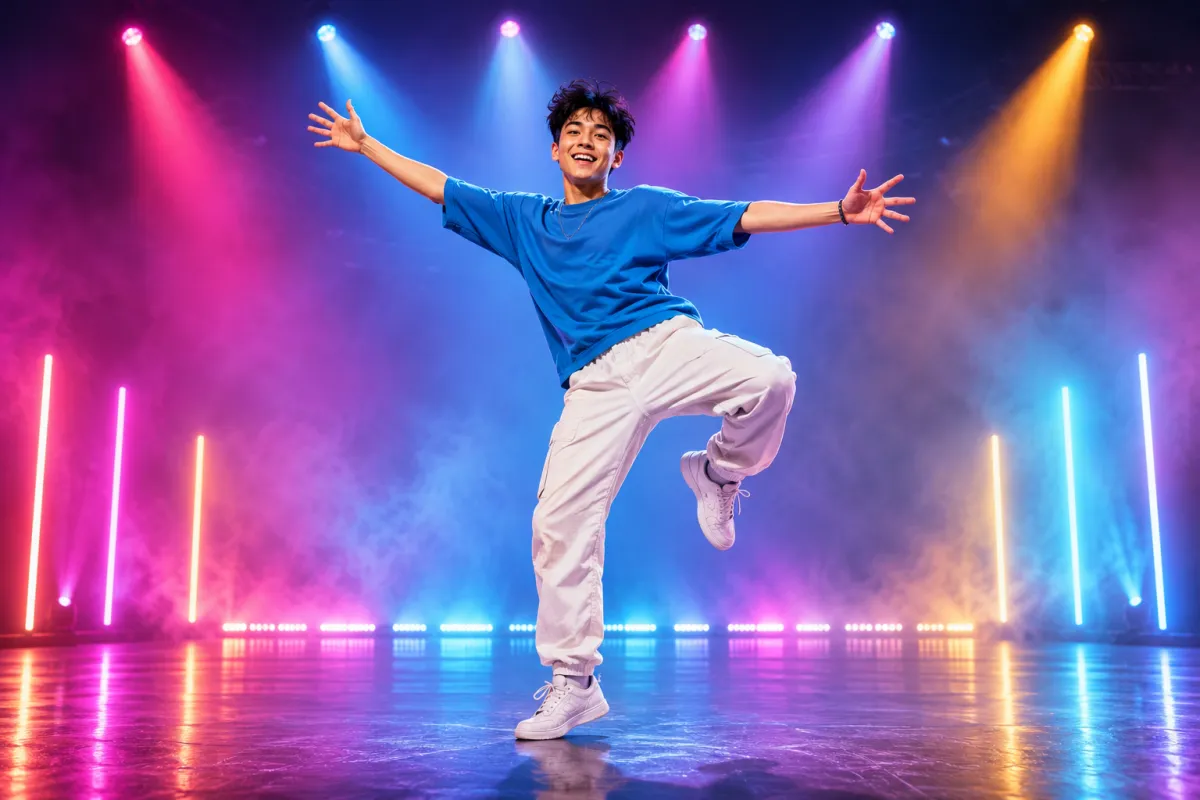
AI Dance Generator
Turn one photo into an energetic dance video.
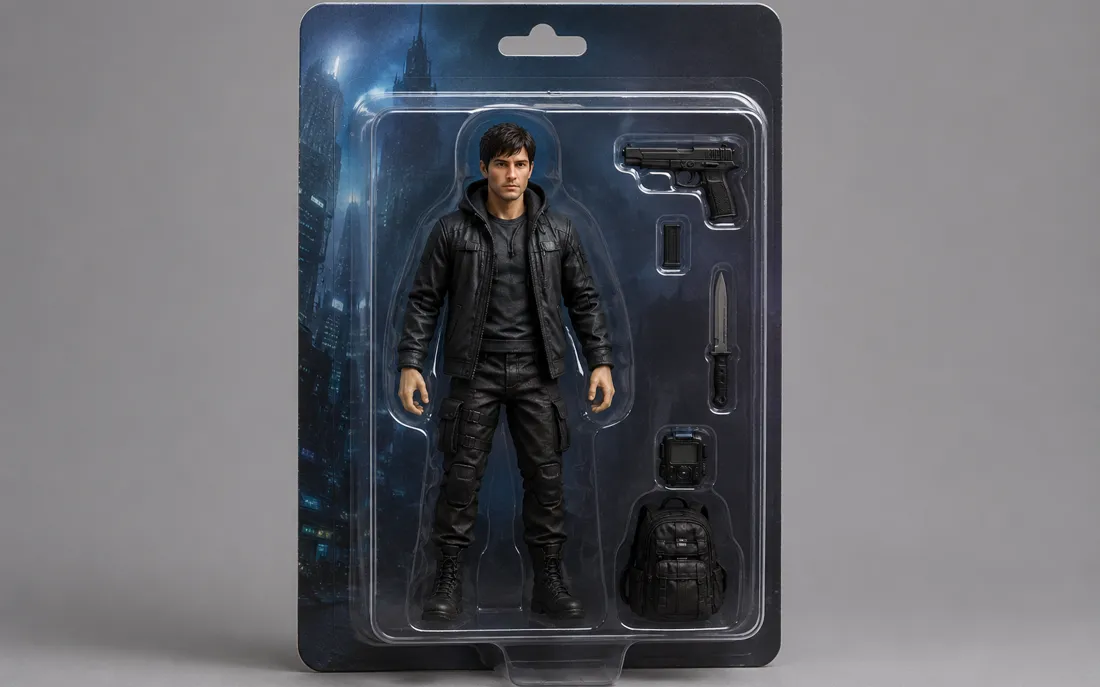
AI Action Figure Generator
The AI action figure generator turns one photo into a boxed collect…

AI Pregnant Generator
The AI pregnant generator adds a believable, fully clothed baby bum…
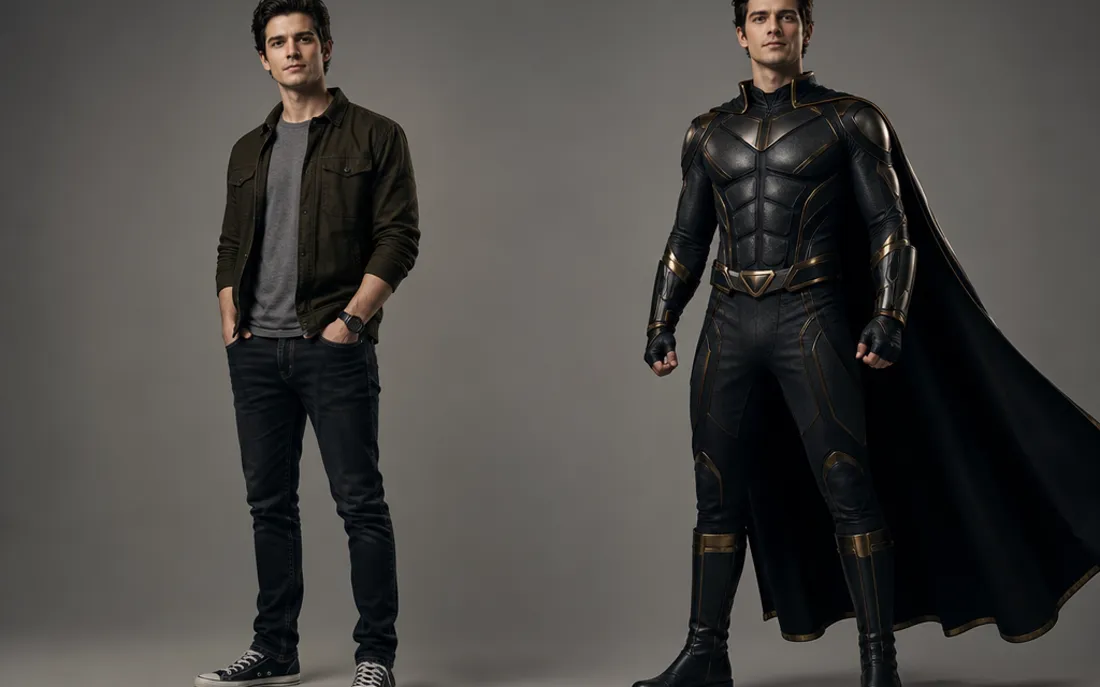
AI Superhero Generator
One ordinary photo is all it takes to suit you up in full cinematic superhero armor.
AI Costume Generator
The AI costume generator dresses you up from a single photo
AI Aging Generator
Feed a single photo to the AI aging generator and see yourself decades older, or years younger.
AI Mini Me Generator
Give the AI mini me generator a photo and it stands a pint-sized clone right beside you.
AI Inflate Effect
Pick one shot and the AI inflate effect puffs your subject up like a balloon.
AI Explode Effect
Pop a single photo into a funny, scattering burst with the AI explode effect.
AI Flying Generator
The AI flying generator lifts one still photo off the ground and se…
AI Laughing Generator
A single still becomes a warm, genuine laugh through the AI laughing generator.
AI Baby Generator
Upload two parent photos and the AI baby generator blends both face…
Frequently asked questions
How does the AI squish effect work?⌄
Upload one clear photo and the AI squish effect animates it into a short clip where your subject squeezes, rounds out and bounces back like soft jelly. There's nothing to film and no editing app — pick a photo, press generate, and watch the squish appear right on the page.
Will it change or swap my face?⌄
No. It references your face from your own uploaded photo and keeps your face, hairstyle, skin tone and outfit true while only the squish motion is added. It stays the real you, not a face swap or a different person. An automated safety check runs on uploads before anything is generated.
Do I need one photo or more?⌄
Just one. The AI squish effect is a single-photo effect — upload one clear, front-facing shot and it handles the whole squish. An upper-body selfie puts the bounce on your face; a full-body photo gives a bigger, head-to-toe squash.
What do I get, and is it watermarked?⌄
You get a short 6-second vertical (9:16) MP4 of your squish, exported with no ClipTrend watermark, so it's ready for Reels, Shorts, stories or a quick share. Generation runs on credits, with a free allowance to start and pay-as-you-go after.
What photos work best for a squish video?⌄
Clear, well-lit, front-facing photos give the springiest result. A close upper-body shot focuses the squish on your face; a full-body shot squashes your whole frame. JPG and PNG both work — blurry, tiny or heavily filtered photos can lower the result quality.
Can I squish my pet or a group photo?⌄
The AI squish effect is tuned for a single subject, and that's where the bounce looks cleanest. A clear solo photo gives the most satisfying squish; pets and group shots can work but results vary. For the best clip, start with one well-lit subject.
How long does it take, and how do credits work?⌄
Most clips render in well under a minute, often in a few seconds, and you can watch the result appear on the page. New accounts start with free credits so you can try the AI squish effect at no cost; each video uses a small, fixed number of credits shown beside the Generate button, then it's simple pay-as-you-go with no subscription.
Squish your photo into a clip in seconds
Upload a single photo, get a funny squish-and-bounce video — watermark-free, no subscription, your face kept exactly.
Open the AI squish effect