
Wan AI video generator with end-frame control
Wan AI image to video: pin the first and last frame
Upload a start photo, and optionally a closing photo, and Wan AI builds the motion in between — the Wan 2.7 image-to-video lane is set up for first-and-last-frame control. Wan AI lets you define exactly where a clip begins and ends instead of guessing what the model will drift toward, the kind of determinism the Wan 2.5 generation couldn't promise on its own.
- ✓Start + end frame — set the opening and closing shot, Wan AI fills the in-between motion
- ✓Up to 1080p — watermark-free MP4 from Wan image to video, 720p or 1080p output
- ✓Deterministic framing — land on the exact pose, product angle, or logo reveal you need
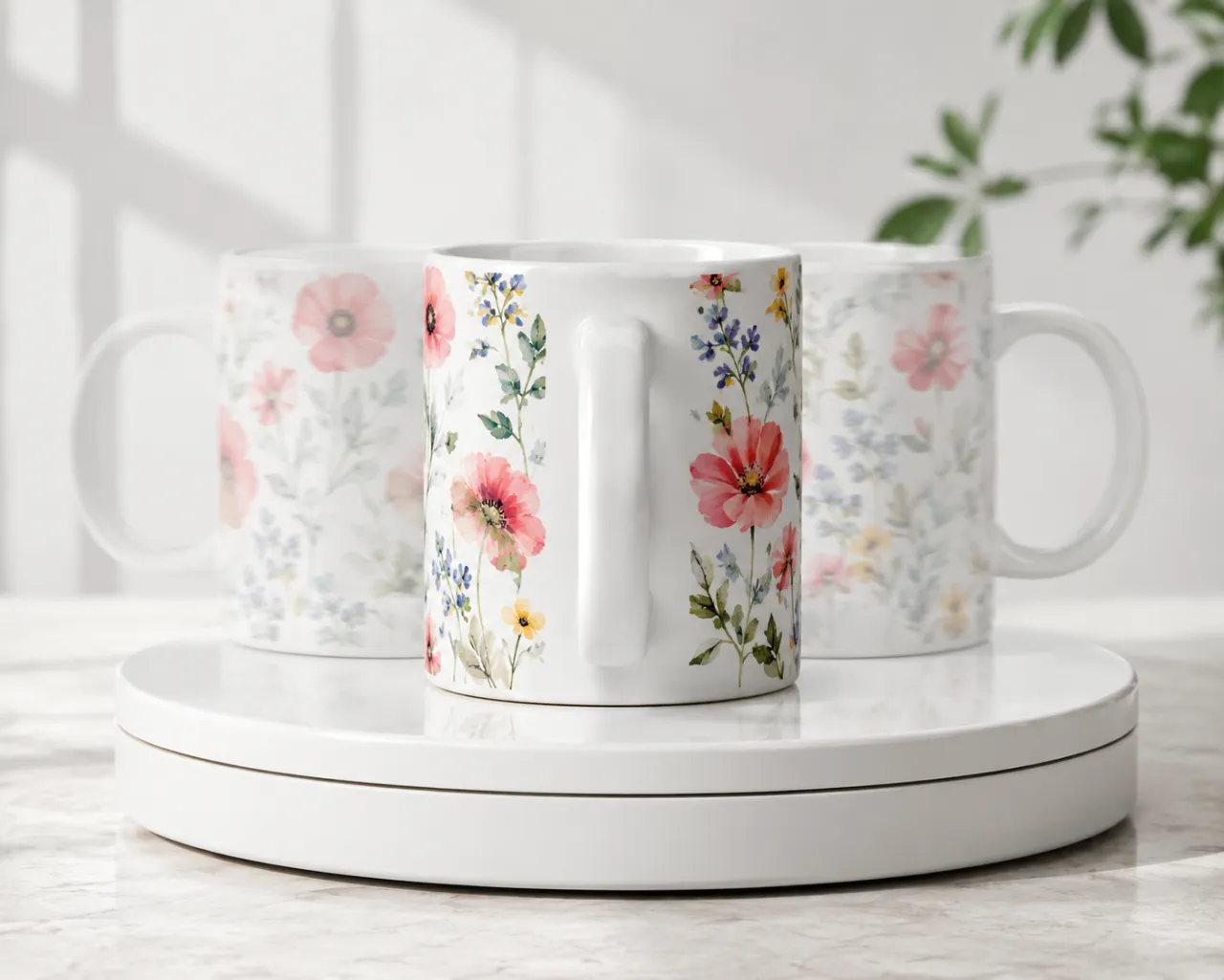
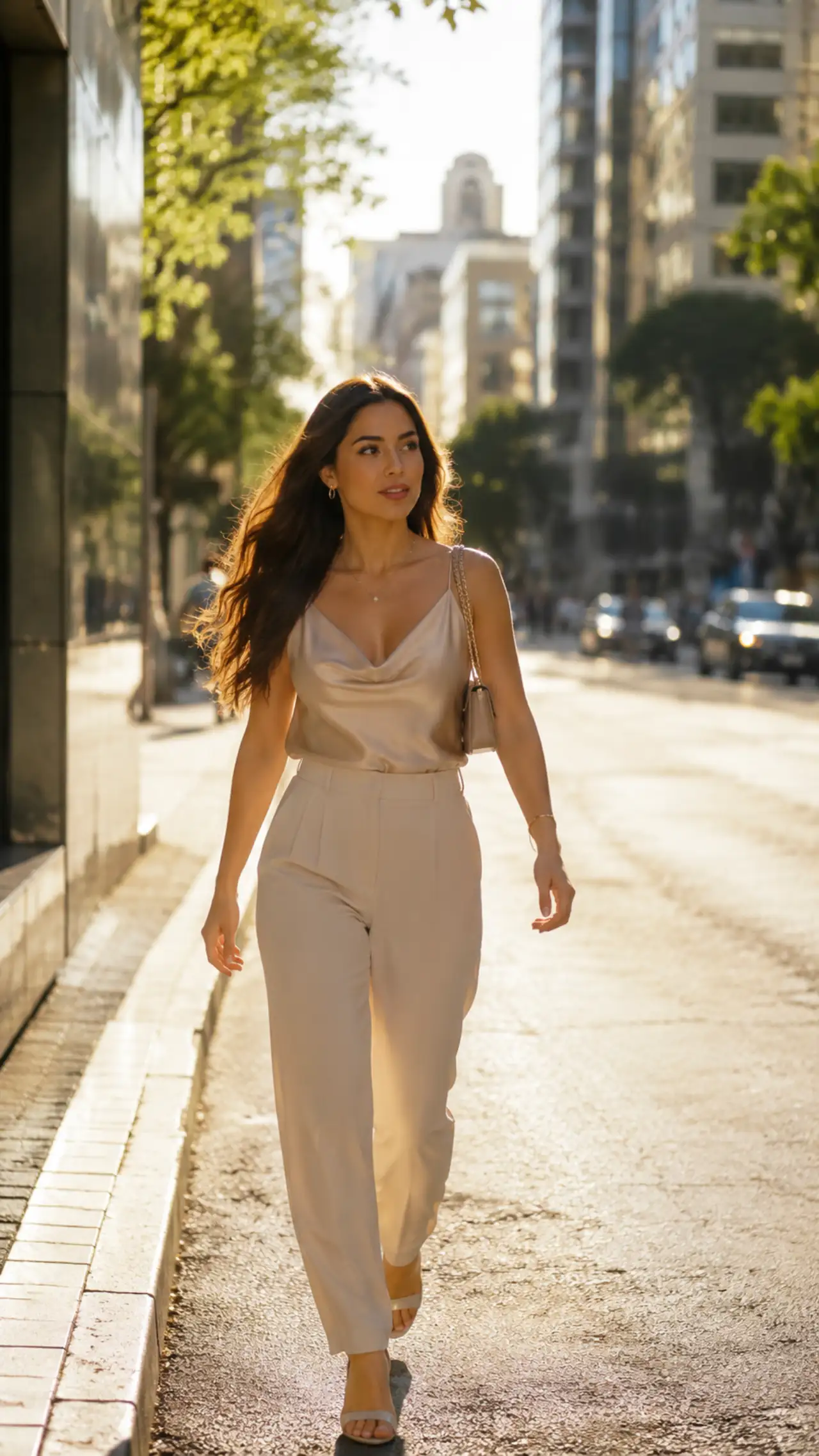
Generate 5, 10, and 15-second clips with Wan AI
The Wan AI video generator runs at 5, 10, or 15 seconds in a single pass — a full 15s top end that most budget tiers can't reach. Build a complete vertical scene with a beginning, middle, and payoff without stitching two short clips together, whether you generate on the latest Wan 2.7 or stay on Wan 2.5.
- ✓15s in one pass — room for a real beat, not a 4-second loop
- ✓Built-in audio — Wan AI text-to-video carries native audio for ambience and effects
- ✓5 aspect ratios — 16:9, 9:16, 1:1, 4:3, 3:4 on text-to-video, no re-crop
Drive Wan AI motion from reference images and clips
The Wan AI family includes a reference-to-video lane that builds a clip from reference images and videos — feed it the look you want and let the model carry that identity through motion. It's useful when a written prompt can't fully capture a character, style, or product, and it pairs naturally with the Wan image to video flow.
- ✓Image & video references — guide the Wan AI output with assets, not just words
- ✓2–10s reference clips — short, controlled takes from your own material
- ✓Consistent identity — hold a look across the generated motion
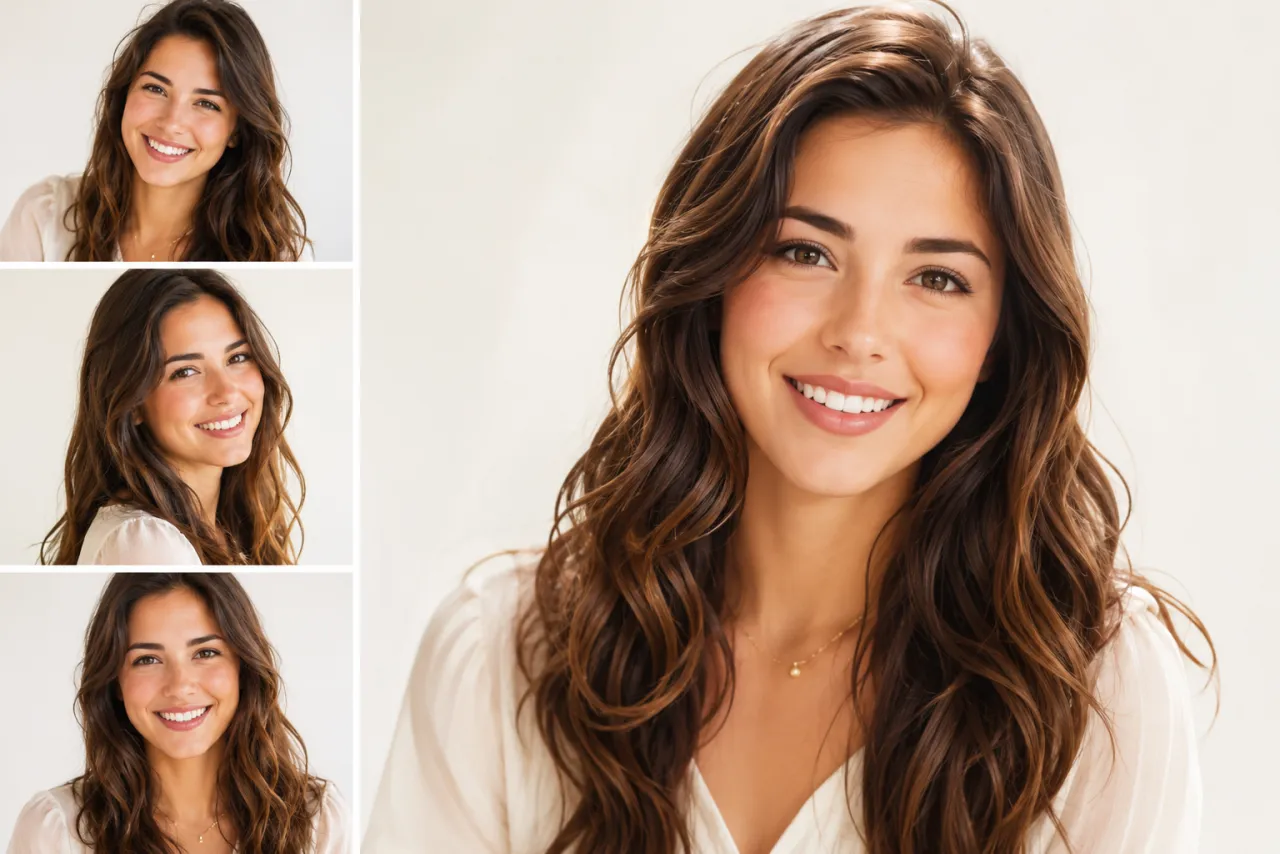
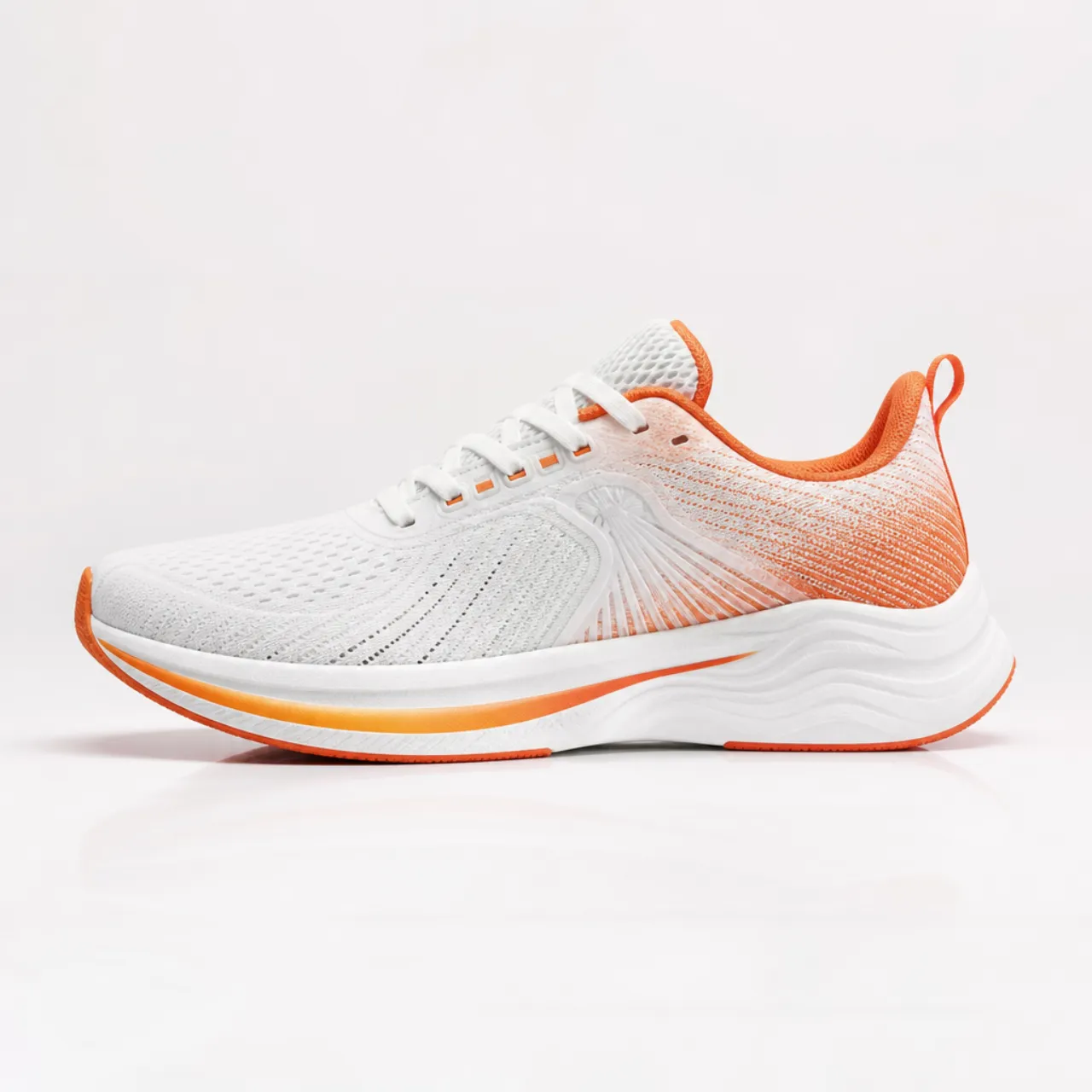
Wan AI for e-commerce, product reveals & social loops
Wan AI fits product turntables and pack-shots where you must land on a clean final frame, 15-second vertical scenes for TikTok / Reels / Shorts, logo and reveal animations with a defined end state, and reference-driven character or style clips — anywhere precise framing and longer duration matter. Wan image to video covers the photo-first jobs; text-to-video handles prompt-only scenes.
Try Wan AI free →Wan 2.7 vs Seedance 2 vs Kling 3.0 vs Veo 3.1
| Feature | Wan AI (2.7) | Seedance 2 | Kling 3.0 | Veo 3.1 |
|---|---|---|---|---|
| Max duration | 15s | 15s | 15s | 8s |
| Frame control | First & last frame | First/last + omni reference | End frame + multi-shot | None |
| Reference to video | Yes (image & video) | Yes (omni reference) | No | No |
| Built-in audio | Yes (text-to-video) | Yes | Yes | Yes (native) |
| Ideal use | End-frame + long-form | Flexible reference mix | Multi-shot cinematic | Native audio fidelity |
Verdict — Pick Wan AI (the Wan 2.7 generation) when you need to pin both the start and end frame and want a full 15-second clip; Seedance 2 for the widest reference mix, Kling 3.0 for multi-shot cinematic scenes, Veo 3.1 when native audio fidelity is the priority over duration.
Wan 2.7, explained
What is Wan AI, and who is the Wan 2.7 model for?⌄
Wan AI is Alibaba's video-generation family — the line that runs from the widely used Wan 2.5 through the latest Wan 2.7 — exposed on ClipTrend.ai through the Kie video endpoint so you can use Wan AI without an Alibaba developer account. The Wan AI video generator animates a still photo or renders a prompt into a 5, 10, or 15-second clip at up to 1080p, and its standout control is first-and-last-frame handling on Wan image to video: you can pin where a clip opens and where it lands.
Wan AI is built for creators who care about precise framing and longer takes: product turntables that must end on a clean hero shot, 15-second vertical scenes with a real narrative beat, and reference-driven clips where the look is supplied as images or video rather than described in words. If you searched for Wan 2.5 and landed here, the Wan 2.7 generation is the newer model in the same Wan AI family with tighter end-frame control.
Wan AI vs Seedance 2 and Kling 3.0⌄
Against Seedance 2, Wan AI matches the 15-second ceiling and adds explicit first-and-last-frame control, while Seedance 2 wins on the breadth of its omni-reference mix (images, video, and audio in one call). Against Kling 3.0, the Wan AI video generator trades multi-shot scene assembly for tighter end-frame determinism and a dedicated reference-to-video lane. All three reach 15 seconds; the deciding factor is whether you need to lock the closing frame (Wan AI), blend many reference types (Seedance), or stitch multiple shots automatically (Kling).
Frequently asked questions
What is Wan AI, and is Wan 2.7 the same as Wan 2.5?⌄
Wan AI is Alibaba's video-model family. Wan 2.5 is the well-known earlier generation; Wan 2.7 is the latest model in the same Wan AI line, with first-and-last-frame control added on image-to-video. On ClipTrend.ai you run the current Wan AI video generator, so you get the newest capabilities of the family without managing an Alibaba account.
How much does the Wan AI video generator cost on ClipTrend.ai?⌄
Wan AI is billed in credits per generation, scaling with the duration and resolution you pick — the live cost is shown in the generator before you run it. It is pay-as-you-go with no subscription required, so you only pay for the Wan image to video or text-to-video clips you actually generate.
Does Wan AI support Wan image to video with first-and-last-frame control?⌄
Yes — Wan AI's image-to-video lane is set up for end-frame control, so you can supply a start image and a closing image and let the model build the motion between them. That makes the Wan AI video generator a good fit for product turntables, logo reveals, and any clip that must land on a specific final frame.
Are Wan AI videos watermark-free, and can I sell product clips made with them?⌄
Yes — because Wan AI lets you pin the closing hero frame, the product turntables and pack-shots its Wan image to video flow is made for export as clean MP4s with no ClipTrend overlay, ready to drop onto a listing or an e-commerce ad. Alibaba licenses Wan AI output for commercial sale, so selling clips you generate is fine, and ClipTrend.ai's terms add no extra restriction; the automated check after each render can withhold a flagged clip before you download it.






Use Wan AI — pin the first and last frame, up to 15 seconds
The Wan AI video generator (Wan 2.7) from Alibaba — watermark-free, no subscription, Wan image to video and reference-to-video built in.
Generate with Wan AI