
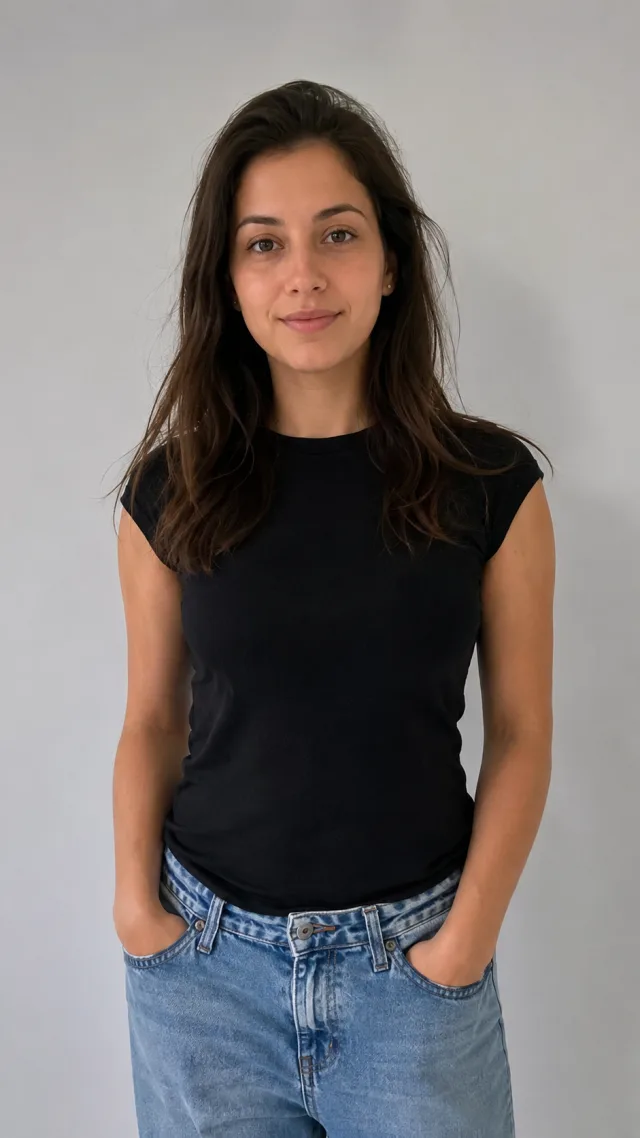
Your prom-night look, generated from one photo
Dress up for prom from a single photo
The AI prom generator takes one ordinary photo and puts you in full prom attire — a flowing gown or a tailored tux, with formal styling and soft event lighting. No dress shopping, no fitting room, no editing app. Upload a single picture and the prom look is rendered for you, then animated into a short clip you can save and share.
- ✓One photo in, prom-ready out — no shopping, no fitting, no editing app
- ✓Gown or tux — elegant formalwear styled to your photo
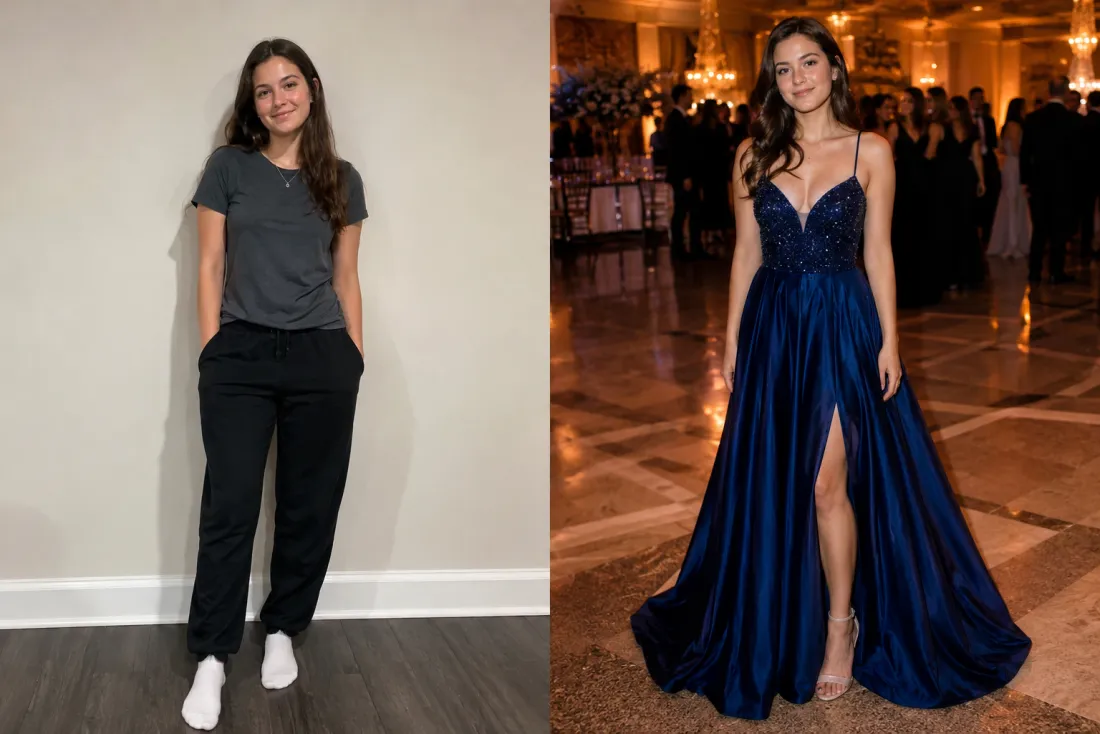
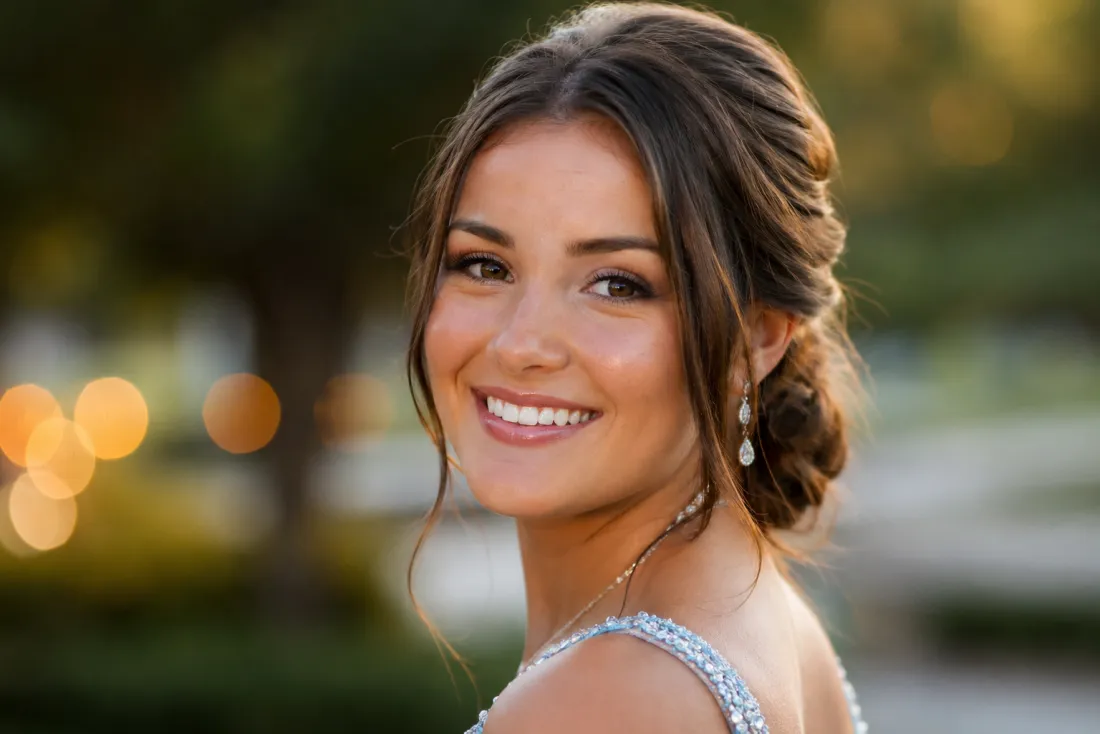
It's still your face under the gown
A new outfit shouldn't turn you into a stranger. The AI prom generator changes the clothes and styling while holding onto your face — your features, expression and skin tone stay true to the photo you uploaded. The result reads as you on prom night, not some lookalike model in a borrowed dress.
- ✓Face stays you — same features, expression and skin tone
- ✓Outfit-only change — we restyle the clothes, not the person
Gown, suit, hair and a styled backdrop
This isn't a sticker pasted on top of a snapshot. The AI prom generator builds a complete look — a fitted gown or crisp tux, prom-appropriate hair and a soft, glowing event backdrop that feels like a real venue. Pick a head-to-waist shot and you get a styled portrait that looks like it was taken at the dance.
- ✓A complete look — outfit, hair and a glowing venue feel
- ✓Looks shot at the dance — warm lighting, formal posing, real-photo finish
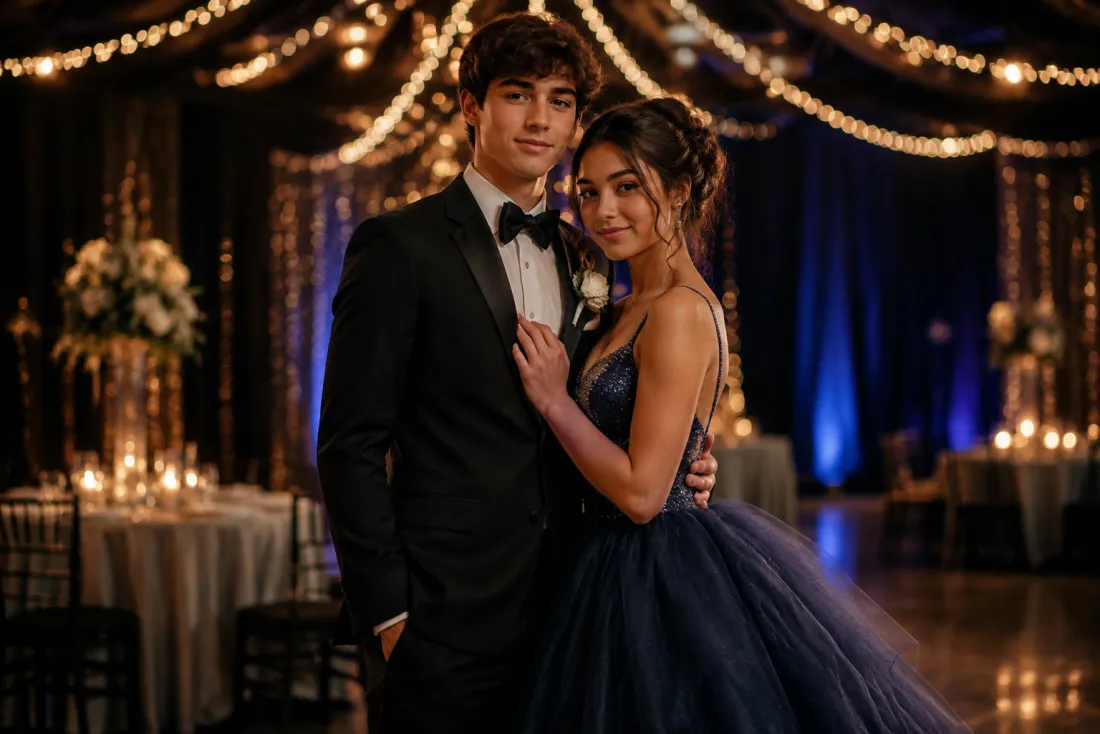
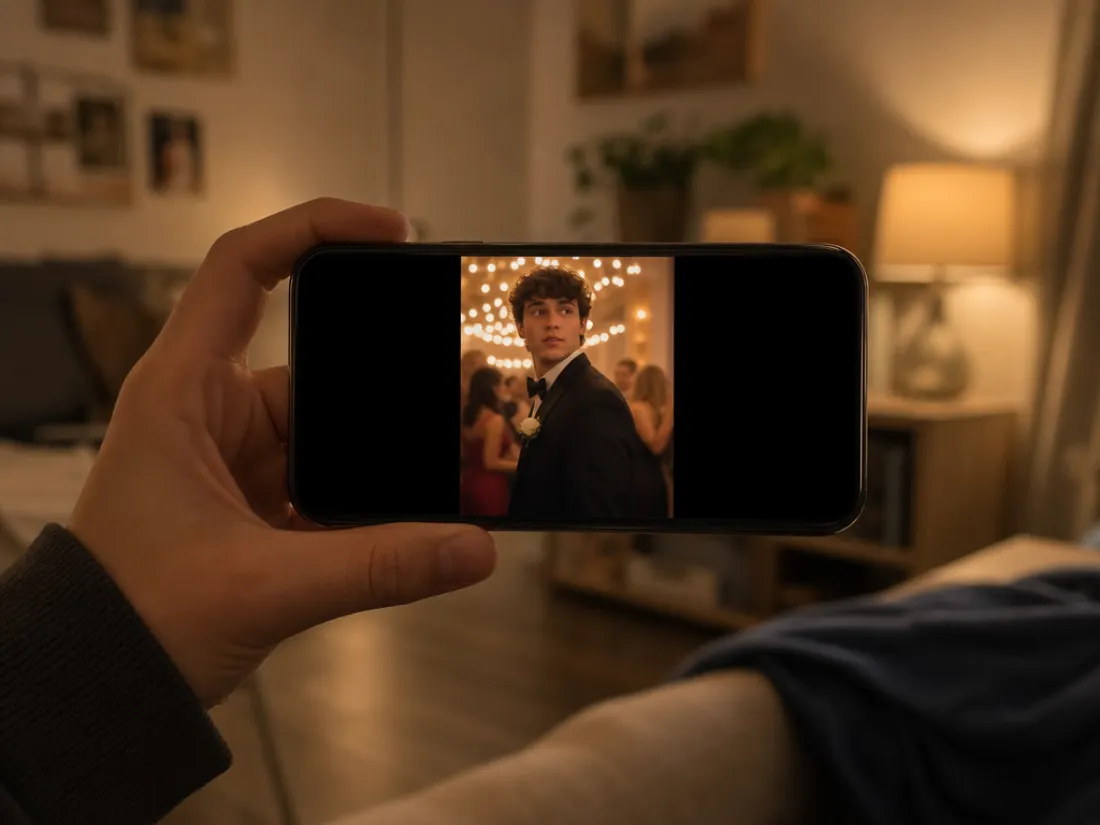
A 6-second vertical clip, watermark-free
Out comes a 6-second, 9:16 vertical MP4 of your prom look — a slow, elegant reveal with a gentle turn and that soft venue glow, exported with no ClipTrend watermark. It's sized for Reels, TikTok and stories, perfect for a "prom-ready" post or a throwback to a night you never had. Try it free to start, no card needed.
- ✓Vertical 9:16 MP4 — a 6-second clip sized for Reels and stories
- ✓No watermark — a clean file you can post or send anywhere
Which photo should you upload?
The AI prom generator works from a single photo — the only choice is how much of you it shows, which changes how much of the prom look you'll see.
Head-and-shoulders selfie
A clear face shot keeps you most recognisable.
When to use it
When you want the strongest likeness and a clean neckline-up reveal of gown straps or a tux collar and bow tie.
What it produces
Focuses the transform on your face, hair and the top of the outfit for the most recognisable prom portrait.
- ✓Best for keeping your face spot-on
- ✓Sharpest detail on hair and styling
- ✓Great for selfies and headshots
- ✓Shows gown straps or tux collar
- ✓Ideal for a quick prom-ready post
Head-to-waist or fuller shot
Show more of you to show more of the dress.
When to use it
When you want to see the full gown bodice or the tux jacket and tie, with a styled venue backdrop behind you.
What it produces
Renders the complete formal look from the waist up, with outfit, posture and backdrop reading like a real prom photo.
- ✓Shows the full gown or tux jacket
- ✓A more complete, styled portrait
- ✓Still keeps your facial identity
- ✓Adds a glowing venue backdrop
- ✓Ideal for a styled glow-up reveal
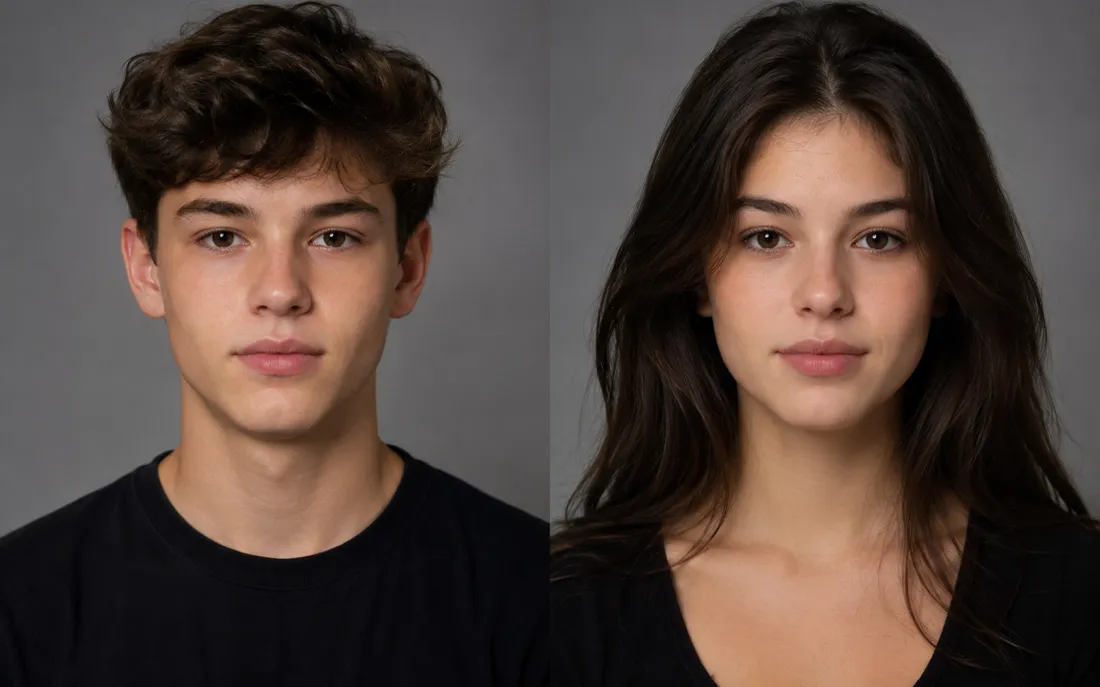
AI Gender Swap
See a convincing opposite-gender version of you.
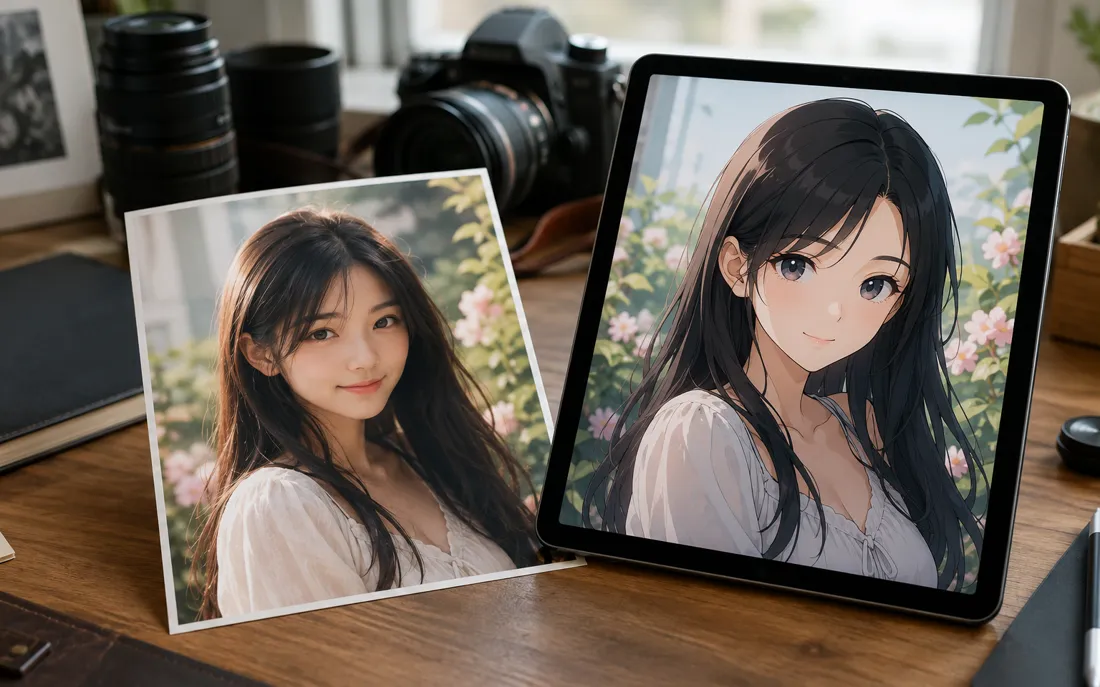
AI Anime Generator
The AI anime generator turns one real photo into a believable anime…
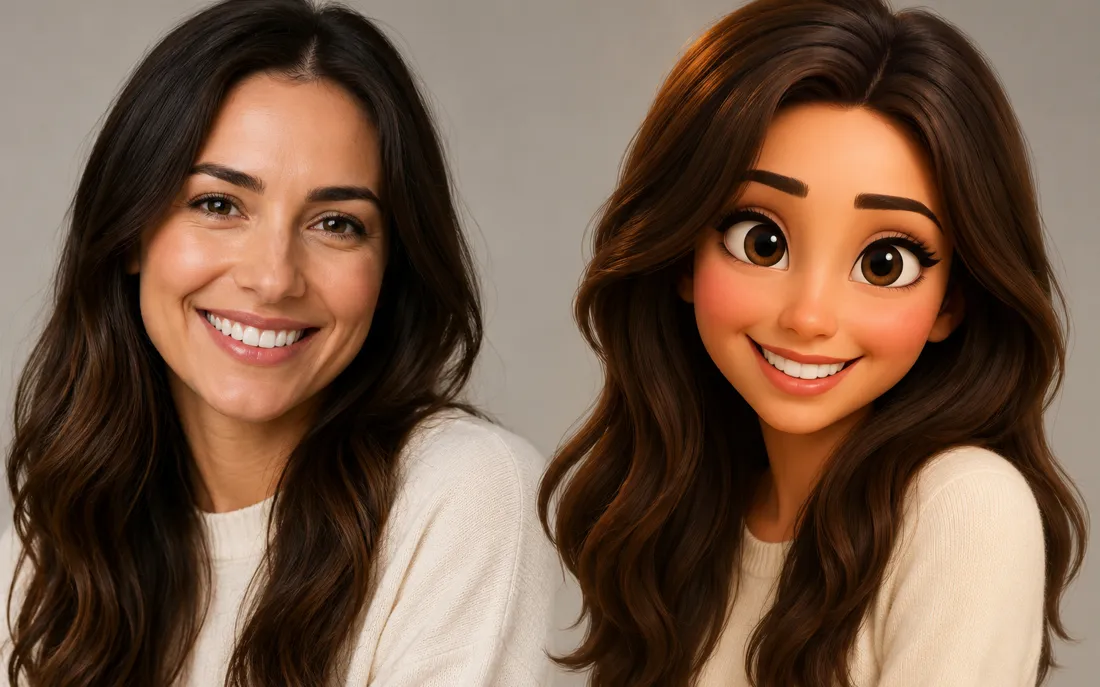
AI Cartoon Generator
The AI cartoon generator turns one real photo into a fun, 3D Pixar-…
AI Zombie Generator
The AI zombie generator turns one photo into a Halloween zombie video
AI Glow Up Generator
Drop in a plain selfie and the AI glow up generator gives you a tasteful, camera-ready makeover.
AI Halloween Generator
One regular selfie is enough to throw you into a vampire, witch or ghoul costume for the night.
AI Statue Generator
The AI statue generator turns one photo into a classical white marb…
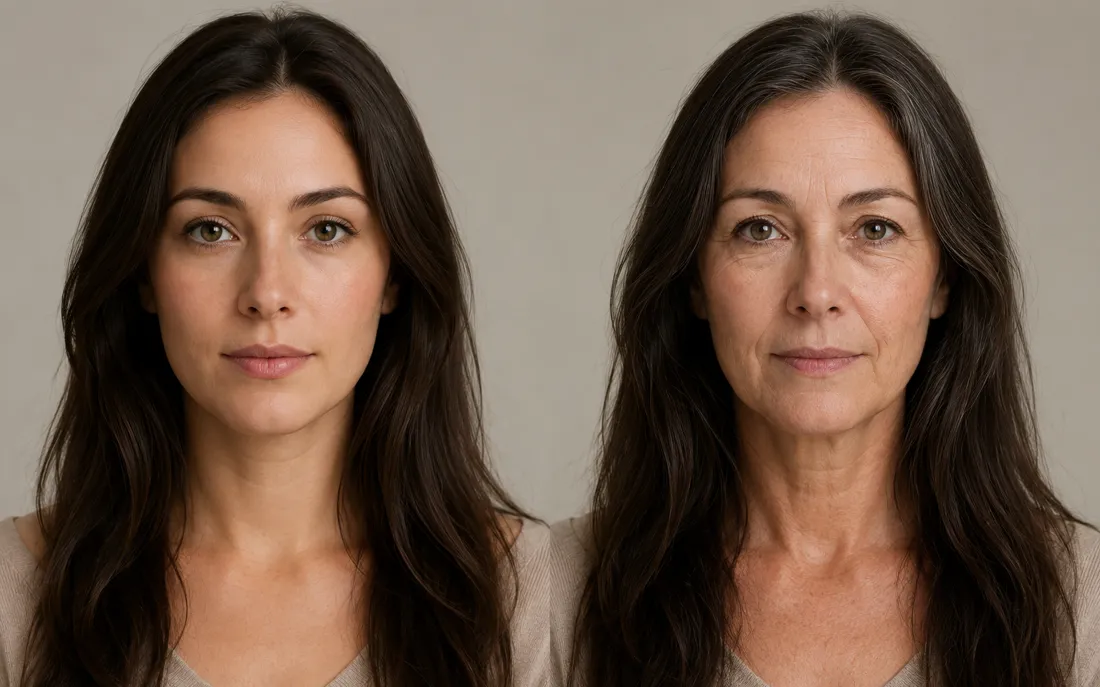
AI Future Self Generator
The AI future self generator ages one photo into a believable older…
AI Hug Generator
Turn one or two photos into a warm hug video.

AI Couple Hug
Merge two partners into one tender embrace.

Hug From Behind
A protective back hug, brought to life from photos.
AI Jesus Hug
Turn a photo into a warm, comforting Jesus hug.
Frequently asked questions
How does the AI prom generator work?⌄
Upload one clear photo and the AI prom generator dresses you in a prom gown or tux, then animates a short reveal. It runs in two stages — first it restyles your outfit and setting while keeping your face, then it brings the look to life as a 6-second video, all from a single upload.
Will it still look like me?⌄
Yes. The AI prom generator changes your clothes and styling but holds onto your face — your features, expression and skin tone stay true to the photo. The result looks like you dressed up for prom, not a different person. An automated safety check runs on uploads before anything is generated.
Can I get a gown or a tux?⌄
Both. The AI prom generator reads your photo and styles a natural fit — an elegant gown or a tailored tux with prom-appropriate hair and lighting. Upload a clear shot and it picks the formalwear that suits you.
Do I need one photo or two?⌄
Just one. The AI prom generator is a single-photo effect — upload one clear photo and it handles the whole outfit change, styling and reveal for you.
What do I get, and is it watermarked?⌄
You get a short 6-second vertical (9:16) MP4 of your prom look, exported with no ClipTrend watermark, ready for Reels, TikTok, stories or a quick share. Generation runs on credits, with a free allowance to start and pay-as-you-go after.
What photos work best?⌄
Clear, well-lit photos with your face visible give the best result. A head-and-shoulders selfie keeps you most recognisable; a head-to-waist shot shows more of the gown or tux. JPG and PNG both work — blurry, tiny or heavily filtered photos can lower the result quality.
How long does it take, and how do credits work?⌄
Most clips render in well under a minute, often in a few seconds, and you can watch the result appear right on the page. New accounts start with free credits so you can try the AI prom generator at no cost; each video uses a small, fixed number of credits shown beside the Generate button, then it's simple pay-as-you-go with no subscription.
Get your prom look in seconds
Upload a single photo, get a gown-or-tux prom reveal — watermark-free, no subscription, your face kept true.
Open the AI prom generator