
Make your AI Bollywood Dance video
Step into a new courtyard scene
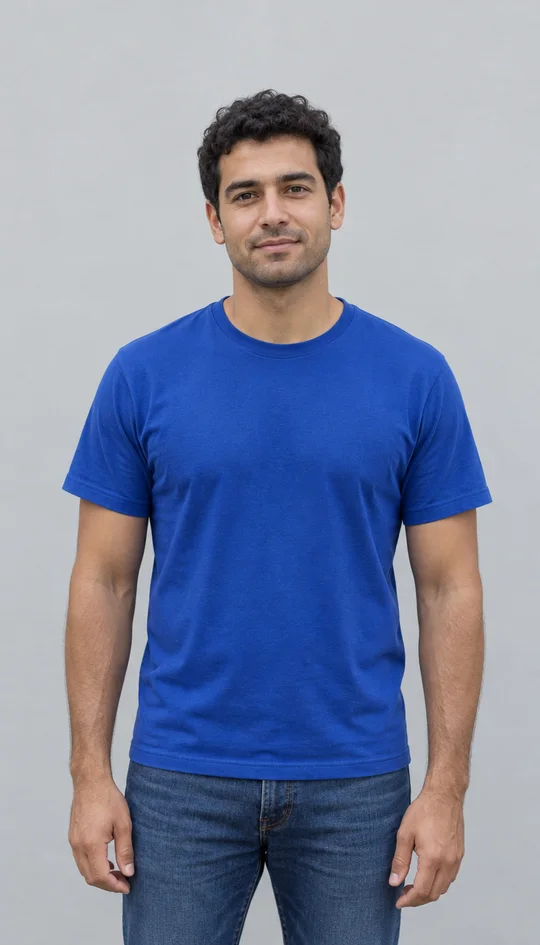
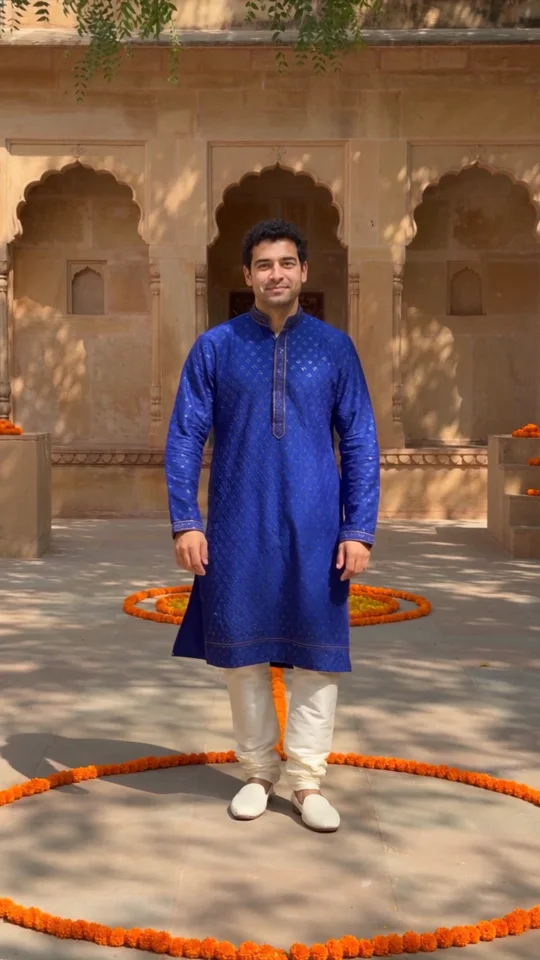
AI Bollywood Dance uses one adult photo to guide the performer’s face, hair and skin tone. The preset creates a full-body scene around that portrait: a blue embroidered kurta, white trousers, shoes and a warm sandstone courtyard decorated with orange flowers. The example shown here was made from the fictional portrait beside the generator. Choose a sharp image with even light across the face and enough space around the head. A front-facing portrait is easier to read than a distant face or a picture covered by sunglasses. The body, outfit and setting are generated, rather than recovered from parts of the source photo that are not visible.
Move through hand gestures and a turn
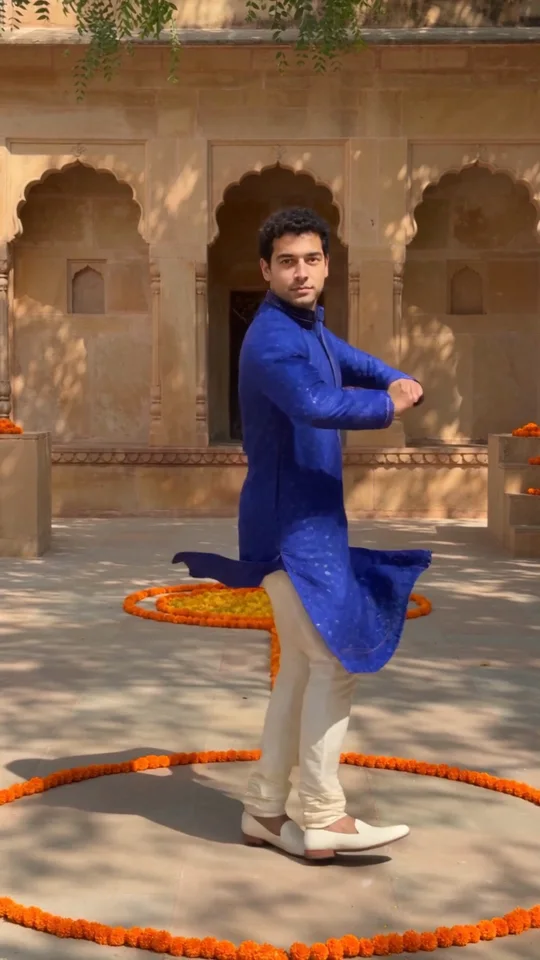
The ten-second sequence combines rhythmic side steps, wrist gestures, shoulder movement and a turn before the final pose. It is Bollywood-inspired movement, rather than a frame-for-frame copy of a particular song or performer. The three pictures on this page are moments from one actual generated video. Your result may change the pace, gestures and framing. Watch the whole clip before sharing it, especially the hands, feet and face during the turn. Use the example to judge whether this short dance format suits your photo; it does not promise professional choreography or identical motion on every generation.
Download a silent vertical dance video
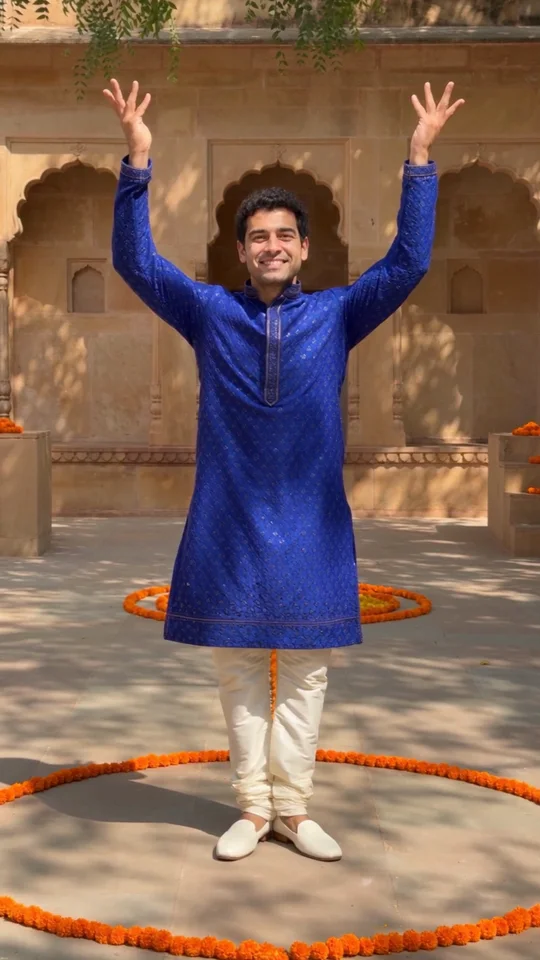
AI Bollywood Dance finishes with the performer facing forward and raising both hands. The result is a ten-second, 720p-class vertical MP4 without an audio track. Add music in your editing or social app if you have permission to use it; no Bollywood song or celebrity voice is included. When the video is ready, download it from the result card or find it later in your creation history. Check the saved file before posting, and describe the scene as AI-generated. Use a photo of yourself or another adult who agreed to appear, and avoid presenting the result as footage of a real performance.
Choose a clear adult photo
One photo guides one performer in this dance preset.
Clear face
Give the model useful identity detail
When to use it
You want a recognizable dance portrait.
What it produces
One performer guided by your photo.
- ✓Face toward the camera
- ✓Even light across both eyes
- ✓No face-obscuring accessories
One adult
Keep the subject easy to identify
When to use it
You want one person in the courtyard scene.
What it produces
A generated outfit, full body and dance setting.
- ✓Use a sharp original
- ✓Avoid group photos
- ✓Use a photo with permission
Thriller Dance
Upload two photos, pick the left and right dancers, and put them into the studio duo’s Thriller moves.
AI Dance Generator
Turn one photo into an energetic dance video.
Fire Breathe
Add a fantasy flame plume and warm light to a portrait.
Millionaire Meme
Your photo in the Get a Job phone scene, following the original performance and soundtrack.
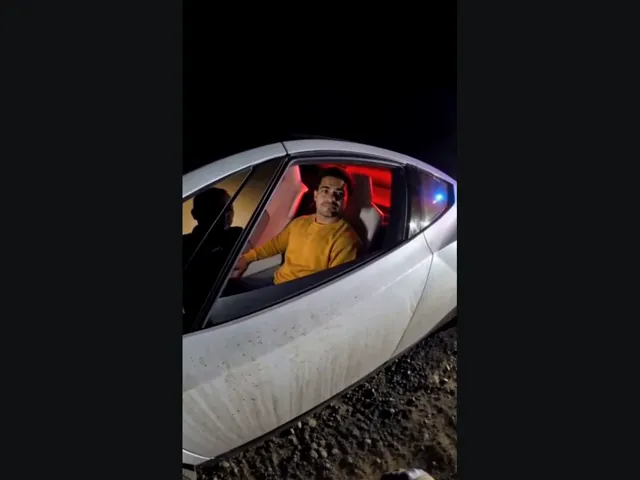
Tesla Roadster AI
Upload your photo, take the driver’s seat in the white roadster, and lift off in a burst of vapor. The car and roadside scene come with the preset.
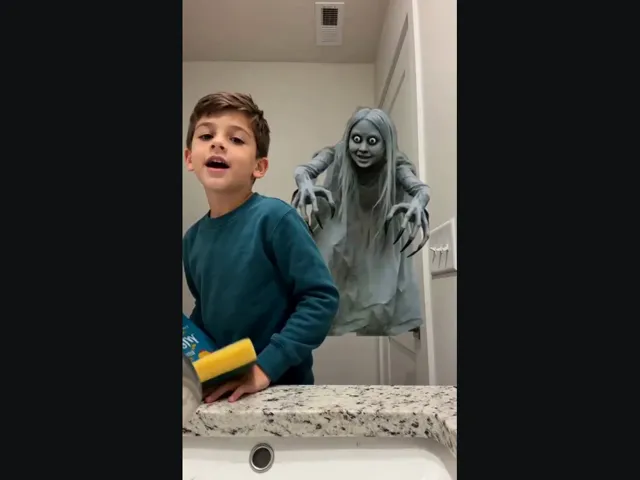
Ghost Prank
Upload a selfie and meet the long-haired, wide-eyed ghost behind your shoulder. A short look back makes the joke.
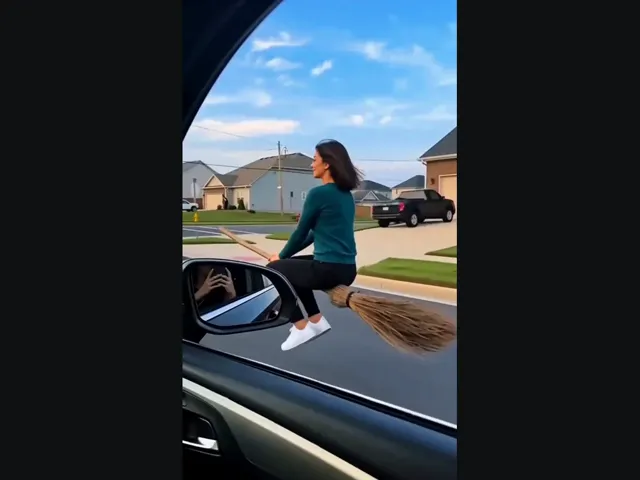
Witch Flying
Put yourself on the flying broom beside the car: look toward the window, then lift off along the street.
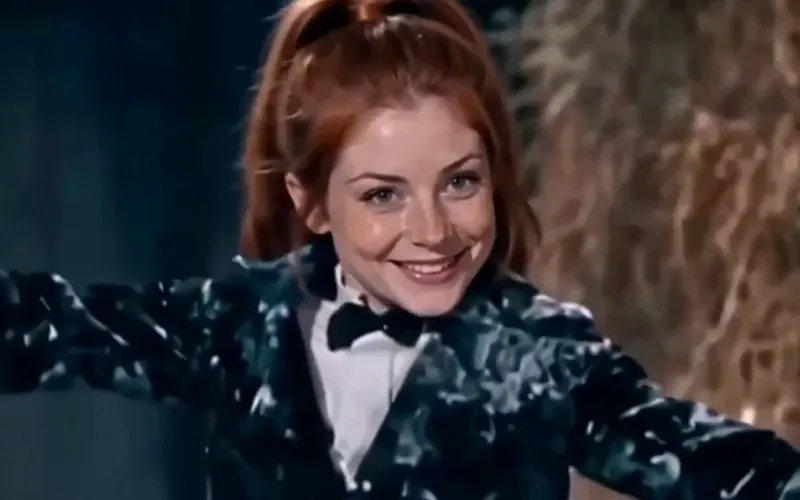
Tip Toeing AI
Become the tip toeing barn dancer from one photo, with the song.
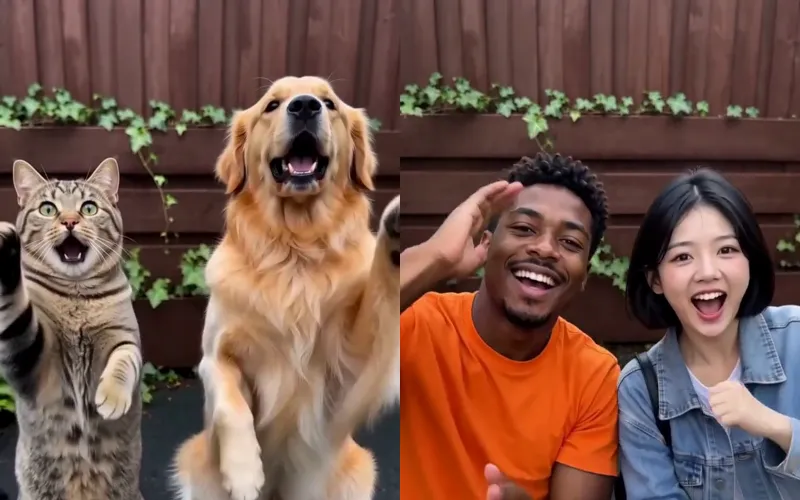
Smalltown Boy AI
Two photos of pets or people do the Smalltown Boy scream duo.
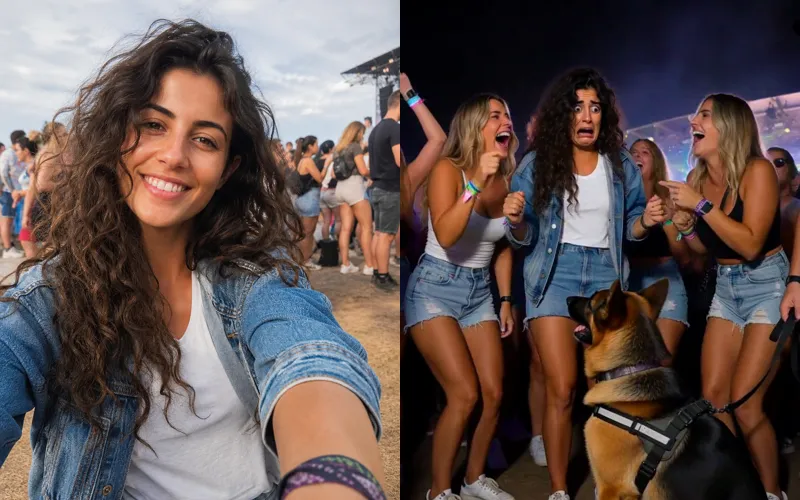
Sniffer Dog AI
A sniffer dog sits at your feet in a festival crowd. You fake-cry.
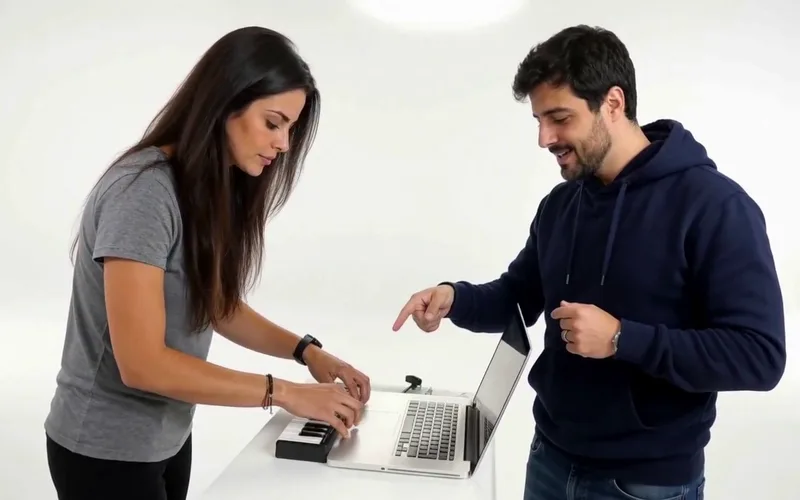
Alors on Danse AI
Recast the viral Alors on Danse studio duo from two photos.
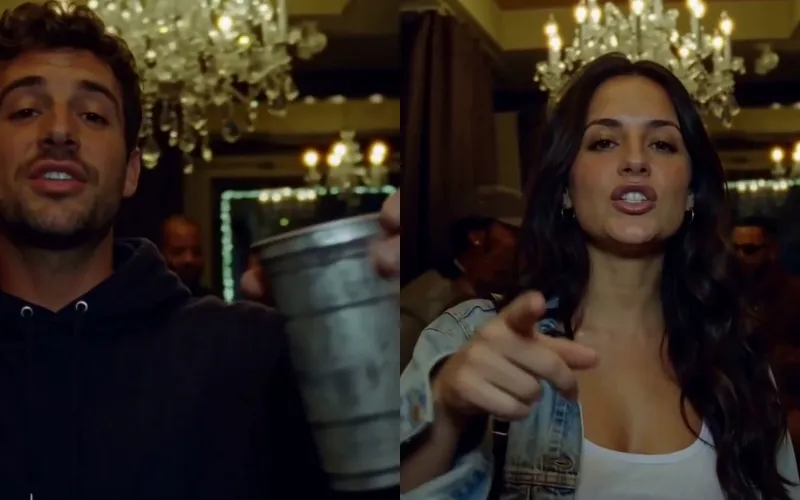
Burning Bridges AI
Put yourself in the viral Burning Bridges party clip from one photo.
Frequently asked questions
How does AI Bollywood Dance work?⌄
Upload one clear adult photo. The preset generates a new ten-second courtyard dance with hand gestures, a turn and a finishing pose, guided by the person in your photo.
Does the video include a Bollywood song?⌄
No. This preset creates a silent MP4 without music, singing or dialogue. You can add a track in another app when you have permission to use it.
Does it copy a specific dance?⌄
The preset makes a newly generated Bollywood-inspired sequence. It does not transfer exact choreography from an uploaded video or promise a particular performer’s moves.
What kind of photo should I upload?⌄
Use one sharp, well-lit photo of yourself or an adult who agreed to appear. Keep the face visible and avoid group photos or accessories that cover the eyes.
Will the original outfit stay the same?⌄
This preset supplies a blue kurta, white trousers and shoes in a sandstone courtyard. The outfit and body are generated; it is not a clothing-preservation edit.
What video format do I get?⌄
The preset generates a ten-second, 9:16 vertical MP4 at 720p-class resolution. The inspected example is 720 × 1280 pixels and has no audio track.
How many credits does it cost?⌄
AI Bollywood Dance costs 378 credits for one video. The page shows the preset’s fixed price before generation; downloading a completed result does not start another generation.
Is a free custom video included?⌄
The static example is free to watch. A custom video requires enough credits for the displayed price; the welcome grant alone does not cover this preset.
How long does AI Bollywood Dance take?⌄
Allow several minutes. Busy periods and transfer time can extend the wait. Keep the same active request instead of starting another one while it is still processing.
Where can I find the finished video?⌄
Download it from the result card after generation, or open your creation history to find the same completed video. Check the face, hands and feet across the clip before sharing.
Create your AI Bollywood Dance video
Upload one adult photo and make a short courtyard dance.
Create my dance video