
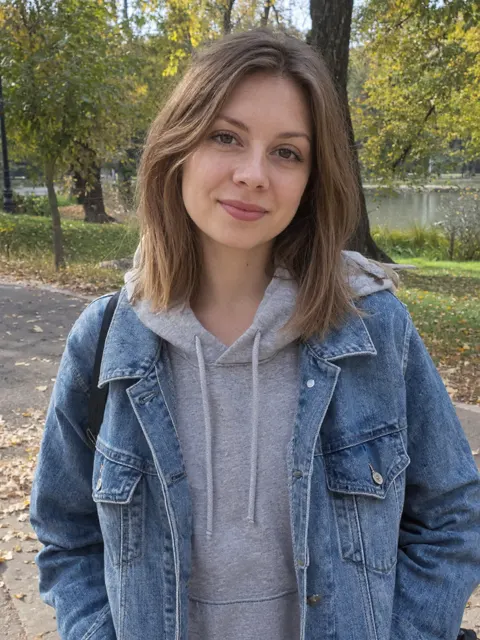
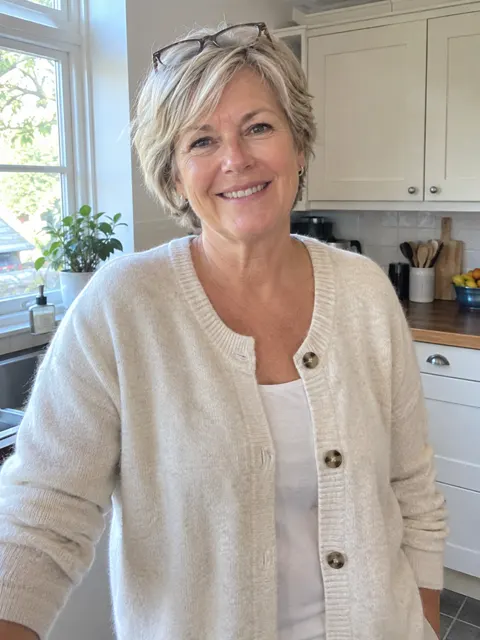
What happens in your AI zombie video
Every clip hits the same beats as the ones in your feed, so viewers know the rhythm. The twist still lands.
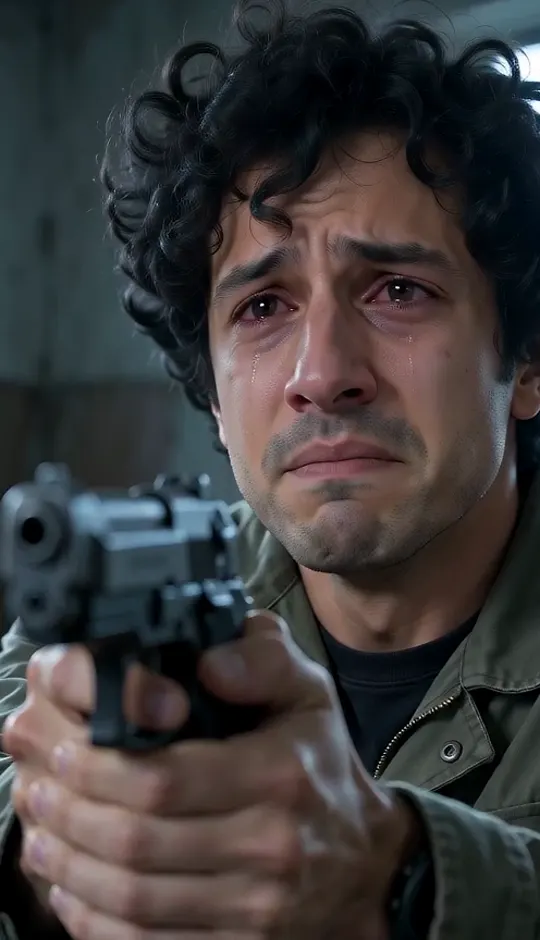 0 – 3.5 s
The cabin
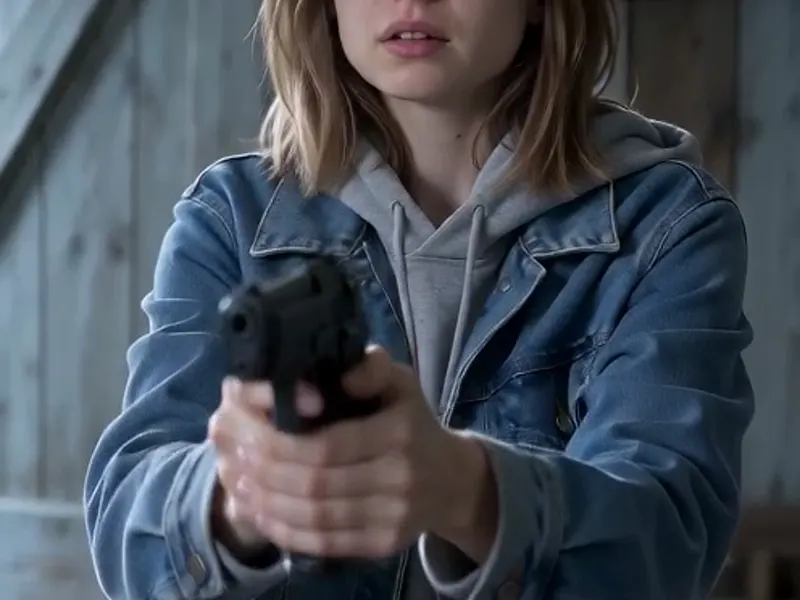
A tearful close-up behind a raised gun. Then the one who turned stumbles in through the door.
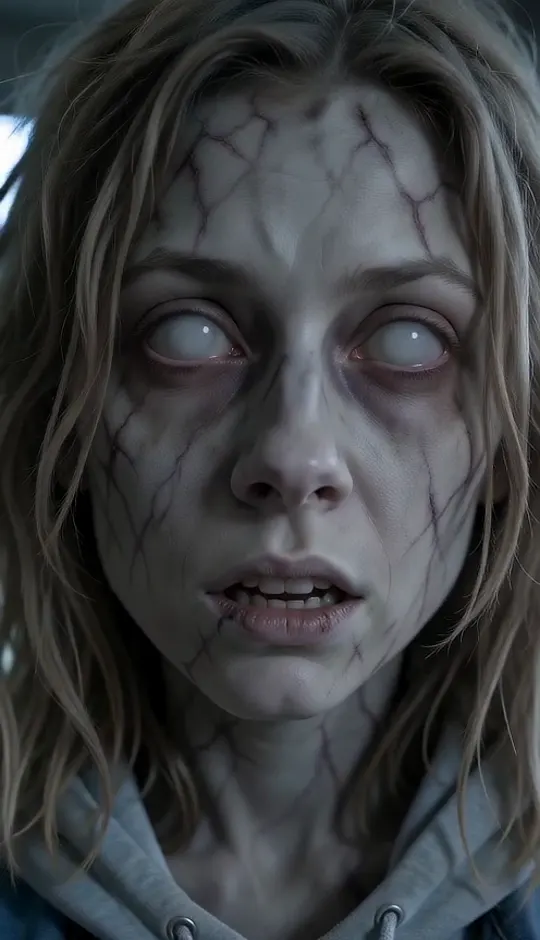 3.5 – 5 s
The face
An extreme close-up of the zombie: gray veined skin, white eyes — and still a face you know.
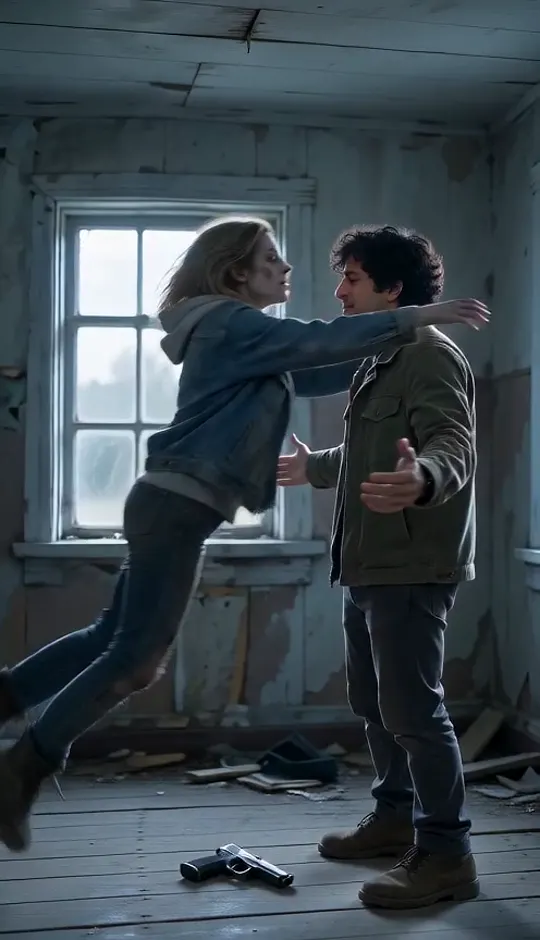 5 – 8 s
The leap
The gun drops. Arms open. The zombie sprints across the room and jumps.
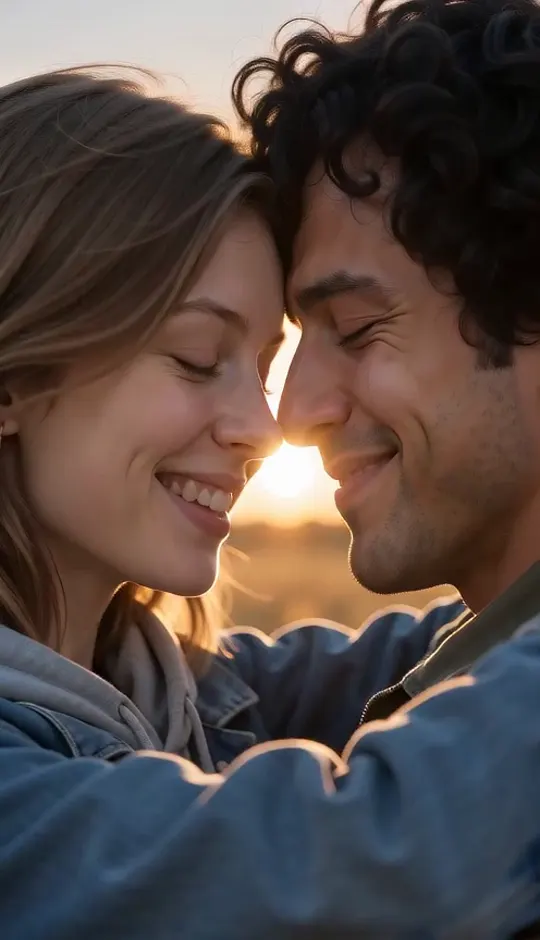 8 – 12 s
The memory
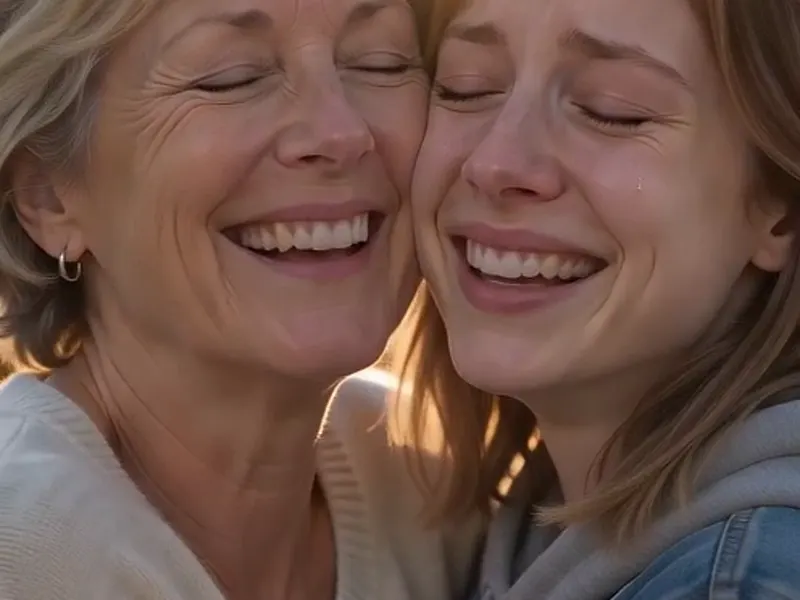
Mid-air, it cuts to a golden wheat field. The same leap lands as a hug, and you’re both alive.
Your face, their face, and a twist people rewatch
Turn your dog or cat into the zombie
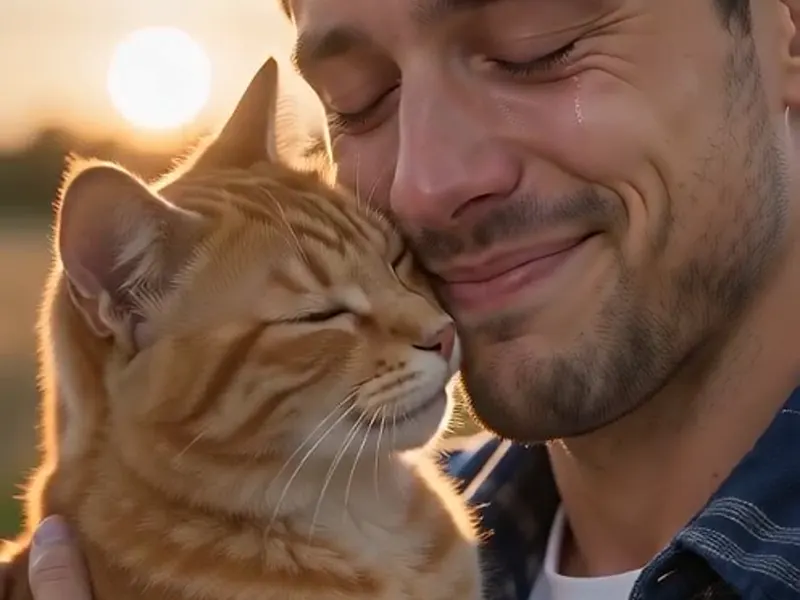
The pet version is the one people send to the whole family. Your dog or cat shows up gray and white-eyed in the cabin. You lower the gun. In the wheat field, it runs straight into your arms with its real coat and colors back. We pick up your pet’s fur and markings from the photo, so the reunion looks like your animal instead of some stock pet.
- ✓Dogs, cats and more — any pet with its whole body in the photo
- ✓Real colors back — the healed pet keeps its own fur and markings
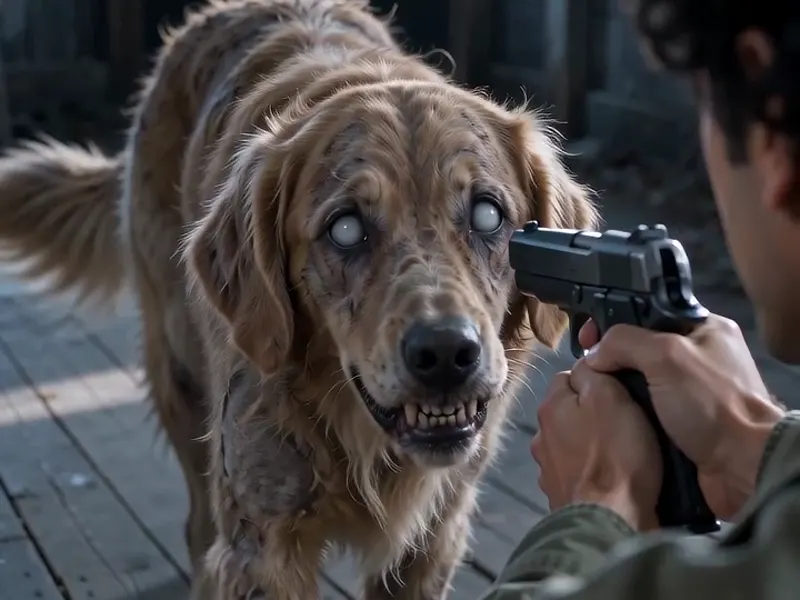
Scary enough to make the hug hit
The twist only works if the first half is tense. Before the video renders, we turn your second photo into a proper movie zombie: ashen skin, dark veins, cloudy white eyes, torn clothes. That look holds from the walk-in to the leap. There’s no blood and no gore. It plays as a horror drama.
- ✓Zombie look locked in — made from your photo before the video renders
- ✓No gore — gray skin and white eyes, never wounds or blood
They still look like themselves
Under the gray skin, it has to be your mom or your partner or your best friend. Otherwise nobody feels a thing. We build the zombie from their own photo, and the wheat-field scene uses the original picture, so the face that lands in your arms is the one you uploaded.
- ✓Built from their photo — face, hair and outfit carried through
- ✓Their real face at the end — the hug uses the photo you uploaded
A finished vertical clip with sound
Your AI zombie video comes out as a 12- or 15-second 9:16 clip with a soft piano score that turns warm at the cut. It’s ready for TikTok, Reels and Shorts. Most clips take a few minutes. Want a beat drop right on the cut? Add your own trending sound on top.
- ✓12s or 15s, 9:16 — sized for TikTok, Reels and Shorts
- ✓Sound included — piano score built for the twist
People or pets: which version to pick
The AI zombie video generator has two versions, and both use two photos: you and whoever turns. Pick the tab that matches photo 2.
Partner or family
A person comes back as the zombie.
When to use it
For a partner, parent, sibling or best friend. Use one clear photo where their face is easy to see.
What it produces
Your loved one walks into the cabin as a gray-skinned zombie, leaps, and lands in your arms alive in the wheat field.
- ✓Two photos: you + the person who turns
- ✓Their real face back in the final hug
- ✓Only use photos of people who said yes
- ✓Adults only. No photos of children.
Pet
Your dog or cat is the zombie.
When to use it
For dogs, cats and other pets. A photo with the whole animal visible works best.
What it produces
Your pet creeps in gray and white-eyed, leaps, and runs into your arms with its real coat back in the wheat field.
- ✓Two photos: you + your pet
- ✓Fur colors and markings picked up from the photo
- ✓Whole-body pet photos work best
- ✓Same shots, same twist as the people version
Copy the free AI zombie video prompt
Here’s the 7-shot prompt behind the people version. Use it with any video model that takes reference photos. Photo 1 is you, photo 2 is the zombie version of your loved one, and photo 3 is their normal photo.
A cinematic vertical 9:16 short film, exactly 12 seconds, photoreal, 35mm film look, hard cuts only, no text.
@image1 is the survivor. @image2 is their loved one after turning into a zombie and is used only in part one. @image3 is the same loved one alive and healthy and is used only in part two.
Fixed geography for part one: one old wooden cabin room in daytime, dim cool daylight from a window. The survivor stands on the RIGHT with their back to the window. The only door is on the LEFT. The zombie comes in through that door and is always in front of the survivor, never behind them. The gun always points at the zombie. The survivor's skin stays clean, only tears.
In part one the loved one looks exactly like the zombie in @image2 in every shot, even in wide shots and while running: ashen grey skin, dark veins, cloudy milky-white eyes, torn dirty clothes. No blood.
Shot 1 (0-2s): close-up of the survivor, tears running down, aiming a handgun with both shaking hands toward the door.
Shot 2 (2-3.5s): over the survivor's shoulder, the gun in the foreground, the zombie staggers in through the door toward them.
Shot 3 (3.5-5s): extreme close-up of the zombie's face: grey veined skin, white blind eyes, bared teeth.
Shot 4 (5-6.5s): the survivor lowers the gun, lets it drop and opens both arms, eyes closed.
Shot 5 (6.5-8s): wide side-on shot: the zombie sprints from the left and leaps toward the survivor's chest. The shot ends in mid-air.
Part two, a memory: a golden wheat field at sunset.
Shot 6 (8-10.5s): match cut continuing the same leap: the loved one, alive and healthy as in @image3, lands in the survivor's arms; they spin around, laughing and crying, slow motion.
Shot 7 (10.5-12s): close-up, foreheads touching, eyes closed, sun flare between them.
Sound: soft sad piano that turns warm at the cut. No dialogue.
Don’t want to make the zombie still yourself? The AI zombie video generator above does it for you and builds your AI zombie video from two photos.
AI Zombie Generator
The AI zombie generator turns one photo into a Halloween zombie video
Bulin 47 AI
Put yourself in the viral Bulin 47 freestyle from one photo.
AI Dance Generator
Turn one photo into an energetic dance video.
AI Action Figure Generator
The AI action figure generator turns one photo into a boxed collect…
AI Pregnant Generator
The AI pregnant generator adds a believable, fully clothed baby bum…
AI Superhero Generator
One ordinary photo is all it takes to suit you up in full cinematic superhero armor.
AI Costume Generator
The AI costume generator dresses you up from a single photo
AI Aging Generator
Feed a single photo to the AI aging generator and see yourself decades older, or years younger.
AI Mini Me Generator
Give the AI mini me generator a photo and it stands a pint-sized clone right beside you.
AI Inflate Effect
Pick one shot and the AI inflate effect puffs your subject up like a balloon.
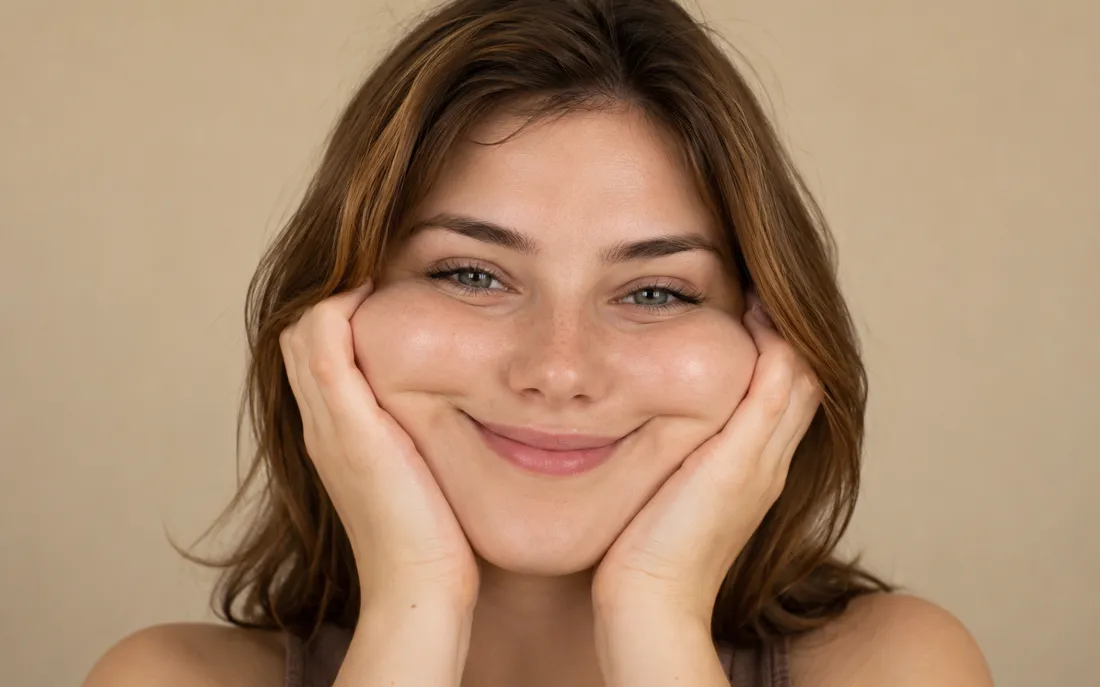
AI Squish Effect
Hand the AI squish effect a photo and it gives the frame that oddly satisfying squish.
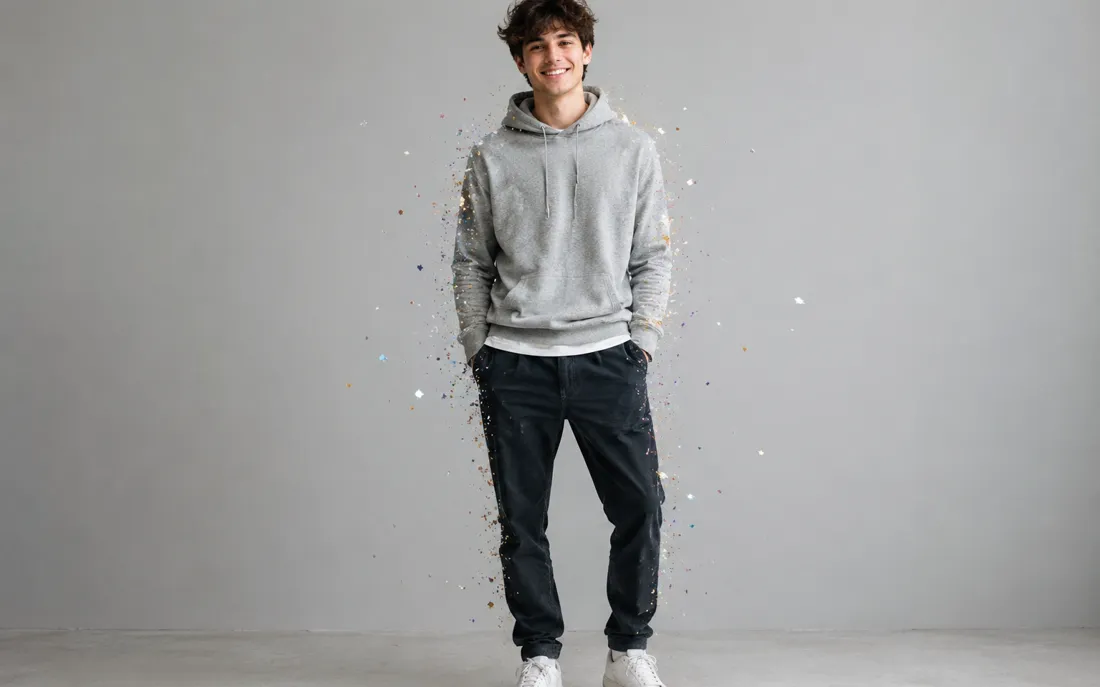
AI Explode Effect
Pop a single photo into a funny, scattering burst with the AI explode effect.
Frequently asked questions
What is the AI zombie video trend?⌄
It’s a short clip that starts as horror and ends as a love story. It took off on TikTok in late September 2026. Someone you love comes back as a zombie and you can’t pull the trigger. They leap at you, and mid-air it cuts to a golden wheat field where the leap ends in a hug. People make it with partners, parents, best friends and pets.
How do I make an AI zombie video?⌄
Pick the Partner or family tab or the Pet tab. Upload a photo of you and one of whoever turns, choose 12 or 15 seconds, and hit Generate. We turn photo 2 into a zombie first, then render the full 7-shot clip. Your AI zombie video is usually ready in a few minutes.
Can I make the zombie video with my dog or cat?⌄
Yes, use the Pet tab. Your pet shows up gray and white-eyed in the cabin, then comes back with its real fur and colors in the wheat field. A photo with the whole animal visible gives the best result.
What photos work best?⌄
One person or one pet per photo, in good light, with the face clearly visible and not covered by sunglasses or hands. Waist-up photos of people work well. Group photos and blurry screenshots don’t, because the model can’t tell who should turn.
How many credits does it cost?⌄
A 12-second AI zombie video costs 40 credits and a 15-second one costs 50. You’ll see the price next to the Generate button before you start.
Is the AI zombie video gory?⌄
No. The zombie has gray skin, dark veins and white eyes, but there’s no blood, no wounds and no gore. The gun is never fired — the whole point is that it gets put down.
Can I use someone else’s photo?⌄
Only if they’ve agreed to it. Don’t upload photos of children, celebrities or anyone who hasn’t said yes. Every upload goes through an automatic safety check before anything is generated.
Can I use the free prompt in other tools?⌄
Yes. It’s free to copy and works best with video models that accept several reference images. It expects three photos: you, the zombie version of your loved one, and their normal photo.
Make your AI zombie video
Two photos, one twist. Upload you and the person or pet who turns, and the AI zombie video generator turns the zombie hug trend into a vertical clip with sound.
Open the AI zombie video generator