
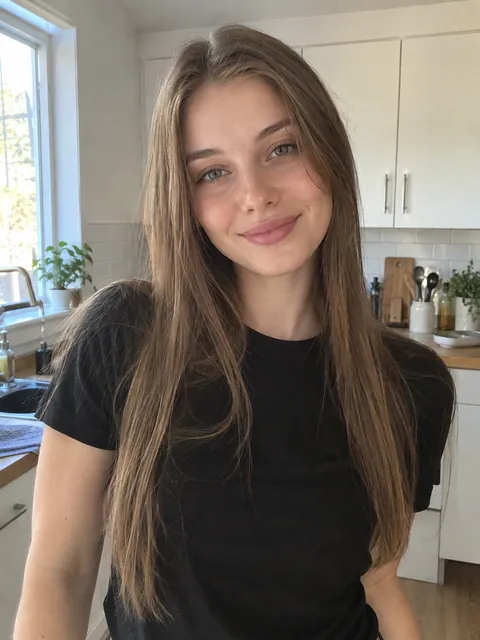
What the AI ghost filter does to your photo
You become the ghost, face and all
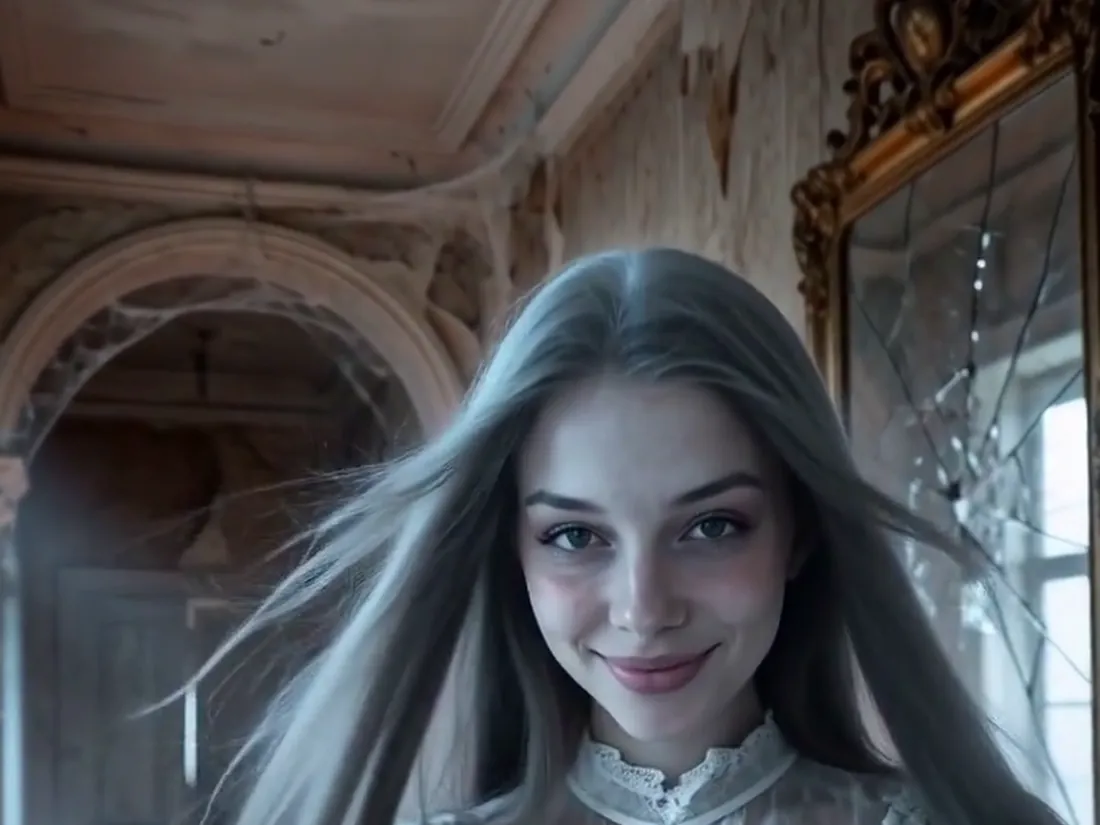
Most ghost filter apps paste a sheet or a blurry figure over the picture. This ghost filter rebuilds you as the ghost: tattered white period clothes, skin with a cold blue glow, shadows under the eyes, hair drifting as if underwater and the edges of your outfit fading into mist. The background becomes a moonlit hallway in an abandoned manor. Your face stays uncovered, so everyone can tell it is you.
- ✓No sheet, no mask — the ghost look comes from clothes, glow and mist
- ✓Recognizably you — your face, hair color and expression carry through
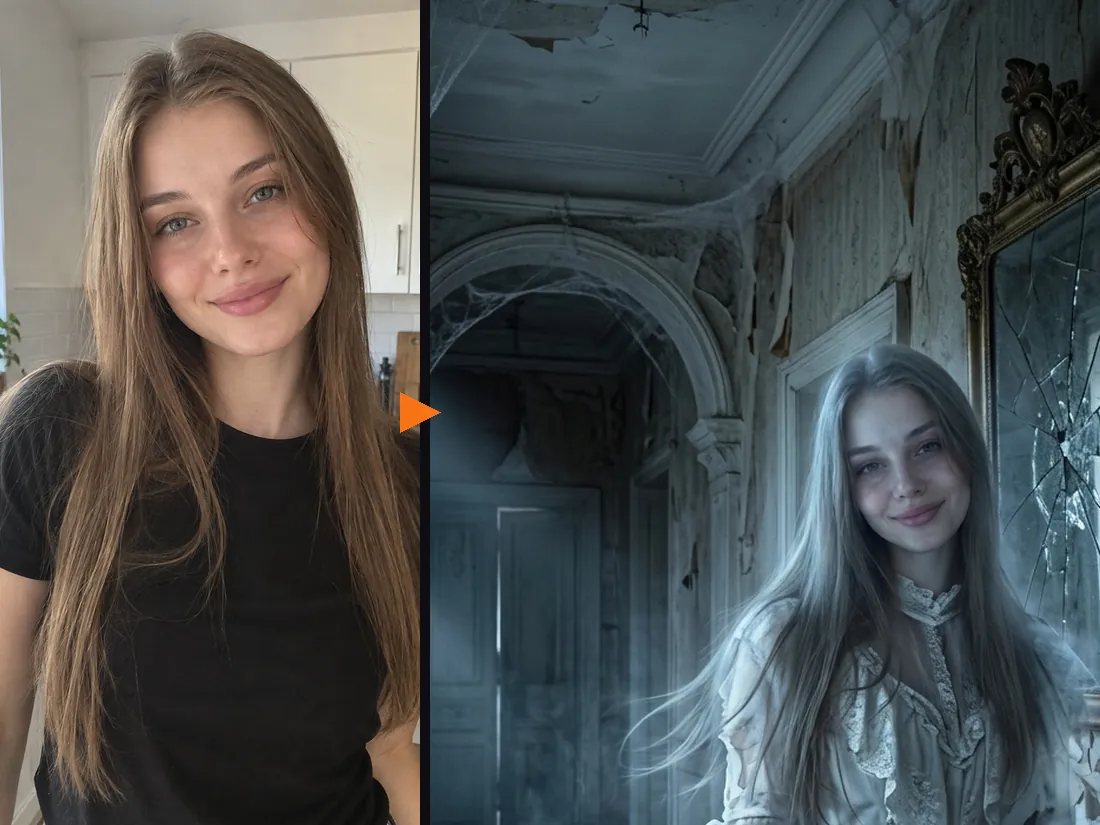
Made for the ghost filter prank, no app needed
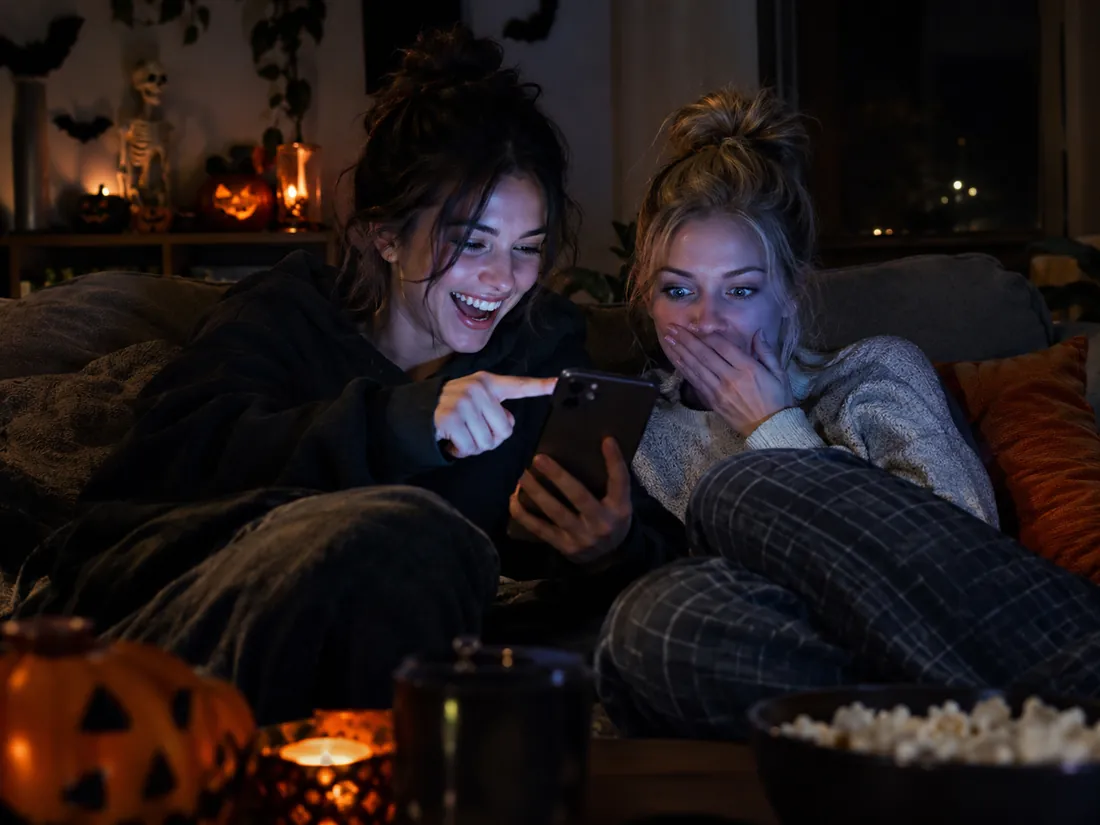
The ghost filter prank works because the reveal is a surprise. Run the filter on a photo a friend took of you tonight and send them the ghost version, or turn it into a short clip where the ghost slowly smiles at the camera. Everything runs in your browser, so there is no app or lens to hunt for.
- ✓Runs in the browser — phone or laptop, nothing to install
- ✓Photo or clip — send the still, or the short video with sound
Two people? Make it a ghost couple
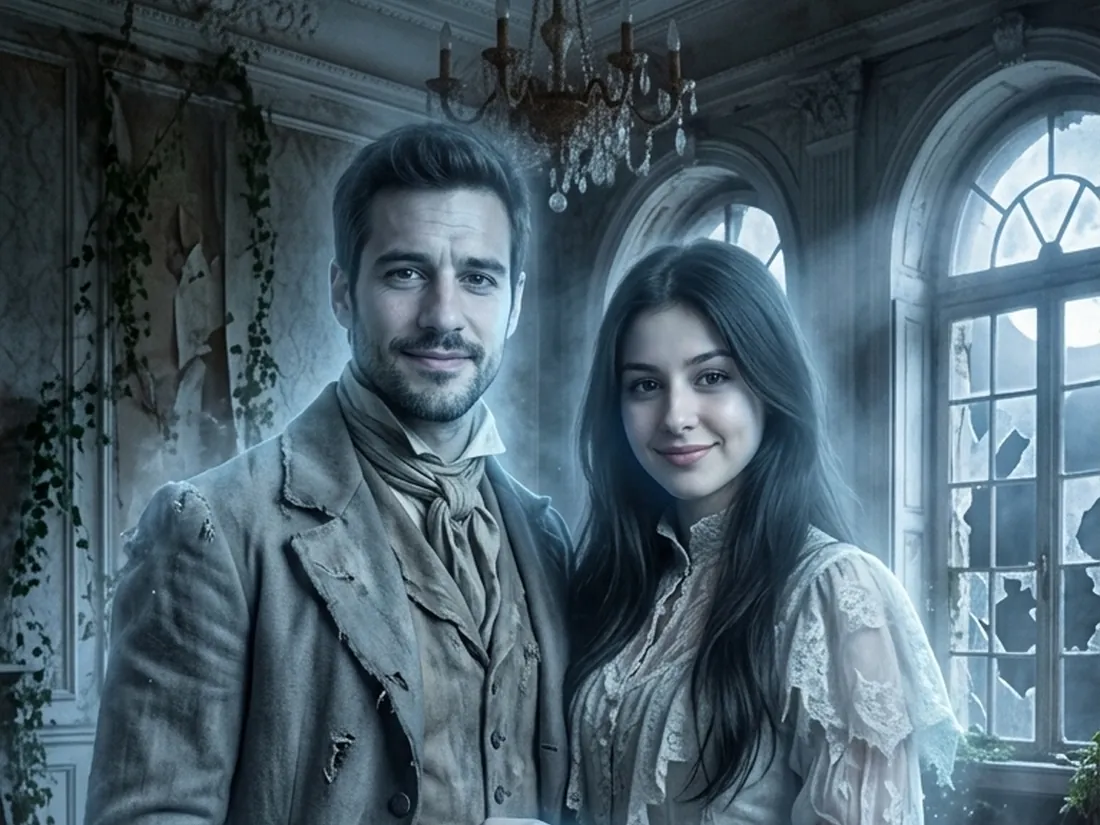
Switch to 2 People, add a selfie of each of you, and the ghost filter turns you both into a Victorian ghost couple in a moonlit ballroom. It is a quick way to test a couples costume or make a spooky party invite.
- ✓A selfie each — no photo of the two of you together needed
- ✓12 couple looks — ghosts, vampires, skeletons and more
Make a short ghost video from your result
Happy with your ghost? One click animates it: mist rolls in, hair and fabric drift, and the ghost gives the camera a calm, haunting look. The clip is vertical with sound, ready for Reels or TikTok. A ghost photo costs 20 credits; the video is 10 credits at 480p or 50 in HD with sound, and new accounts get free credits to start.
- ✓Vertical with sound — sized for Reels, TikTok and Stories
- ✓No watermark — download the photo and the video
One person or two?
The same ghost filter works for one person or a pair. Pick the mode at the top of the tool.
1 Person — ghost filter
Just your selfie.
When to use it
For your own ghost photo, a profile picture or a prank.
What it produces
A picture of you as a glowing ghost, then an optional short video.
- ✓Face stays visible
- ✓Moonlit manor setting
- ✓Head-and-shoulders or full-body photos
- ✓11 more Halloween filters to try
- ✓Optional video with sound
2 People — ghost couple
A selfie each.
When to use it
For a couples costume idea, a duo post or a party invite.
What it produces
A picture of you both as Victorian ghosts, then an optional short video.
- ✓Both faces kept
- ✓Person 1 stands on the left
- ✓Works for friends and siblings
- ✓11 more couple looks
- ✓Same price as one person
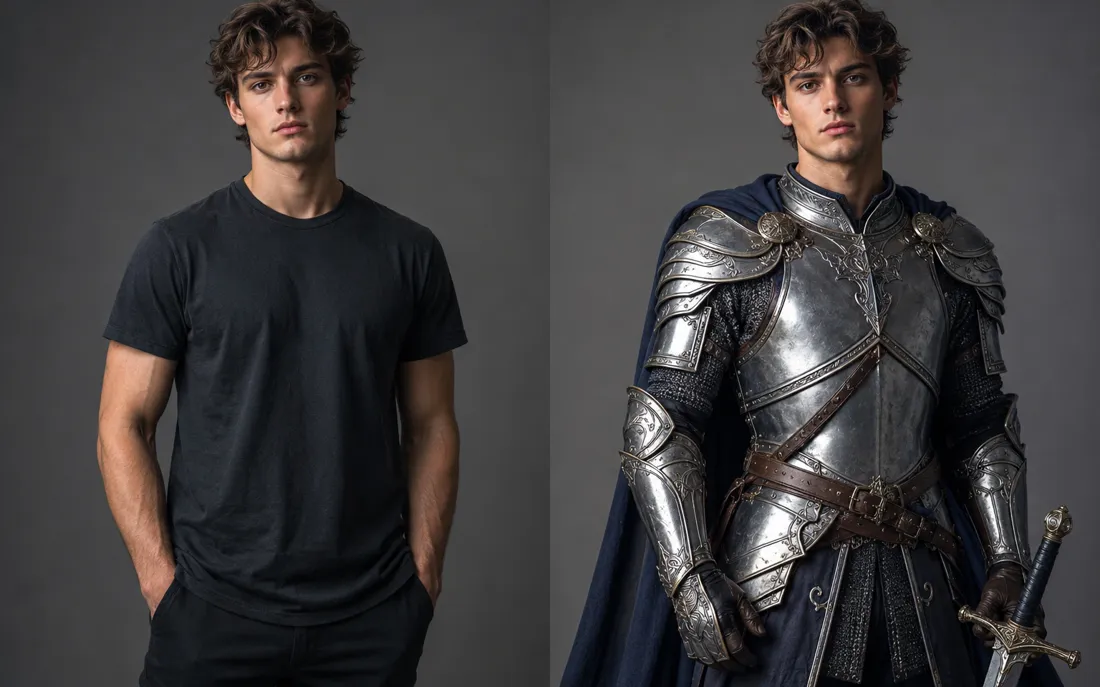
AI Costume Generator
The AI costume generator dresses you up from a single photo
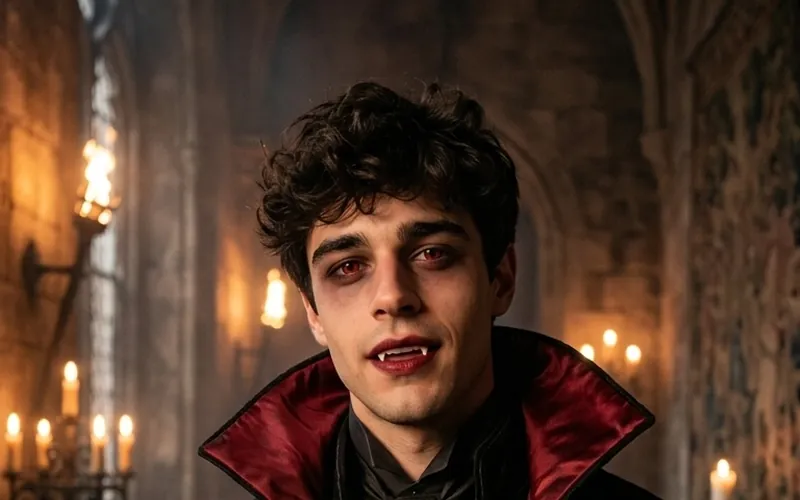
AI Vampire Filter
The AI vampire filter turns your photo into a vampire
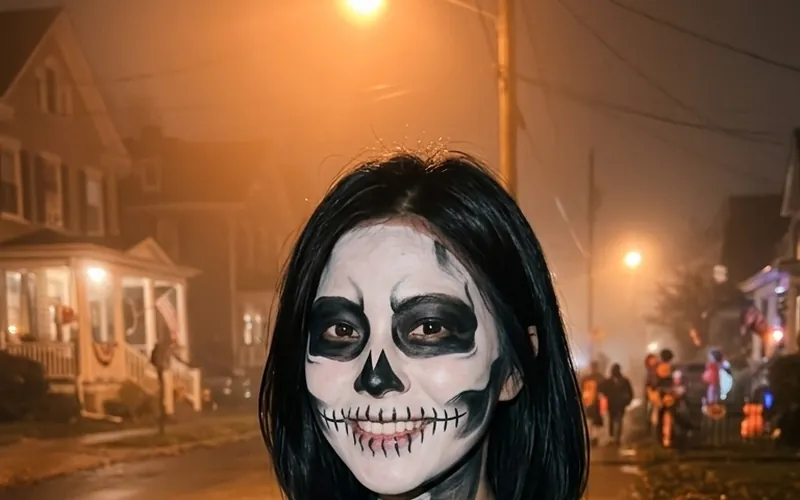
AI Skeleton Filter
The AI skeleton filter paints skull face paint on your photo
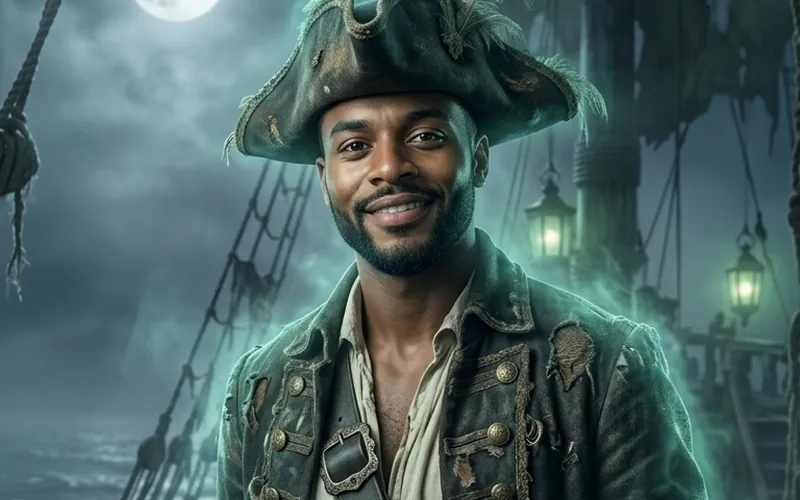
AI Pirate Filter
The AI pirate filter turns your photo into a pirate captain
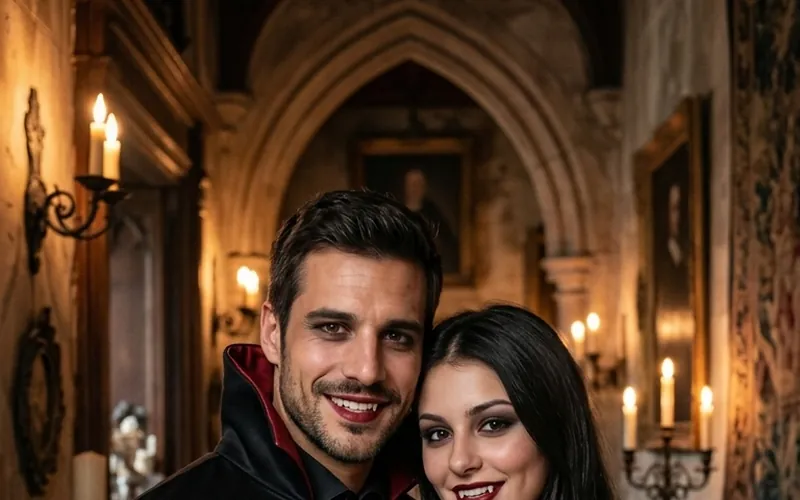
Couples Halloween Costumes
Try couples Halloween costumes on you both from two photos
Burning Bridges AI
Put yourself in the viral Burning Bridges party clip from one photo.
Bulin 47 AI
Put yourself in the viral Bulin 47 freestyle from one photo.
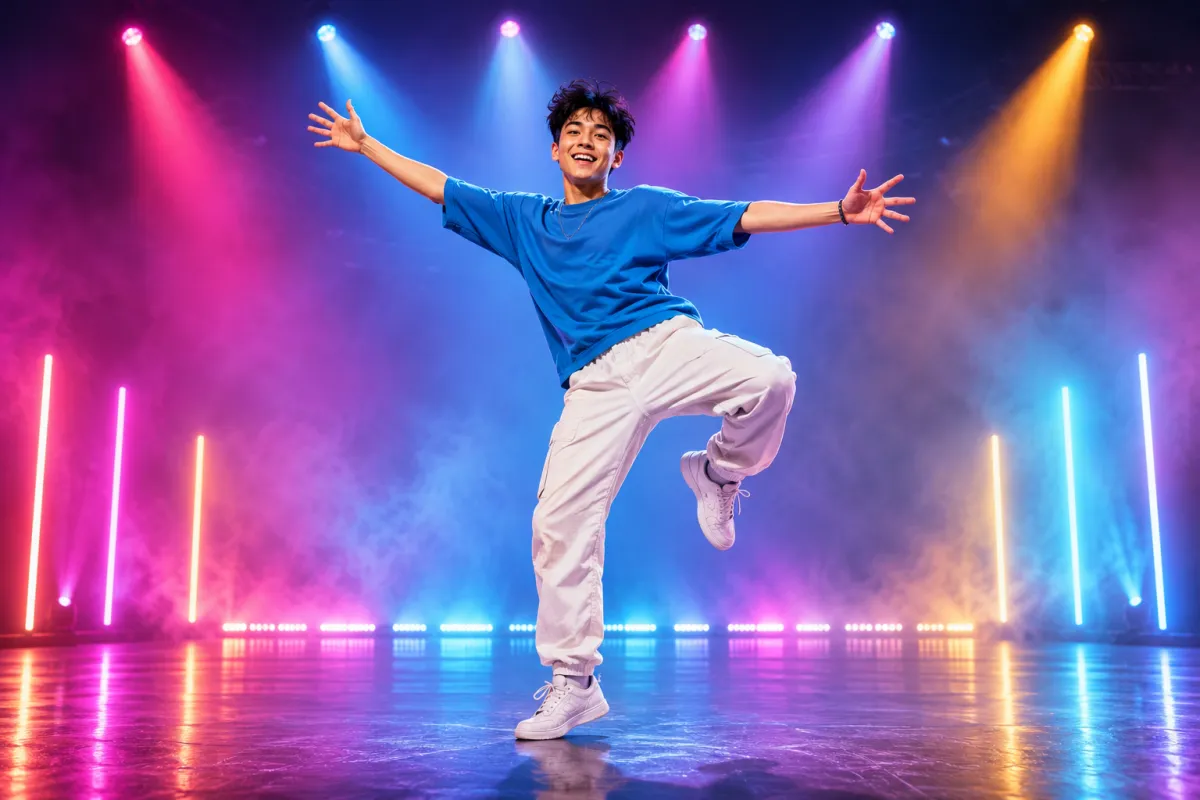
AI Dance Generator
Turn one photo into an energetic dance video.
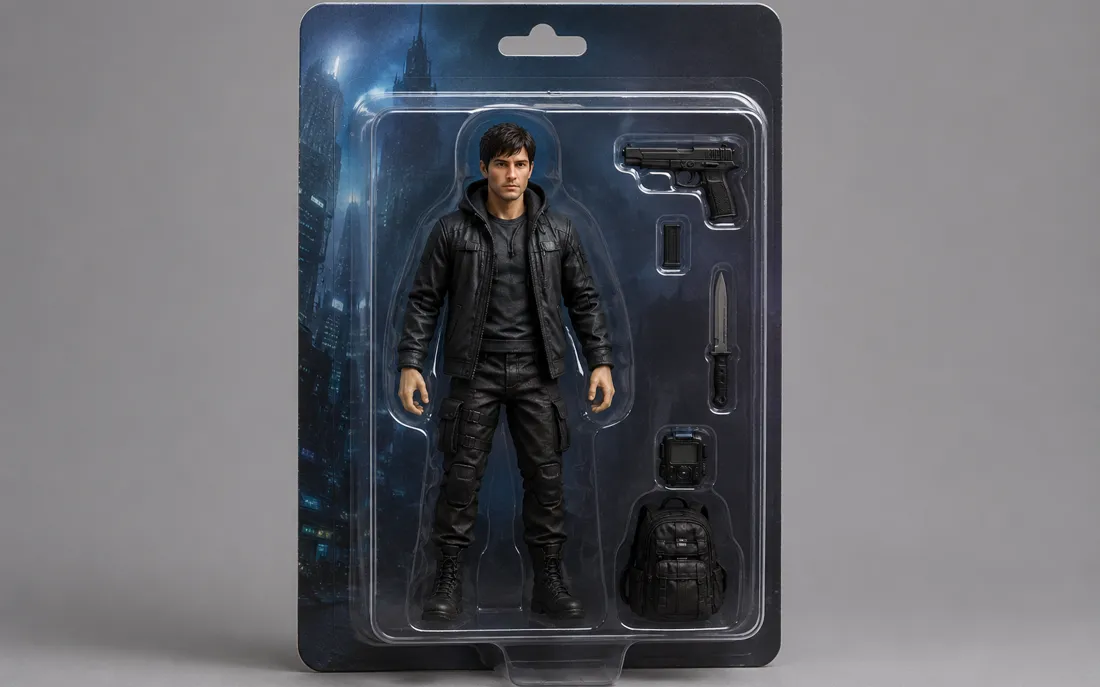
AI Action Figure Generator
The AI action figure generator turns one photo into a boxed collect…

AI Pregnant Generator
The AI pregnant generator adds a believable, fully clothed baby bum…
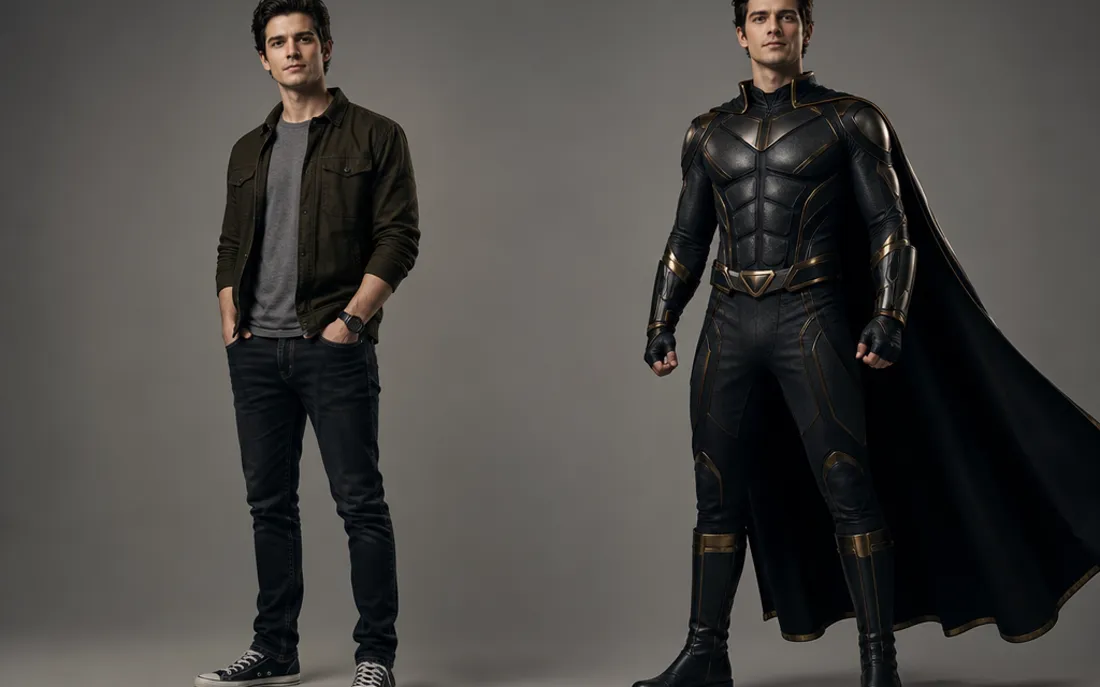
AI Superhero Generator
One ordinary photo is all it takes to suit you up in full cinematic superhero armor.
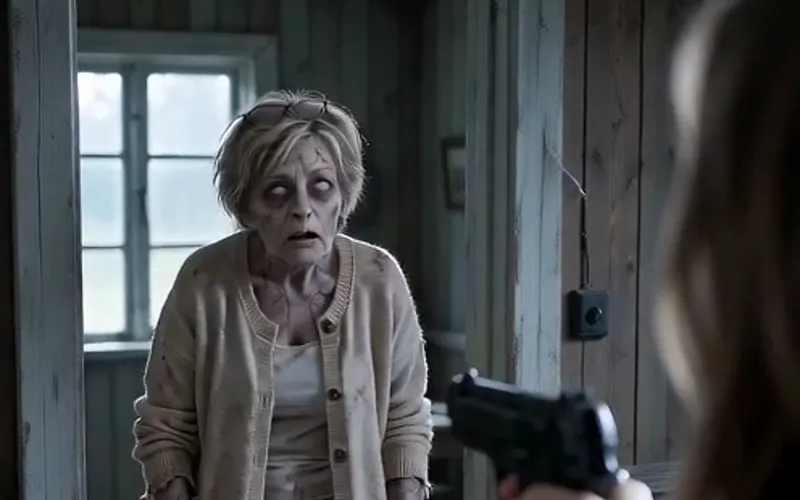
AI Zombie Video
The viral AI zombie video trend: a zombie leap that ends in a wheat-field hug
Frequently asked questions
What is the AI ghost filter?⌄
It is an online ghost filter that turns the person in your photo into a ghost: pale period clothes, a cold glow, floating hair and mist in a moonlit manor. You upload a selfie, tap Generate Image and get the ghost picture in about a minute.
Does it add a ghost to my photo, or turn me into one?⌄
It turns you into the ghost. Nobody else is pasted into the picture: it is your own face and features with the ghost styling around them.
Is my face covered?⌄
No. There is no sheet, mask or veil. The ghost look comes from the clothes, the glow, the mist and the floating hair, so your face stays fully visible.
Can I use the ghost filter for a prank?⌄
Yes. Send the ghost photo, or turn it into a short clip where the ghost slowly smiles at the camera. Only use photos of people who are in on the joke or agreed to it.
Can I try other Halloween filters?⌄
Yes. The same tool has 12 single looks, including vampire, skeleton, pirate, zombie and witch, plus 12 couple looks. You can also upload a costume photo or describe any costume.
How much does the ghost filter cost?⌄
A ghost photo costs 20 credits. A 5-second video of it costs 10 credits at 480p or 50 credits in HD with sound. New accounts start with free credits, and downloads have no watermark.
Try the AI ghost filter
One selfie, one tap, and you are a ghost from another century. Keep the photo, or turn it into a short haunting clip.
Turn my photo into a ghost