
Make a Keyboard Duo with two photos
One photo plays, the other claps
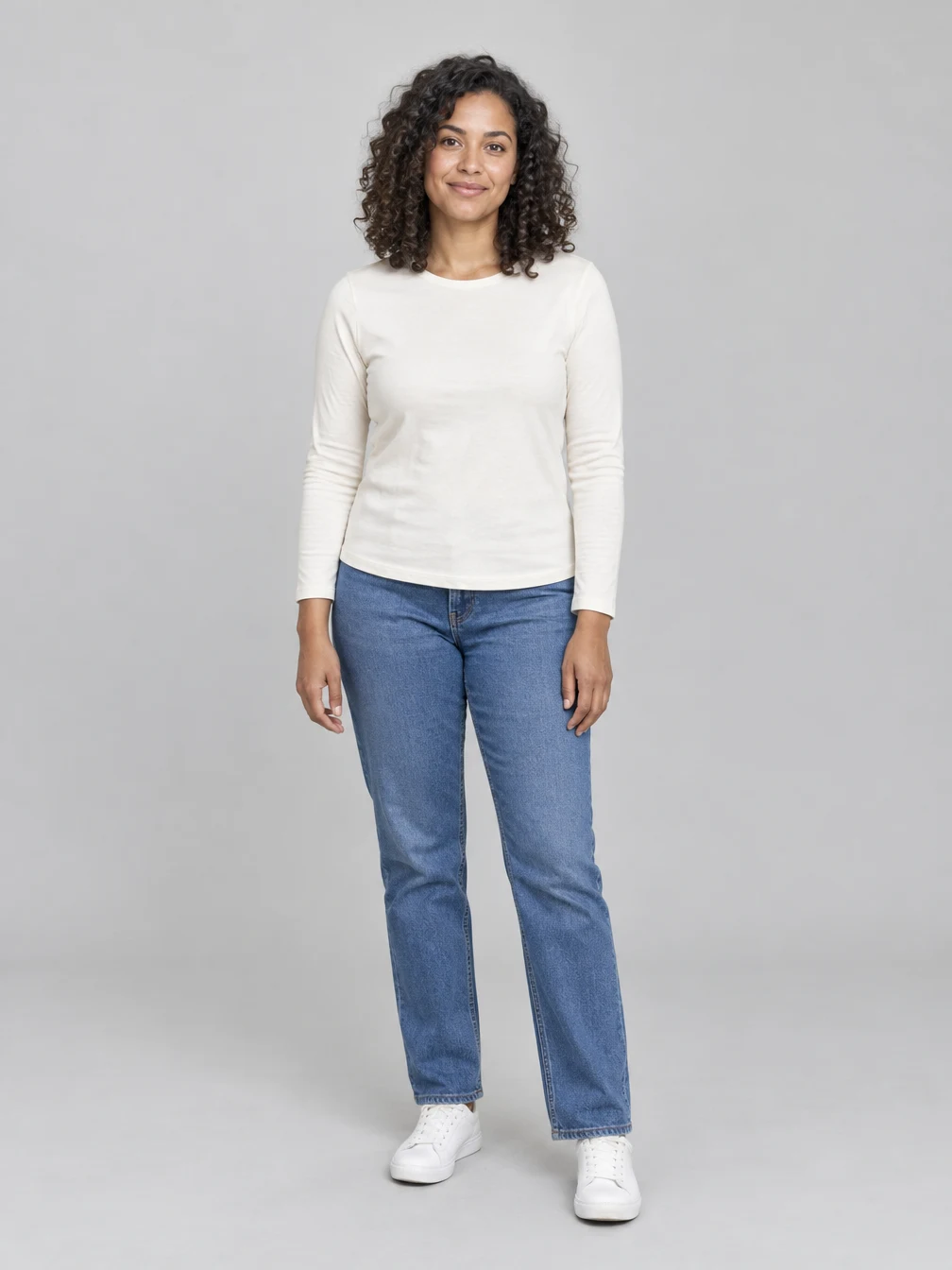
Choose two separate photos, each showing one adult who agreed to the edit. The first photo guides the keyboard player on the left; the second guides the companion on the right. Keep each whole face and hairstyle visible. Swapping the two photos swaps the roles. The preset is designed for two adults, and does not promise support for pets or groups. The supplied photos guide the faces and clothing, while the studio, table, keyboard and laptop are generated.
Play the keys, clap and lean toward the lens
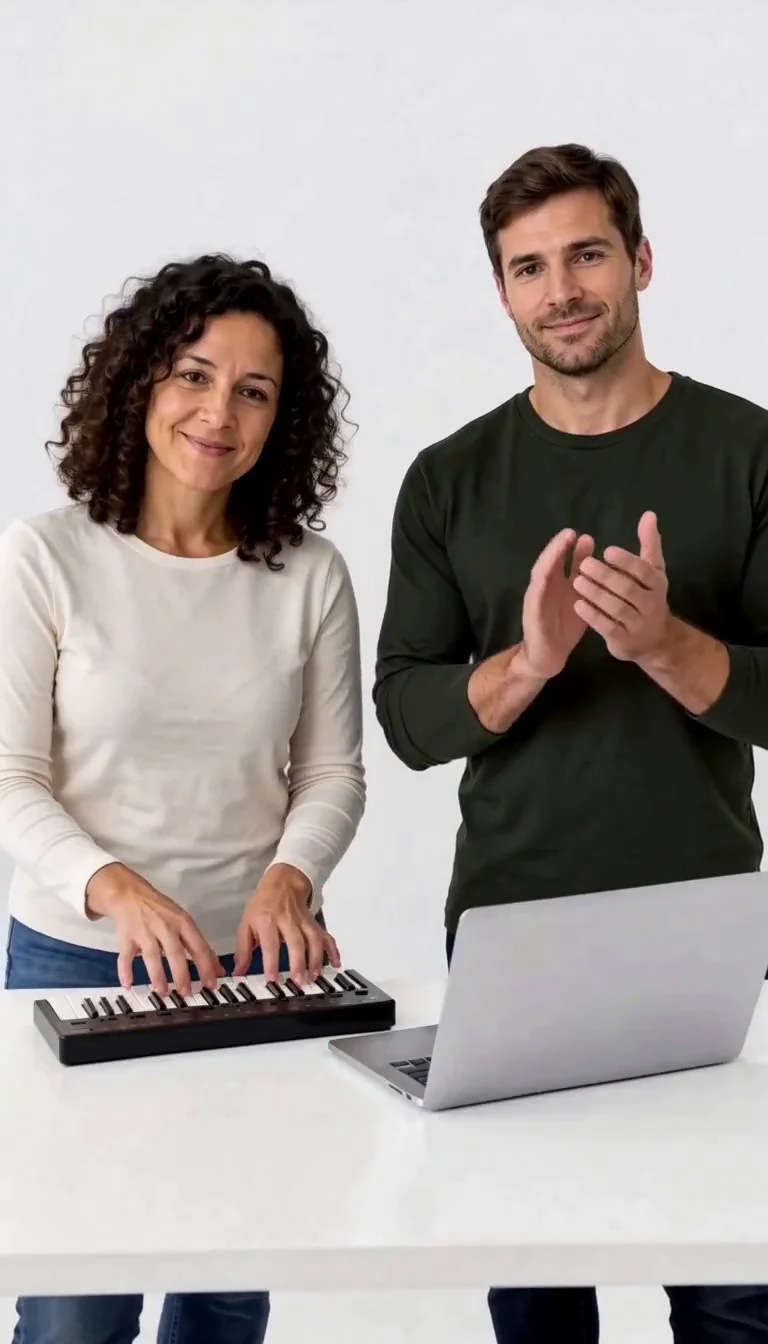
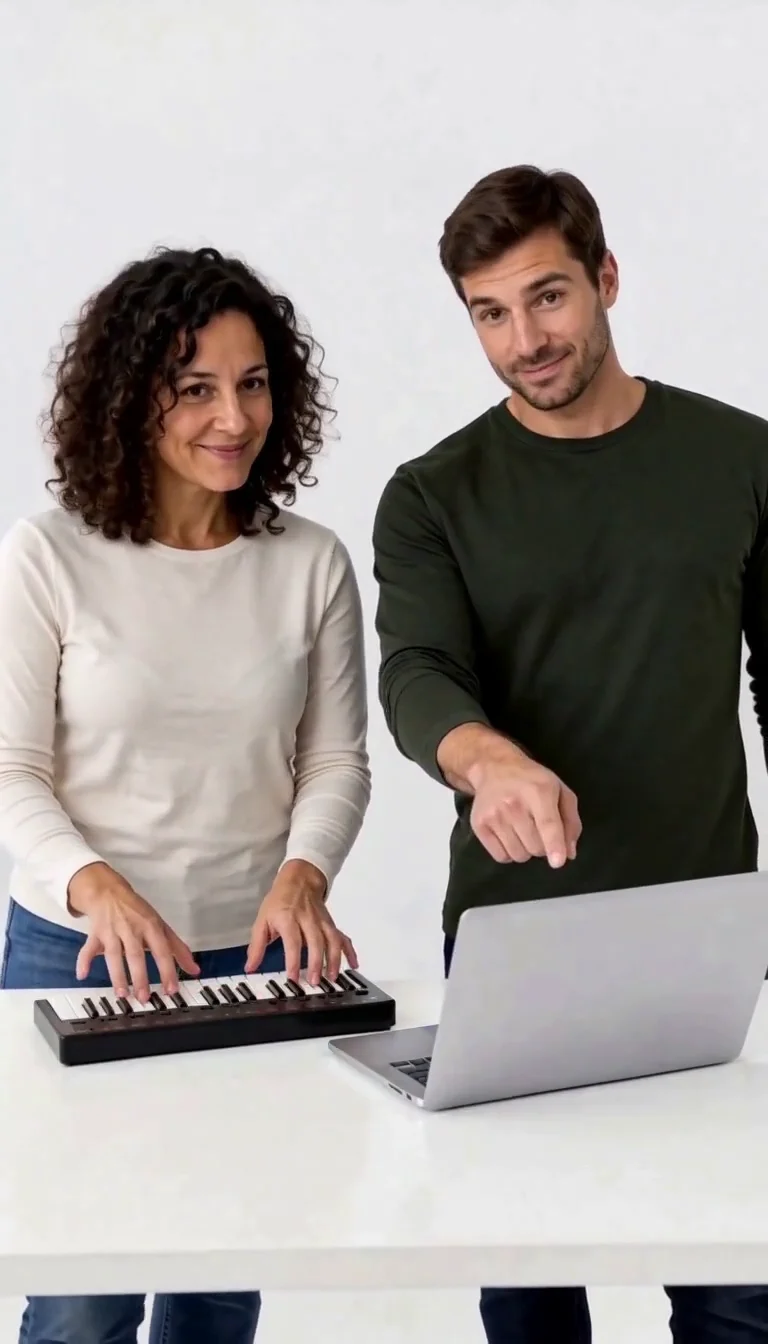
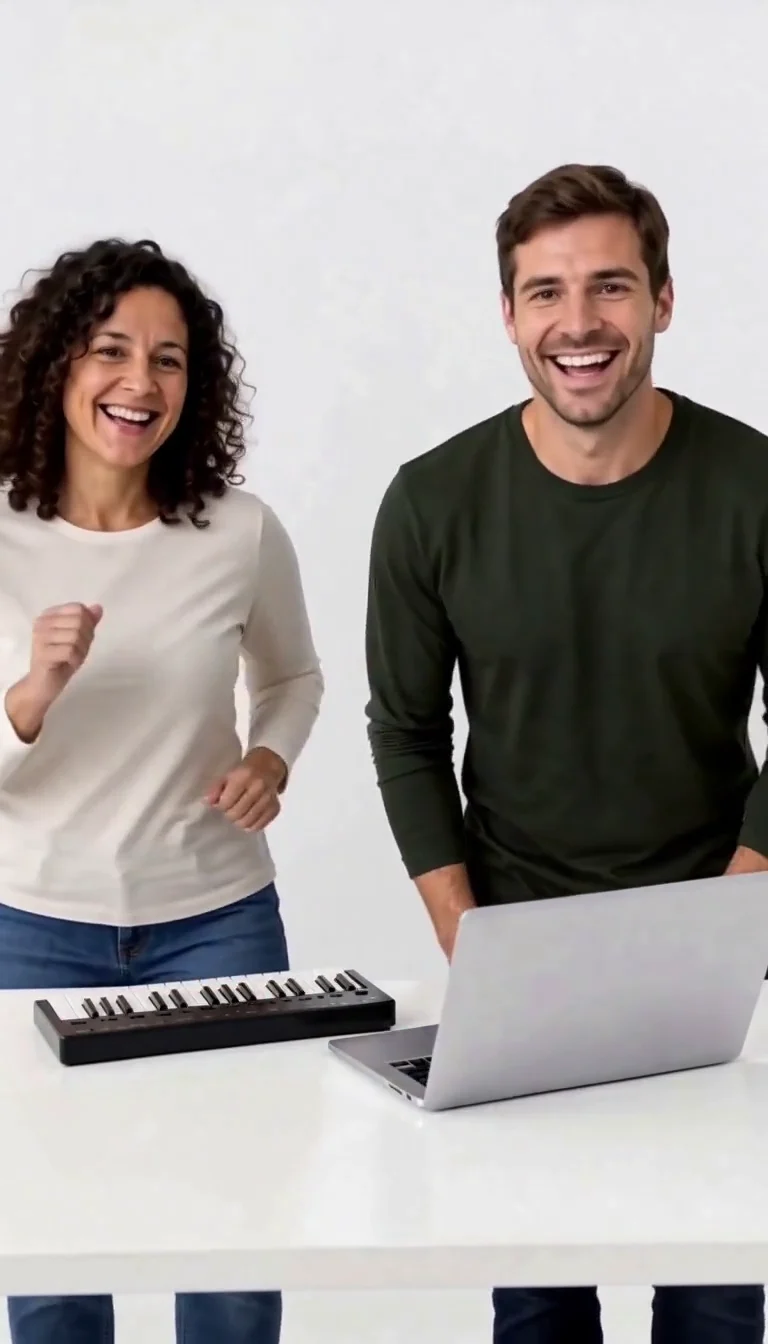
The fixed reference supplies the sequence: keyboard taps and head nods, claps, a point toward the laptop, laughter and a small side-by-side dance. The camera stays in front of the table in a white studio. Both people move closer to the lens at the end. This is a fictional personalized scene. It is not the original sketch, and it does not guarantee an exact actor, recording or licensed song. Inspect both faces and the hands throughout your result. Watch from beginning to end before sharing: a good opening frame does not show whether both identities remain readable later. Check the fingers over the keys, the clapping hands and the moment when the performers move closer to the camera. The example on this page is a complete generated clip, and the supporting images are frames from that same clip. Your two portraits create a new result, so facial details, gestures and timing can vary. Keep your original photos separately; the video is a creative animation rather than an unedited recording of the people.
Download the same completed video
One approximately ten-second video costs 96 credits, shown before generation. The 30-credit welcome allowance alone does not cover this preset. Generated instrumental sound accompanies the clip. Generation includes provider processing and delivery, so allow several minutes and longer during busy periods. You can leave and find the request in My Creations. Use Download after completion; downloading an existing result does not submit a second paid generation.
Give each performer a clear photo
Two separate portraits identify the two roles.
Keyboard player
Photo 1 · Left side
When to use it
You want this adult to play the mini keyboard.
What it produces
The first adult in the shared studio scene.
- ✓One consenting adult
- ✓Whole face visible
- ✓Clear clothing reference
Clapping companion
Photo 2 · Right side
When to use it
You want this adult to clap and laugh beside the player.
What it produces
The second adult in the same scene.
- ✓One consenting adult
- ✓Distinct, readable face
- ✓No group photo
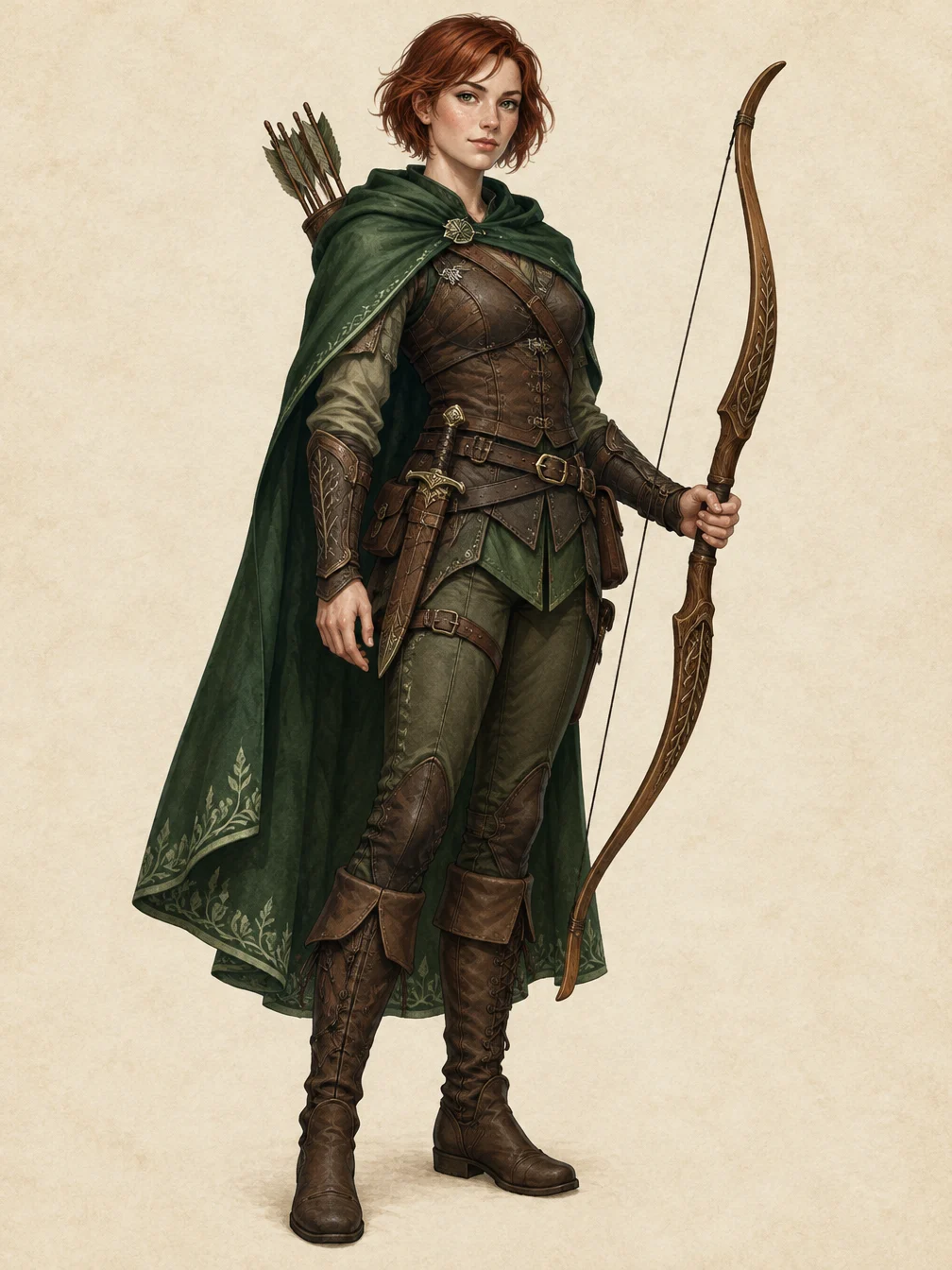
RPG Character
Describe an original fantasy adventurer and create a full-body RPG character illustration.
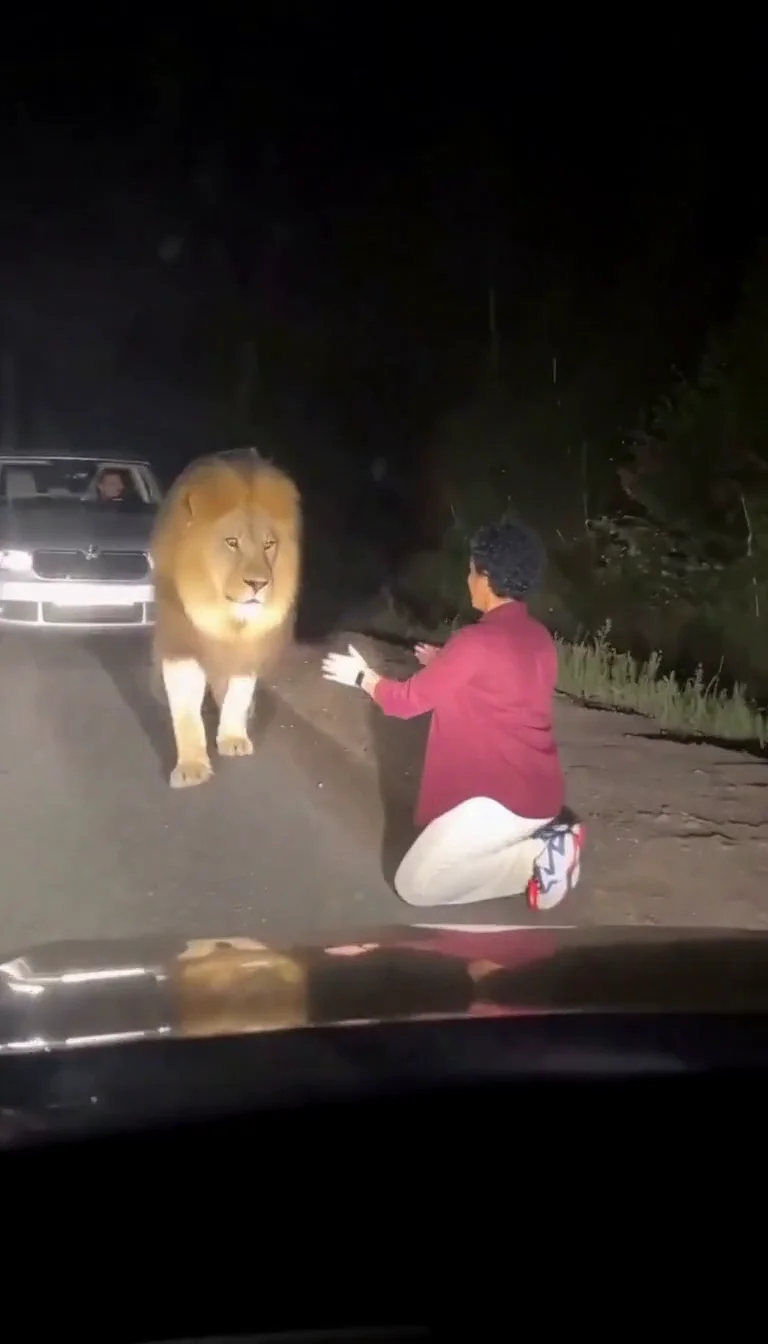
Lion Friend
Meet a calm lion on a nighttime road, stroke its mane and share a fictional embrace.
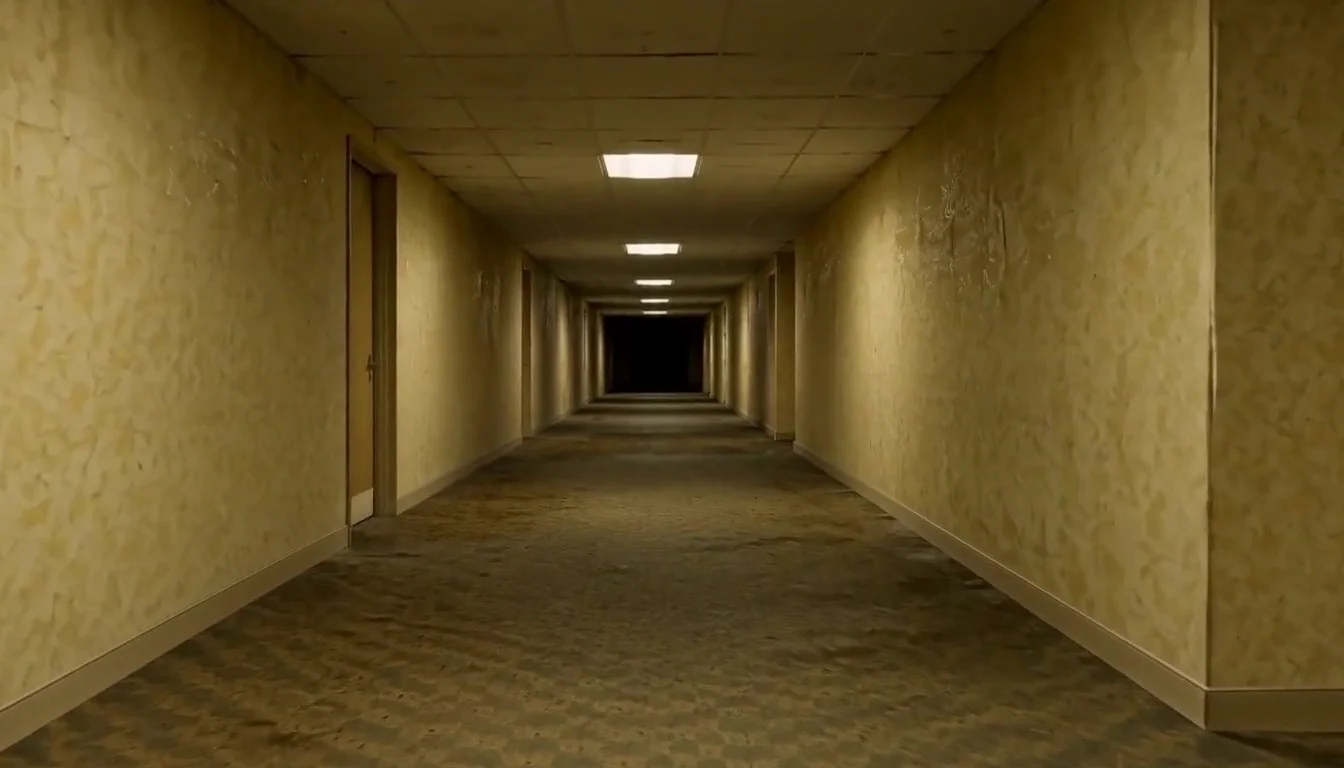
AI Backrooms
Animate your empty corridor with a slow camera push and flickering fluorescent lights.
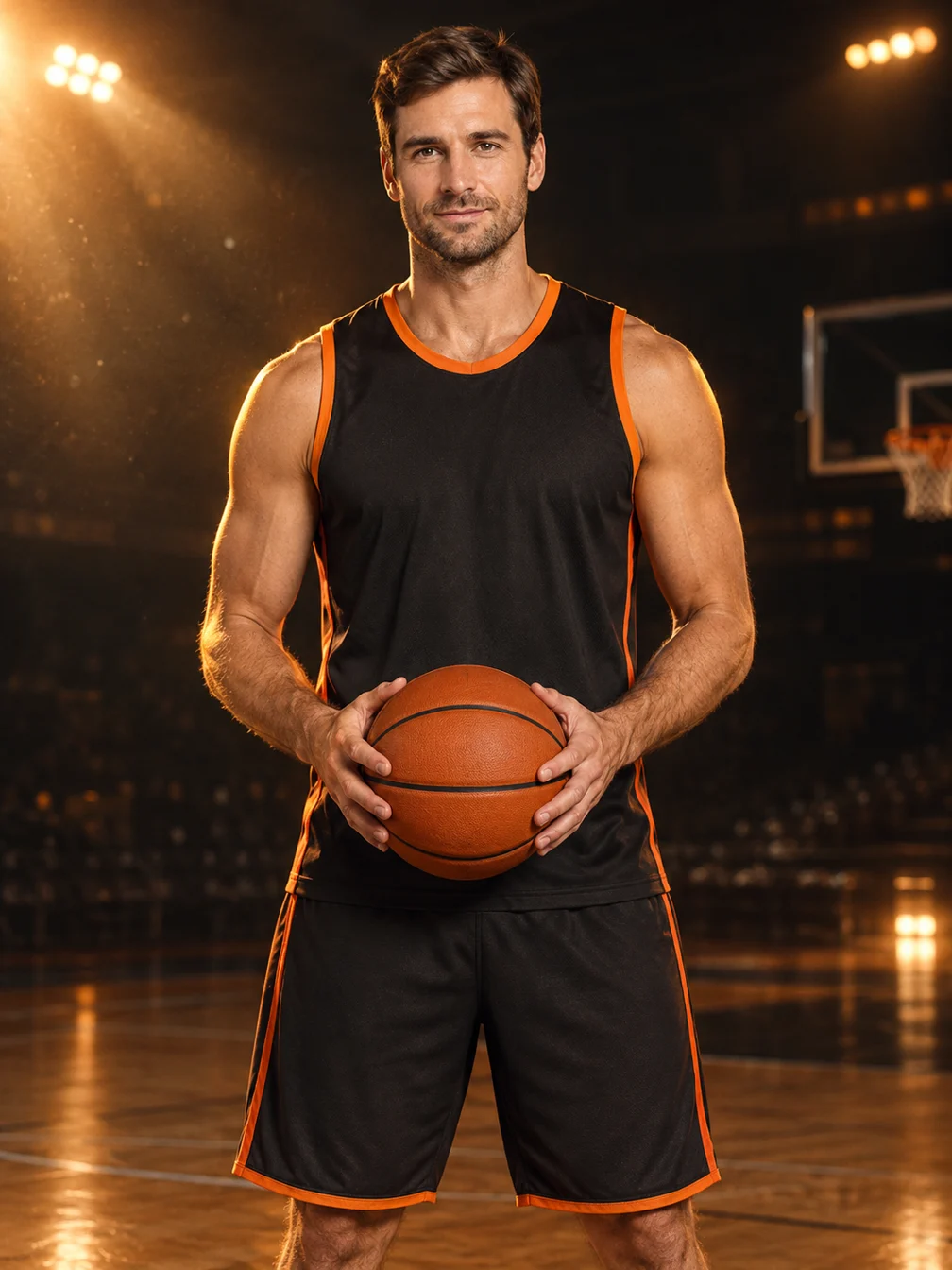
Basketball Poster
Turn your portrait into a basketball poster in arena, retro-card or neon-court style.
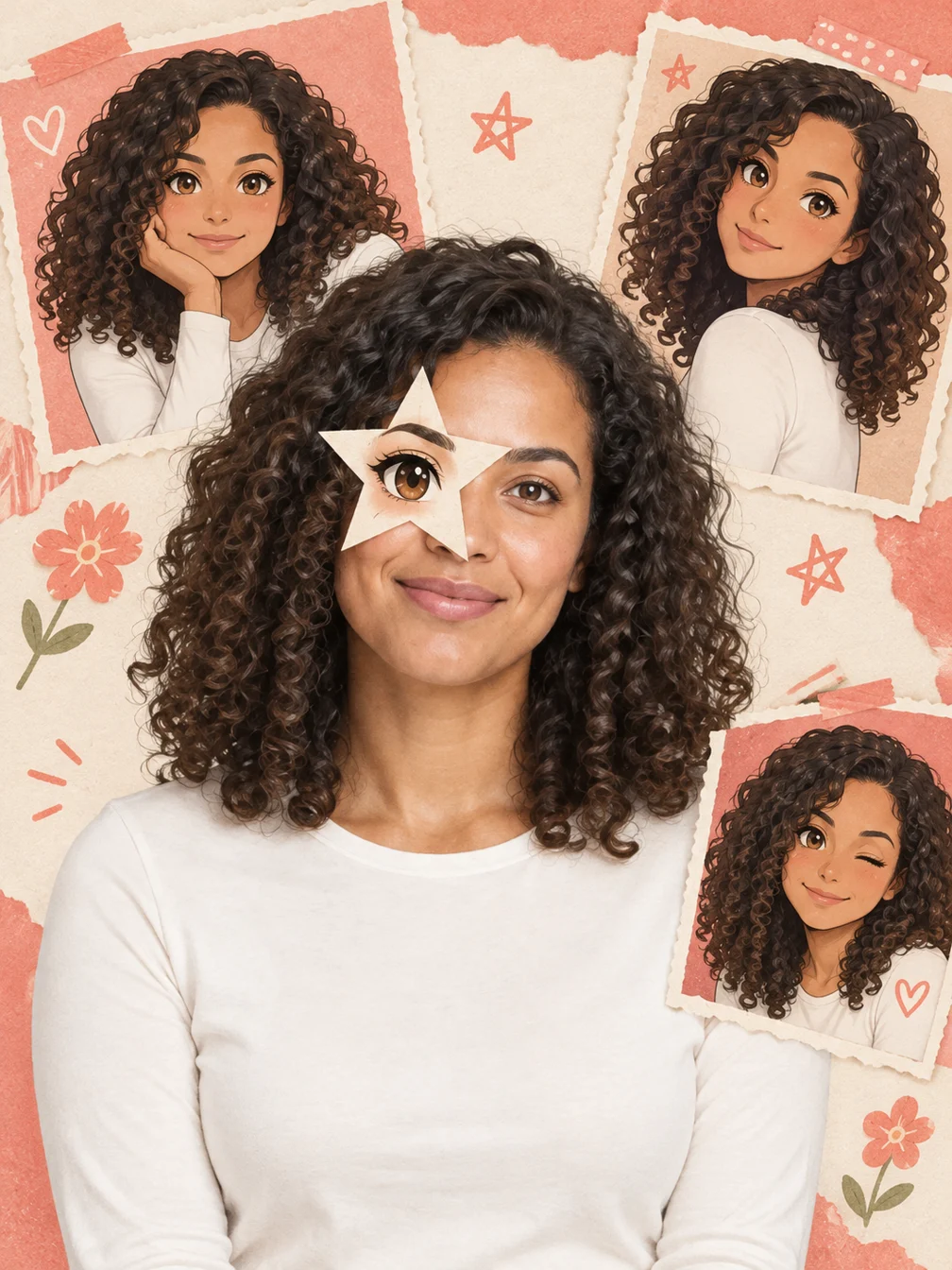
Anime Eye
Add one illustrated eye cutout and matching original anime-twin panels to your selfie.
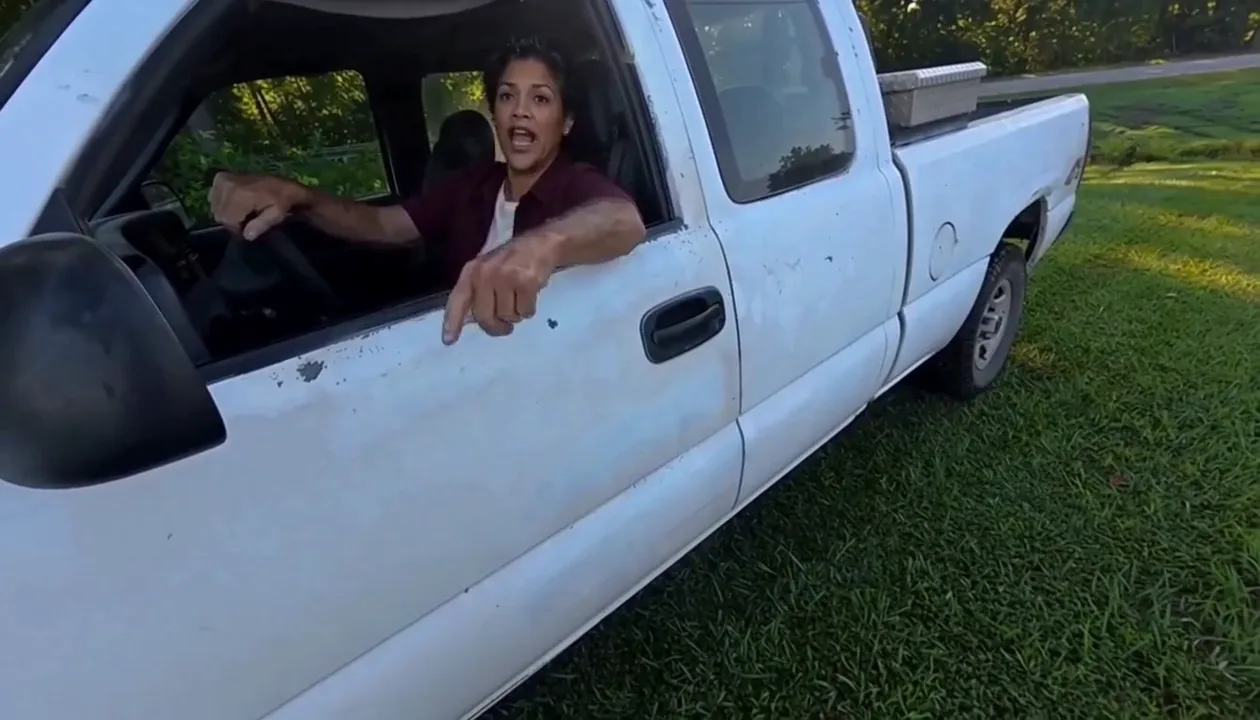
Hit Road Dude
Make a reference-guided pickup-truck meme from one adult portrait.
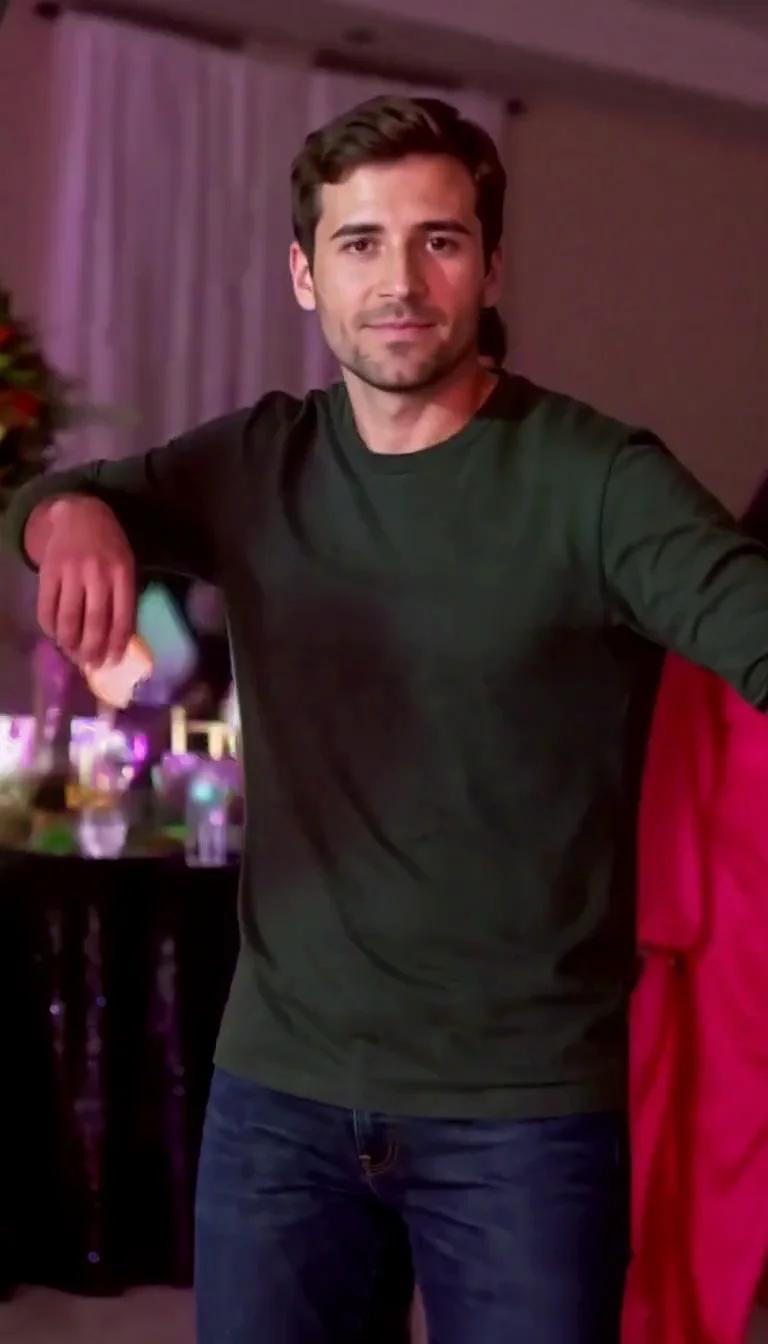
Dime Dime Baby AI
Make the approach, bread-bite and turn-away party video.
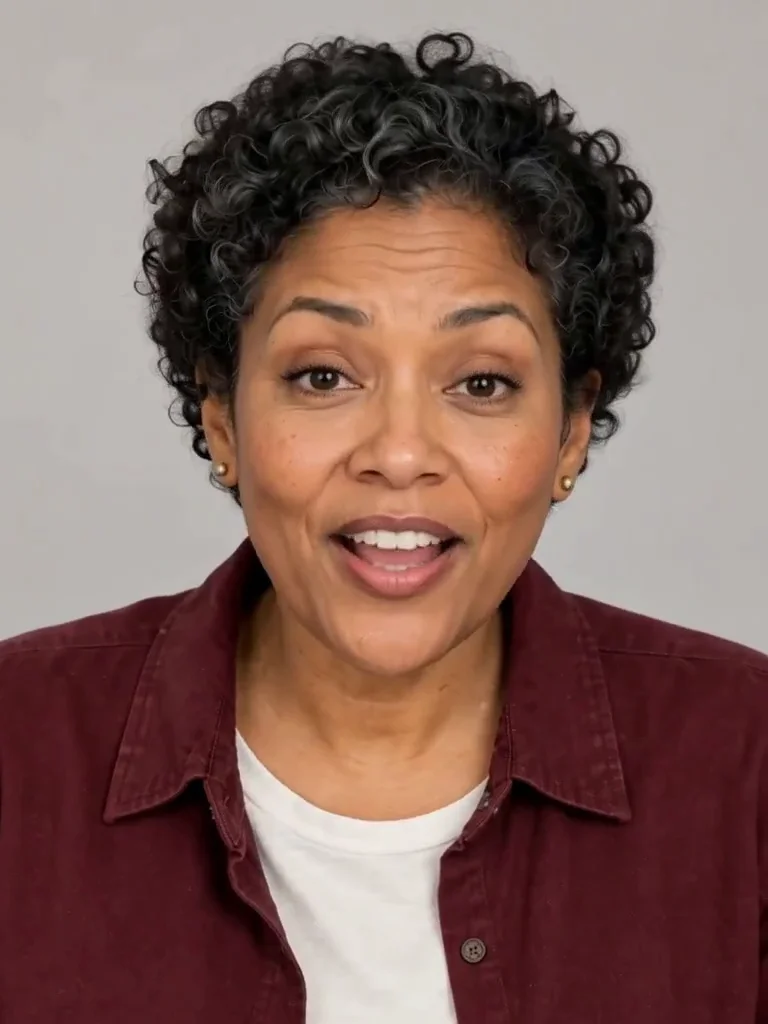
Photo to Talking
Give an adult portrait a short spoken line.
Warrior Cats OC
Design an original cat character from your description.
AI Lego Man
Transform one adult photo into a molded brick toy video.

GTA Style
Illustrate your portrait with bold outlines and a coastal sunset.
Fire Breathe
Add a fantasy flame plume and warm light to a portrait.
Frequently asked questions
How does Keyboard Duo work?⌄
Upload two adult portraits. The first person plays the mini keyboard while the second claps and laughs beside them. A fixed reference guides the ten-second studio performance.
Can I swap the two roles?⌄
Yes. Put the intended keyboard player in Photo 1 and the clapping companion in Photo 2.
Does it include the original song or actors?⌄
No. It is a generated fictional scene with instrumental sound. It does not promise a known song, an original recording or the exact real-person performance.
Does it work with pets?⌄
This preset is designed for two consenting adults. Pet and mixed-species inputs are not promised.
How many credits does it cost?⌄
One video costs 96 credits. Check the displayed quote before submitting. The 30-credit welcome allowance alone is insufficient.
Where do I get the completed video?⌄
Use Download on the completed result or open it from My Creations. Re-downloading the same result does not start another generation.