
Make a Witch Flying video
Witch Flying starts beside the car
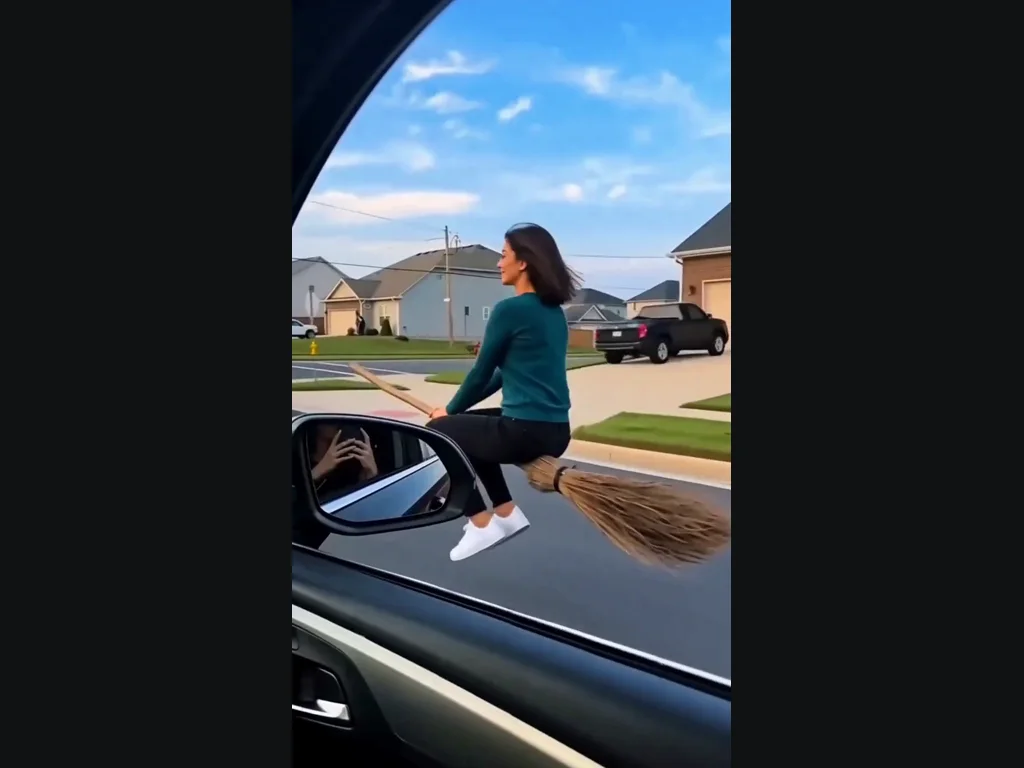
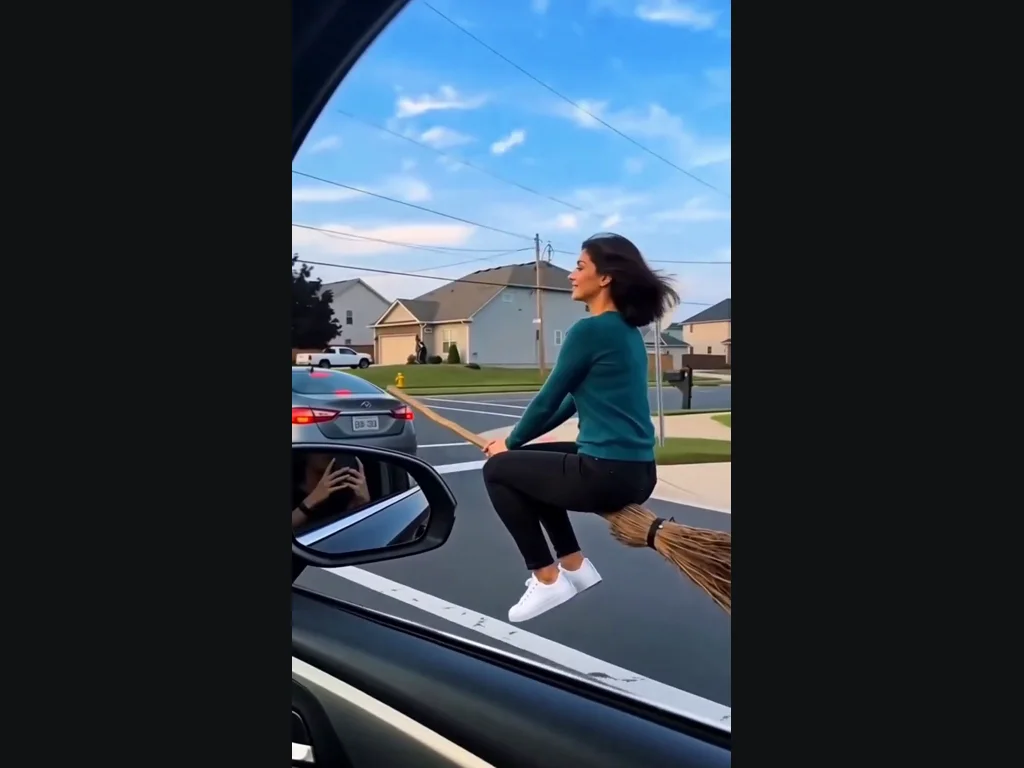
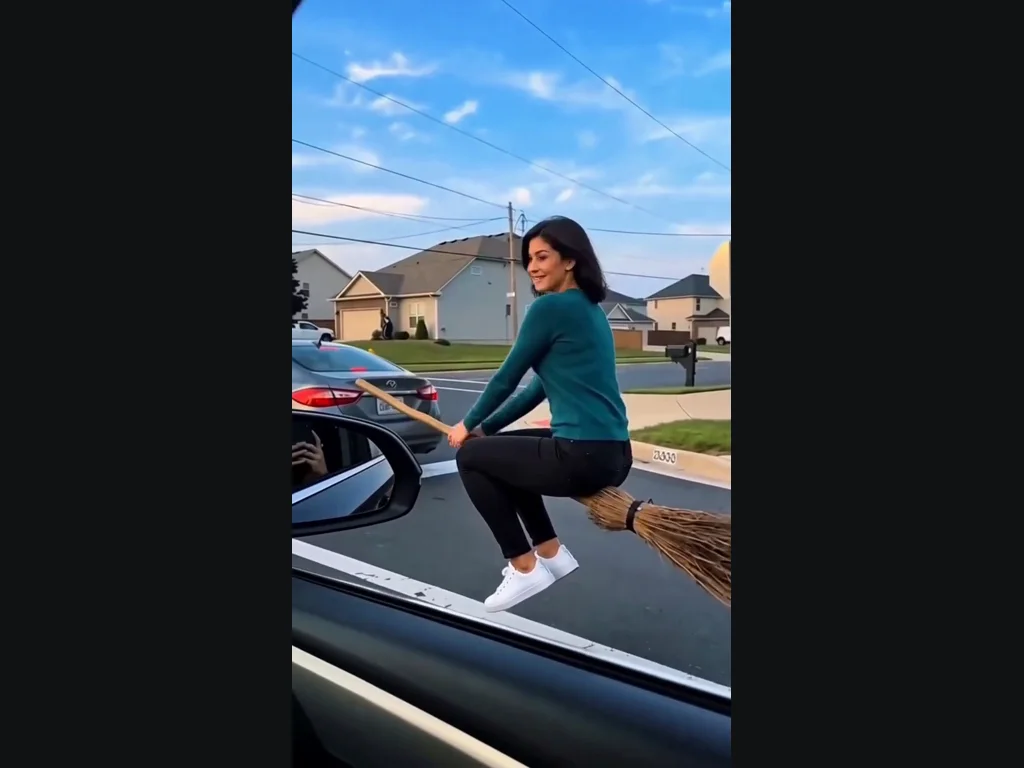
Witch Flying follows the daylight street version of the broom trend. A rider appears outside a car window at an intersection, looks toward the camera, then flies away with the broom. The car mirror, houses and road make the impossible ride look like something a passenger just noticed. This is the short street shot shown in the example, not a flight through a forest, a moonlit silhouette or a costume portrait. One continuous rider stays in the shot; there is no cut to the original phone tutorial. In Witch Flying, the passing-car viewpoint is part of the appeal: you see the rider close enough to recognize them before they move away. You are choosing that short encounter, not a travel sequence with several locations. There are no additional scenes to configure, so compare this exact street example with the clip you have in mind before spending credits.
Choose the photo for your Witch Flying video
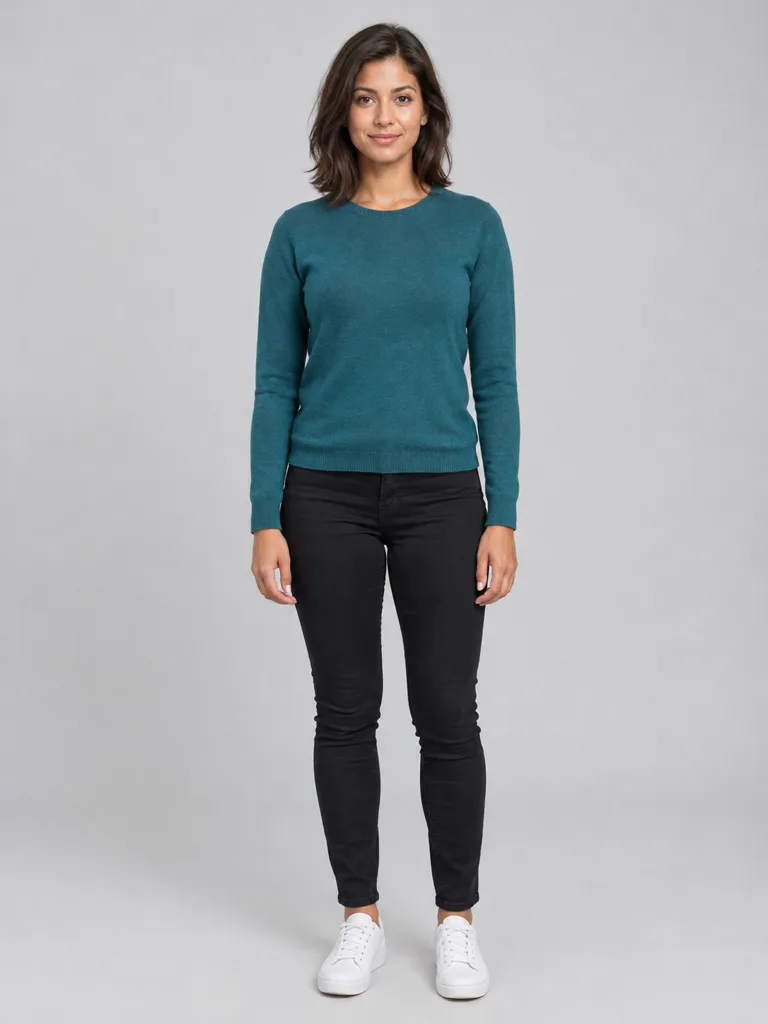
Upload one clear photo of the person you want on the broom. A visible face and an unobstructed view of the body help the generator carry their appearance into the riding pose. Use good light and avoid group photos or extreme camera angles. The preset controls the broom, street, camera and takeoff; your upload controls who appears. It is not a custom outfit editor or a way to choose a new route. If the photo has clothing you want to keep, make it easy to see rather than hiding it behind another object. For Witch Flying, choose a photo where hands, hair and clothing are not blended into the background. If the person is carrying a large bag or another person is partly blocking them, use a simpler photo instead. You can keep the photo casual; a hat or Halloween costume is not required to try the ride. Check the upload preview for the correct subject.
Check Witch Flying through the last frame
The recognizable moment is the look toward the car followed by the broom moving away. Watch both the rider and the broom during takeoff: they should move together, and the face should still resemble the uploaded subject. Small details around the legs and broom can vary because the scene is generated. The output is a short vertical video, suitable for reviewing on a phone before you share it. Witch Flying does not film a real stunt or teach broom riding; it creates the fantasy shot from your photo. In Witch Flying, the final frames show the rider at a greater distance, so they naturally contain less facial detail than the close pass. Judge likeness while the rider is near the car, then judge whether the takeoff feels continuous. Before posting, play the whole clip at normal speed on the screen where people will see it, rather than relying on a paused thumbnail.
Choose the photo for Witch Flying
In Witch Flying, the upload slots determine who appears in the preset.
Broom rider
Clear face, good light.
When to use it
Use a separate photo with one visible subject.
What it produces
The person in the generated scene.
- ✓One subject per Witch Flying photo
- ✓Face unobstructed
- ✓Only photos you may edit
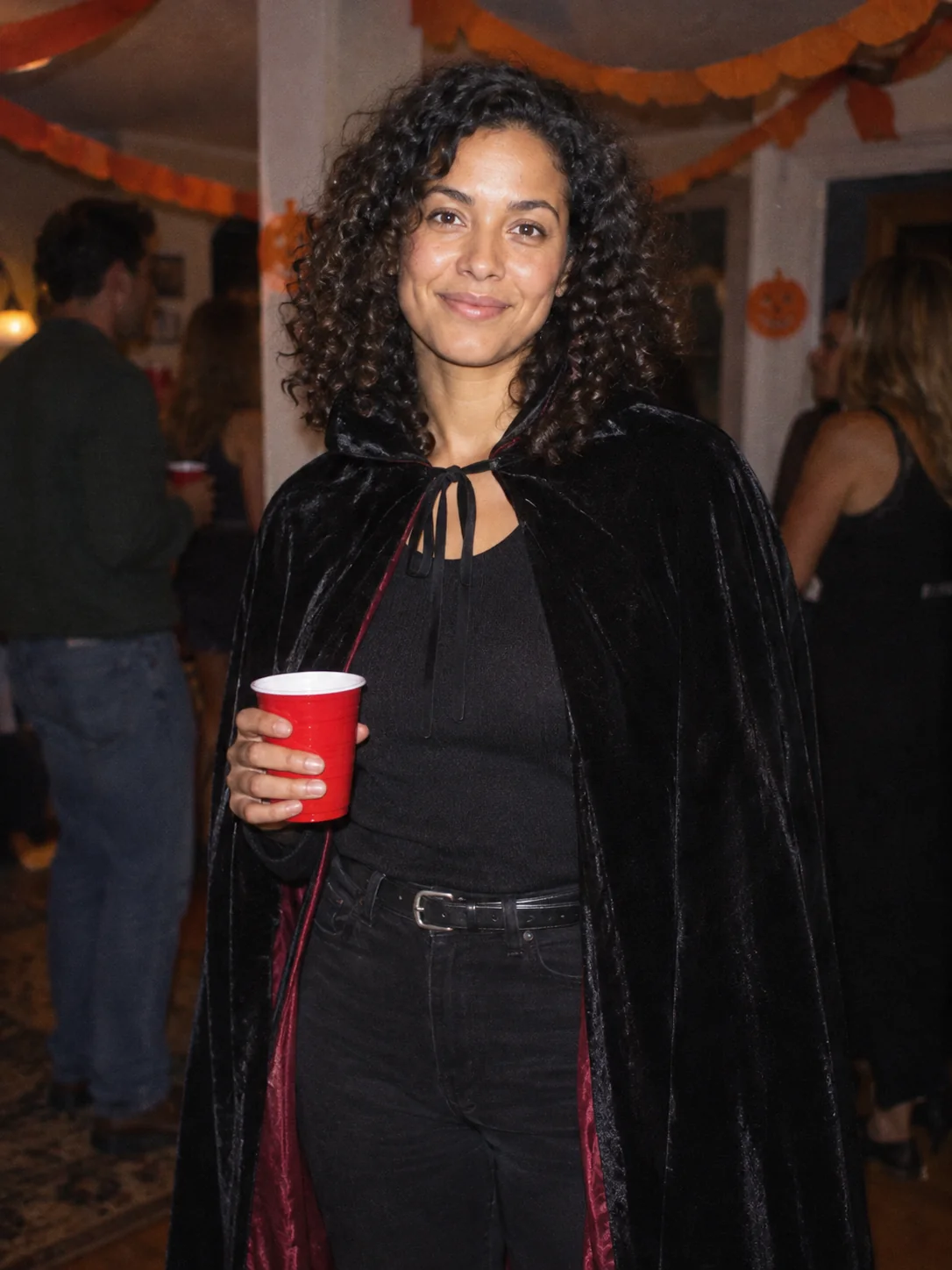
Costume Party
Put yourself in a Halloween costume party photograph.
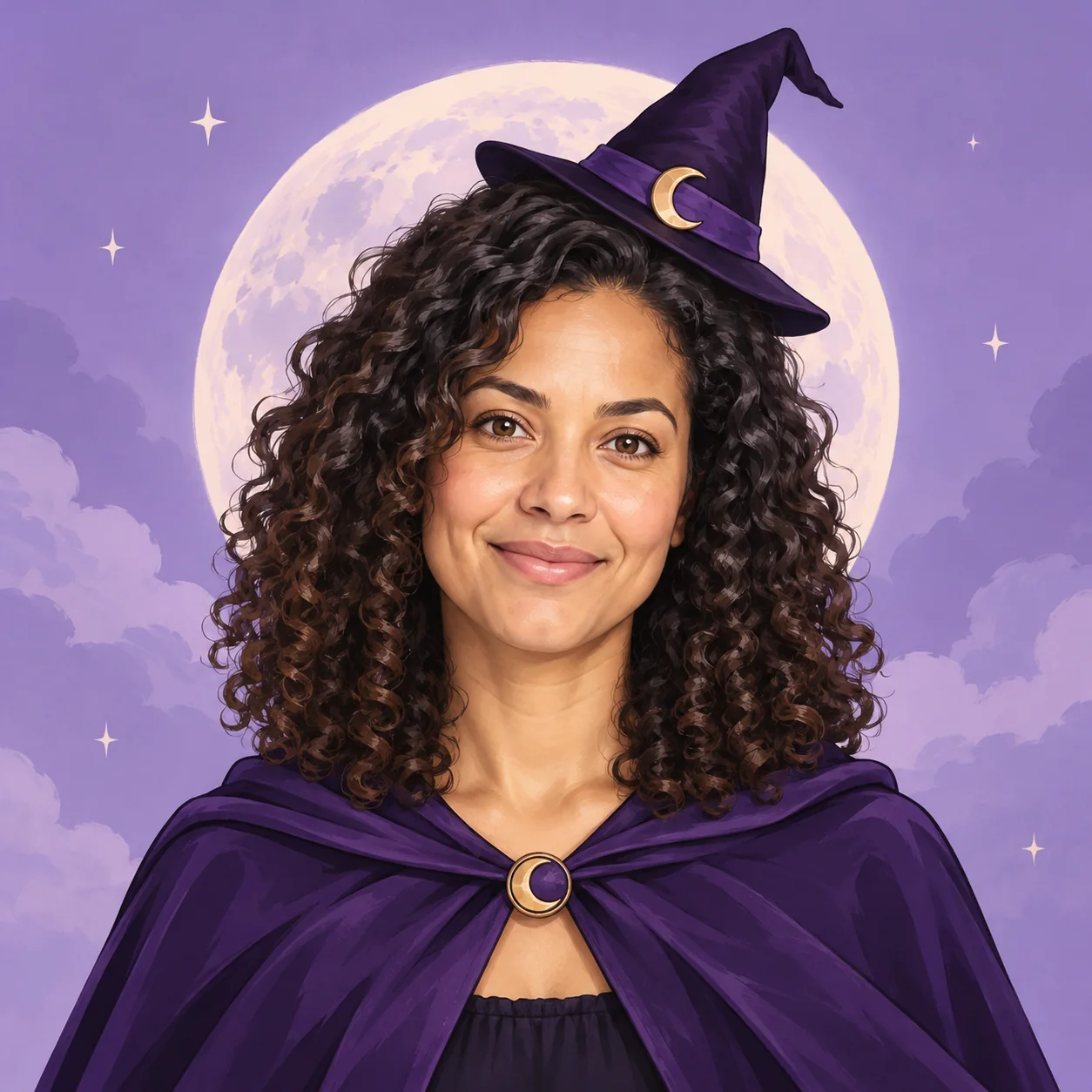
Halloween Avatar
Make a Halloween profile picture that stays readable in a small circle.

Halloween Card
Create a Halloween greeting card with your own short message.

Halloween Coloring
Make black-and-white Halloween coloring sheets with empty spaces to fill.

Halloween Logo
Explore an original Halloween logo concept with a short brand name.
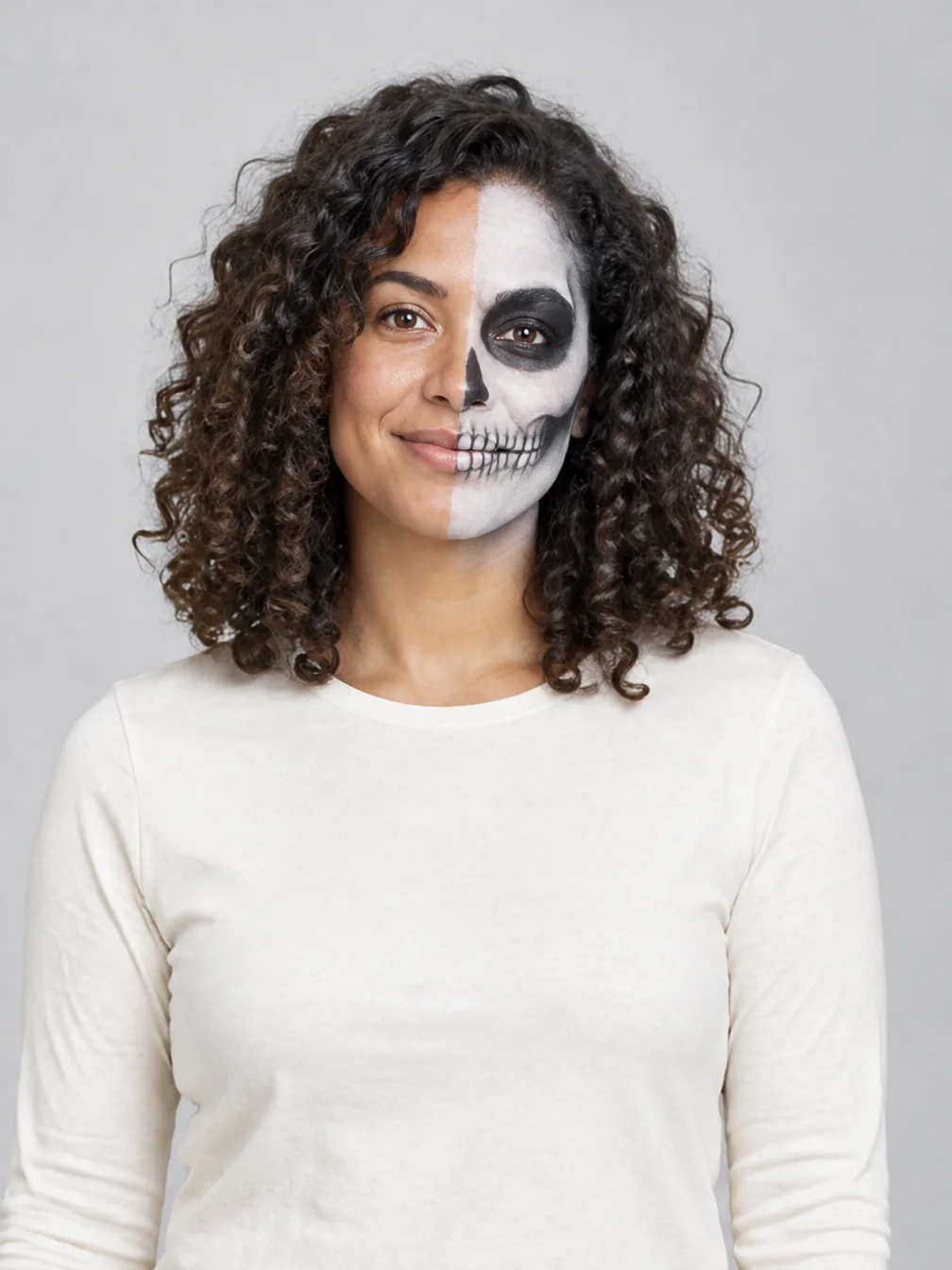
Halloween Makeup
Preview different Halloween makeup looks on your own face.
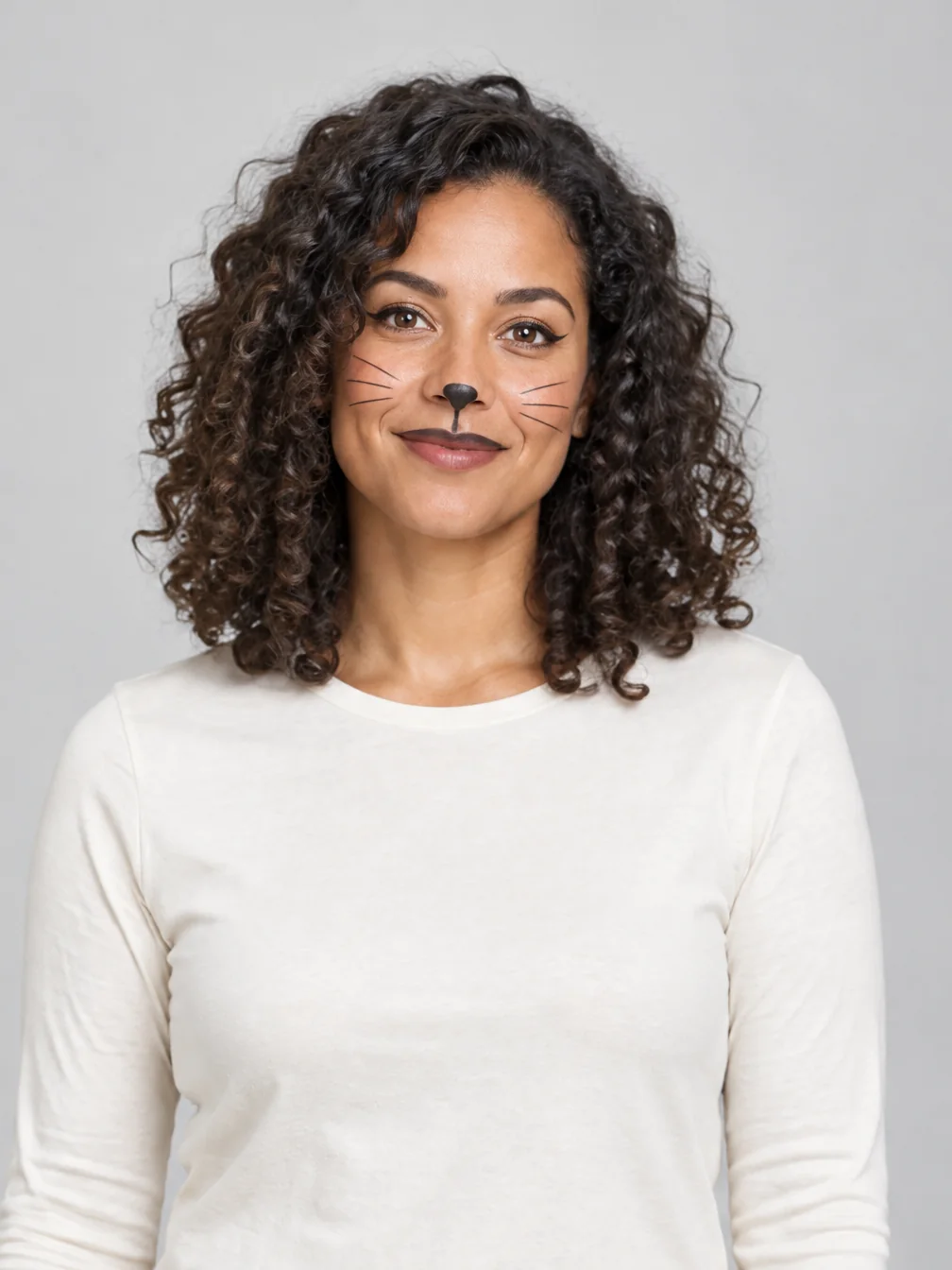
Cat Halloween Makeup
Try cat face paint while keeping your own human face.
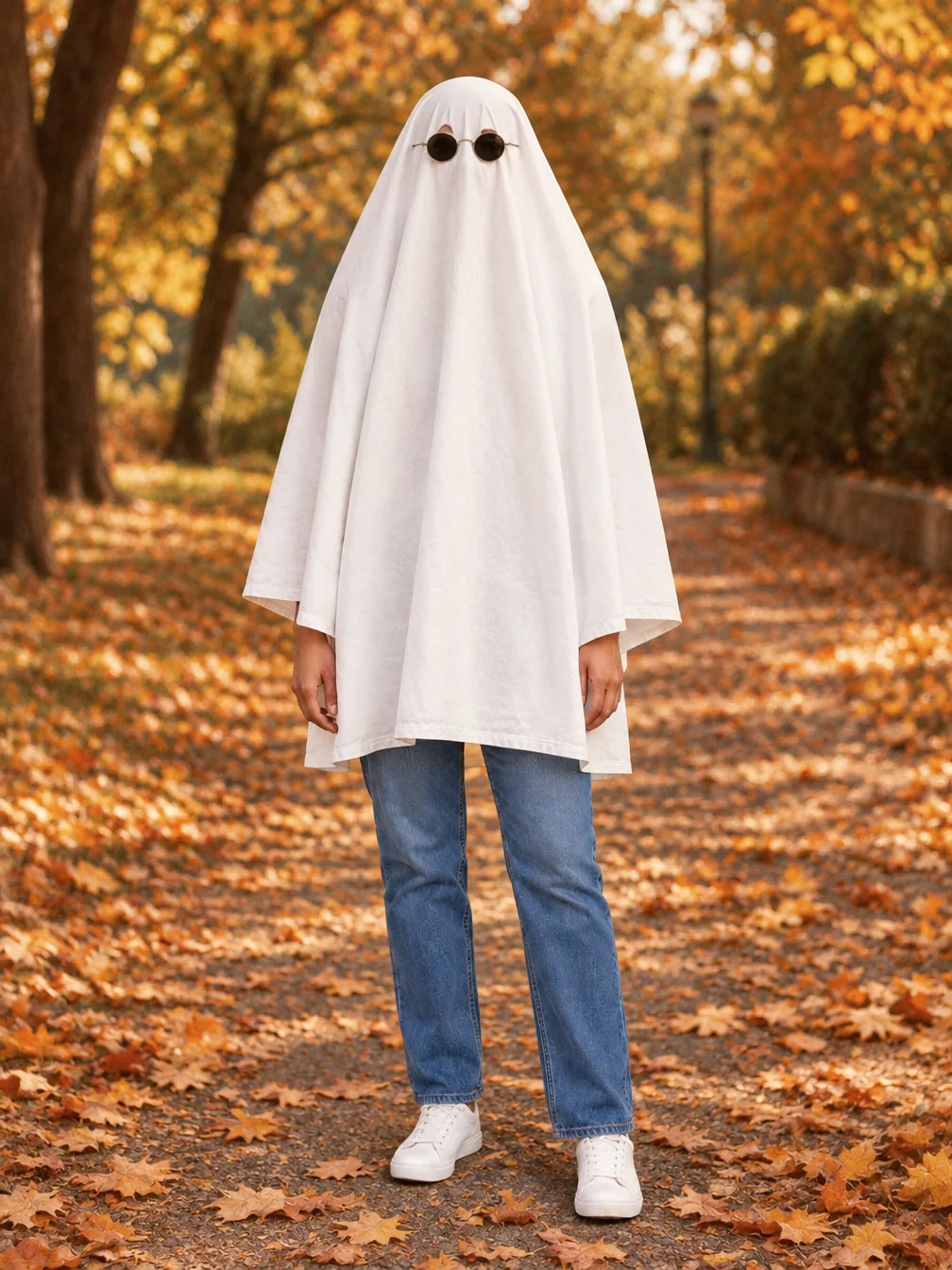
Ghost Photoshoot
Get the white-sheet-and-sunglasses ghost photoshoot look.
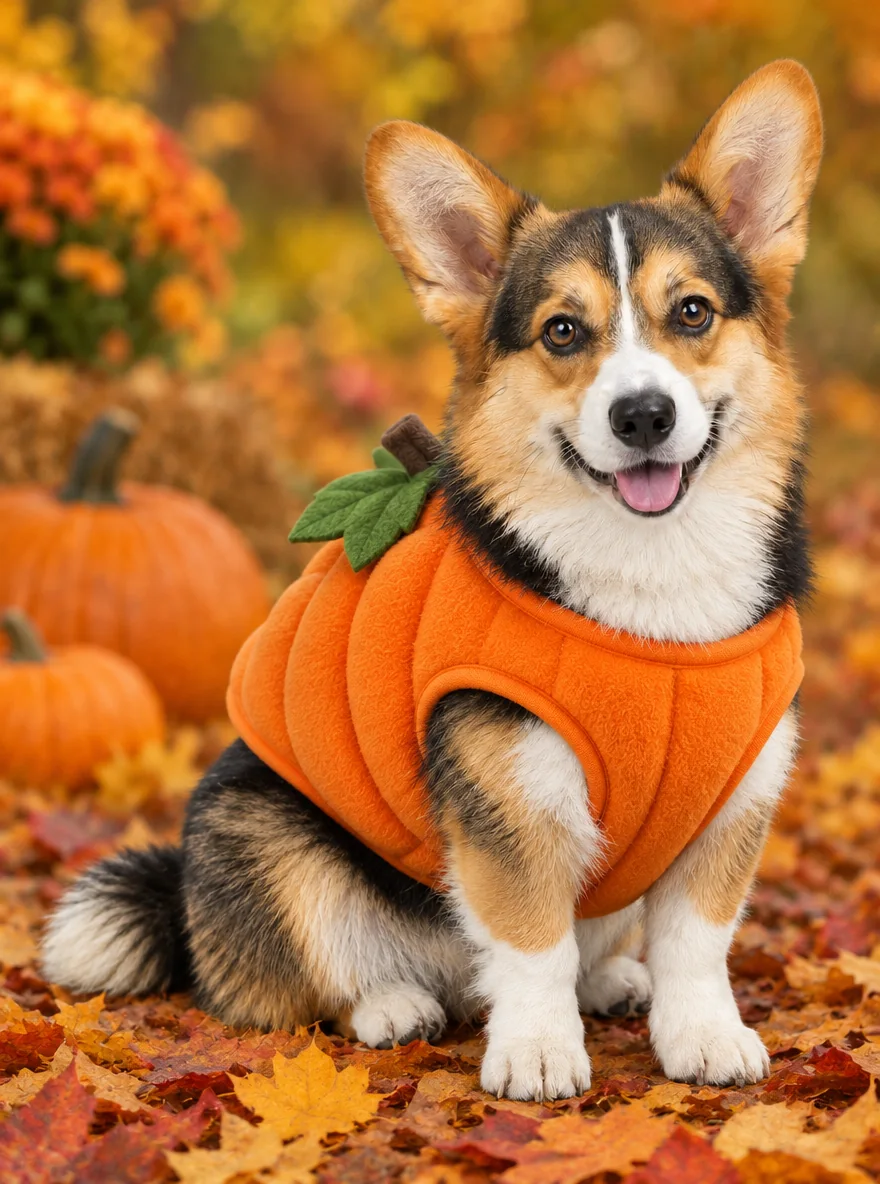
Pet Halloween Costume
Preview a Halloween costume on your own dog or cat.
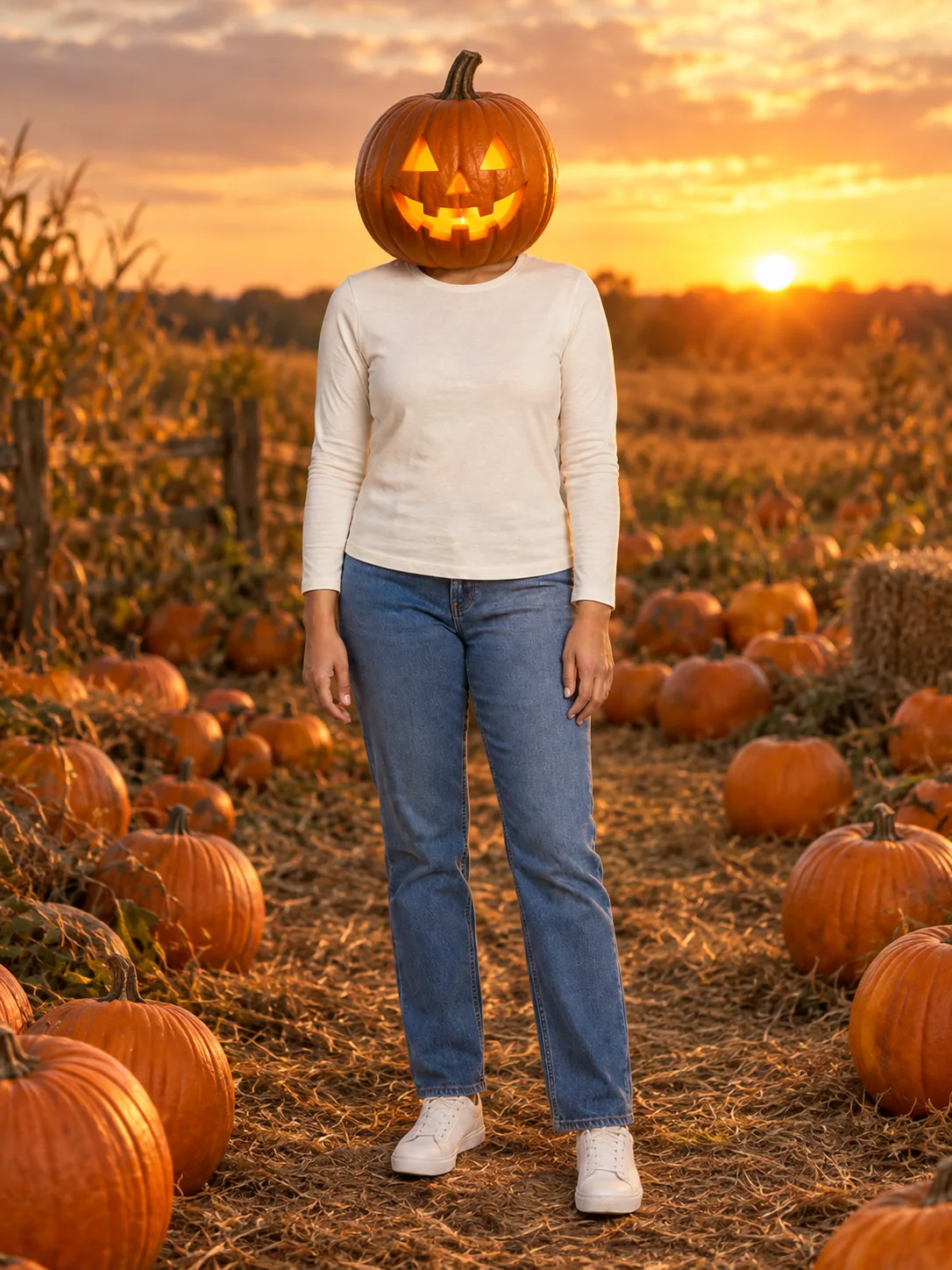
Pumpkin Head Photoshoot
Turn a full-body photo into a jack-o-lantern-head autumn photoshoot.

Clown Face
Preview theatrical clown face paint in three different styles.
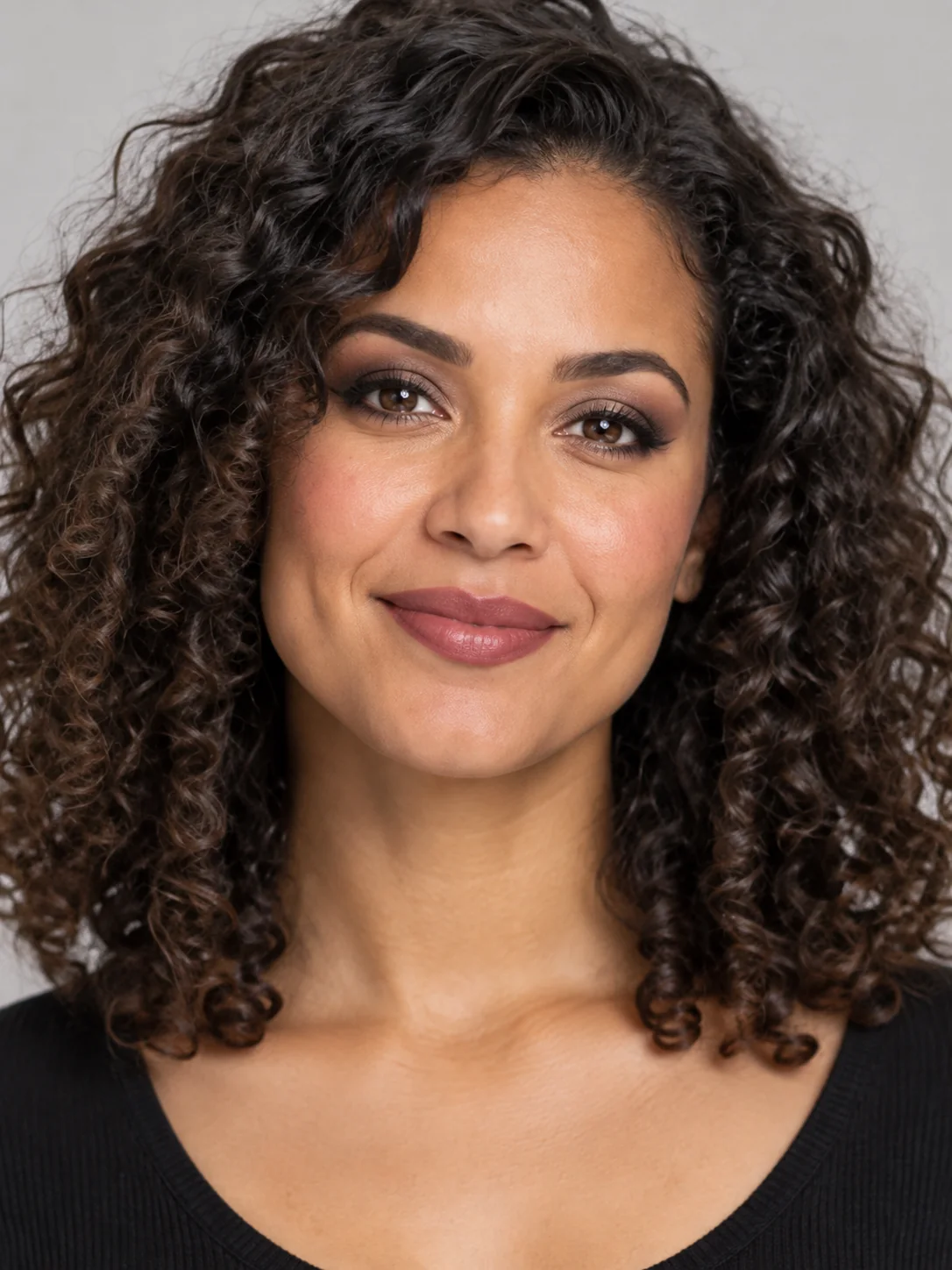
Goth Makeup
Preview dark eye makeup and lip colors on your own face.
Frequently asked questions
How do I make a Witch Flying video?⌄
Put yourself on the flying broom beside the car: look toward the window, then lift off along the street.
Which photos should I use to make a Witch Flying video?⌄
Upload 1 clear photo showing one person. The preset supplies the scene and movement.
How long is a Witch Flying video?⌄
The preset makes a 5-second vertical video at 720P. The duration and scene are fixed; there is no need to supply your own reference video.
How much does it cost to make a Witch Flying video?⌄
Each generation costs 72 credits, shown before you start. This preset is not covered by a 30-credit welcome balance. Check your available credits before submitting; viewing the example does not start a generation.
How long does it take to make a Witch Flying video?⌄
Allow roughly 5–20 minutes; busy periods can take longer. You can leave the page and return in the same browser, or check My Creations. If the connection drops, check the existing request instead of starting a duplicate.
Is Witch Flying a forest flight?⌄
No. This preset follows the car-window and street-intersection version shown in the example.
Will Witch Flying add a witch costume?⌄
The preset focuses on the broom ride and takeoff. It uses the appearance in your photo rather than offering a separate costume selector.
Can I upload two riders?⌄
This preset has one rider and one photo slot. It does not place a second person on the broom.
Which photos can I use for Witch Flying?⌄
Use your own photo or one you have permission to edit. The public examples use fictional people. Do not use the effect to impersonate someone, misrepresent a real event or distress another person. Review the result before sharing.
Can I download my Witch Flying result?⌄
Once generation and delivery finish, open the completed result to preview and download the video. Check the entire clip first, including the face, hands and final moments. AI output can vary; the example is a demonstration rather than a guarantee of identical details.
Make a Witch Flying video
Make a Witch Flying video from one clear photo. Review the full result before you download or share it.
Try Witch Flying