
What the Seedance 2.5 AI video generator does well
Seedance 2.5 AI makes clips as long as 30 seconds
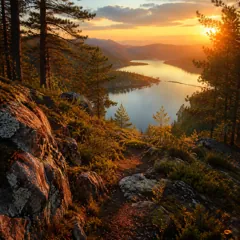
Seedance 2 stops at 15 seconds. Seedance 2.5 doubles that: pick any length from 4 to 30 seconds, or let the model choose with Auto. A longer clip gives a camera move room to finish, so a drone shot can follow a car along a coast road and still end on the lighthouse. The frame here comes from one continuous 12-second Seedance 2.5 shot with no cuts.
- ✓4–30 seconds — set the exact length, one second at a time
- ✓Auto length — Seedance 2.5 picks a length that fits the prompt
- ✓One take — describe the whole camera path in one prompt
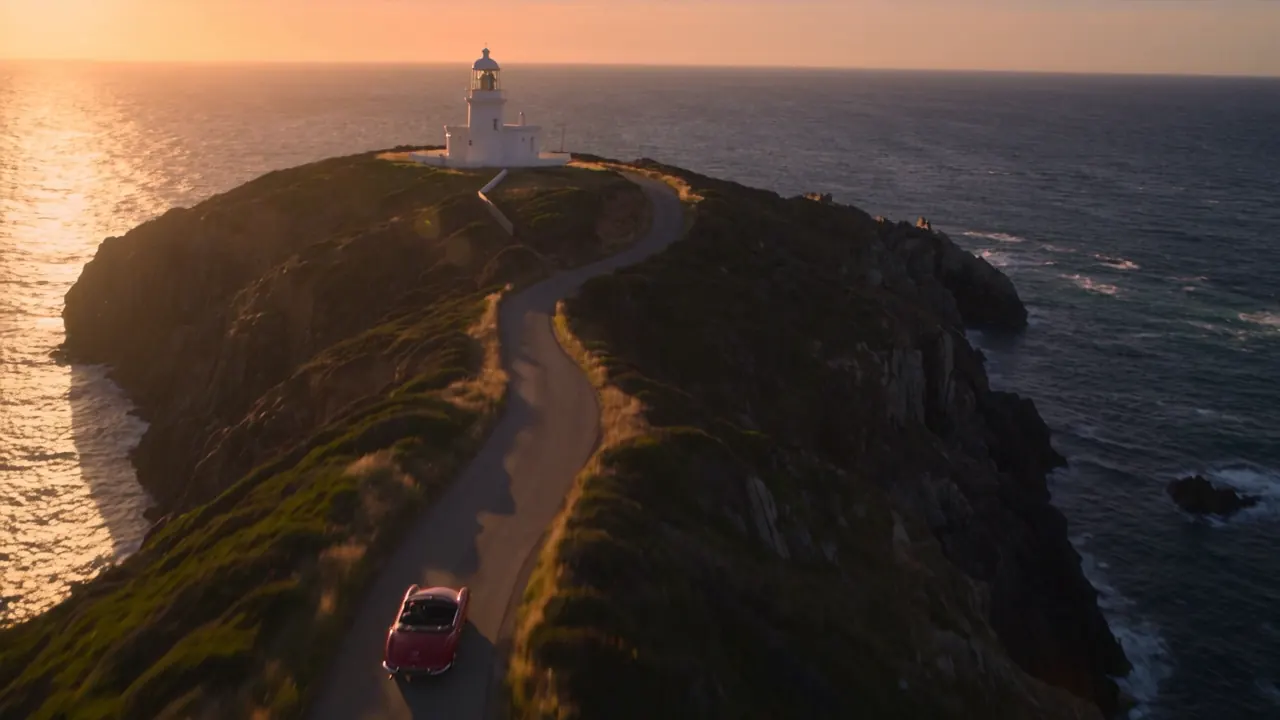 Seedance 2.5 · 720p · 12 s · single take
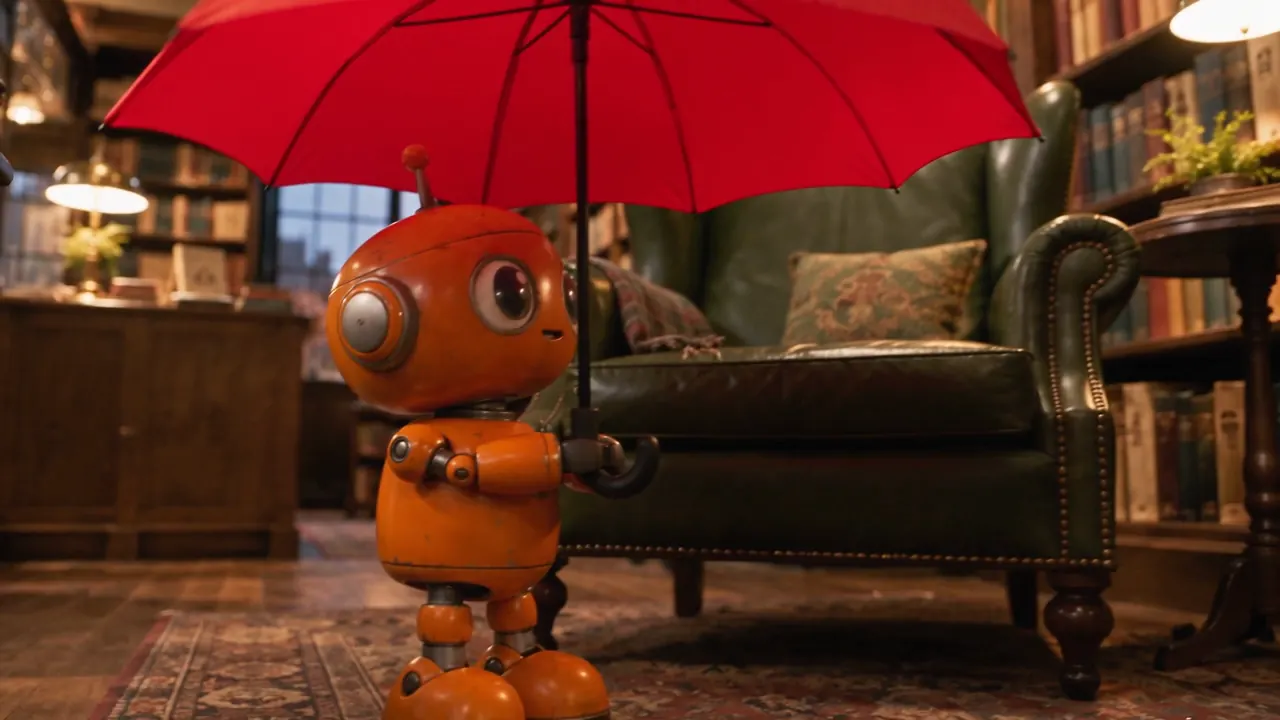 Seedance 2.5 · 3 reference images · 720p · 8 s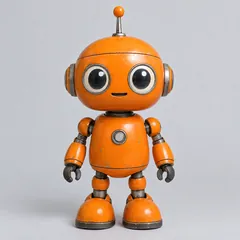

Guide the Seedance 2.5 AI video generator with 30 references
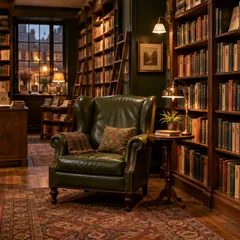
Add images, videos or audio as references and tell Seedance 2.5 AI what each one is for. It accepts 30 images, 10 videos and 10 audio clips in one job, against 9 images and 3 videos on Seedance 2. In this example three images (a tin robot, a bookshop and a red umbrella) became one scene: the robot walks the aisles under the umbrella, and its shape and colors match the reference.
- ✓Name each reference — "the robot from image 1" keeps every item in its role
- ✓Mix media — images for look, videos for motion, audio for sound
- ✓Keep things consistent — the same character or product across shots
Seedance 2.5 AI adds sound to every clip
Seedance 2.5 generates the soundtrack together with the picture, so music, voices and room sound line up with what happens on screen. Describe the sound in the prompt the same way you describe the shot. For this rainy-night scene the prompt asked for a slow saxophone, rain on the awning and distant traffic, and the clip came back with its own soundtrack.
- ✓Write the sound — "Sound: rain on glass, a dog barking far away"
- ✓Audio references — as many as 10 audio clips to steer the mood
- ✓Silent when you want — switch audio off for a clean clip
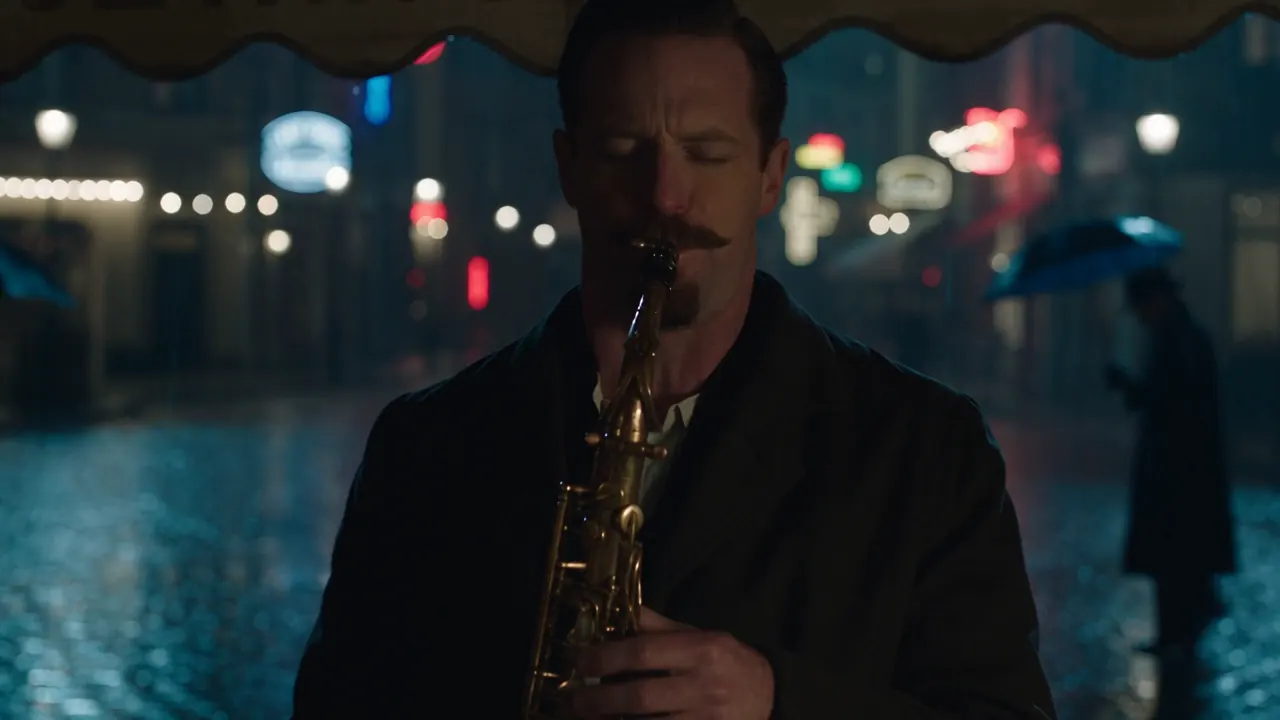 Seedance 2.5 · 720p · 8 s · with audio
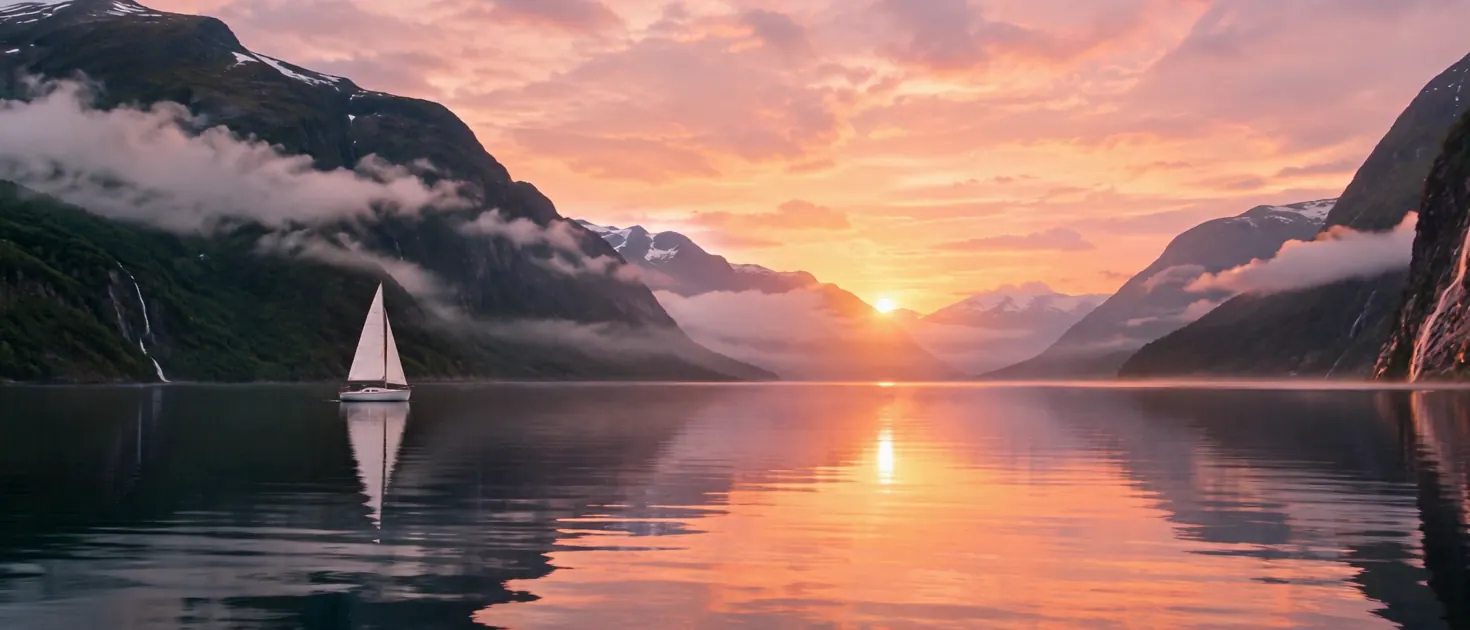 Seedance 2.5 · image to video · 720p · 21:9
Animate a photo with Seedance 2.5 AI, in any shape
Upload a still and Seedance 2.5 uses it as the first frame, keeping its framing, so a 21:9 landscape stays 21:9. Add a last frame if you want the clip to land somewhere specific. Pick 1080p for the most detail in a final version; the lower resolutions are quicker for testing an idea.
- ✓First and last frame — pin where the Seedance 2.5 clip starts and ends
- ✓Any photo shape — wide, tall or square, the clip follows your image
Seedance 2.5 vs Seedance 2 vs Kling 3.0
| Feature | Seedance 2.5 | Seedance 2 | Kling 3.0 |
|---|---|---|---|
| Maker | ByteDance | ByteDance | Kuaishou |
| Clip length | 4–30 s | 4–15 s | 5–15 s |
| Top resolution | 1080p | 1080p | 1080p |
| Reference images / videos | 30 / 10 | 9 / 3 | Not offered |
| Built-in audio | Yes | Yes | Yes |
| Last frame | Yes | Yes | Yes |
| Best for | Long takes and many references | Shorter clips | Cinematic multi-shot scenes |
Verdict — Pick Seedance 2.5 when a clip needs more than 15 seconds or more than 9 reference images. Seedance 2 still suits shorter clips, and Kling 3.0 is strong for cinematic multi-shot scenes. The generator shows the exact credits for your settings before you click Generate. Want the earlier model? See the Seedance 2 AI video generator.
Seedance 2.5, explained
Seedance 2.5 vs Seedance 2: what changed⌄
ByteDance released Seedance 2.5 in summer 2026 as the next step after Seedance 2.0. The clearest changes are length and references: clips run 4 to 30 seconds instead of 15, and one job can take 30 images, 10 videos and 10 audio clips as references. Audio is still generated together with the video.
On ClipTrend.ai, the Seedance 2.5 AI video generator runs in both Image to Video and Text to Video, with 1080p output and prompts as long as 30,000 characters. 1080p files use HEVC (H.265), which a few older browsers cannot play inline; the generator notes this when you pick 1080p.
How to write a Seedance 2.5 prompt⌄
Write the shot as one short scene: who or what is in it, what happens from start to finish, how the camera moves, and the light. For long clips, give the action an order ("first…, then…, finally…") so Seedance 2.5 has something to do with the extra seconds. Add a "Sound:" line for music, voices or ambience.
With references, say what each file is for ("the robot from image 1", "the street from image 2"). Change one thing at a time between takes; it is the quickest way to learn what Seedance 2.5 responds to.
Frequently asked questions
What is Seedance 2.5?⌄
Seedance 2.5 is ByteDance's video generation model released in 2026 after Seedance 2.0. It turns a prompt or a photo into a 4–30 second clip with generated audio and accepts 30 reference images. You can use the Seedance 2.5 AI video generator on this page without a ByteDance account.
Seedance 2.5 vs Seedance 2: which should I use?⌄
Use Seedance 2.5 AI for clips longer than 15 seconds or when you need more than 9 images or 3 videos as references. Seedance 2 is still available on ClipTrend.ai for shorter clips.
How long can a Seedance 2.5 video be?⌄
4 to 30 seconds, in one-second steps, or Auto to let Seedance 2.5 choose.
How many references can Seedance 2.5 AI use?⌄
30 images, 10 videos and 10 audio clips in one job. Reference videos and audio clips each have a 30-second total length limit.
Does Seedance 2.5 AI make sound?⌄
Yes. Seedance 2.5 AI generates audio together with the video. Describe the sound in your prompt, or turn audio off for a silent clip.
How many credits does a Seedance 2.5 video cost?⌄
It depends on length and resolution. The generator shows the exact credits for your settings before you click Generate, and credits for a failed job are refunded.
Can I use a photo of a real person with Seedance 2.5?⌄
No. ByteDance does not allow reference images or videos that show real people's faces with Seedance 2.5. Use photos of objects, places, animals or illustrated characters instead.
Is ClipTrend.ai affiliated with ByteDance?⌄
No. Seedance is a ByteDance model; ClipTrend.ai runs it and is not affiliated with ByteDance. Seedance is a trademark of ByteDance.





Make your first Seedance 2.5 AI video
Write a prompt or upload a photo, choose 4–30 seconds, and get a clip with sound. No ByteDance account needed.
Generate with Seedance 2.5