
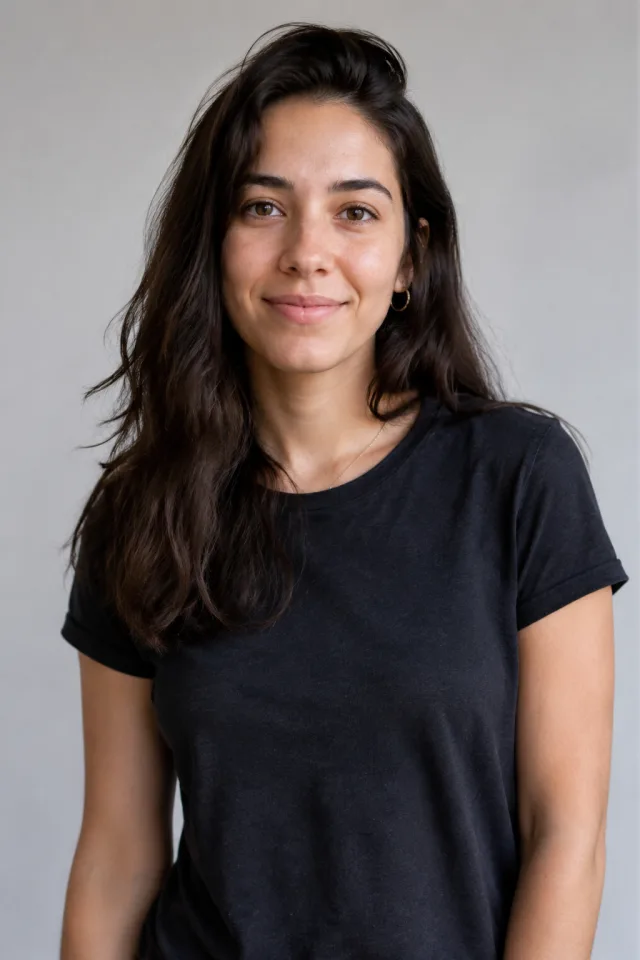
Turn yourself into a zombie, then watch it come to life
One photo becomes a full zombie look
The AI zombie generator takes one ordinary selfie and gives it the full Halloween treatment — ashen gray skin, sunken shadowed eyes, cracked lips, and a special-effects makeup finish, like a movie artist spent an hour on you. No face paint, no costume, no studio. Upload a single picture and the zombie look is painted on for you in seconds.
- ✓Movie-style SFX look — pale skin, sunken eyes and shadowed detail, not a cheap filter
- ✓Zero supplies — no makeup kit, costume or camera setup, just one photo
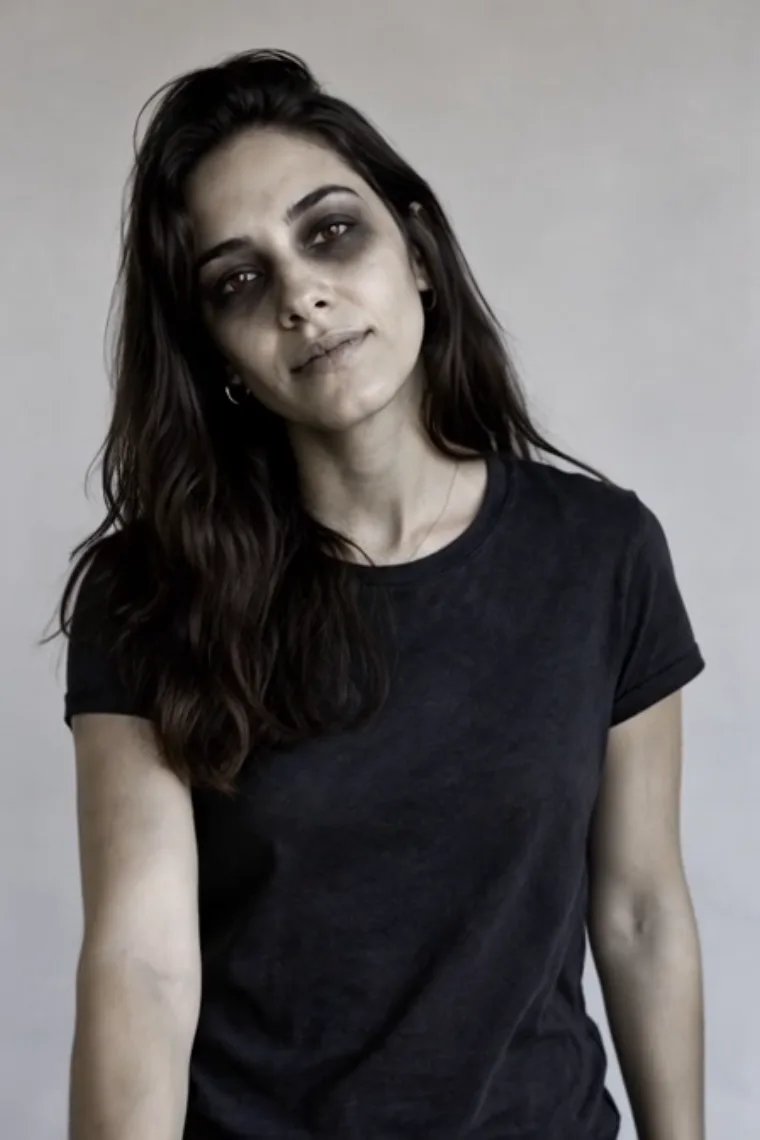
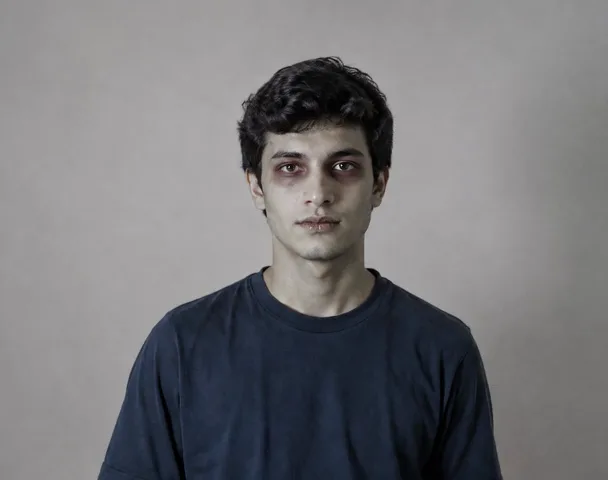
Still unmistakably you under the makeup
The whole fun is that people recognize you mid-scream. The AI zombie generator keeps your real face shape, features, hair and outfit, then layers the undead makeup on top — so friends do a double-take instead of asking who that is. It's a costume painted over your photo, never a swap to a stranger's face.
- ✓Your face, kept true — features, hair and clothes stay yours under the gray skin
- ✓A look, not a swap — makeup is painted on your photo, no stranger's face used
A slow lurch, not a still picture
This is where a photo filter stops and the zombie starts moving. Your transformed shot breaks into a slow, stiff shuffle — head tilting, shoulders swaying, an arm reaching forward as it lurches toward the camera. The motion is creepy-fun, the kind of undead crawl that gets a laugh and a shriek, never anything gruesome or gory.
- ✓Real undead motion — a stiff shuffle, head tilt and reaching arm, animated for you
- ✓Spooky-fun, not gory — played for Halloween thrills, kept tasteful, never graphic
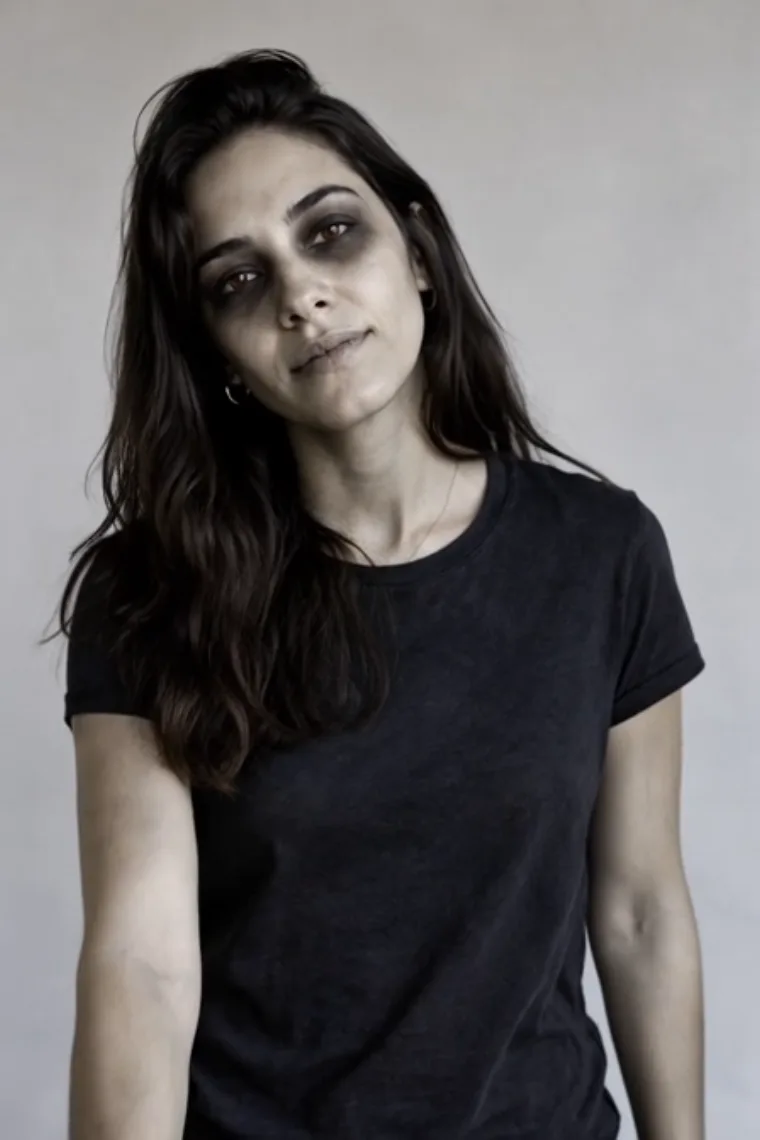
A 6-second vertical clip for Halloween
Out comes a short 6-second, 9:16 vertical MP4 of your zombie shuffling to life, exported with no ClipTrend watermark. It's sized for Reels, Shorts, TikTok and stories — perfect for a Halloween countdown, a costume reveal, or scaring the group chat. Try it free to start, no card required.
- ✓Vertical 9:16 MP4 — a 6-second zombie clip sized for Reels, Shorts and stories
- ✓No watermark — a clean file you can post or drop in the group chat
How the AI zombie generator works
One photo, two stages — first we paint the zombie look on your picture, then we animate it. You just upload and press one button.
Step 1 — paint the zombie look
Your photo gets the SFX makeover.
When to use it
This runs automatically on whatever clear photo you upload — a selfie, a full-body shot, even a group picture.
What it produces
Reshapes your photo into a Halloween zombie: ashen skin, sunken eyes, cracked lips and special-effects detail, while keeping your real face, hair and outfit so you stay recognizable.
- ✓Works from one ordinary photo
- ✓Pale gray skin and movie-style SFX makeup
- ✓Your face, hair and clothes kept true
- ✓Spooky-fun finish, never gory or graphic
- ✓No makeup, costume or editing skills needed
Step 2 — bring the zombie to life
The undead look starts moving.
When to use it
Right after the look is painted on — there's nothing extra to set, the animation runs on the transformed image.
What it produces
Animates the zombie into a slow, stiff shuffle — head tilt, swaying shoulders and a reaching arm lurching toward the camera — then exports a 6-second vertical clip.
- ✓Slow undead lurch toward the camera
- ✓Creepy-fun motion, kept tasteful
- ✓Fixed 6-second 9:16 loop, nothing to set
- ✓Watermark-free MP4 every time
- ✓Sized for Reels, Shorts, TikTok and stories
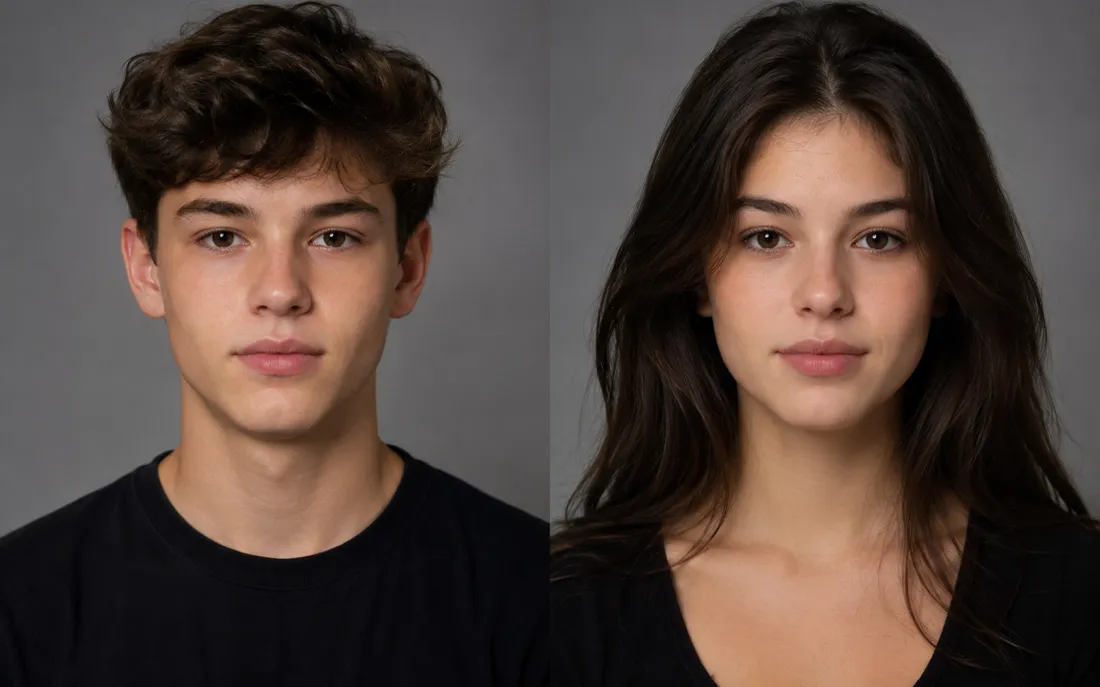
AI Gender Swap
See a convincing opposite-gender version of you.
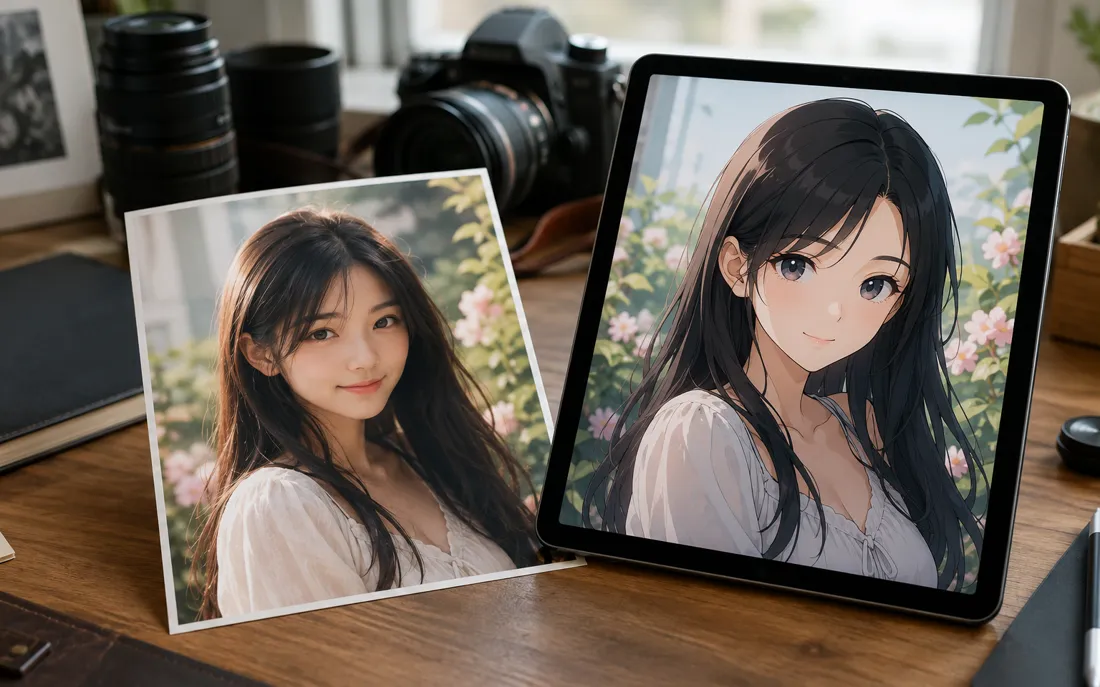
AI Anime Generator
The AI anime generator turns one real photo into a believable anime…
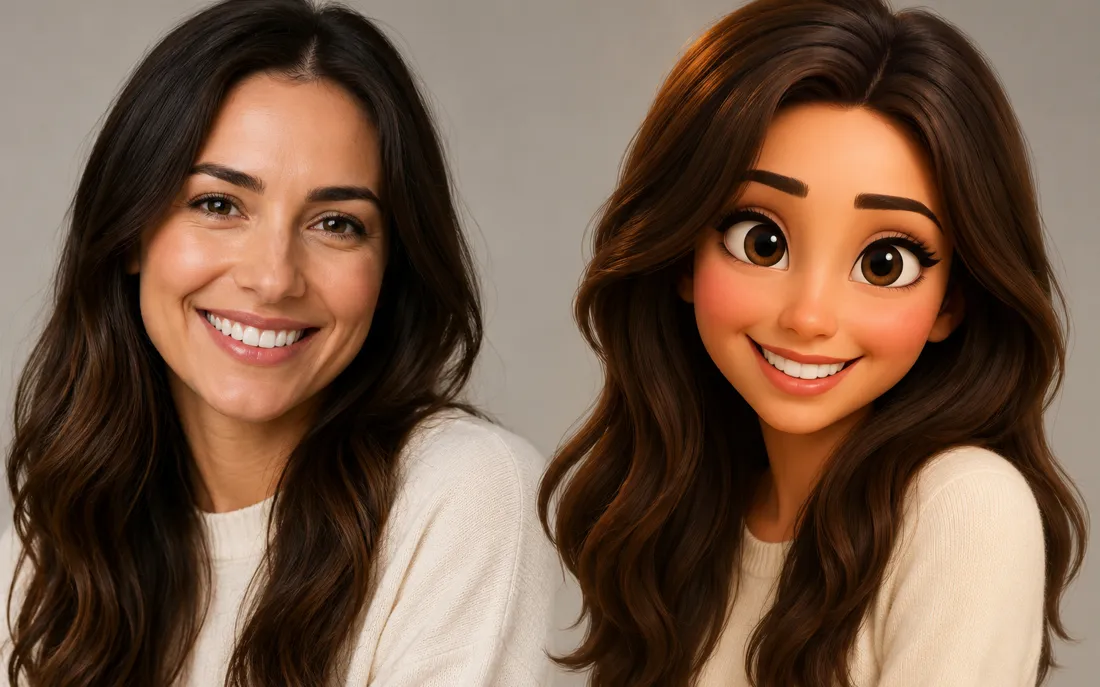
AI Cartoon Generator
The AI cartoon generator turns one real photo into a fun, 3D Pixar-…
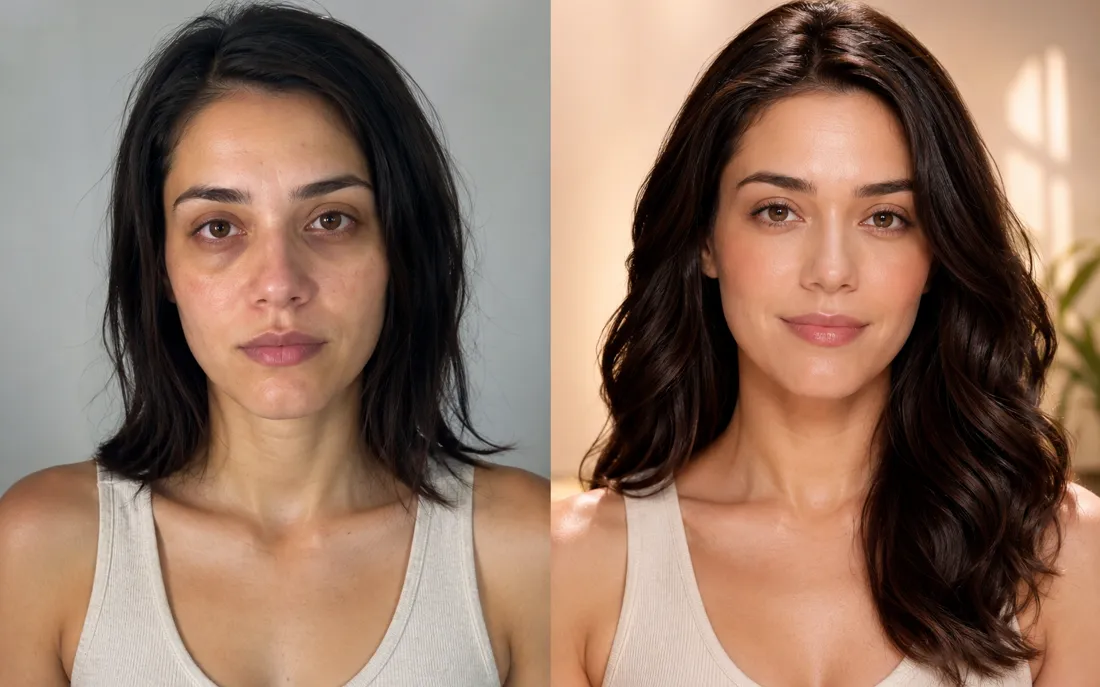
AI Glow Up Generator
Drop in a plain selfie and the AI glow up generator gives you a tasteful, camera-ready makeover.
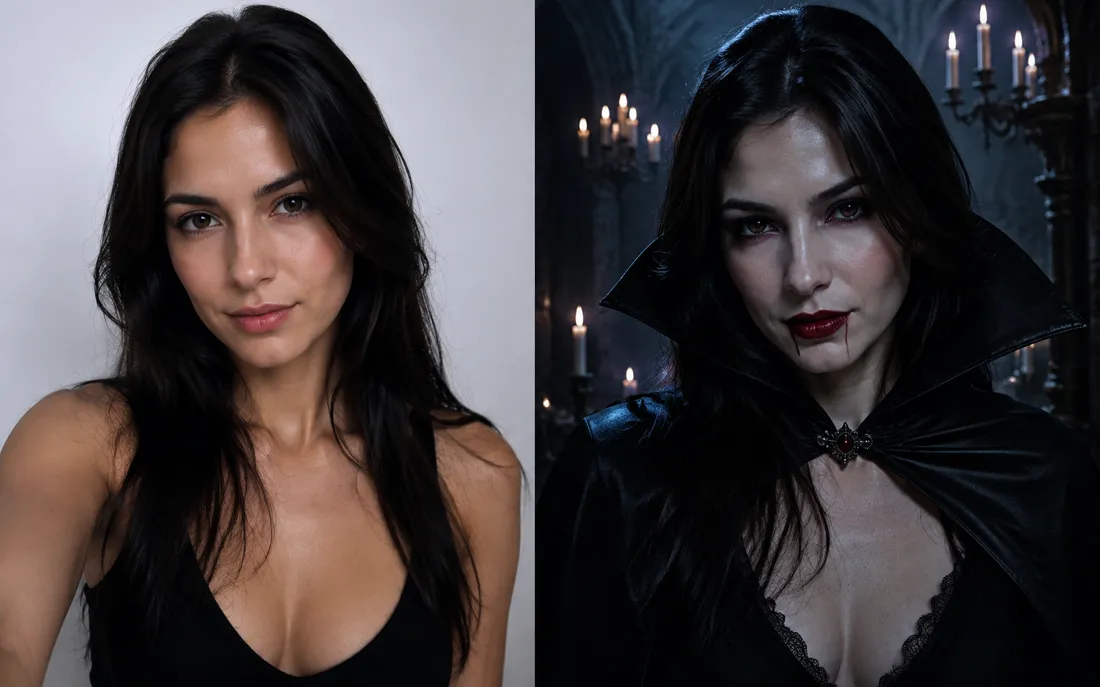
AI Halloween Generator
One regular selfie is enough to throw you into a vampire, witch or ghoul costume for the night.
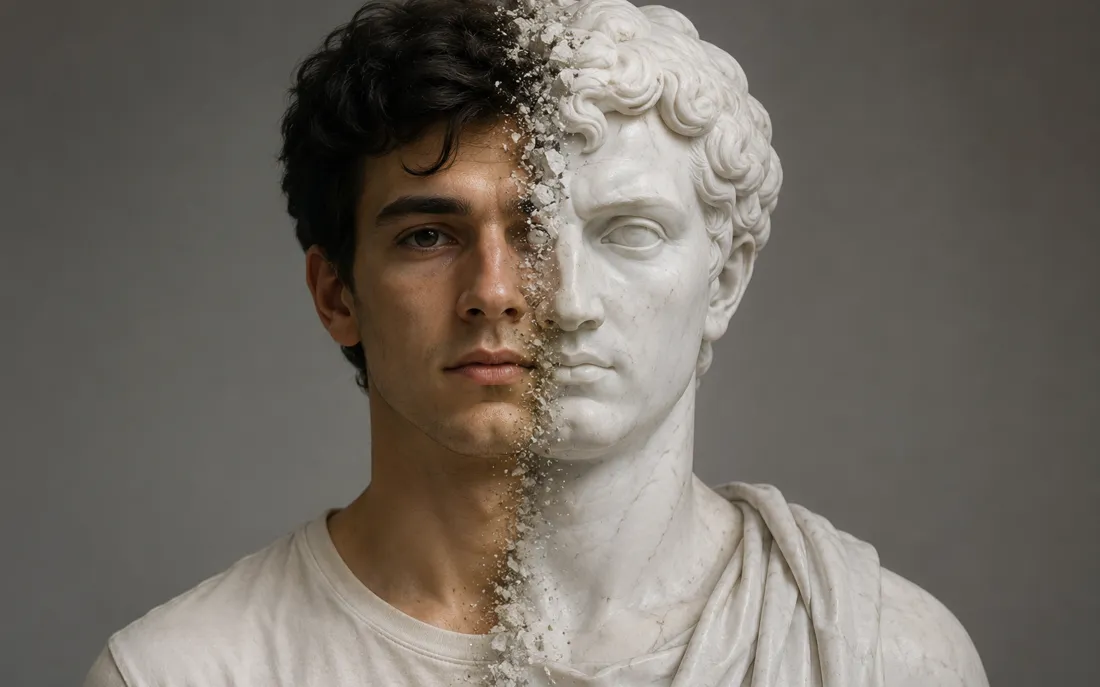
AI Statue Generator
The AI statue generator turns one photo into a classical white marb…
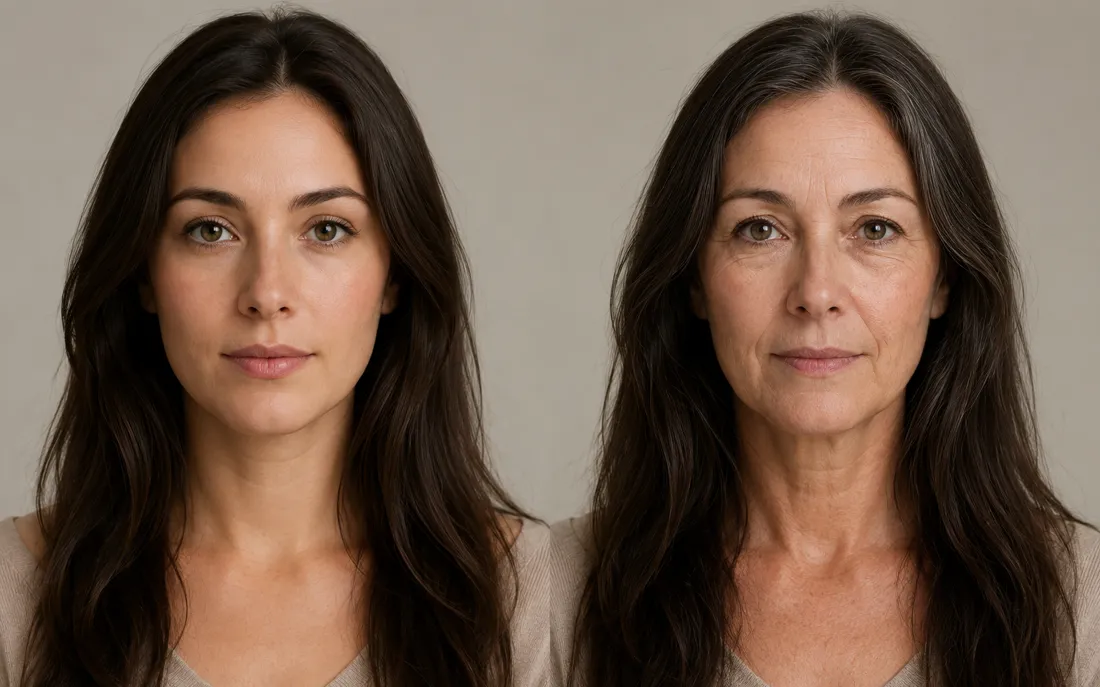
AI Future Self Generator
The AI future self generator ages one photo into a believable older…
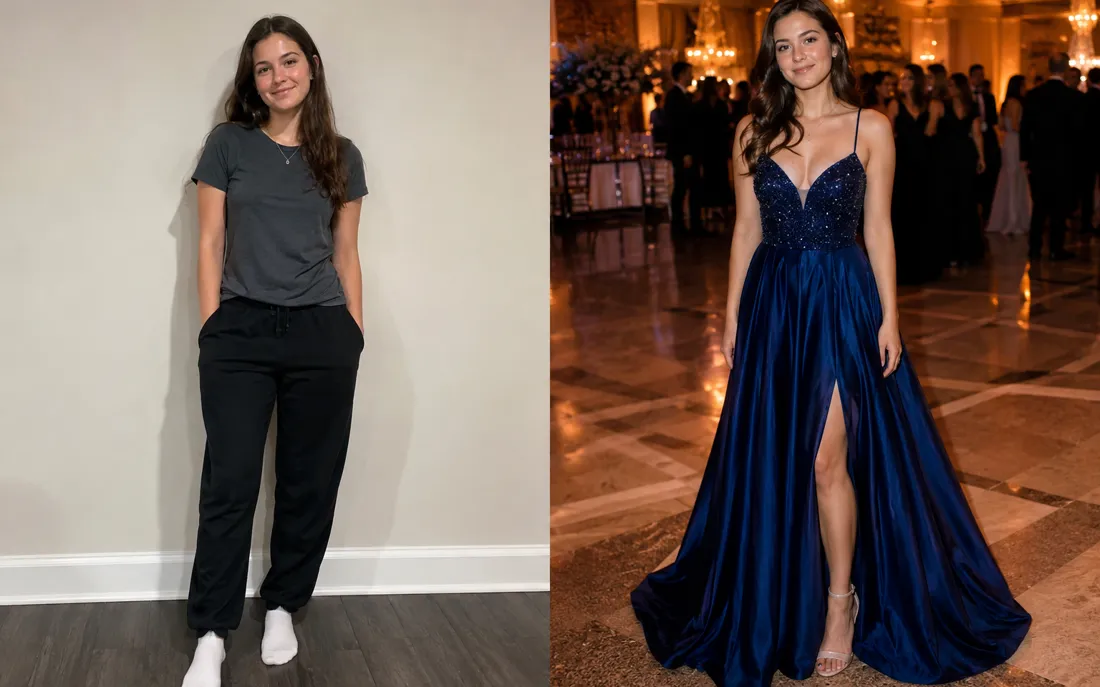
AI Prom Generator
From an everyday photo, the AI prom generator dresses you for the dance in full prom-night style.
AI Hug Generator
Turn one or two photos into a warm hug video.
AI Couple Hug
Merge two partners into one tender embrace.
Hug From Behind
A protective back hug, brought to life from photos.
AI Jesus Hug
Turn a photo into a warm, comforting Jesus hug.
Frequently asked questions
What does the AI zombie generator actually do?⌄
Upload one clear photo and the AI zombie generator paints a Halloween zombie look onto it — pale skin, sunken eyes and SFX makeup — then animates it into a short shuffling-zombie video. It all happens from a single upload, with no makeup or editing on your end.
Will it still look like me?⌄
Yes — that's the point. The generator keeps your real face shape, features, hair and outfit and layers the undead makeup on top, so friends still recognize you under the gray skin. It's a costume painted over your photo, never a swap to someone else's face.
Is the zombie video gory or scary?⌄
It's spooky-fun, not graphic. You get pale skin, shadowed eyes and a creepy lurch played for Halloween laughs and thrills — no blood, wounds or gore. The result is tasteful enough to post on Reels, TikTok or a family group chat.
What kind of photo works best?⌄
A clear, well-lit photo where your face is easy to see works best — a front-facing selfie or upper-body shot is ideal. Good lighting helps the zombie makeup land cleanly. You can use a full-body or even a group photo; just keep faces visible and unblurred.
What do I get, and is the zombie video watermarked?⌄
You get a short 6-second vertical (9:16) MP4 of your zombie shuffling to life, exported with no ClipTrend watermark so it's ready for Reels, Shorts, TikTok and stories. Generation runs on credits, with free credits to start and pay-as-you-go after.
How long is the zombie video?⌄
Each clip is a fixed 6-second loop, tuned to keep the undead shuffle smooth and natural. There's no length slider to fiddle with — just upload your photo and generate. The short vertical format is sized for Reels, Shorts and stories.
Is it safe to upload my photo?⌄
An automated safety check runs on every upload before anything is generated, and your zombie clip comes out watermark-free. New accounts get free credits to try it, and after that it's simple pay-as-you-go — no subscription required to make a zombie video.
Ready to raise your own zombie?
Upload one photo and watch the AI zombie generator paint on the SFX makeup and set it shuffling to life — a 6-second, watermark-free vertical clip, ready to post before Halloween. New accounts get free credits to start.
Open the AI zombie generator