
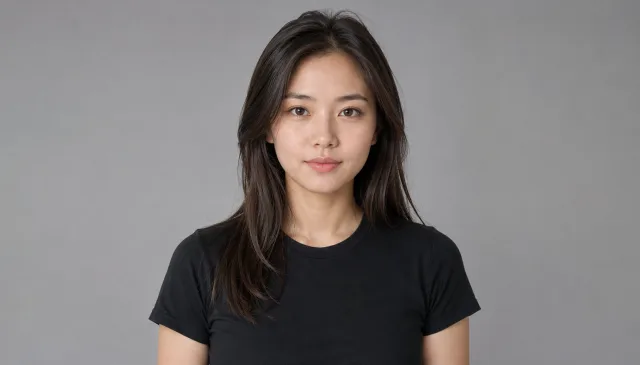
Turn yourself into a living marble statue from one photo
From photo to carved marble in one tap
The AI statue generator takes one ordinary photo and recarves you in classical white marble — smooth polished stone, chiseled folds in the drapery, the cool pale finish of a museum sculpture. No clay, no chisel, no editing app. Upload a single picture and the marble transformation is sculpted for you, right down to the way light catches the carved surface.
- ✓One photo in, a statue out — no second photo, no manual editing, no sculpting skills
- ✓Real carved stone look — believable marble texture, veining and chisel detail, not a flat filter
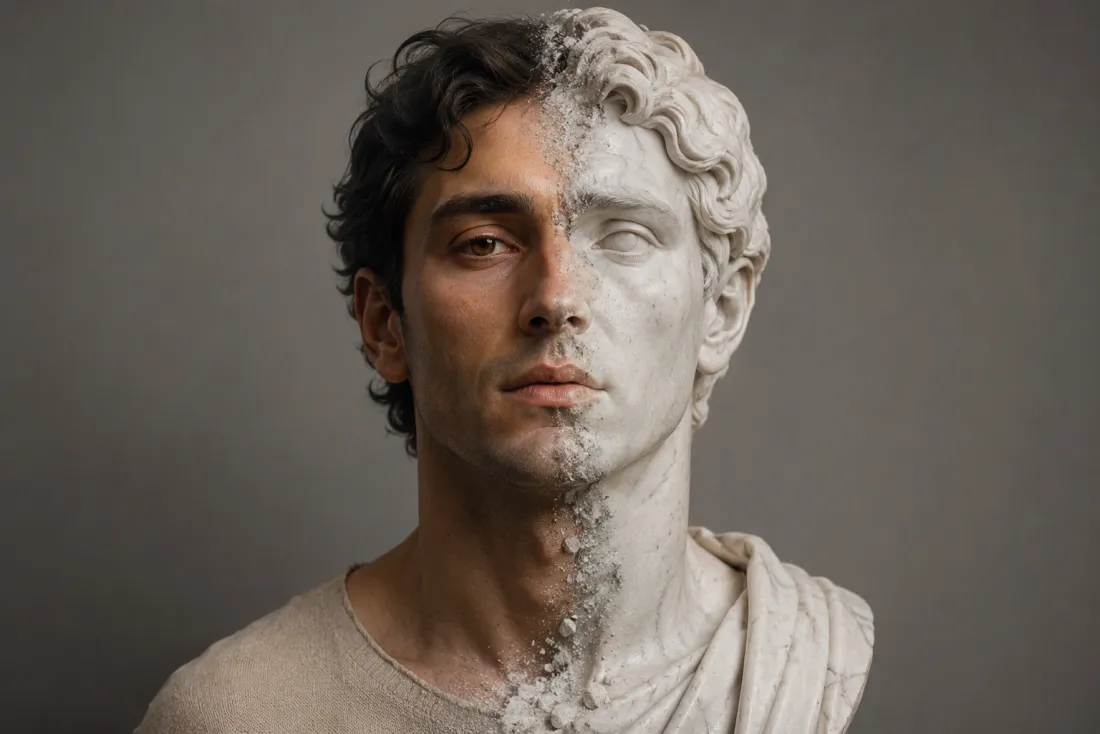
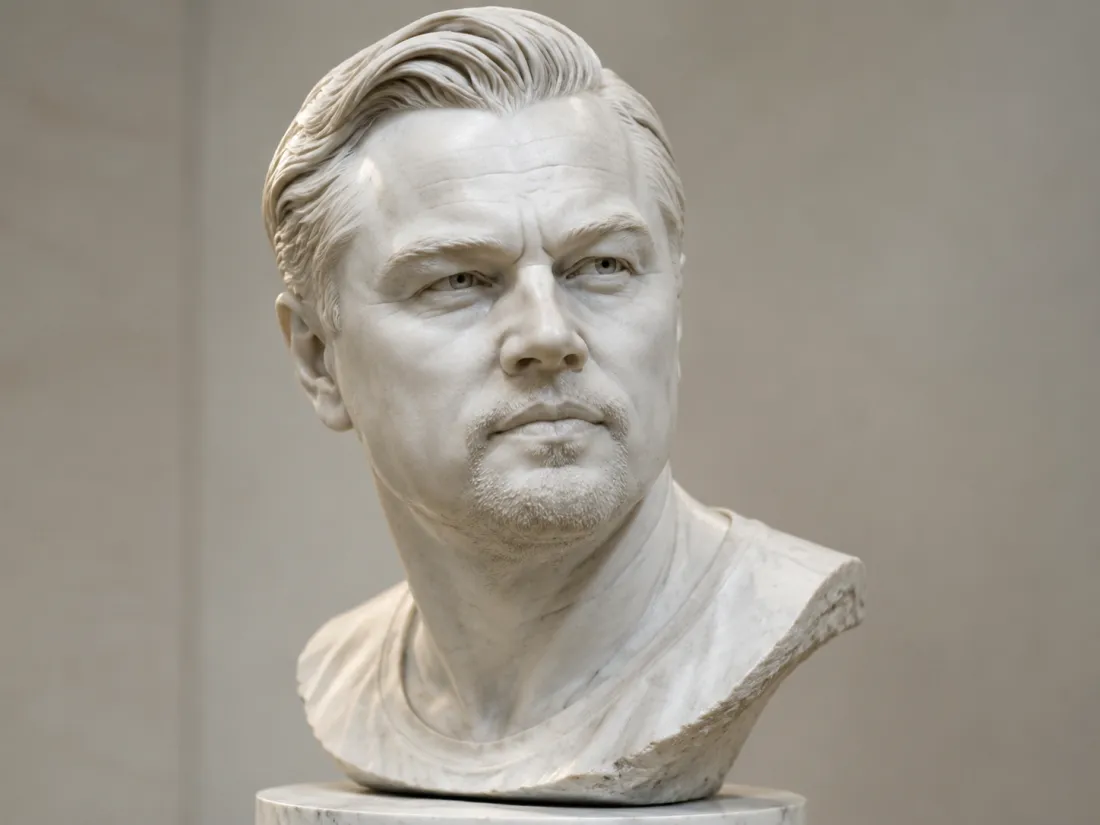
Your face, carved true
It's unmistakably you, just rendered in stone. The AI statue generator references your face from your own photo and keeps your features, expression and proportions intact while it switches the material to marble. So the sculpture reads as a portrait of the real you on a plinth, not a generic Greek bust or a stranger's likeness pressed into stone.
- ✓No face swap, no morphing — your features are carved straight from your own photo
- ✓Only the material changes — your face and pose stay yours, now rendered in marble
Watch the statue come to life
Here's the part you only get from a statue effect: the marble doesn't just sit there. After the transformation, the AI statue generator animates the sculpture stirring awake — a slow turn of the head, eyes opening, a breath that seems to warm the cold stone. It's the Pygmalion moment, the museum piece that blinks when no one's looking, captured in a few seconds.
- ✓A real come-to-life motion — subtle head turn, blinking eyes and a gentle breath, not a static loop
- ✓Stone stays stone — the marble finish holds through the movement, so it reads as living sculpture
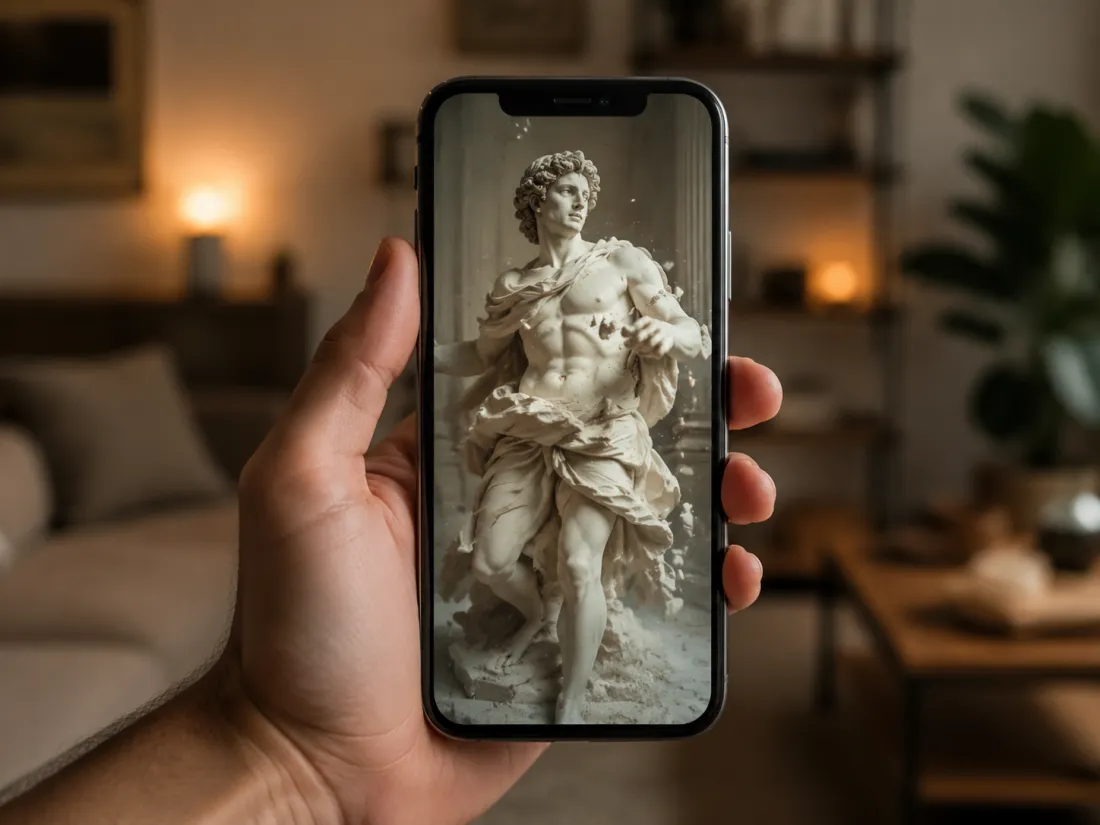
One click, ready for Reels & TikTok
Out comes a short 6-second, 9:16 vertical MP4 of your marble statue waking up — exported with no ClipTrend watermark. It's sized for Reels, Shorts, TikTok and stories, perfect for a "living statue" reveal or a moody museum-style post. Try it free to start, no card required.
- ✓Vertical 9:16 MP4 — a 6-second clip sized for Reels, Shorts and stories
- ✓No watermark — a clean file you can post or send anywhere
Which photo should you upload?
The AI statue generator works from a single photo — the only choice is how much of you it carves into marble.
Upper-body photo
A quick selfie or portrait works great.
When to use it
When you want a classic marble bust — head, shoulders and expression carved in stone for a fast, dramatic reveal.
What it produces
Carves a polished marble bust under your unchanged face, then animates it stirring awake — the quickest way to a living-statue clip.
- ✓Fastest path to a living-statue video
- ✓Best for a portrait-style marble bust
- ✓Keeps your face and expression true
- ✓Great for selfies and head-and-shoulders shots
- ✓Ideal for a moody, dramatic close-up reveal
Full-body photo
Show your whole frame for a complete sculpture.
When to use it
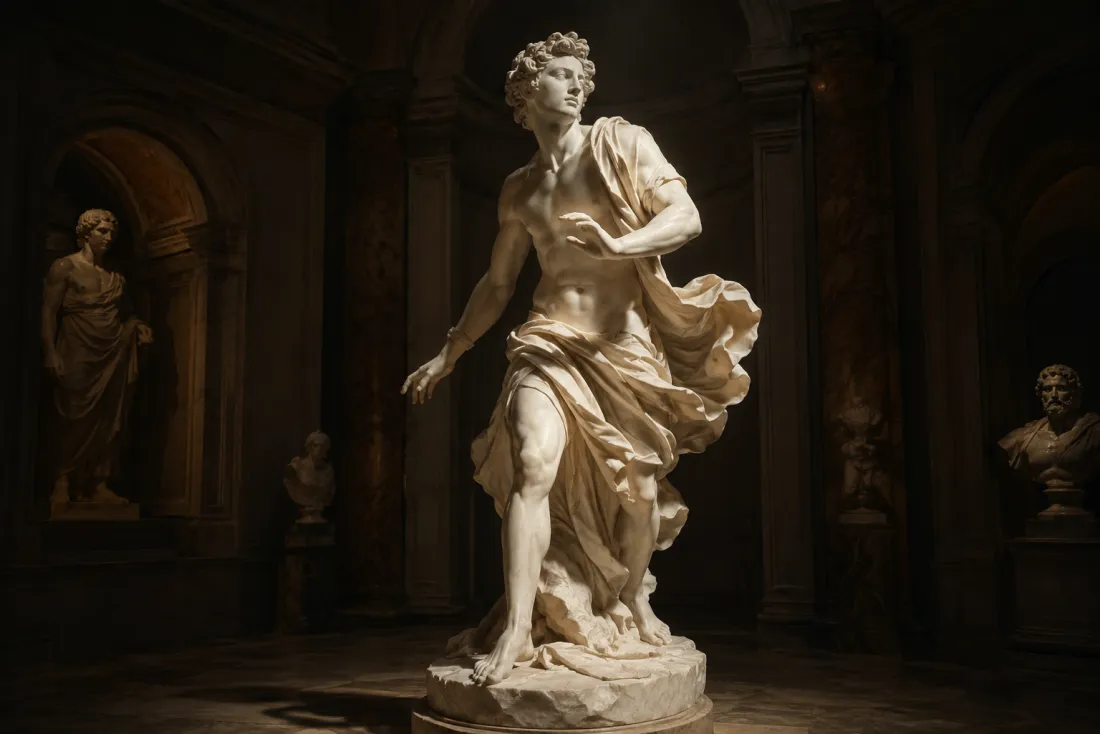
When you want the full Greek statue — posture, drapery and stance carved head to toe on a plinth.
What it produces
Sculpts your entire figure into classical white marble while keeping your face true, then animates the statue coming gently to life.
- ✓A complete head-to-toe marble sculpture
- ✓Best for full classical-statue reveals
- ✓Captures pose, drapery and stance
- ✓Your face, hairstyle and proportions kept exactly
- ✓Ideal for a museum-style or gallery post
AI Gender Swap
See a convincing opposite-gender version of you.
AI Anime Generator
The AI anime generator turns one real photo into a believable anime…
AI Cartoon Generator
The AI cartoon generator turns one real photo into a fun, 3D Pixar-…
AI Zombie Generator
The AI zombie generator turns one photo into a Halloween zombie video
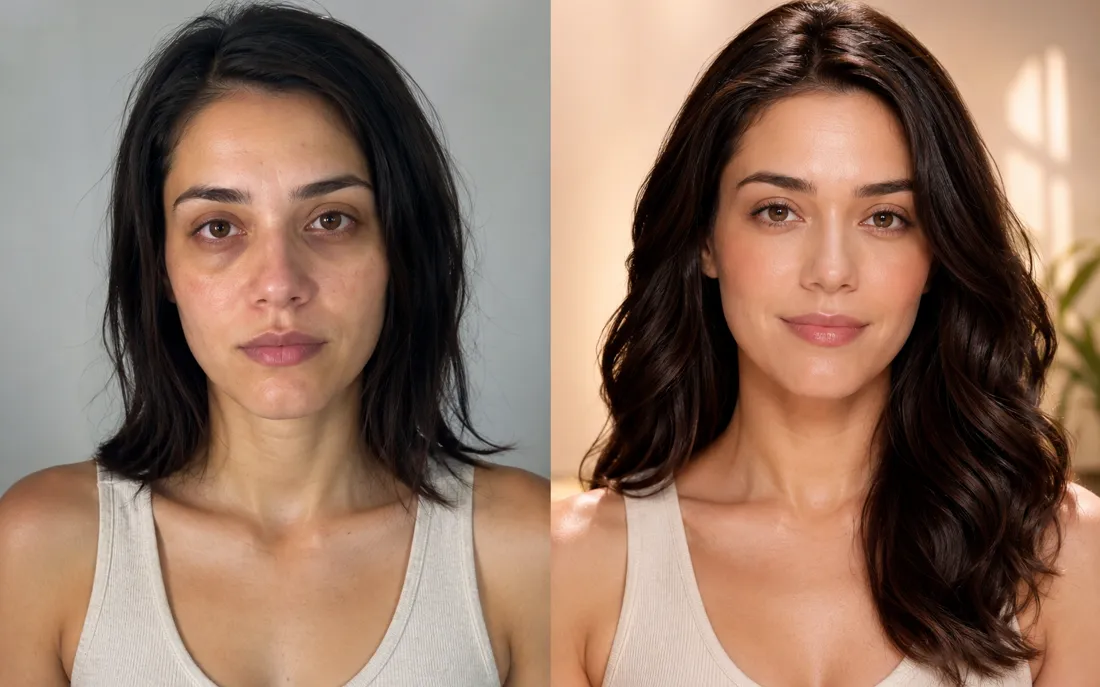
AI Glow Up Generator
Drop in a plain selfie and the AI glow up generator gives you a tasteful, camera-ready makeover.
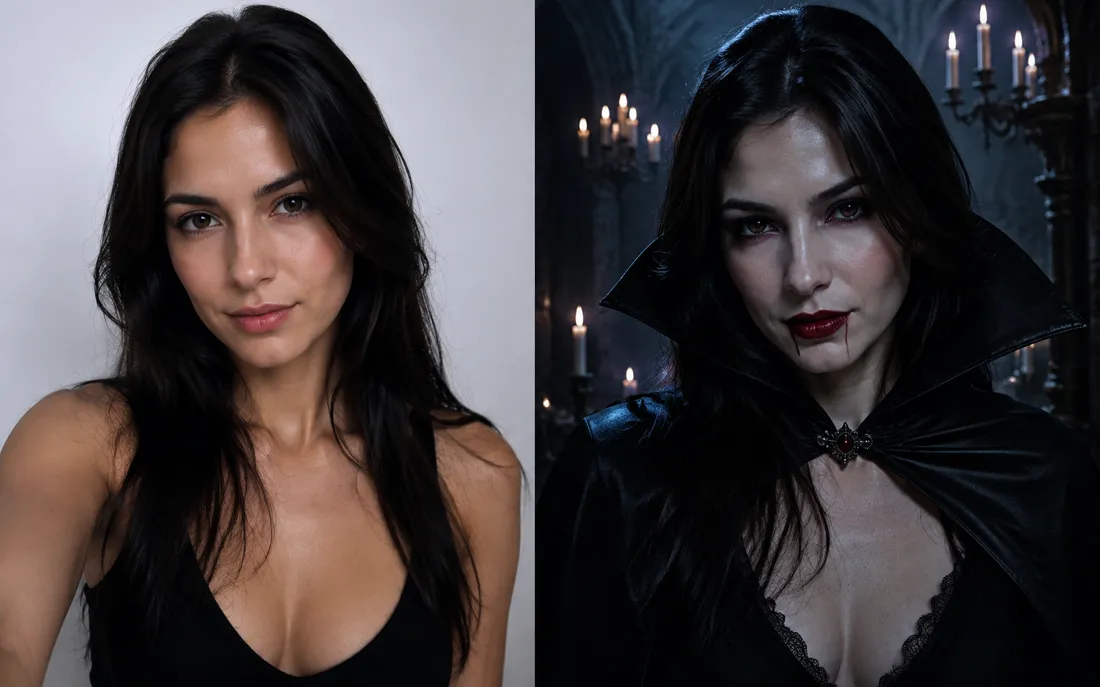
AI Halloween Generator
One regular selfie is enough to throw you into a vampire, witch or ghoul costume for the night.
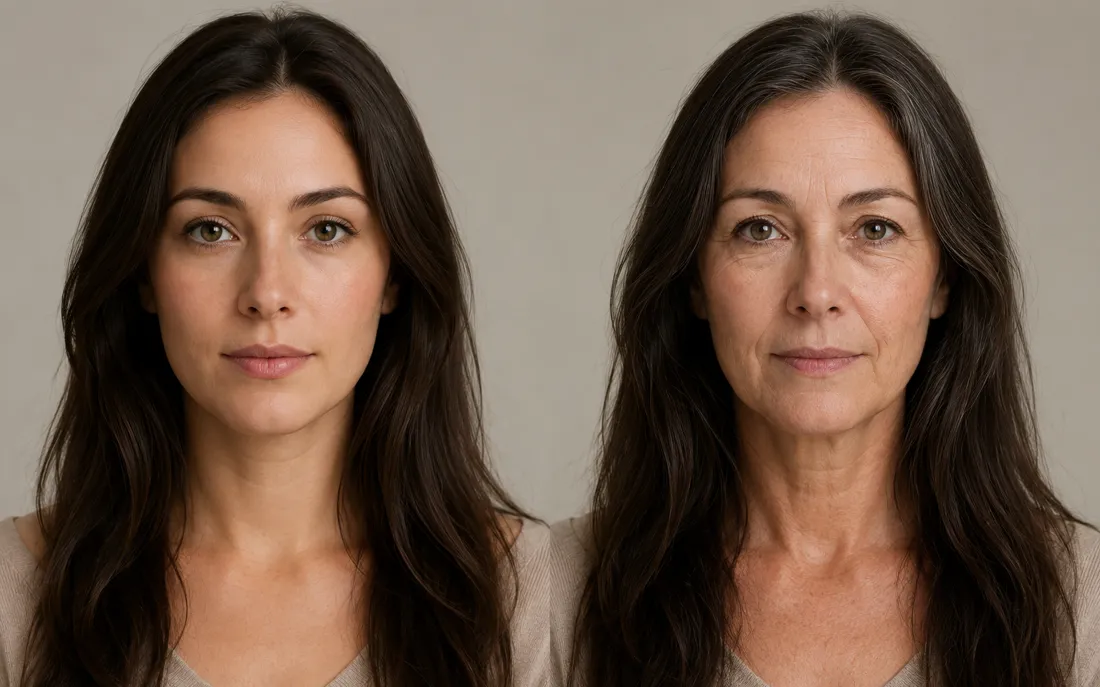
AI Future Self Generator
The AI future self generator ages one photo into a believable older…
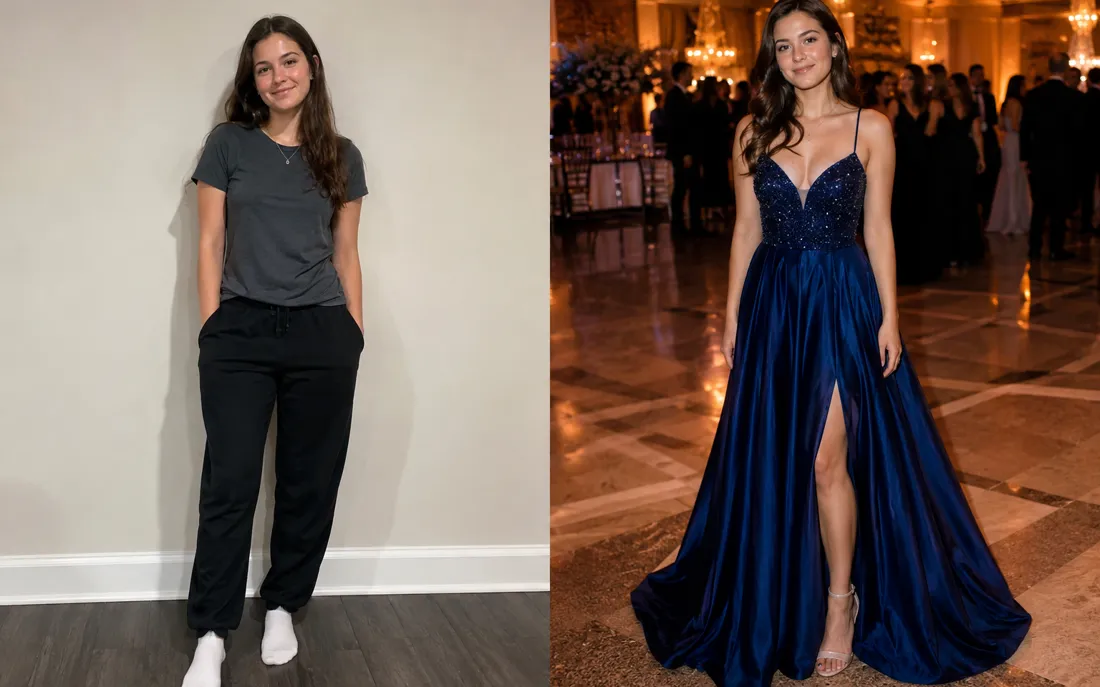
AI Prom Generator
From an everyday photo, the AI prom generator dresses you for the dance in full prom-night style.
AI Hug Generator
Turn one or two photos into a warm hug video.

AI Couple Hug
Merge two partners into one tender embrace.
Hug From Behind
A protective back hug, brought to life from photos.
AI Jesus Hug
Turn a photo into a warm, comforting Jesus hug.
Frequently asked questions
How does the AI statue generator work?⌄
Upload one clear photo of yourself and the AI statue generator recarves you as a classical white marble statue, then animates it slowly coming to life. It runs in two stages — first it transforms the photo into polished stone, keeping your face true, then it brings the sculpture to life as a 6-second video, all from a single upload.
Will the AI statue generator change or swap my face?⌄
No. It references your face from your own uploaded photo and keeps your features, expression and proportions intact — only the material is changed to marble. The statue is recognizably you in stone, not a generic Greek bust or a stranger. An automated safety check runs on uploads before anything is generated.
What does "comes to life" actually look like?⌄
After the marble transformation, the statue gently stirs — a slow turn of the head, eyes opening, a soft breath — while the carved stone finish holds throughout. It's the classic living-statue, Pygmalion moment, kept subtle and tasteful so it reads as a sculpture waking up rather than a normal video.
Do I need one photo or two?⌄
Just one. The AI statue generator is a single-photo effect — upload one clear, front-facing shot and it handles the whole thing. An upper-body selfie makes a classic marble bust; a full-body photo gives a complete head-to-toe sculpture.
What do I get, and is it watermarked?⌄
You get a short 6-second vertical (9:16) MP4 of your marble statue coming to life, exported with no ClipTrend watermark, so it's ready for Reels, Shorts, stories or a quick share. Generation runs on credits, with a free allowance to start and pay-as-you-go after.
What photos work best for a marble statue?⌄
Clear, well-lit, front-facing photos give the cleanest carve. An upper-body shot focuses on a portrait bust; a full-body shot captures pose and drapery for a complete sculpture. JPG and PNG both work — blurry, tiny or heavily filtered shots can lower the result quality.
Can I use the AI statue generator on my phone?⌄
Yes. It runs in your mobile browser — no app to install. Pick a photo from your camera roll, tap generate, and save the living-statue video straight to your phone.
Turn yourself into a living marble statue
Upload a single photo, get a classical marble statue that comes to life — watermark-free, no subscription, your face carved exactly true.
Open the AI statue generator