
Make your Angel Wings image
Wings behind your shoulders, your own outfit in front
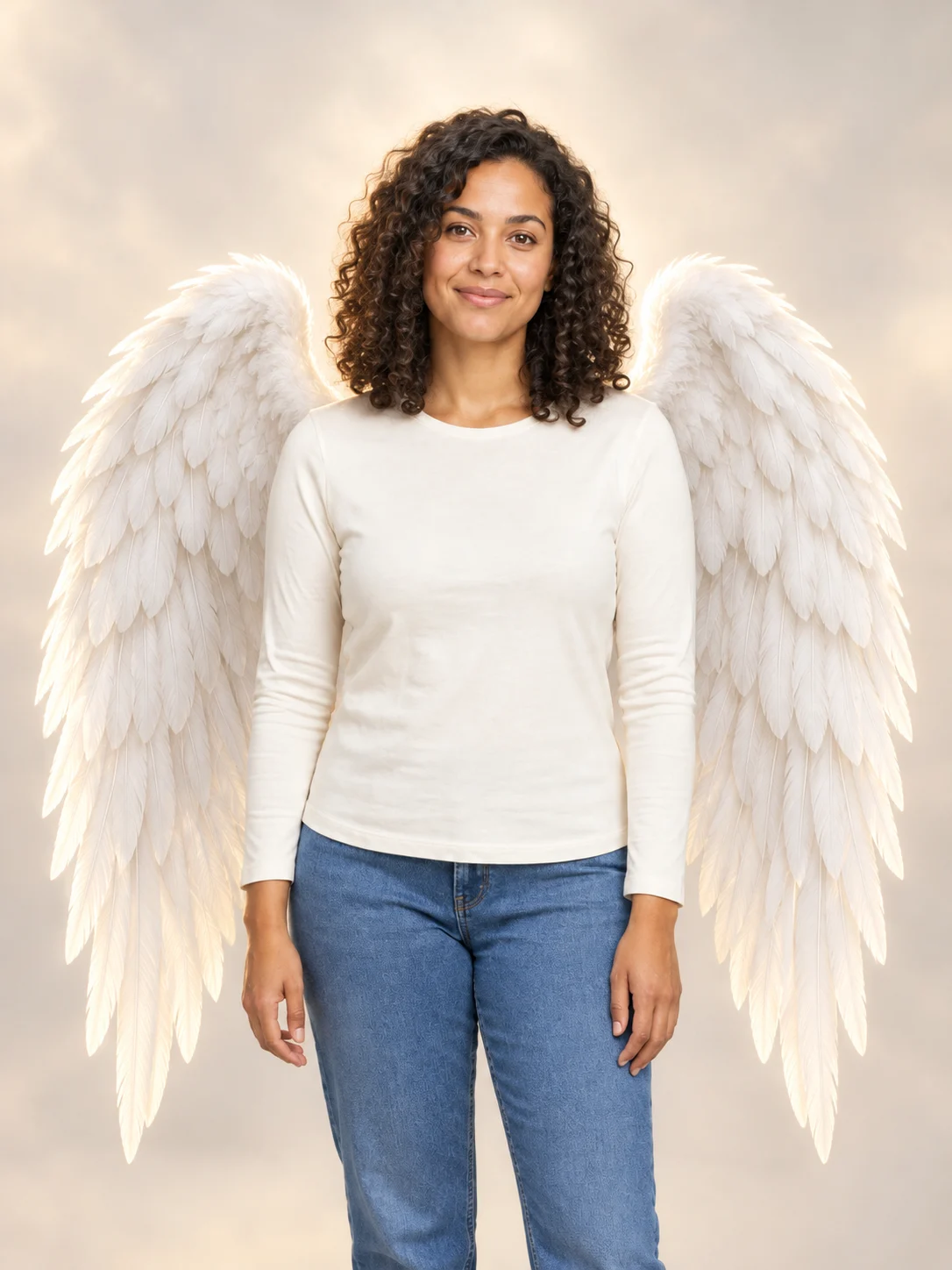
Angel Wings adds two feathered wings behind the person in your photo. The preset keeps the original outfit as guidance instead of replacing it with a complete angel costume. White feathers, a soft backlight and an airy background create the fantasy look. Choose a waist-up photo with space around the shoulders. A close crop can leave less room for the wings, and generated faces or small clothing details can vary. The most useful starting composition shows the head, shoulders and upper body together. Leave visible background on both sides, where the feathers can spread. A plain wall or a softly lit outdoor scene is easier to read than a crowded group photograph. If another person overlaps the shoulders, choose a different source. This preset changes the scene as well as adding wings, so important background details are not guaranteed to remain. Keep your original photo separately if you need an untouched copy for comparison or another edit later.
Review the details in your Angel Wings result
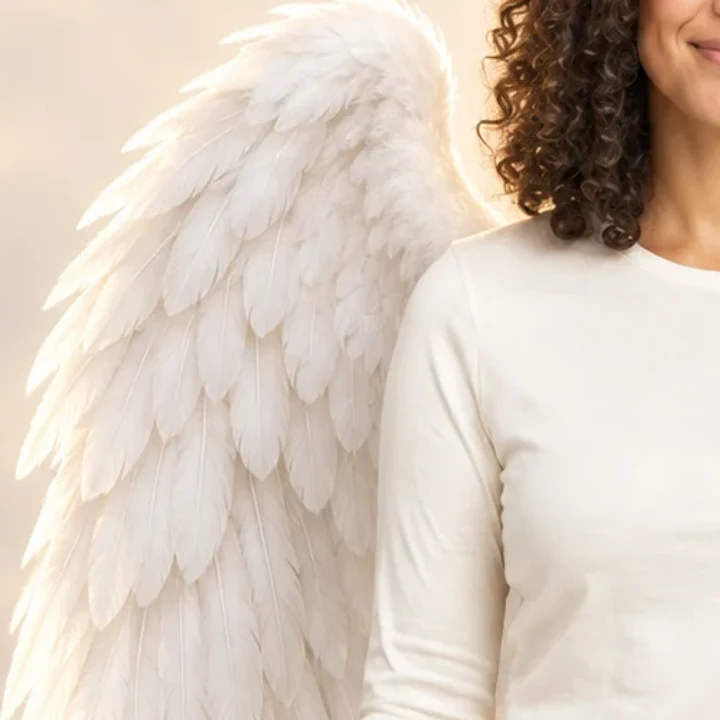
Check that there are two wings, attached behind the shoulders, and that the face and wing tips remain visible. Open the complete image rather than judging only the thumbnail. This is a generated illustration or photo edit, so fine details and composition can change between requests. Choose a short, clear description or a sharp source photo. Inspect the full result before sharing it. Look first at where the wings meet the back, then follow each feathered outline toward its tip. Both wings should read as separate structures behind the person. Check that neither wing passes through the face, an arm or the front of the outfit. Next compare the hairline and expression with your source. A convincing fantasy composition can still have small face changes. The close detail shown here is a crop of the actual example result; it is not a separate, improved generation or a promise that every output will match it.
Start with a clear face
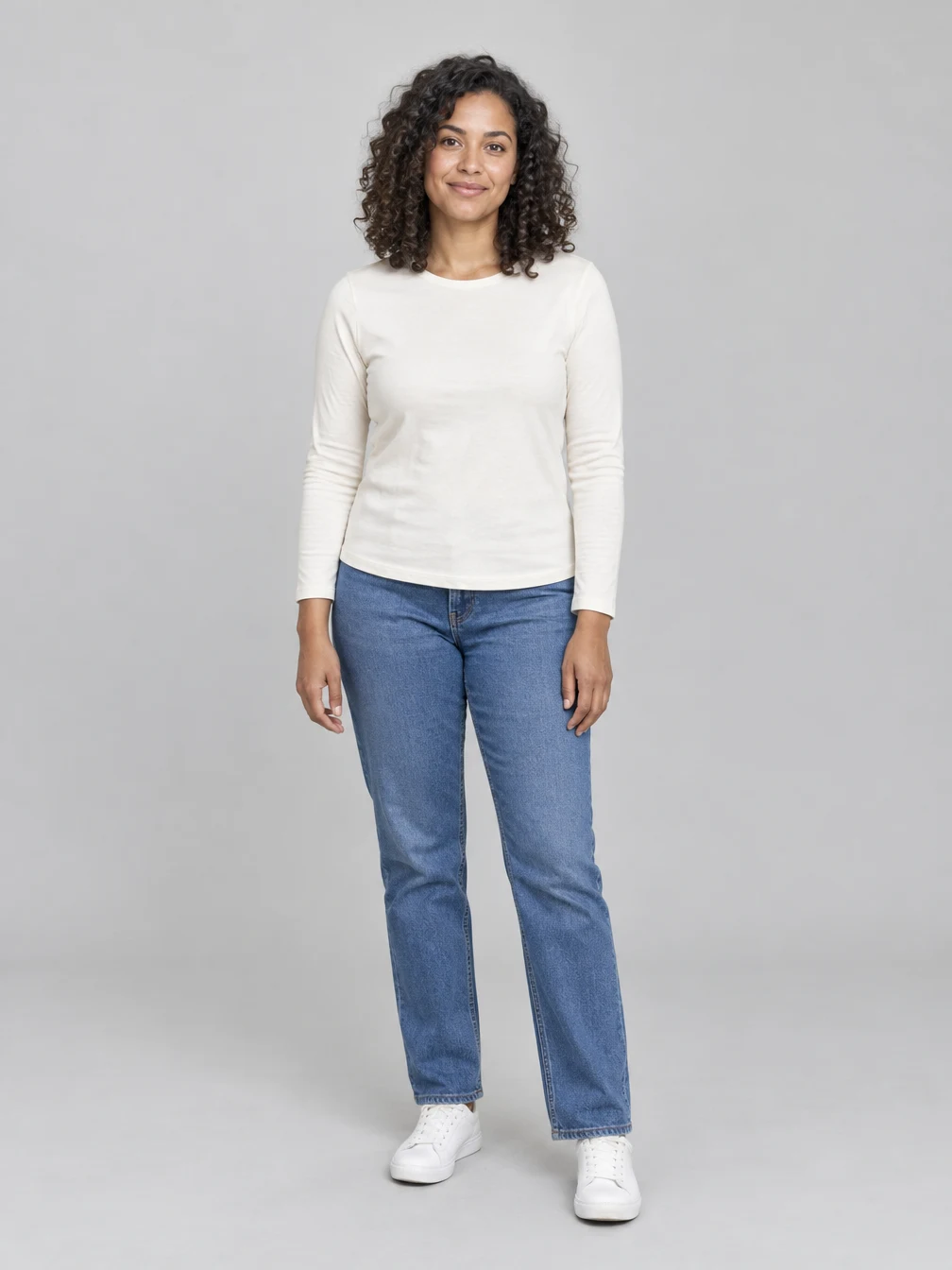
This is the fictional adult source portrait used for the example above. A clear face and even lighting give the edit a readable starting point. Use a photo you own or have permission to edit, avoid heavy face obstructions, and leave space around the head. The finished expression and small facial details can change. The source example shows the kind of readable portrait this effect accepts. It is not a required pose or a photo you need to copy. Your own lighting, hairstyle and clothing will guide a different result. Before submitting, check that you selected the intended file and that the displayed credit price fits your balance. After completion, inspect the large image before downloading it. Saving the completed file again does not improve or regenerate it; a new submission is a new paid generation and can produce a different composition.
Choose a readable source photo
Use a photo you own or have permission to edit.
Your portrait
One clear face with the whole head visible
When to use it
Add large feathered angel wings to your photo while keeping your own outfit.
What it produces
One generated 1K still image.
- ✓One consenting adult
- ✓Even light and readable face
- ✓Leave room around the subject
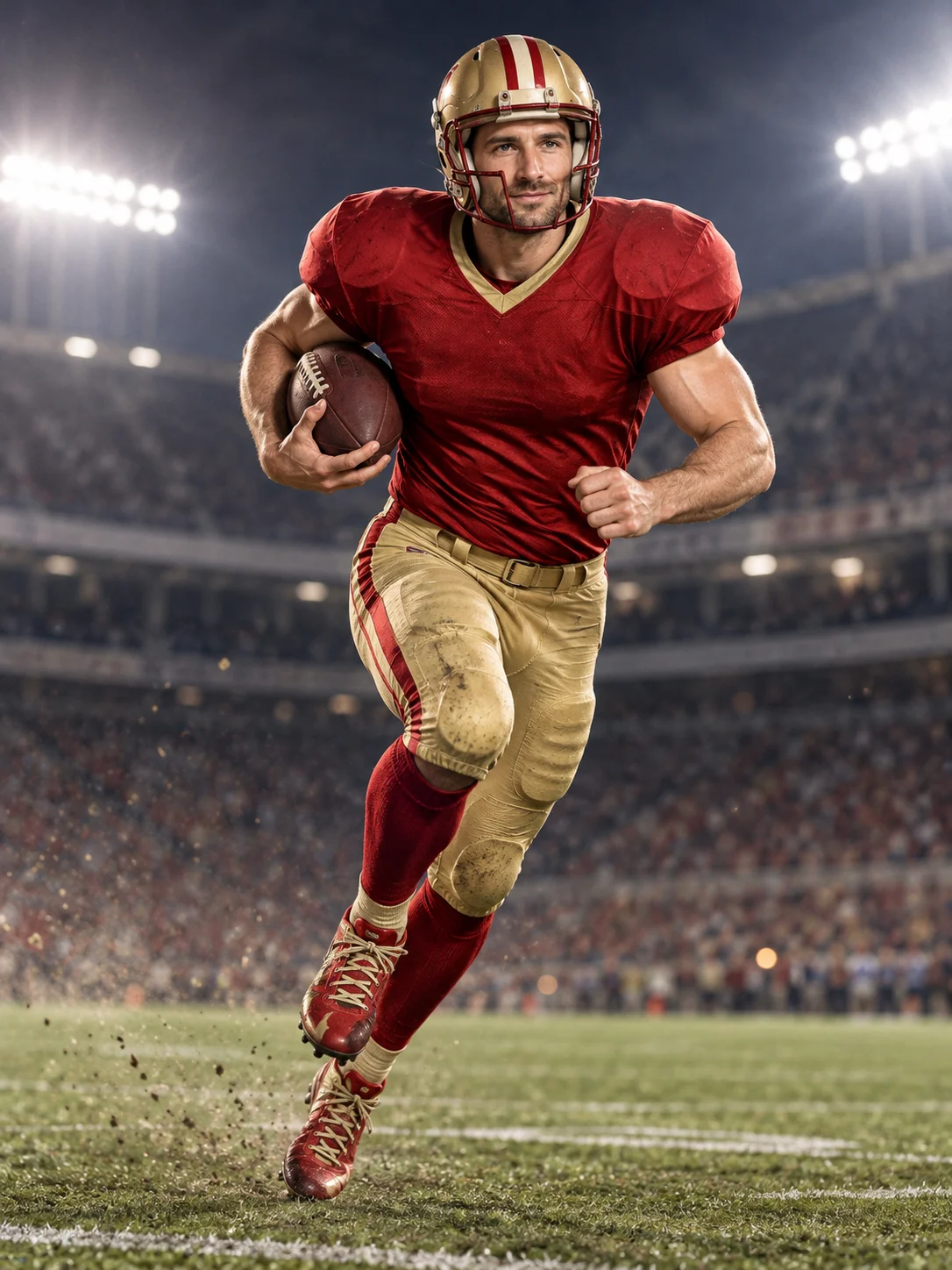
Football Champion
Turn your portrait into an American football action picture with a helmet and a football.
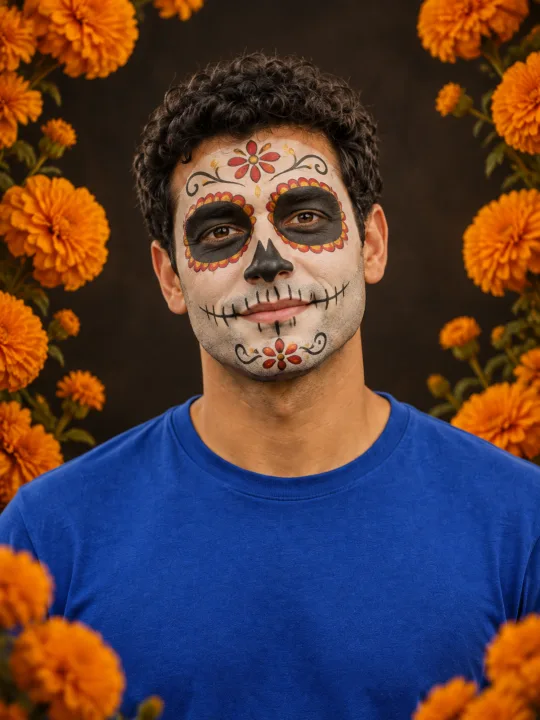
Catrina Makeup
Preview floral Day of the Dead face paint and marigolds on your own portrait.
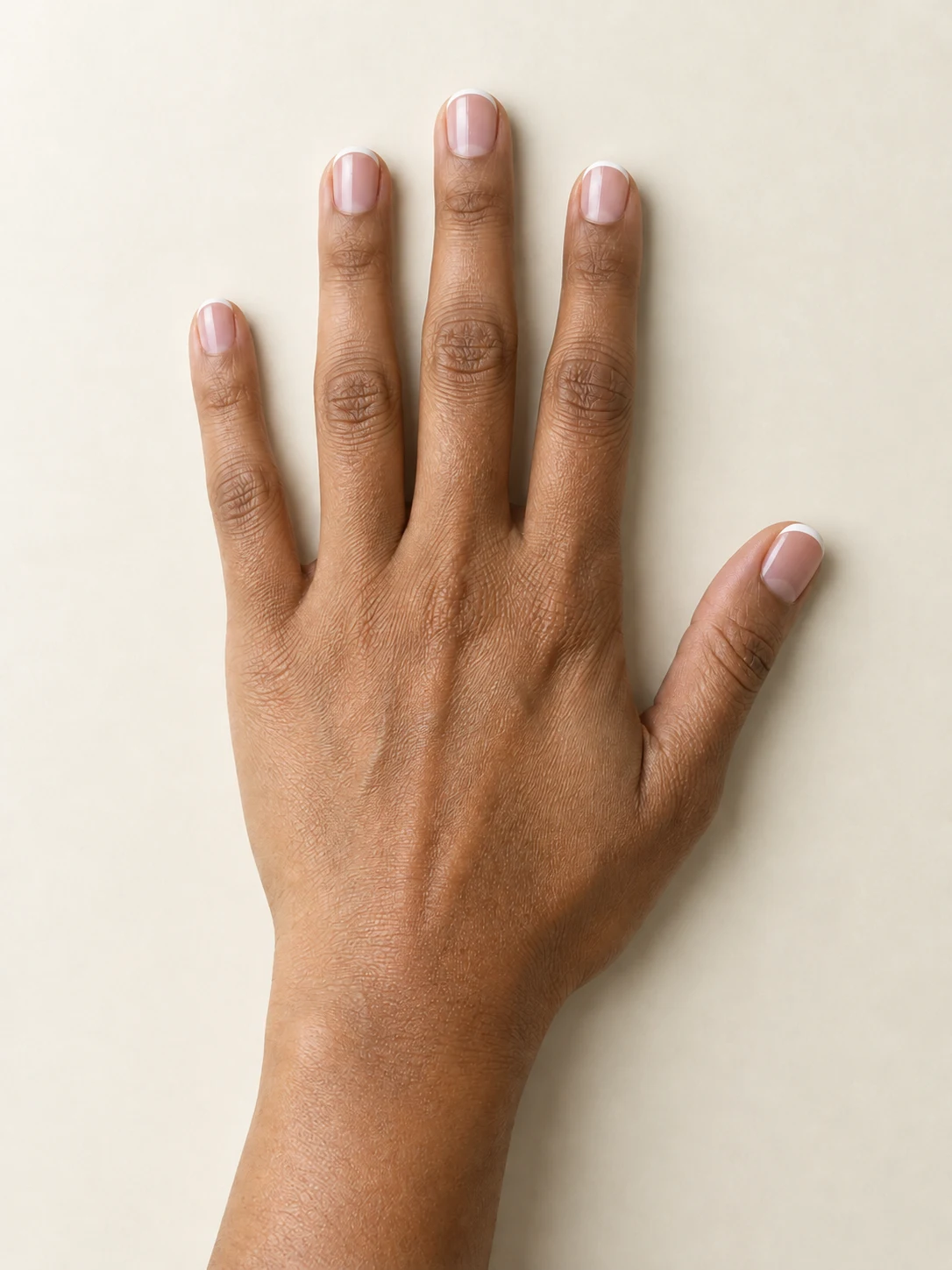
AI Nail
Preview French tips, Burgundy gloss or Pearl shimmer on your hand.
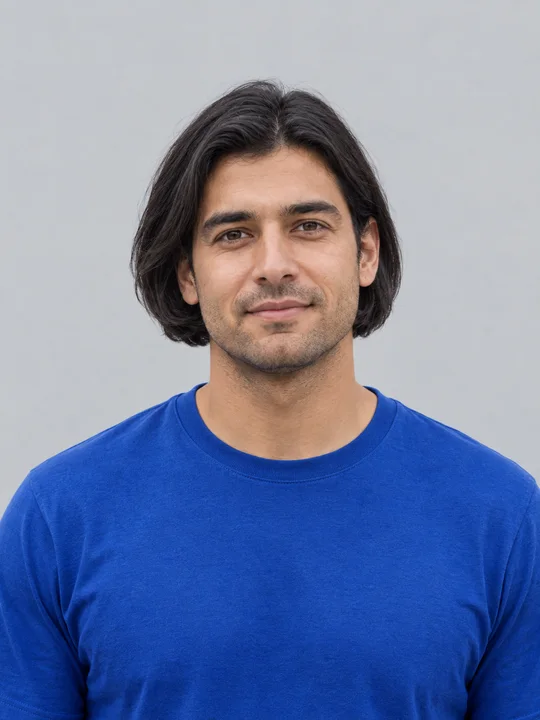
AI Bob Haircut
Preview a chin-length bob on one adult portrait.
Filtro Catrina IA
Add floral Day of the Dead makeup and marigolds to your portrait.
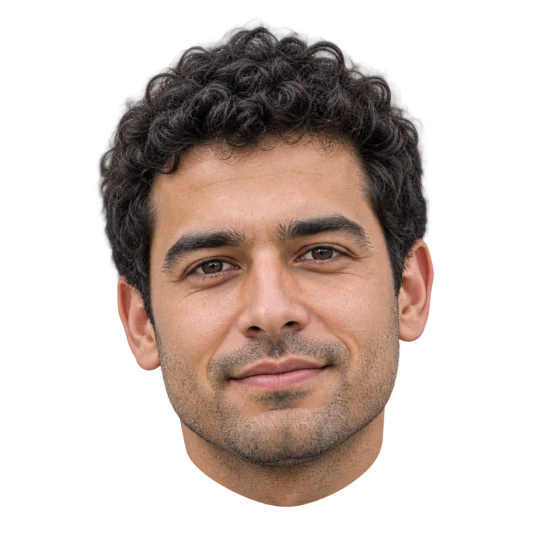
Head Cutout
Create a head-only transparent PNG from one adult portrait.
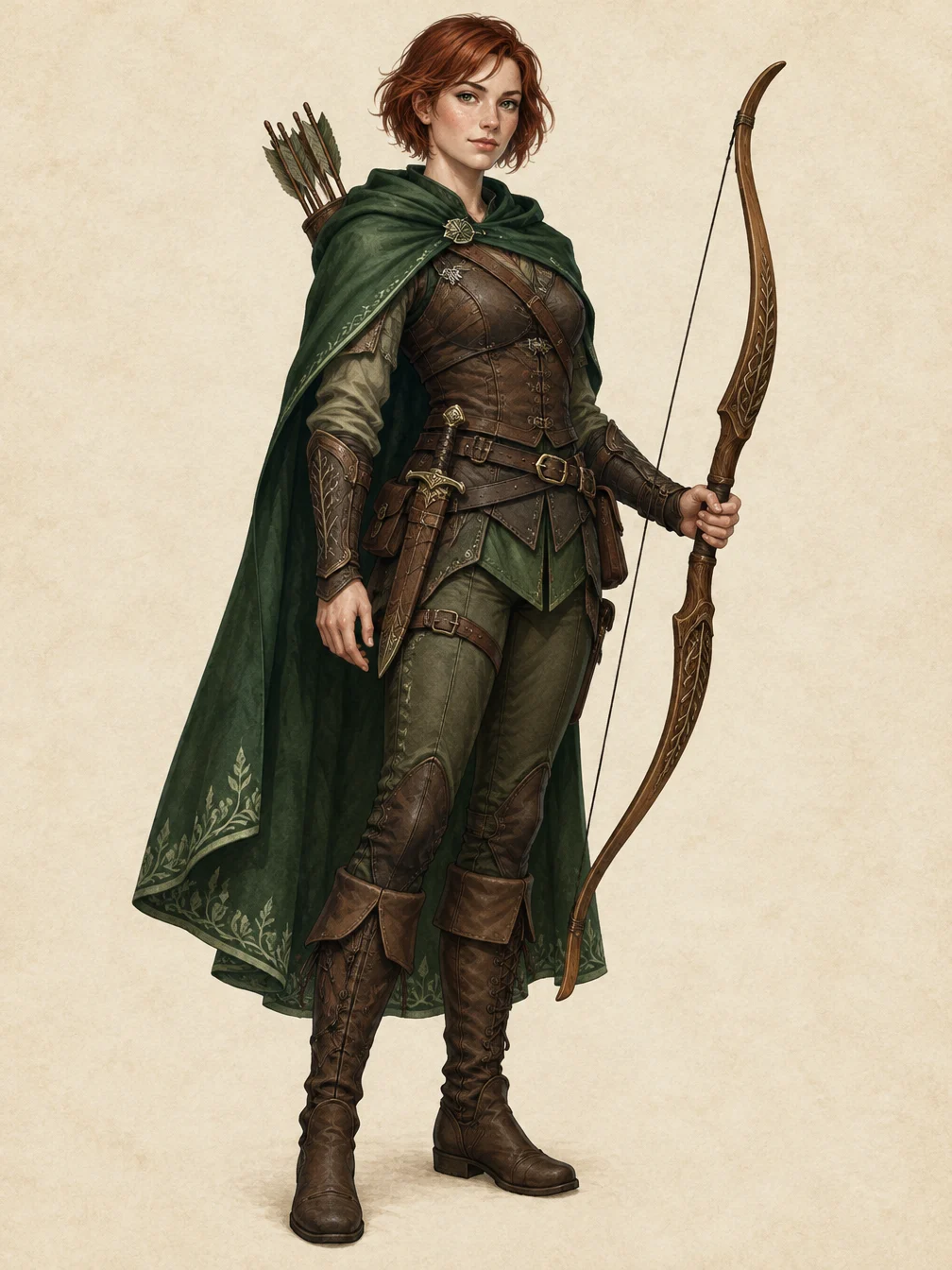
RPG Character
Describe an original fantasy adventurer and create a full-body RPG character illustration.
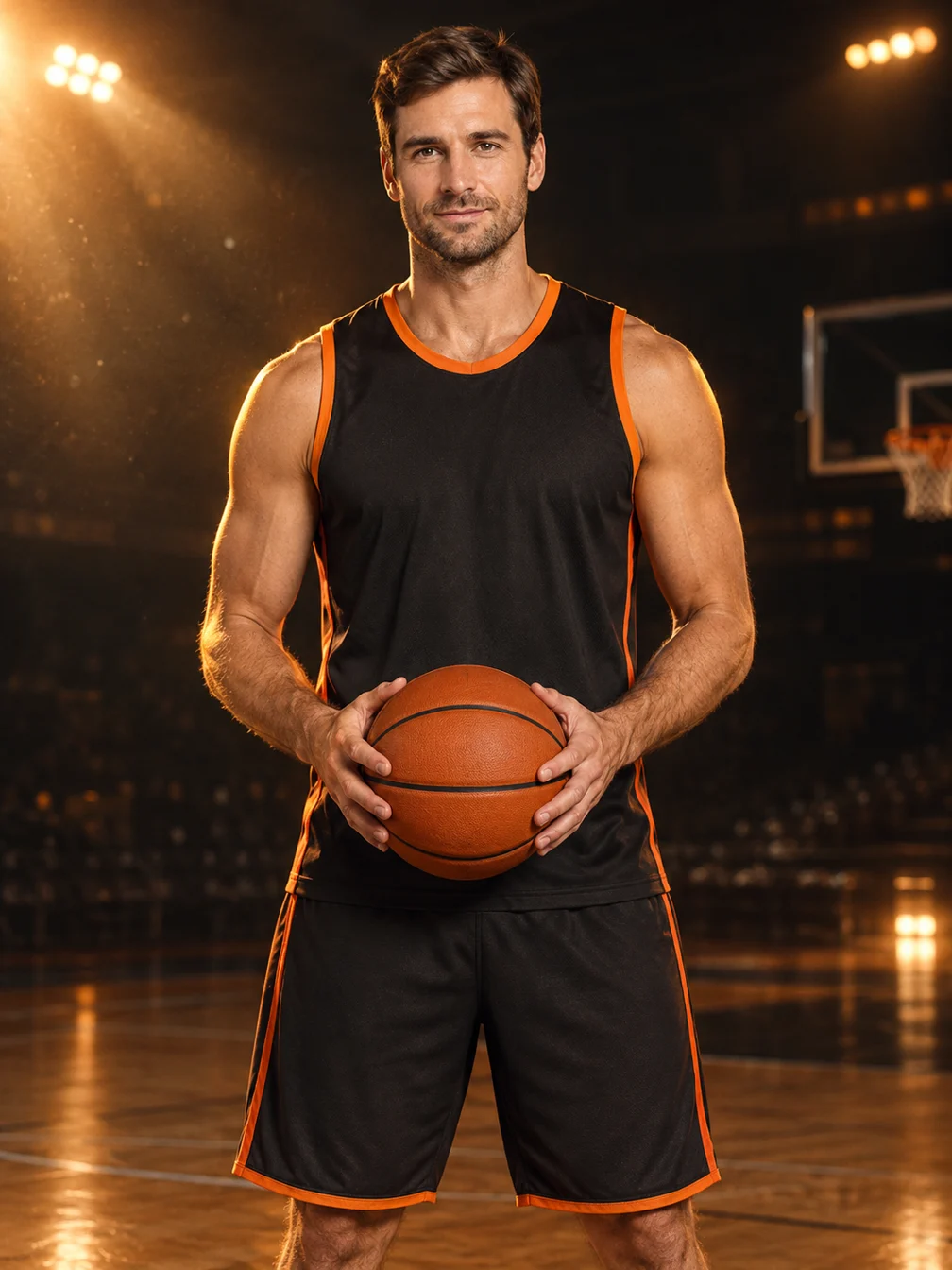
Basketball Poster
Turn your portrait into a basketball poster in arena, retro-card or neon-court style.
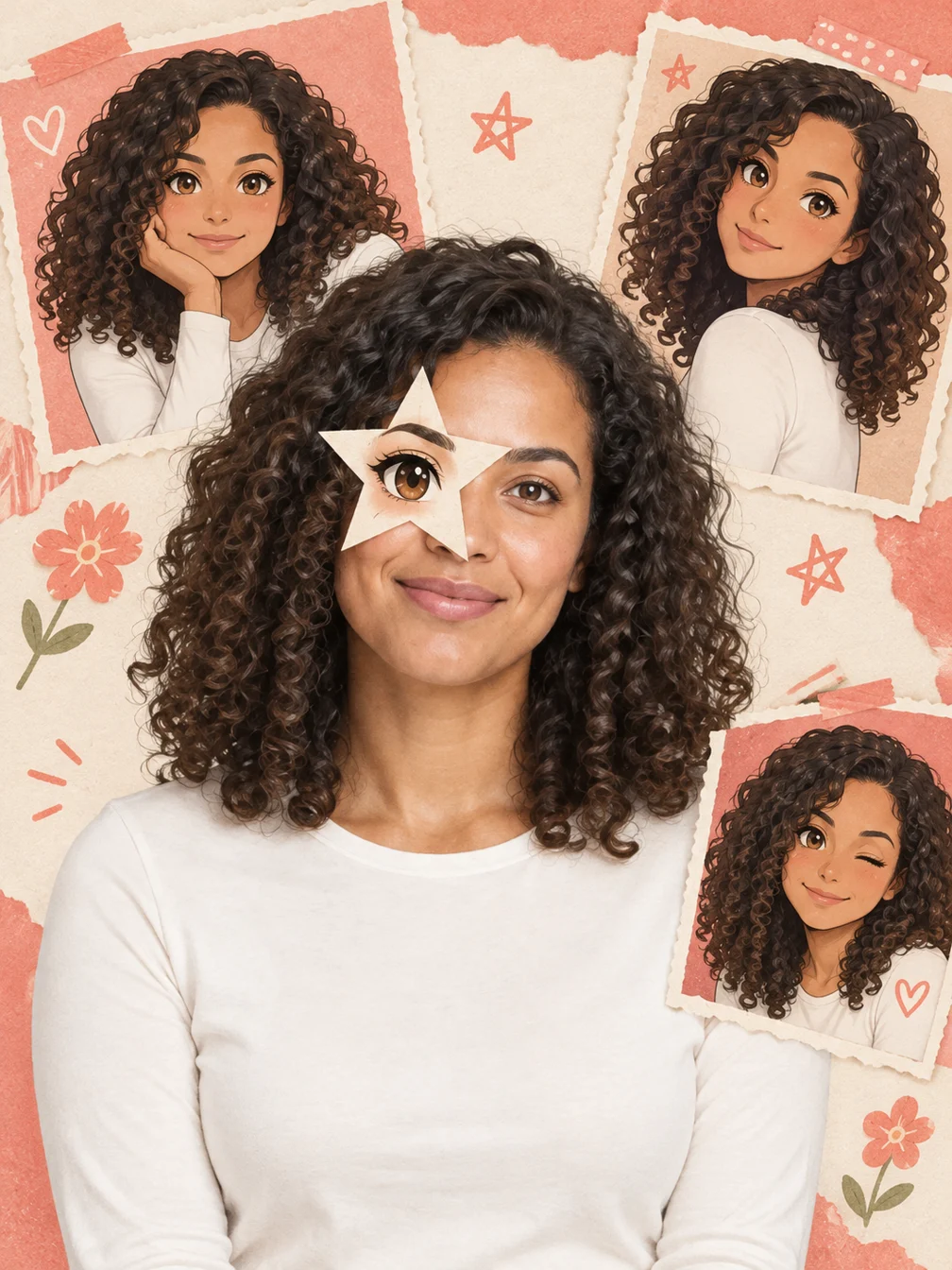
Anime Eye
Add one illustrated eye cutout and matching original anime-twin panels to your selfie.
Dime Dime Baby AI
Make the approach, bread-bite and turn-away party video.
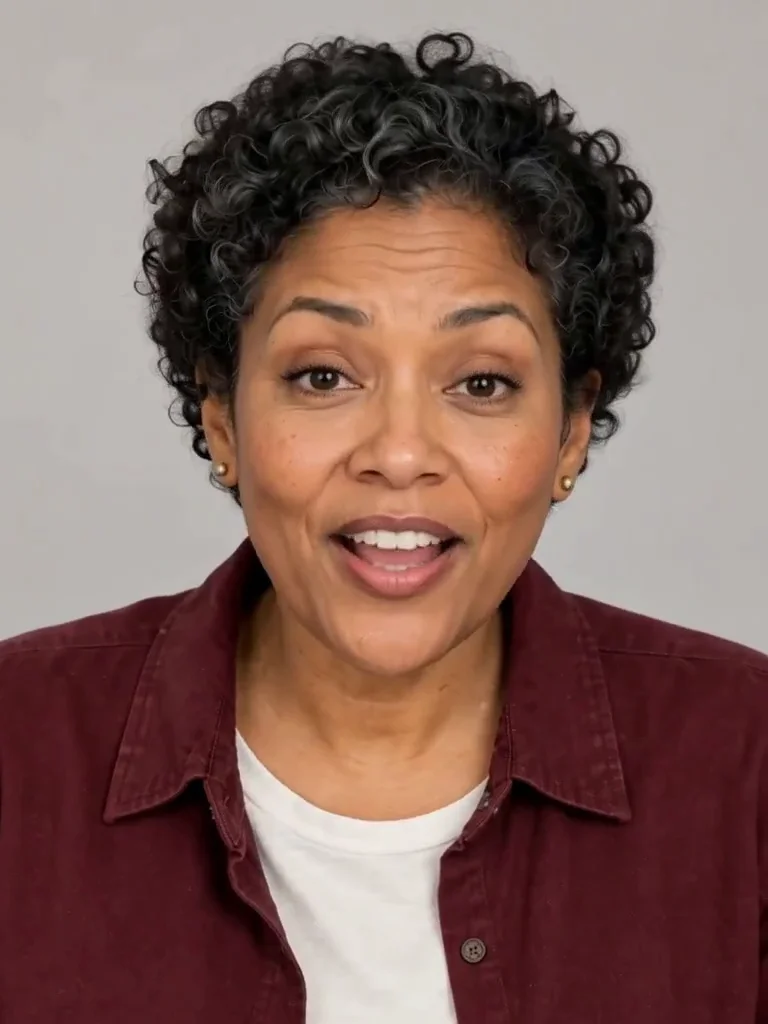
Photo to Talking
Give an adult portrait a short spoken line.
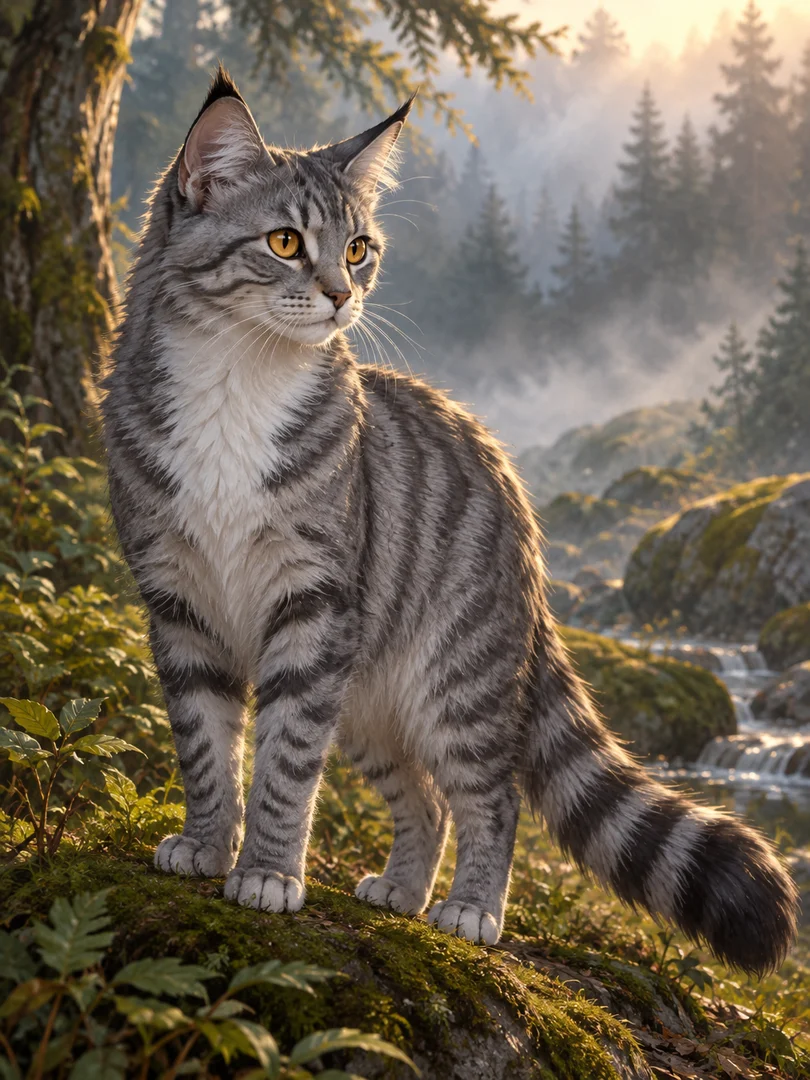
Warrior Cats OC
Design an original cat character from your description.
Frequently asked questions
How does Angel Wings work?⌄
Add large feathered angel wings to your photo while keeping your own outfit. Upload one clear adult photo and press Generate.
Is Angel Wings free?⌄
One image costs 4 credits. Eligible new accounts can receive 30 welcome credits, enough to try this preset. Free-trial eligibility restrictions apply; check your balance and the displayed price before submitting.
What file do I get?⌄
One 1K still image in a vertical 3:4 composition. A still photo edit with wings, not a flying video, physical costume or plant identifier.
Will the result look exactly like the example?⌄
No. Check that there are two wings, attached behind the shoulders, and that the face and wing tips remain visible. Fine details, facial features and composition can vary.
How do I download it?⌄
Use Download on the completed result, or open the same completed image in My Creations. Downloading it again does not start another generation.
Create your Angel Wings image
Add large feathered angel wings to your photo while keeping your own outfit.
Edit my photo