
Google Nano Banana, conversational editing and 4K output
Google Nano Banana, the Pro tier — run it here
Nano Banana is Google's image model, and Nano Banana Pro is its top tier. ClipTrend.ai puts Google Nano Banana in the browser through the Kie image endpoint, so you can use the Nano Banana model without a Google account or the Gemini app. Type a Nano Banana prompt, get a finished still, and keep editing — the same Google Nano Banana engine, no waitlist, no install.
- ✓It's Google — Nano Banana is Google's own image model, Pro is the high-fidelity tier
- ✓No Google account — run Google Nano Banana straight from this page, no Gemini login
- ✓Up to 4K — the Nano Banana model exports print-ready stills, not just thumbnails
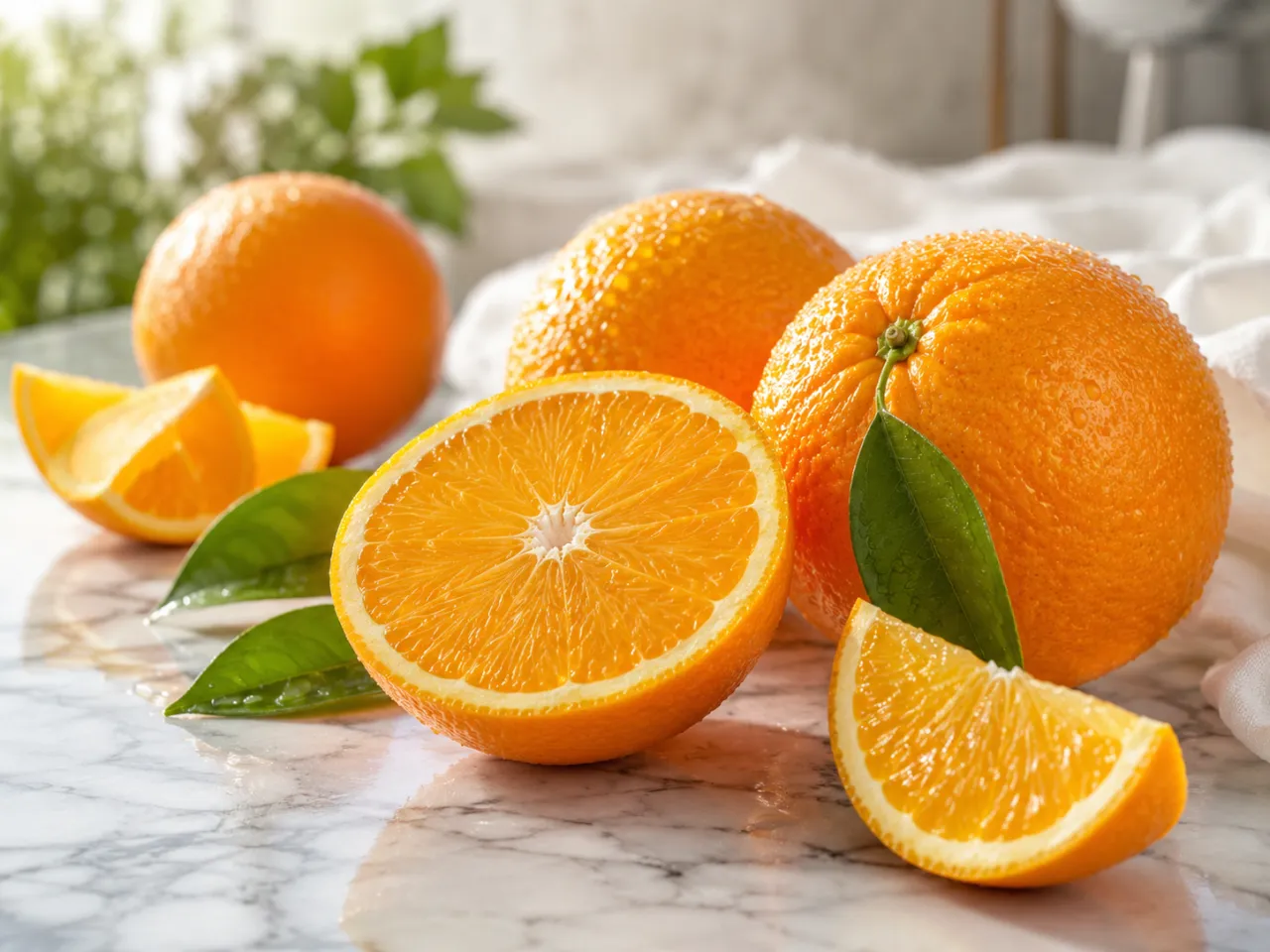

Write a Nano Banana prompt that lands the first time
A good Nano Banana prompt names the subject, the lighting, the lens or angle, and the style in one plain-language line — Google Nano Banana follows it closely, so you don't fight randomness. Because the model reads up to 2,000 characters, a detailed Nano Banana prompt can pack subject, mood, color and even in-image text and still render clean. Start with a tight prompt, then refine the Nano Banana image turn by turn instead of rewriting from scratch.
- ✓Structured prompts — subject + lighting + lens + style is the Nano Banana prompt that converges fastest
- ✓2,000 characters — room for a long, exact Nano Banana prompt with full art direction
- ✓Legible text — ask the Nano Banana prompt for a headline and Google Nano Banana renders it readable
Edit the Nano Banana image across turns, not from scratch
Nano Banana keeps the conversation: "make it warmer," then "now remove the logo," then "crop to 9:16." Each instruction builds on the last Nano Banana image, so you steer toward the result step by step instead of rewriting a giant prompt and rolling the dice. This multi-turn editing is what sets Google Nano Banana apart — it edits the live image and leaves the parts you didn't touch alone.
- ✓Iterative steering — stack small instructions and Google Nano Banana converges on the look you want
- ✓Keeps context — follow-ups apply to the current Nano Banana image, not a fresh render
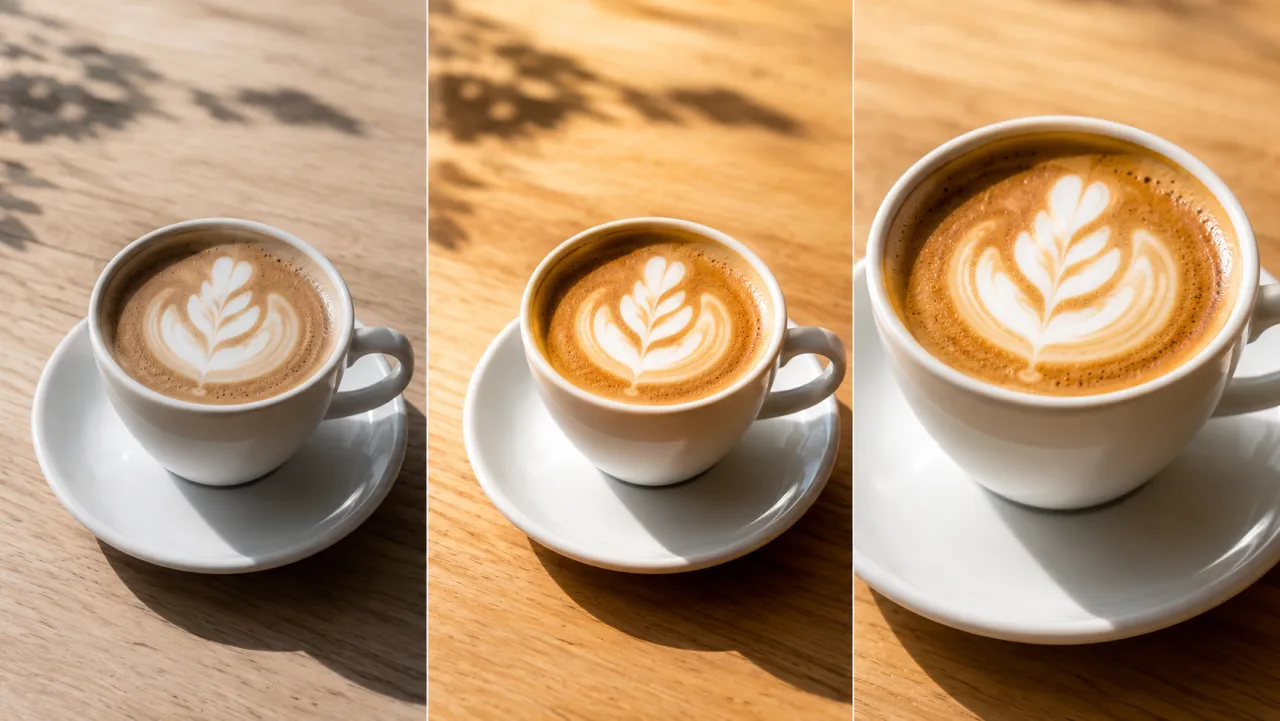

What people make with Google Nano Banana
Google Nano Banana shines when an image is almost right and you want to steer it the rest of the way — warm the tone, then swap a background, then drop a logo and crop to 9:16, each Nano Banana prompt building on the last image instead of a fresh render. That change-one-thing control suits real-photo retouches, on-brand poster and thumbnail tweaks, and 4K product mockups you refine turn by turn. Whatever you'd type into the Gemini app, you can run the same Nano Banana model here.
Try Nano Banana Pro free →Nano Banana Pro vs GPT Image 2 vs Ideogram 3.0 vs Grok Imagine
| Feature | Nano Banana Pro | GPT Image 2 | Ideogram 3.0 | Grok Imagine |
|---|---|---|---|---|
| Maker | Google (Nano Banana) | OpenAI | Ideogram | xAI |
| Max resolution | 4K | Up to 2K | Up to 2K | 1K-class |
| Conversational multi-turn edit | Yes — Nano Banana stacks edits on the live image | Partial | Limited | Limited |
| Reference images | Up to 4 | Up to 16 | Few | 1 |
| Best for | Turn-by-turn 4K Nano Banana edits | Many-image blends | Stylized text art | Lowest-cost stylized |
Verdict — Pick Nano Banana Pro — Google Nano Banana — when you need precise, localized edits, true 4K output and conversational refinement from one Nano Banana prompt; GPT Image 2 when you're blending many reference images at once; Ideogram 3.0 for stylized typographic art; Grok Imagine when a stylized look at the lowest cost wins.
Nano Banana Pro, explained
What is Nano Banana, and is it really from Google?⌄
Yes — Nano Banana is Google's image model, and Nano Banana Pro is its high-fidelity tier. ClipTrend.ai exposes Google Nano Banana through the Kie image endpoint, so you can run the Nano Banana model without a Google developer account or the Gemini app. It does two jobs well: text-to-image, turning a Nano Banana prompt into a finished still, and image-to-image, editing a photo you upload with plain-language instructions. Output runs from 1K up to 4K across eight aspect ratios, with prompts up to 2,000 characters.
Google Nano Banana is built for people who care about edit precision and final resolution — designers retouching real photos, marketers producing posters and thumbnails with legible text, and e-commerce teams making product mockups. It's an image model that outputs stills, not video, so it's the tool to reach for when one Nano Banana image has to be exactly right rather than animated.
How a Nano Banana prompt and multi-turn editing change the workflow⌄
Most image generators treat every request as a one-shot: you write a long prompt, get a result, and if it's wrong you rewrite the whole thing and re-roll. Google Nano Banana instead keeps the editing conversation alive — you send one Nano Banana prompt, see the Nano Banana image, then stack the next instruction on top. "Warm up the tone," then "remove the background sign," then "export 9:16," each turn refining the same image.
Because each turn operates on the current Nano Banana image and leaves untouched regions alone, you converge on the exact result instead of fighting prompt randomness. The trick is to start with a tight Nano Banana prompt — subject, lighting, lens, style — and then steer with short follow-ups. That localized, multi-turn control plus 4K output is what separates Google Nano Banana from generators that can only redraw the whole frame each time.
Frequently asked questions
Is Nano Banana made by Google?⌄
Yes — Nano Banana is Google's image model, and Nano Banana Pro is its top tier. You're running the same Google Nano Banana engine here, exposed through ClipTrend.ai's Kie image endpoint, so you don't need a Google account or the Gemini app to use the Nano Banana model.
How do I write a good Nano Banana prompt?⌄
A strong Nano Banana prompt names the subject, the lighting, the lens or camera angle, and the style in one plain-language line. Google Nano Banana reads up to 2,000 characters, so you can pack in detail and even ask for legible in-image text. Start with that tight Nano Banana prompt, then refine the image across turns instead of rewriting from scratch.
Can Google Nano Banana edit a photo I upload?⌄
Yes — that's the Nano Banana image-to-image mode. Upload a photo, describe the change (swap a background, recolor an object, retouch, or fully restyle), and Google Nano Banana applies it while preserving the parts you didn't ask to change. You can keep refining the Nano Banana image across turns.
Can I use Nano Banana output commercially?⌄
Yes, per Google's Nano Banana / Gemini image usage terms and ClipTrend.ai's Terms of Service. Google Nano Banana outputs export as standard image files with no ClipTrend watermark, ready for social, product, and print use.






Run Google Nano Banana and edit up to 4K
Google Nano Banana, the Pro tier — write one Nano Banana prompt, then refine the image across turns. Watermark-free, no Google account, pay only when you generate.
Generate with Nano Banana Pro