
Make your RPG Character image
Describe the adventurer you want to see
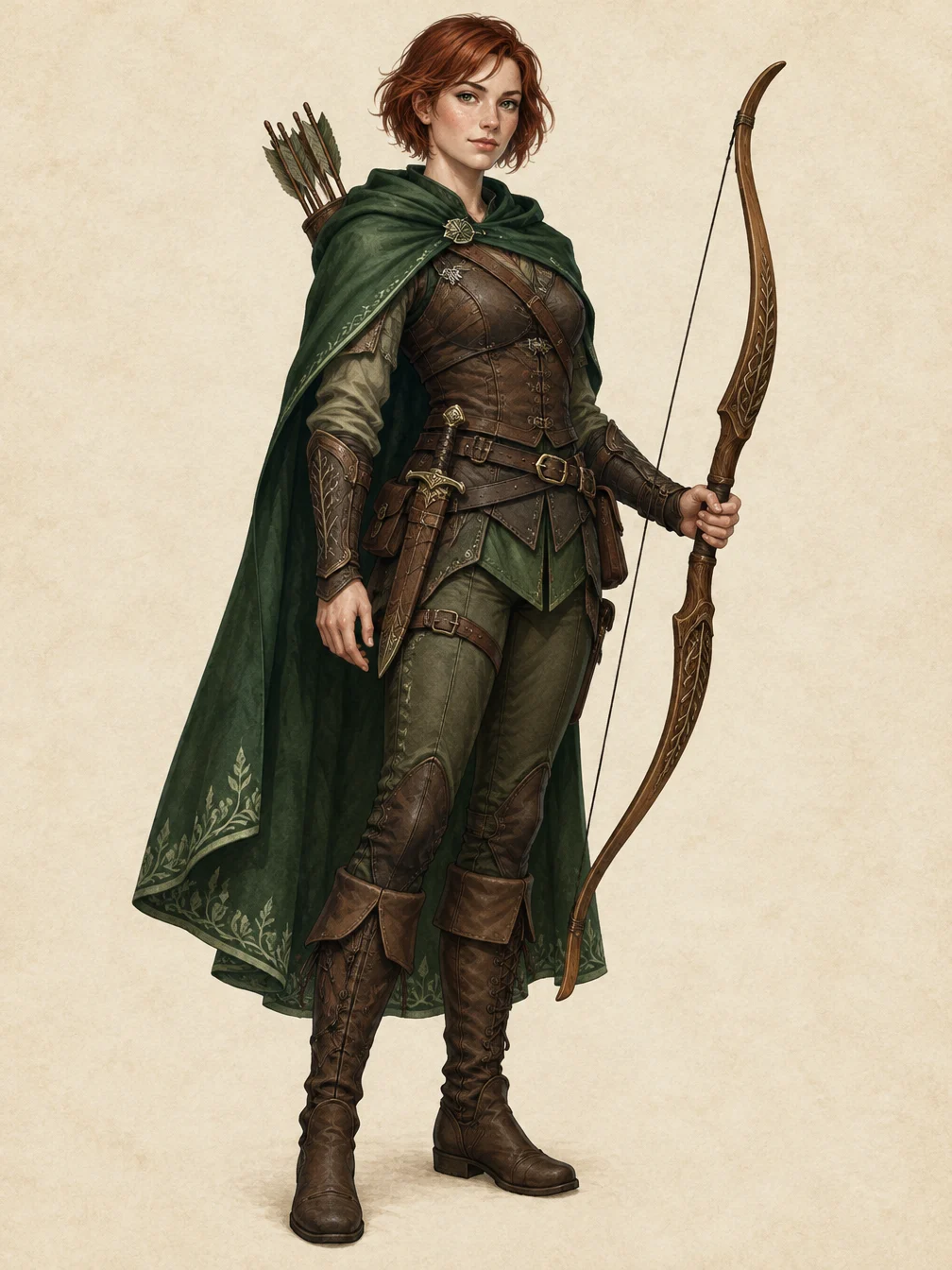
RPG Character turns a short character description into one original full-body fantasy illustration. Start with a class, then add a few visible details: hair, cloak, armor, colors and equipment. For example, describe a forest ranger with auburn hair, an emerald cloak and a wooden bow. The page makes one 2D image. It does not generate a rigged model, a playable game asset, rules or character statistics. Build the description around visible decisions that an illustration can show. A class, a clear silhouette, a small color palette and one main piece of equipment give the image a focused direction. For example, a ranger with a green travel cloak and a wooden bow describes something you can inspect in the finished picture. An elaborate backstory, a numerical ability score or a hidden personality trait does not necessarily change the visible design. The description field accepts up to 400 characters, so select the details that matter most to the drawing.
Review the details in your RPG Character result
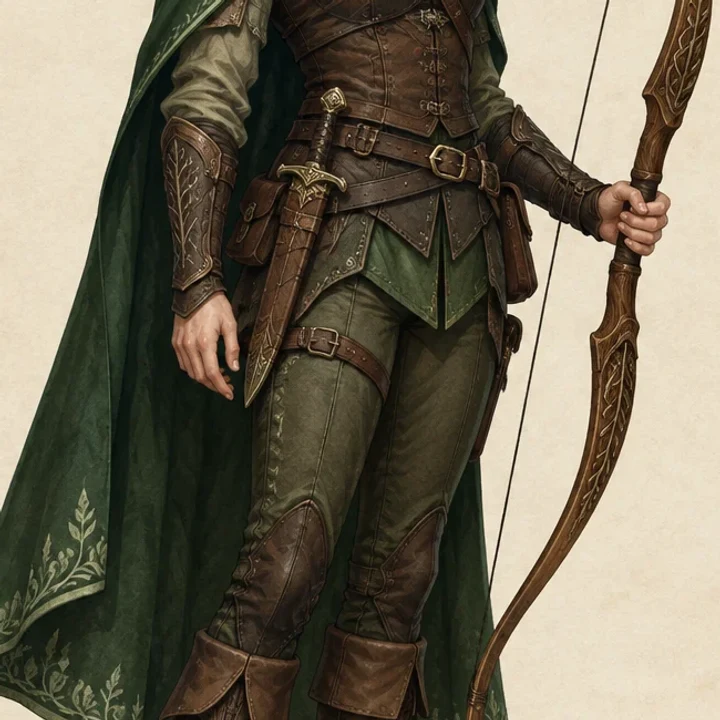
Check the requested class, outfit and equipment, plus the face, hands and complete head-to-toe silhouette. Open the complete image rather than judging only the thumbnail. This is a generated illustration or photo edit, so fine details and composition can change between requests. Choose a short, clear description or a sharp source photo. Inspect the full result before sharing it. Compare the full image with your description before concentrating on tiny decorations. Is the class recognizable? Are the requested colors and main equipment present? Does the full-body framing include both the head and feet? Then zoom in on the hands, face and overlapping straps or clothing. These are places where a generated illustration can contain awkward shapes. The detail image is a closer view of the same example output, so it shows the actual artwork rather than a second example chosen to hide a problem in the full composition.
Keep equipment readable
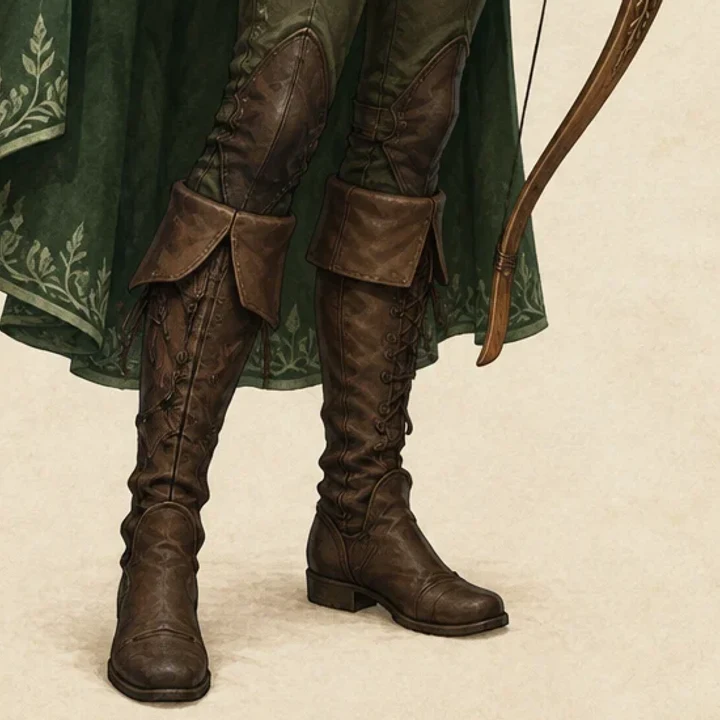
This crop comes from the same generated illustration. Inspect the bow, clothing edges and boots at full size. For your own character, choose a few distinctive items rather than a long inventory. A shorter description helps keep the visible design focused; this page creates an illustration, without game statistics or a playable model. A simple inventory is easier to communicate visually than many competing weapons, tools and ornaments. If a bow is the defining item, give it space in the description rather than also requesting several swords and a shield. The equipment crop shown here helps you inspect edges and small shapes that are harder to judge in a thumbnail. Download the completed image for use as a visual concept or character portrait. Further preparation may be needed for a particular game, print layout or production pipeline; this tool does not supply those formats. Keep the original downloaded illustration as your source file if you later crop it for an avatar or add it to a character sheet.
Give the character a clear design
No upload is required. Describe one original adult character.
Your description
Class, clothing, colors and equipment
When to use it
Describe an original fantasy adventurer and create a full-body RPG character illustration.
What it produces
One generated 1K still image.
- ✓One original adult character
- ✓Up to 400 characters
- ✓No game-ready model promised
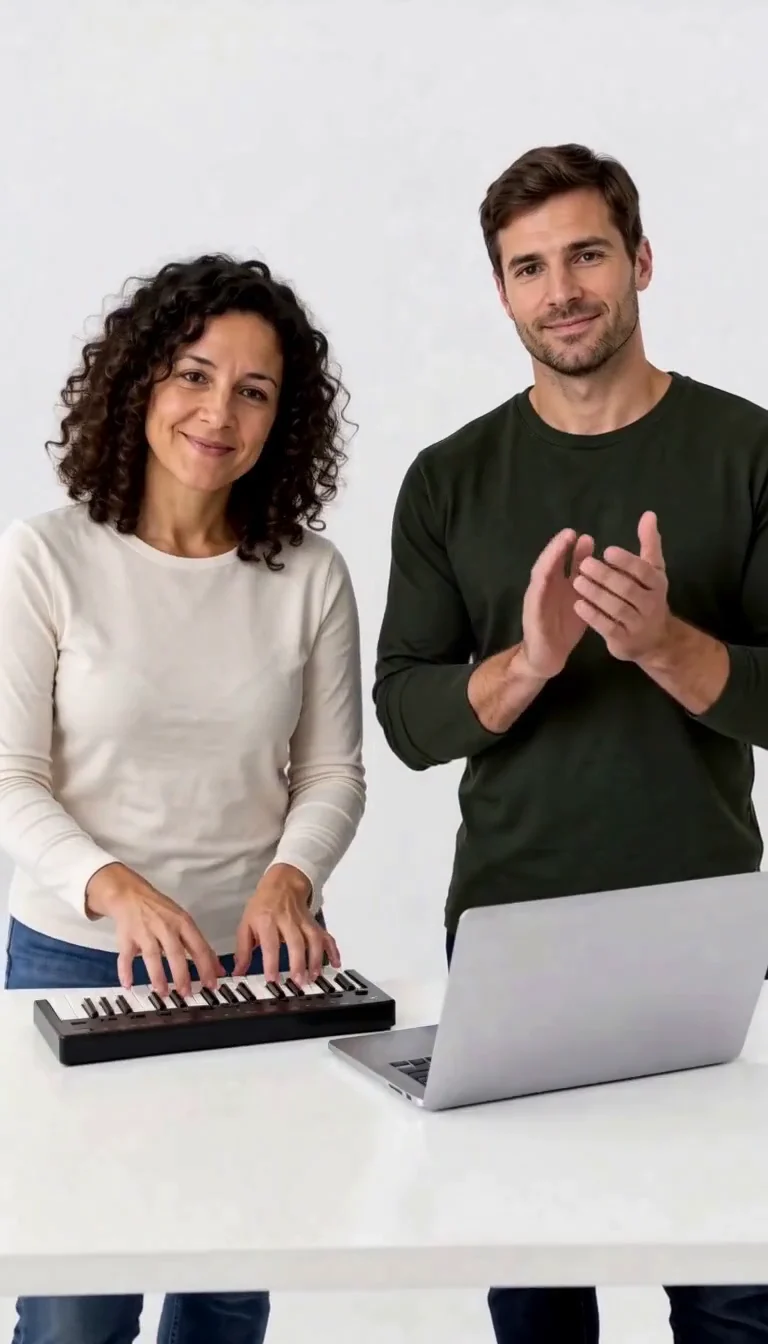
Keyboard Duo
Put two adults in a keyboard-and-clapping studio sketch.
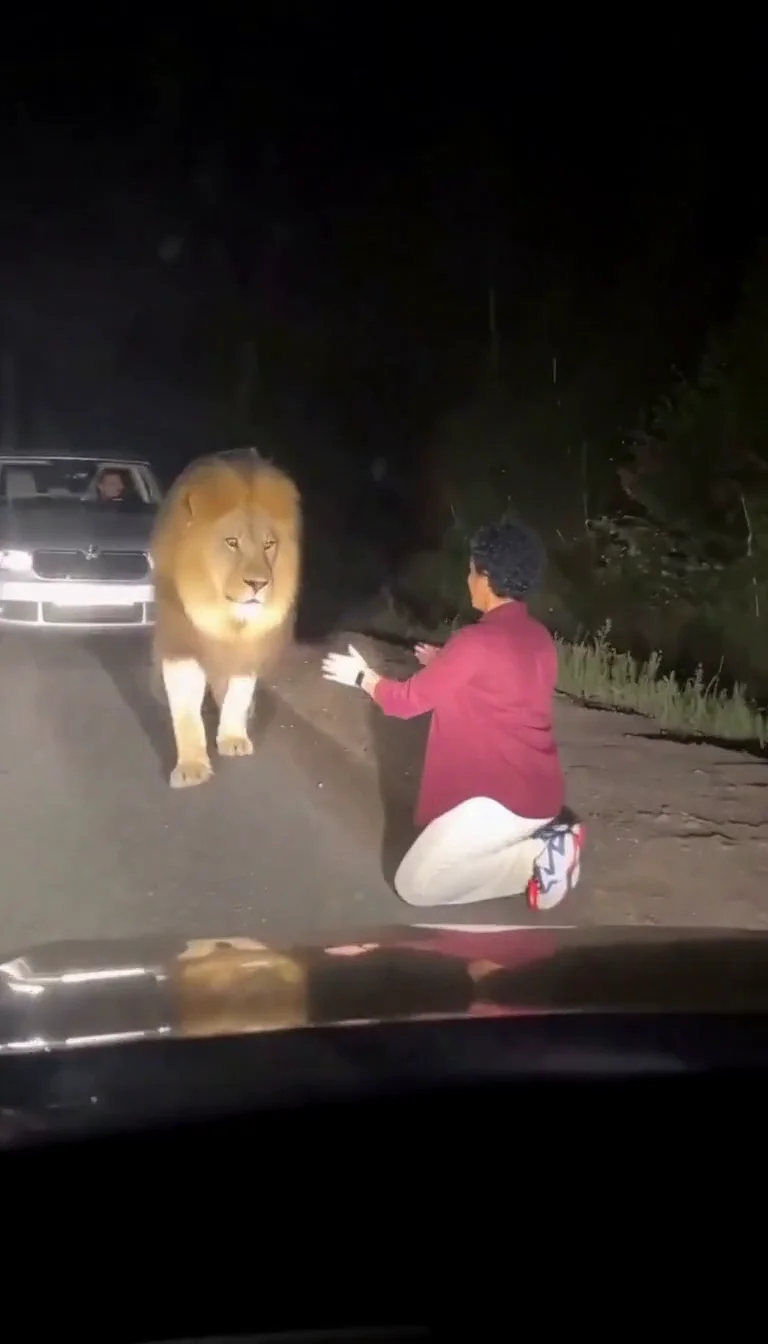
Lion Friend
Meet a calm lion on a nighttime road, stroke its mane and share a fictional embrace.
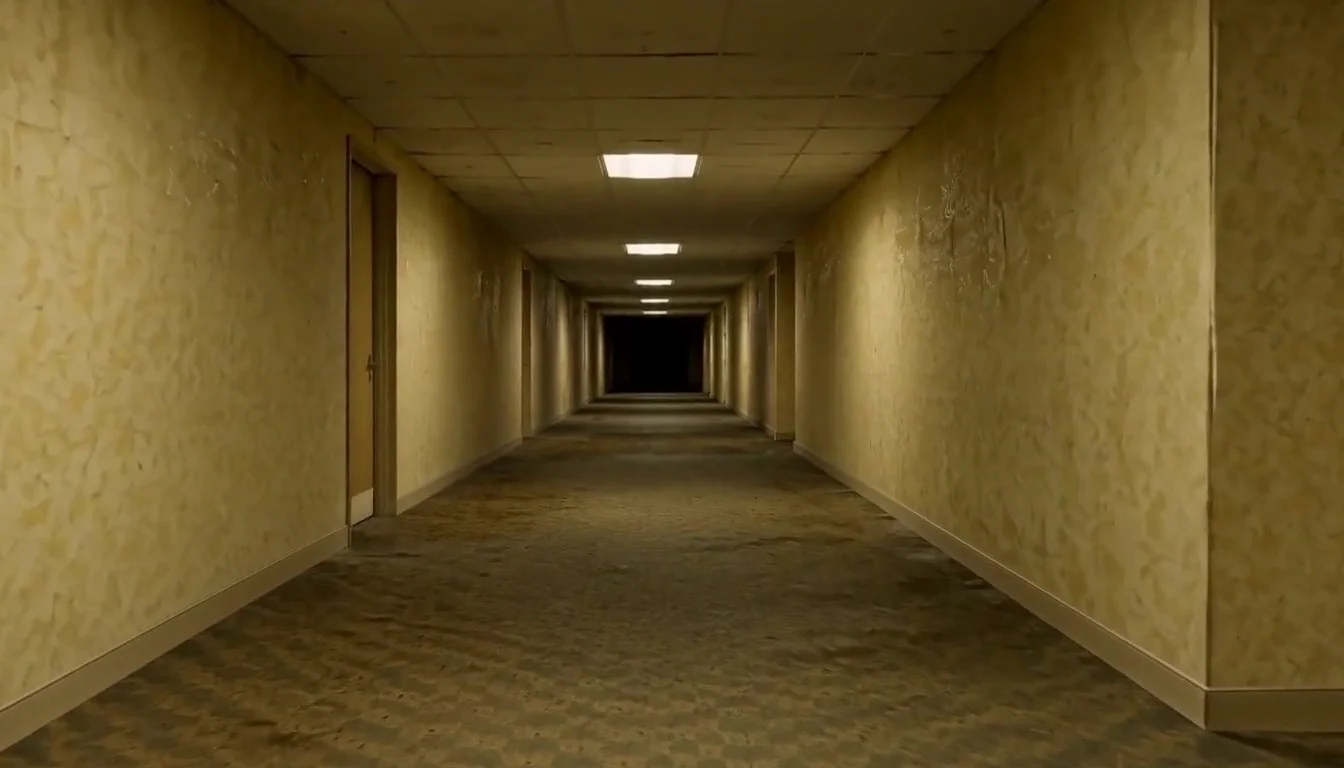
AI Backrooms
Animate your empty corridor with a slow camera push and flickering fluorescent lights.

Basketball Poster
Turn your portrait into a basketball poster in arena, retro-card or neon-court style.
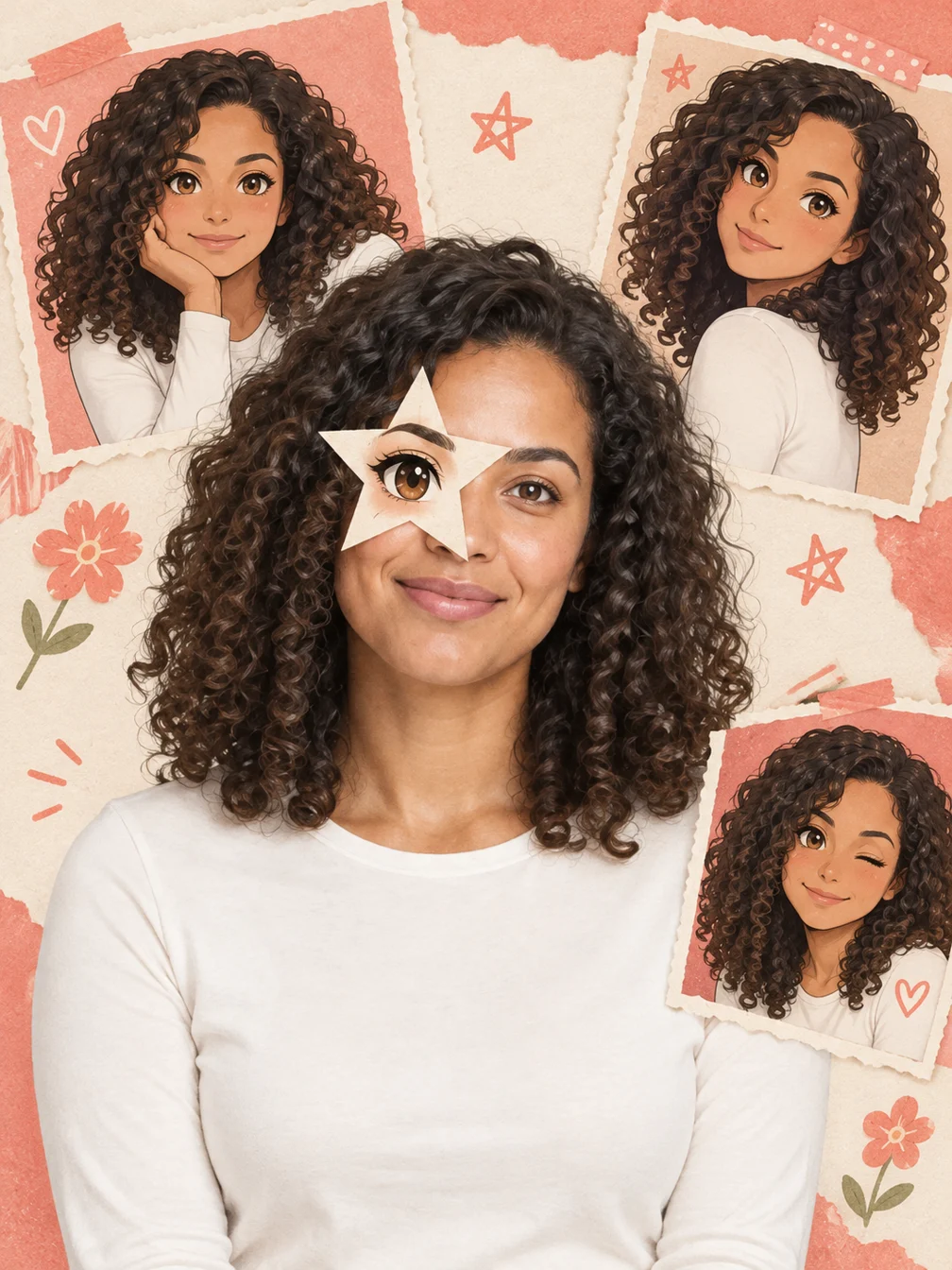
Anime Eye
Add one illustrated eye cutout and matching original anime-twin panels to your selfie.
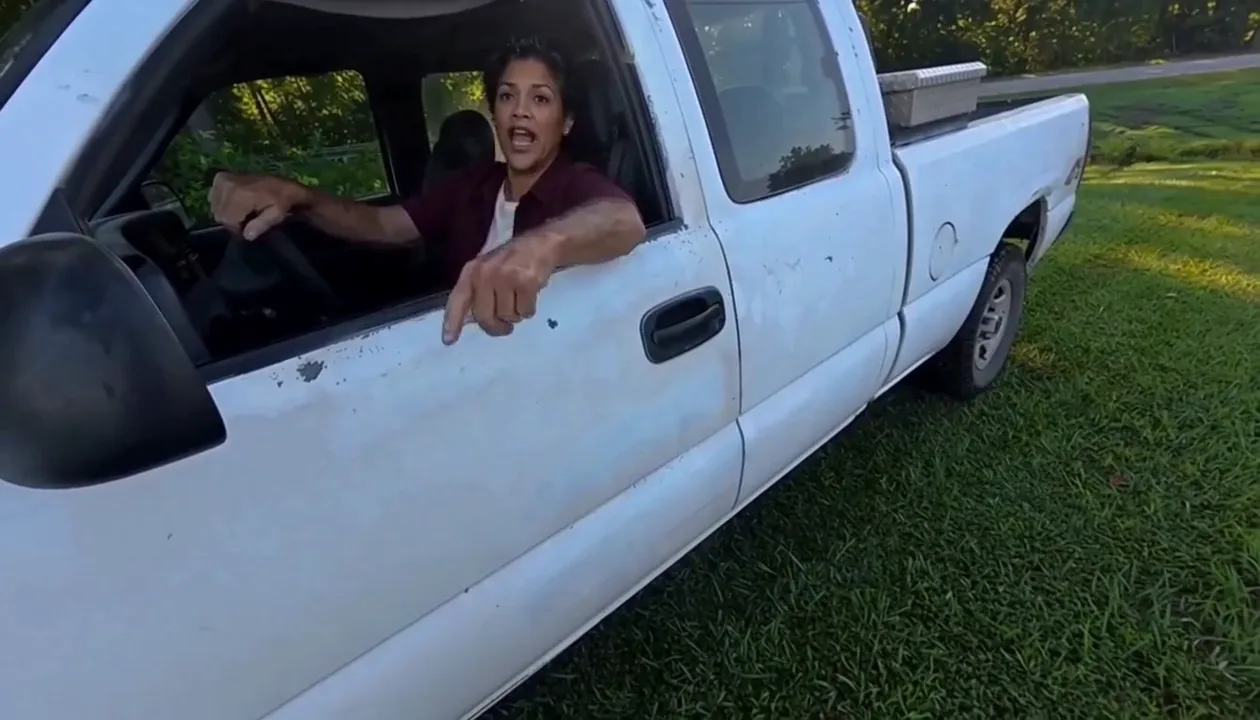
Hit Road Dude
Make a reference-guided pickup-truck meme from one adult portrait.
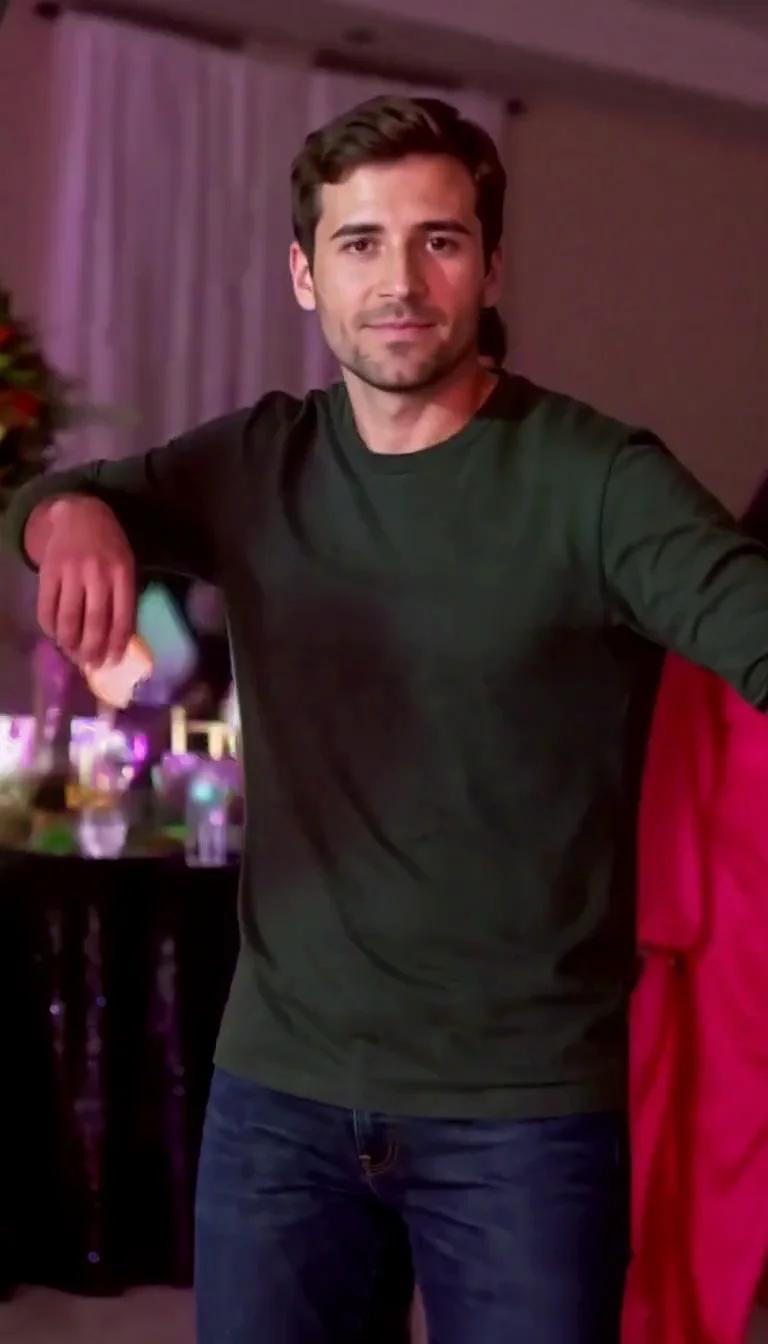
Dime Dime Baby AI
Make the approach, bread-bite and turn-away party video.
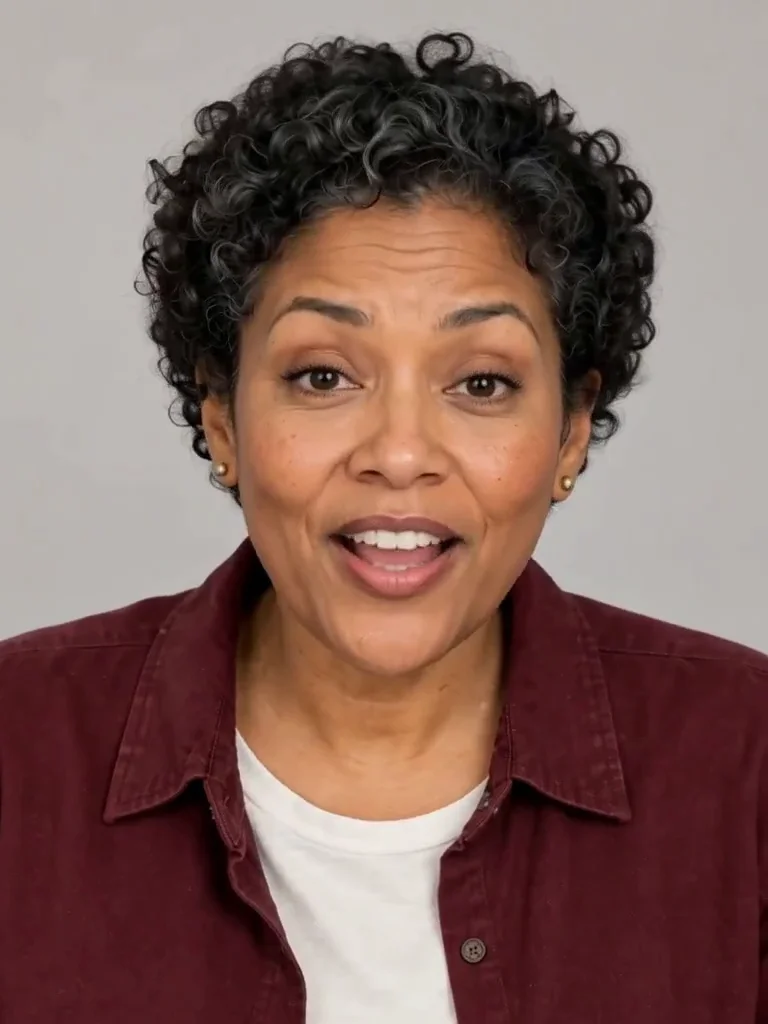
Photo to Talking
Give an adult portrait a short spoken line.
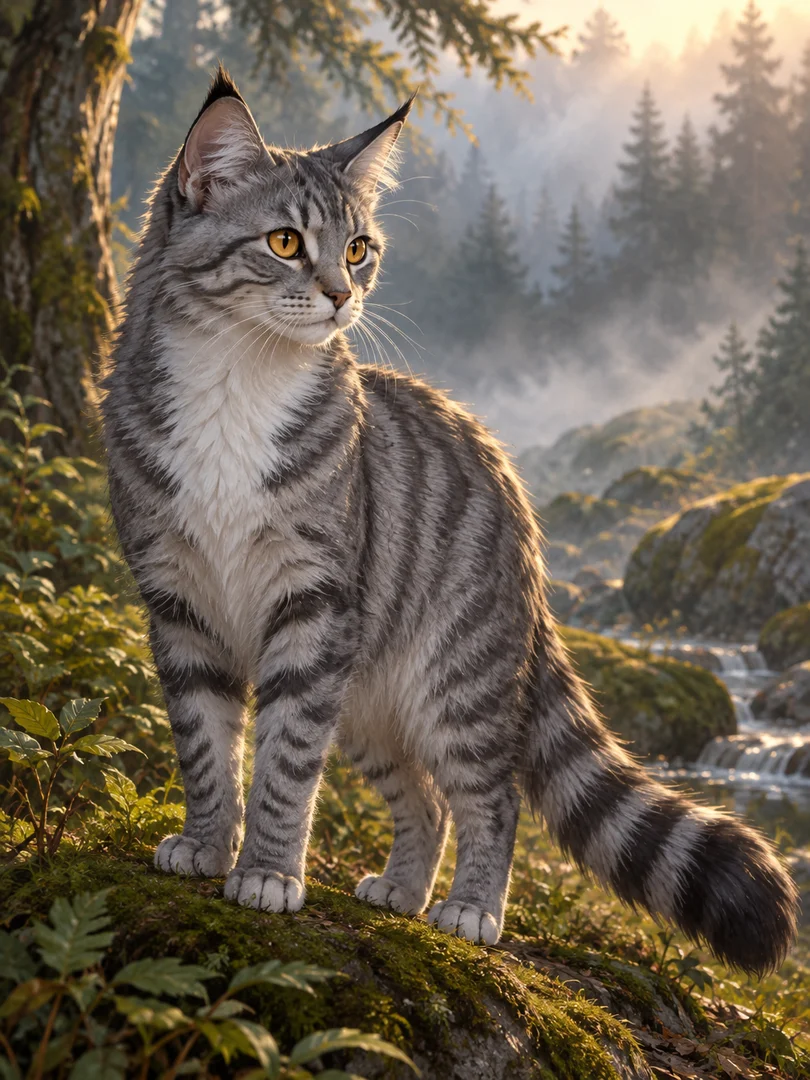
Warrior Cats OC
Design an original cat character from your description.
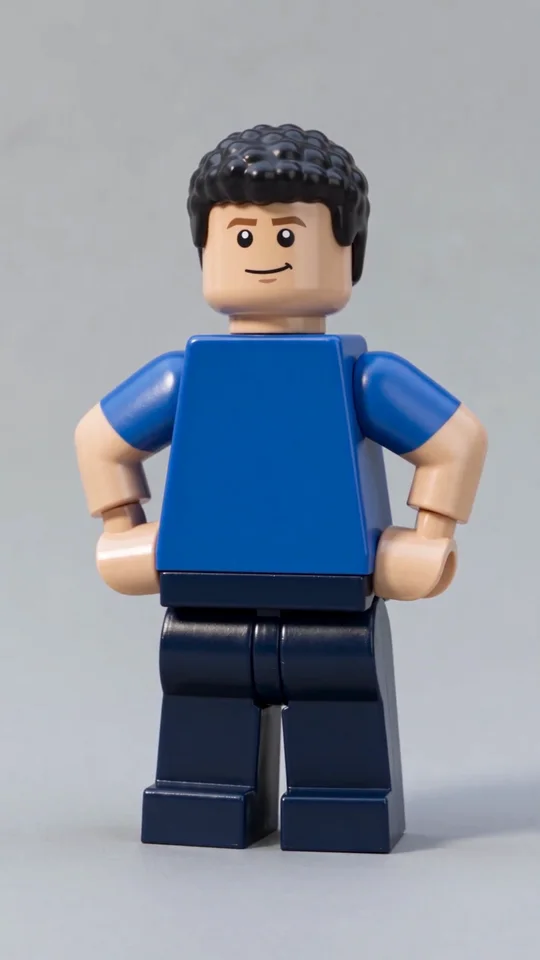
AI Lego Man
Transform one adult photo into a molded brick toy video.
GTA Style
Illustrate your portrait with bold outlines and a coastal sunset.
Fire Breathe
Add a fantasy flame plume and warm light to a portrait.
Frequently asked questions
How does RPG Character work?⌄
Describe an original fantasy adventurer and create a full-body RPG character illustration. Enter the character description and press Generate.
Is RPG Character free?⌄
One image costs 4 credits. Eligible new accounts can receive 30 welcome credits, enough to try this preset. Free-trial eligibility restrictions apply; check your balance and the displayed price before submitting.
What file do I get?⌄
One 1K still image in a vertical 3:4 composition. A flat character illustration, not a rigged 3D model, playable game asset or generated character statistics.
Will the result look exactly like the example?⌄
No. Check the requested class, outfit and equipment, plus the face, hands and complete head-to-toe silhouette. Fine details, facial features and composition can vary.
How do I download it?⌄
Use Download on the completed result, or open the same completed image in My Creations. Downloading it again does not start another generation.
Create your RPG Character image
Describe an original fantasy adventurer and create a full-body RPG character illustration.
Create my character