
Make your Halloween Dance video
Step onto a jack-o’-lantern street
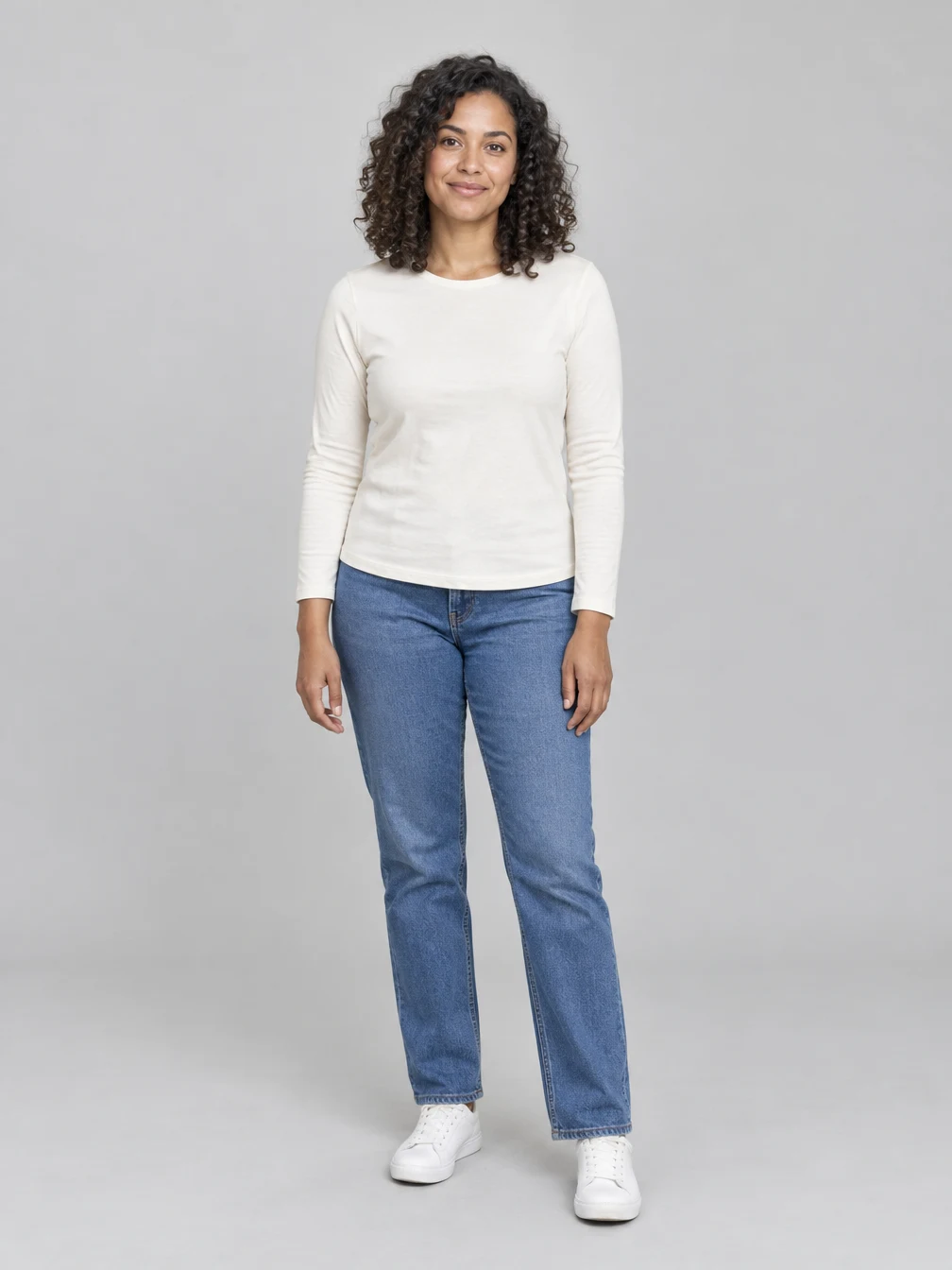
Upload one clear photo of yourself or another adult who agreed to appear. The preset keeps the face, hair and skin tone as a guide, then builds a new scene: a black cape with orange lining, a small witch hat, string lights, fog and rows of carved pumpkins. A full-body photo with both feet visible gives the dance the most to work with. A close-up selfie still works, but the body and costume are generated rather than taken from your picture. The person beside the generator is the fictional adult used for our actual example.
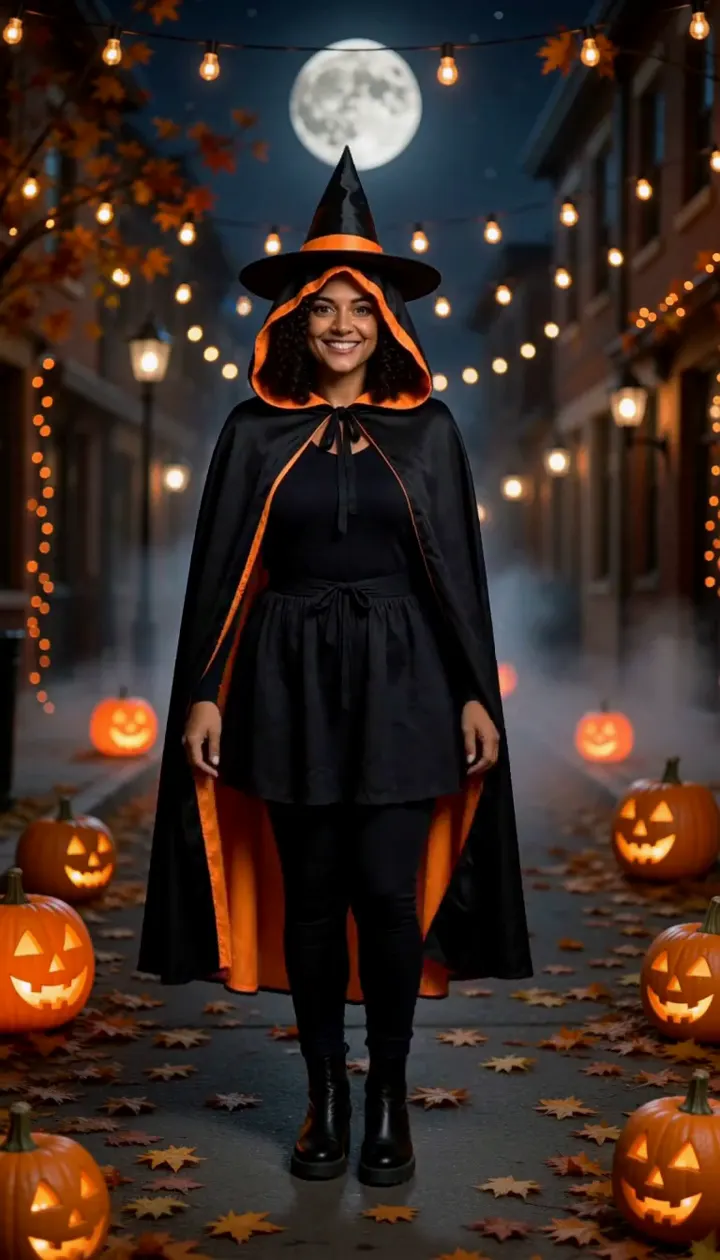
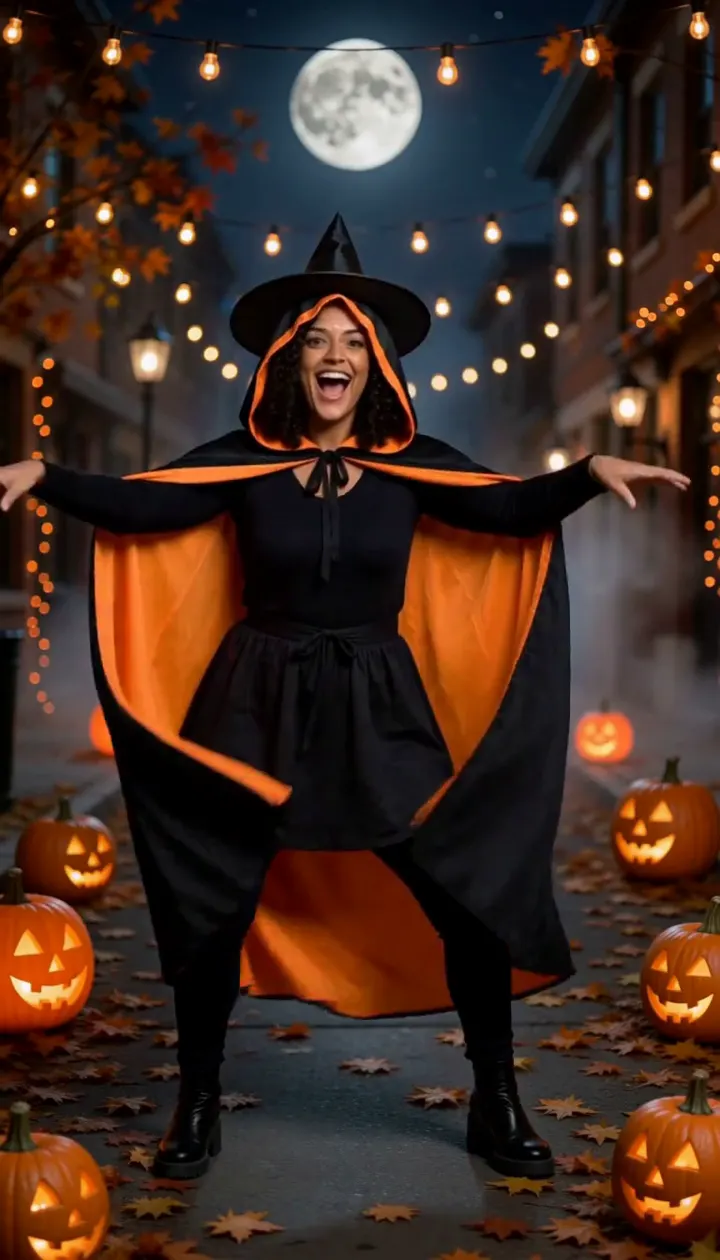
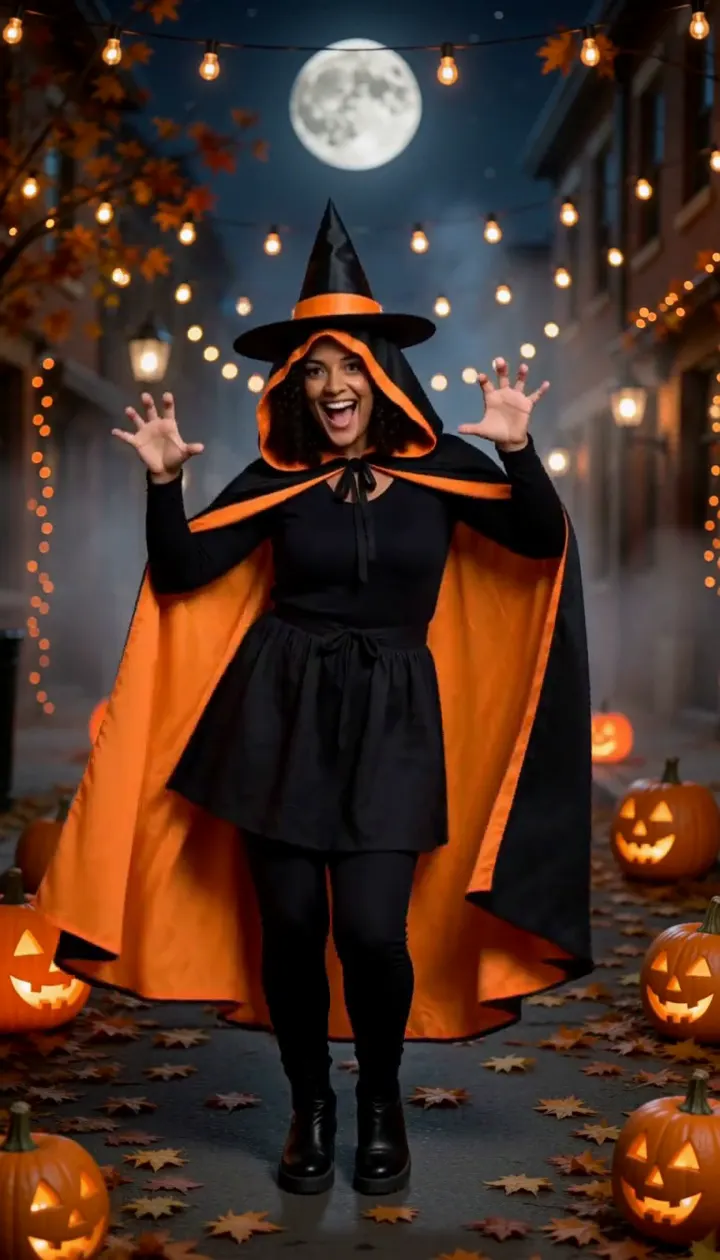
Bounce, shimmy and spin the cape
The ten-second routine starts with two bouncy side steps, moves into zombie-style arm reaches and shoulder shimmies, then adds a quick spin so the cape flares out. It is a playful party dance, not a copy of a specific song’s choreography. The three pictures on this page are moments from one real generated video. Your result can change the pace, the exact steps and the framing, so watch the whole clip and check the hands, feet and face during the spin before you share it.
End on a cheeky “boo” pose
Every video ends facing the camera with clawed hands raised in a “boo” and a big smile, which makes a clean last frame for a Halloween post. You get a vertical MP4 of about ten seconds with an original spooky instrumental generated with the video; it does not include a known song or lyrics. Download it from the result card or open My Creations later. Describe the clip as AI-generated when you post it, and only use photos of people who agreed to appear.
Choose a clear adult photo
One photo guides one dancer in this preset.
Full body
Give the dance more to follow
When to use it
You want a natural full-length dance.
What it produces
One dancer guided by your photo.
- ✓Head to feet in frame
- ✓Face toward the camera
- ✓Even light
One adult
Keep the subject easy to identify
When to use it
You want one person on the street.
What it produces
A generated costume, scene and dance.
- ✓No group photos
- ✓No sunglasses or masks
- ✓Use a photo with permission
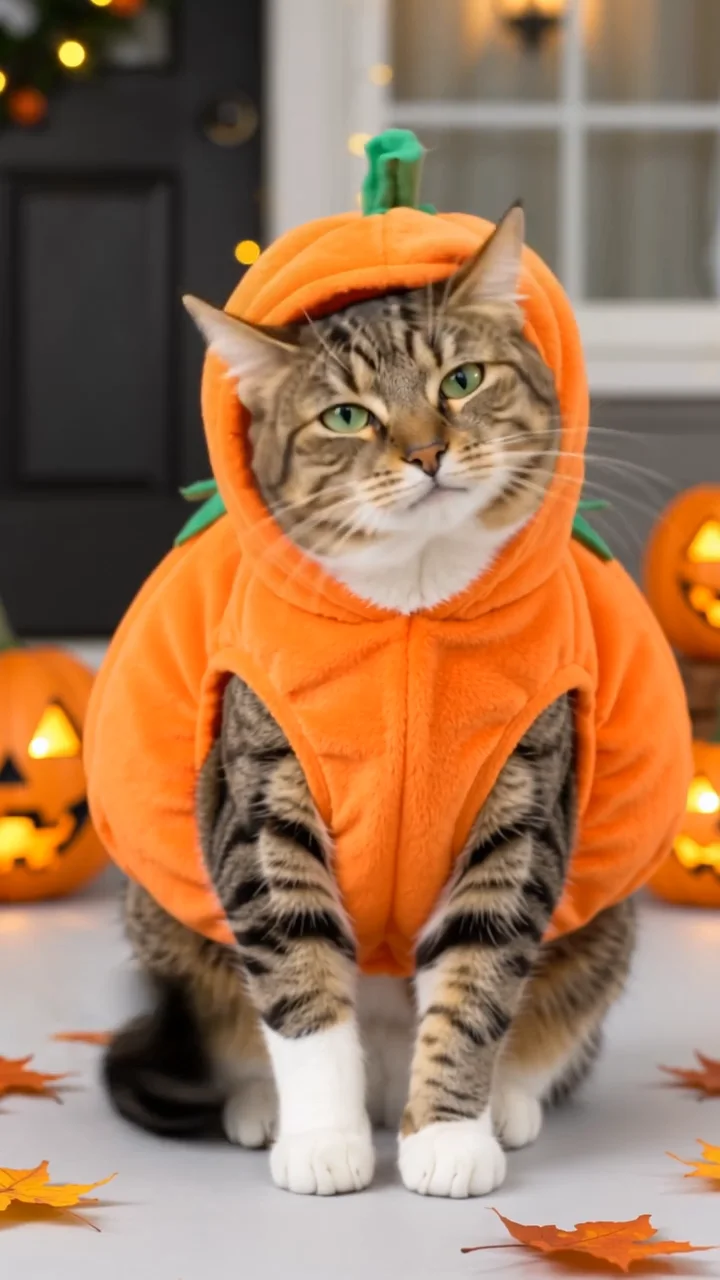
Pumpkin Pet
Turn your cat photo into a five-second pumpkin costume video.
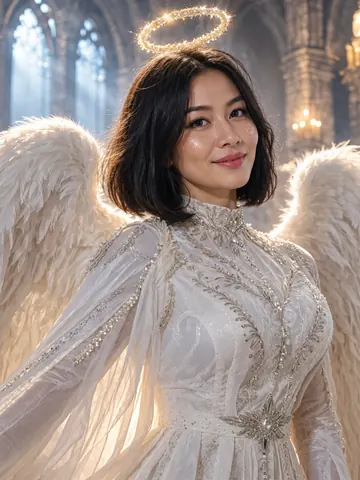
Angel Costume
Preview white wings, an angel outfit and a halo on your photo.
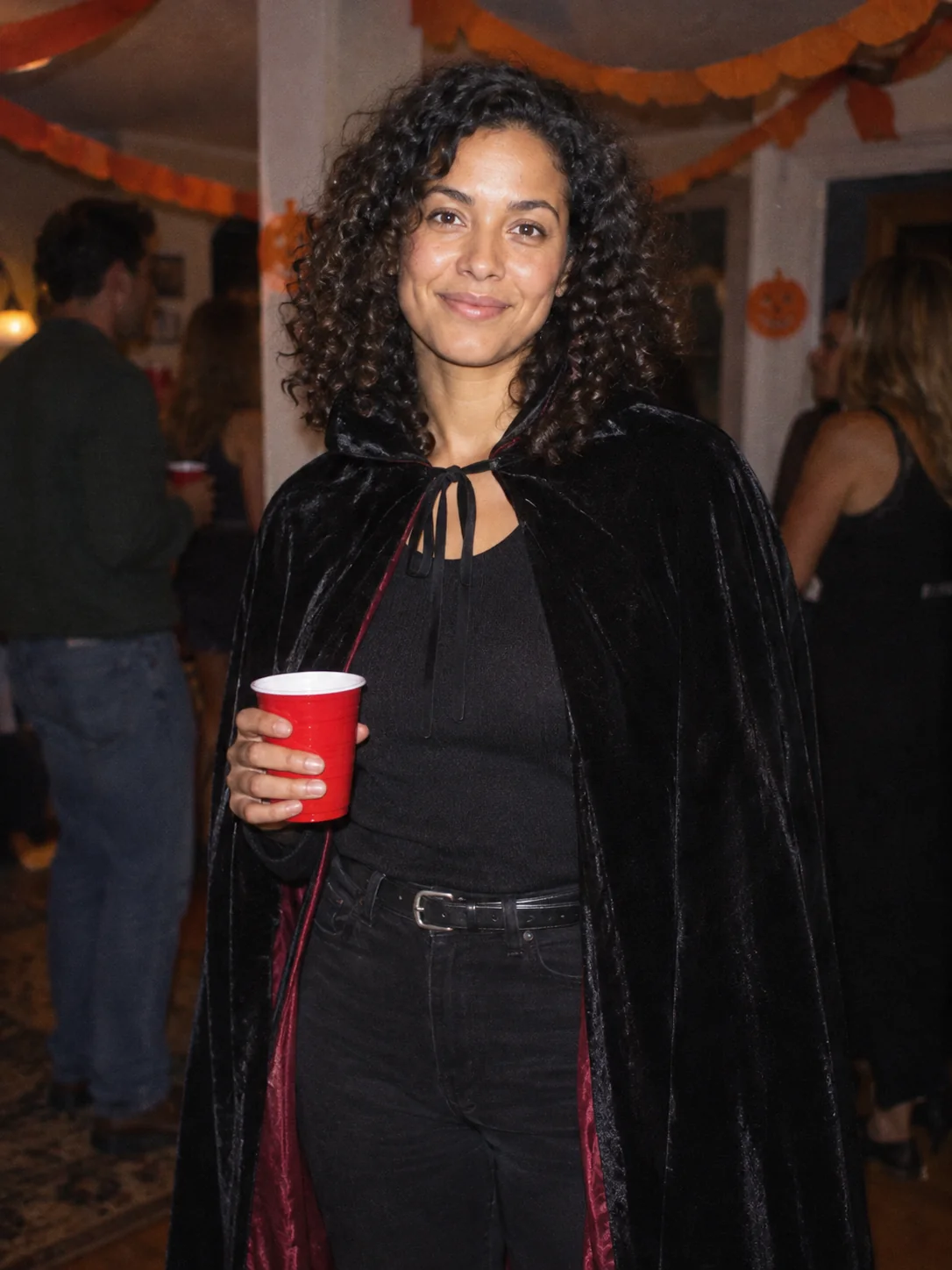
Costume Party
Put yourself in a Halloween costume party photograph.
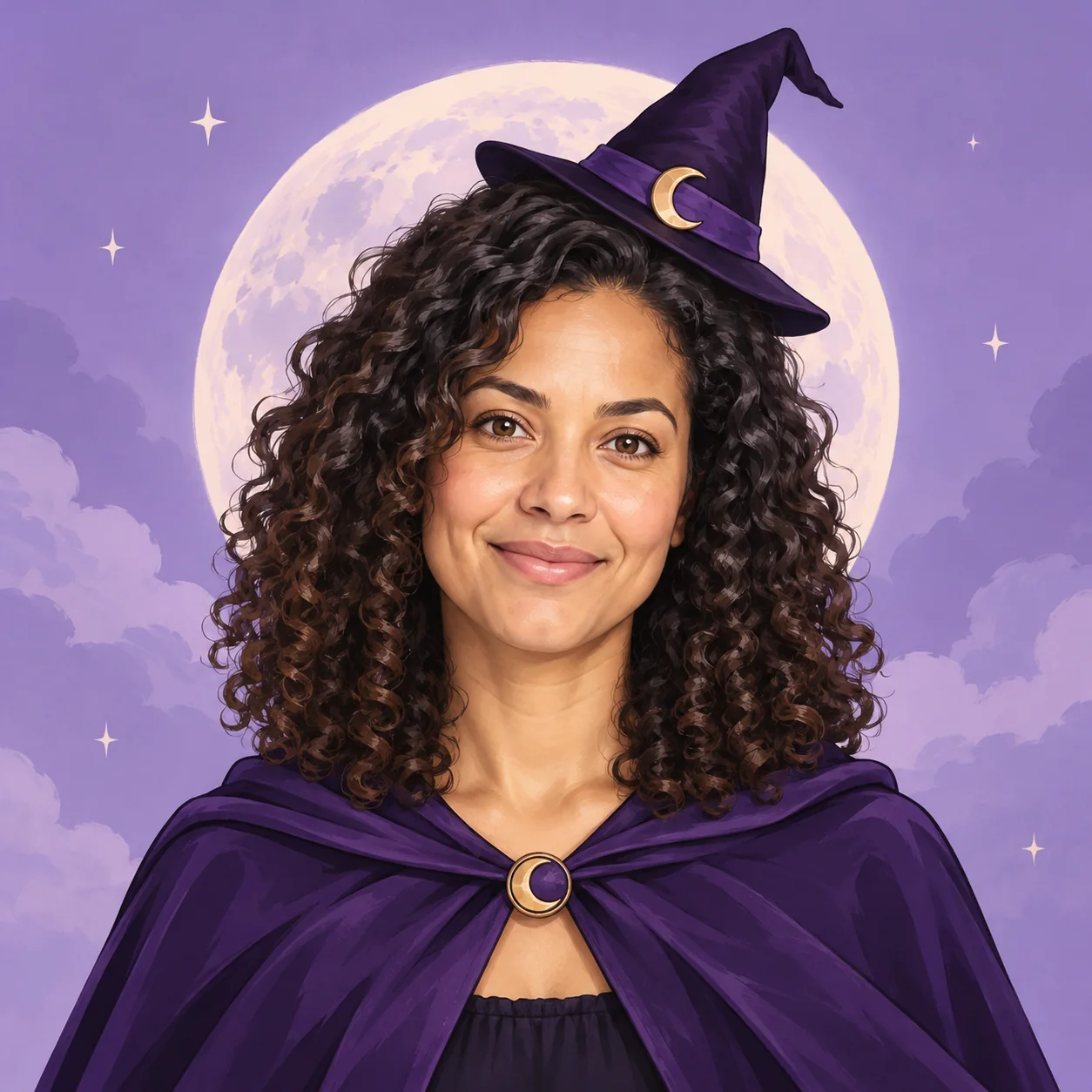
Halloween Avatar
Make a Halloween profile picture that stays readable in a small circle.
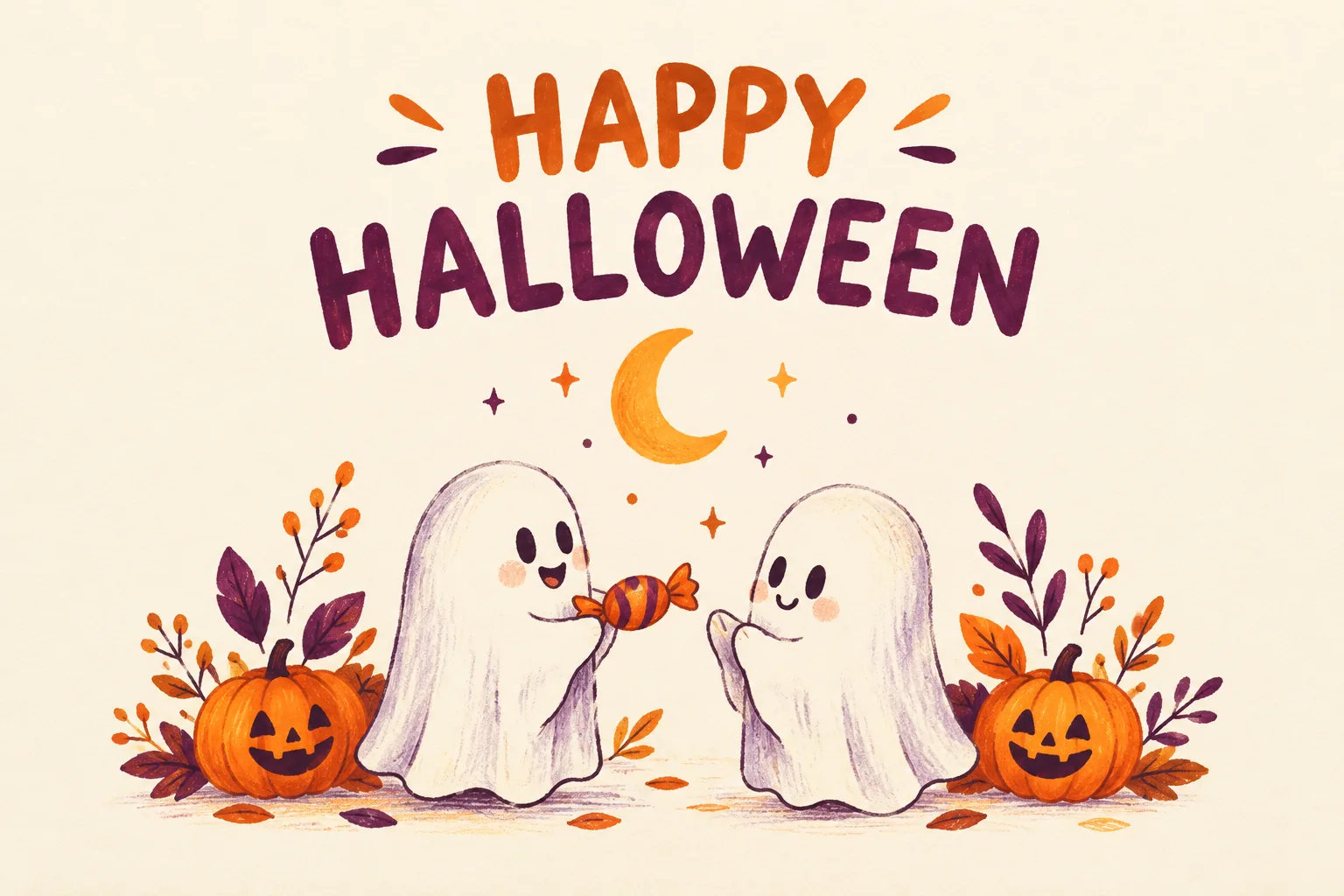
Halloween Card
Create a Halloween greeting card with your own short message.
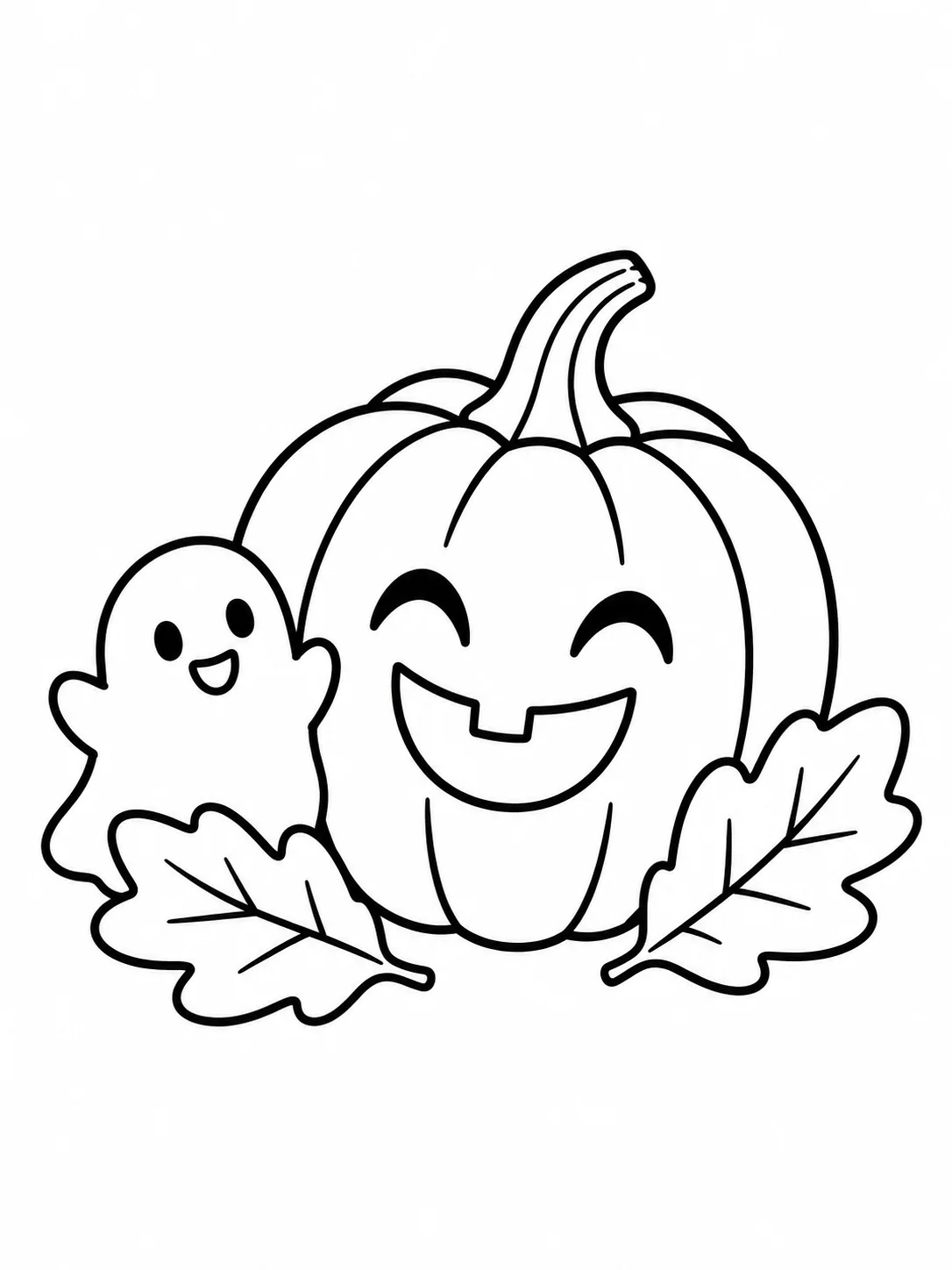
Halloween Coloring
Make black-and-white Halloween coloring sheets with empty spaces to fill.
Halloween Logo
Explore an original Halloween logo concept with a short brand name.
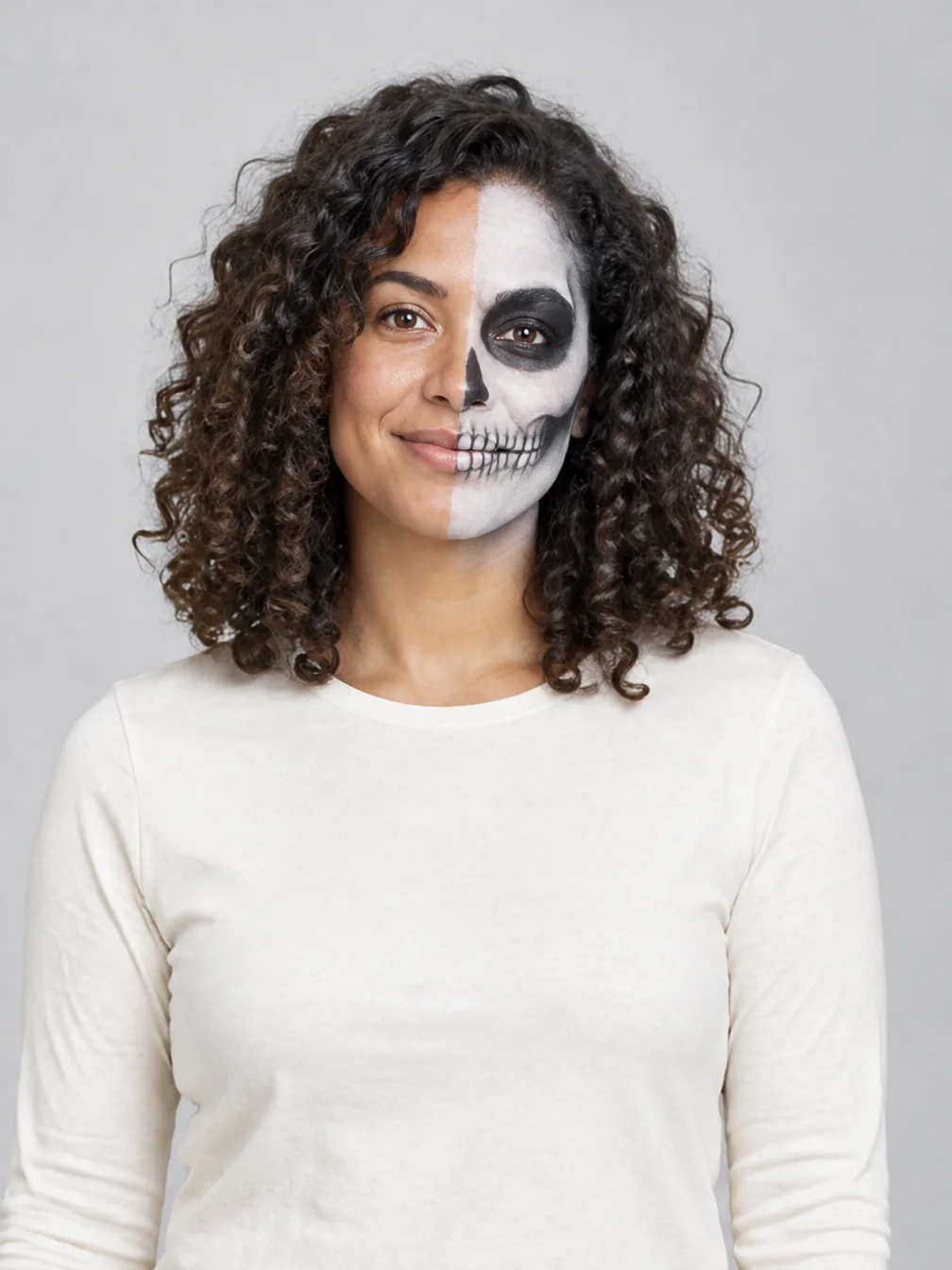
Halloween Makeup
Preview different Halloween makeup looks on your own face.
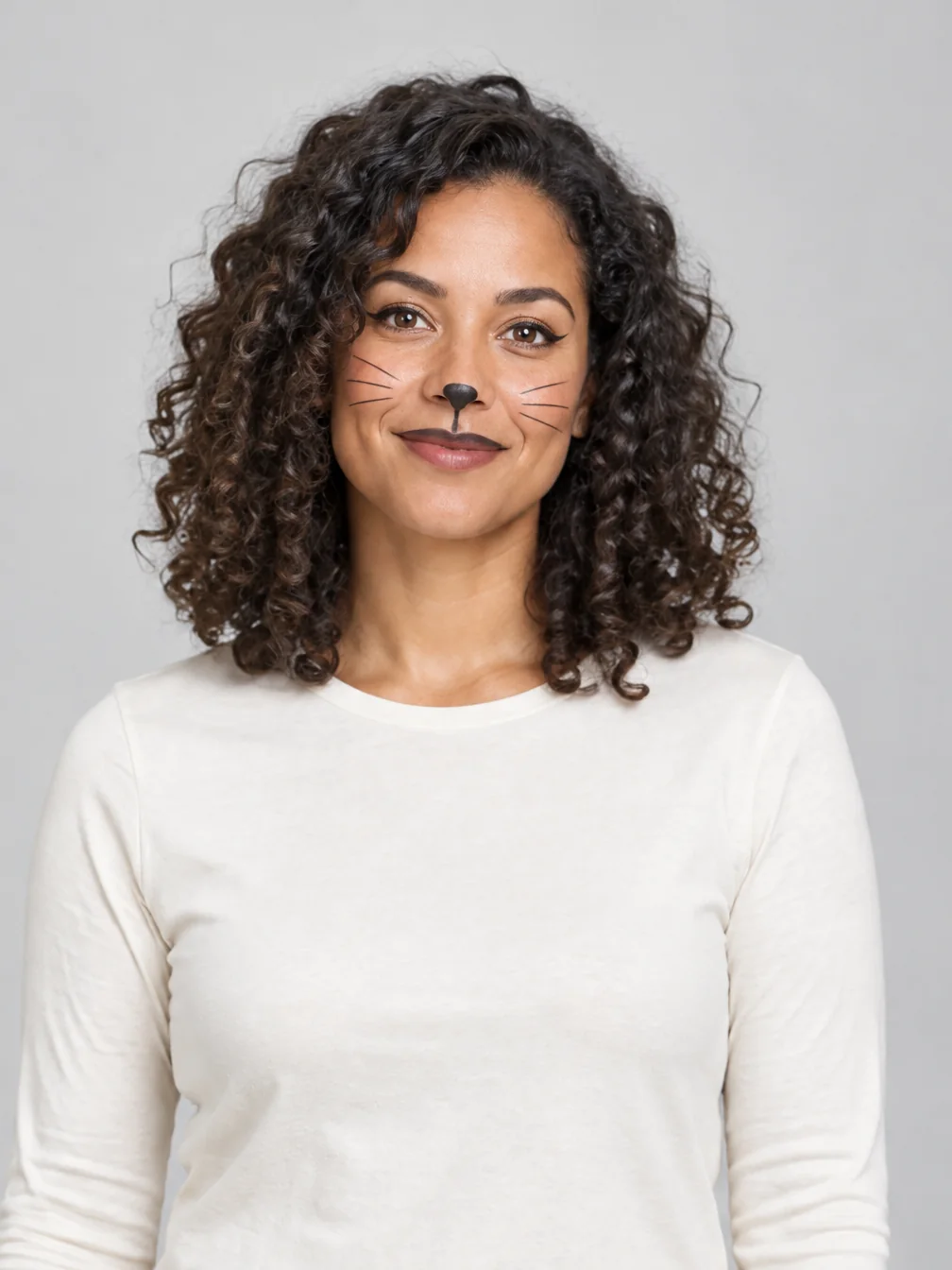
Cat Halloween Makeup
Try cat face paint while keeping your own human face.
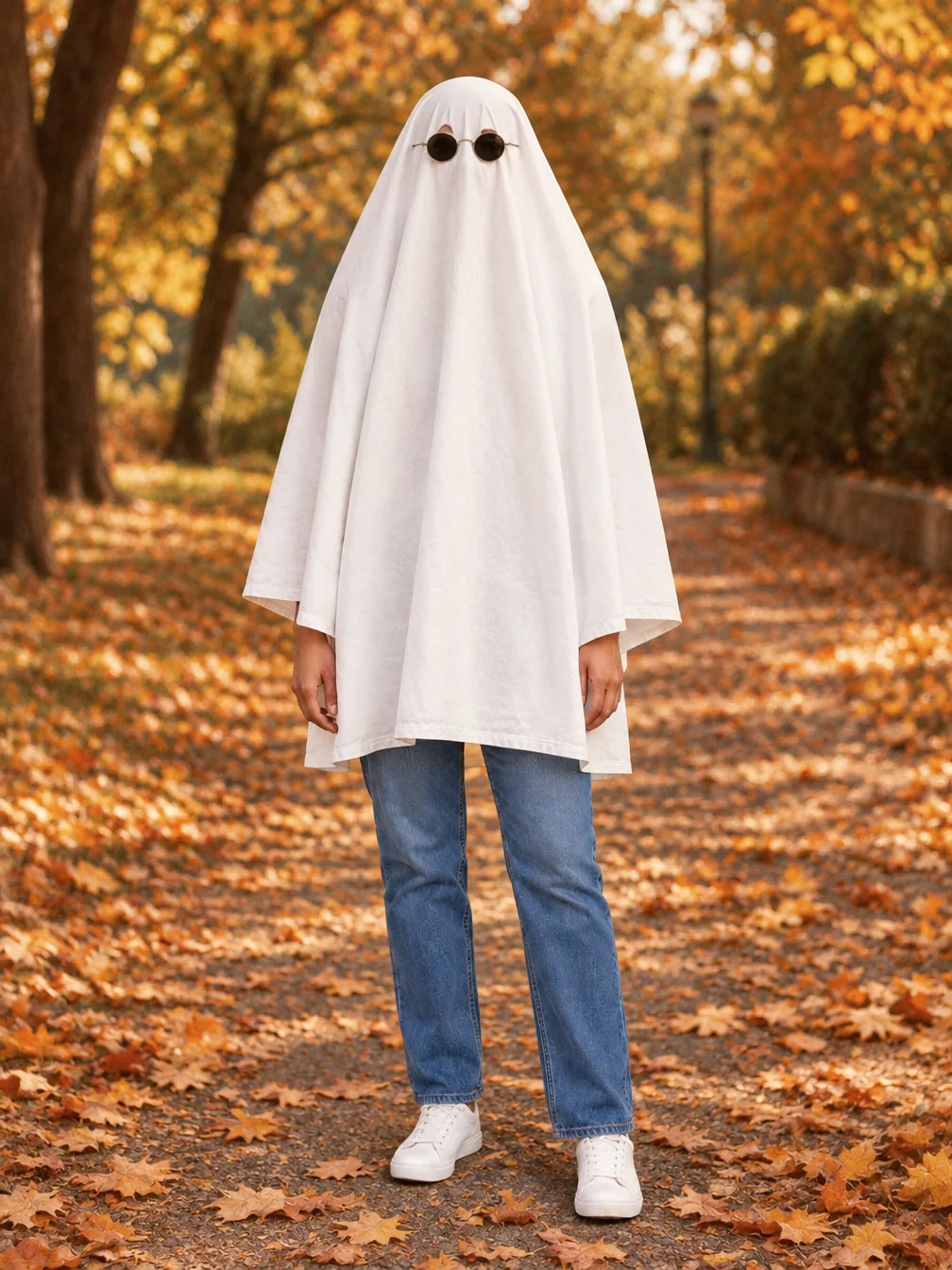
Ghost Photoshoot
Get the white-sheet-and-sunglasses ghost photoshoot look.
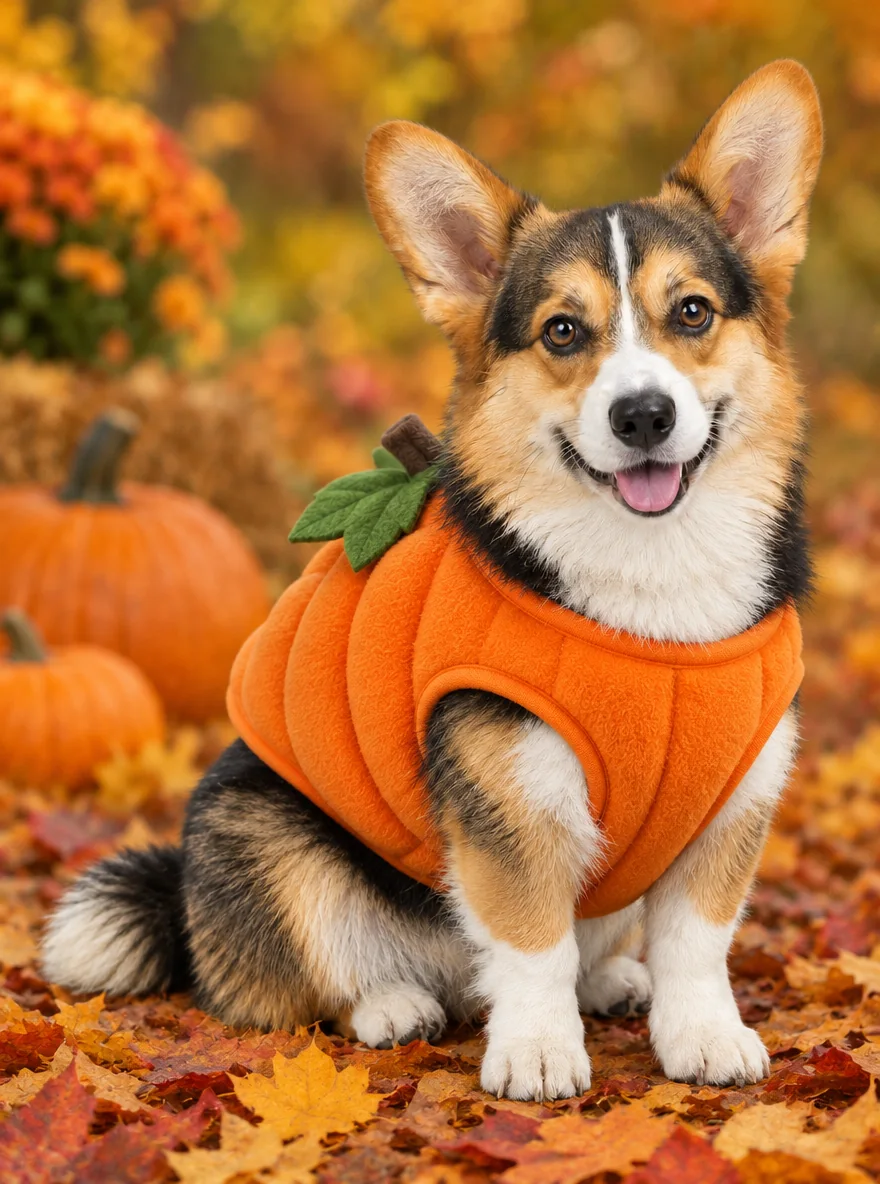
Pet Halloween Costume
Preview a Halloween costume on your own dog or cat.
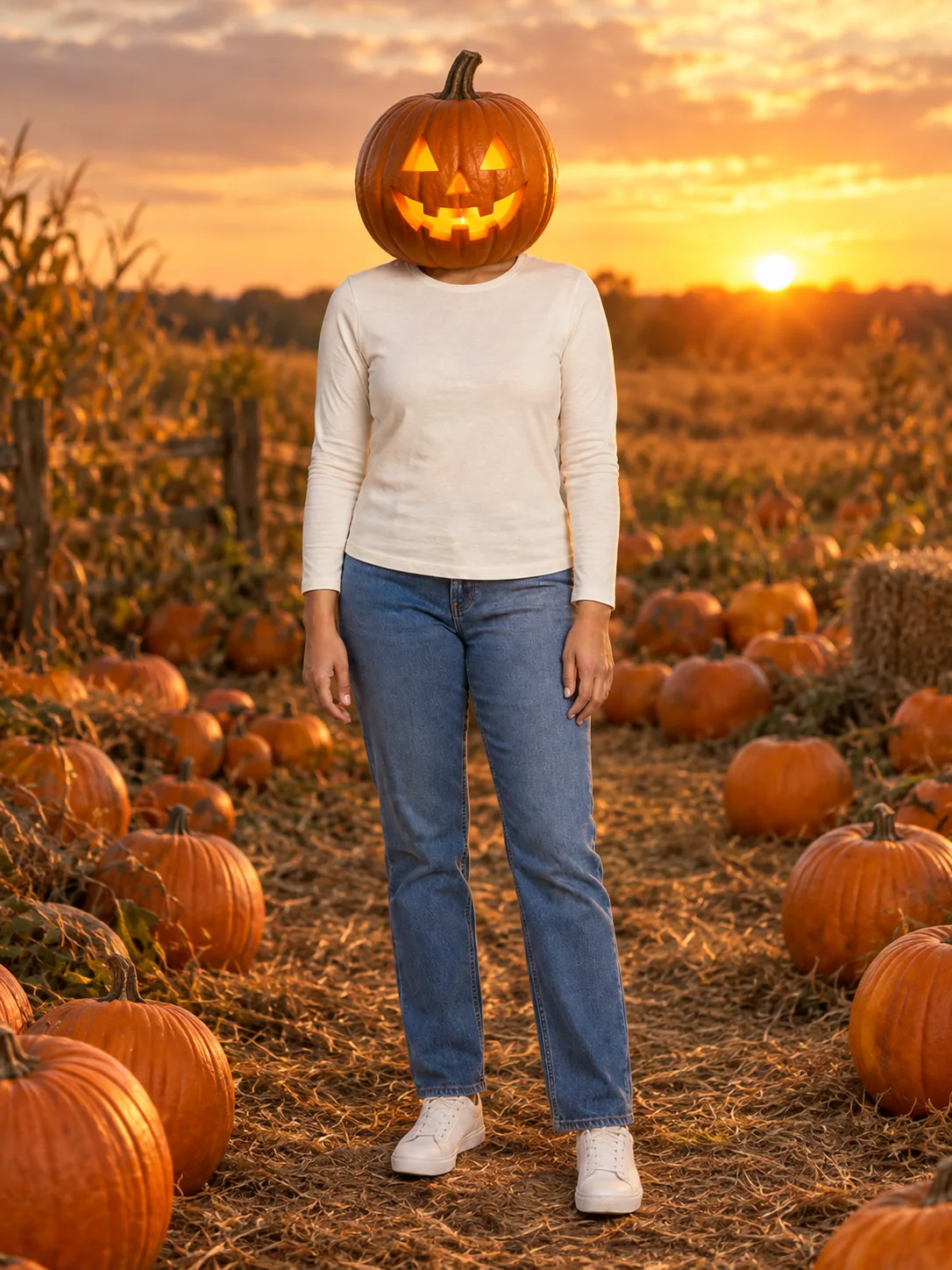
Pumpkin Head Photoshoot
Turn a full-body photo into a jack-o-lantern-head autumn photoshoot.
Frequently asked questions
How does Halloween Dance work?⌄
Upload one clear adult photo. The preset makes a new ten-second video of that person dancing in a cape and witch hat on a moonlit street with jack-o’-lanterns, ending in a “boo” pose.
Can I choose a different costume?⌄
Not in this preset. Every video uses the same black-and-orange cape and small witch hat. For costume pictures, try the separate Halloween filters listed below.
Does the video include music?⌄
Yes, an original upbeat spooky instrumental is generated with the video. It has no vocals and does not copy a known song. Sound can vary between generations.
What kind of photo works best?⌄
A sharp, well-lit photo of one adult, ideally showing the whole body. Keep the face visible and avoid group photos, masks or sunglasses.
How long is the video?⌄
The preset requests a ten-second vertical video at 768p-class resolution. Our inspected example is a 10.125-second MP4, 768 × 1344 pixels, with sound.
How many credits does it cost?⌄
One Halloween Dance video costs 48 credits, shown before you generate. The 30-credit welcome allowance alone does not cover it. Downloading a finished result does not start another generation.
Will the dance be the same every time?⌄
No. The steps, timing and camera framing can change between generations. Watch the whole clip, especially the hands and feet during the spin, before sharing.
How long does it take and where is my video?⌄
Allow several minutes; busy periods can take longer. Download the finished clip from the result card or find it later in My Creations.
Make your Halloween Dance video
Upload one photo and dance down the jack-o’-lantern street.
Make my Halloween dance