
Make a Tesla Roadster AI video
Your photo goes inside the car
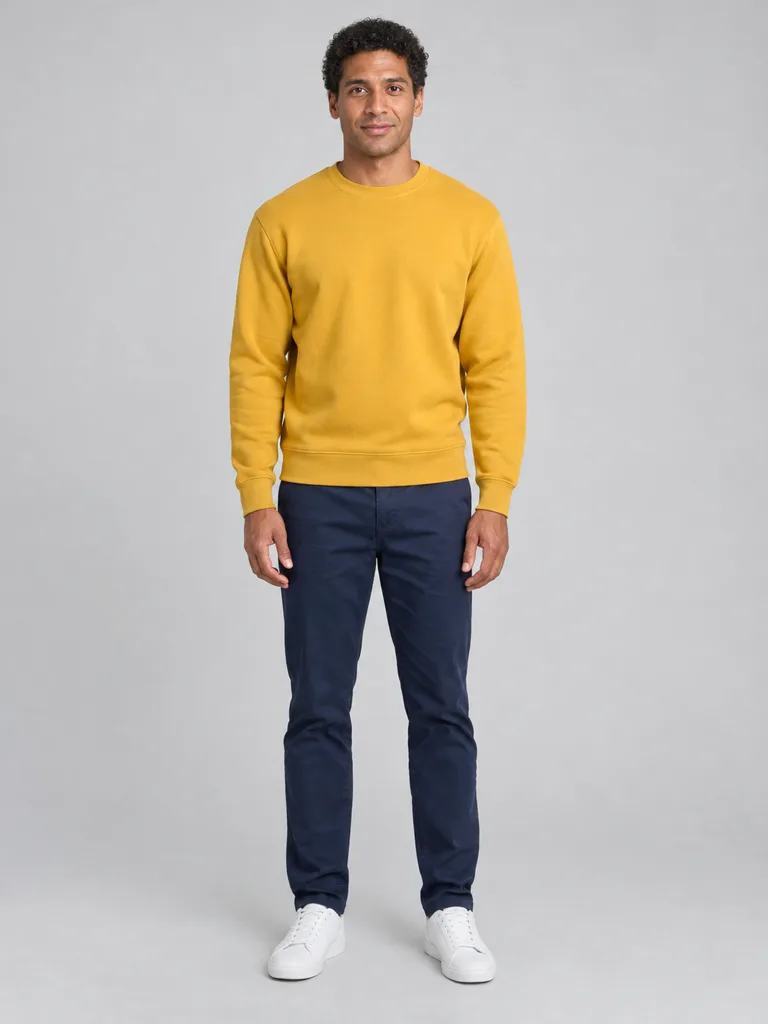
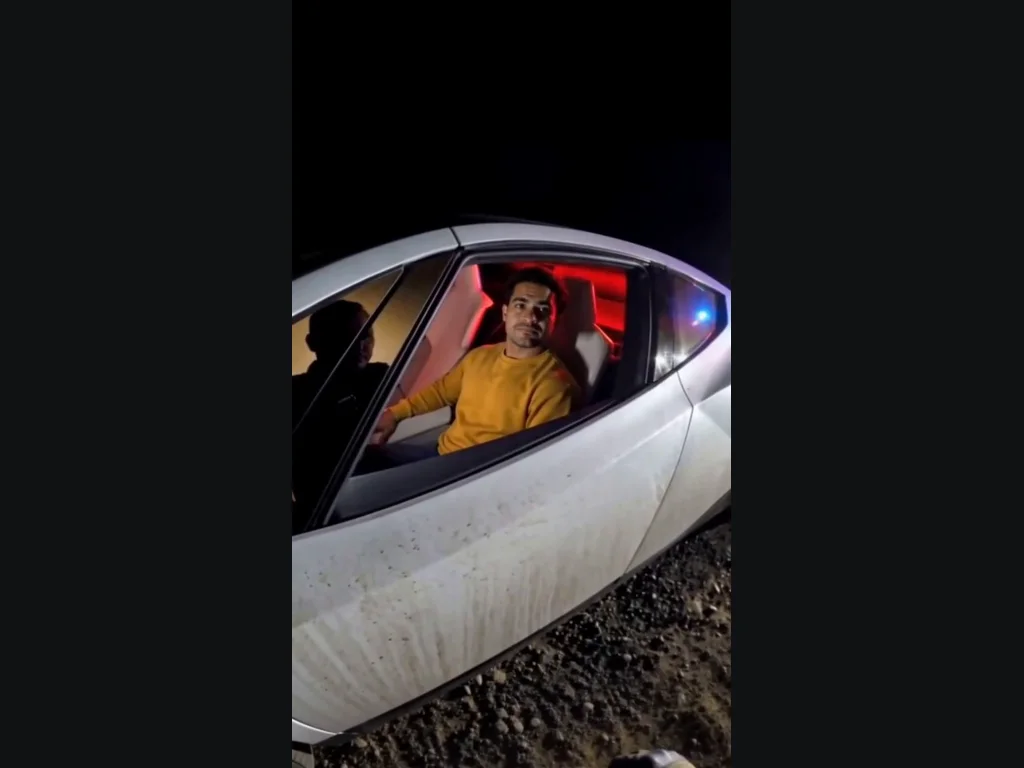
Tesla Roadster AI places the person in your upload behind the open driver window of a white futuristic sports car. The red cabin light and night roadside are part of the preset, so you do not need a separate car photograph. The result begins close enough to see the driver before the surprise. Choose a clear portrait with your face unobstructed, even light and no heavy beauty filter. A photo of a group makes the intended driver ambiguous; use one person instead. The generator is instructed to preserve your face, hair and clothing while changing where you are seated. It can still reinterpret fine details, especially when the source face is small or turned away. Check whether the finished driver looks recognizably like the uploaded person, rather than judging only the color of the car. You are not uploading an image to decorate an unrelated stock clip.
Follow the roadside flying-car joke
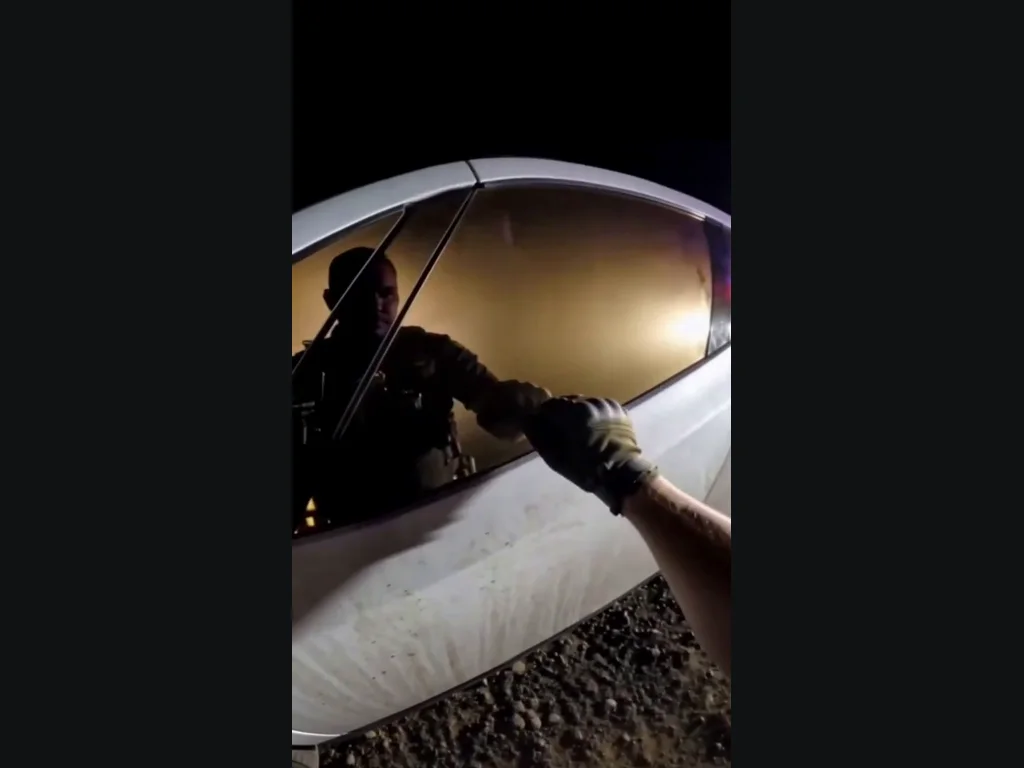
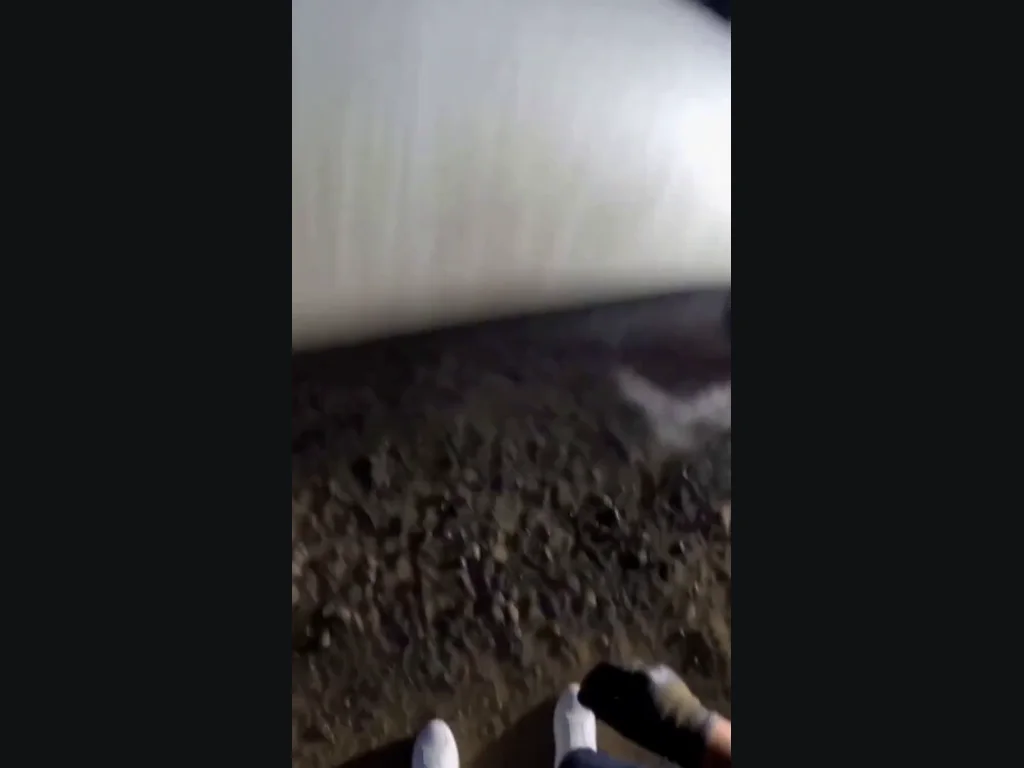
The Tesla Roadster AI preset keeps the setup as well as the takeoff. From a police bodycam viewpoint, a gloved hand knocks on the closed window. The window lowers, the officer asks, “Do you know how fast you were going?”, and the driver gives no answer. After a deadpan pause, the car lifts away in a burst of vapor. That ordinary question followed by an impossible getaway is the joke; a clip showing only a flying car would lose the setup. The officer is mostly behind the camera, with a hand and forearm visible, rather than a full-body figure standing beside the car. Tesla Roadster AI requests synchronized speech and scene sounds, but exact timing and voice can vary. The public example uses our fictional portrait with this police-stop workflow. Your upload supplies the driver’s appearance. It is a newly generated AI comedy, not footage of a real police encounter or evidence of vehicle capability.
Check the driver, the car and the final frames
Tesla Roadster AI produces a 15-second vertical MP4. Watch it through once before downloading: the person should remain behind the door, the face should stay consistent, and the car should carry the driver during the takeoff. The officer’s knock and question, the driver’s silence and the final departure should all remain recognizable. A disconnected body, a second driver or a cut to an unrelated vehicle is a poor result even if one frame looks convincing. Hands, window edges and motion through vapor are difficult details for video models, so outputs can vary. Share the clip as an AI effect rather than evidence that a real person escaped a traffic stop. Do not recreate someone else’s identity without permission. Tesla Roadster AI on ClipTrend is an independent creative tool, not a Tesla product or endorsement. Keep the context playful and make the fictional nature clear when you post it.
One portrait is all you upload
Tesla Roadster AI supplies the car and the scene. Choose who sits in the driver’s seat.
Your photo
One clear face
When to use it
A portrait or upper-body photo of one person.
What it produces
That person seated in the generated car.
- ✓Face visible without sunglasses
- ✓Car picture not required
- ✓Review the full result before sharing
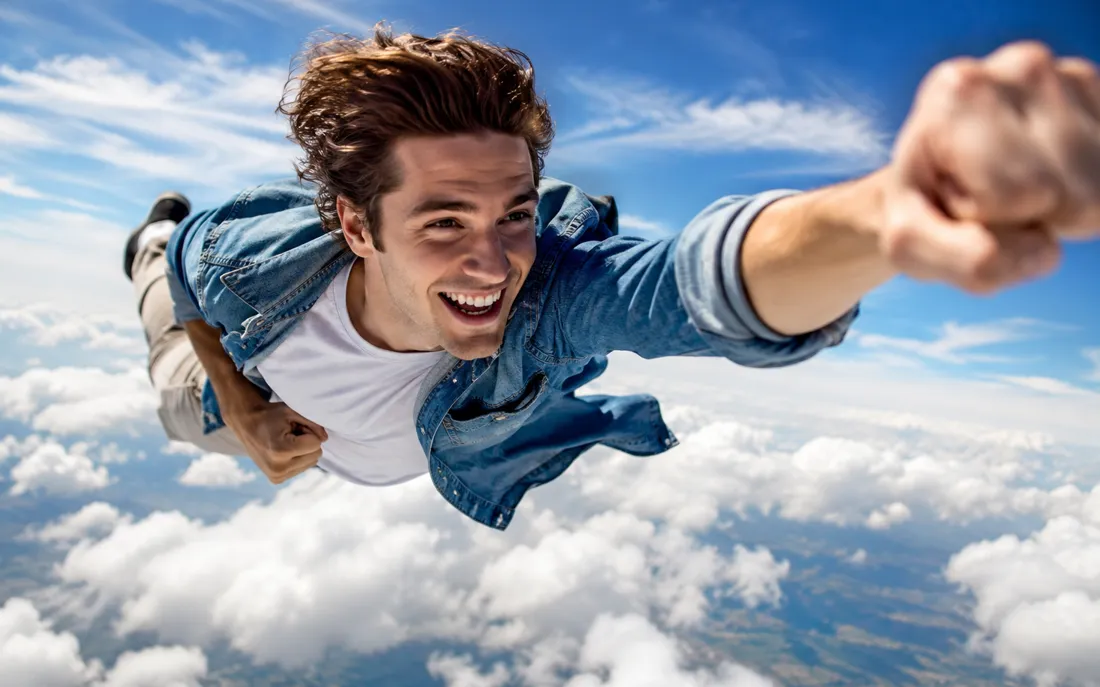
AI Flying Generator
The AI flying generator lifts one still photo off the ground and se…
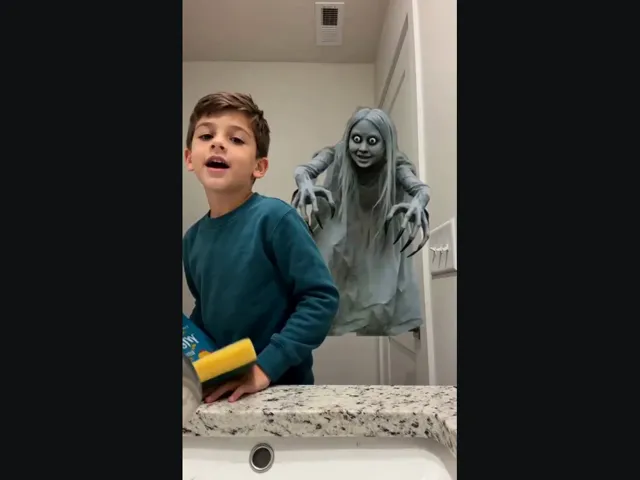
Ghost Prank
Upload a selfie and meet the long-haired, wide-eyed ghost behind your shoulder. A short look back makes the joke.
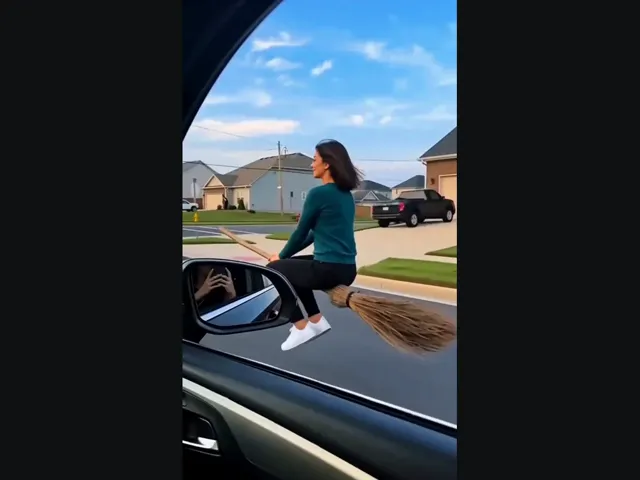
Witch Flying
Put yourself on the flying broom beside the car: look toward the window, then lift off along the street.
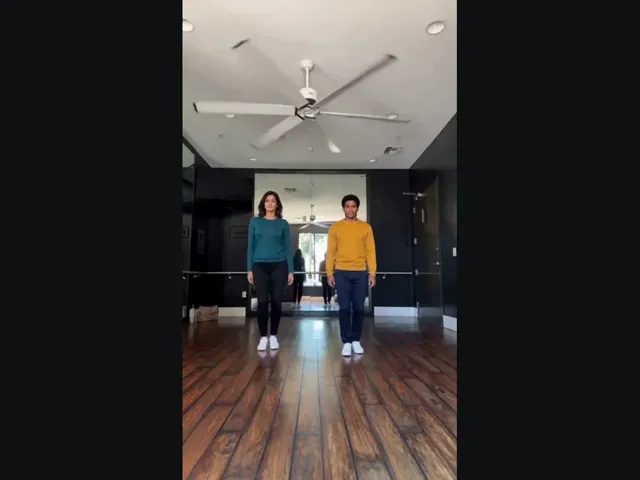
Thriller Dance
Upload two photos, pick the left and right dancers, and put them into the studio duo’s Thriller moves.
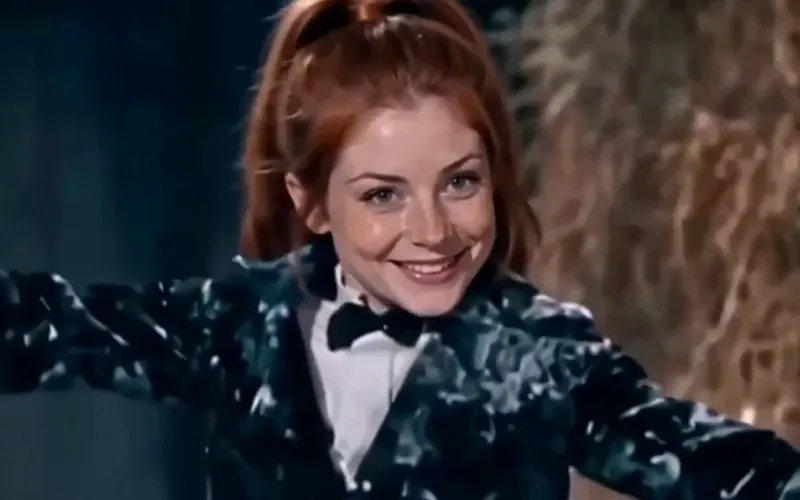
Tip Toeing AI
Become the tip toeing barn dancer from one photo, with the song.
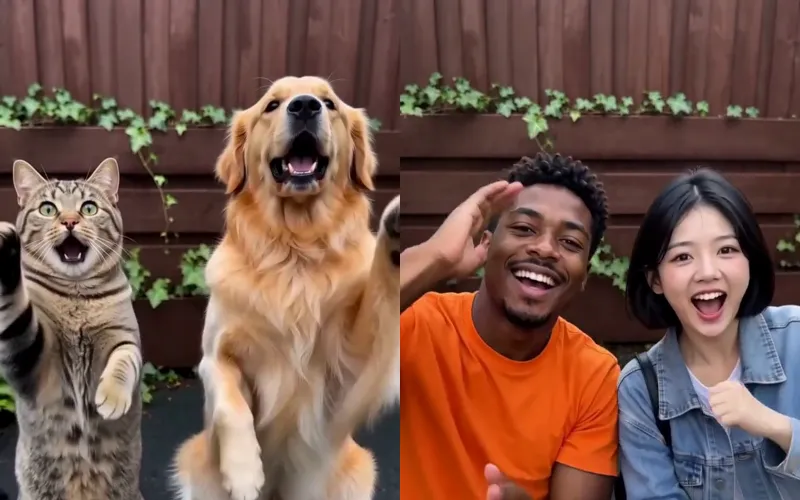
Smalltown Boy AI
Two photos of pets or people do the Smalltown Boy scream duo.
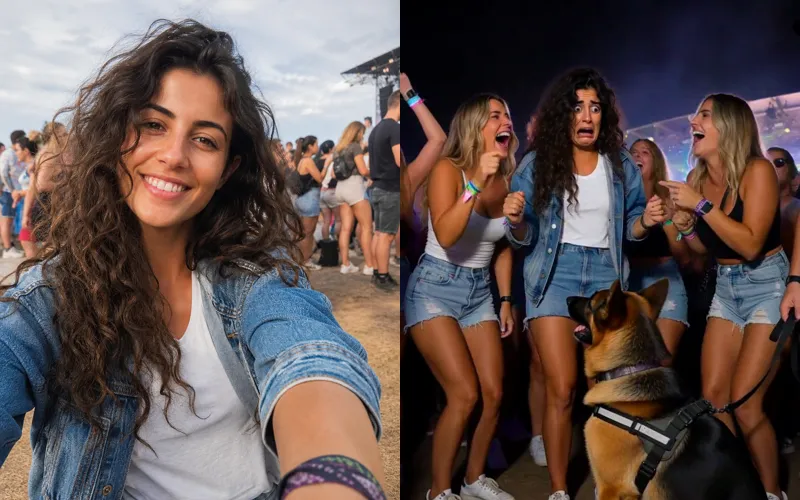
Sniffer Dog AI
A sniffer dog sits at your feet in a festival crowd. You fake-cry.
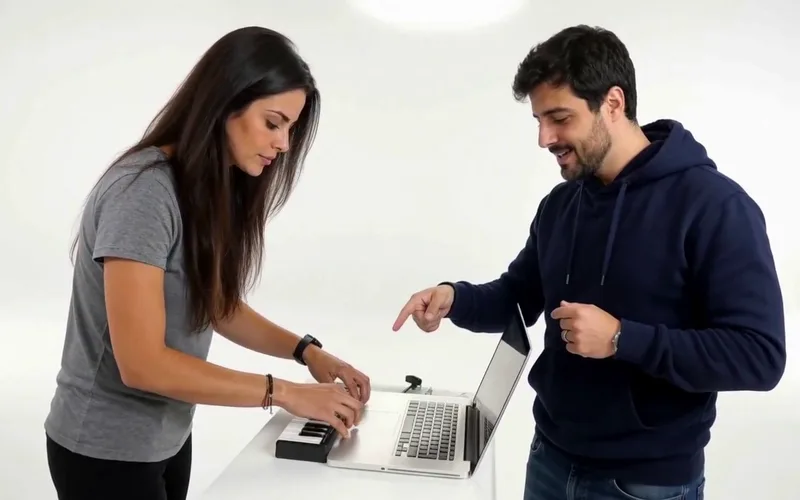
Alors on Danse AI
Recast the viral Alors on Danse studio duo from two photos.
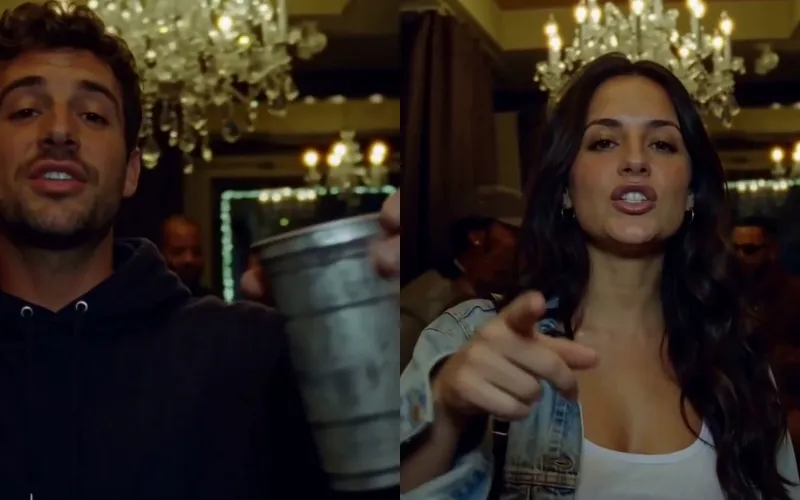
Burning Bridges AI
Put yourself in the viral Burning Bridges party clip from one photo.
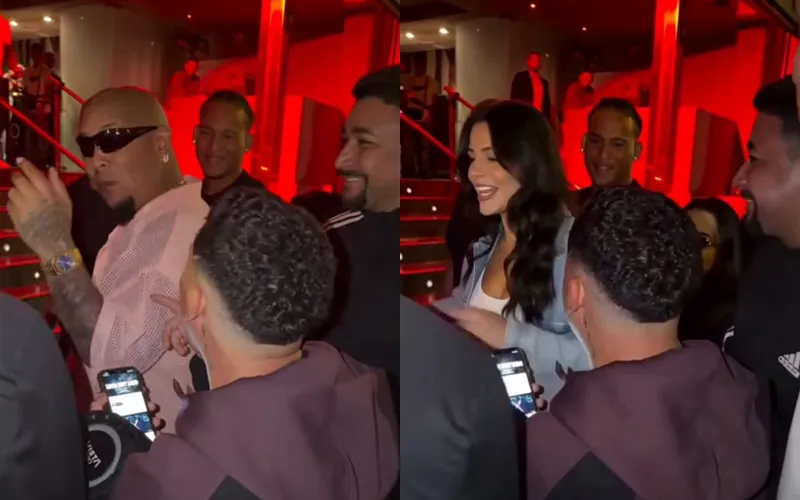
Bulin 47 AI
Put yourself in the viral Bulin 47 freestyle from one photo.
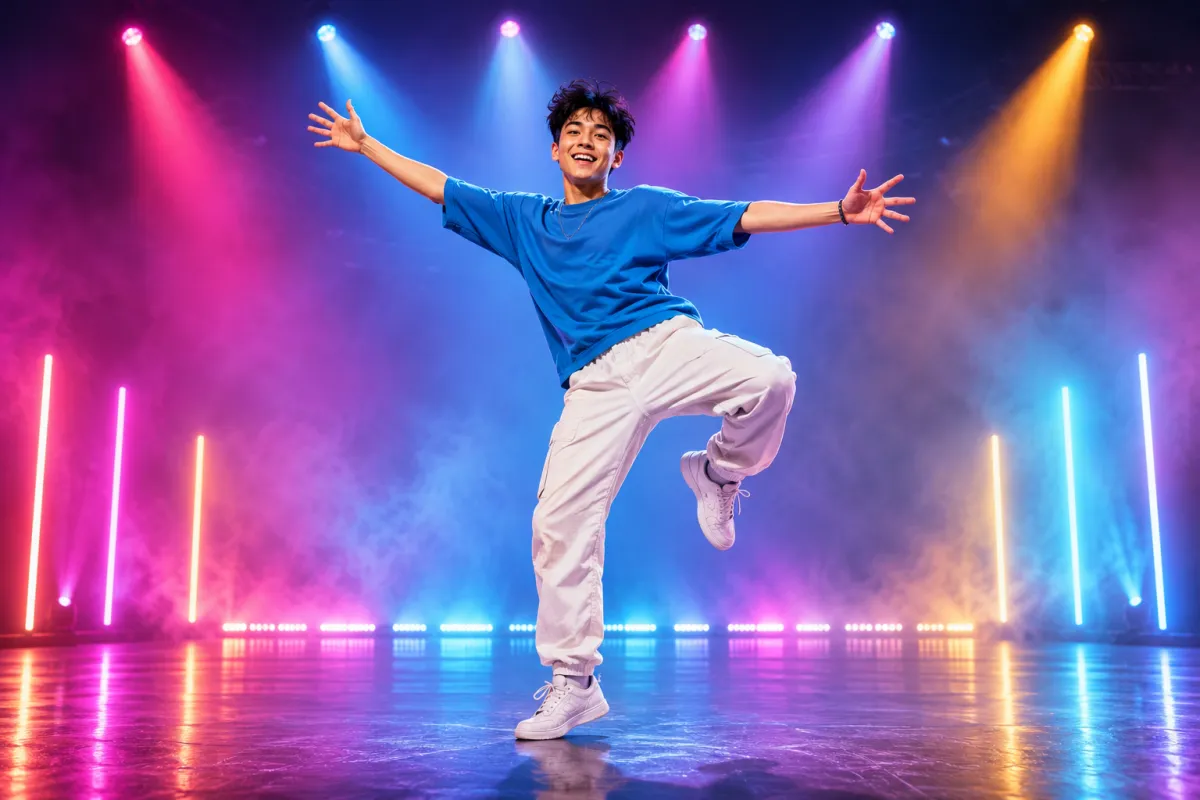
AI Dance Generator
Turn one photo into an energetic dance video.
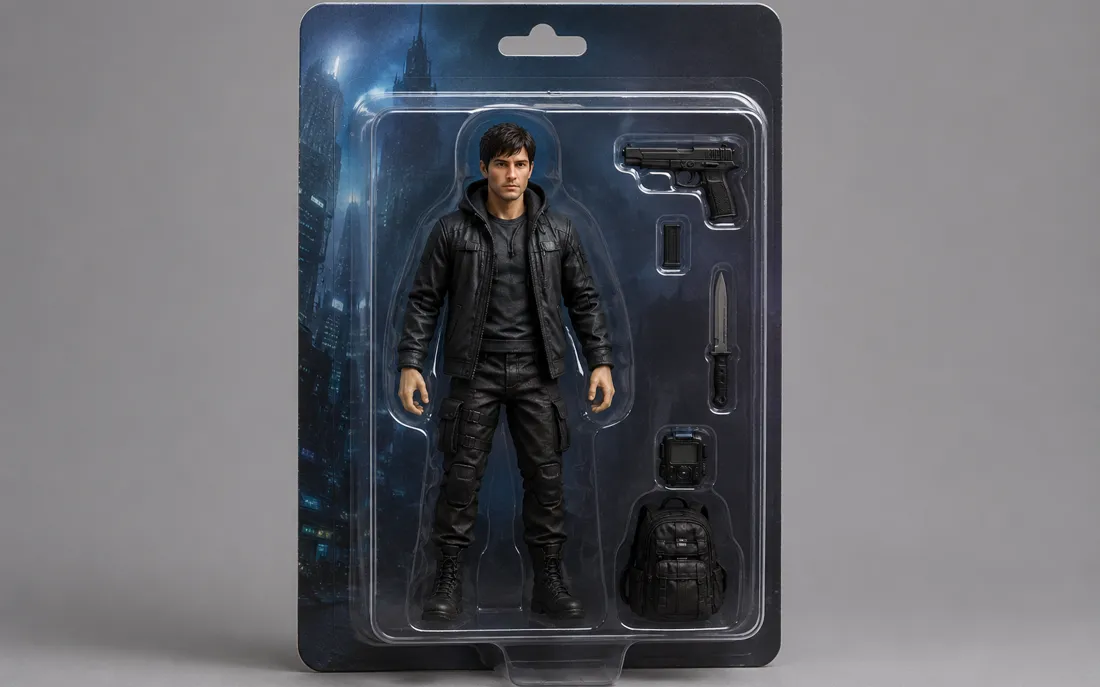
AI Action Figure Generator
The AI action figure generator turns one photo into a boxed collect…
Frequently asked questions
How do I use Tesla Roadster AI?⌄
Upload one clear photo of yourself or someone who has agreed to the edit. Review the selected portrait, check the displayed credit cost, and press Generate. Tesla Roadster AI places that person in the driver’s seat and makes the complete police-stop and takeoff scene. Preview the entire result before saving it.
Do I need to upload a car picture?⌄
No. Tesla Roadster AI supplies the white roadster, the red cabin light and the night roadside. Your upload provides the driver’s appearance. This preset does not currently let you substitute a different car or select a custom location.
Will the person actually be seated inside the car?⌄
That is the intended result: one visible driver behind the door and window, carried with the car as it lifts. It is the feature tested by the example, not a portrait pasted next to the car. AI can still distort details, so check the seating and face in your own clip.
Is this the Tesla Roadster AI flying-car effect or a robot transformation?⌄
It is the police-stop flying-car effect: a gloved hand knocks, the officer asks about speed, the driver stays silent, then the car takes off. Tesla Roadster AI does not unfold the car into a robot. Check the playable example to see the specific scene and camera angle before spending credits.
What length and resolution does Tesla Roadster AI make?⌄
The preset requests a 15-second vertical video at 768P. It is designed for a quick social clip, with a fixed scene and motion reference. The downloadable output remains a video rather than a single still photograph.
How much does Tesla Roadster AI cost?⌄
Each video uses 240 ClipTrend credits, displayed before generation. A 30-credit welcome balance is not enough for this preset; viewing the example is free. Check your available balance first. Failed generations follow the existing credit-refund process, and downloading a completed clip does not generate it again.
How long should I wait for my Tesla Roadster AI video?⌄
Usually 10–20 minutes; busy periods can take longer. The page shows the current request state. If the connection drops, return to the existing request or My Creations before starting again. Repeatedly pressing Generate can create separate charged requests after the first one has finished.
Does Tesla Roadster AI prove the real car can fly?⌄
No. This page creates fictional AI videos. It is separate from Tesla’s vehicle announcements and demonstrations. ClipTrend is not affiliated with or endorsed by Tesla. Label your result as an AI effect instead of presenting it as real driving footage.
Which photo should I choose?⌄
Use one sharp, well-lit portrait with the eyes and face visible. Avoid sunglasses, helmets, covered faces and tiny distant subjects. You do not need to be sitting in a vehicle already. The public demonstration uses a fictional person; it is not a customer photograph.
Try Tesla Roadster AI with your photo
Take the driver’s seat, ignore the officer’s question and fly away in a fictional video.
Make my flying-car video