
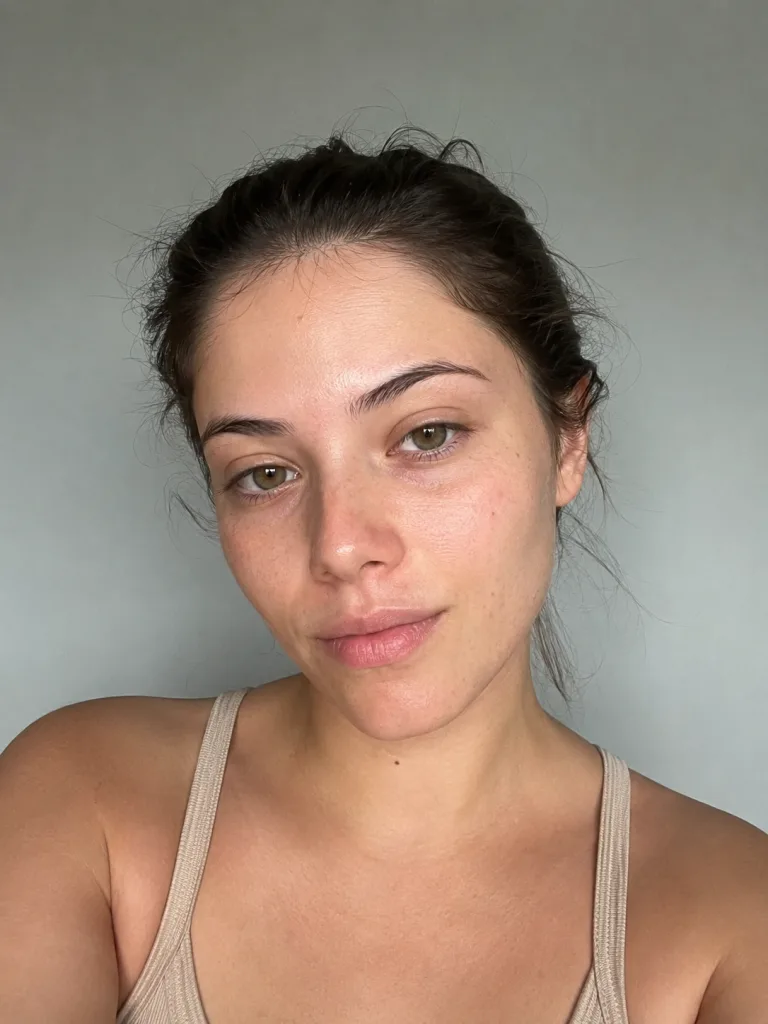
A polished beauty glow-up from one photo
A makeover from a single photo
The AI glow up generator takes one everyday photo and gives you a tasteful makeover — styled, healthy-looking hair, clearer skin with a natural glow, brighter eyes and flattering light, the way a good salon day and the right photographer would. No makeup chair, no editing skills: upload one plain shot and the whole polished look is put together for you.
- ✓One photo in, glow-up out — no salon visit, no makeup, no manual retouching
- ✓Naturally flattering — a real, polished version of you, never plastic or overdone
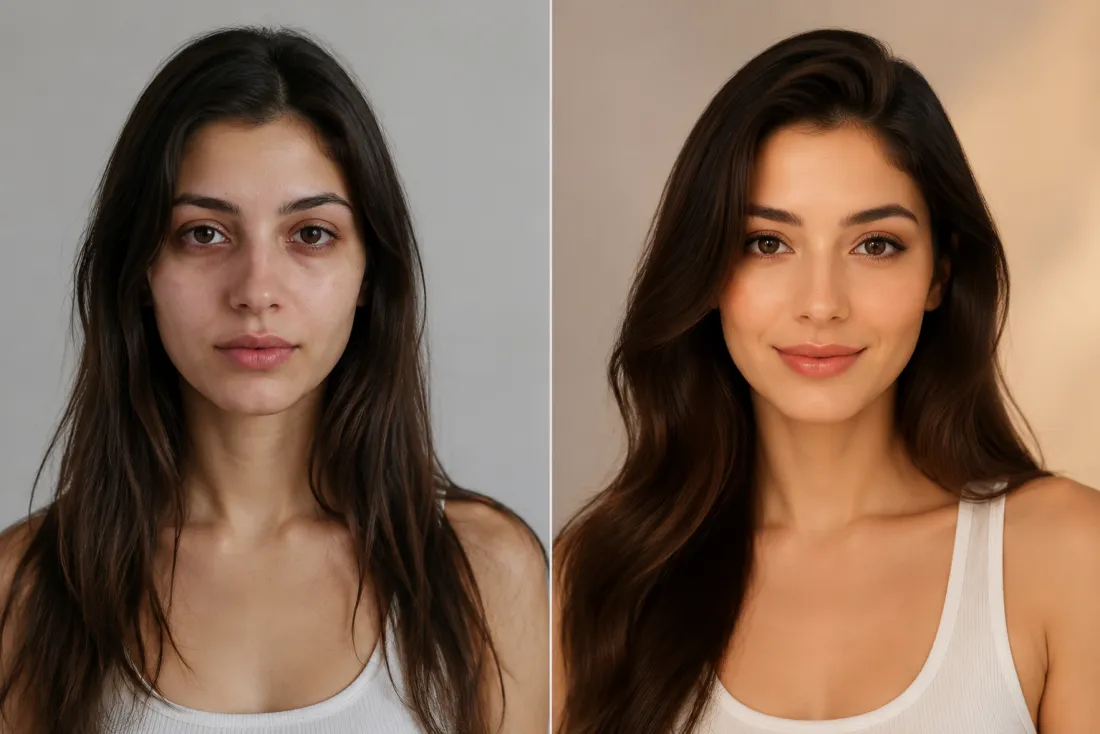
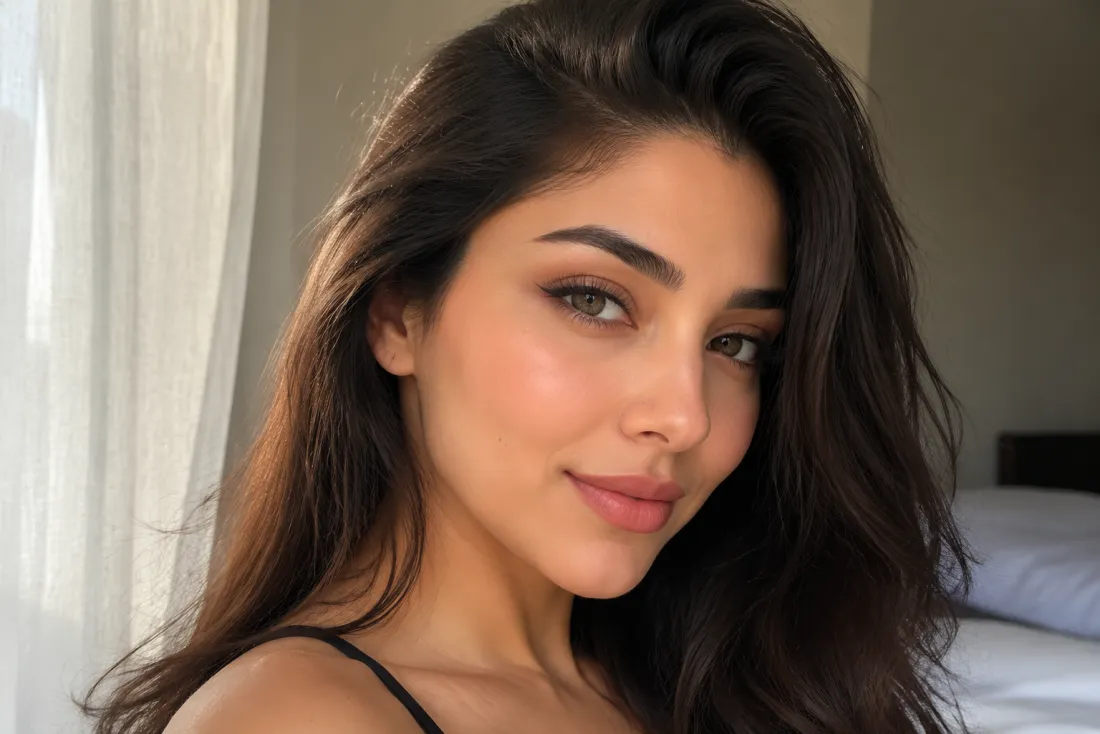
Your face, kept exactly
It still has to look like you, or it's not a glow-up. The AI glow up generator references your face from your own photo and keeps your features, bone structure and expression true — it polishes your hair, skin and styling without reshaping who you are. The result reads as you on your best day, not a stranger or a filtered mask.
- ✓Same face, same you — your features and expression stay yours, just refined
- ✓No face swap, no morphing — your likeness is referenced straight from your photo
A confident look-up moment
This is what sets a glow-up apart: the clip ends on a reveal. Your refreshed look settles, then you lift your chin and meet the camera with a quiet, self-assured glance — the small, cinematic beat that makes a transformation feel earned. It's the swipe-stopping moment built for a before-and-after post.
- ✓A real reveal beat — a confident chin-lift and steady eye contact, not a stiff loop
- ✓Made to be rewatched — the kind of moment people screenshot and replay
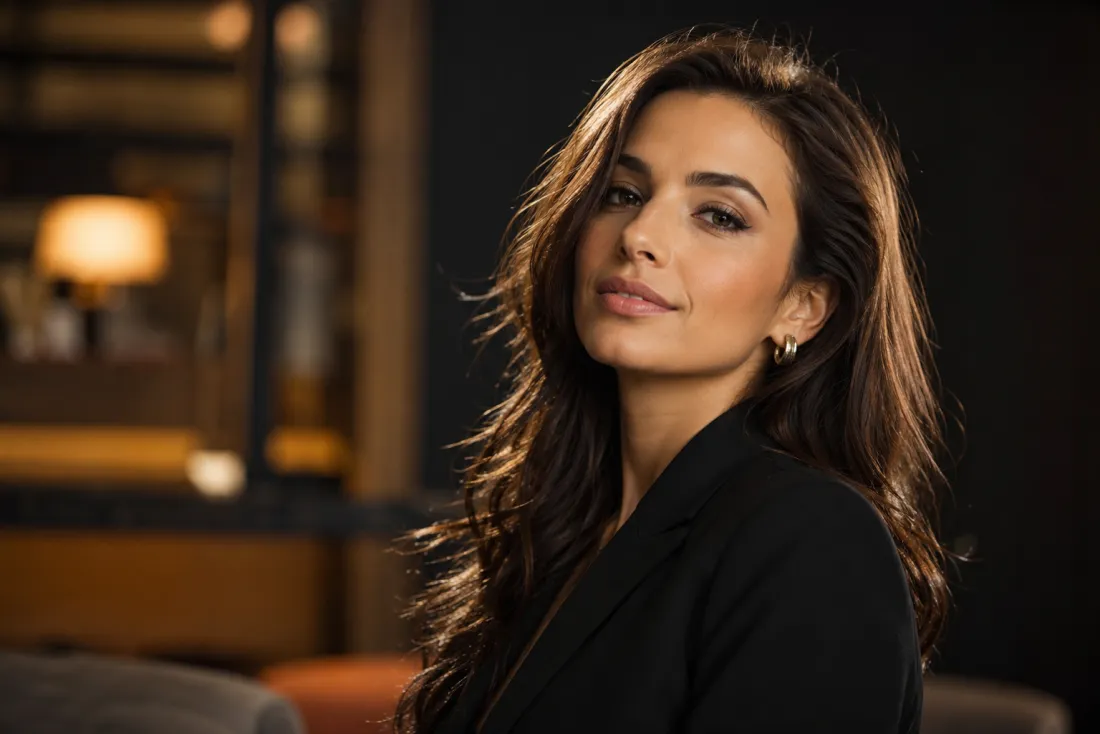
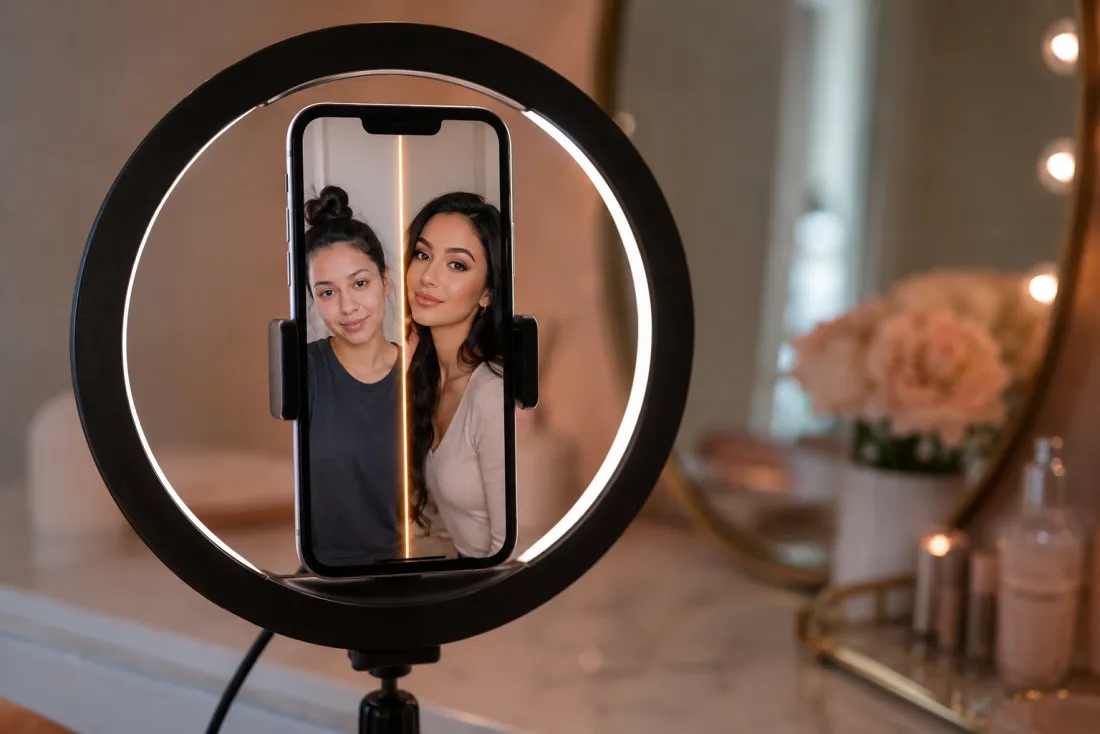
One click, ready for Reels & TikTok
Out comes a short 6-second, 9:16 vertical MP4 of your glow-up reveal, exported with no ClipTrend watermark. It's sized for Reels, Shorts, TikTok and stories — perfect for a before-and-after, a get-ready post or just showing off a great look. Try it free to start, no card required.
- ✓Vertical 9:16 MP4 — a 6-second clip sized for Reels, Shorts and stories
- ✓No watermark — a clean file you can post or send anywhere
Which photo should you upload?
The AI glow up generator works from a single photo — the only choice is how much of you it shows.
Head-and-shoulders photo
A quick selfie or portrait works great.
When to use it
When the glow-up you care about is hair, skin and a polished face — the classic close-up before-and-after.
What it produces
Refreshes your hair, skin and styling under your unchanged face, then animates a confident look-up reveal — the fastest path to a glow-up clip.
- ✓Fastest route to a glow-up reveal
- ✓Best for hair, skin and a polished face
- ✓Great for selfies and head-and-shoulders portraits
- ✓Your features and expression kept exactly
- ✓Ideal for a quick get-ready post
Upper-body photo
Show a bit more for a styled, head-to-chest look.
When to use it
When you want the styling to include your outfit and overall vibe, not just your face — a fuller before-and-after.
What it produces
Polishes your hair, skin and styling across the frame while keeping your face true, then animates a confident reveal with more of your look in shot.
- ✓A fuller, more styled transformation
- ✓Best for outfit-and-vibe glow-ups
- ✓Captures posture and overall presence
- ✓Your face and likeness kept true
- ✓Ideal for a complete before-and-after reel
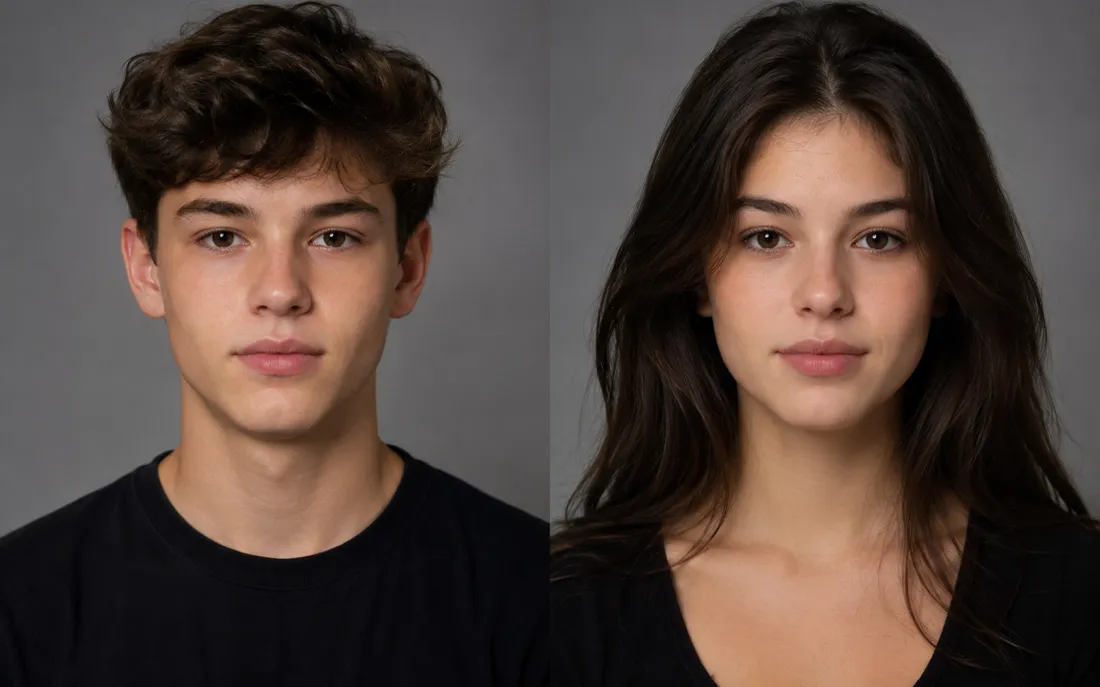
AI Gender Swap
See a convincing opposite-gender version of you.
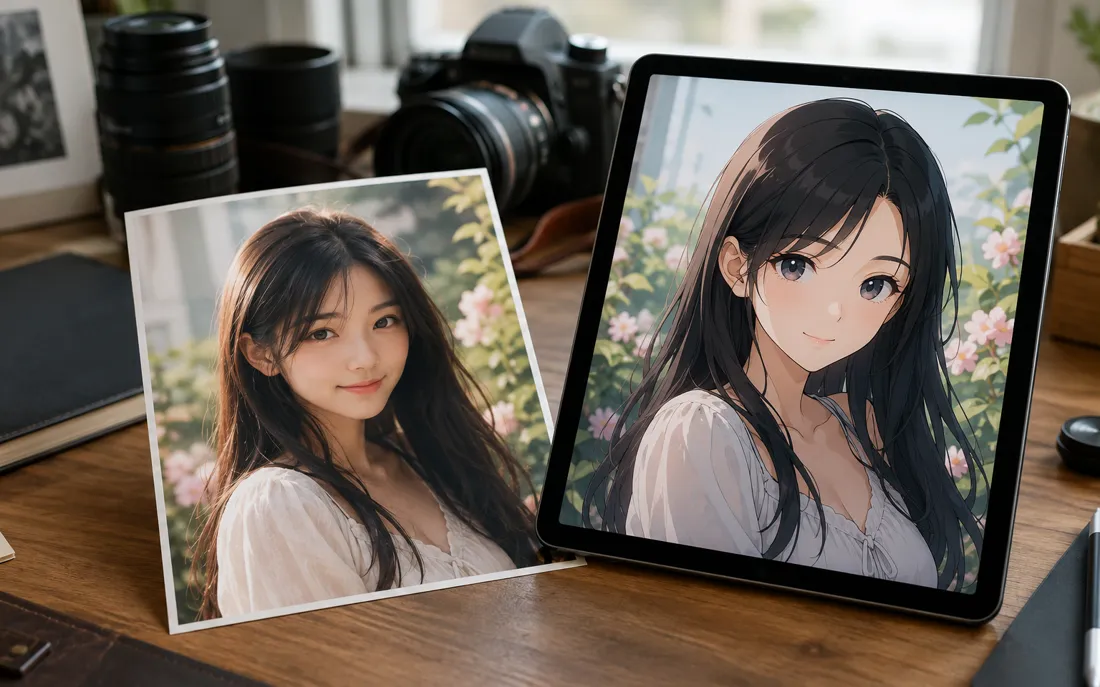
AI Anime Generator
The AI anime generator turns one real photo into a believable anime…
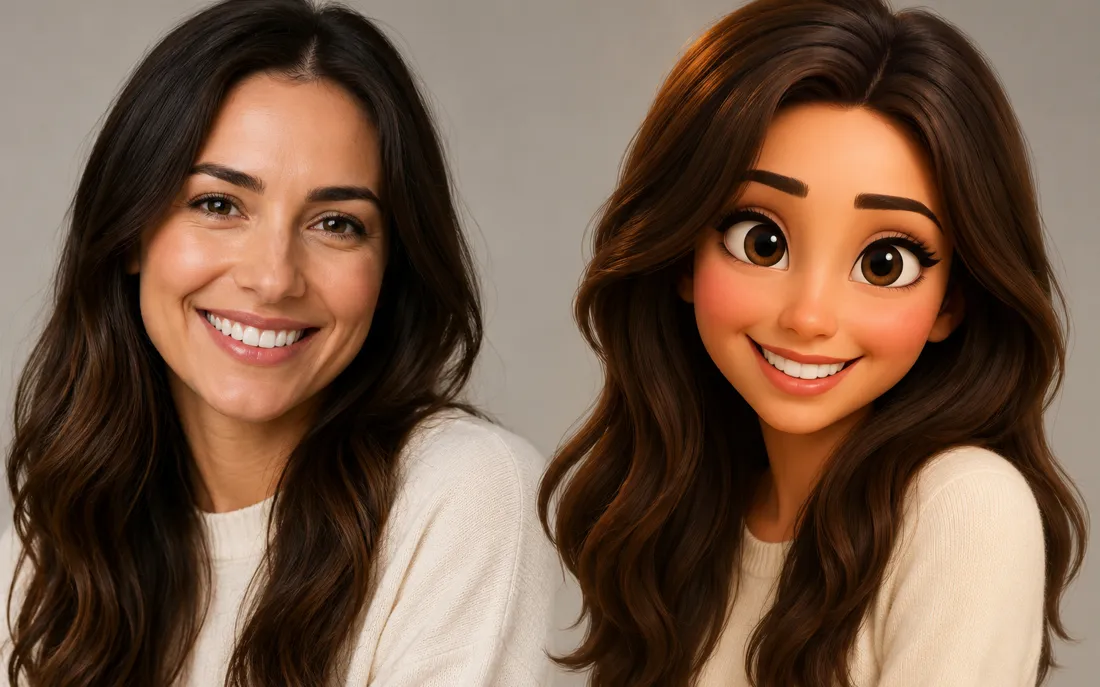
AI Cartoon Generator
The AI cartoon generator turns one real photo into a fun, 3D Pixar-…
AI Zombie Generator
The AI zombie generator turns one photo into a Halloween zombie video
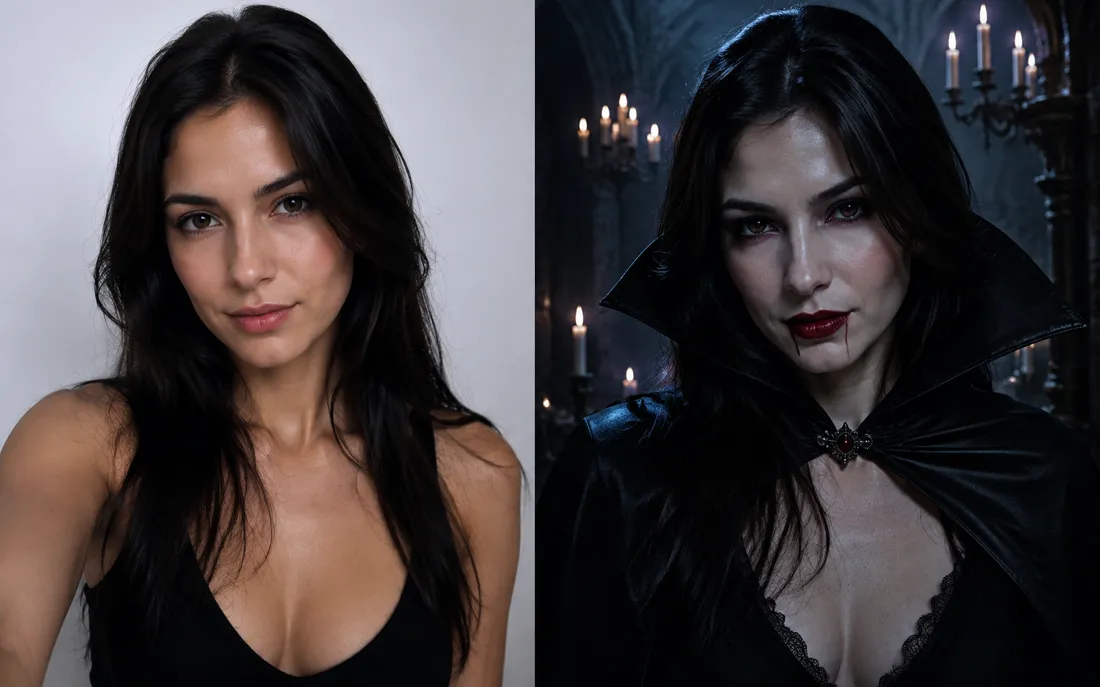
AI Halloween Generator
One regular selfie is enough to throw you into a vampire, witch or ghoul costume for the night.
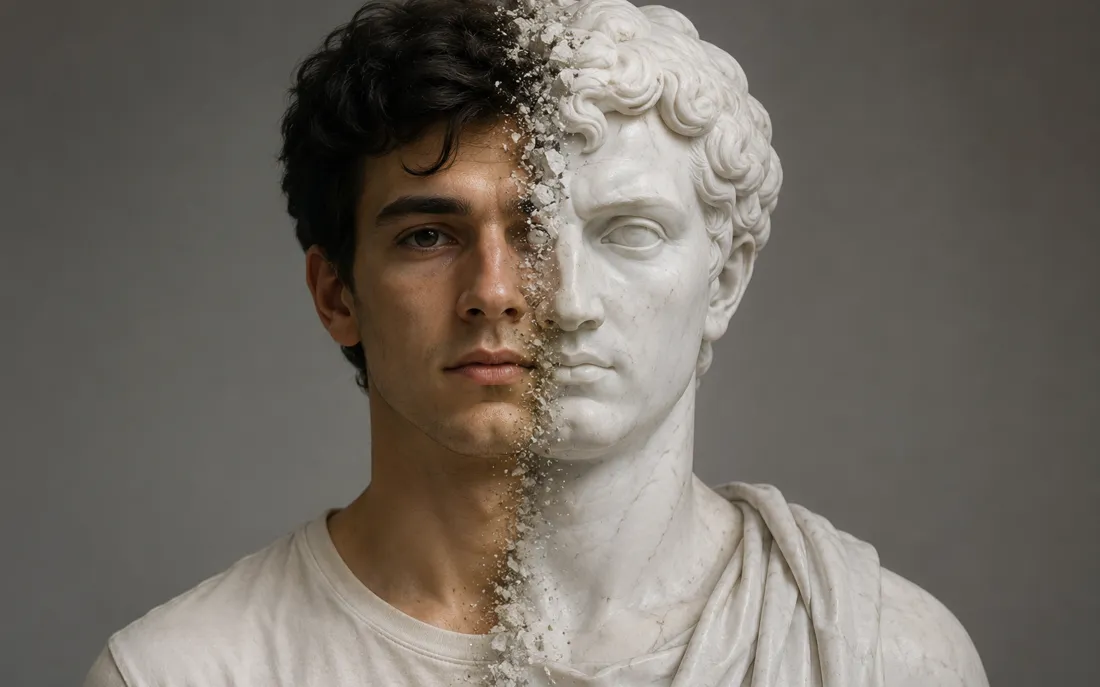
AI Statue Generator
The AI statue generator turns one photo into a classical white marb…
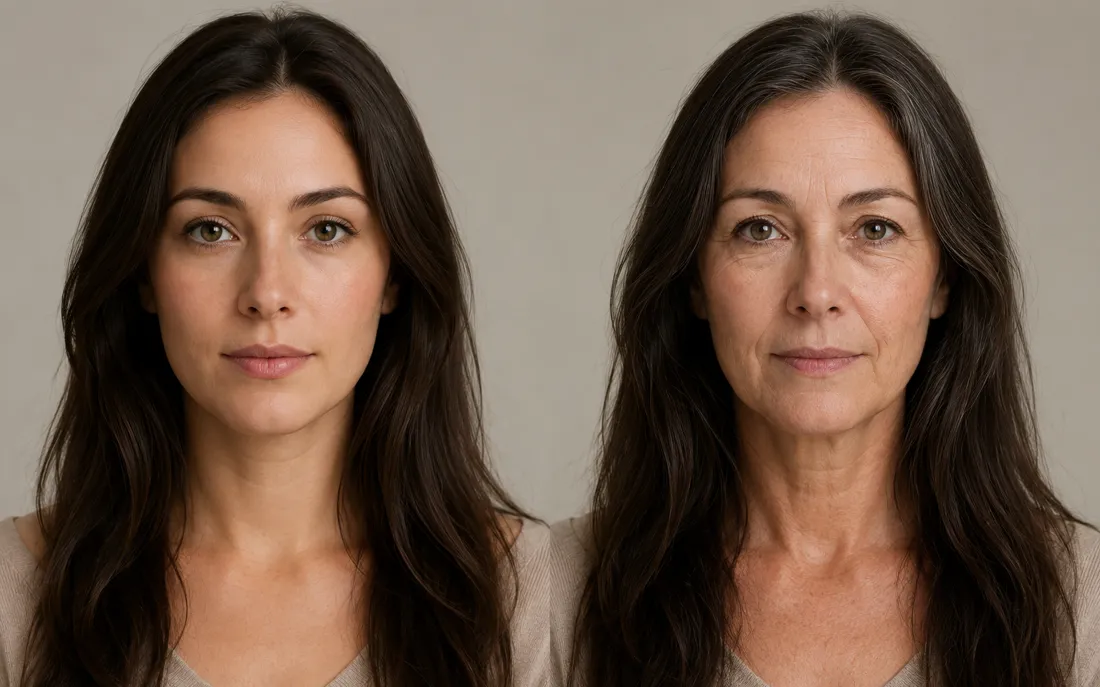
AI Future Self Generator
The AI future self generator ages one photo into a believable older…
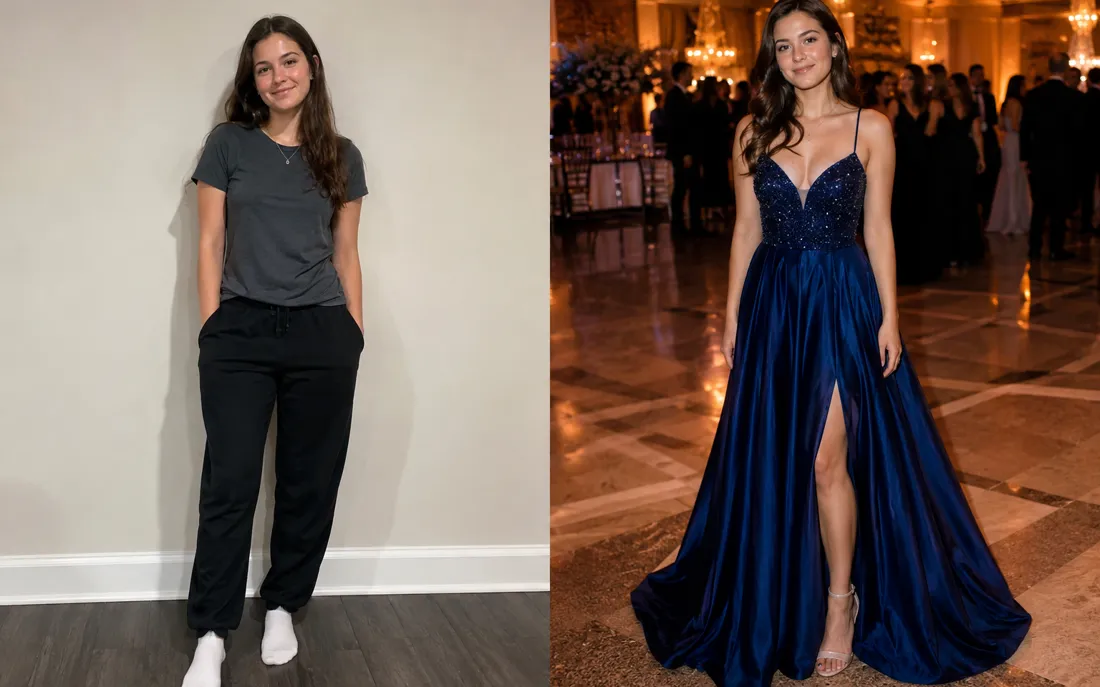
AI Prom Generator
From an everyday photo, the AI prom generator dresses you for the dance in full prom-night style.
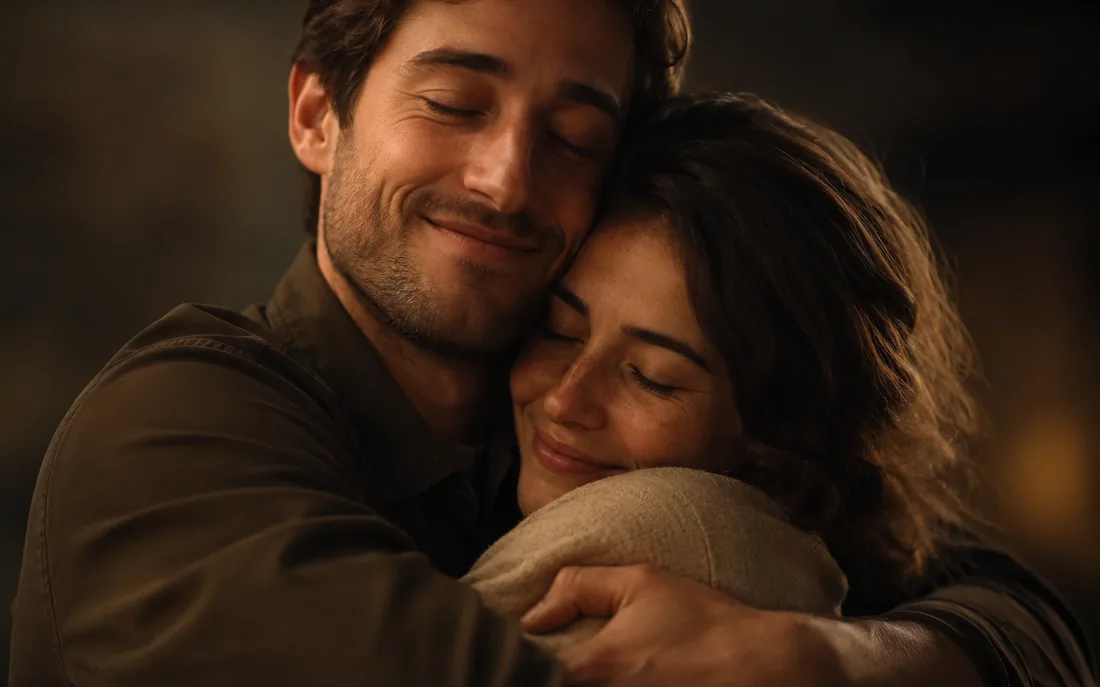
AI Hug Generator
Turn one or two photos into a warm hug video.
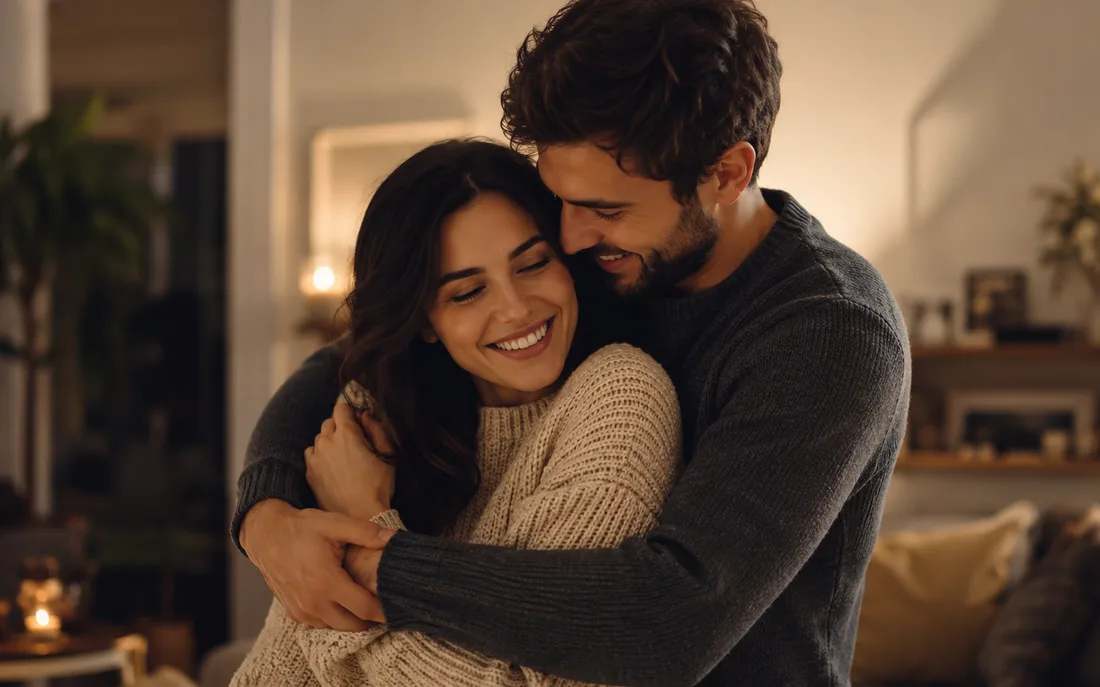
AI Couple Hug
Merge two partners into one tender embrace.

Hug From Behind
A protective back hug, brought to life from photos.
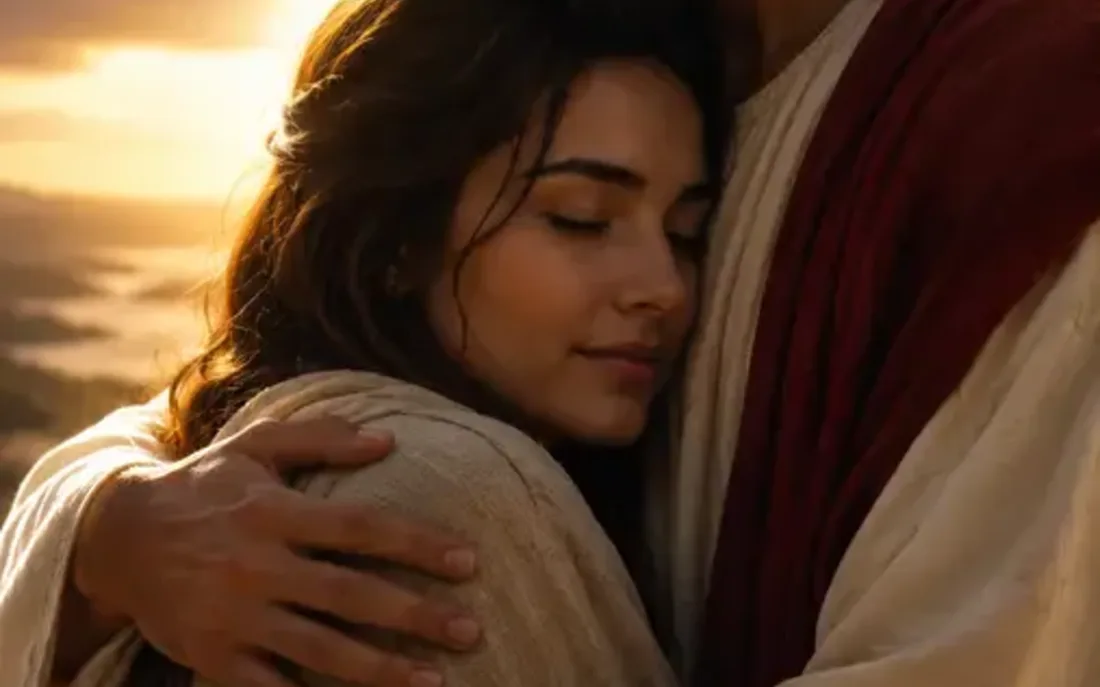
AI Jesus Hug
Turn a photo into a warm, comforting Jesus hug.
Frequently asked questions
How does the AI glow up generator work?⌄
Upload one clear photo of yourself and the AI glow up generator gives you a tasteful makeover — styled hair, radiant skin and a polished look — then animates a short, confident reveal. It runs in two stages: first it refreshes your look while keeping your face true, then it brings the result to life as a 6-second video, all from a single upload.
Will the AI glow up generator change or swap my face?⌄
No. It references your face from your own uploaded photo and is instructed to keep your features, bone structure and expression exactly — only your hair, skin and styling are polished. It's still you on your best day, not a face swap or a different person. An automated safety check runs on uploads before anything is generated.
Is the glow-up tasteful, or does it overdo it?⌄
It stays tasteful and natural. The AI glow up generator aims for a believable, well-rested, well-styled version of you — clearer skin, healthier hair, flattering light — not heavy filters or a plastic look. The goal is you at your best, the way a good salon day and the right photo would look.
Do I need one photo or two for the AI glow up generator?⌄
Just one. The AI glow up generator is a single-photo effect — upload one clear, front-facing shot and it handles the whole makeover and reveal. A head-and-shoulders selfie is fastest; an upper-body photo brings your outfit and styling into the glow-up too.
What do I get, and is it watermarked?⌄
You get a short 6-second vertical (9:16) MP4 of your glow-up reveal, exported with no ClipTrend watermark so it's ready for Reels, Shorts, stories or a quick share. Generation runs on credits, with a free allowance to start and pay-as-you-go after.
What photos work best for a glow-up?⌄
Clear, well-lit, front-facing photos give the cleanest result. A plain, unfiltered before shot actually makes the glow-up land harder in a before-and-after. JPG and PNG both work — blurry, tiny or heavily filtered photos can lower the result quality and leave less room for the makeover.
How long does it take, and how do credits work?⌄
Most clips render in well under a minute, often in a few seconds, and you can watch the result appear right on the page. New accounts start with free credits so you can try the AI glow up generator at no cost; each video uses a small, fixed number of credits shown beside the Generate button, then it's simple pay-as-you-go with no subscription.
Get your glow-up from one photo
Upload a single photo, get a tasteful makeover and a confident reveal — watermark-free, no subscription, your face kept exactly.
Open the AI glow up generator