
Make a Ghost Prank video
A familiar ghost prank, with you in front
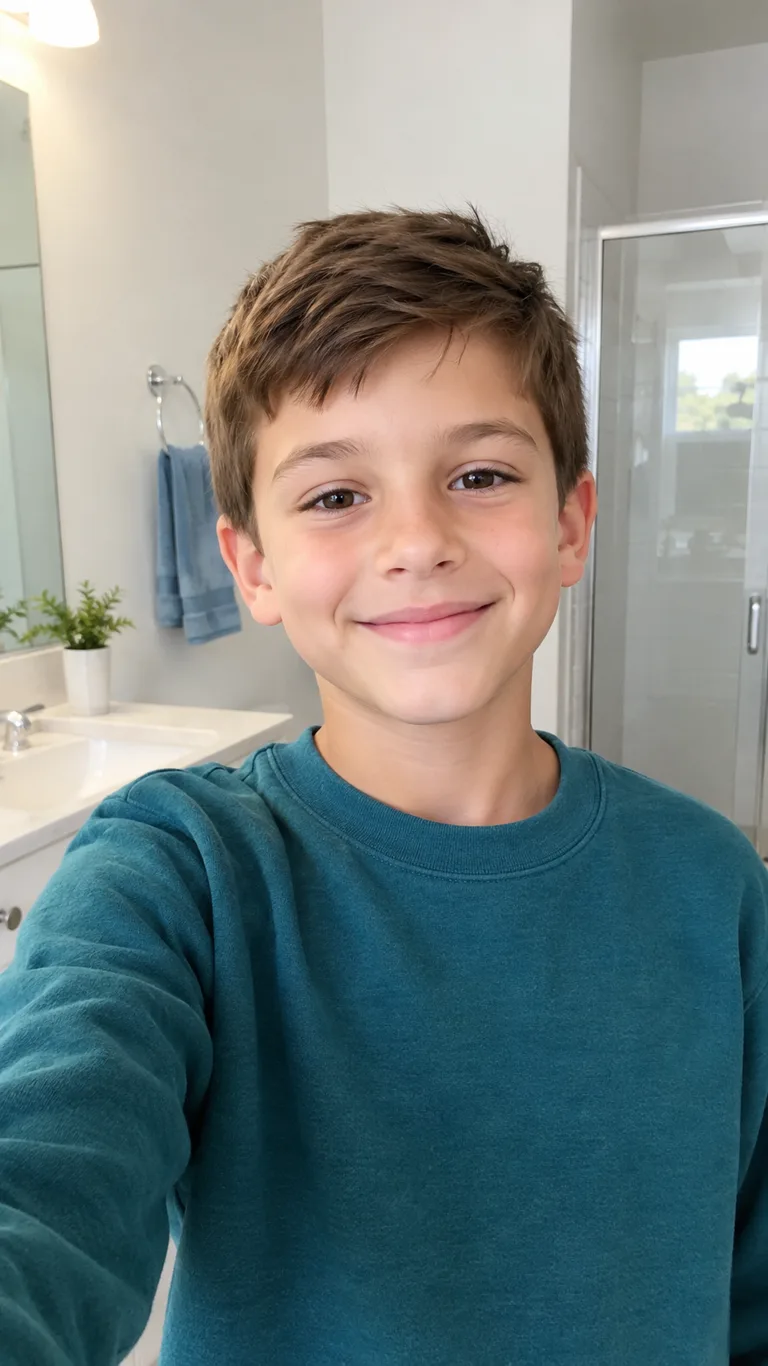
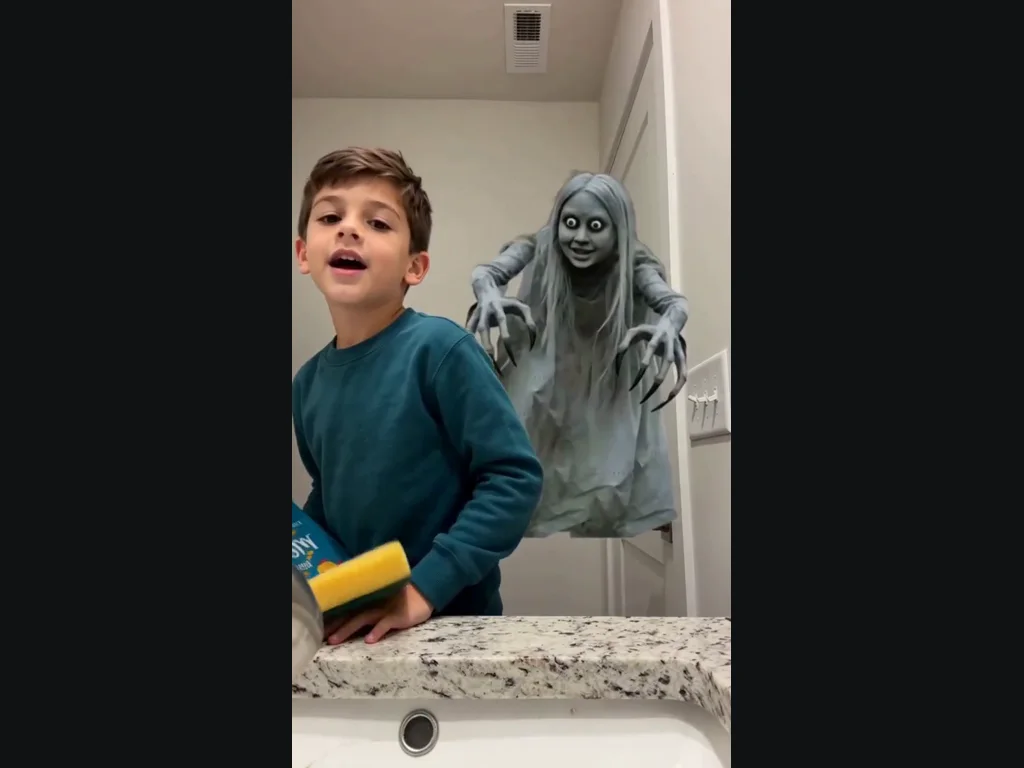
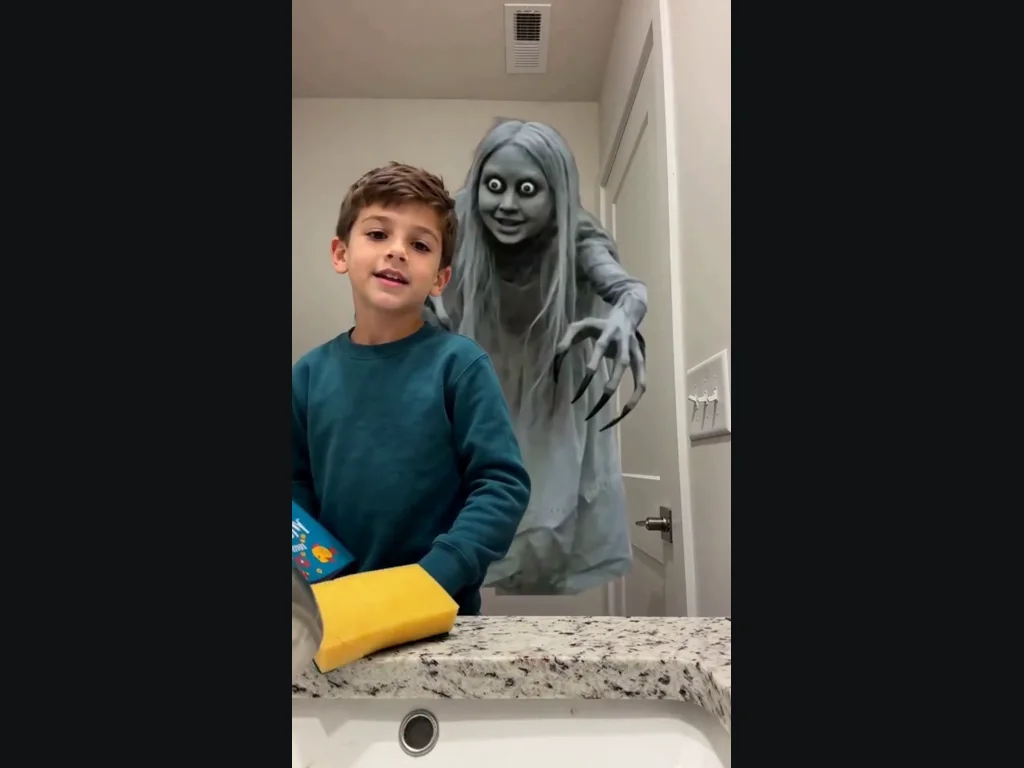
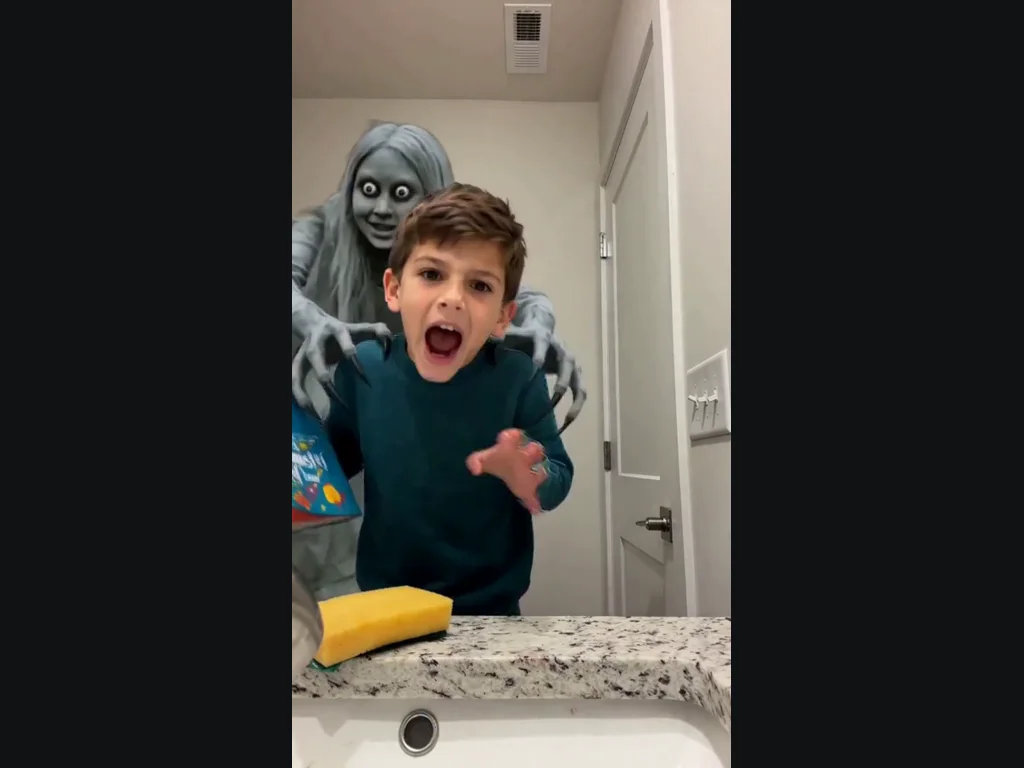
Ghost Prank keeps the bathroom selfie setup and the gray, long-haired ghost with big round eyes. The figure leans into view behind your shoulder while you face the camera. Then you notice it and turn back. The joke comes from the ordinary room and the unexpected face behind you; there is no injury or gore. The example uses a fictional child, but your result uses the person in the photo you upload. It does not automatically turn an adult into a child. For Ghost Prank, the face behind you is part of the preset, so you do not need to upload a second portrait for it. Choose this version when you want the shoulder reveal and the quick reaction. If your idea depends on a transparent figure drifting across a different room, this specific example will not show you that result.
Choose a clear selfie for Ghost Prank
Use a photo with one visible face, open eyes and even lighting. A head-and-shoulders view gives the effect room to place the ghost behind you. Avoid sunglasses, face-covering masks and photos of several people, since the generator needs to know who should react. Your photo supplies the face, hair and clothing; the preset supplies the bathroom scene and the timing. A busy background in your upload does not become a custom location. Check the example before starting if you want a different kind of ghost scene. For Ghost Prank, keep the original image sharp when you upload it. Screenshots with tiny faces, beauty filters that erase facial detail, or a face turned completely away give the effect less useful information. A neutral expression or a small smile is a practical starting point; the reaction comes from the motion. You can review your chosen photo before pressing Generate.
Keep Ghost Prank playful
Ghost Prank makes a staged Halloween surprise rather than footage of a real haunting. Watch the finished clip before sharing it, especially with younger viewers or anyone who dislikes jump scares. Faces, fingers and the shoulder contact can vary between results, so look at those moments rather than judging only the first frame. The five-second vertical video is intended as a quick visual joke. Add context when you share it so viewers understand that it is an AI effect, and use only photos you have permission to edit. When you review Ghost Prank, notice whether the subject stays recognizable during the turn. Also check the space between the ghost’s hands and the shoulders. Those details matter more than how dramatic a single screenshot looks. For a joke between friends, show them the generated effect openly instead of presenting it as footage that proves something happened in the room.
Choose the photo for Ghost Prank
In Ghost Prank, the upload slots determine who appears in the preset.
Your photo
Clear face, good light.
When to use it
Use a separate photo with one visible subject.
What it produces
The person in the generated scene.
- ✓One subject per Ghost Prank photo
- ✓Face unobstructed
- ✓Only photos you may edit
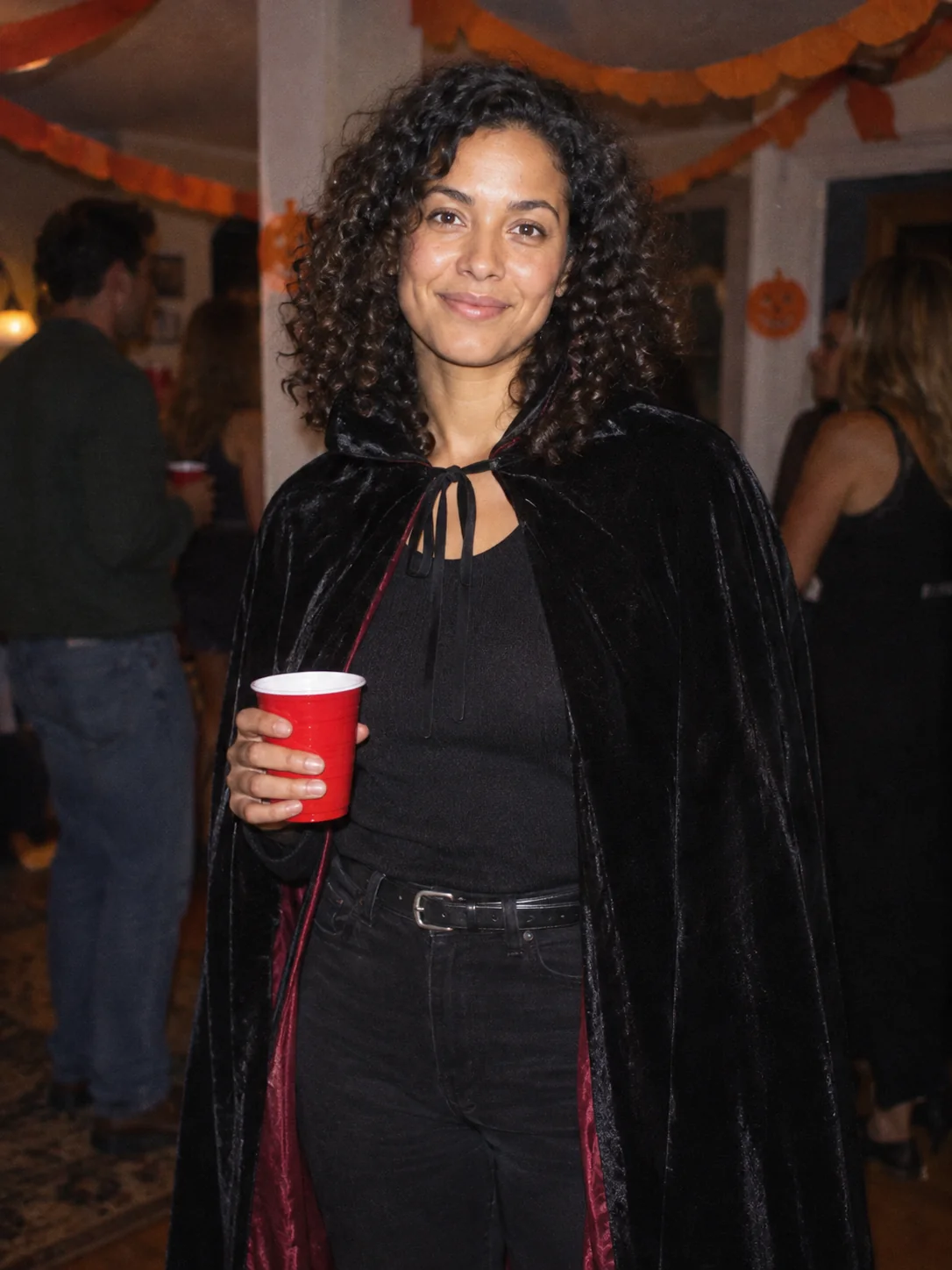
Costume Party
Put yourself in a Halloween costume party photograph.
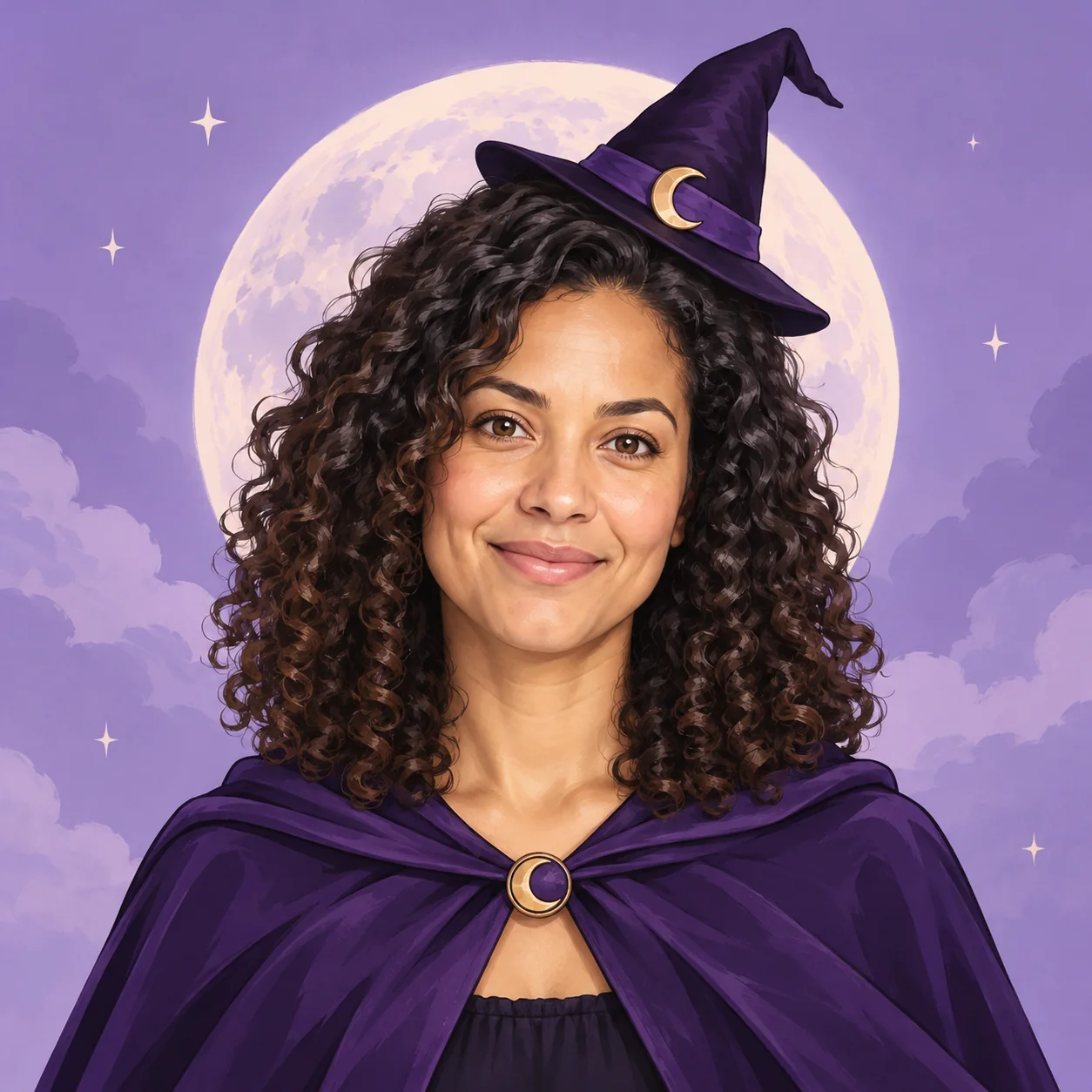
Halloween Avatar
Make a Halloween profile picture that stays readable in a small circle.
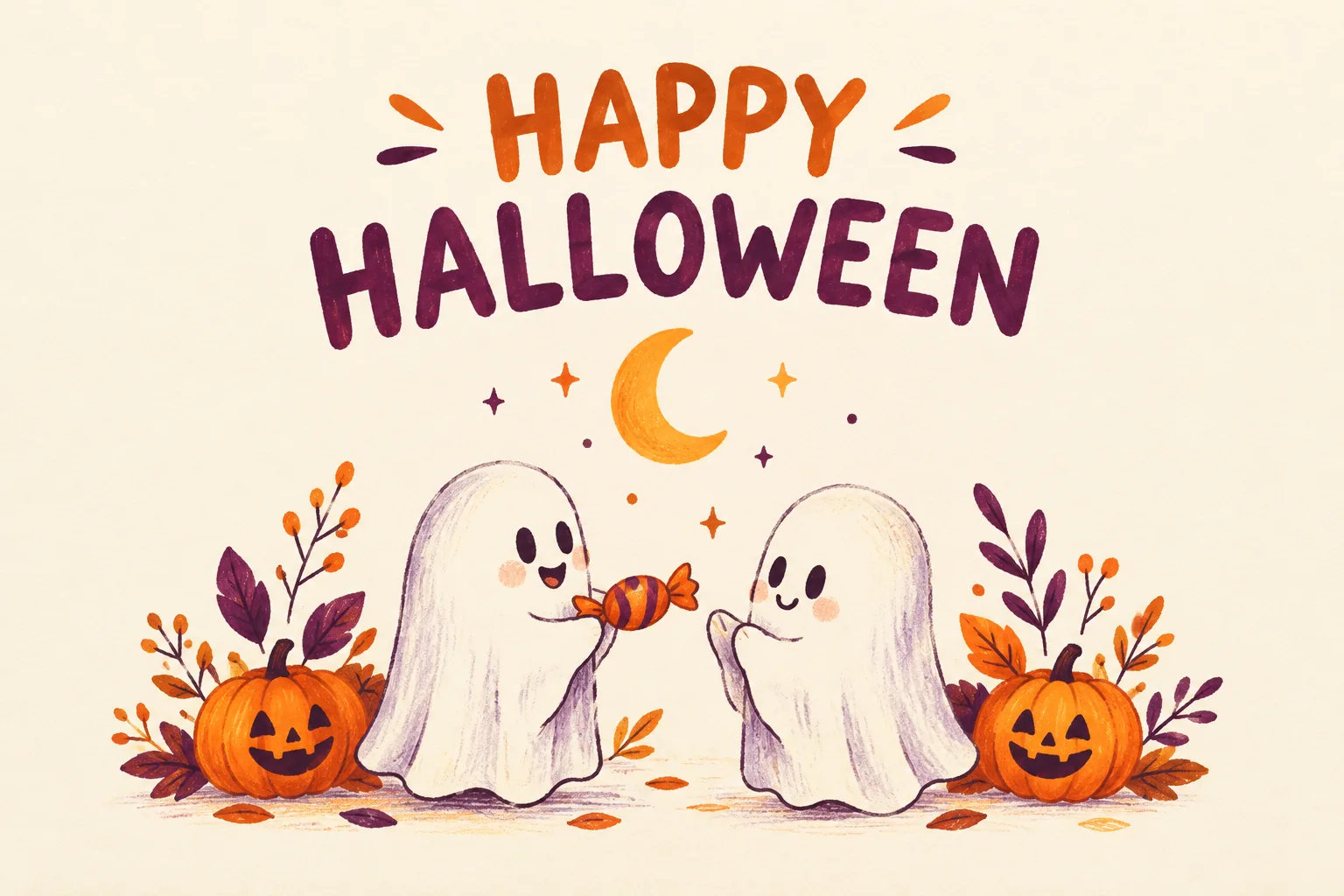
Halloween Card
Create a Halloween greeting card with your own short message.
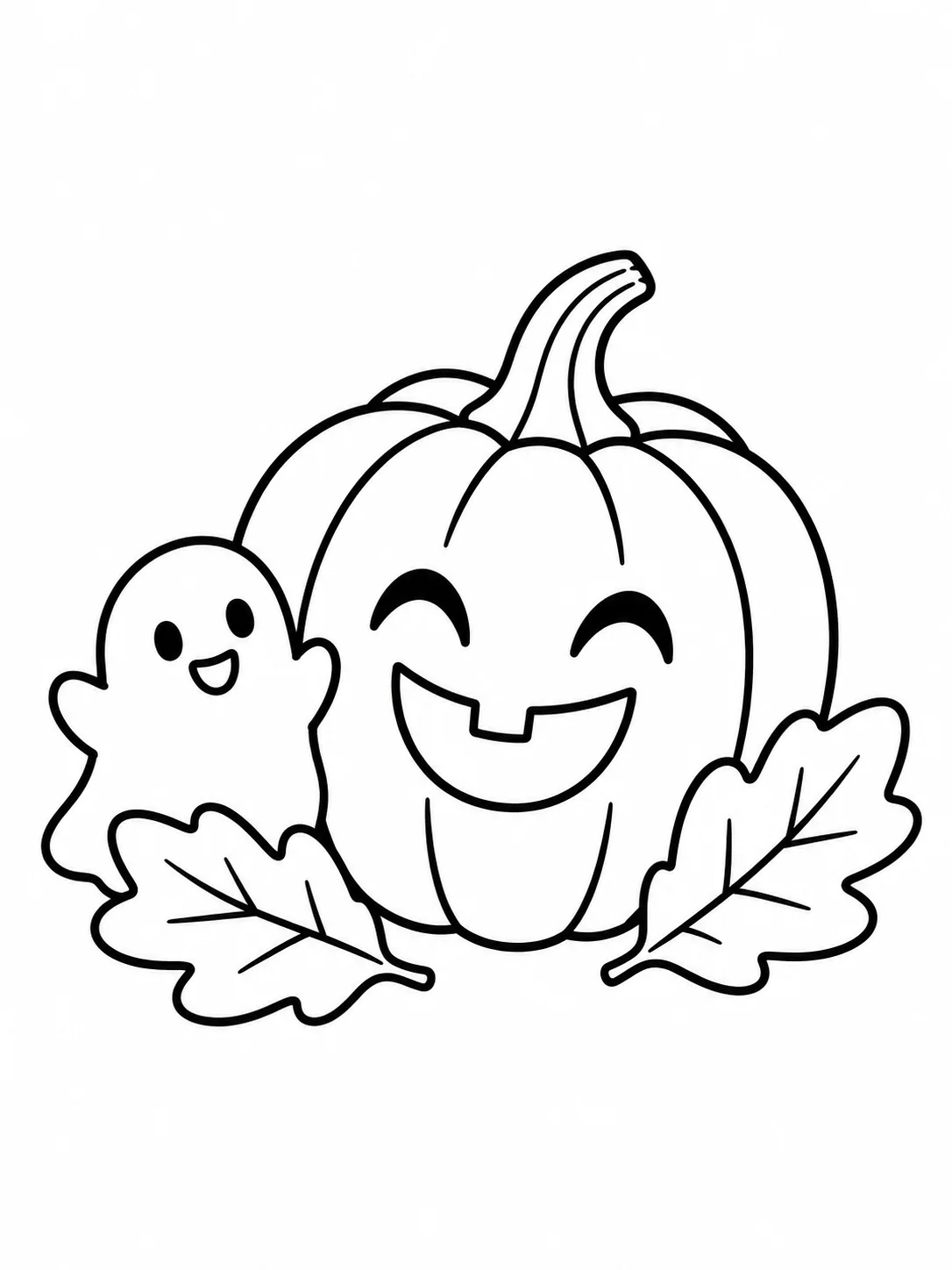
Halloween Coloring
Make black-and-white Halloween coloring sheets with empty spaces to fill.
Halloween Logo
Explore an original Halloween logo concept with a short brand name.
Halloween Makeup
Preview different Halloween makeup looks on your own face.
Cat Halloween Makeup
Try cat face paint while keeping your own human face.
Ghost Photoshoot
Get the white-sheet-and-sunglasses ghost photoshoot look.
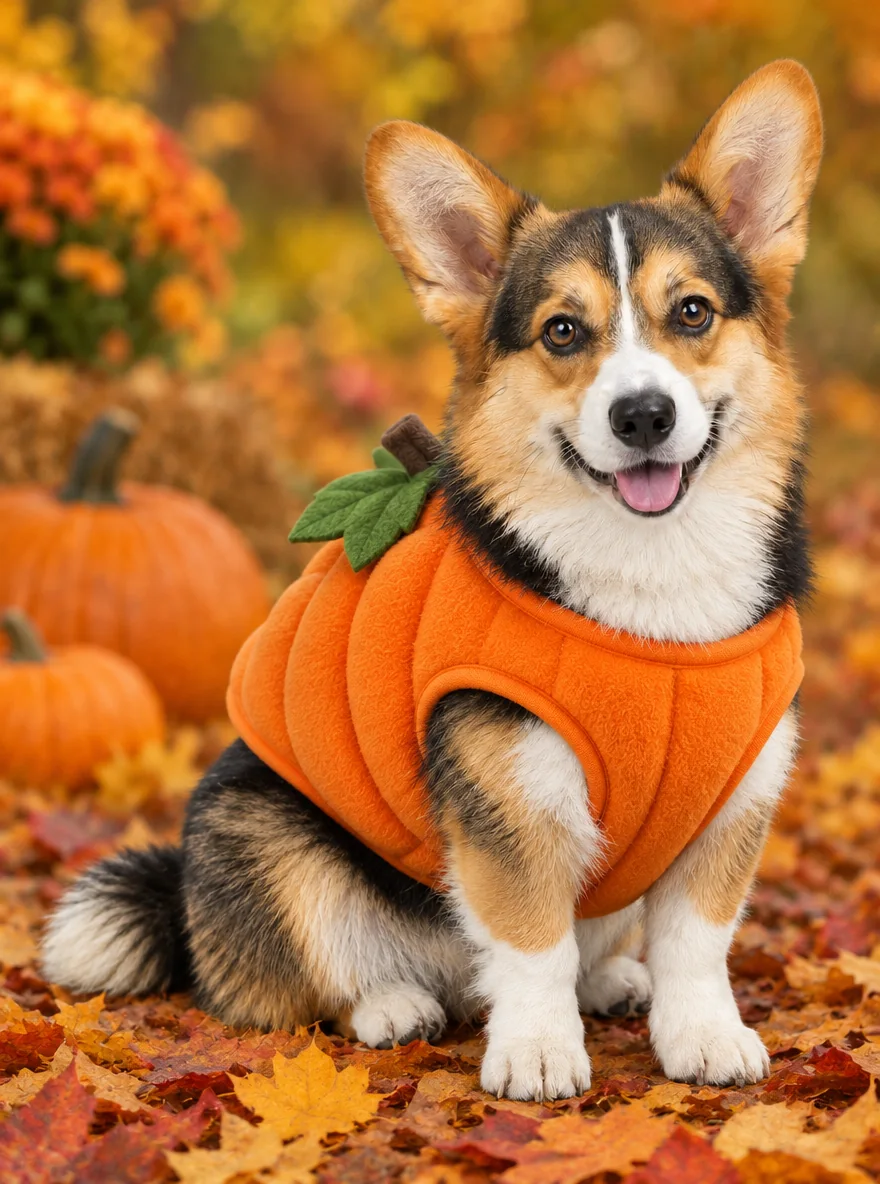
Pet Halloween Costume
Preview a Halloween costume on your own dog or cat.
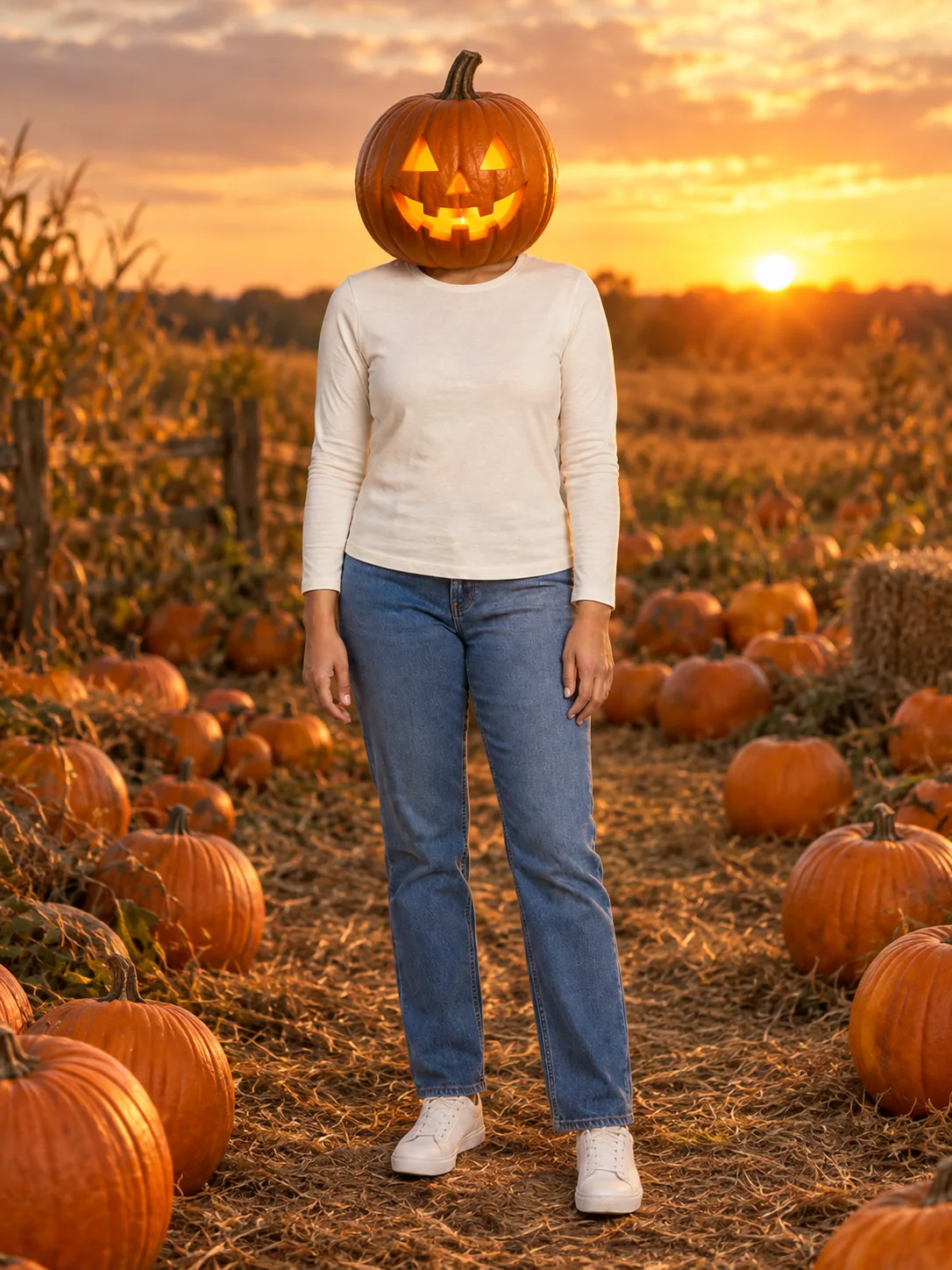
Pumpkin Head Photoshoot
Turn a full-body photo into a jack-o-lantern-head autumn photoshoot.
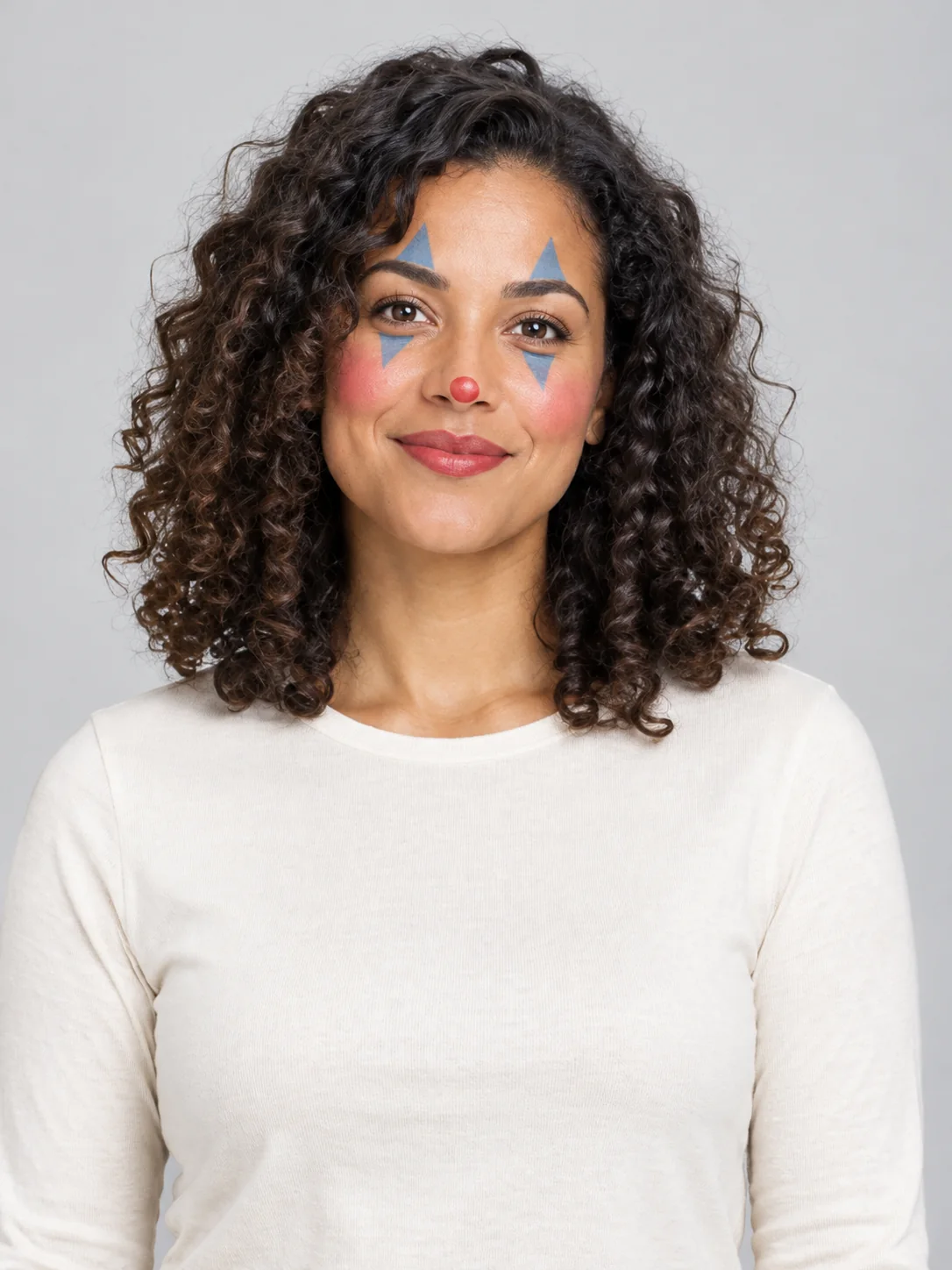
Clown Face
Preview theatrical clown face paint in three different styles.
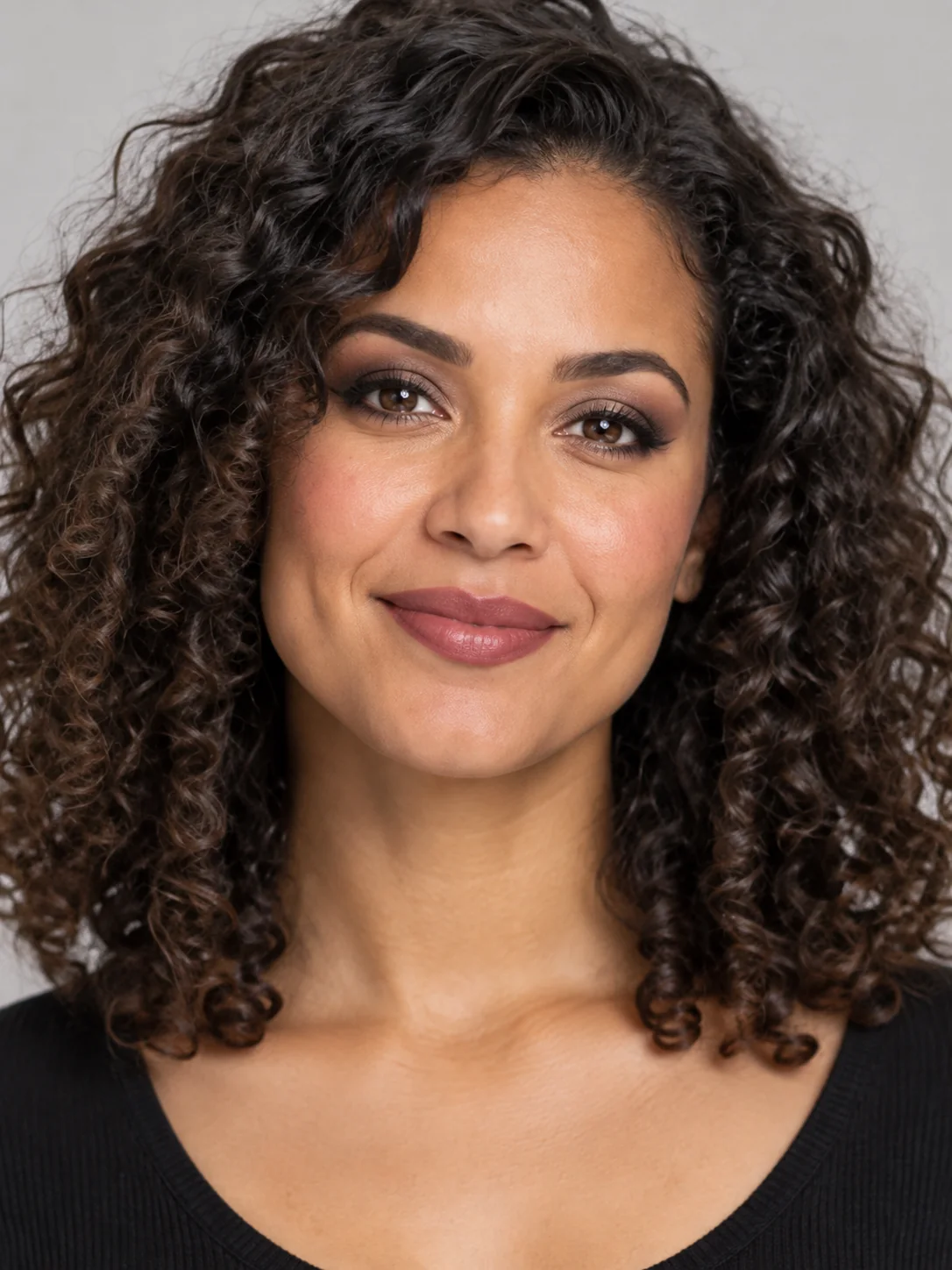
Goth Makeup
Preview dark eye makeup and lip colors on your own face.
Frequently asked questions
How do I make a Ghost Prank video?⌄
Upload a selfie and meet the long-haired, wide-eyed ghost behind your shoulder. A short look back makes the joke.
Which photos should I use to make a Ghost Prank video?⌄
Upload 1 clear photo showing one person. The preset supplies the scene and movement.
How long is a Ghost Prank video?⌄
The preset makes a 5-second vertical video at 720P. The duration and scene are fixed; there is no need to supply your own reference video.
How much does it cost to make a Ghost Prank video?⌄
Each generation costs 80 credits, shown before you start. This preset is not covered by a 30-credit welcome balance. Check your available credits before submitting; viewing the example does not start a generation.
How long does it take to make a Ghost Prank video?⌄
Allow roughly 5–20 minutes; busy periods can take longer. You can leave the page and return in the same browser, or check My Creations. If the connection drops, check the existing request instead of starting a duplicate.
Does Ghost Prank turn me into a ghost?⌄
No. You stay in front of the camera and a separate ghost appears behind you. For a portrait that transforms the subject into a ghost, use the AI Ghost tool instead.
Will every Ghost Prank video feature a child?⌄
No. The child is only the example subject. Your video follows the person in your uploaded photo.
Can I choose a different room or ghost?⌄
This preset uses the bathroom setup and the long-haired ghost shown in the example. It does not offer a location picker or a different ghost design.
Which photos can I use for Ghost Prank?⌄
Use your own photo or one you have permission to edit. The public examples use fictional people. Do not use the effect to impersonate someone, misrepresent a real event or distress another person. Review the result before sharing.
Can I download my Ghost Prank result?⌄
Once generation and delivery finish, open the completed result to preview and download the video. Check the entire clip first, including the face, hands and final moments. AI output can vary; the example is a demonstration rather than a guarantee of identical details.
Make a Ghost Prank video
Make a Ghost Prank video from one clear photo. Review the full result before you download or share it.
Try Ghost Prank