Smalltown Boy AI: Make the Scream Duo With 2 Photos
To make a Smalltown Boy AI video, open ClipTrend’s Smalltown Boy AI page, upload two separate photos, and choose Generate Video. The first photo screams into the camera; the second dances behind, then they swap and finish side by side. As of October 14, 2026, the studio makes a 10-second vertical 720P video with the original song. Allow about ten minutes and retrieve the finished video in My Creations.
Updated October 14, 2026 · By the ClipTrend.ai Editorial Team
Disclosure: ClipTrend offers this unofficial fan tool. It is not affiliated with Bronski Beat or the original creators. The cover illustrates photo selection; it is not a sample video result.
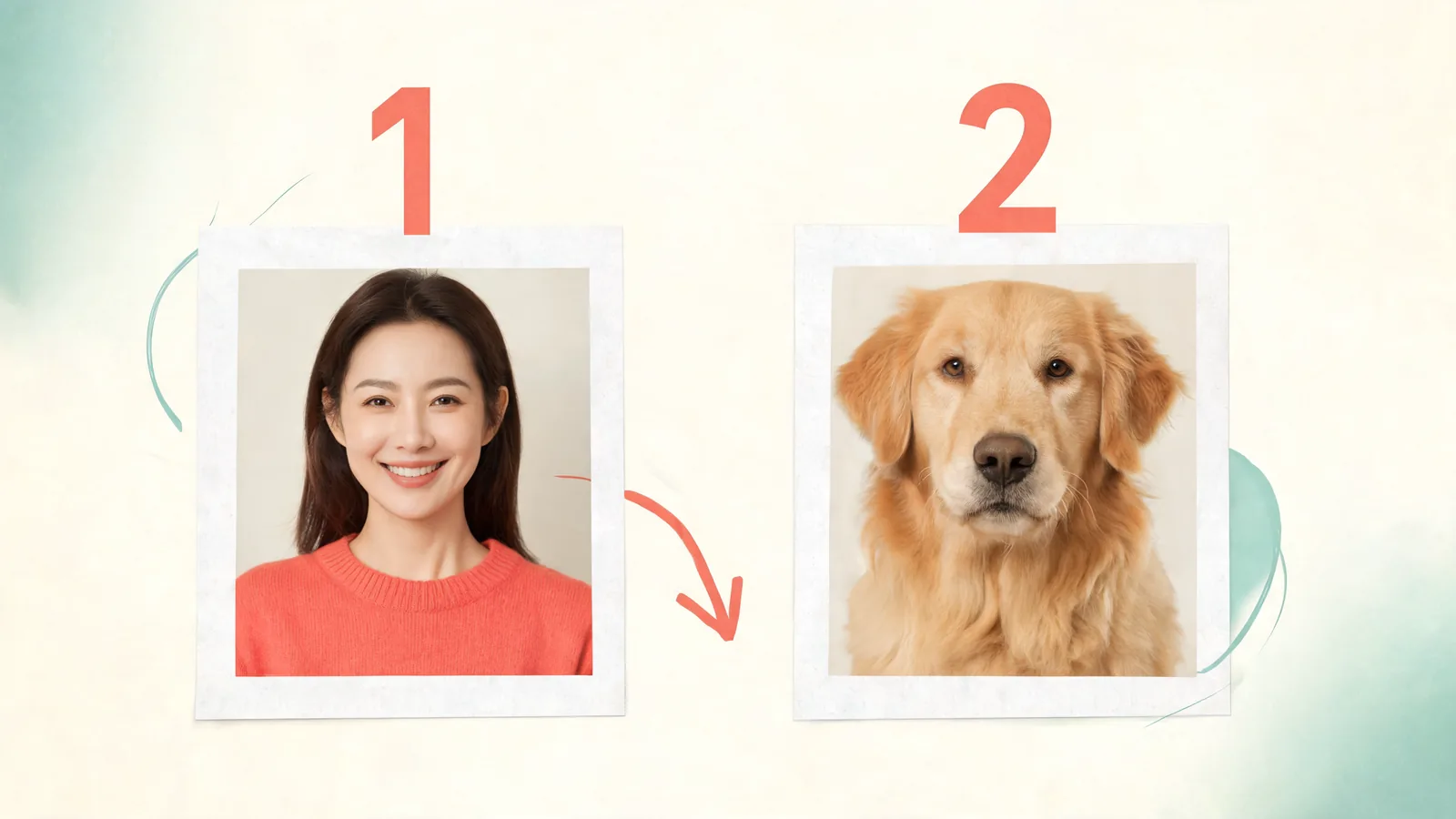
1. Decide who gets the first close-up
Start with the joke you want the pair to tell. The first subject gets the opening outburst, while the second keeps dancing in the background. The role reversal then gives the second subject a turn at the camera. Both matter; the second upload is more than a supporting character.
A cat and dog can make a funny contrast if the quieter pet takes the first close-up. Two friends can reverse their usual personalities. You and your pet can use the swap as the surprise. These are casting suggestions, not claims about videos we have generated.
The upload order controls the opening. Put the subject you want to see first into Screamer (first) and the other into Dancer (second). If you change your mind, switch the photos before generating. There is no need to ask someone to make a screaming expression in the source photograph.
Only upload a person who has agreed to appear in this kind of result. Permission to keep a photo in your camera roll is different from agreement to animate and publish it. Our photo-source permission checklist covers that conversation if you are using someone else's portrait.
2. Select one clear subject in each photo
Choose two individual photographs. They can come from different days and locations; the subjects do not need to have posed together. Each image should make its intended person or pet unmistakable.
For a person, look for an unobstructed face, ordinary lighting, and enough space around the head. Skip sunglasses, masks, and heavy filters. A beautiful distant travel photo may be less useful than a plain close portrait because the face contains fewer visible details.
For an animal, pick a photograph where you can see the face and distinguish its markings. A cat facing the camera is a better starting point than a cat tucked behind a chair. A dog's nose should not fill the entire image while its eyes disappear outside the crop. You do not need to get your pet to stand on its hind legs; the routine is animated.
| Photo decision | Useful starting point | Choose another photo when… |
|---|---|---|
| Subject count | One person or pet per image | Several subjects make the intended identity unclear. |
| Face visibility | Eyes, face shape, and markings are visible | Hair, paws, accessories, or furniture hide most of the face. |
| Light | The subject is easy to distinguish from the surroundings | The face is dark or the image is washed out. |
| Framing | The subject has some space around the head | A tight crop removes recognizable features. |
| Editing | A recognizable, lightly edited photograph | A strong filter has changed the person's or pet's appearance. |
These choices reduce ambiguity, but they do not promise a flawless result. A generated face can still drift, and an animal can acquire awkward movement. The final review is part of the process.
3. Watch the page's own demo
Use the demo on the Smalltown Boy AI page to understand the timing before submitting your photos. It shows the two uploaded inputs alongside the resulting routine. Look for the foreground scream, the dancer behind, the exchange, and the shared finish.
The template supplies that sequence. You are casting the duo rather than writing new choreography or choosing a different background. You do not need a backyard fence in your original pictures, and there is no requirement to record a reference dance yourself.
The song is “Smalltown Boy” by Bronski Beat. Official Charts records its first UK chart appearance on June 2, 1984. The recent scream-duo remakes use that older song; they are fan creations. For the cats-version background and what the role swap means, read our Smalltown Boy trend explainer.
4. Upload the photographs in the chosen order
Add the opening subject to Screamer (first). Then add the other subject to Dancer (second). Check that you have uploaded the correct files, especially if the two pets look similar or your library contains several versions of the same portrait.
Before choosing Generate Video, check three things: the first slot contains the intended opening performer; the second contains a different, clearly visible subject; and every depicted person agreed to the use. Correcting an upload now is easier than discovering a role mistake in the finished video.
The current page asks for two photo inputs. Do not combine them into a collage, upload a group shot as a substitute for both, or assume that selecting two people in one photograph assigns the roles automatically. Use the two separate upload slots as labeled.
For a first attempt, keep the casting simple. A clear picture of you and a clear picture of your dog gives the routine two distinct identities. An intricate costume or obscured face adds uncertainty without changing the underlying scream-and-swap format.
5. Generate once and allow time
Select Generate Video after reviewing the inputs. The studio describes a usual wait of about ten minutes. Treat that as an estimate, not a guaranteed completion time; there is no benefit in assuming a video has failed simply because it is not ready immediately.
You can leave the page while the video is processing. The finished result is saved in My Creations, so return using the same account when you want to check it. Avoid starting another identical generation just because you navigated away.
If the result is still pending, check its current state before taking another action. If the page displays a failure or another message, follow that message rather than repeatedly clicking Generate. A replacement photo is useful when the finished output reveals an input problem; it does not explain every processing delay.
6. Review the entire ten seconds before downloading
Watch with sound on first. Confirm that the song plays and that the movement makes sense across the full clip. Then watch again while concentrating on the two subjects.
Look at the opening face, the second subject during the swap, and both identities in the final shot. With pets, inspect ears, muzzle, fur pattern, and paws. With people, look for changes in facial features, hair, hands, or clothing that make the result uncomfortable or confusing.
The important question is whether the joke remains readable. If the two characters become hard to tell apart, the role reversal loses its payoff. If a mouth or paw looks distorted, decide whether the problem distracts from the clip before sharing it. A new, clearer source photo may help, but another render is not a guarantee of a correction.
Download the accepted result and open the saved file once. The current output is 9:16, 720P, and ten seconds long. Do not describe it as a landscape export or a higher-resolution video. Retain a copy of the file you reviewed so you do not accidentally upload a different attempt later.
7. Post it as a fan-made AI remake
Choose a caption that makes the casting joke clear: a quiet pet suddenly takes the dramatic role, or two friends exchange their usual energy. Keep the description honest about the animation. A caption such as “AI remake starring our two pets” avoids suggesting that an animal really performed the routine.
The delivered clip includes the original song, but that does not guarantee that every platform will accept every upload unchanged. Check the platform's sound options and the preview of your post. Avoid adding a second copy of the song over the existing audio, which can create an echo or muddle the timing.
Ask depicted people to approve the finished video before posting publicly. They may agree to the idea but dislike a particular expression or close-up. A private share can be the better choice for an inside joke.
FAQ
How do I make the dog scream first instead of the cat?
Put the dog's photograph into Screamer (first) and the cat's into Dancer (second) before generating. The second subject still gets its own foreground turn later in the routine.
Do my two photographs need matching backgrounds?
No. The routine supplies its scene, so prioritize two clear subjects rather than matching the rooms in the source images. Use one person or pet per photograph.
Where can I find the video if I close the page?
Return to My Creations with the account used for the generation. The studio saves the finished result there and describes the usual wait as about ten minutes.
What size and shape is the downloaded clip?
As of October 14, 2026, Smalltown Boy AI makes a ten-second 720P video in vertical 9:16 format, with the original song. Review the saved file before posting it.
Choose your opening performer
Pick two clear portraits, agree on the joke, and check the upload order. Make your Smalltown Boy AI video, then review both performers before sharing the finished clip.