
Make a Thriller Dance video
Thriller Dance with your own studio duo
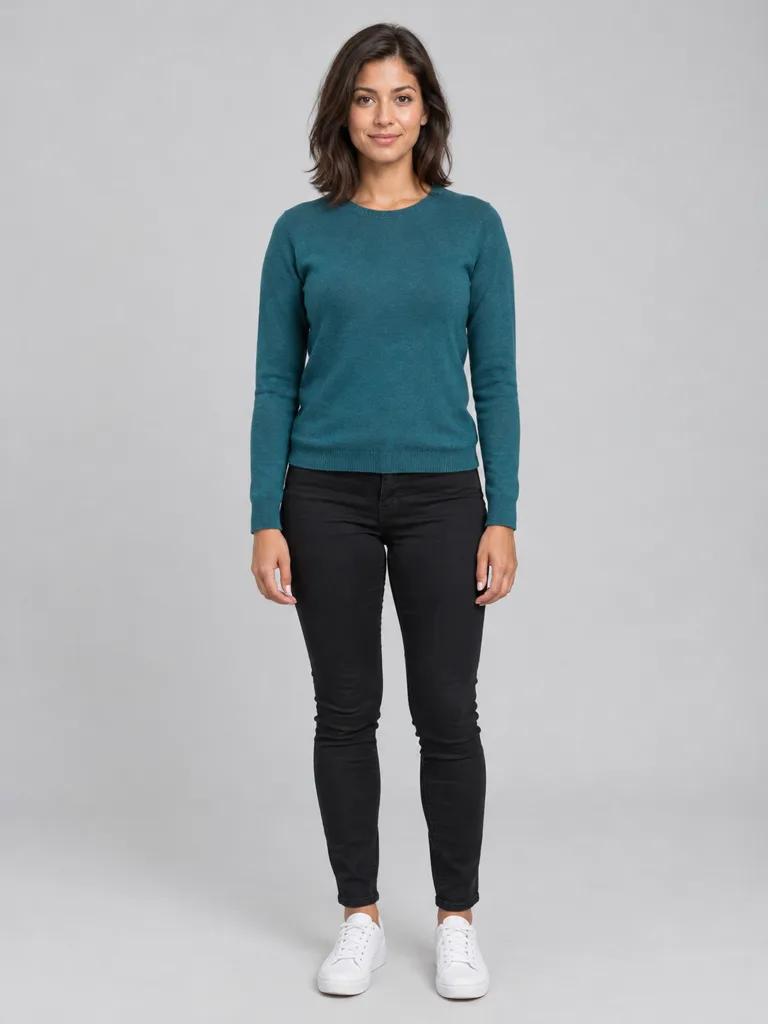
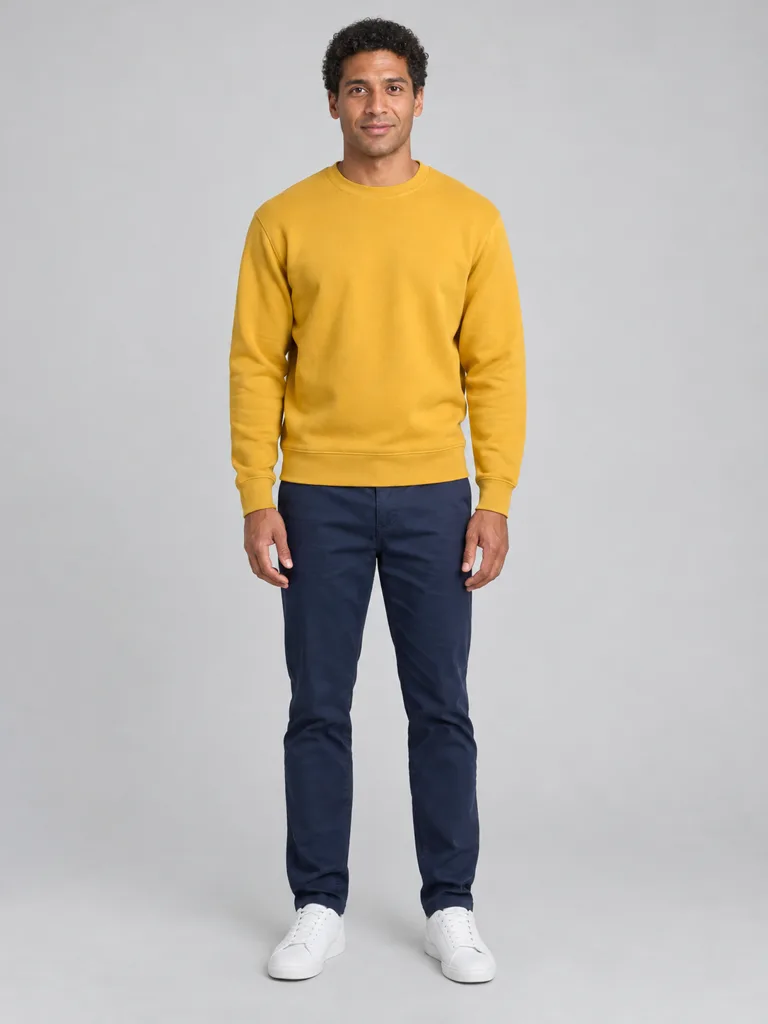
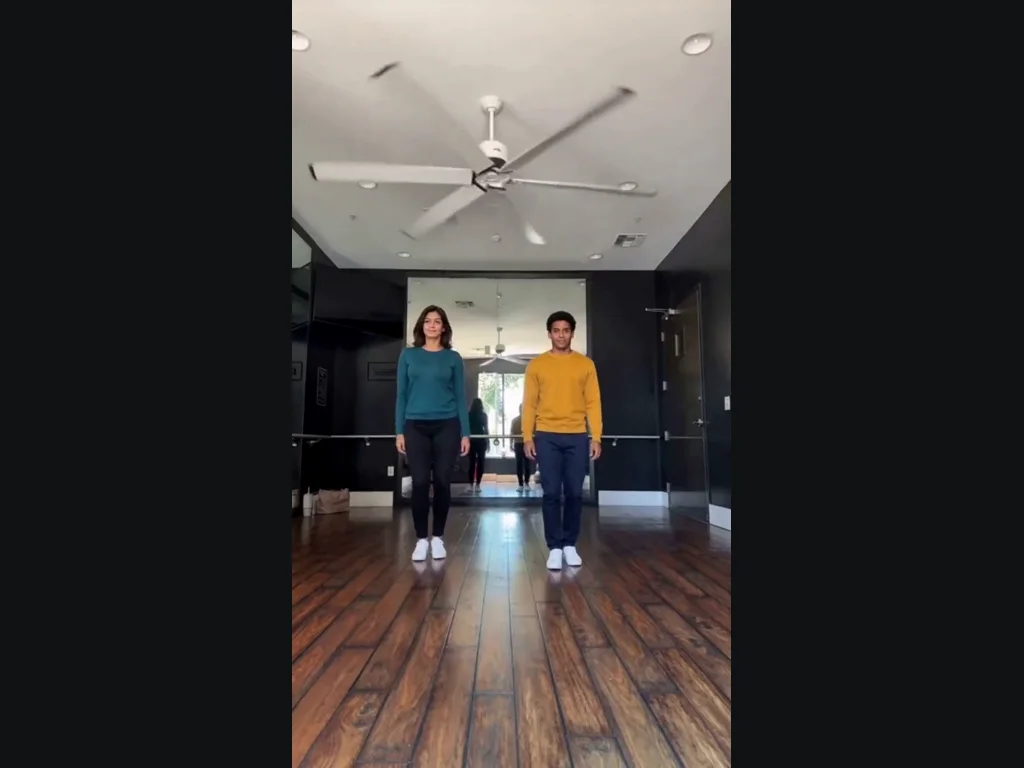
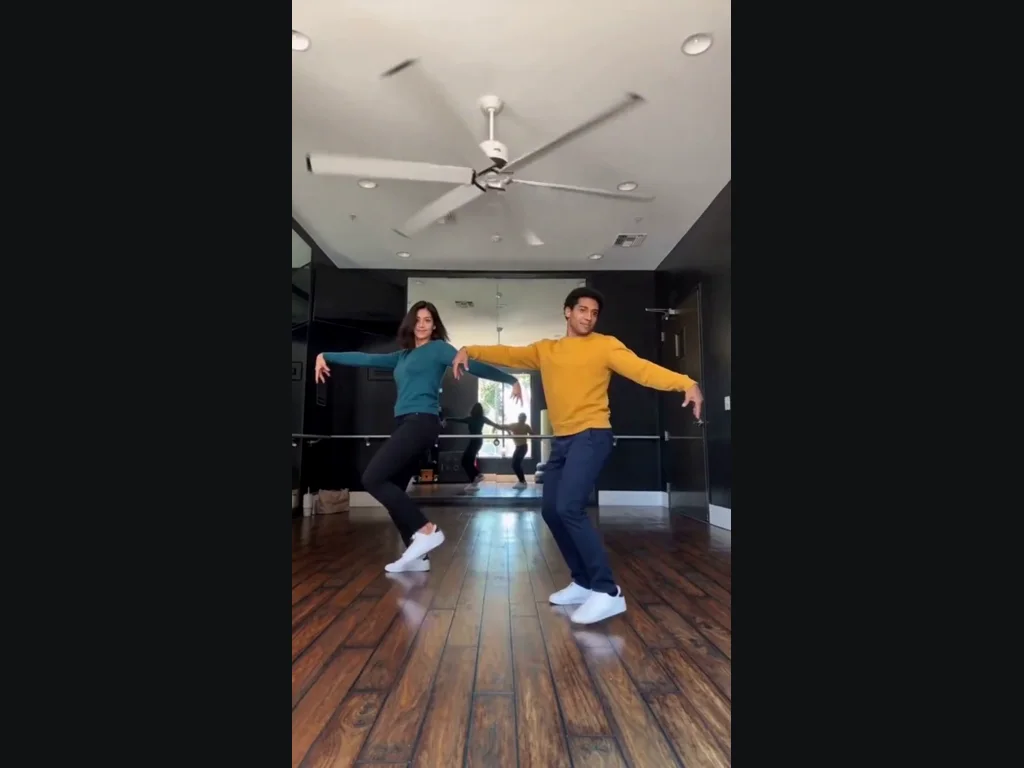
Thriller Dance recreates the two-person dance-studio clip shown in the example. The pair performs the recognizable arm swings, claw-like hands, shoulder movements and side steps against the wooden floor and mirror wall. Your two photos replace the left and right dancers. This version keeps the studio framing rather than changing to a red-jacket performance or a crowd of zombies. Choose both subjects before you start so the two roles are clear. You do not need to record yourself learning the choreography or upload a separate dance video. In Thriller Dance, the shared studio and fixed camera let you compare both dancers through the same movement. Neither upload is a background extra: both have an active role. This makes the preset useful when you want a pair rather than a solo dancer. The example shows the full-body framing you should expect, so faces will be smaller than in a selfie video.
Your two photos set the Thriller Dance pair
Photo one becomes the dancer on the left and photo two becomes the dancer on the right. Use a separate, clear picture for each subject, with the face visible and enough of the body shown to identify the outfit. Similar lighting and straightforward angles make the pair easier to recognize together. Swap the photos before generating if you want to reverse the roles. This preset does not let you change the studio, pick a different dance section or add more performers. It follows the fifteen-second example rather than making a full song-length routine. For Thriller Dance, check both upload previews before you start, especially when the two photos have similar filenames. A single photo containing two people is not a substitute for assigning one person to each slot. Keep each face unobstructed and choose clothing with a clear outline. You can use different photos for the two roles without needing matching backgrounds or a photograph taken together.
Review the whole Thriller Dance sequence
Look at the steps, hands and mirror reflections as the dancers move. A still frame cannot tell you whether both identities hold through a turn or whether the pair stays in sync. The generated video follows the reference choreography, but detailed finger positions and reflections can vary. Preview the complete result before downloading or sharing it. Thriller Dance is an unofficial creative tool, not an endorsement by Michael Jackson or the original dancers. Music and source material may have separate rights; the tool does not grant a commercial music license. When you review Thriller Dance, check the opening, a middle turn and the final pose with both dancers visible. The studio mirror can make an extra reflection look like a third dancer at first glance, so compare it with the foreground positions. If you share the result, describe it as your generated dance remake. Do not suggest that either person actually attended the original studio recording.
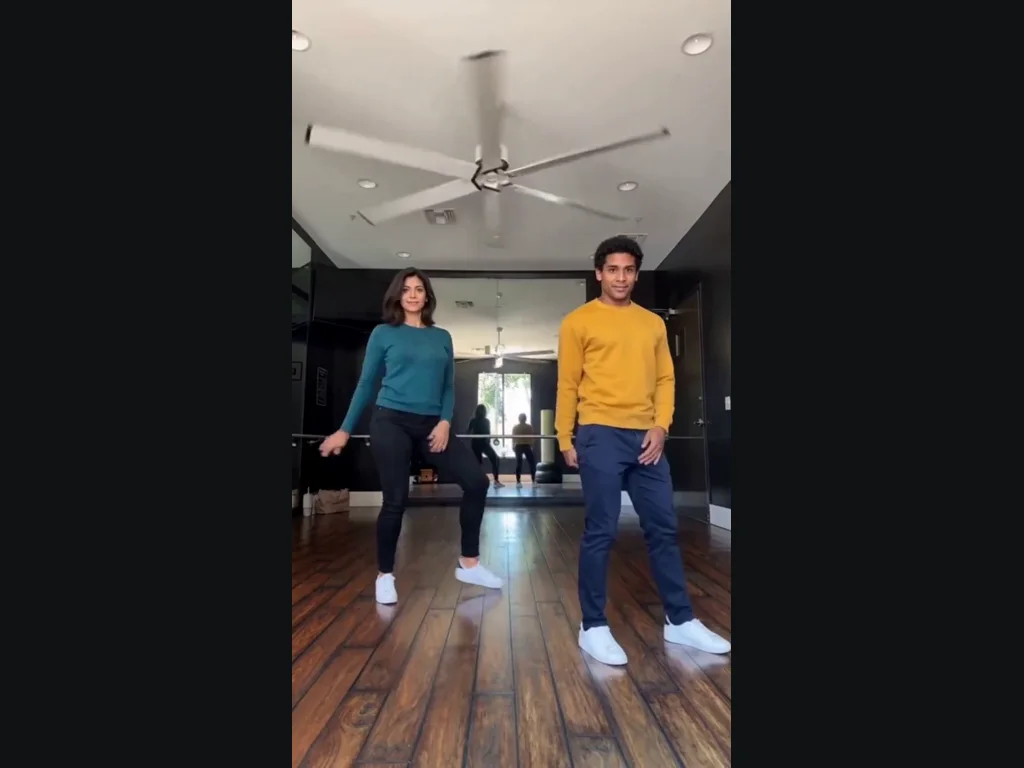
Choose the photos for Thriller Dance
In Thriller Dance, the upload slots determine who appears in the preset.
Left dancer
Clear face, good light.
When to use it
Use a separate photo with one visible subject.
What it produces
The left dancer.
- ✓One subject per Thriller Dance photo
- ✓Face unobstructed
- ✓Only photos you may edit
Right dancer
Clear face, good light.
When to use it
Use a separate photo with one visible subject.
What it produces
The right dancer.
- ✓One subject per Thriller Dance photo
- ✓Face unobstructed
- ✓Only photos you may edit
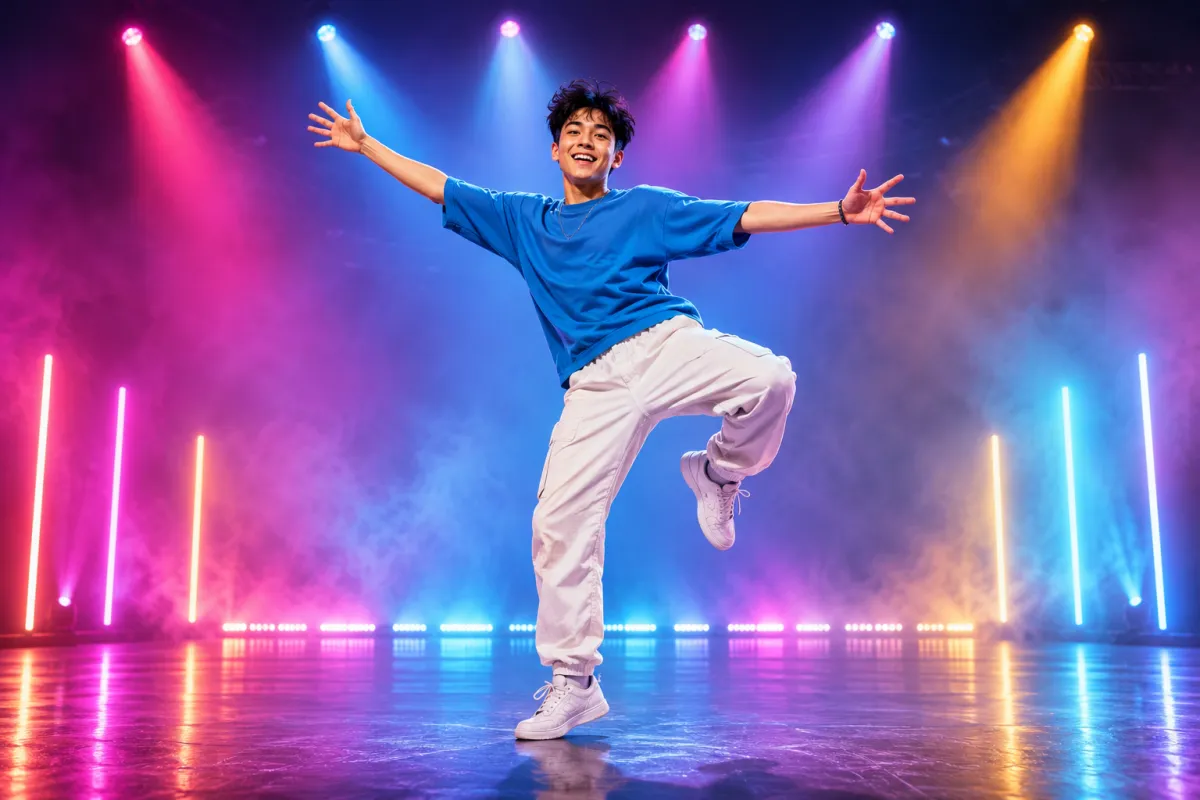
AI Dance Generator
Turn one photo into an energetic dance video.
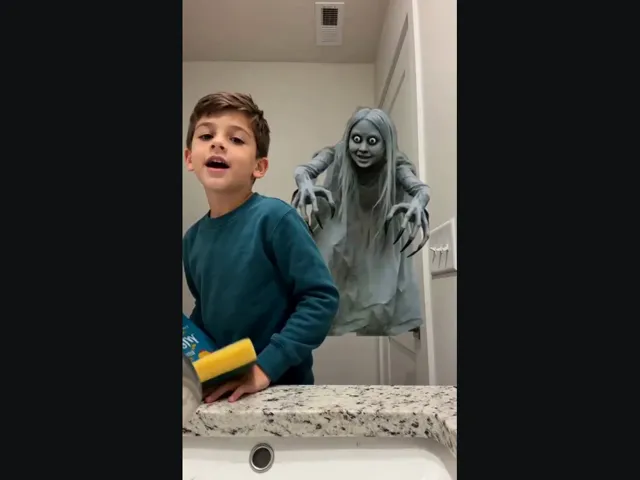
Ghost Prank
Upload a selfie and meet the long-haired, wide-eyed ghost behind your shoulder. A short look back makes the joke.
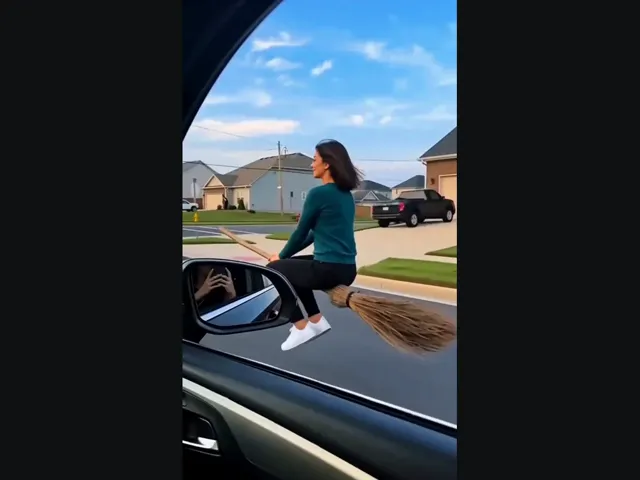
Witch Flying
Put yourself on the flying broom beside the car: look toward the window, then lift off along the street.
Tip Toeing AI
Become the tip toeing barn dancer from one photo, with the song.
Smalltown Boy AI
Two photos of pets or people do the Smalltown Boy scream duo.
Sniffer Dog AI
A sniffer dog sits at your feet in a festival crowd. You fake-cry.
Alors on Danse AI
Recast the viral Alors on Danse studio duo from two photos.
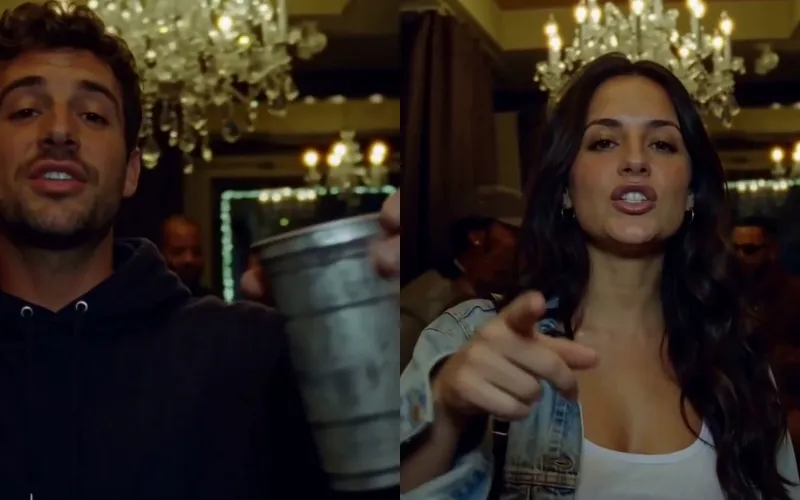
Burning Bridges AI
Put yourself in the viral Burning Bridges party clip from one photo.
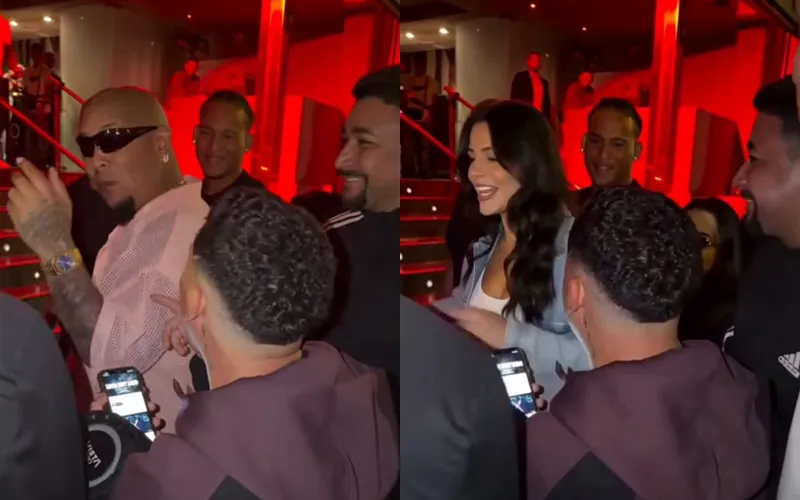
Bulin 47 AI
Put yourself in the viral Bulin 47 freestyle from one photo.
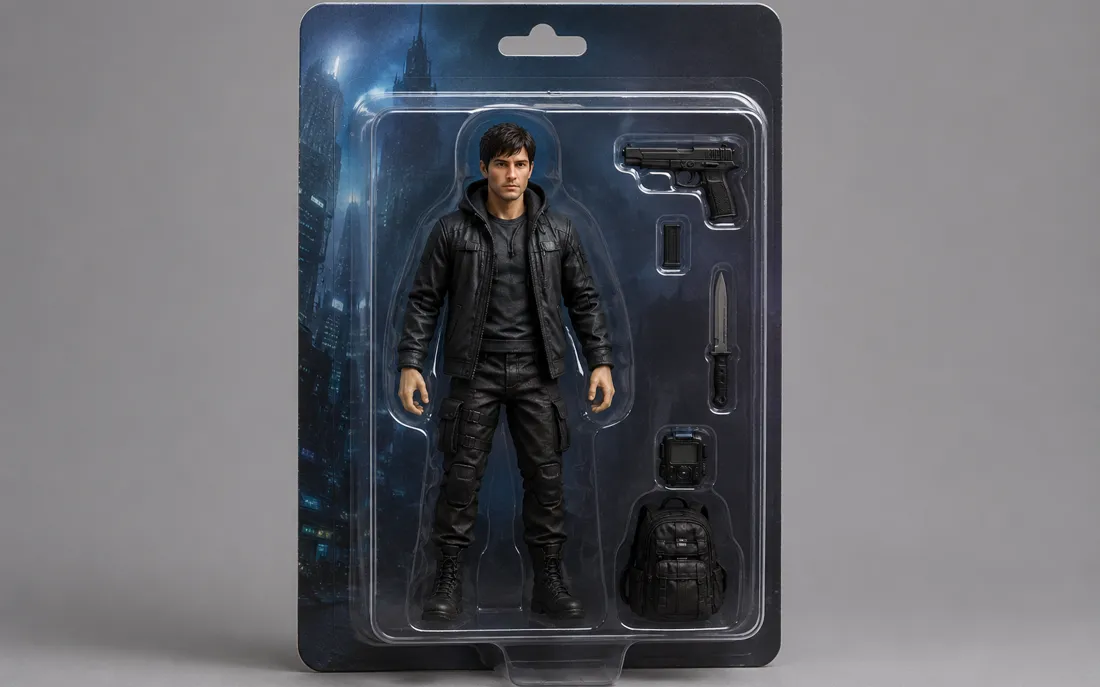
AI Action Figure Generator
The AI action figure generator turns one photo into a boxed collect…

AI Pregnant Generator
The AI pregnant generator adds a believable, fully clothed baby bum…
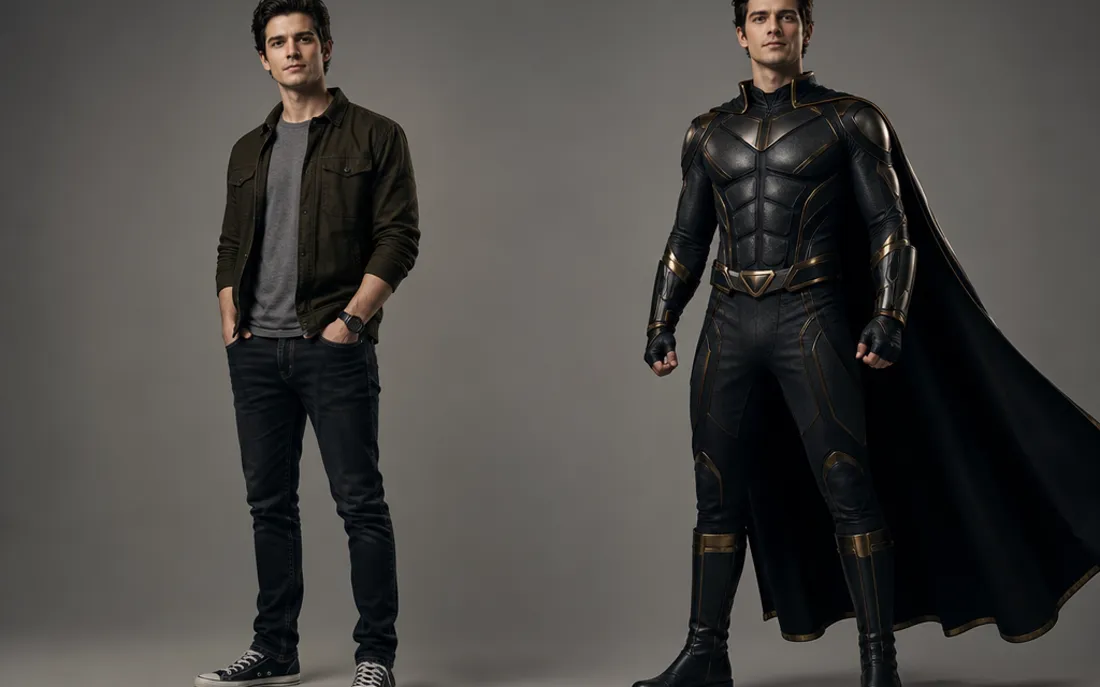
AI Superhero Generator
One ordinary photo is all it takes to suit you up in full cinematic superhero armor.
Frequently asked questions
How do I make a Thriller Dance video?⌄
Upload two photos, pick the left and right dancers, and put them into the studio duo’s Thriller moves.
Which photos should I use to make a Thriller Dance video?⌄
Upload 2 clear photos, one for each dancer.
How long is a Thriller Dance video?⌄
The preset makes a 15-second vertical video at 720P. The duration and scene are fixed; there is no need to supply your own reference video.
How much does it cost to make a Thriller Dance video?⌄
Each generation costs 240 credits, shown before you start. This preset is not covered by a 30-credit welcome balance. Check your available credits before submitting; viewing the example does not start a generation.
How long does it take to make a Thriller Dance video?⌄
Allow roughly 5–20 minutes; busy periods can take longer. You can leave the page and return in the same browser, or check My Creations. If the connection drops, check the existing request instead of starting a duplicate.
Which Thriller Dance version does this make?⌄
The two-person studio version in our example: wooden floor, mirrors and a fixed camera. It does not make the red-jacket zombie crowd scene.
Can I choose who dances on each side?⌄
Yes. Photo one is the left dancer; photo two is the right dancer. Swap the uploads to reverse them.
Does Thriller Dance include a music license?⌄
No. Generated audio may follow the reference, but this tool does not grant rights to the song or the source clip. Check the rules for your intended use and publishing platform.
Which photos can I use for Thriller Dance?⌄
Use your own photo or one you have permission to edit. The public examples use fictional people. Do not use the effect to impersonate someone, misrepresent a real event or distress another person. Review the result before sharing.
Can I download my Thriller Dance result?⌄
Once generation and delivery finish, open the completed result to preview and download the video. Check the entire clip first, including the face, hands and final moments. AI output can vary; the example is a demonstration rather than a guarantee of identical details.
Make a Thriller Dance video
Make a Thriller Dance video from two clear photos. Choose the left and right dancers, then review the complete result before sharing.
Try Thriller Dance