
Pumpkin Head Photoshoot: compare three treatments
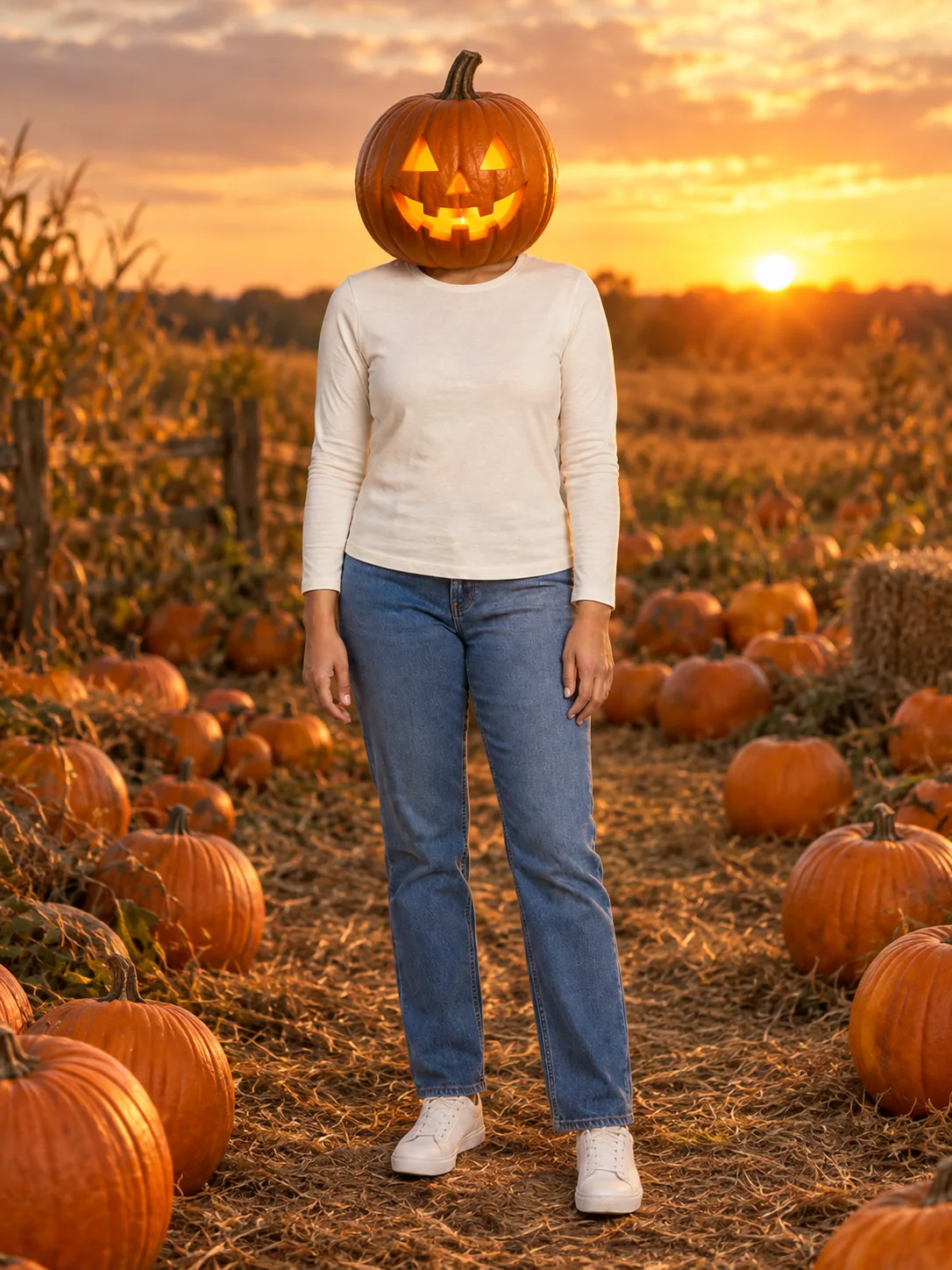
Pumpkin Head Photoshoot: Pumpkin field
The pumpkin-field preset replaces the head with a carved jack-o-lantern and keeps the clothed body as the subject. A subtle glow and late afternoon light create the autumn photograph. Upload a full-body picture with the outfit you want to retain. The face will be hidden inside the pumpkin concept; a visible original face is not part of this look.
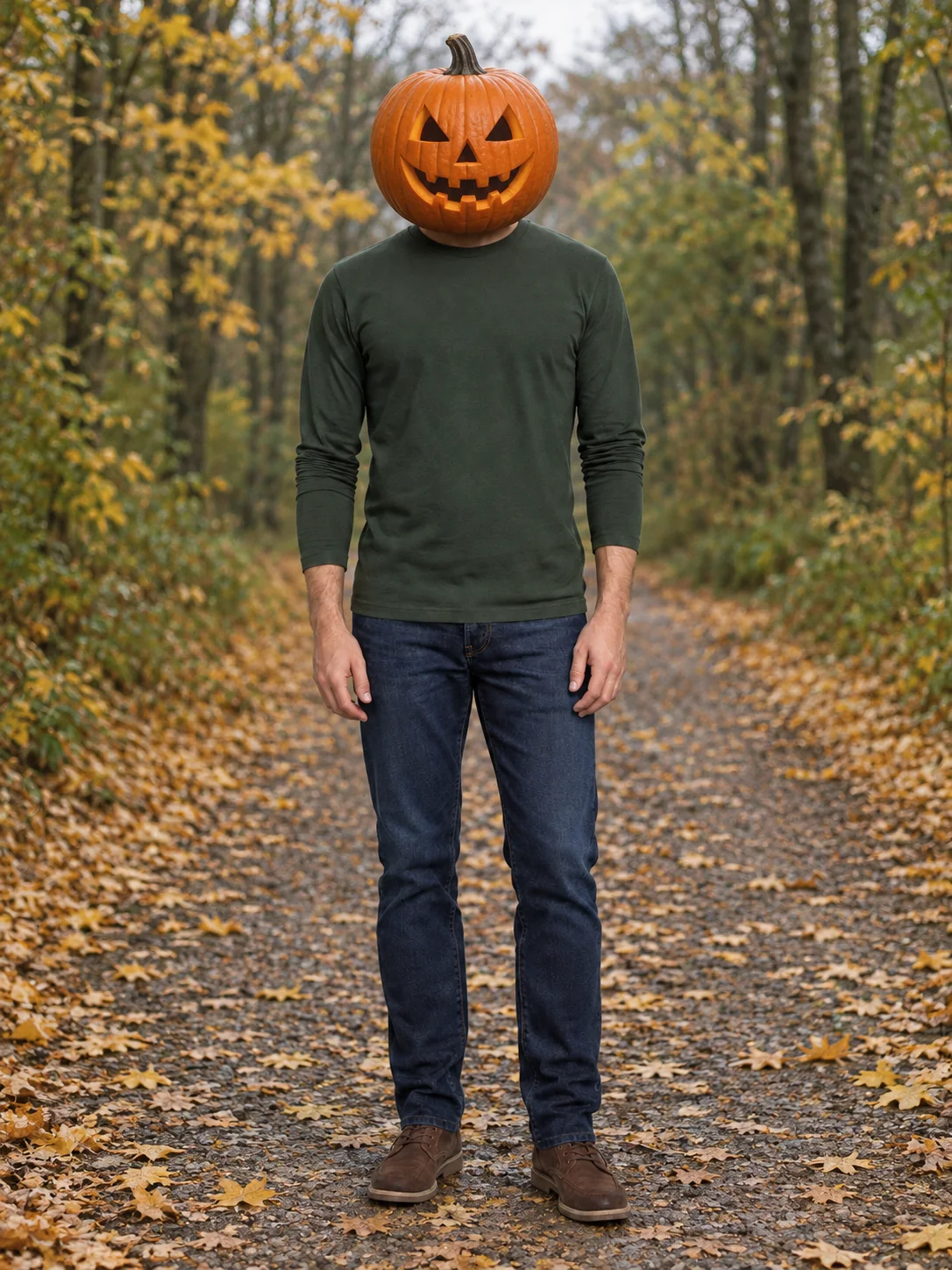
Pumpkin Head Photoshoot: Forest road
A forest road gives the pumpkin-head portrait a quieter editorial setting. The head is replaced completely while the outfit, shoes and body should remain consistent with the upload. This makes the clothing an important part of the reference. Review the neck join, hands and pumpkin scale so the costume looks coherent rather than like a second object floating above the shoulders.
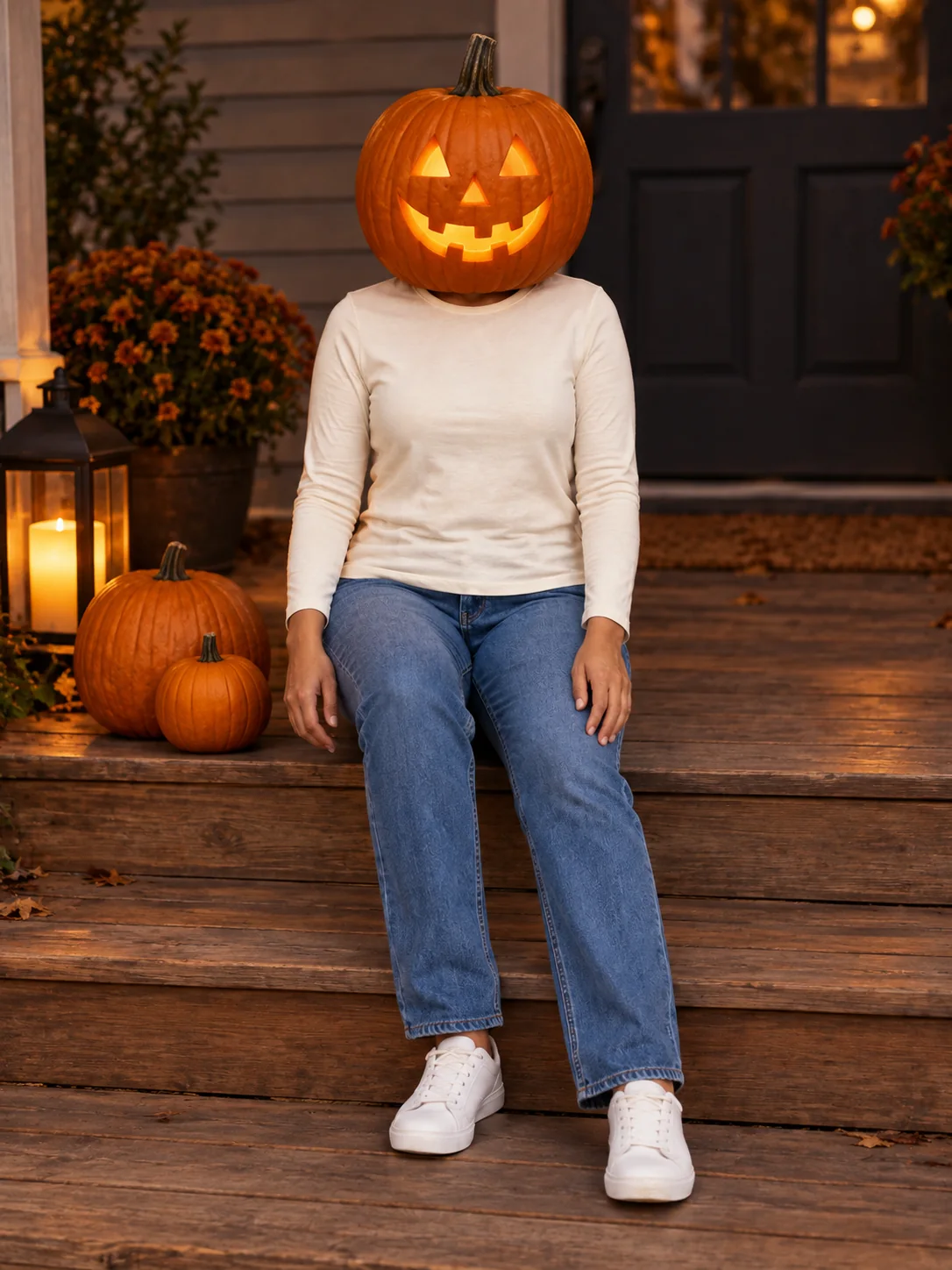
Pumpkin Head Photoshoot: Porch portrait
The porch portrait places the pumpkin-headed subject beside a few smaller pumpkins under soft evening light. The seated pose gives a different option from the field and road. This page delivers a still image. If you want the existing pumpkin-head motion effect, use its separate video page rather than expecting movement or sound in the downloaded photograph.
What to provide for Pumpkin Head Photoshoot
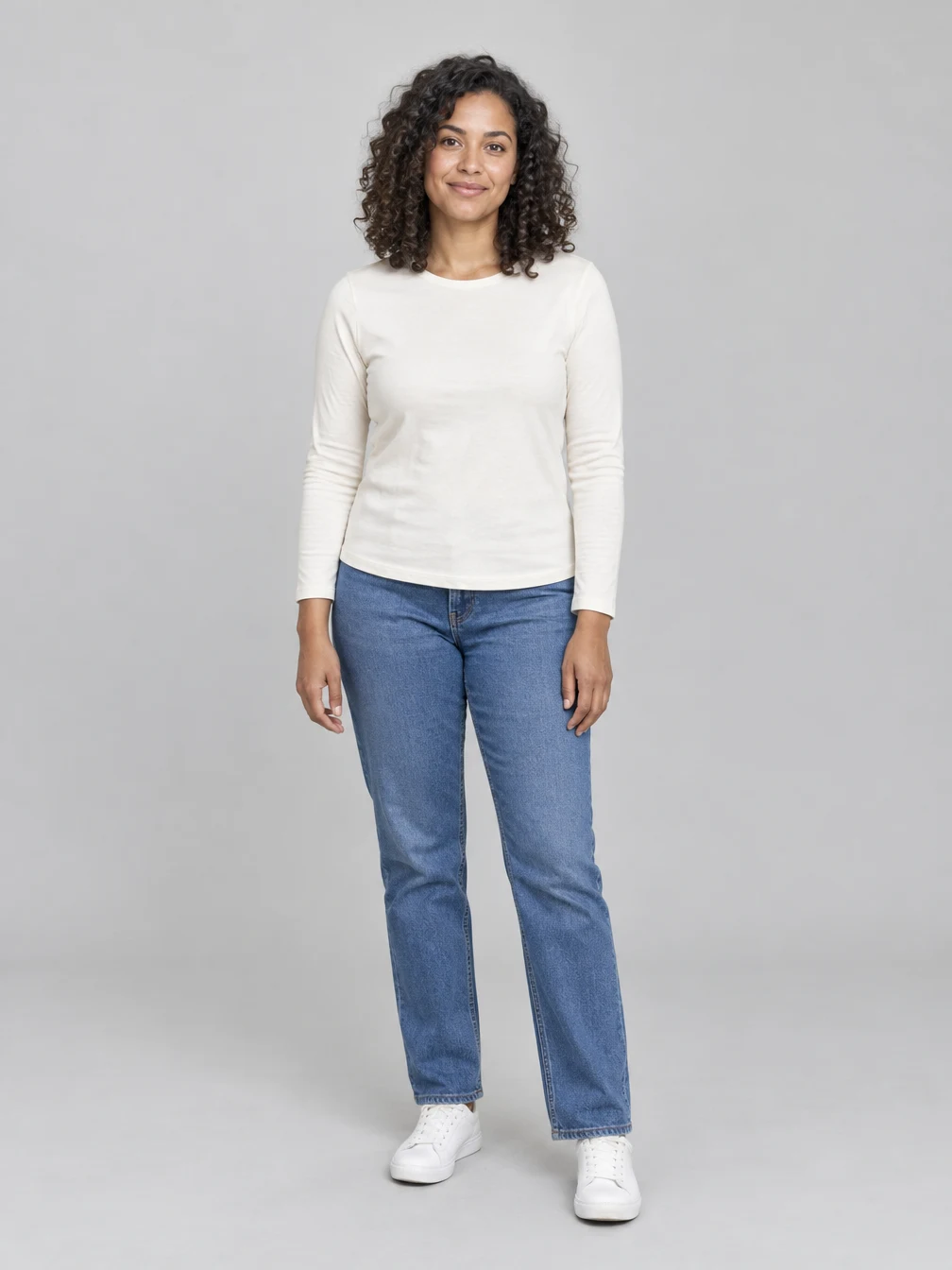
Use one sharp full-body photograph with the outfit, hands and shoes visible. Leave space around the subject rather than cropping tightly at the head. This costume hides or replaces the face on purpose. The visible clothing and body are the useful reference details, so choose the outfit you want in the result.
Your source photo
An adult full-body photo with a clear outfit and visible hands.
When to use it
Choose this Pumpkin Head Photoshoot tool when you want this specific still-image output.
What it produces
Turn a full-body photo into a jack-o-lantern-head autumn photoshoot.
- ✓3:4 image composition
- ✓Choose one of the three treatments
- ✓Add optional visual details
Review the result
Open the original before sharing.
When to use it
Check the parts that define the Pumpkin Head Photoshoot look, not just the thumbnail.
What it produces
One finished generated image per request.
- ✓pumpkin replaces whole head
- ✓outfit and body retained
- ✓photographic autumn setting
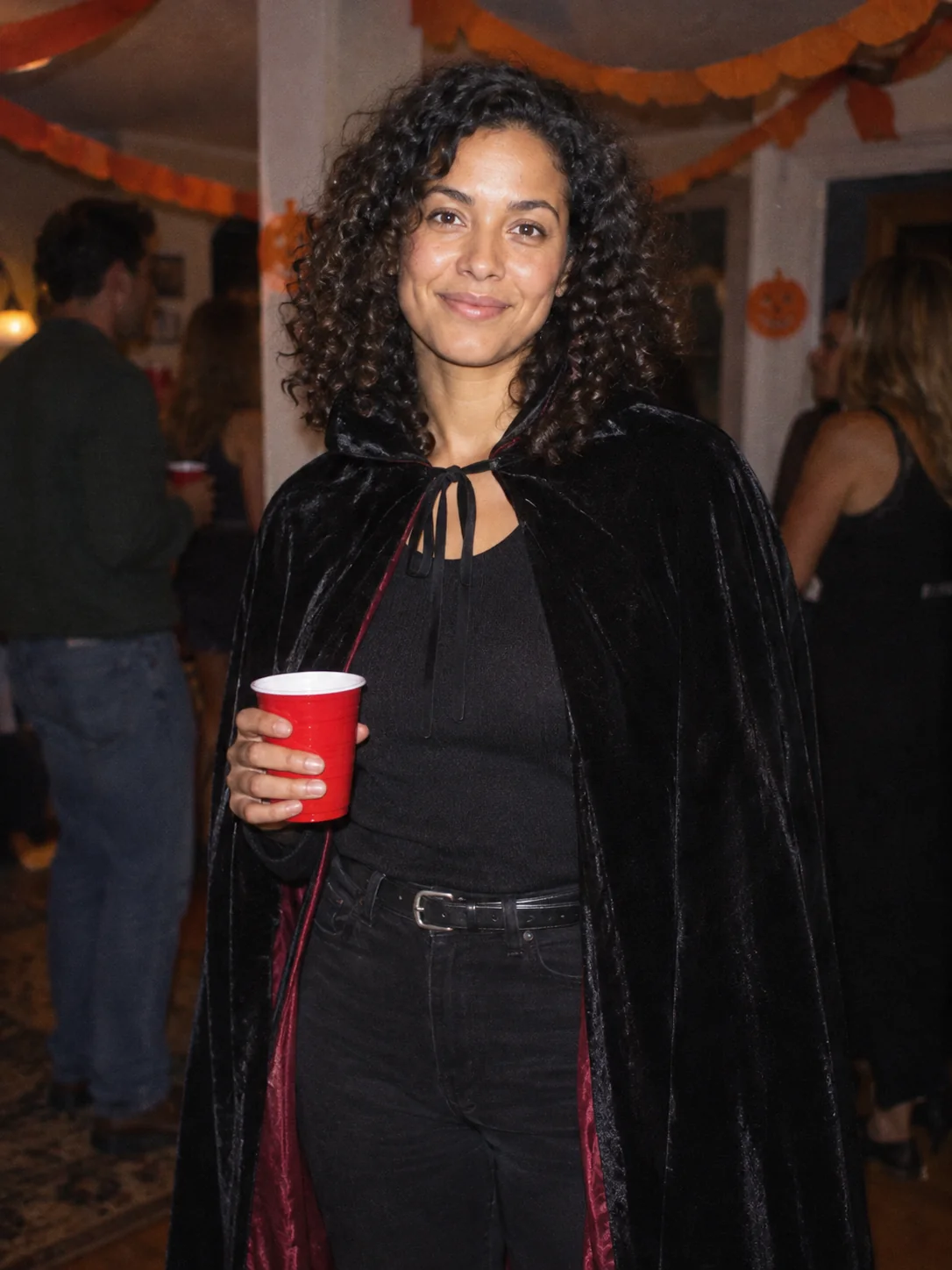
Costume Party
Put yourself in a Halloween costume party photograph.
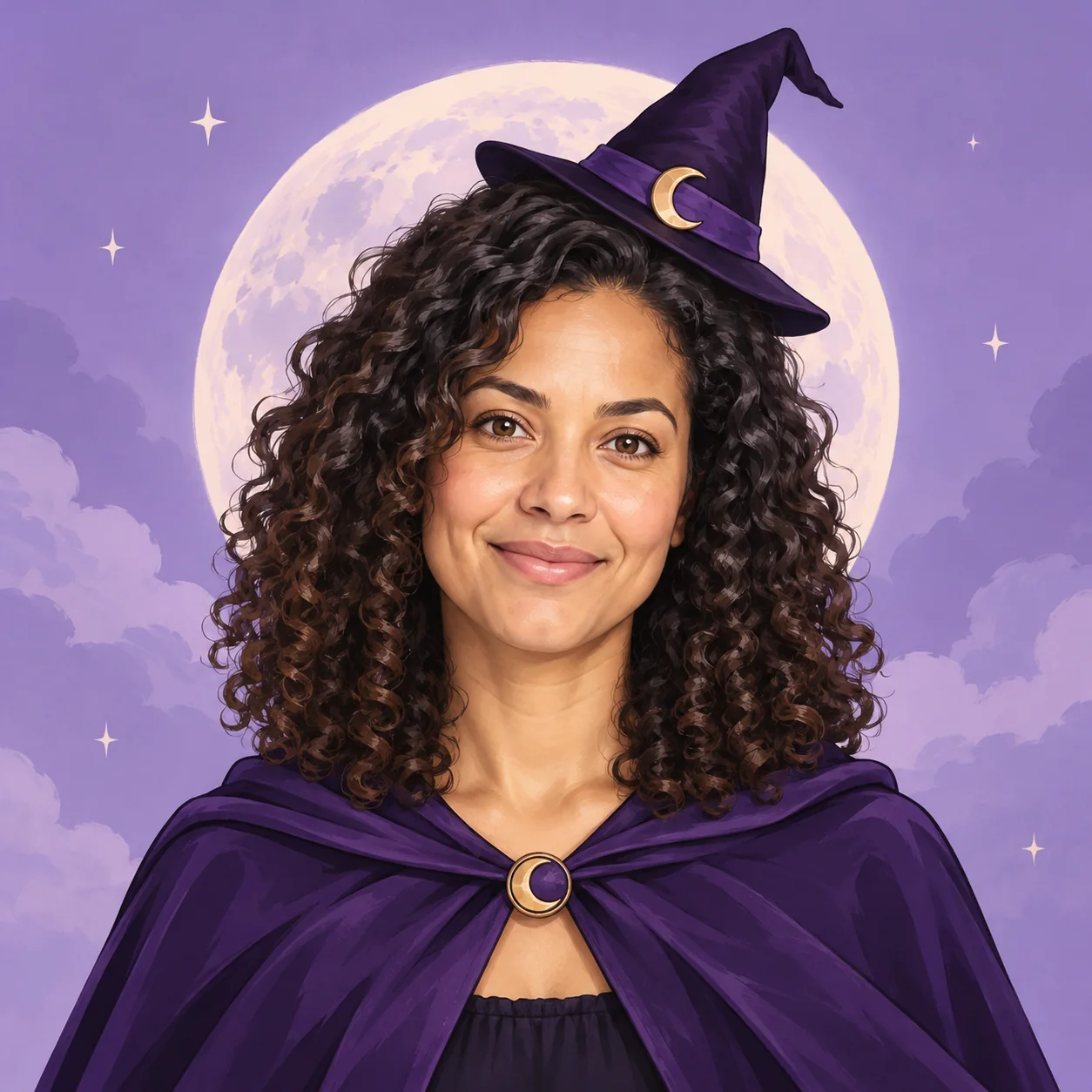
Halloween Avatar
Make a Halloween profile picture that stays readable in a small circle.
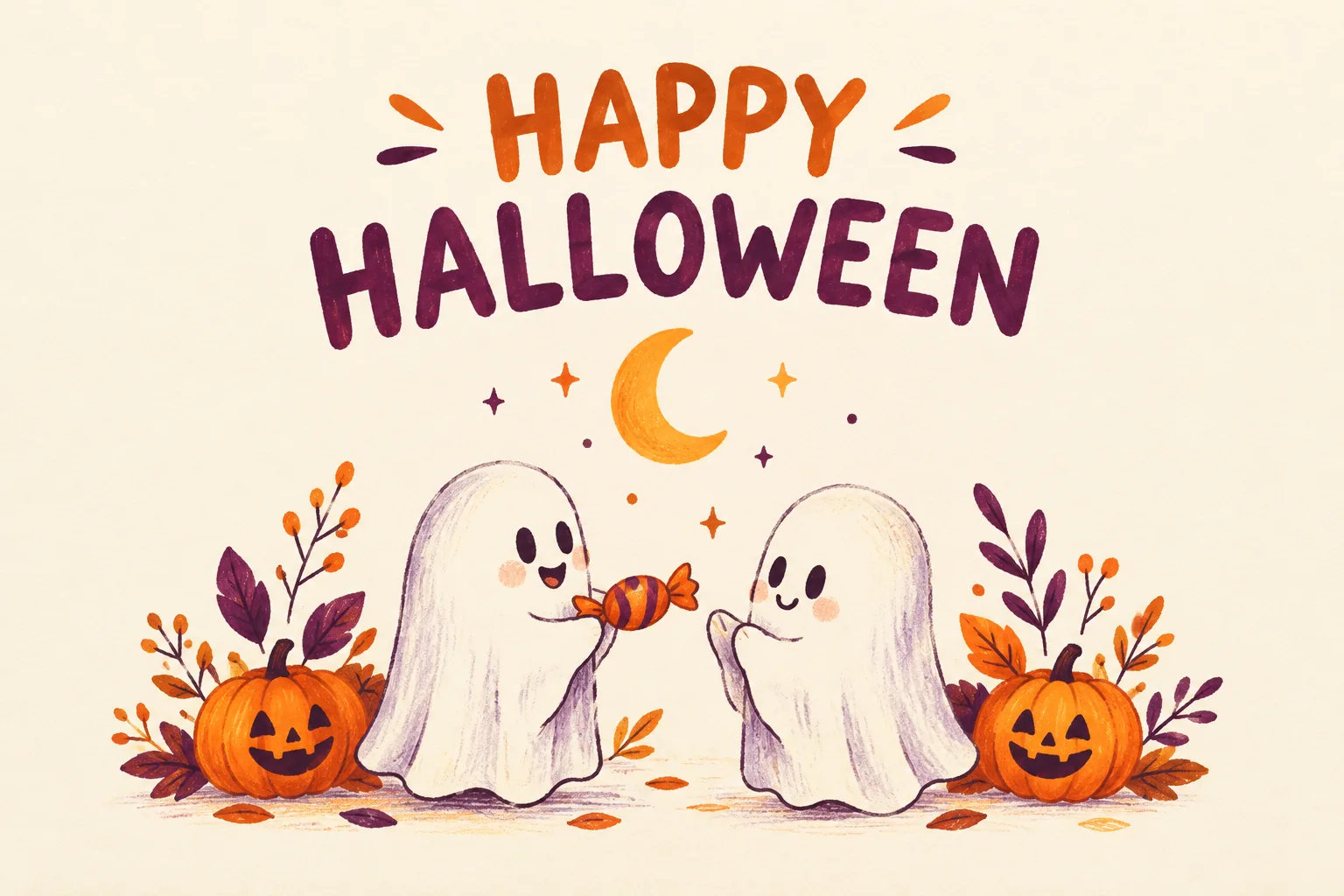
Halloween Card
Create a Halloween greeting card with your own short message.
Halloween Coloring
Make black-and-white Halloween coloring sheets with empty spaces to fill.
Halloween Logo
Explore an original Halloween logo concept with a short brand name.
Halloween Makeup
Preview different Halloween makeup looks on your own face.
Cat Halloween Makeup
Try cat face paint while keeping your own human face.
Ghost Photoshoot
Get the white-sheet-and-sunglasses ghost photoshoot look.
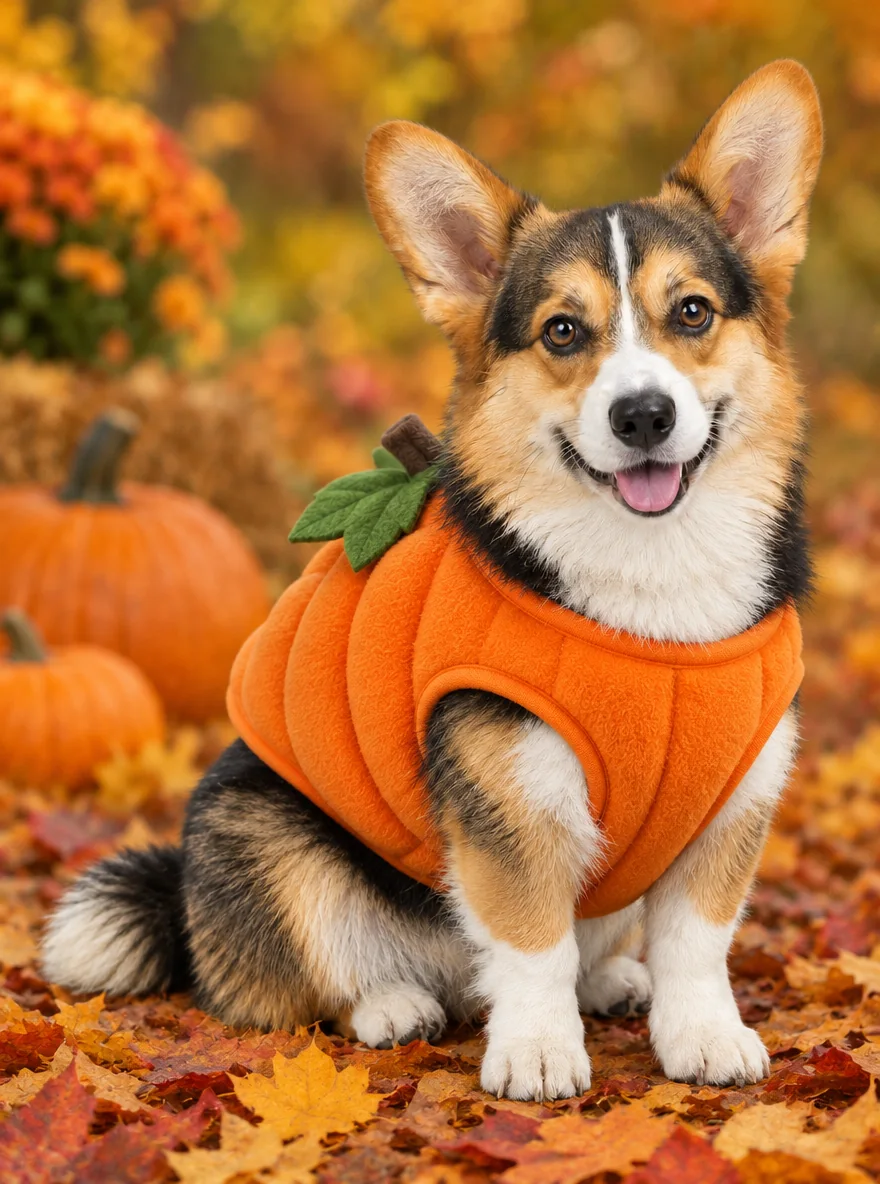
Pet Halloween Costume
Preview a Halloween costume on your own dog or cat.
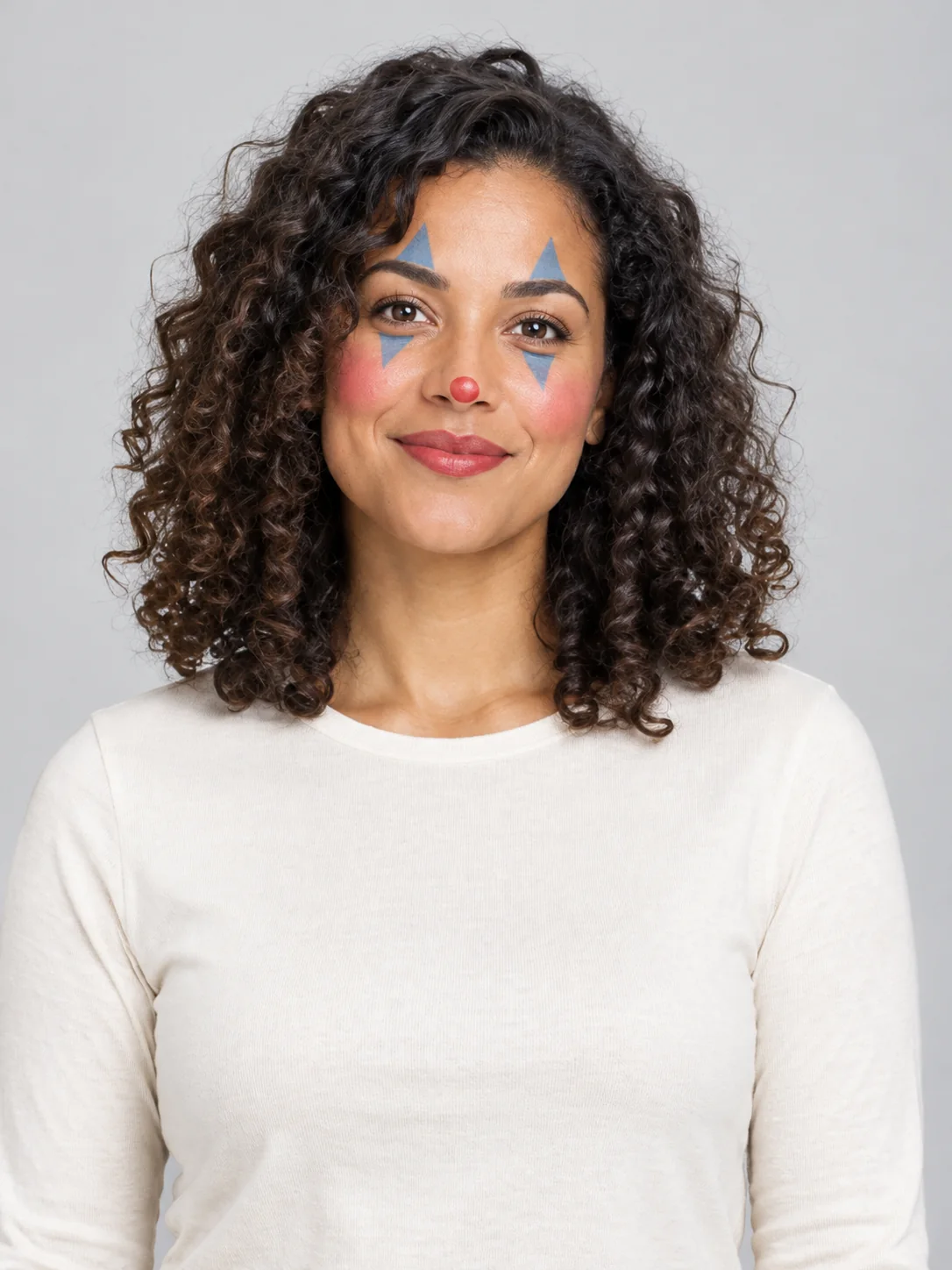
Clown Face
Preview theatrical clown face paint in three different styles.
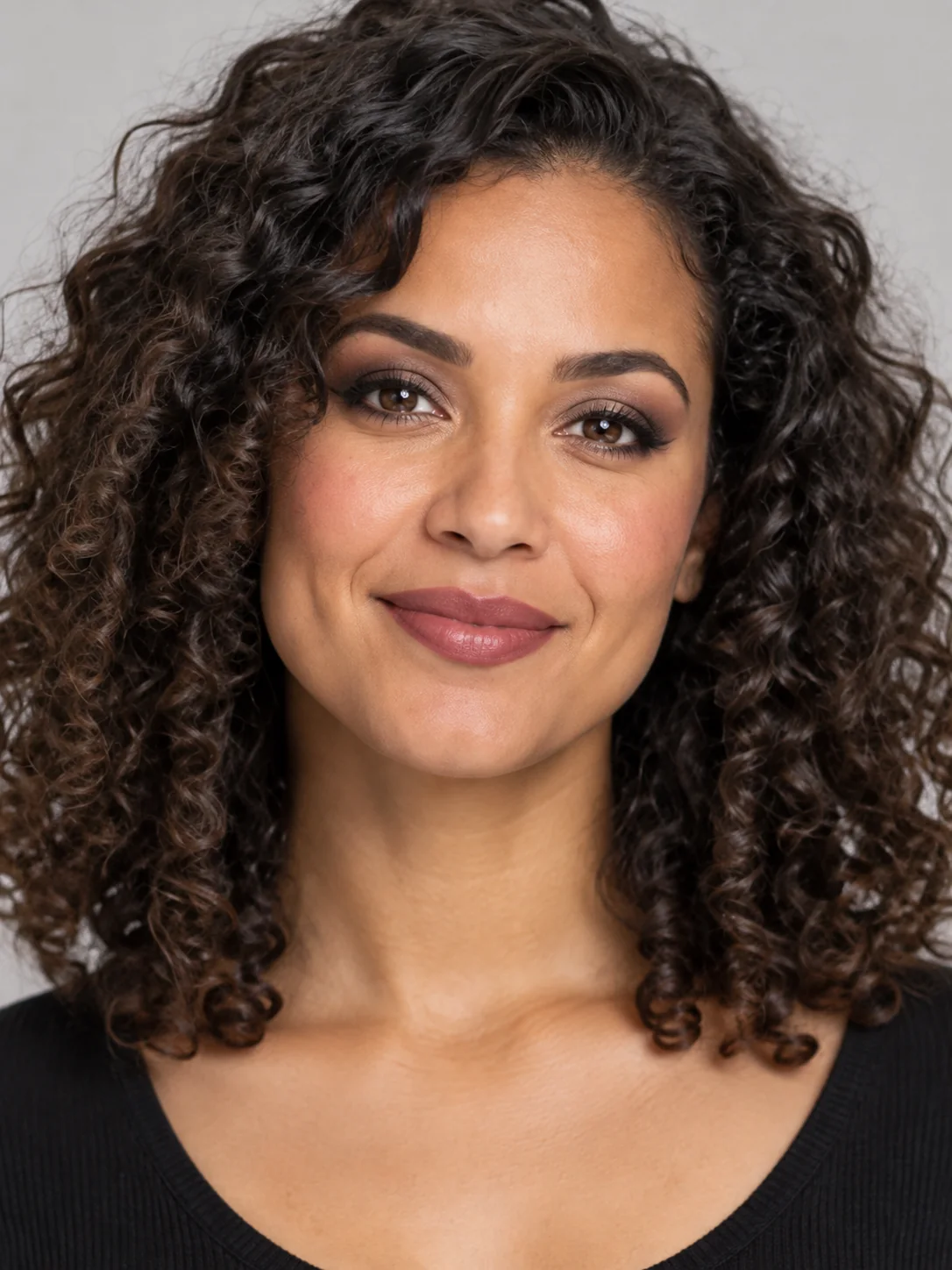
Goth Makeup
Preview dark eye makeup and lip colors on your own face.
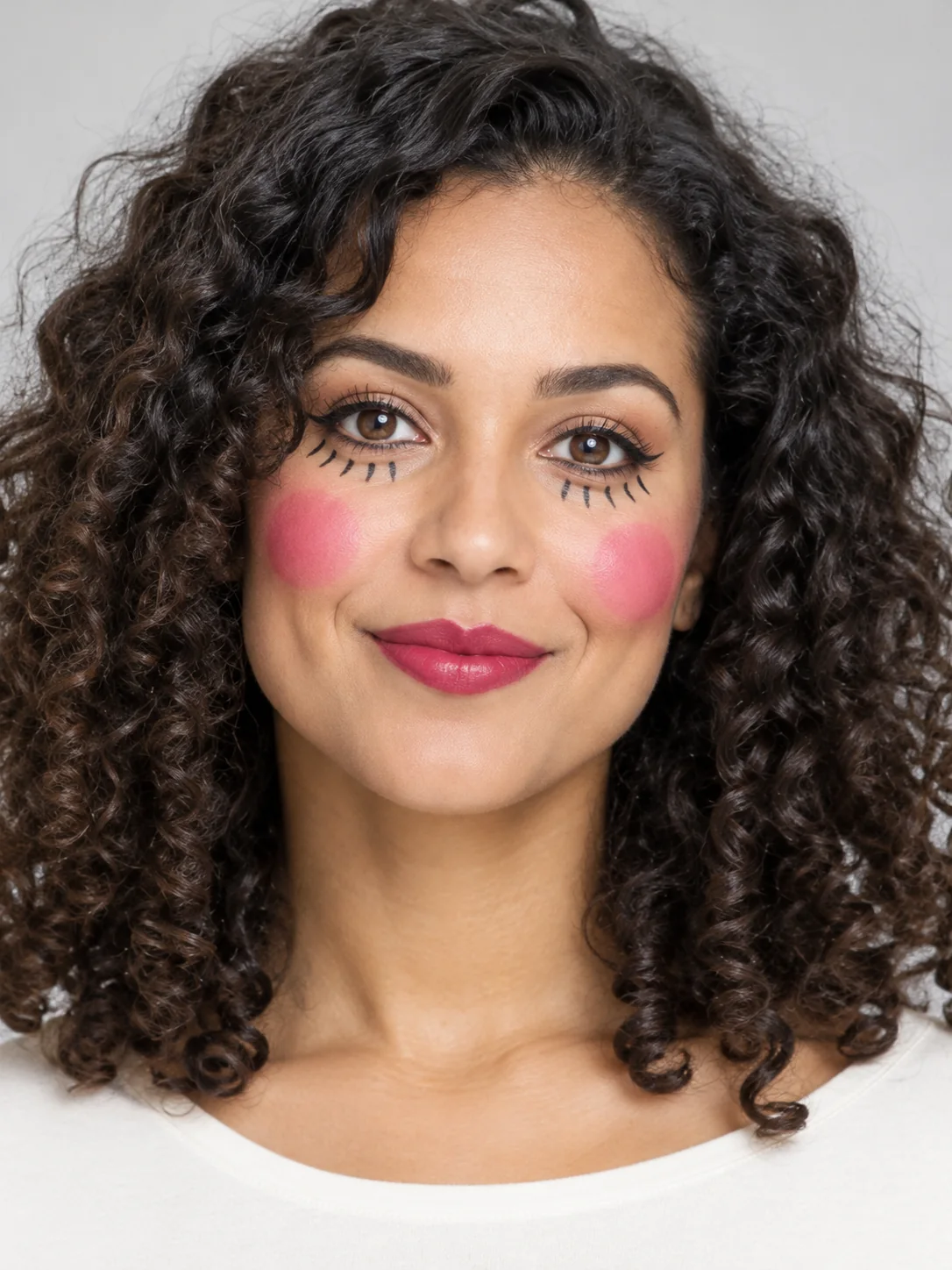
Doll Makeup
Try a doll-inspired makeup look without turning into a plastic toy.
Frequently asked questions
How do I make a Pumpkin Head Photoshoot image?⌄
An adult full-body photo with a clear outfit and visible hands. Choose one of the three treatments, add any extra visual details and press Generate. Use a photograph you own or have permission to edit. Sign in and check your available balance before starting. The result appears when generation and delivery have finished.
What does Pumpkin Head Photoshoot cost, and can I try it free?⌄
Each image costs 20 credits, shown before you generate. Eligible new users who sign in with Google using a Gmail address can receive 30 welcome credits, enough for one image at this price. Free-trial eligibility restrictions apply. Viewing the examples does not start a paid request. Further generations use your available credits; choose your input and treatment before submitting so you do not create an unwanted second request.
Which Pumpkin Head Photoshoot look should I choose?⌄
The three choices are Pumpkin field, Forest road, Porch portrait. Compare the examples above for composition, colors and the details each treatment changes. Select the closest starting point, then use the optional details box for a small adjustment. Each selection produces one image rather than all three at once.
Can I customize Pumpkin Head Photoshoot?⌄
You can add up to 400 characters of extra visual details. Describe useful visible details such as colors, props or the setting. The selected image format and reference requirements still apply. More instructions do not guarantee a more accurate result; a short, consistent request gives you a clearer result to evaluate.
What should I check in my Pumpkin Head Photoshoot result?⌄
Check pumpkin replaces whole head, outfit and body retained, photographic autumn setting. Open the full image instead of relying on a small preview. Generated details can vary between runs, including faces, hands, small objects and lettering. If a detail matters for the way you will use the image, verify it before downloading or sharing rather than assuming it matches the example exactly.
What file does Pumpkin Head Photoshoot produce?⌄
This page makes one still image at 1K resolution in a 3:4 composition. Still photoshoot output; existing pumpkin-head video remains separate. The hidden face cannot remain visible. The examples show the image treatment rather than a promise of an identical result for every subject or description.
How do I save my Pumpkin Head Photoshoot image?⌄
Wait for the completed result, open it to review the full image and use its download action. Your generation is also available in My Creations. If a request is still processing, check that existing request rather than repeatedly pressing Generate. The finished file is the image output; it is not a layered design project.
Create your Pumpkin Head Photoshoot image
Turn a full-body photo into a jack-o-lantern-head autumn photoshoot. Choose your preferred look and review the example before generating.
Try Pumpkin Head Photoshoot