

What the AI vampire filter does to your photo
A full vampire look, not just fake teeth
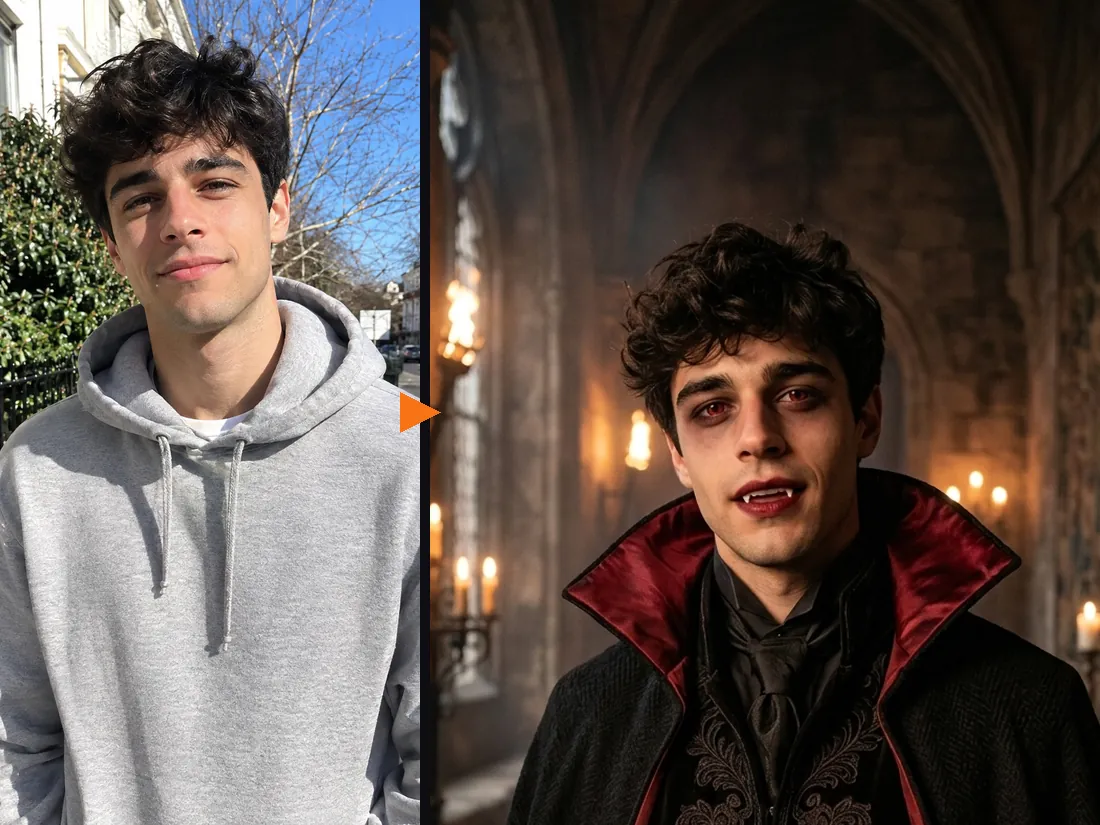
Most vampire filter lenses stick plastic fangs on your mouth and call it done. This vampire filter dresses the whole scene: a black cape with a deep red lining over dark velvet, smoky eyes, dark red lips, two small fangs and a faint red glow in the eyes, all in a candle-lit gothic hall. It keeps your skin tone, face shape and expression, so it still looks like you, only after dark.
- ✓Cape, fangs, makeup, setting — the whole look in one tap
- ✓Still recognizably you — no face swap, no mask
Test a vampire costume before you buy the fangs
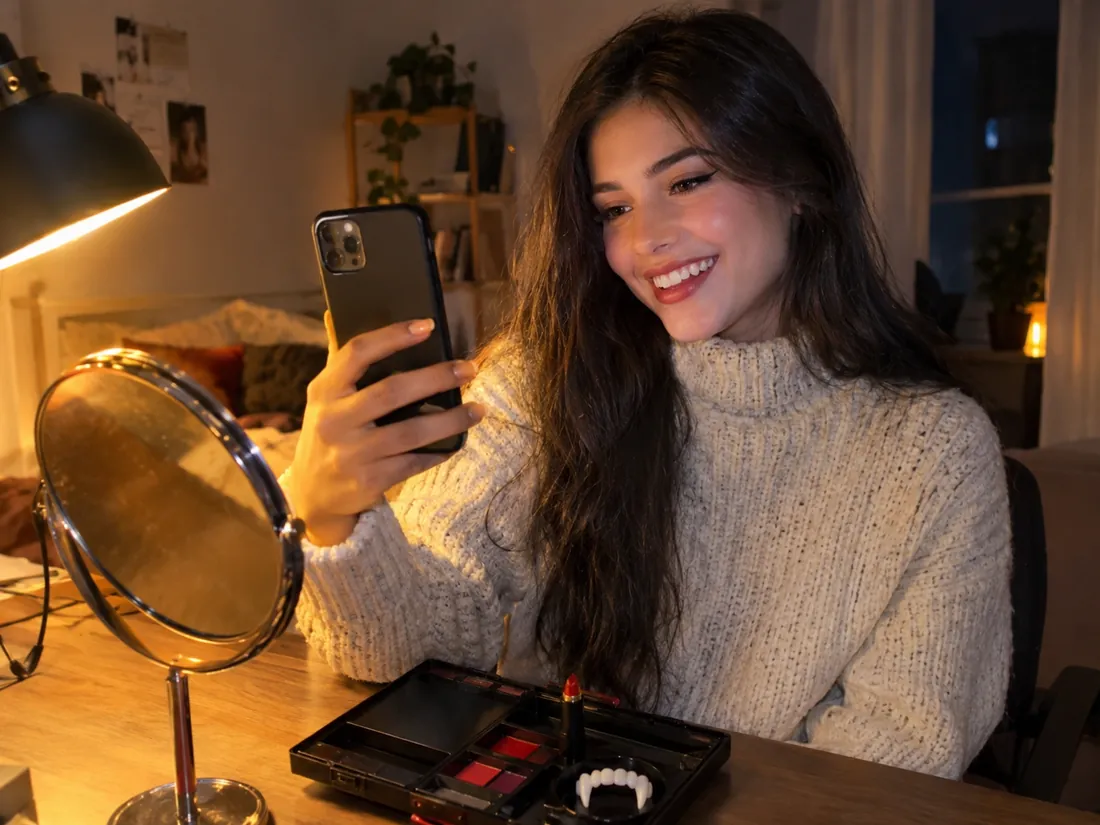
Thinking about a vampire costume this year? Run the vampire filter first and see whether the high collar, the red lining and the dark lips suit you. If you already have a costume in your cart, switch to Upload a costume and try that exact one on your photo instead.
- ✓Preview, then buy — skip the costume that does not suit you
- ✓Your own costume works too — upload a product photo or screenshot
Two people? Make it a vampire couple
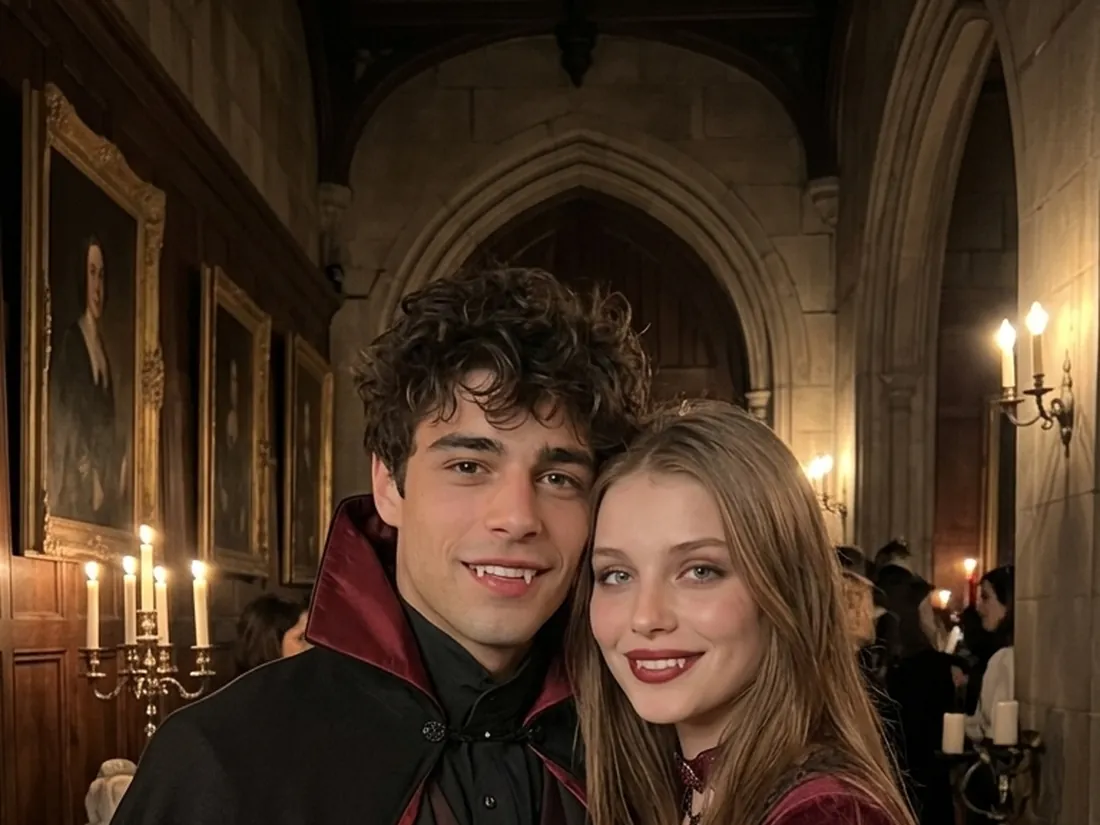
Switch to 2 People, add a selfie of each of you, and the vampire filter turns you into a matching pair: a black cape on one, a burgundy velvet look on the other, fangs on both. It is the most searched couples Halloween costume for a reason.
- ✓A selfie each — no photo of the two of you together needed
- ✓12 couple looks — vampires, skeletons, ghost pirates and more
Turn the vampire photo into a short video
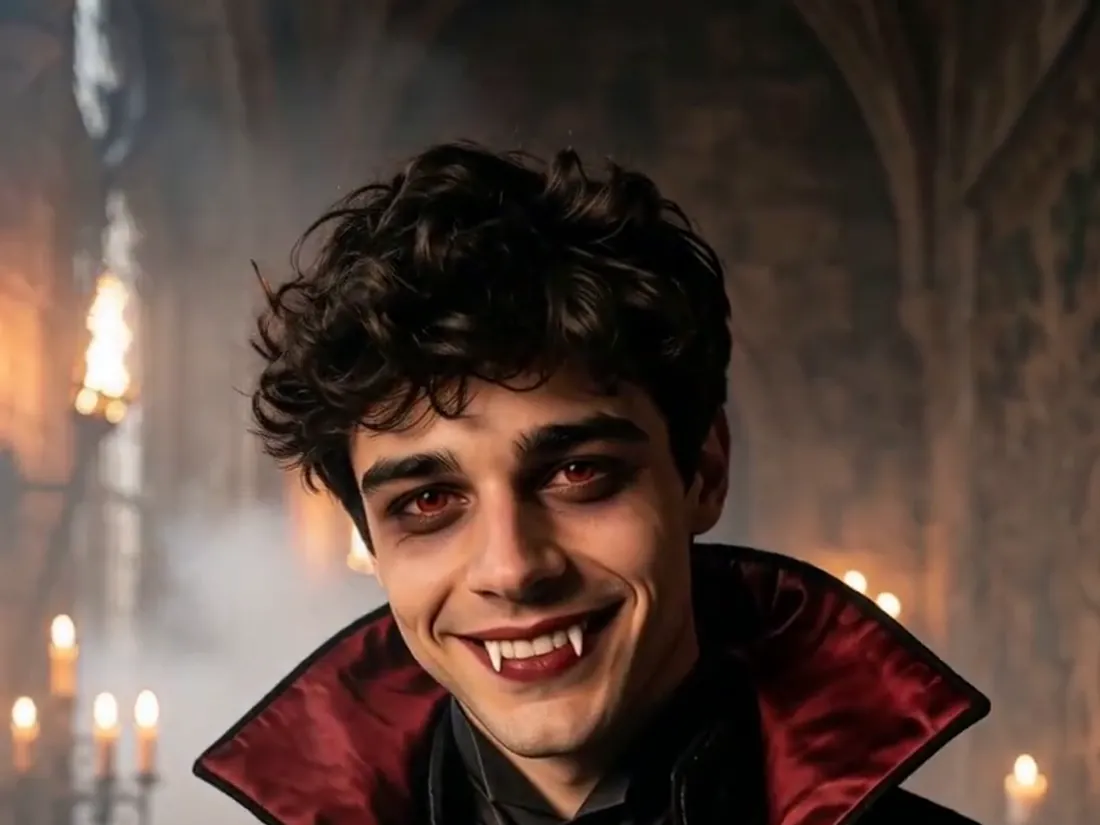
Happy with your vampire? One click brings it to life: the cape moves in a cold draft, candles flicker and you give the camera a slow, knowing smile. The clip is vertical with sound, ready for Reels or TikTok. A vampire photo costs 20 credits; the video is 10 credits at 480p or 50 in HD with sound, and new accounts get free credits to start.
- ✓Vertical with sound — sized for Reels, TikTok and Stories
- ✓No watermark — download the photo and the video
One person or two?
The same vampire filter works for one person or a pair. Pick the mode at the top of the tool.
1 Person — vampire filter
Just your selfie.
When to use it
For your own vampire photo, a profile picture or a costume test.
What it produces
A picture of you as a vampire, then an optional short video.
- ✓Fangs, cape and gothic makeup
- ✓Candle-lit castle setting
- ✓Head-and-shoulders or full-body photos
- ✓11 more Halloween filters to try
- ✓Optional video with sound
2 People — vampire couple
A selfie each.
When to use it
For a couples costume idea, a duo post or a party invite.
What it produces
A picture of you both as vampires, then an optional short video.
- ✓Both faces kept
- ✓Person 1 stands on the left
- ✓Works for friends and siblings
- ✓11 more couple looks
- ✓Same price as one person
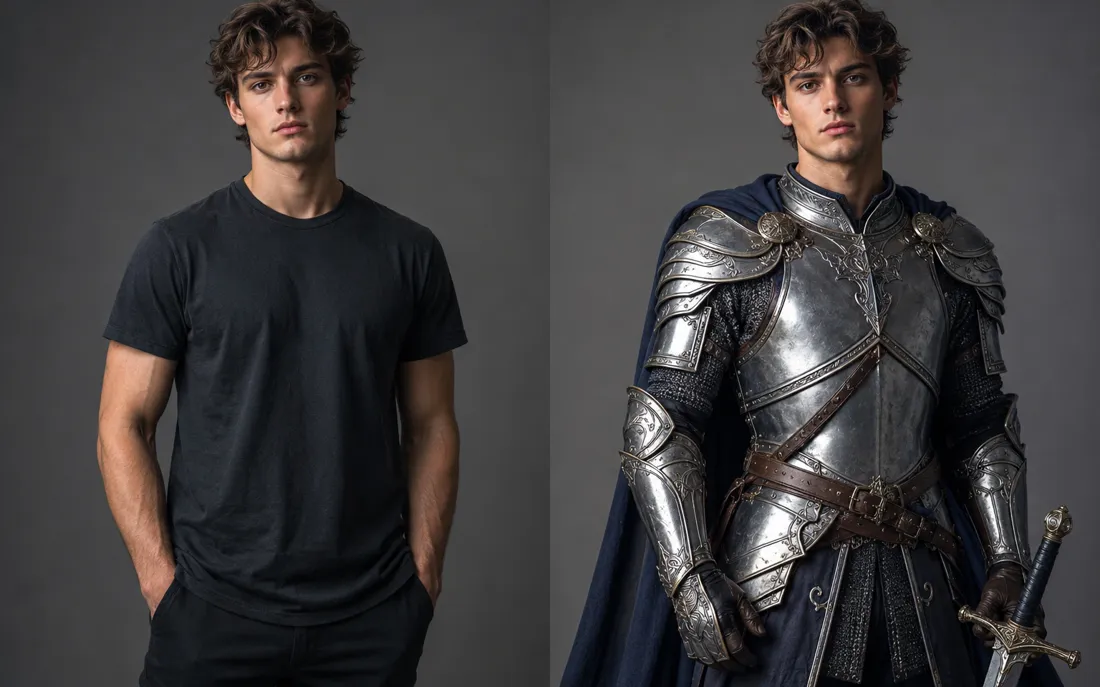
AI Costume Generator
The AI costume generator dresses you up from a single photo
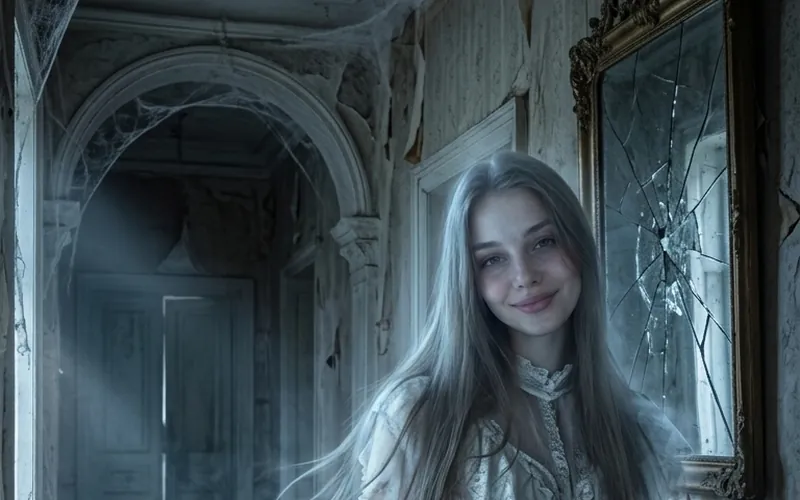
AI Ghost Filter
The AI ghost filter turns your photo into a glowing ghost
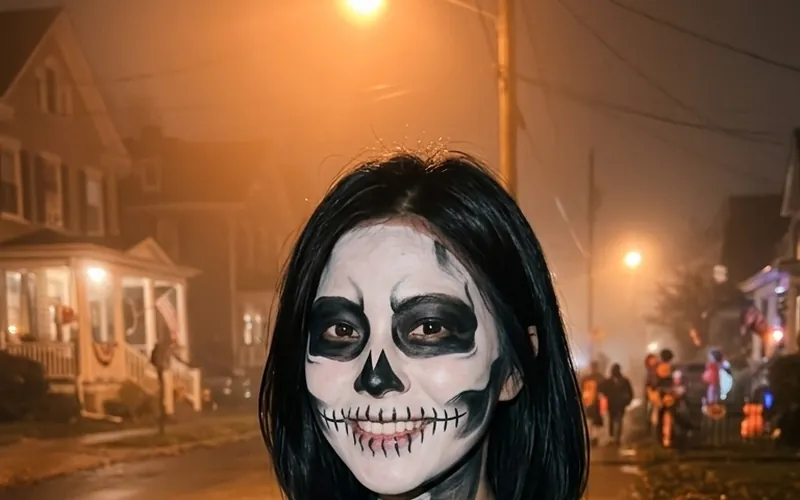
AI Skeleton Filter
The AI skeleton filter paints skull face paint on your photo

AI Pirate Filter
The AI pirate filter turns your photo into a pirate captain
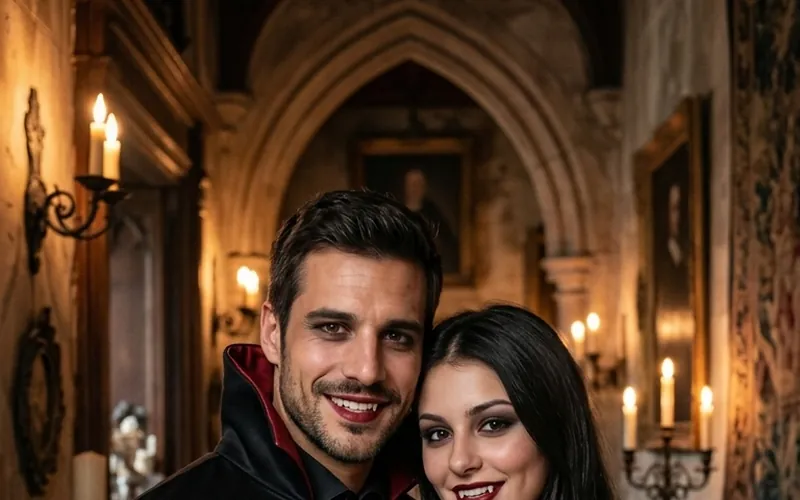
Couples Halloween Costumes
Try couples Halloween costumes on you both from two photos
Burning Bridges AI
Put yourself in the viral Burning Bridges party clip from one photo.

Bulin 47 AI
Put yourself in the viral Bulin 47 freestyle from one photo.

AI Dance Generator
Turn one photo into an energetic dance video.
AI Action Figure Generator
The AI action figure generator turns one photo into a boxed collect…

AI Pregnant Generator
The AI pregnant generator adds a believable, fully clothed baby bum…
AI Superhero Generator
One ordinary photo is all it takes to suit you up in full cinematic superhero armor.
AI Zombie Video
The viral AI zombie video trend: a zombie leap that ends in a wheat-field hug
Frequently asked questions
What is the AI vampire filter?⌄
It is an online vampire filter that turns the person in your photo into a vampire: a high-collared cape, smoky eyes, dark red lips, small fangs and a candle-lit gothic hall. Upload a selfie, tap Generate Image and you get the vampire picture in about a minute.
Does the vampire filter give me pale skin?⌄
No. The makeup sits on top of your own skin tone, so you still look like yourself. You get the fangs, the dark lips and a faint red glow in the eyes.
Is it scary or bloody?⌄
No. It is a classic, elegant vampire look: no blood, no bite marks, nothing gory. That keeps it fun to share.
Is this the Snapchat vampire filter?⌄
No, it is a separate tool that runs in your browser, so you do not need an app or a lens. It also makes a full costume and setting, not only teeth over your mouth.
Can I try other Halloween filters?⌄
Yes. The same tool has 12 single looks, including ghost, skeleton, pirate, zombie and witch, plus 12 couple looks. You can also upload a costume photo or describe any costume.
How much does the vampire filter cost?⌄
A vampire photo costs 20 credits. A 5-second video of it costs 10 credits at 480p or 50 credits in HD with sound. New accounts start with free credits, and downloads have no watermark.
Try the AI vampire filter
One selfie, one tap, and you are a vampire with your own face. Keep the photo, or turn it into a short candle-lit clip.
Turn my photo into a vampire