
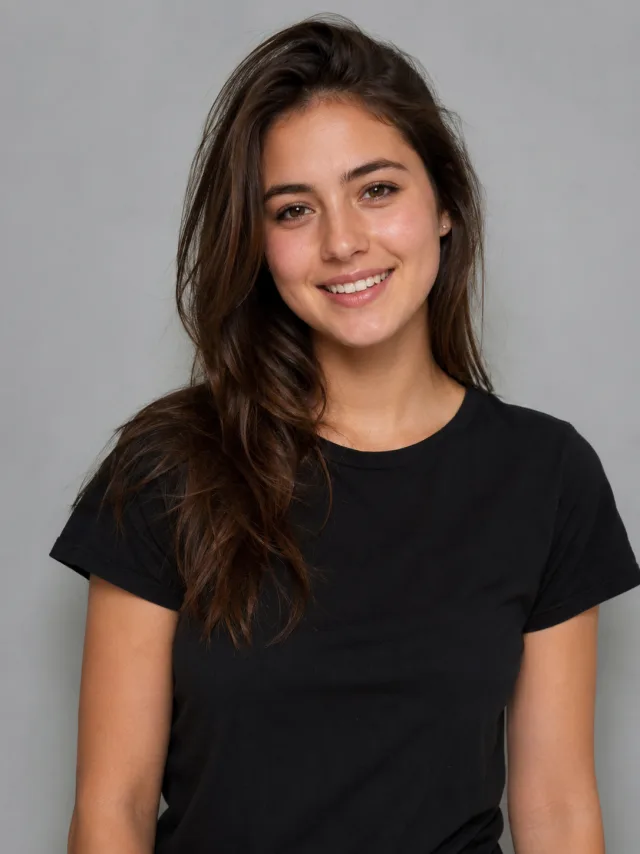
A wedding-day look and moment from one photo
Wedding attire from one casual photo
The AI wedding generator takes one everyday photo and dresses you for the big day — a flowing white wedding gown if you're the bride, or a tailored suit if you're the groom — then brings the moment to life. No fitting room, no rented tux, no photographer: upload a single clear shot and the wedding look is composed and animated for you in seconds.
- ✓One photo in, wedding look out — no fitting, no rental, no editing app
- ✓Gown or suit — dressed for the day to match your photo, draped and tailored to look real
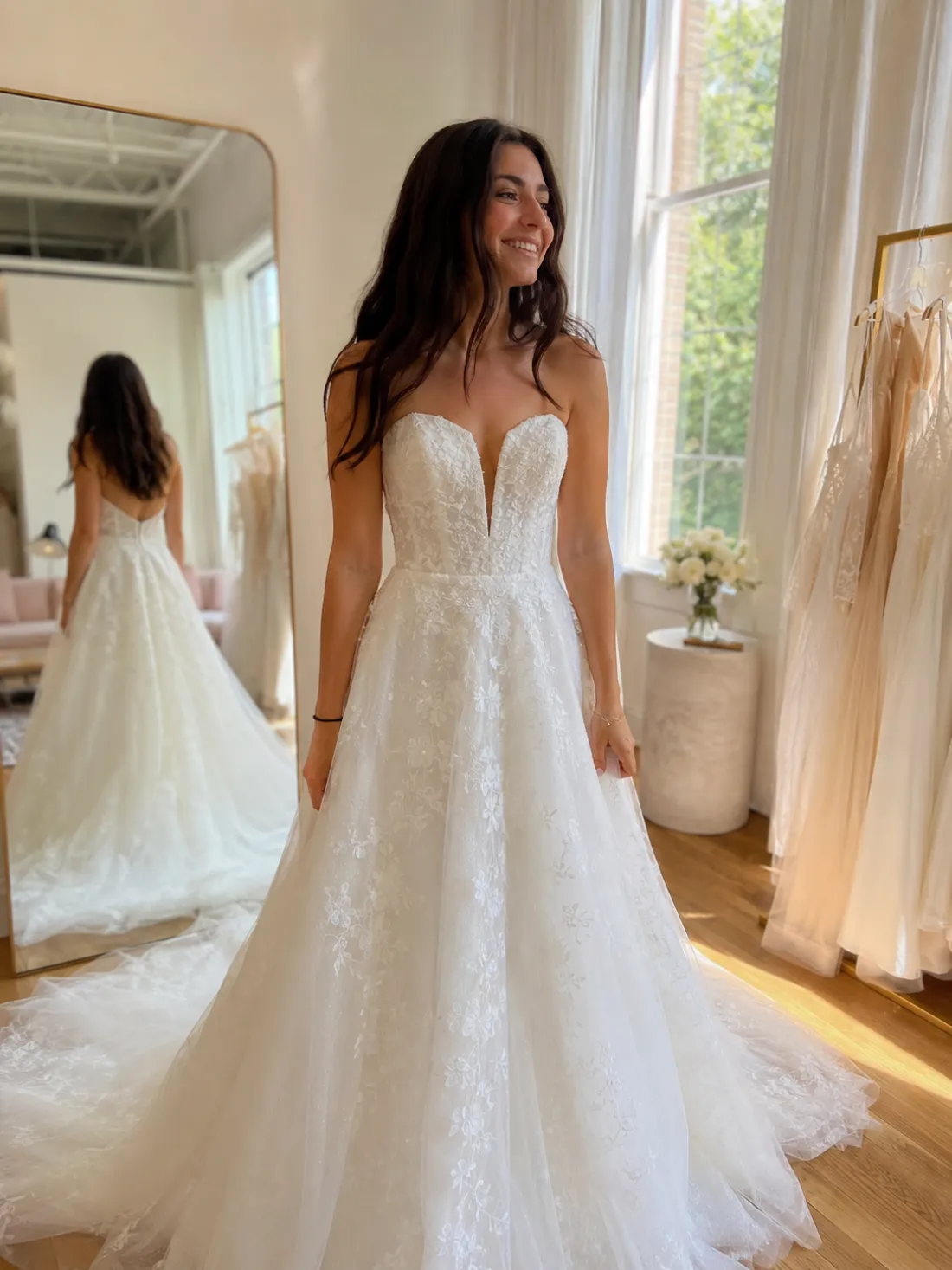
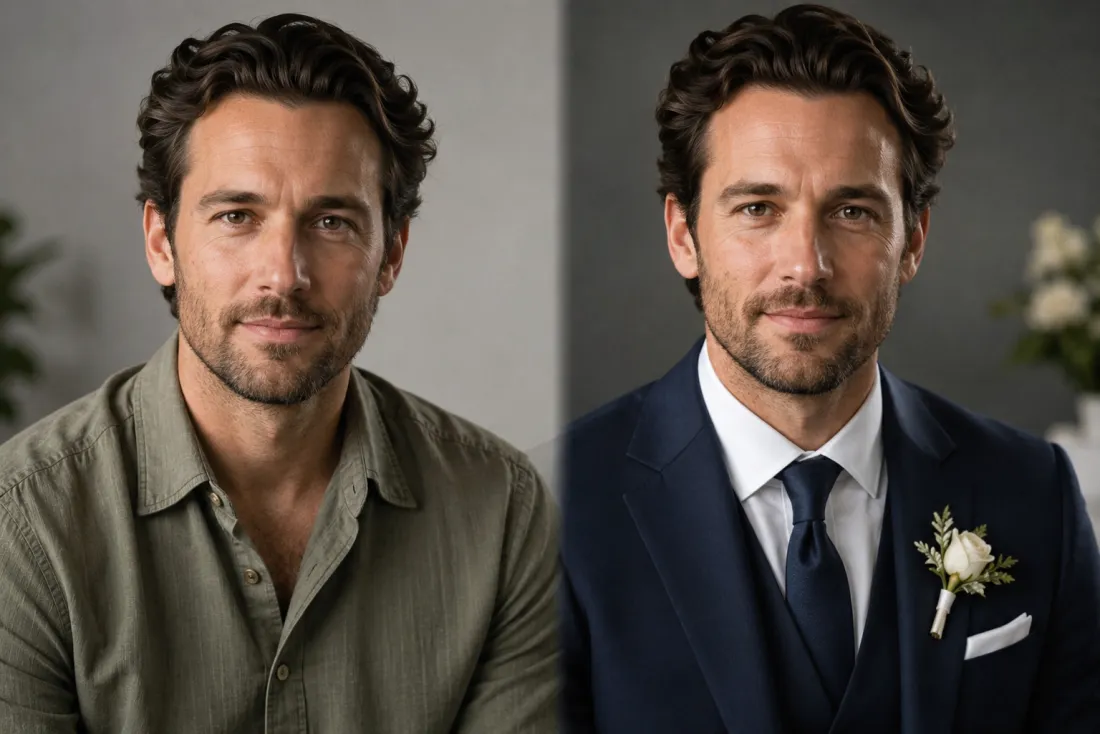
It's really you on the big day
This is still you, just dressed to marry. The AI wedding generator references your face from your own photo and keeps your face, hairstyle, skin tone and expression exactly as they are. Only the outfit changes, so the result looks like a real photo of you in the gown or suit — not a stranger's face under a veil or a stock model in a borrowed pose.
- ✓No face swap, no morphing — your face is referenced straight from your own photo
- ✓Only the outfit changes — wedding attire added under your real, unchanged face
Preview the dress before you ever try it on
Here's the part only a wedding generator can do: picture yourself married before the day arrives. Trying to decide on a gown style, a suit color, or just curious how the look suits you? The AI wedding generator paints a believable bridal or groom portrait so you can see it on you — a sweet save-the-date tease, a fun reveal for family, or a gentle nudge for a partner who hasn't proposed yet.
- ✓Try the look first — see the gown or suit on you before any appointment
- ✓A playful tease — save-the-dates, reveals, or a hint to someone special
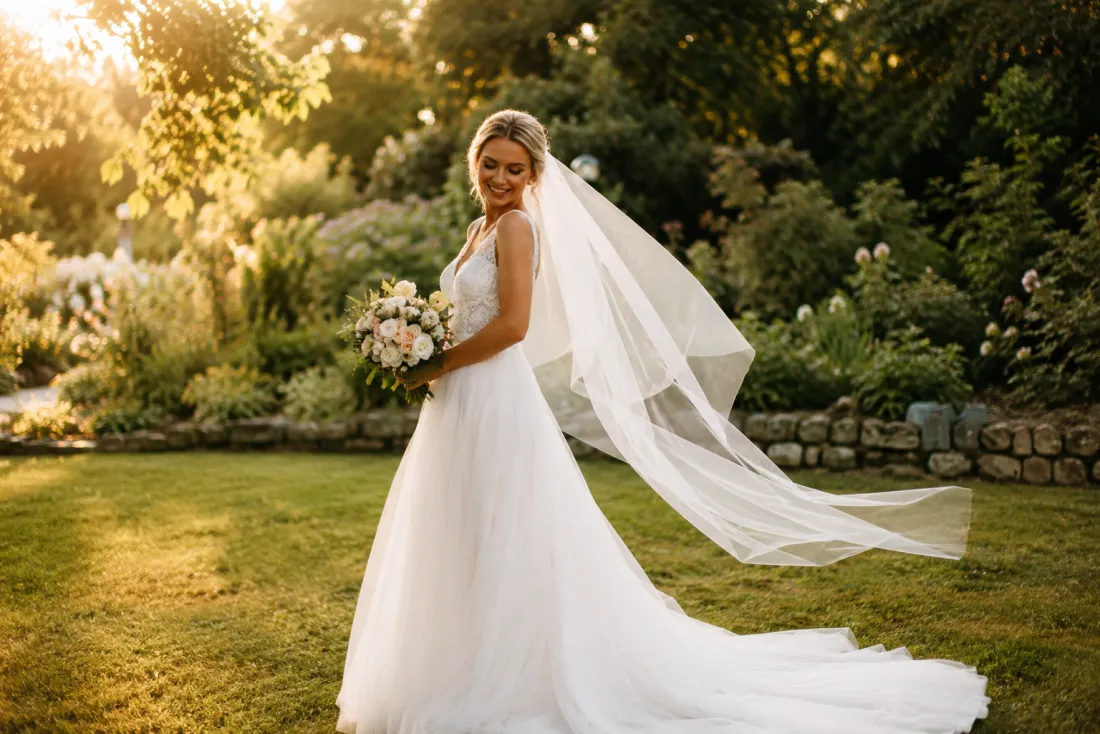
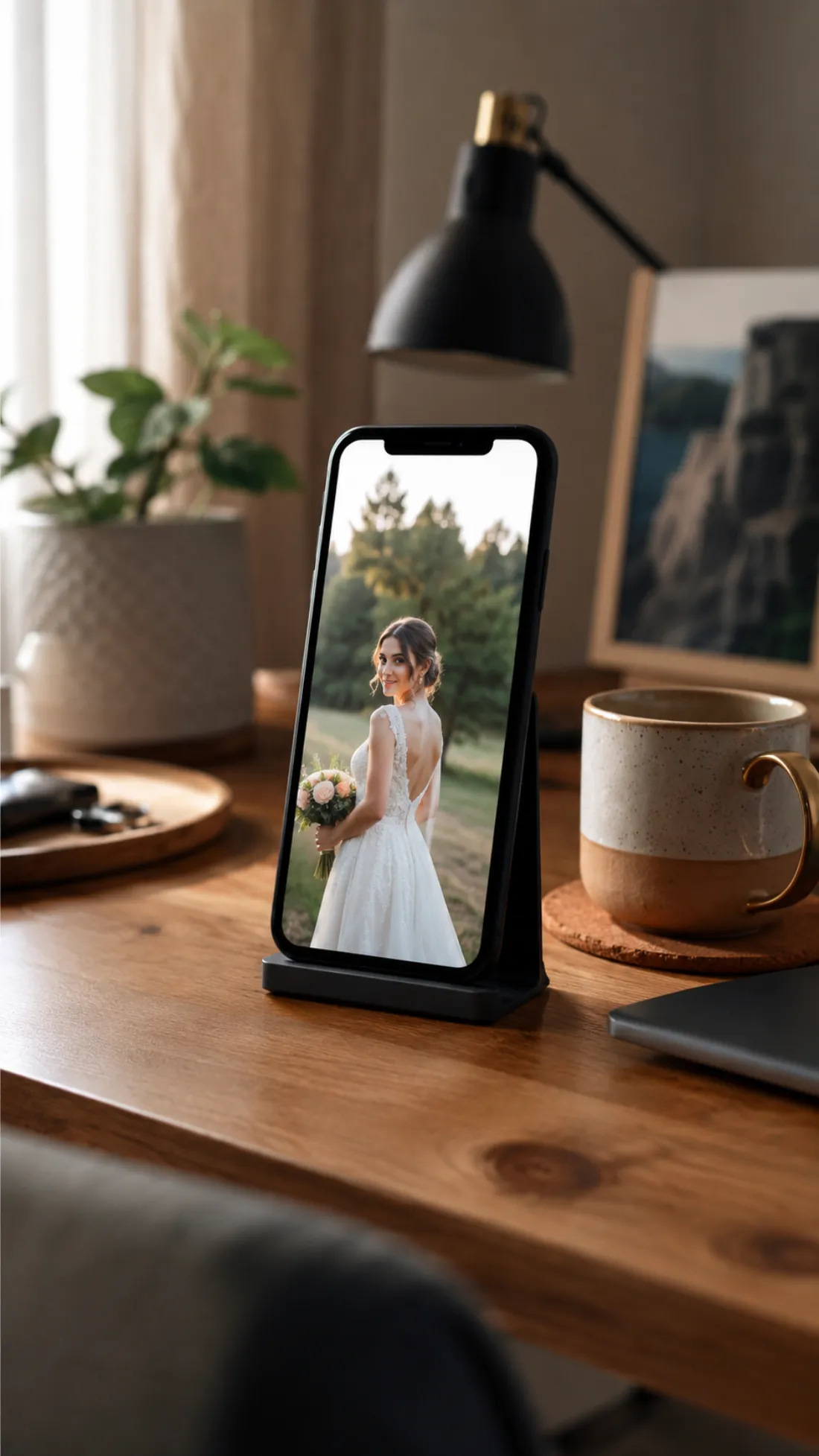
One tap, ready for Reels and stories
Out comes a short 6-second, 9:16 vertical MP4 of your wedding-day moment — soft motion, a gentle turn or smile, exported with no ClipTrend watermark. It's sized for Reels, Shorts, TikTok and stories, perfect for a save-the-date drop, an anniversary throwback, or a fun what-if to send the group chat. Try it free to start, no card required.
- ✓Vertical 9:16 MP4 — a 6-second clip sized for Reels, Shorts and stories
- ✓No watermark — a clean file you can post or send anywhere
Which photo should you upload?
The AI wedding generator works from a single photo — the only choice is how much of the wedding look you want to show.
Upper-body photo
A quick selfie or portrait works great.
When to use it
When you want a fast result and mostly care about the neckline, veil or jacket and a close-up wedding-day glow.
What it produces
Dresses your upper half in a gown bodice or suit and tie under your unchanged face, then animates a soft smile and gentle motion — the quickest way to a bridal close-up.
- ✓Fastest path to a wedding-look video
- ✓Best for necklines, veils, lapels and ties
- ✓Great for head-and-shoulders portraits and selfies
- ✓Your face, hairstyle and skin tone kept exactly
- ✓Ideal for a quick save-the-date or reveal post
Full-body photo
Show your whole frame for the complete look.
When to use it
When you want the full gown or suit — train, silhouette and posture included — for a complete wedding-day reveal.
What it produces
Dresses your whole frame in a flowing gown or tailored suit while keeping your face true, then animates a graceful turn or gentle sway for a full standing portrait.
- ✓A complete head-to-toe wedding look
- ✓Best for showing a gown's train or a full suit
- ✓Captures posture and overall silhouette
- ✓Tasteful and true to you — your own face is kept
- ✓Ideal for a save-the-date or anniversary reel
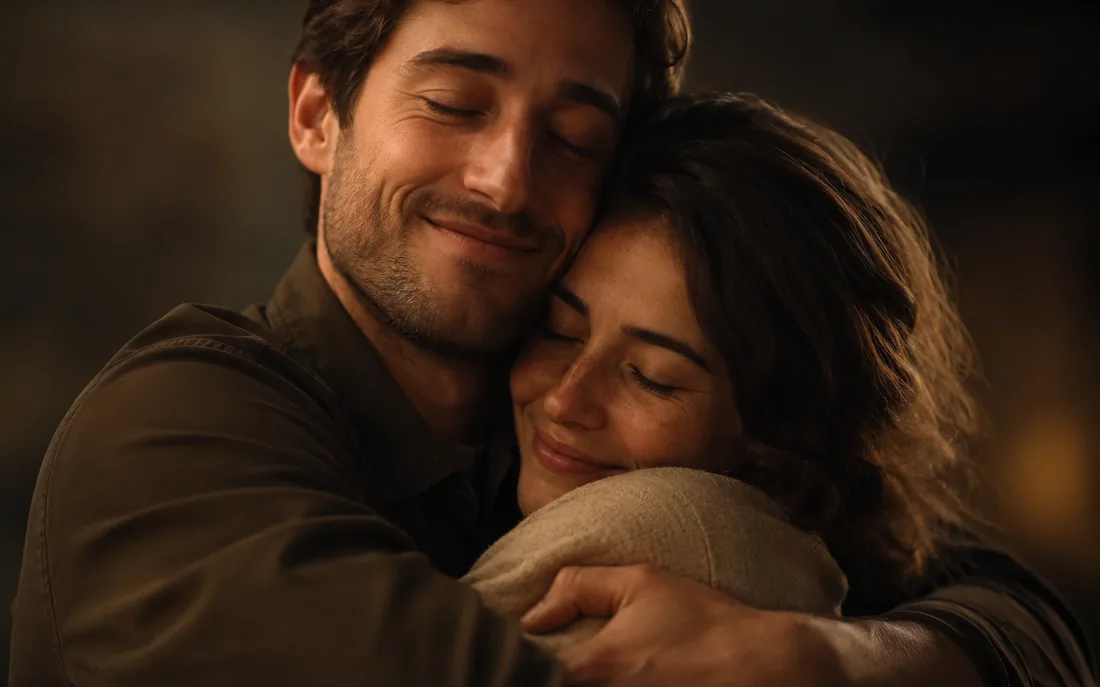
AI Hug Generator
Turn one or two photos into a warm hug video.
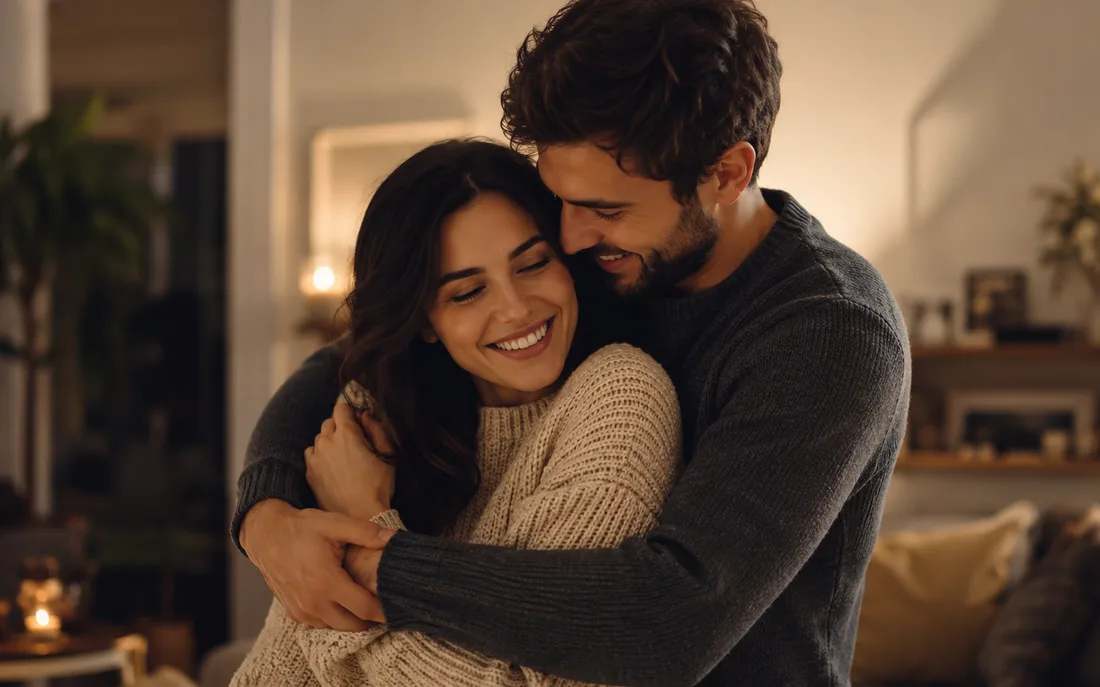
AI Couple Hug
Merge two partners into one tender embrace.
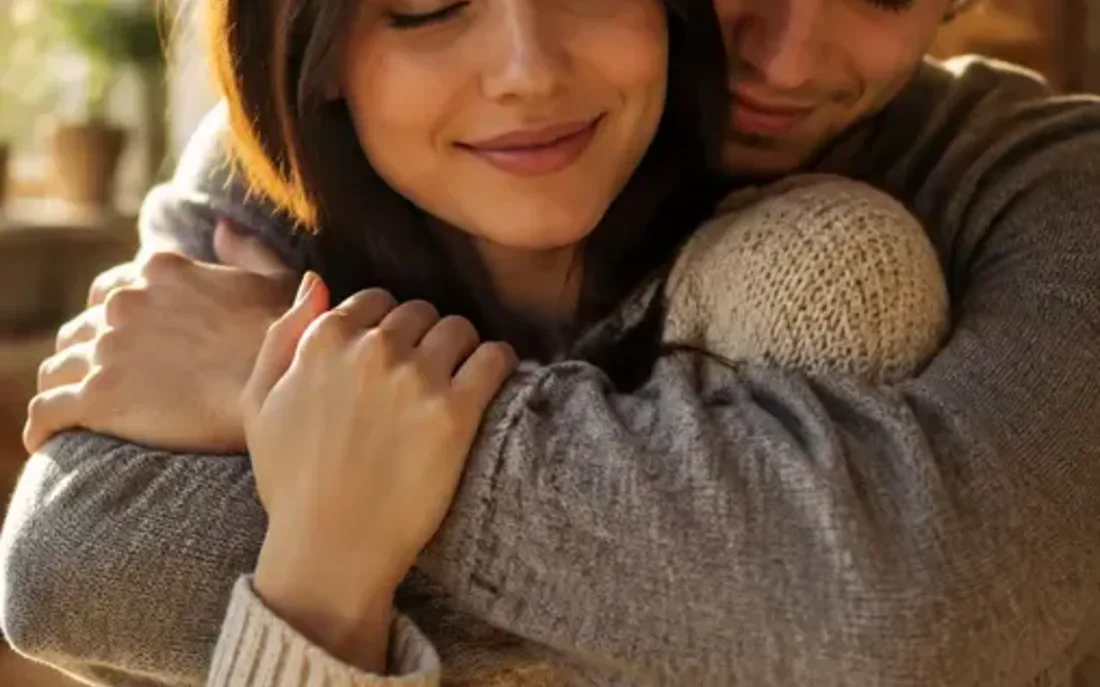
Hug From Behind
A protective back hug, brought to life from photos.
AI Kiss Generator
Turn your photos into a romantic kiss video.
AI Couple Kiss
Merge two partners into one romantic kiss.
AI French Kiss
A slower, deeper, cinematic French kiss from photos.
AI Bridal Carry
The sweet moment one partner lifts the other.
AI Couple Generator
Merge two photos into one natural couple video.
AI Proposal Generator
The AI proposal generator merges two photos into one romantic scene
AI Jesus Hug
Turn a photo into a warm, comforting Jesus hug.

AI Handshake
Merge two photos into a professional handshake.
AI Muscle Generator
Turn one photo into a fit, muscular flex video.
Frequently asked questions
How does the AI wedding generator work?⌄
Upload one clear photo of yourself and the AI wedding generator dresses you in wedding attire — a white gown for a bride, a tailored suit for a groom — then animates a short, soft wedding-day moment. It runs in two stages: first it reimagines your outfit while keeping your face true, then it brings the result to life as a 6-second video, all from a single upload.
Will the AI wedding generator change or swap my face?⌄
No. It references your face from your own uploaded photo and keeps your face, hairstyle, skin tone and identity exactly as they are. Only the outfit becomes wedding attire — it's really you in the gown or suit, not a face swap. An automated safety check runs on uploads before anything is generated.
Can it do both a wedding dress and a suit?⌄
Yes. The AI wedding generator reads your photo and dresses you in a fitting wedding look — a flowing white gown or a sharp tailored suit. Upload a clear, front-facing shot and it picks the attire that suits you, keeping your own face and hairstyle exactly.
Do I need one photo or two for the AI wedding generator?⌄
Just one. This is a single-photo effect — upload one clear, front-facing shot of yourself and it handles the whole wedding-look transformation. An upper-body selfie is fastest for a close-up; a full-body photo gives the complete gown or suit, train and all.
What do I get, and is it watermarked?⌄
You get a short 6-second vertical (9:16) MP4 of your wedding-day moment, exported with no ClipTrend watermark so it's ready for Reels, Shorts, stories or a quick share. Generation runs on credits, with a free allowance to start and simple pay-as-you-go after.
What photos work best for a wedding look?⌄
Clear, well-lit, front-facing photos give the cleanest result. An upper-body shot focuses on the neckline, veil or jacket; a full-body shot shows the whole gown or suit. JPG and PNG both work — blurry, tiny or heavily filtered shots can lower the result quality.
How long does it take, and how do credits work?⌄
Most clips render in well under a minute, often in a few seconds, and you can watch the result appear right on the page. New accounts start with free credits so you can try the AI wedding generator at no cost; each video uses a small, fixed number of credits shown beside the Generate button, then it's simple pay-as-you-go with no subscription.
See your wedding-day look from one photo
Upload a single photo, get dressed in an elegant gown or suit, and watch a soft wedding-day moment come to life — watermark-free, no subscription, your face kept exactly.
Open the AI wedding generator