
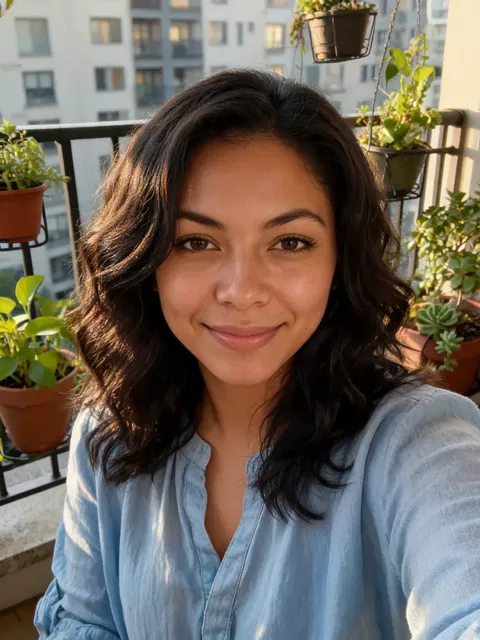
Browse every Halloween costume you can try on
Tap a costume and it is picked in the tool above. Couple looks switch the tool to 2 People. Want something else? Use Upload a costume or Describe it.
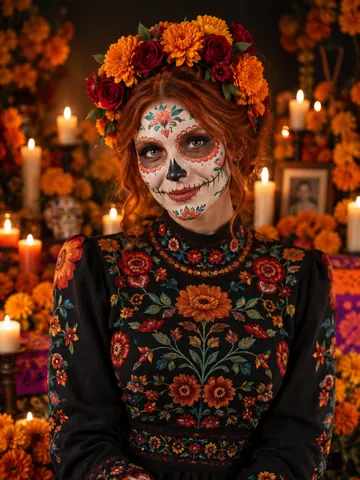
Day of the Dead
Sugar-skull paint, marigold crown, candlelit altar.
Pick ↑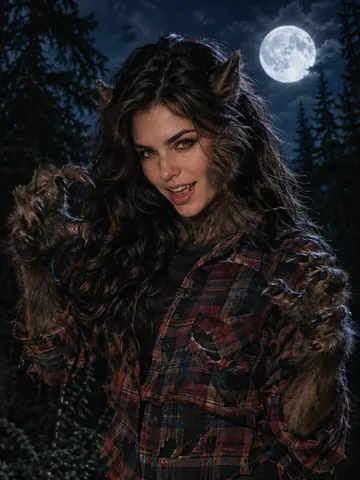
Werewolf
Fur, pointed ears and amber eyes under a full moon.
Pick ↑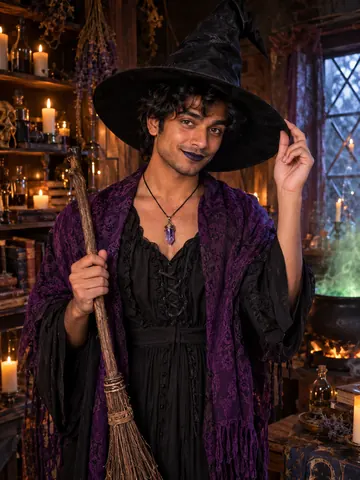
Witch
Tall hat, purple shawl, broom and cauldron.
Pick ↑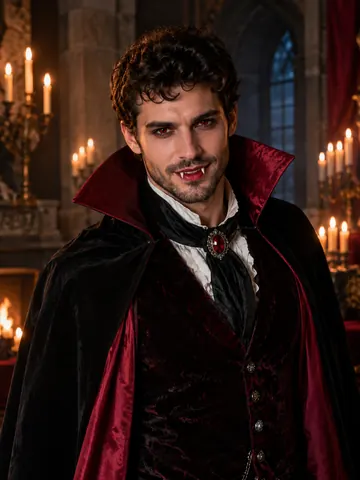
Vampire
High-collared cape and a candlelit castle hall.
Pick ↑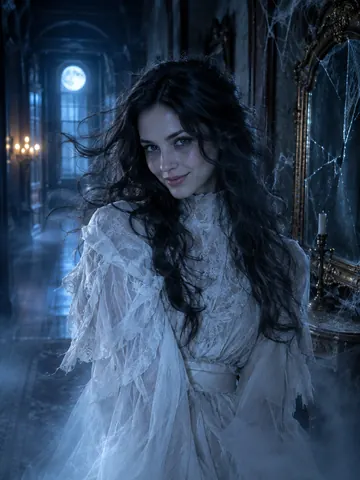
Ghost
Tattered Victorian clothes and a cold blue glow.
Pick ↑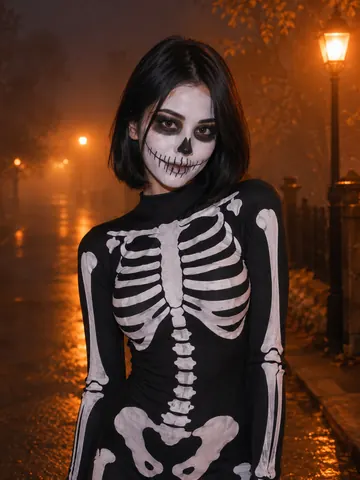
Skeleton
Skull face paint and a bone-print bodysuit.
Pick ↑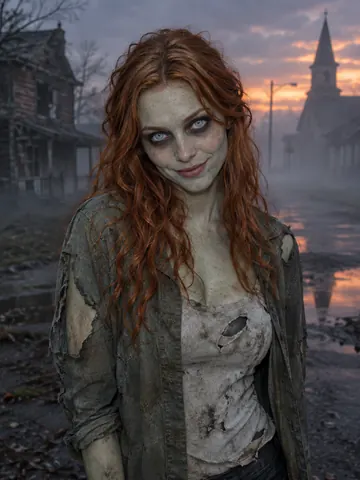
Zombie
Grey-green movie makeup, no blood.
Pick ↑
Pirate
Captain coat and tricorn on a ghost ship.
Pick ↑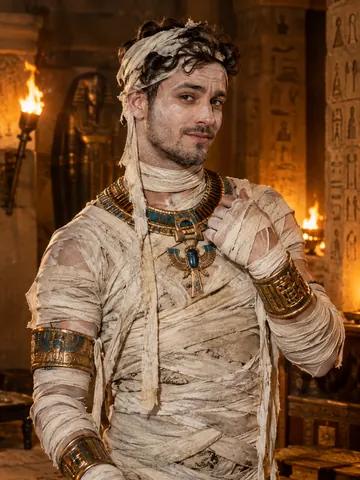
Mummy
Linen bandages and gold jewelry, face uncovered.
Pick ↑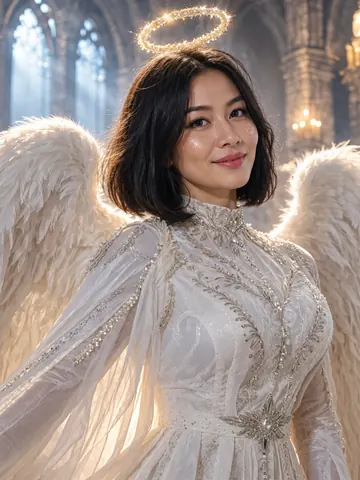
Fallen angel
White feathered wings and a faint halo.
Pick ↑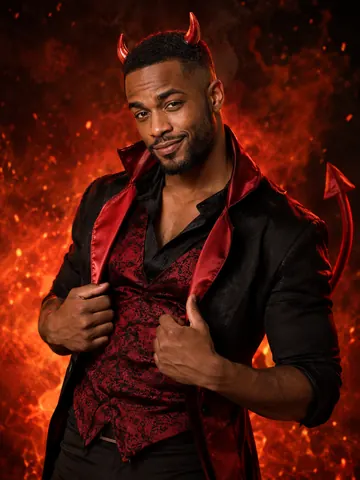
Devil
Small red horns, a tail and ember light.
Pick ↑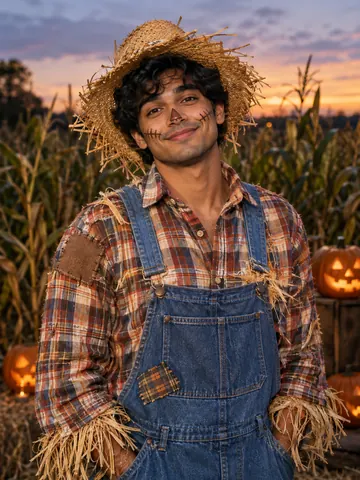
Scarecrow
Straw hat, plaid shirt and overalls.
Pick ↑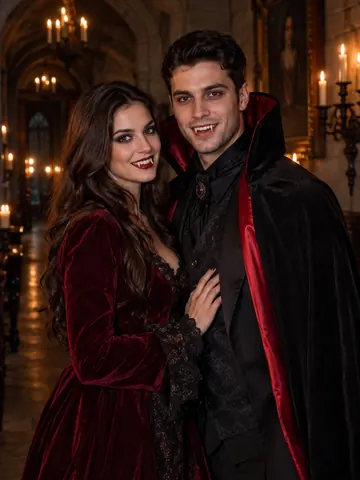
Vampire couple
Cape and velvet gown for two.
Pick ↑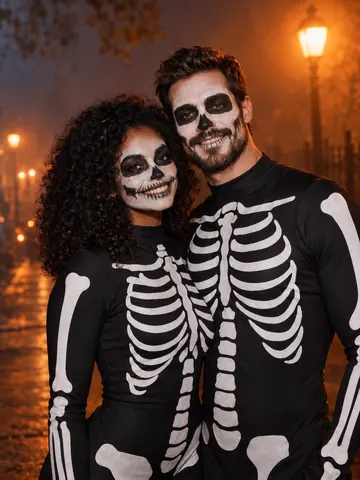
Skeleton couple
Matching skull paint for both.
Pick ↑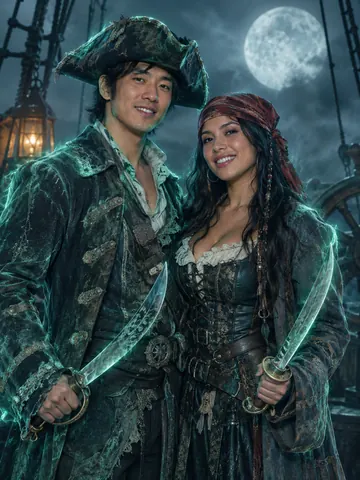
Ghost pirates
Two ghost pirates on a foggy deck.
Pick ↑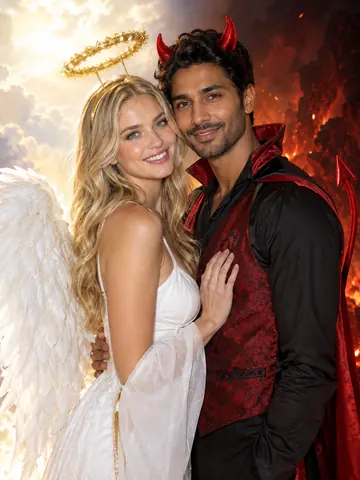
Angel and devil
One halo, one pair of horns.
Pick ↑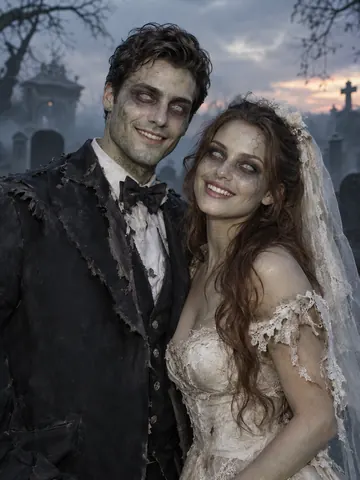
Zombie bride and groom
A zombie bride and groom.
Pick ↑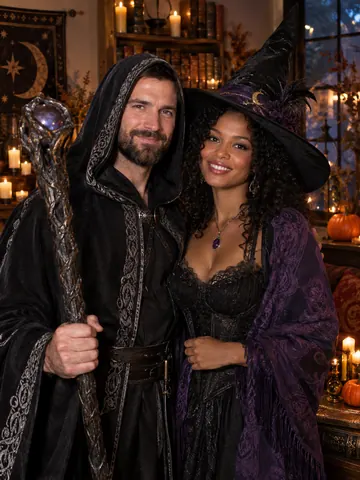
Witch and warlock
Witch hat and a hooded warlock robe.
Pick ↑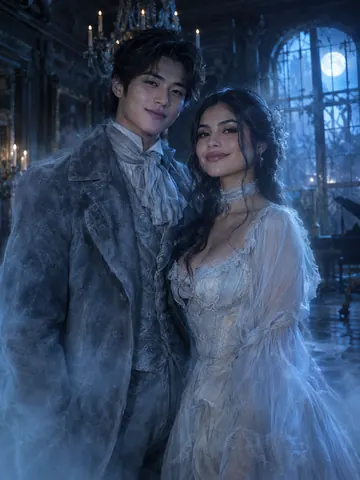
Victorian ghosts
Frock coat and a pale gown that fade into mist.
Pick ↑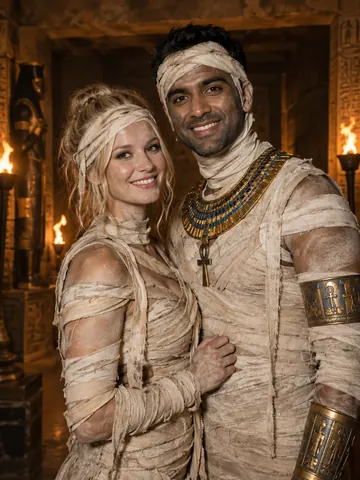
Mummy couple
Two mummies in a torch-lit tomb.
Pick ↑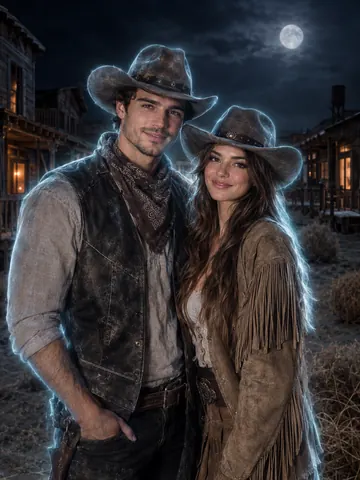
Ghost cowboys
Ghost-town cowboy and cowgirl.
Pick ↑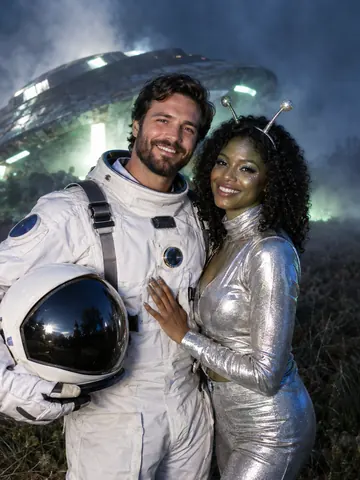
Astronaut and alien
A spacesuit and a silver alien outfit.
Pick ↑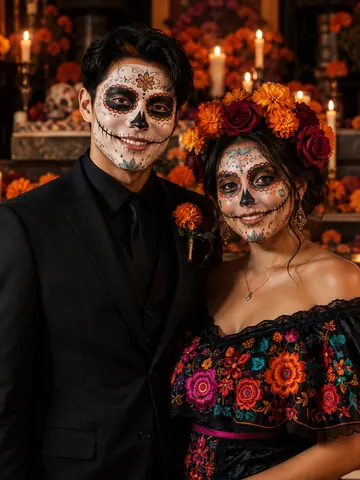
Day of the Dead couple
Sugar skulls, a suit and a flower crown.
Pick ↑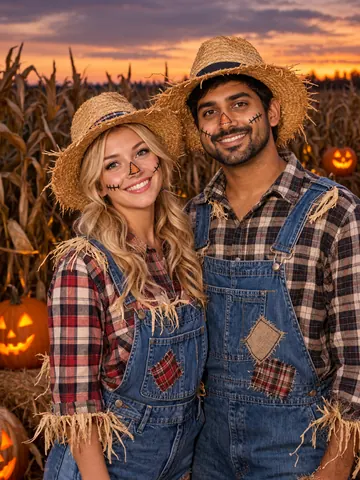
Scarecrow couple
Two scarecrows in a cornfield.
Pick ↑
Try a Halloween costume before you spend a cent
See the Halloween costume on you, not on a model
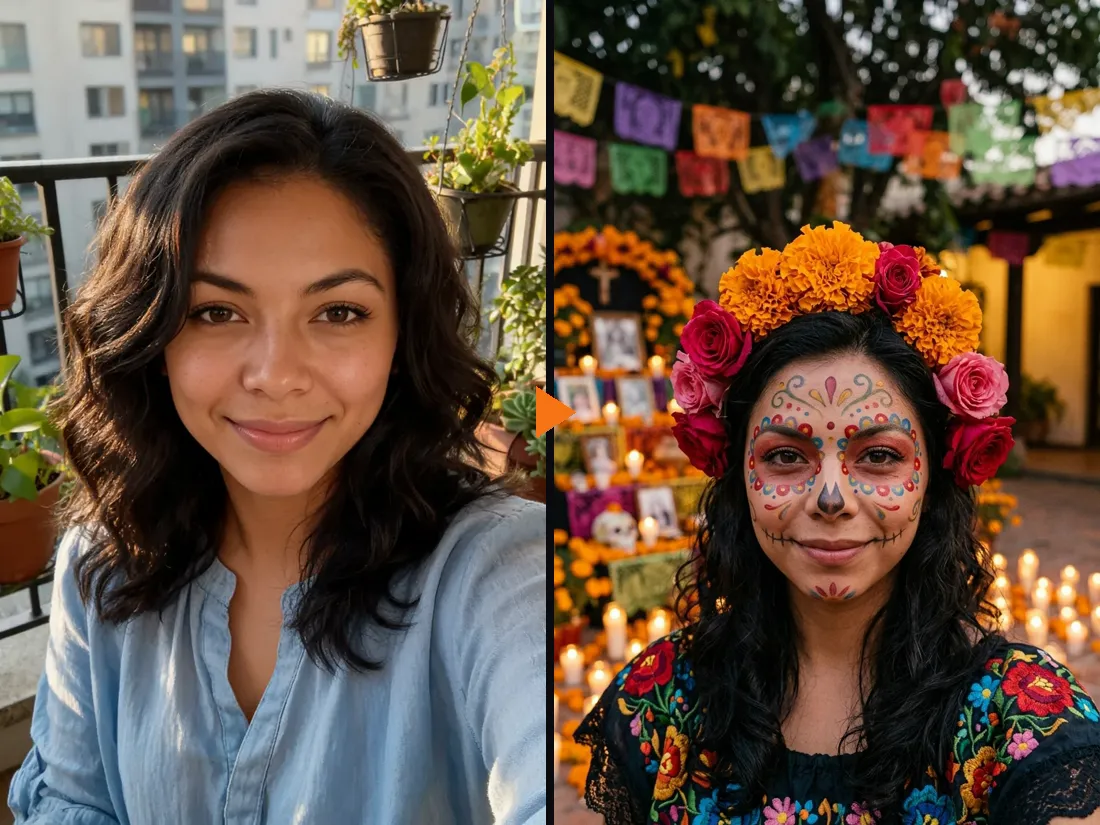
A costume can look great on the shop model and then arrive looking nothing like the photo. Here you see it on your own face first. Upload one selfie, pick a costume, and the AI redraws the outfit, the makeup and a matching background. Your face, hair color and smile stay the same. In the example, a plain selfie becomes a Day of the Dead look with sugar-skull paint, a marigold crown and an embroidered dress.
- ✓Outfit, makeup and setting — the whole look, not a sticker on top
- ✓Your face stays yours — no mask, no face swap
Found a costume online? Upload a photo of it
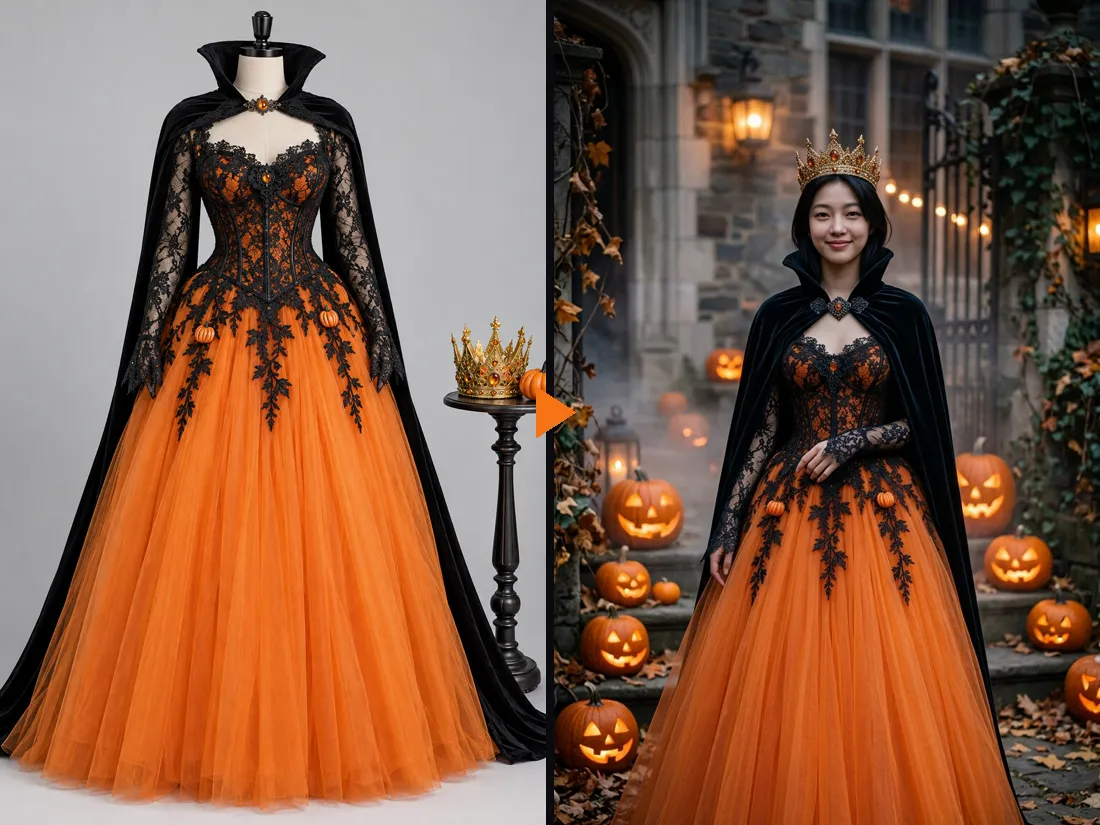
Switch to Upload a costume and add a product photo or a screenshot from the shop. The AI copies the pieces, colors and fabrics onto you and adds a Halloween setting. Here, a pumpkin queen gown shown on a dress form ends up on a real person about a minute later: orange tulle skirt, black lace bodice, cape and crown.
- ✓Product shots and screenshots work — you do not need to own it yet
- ✓Compare before you order — try two or three options on the same selfie
Narrow down your Halloween costume ideas in minutes
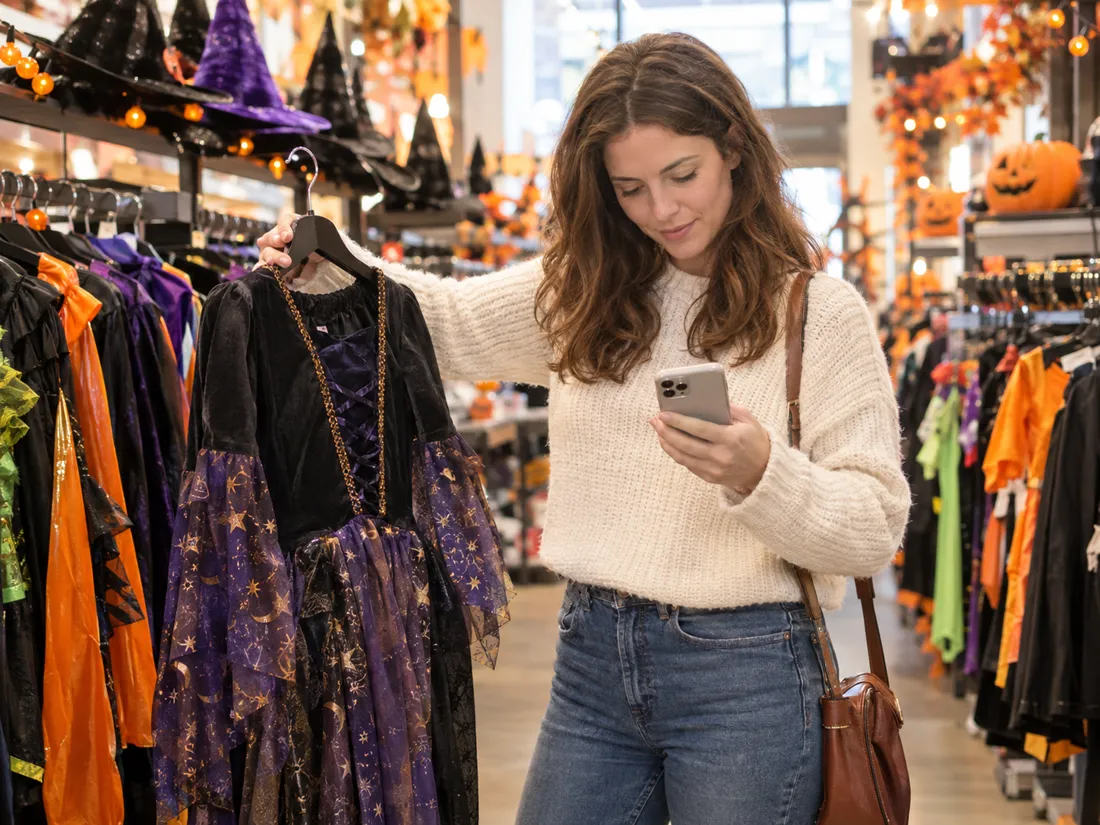
Stuck between ten open tabs or a crowded store aisle? Try your top picks on one selfie and compare them side by side. No idea yet? Tap through the 12 single costumes, or type a few words like “a steampunk witch with copper goggles” and the AI designs the full costume for you.
- ✓Describe it in a few words — the AI writes out the full costume
- ✓12 single costumes — ghost, vampire, mummy, scarecrow and more
Couples costume first, then a 5-second video
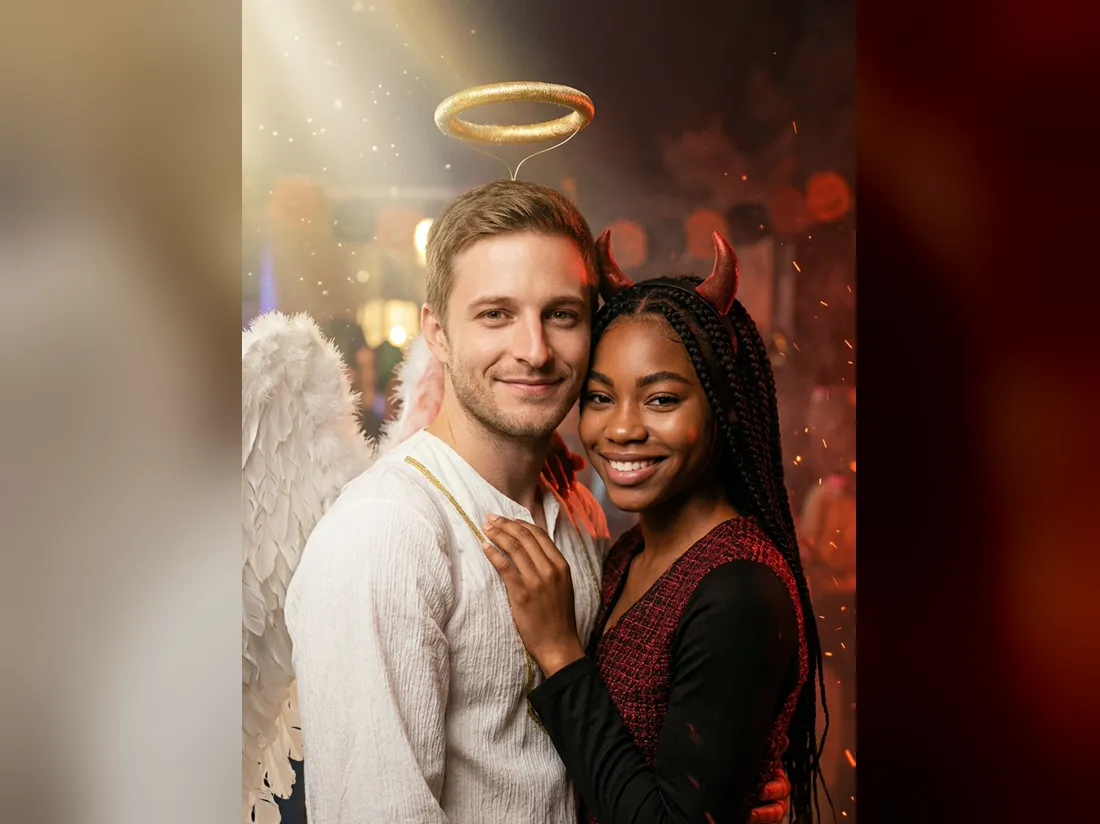
Going as a pair? Switch to 2 People, add a selfie of each person and pick one of 12 couple looks, such as angel and devil or a zombie bride and groom. You do not need a photo of the two of you together. Happy with the picture? Turn it into a 5-second vertical clip: Standard at 480p for 10 credits, or HD at 768p with sound for 50 credits.
- ✓A selfie each — no photo of you together needed
- ✓No watermark — download the photo and the video
One person or two?
The same Halloween costume try-on works for one person or a pair. Pick the mode at the top of the tool.
1 Person — try a costume
Just your selfie.
When to use it
To pick your own Halloween costume, check a costume before you order it, or make a profile picture.
What it produces
A picture of you in the costume with a matching setting, then an optional 5-second video.
- ✓12 single costumes
- ✓Or upload a photo of any costume
- ✓Or describe one in a few words
- ✓Head-and-shoulders or full-body photos
- ✓Optional video
2 People — matching costumes
A selfie each.
When to use it
For couples, best friends or siblings deciding on a matching Halloween costume.
What it produces
One picture of you both in a coordinated costume, then an optional 5-second video.
- ✓12 couple looks
- ✓Both faces kept
- ✓Person 1 stands on the left
- ✓Upload one costume set or one per person
- ✓Same price as one person
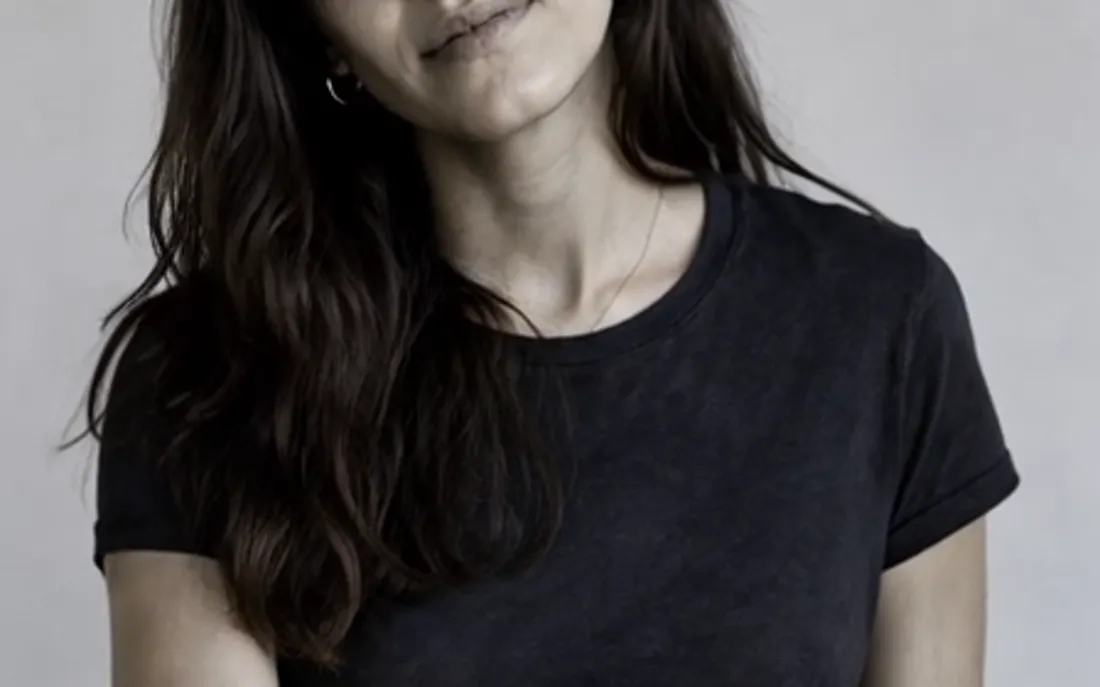
AI Zombie Generator
The AI zombie generator turns one photo into a Halloween zombie video
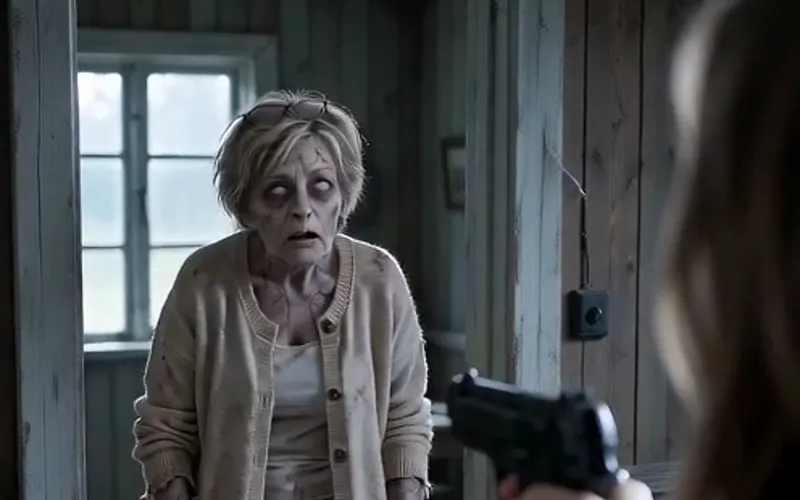
AI Zombie Video
The viral AI zombie video trend: a zombie leap that ends in a wheat-field hug
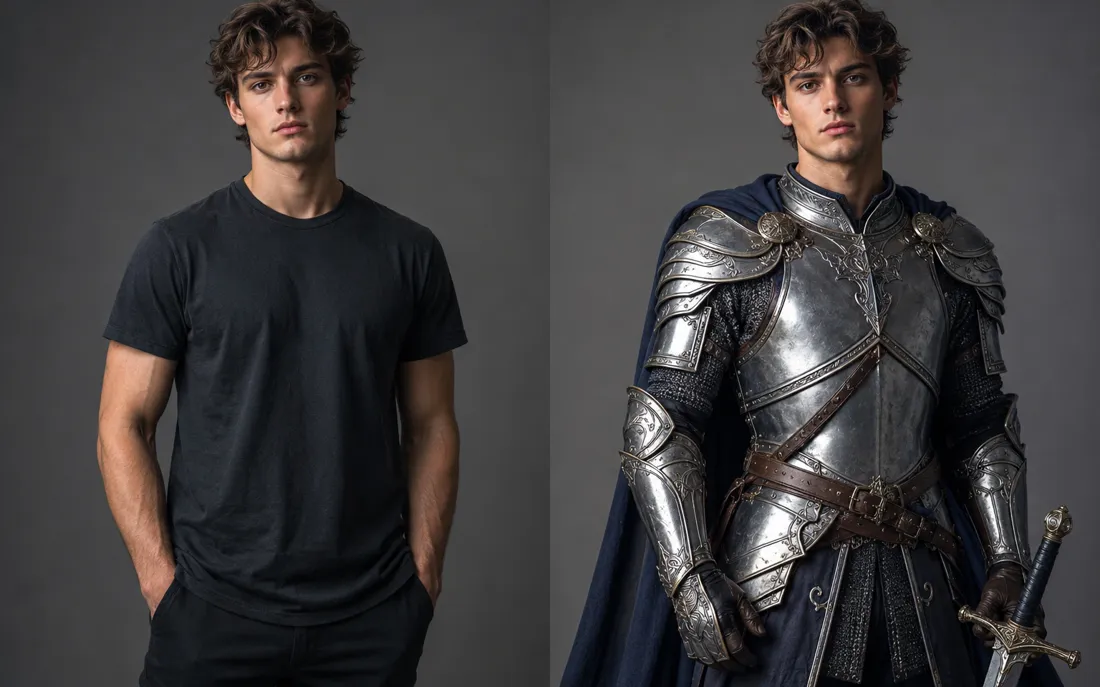
AI Costume Generator
The AI costume generator dresses you up from a single photo
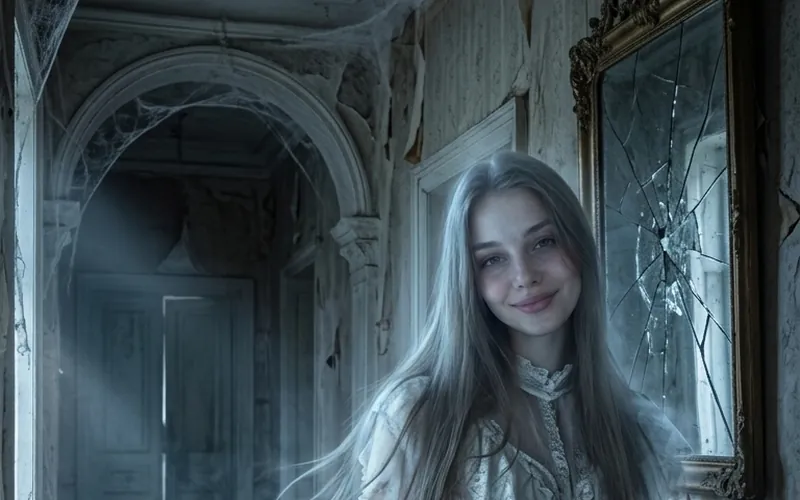
AI Ghost
AI Ghost turns your photo into a glowing ghost
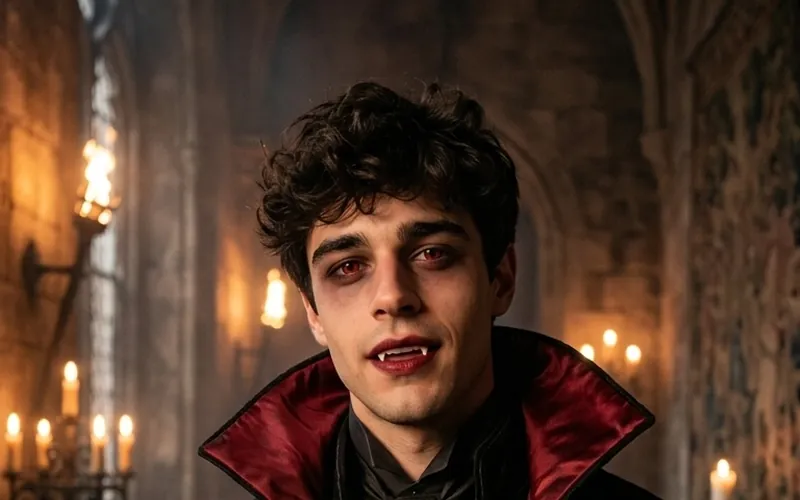
AI Vampire
AI Vampire turns your photo into a vampire
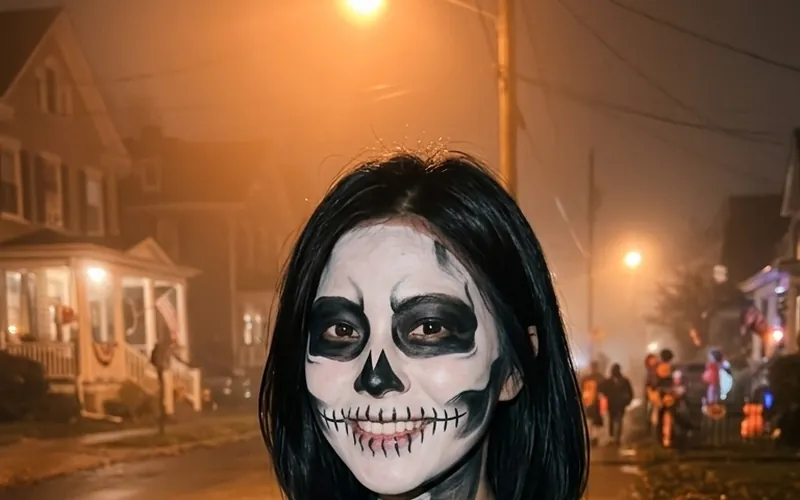
AI Skeleton
AI Skeleton paints skull face paint on your photo

AI Pirate
AI Pirate turns your photo into a pirate captain
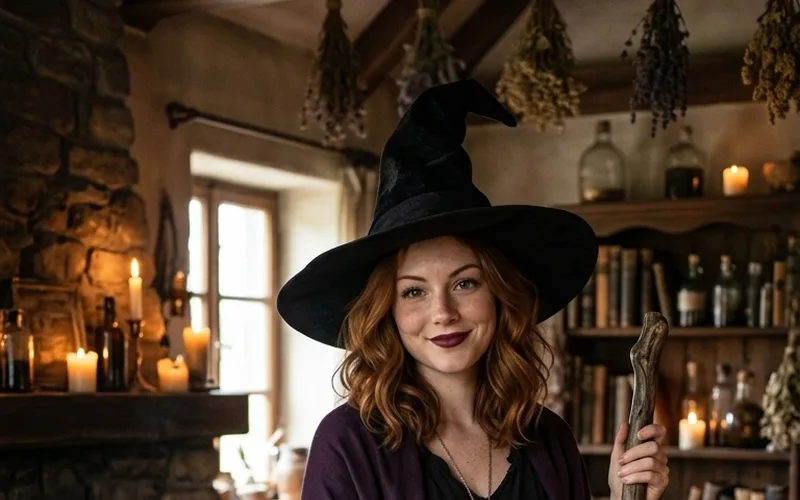
AI Witch
AI Witch turns your photo into a witch with a hat and broom
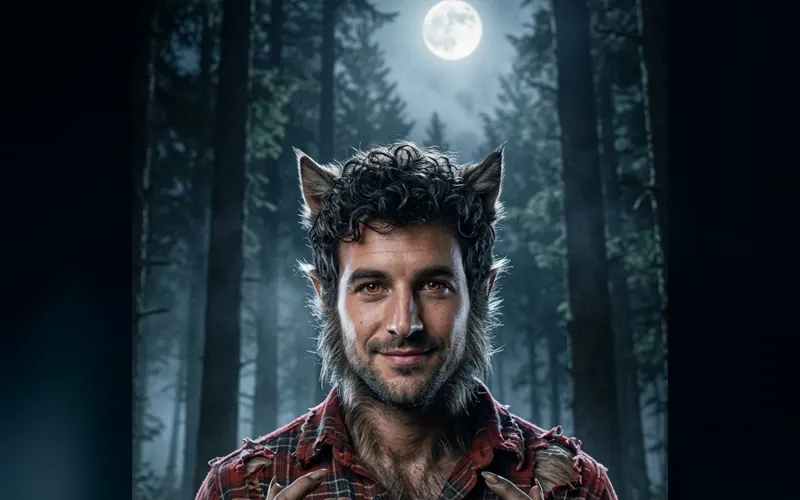
Halloween Characters
Turn your photo into a werewolf, mummy or another classic character
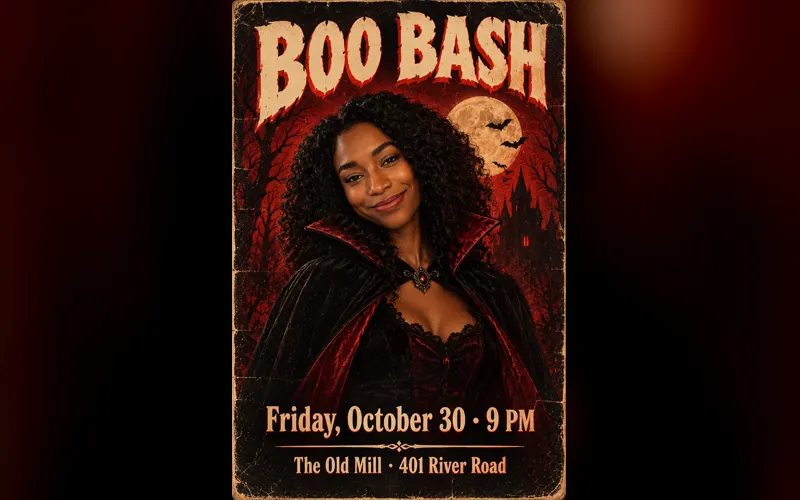
Halloween Poster
Type your party details and get a printable Halloween poster
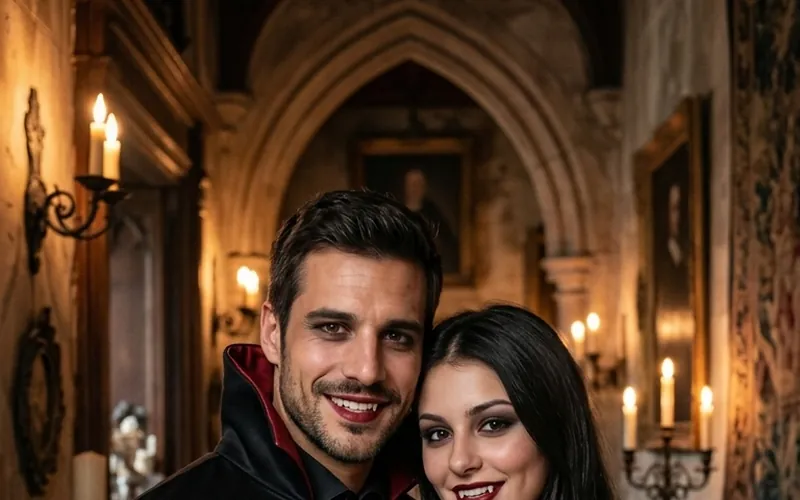
Couples Halloween Costumes
Try couples Halloween costumes on you both from two photos
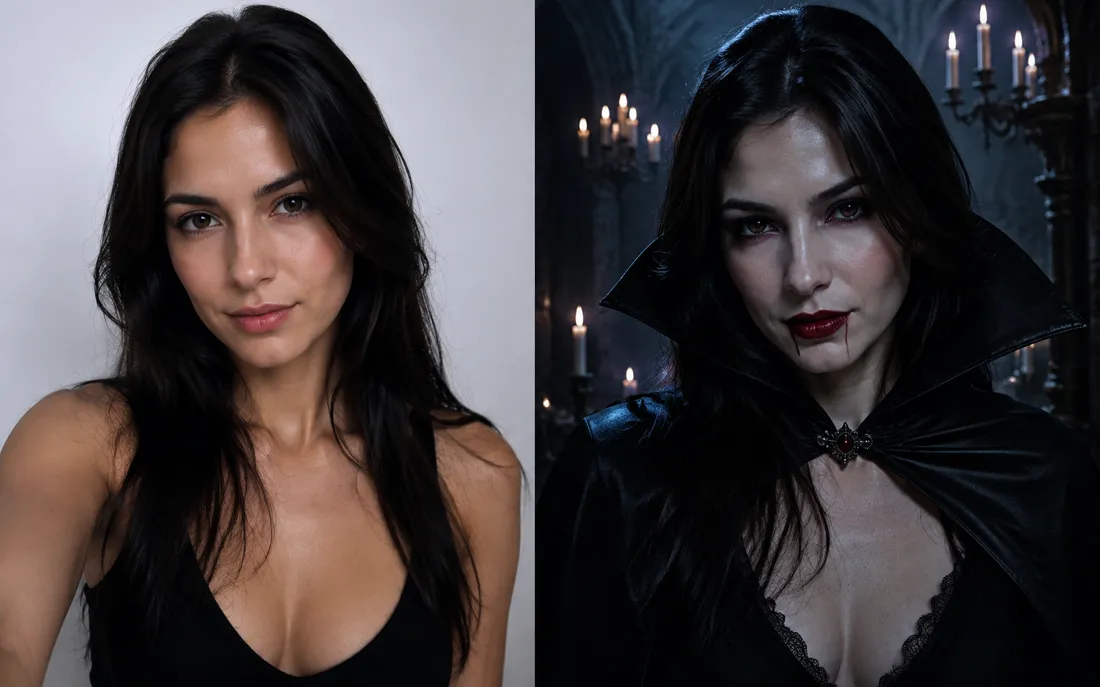
AI Halloween Generator
One regular selfie is enough to throw you into a vampire, witch or ghoul costume for the night.
Frequently asked questions
How does the Halloween costume try-on work?⌄
Upload a clear selfie, pick a costume (or upload a photo of one, or describe it), and tap Generate Image. In about a minute you get a picture of yourself in that Halloween costume with a matching background. Your face, hair and expression stay the same.
Can I try a Halloween costume I found in a store or online?⌄
Yes. Choose Upload a costume and add a product photo or a screenshot of the listing. The AI copies the costume pieces, colors and fabrics onto you. It never copies the face of a model in that photo.
Will it look like me?⌄
Yes. The costume, the makeup, the props and the background change; your face, skin tone, hairstyle and body shape are kept, and the face stays fully visible with no mask over it.
Can two people try matching costumes?⌄
Yes. Pick 2 People and upload one selfie per person. Choose one of 12 couple costumes, or upload a photo of a costume set. You do not need a photo of you together.
Can I turn my costume photo into a video?⌄
Yes. Once the photo is ready, make a 5-second vertical clip: Standard at 480p for 10 credits, or HD at 768p with sound for 50 credits.
How much does a Halloween costume try-on cost?⌄
Each costume photo costs 20 credits. New accounts start with free credits, enough for a first try-on, and downloads have no watermark.
Try your Halloween costume now
One selfie, one tap. See the costume on you before you buy it or start sewing, then make a short clip if you love it.
Try a Halloween costume on my photo