

Why the AI Explode Effect Is the Easiest Way to Blow Up a Photo
One photo, and you go boom
The AI explode effect takes one ordinary photo and detonates it for laughs. You stand there for a beat, then burst apart into chunks, confetti, and drifting particles that scatter off-frame. No After Effects, no green screen, no plugins. Upload a single picture and the whole gag, from the calm setup to the comic pop, gets animated for you in one go.
- ✓Zero editing skills — the explosion timing and debris are handled for you
- ✓Built from one upload — no clips to film, no layers to stack
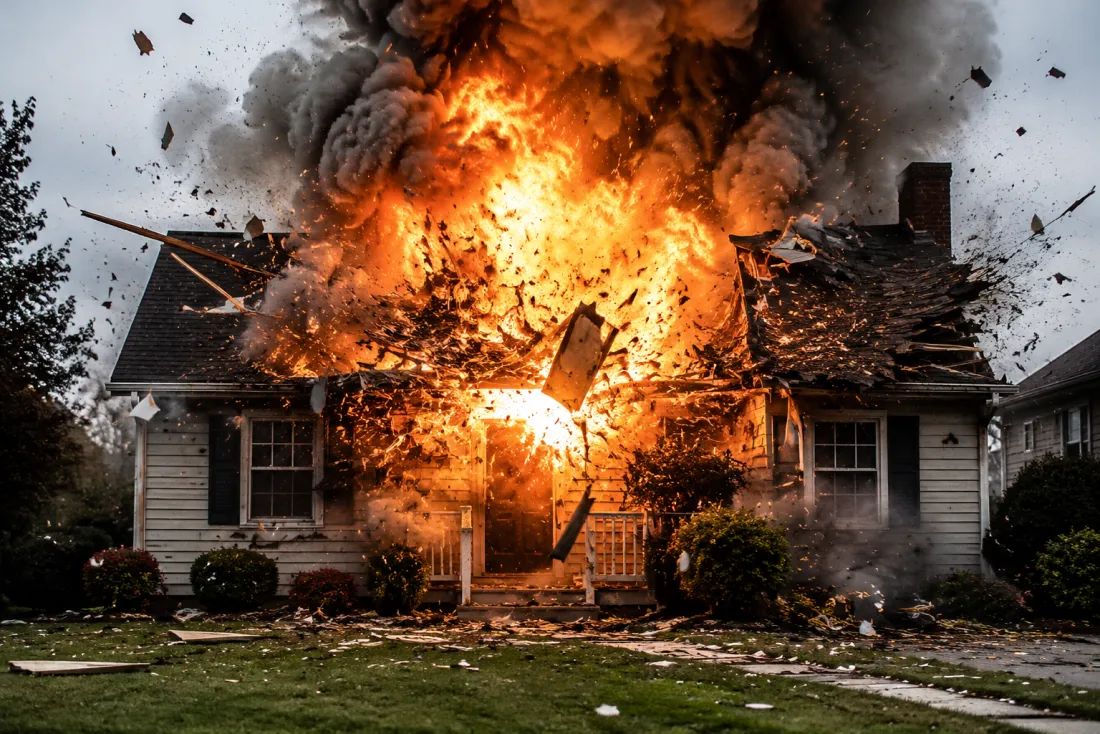
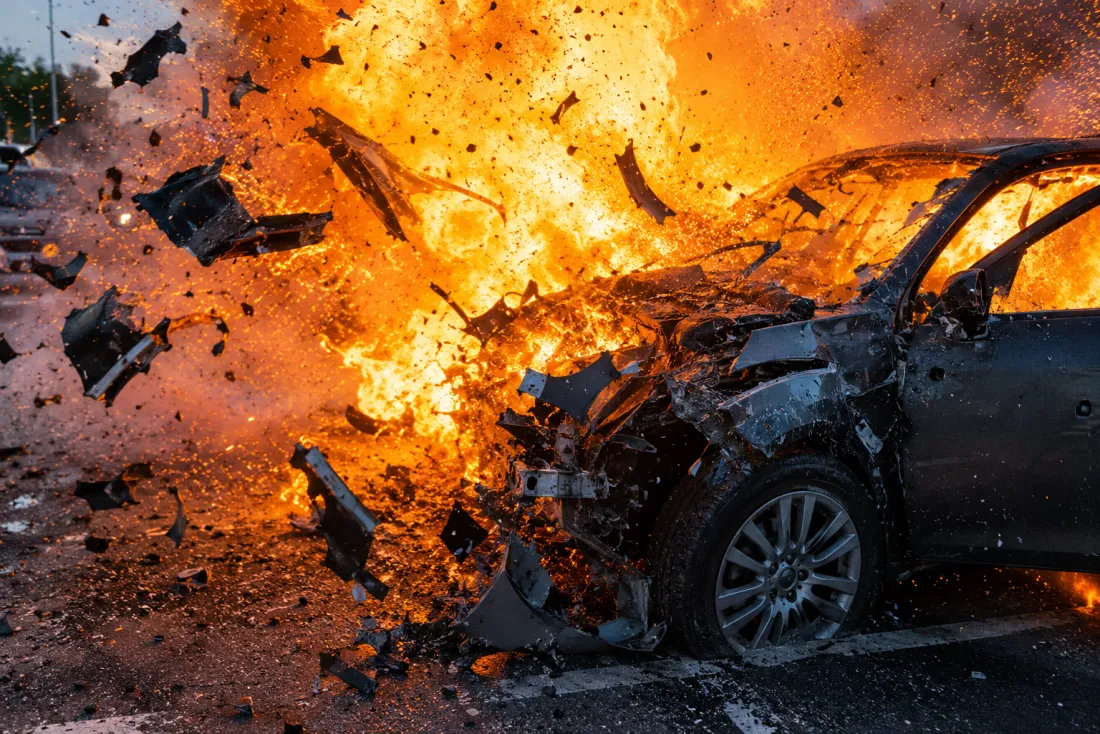
It's clearly you in the half-second before the pop
The joke only lands if people recognize you first, so the AI explode effect keeps your face, hair, and outfit true right up to the moment you blow apart. That calm beat before the burst is the punchline setup. You read as you, then the comic explosion hits, and the pieces fly. It's the difference between a random boom and a meme your friends will actually tag you in.
- ✓Face stays true — recognizable you in the setup frames
- ✓Outfit carries over — same clothes and look from your photo
Particles, chunks, and a satisfying scatter
What sets the AI explode effect apart is the burst itself. You don't just vanish; you fragment into floating debris, light streaks, and a puff of dust that hangs in the air, then drifts apart. It's tuned to be silly and clean, not gory or violent, the kind of cartoon kaboom that reads instantly as a gag. The timing builds, holds for a beat, then lets you fly to pieces.
- ✓Comic, never gory — playful particles and confetti, not damage
- ✓Tuned timing — a beat of buildup, then the scatter
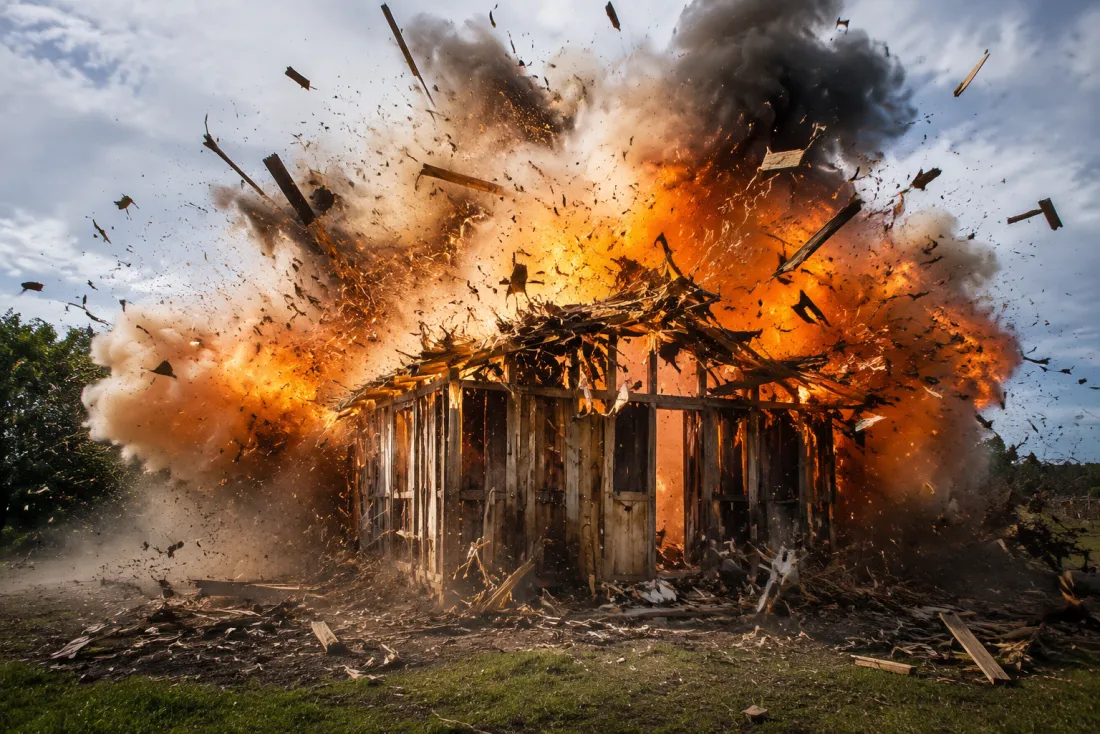
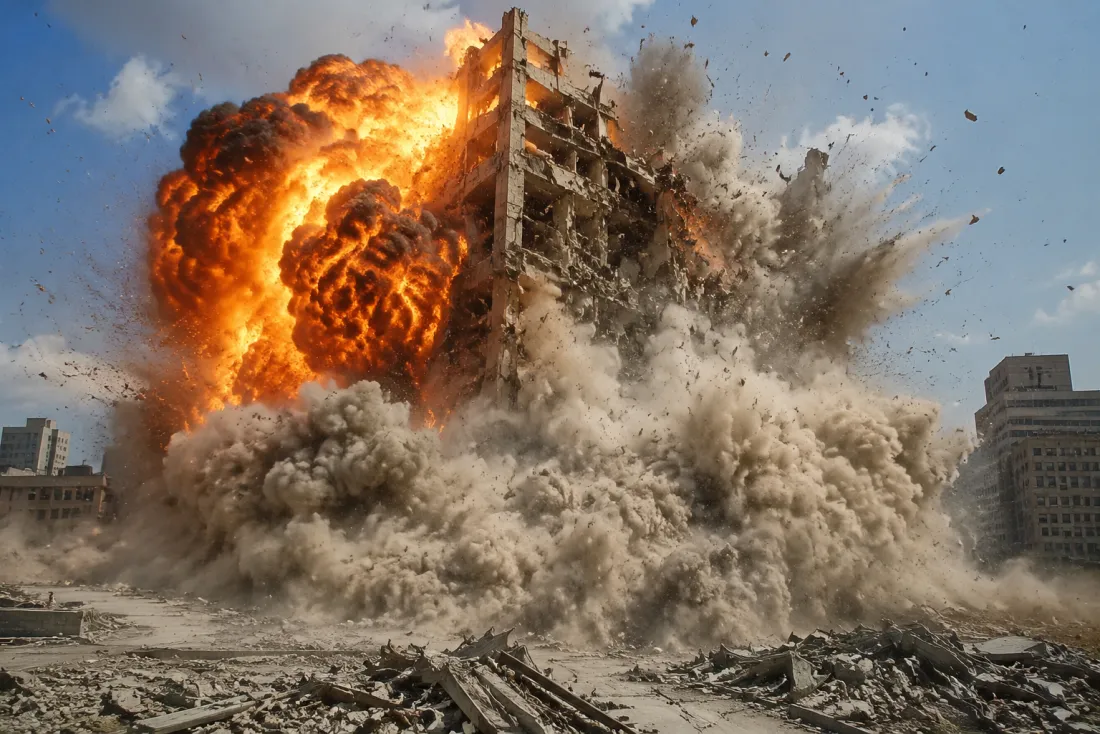
A 6-second vertical clip with no watermark
You get a 6-second 9:16 MP4 sized for Reels, Shorts, and TikTok, with no watermark stamped across the corner. The AI explode effect renders the clean before, the burst, and the drifting aftermath into one share-ready video. Save it, drop it in a story, or reply to a chat with it. New accounts get free credits to try, and it's pay-as-you-go after that.
- ✓Phone-ready format — 9:16 vertical, 6 seconds, no watermark
- ✓Free to start — new accounts get credits, then pay as you go
How the AI explode effect works from your photo
Upload one clear photo and the AI explode effect animates it directly into a funny burst clip. No transform step, no extra uploads. Pick a full-body shot for a big scatter or a portrait for a tight pop, then let the motion do the rest.
Full-body shot
Big, wide scatter
When to use it
Use a head-to-toe photo when you want the whole body to fly apart in chunks and confetti.
What it produces
A wide burst where pieces scatter across the full frame
- ✓Best for a dramatic, full-frame explosion
- ✓Pieces fly out in every direction
- ✓Great for full-length outfits and poses
- ✓Reads clearly as a comic gag
- ✓Lots of room for drifting debris
Portrait shot
Tight, punchy pop
When to use it
Use a head-and-shoulders photo when you want a quick, in-your-face burst with your expression front and center.
What it produces
A close-up pop where your face is clear right before the boom
- ✓Best for reaction-style meme clips
- ✓Your expression carries the joke
- ✓Faster setup-to-pop timing
- ✓Keeps identity crisp before the burst
- ✓Perfect for chat replies and stories
AI Dance Generator
Turn one photo into an energetic dance video.
AI Action Figure Generator
The AI action figure generator turns one photo into a boxed collect…

AI Pregnant Generator
The AI pregnant generator adds a believable, fully clothed baby bum…
AI Superhero Generator
One ordinary photo is all it takes to suit you up in full cinematic superhero armor.
AI Costume Generator
The AI costume generator dresses you up from a single photo
AI Aging Generator
Feed a single photo to the AI aging generator and see yourself decades older, or years younger.
AI Mini Me Generator
Give the AI mini me generator a photo and it stands a pint-sized clone right beside you.
AI Inflate Effect
Pick one shot and the AI inflate effect puffs your subject up like a balloon.
AI Squish Effect
Hand the AI squish effect a photo and it gives the frame that oddly satisfying squish.
AI Flying Generator
The AI flying generator lifts one still photo off the ground and se…

AI Laughing Generator
A single still becomes a warm, genuine laugh through the AI laughing generator.
AI Baby Generator
Upload two parent photos and the AI baby generator blends both face…
Frequently asked questions
What does the AI explode effect actually do?⌄
It takes one photo and animates it into a short clip where you comically burst into pieces and particles. You stand still for a beat, then pop apart in a playful scatter. It's a single upload in, a ready-to-share video out.
Is the explosion violent or gory?⌄
No. The AI explode effect is tuned to be a lighthearted, cartoon-style gag. You break into clean chunks, confetti, and drifting dust, not anything graphic. It reads as a meme, not damage.
Will my face still look like me?⌄
Yes. Keeping your identity is the whole point of the setup beat. Your face, hair, and outfit stay true in the frames before the burst, so people recognize you right before you pop. That recognition is what makes the joke land.
What kind of photo should I upload?⌄
Use one clear, well-lit photo where you're easy to see. A full-body shot gives a wide, dramatic scatter; a portrait gives a tight, punchy pop. Plain backgrounds tend to make the explosion read cleaner.
What file do I get back?⌄
A 6-second vertical 9:16 MP4 with no watermark, sized for Reels, Shorts, and TikTok. It includes the calm setup, the burst, and the drifting aftermath in one clip you can post straight away.
Is it free, and what happens on upload?⌄
New accounts get free credits to try the AI explode effect, and it's pay-as-you-go after that. Every upload runs through an automated safety check first, so keep photos mainstream and tasteful.
Can I make a clip of a friend or group?⌄
Upload a photo you have the right to use, and only of people who are okay with it. The effect works best with one clearly visible subject. Each upload still passes the automated safety check before it's animated.
Ready to blow up your photo?
Upload one picture and the AI explode effect turns it into a funny 6-second burst clip, no watermark and no editing skills needed. New accounts get free credits to try it.
Open the AI explode effect generator