
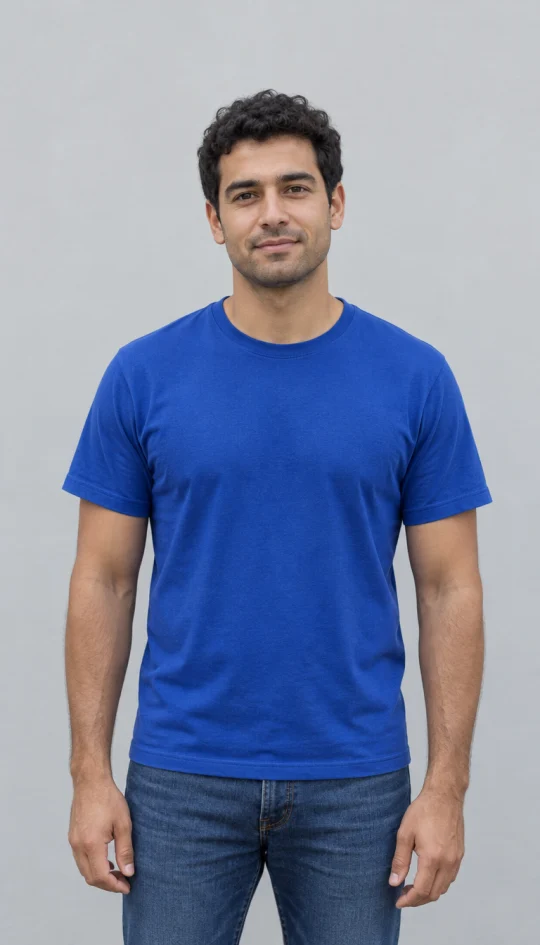
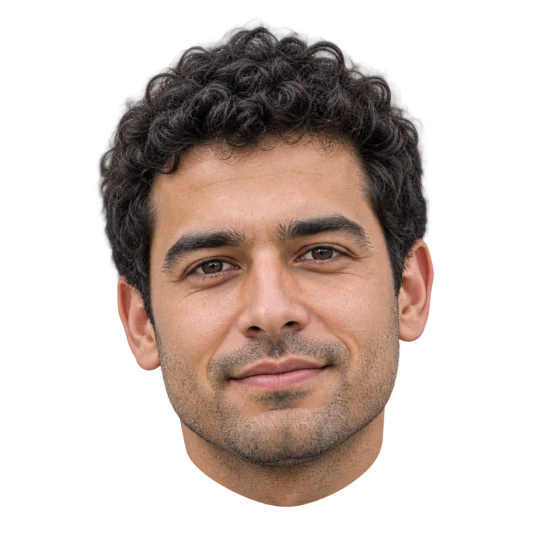
A head cutout you can place on your own design
Keep the head, remove the neck and clothing
The sample isolates the same fictional adult’s face, curly hair, ears and chin. The blue shirt, neck and original scene are removed. This is an actual PNG with a transparent alpha channel, rather than a picture with a checkerboard drawn behind the head. It can sit over a photo, a colored poster or a collage. Some image viewers show transparency on a black or white canvas. Download the PNG and place it on your intended background to check the outline and hair edges. The model redraws the head from the portrait, so it can reinterpret small facial details; this is not pixel-exact masking.
Choose a useful portrait
One clear adult portrait is enough. This initial preset produces one head with a clean edge.
Keep the hair in frame
A complete outline
When to use it
You want a head sticker or a reusable reaction image.
What it produces
One head-only raster PNG with transparent surroundings.
- ✓Show the complete hair and ears
- ✓Leave space above the head
- ✓Avoid face-obscuring objects
Check the likeness
AI redraw
When to use it
You want a recognizable portrait cutout for a collage.
What it produces
A head guided by the face and expression in your photo.
- ✓Use a sharp original
- ✓Compare face and hair before saving
- ✓Use your own photo or get permission
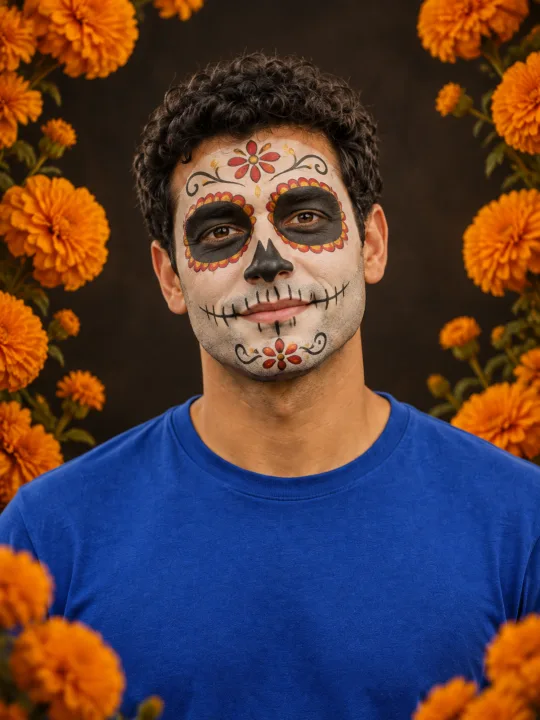
Filtro Catrina IA
Add floral Day of the Dead makeup and marigolds to your portrait.
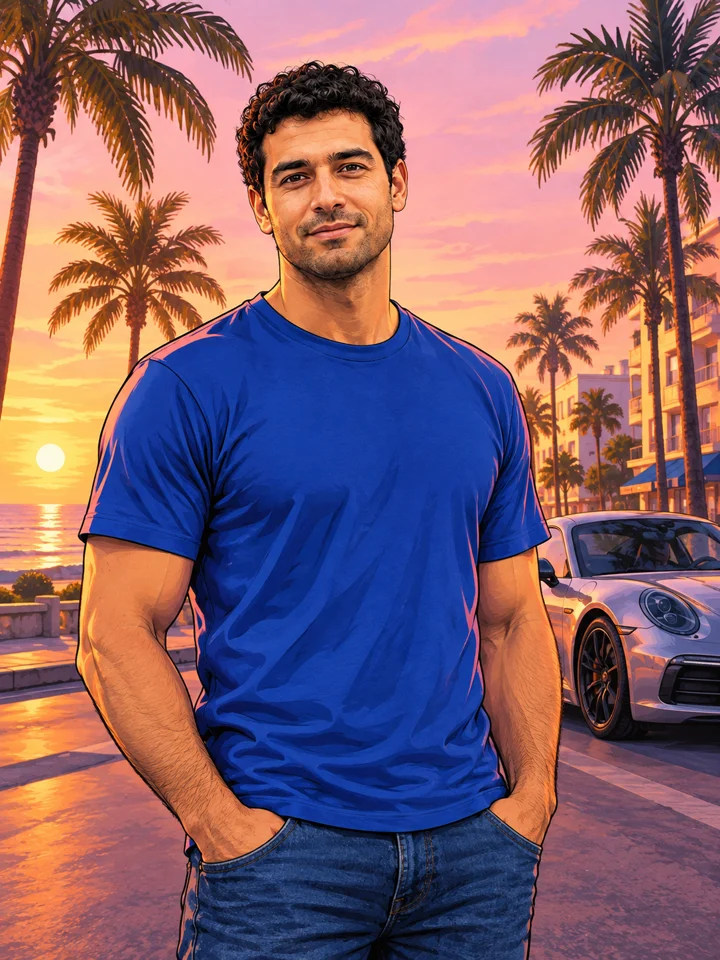
GTA Style
Illustrate your portrait with bold outlines and a coastal sunset.
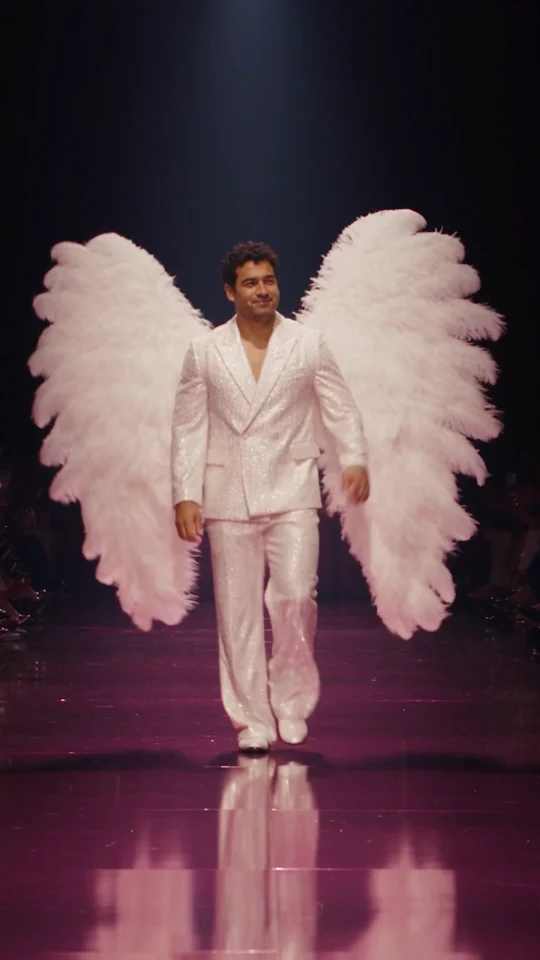
Runway Walk
Walk the runway in a white suit and feather wings, from one adult photo.
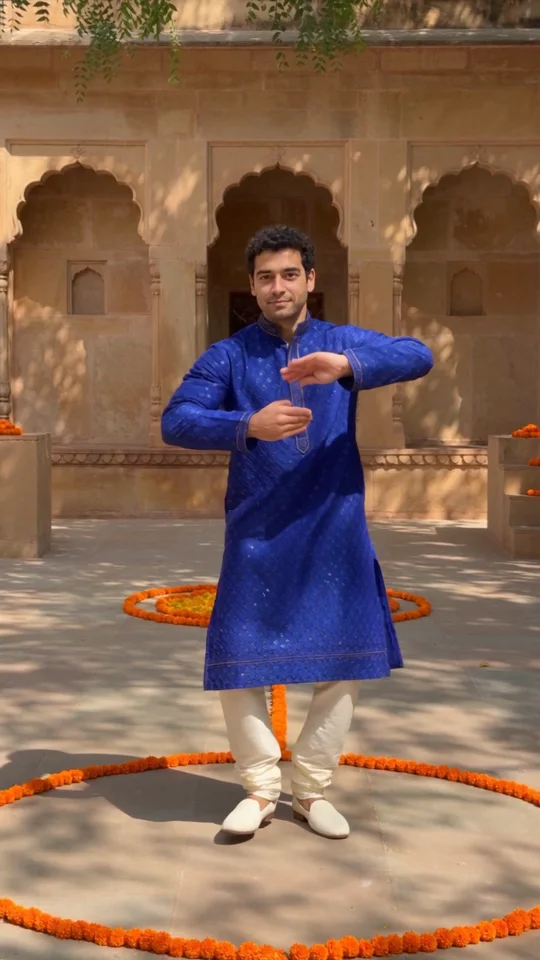
Bollywood Dance
Make a ten-second courtyard dance from one adult photo.
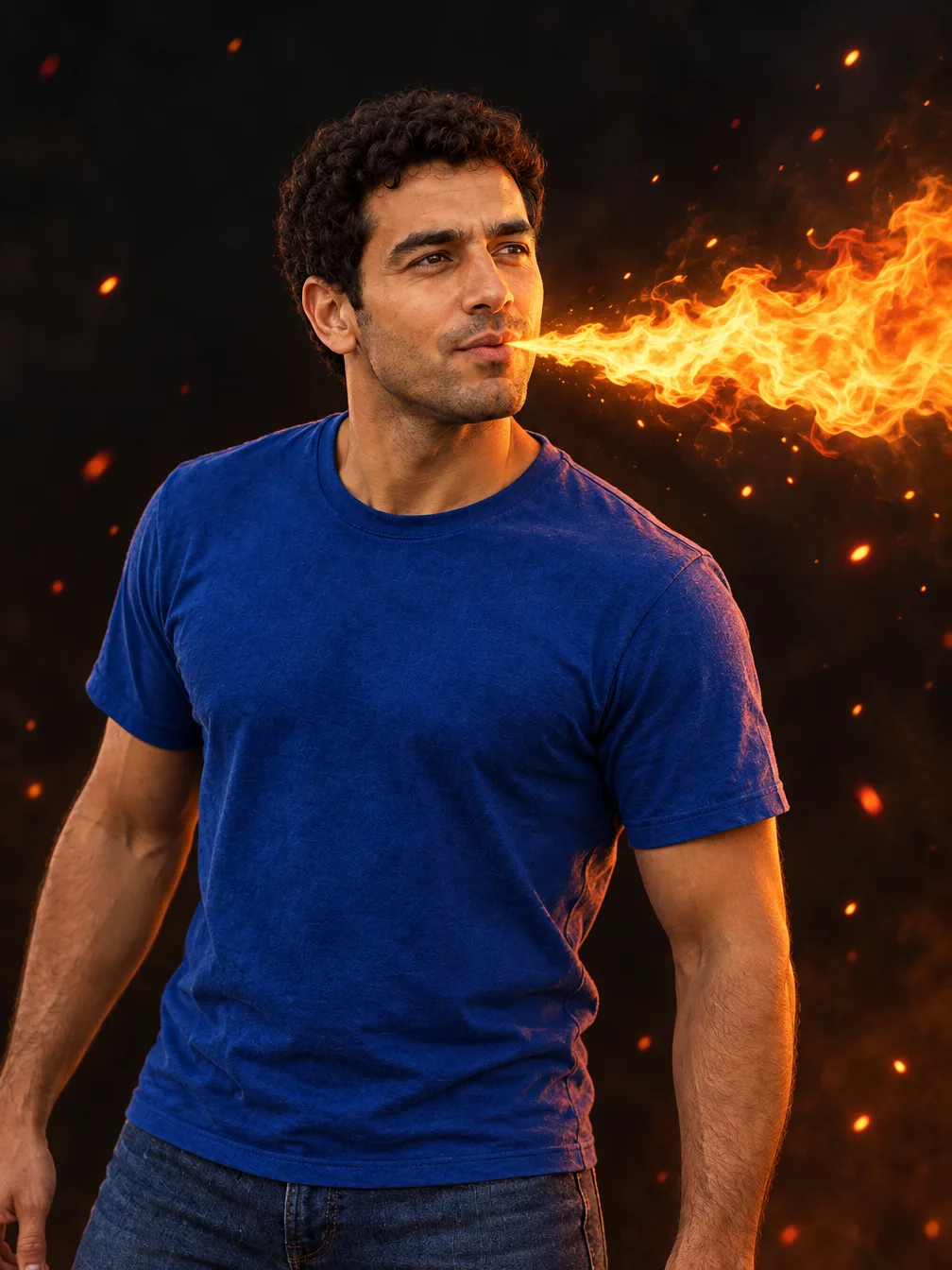
Fire Breathe
Add a fantasy flame plume and warm light to a portrait.
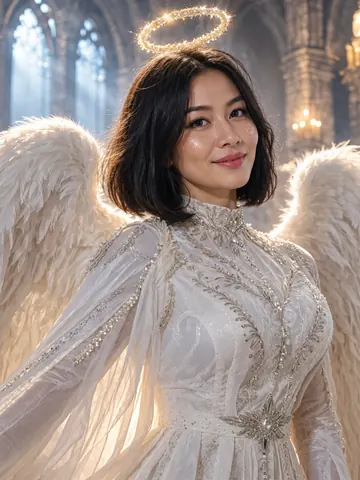
Angel Costume
Preview white wings, an angel outfit and a halo on your photo.
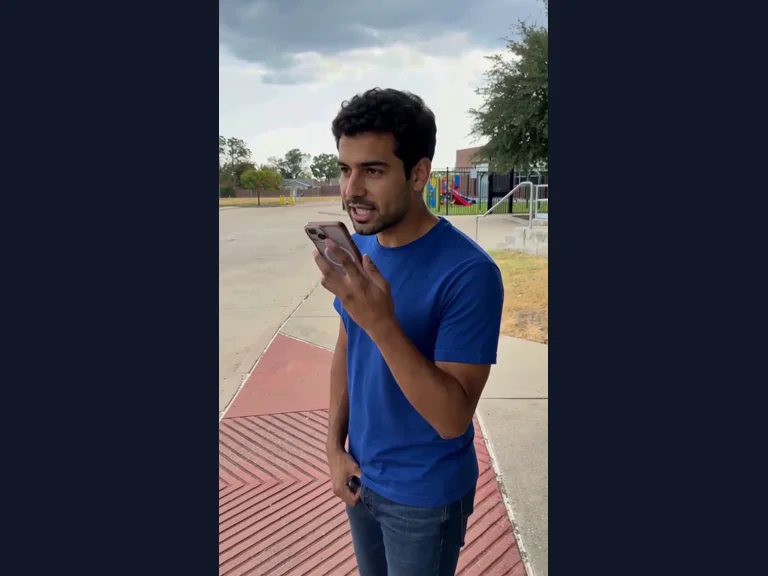
Millionaire Meme
Your photo in the Get a Job phone scene, following the original performance and soundtrack.
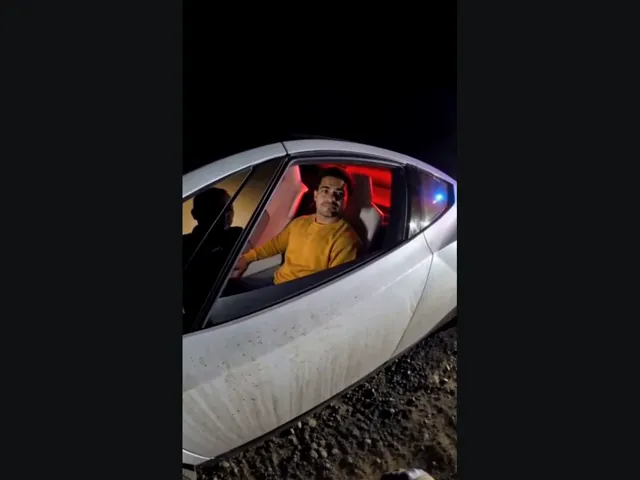
Tesla Roadster AI
Upload your photo, take the driver’s seat in the white roadster, and lift off in a burst of vapor. The car and roadside scene come with the preset.
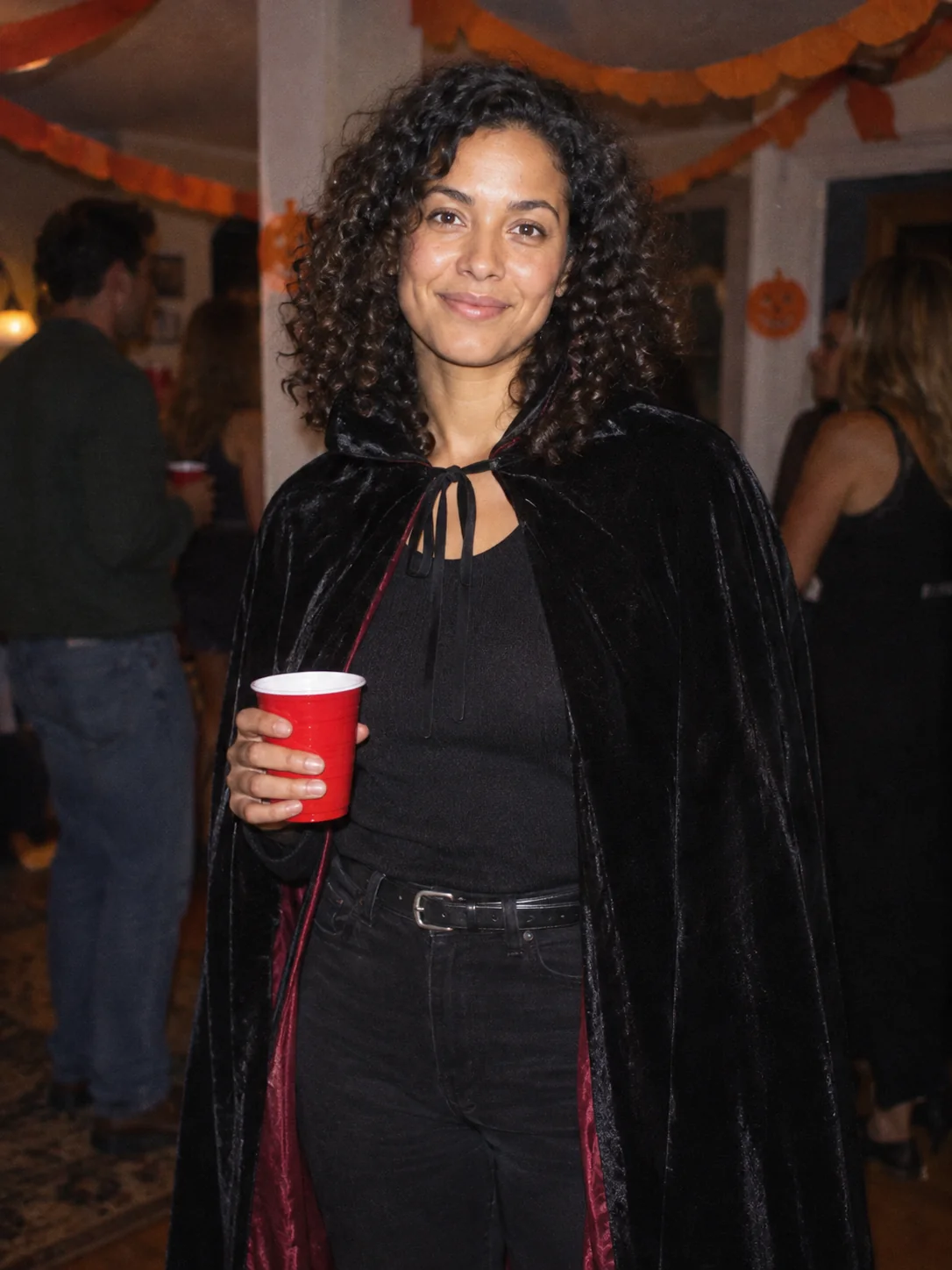
Costume Party
Put yourself in a Halloween costume party photograph.
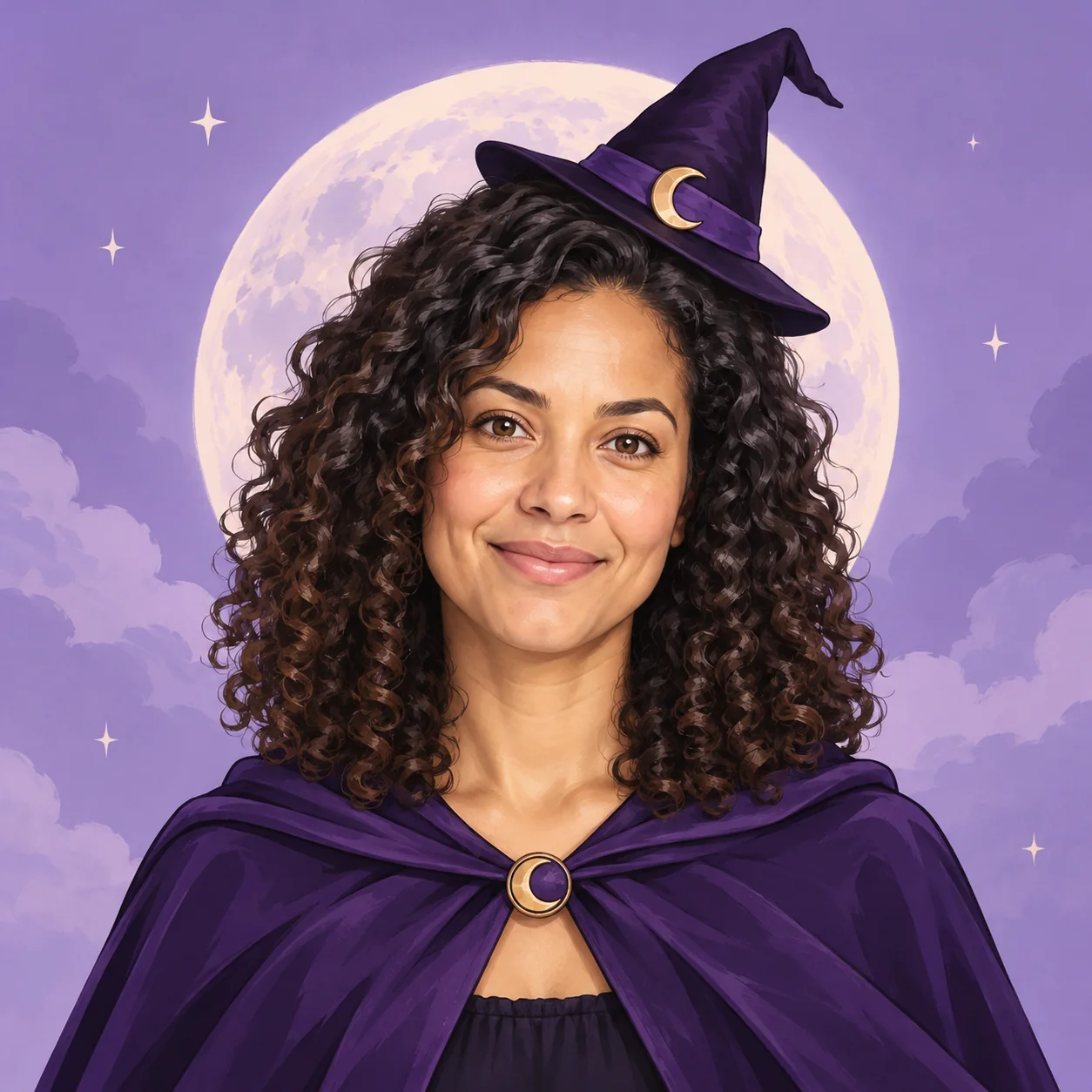
Halloween Avatar
Make a Halloween profile picture that stays readable in a small circle.
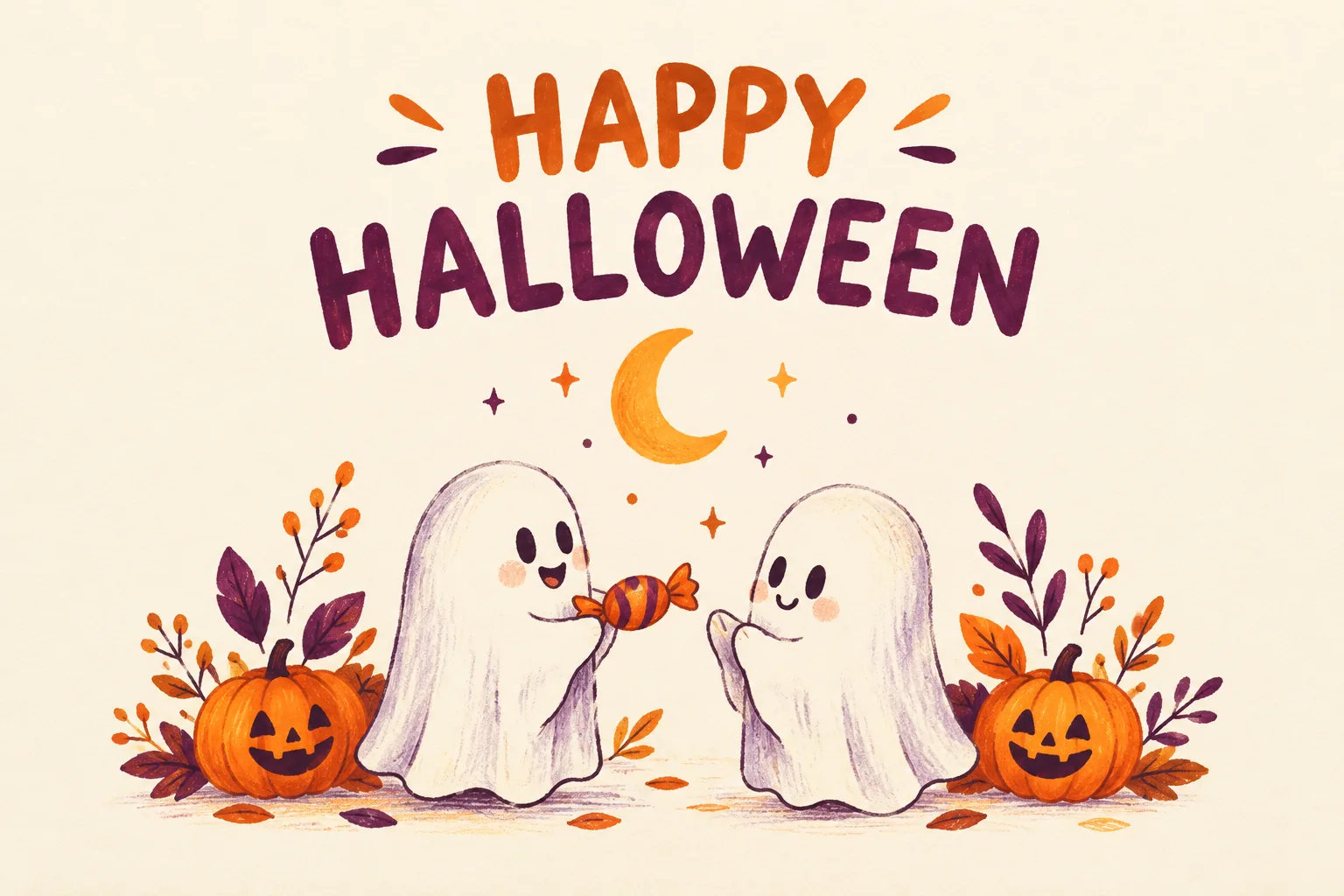
Halloween Card
Create a Halloween greeting card with your own short message.
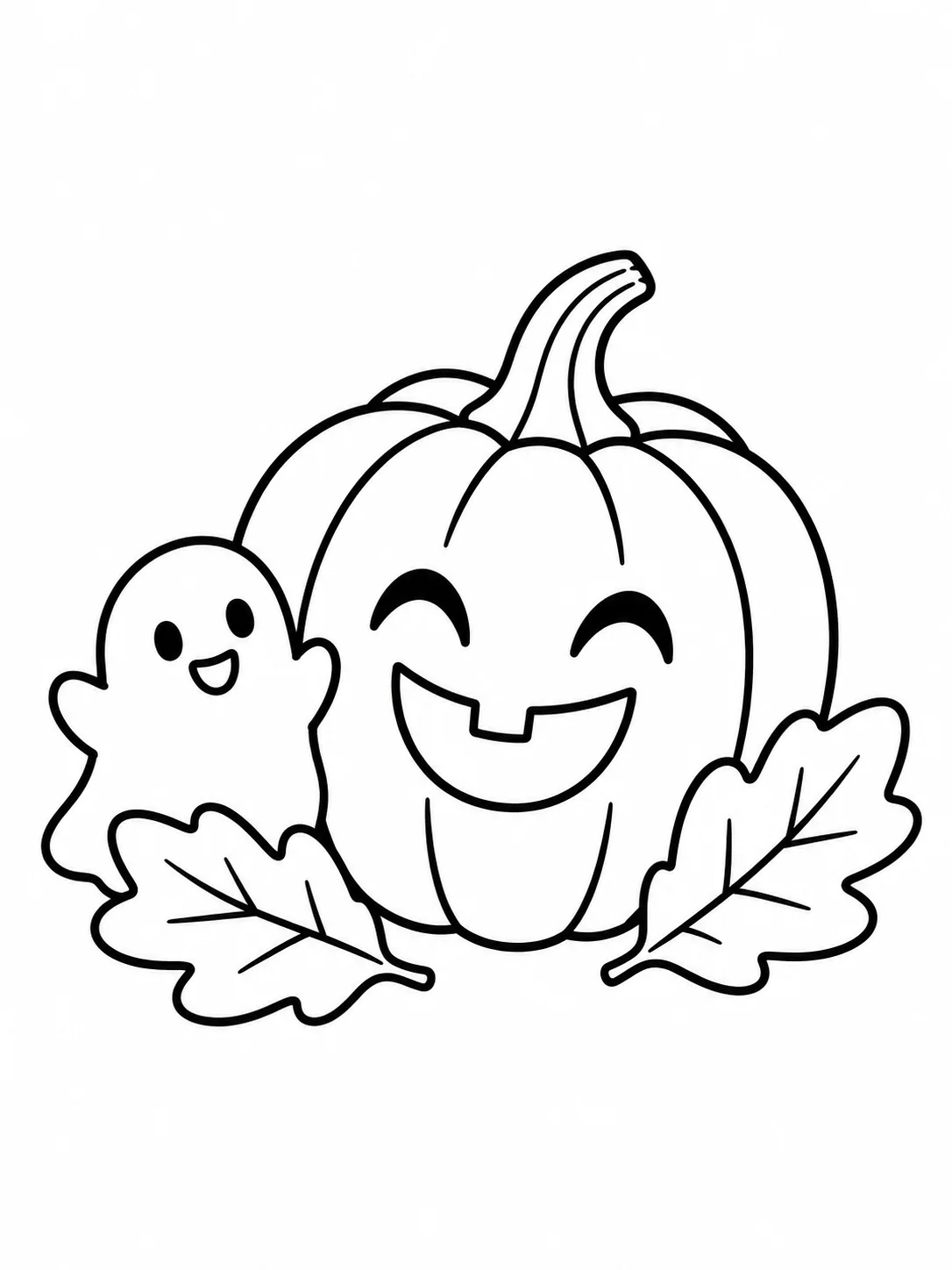
Halloween Coloring
Make black-and-white Halloween coloring sheets with empty spaces to fill.
Frequently asked questions
What is a head cutout?⌄
It is a head separated from the body and scene. This preset keeps the face, hair, ears and chin while removing the neck, shoulders, clothing and background.
Does it download as a transparent PNG?⌄
Yes. The preset requests a real transparent background and outputs a PNG. Viewers may display the transparent area on a white or black canvas; place the file on a colored background to check it.
Is it a pixel-exact copy of my face?⌄
The image model redraws the head, so details and expression can change. Compare your result with the original before using it. For whole-subject background removal, try the Background Remover tool.
How much does a head cutout cost?⌄
The current single-image 1K preset costs 4 credits. The price is shown beside Generate before you start. This preset does not create SVG files, print-ready vectors or physical cutouts.
Create your head cutout
Upload a clear adult portrait and make a head-only transparent PNG.
Create my cutout