
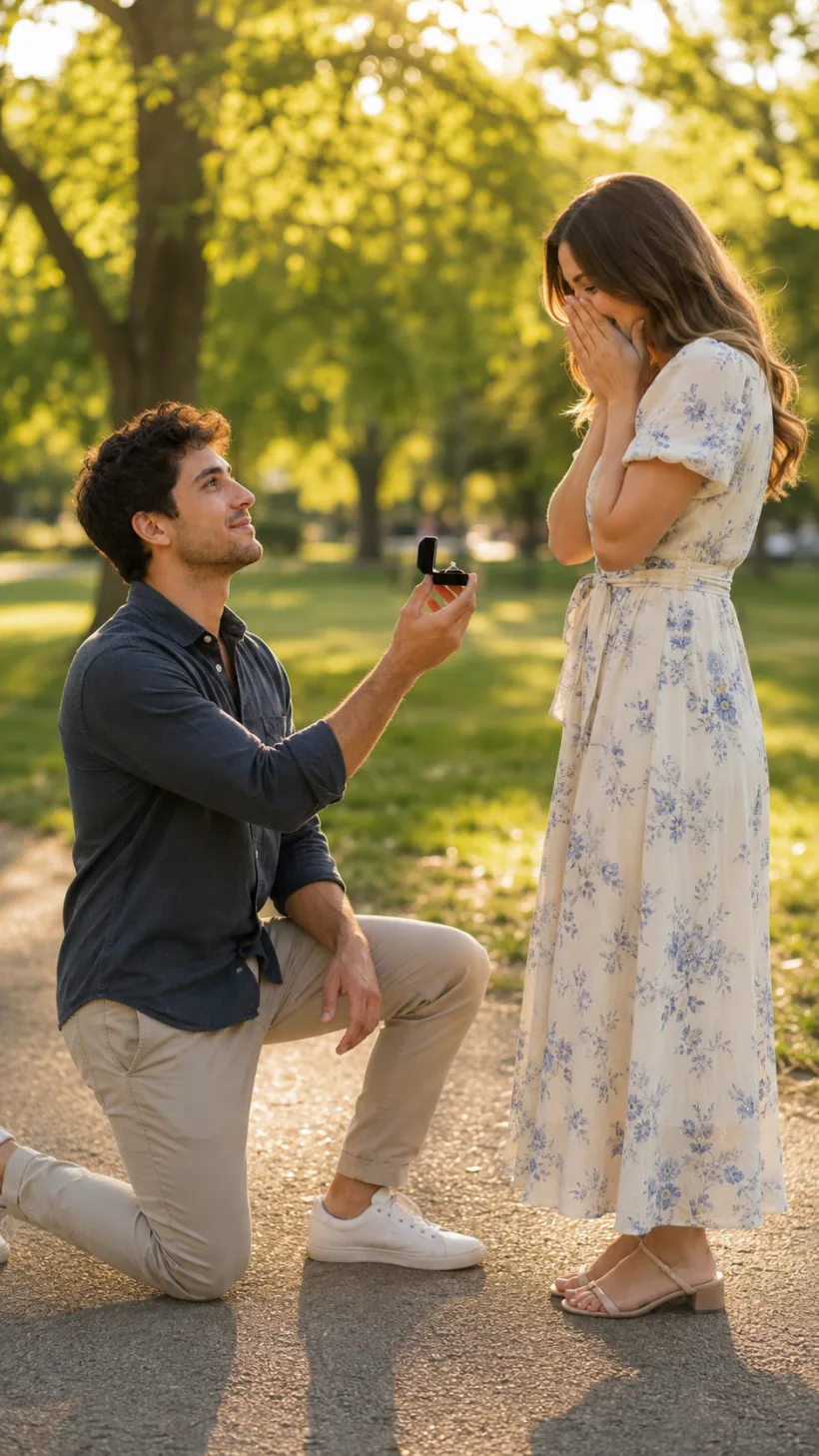
Why the AI proposal generator turns two photos into a moment worth keeping
Merge two photos into one proposal scene
Upload a photo of each person and the AI proposal generator puts you in the same frame — one of you kneeling with a ring box open, the other standing close with a hand raised in surprise. You don't need a photographer, a studio, or even to be in the same room. Two separate pictures become one warm, believable proposal shot.
- ✓No shoot needed — two phone photos are all it takes to build the scene
- ✓Natural staging — the kneel, the ring, the reaction all placed for you
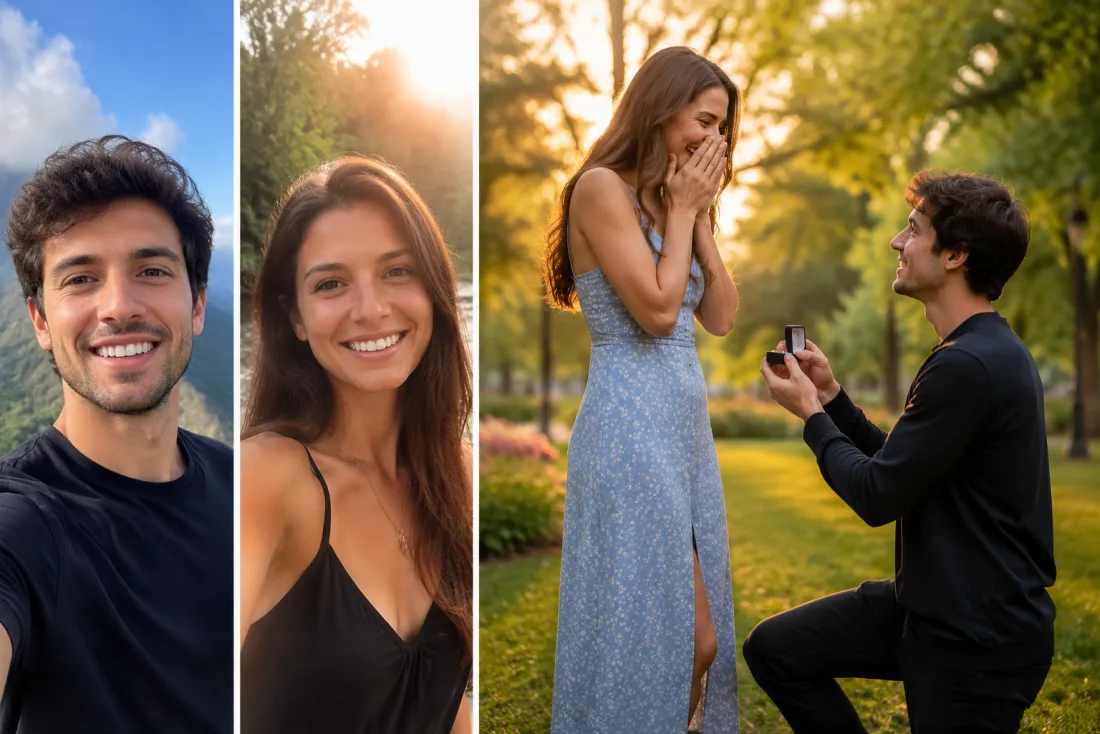
Both faces stay exactly you
This isn't a generic couple with your heads pasted on. The AI proposal generator keeps both faces true to your uploads — the smile, the jawline, the little details that make it look like the two of you. Friends recognize you instantly, which is the whole point of a keepsake you'll actually want to send to family.
- ✓Real likeness — features stay matched to each person you upload
- ✓Believable together — skin tone, lighting and scale blended into one shot
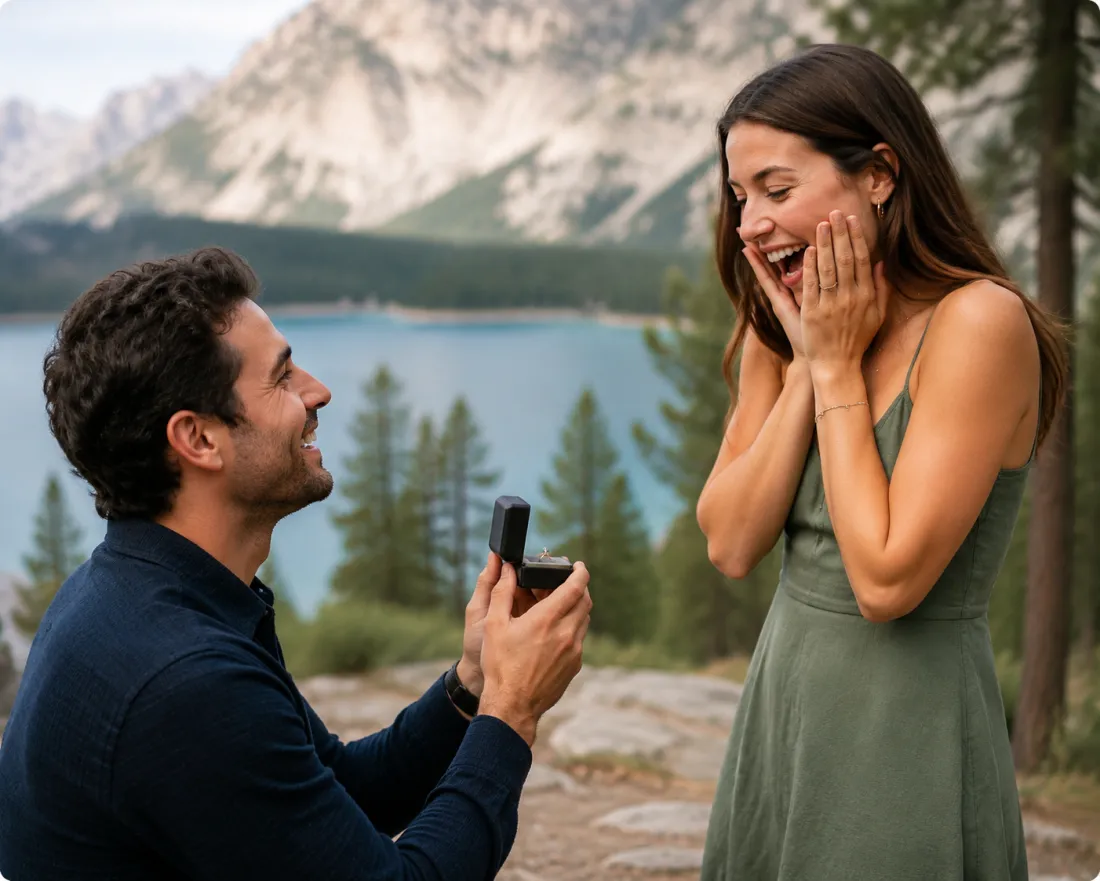
The kneel, the ring, the reaction
Most effects animate a hug or a dance. This one builds the single second a proposal lives in — the open ring box, the look up, the hand flying to the mouth. The AI proposal generator stages that beat first, so when it moves, it reads like a real "will you?" rather than two people standing near each other.
- ✓One clear beat — the proposal pose is built, not left to chance
- ✓Genuine reaction — surprise and a soft smile, not a blank stare
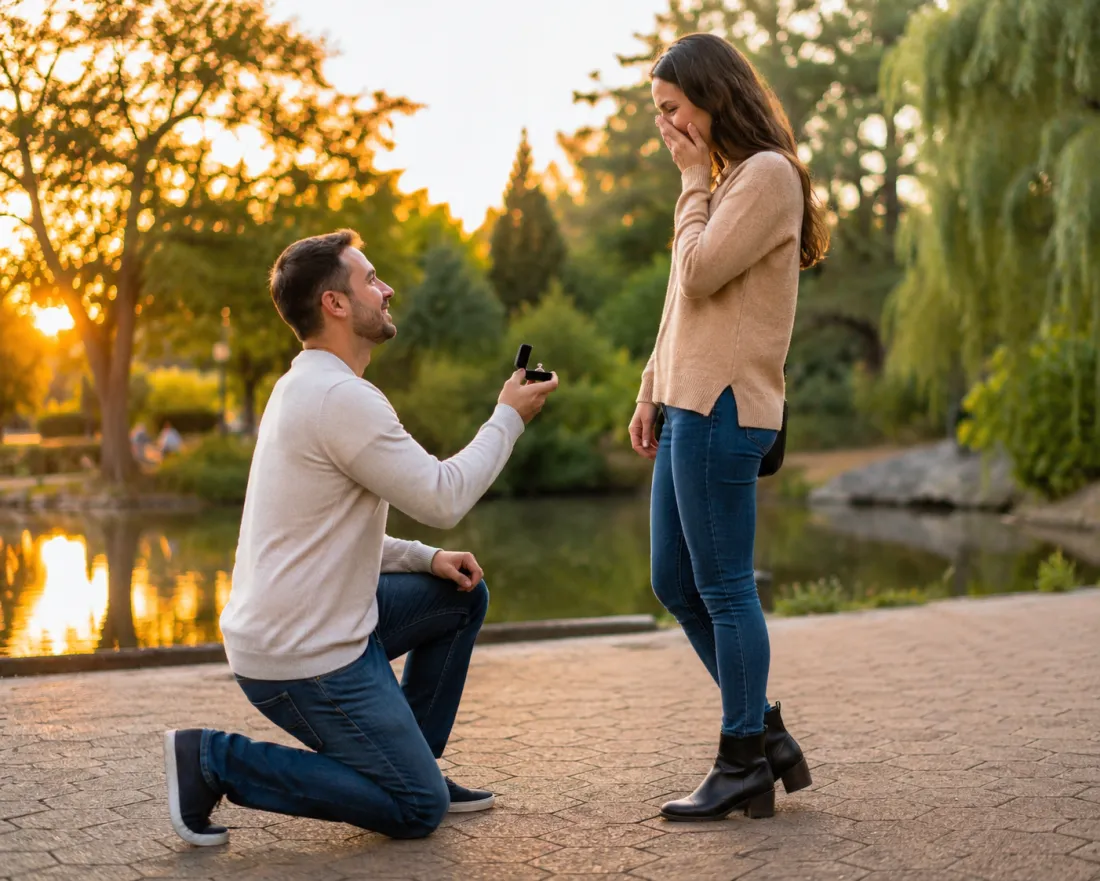
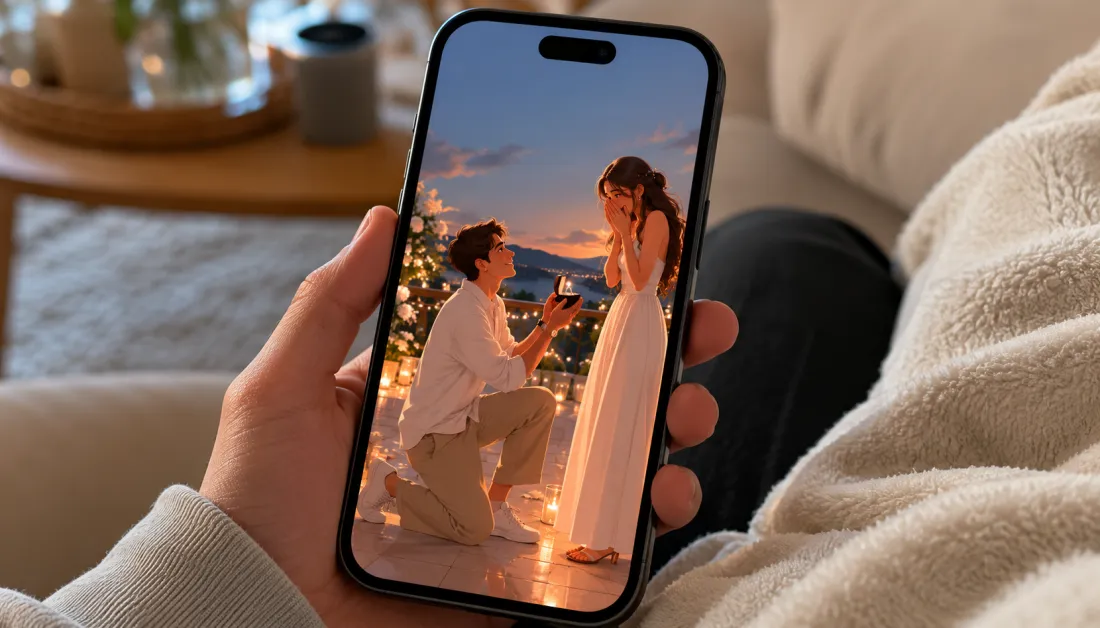
A 6-second vertical video, no watermark
The result is a clean 6-second 9:16 clip — the ring box opens, eyes meet, a happy gasp, maybe a small nod. It's sized for Reels, Stories and TikTok with no watermark across it, so you can post the moment or text it to grandma straight from your phone.
- ✓Post-ready format — vertical 9:16 built for Stories and Reels
- ✓Clean export — no watermark stamped over your moment
Two ways to make your proposal video
Bringing two people together? Upload a photo of each and we'll merge them into the proposal scene. Already have a real proposal photo of the two of you? Use one-photo mode to bring it to life.
Two-photo merge
Put both of you in one proposal scene
When to use it
Use this when you have a separate photo of each person and want them merged into one kneeling proposal moment.
What it produces
A 6-second vertical proposal video starring both people, faces kept true
- ✓Upload one clear photo per person
- ✓We compose the kneel, the ring and the reaction into one frame
- ✓Both faces stay matched to your uploads
- ✓Skin tone and lighting blended so it looks like one shot
- ✓Output is a watermark-free 9:16 MP4
One-photo (solo) mode
Animate a proposal photo you already have
When to use it
Use this when you already have a real photo of the proposal or the two of you together and just want it to move.
What it produces
A 6-second vertical clip that animates your existing couple or proposal photo
- ✓Upload a single photo of the two of you
- ✓We add gentle, natural motion to the moment
- ✓Faces and clothing stay true to the original
- ✓Great for an existing engagement snapshot
- ✓Output is a watermark-free 9:16 MP4
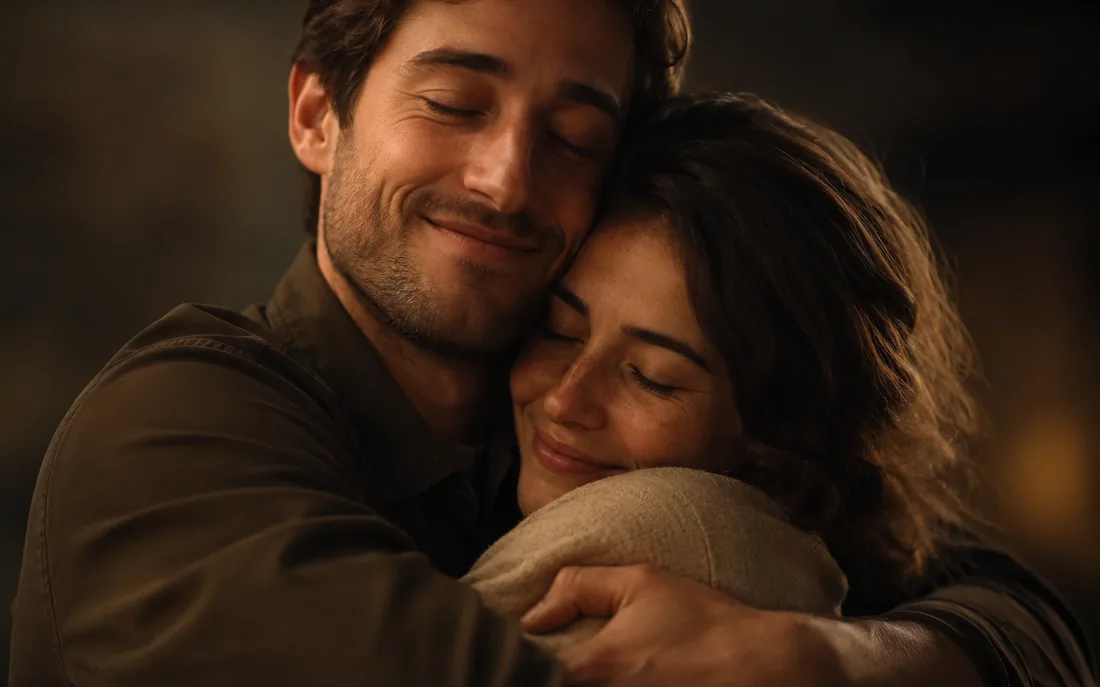
AI Hug Generator
Turn one or two photos into a warm hug video.
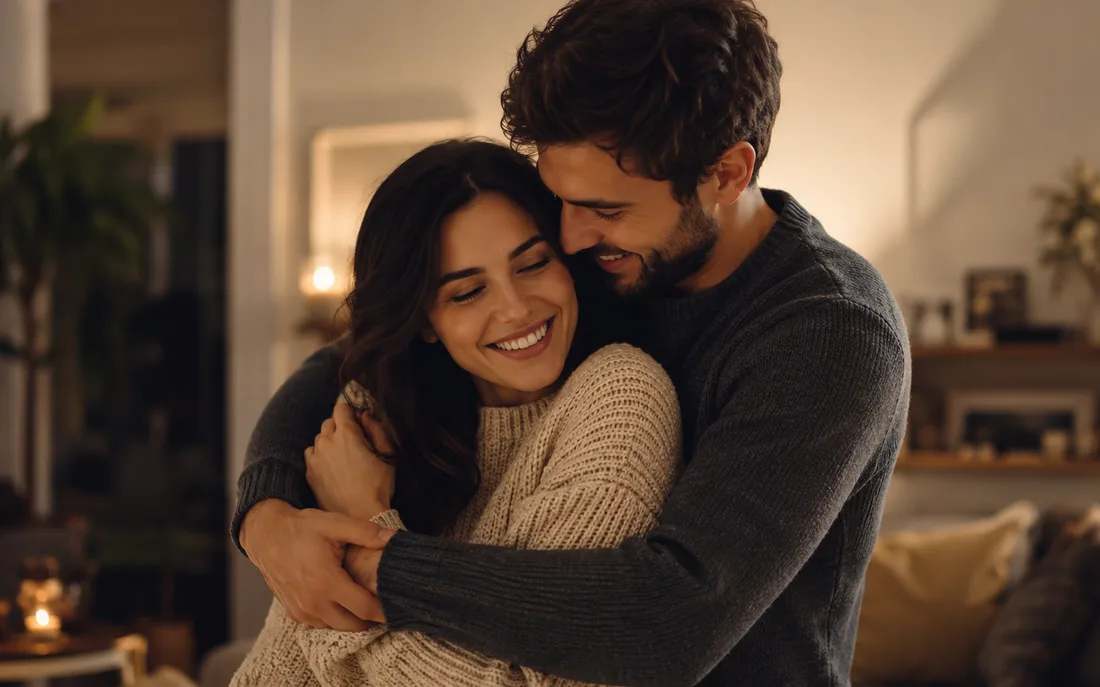
AI Couple Hug
Merge two partners into one tender embrace.
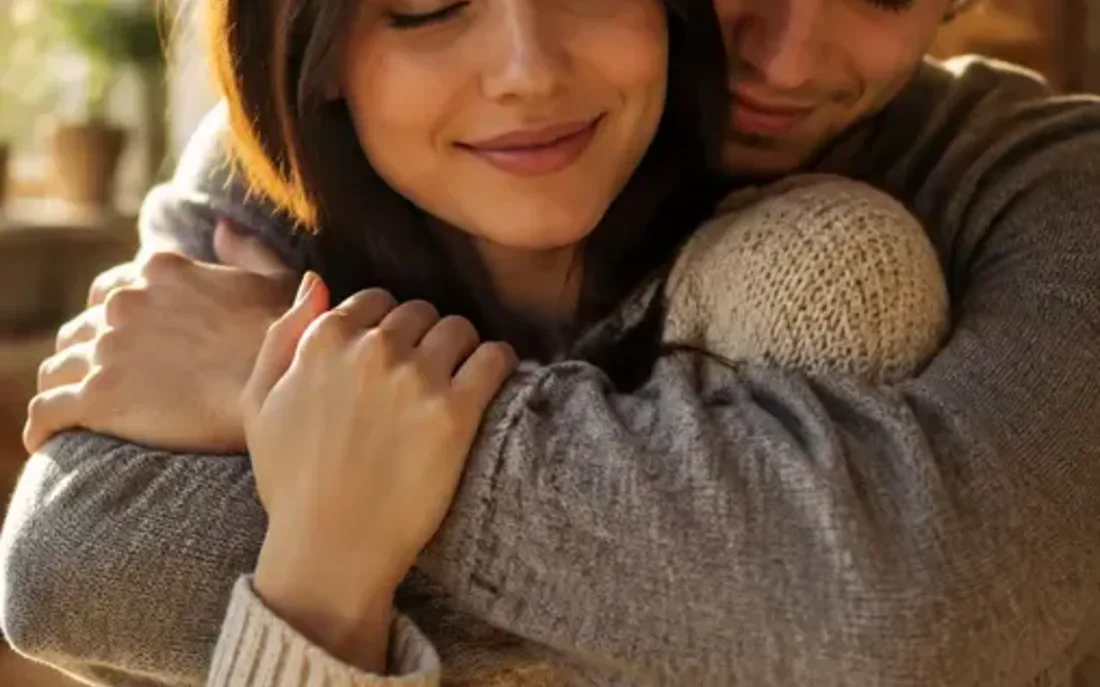
Hug From Behind
A protective back hug, brought to life from photos.
AI Kiss Generator
Turn your photos into a romantic kiss video.
AI Couple Kiss
Merge two partners into one romantic kiss.
AI French Kiss
A slower, deeper, cinematic French kiss from photos.
AI Bridal Carry
The sweet moment one partner lifts the other.
AI Couple Generator
Merge two photos into one natural couple video.
AI Wedding Generator
The AI wedding generator turns one ordinary photo into a wedding-da…
AI Jesus Hug
Turn a photo into a warm, comforting Jesus hug.

AI Handshake
Merge two photos into a professional handshake.
AI Muscle Generator
Turn one photo into a fit, muscular flex video.
Frequently asked questions
What is the AI proposal generator?⌄
It's a free tool that merges two photos into one marriage-proposal scene — one person kneeling with a ring, the other reacting — and then animates it into a short video. You can also use one-photo mode to bring an existing couple photo to life.
Do I need two photos?⌄
For the merge, yes — upload one clear photo of each person and we'll place you both into the same proposal scene. If you already have a photo of the two of you together, switch to one-photo mode and we'll just animate that instead.
Will it still look like us?⌄
Yes. Keeping both faces true to your uploads is the whole point, so each person's features stay matched and recognizable. The goal is a clip your friends and family see and instantly know it's the two of you.
How long is the video and what format?⌄
You get a 6-second clip in vertical 9:16, sized for Reels, Stories and TikTok. There's no watermark on it, so you can post or send it straight from your phone.
Is it free, and how do credits work?⌄
New accounts start with free credits, and after that it's pay-as-you-go — you only spend credits on the videos you make. There's no subscription required to try the AI proposal generator.
What photos work best?⌄
Use clear, well-lit photos where each face is easy to see, ideally looking toward the camera. Avoid heavy sunglasses or blur. The cleaner the input, the more believable the kneel and the reaction will look.
Is there a safety check on uploads?⌄
Yes. An automated safety check runs on every upload before anything is generated, so the tool stays focused on tasteful, mainstream proposal scenes. Clear photos of consenting adults work best.
Make the proposal moment, then watch it move
Upload two photos and the AI proposal generator builds the kneel, the ring and the happy gasp into one short, shareable video — both faces kept true, no watermark. Use your free credits to make the first one.
Open the AI proposal generator