
Make your Skull Cap Trend AI video
Start out goofy in a bright room
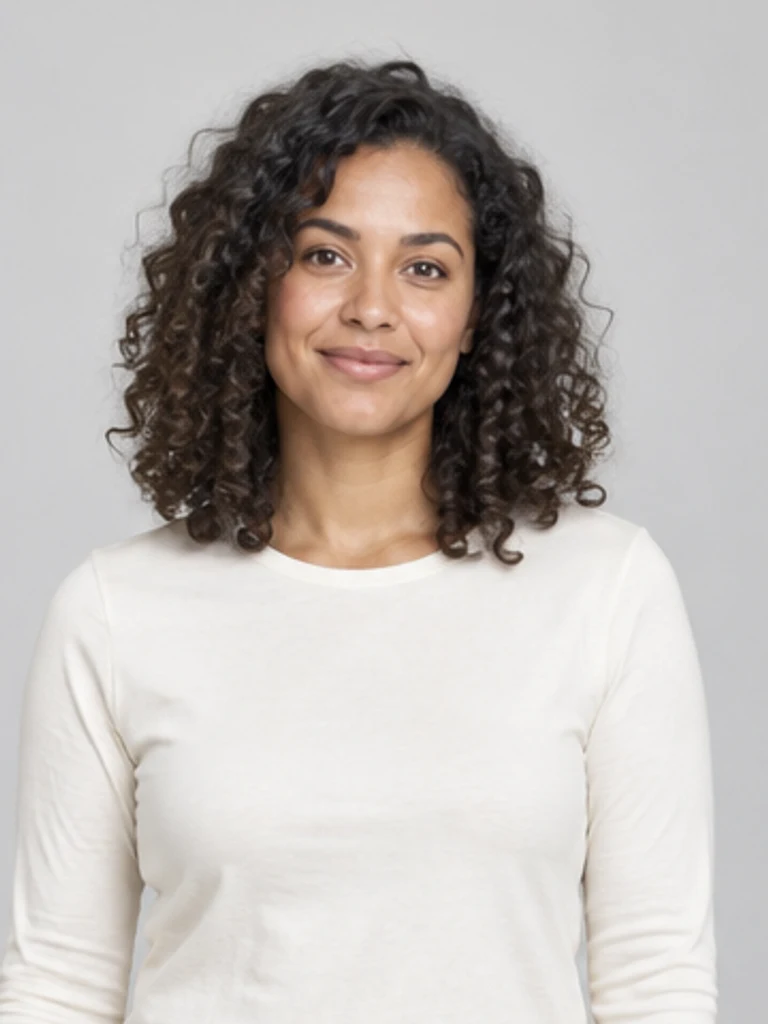
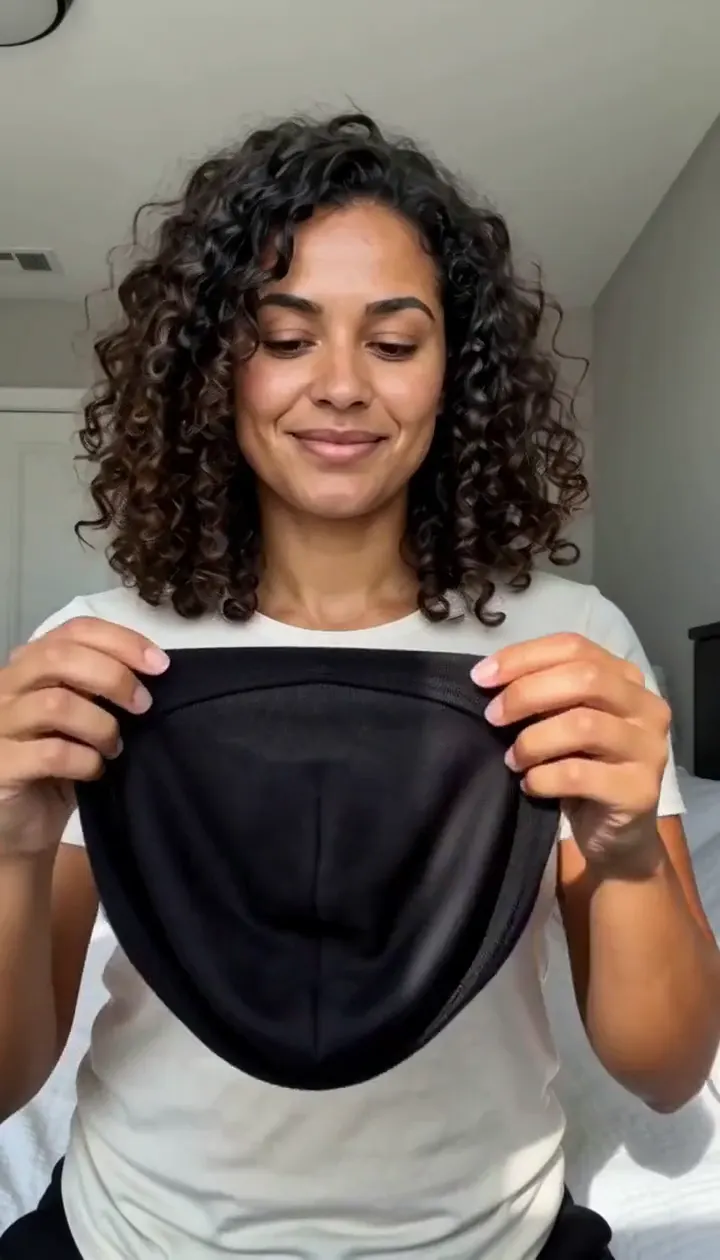
The skull cap trend on TikTok is a simple joke: how someone acts a split second after putting on a skull cap. This preset builds that joke from one photo. Your clip opens as a phone selfie in an ordinary daylit bedroom, with you looking a little unsure and a plain black cap in your hands. The person beside the generator is the fictional adult we used for our actual example.
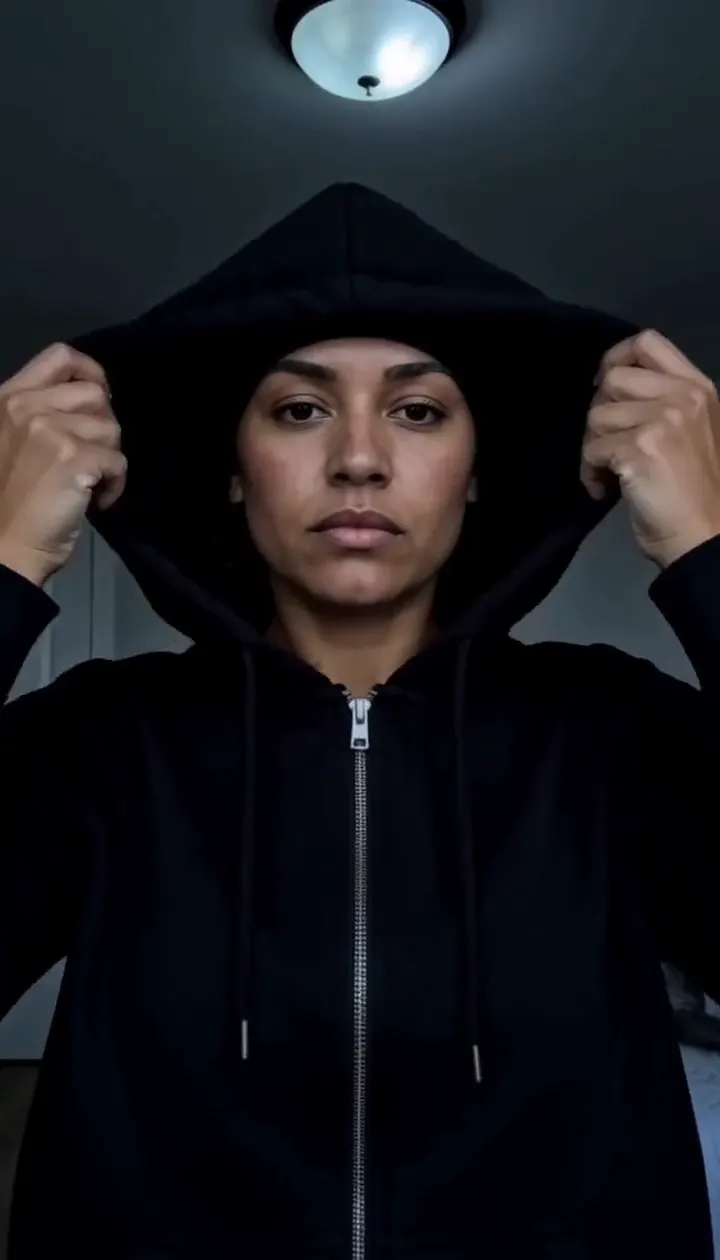
Cap on, then the lights go out
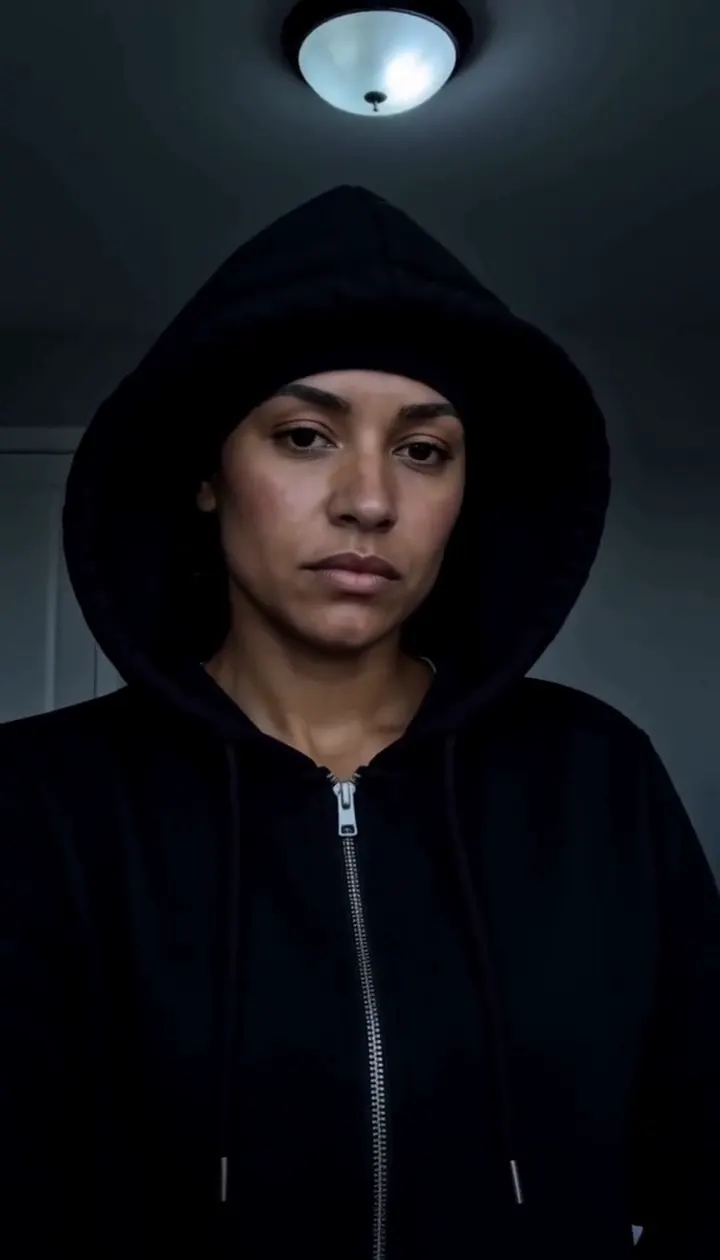
You pull the cap down over your head, and the video cuts straight to a dark room with no fade. Now you are in a black zip hoodie, pulling the hood up under one dim light. Your face, skin tone and proportions come from your photo; the clothes, rooms and lighting come from the preset. The pictures on this page are frames from one real generated video, and the timing of the cut can shift a little between generations.
Save a vertical clip with a beat
You get a vertical MP4 of about ten seconds. A dark instrumental beat comes in at the cut. It is newly generated, not the sound used in the original TikToks, so add that sound in the app when you post if you want it. Download the result from the result card or open My Creations later, and say the clip is AI-generated when you share it.
Choose a clear adult photo
One photo guides one person in both shots.
Face forward
The stare needs a clear face
When to use it
You want to look like yourself in the close-up.
What it produces
Your face in both the bright shot and the dark shot.
- ✓Front-facing
- ✓Even light
- ✓No sunglasses or masks
One adult
Keep the subject easy to identify
When to use it
You want one person in the selfie.
What it produces
One person; the rooms and clothes are generated.
- ✓No group photos
- ✓Sharp original
- ✓Use a photo with permission
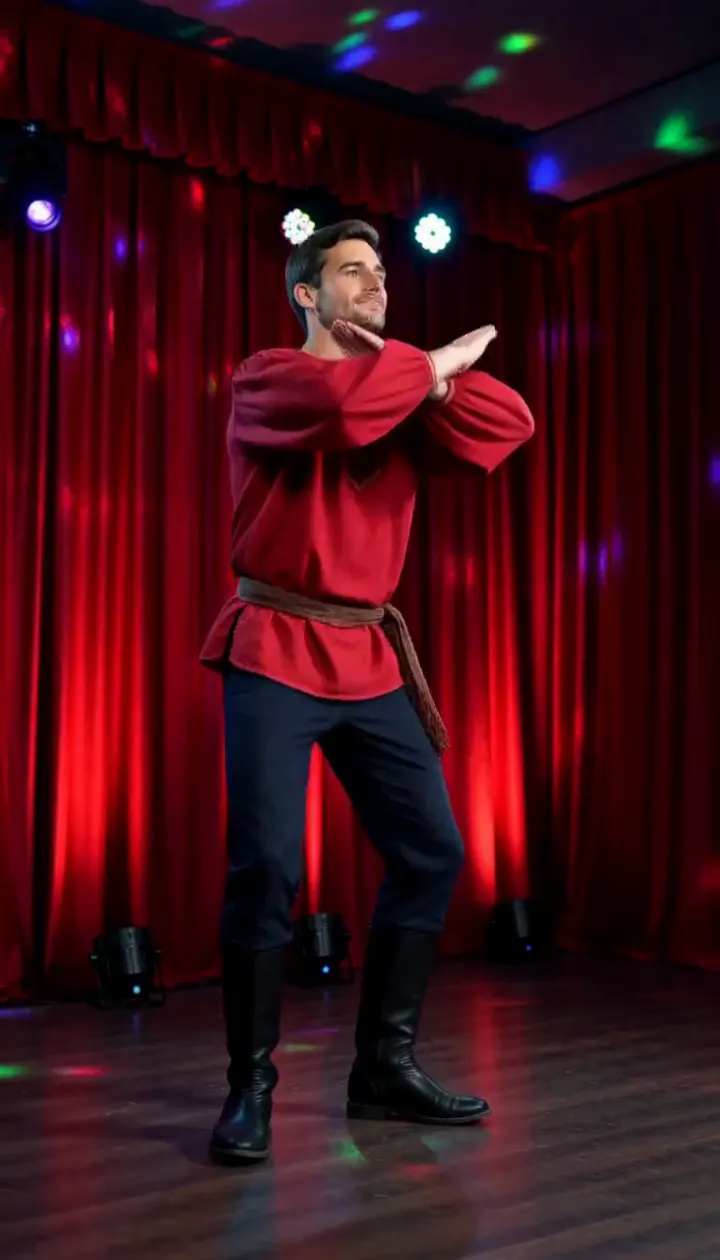
Rasputin Dance AI
Turn one adult photo into a ten-second folk disco dance with squat kicks and a spin.
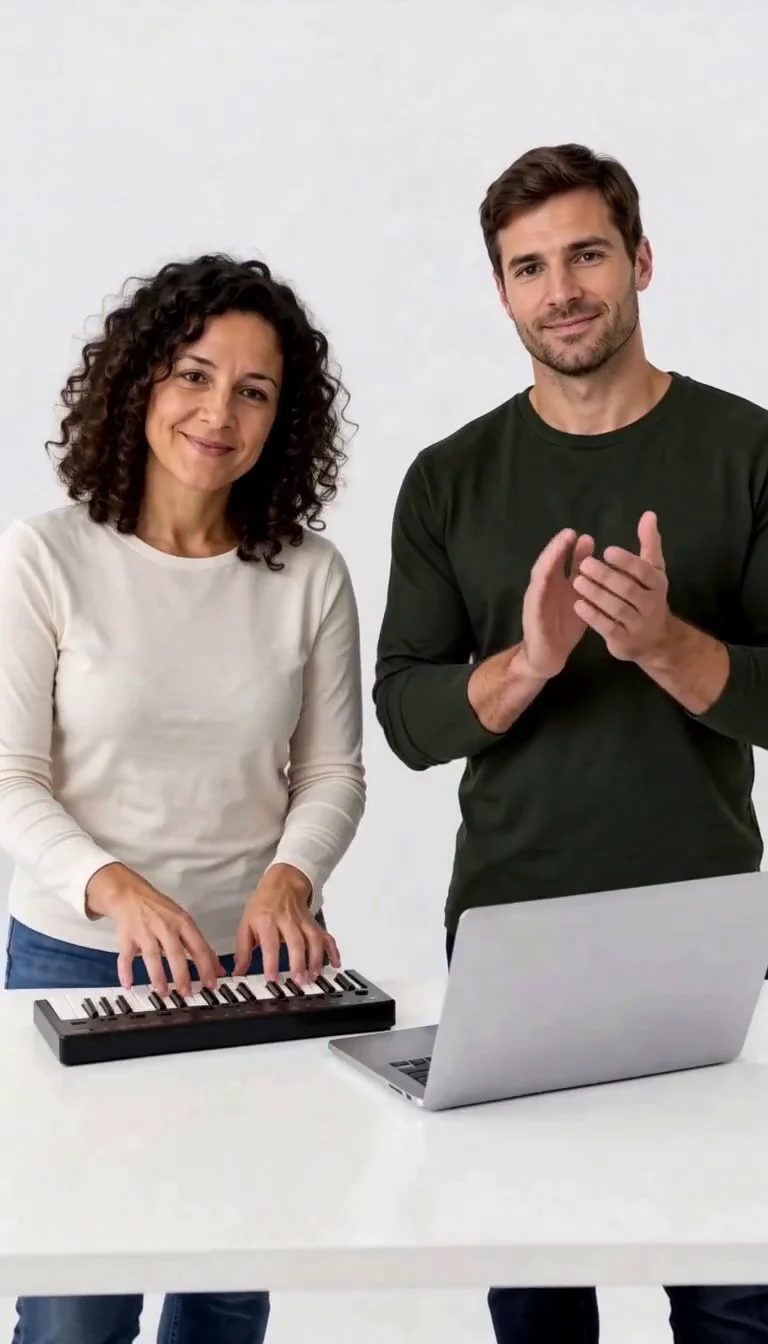
Keyboard Duo
Put two adults in a keyboard-and-clapping studio sketch.
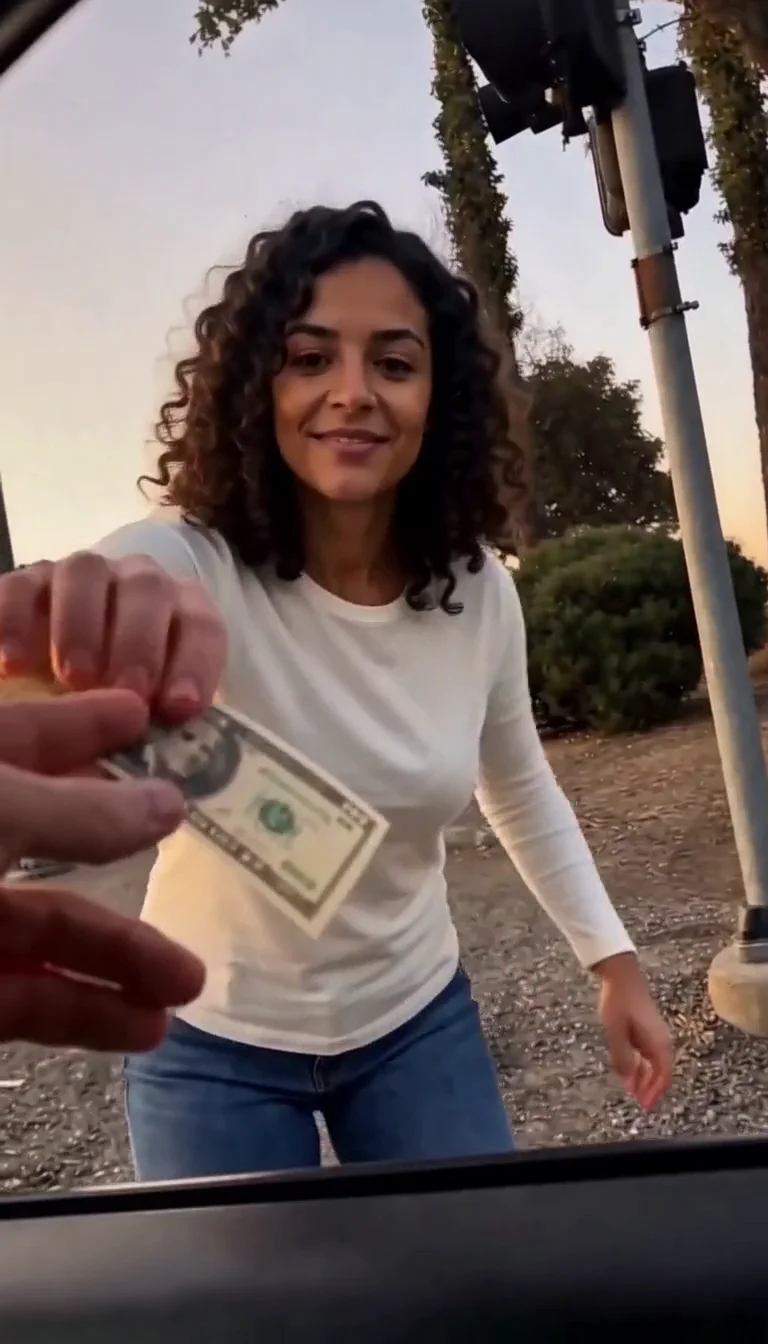
Plug Walk
Follow the car-window cash handoff, then step back into the reference dance.
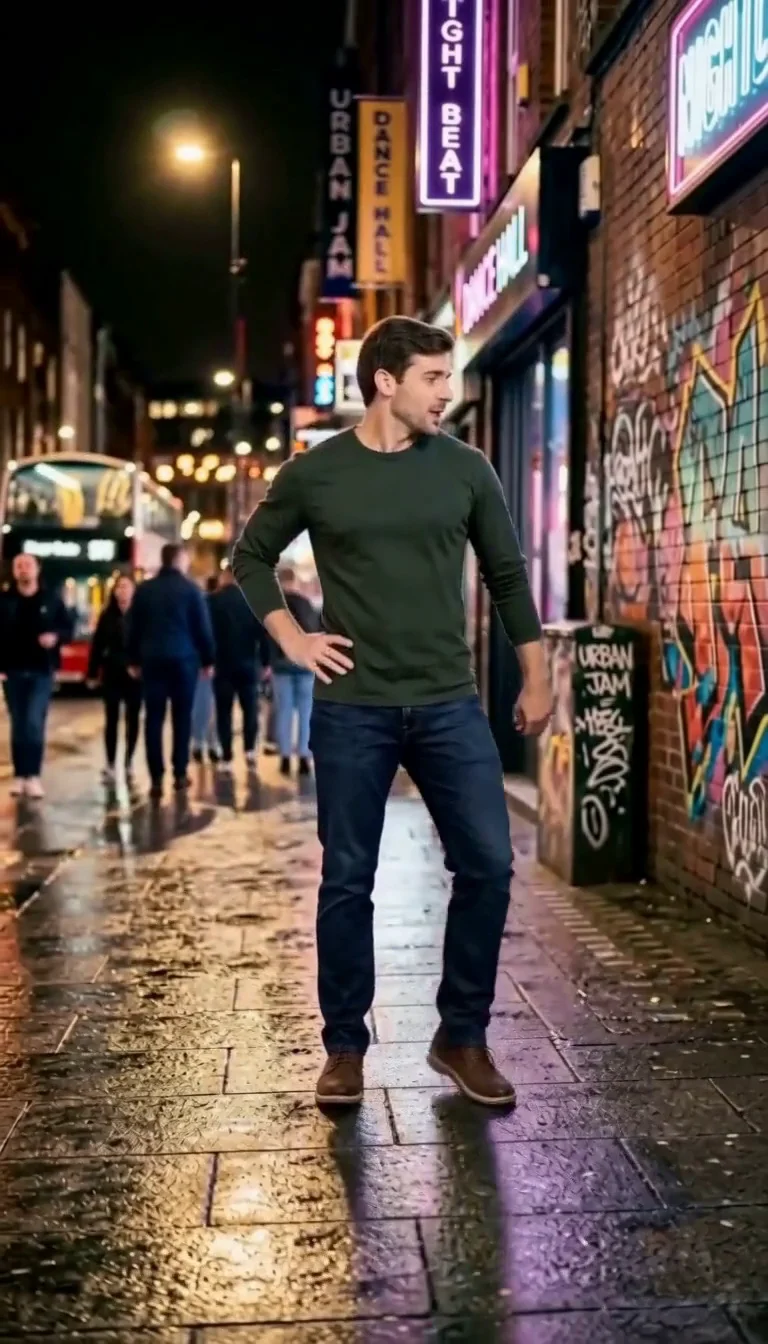
6 7 Dance
Follow a fourteen-second Six Seven street dance with counting gestures, bouncy steps and claps.
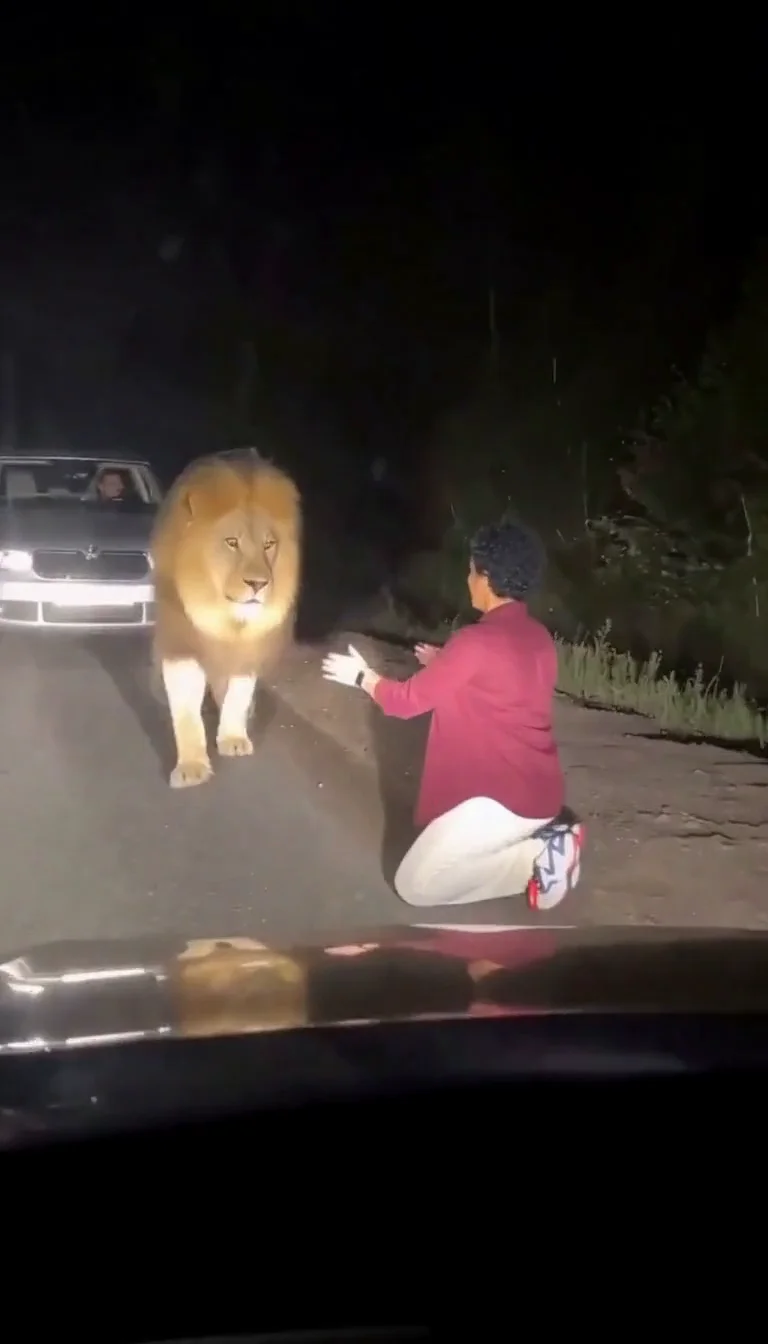
Lion Friend
Meet a calm lion on a nighttime road, stroke its mane and share a fictional embrace.
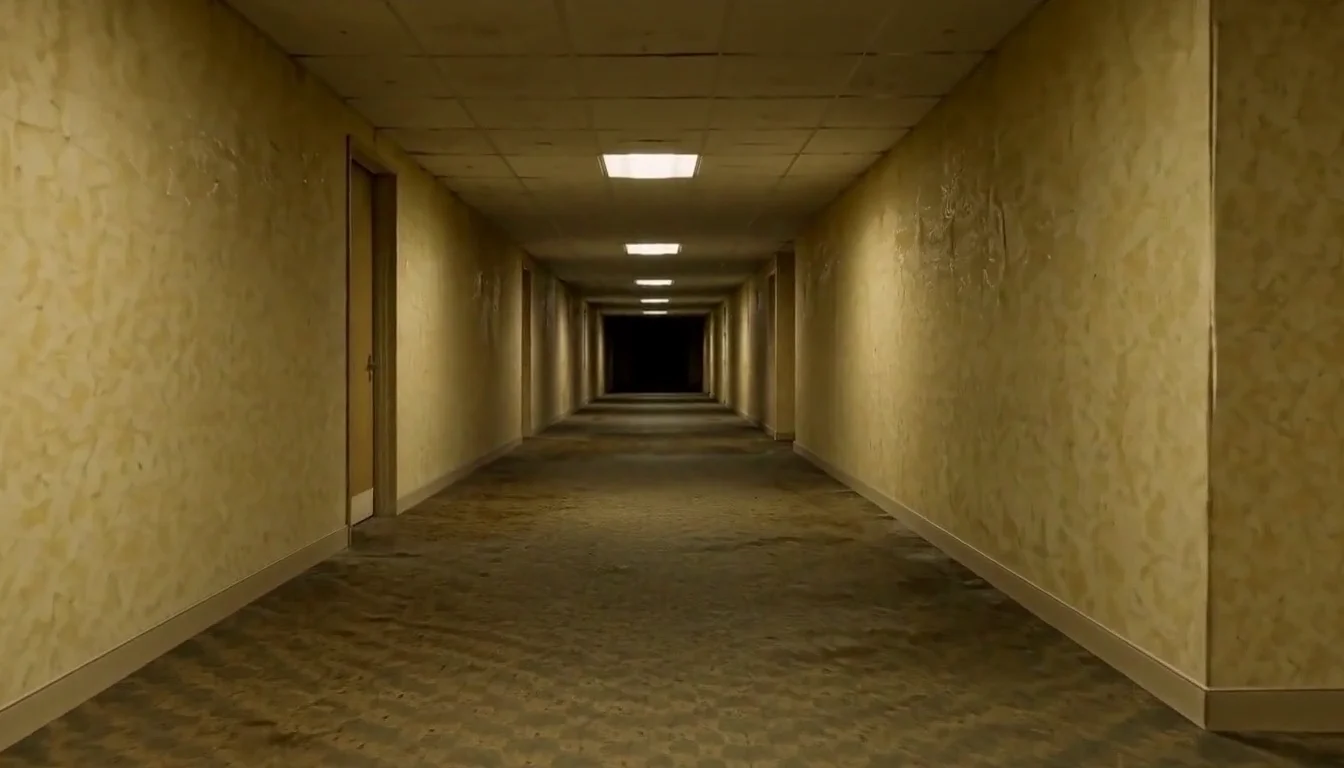
AI Backrooms
Animate your empty corridor with a slow camera push and flickering fluorescent lights.
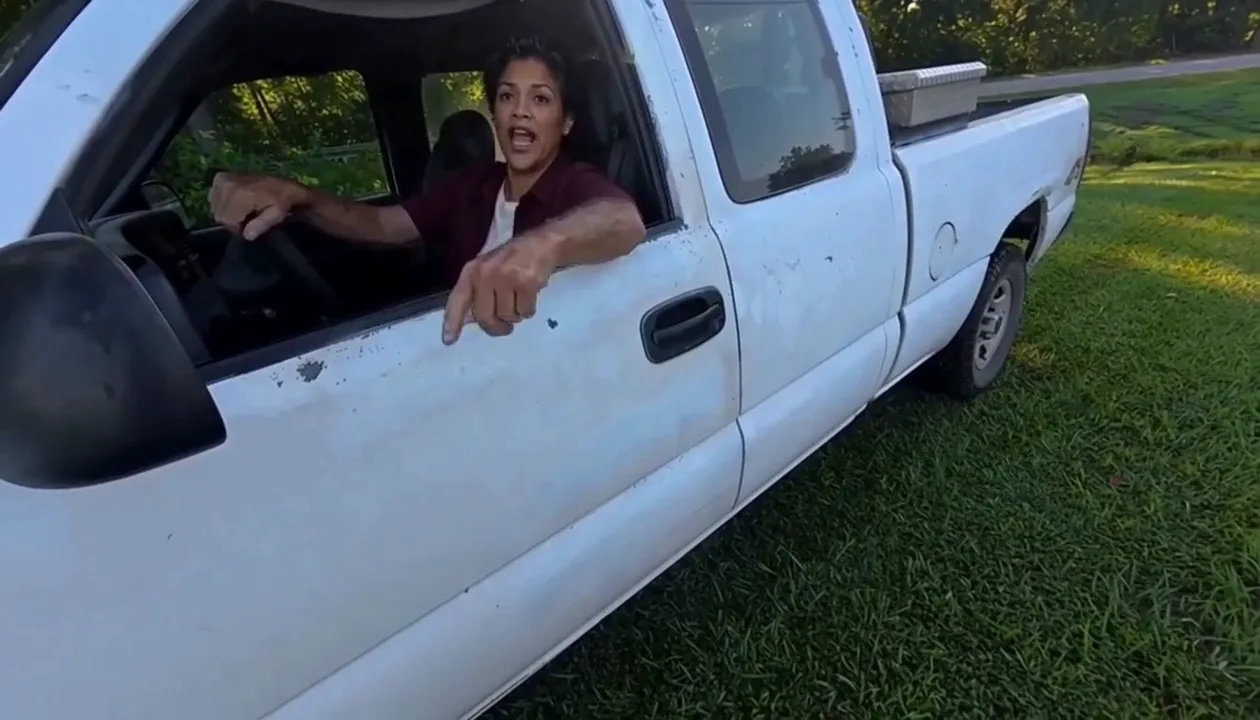
Hit Road Dude
Make a reference-guided pickup-truck meme from one adult portrait.
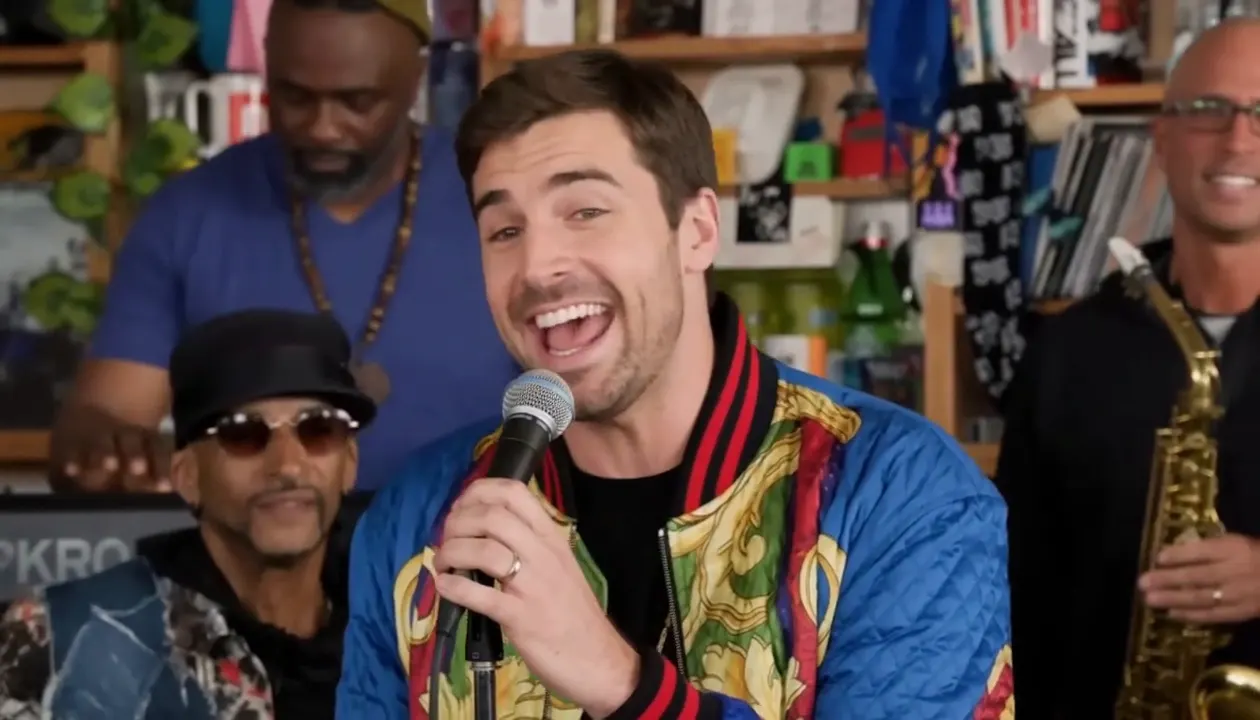
Tiny Desk AI
Put your photo in the lead-singer spot of a ten-second office-desk concert.
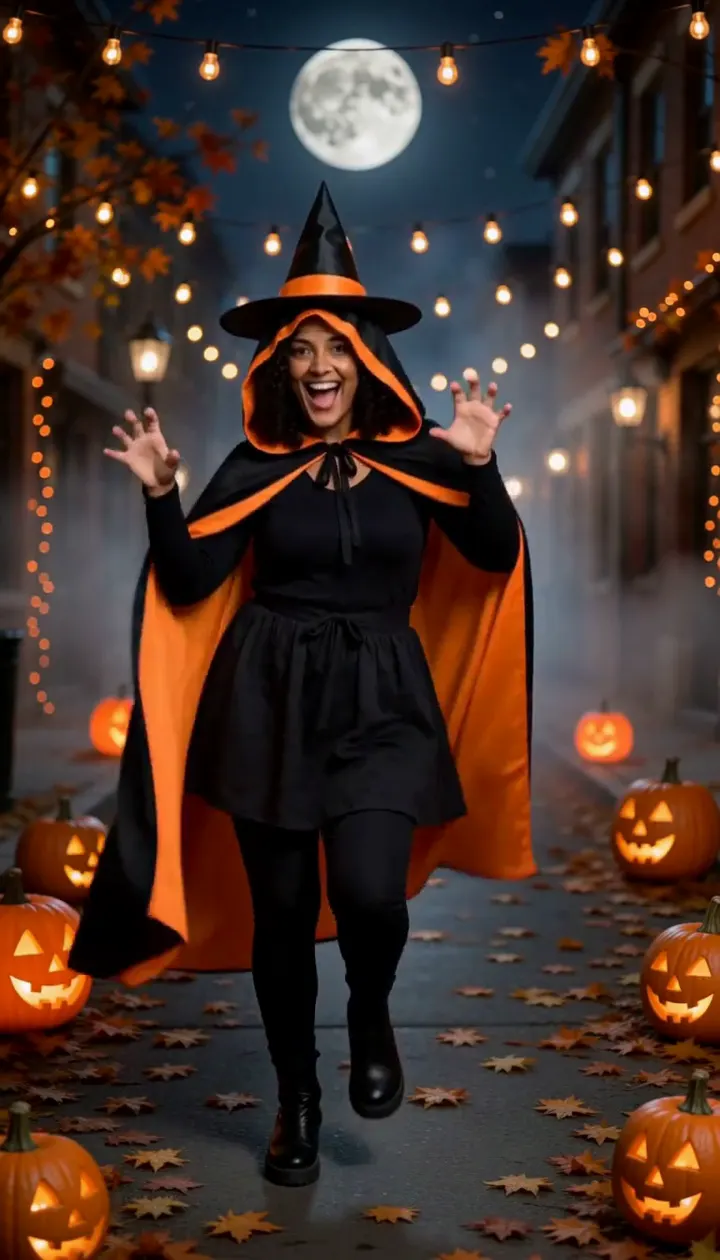
Halloween Dance
Turn one adult photo into a ten-second costume dance on a jack-o'-lantern street.
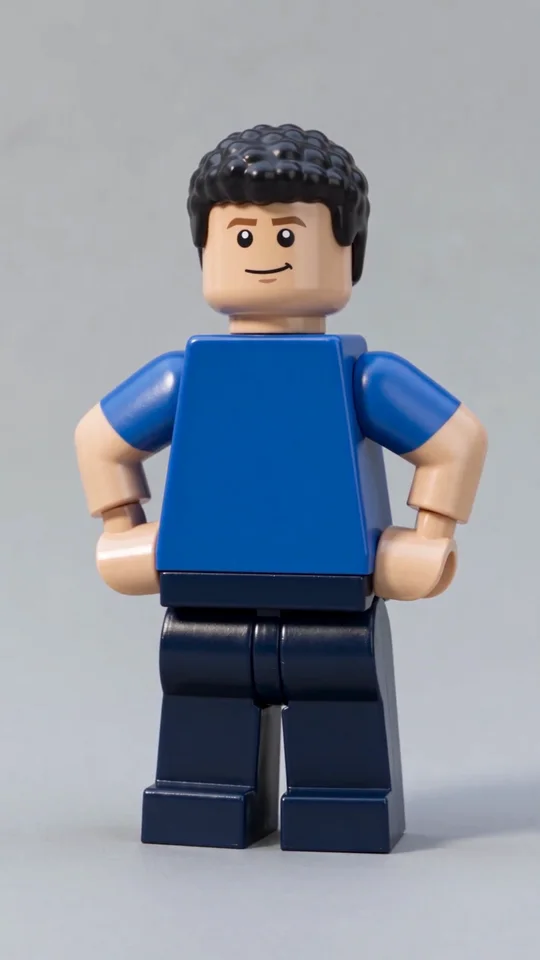
AI Lego Man
Transform one adult photo into a molded brick toy video.
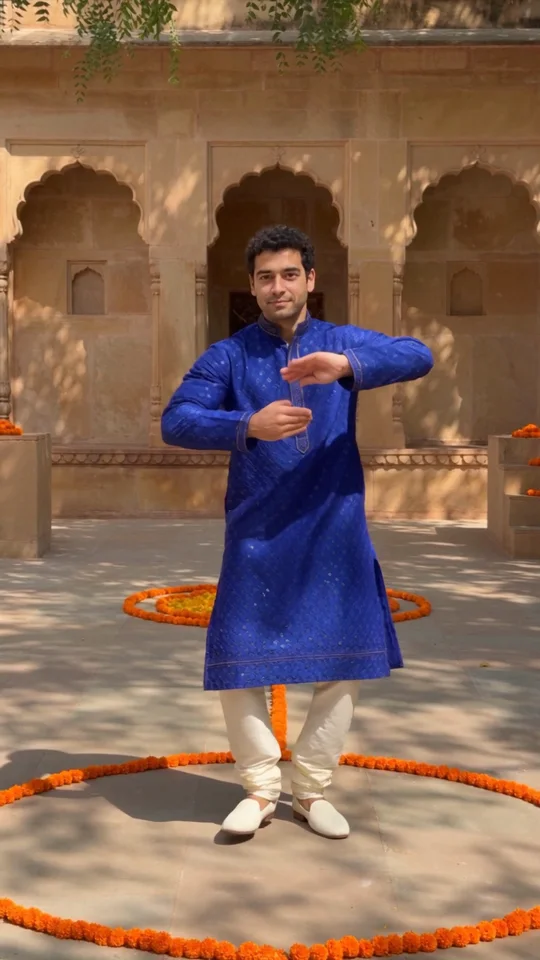
Bollywood Dance
Make a ten-second courtyard dance from one adult photo.
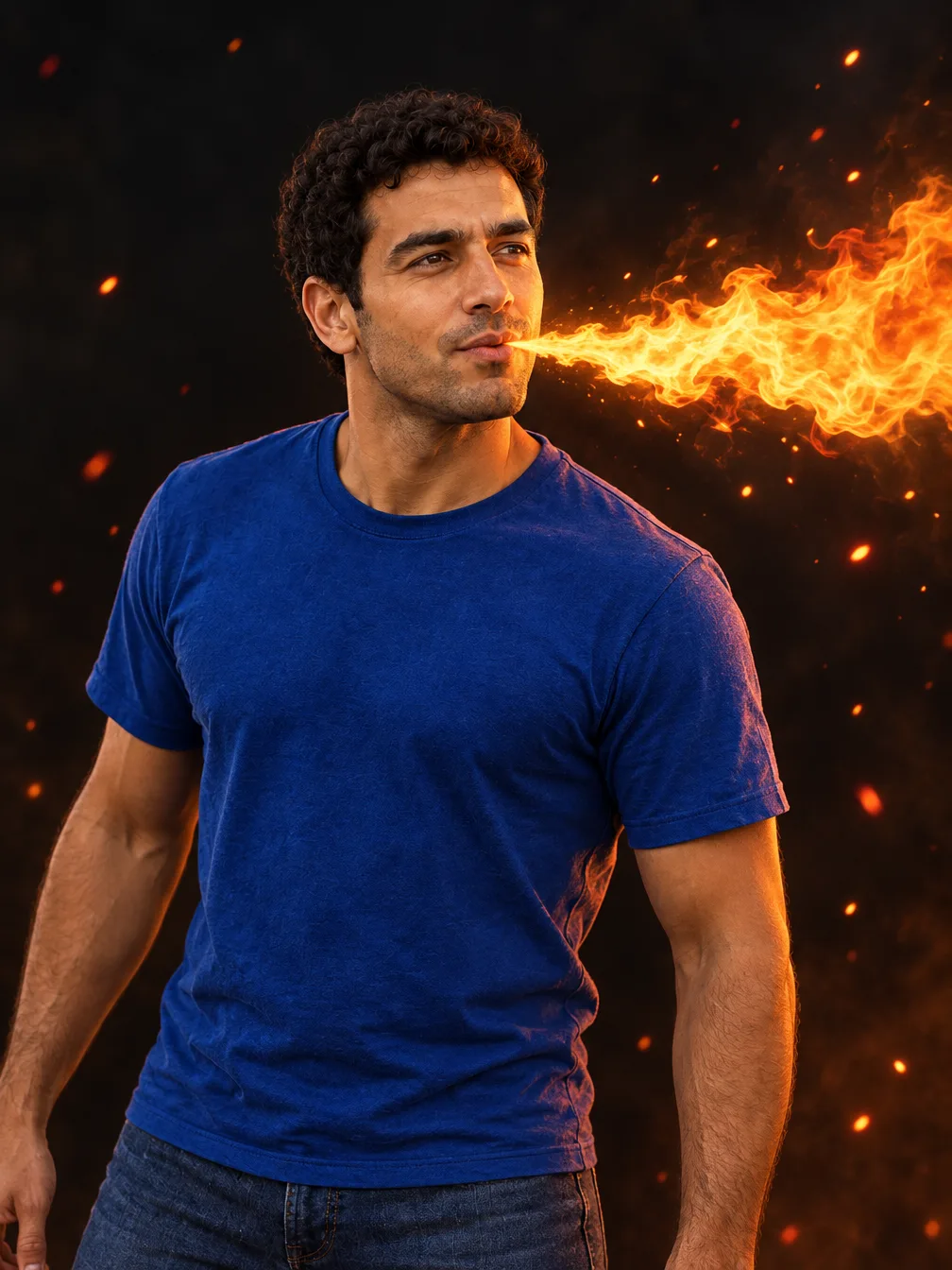
Fire Breathe
Add a fantasy flame plume and warm light to a portrait.
Frequently asked questions
What is the skull cap trend?⌄
It is a TikTok meme captioned along the lines of how people act a split second after putting on a skull cap. The clip starts awkward in a bright room, then cuts to the same person looking cold and serious in the dark.
How do I make the skull cap trend with AI?⌄
Upload one clear photo of yourself and press generate. No prompt or editing is needed. The preset writes both shots and the cut for you.
Do I need a real skull cap?⌄
No. The cap and hoodie are generated, so you can use any photo. You can be wearing anything in it.
Does it use the original TikTok sound?⌄
No. The video comes with a newly generated instrumental beat. Add the trending sound in the app when you post if you want it.
What photo works best?⌄
A sharp, front-facing photo of one adult with the whole face visible. Avoid sunglasses, masks, heavy filters and group photos.
What format do I get?⌄
A vertical MP4 of about ten seconds with sound.
How many credits does it cost?⌄
One Skull Cap Trend AI video costs 48 credits, shown before you generate. The 30-credit welcome allowance alone does not cover it. Downloading a finished result does not start another generation.
How long does it take and where is my video?⌄
Allow several minutes; busy periods can take longer. Download the finished clip from the result card or find it later in My Creations.
Make your Skull Cap Trend AI video
Upload one photo, pull the cap on and cut to the dark.
Make my skull cap video