
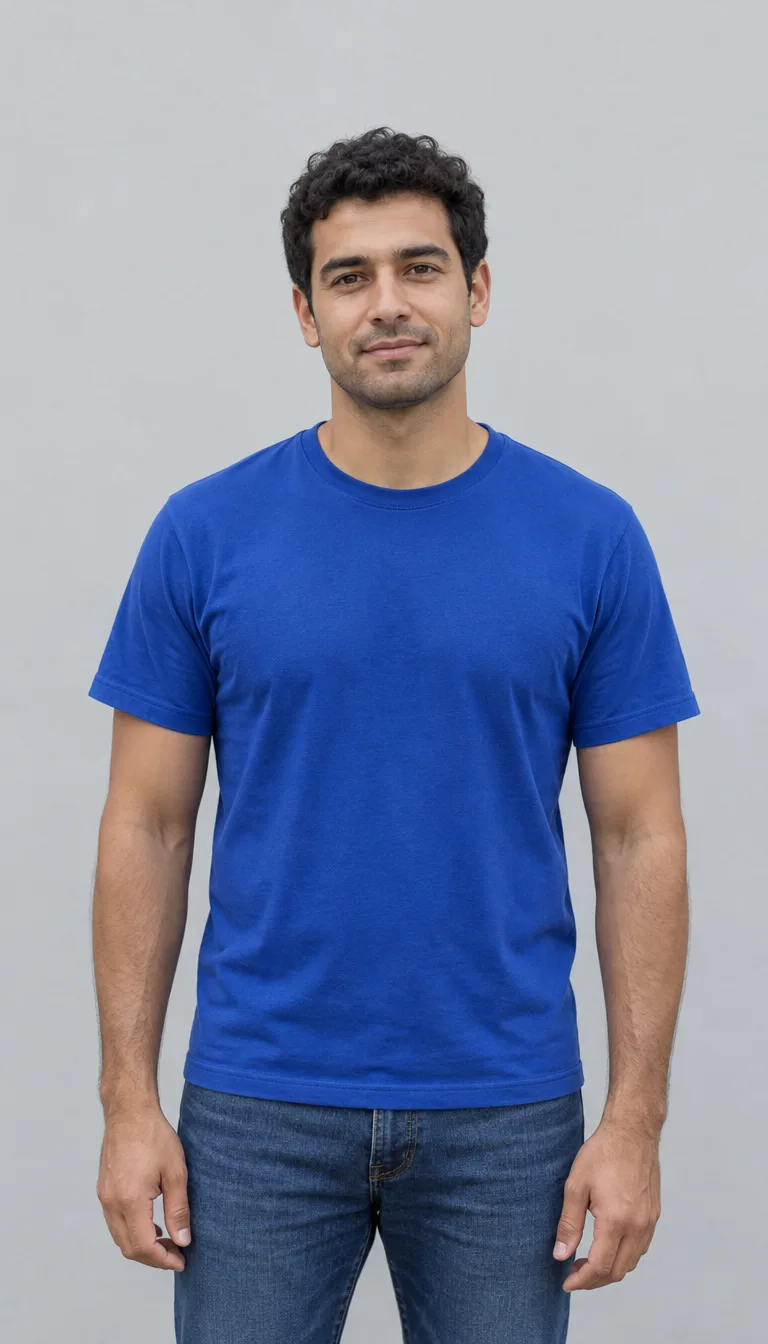
Fire breathe: flames and reflected light in one portrait
A flame plume beside a recognizable face
The preset places a bright orange flame plume at the mouth and adds amber light across the cheek and clothing. A dark background makes the flame and floating embers stand out. The example was made from the fictional adult input shown above. The example keeps his blue shirt; your uploaded clothing guides your own result. Your result depends on the source photo; the generator may adjust the head angle and background. Review the face, lips and flame placement before saving.
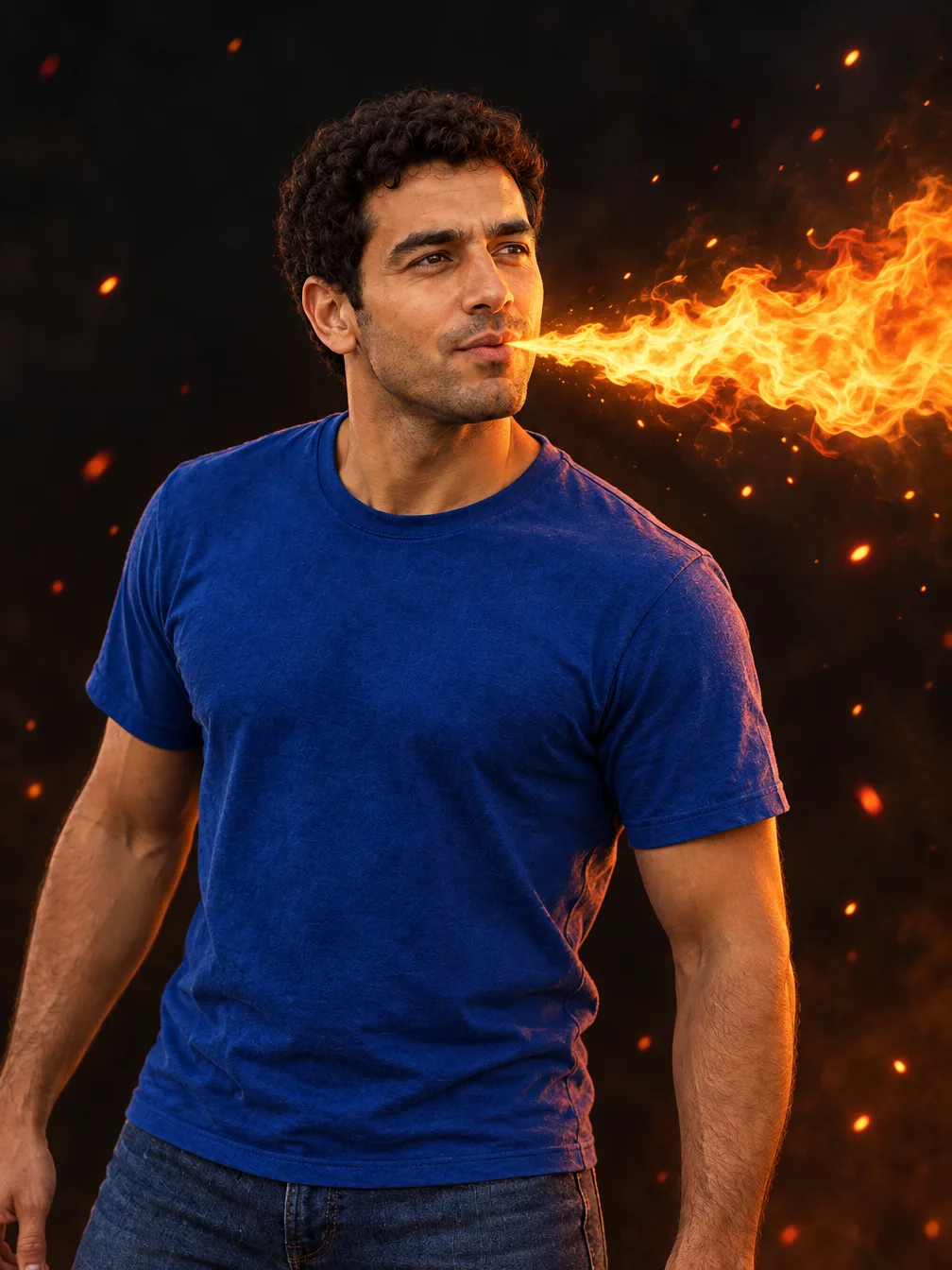
Choose a photo with room for the flame
One portrait is enough. This preset produces a still image; it does not copy a video performance or add sound.
Clear face
One adult portrait
When to use it
You want the person to remain recognizable.
What it produces
A fantasy portrait guided by your face, hair and clothing.
- ✓Even light across the face
- ✓No face-obscuring mask
- ✓One person in the frame
Space beside the head
Avoid an extremely tight crop
When to use it
You want the flame plume to be visible.
What it produces
A wider composition with the digital effect beside the mouth.
- ✓Keep the full head visible
- ✓Leave room beside the face
- ✓The head angle and scene may change
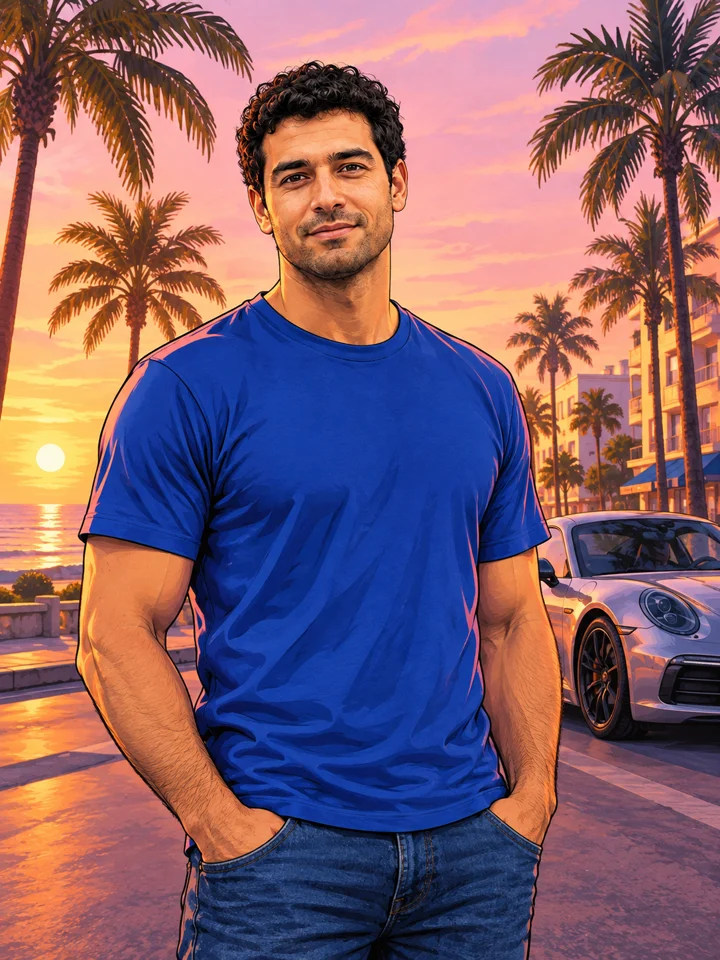
GTA Style
Illustrate your portrait with bold outlines and a coastal sunset.
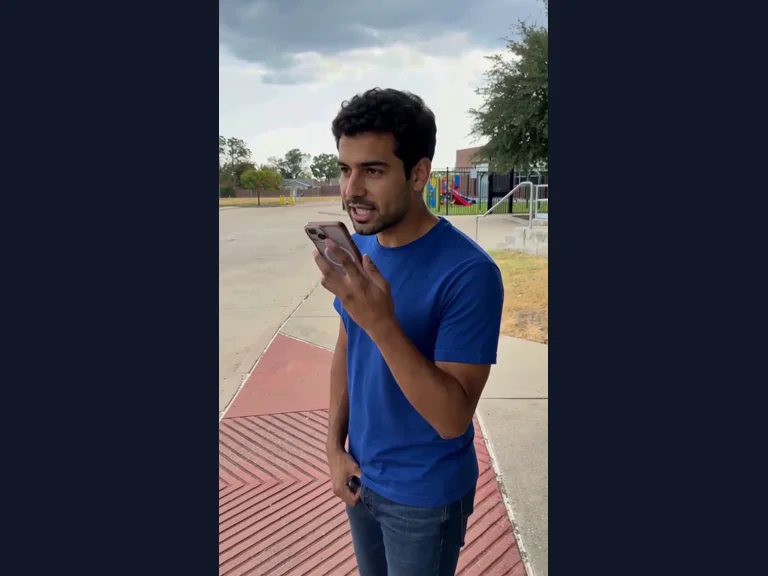
Millionaire Meme
Your photo in the Get a Job phone scene, following the original performance and soundtrack.
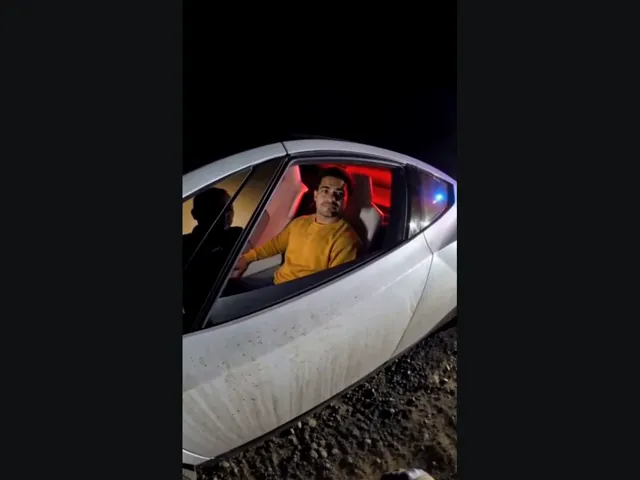
Tesla Roadster AI
Upload your photo, take the driver’s seat in the white roadster, and lift off in a burst of vapor. The car and roadside scene come with the preset.
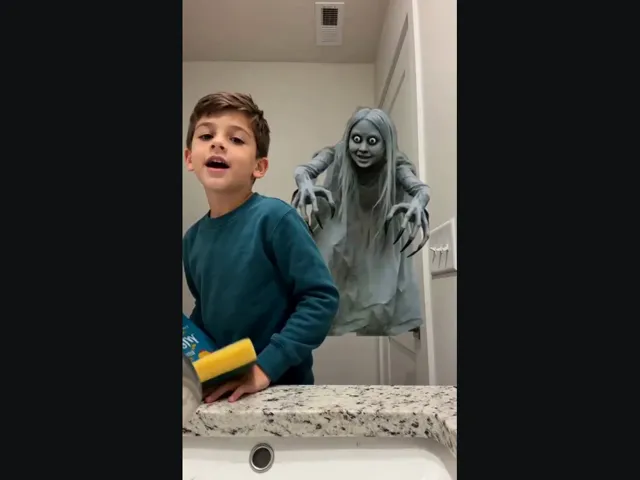
Ghost Prank
Upload a selfie and meet the long-haired, wide-eyed ghost behind your shoulder. A short look back makes the joke.
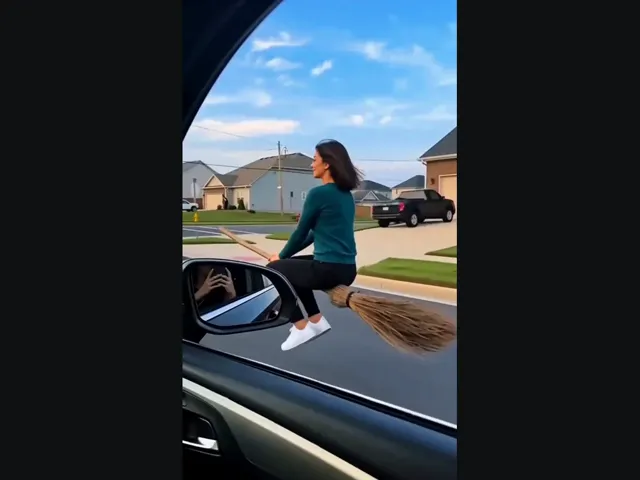
Witch Flying
Put yourself on the flying broom beside the car: look toward the window, then lift off along the street.
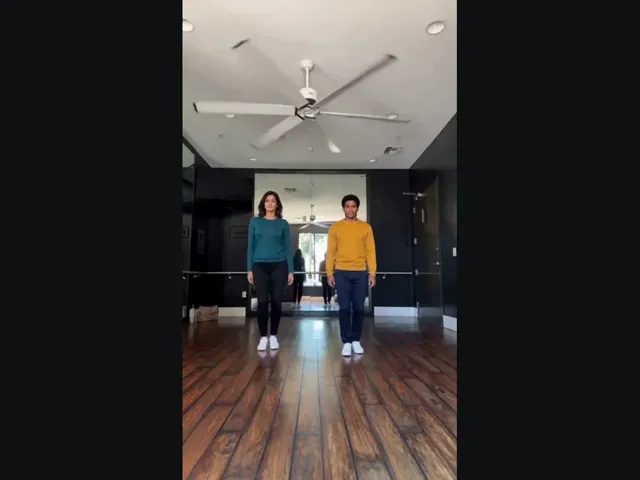
Thriller Dance
Upload two photos, pick the left and right dancers, and put them into the studio duo’s Thriller moves.
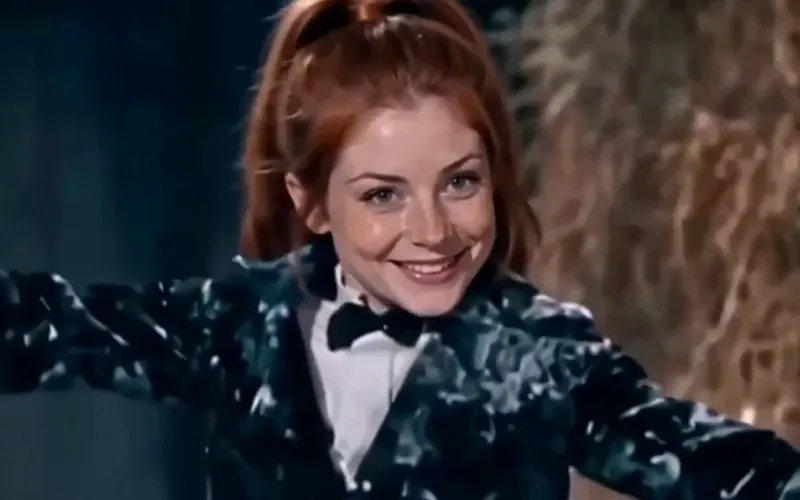
Tip Toeing AI
Become the tip toeing barn dancer from one photo, with the song.
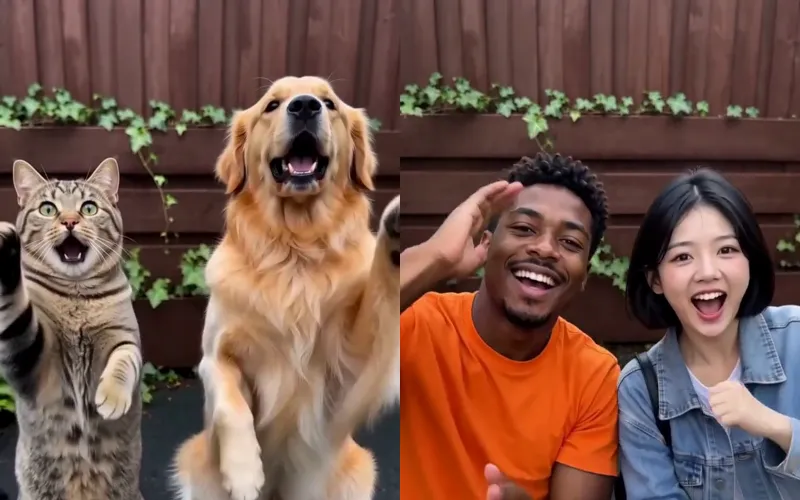
Smalltown Boy AI
Two photos of pets or people do the Smalltown Boy scream duo.
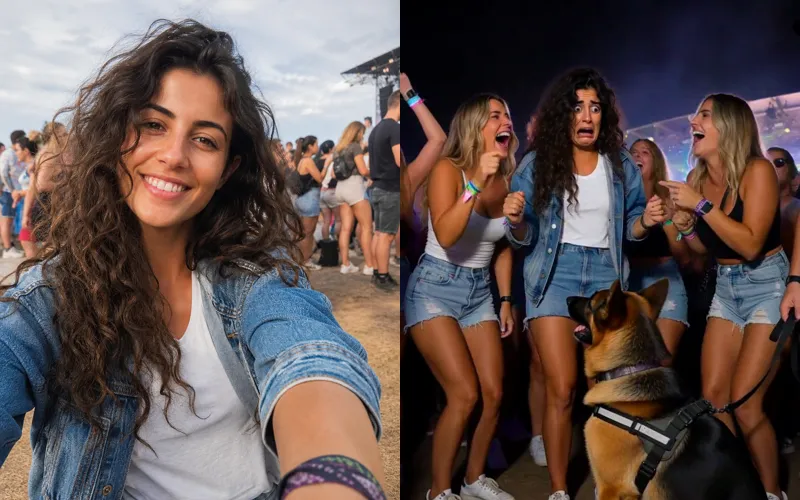
Sniffer Dog AI
A sniffer dog sits at your feet in a festival crowd. You fake-cry.
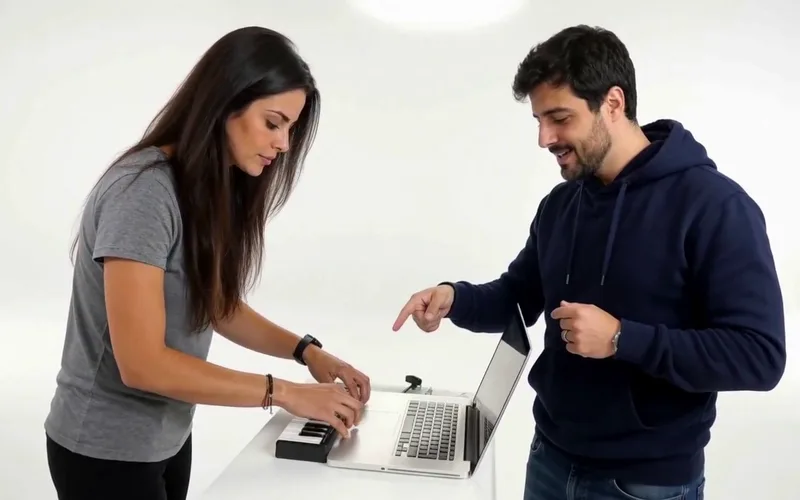
Alors on Danse AI
Recast the viral Alors on Danse studio duo from two photos.
Burning Bridges AI
Put yourself in the viral Burning Bridges party clip from one photo.
Bulin 47 AI
Put yourself in the viral Bulin 47 freestyle from one photo.
Frequently asked questions
How do I use fire breathe?⌄
Upload one clear adult portrait and generate the image. The fixed preset adds the flame plume and cinematic lighting. Review the result before downloading.
Does fire breathe create a video?⌄
This page creates one still image. It does not generate motion or sound.
How much does fire breathe cost?⌄
One image costs 4 credits. Check your available balance and the displayed price before generating.
Will the person look exactly the same?⌄
The preset aims to keep the person recognizable, but it can change the head angle, lighting and scene. Check facial details in the result.
Create a fire breathe portrait
Upload a clear photo and turn it into a fantasy still image with flame lighting.
Create my fire portrait