
Halloween Logo: compare three treatments
Halloween Logo: Cat badge
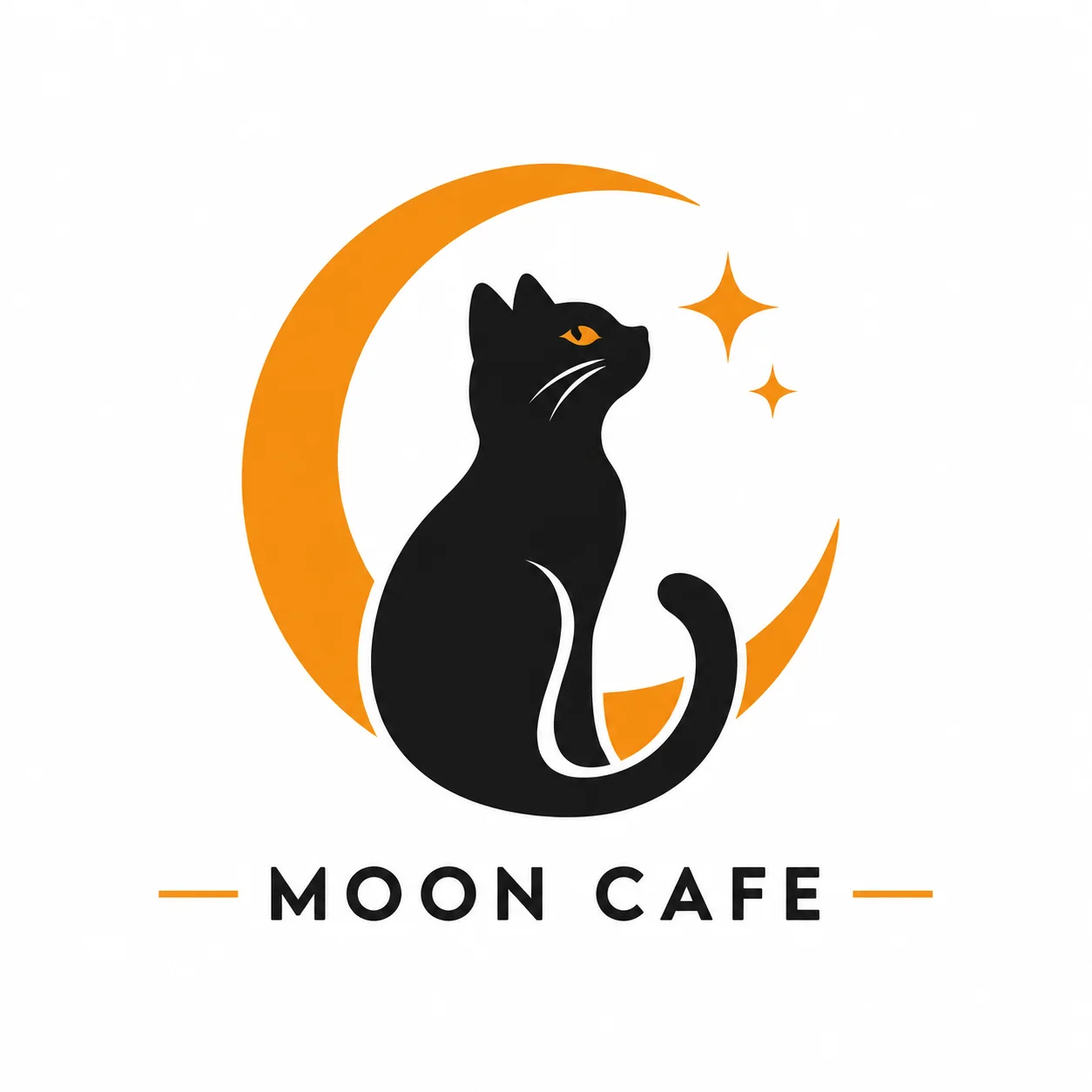
A cat-and-moon badge uses a compact silhouette and a small orange accent. It is a useful direction for a seasonal icon because the large shapes remain visible when reduced. Add a short brand name if you want lettering beneath the mark. Check both the icon and the exact spelling in the result rather than judging only the large preview.
Halloween Logo: Pumpkin mark
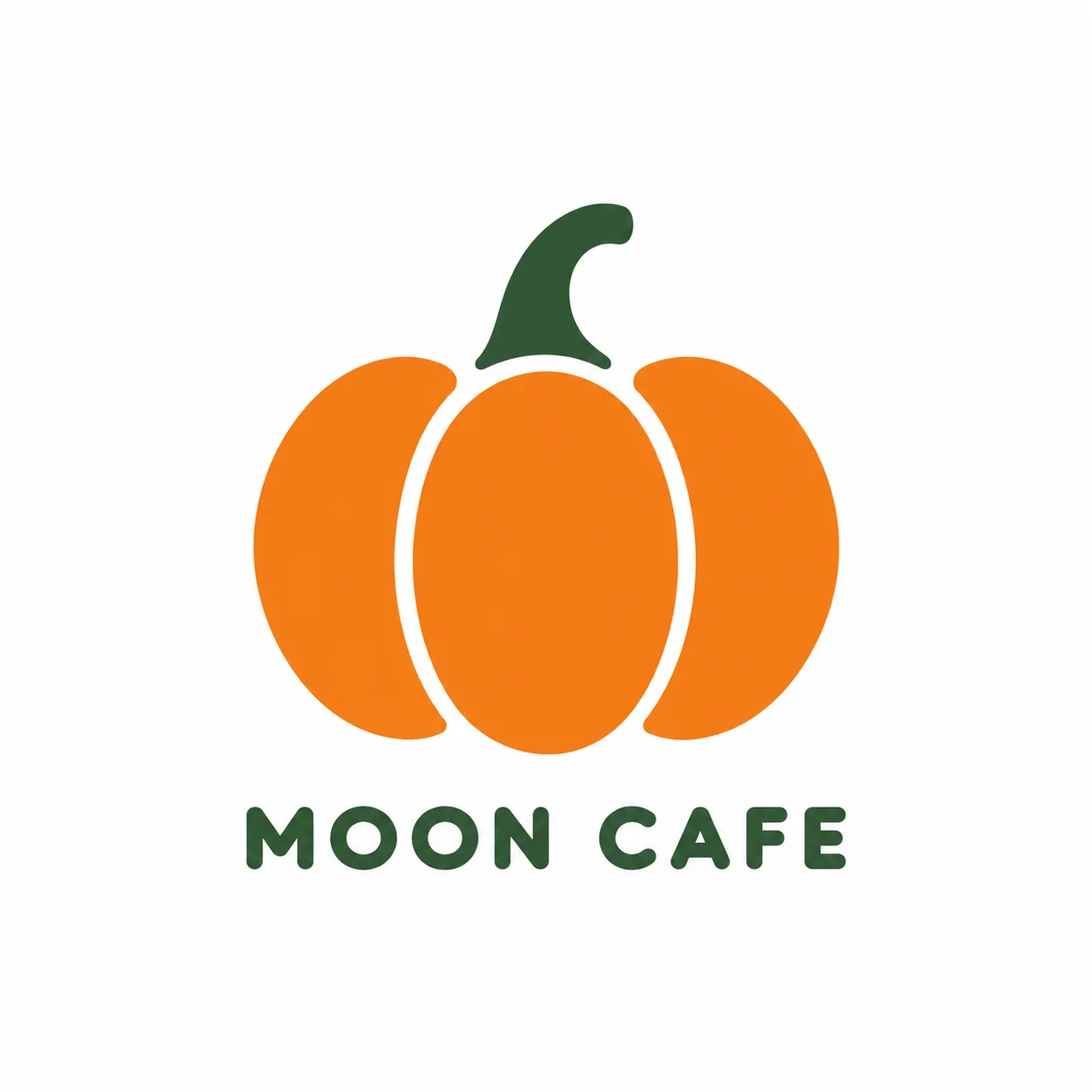
The pumpkin mark starts with three broad lobes and a curved stem. The simple orange and green palette gives it a clear seasonal identity without filling the design with many symbols. Describe your business in the details box to guide the mood. The result is a logo concept to evaluate, not a claim that a mark is unique or legally cleared.
Halloween Logo: Ghost candle
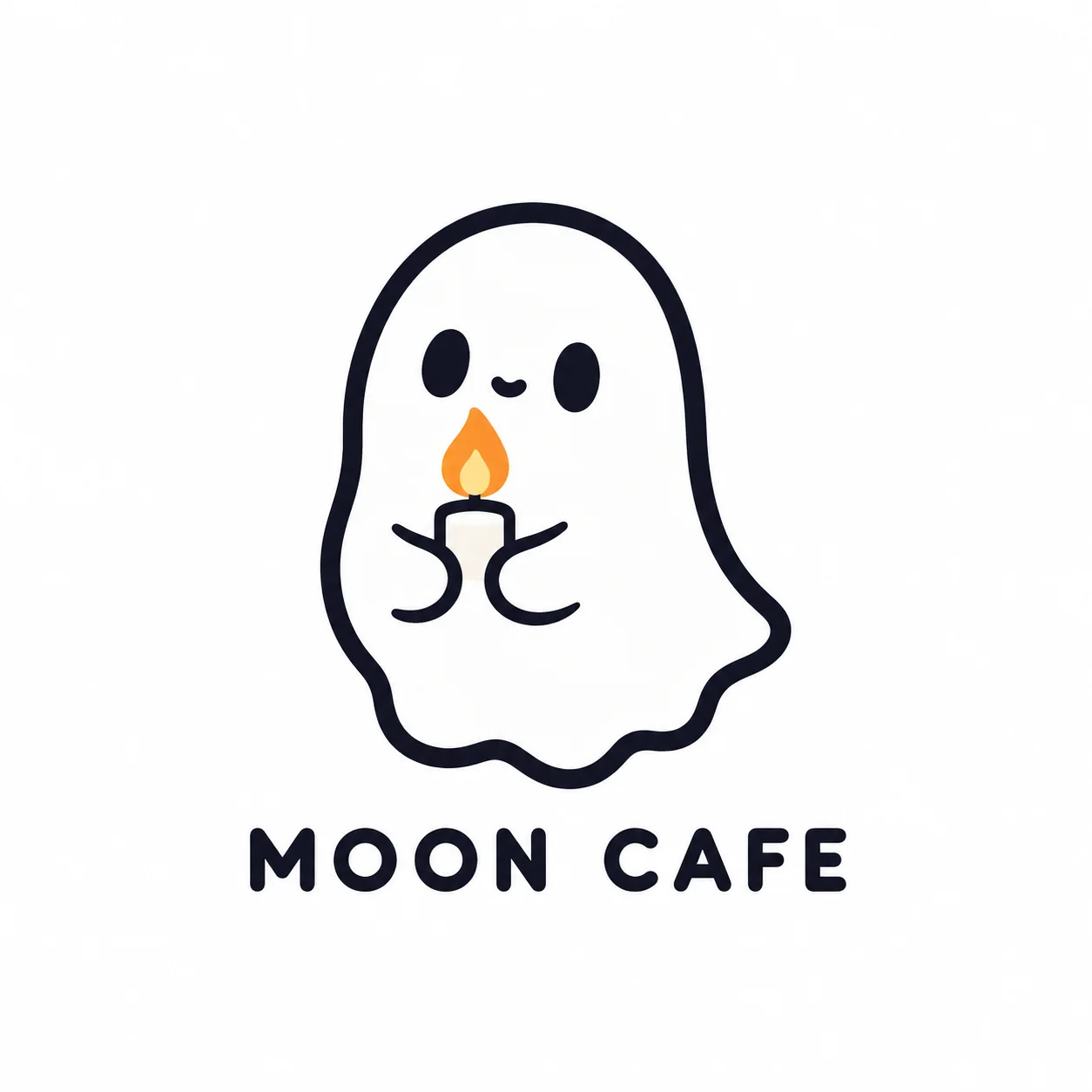
A rounded ghost holding a small candle gives the logo a softer character. The outline and single warm accent are intended to work at icon size. Download the original image and test it against your intended background. This workflow produces raster artwork on white; it does not deliver an SVG, a transparent brand kit or layered production files.
What to provide for Halloween Logo
No photo is needed for this design. Choose a treatment, then describe the subject, palette or layout you want in the optional details box. Keep the instructions concrete and consistent with the selected format. For lettering, use the dedicated text box when one is shown, and check every character in the finished image.
Your description
Enter an optional short brand name and describe the business.
When to use it
Choose this Halloween Logo tool when you want this specific still-image output.
What it produces
Explore an original Halloween logo concept with a short brand name.
- ✓1:1 image composition
- ✓Choose one of the three treatments
- ✓Add optional visual details
Review the result
Open the original before sharing.
When to use it
Check the parts that define the Halloween Logo look, not just the thumbnail.
What it produces
One finished generated image per request.
- ✓simple at icon size
- ✓brand name exact when supplied
- ✓no copied brand symbol
Costume Party
Put yourself in a Halloween costume party photograph.
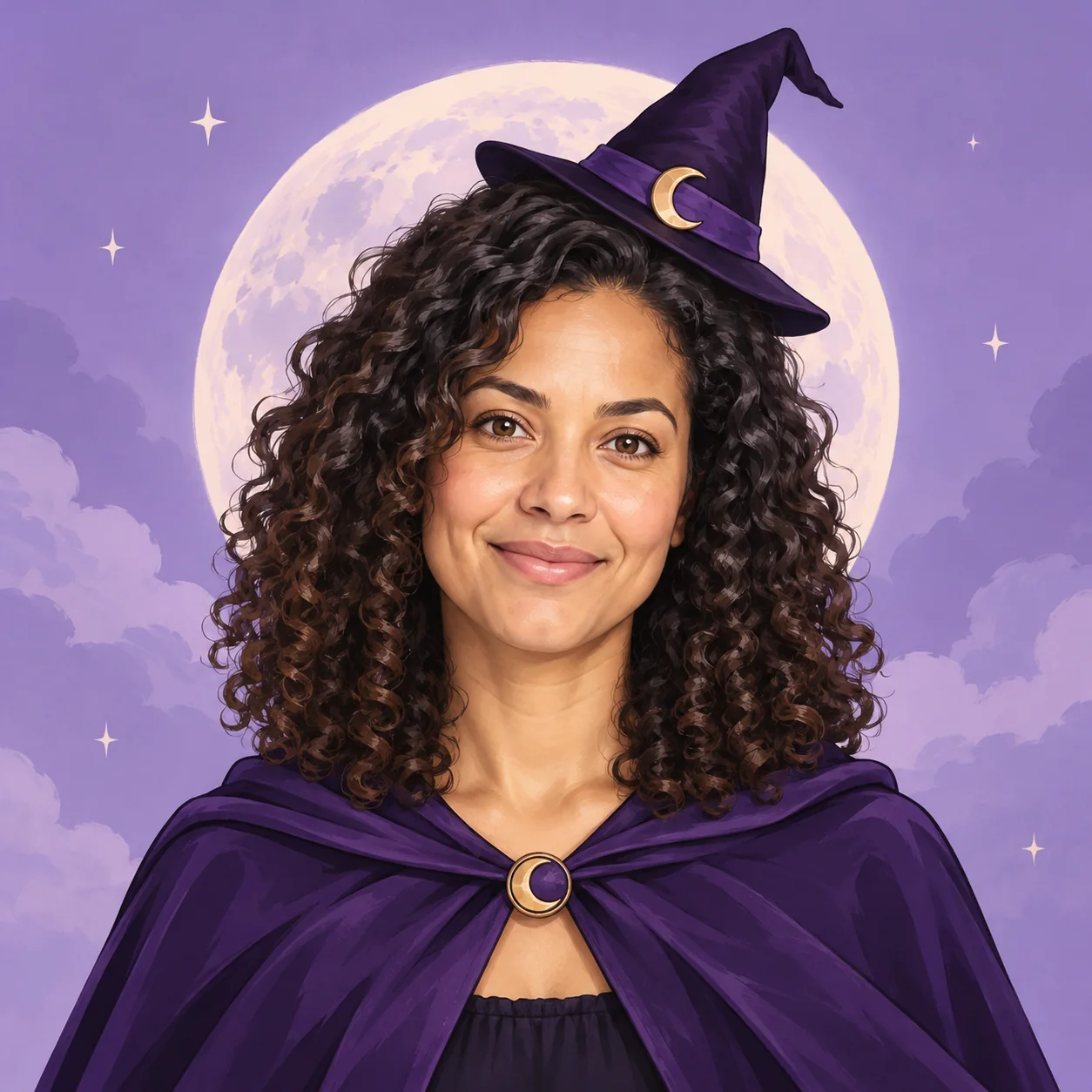
Halloween Avatar
Make a Halloween profile picture that stays readable in a small circle.
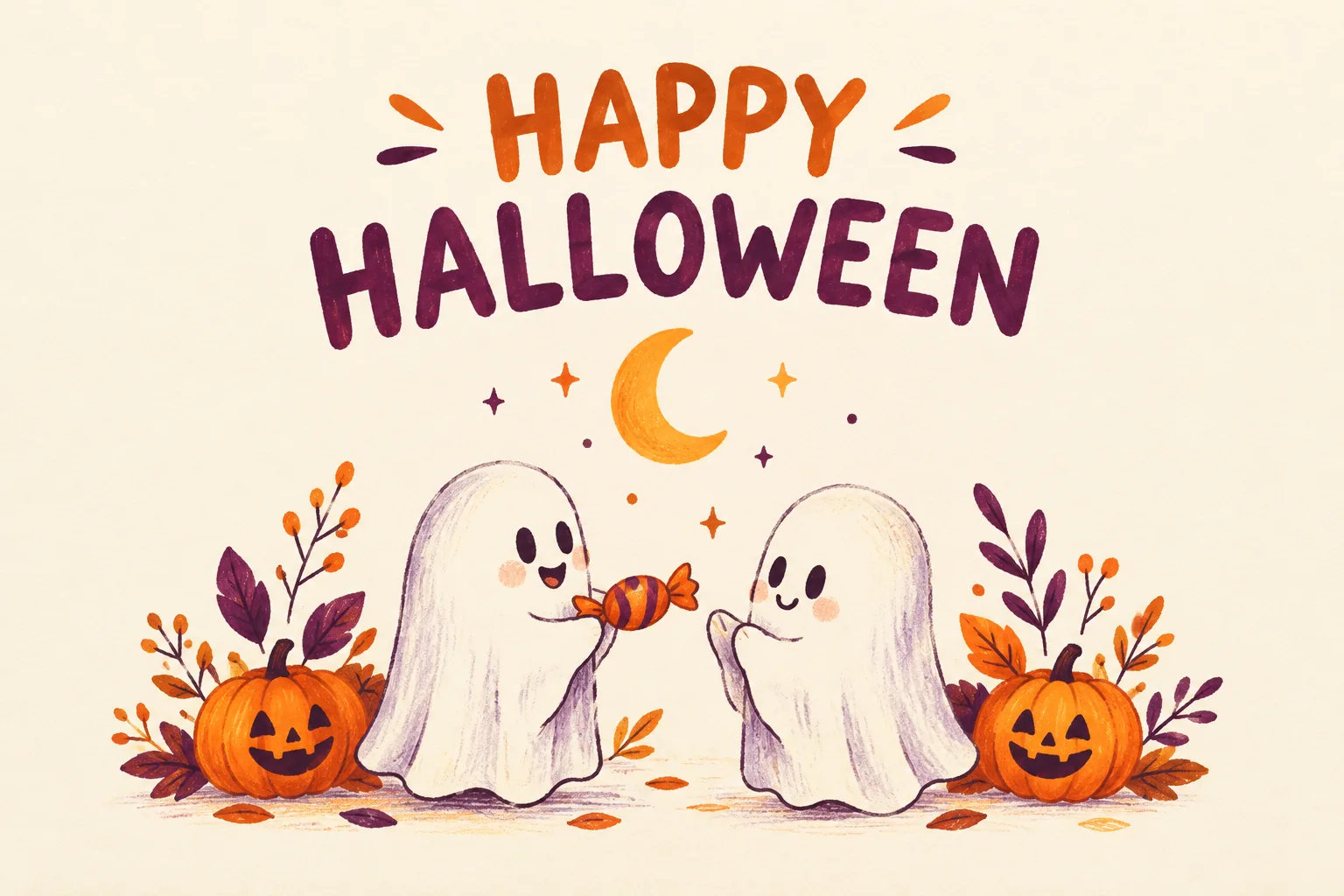
Halloween Card
Create a Halloween greeting card with your own short message.
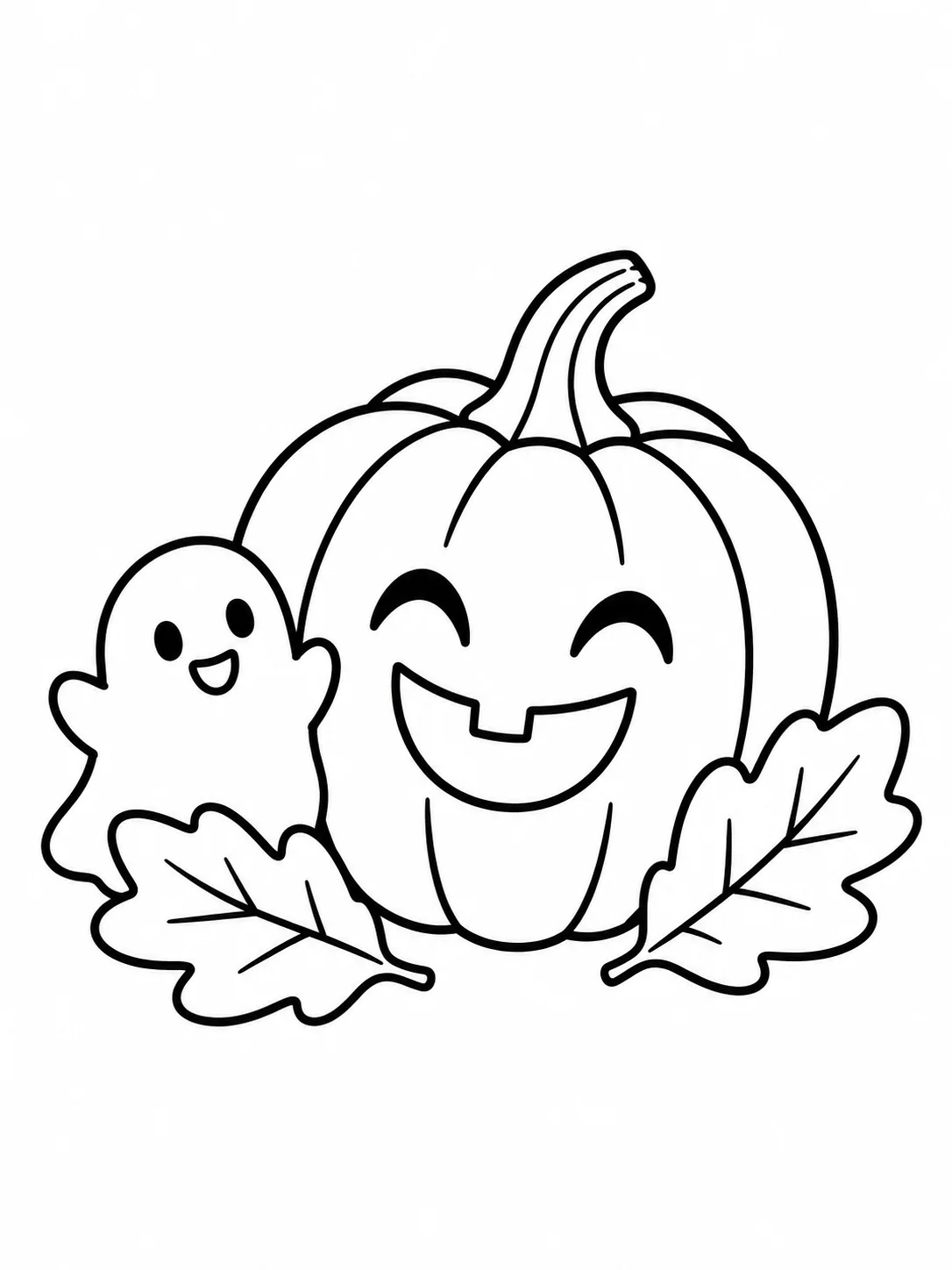
Halloween Coloring
Make black-and-white Halloween coloring sheets with empty spaces to fill.
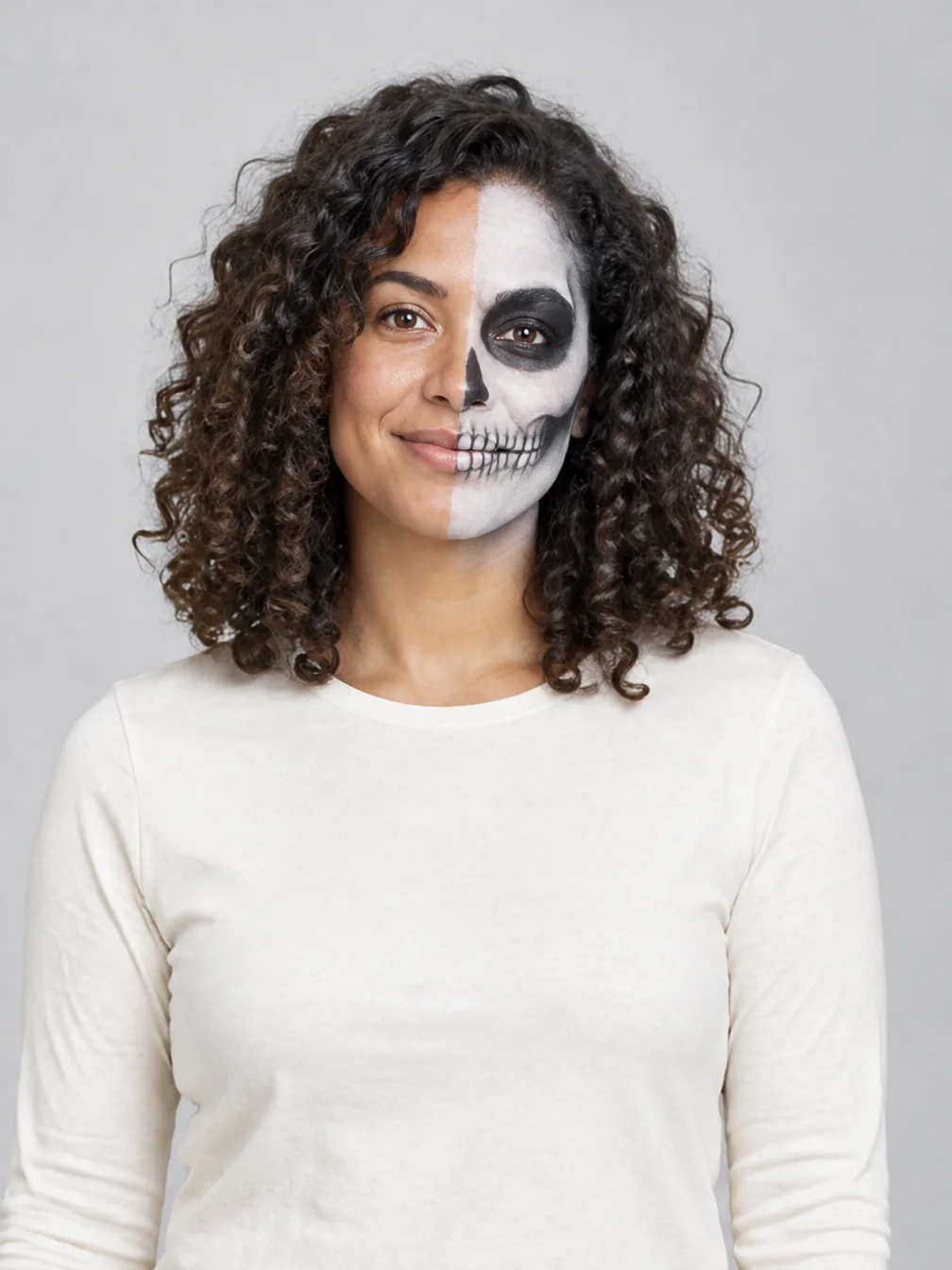
Halloween Makeup
Preview different Halloween makeup looks on your own face.
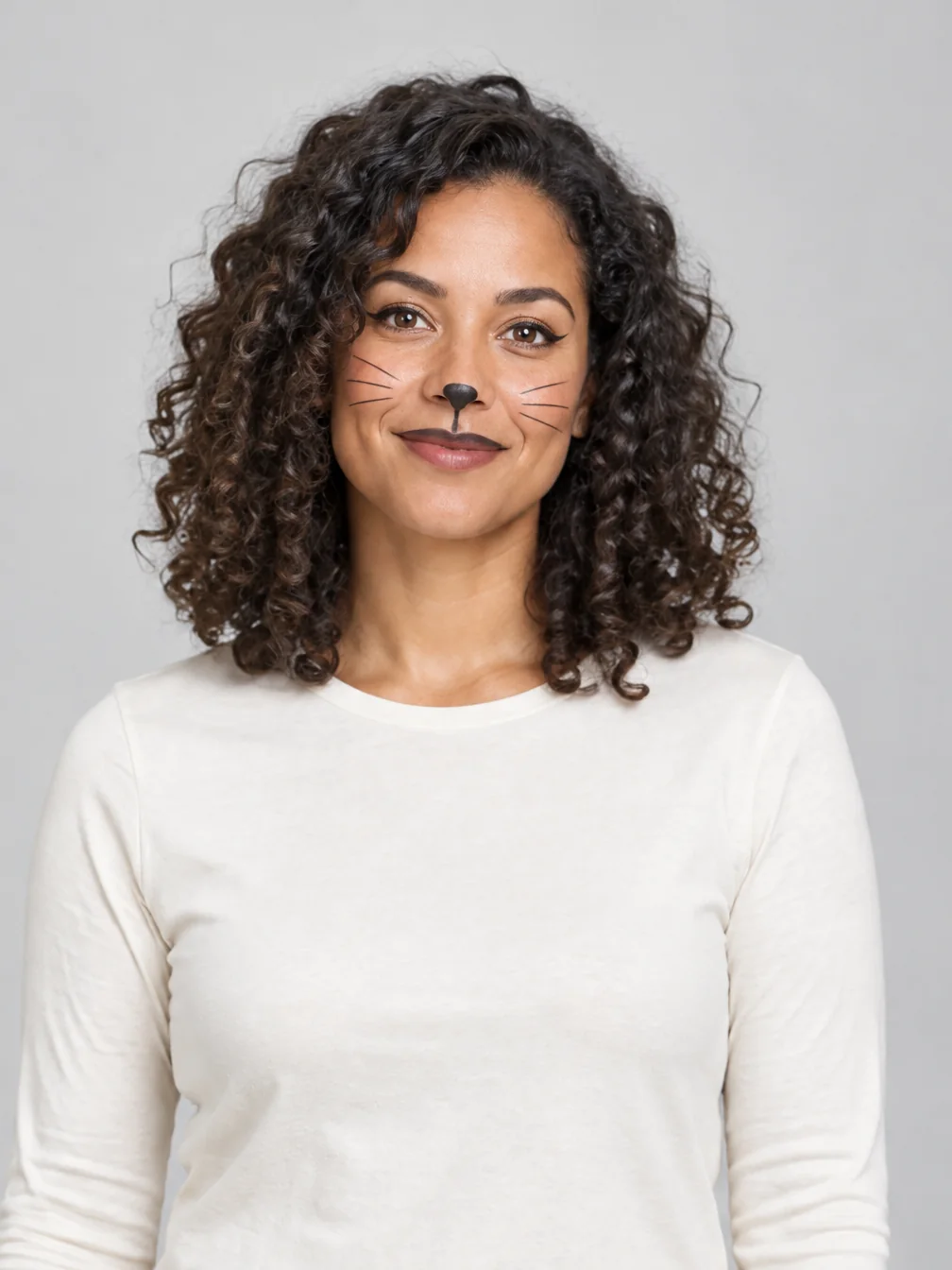
Cat Halloween Makeup
Try cat face paint while keeping your own human face.
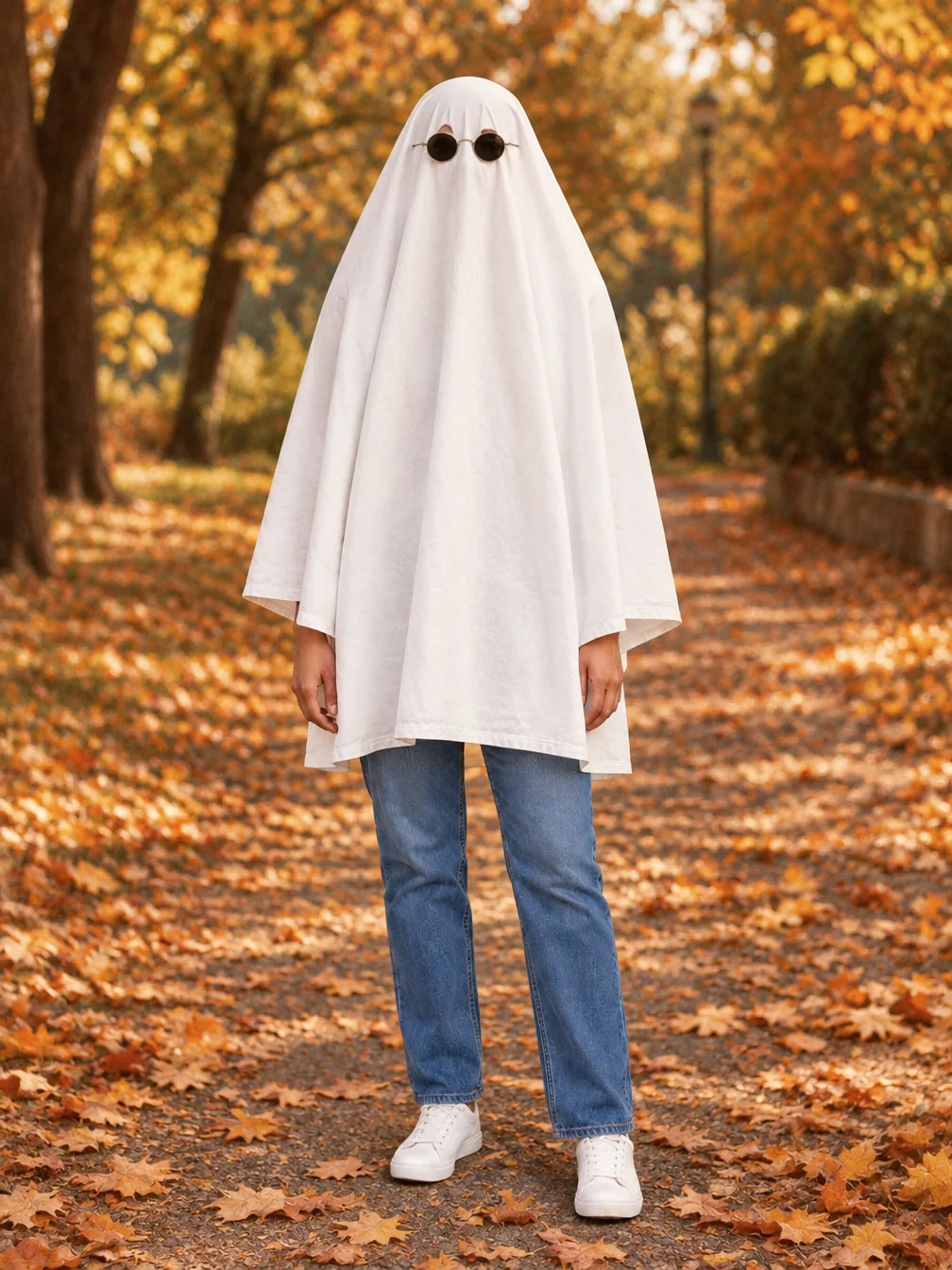
Ghost Photoshoot
Get the white-sheet-and-sunglasses ghost photoshoot look.
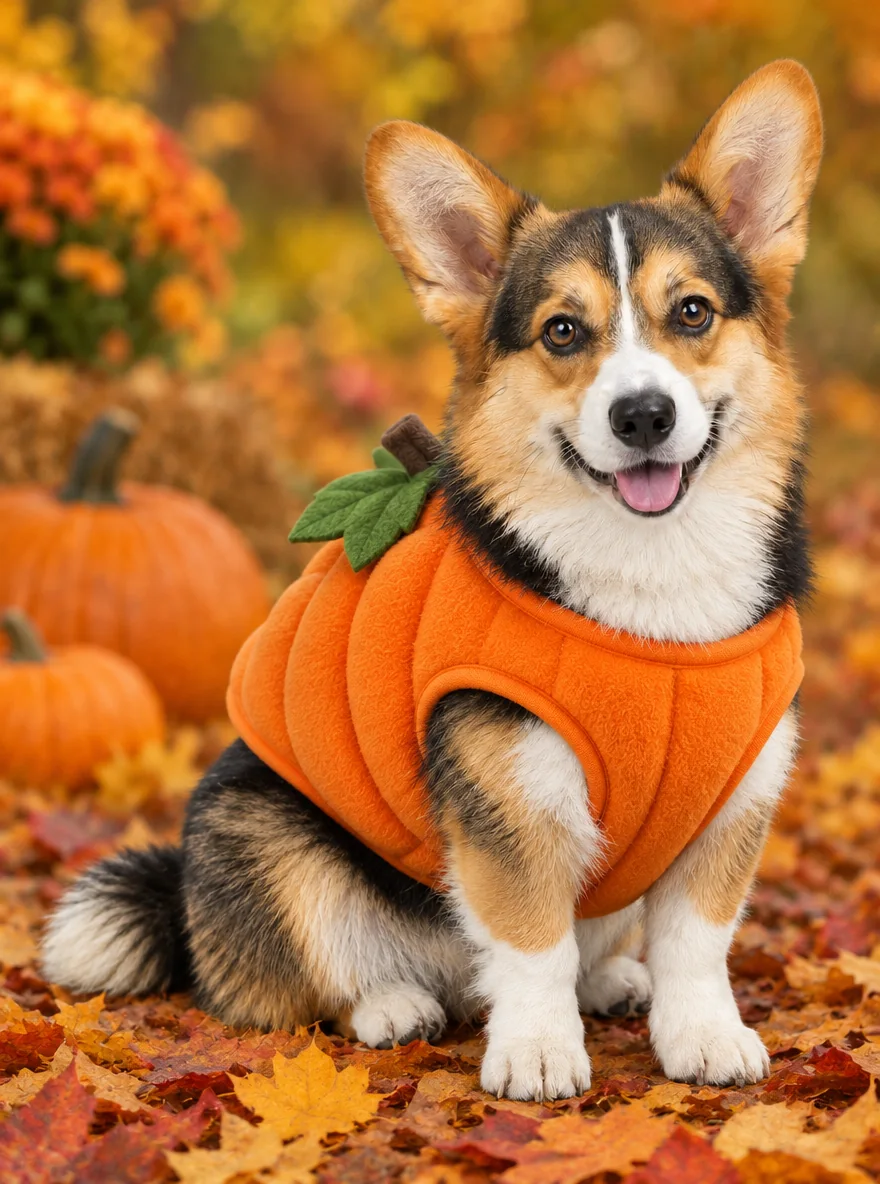
Pet Halloween Costume
Preview a Halloween costume on your own dog or cat.
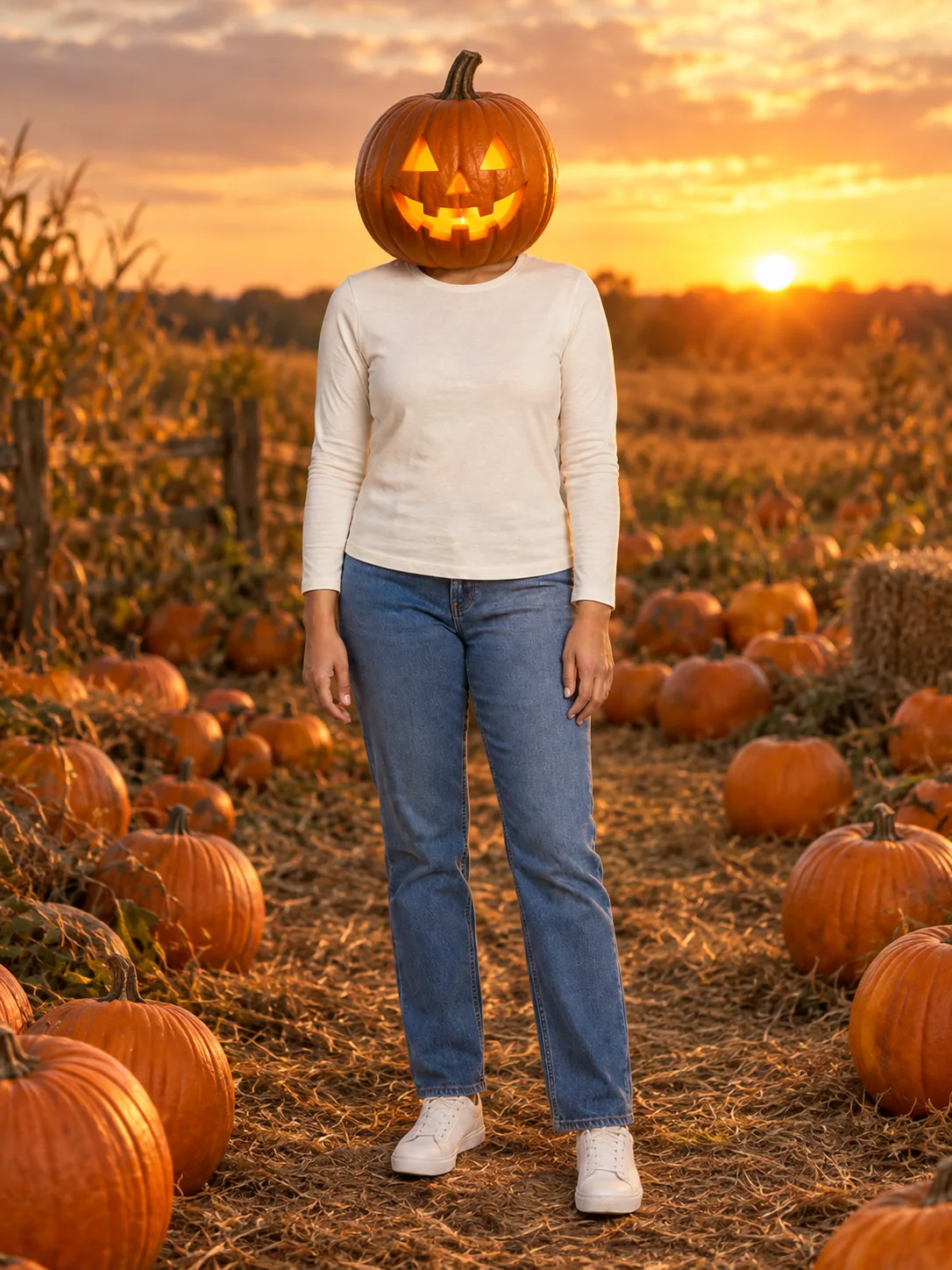
Pumpkin Head Photoshoot
Turn a full-body photo into a jack-o-lantern-head autumn photoshoot.
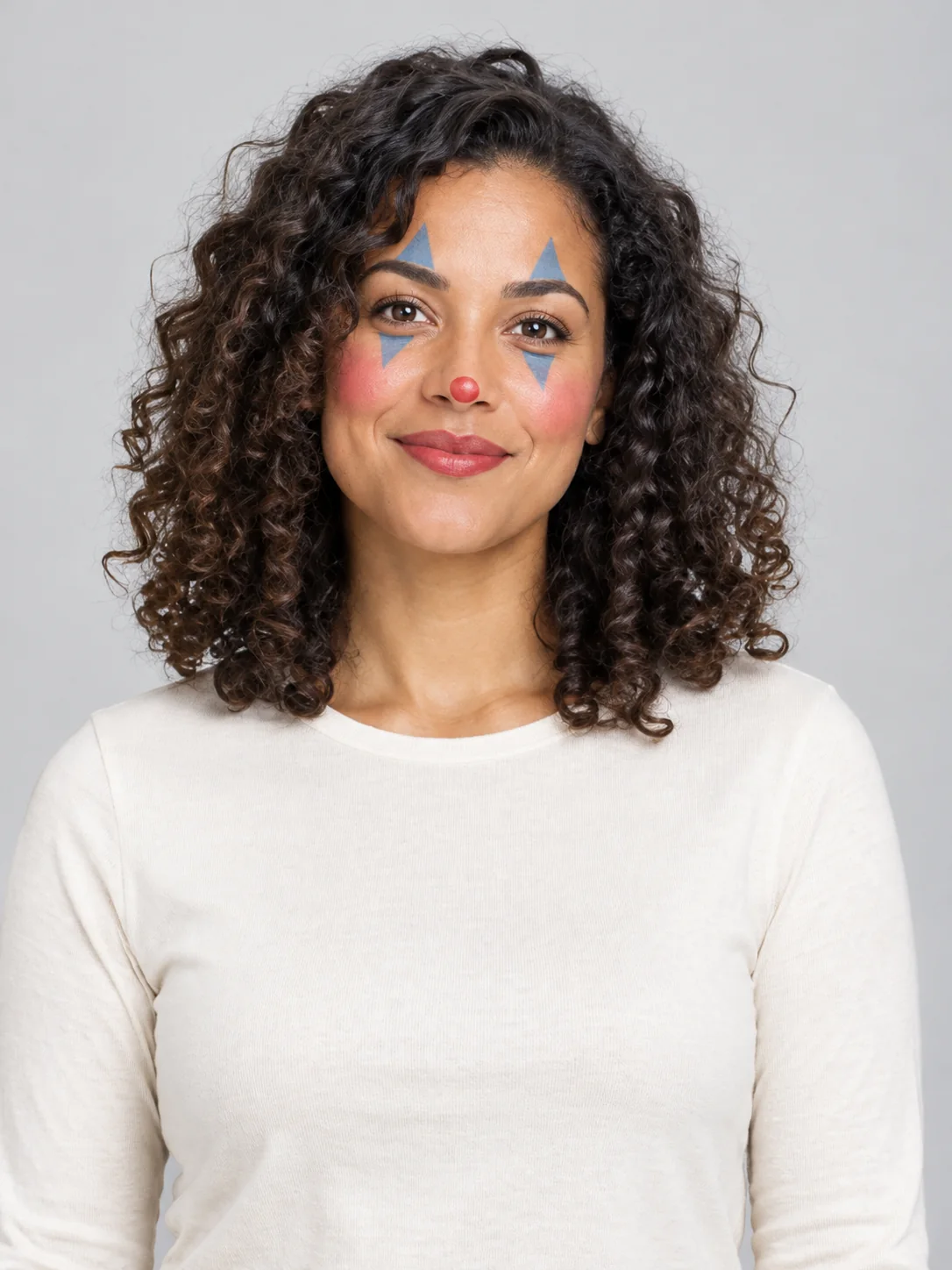
Clown Face
Preview theatrical clown face paint in three different styles.
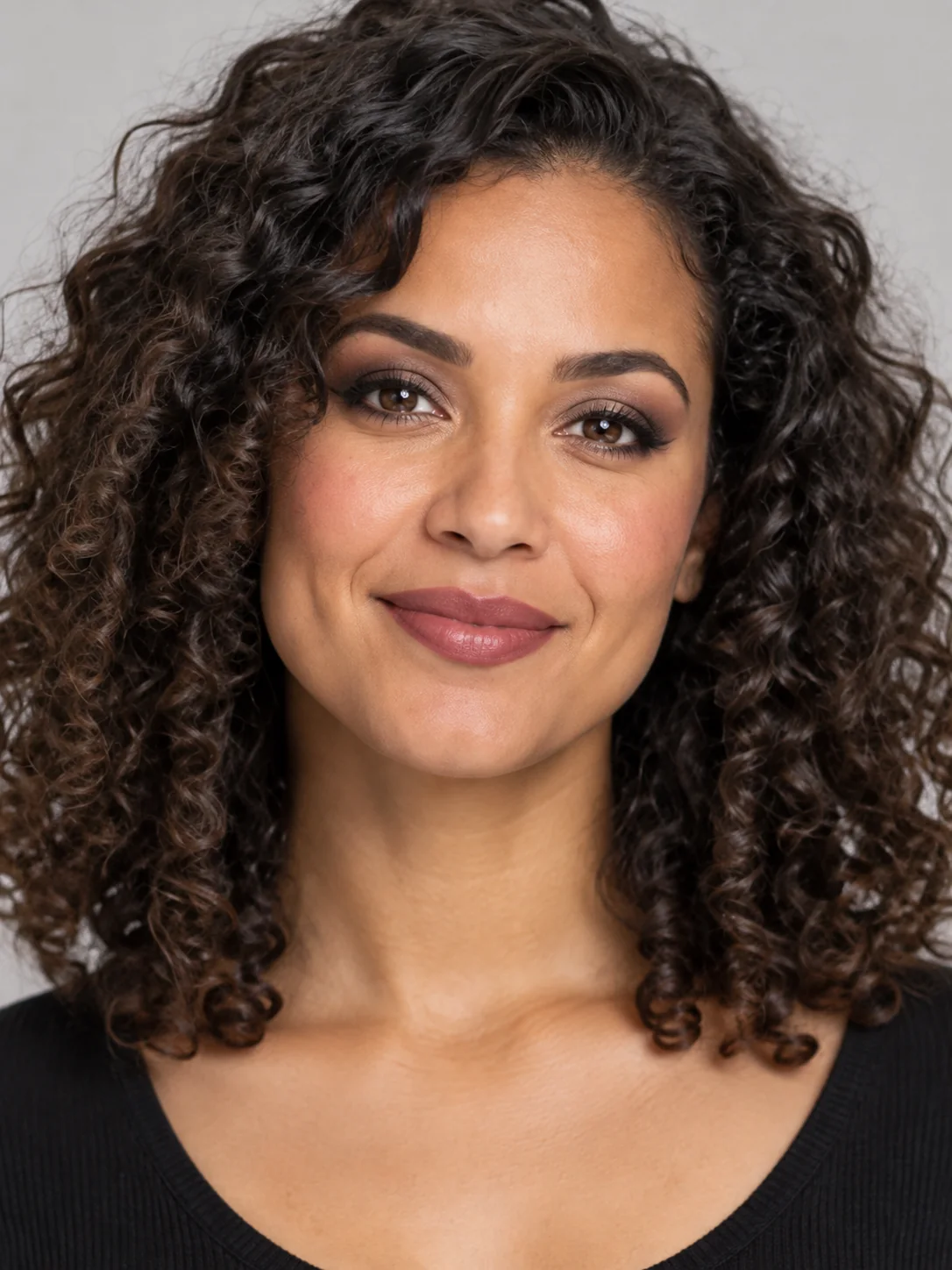
Goth Makeup
Preview dark eye makeup and lip colors on your own face.
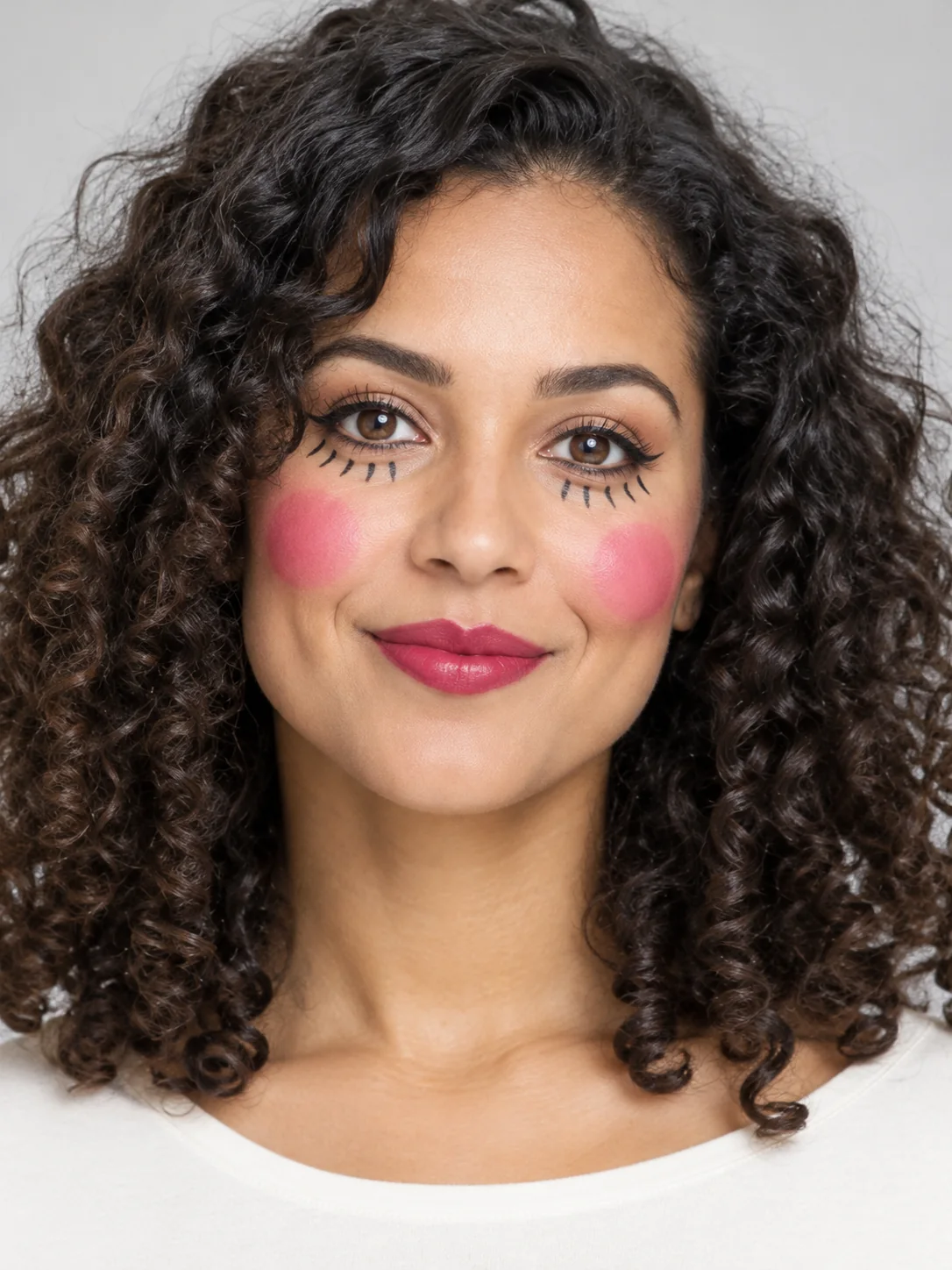
Doll Makeup
Try a doll-inspired makeup look without turning into a plastic toy.
Frequently asked questions
How do I make a Halloween Logo image?⌄
Enter an optional short brand name and describe the business. Choose one of the three treatments, add any extra visual details and press Generate. No upload is required for this text-to-image design. Sign in and check your available balance before starting. The result appears when generation and delivery have finished.
What does Halloween Logo cost, and can I try it free?⌄
Each image costs 20 credits, shown before you generate. Eligible new users who sign in with Google using a Gmail address can receive 30 welcome credits, enough for one image at this price. Free-trial eligibility restrictions apply. Viewing the examples does not start a paid request. Further generations use your available credits; choose your input and treatment before submitting so you do not create an unwanted second request.
Which Halloween Logo look should I choose?⌄
The three choices are Cat badge, Pumpkin mark, Ghost candle. Compare the examples above for composition, colors and the details each treatment changes. Select the closest starting point, then use the optional details box for a small adjustment. Each selection produces one image rather than all three at once.
Can I customize Halloween Logo?⌄
You can add up to 400 characters of extra visual details. Describe useful visible details such as colors, props or the setting. The selected image format and reference requirements still apply. More instructions do not guarantee a more accurate result; a short, consistent request gives you a clearer result to evaluate.
What should I check in my Halloween Logo result?⌄
Check simple at icon size, brand name exact when supplied, no copied brand symbol. Open the full image instead of relying on a small preview. Generated details can vary between runs, including faces, hands, small objects and lettering. If a detail matters for the way you will use the image, verify it before downloading or sharing rather than assuming it matches the example exactly.
What file does Halloween Logo produce?⌄
This page makes one still image at 1K resolution in a 1:1 composition. PNG logo concept; no SVG/vector, trademark clearance or exclusive-rights guarantee. The examples show the image treatment rather than a promise of an identical result for every subject or description.
How do I save my Halloween Logo image?⌄
Wait for the completed result, open it to review the full image and use its download action. Your generation is also available in My Creations. If a request is still processing, check that existing request rather than repeatedly pressing Generate. The finished file is the image output; it is not a layered design project.
Create your Halloween Logo image
Explore an original Halloween logo concept with a short brand name. Choose your preferred look and review the example before generating.
Try Halloween Logo