AI Photo Editor: Fast vs. Pro for Reference Images
Choose Fast in ClipTrend AI Photo Editor when one approved photo contains the subject and visual information for a focused change. Choose Pro when the result genuinely needs several approved references—for example, a product, a material, a setting, and a composition reference—to guide one edit. More references do not automatically make an image better; they give the request more constraints to reconcile.
This is a selection guide for the current ClipTrend AI Photo Editor, not a claim that either mode can preserve every detail perfectly. At the time of review on September 30, 2026, the public editor describes Fast as a one-reference route and Pro as accepting one to ten references. Review the live controls and displayed credit total before you generate, since product access and pricing can change.
The practical difference: one source or a small brief
The mode choice is mostly an input-design decision.
Fast asks one source image to carry the information you need. It is a good fit when the requested change is narrow: replace a background, remove a distracting object, adjust lighting, explore a colour treatment, or make a contained portrait refinement. The first image is both the subject reference and the baseline for review.
Pro is useful when one image cannot responsibly communicate the brief. A product shot may establish the object, a material close-up may establish a texture, and a room photo may establish the environment. A separate reference can also establish wardrobe, composition, or art direction. That does not mean every input should be treated as equally important. Say what each one contributes and what must remain unchanged.
| If your brief says… | Start with | Why |
|---|---|---|
| “Keep this product; change only its studio background.” | Fast | The product photo already supplies the object, angle, and crop. |
| “Keep this person’s face and framing; try warmer daylight.” | Fast | One approved portrait is the relevant source of truth. |
| “Use this product, this fabric detail, and this shelf setting together.” | Pro | Each reference carries a separate visual constraint. |
| “Match this room’s layout while using this chair and this colour direction.” | Pro | The result depends on more than one controlled source. |
| “Make it look better.” | Neither—rewrite the brief | The request does not define a reviewable change. |
The best test is simple: can a reviewer point to one image and understand both the starting subject and the requested change? If yes, Fast is usually the cleaner first attempt. If the reviewer would need to open several files to understand what must be combined, use Pro and label the role of each file.
Start with a reviewable edit brief
Before uploading, write a short brief with three parts:
- The anchor: the subject that must remain recognizable or accurate.
- The requested change: one clear change or a small, connected set of changes.
- The protected details: the identity, product features, text, framing, proportions, colours, or layout that must not drift.
For Fast, a product brief could be:
Keep the bottle shape, label text, cap, colour, camera angle, crop, and shadow direction unchanged. Change only the background to a clean pale stone surface. Preserve readable label detail and product proportions.
For Pro, assign a job to each approved reference before you prompt:
Reference 1 is the product and must stay recognizable. Reference 2 is the fabric texture to use only on the backdrop. Reference 3 is the shelf composition. Create a product scene with the same camera-height feeling as reference 3; do not add text, alter the label, or change the product proportions.
That wording is not a guarantee of pixel-level preservation. It gives the generator a clear hierarchy and gives the person reviewing the output a way to identify a failure. If a brand mark, price, document, or safety-critical feature must remain exact, do not assume an AI image edit is a reliable production method; keep the original or use a controlled editing process.
When Fast is the safer first choice
Fast reduces decision complexity. With one reference, you can see quickly whether the requested change itself is viable, without wondering which of several files caused a conflicting result. It is especially useful for a small test where the source image is already the approved hero asset.
Use Fast first when:
- the subject, crop, and perspective should come from one photograph;
- the edit has one visual job, such as a background, light, colour, or object adjustment;
- you want an easy before-and-after review;
- the source includes a person or product whose details should not be broadly reinterpreted; or
- you are still deciding whether an edit is needed before turning a photo into video.
One-source does not mean vague. A portrait prompt should still name the face, expression, hairstyle, clothing, pose, crop, and lens perspective that need to stay stable. A product prompt should identify the visible shape, material, logo placement, label, and camera angle. The more important the detail, the more useful it is to name it before asking for the change.
When Pro earns its extra complexity
Pro is for a compact creative brief, not an image dump. Add a reference only when it resolves a real ambiguity that the first image cannot answer. A useful three-reference setup might be one image for a product, one for a texture, and one for the intended setting. Ten loosely related inspiration images can make review harder because no one can say which visual instruction mattered.
Before choosing Pro, ask four questions:
- Does every file have permission to be used in this new context?
- Can I state each file’s role in one sentence?
- Do any references conflict on perspective, lighting, identity, or product details?
- Will I know which reference to remove if the output is wrong?
If the answers are unclear, reduce the set. For example, do not pair a close product crop with a distant product shot and hope the result chooses the right scale. Pick the stronger anchor, make a Fast test, then add only the missing constraint in Pro if it is truly necessary.
The editor’s live page describes Pro as a multi-reference workspace, with one to ten inputs and choices for output ratio and resolution. Use the interface as the source of truth for availability and costs at the moment of submission. This guide deliberately does not promise a fixed price, turnaround time, or identical result across generations.
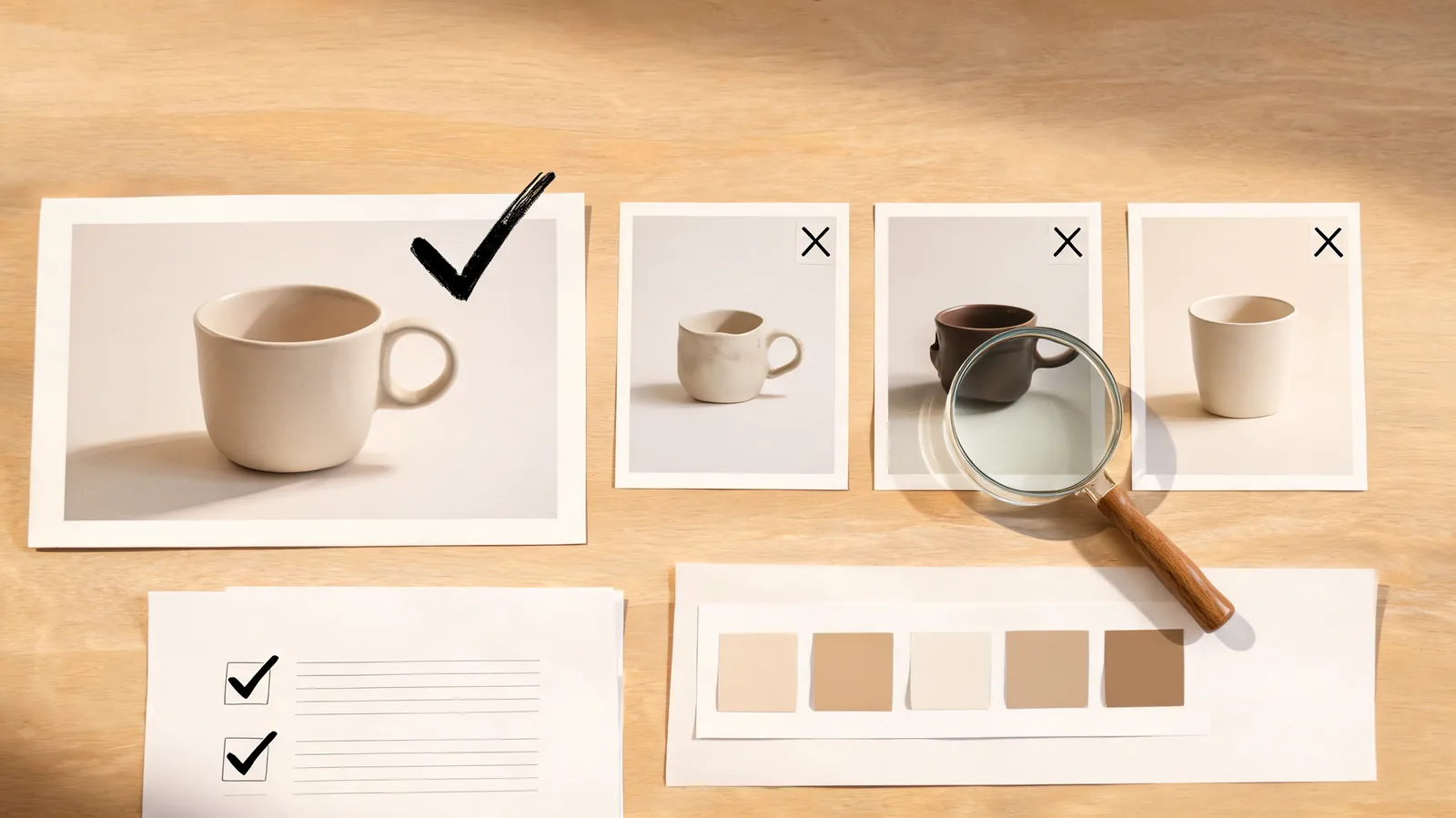
A five-minute selection and review routine
Run this check before you spend credits or hand an edited still to someone else:
| Check | Fast pass | Pro pass | Stop and revise when… |
|---|---|---|---|
| Source rights | You can use the one photo for this edit | You can use every reference for this combined result | A source is scraped, ambiguous, or outside the agreed use |
| Anchor | One subject and crop are clear | One reference is clearly the primary anchor | Several images compete to define the subject |
| Requested change | One controlled change is named | Each input has a distinct role | The prompt asks for a broad recreation |
| Protected details | Critical details are written down | Critical details and source roles are written down | Text, identity, labels, or geometry need exact fidelity |
| Review | Compare output to the one baseline | Compare output to the labeled inputs | You cannot explain what changed or why |
After generation, compare the output at normal size and at a close crop. Check the subject first, then the requested change. Inspect text, hands, edges, logos, product proportions, facial identity, and background seams where relevant. Reject a result that creates a new claim about a real product, person, place, or event.
Keep the original and the selected output together with a short note describing the request. The C2PA technical specification is a useful reference for thinking about content provenance, but it does not prove that an edit is accurate, authorized, or suitable for a particular use. Those remain human review decisions.
Turn the selected image into a clean next step
Once an edit passes review, use it as a deliberately chosen asset—not an unexplained replacement for the original. If it will become a video’s first frame, keep the motion request narrow. A photo that already changed background, light, and styling should not also be asked to change wardrobe, pose, and camera path in the same video generation.
For that handoff, the AI image-to-video guide explains how to give the next model one motion job. Keep a record of which version was animated so a teammate can compare the final clip with the right still.
FAQ
Is Fast or Pro better in ClipTrend AI Photo Editor?
Neither mode is universally better. Fast is usually the better first choice when one source photo is enough. Pro is more appropriate when several approved references each add a necessary, clearly named constraint to one result.
How many reference images should I use in Pro?
Use the fewest references that make the brief unambiguous. The current editor accepts up to ten references in Pro, but a smaller labeled set is usually easier to prompt and review.
Can I use Pro to make a product photo exactly match a reference?
Do not treat an AI-generated result as proof of exact product accuracy. Review labels, shape, material, dimensions, and claims against the approved original. Use a controlled production process when those details must be exact.
Should I edit a photo before making an AI video?
Only when one focused still-image change makes the next shot clearer. Preserve the original, review the edited candidate, and then ask the video model for one motion action rather than another broad redesign.
Choose the smallest brief that answers the job
Fast is a disciplined one-source test. Pro is a way to combine several approved, labeled constraints. Start with the smallest brief that a reviewer can understand, protect the details that matter, and reject an output that changes the meaning of the original. When you are ready to test, open the live AI Photo Editor and confirm its current options before submitting.