
Make your I Want Wings photo
A butterfly and a gentler look
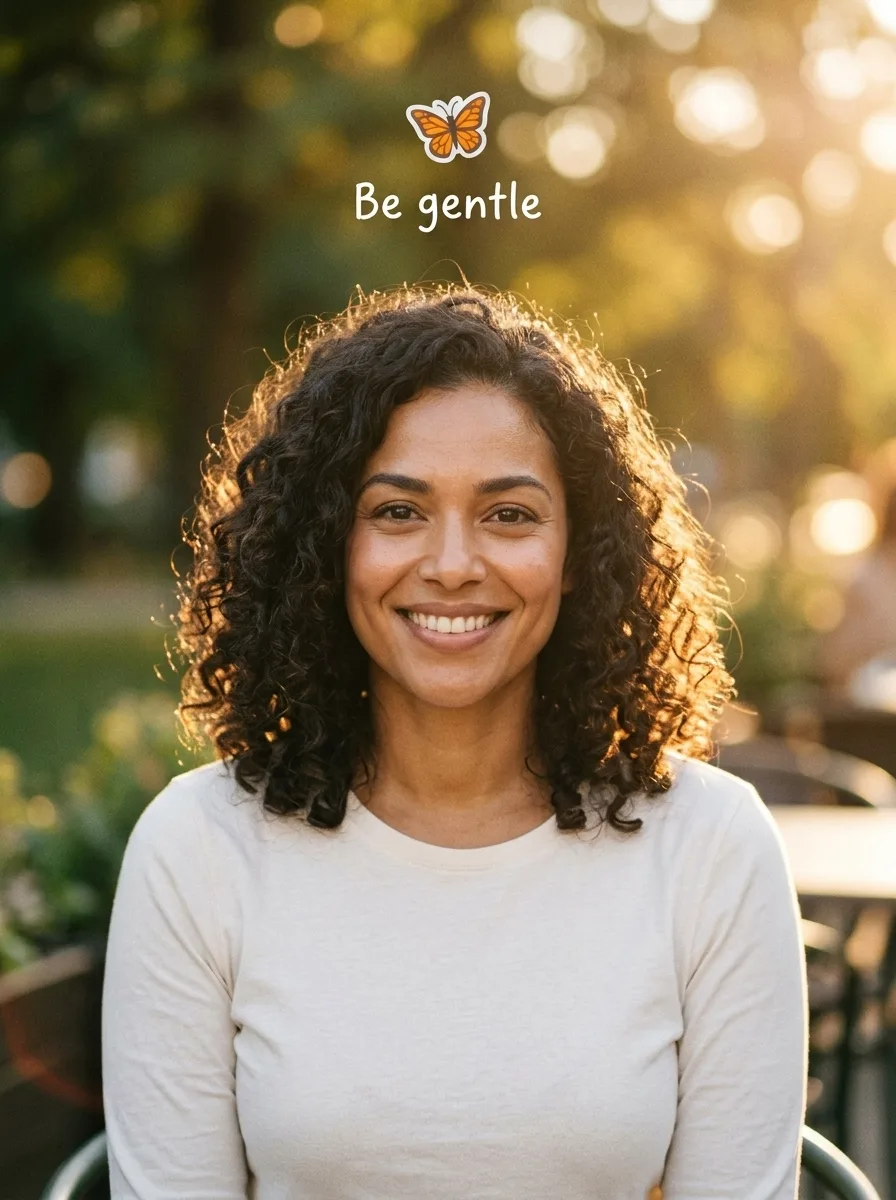
I Want Wings makes the after image for the glow-up trend: a recognizable portrait with warm light, a butterfly sticker and the words “Be gentle”. The preset is designed to keep your face and clothing recognizable while giving the picture a polished look. Your finished picture is a still image. You can use it as one part of a slideshow, but this page does not produce a moving butterfly, a soundtrack or an edited video. Check the final lettering and sticker before sharing; generated details can vary.
Choose a face you can see clearly
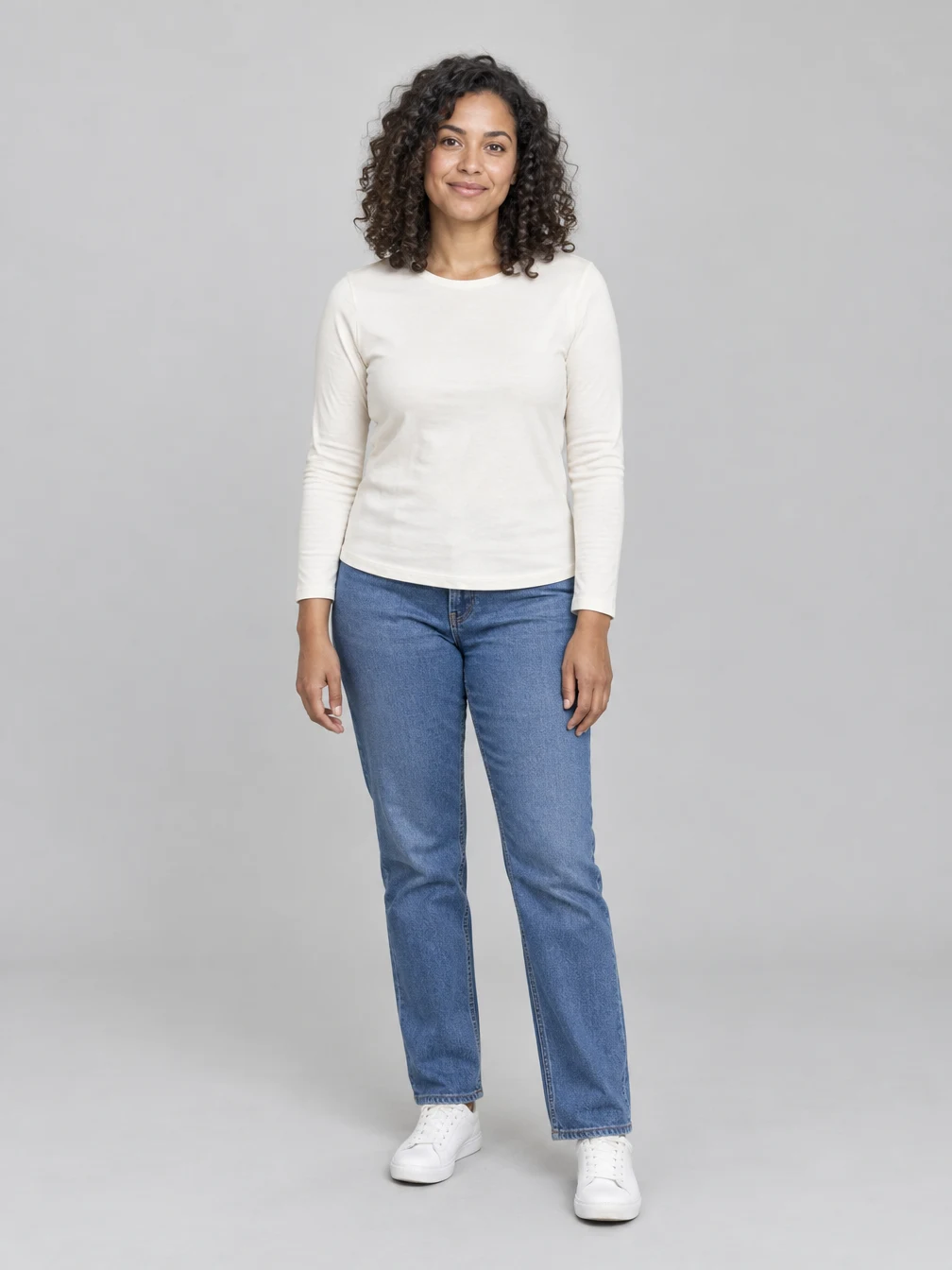
Start with a photo of one consenting adult. A clear, evenly lit face gives the edit a better reference, and space above the head gives the butterfly and caption room. The example starts with this fictional adult portrait. Your picture can use a different pose, outfit or location. A busy group photo, a covered face or a very tight crop can make it harder for the result to preserve the person and place the sticker neatly. Keep your original file so you can compare the finished image with it.
Check the words and your likeness
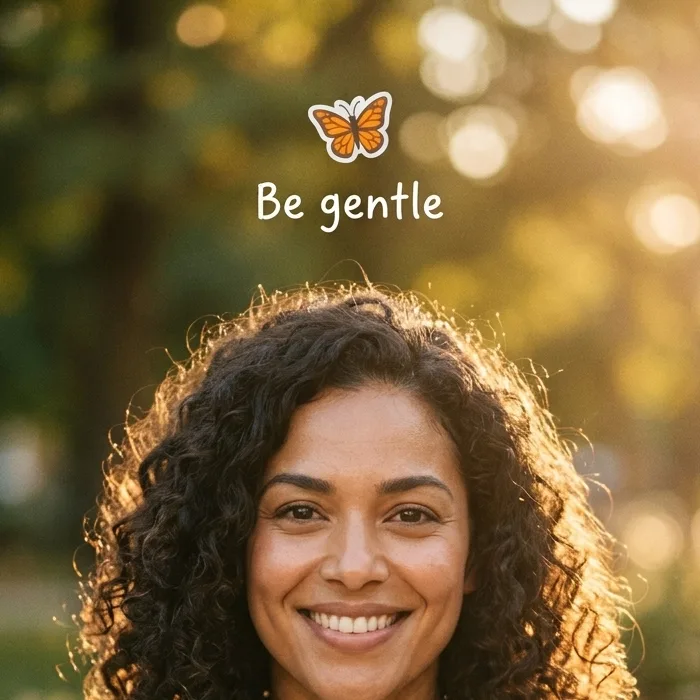
Open the finished image at full size. Compare the eyes, hair and facial features with your source, then check that the butterfly is visible and that the caption reads “Be gentle”. Image generation can change fine details or misspell words, so the example is a guide rather than a guarantee. The detail shown here comes from the same generated example, not a separate result. Download the image once you are happy with it; submitting another generation creates a new image and uses credits.
One photo for the butterfly reveal
Use your own portrait or a photo you have permission to edit.
Your portrait
One clear adult face
When to use it
You want the butterfly after image for a glow-up slideshow.
What it produces
One vertical 1K still image.
- ✓One consenting adult
- ✓Face and hair visible
- ✓Room above the head
Angel Wings
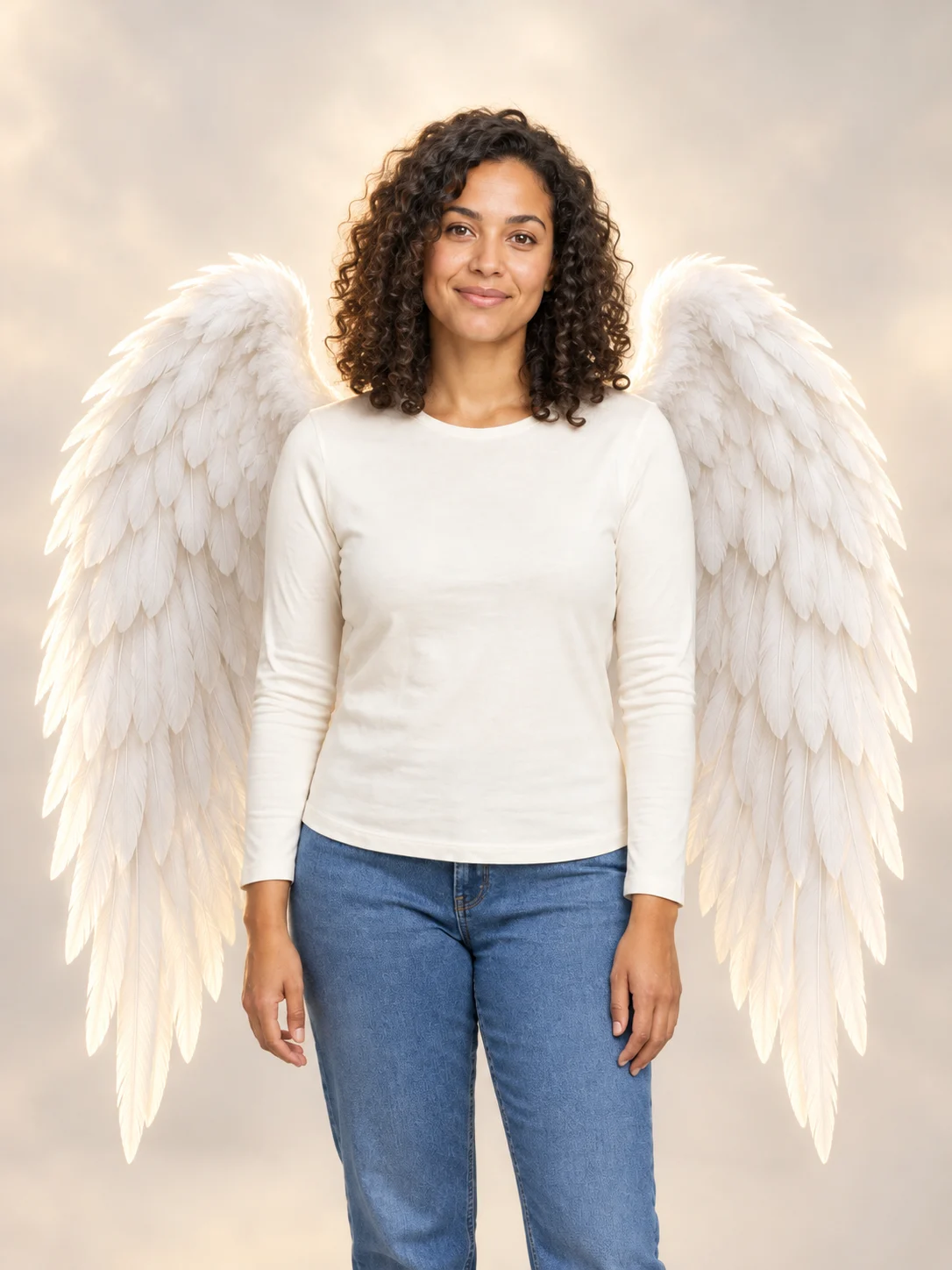
Add large feathered angel wings to your photo while keeping your own outfit.

Football Champion
Turn your portrait into an American football action picture with a helmet and a football.
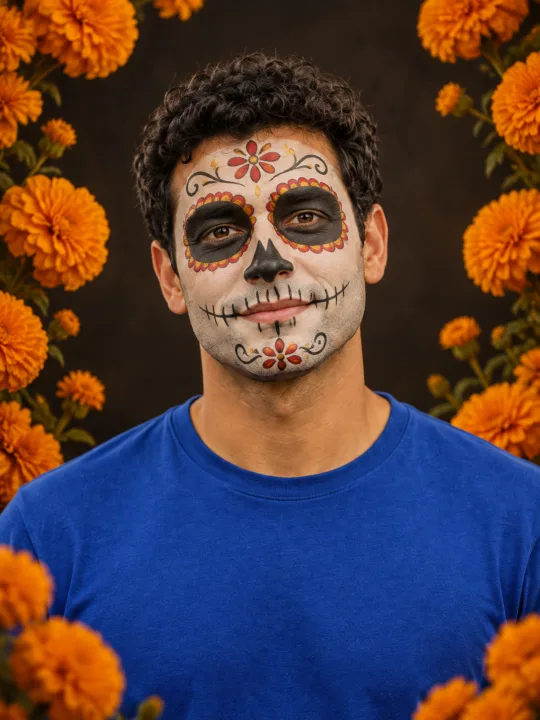
Catrina Makeup
Preview floral Day of the Dead face paint and marigolds on your own portrait.
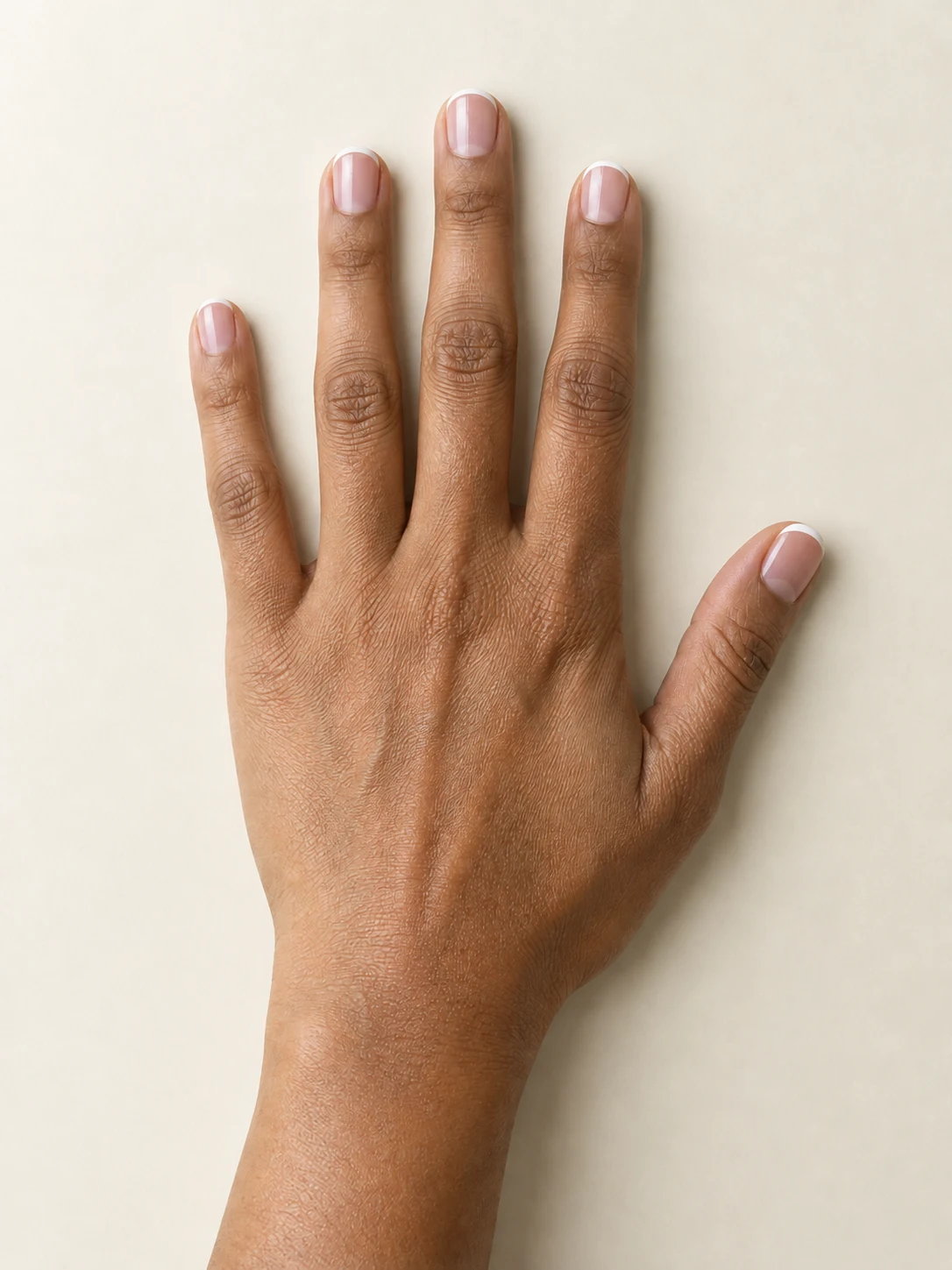
AI Nail
Preview French tips, Burgundy gloss or Pearl shimmer on your hand.
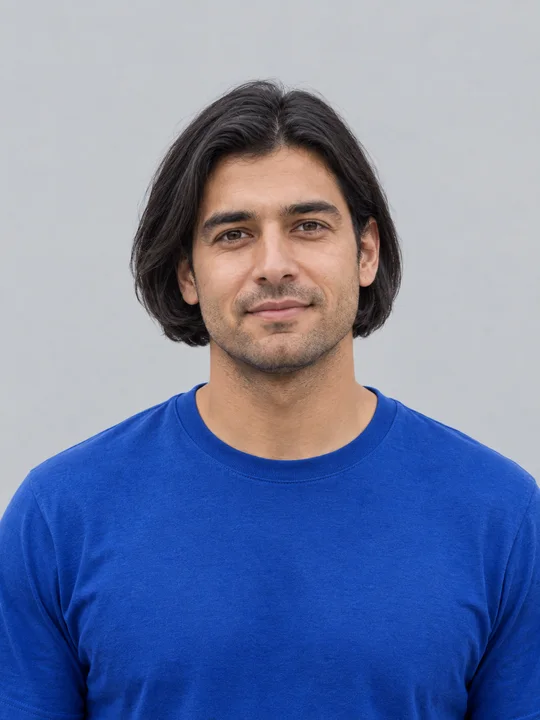
AI Bob Haircut
Preview a chin-length bob on one adult portrait.
Filtro Catrina IA
Add floral Day of the Dead makeup and marigolds to your portrait.
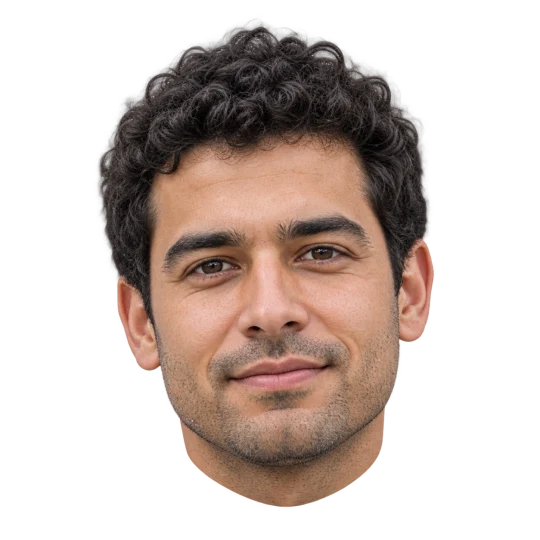
Head Cutout
Create a head-only transparent PNG from one adult portrait.
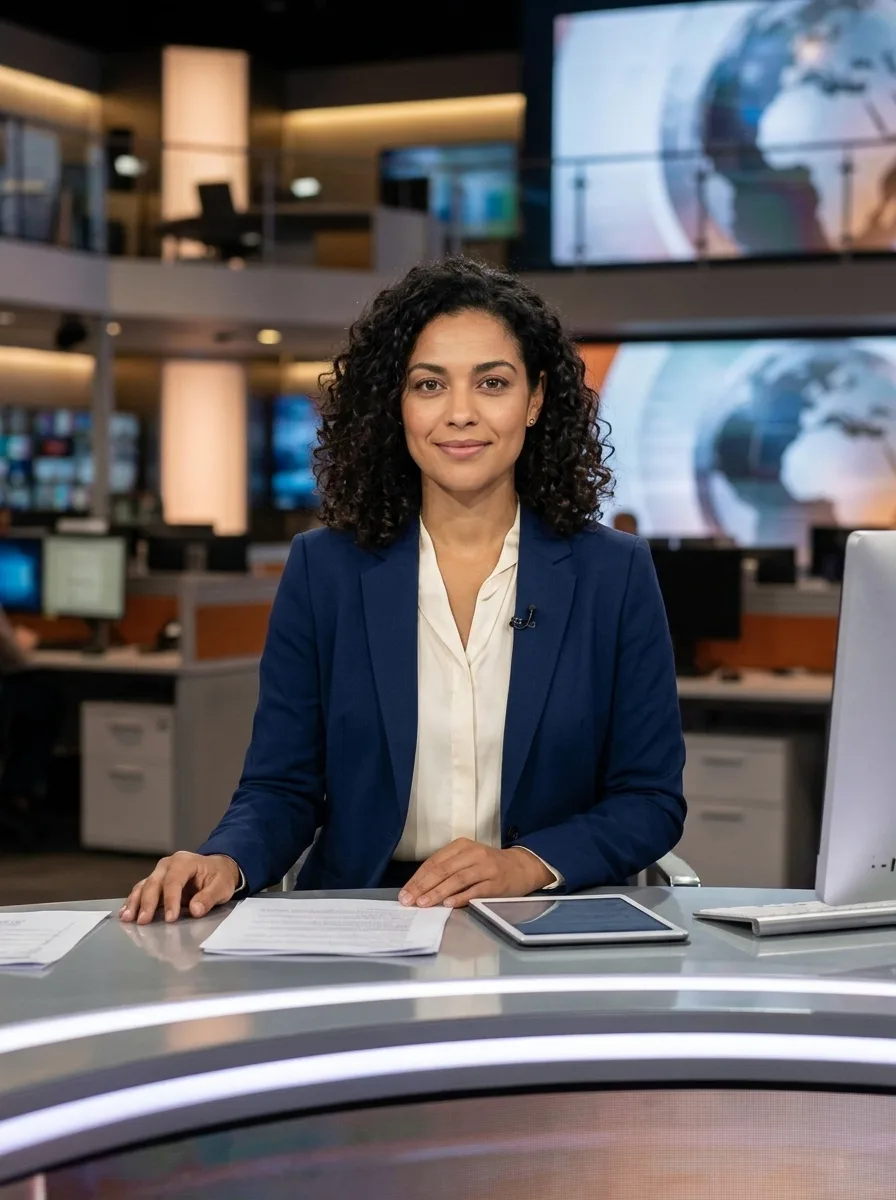
News Anchor
Put your portrait behind a news desk
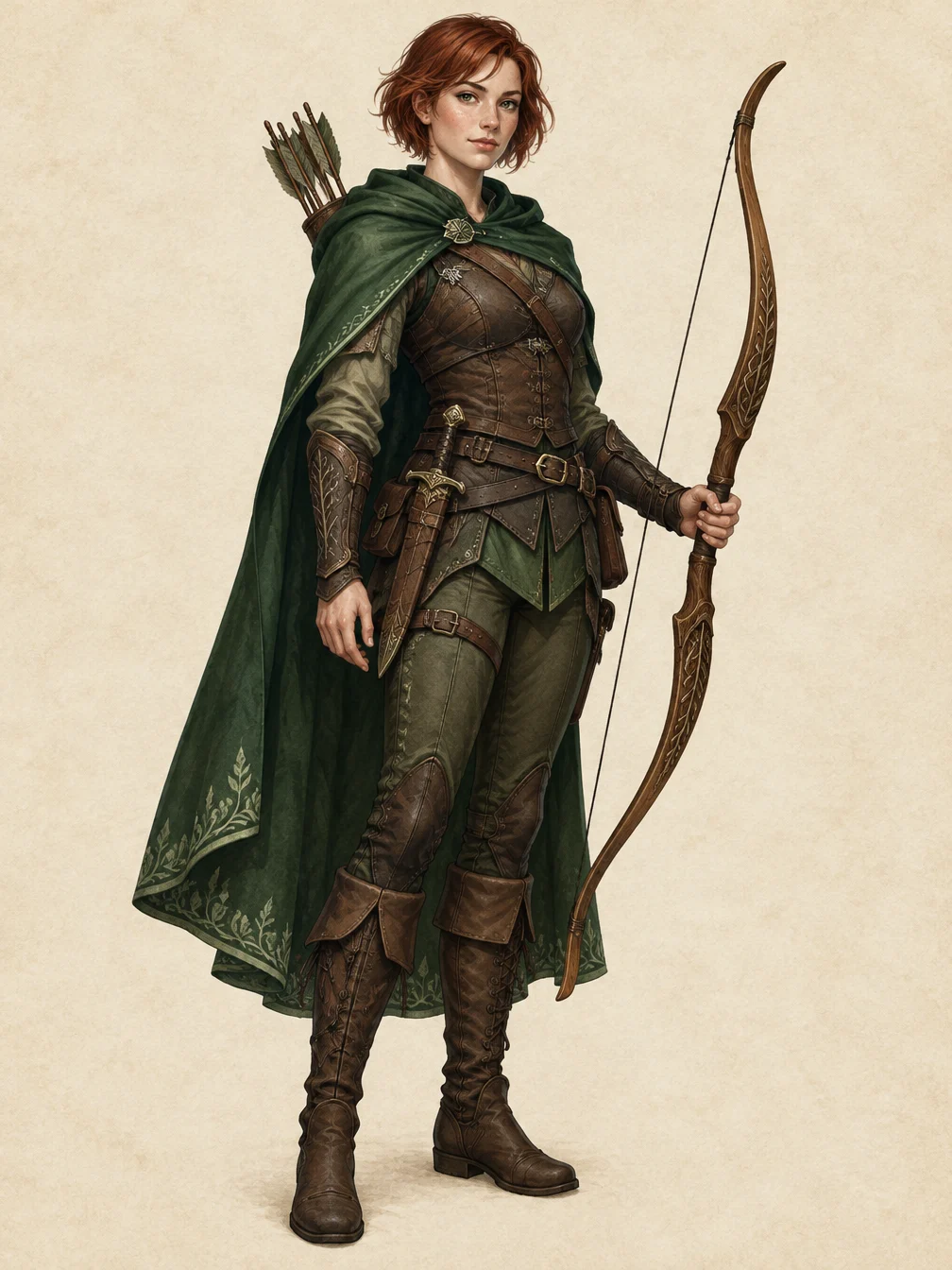
RPG Character
Describe an original fantasy adventurer and create a full-body RPG character illustration.
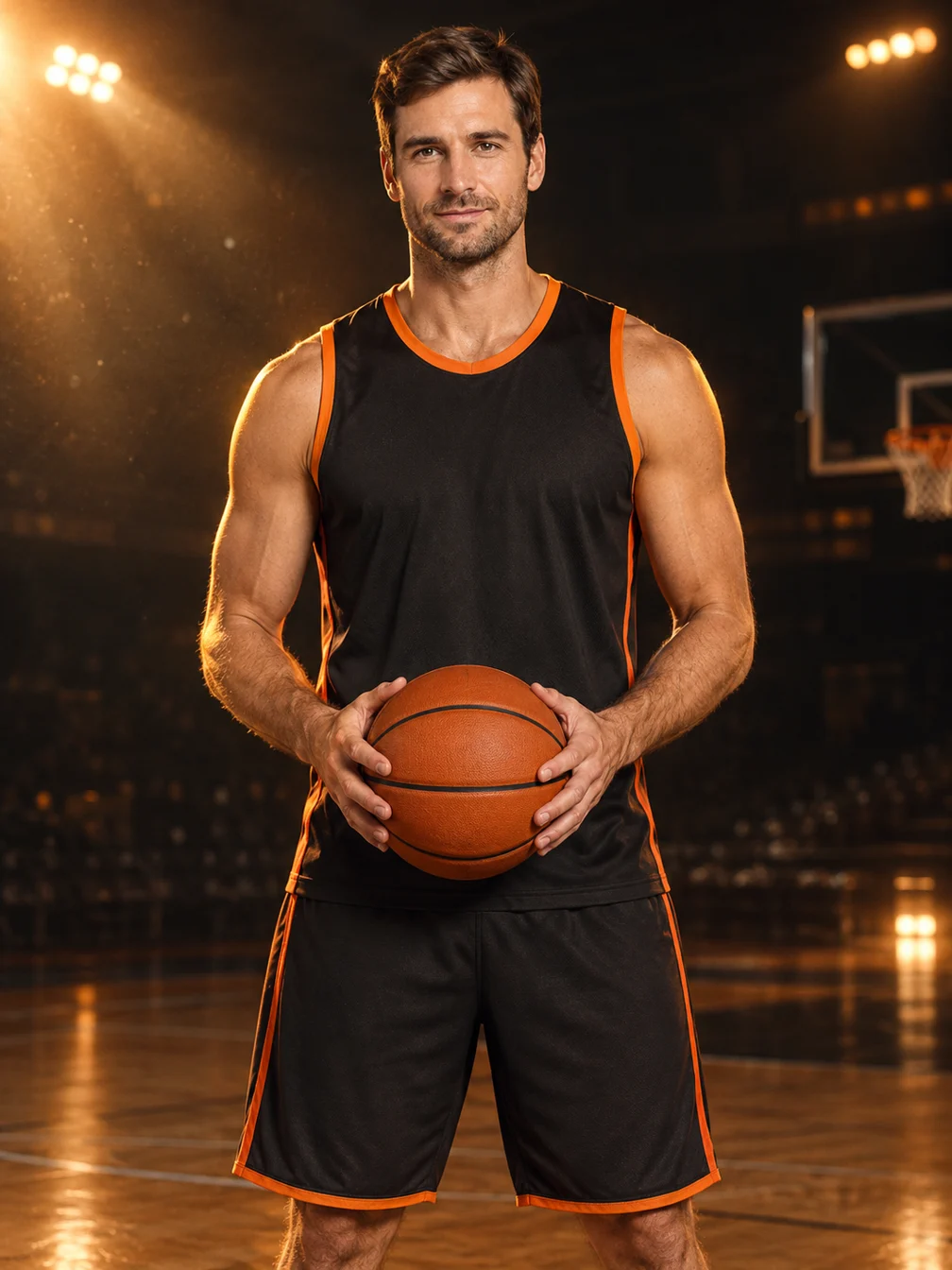
Basketball Poster
Turn your portrait into a basketball poster in arena, retro-card or neon-court style.
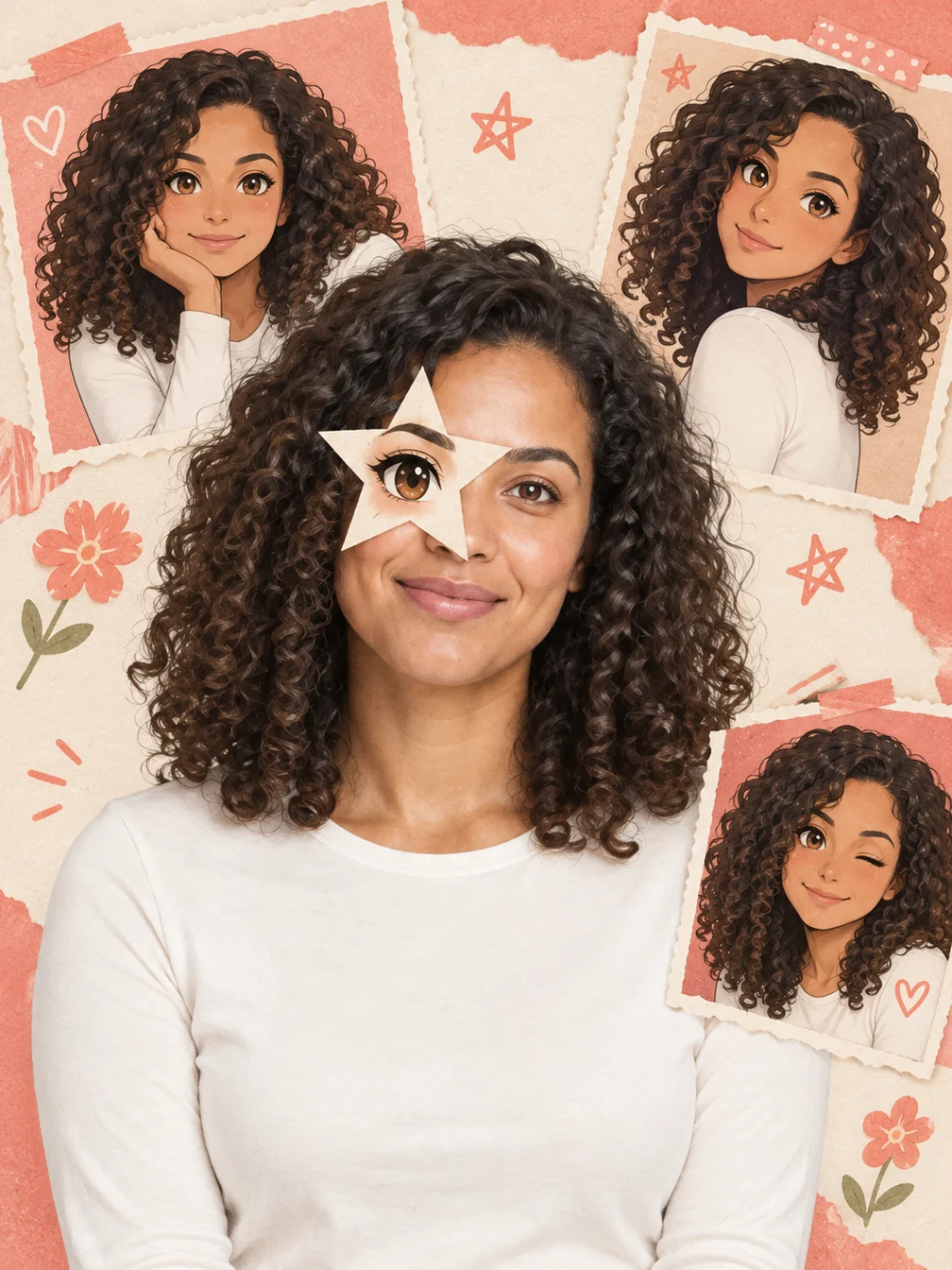
Anime Eye
Add one illustrated eye cutout and matching original anime-twin panels to your selfie.
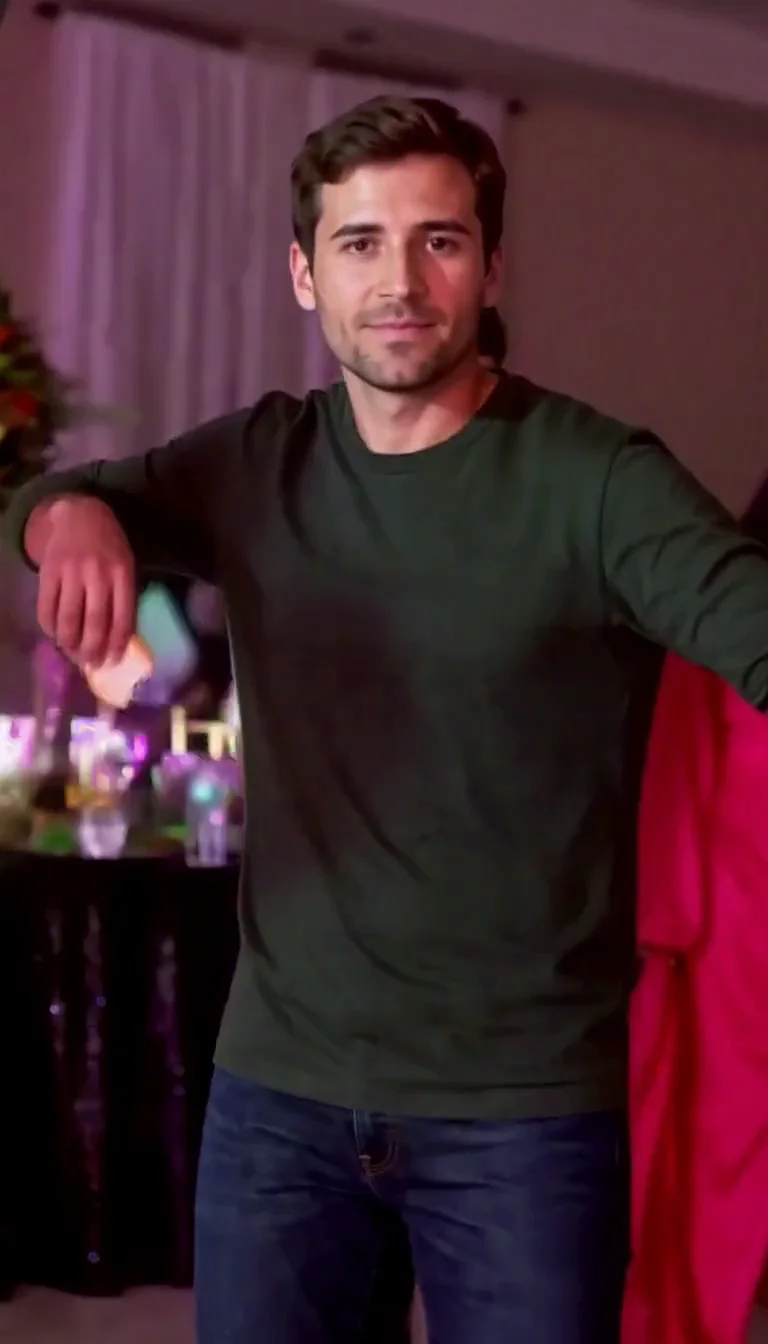
Dime Dime Baby AI
Make the approach, bread-bite and turn-away party video.
Frequently asked questions
What is the I Want Wings trend?⌄
One popular version contrasts a before photo with a butterfly-themed glow-up. This page creates the after photo with a butterfly sticker and “Be gentle” caption. Assemble any other slides or music separately.
Is I Want Wings free?⌄
One image costs 3 credits. Eligible new accounts can receive welcome credits; check your balance and the displayed price before generating.
Does I Want Wings make a video?⌄
No. This effect creates one still image. You can add it to your own slideshow or video in a separate editor.
Will the photo still look like me?⌄
The uploaded portrait guides the edit, but small facial and clothing details may change. Compare the result with your source before sharing.
Does this add angel wings?⌄
This effect uses a butterfly sticker for the glow-up photo. For large feathered wings behind your shoulders, try Angel Wings.
Can I use someone else’s photo?⌄
Only upload a photo you have the right and permission to edit. The example on this page uses a fictional adult portrait.
How do I download my image?⌄
Use Download on the completed result, or find it again in My Creations. Downloading an existing result does not start another generation.
Create your I Want Wings photo
Upload a portrait and make your butterfly glow-up image.
Create my photo