
Make your Angry Ginge AI video
Start your Angry Ginge AI video with one photo
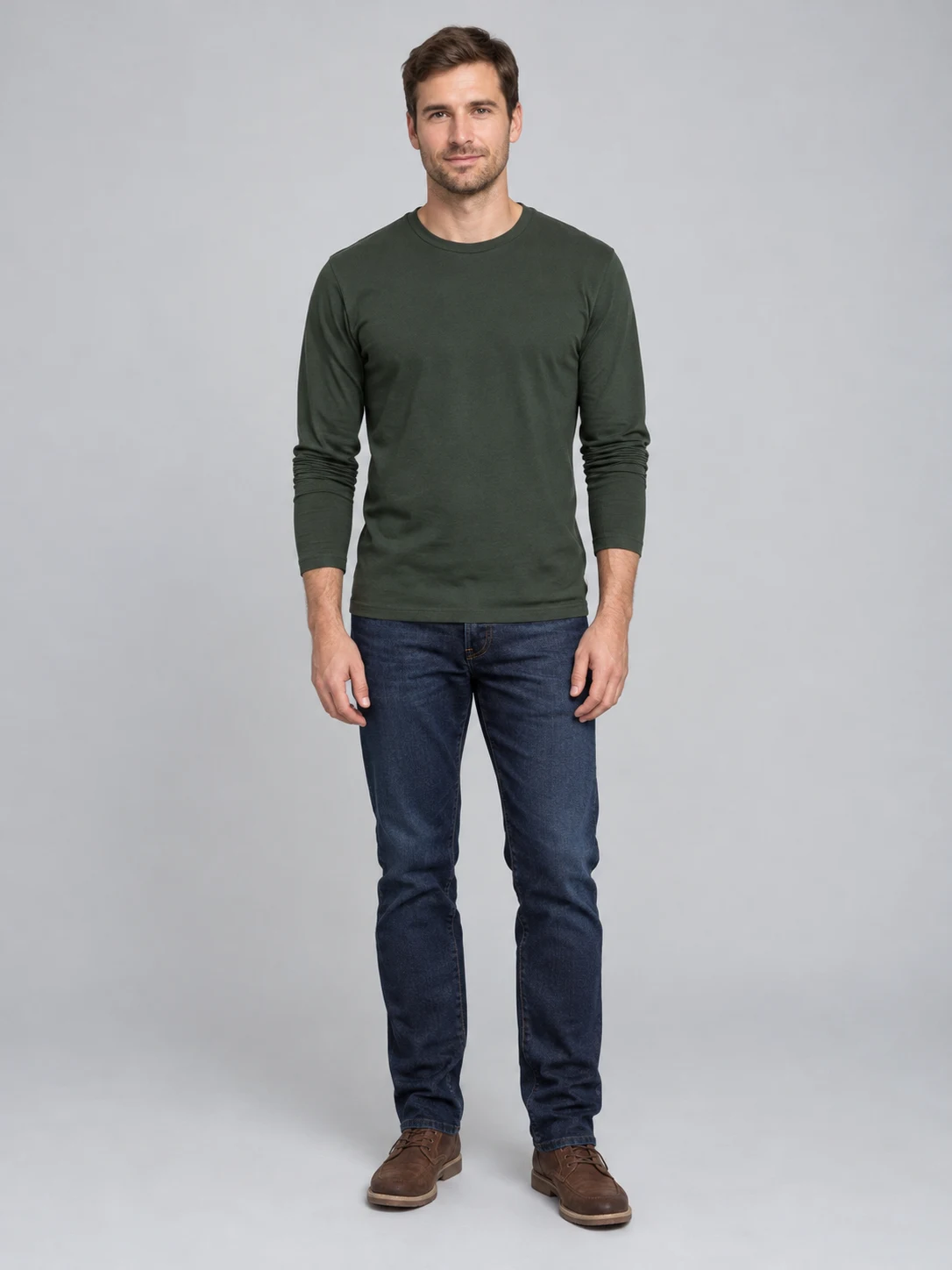
The Angry Ginge trend is a CapCut template on TikTok, tagged #angryginge: one photo goes in and the person in it does a fast, grumpy hand routine. Here you skip the app. Upload a clear photo of yourself, or of an adult who has agreed to the edit; head to waist or full body works best, because the hands need room. The example on this page uses a fictional adult.
Count, jab, scowl and throw your arms up
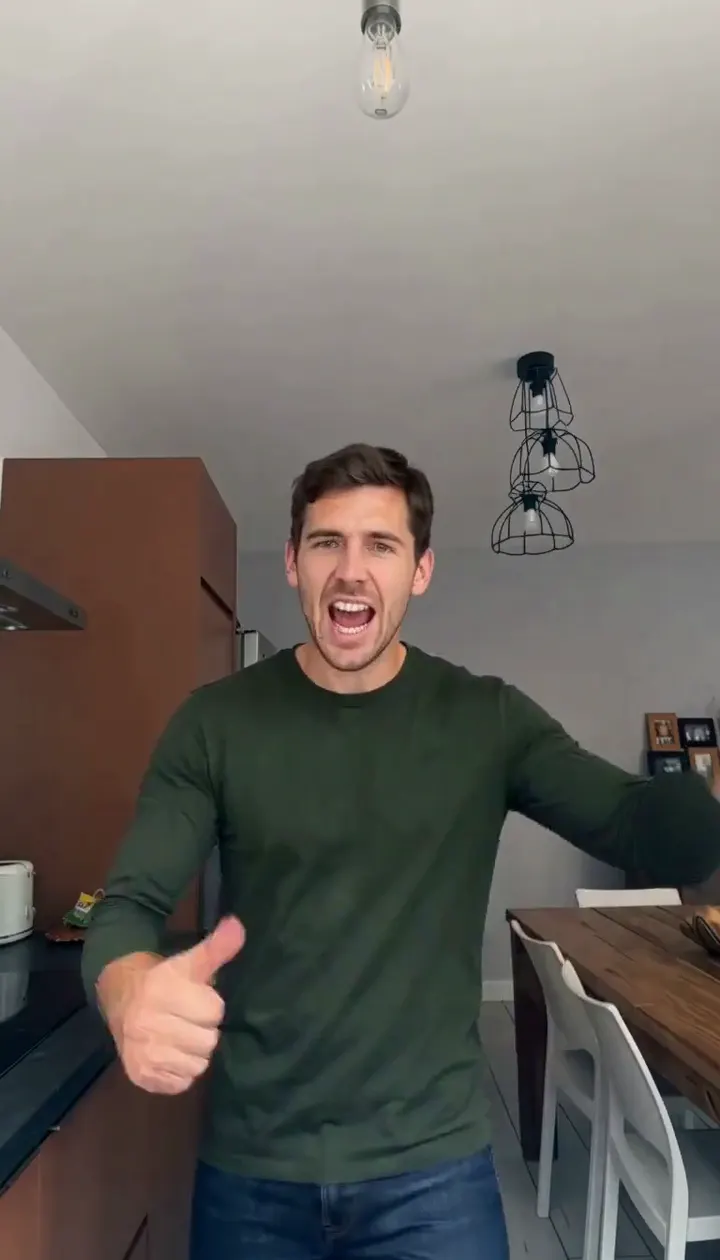
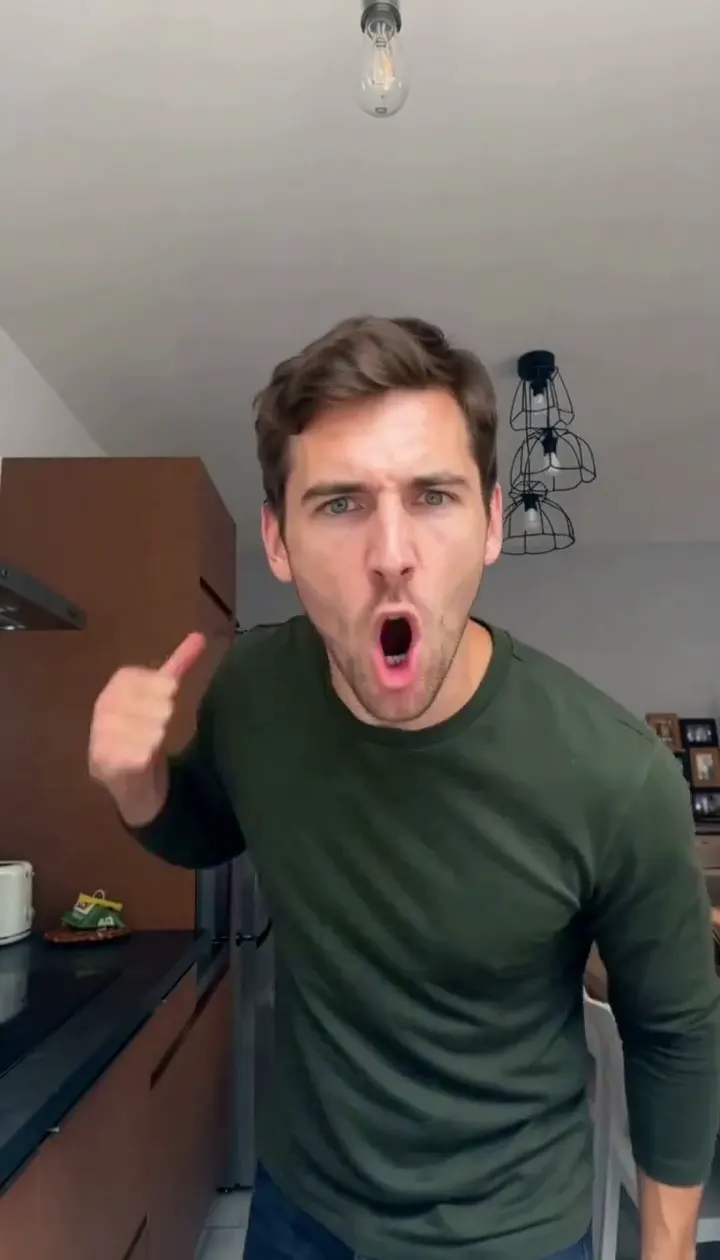
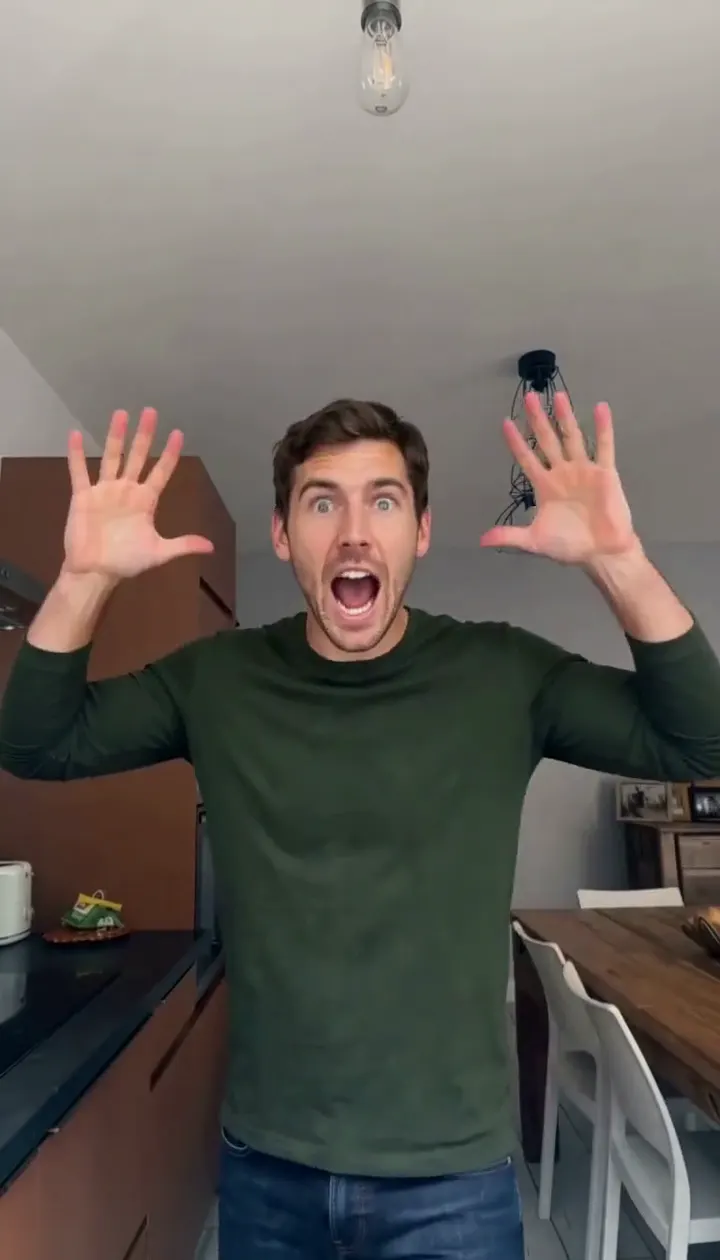
The Angry Ginge AI preset follows the template beat for beat: a thumbs-up, finger counts, a finger jabbed into the open palm, a lean toward the lens with the angriest face you can pull, a step to the side and an arms-up finish with your mouth wide open. Your face, hair and clothes come from your photo. AI motion can vary, especially around fingers, so watch the whole clip before you share it.
Download a vertical clip with sound
Your Angry Ginge AI video is a vertical MP4 of about fifteen seconds with the sound from the trend clip. Open it from the result card or from My Creations, download it and post it with #angryginge.
Pick a photo that gives the hands room
One photo becomes one dancer.
Face the camera
Keep your face clear
When to use it
You want people to recognize you.
What it produces
Your face and outfit doing the routine.
- ✓Front-facing
- ✓Even light
- ✓No sunglasses or masks
Show the upper body
Head to waist or more
When to use it
You want the hand gestures to read.
What it produces
A waist-up Angry Ginge AI dance with both hands in frame.
- ✓One person only
- ✓Arms not cropped
- ✓Use a photo with permission
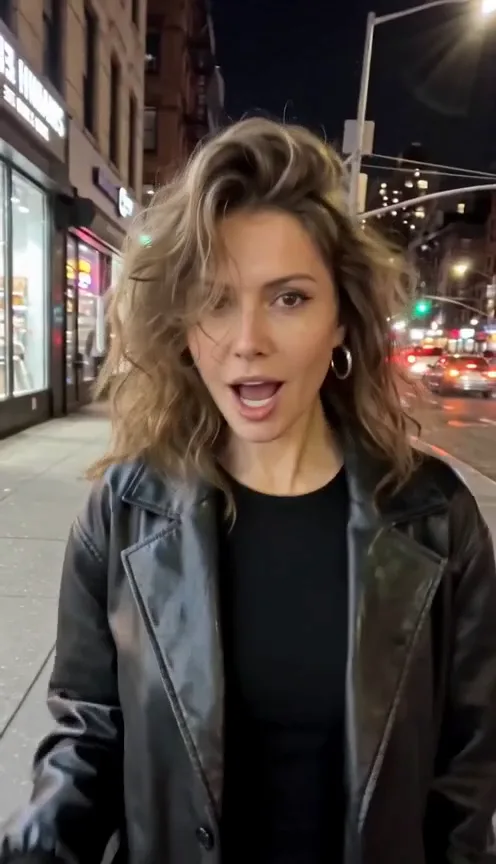
Devil Wears Prada Trend
Bedroom selfie, devil horns, doors shut, then a night-street glow-up.
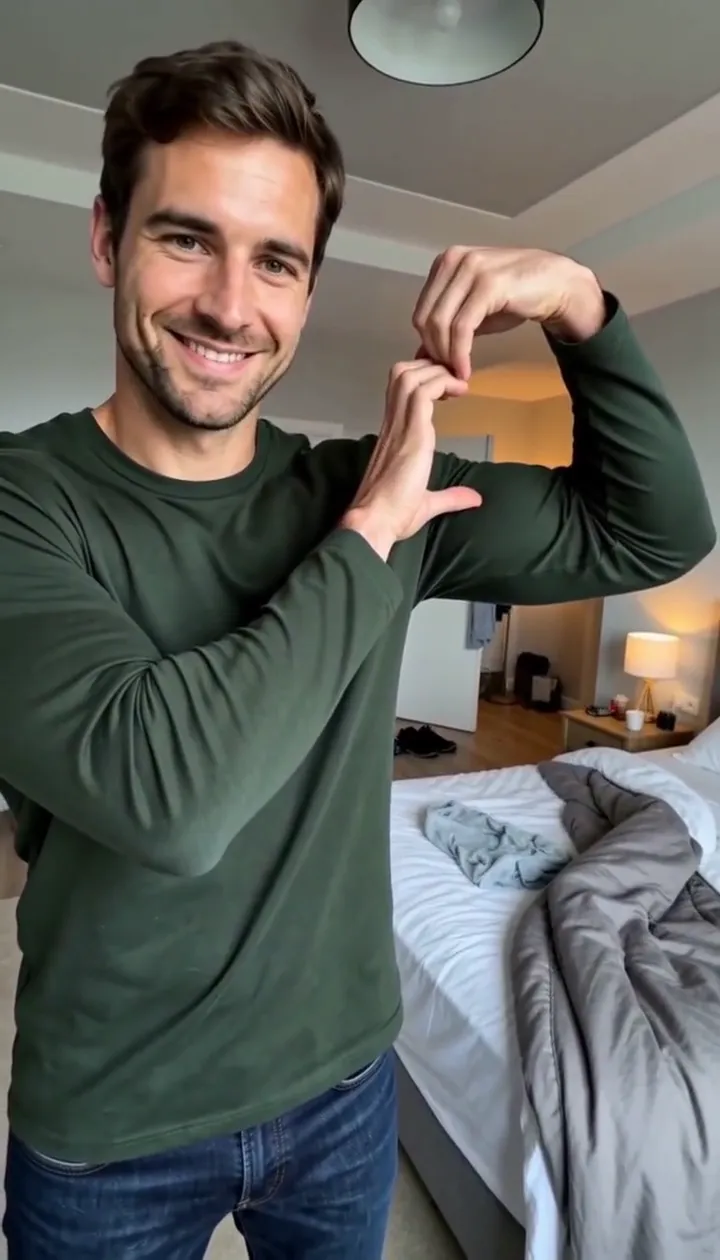
Bicep Heart Trend AI
Make a flex heart video from one adult photo.
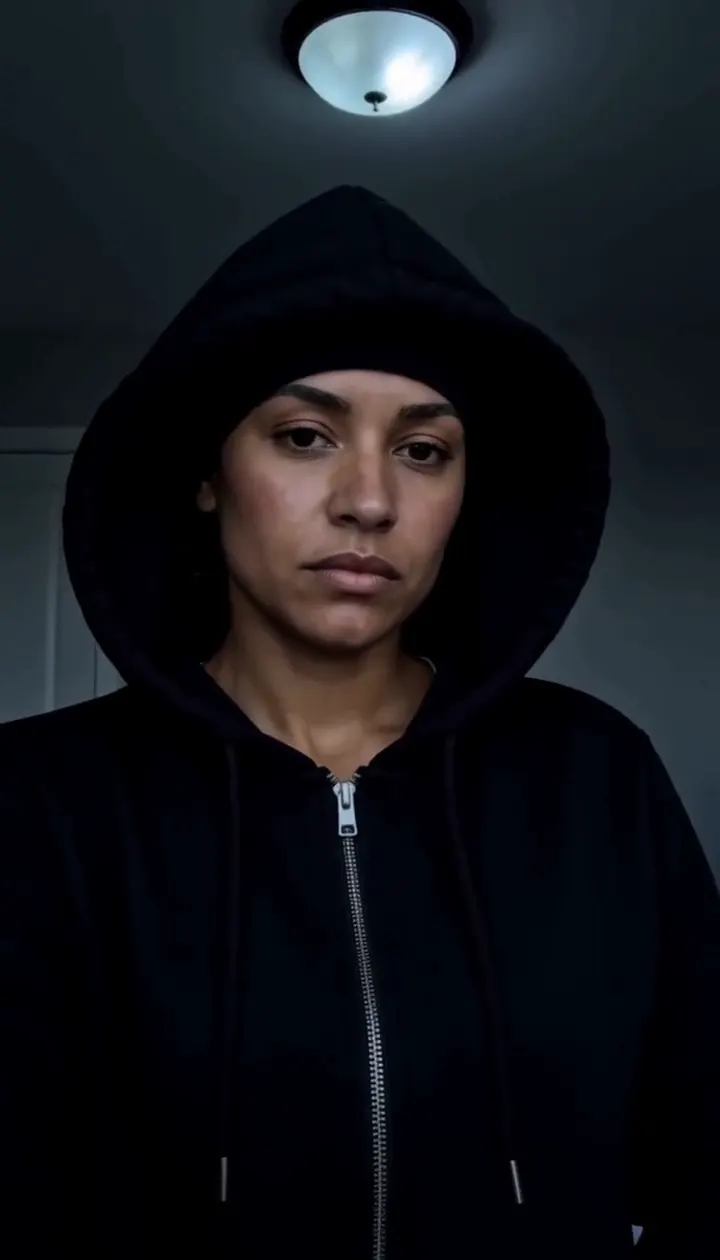
Skull Cap Trend AI
Pull on the cap in a bright room, then hard cut to a cold stare in the dark.
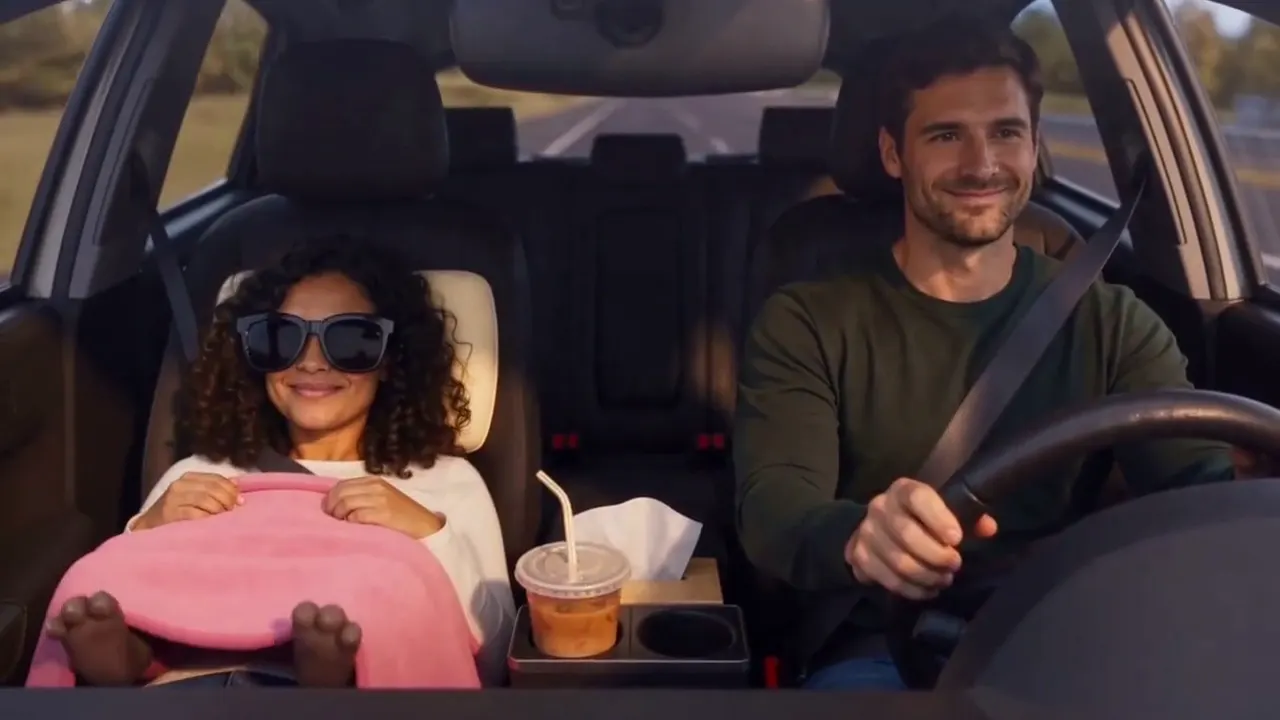
Passenger Princess AI
Two adult photos become the passenger princess off duty car clip.
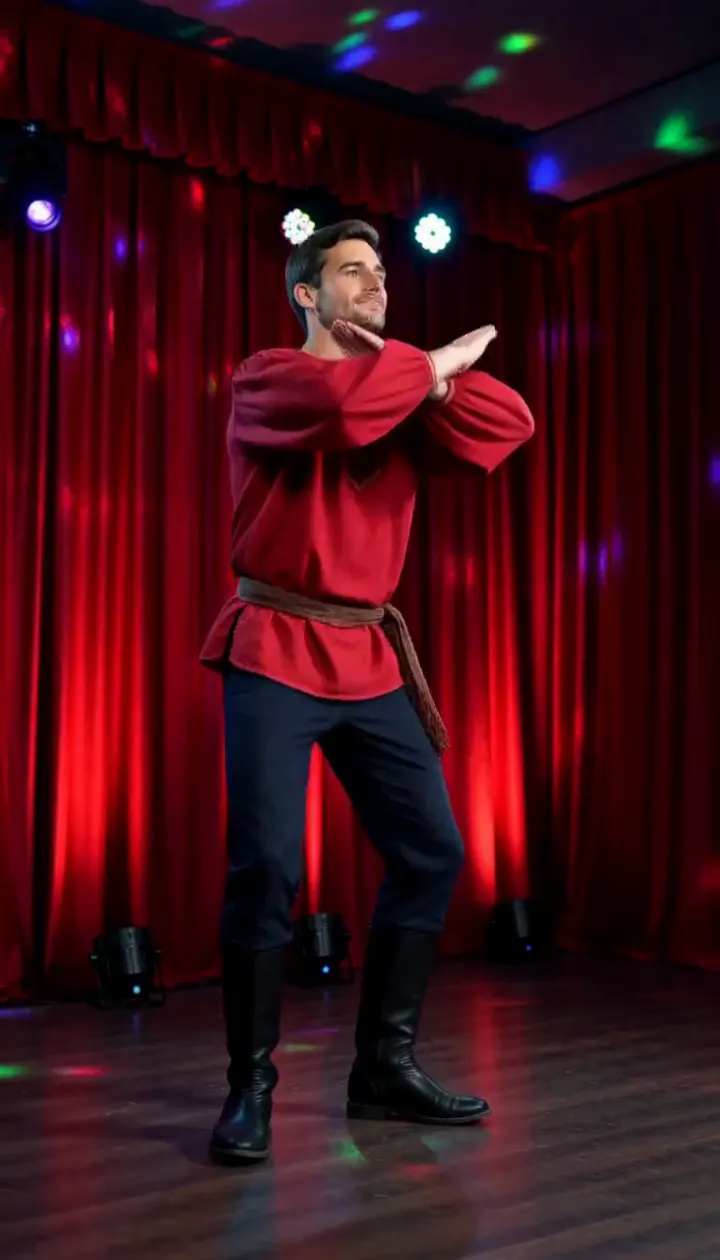
Rasputin Dance AI
Turn one adult photo into a ten-second folk disco dance with squat kicks and a spin.
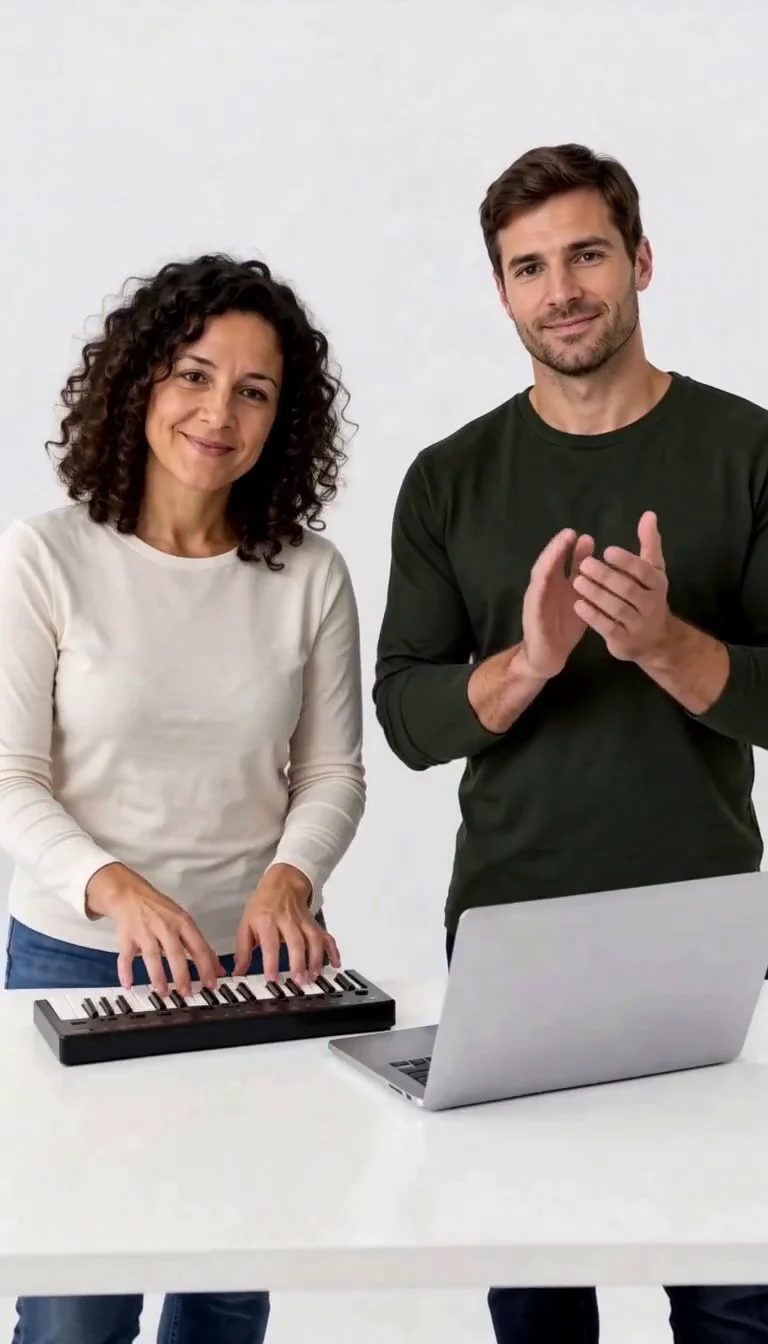
Keyboard Duo
Put two adults in a keyboard-and-clapping studio sketch.
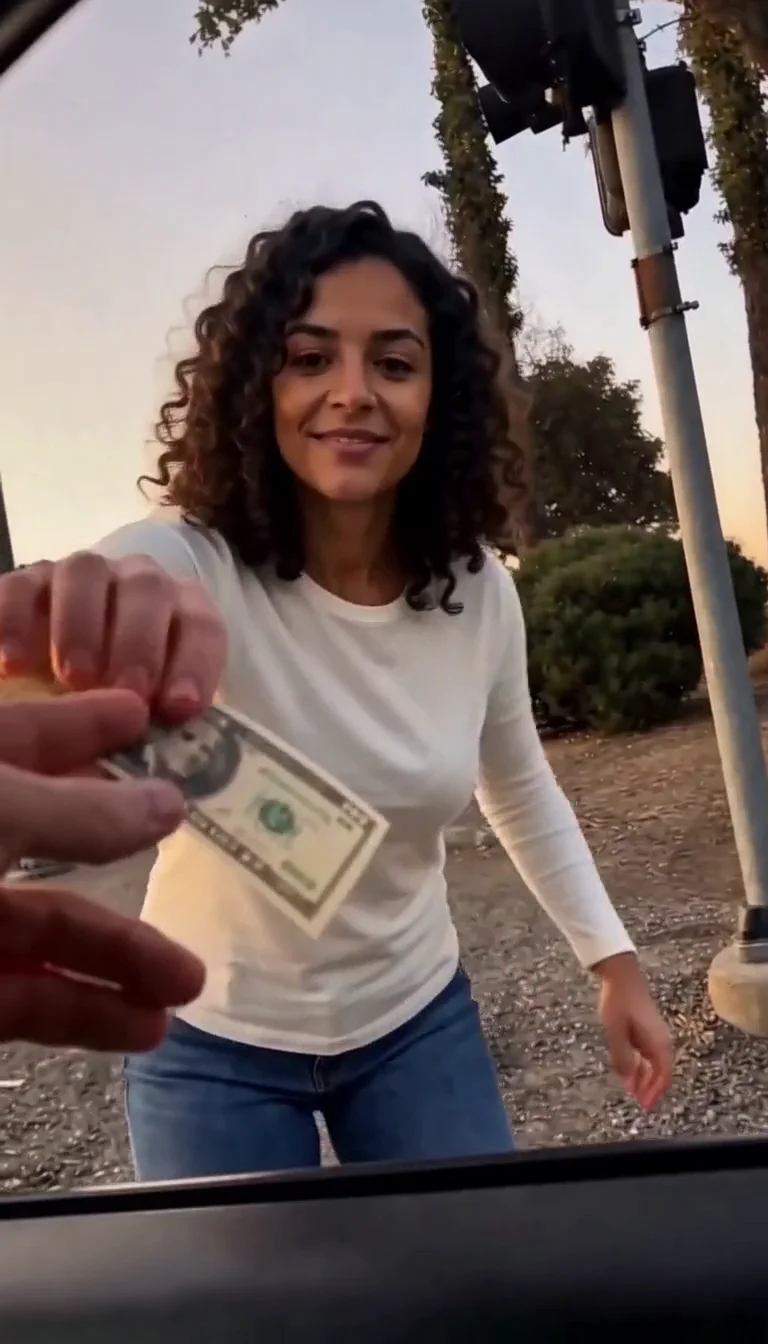
Plug Walk
Follow the car-window cash handoff, then step back into the reference dance.
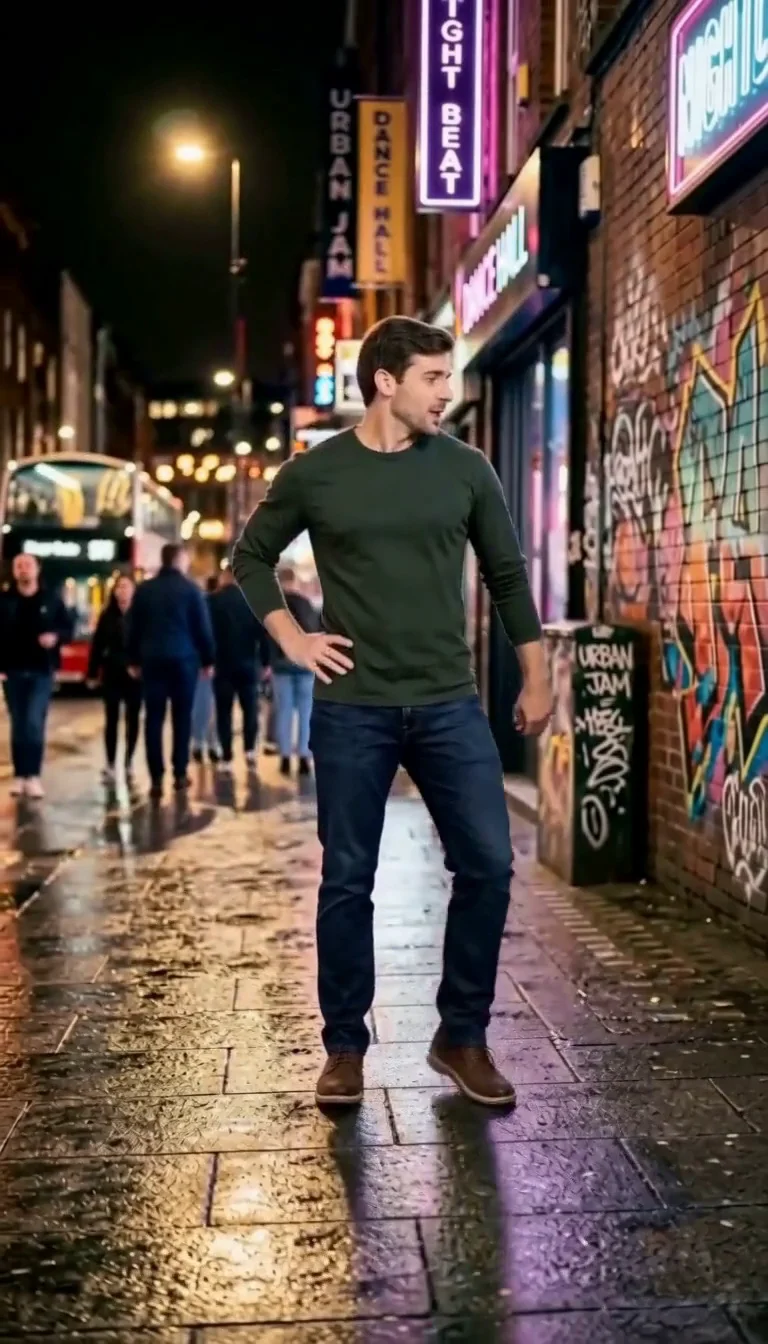
6 7 Dance
Follow a fourteen-second Six Seven street dance with counting gestures, bouncy steps and claps.
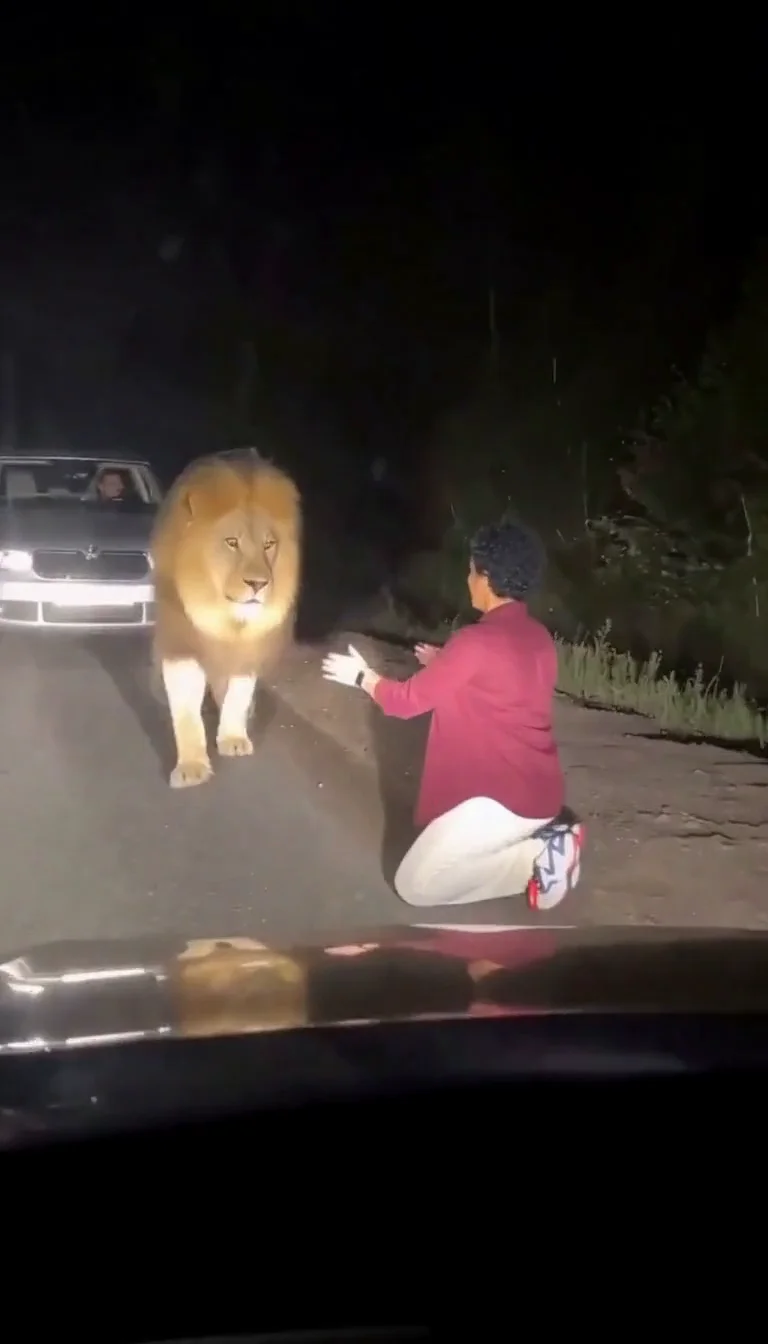
Lion Friend
Meet a calm lion on a nighttime road, stroke its mane and share a fictional embrace.
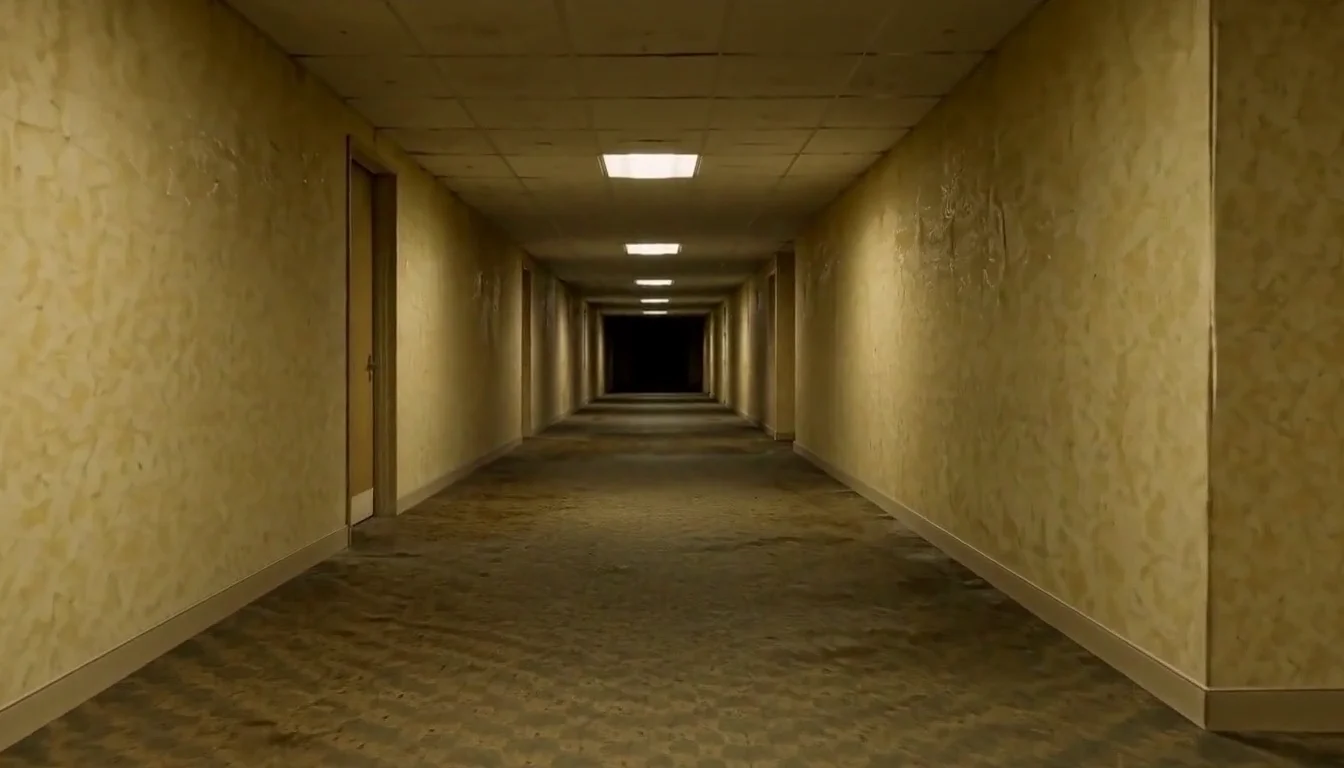
AI Backrooms
Animate your empty corridor with a slow camera push and flickering fluorescent lights.
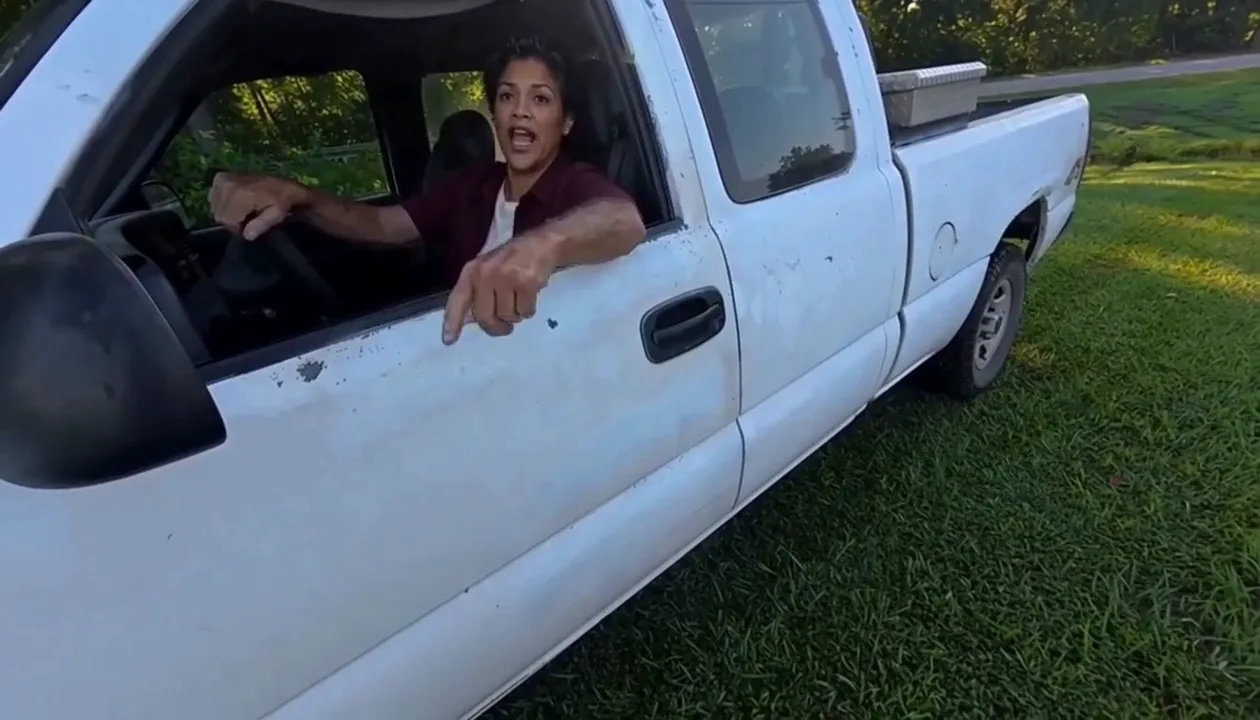
Hit Road Dude
Make a reference-guided pickup-truck meme from one adult portrait.
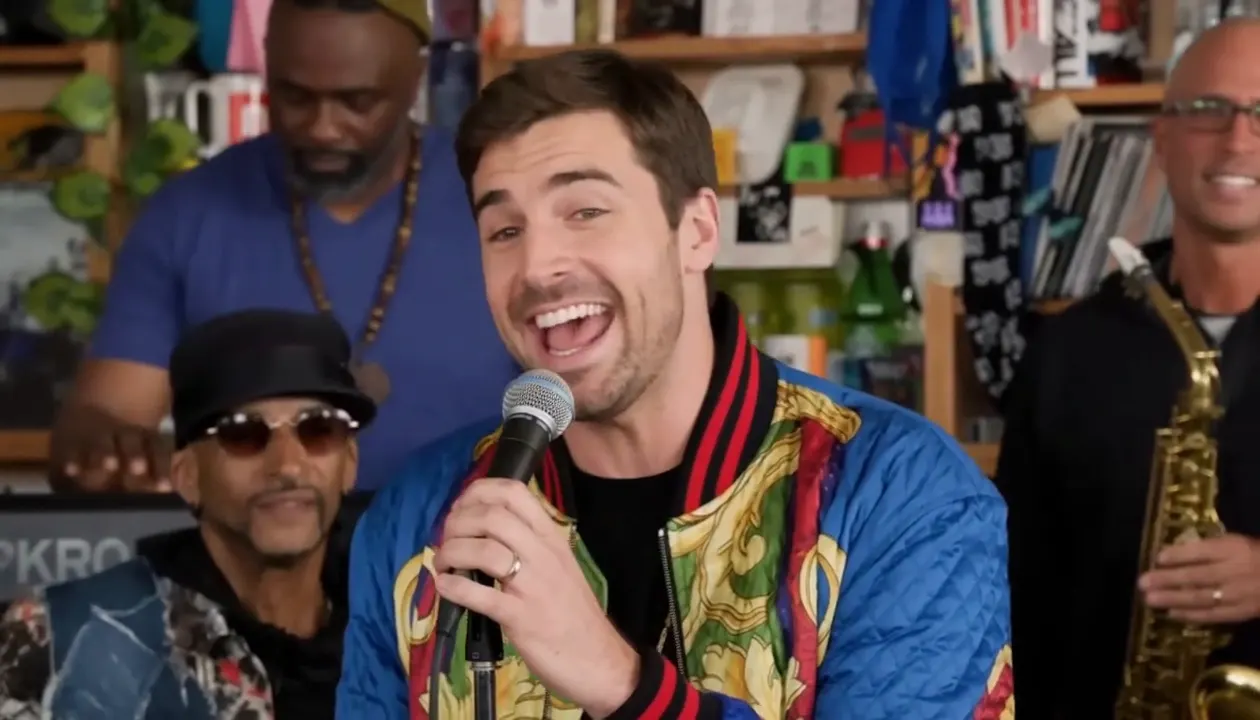
Tiny Desk AI
Put your photo in the lead-singer spot of a ten-second office-desk concert.
Frequently asked questions
What is the Angry Ginge trend?⌄
It is a TikTok trend built on a CapCut template tagged #angryginge, named after the British streamer Angry Ginge. One photo turns into a quick, grumpy routine of finger counts, palm jabs, scowls and an arms-up finish.
How do I make an Angry Ginge AI video?⌄
Upload one clear adult photo and start the generation. The routine is built in, so there is no prompt or dance clip to pick.
Do I need CapCut?⌄
No. Angry Ginge AI runs in your browser and you download the finished MP4.
Does it use the trending sound?⌄
The preset keeps the sound from the trend clip, though the audio can vary slightly between generations.
Will it be my face, or the streamer’s?⌄
Your face, hair and clothes come from your photo. Only the motion comes from the trend. Check the result before sharing, because AI details can change between runs.
How many credits does it cost?⌄
One Angry Ginge AI video costs 140 credits, shown before you generate. The 30-credit welcome allowance alone does not cover it. Downloading a finished video does not start another generation.
How long does it take?⌄
Allow several minutes; busy periods can take longer. Your request stays in My Creations while it runs.