
Turn your photo into a natural-looking phone selfie.
Turn your photo into a natural-looking phone selfie.
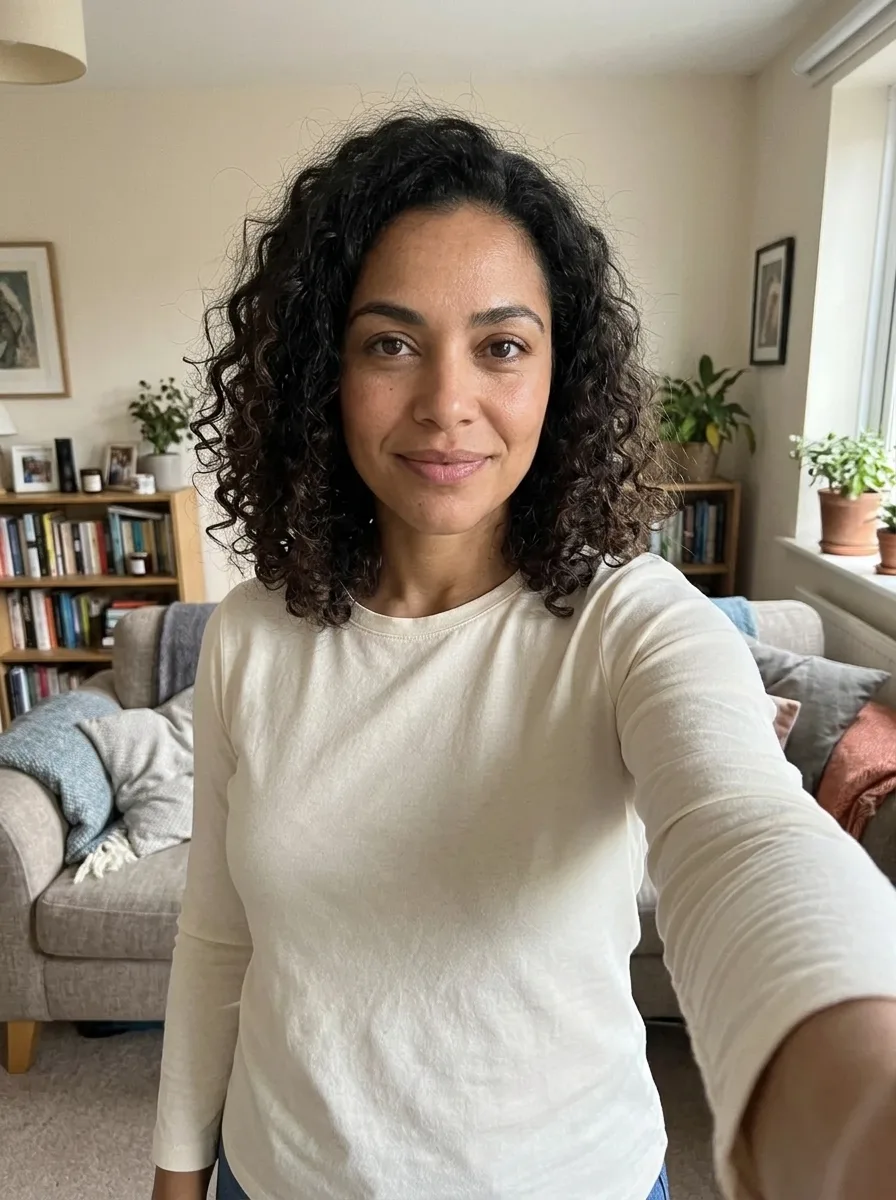
Create an arm-length selfie with soft light and real-looking skin texture from a photo of yourself. Realistic Selfie AI turns an existing portrait into the style of an everyday front-camera photo. The intended result has an arm-length perspective, soft available light and natural-looking skin texture, with the uploaded person as the identity guide. It makes a still image rather than opening your phone camera or taking a real photograph. A generated room or background can differ from the one in your upload, and the angle, expression and hand position can vary. Use it when you want a casual profile picture or a phone-style image from an existing portrait. Check the result closely before sharing: a natural-looking picture is still generated and may contain details that did not exist in the source.
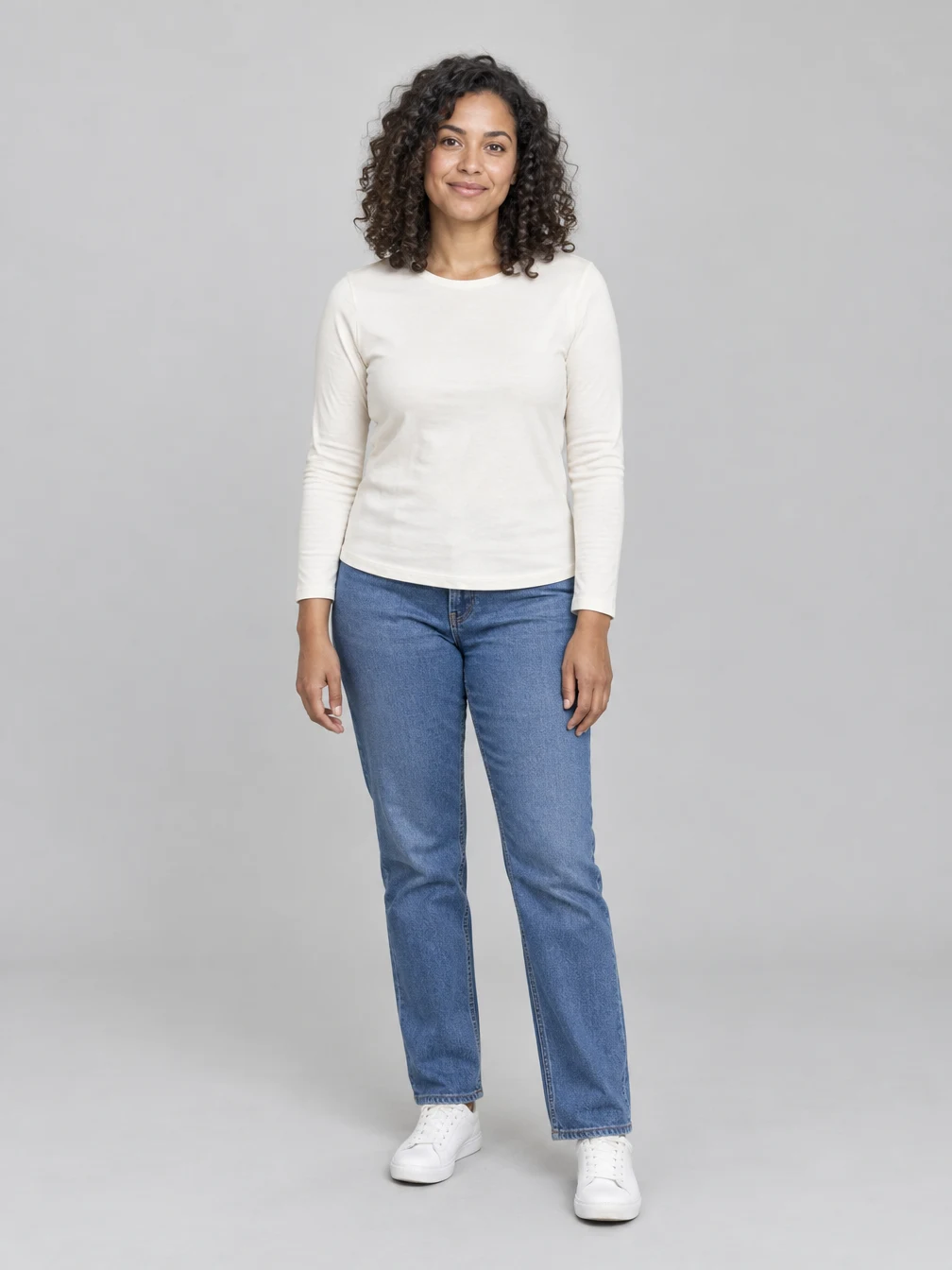
Start with a clear photo
Use one sharp photo of the consenting adult or couple you want to include. Clear faces and even lighting give the effect a useful reference. The pictured input shows fictional adults. The generated scene may change clothing, pose or background while using the photo as a guide. For Realistic Selfie AI, choose one clear photo of the person you want to appear in the result. The face and hair should be visible, with enough detail around the eyes and mouth for the model to use as a guide. A straightforward portrait is easier to interpret than a distant group picture, a heavily filtered image or a face covered by a phone. The example uses a fictional adult and shows the source alongside the generated selfie. Upload your own image or an adult photo you have permission to edit. The effect asks the model to keep the face, hair, skin tone and clothing, but those features may still shift between the upload and the finished image.
Review and save the finished image
Create an arm-length selfie with soft light and real-looking skin texture from a photo of yourself. Compare the result with your source photo before sharing. Review the full picture and its details on your device, including the face, clothing and background. You can keep the result for a personal project or share it with the people who agreed to the edit. Once generation is finished, download the image or find it again in your creations. A new generation uses credits; downloading an existing result does not. Review your Realistic Selfie AI result at a larger size. Check the face, the shape of the extended arm, clothing edges and objects in the room; AI can invent or distort details even when the overall picture looks plausible. The output may resemble a familiar location without reproducing your actual room, so do not treat its background as evidence of where a picture was taken. Compare the result with the original if identity matters, then download the finished image or return to it in your creations. Each new generation uses the credits displayed before submission. Downloading an existing result is a separate action and does not request a new image.
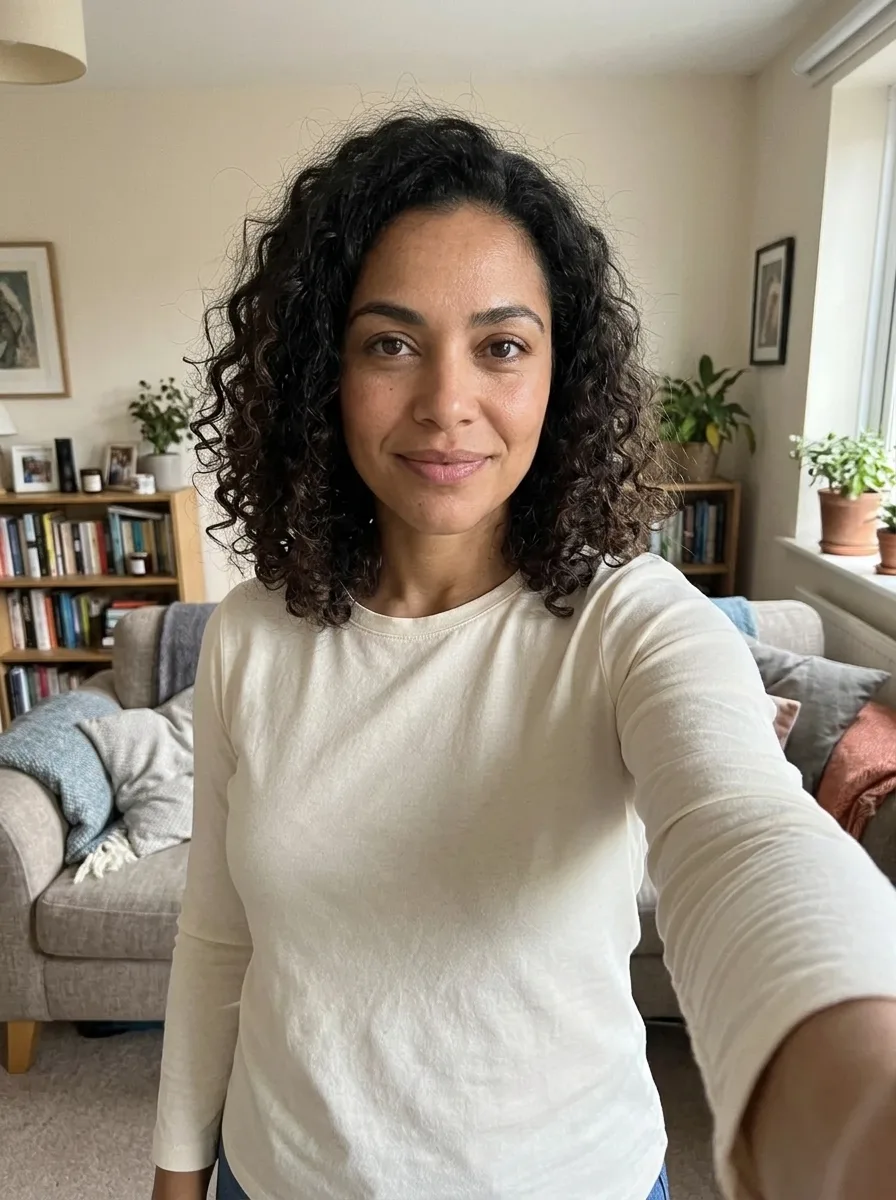
Choose a photo for Realistic Selfie AI
Use a photo you have permission to edit.
Your portrait
One photo
When to use it
Turn your photo into a natural-looking phone selfie.
What it produces
One vertical still image.
- ✓Consenting adults
- ✓Face visible
- ✓Even lighting
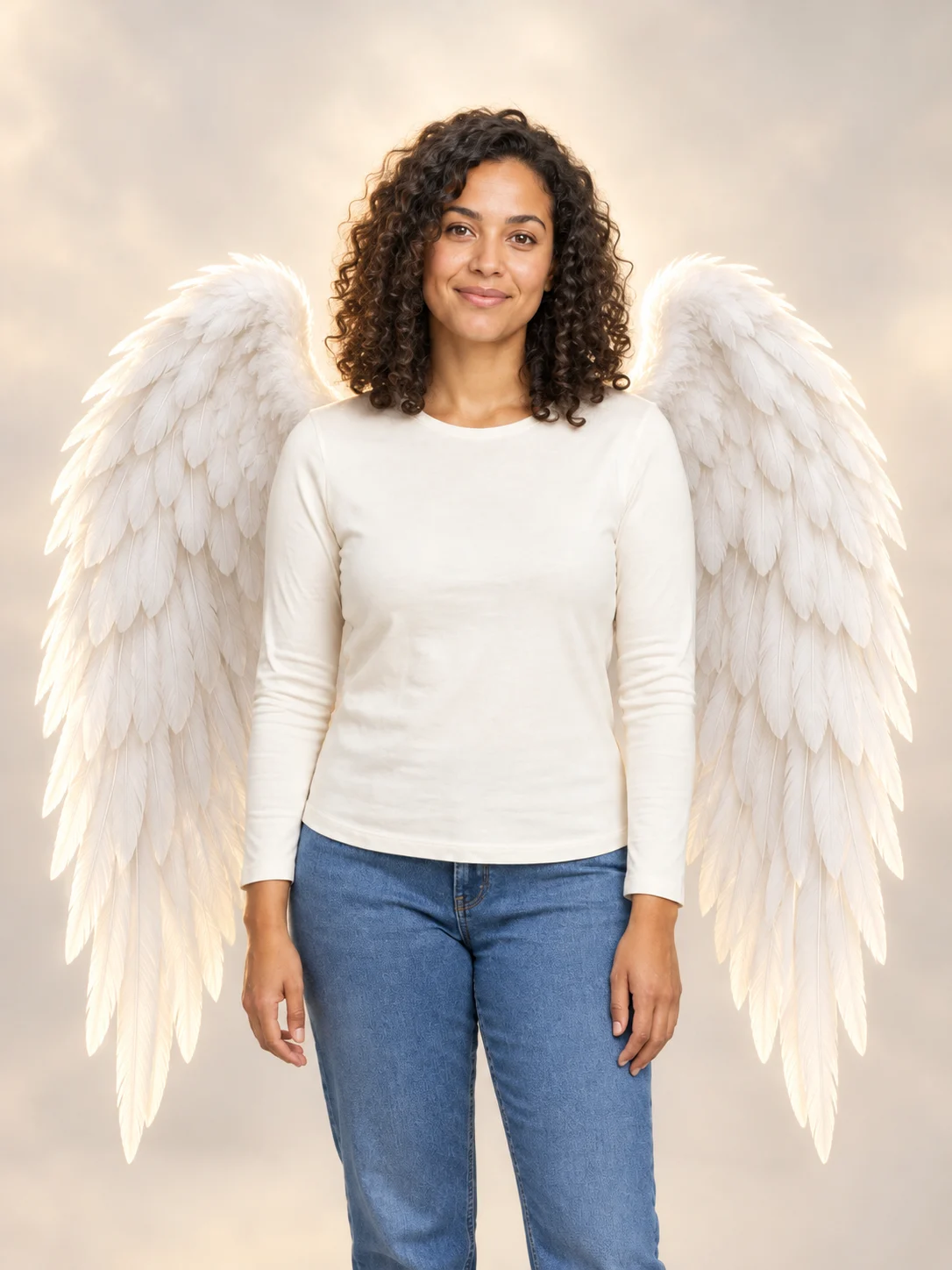
Angel Wings
Add large feathered angel wings to your photo while keeping your own outfit.
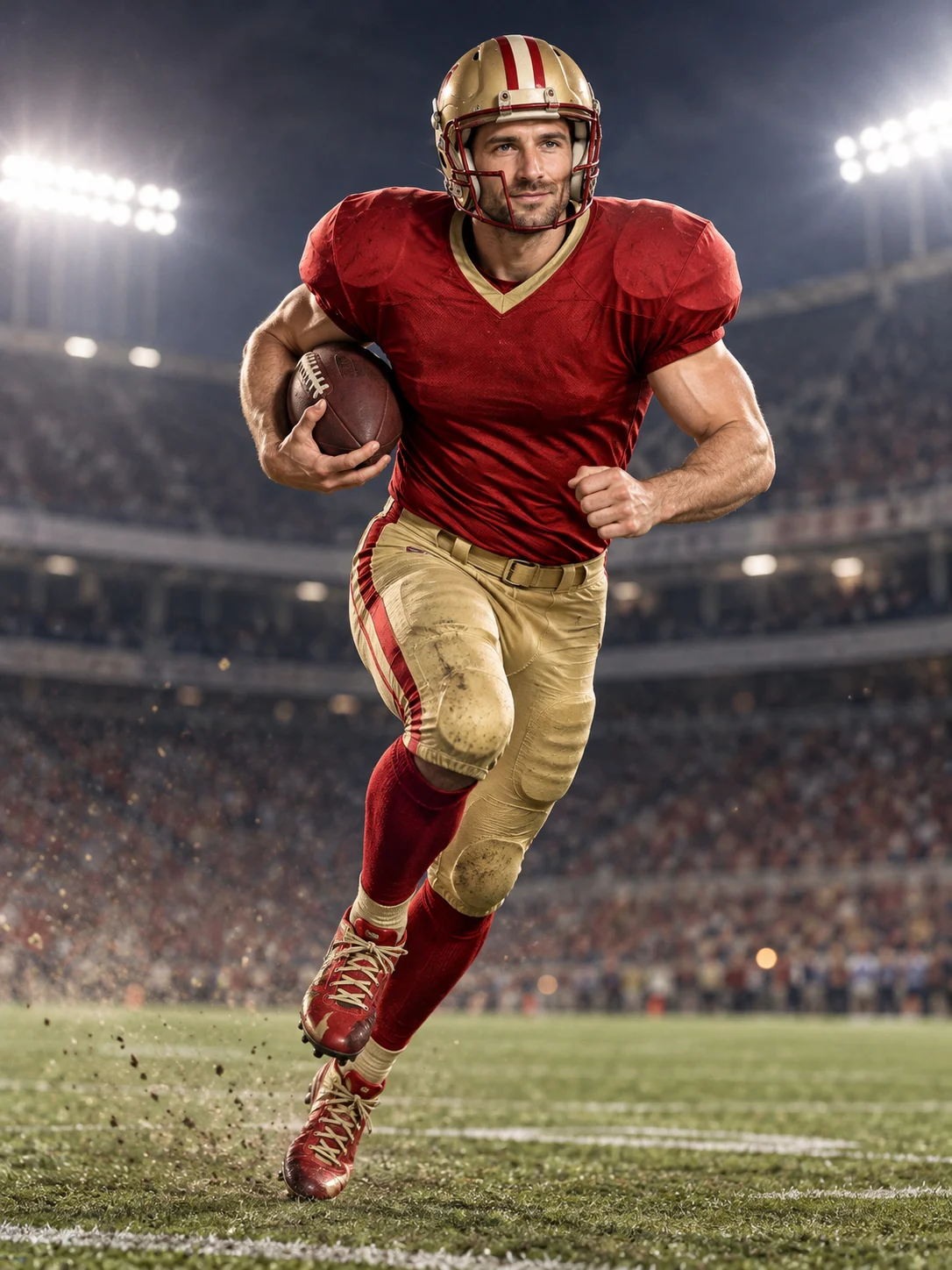
Football Champion
Turn your portrait into an American football action picture with a helmet and a football.
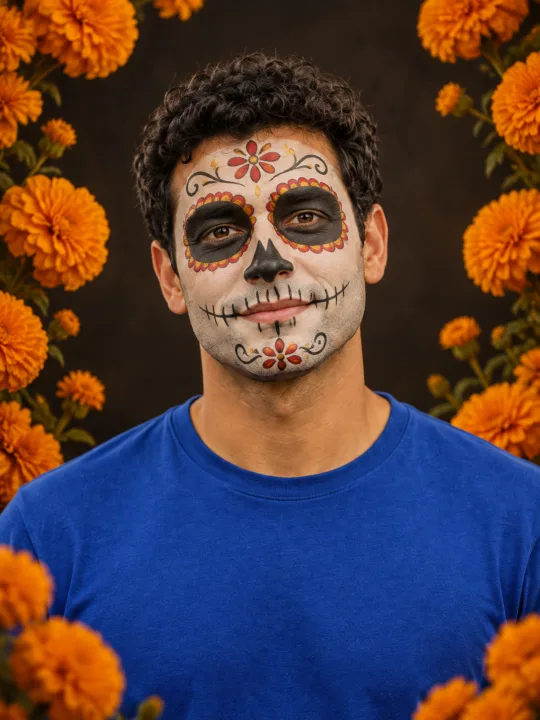
Catrina Makeup
Preview floral Day of the Dead face paint and marigolds on your own portrait.
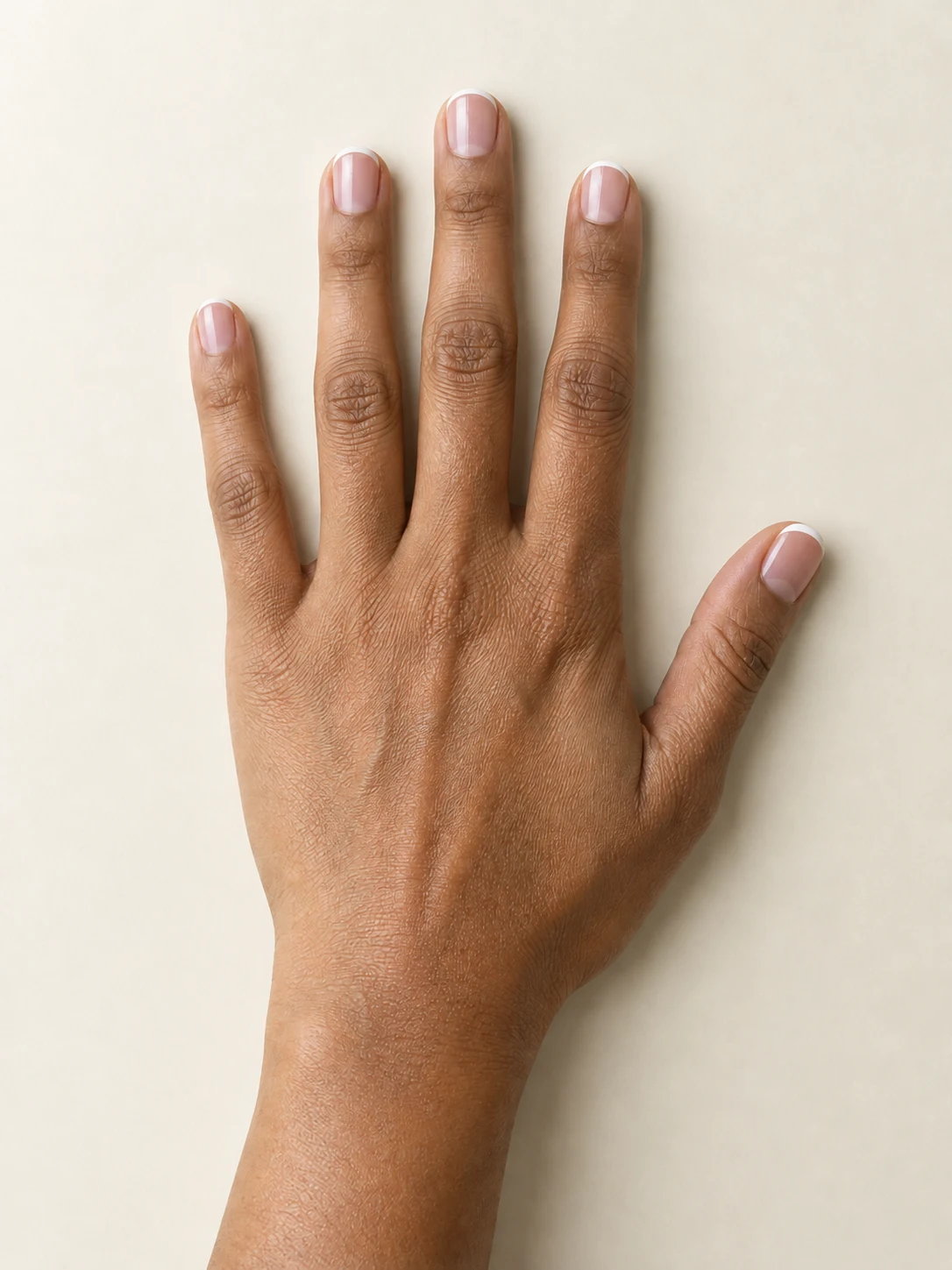
AI Nail
Preview French tips, Burgundy gloss or Pearl shimmer on your hand.
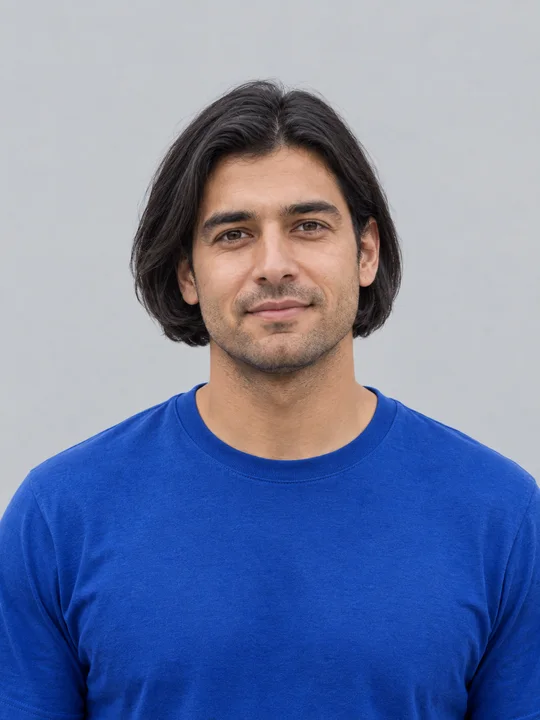
AI Bob Haircut
Preview a chin-length bob on one adult portrait.
Filtro Catrina IA
Add floral Day of the Dead makeup and marigolds to your portrait.
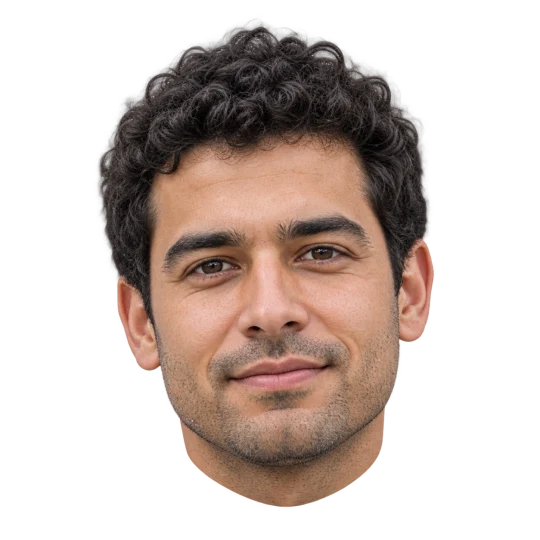
Head Cutout
Create a head-only transparent PNG from one adult portrait.
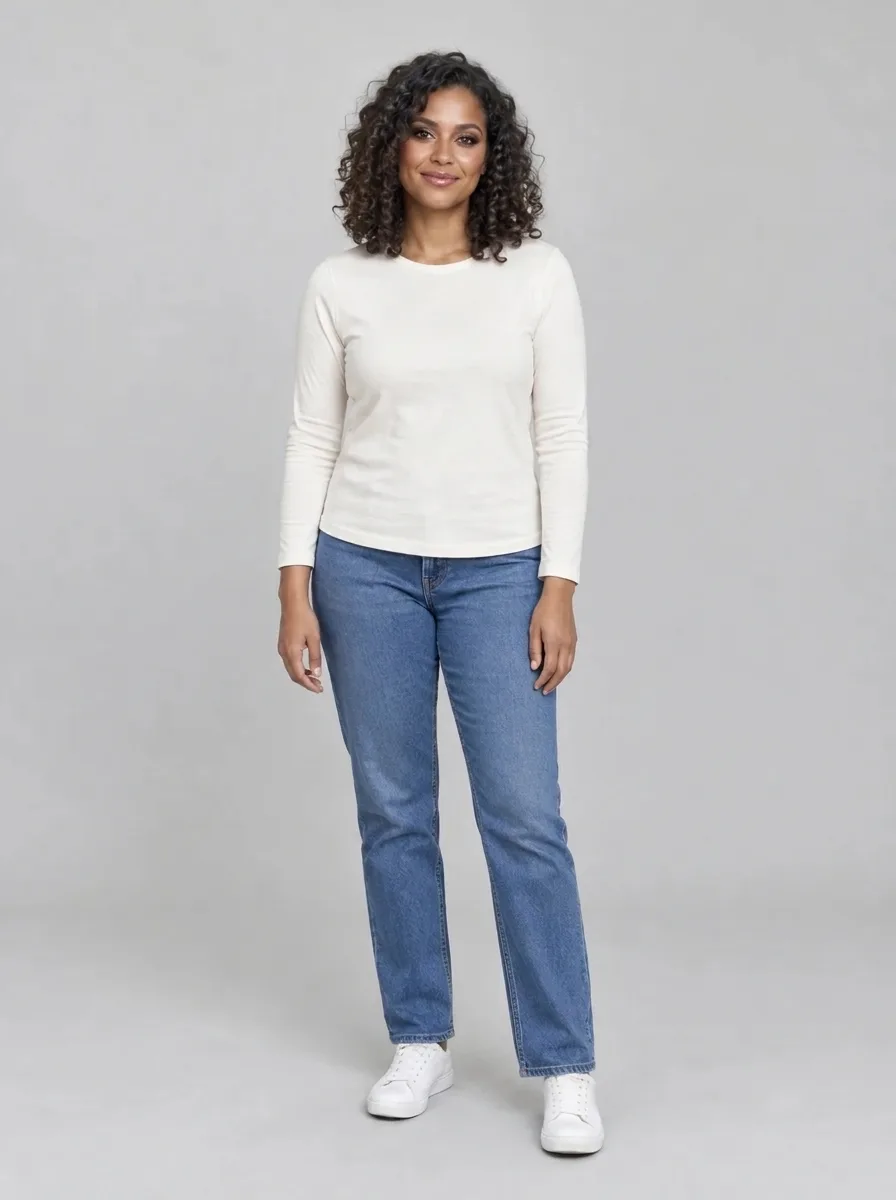
Bold Glamour AI
Give your selfie a bold, camera-ready makeup look.
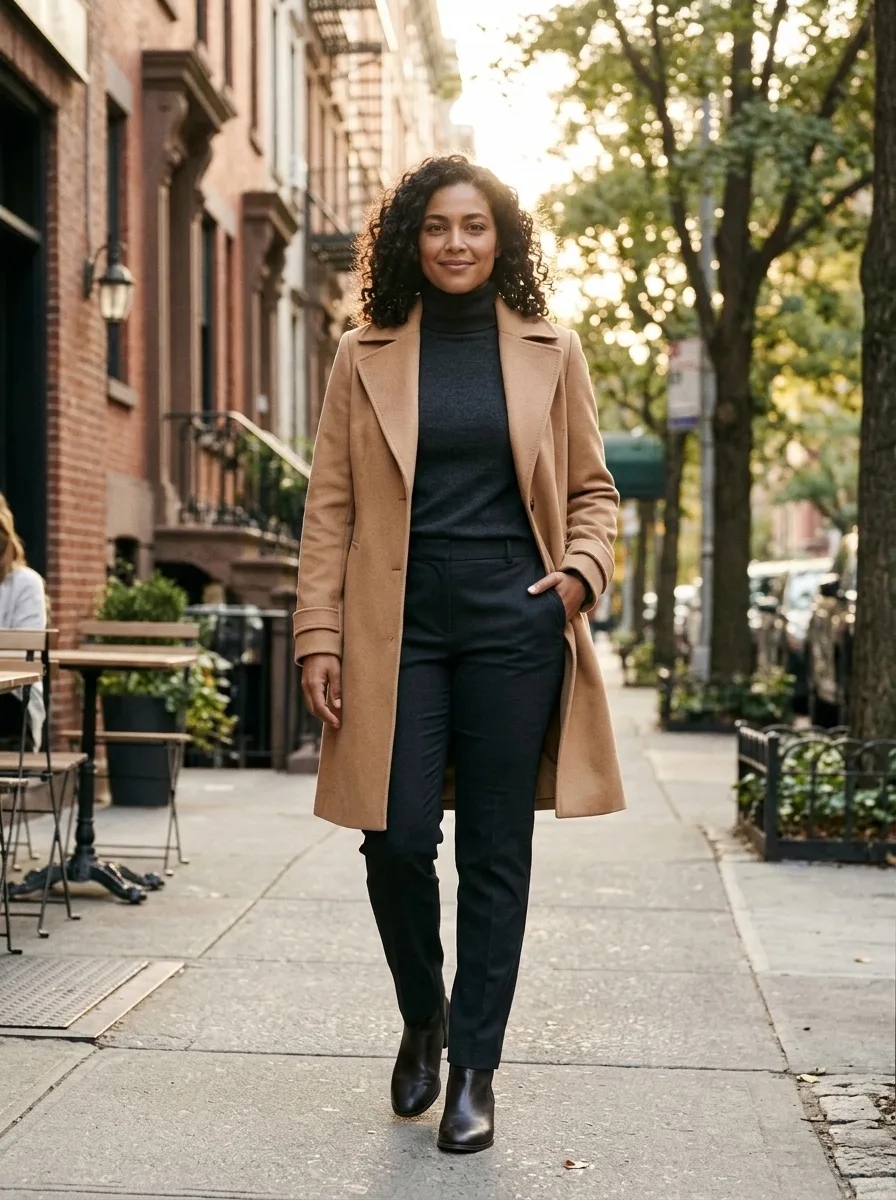
Person Photoshoot AI
Turn your photo into an outdoor fashion photoshoot.
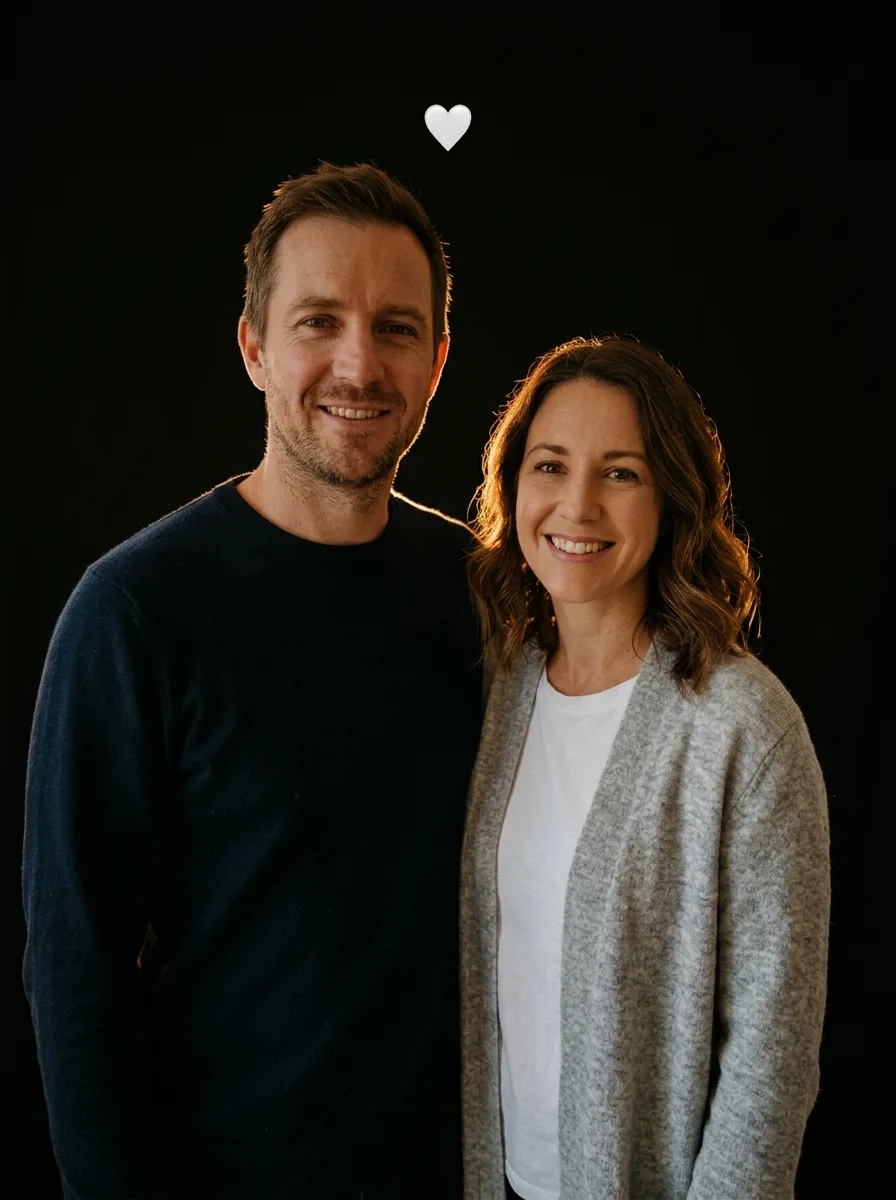
Flash Couple Silhouette AI
Create a warm rim-lit couple portrait on black.
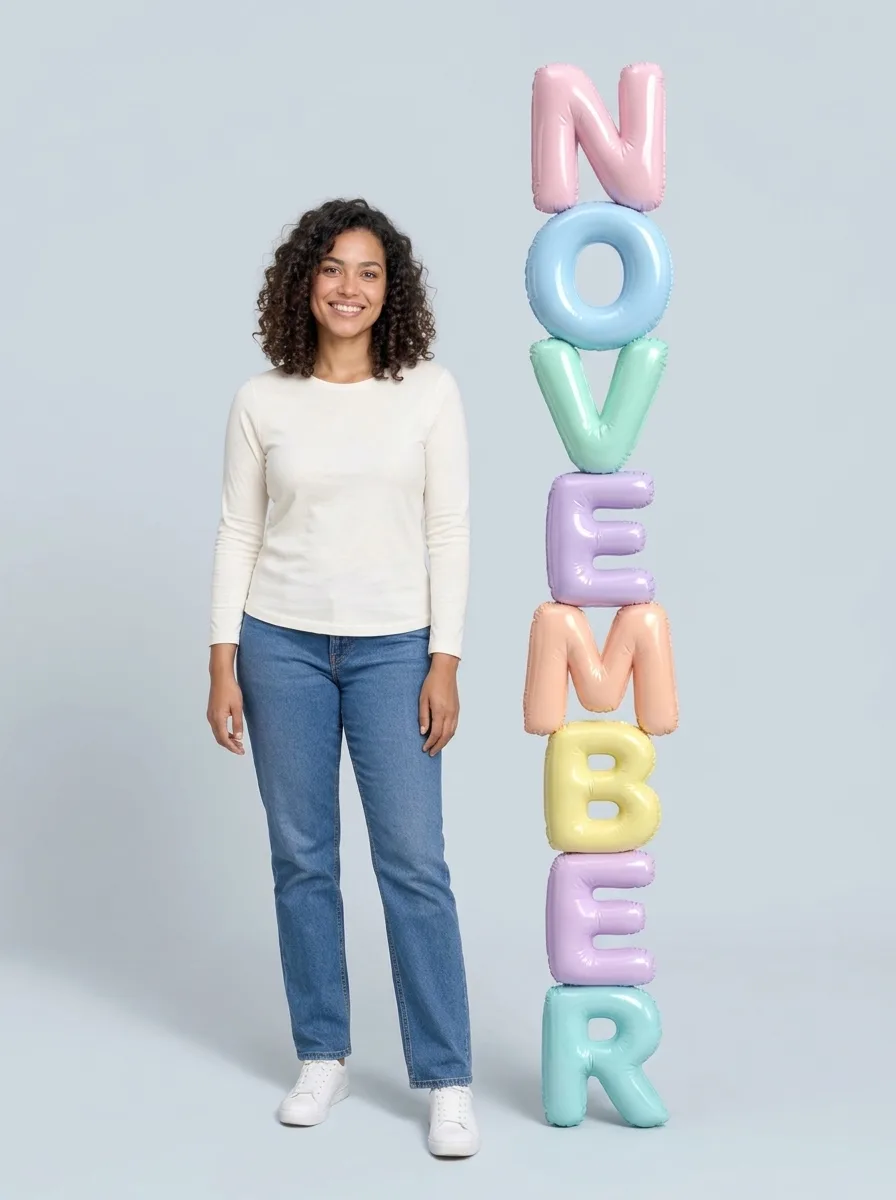
3D Month Letters AI
Your photo beside giant month letters
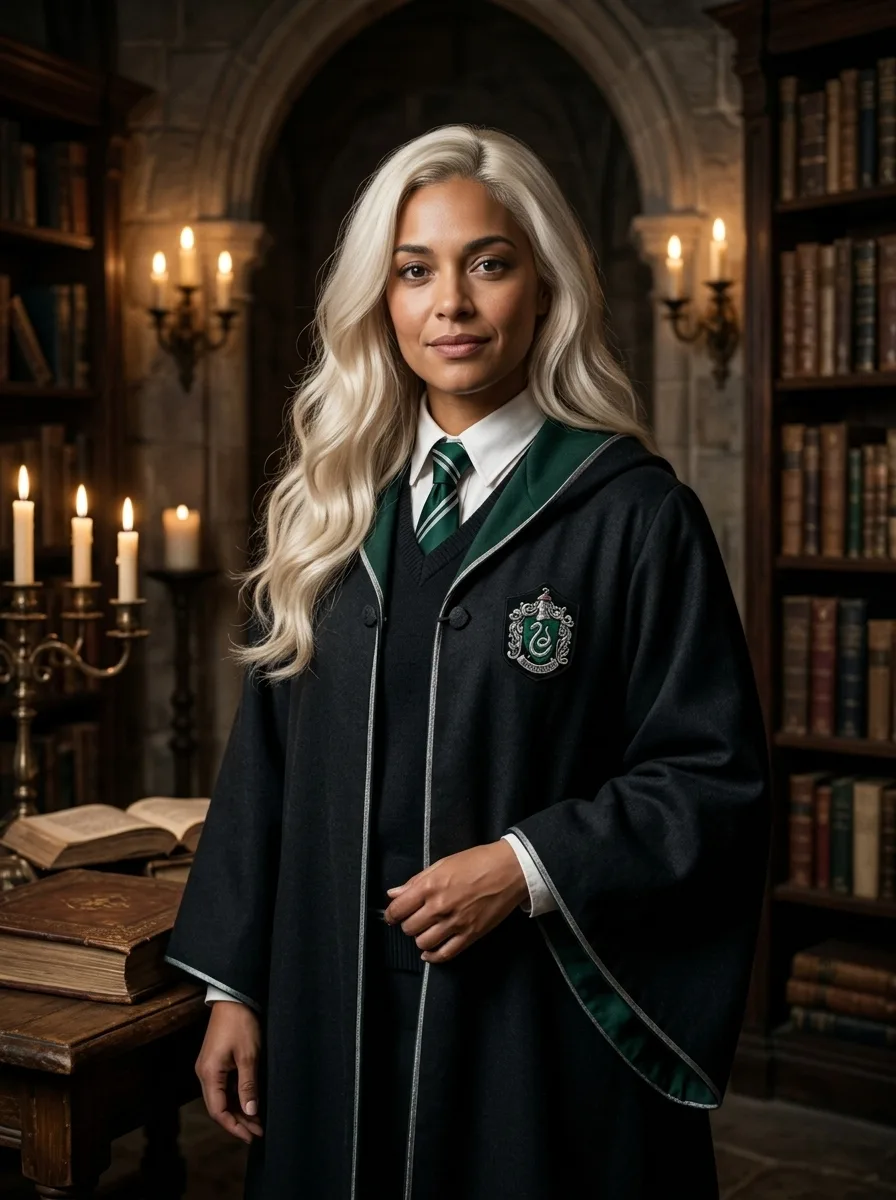
Female Malfoy AI
A fantasy academy portrait from one adult photo
Frequently asked questions
What does Realistic Selfie AI create?⌄
Turn your photo into a natural-looking phone selfie.
Is Realistic Selfie AI free?⌄
One image costs 3 credits. Eligible new accounts can receive welcome credits; check your balance and the displayed price before generating.
Will the picture look exactly like my photo?⌄
Your photo guides the result, but facial features and other details can vary. Review the finished image before sharing.
Does this effect make a video?⌄
No. This effect creates one still image.
Can I use someone else’s photo?⌄
Only use photos of adults you have permission to edit.
Create your Realistic Selfie AI image
Turn your photo into a natural-looking phone selfie.
Create my image