
Make a Trouble AI video from two portraits
Start with two clear adult portraits
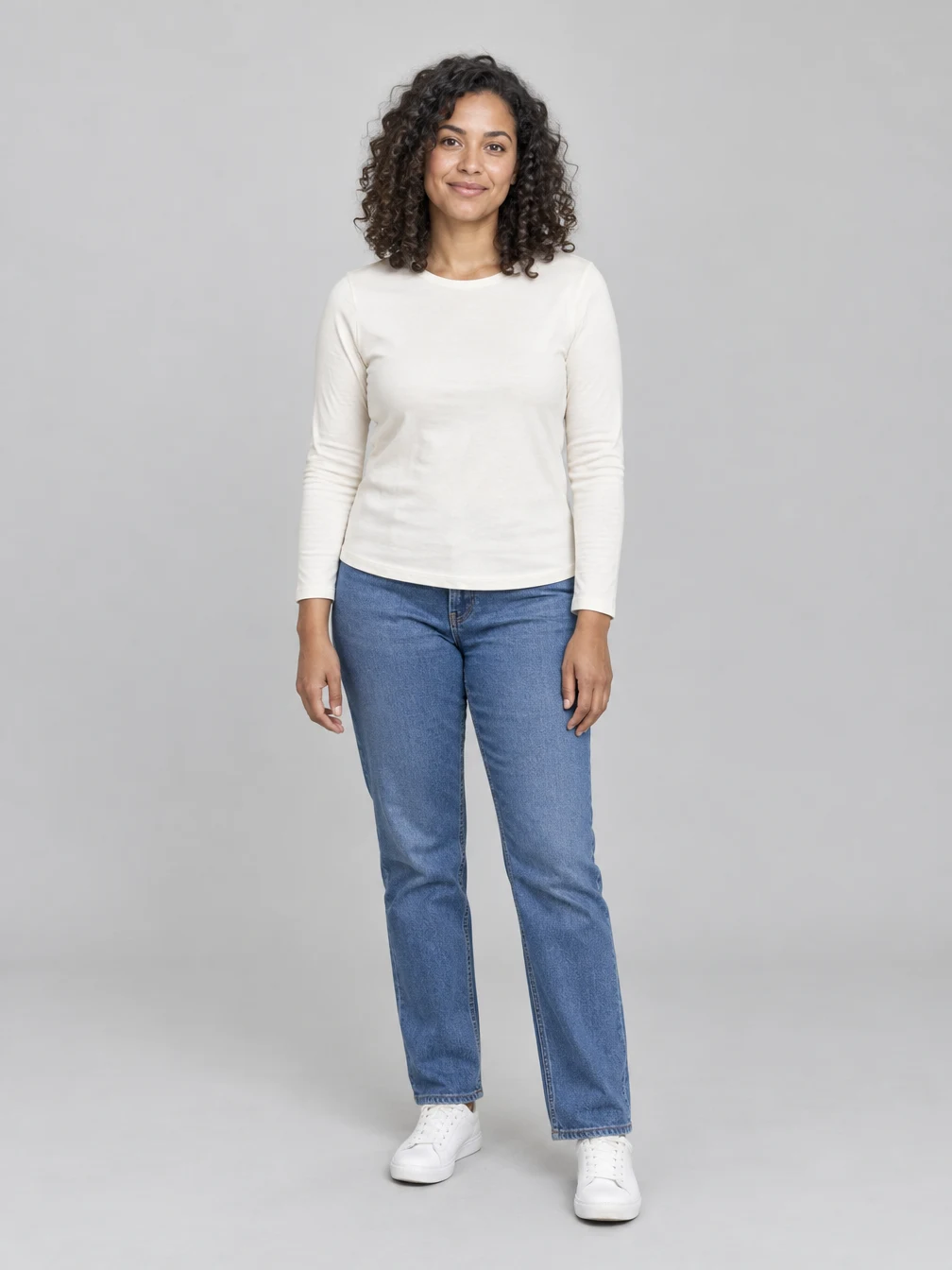
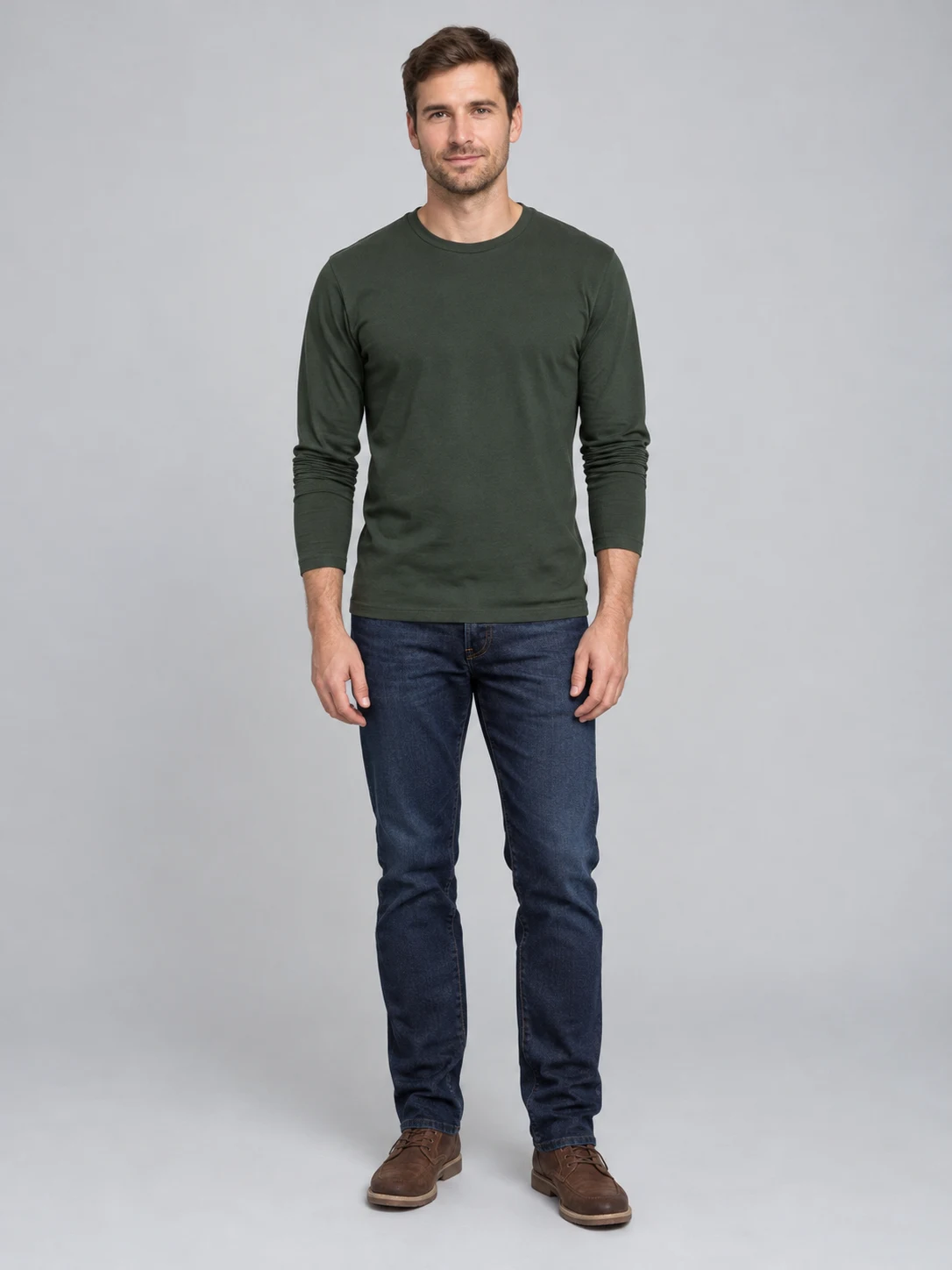
Choose a clear portrait of each consenting adult with the face and hair visible. Your photos guide the two identities in the dance. Appearance, clothing and details can vary in the finished video. Trouble AI uses two separate portraits: the first person and the second person are given distinct positions in the reference-guided duet. Use clear, well-lit photos with faces and hair visible, and avoid sunglasses or another person covering the face. A full-body photo can provide more information about clothing and proportions, while a close portrait gives a clearer view of the face. The finished scene is generated, so either kind of input may lead to changes outside the visible area. The example uses fictional adults; the two source images shown on this page are the inputs used for that example. Use only your own image or a photo of an adult who has agreed to the edit. Check the uploaded photos before starting, because each new video uses the displayed credits.
Follow the duet dance
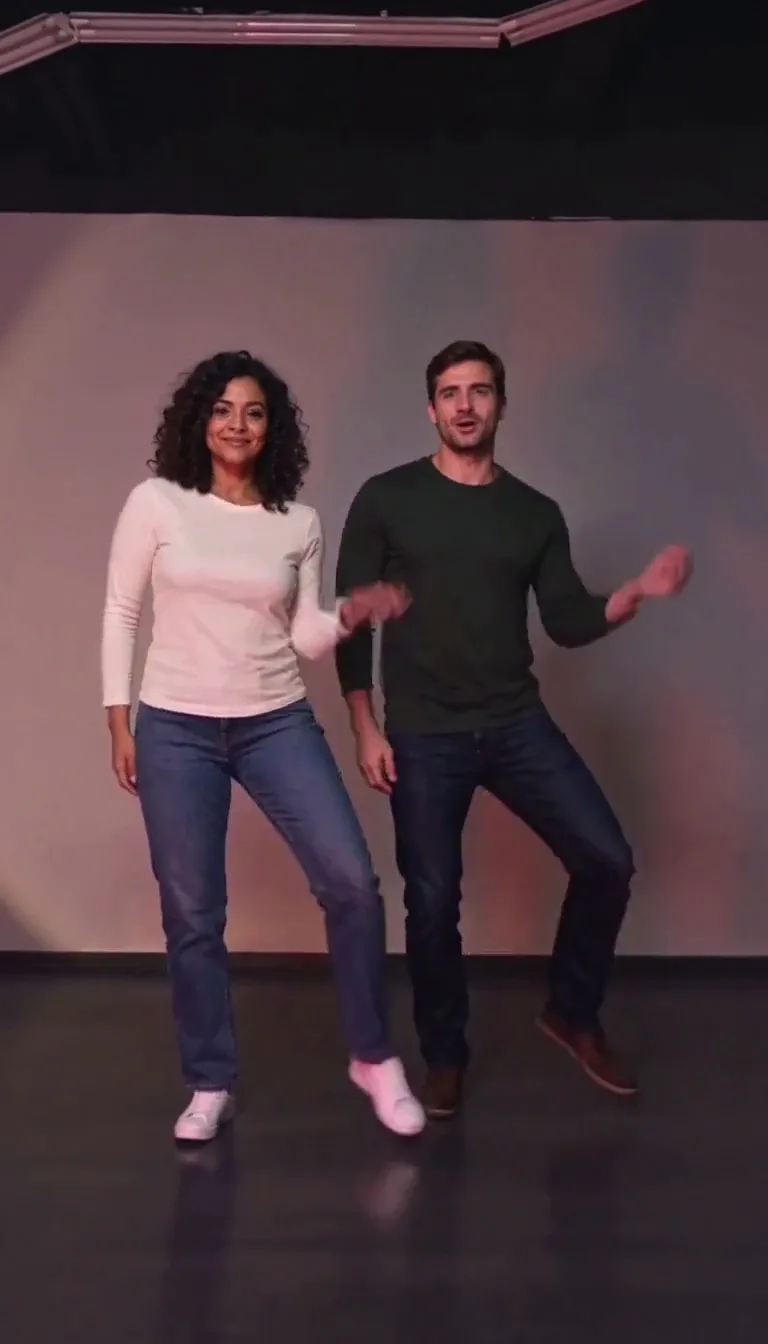
The reference guides the pair from a face-to-face lean into synchronized steps and a front-and-back dance. Generated gestures, timing, music and framing can vary. This is a fictional AI remake. Trouble AI follows the broad shape of the Trouble Maker partner routine: the two performers start close together, move through coordinated steps, and change their relative positions as the dance continues. The reference gives the model a target for movement and camera framing rather than creating a frame-by-frame copy. Hands, feet, expressions and timing may differ, especially when the two people overlap. The example above is a real generated sample from two fictional adult portraits; play the whole clip to see how the identities and dance look throughout. It is not a recording of those people performing the dance. Sound is generated and can differ from the reference, so the original song or a particular performance is not guaranteed.
Review and save the video
The preset requests a fifteen-second vertical video. Review both faces, hands and movements when it is ready. Download your completed result or return to it in your creations. Downloading the existing file does not start another generation. Trouble AI creates a new fictional performance for each request, and there can be changes in appearance between frames. Watch the entire result and make sure both people remain recognizable, particularly during close contact and when one dancer moves behind the other. Check the hands, clothing, feet and camera framing as well. The still picture here is the second fictional adult photo used for the example; it is shown so you can compare the input with the finished clip. A new attempt is a separate generation with its own displayed credit cost. The existing completed video can be downloaded again without submitting another request. Processing includes provider work and result delivery, so completion time varies with demand; an active request can remain visible in your creations while it finishes.
Choose two adult portraits
Clear faces give the scene useful identity guides.
Two adults
Face visible
When to use it
You want to appear in a paired dance.
What it produces
A short reference-guided dance video.
- ✓Two consenting adults
- ✓Clear face
- ✓Photo you may use
RPG Character
Describe an original fantasy adventurer and create a full-body RPG character illustration.
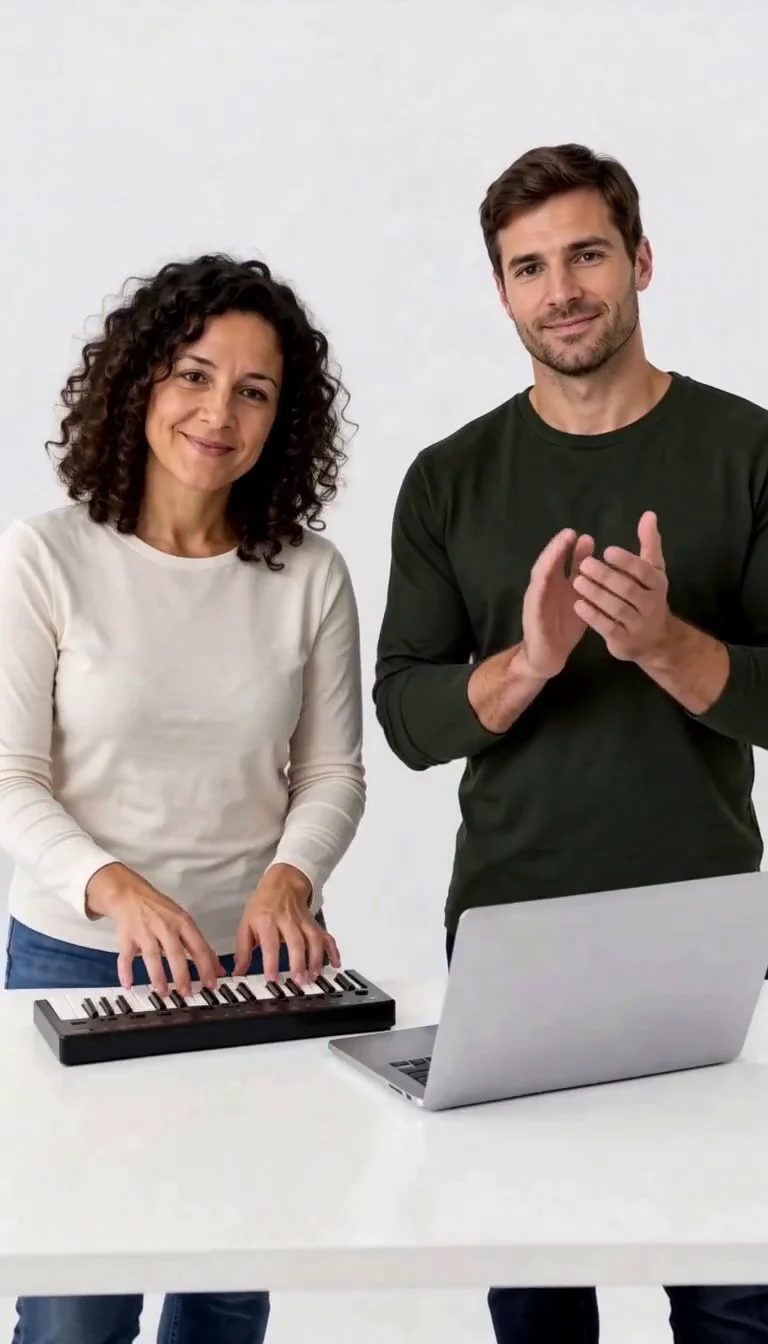
Keyboard Duo
Put two adults in a keyboard-and-clapping studio sketch.
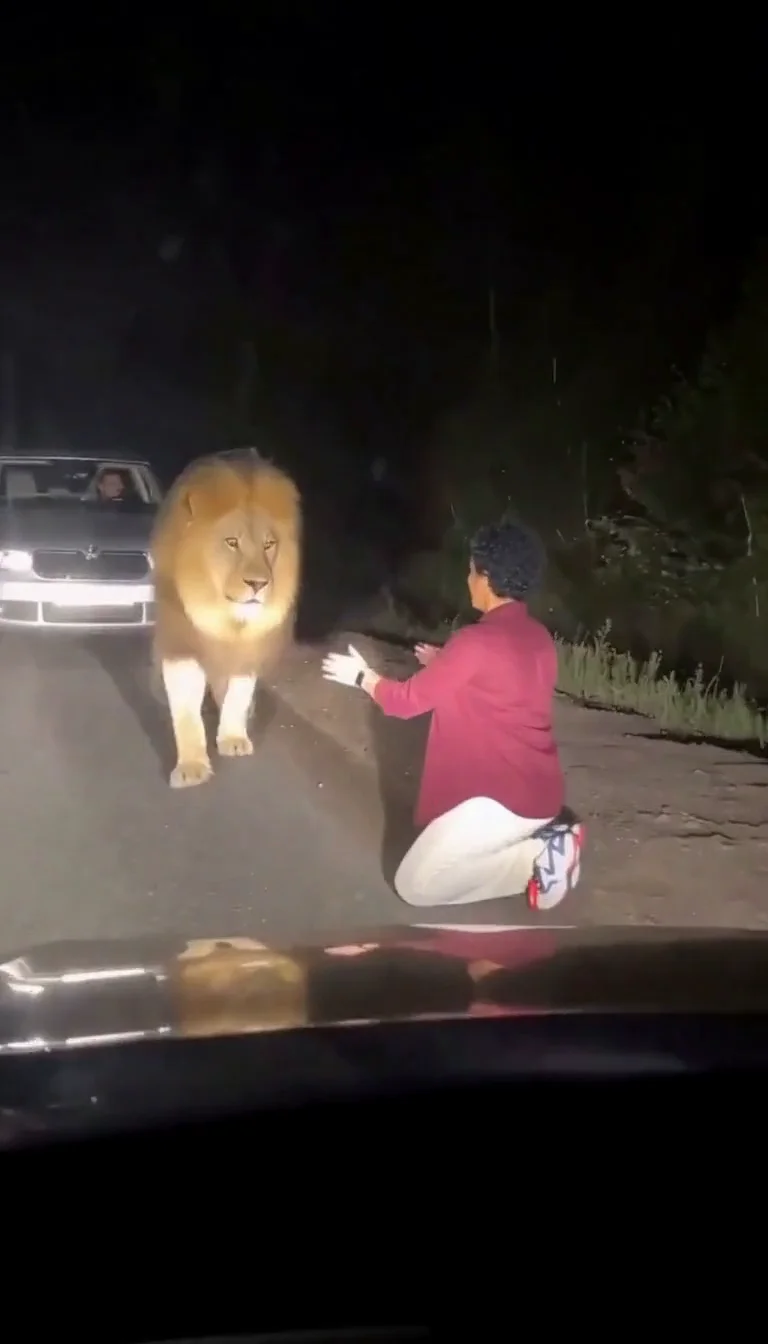
Lion Friend
Meet a calm lion on a nighttime road, stroke its mane and share a fictional embrace.
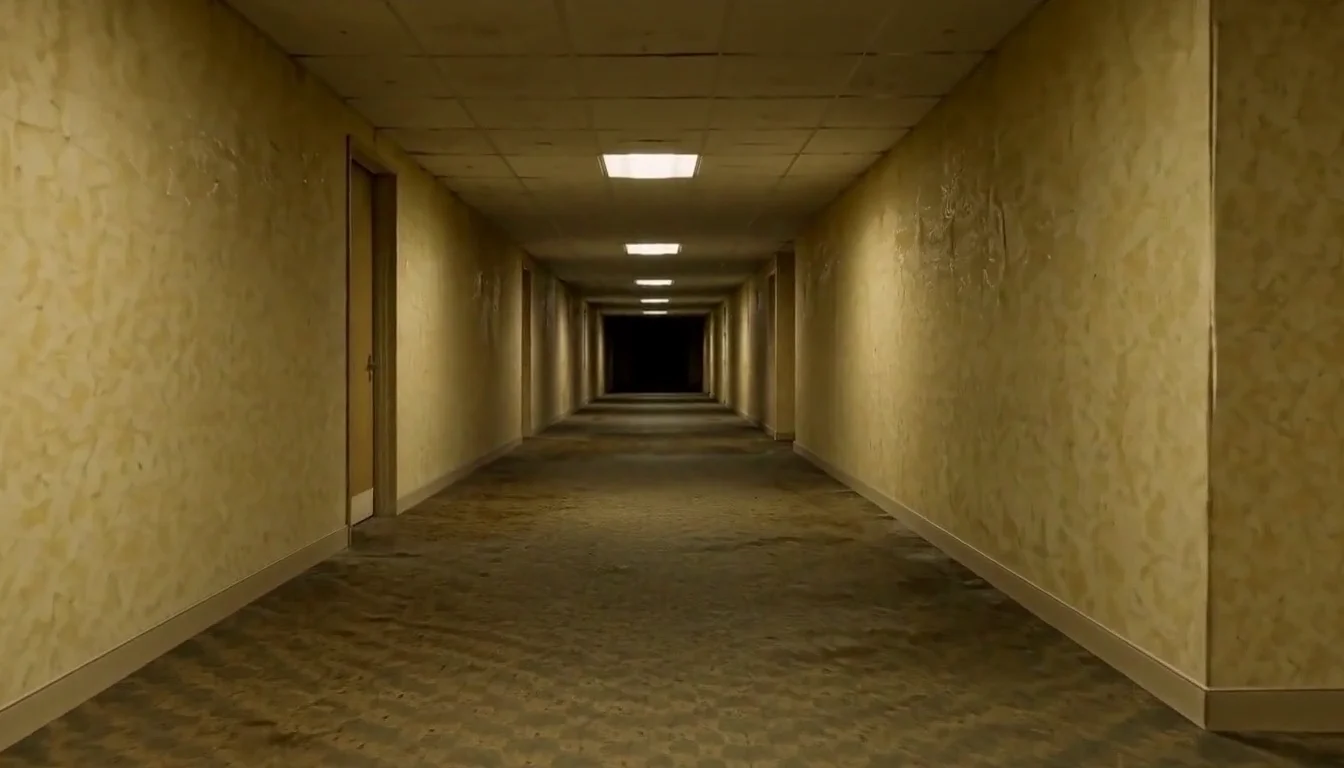
AI Backrooms
Animate your empty corridor with a slow camera push and flickering fluorescent lights.
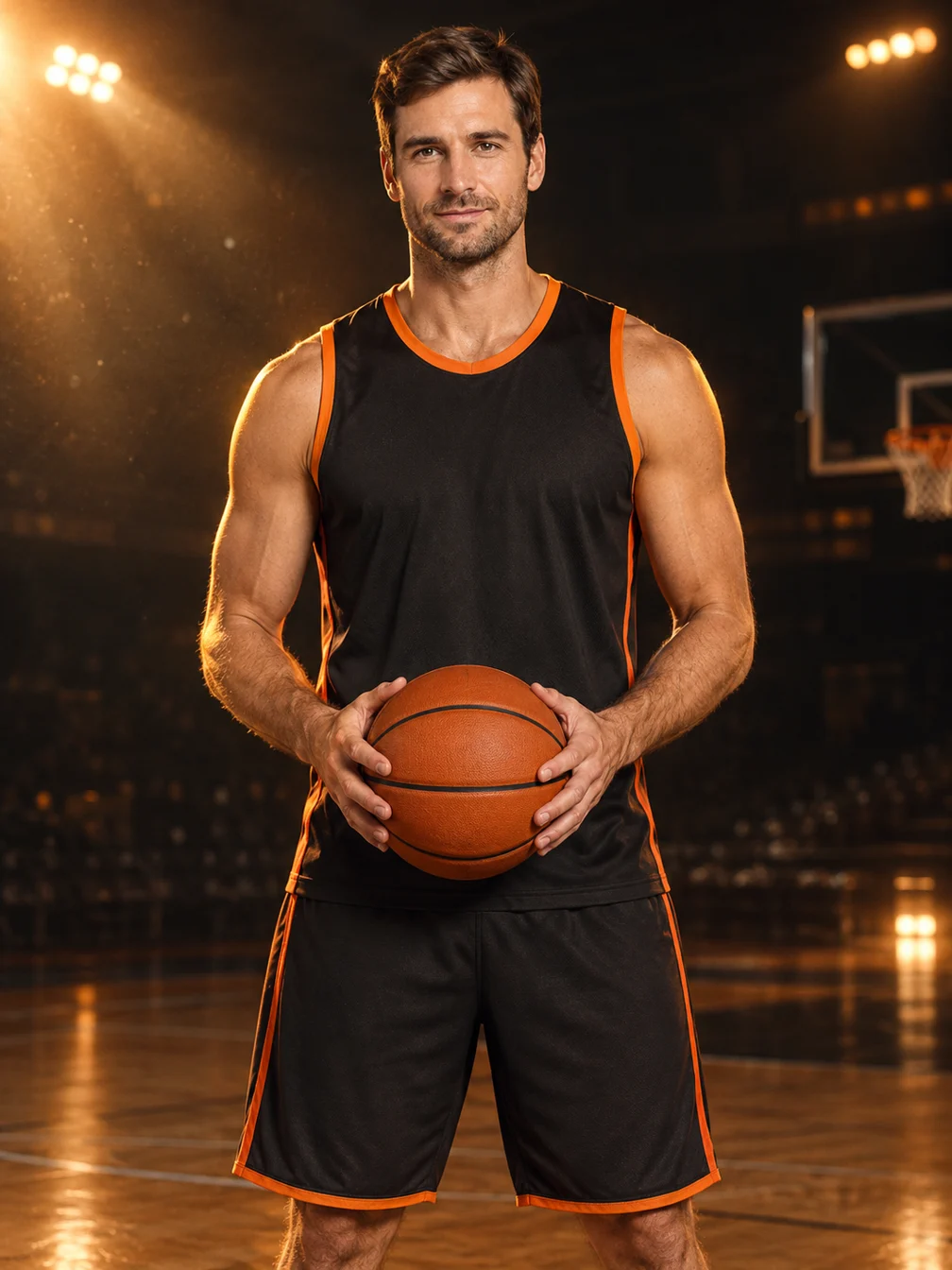
Basketball Poster
Turn your portrait into a basketball poster in arena, retro-card or neon-court style.
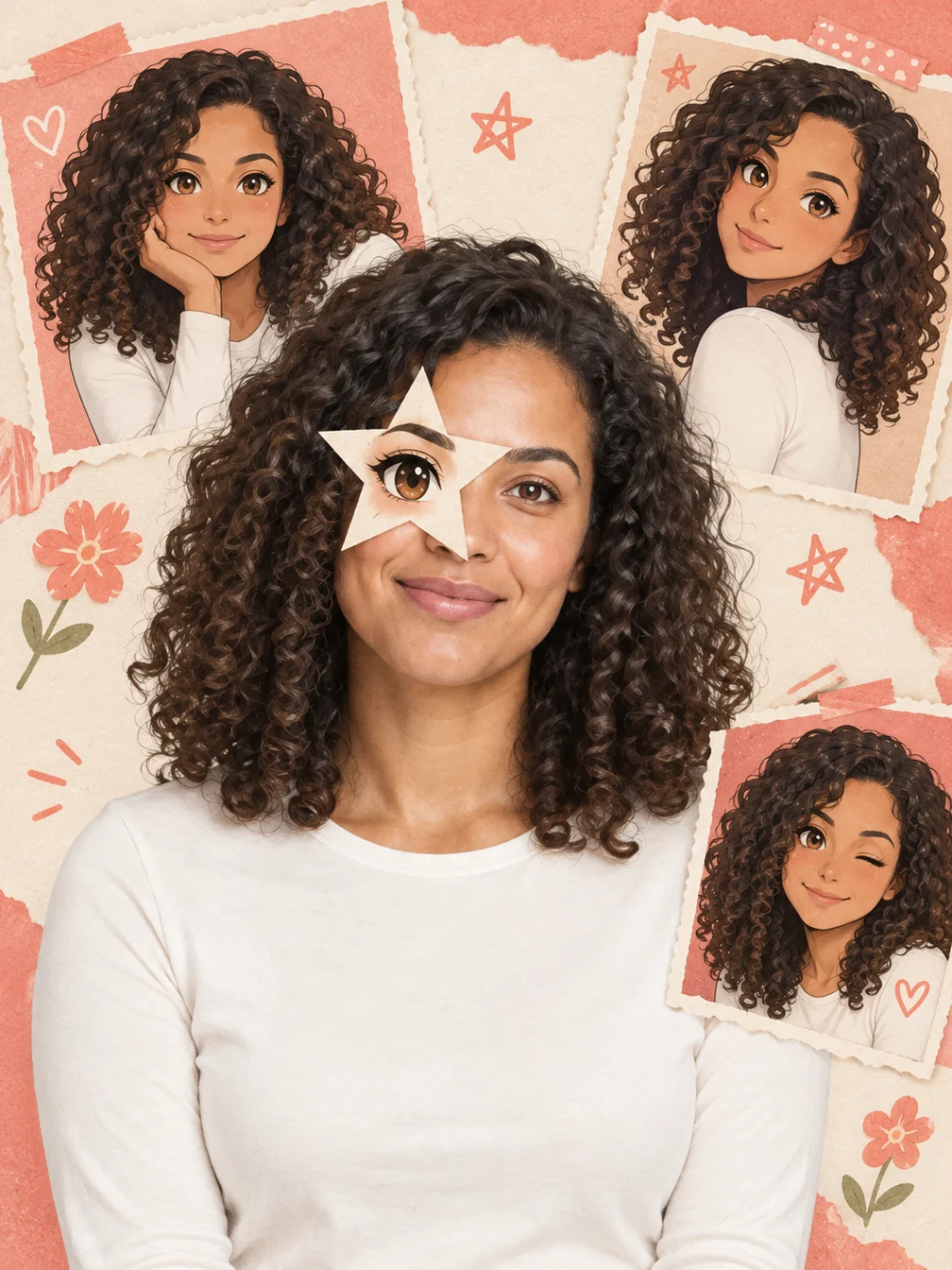
Anime Eye
Add one illustrated eye cutout and matching original anime-twin panels to your selfie.
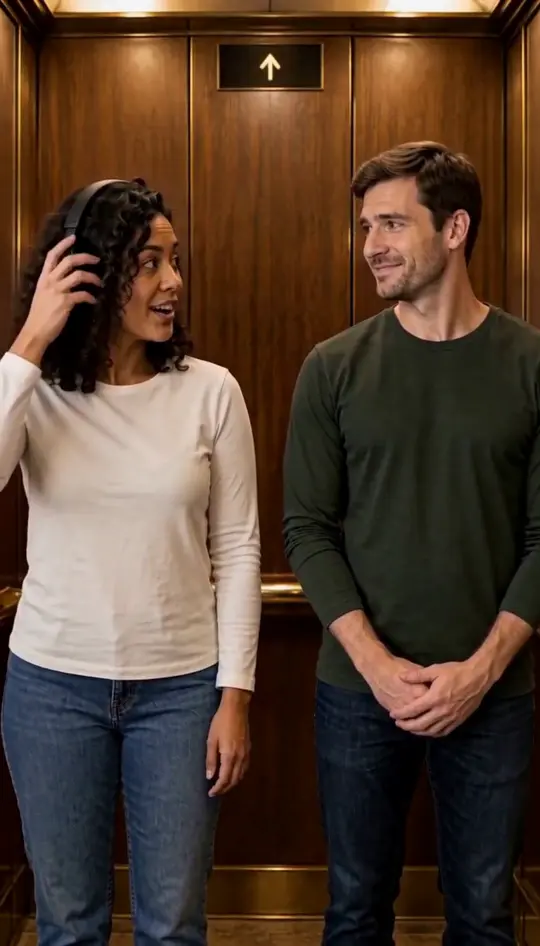
I Love the Smiths
Put two portraits into the elevator scene.
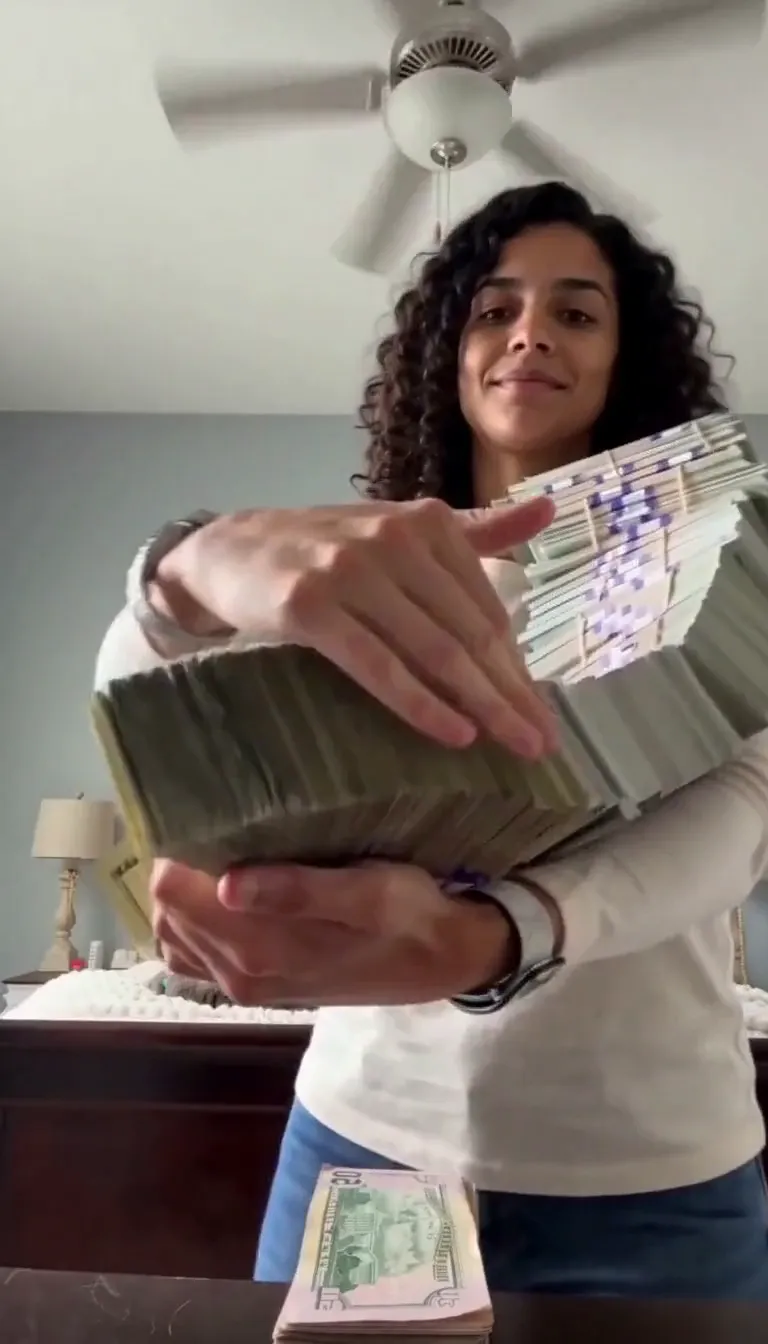
Money Flex
Put your portrait into a cash-fanning video.
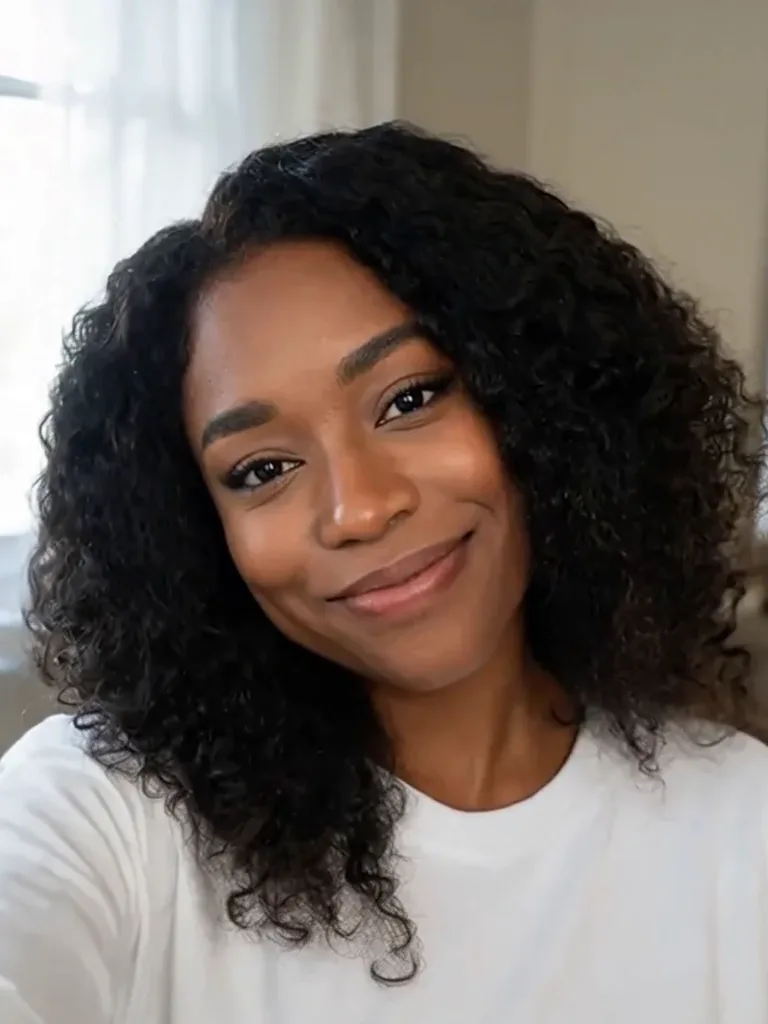
Push In AI
Add a slow forward camera move to your photo.
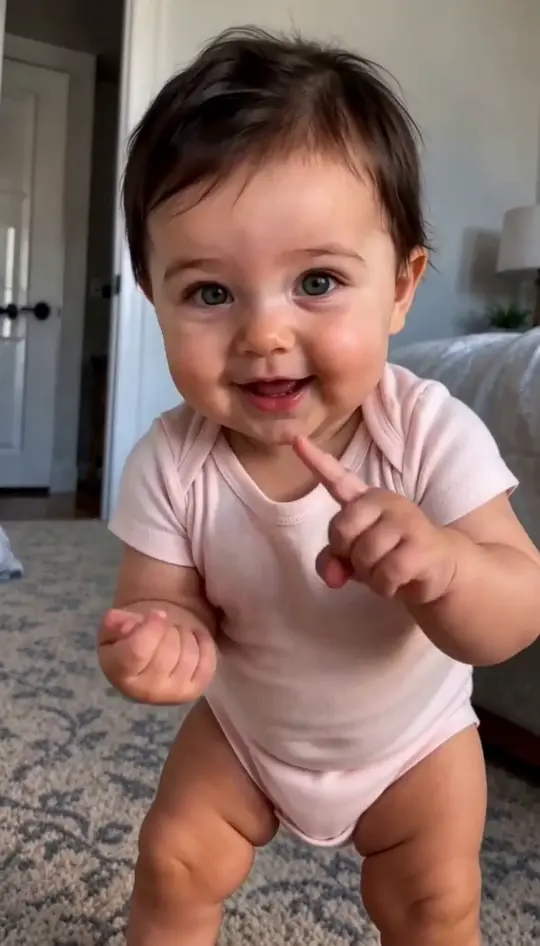
Baby Dancing
Turn a baby photo into a playful dance.
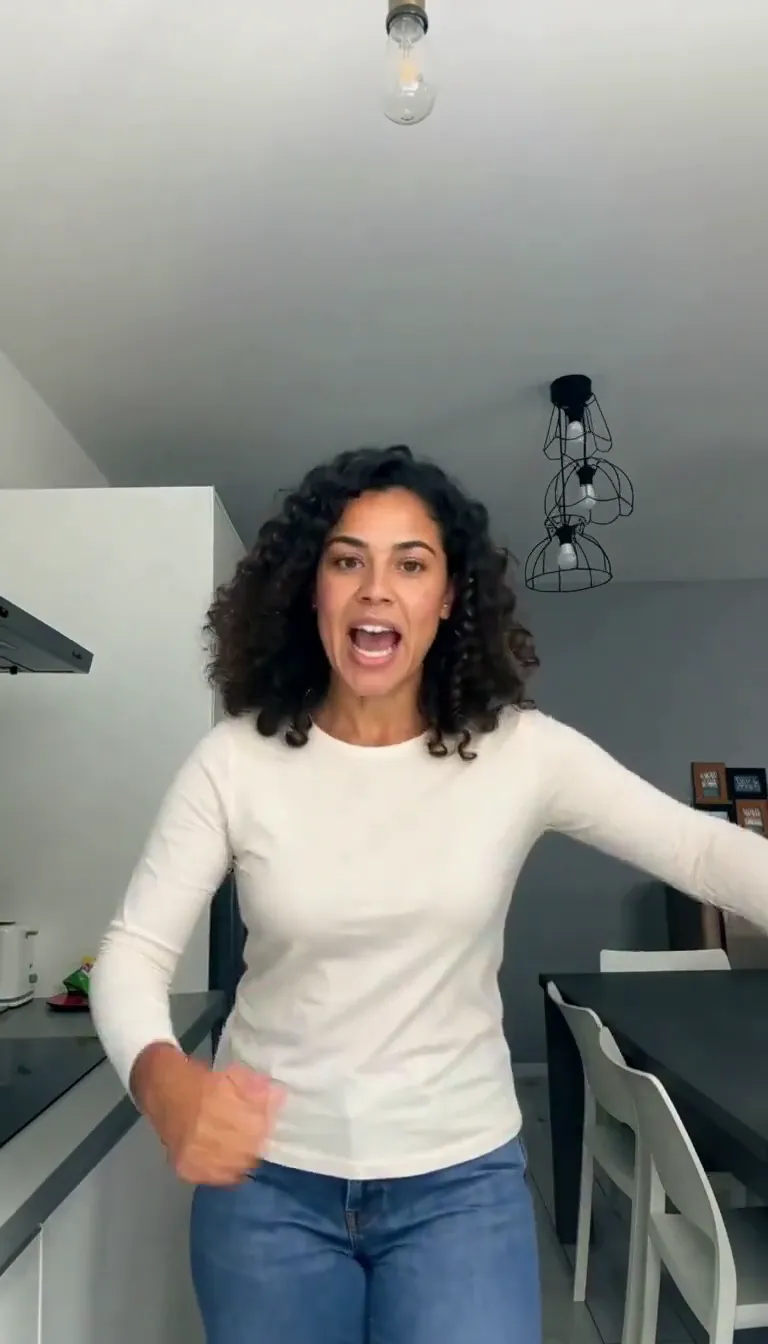
Bad Times AI
Put your portrait in the kitchen argument meme.
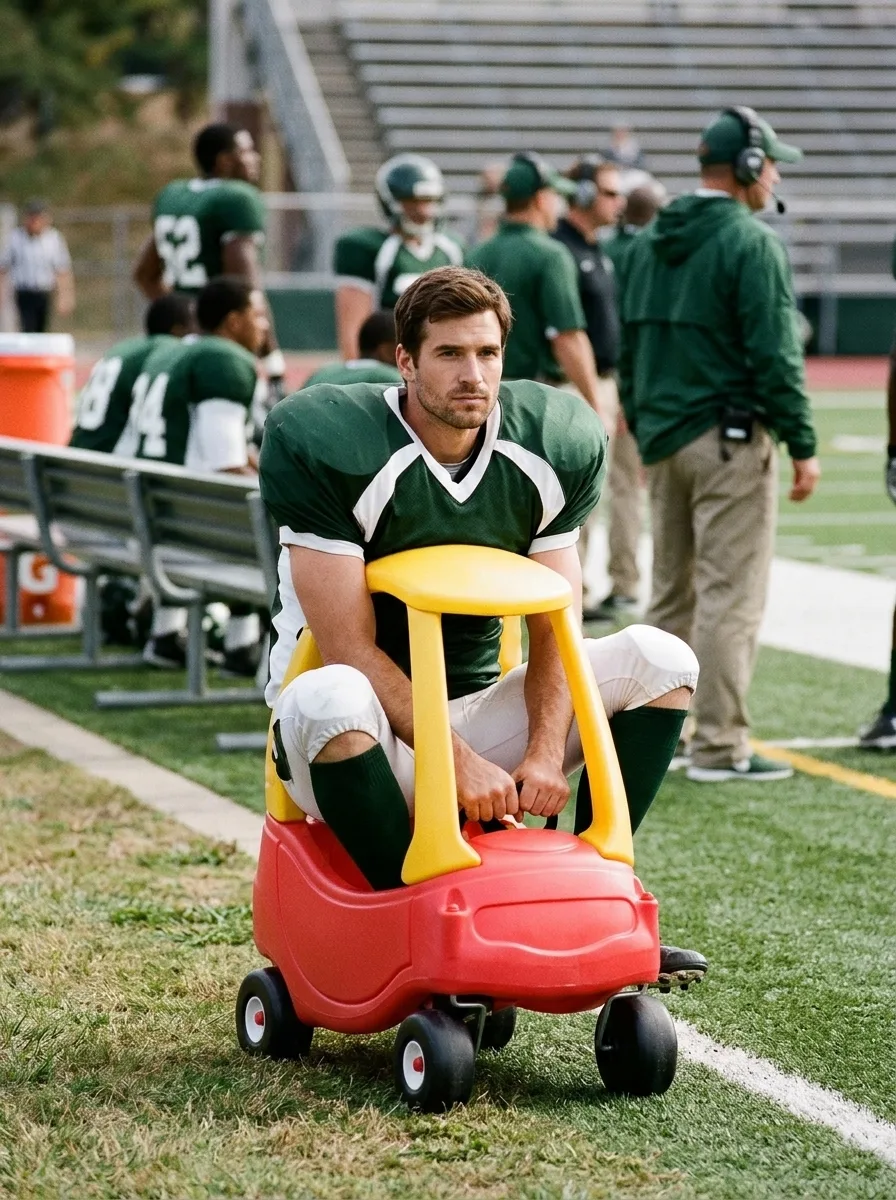
I'm Onnat Toy Car AI
See yourself in a tiny toy car beside the field.
Frequently asked questions
How does Trouble AI work?⌄
Upload two adult portraits. The effect uses a fixed action reference to create a new partner dance.
Is the original music guaranteed?⌄
No. Audio is generated and may vary; the original music is not guaranteed.
How long is the video?⌄
The preset requests a fifteen-second vertical video.
How many credits does it cost?⌄
One video costs 144 credits, shown before generation. Downloading an existing result does not use more generation credits.
Can I use someone else’s photo?⌄
Only use an adult photo you have permission to edit.