
Make your News Anchor photo
Take a seat in the studio
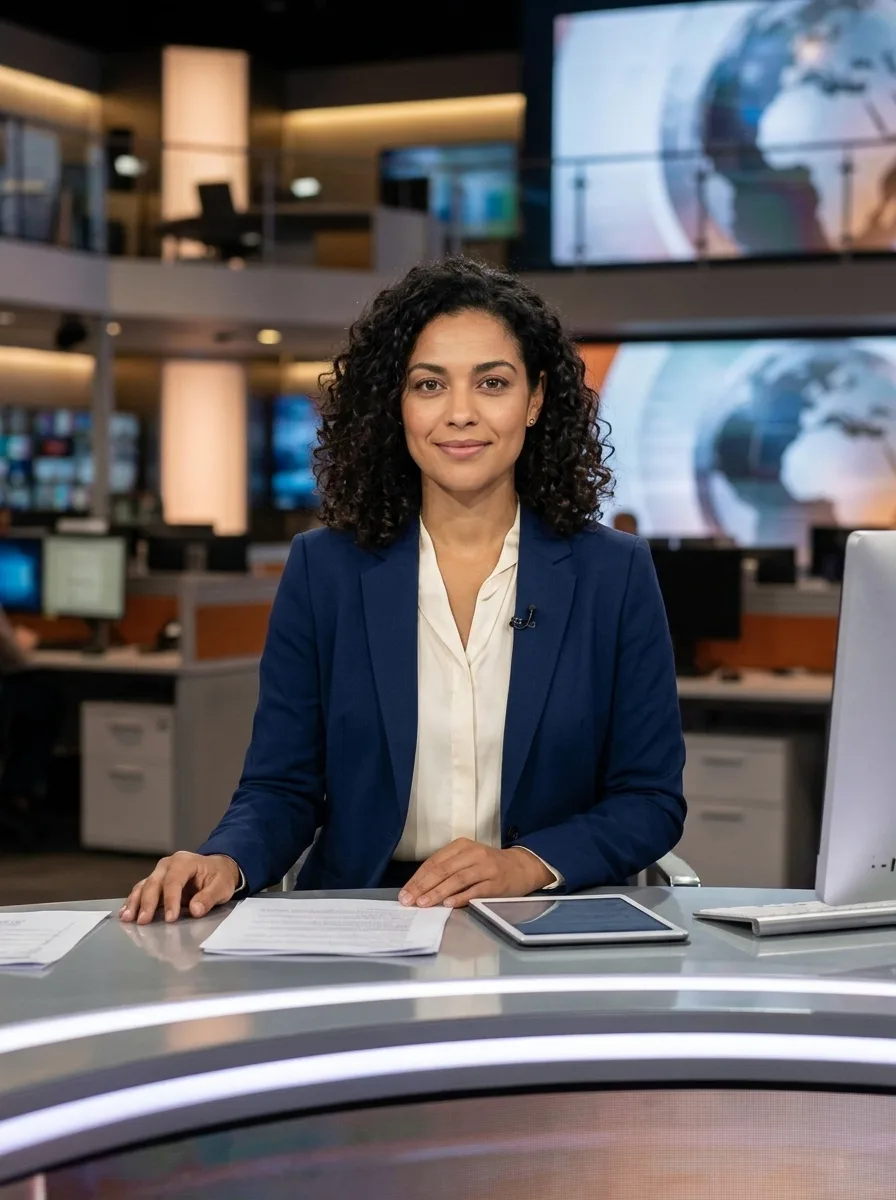
News Anchor places the person from your portrait behind a news desk in a realistic studio setting. The preset is designed to keep your face recognizable while changing the setting and outfit to suit the scene. The generated newsroom, desk and lighting will vary between results. This is a still image, not a talking presenter or a finished broadcast. Use it for a creative post, a class project or a fictional scene, and review the result before sharing it. News Anchor gives you a starting point for an imagined broadcast scene without arranging a studio photo shoot. The image is generated from your input, so the desk, screens and camera framing may not match any particular television set. Keep the image clearly presented as an AI creation when its context could be mistaken for a real news report.
Choose a clear portrait
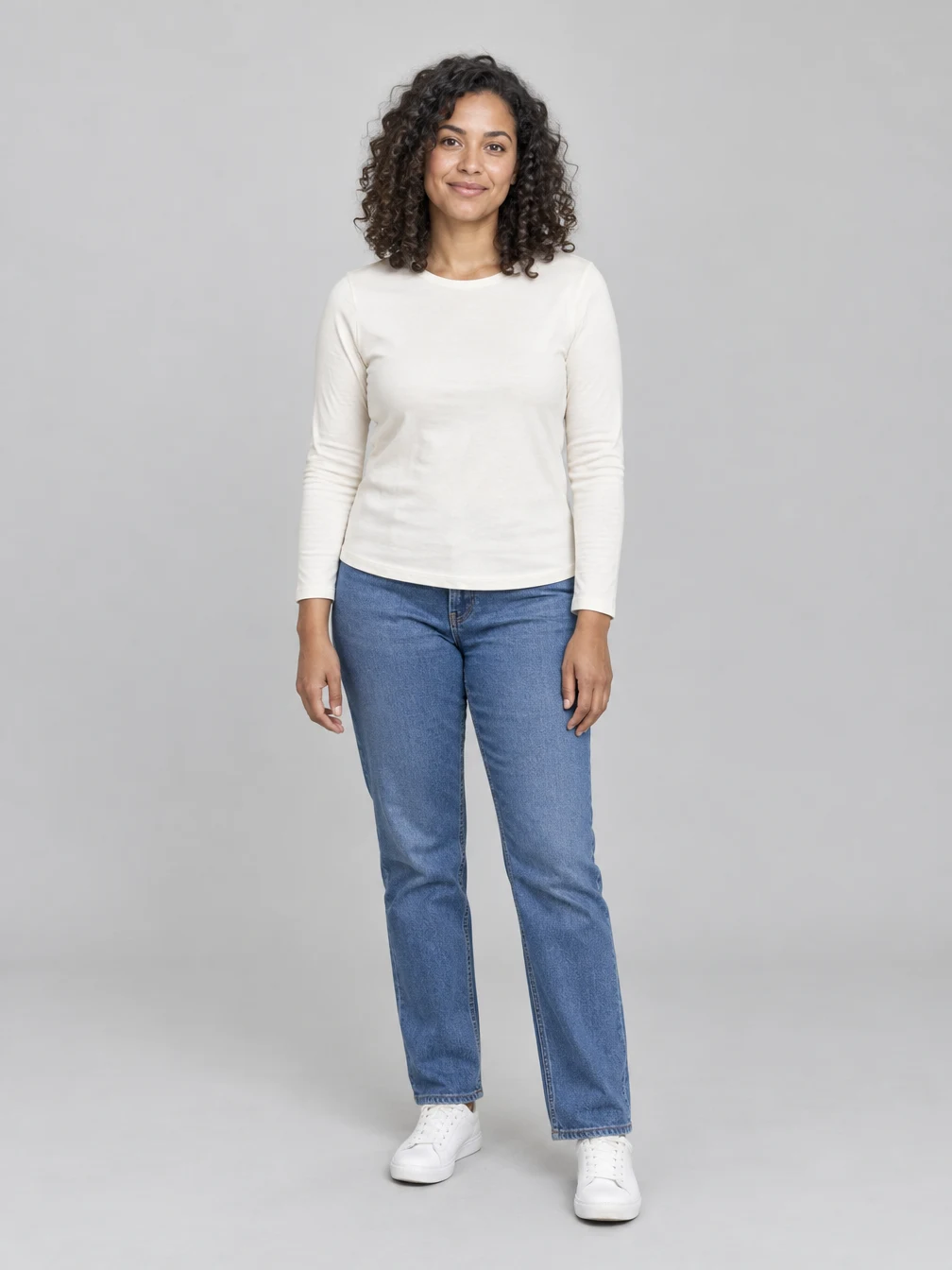
Upload a photo of one consenting adult, ideally facing the camera with the face and hair visible. Even lighting and a clear view of the eyes help provide a useful reference. The example starts with this fictional adult portrait. Your own pose, clothing and background can be different: the effect creates a new studio scene around the person. Group photos, face coverings and very tight crops can make it harder for the edit to preserve the likeness. For a News Anchor result, leave enough of your shoulders visible if possible and choose a picture that shows the expression you want to carry into the scene. Avoid uploading a picture of someone who has not agreed to have it edited. If the first result changes a detail you care about, compare your source and consider using a clearer portrait for a later attempt.
Review your result
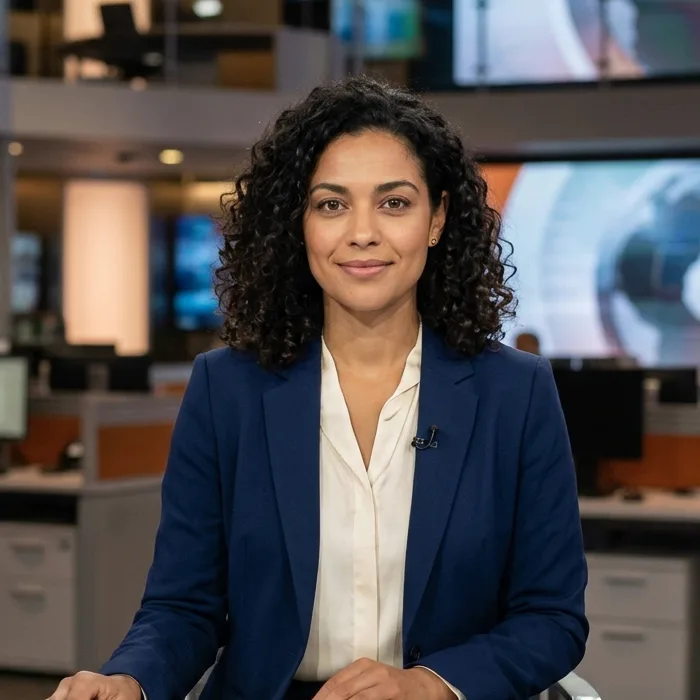
Look closely at the face, hands, clothing and details on the desk. Generated images can change small features or produce imperfect objects, so compare the result with your original photo. The close-up shown here comes from the same generated example, not a second image. Download the finished still when you are happy with it. A new generation creates another image and uses credits; downloading an existing result does not start a new generation.
One photo for your news desk scene
Use your own portrait or a photo you have permission to edit.
Your portrait
One clear adult face
When to use it
You want a still photo of yourself at a news desk.
What it produces
One vertical 1K still image.
- ✓One consenting adult
- ✓Face and hair visible
- ✓Camera-facing portrait
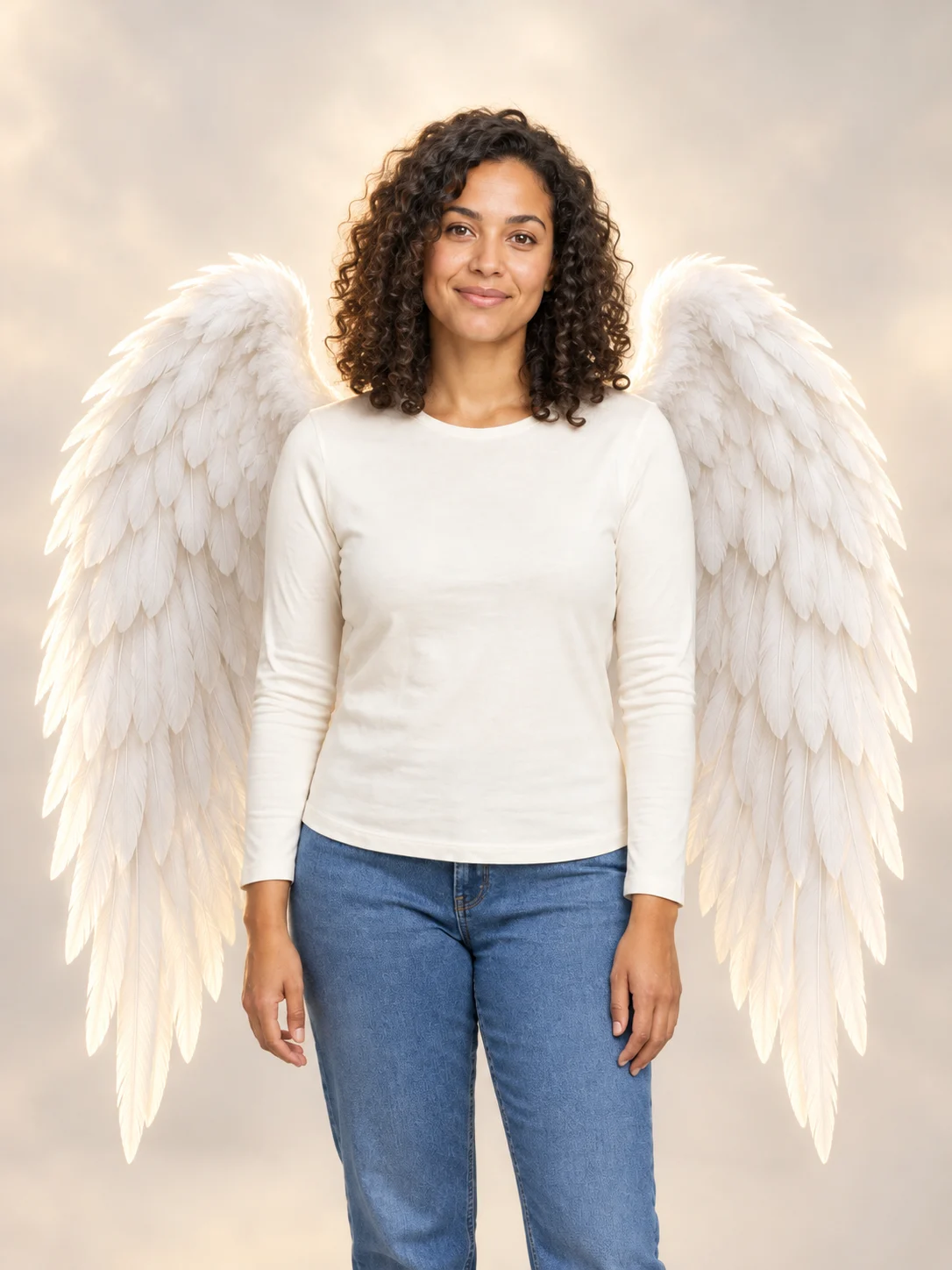
Angel Wings
Add large feathered angel wings to your photo while keeping your own outfit.
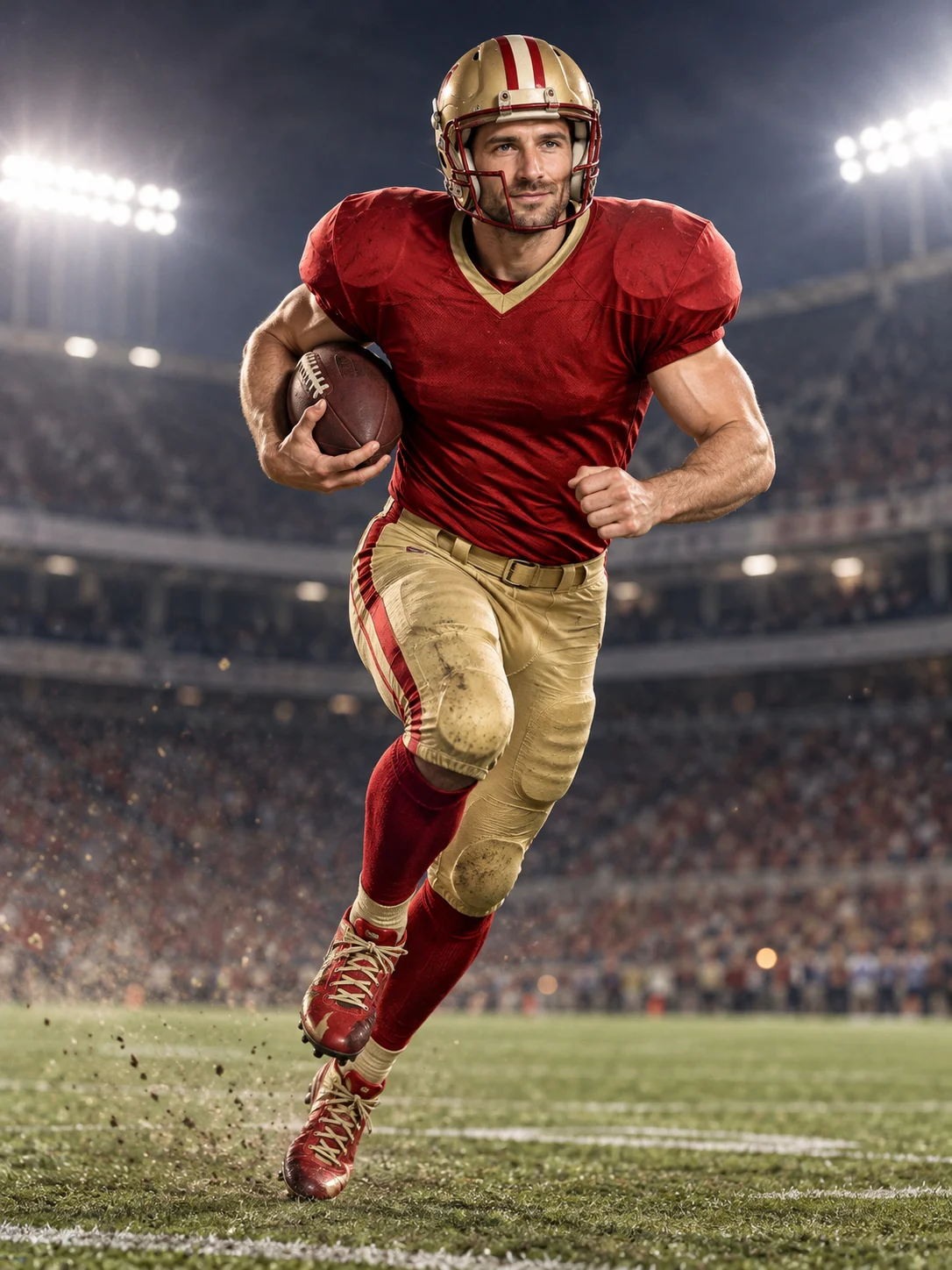
Football Champion
Turn your portrait into an American football action picture with a helmet and a football.
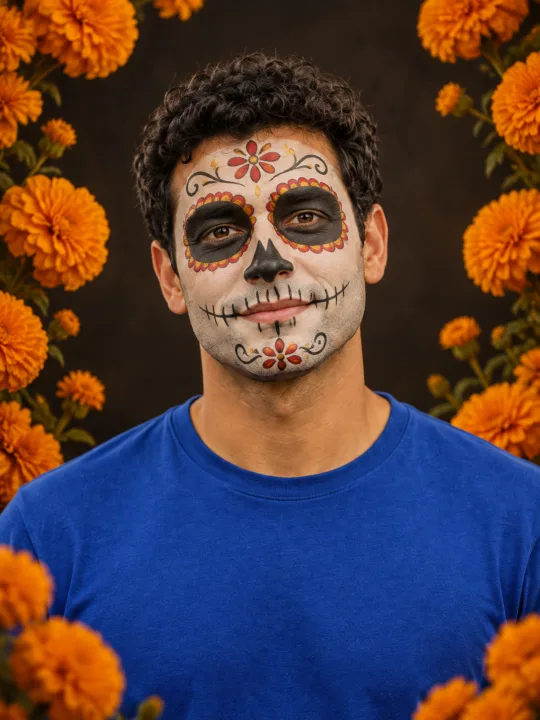
Catrina Makeup
Preview floral Day of the Dead face paint and marigolds on your own portrait.
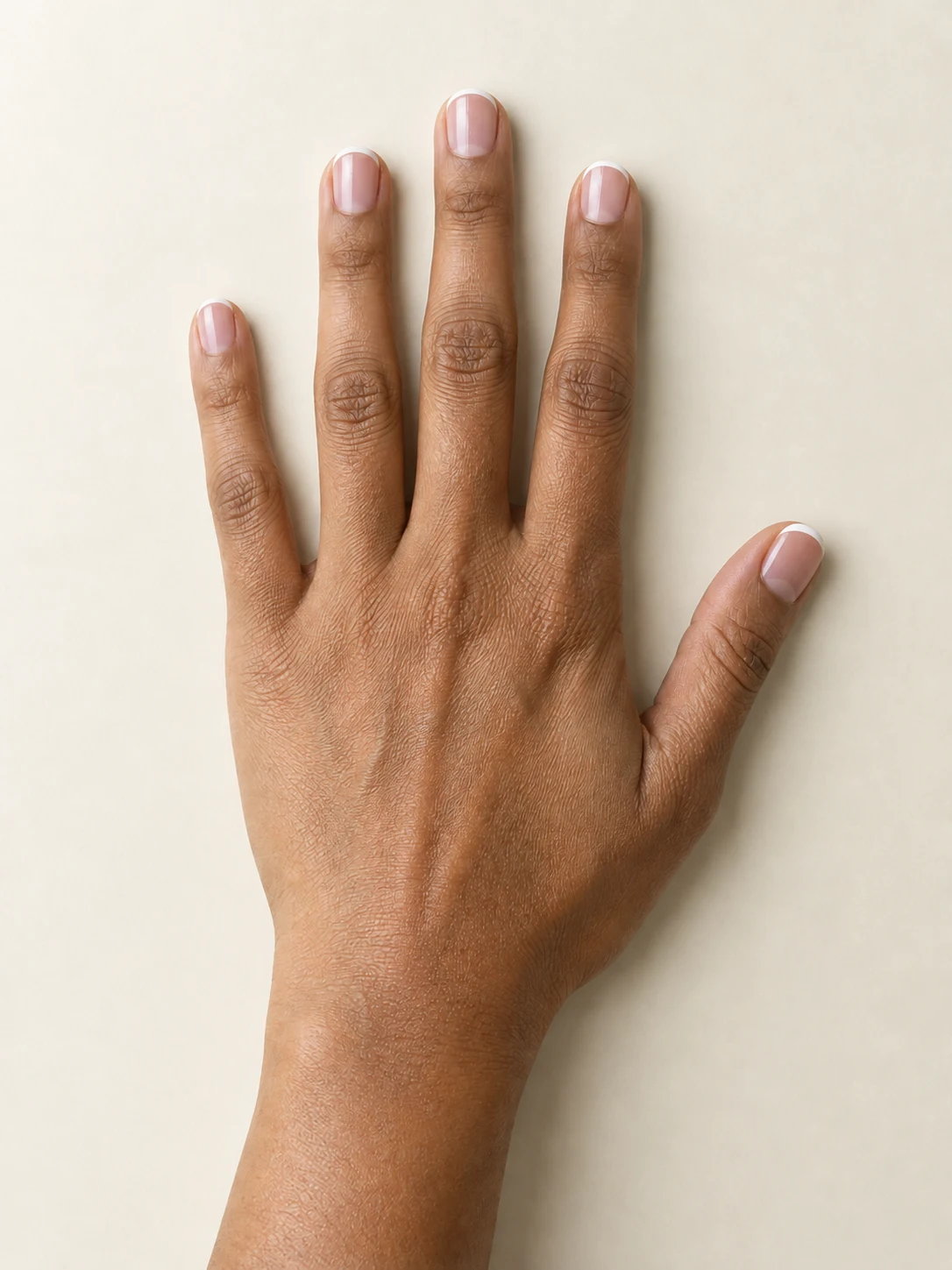
AI Nail
Preview French tips, Burgundy gloss or Pearl shimmer on your hand.
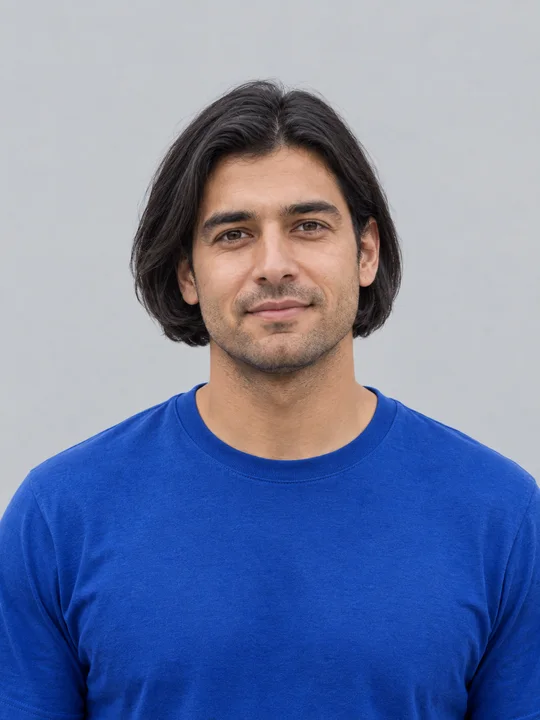
AI Bob Haircut
Preview a chin-length bob on one adult portrait.
Filtro Catrina IA
Add floral Day of the Dead makeup and marigolds to your portrait.
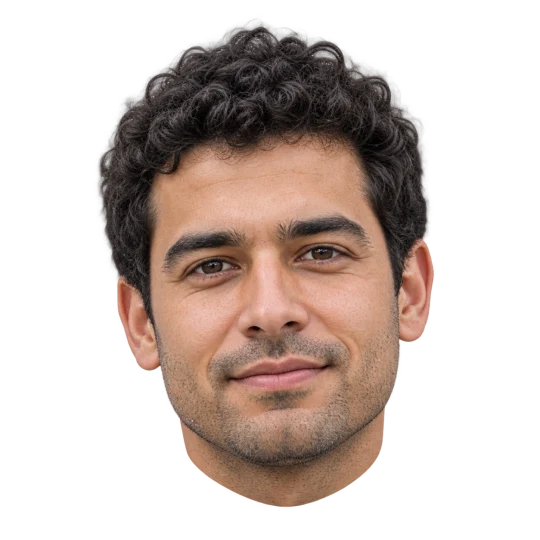
Head Cutout
Create a head-only transparent PNG from one adult portrait.
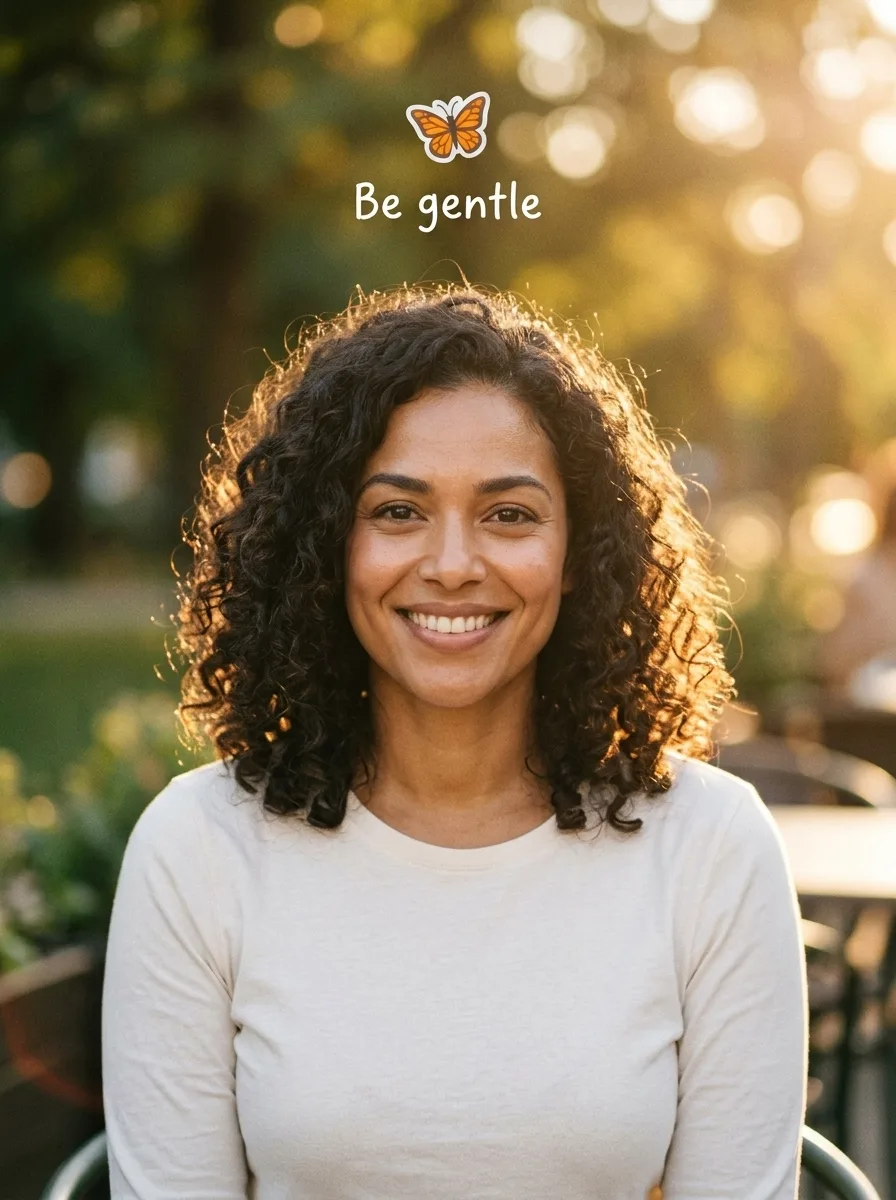
I Want Wings
A butterfly glow-up photo from one adult portrait
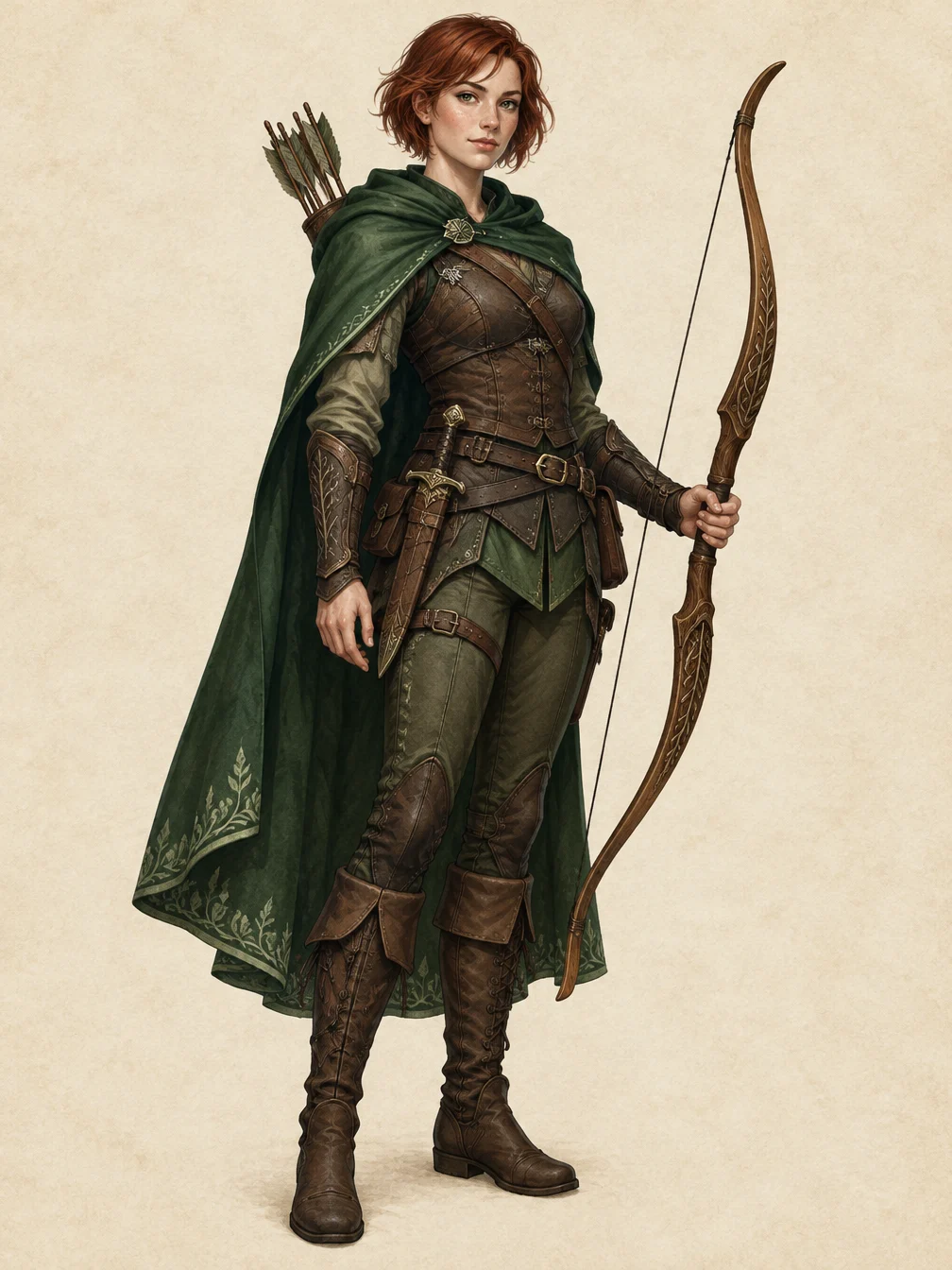
RPG Character
Describe an original fantasy adventurer and create a full-body RPG character illustration.
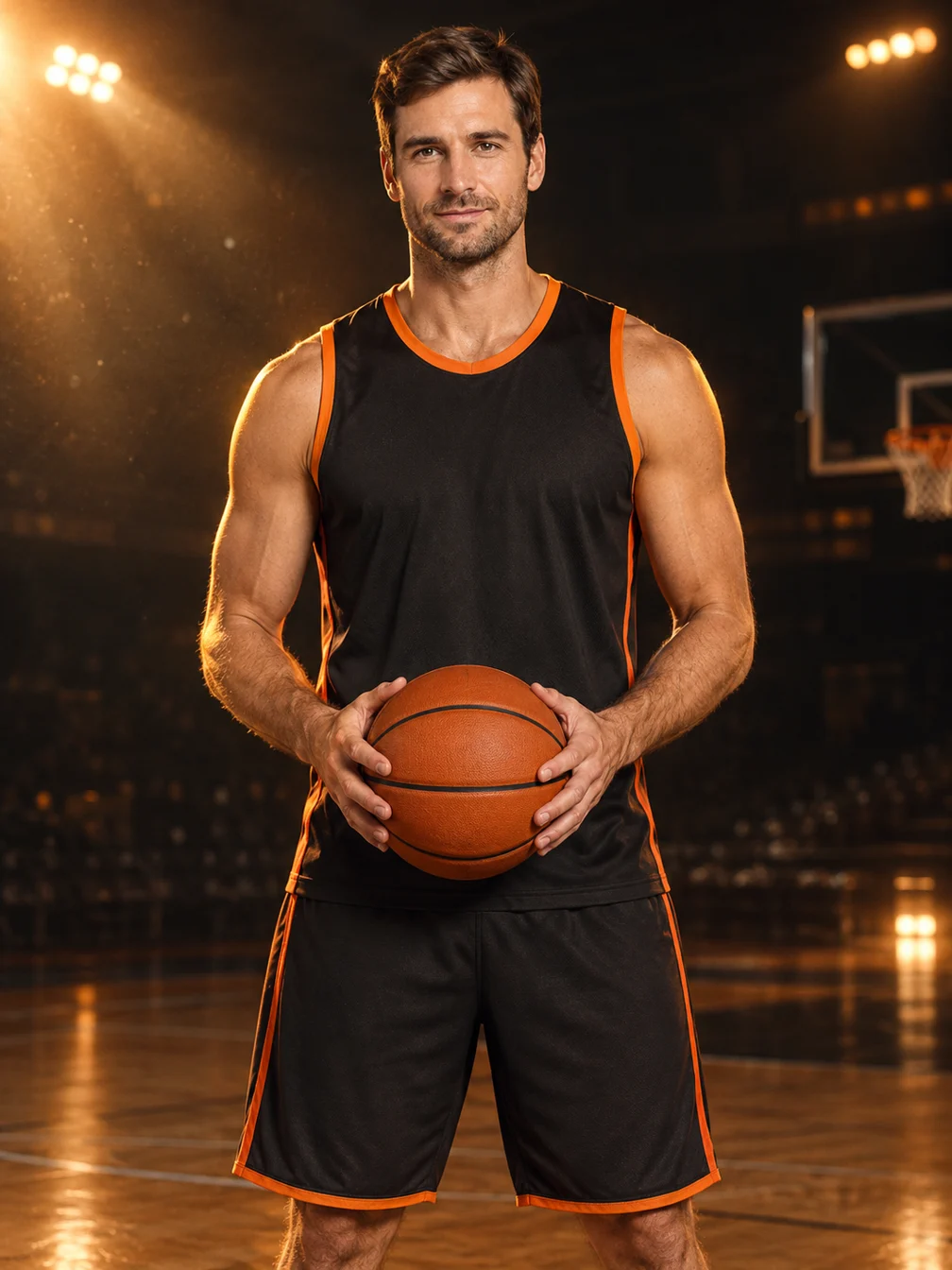
Basketball Poster
Turn your portrait into a basketball poster in arena, retro-card or neon-court style.
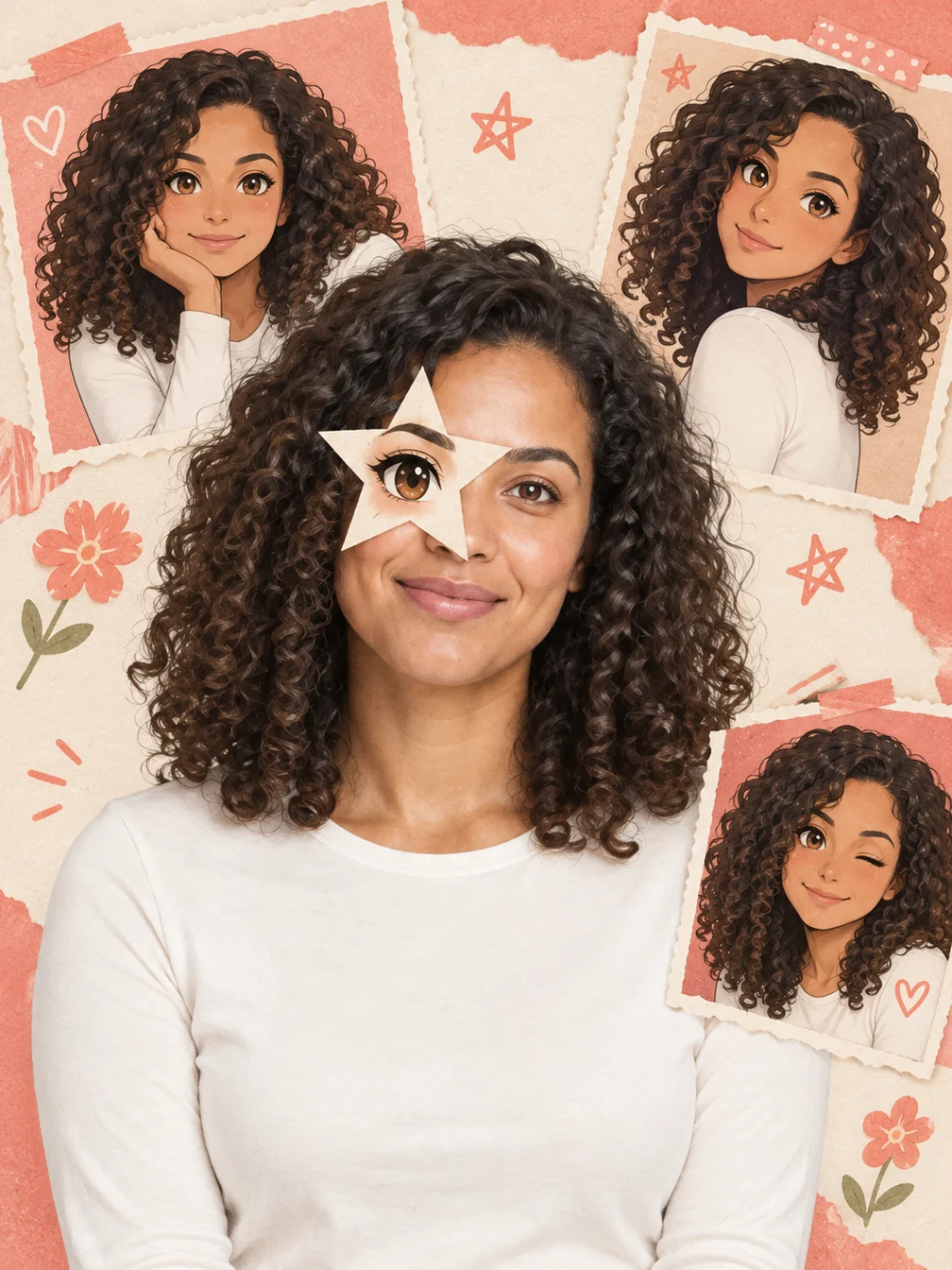
Anime Eye
Add one illustrated eye cutout and matching original anime-twin panels to your selfie.
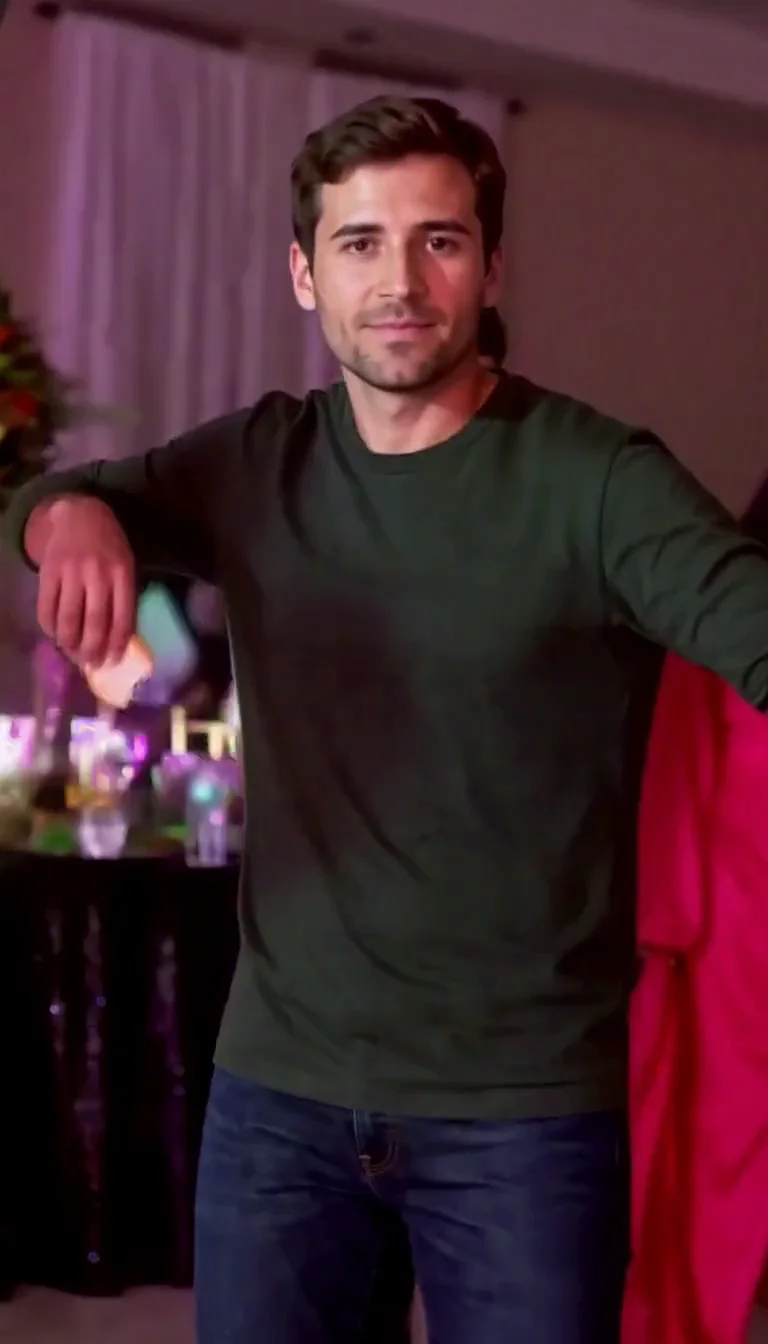
Dime Dime Baby AI
Make the approach, bread-bite and turn-away party video.
Frequently asked questions
What does News Anchor create?⌄
It creates one still image of the person in your portrait seated behind a news desk in a generated newsroom.
Is News Anchor free?⌄
One image costs 3 credits. Eligible new accounts can receive welcome credits; check your balance and the displayed price before generating.
Does News Anchor make a talking video?⌄
No. This preset creates a still image; it does not add speech, audio or a moving presenter.
Will the image look like me?⌄
Your portrait guides the edit, but generated details can change. Compare the face and other details with your source before sharing.
Can I use someone else’s photo?⌄
Only upload a photo you have the right and permission to edit. The example uses a fictional adult portrait.
How do I download my image?⌄
Use Download on the completed result, or find it again in My Creations. Downloading an existing result does not start another generation.