
Give your selfie a bold, camera-ready makeup look.
Give your selfie a bold, camera-ready makeup look.
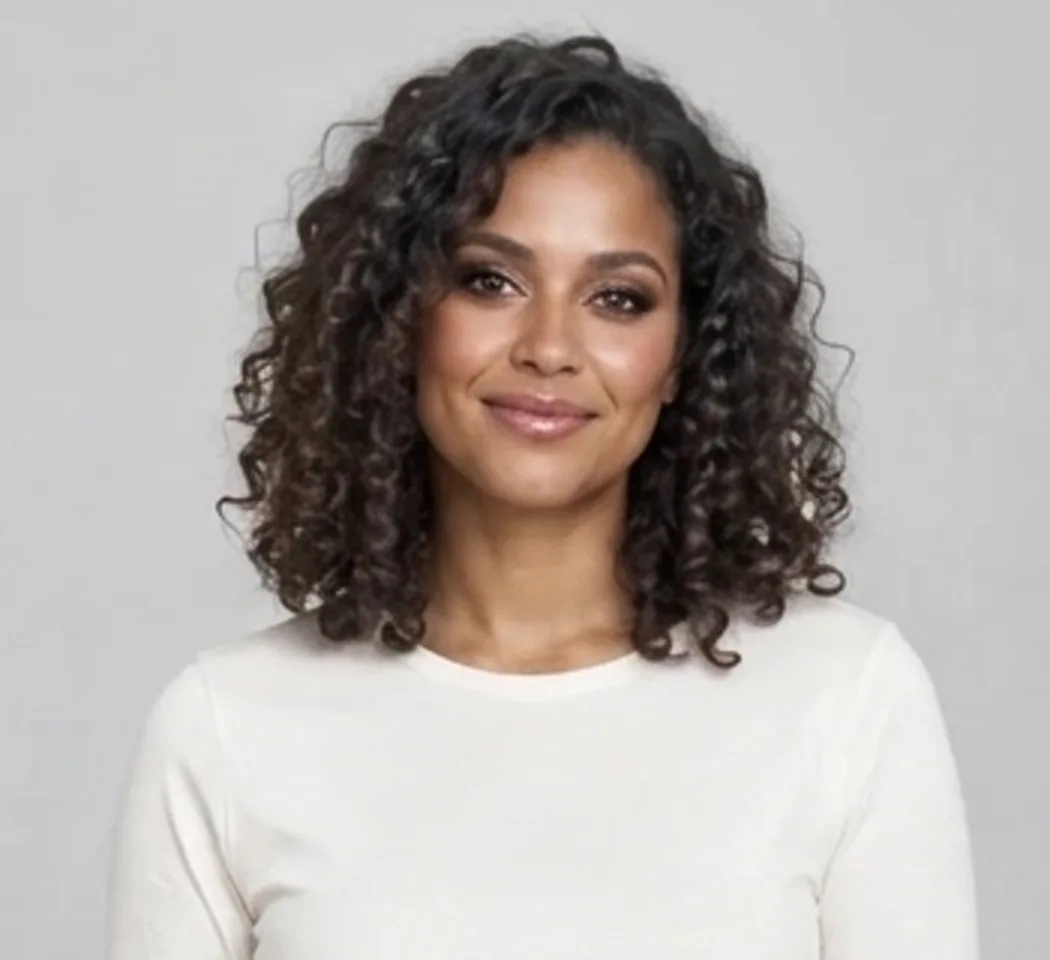
Create a polished glam look with contour, defined brows, smoky eyes and glossy lips while your photo guides the face. Bold Glamour AI builds a camera-ready makeup look around the face in your photo. The effect aims for a defined brow, smoky eye makeup, eyeliner, contour and a glossy lip, while keeping the same person recognizable. It creates one still picture, so it is useful for comparing a makeup idea or making a before-and-after post. The look is generated rather than applied as live video makeup, and the exact colors and intensity can vary. It is a creative preview, not a promise that a specific cosmetic product will look the same on your skin. Look at the eyes, lips and natural skin texture when you review it. If you prefer a subtler result, compare it with your original before deciding whether this look suits the image you want to share.
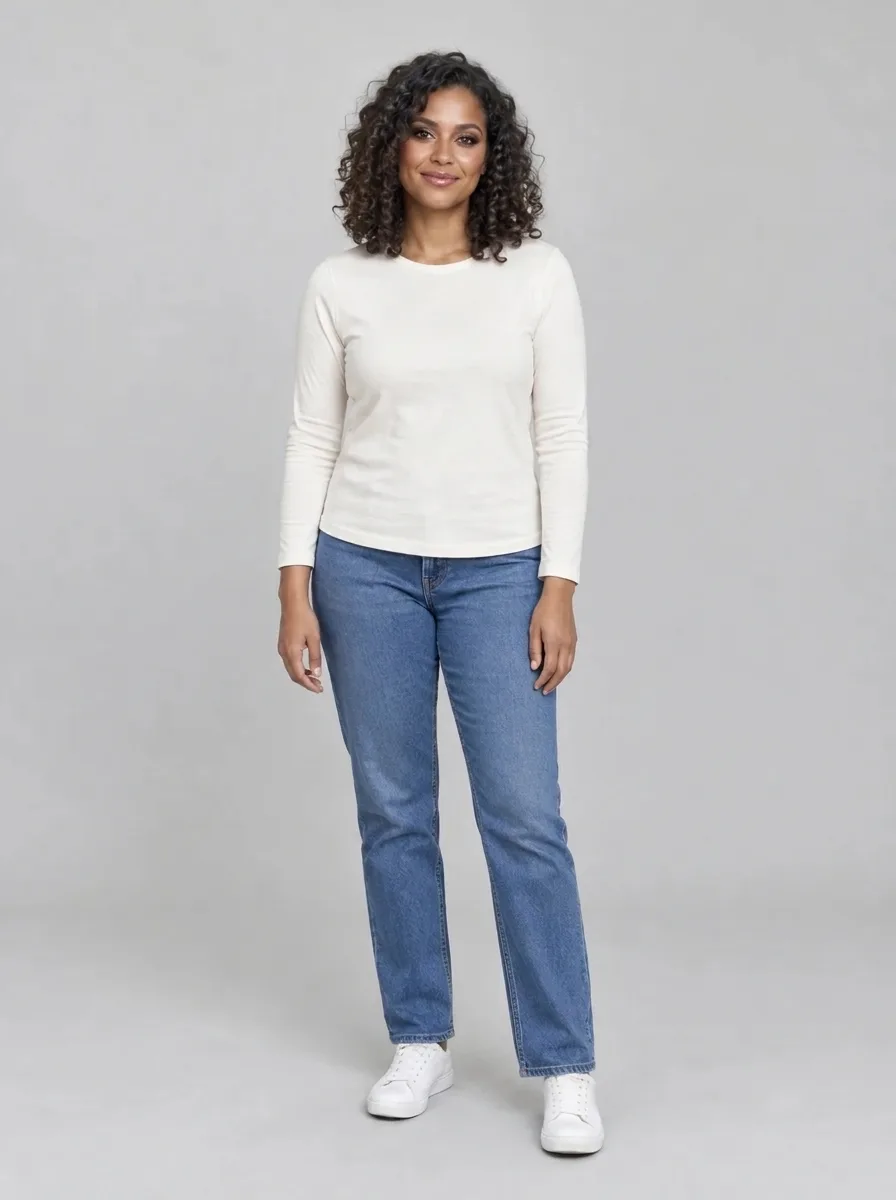
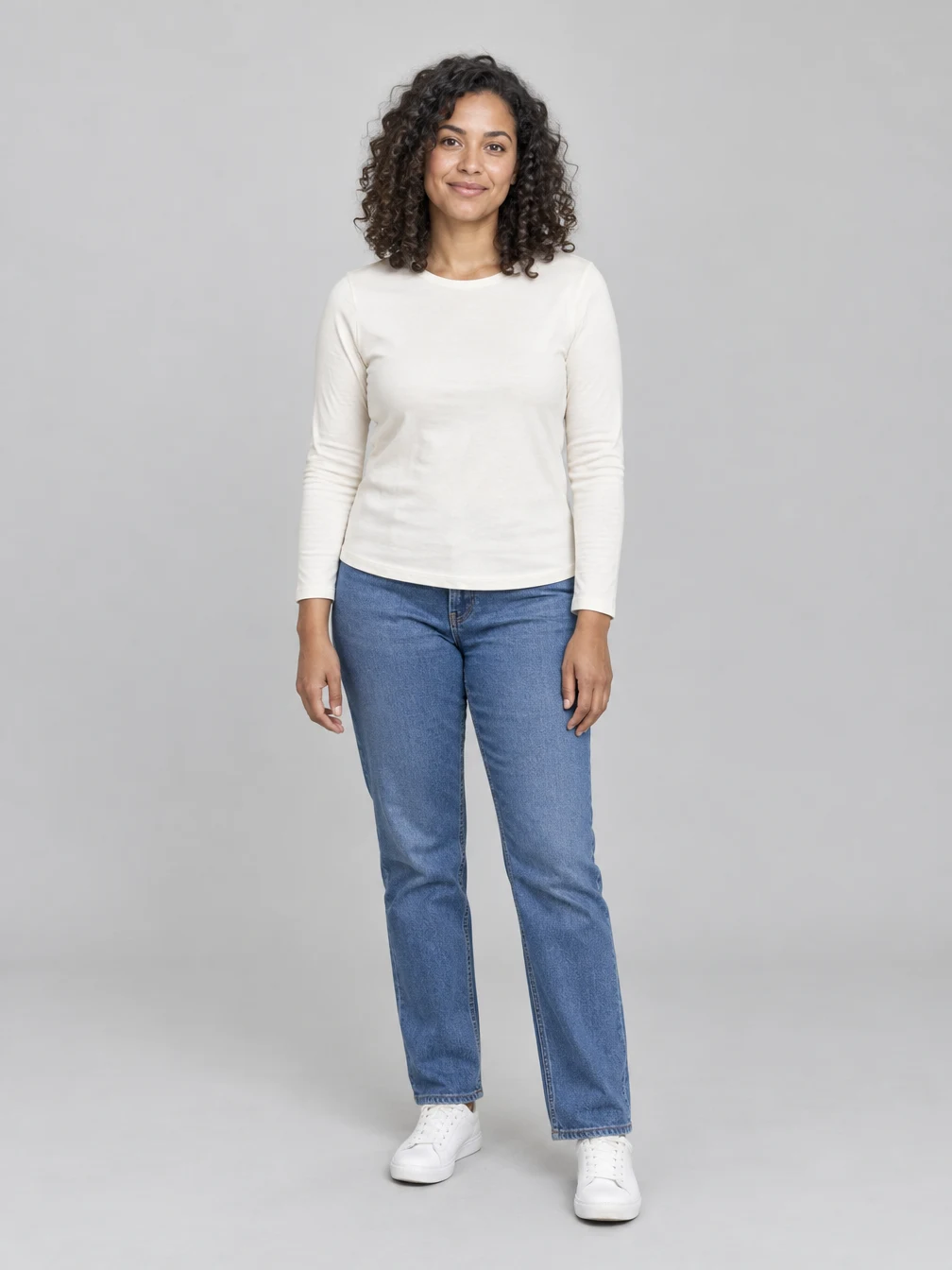
Start with a clear photo
Use one sharp photo of the consenting adult or couple you want to include. Clear faces and even lighting give the effect a useful reference. The pictured input shows fictional adults. The generated scene may change clothing, pose or background while using the photo as a guide. For Bold Glamour AI, a well-lit portrait makes the change easier to see than a full-body shot where the face takes up very little space. Choose a photo with both eyes and the mouth visible, without sunglasses, heavy shadows or another filter covering the face. A front-facing or gently angled portrait is a useful starting point. The example was generated from the pictured fictional adult; the face detail is a crop of that result so the makeup can be seen more clearly. Use your own photo or a photo of an adult who has agreed to the edit. The effect uses that image as a reference, and it may change small facial details, hair or lighting even when the prompt asks it to preserve them.
Review and save the finished image
Create a polished glam look with contour, defined brows, smoky eyes and glossy lips while your photo guides the face. Compare the result with your source photo before sharing. Review the full picture and its details on your device, including the face, clothing and background. You can keep the result for a personal project or share it with the people who agreed to the edit. Once generation is finished, download the image or find it again in your creations. A new generation uses credits; downloading an existing result does not. After the image is ready, compare the finished Bold Glamour AI picture with the upload. Check whether the eye makeup is balanced, the lip shape is natural, the skin tone remains your own and the person still looks recognizable. Also look at the edges of the face and hair before cropping for a profile picture or story. Results vary between runs and an output can contain small errors, especially when the original face is partly hidden. The displayed credit price covers a new generation; downloading an existing result does not create another image. If you use the picture to discuss a real makeup look, remember that the image is an AI-generated preview and the cosmetic details are not a record of products applied to a real face.
Choose a photo for Bold Glamour AI
Use a photo you have permission to edit.
Your portrait
One photo
When to use it
Give your selfie a bold, camera-ready makeup look.
What it produces
One vertical still image.
- ✓Consenting adults
- ✓Face visible
- ✓Even lighting
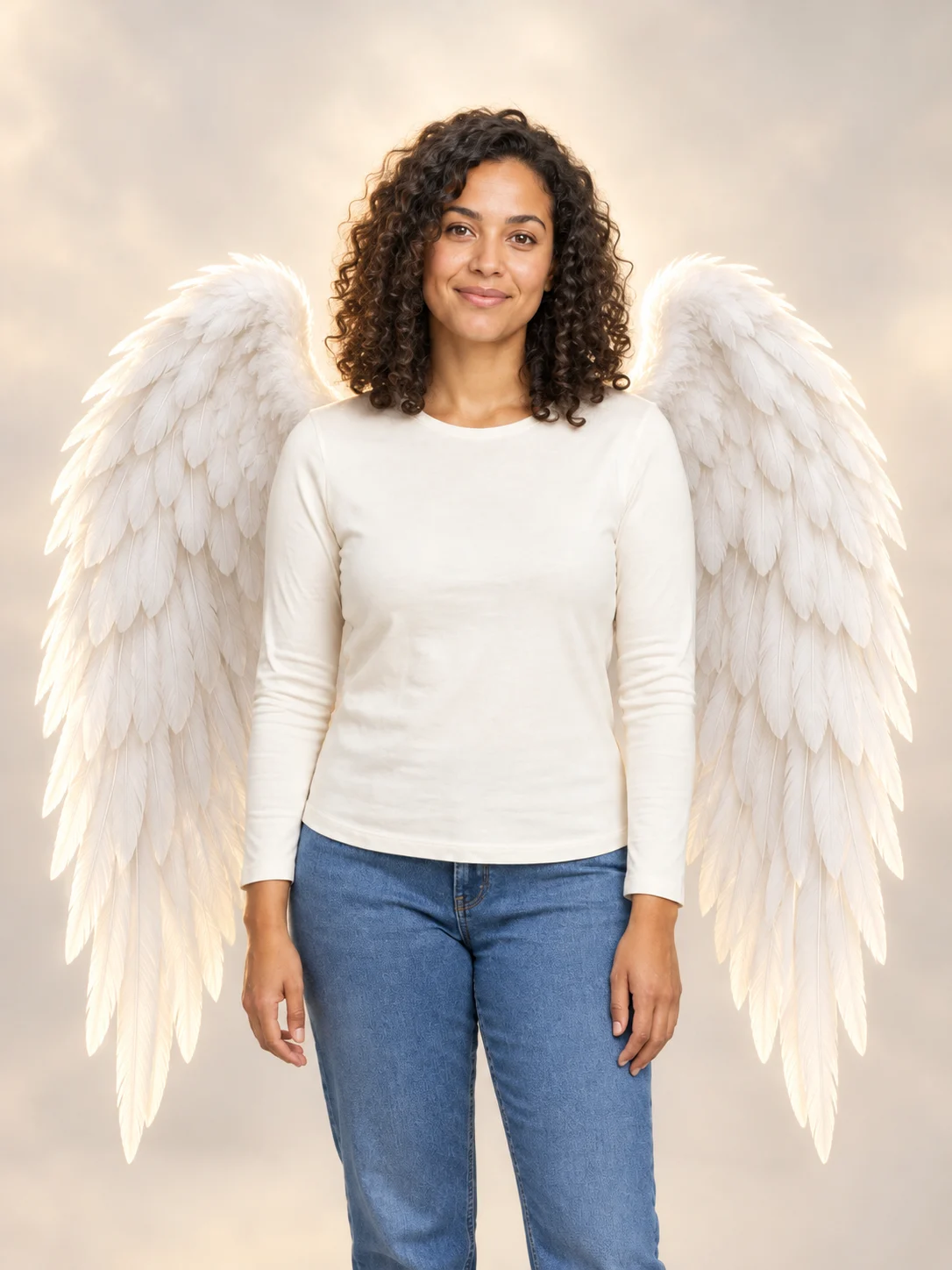
Angel Wings
Add large feathered angel wings to your photo while keeping your own outfit.

Football Champion
Turn your portrait into an American football action picture with a helmet and a football.
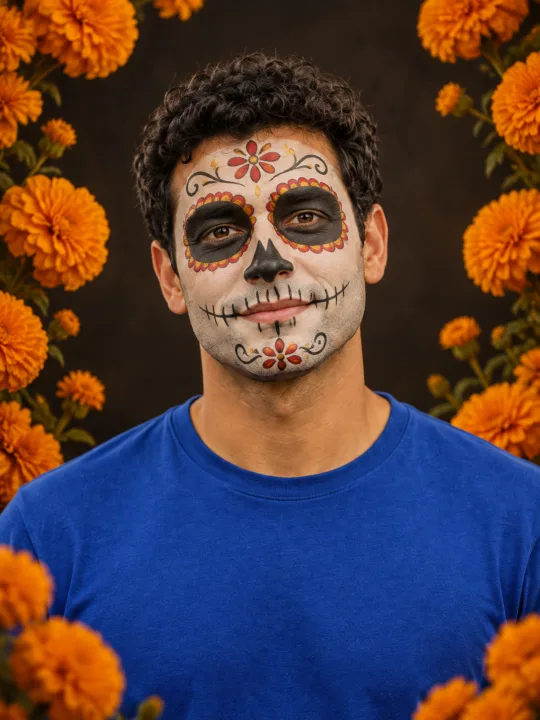
Catrina Makeup
Preview floral Day of the Dead face paint and marigolds on your own portrait.
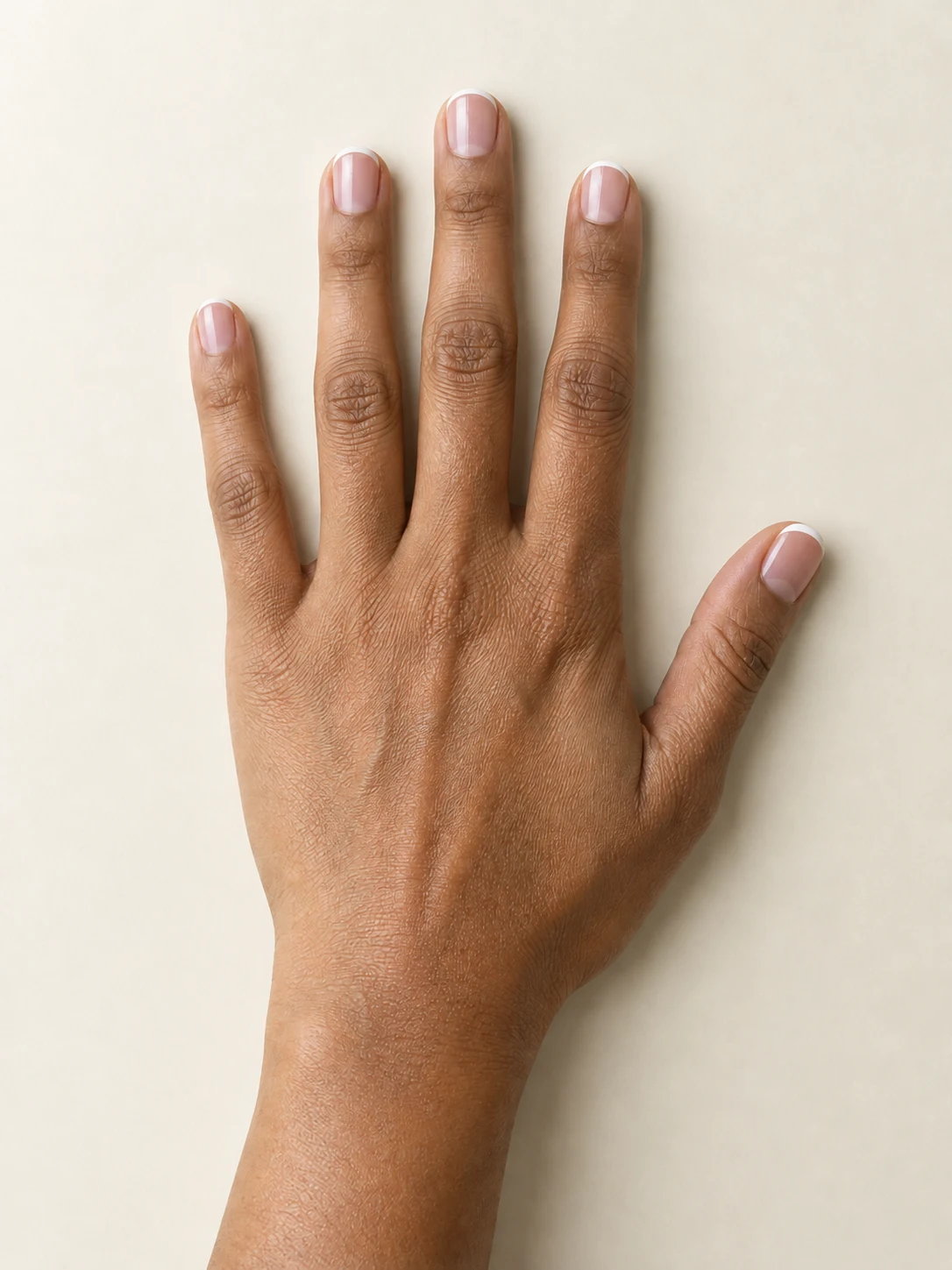
AI Nail
Preview French tips, Burgundy gloss or Pearl shimmer on your hand.
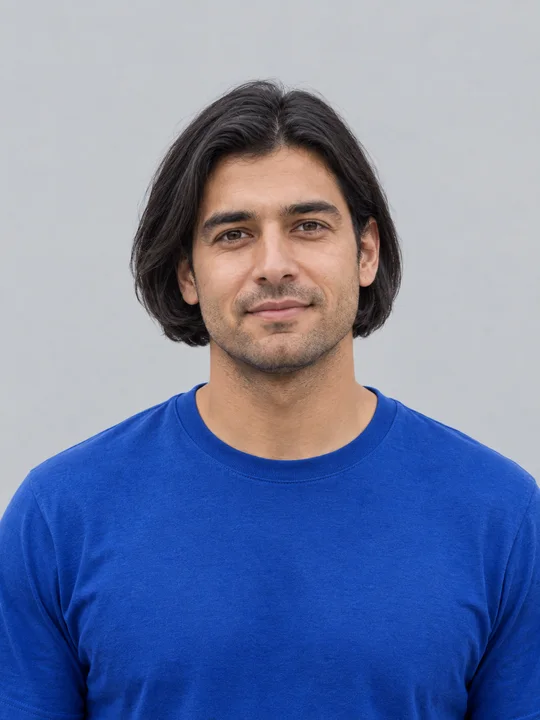
AI Bob Haircut
Preview a chin-length bob on one adult portrait.
Filtro Catrina IA
Add floral Day of the Dead makeup and marigolds to your portrait.
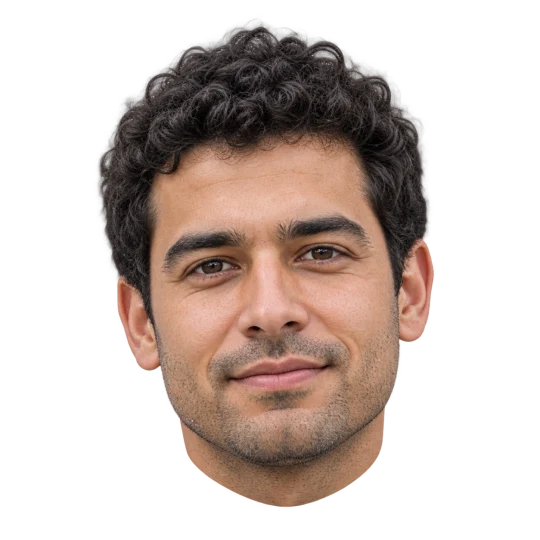
Head Cutout
Create a head-only transparent PNG from one adult portrait.
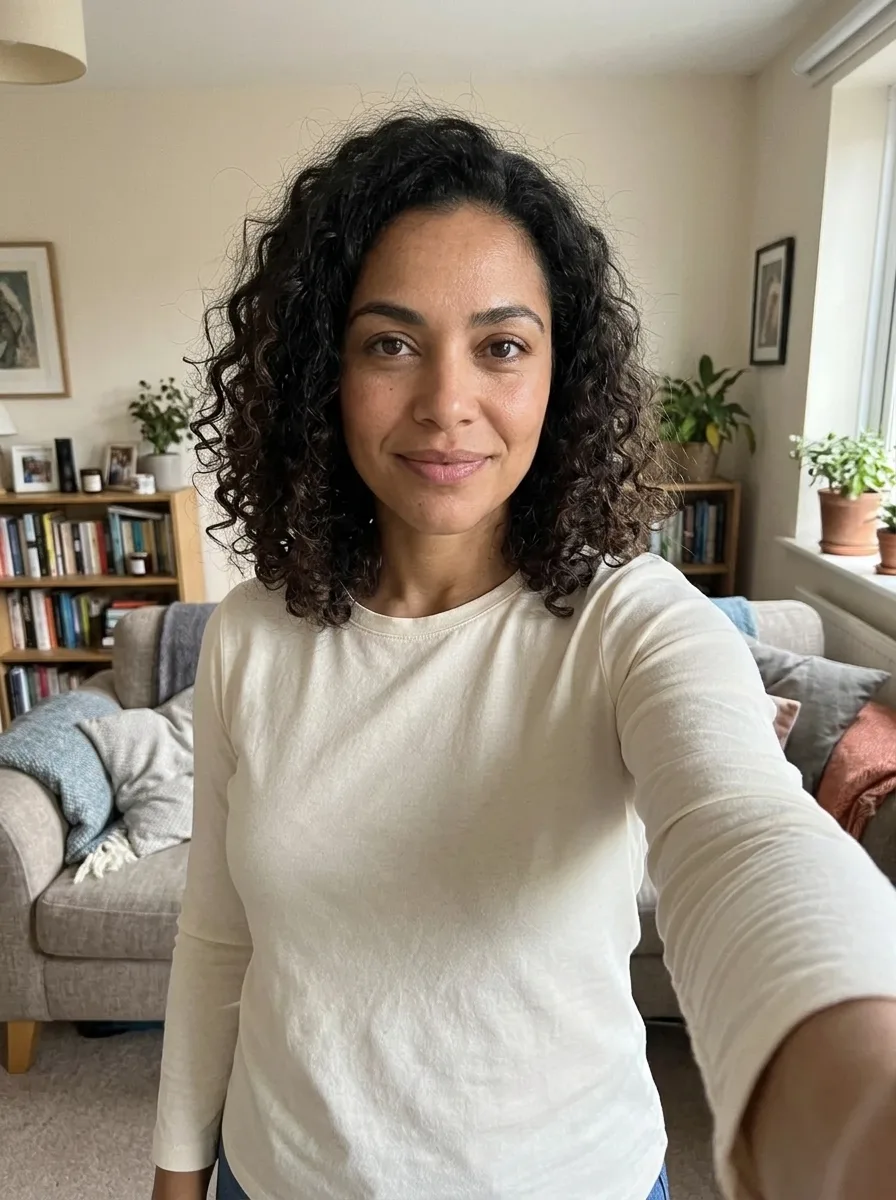
Realistic Selfie AI
Turn your photo into a natural-looking phone selfie.
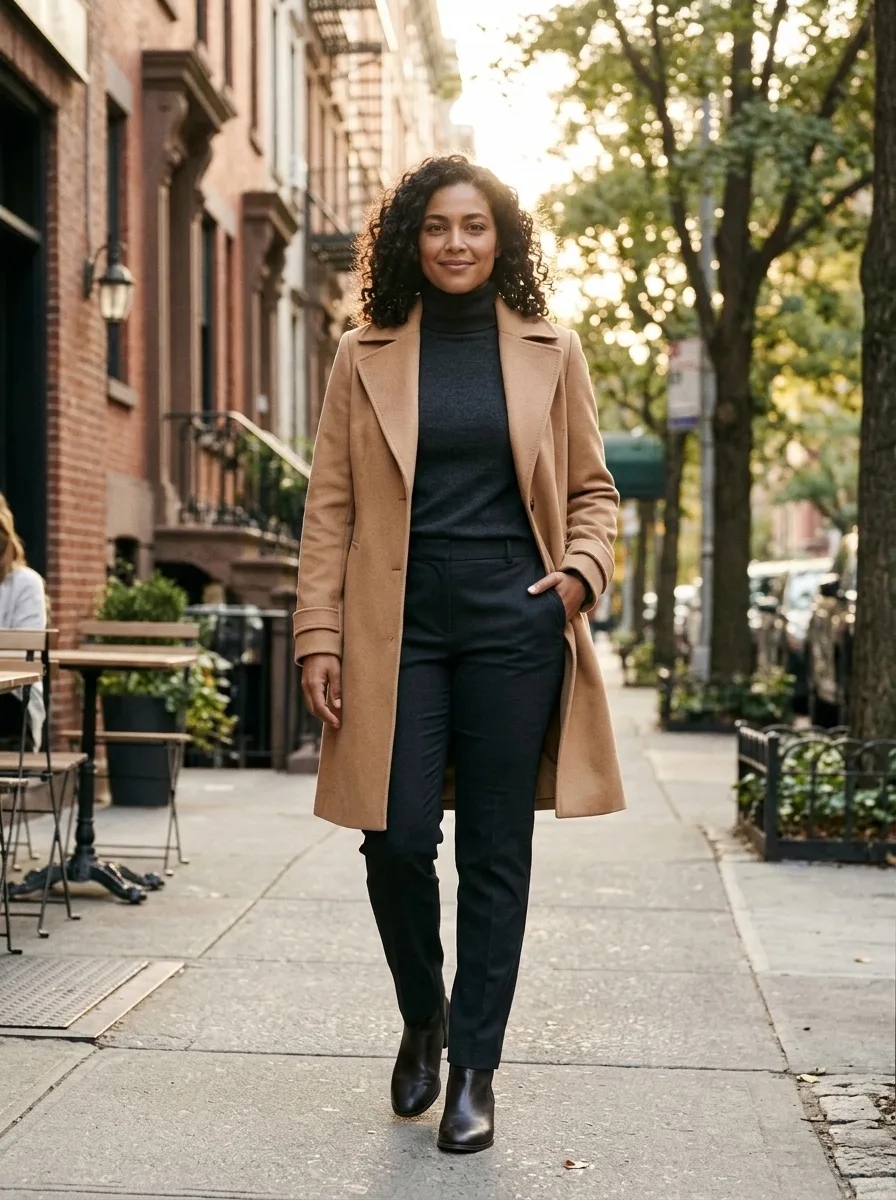
Person Photoshoot AI
Turn your photo into an outdoor fashion photoshoot.
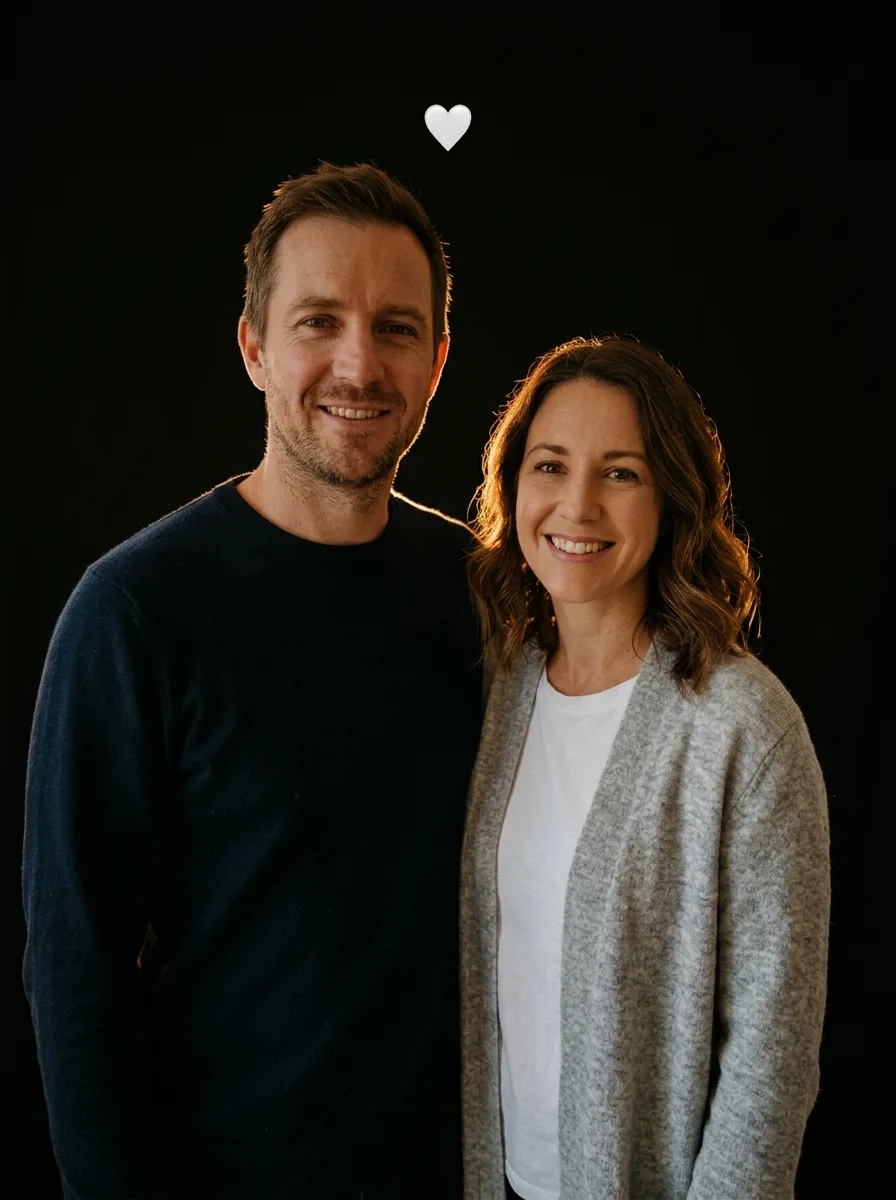
Flash Couple Silhouette AI
Create a warm rim-lit couple portrait on black.
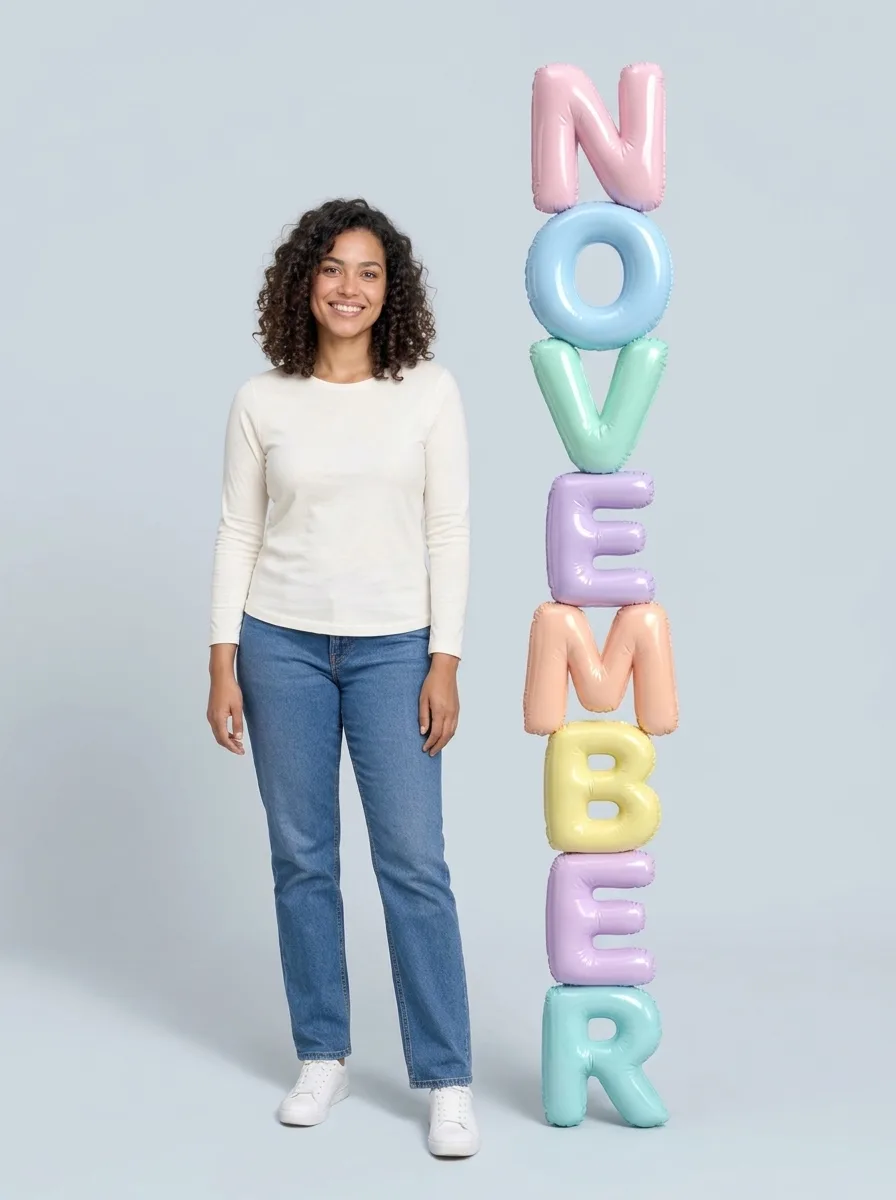
3D Month Letters AI
Your photo beside giant month letters
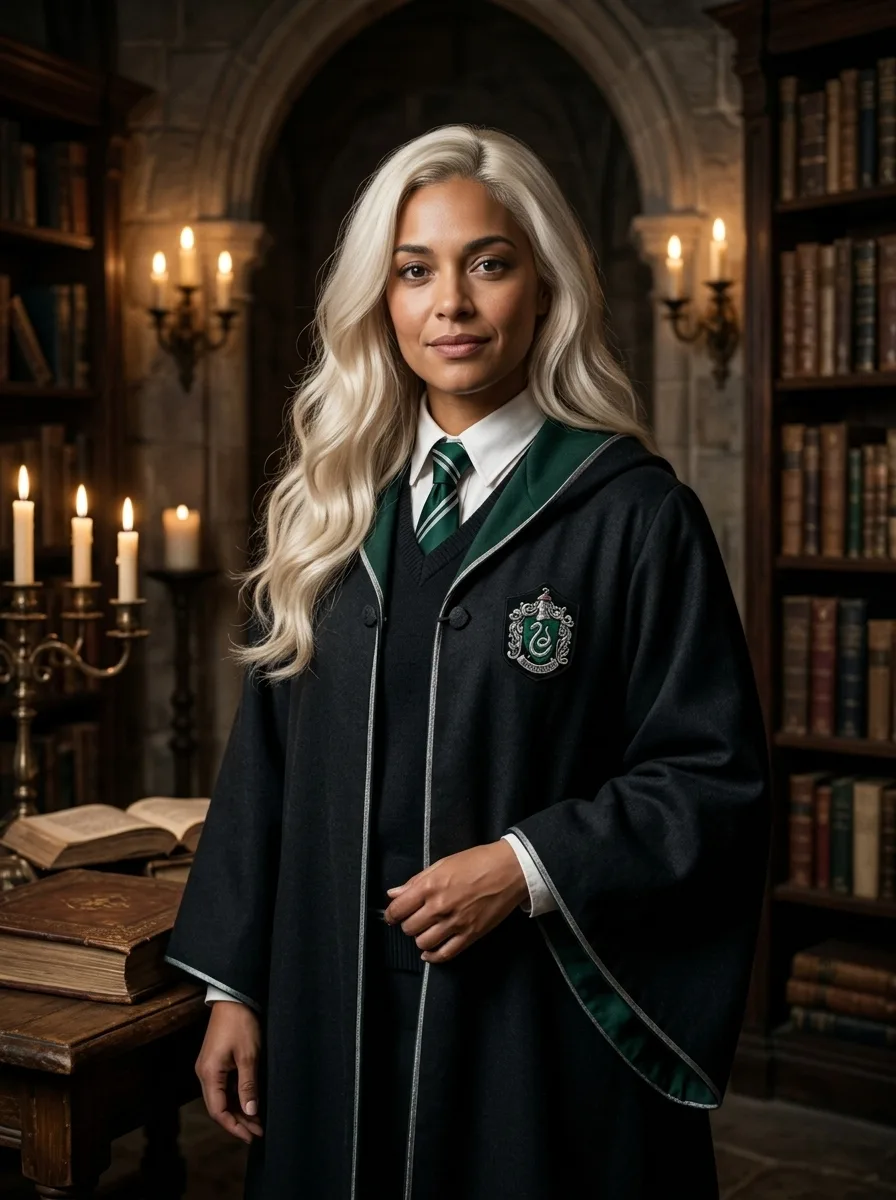
Female Malfoy AI
A fantasy academy portrait from one adult photo
Frequently asked questions
What does Bold Glamour AI create?⌄
Give your selfie a bold, camera-ready makeup look.
Is Bold Glamour AI free?⌄
One image costs 3 credits. Eligible new accounts can receive welcome credits; check your balance and the displayed price before generating.
Will the picture look exactly like my photo?⌄
Your photo guides the result, but facial features and other details can vary. Review the finished image before sharing.
Does this effect make a video?⌄
No. This effect creates one still image.
Can I use someone else’s photo?⌄
Only use photos of adults you have permission to edit.