
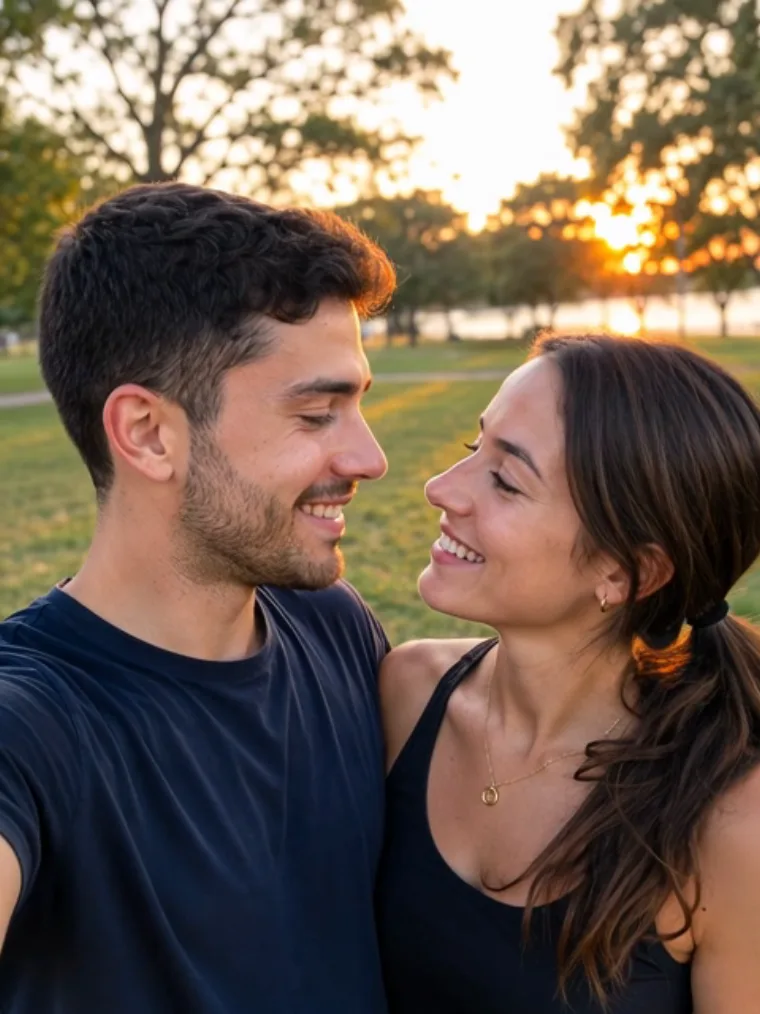
Make the Hop Hop Hop AI dance
Put two people in the dance
Use one clear picture of two people together or upload a separate portrait for each person. Only use photos of yourself or consenting adults. Clear faces help the generator distinguish the two dancers.
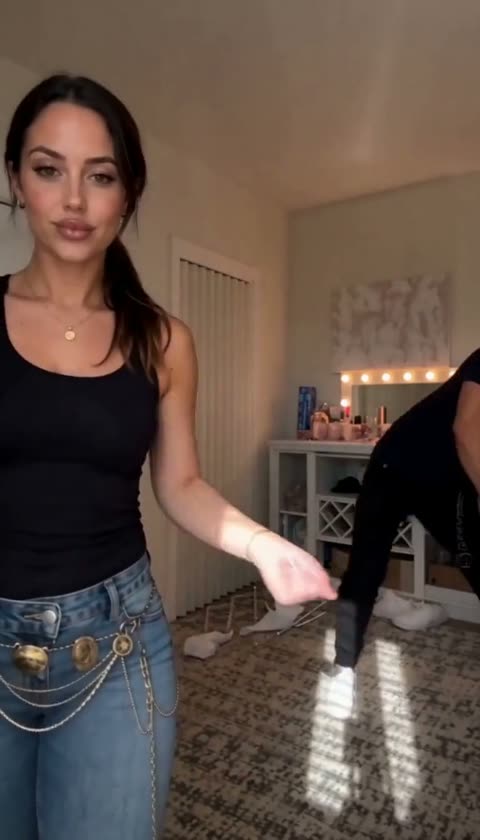
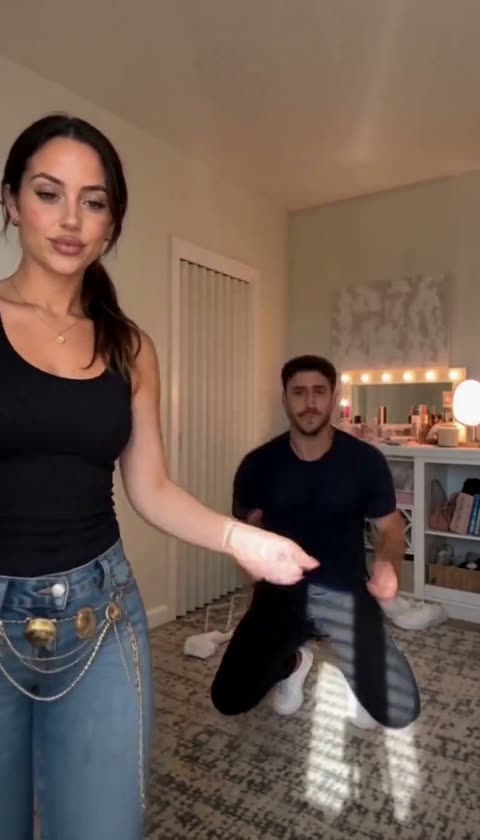
Point at the camera and hop
The preset follows the reference dance: one person takes the foreground while the other hops behind. As the routine moves on, the pair exchange positions. AI movement and facial likeness can vary between results.
Watch the swap and share
Preview your finished vertical video, including its generated sound, and check both faces and the movement before sharing. Your completed result remains available in My Creations.
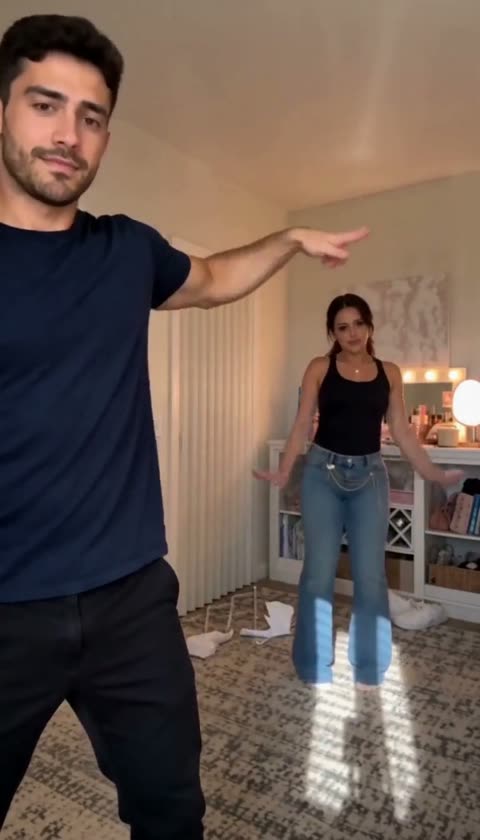
Choose how to add your dancers
Use one clear photo of both people or one portrait for each person.
One duo photo
Both people in one picture
When to use it
You have a clear photo of the pair together.
What it produces
A dance guided by the two people in that photo.
- ✓Two visible faces
- ✓Good lighting
- ✓Photos used with permission
Two portraits
One photo per person
When to use it
You have separate pictures of the two people.
What it produces
A dance guided by both portraits.
- ✓One person per photo
- ✓Clear faces
- ✓Photos used with permission
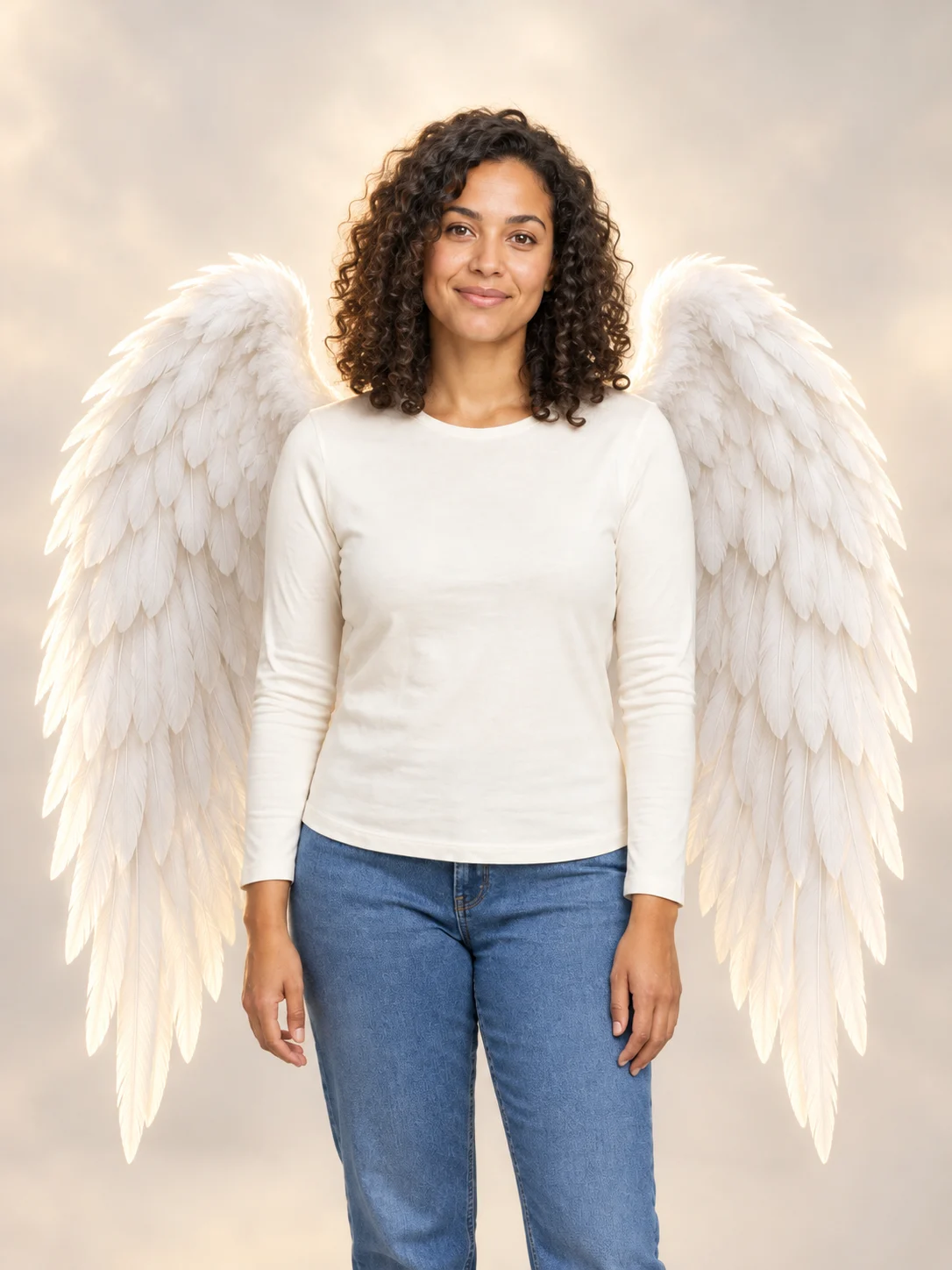
Angel Wings
Add large feathered angel wings to your photo while keeping your own outfit.
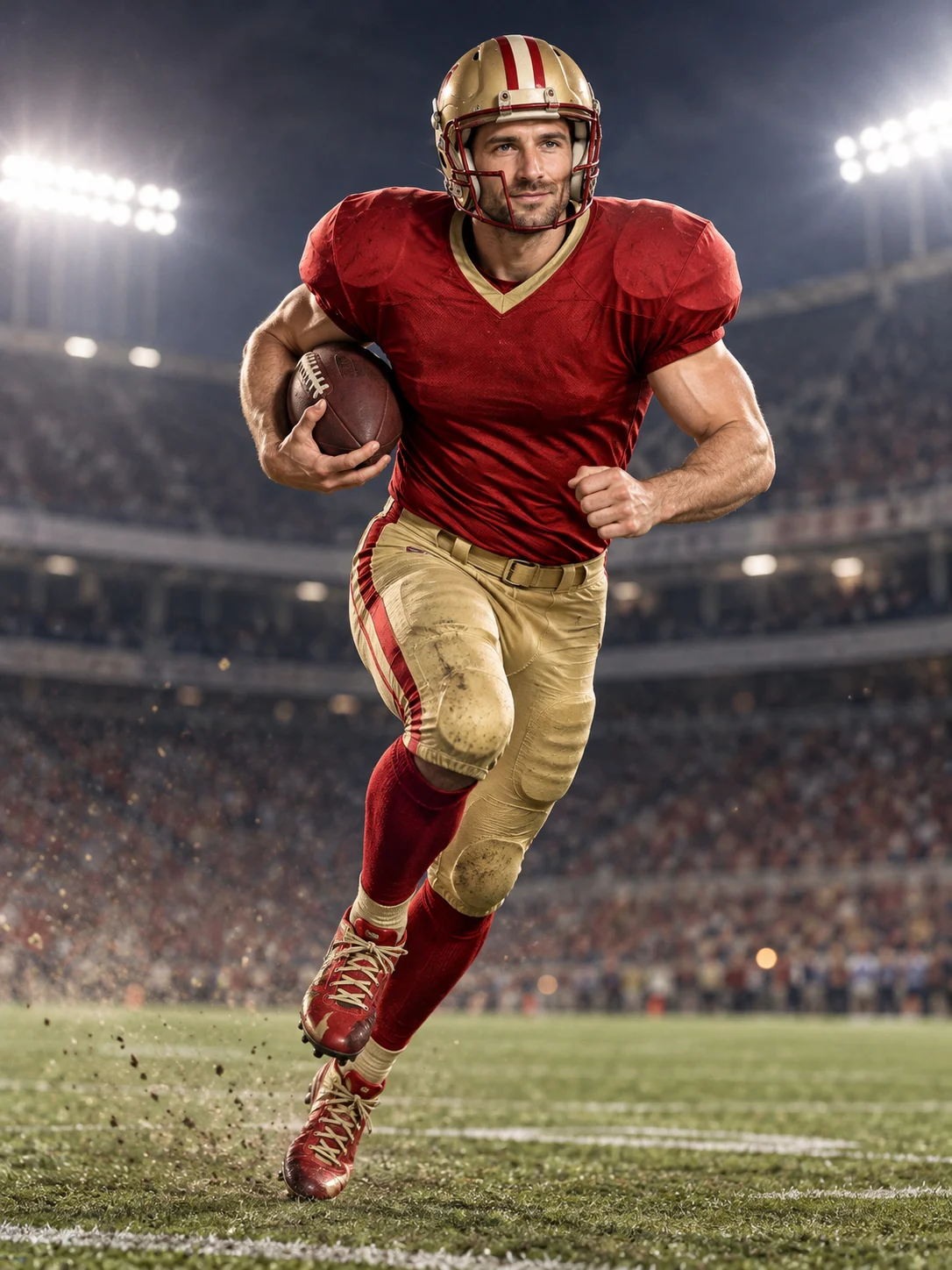
Football Champion
Turn your portrait into an American football action picture with a helmet and a football.
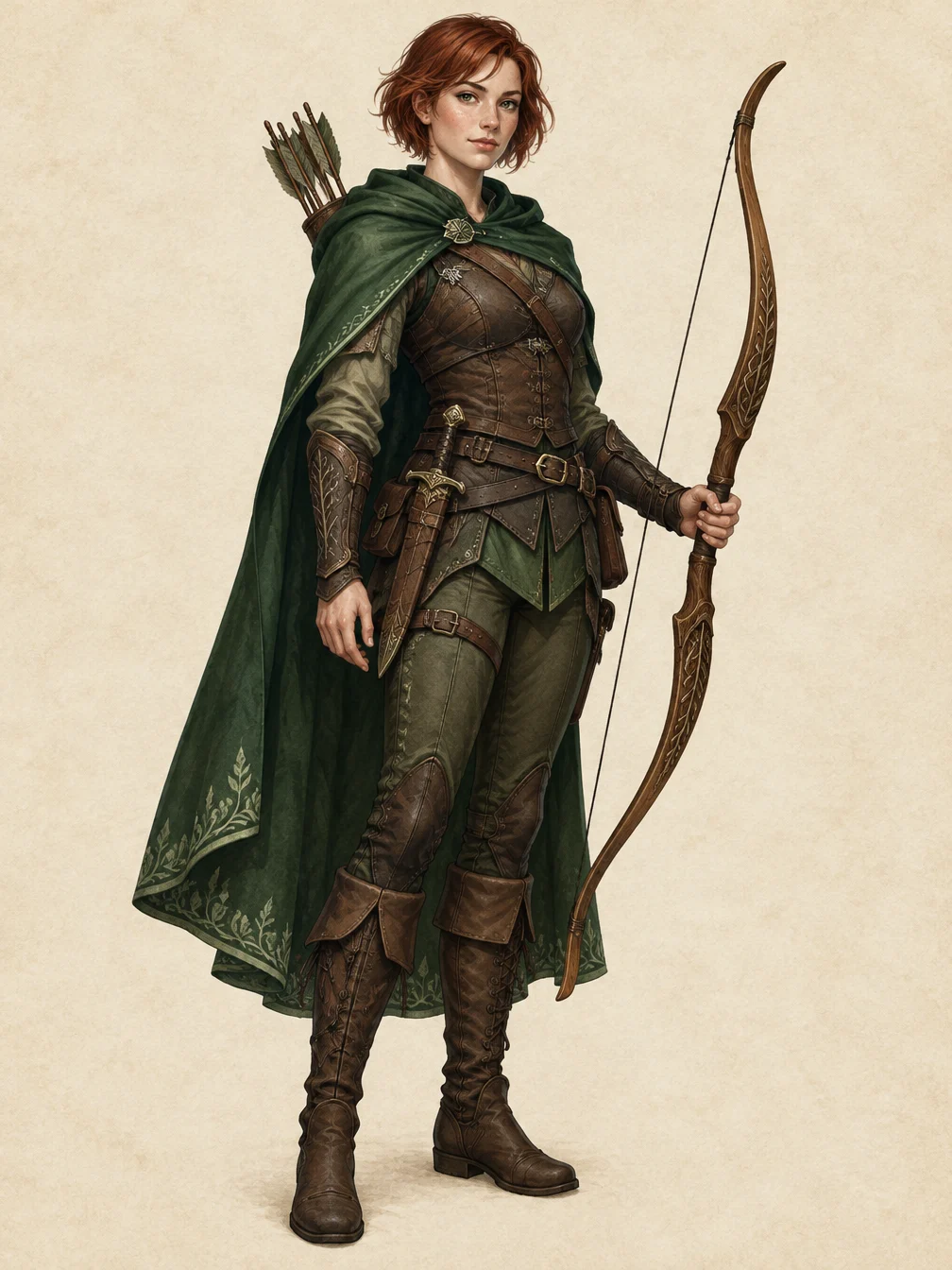
RPG Character
Describe an original fantasy adventurer and create a full-body RPG character illustration.
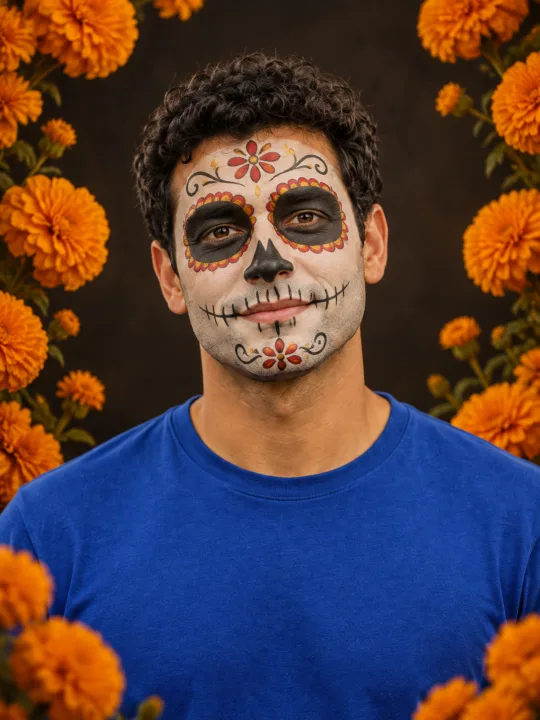
Catrina Makeup
Preview floral Day of the Dead face paint and marigolds on your own portrait.
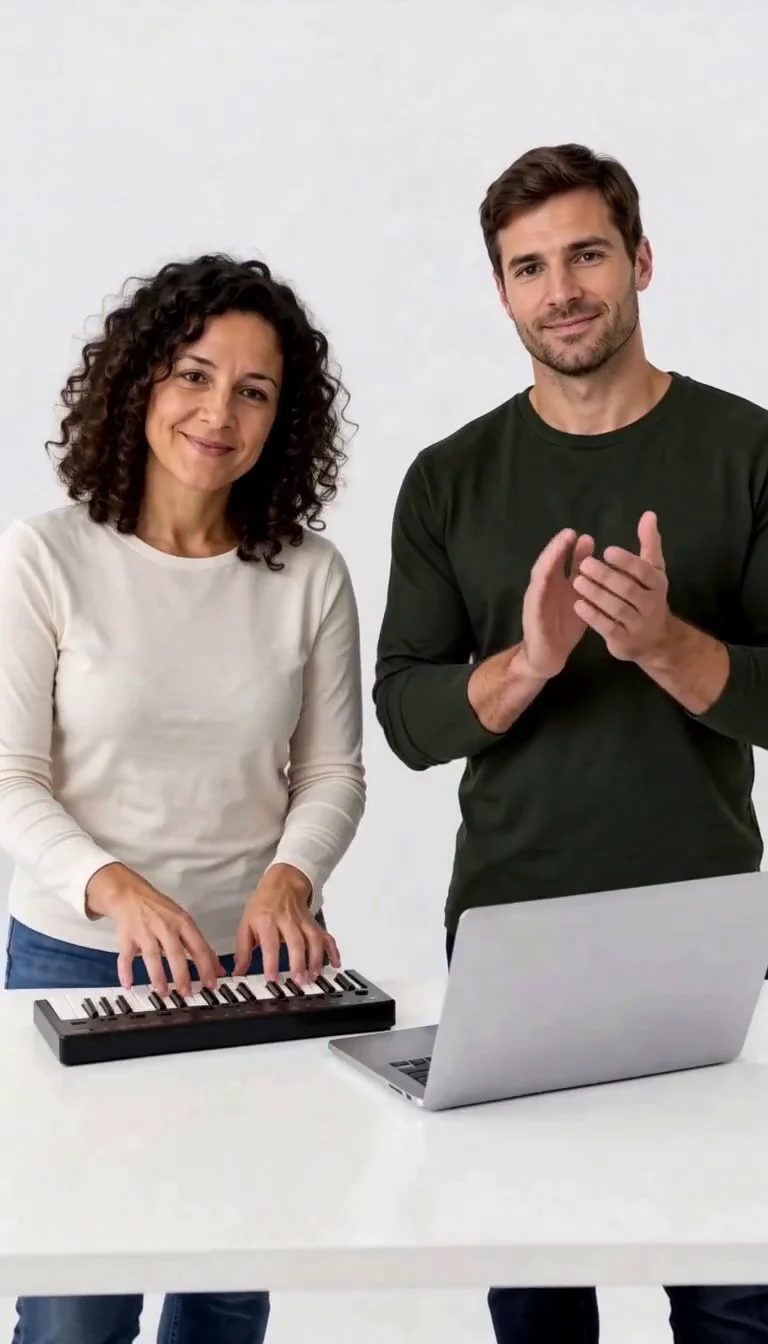
Keyboard Duo
Put two adults in a keyboard-and-clapping studio sketch.
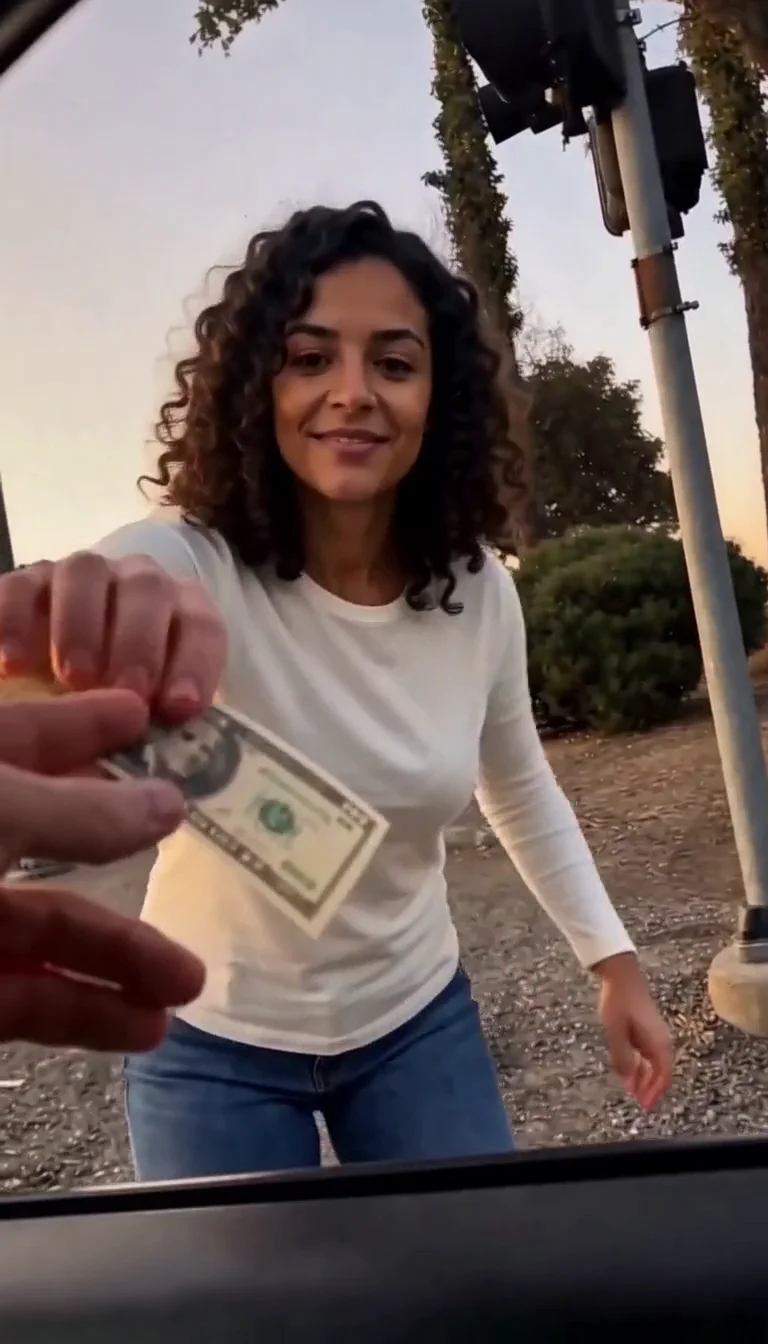
Plug Walk
Follow the car-window cash handoff, then step back into the reference dance.
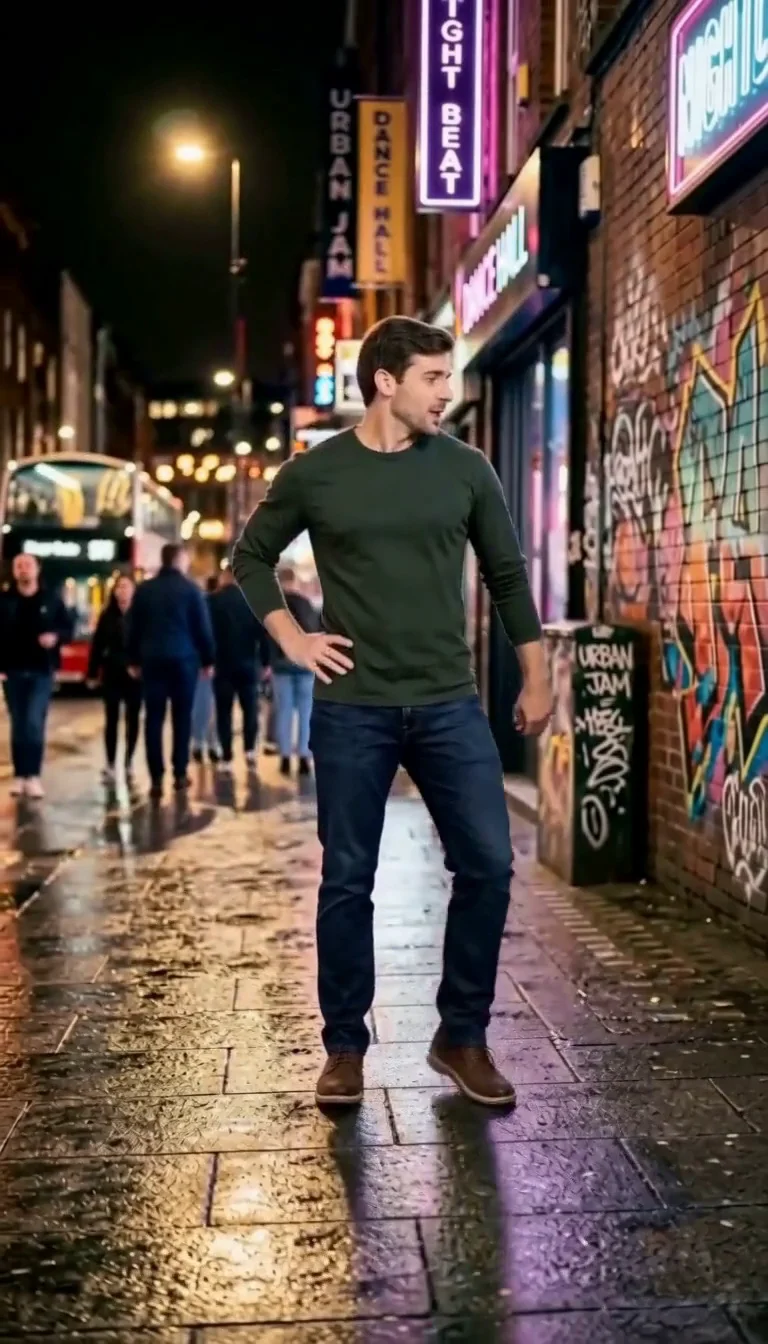
6 7 Dance
Follow a fourteen-second Six Seven street dance with counting gestures, bouncy steps and claps.
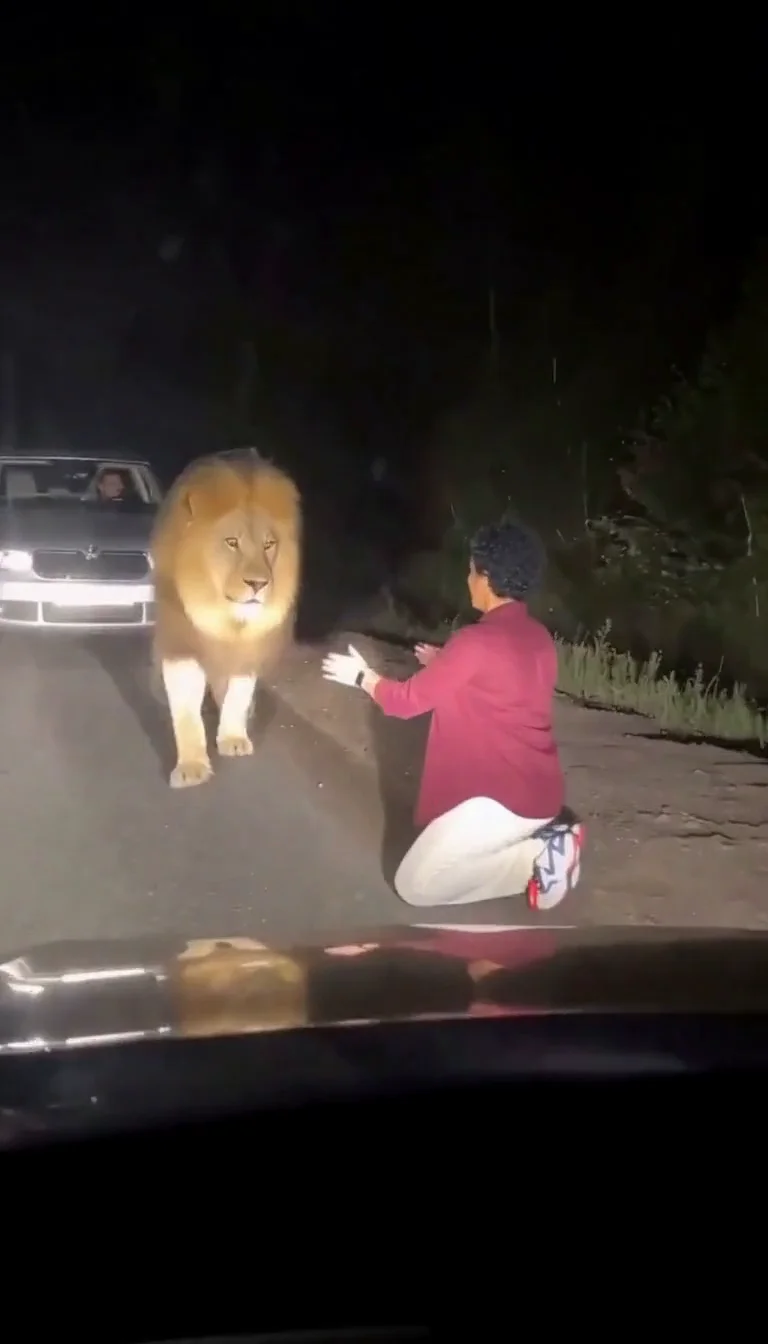
Lion Friend
Meet a calm lion on a nighttime road, stroke its mane and share a fictional embrace.
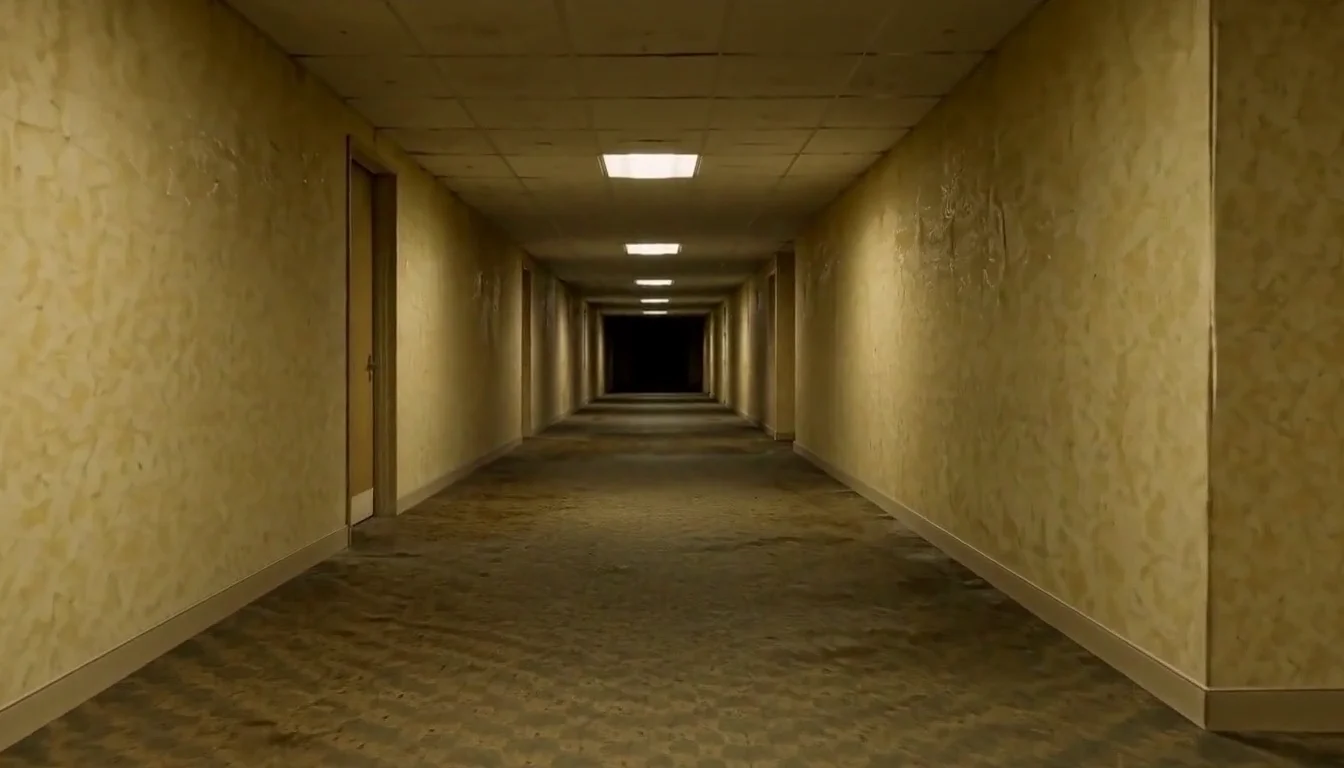
AI Backrooms
Animate your empty corridor with a slow camera push and flickering fluorescent lights.
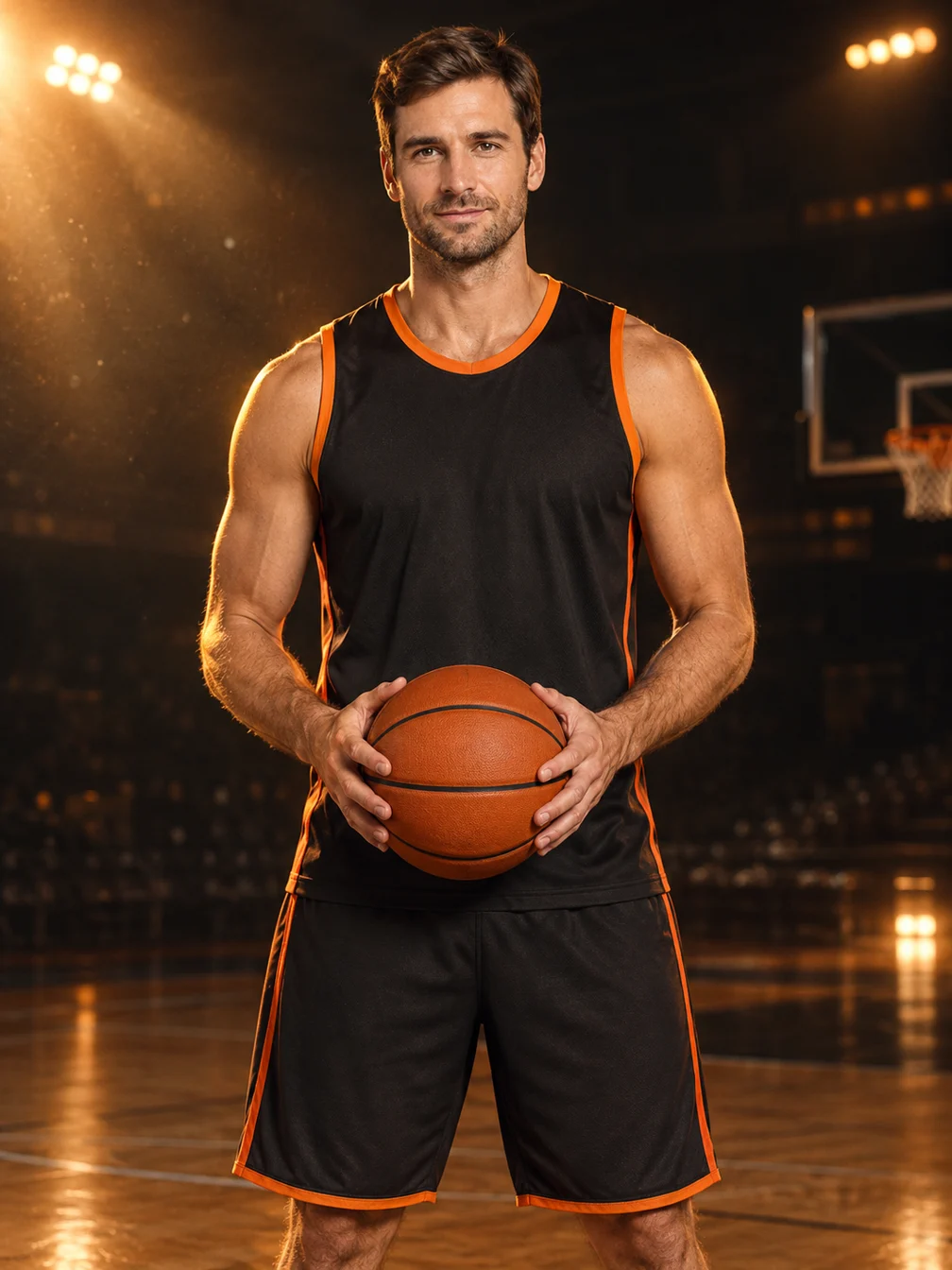
Basketball Poster
Turn your portrait into a basketball poster in arena, retro-card or neon-court style.
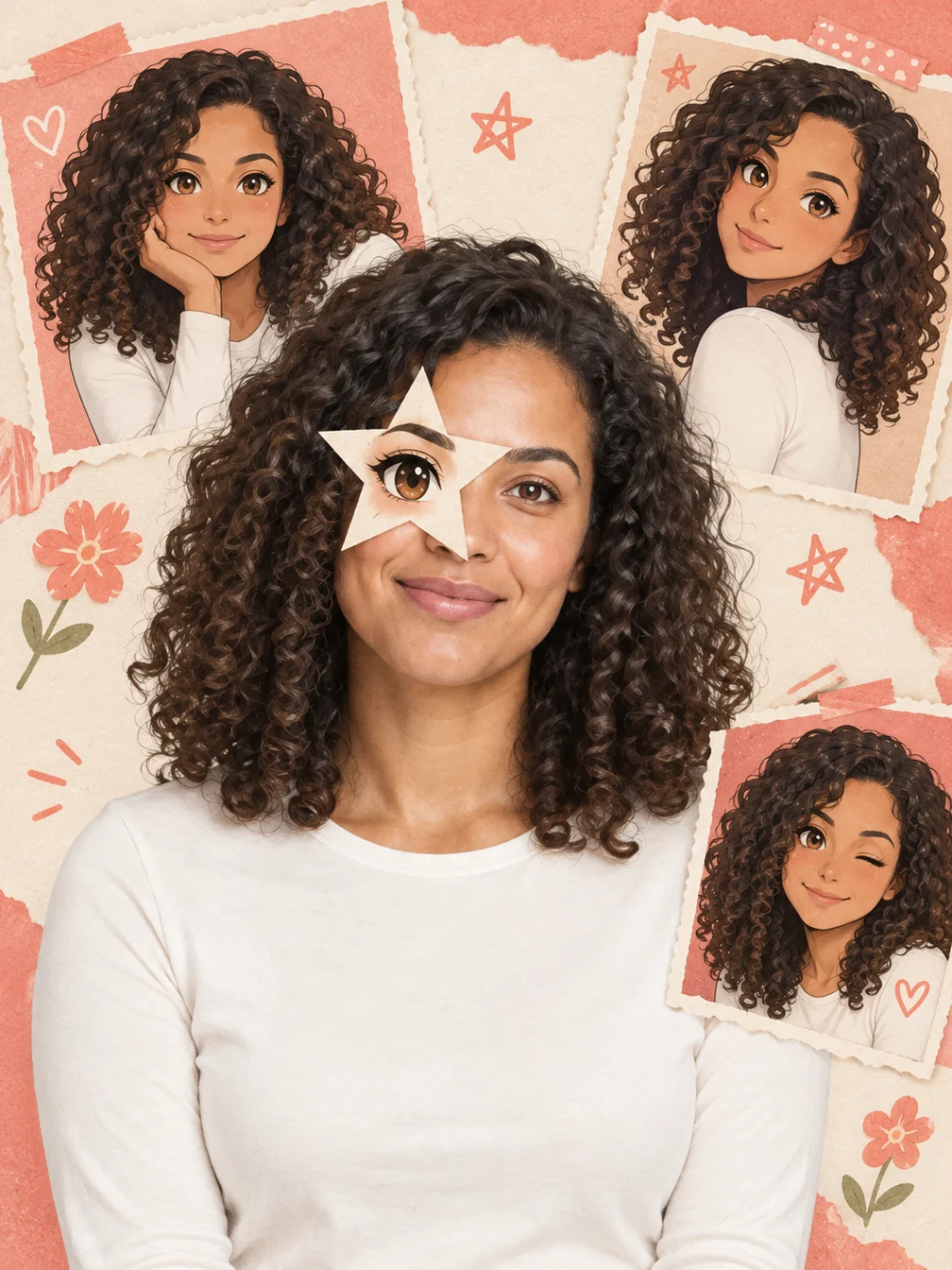
Anime Eye
Add one illustrated eye cutout and matching original anime-twin panels to your selfie.
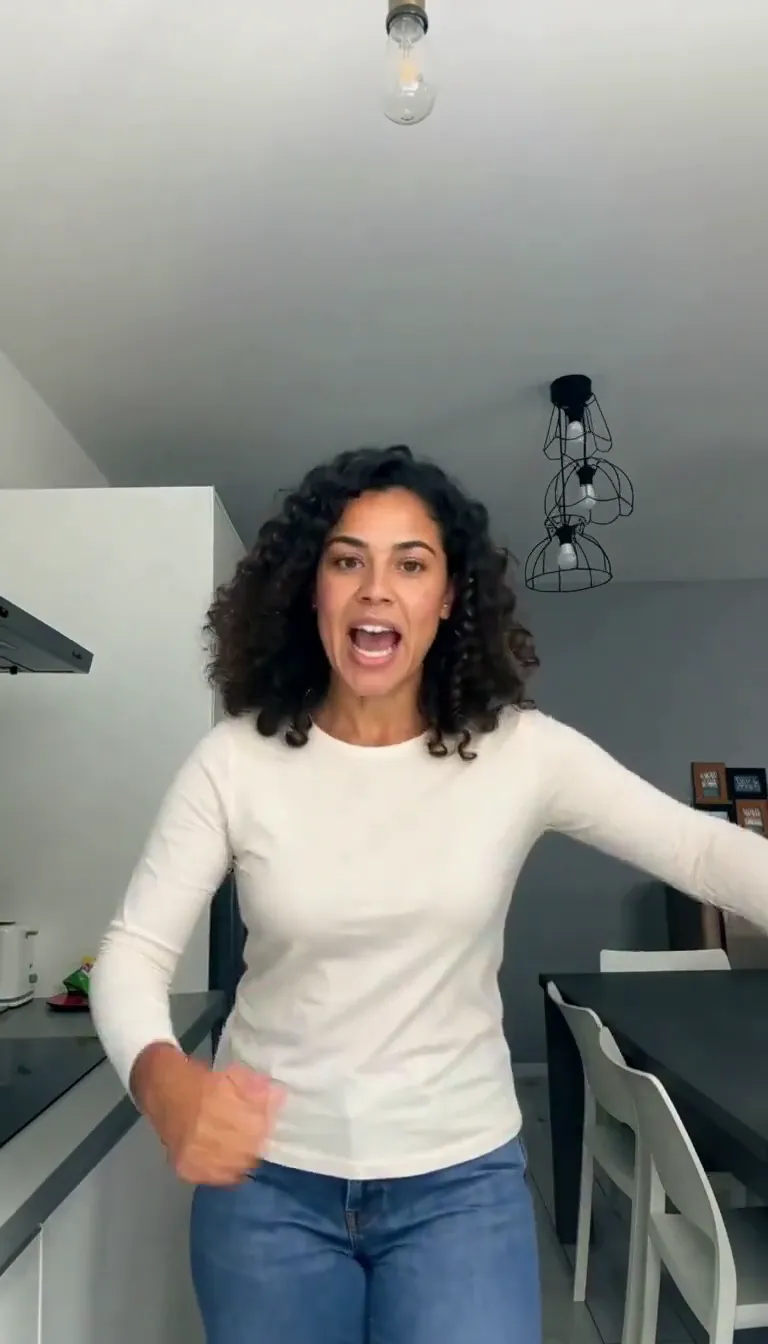
Bad Times AI
Put your portrait in the kitchen argument meme.
Frequently asked questions
What is Hop Hop Hop AI?⌄
It is an AI video effect inspired by a two-person routine where one points at the camera, the other hops, and the dancers swap places.
Do I need a photo of both people together?⌄
You can use one photo of both people or two separate portraits, one for each person.
Will the result look exactly like my photos?⌄
The generator uses your photos to guide the dancers, but faces, clothing and motion can vary. Review your video before sharing.
Does the video include sound?⌄
The model generates a soundtrack while following the reference; audio can vary between results.
What kind of photos work best?⌄
Choose clear photos where both faces are easy to see. If you use a photo of the pair together, make sure neither person is hidden behind the other. For separate portraits, choose one person per image. Strong filters, sunglasses and very small faces can make it harder to preserve likeness. The sample above shows one possible result, not a guarantee that every video will look the same.
Can I choose who starts in front?⌄
The generator uses the supplied photos to guide the two dancers, but it may decide the opening position itself. The dance is intended to exchange the foreground and background roles as it goes. Watch the complete result to see how the two people and the movement appear before downloading or sharing it.
Can I use a picture of my friend?⌄
Only use a photo if you have permission from the person shown. For a duo photo, make sure both adults agree to the edit. The finished clip is an AI-created animation, not a recording of the people actually performing the dance.
How much does a video cost?⌄
A video costs 87 credits, shown before generation. Failed generations are refunded under the normal policy.
How long does it take?⌄
Allow several minutes. Busy periods can take longer, and you can return to My Creations for the result.