
How the Devil Wears Prada trend plays out
A lazy bedroom selfie with devil horns
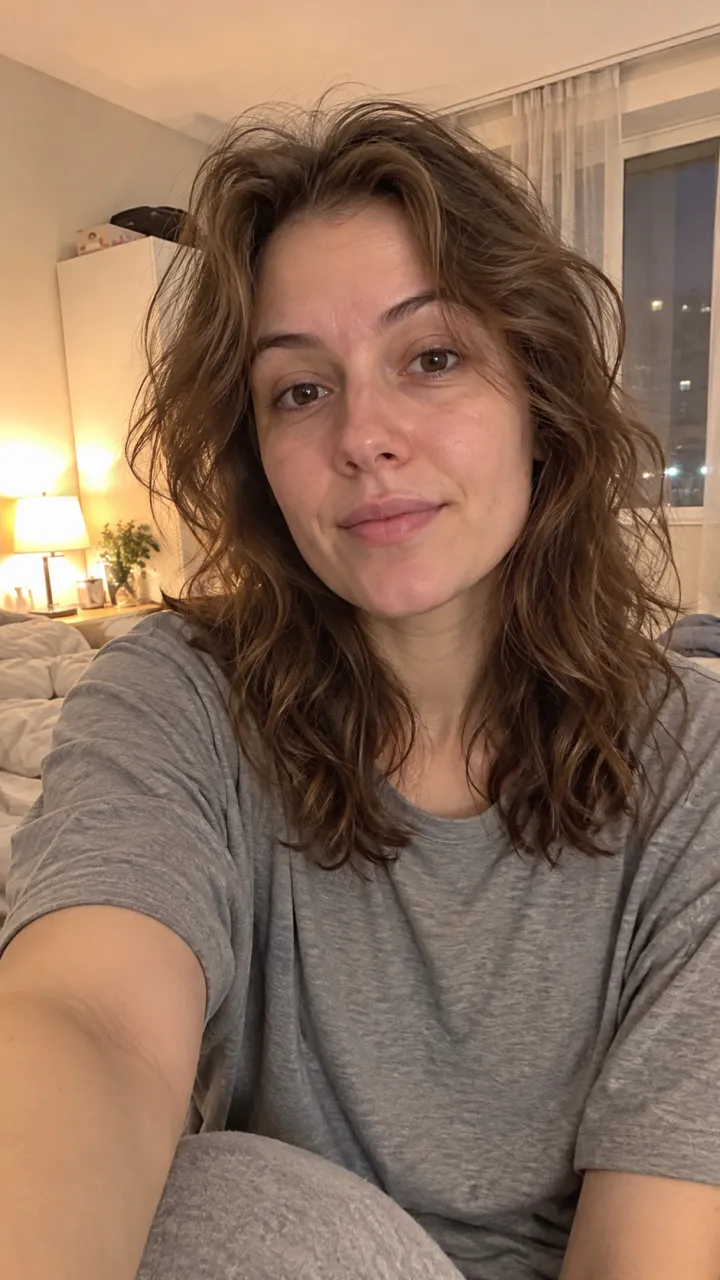
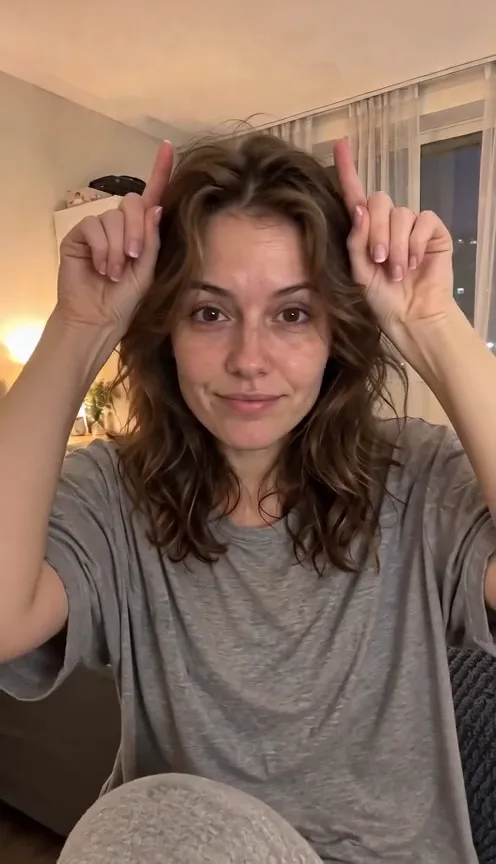
The Devil Wears Prada trend opens at home. You sit in your room in whatever you had on, ruffle your hair and mouth the words with attitude, then put two fingers up on your head like little devil horns. The room and the casual outfit come from your photo. If your photo has a plain backdrop, the video moves you into a lived-in bedroom.
Two black panels slam shut on the beat
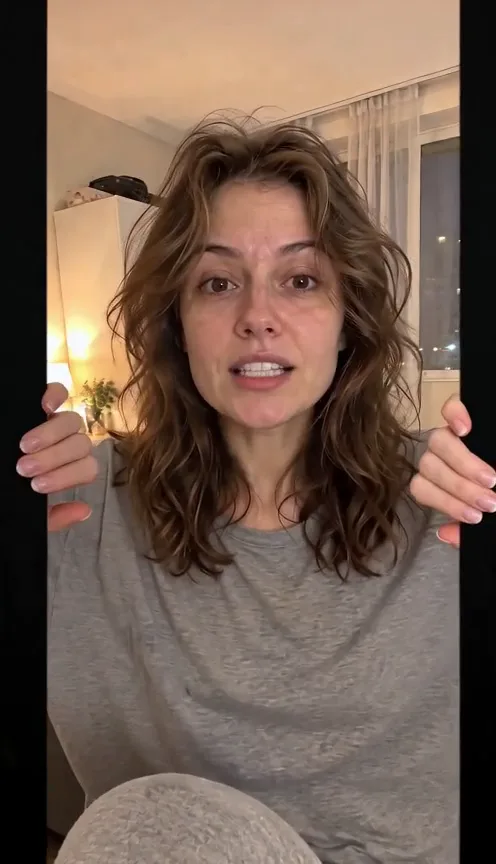
Two black panels slide in from the sides, you grab the edges and pull them shut like doors, and the screen goes dark right as the beat drops. That door move is what makes this transition recognizable, so the preset copies its timing from a reference clip. The cut can land a little earlier or later between generations.
Reappear on a windy night street
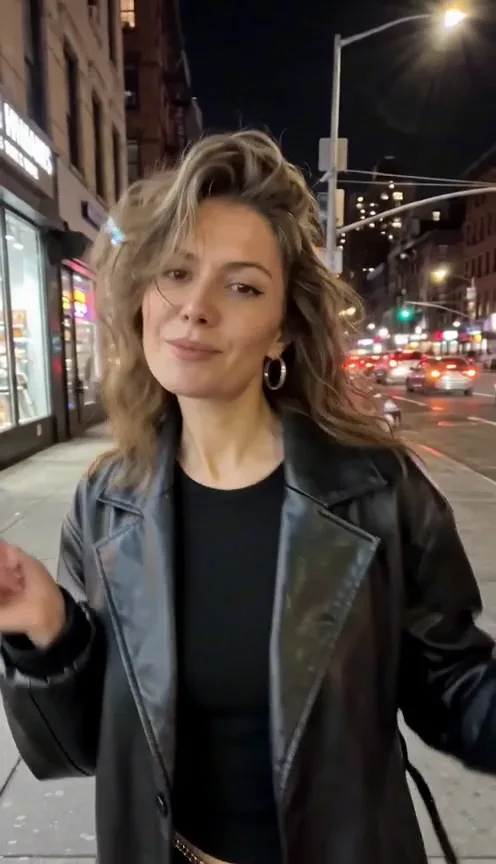
After the cut you are outside at night, in front of lit shop windows, hair blowing, still lip-syncing and dancing toward the camera. With one photo, we make the after look for you first: a black leather jacket and styled hair. With two photos, your own after photo sets the outfit, hair and makeup.
- ✓One photo — we make the leather-jacket look for you
- ✓Two photos — your own before and after, your own outfit
One photo or a before and after pair?
Both make the same 15-second video. The difference is who picks the after look.
One photo
Fastest way to join the trend
When to use it
You just want to post the trend and like the classic black-leather look.
What it produces
Your bedroom selfie, then you in a black leather jacket on a night street.
- ✓Face forward
- ✓Even light
- ✓One adult only
Before + after
Show off your own glow-up
When to use it
You have a photo of a real outfit, hair or makeup look you want to reveal.
What it produces
Your casual photo first, then the look from your after photo.
- ✓Same person in both
- ✓After photo shows the outfit
- ✓No group photos
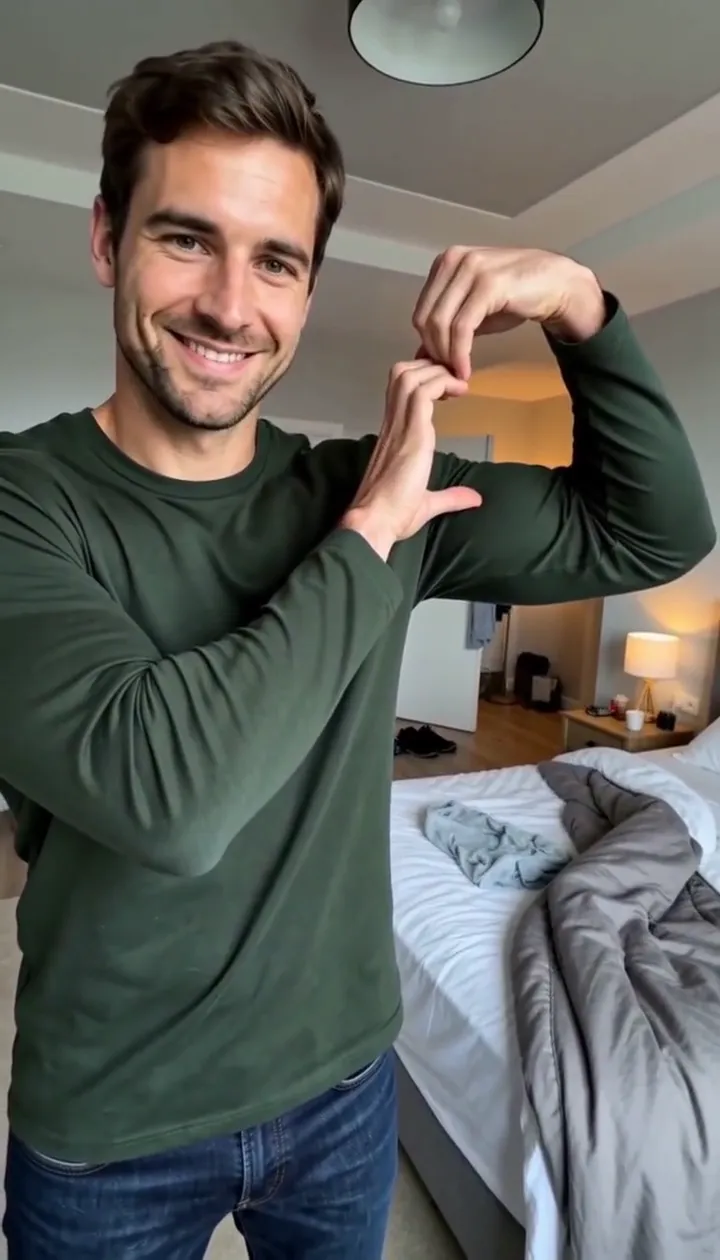
Bicep Heart Trend AI
Make a flex heart video from one adult photo.
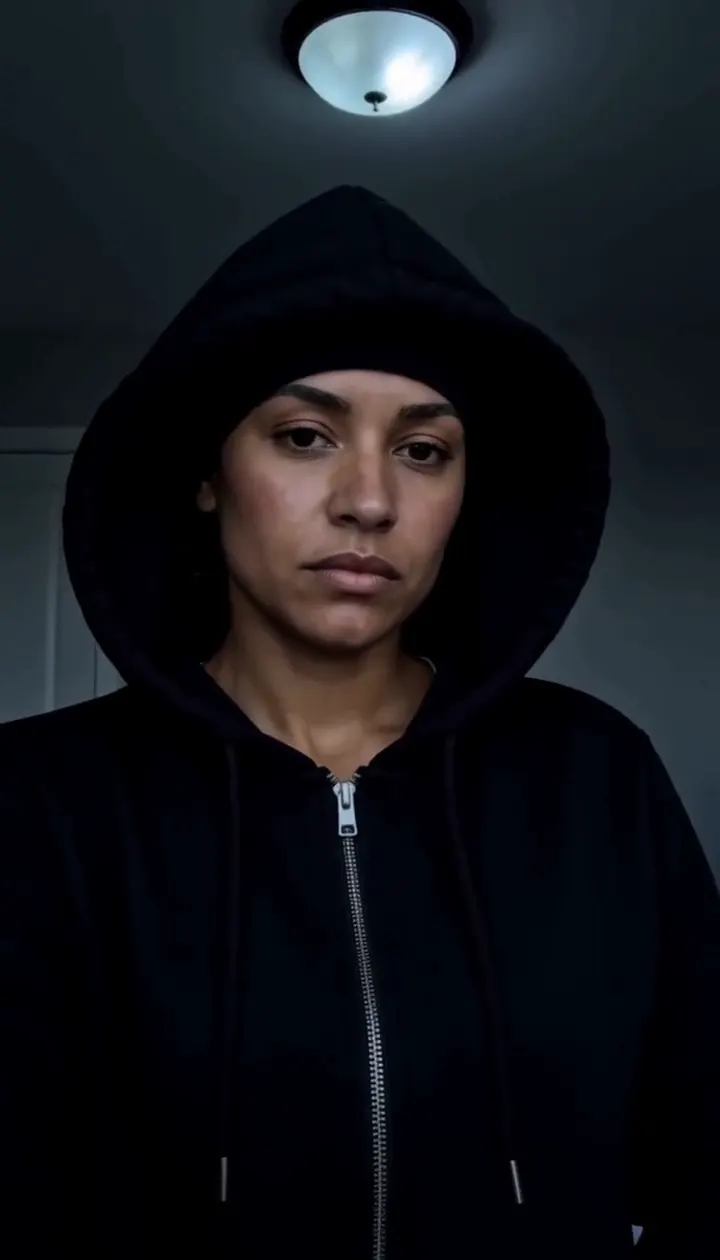
Skull Cap Trend AI
Pull on the cap in a bright room, then hard cut to a cold stare in the dark.
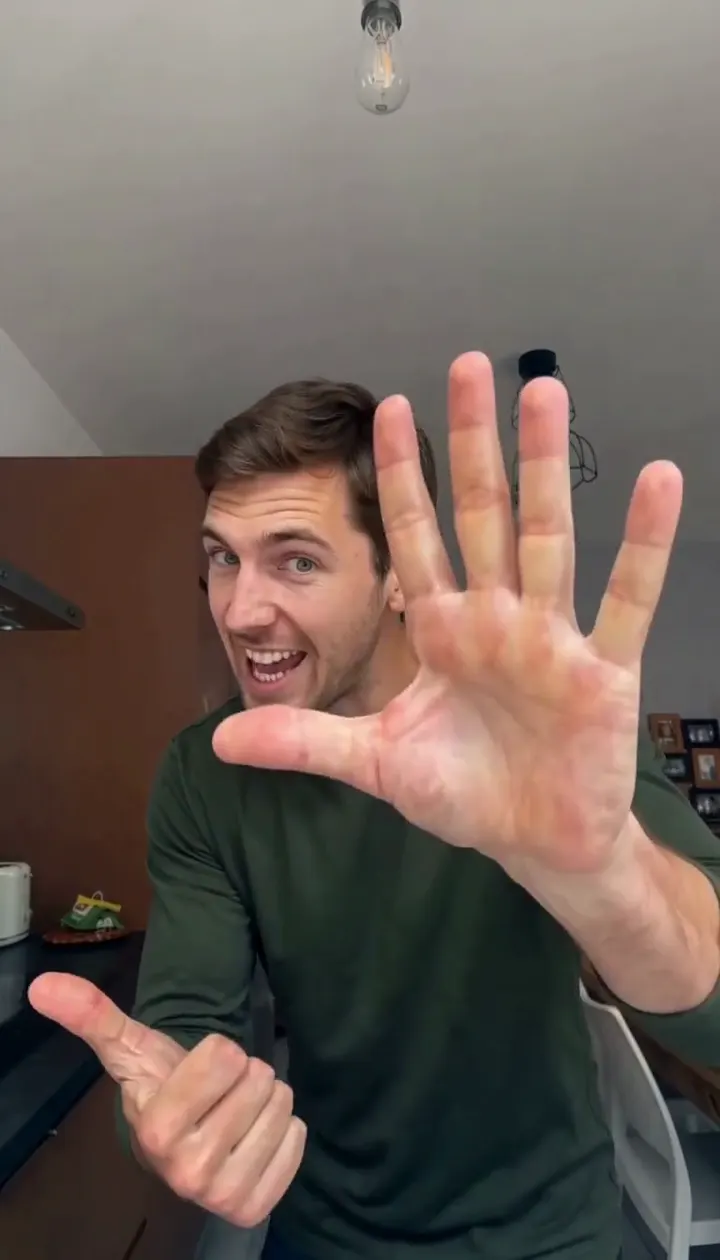
Angry Ginge AI
Turn one adult photo into the fifteen-second angry finger-count dance.
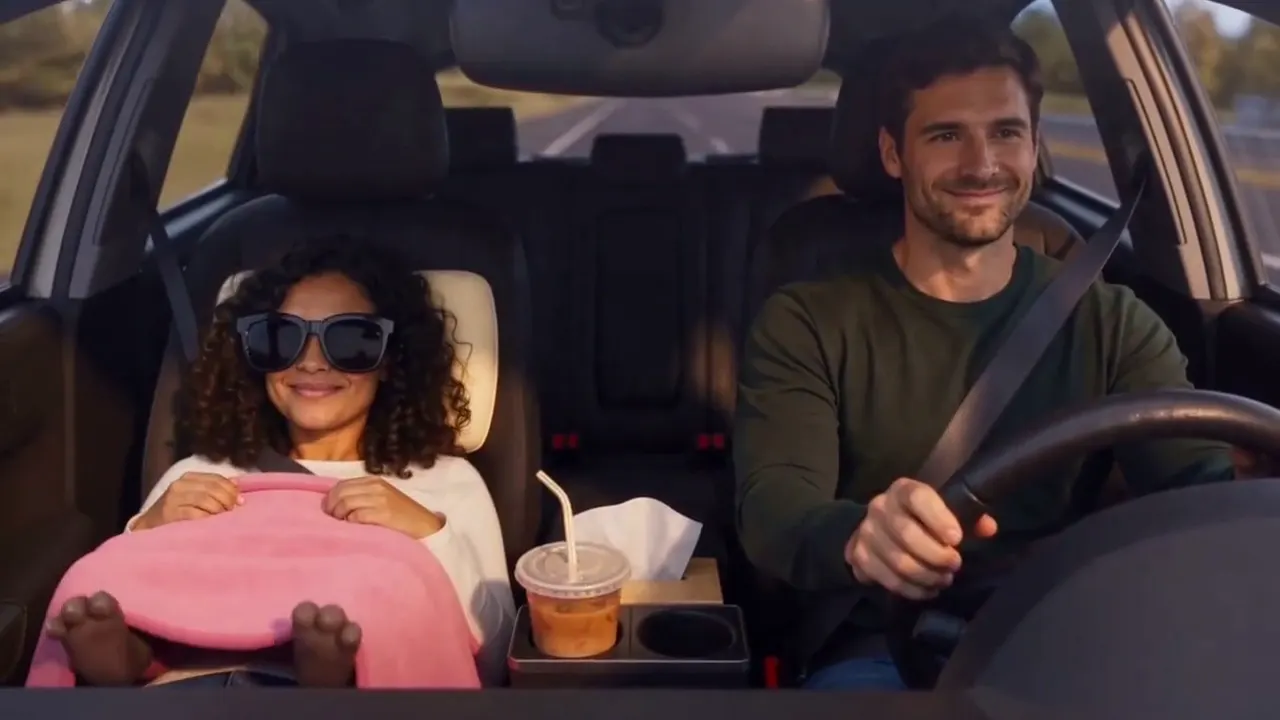
Passenger Princess AI
Two adult photos become the passenger princess off duty car clip.
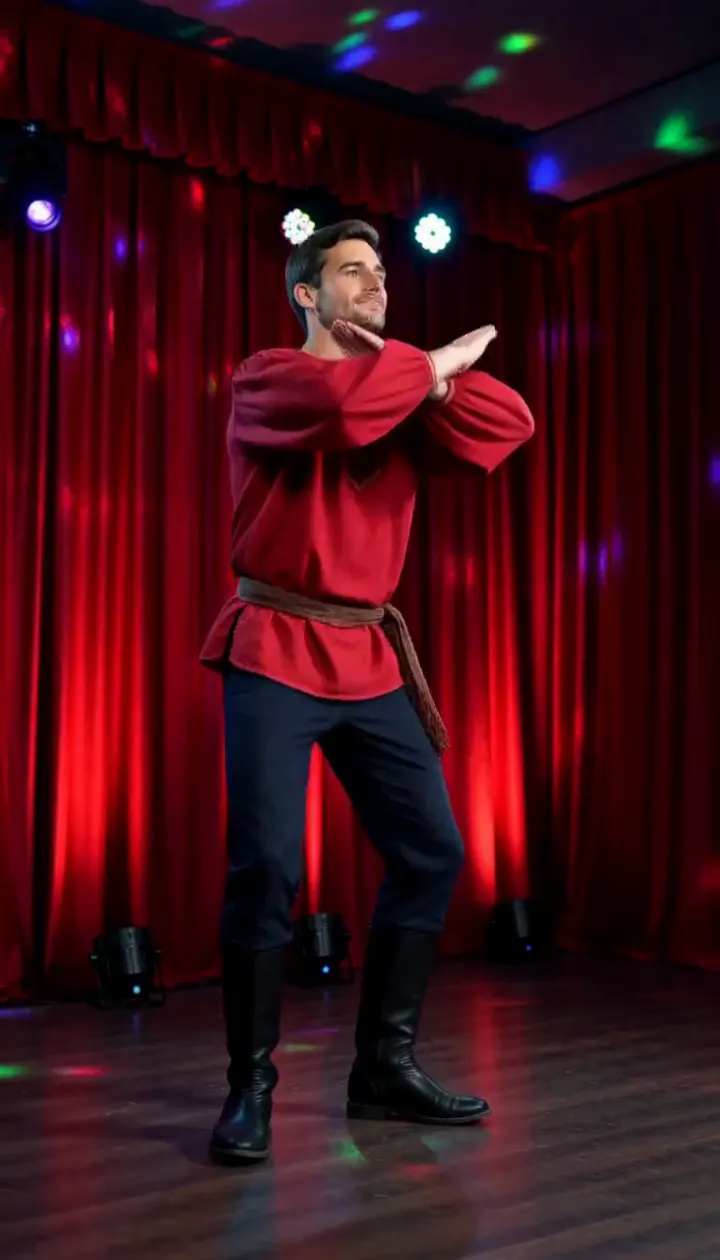
Rasputin Dance AI
Turn one adult photo into a ten-second folk disco dance with squat kicks and a spin.
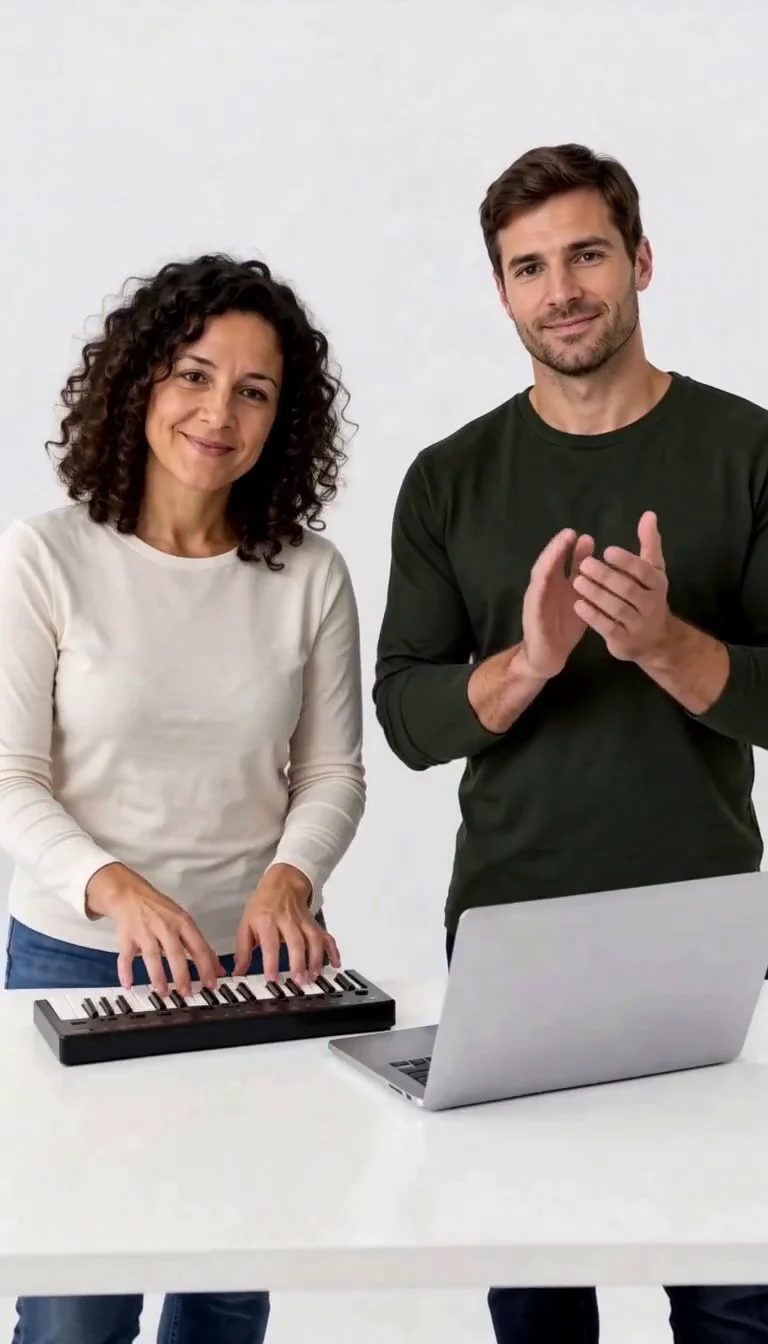
Keyboard Duo
Put two adults in a keyboard-and-clapping studio sketch.
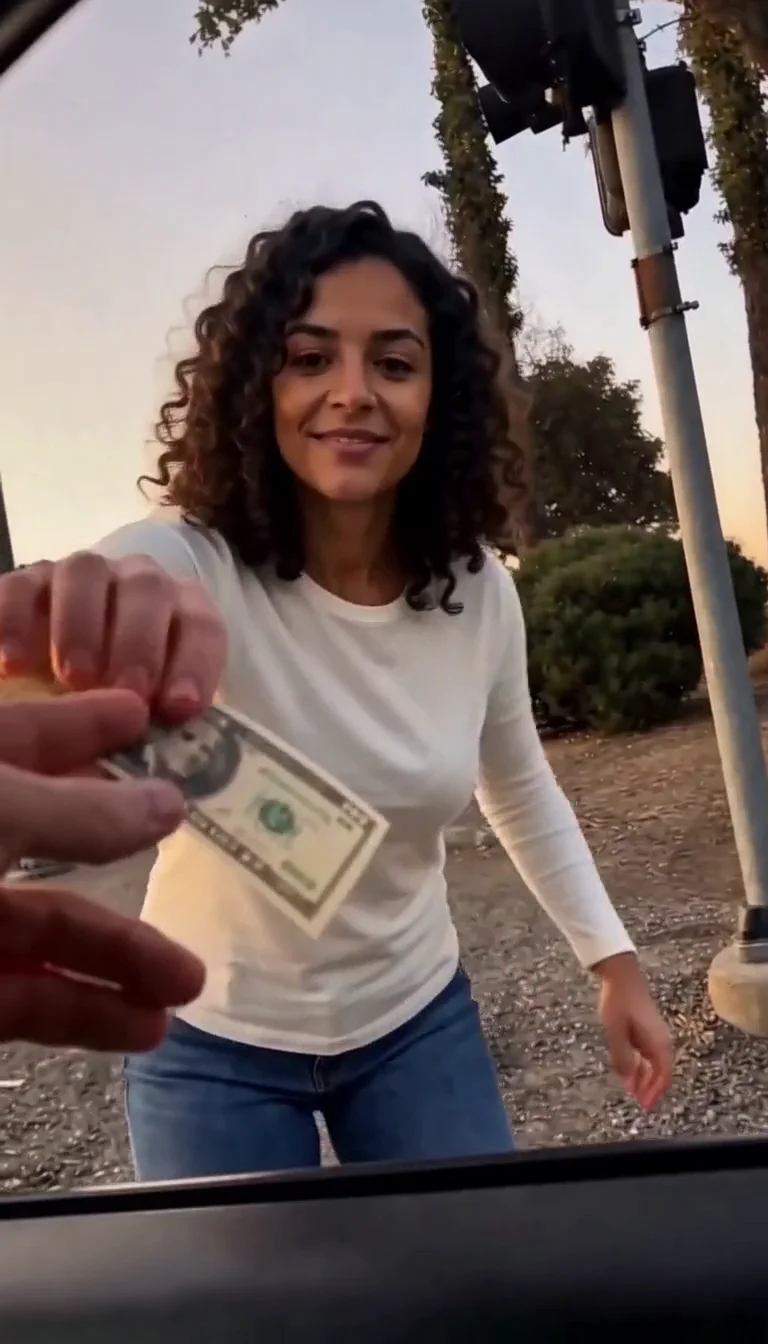
Plug Walk
Follow the car-window cash handoff, then step back into the reference dance.
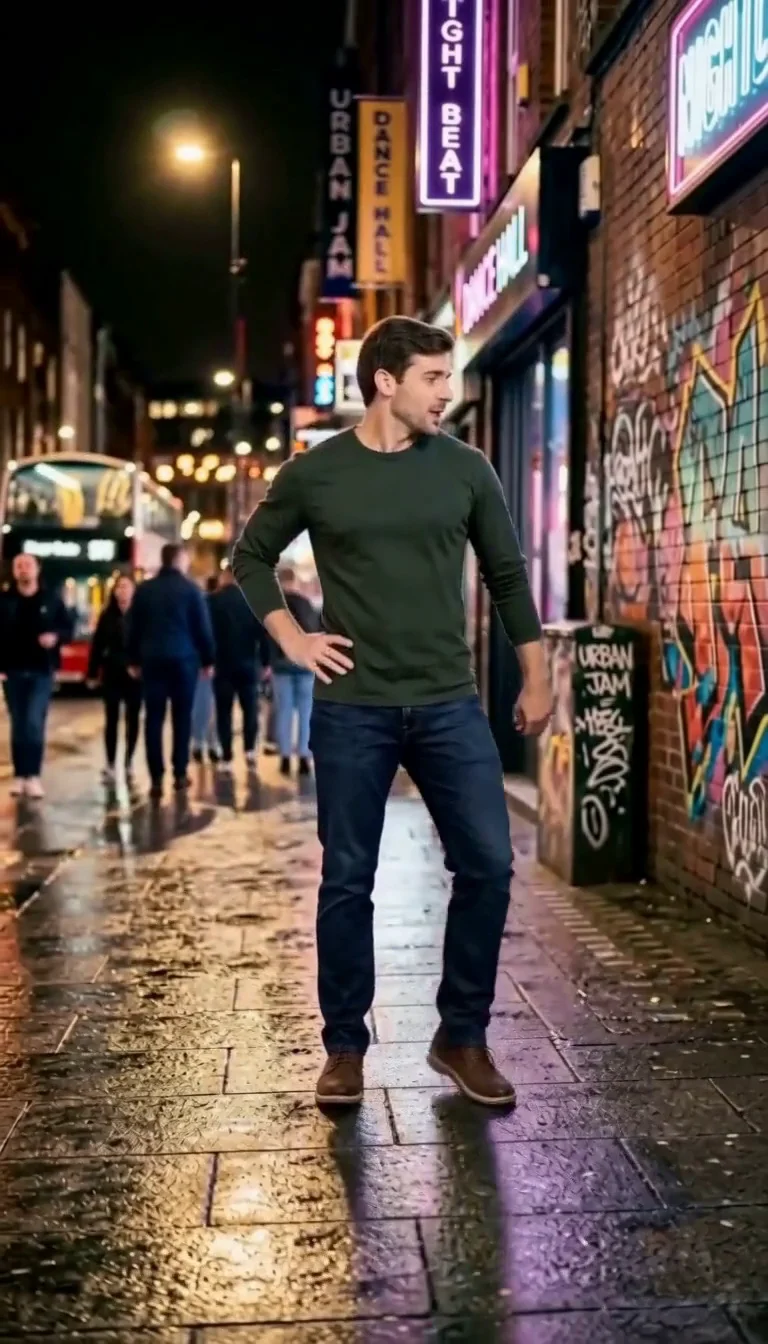
6 7 Dance
Follow a fourteen-second Six Seven street dance with counting gestures, bouncy steps and claps.
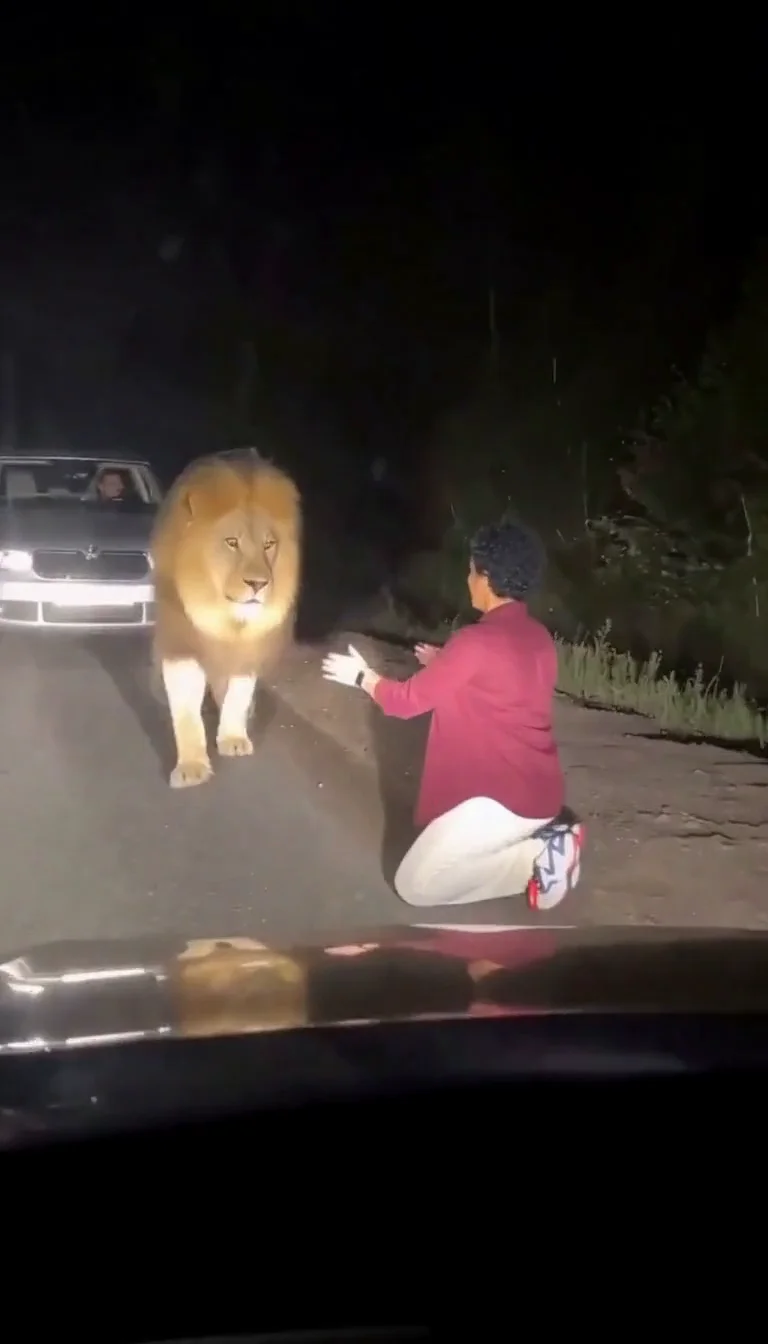
Lion Friend
Meet a calm lion on a nighttime road, stroke its mane and share a fictional embrace.
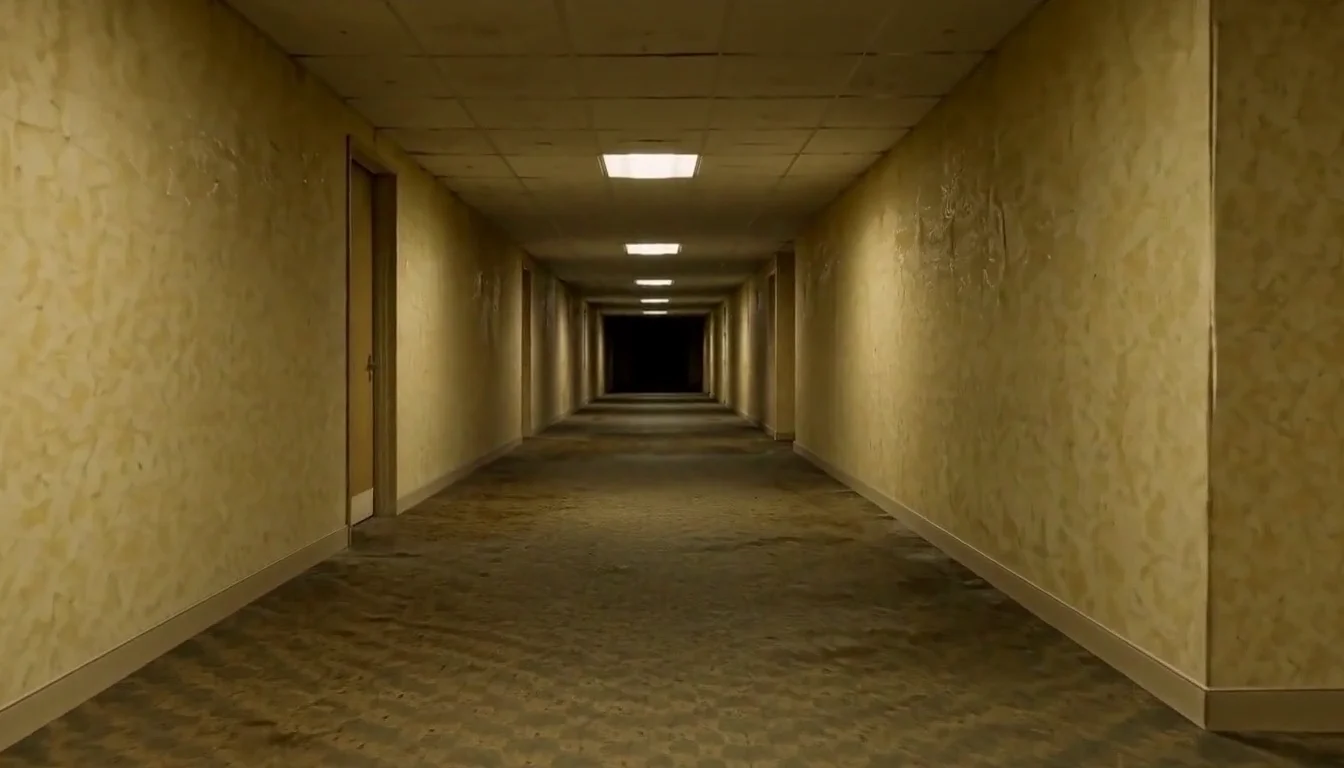
AI Backrooms
Animate your empty corridor with a slow camera push and flickering fluorescent lights.
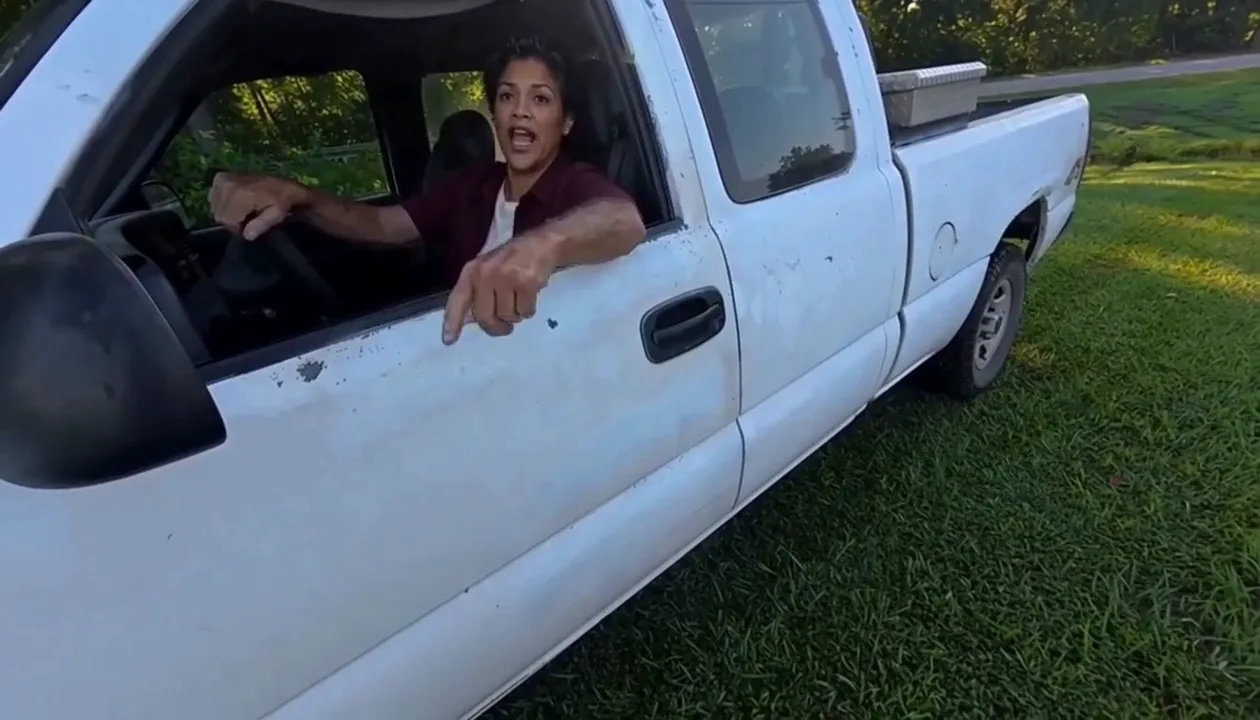
Hit Road Dude
Make a reference-guided pickup-truck meme from one adult portrait.
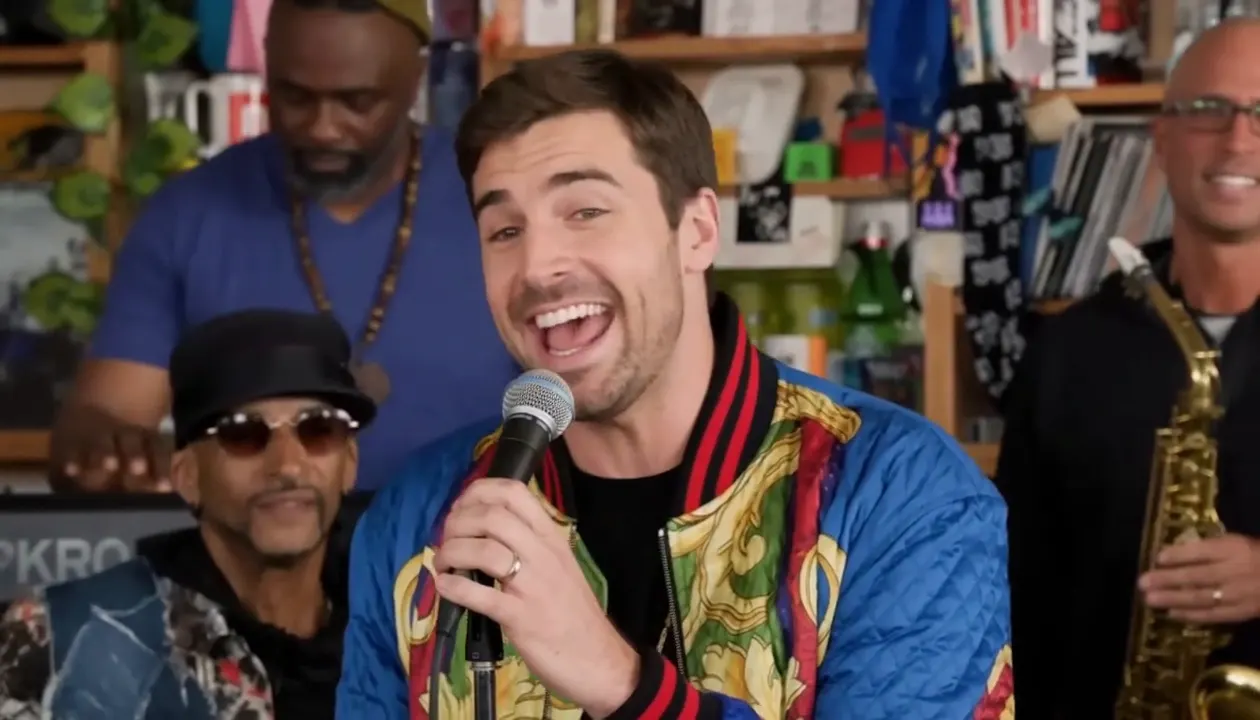
Tiny Desk AI
Put your photo in the lead-singer spot of a ten-second office-desk concert.
Frequently asked questions
What is the Devil Wears Prada trend?⌄
It is a before and after video that took off on TikTok in October 2026, first in Russian-speaking TikTok. You lip-sync at home in a casual outfit, make devil horns with your fingers, close two doors across the screen, then reappear on a windy night street in a bold outfit, usually a black leather jacket. People also call it the Prada trend or the Devil Wears Prada AI trend.
Is it related to the movie?⌄
Only by name. The sound people use mentions the film, but the trend has no movie scenes, no actors and no Prada products, and neither does this video.
How do I make a Devil Wears Prada AI trend video?⌄
Pick One photo or Before + after, upload your photo, choose Standard or HD and press Generate. There is no prompt to write. The finished video lands on the result card and in My Creations.
Do I need a before and after photo?⌄
No. With one photo we make the after look for you before the video starts. If you have a real going-out photo of the same person, use Before + after and the video reveals that look instead.
Does the video use the trending song?⌄
No. The video comes with a newly generated dance beat, not the song from the original TikToks. If you want the trending sound, add it in TikTok or Instagram when you post.
Can I use a photo of a celebrity or someone else?⌄
Only use photos of yourself or of an adult who agreed to the edit. Do not upload photos of celebrities or other people without their permission.
How many credits does it cost?⌄
Standard (480p) costs 209 credits with one photo or 206 with a before and after pair. HD (720p) costs 453 or 450. The price is shown next to Generate before you start, and the 30-credit welcome allowance does not cover a run.
How long does it take?⌄
Usually about 5 minutes, sometimes longer when it is busy. You can leave the page; your video keeps rendering and appears in My Creations.
Make your Devil Wears Prada trend video
Upload one photo, or a before and after pair, and get the selfie-to-night-street reveal in one go.
Make my Prada trend video