
Make a 3D Month Letters AI photo
Pose beside giant 3D letters
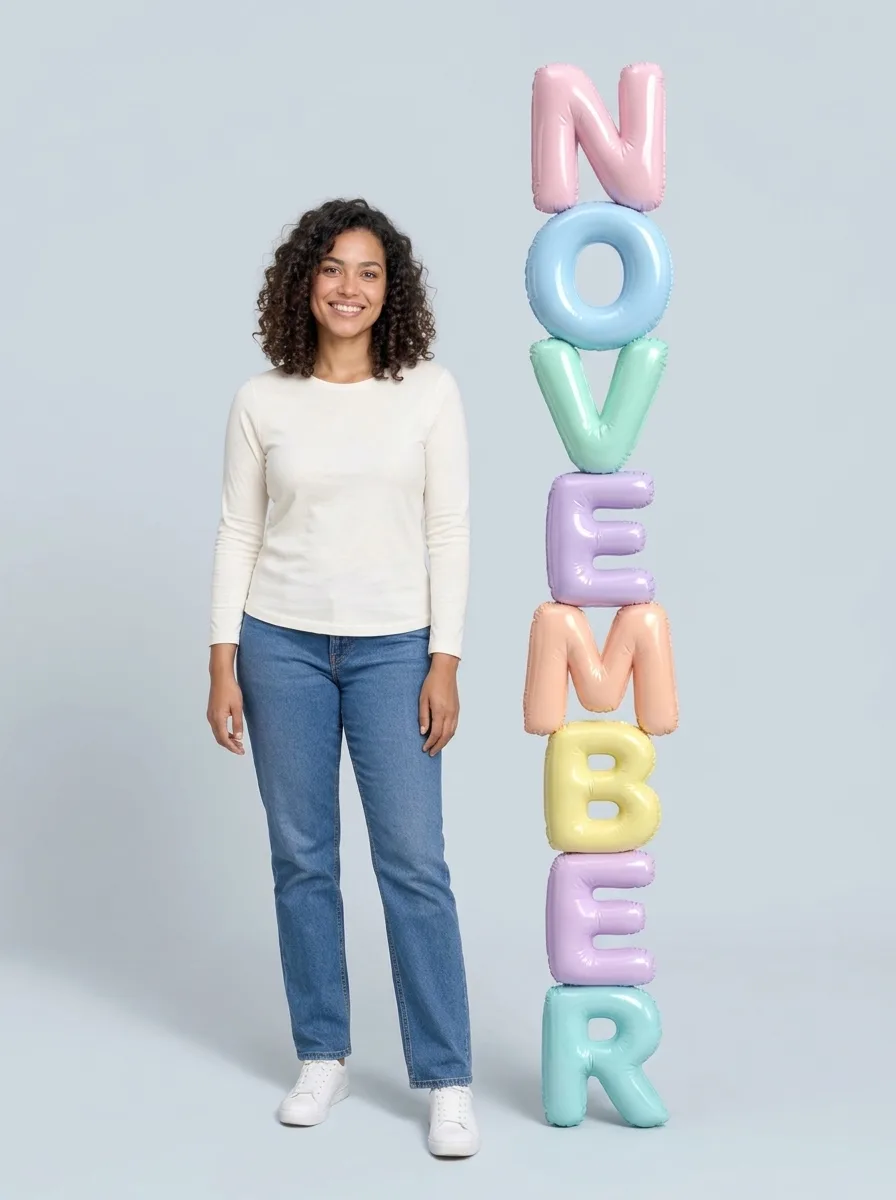
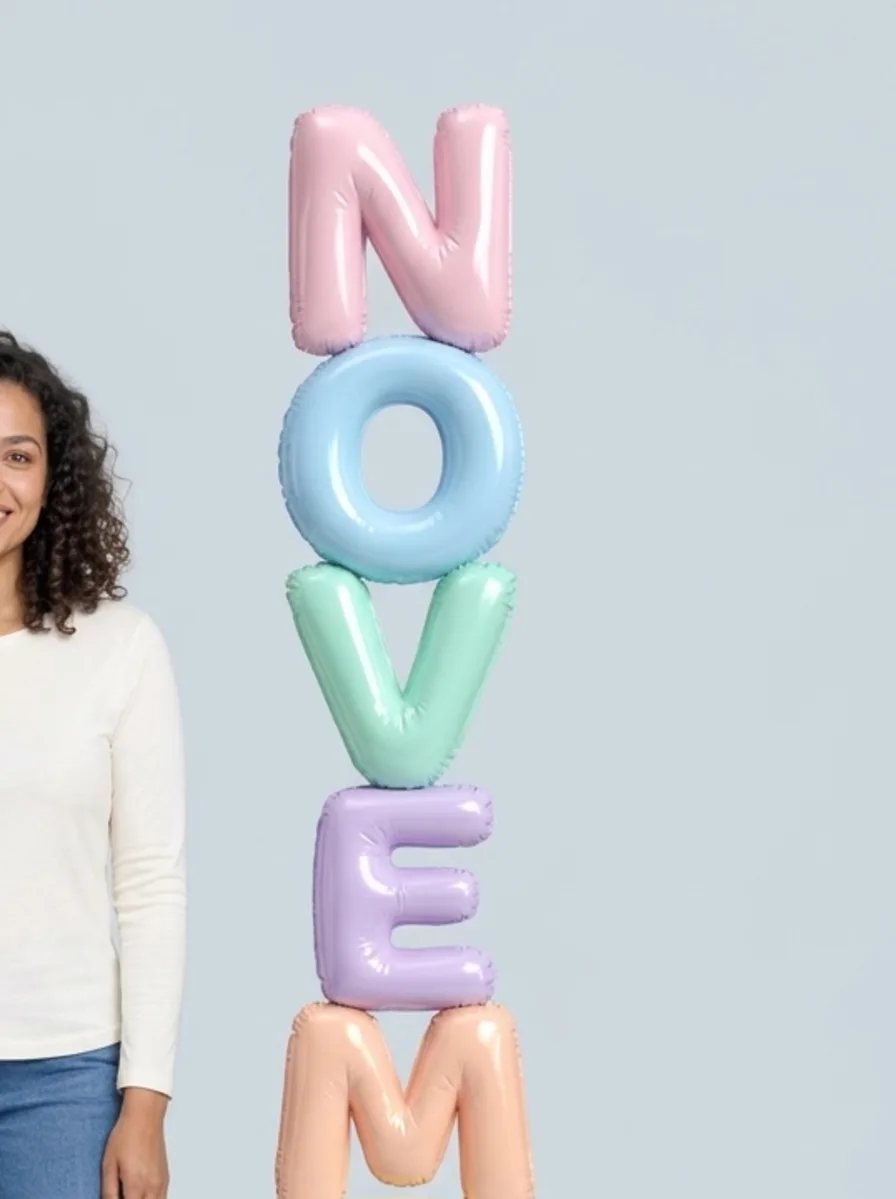
Choose the month you want to celebrate and turn your photo into a colorful studio portrait. Giant glossy letters spell the month next to you, with a playful three-dimensional look. Each picture is generated from your own photo, so the exact pose, background and letter colors may vary. Check that the month is spelled correctly before you share it. Pick the current month for a start-of-month post, or choose a birthday month to make a personal greeting. You can also make a series over the year using the same source photo. The letters are part of a newly generated picture, not editable text layered over the original. Their shape, placement and color may differ from the example. Leave enough room around the subject in your source picture if you want to make a crop for a profile, story or printed card.
Start with a clear full-length picture
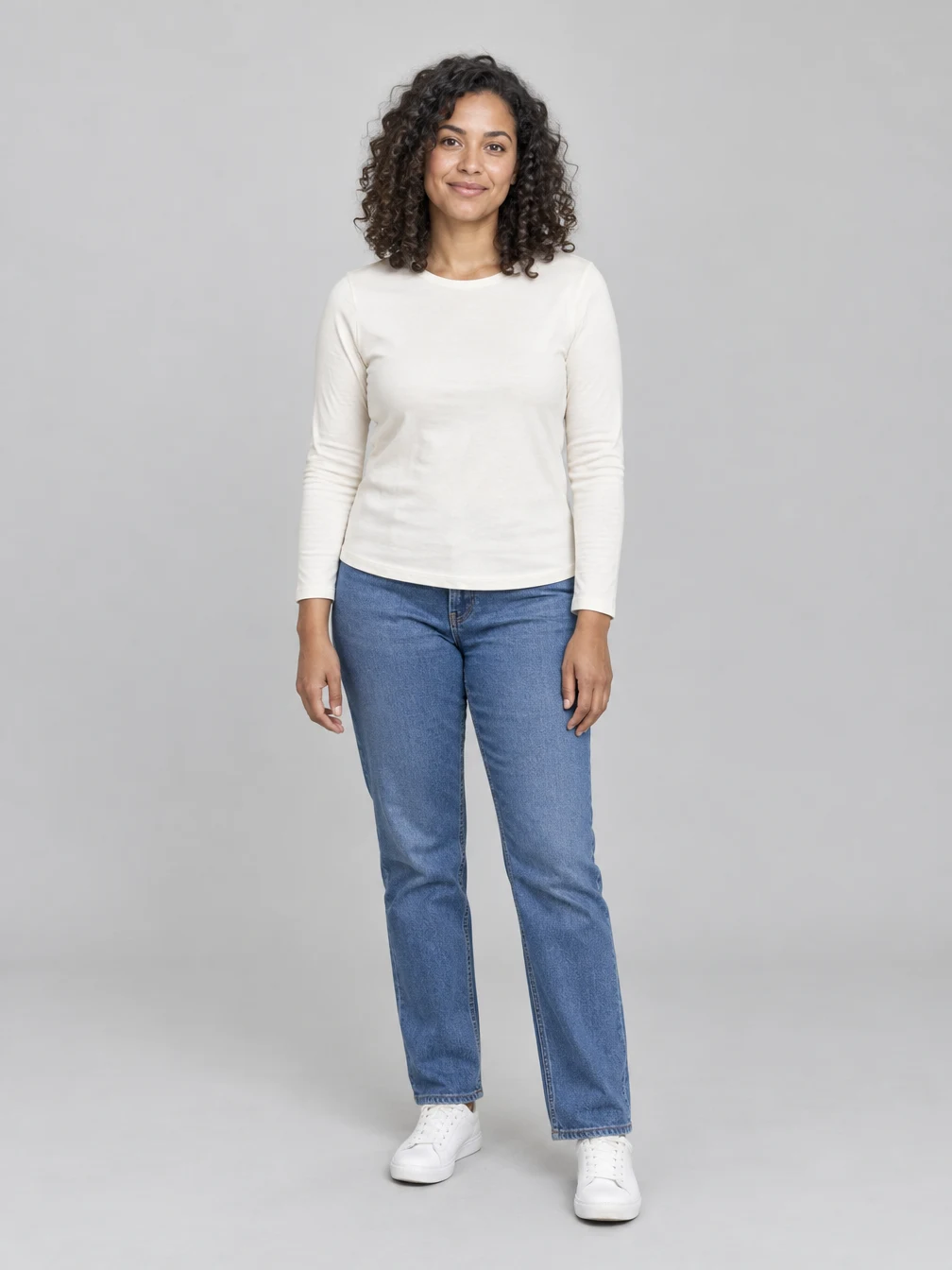
Choose a well-lit photo of one person with the face visible. A full-length picture gives the effect a better view of your outfit and pose. Use your own photo or one you have permission to edit. The picture shown here is a fictional adult used to make the example. Avoid group photos or pictures where the face is covered. A straightforward pose with even light makes the face and clothing easier to see. Check that the image is sharp and has enough detail around the eyes, hair and outfit. If you start with a close-up selfie, the model may need to invent the rest of the body and clothing, which can make the result less faithful. The effect creates a new scene, so it does not preserve the original background pixel for pixel. Your image should show the person you want in the result, rather than a reference to someone else’s appearance.
Review your face and the spelling
The effect uses your photo to guide the portrait, but generated images can change facial details, hands, clothes or letters. Look closely at the result and make sure the month is readable and the person still looks like you. Download a finished image from your creations. Generating another image uses credits. Review the entire picture from the top letter down to the shoes: long words can be difficult for image models, and a letter may be missing, repeated or out of order. Look for changes to the face, hairstyle and outfit as well. If a result is not right, choose a clearer source or a different image before deciding whether to generate again. Each generation creates a fresh result, so there is no guarantee that a second image will have the same composition. You can keep your favorite finished image and use it for a seasonal greeting, a birthday post or a personal collection.
Choose a photo for 3D Month Letters AI
Use a photo you have permission to edit.
Your photo
One person
When to use it
You want a portrait for a month or birthday.
What it produces
One vertical still image.
- ✓One person
- ✓Face visible
- ✓Full-length photo
Angel Wings
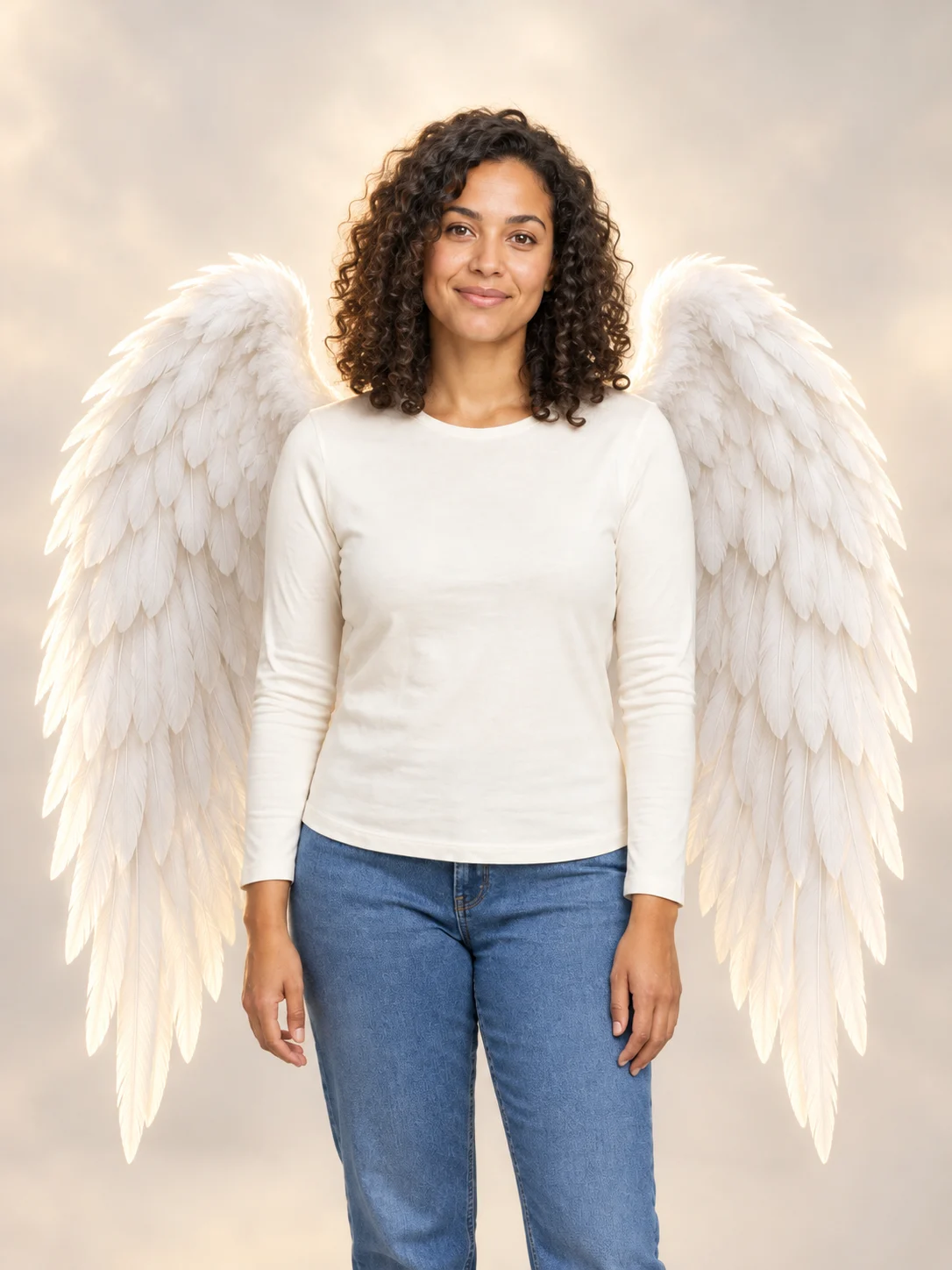
Add large feathered angel wings to your photo while keeping your own outfit.
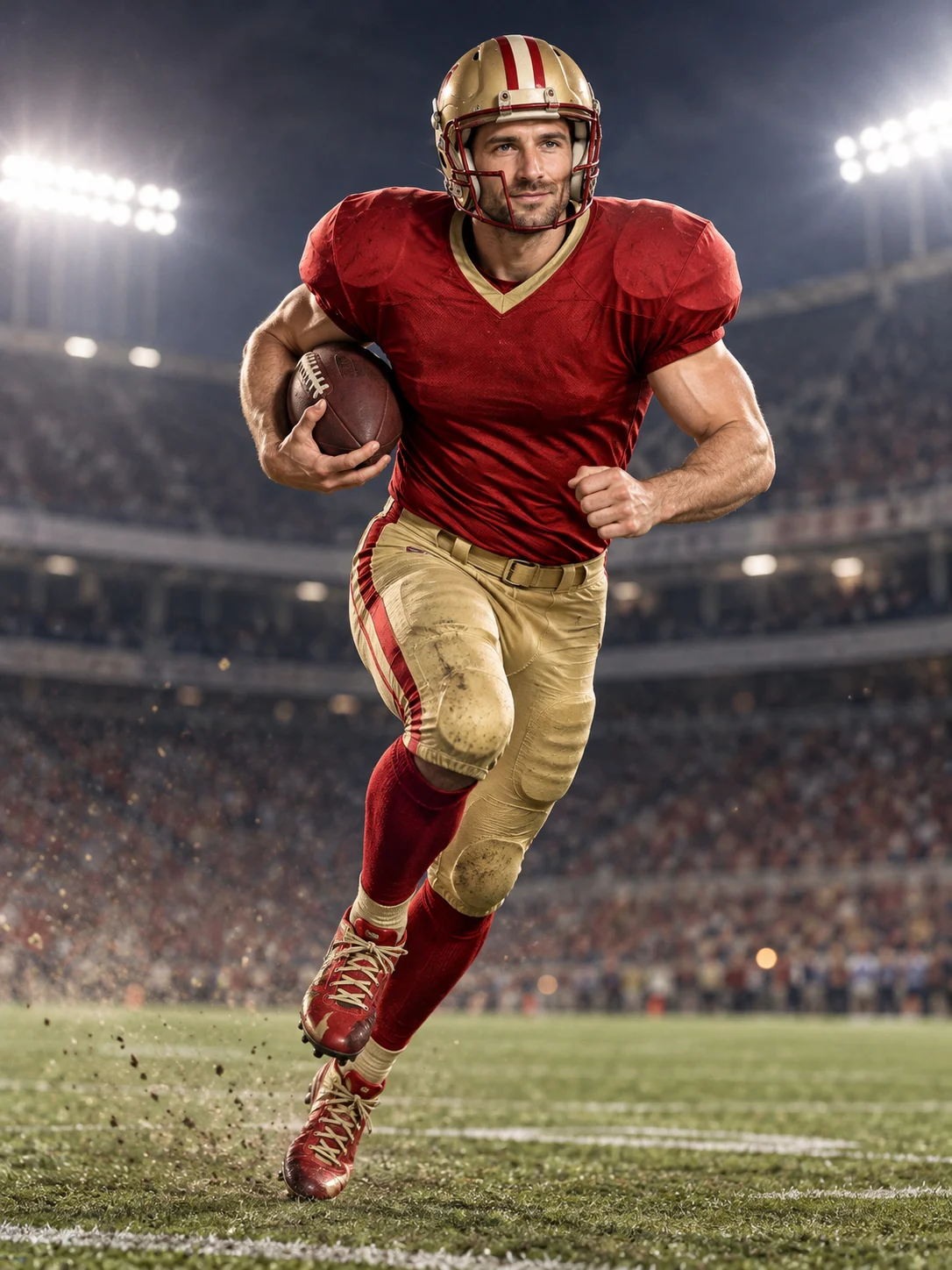
Football Champion
Turn your portrait into an American football action picture with a helmet and a football.
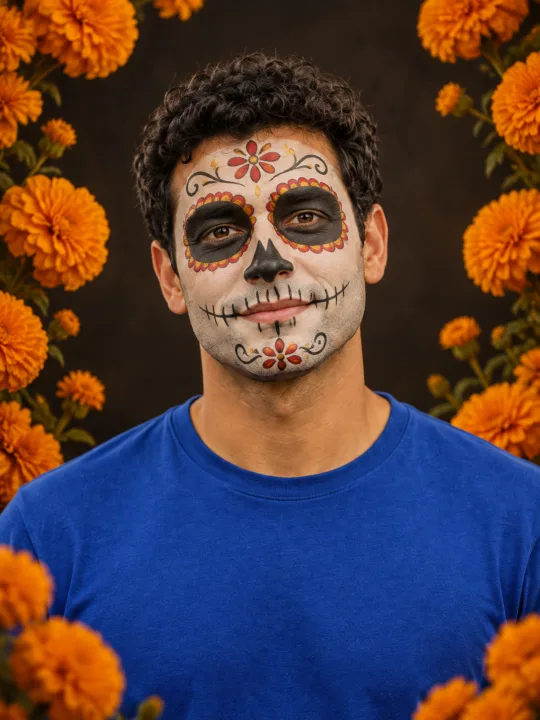
Catrina Makeup
Preview floral Day of the Dead face paint and marigolds on your own portrait.
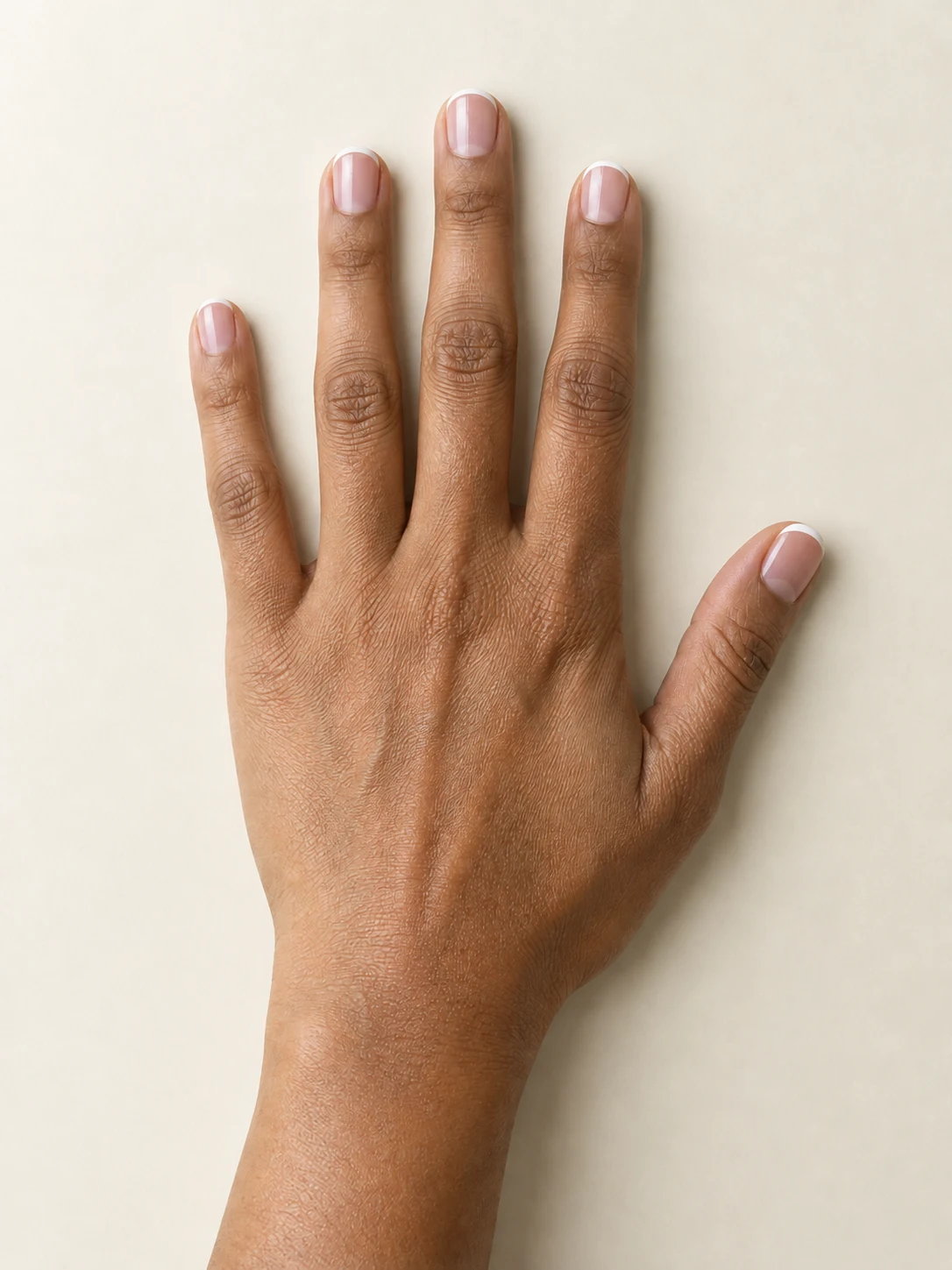
AI Nail
Preview French tips, Burgundy gloss or Pearl shimmer on your hand.
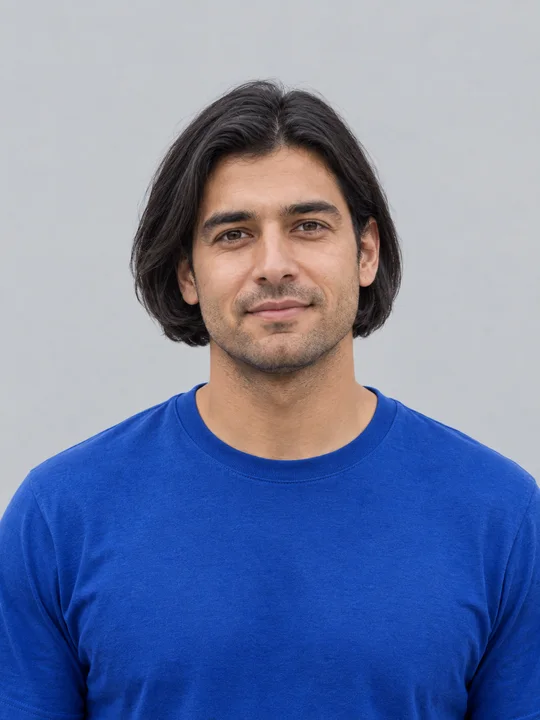
AI Bob Haircut
Preview a chin-length bob on one adult portrait.
Filtro Catrina IA
Add floral Day of the Dead makeup and marigolds to your portrait.
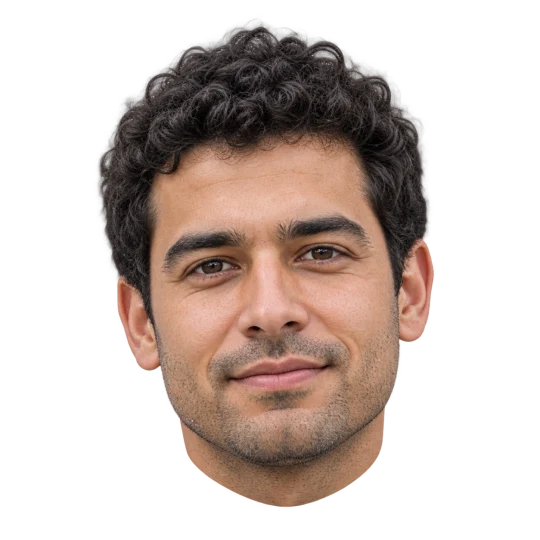
Head Cutout
Create a head-only transparent PNG from one adult portrait.
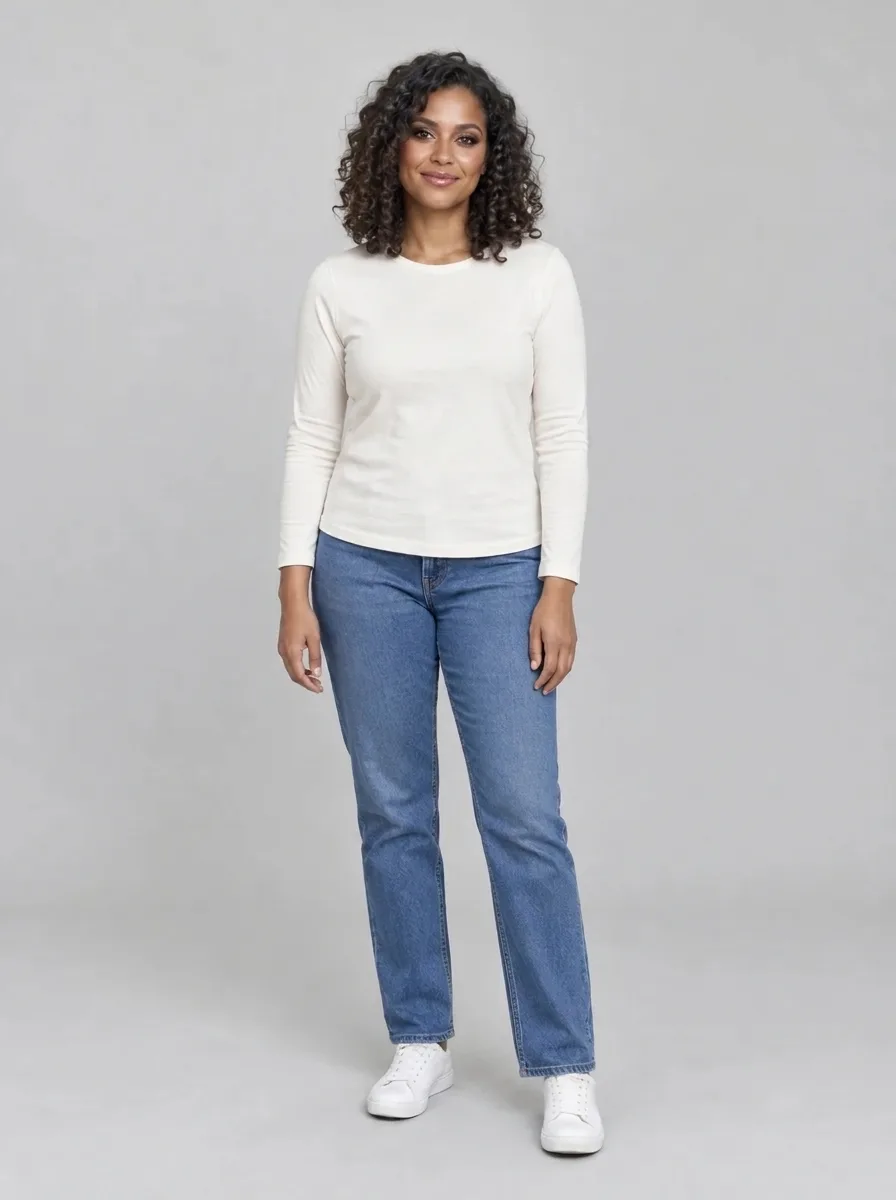
Bold Glamour AI
Give your selfie a bold, camera-ready makeup look.
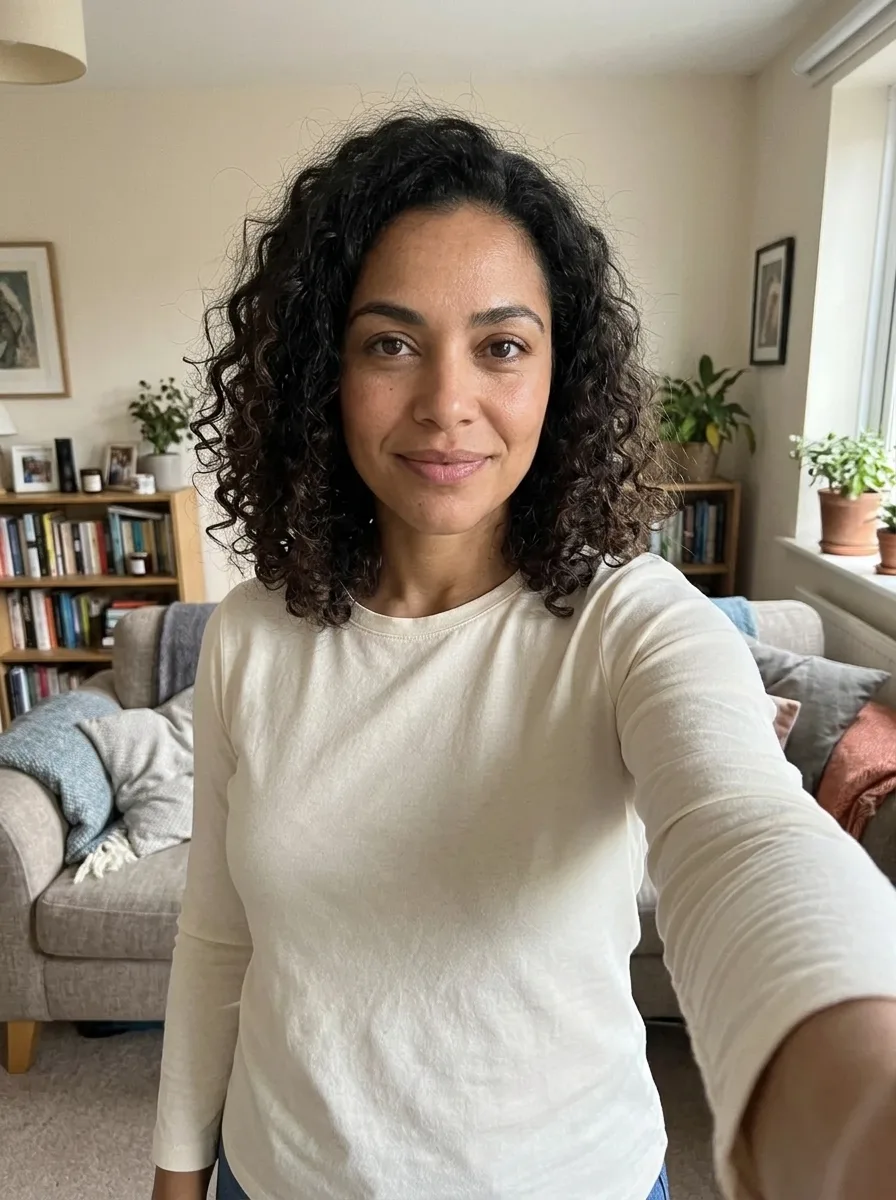
Realistic Selfie AI
Turn your photo into a natural-looking phone selfie.
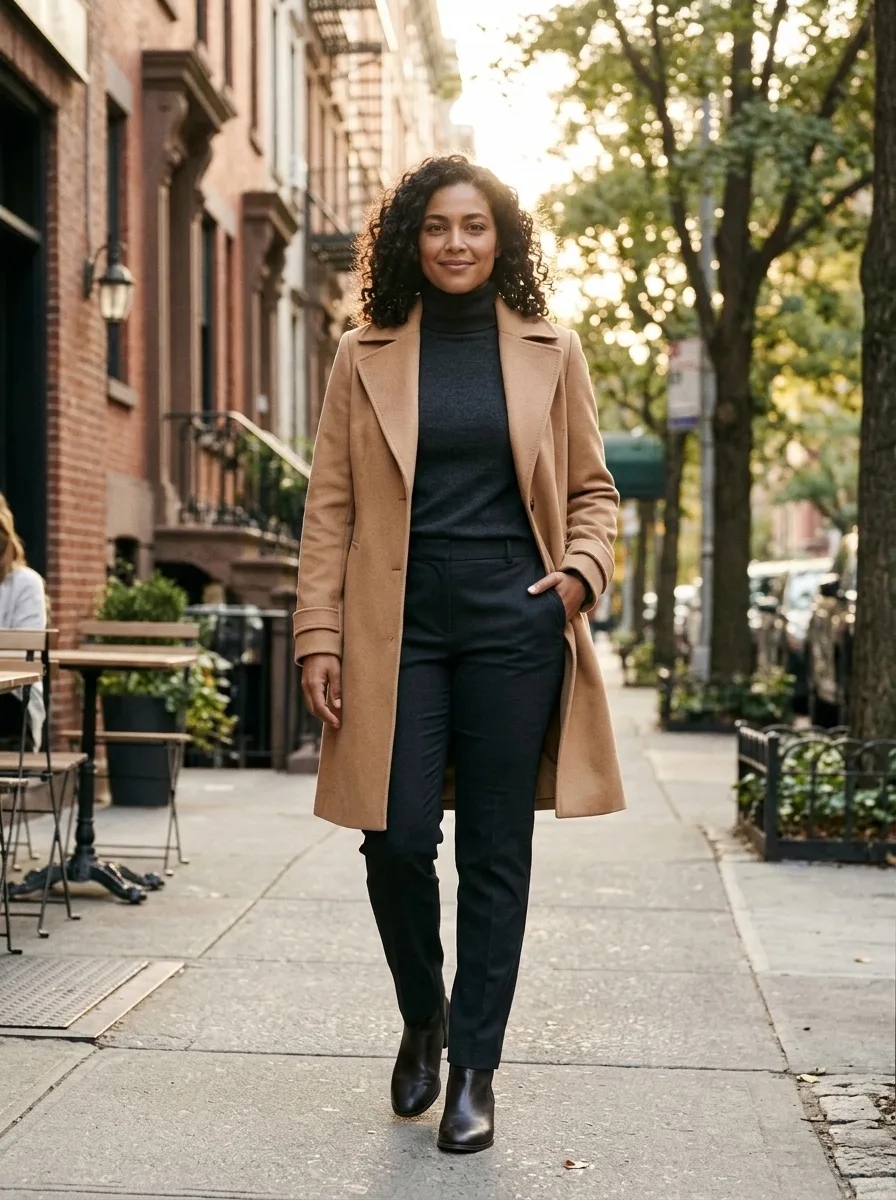
Person Photoshoot AI
Turn your photo into an outdoor fashion photoshoot.
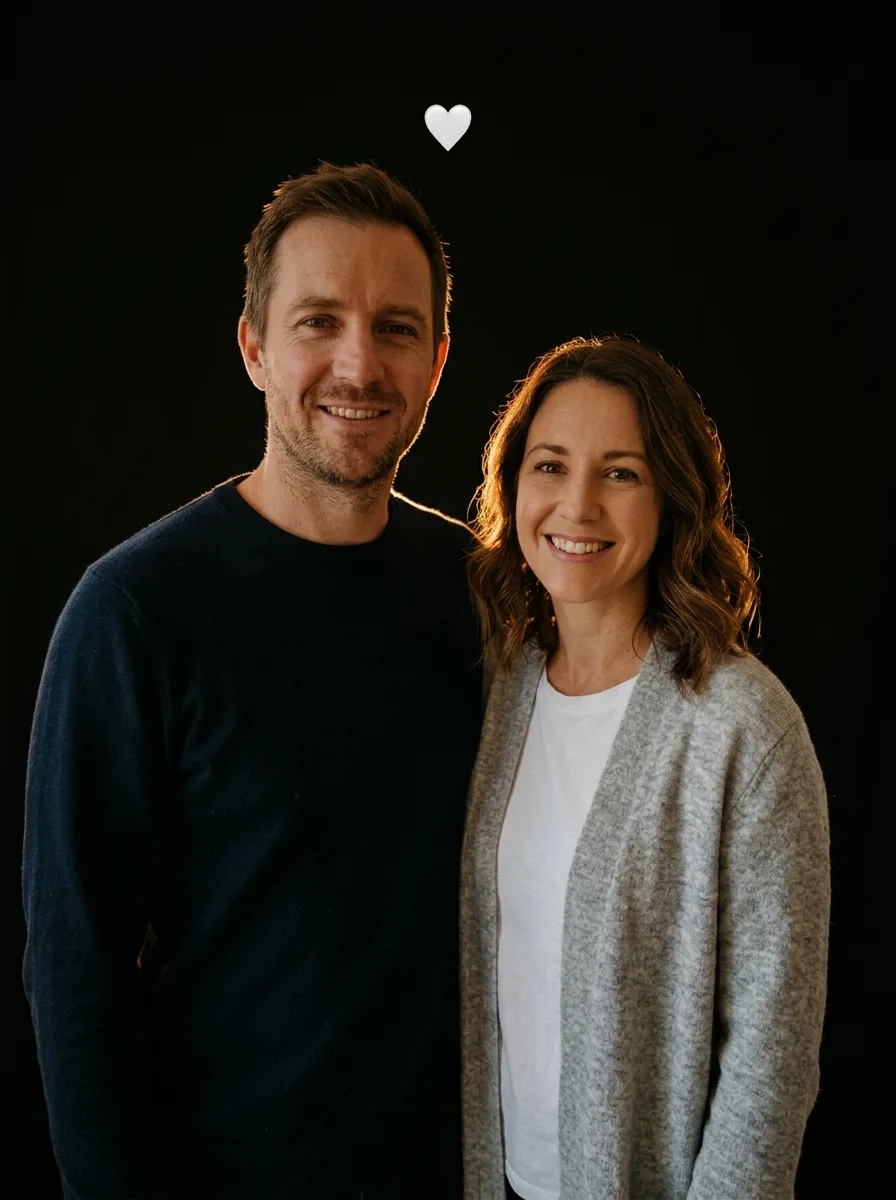
Flash Couple Silhouette AI
Create a warm rim-lit couple portrait on black.
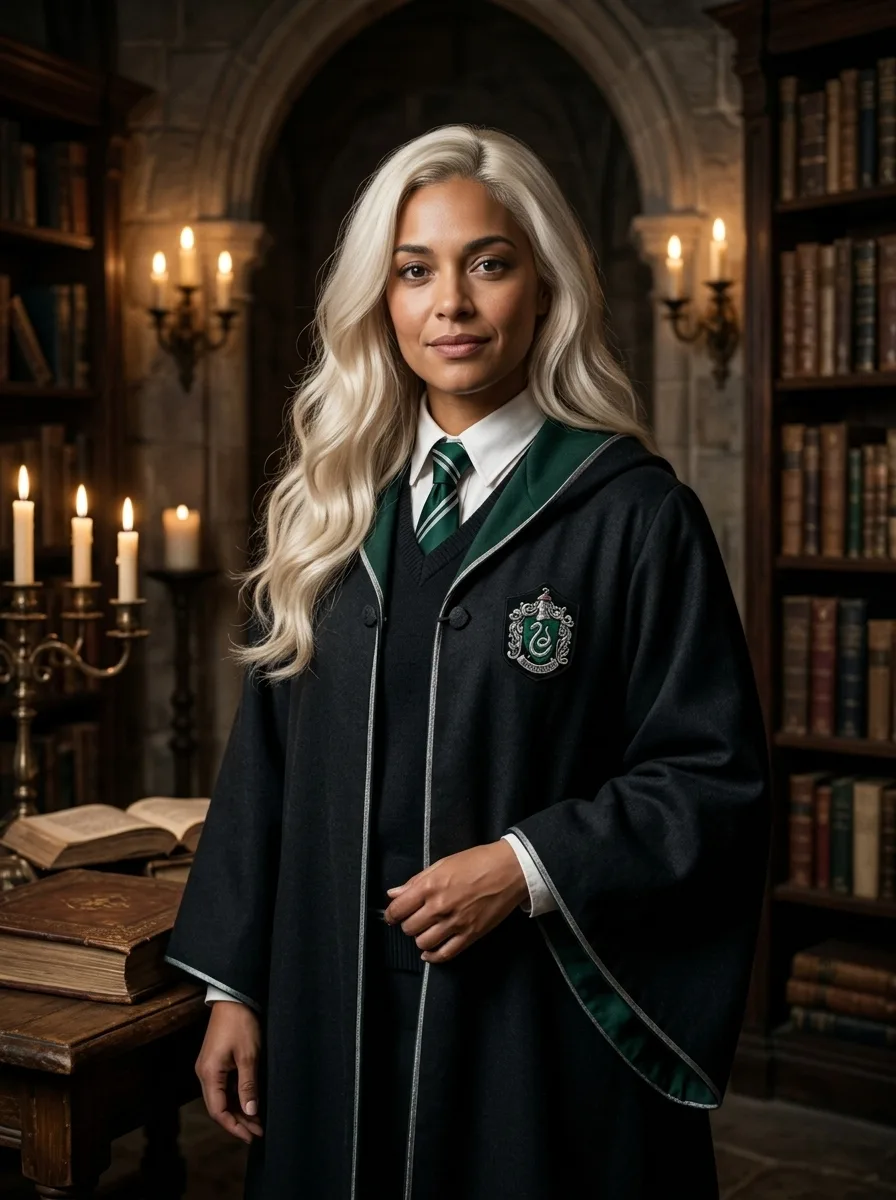
Female Malfoy AI
A fantasy academy portrait from one adult photo
Frequently asked questions
What does 3D Month Letters AI create?⌄
It creates a still portrait from your photo beside large 3D letters spelling your chosen month.
Which months can I choose?⌄
All twelve English month names are available.
How many credits does it cost?⌄
One image costs 3 credits. Check your balance and the displayed price before generating.
Will the image look like me?⌄
Your photo guides the image, but facial details can change. Compare the result with your source.
Will the letters always be correct?⌄
Generated text can contain errors. Check the spelling before sharing.
What kind of photo works best?⌄
Use a clear full-length photo with one person, a visible face and even lighting. A portrait with less of the body visible may require the model to invent clothing or pose details.
Can I use a different month later?⌄
Yes. Select another month and generate a new image. Each new image uses the displayed number of credits.
Can I change the words after generating?⌄
The letters are part of the generated image rather than editable text. Select the desired month before generating and check the spelling in the result.
Does this create a video?⌄
No. This effect creates one still image.