
Make a Money Flex video
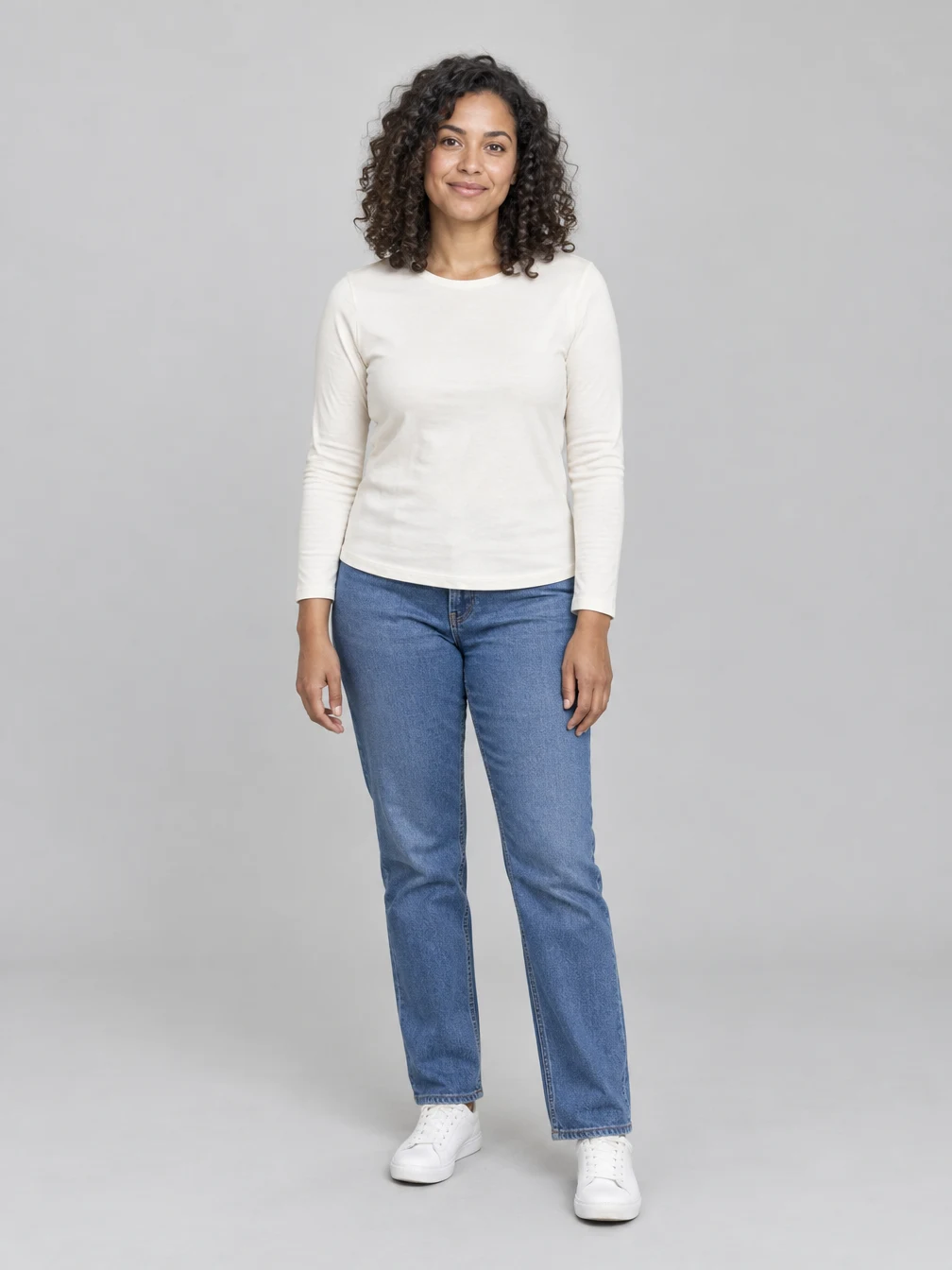
Start with one clear photo
Use a clear portrait of an adult who agreed to the edit.
Follow the reference
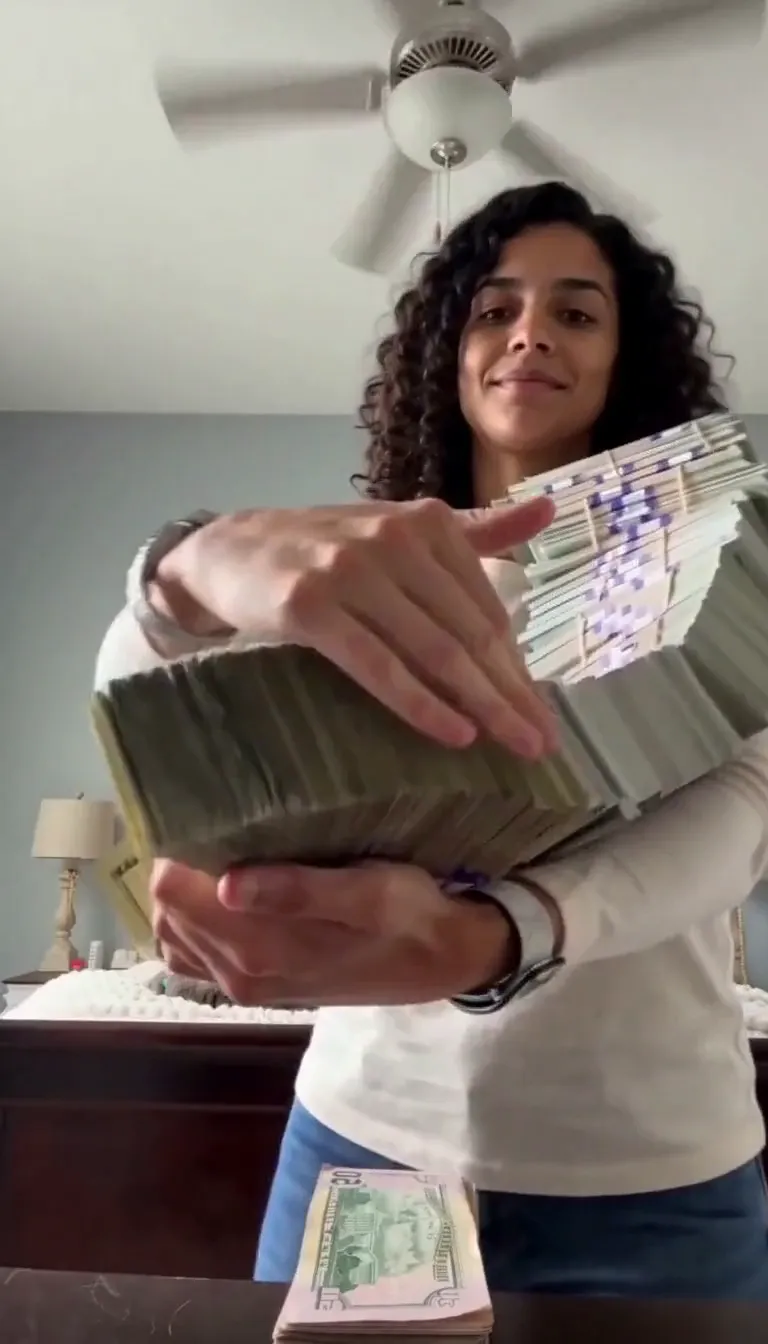
The Money Flex reference guides the camera, stacks of cash and fanning gestures. The reference soundtrack is used when available. Movement and small details can vary.
Review and save
The cash and scene are AI generated. Review the face and hands before sharing. Download a finished result or find it again in your creations.
Choose your photo
Use a clear portrait of an adult who agreed to the edit.
One photo
Face visible
When to use it
Make a Money Flex video from your portrait with a cash-fanning scene.
What it produces
A 15-second vertical video.
- ✓Clear face
- ✓Good light
- ✓Photo you may use
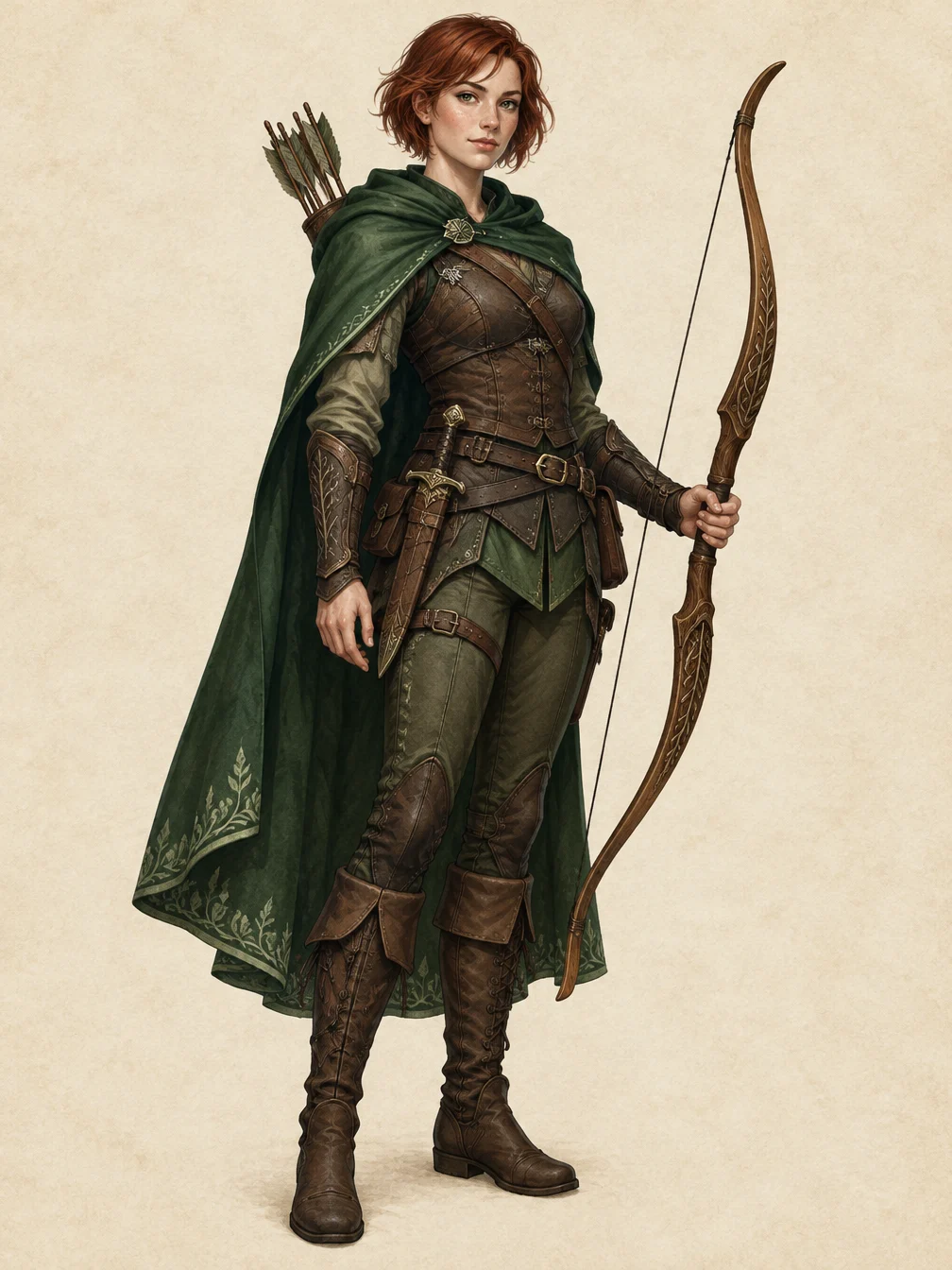
RPG Character
Describe an original fantasy adventurer and create a full-body RPG character illustration.
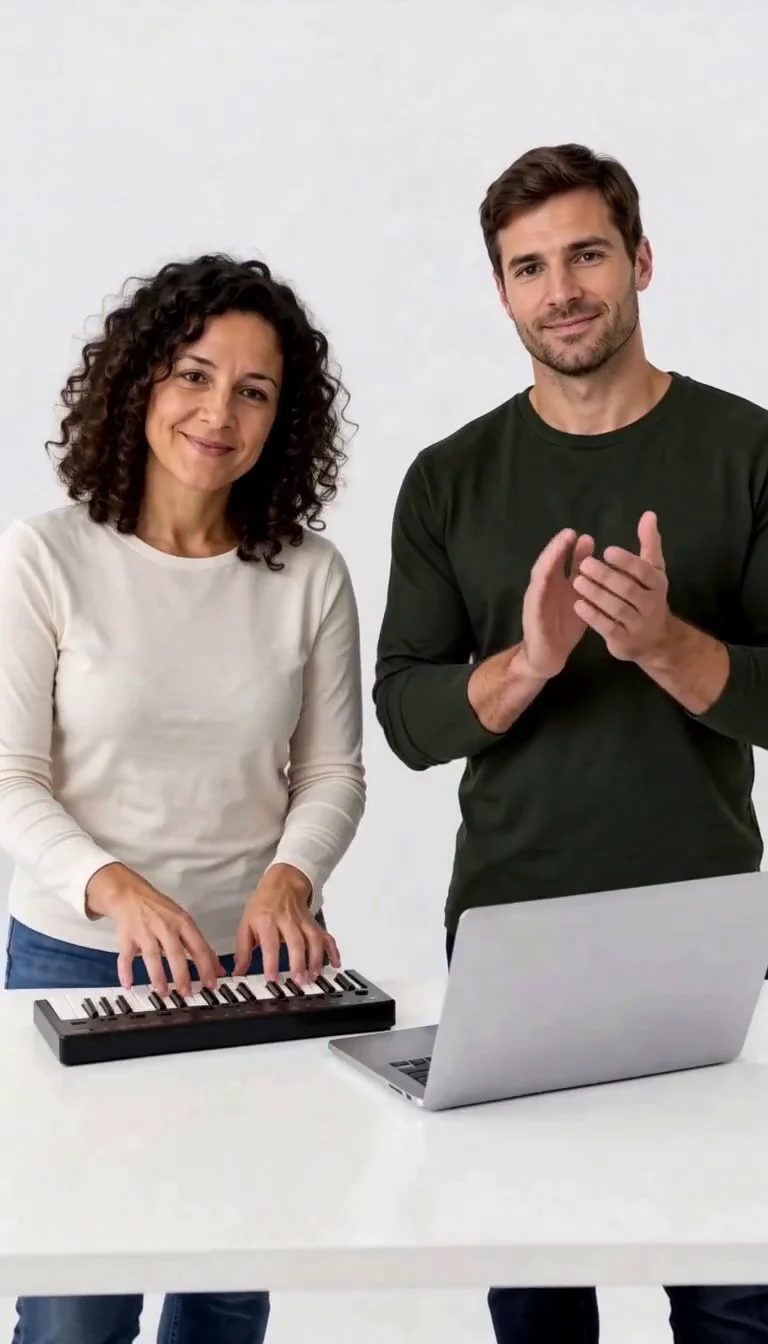
Keyboard Duo
Put two adults in a keyboard-and-clapping studio sketch.
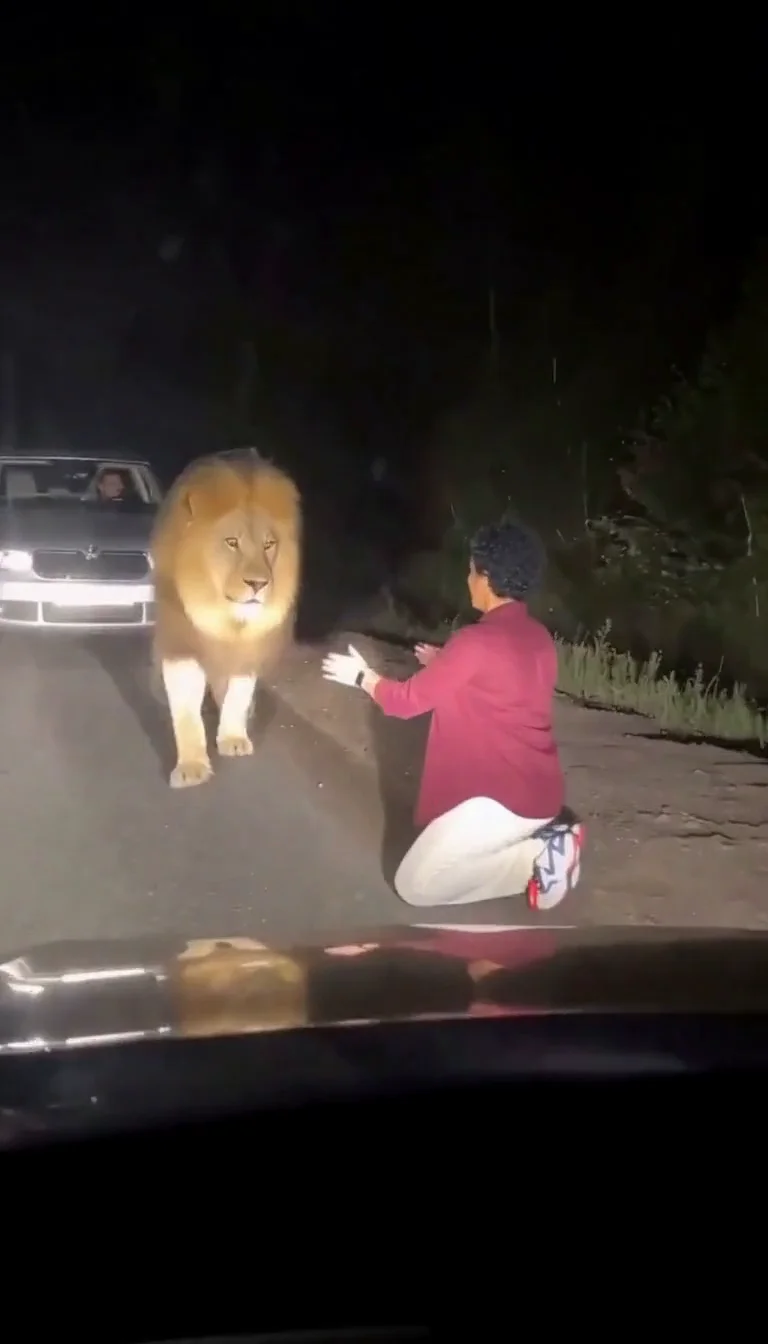
Lion Friend
Meet a calm lion on a nighttime road, stroke its mane and share a fictional embrace.
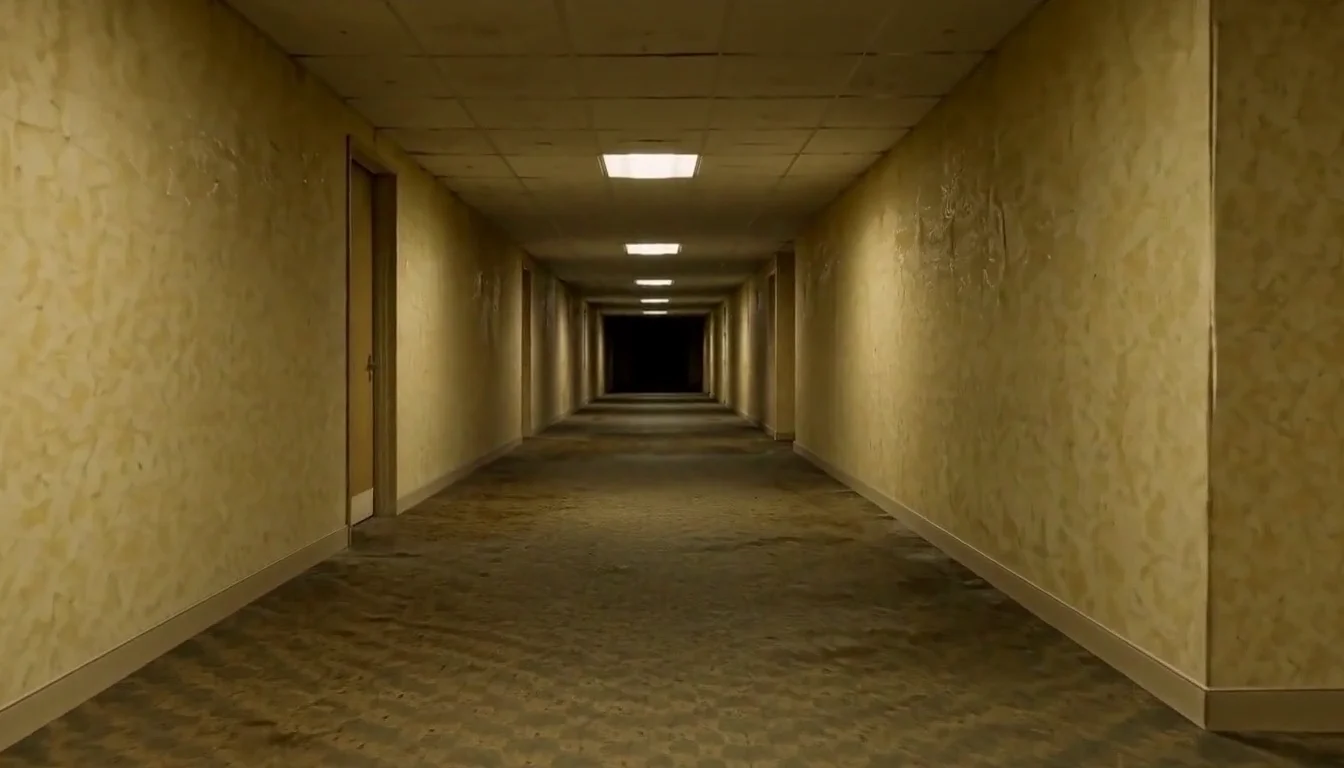
AI Backrooms
Animate your empty corridor with a slow camera push and flickering fluorescent lights.

Basketball Poster
Turn your portrait into a basketball poster in arena, retro-card or neon-court style.
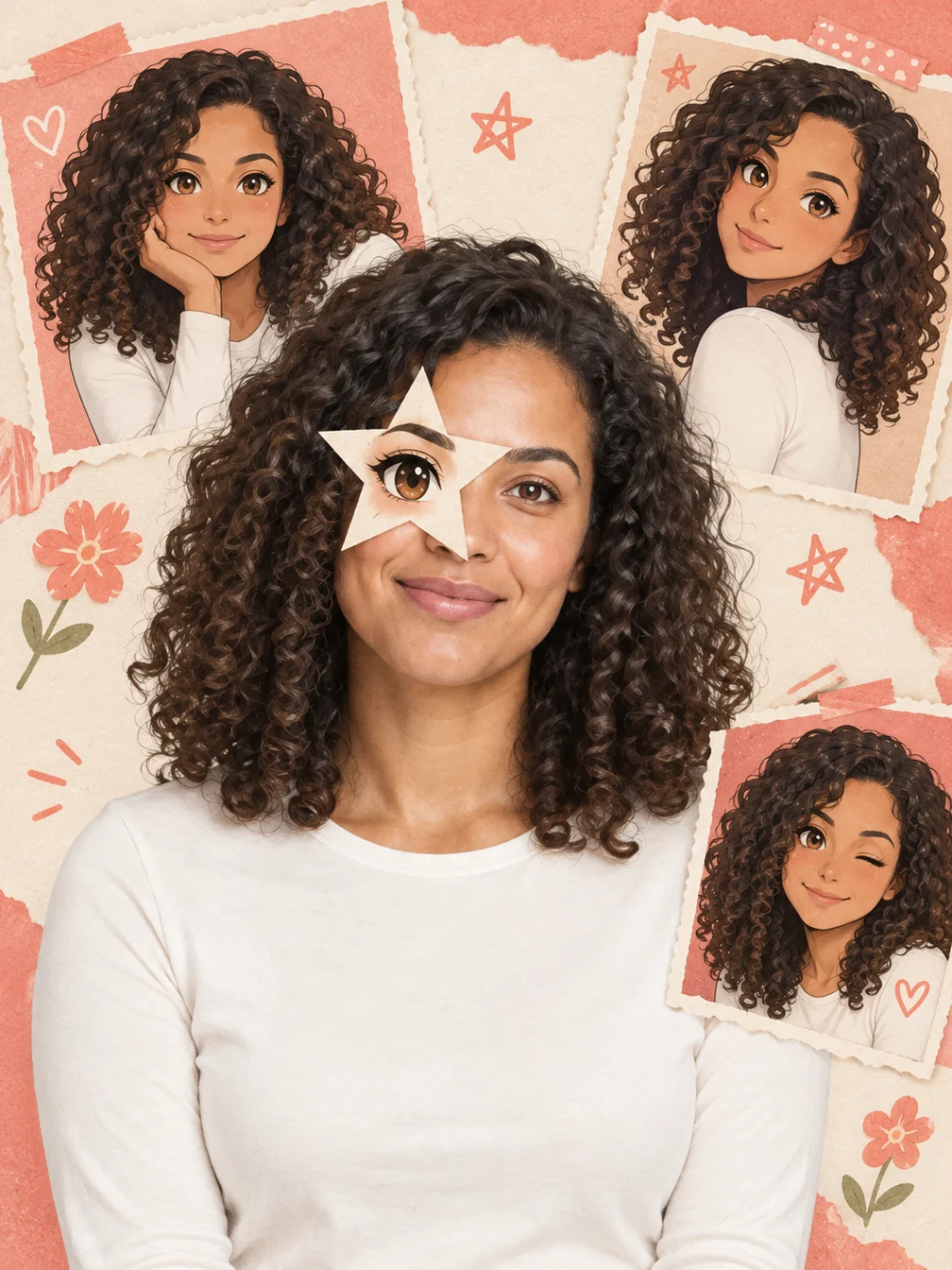
Anime Eye
Add one illustrated eye cutout and matching original anime-twin panels to your selfie.
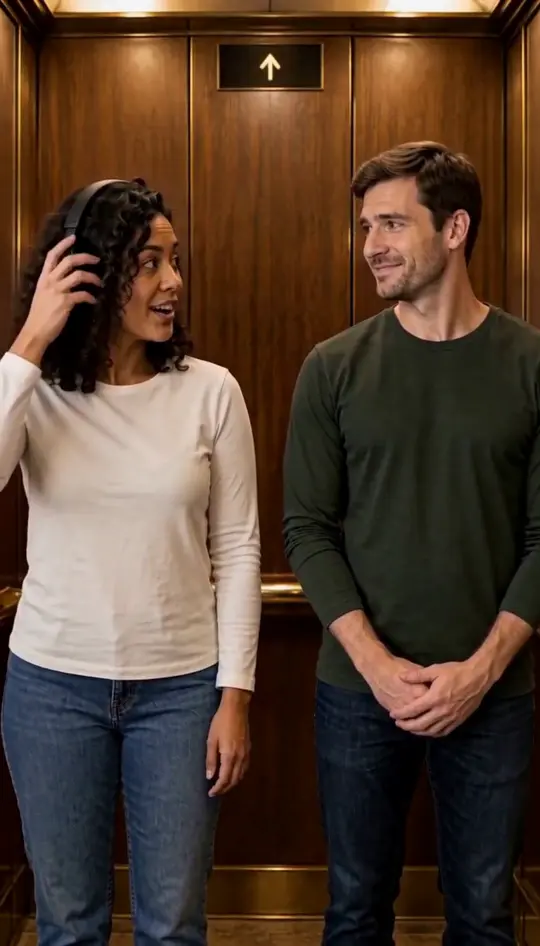
I Love the Smiths
Put two portraits into the elevator scene.
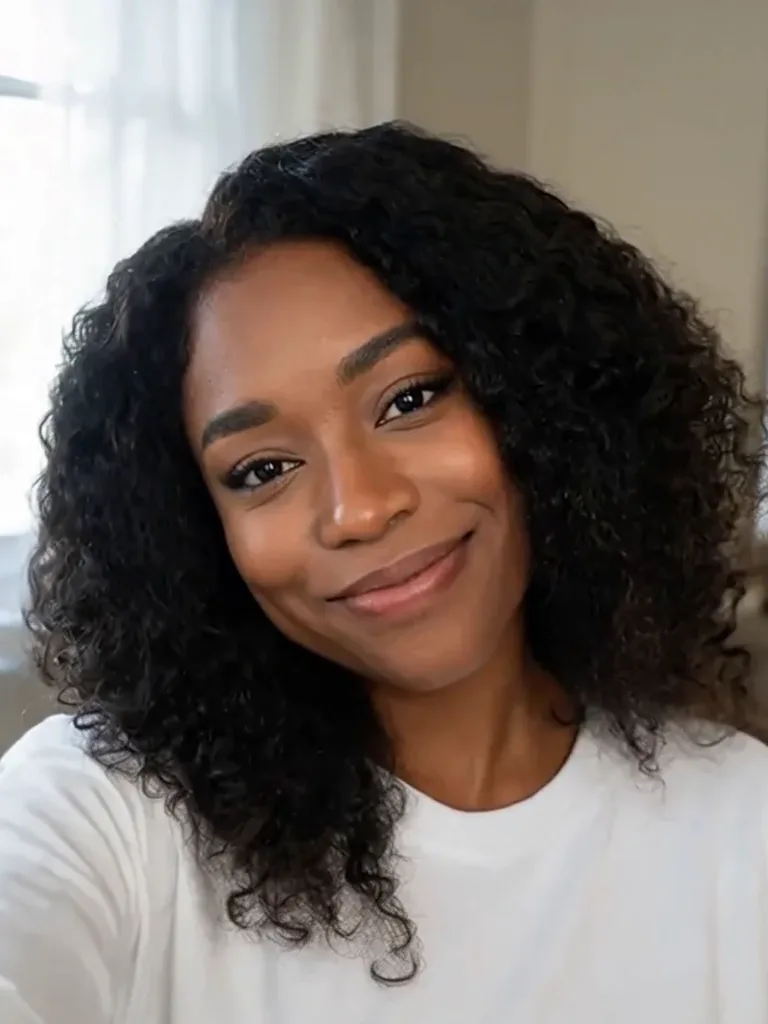
Push In AI
Add a slow forward camera move to your photo.
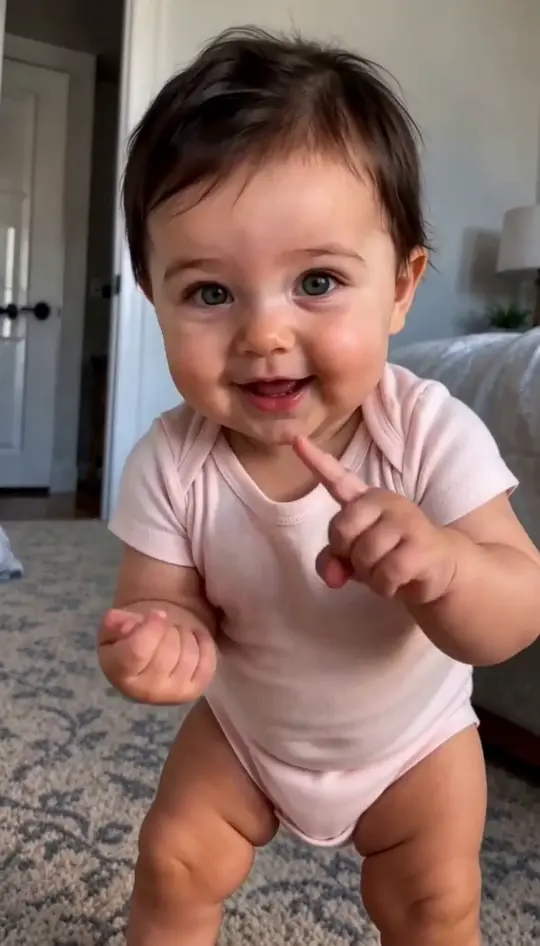
Baby Dancing
Turn a baby photo into a playful dance.
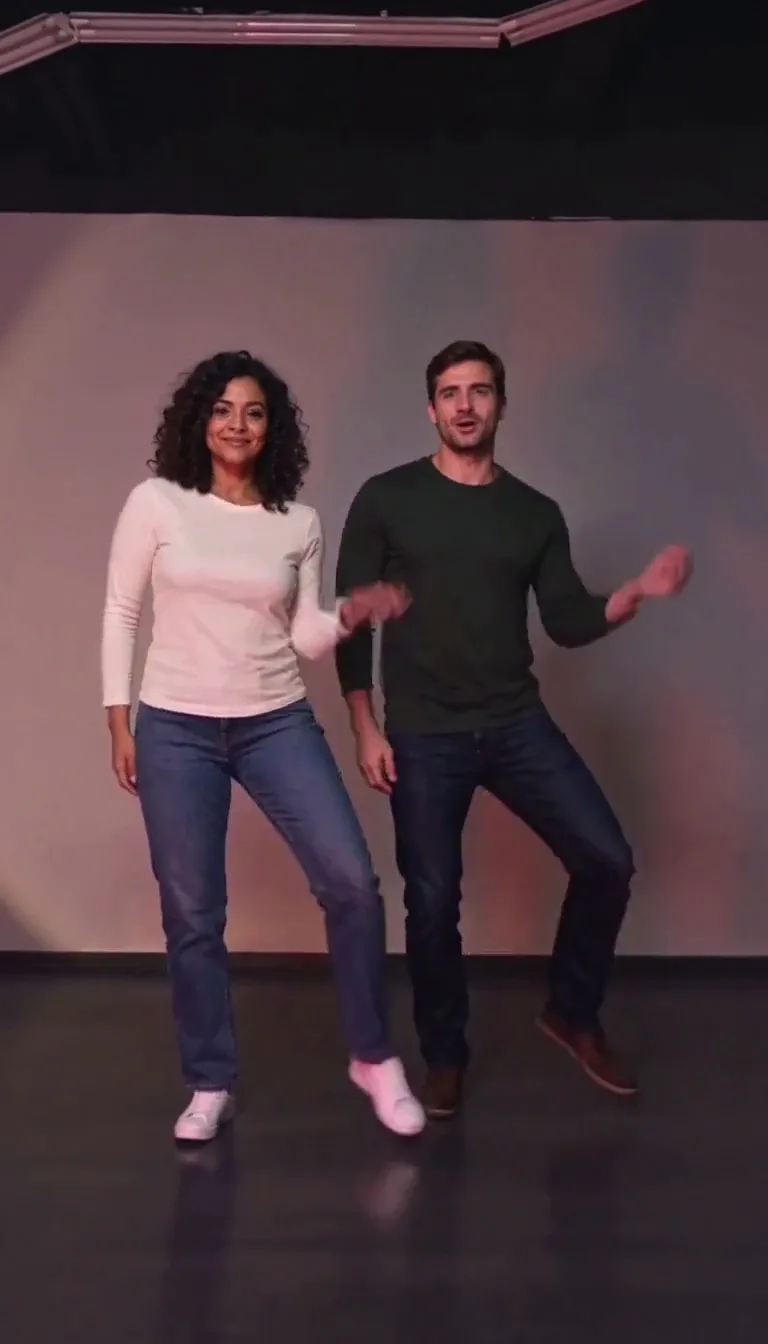
Trouble AI
Two portraits become a reference-guided duet dance.
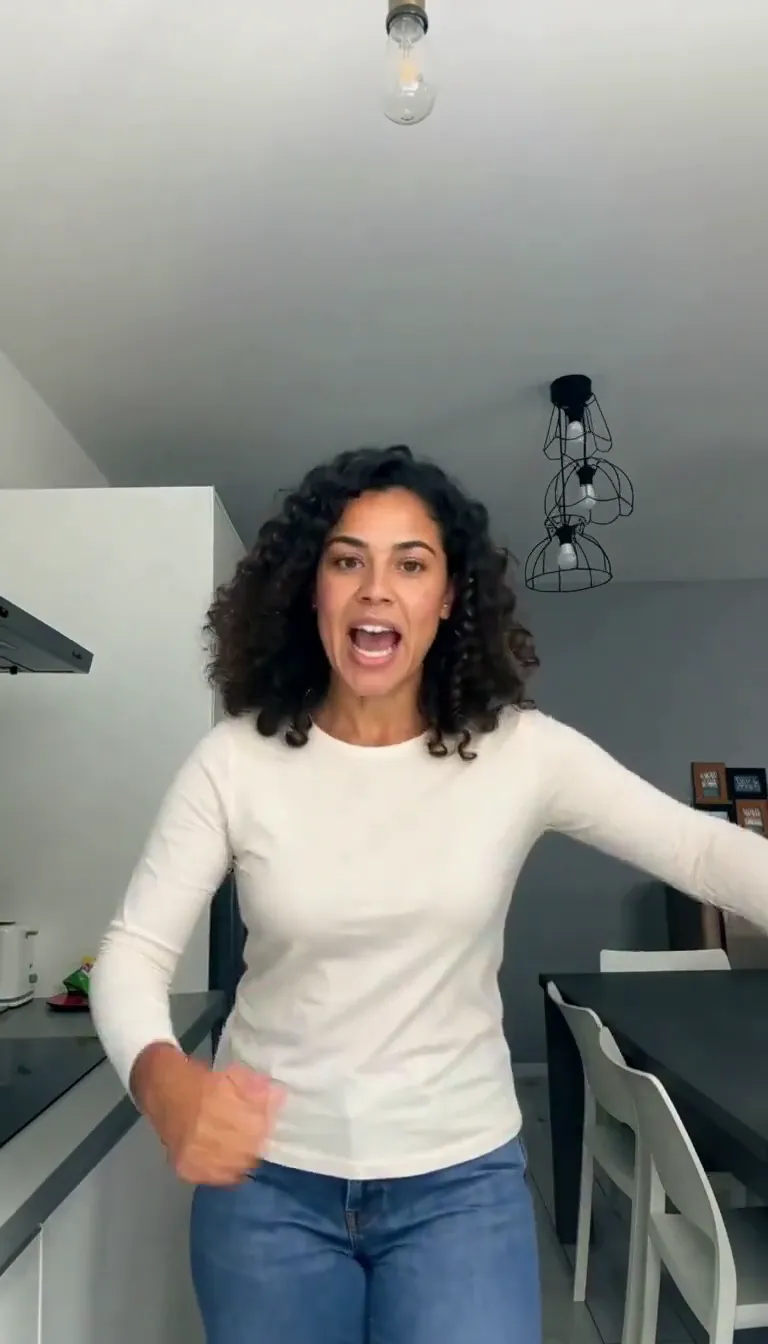
Bad Times AI
Put your portrait in the kitchen argument meme.
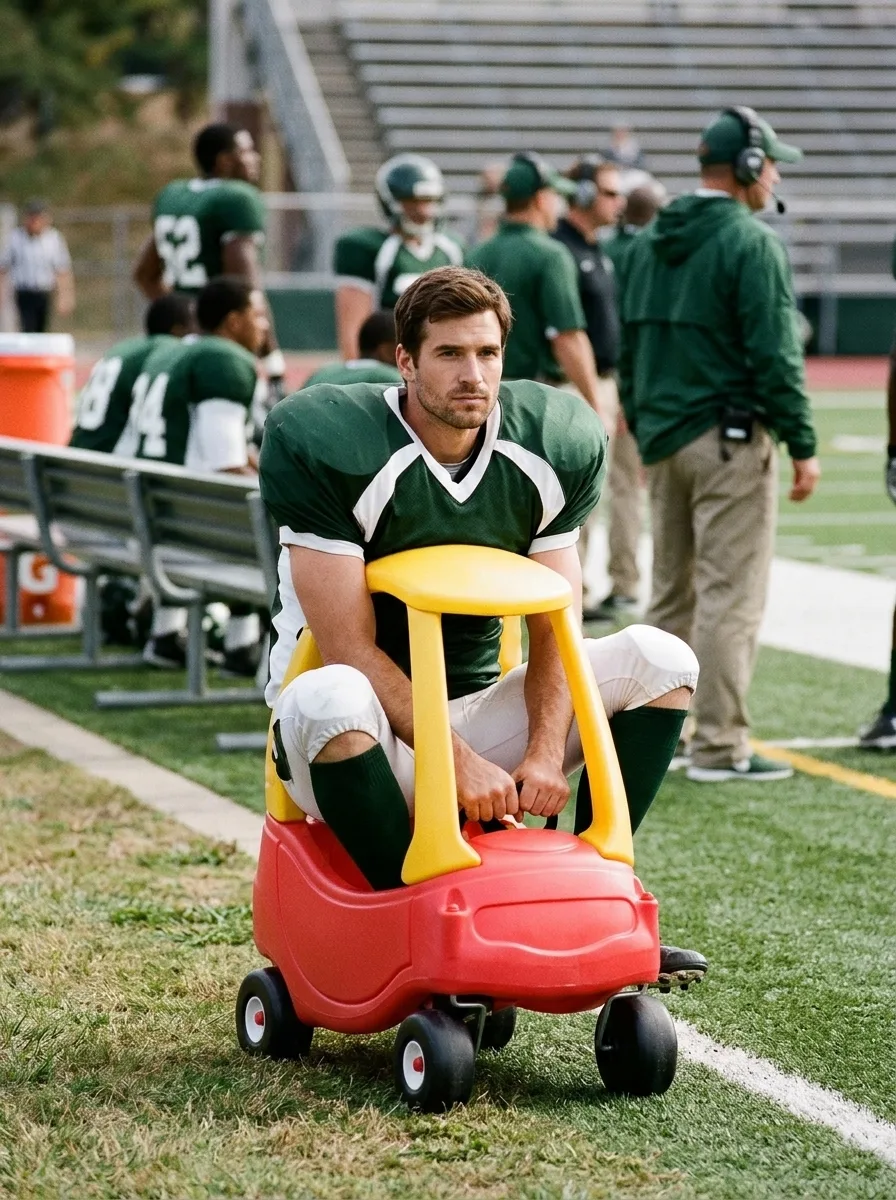
I'm Onnat Toy Car AI
See yourself in a tiny toy car beside the field.
Frequently asked questions
What does Money Flex create?⌄
The Money Flex reference guides the camera, stacks of cash and fanning gestures.
How long is the video?⌄
The preset requests a 15-second vertical video.
How much does it cost?⌄
One video costs 144 credits, shown before generation.
Will the result be identical?⌄
The photo and reference guide generation, but faces, movements and details can vary.
Can I use another person’s photo?⌄
Use a clear portrait of an adult who agreed to the edit.
Make your Money Flex video
Make a Money Flex video from your portrait with a cash-fanning scene.
Make my video