
Pick your AI Christmas photoshoot set
The classic studio tree look
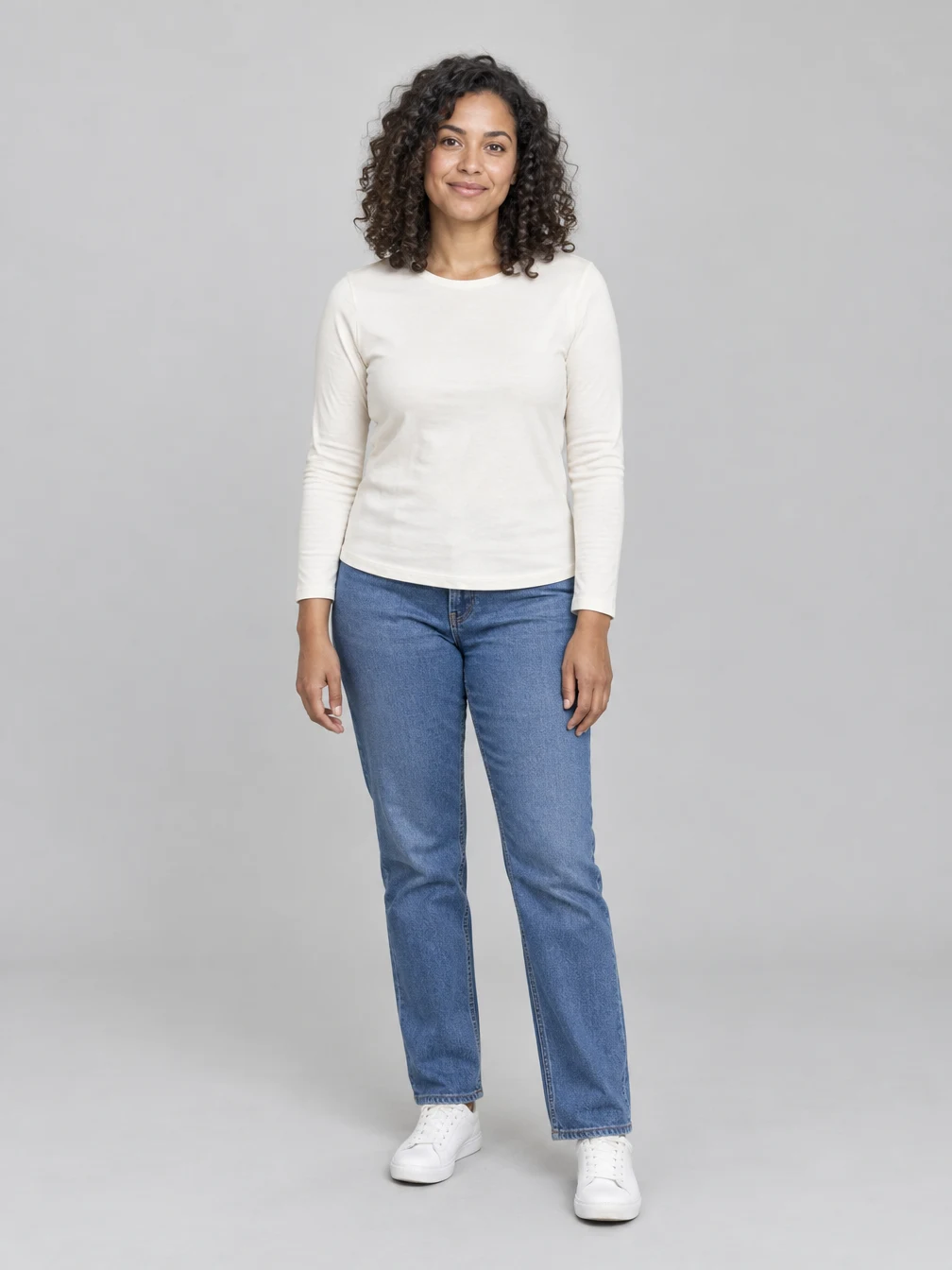
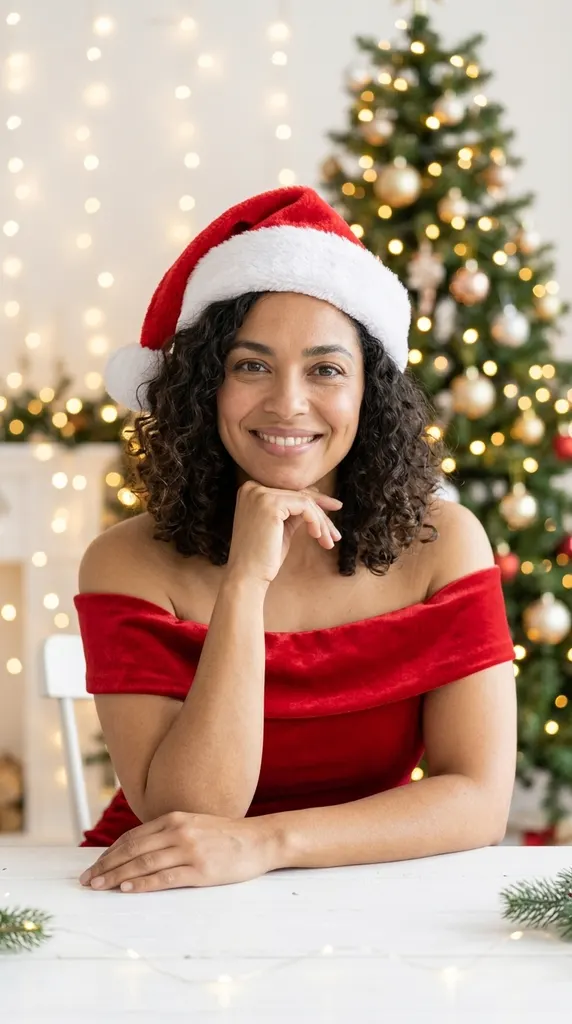
The best-known set from the Christmas photoshoot trend: a plain studio wall, a lit tree with warm string lights, a red off-shoulder dress and a Santa hat, chin resting on one hand at a white table. Men get a red velvet blazer over a black shirt with the same hat and pose. The light is soft and bright, like a beauty shoot, so the face carries the picture. Our example started from a full-length photo of a fictional woman in a white sweater and jeans; the set changed her clothes and the room, and her face, curls and smile came through.
Throw snow at the camera
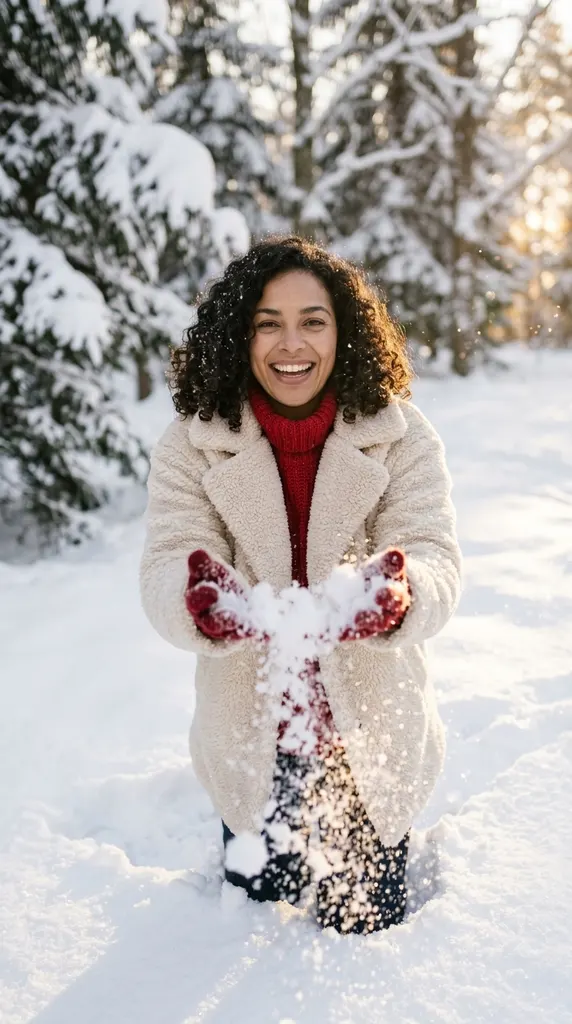
A playful winter set: you kneel in deep snow and toss a handful toward the lens, wearing a cream teddy jacket, a red chunky-knit sweater and red gloves. Low golden sun lights the snowflakes. The prompt keeps the snow away from your face, so it still reads as you. Pick it when you want movement instead of a posed studio portrait.
Dress up among the gifts
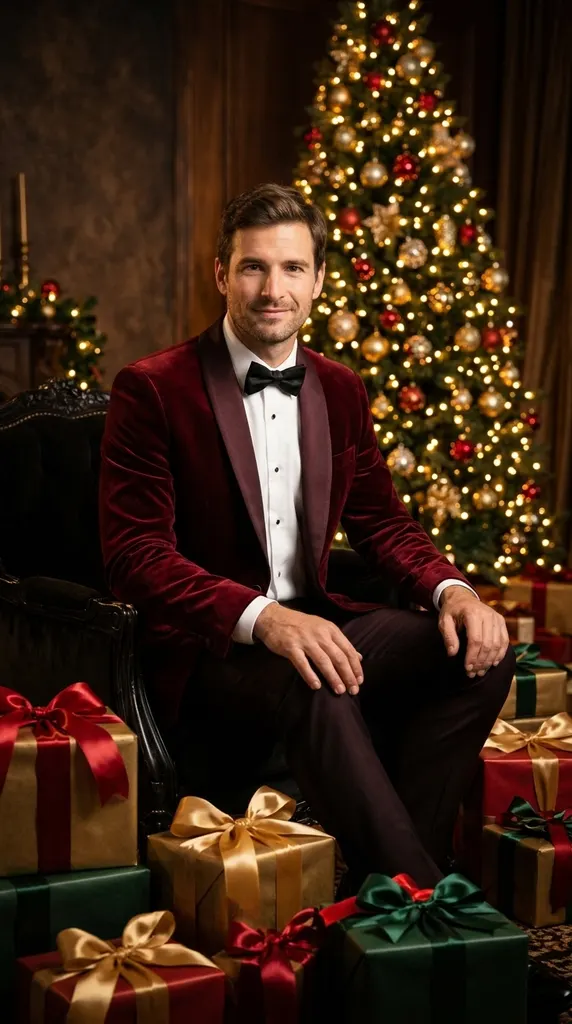
A darker, more formal set: a deep red satin gown, or a red velvet tuxedo for men, seated among wrapped presents in front of a glowing tree. The light is warm and cinematic. Our example is the fictional man from the second input photo in Two people mode. It works well for a holiday card or a dressy profile picture.
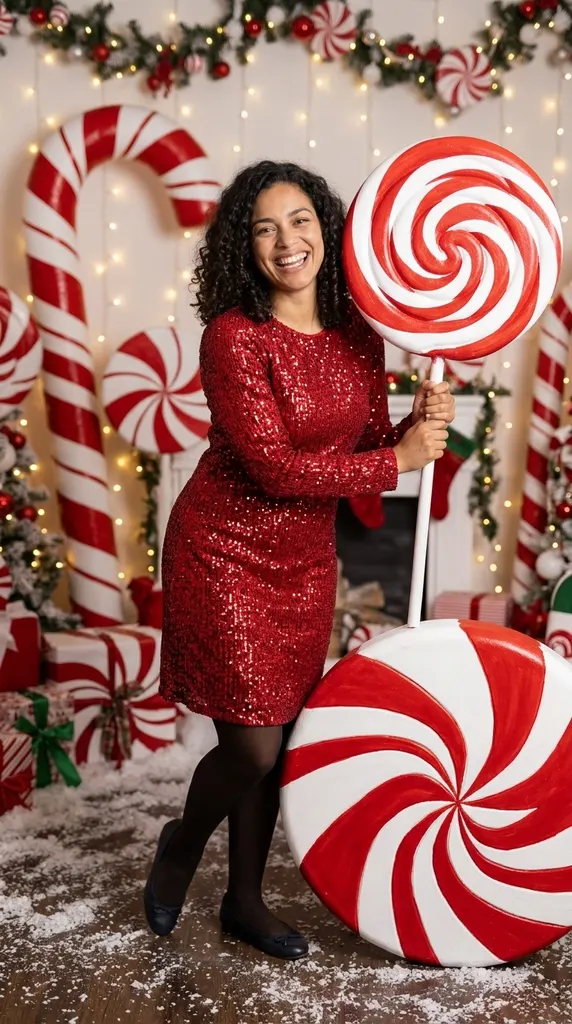
Step into a candy cane studio
Giant peppermint discs, striped canes and an oversized swirl lollipop fill a bright white set, and you wear a sparkly red outfit. It is the most playful of the six sets. Check the hand that holds the lollipop before you share; small props are where generated pictures most often slip.
Matching pajamas, a studio couple or a snow day
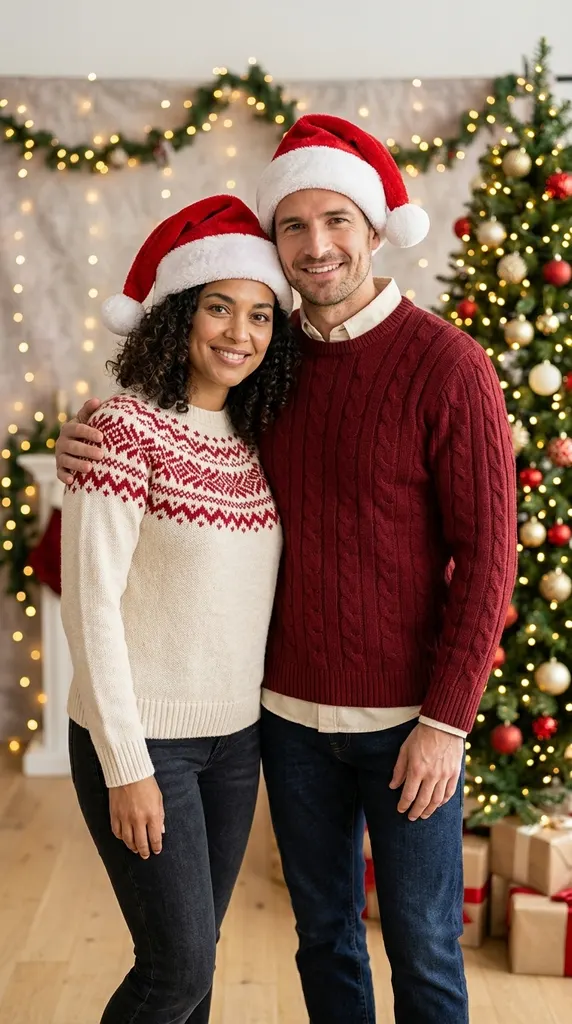
Choose Two people and upload one photo of each adult. The couple sets put you side by side: matching plaid pajamas on the rug by the tree, coordinated sweaters and Santa hats in the studio, or winter coats and red scarves in falling snow. Each person keeps their own face from their own photo, and the left and right order follows your uploads. Upload only people who agreed to be in the picture.
How the AI Christmas photoshoot works
Upload one clear photo for a solo picture, or switch to Two people for a couple. Pick a set or describe your own, then press Generate. You get one 9:16 still photo; a short video of it is optional.
Pick a set
Nine ready-made sets
When to use it
You want a proven Christmas photoshoot look.
What it produces
A studio-quality Christmas picture with your face.
- ✓Studio tree, snow throw or red gown
- ✓Candy cane, cozy sweater or golden lights
- ✓Three sets for couples
Describe your own
Your outfit, your set
When to use it
You have a different look in mind.
What it produces
A photoshoot picture from your description.
- ✓Write the outfit and backdrop
- ✓Up to 400 characters
- ✓Same face-keeping rules
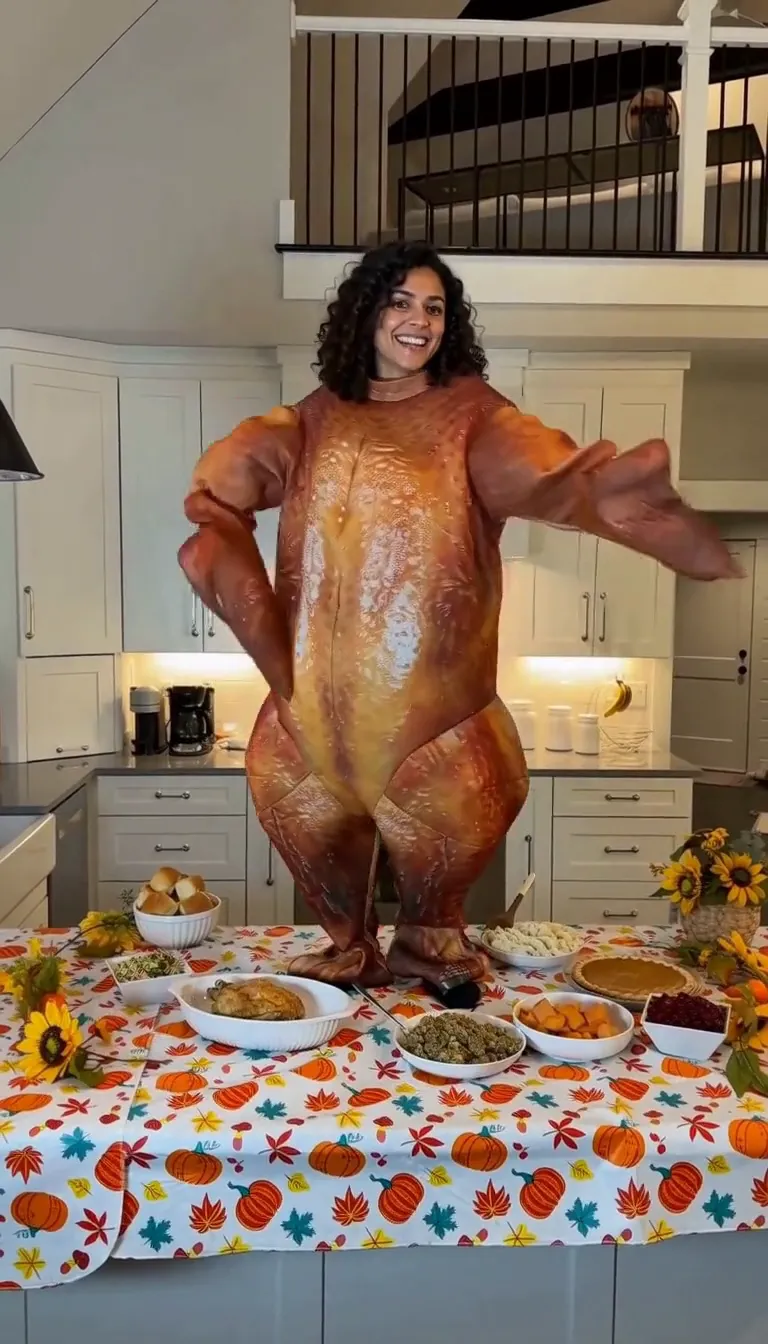
Turkey Dance AI
Do the turkey dance in a roast-turkey costume behind a Thanksgiving table.
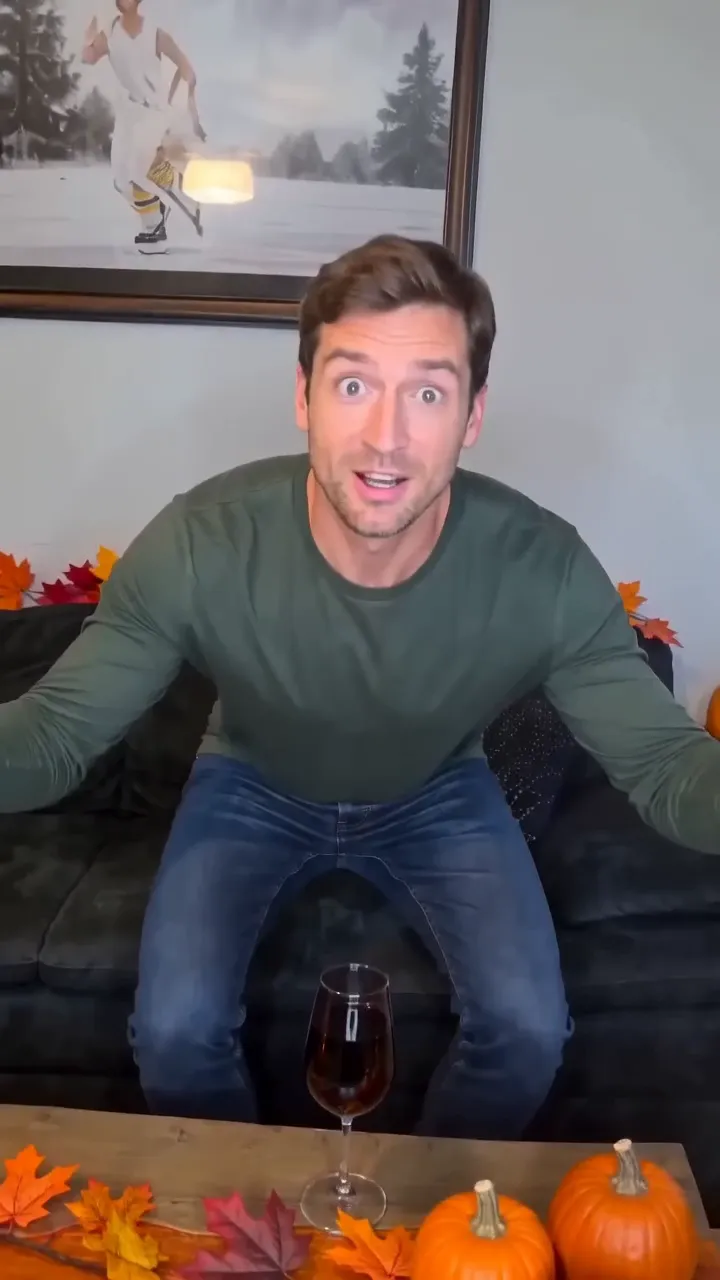
Funny Thanksgiving AI
Feathers burst out and you turn into a giant turkey in ten seconds.
Elf on the Shelf AI
Turn a photo of your room into security-cam footage of the elf sneaking around.
Chhath Puja AI
Chhath Puja ghat portraits from one photo
AI Christmas
Christmas portraits from one photo
Christmas PFP AI
A square Christmas profile picture from one person or pet photo
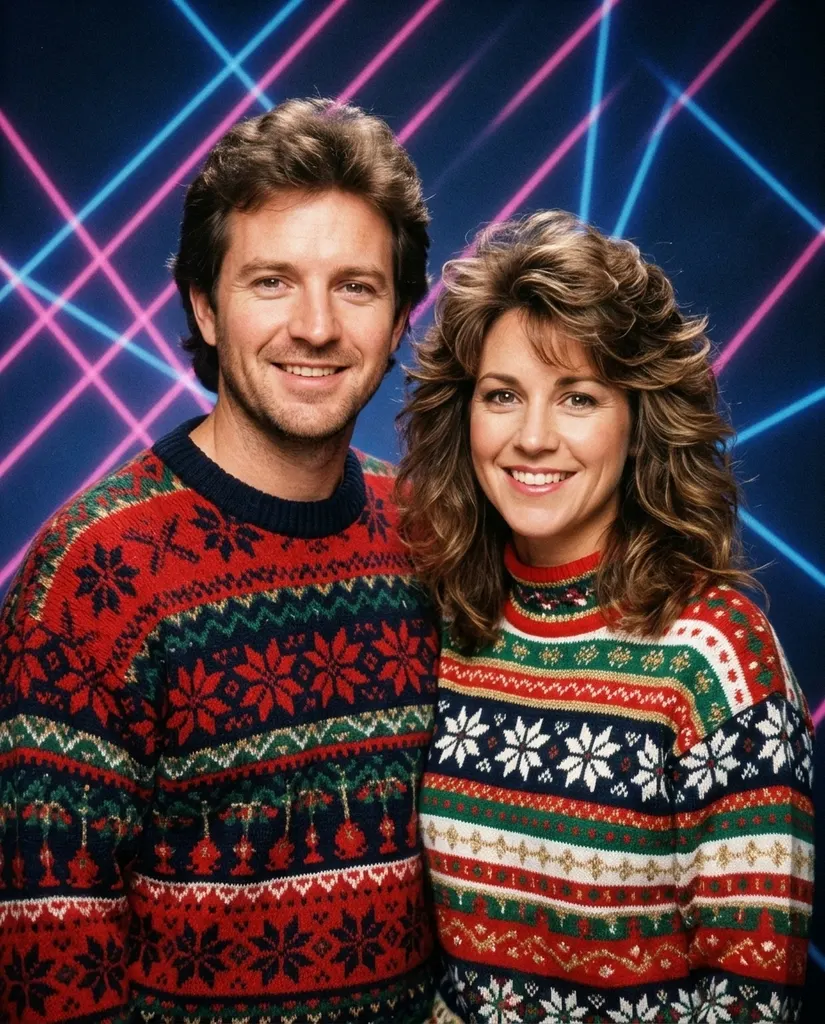
80s Christmas AI
1980s Christmas picture from one photo
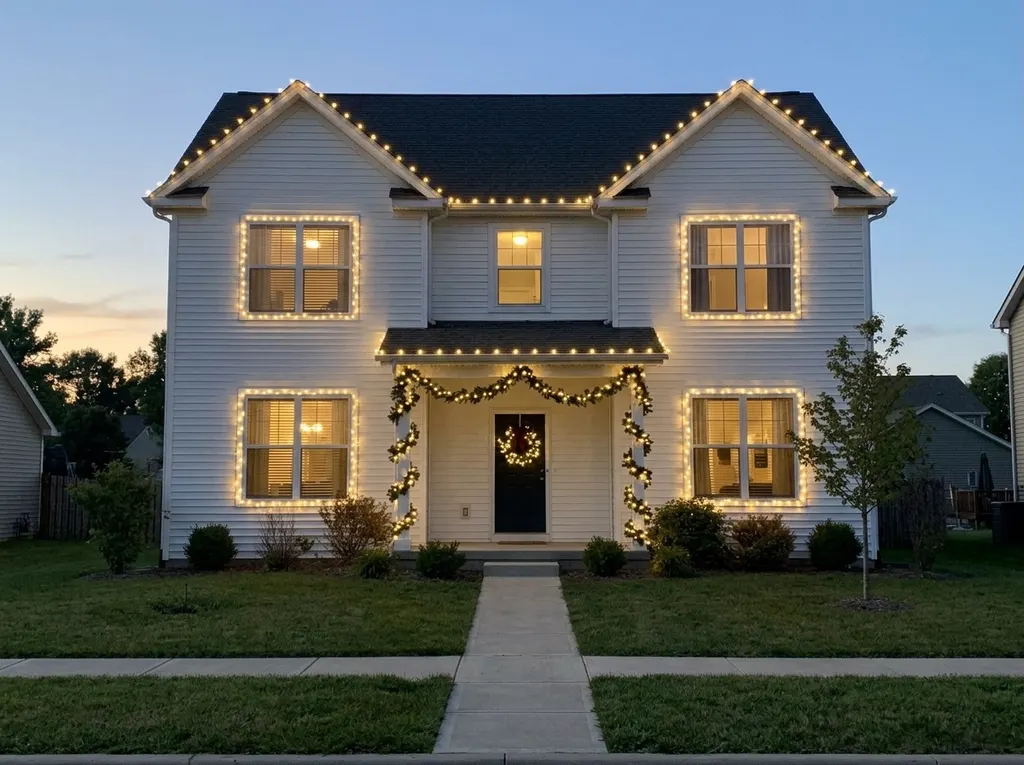
AI Christmas Lights
Preview Christmas lights on your house
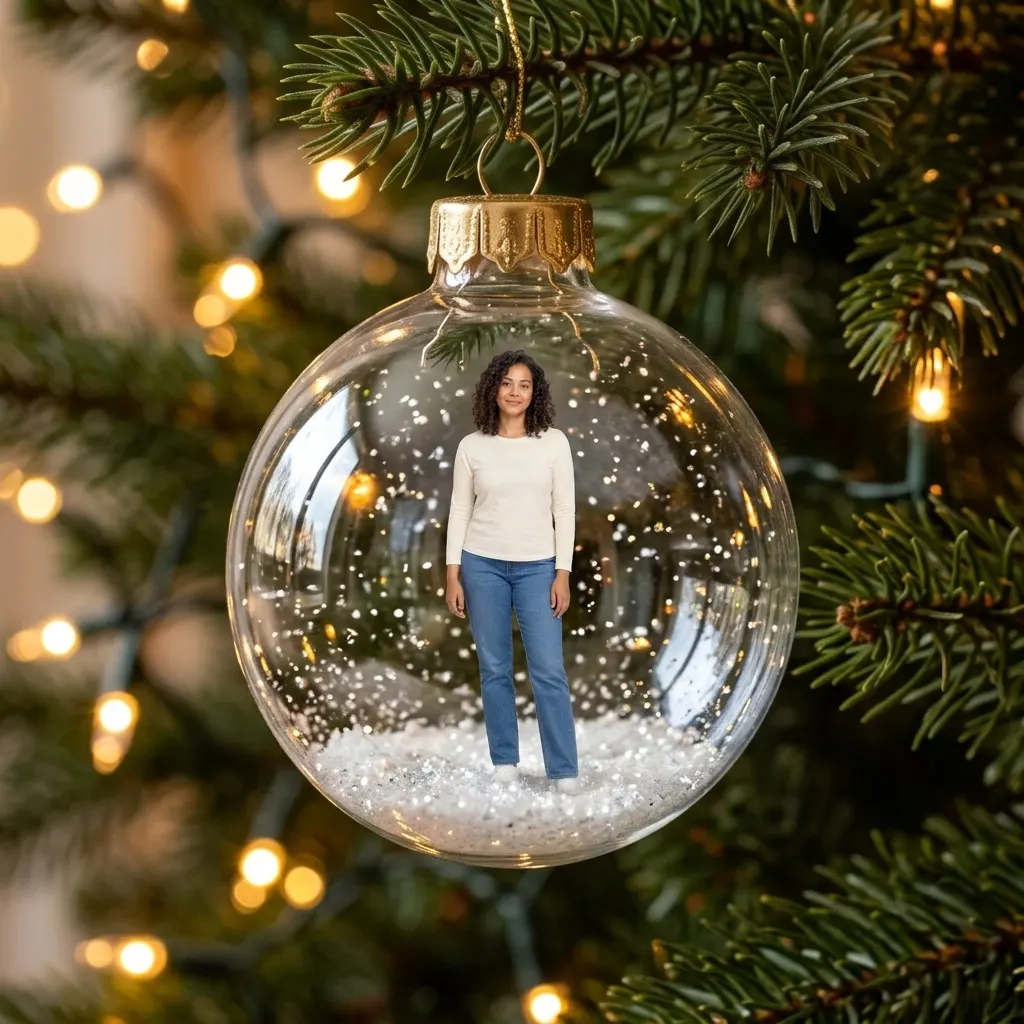
AI Christmas Ornament
You or your pet as a tree ornament
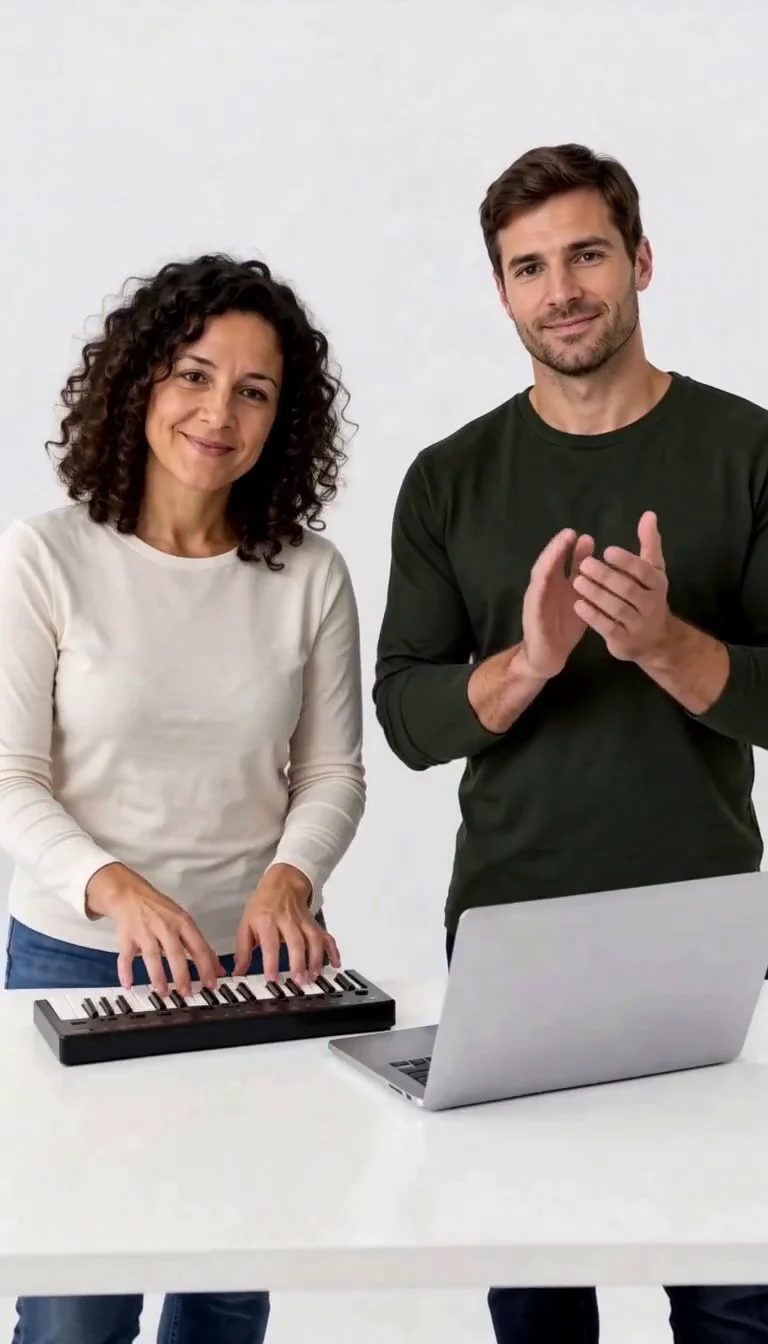
Keyboard Duo
Put two adults in a keyboard-and-clapping studio sketch.
Plug Walk
Follow the car-window cash handoff, then step back into the reference dance.
6 7 Dance
Follow a fourteen-second Six Seven street dance with counting gestures, bouncy steps and claps.
Frequently asked questions
How do I make an AI Christmas photoshoot?⌄
Upload one clear photo of yourself, pick a set and press Generate. For a couple, choose Two people and upload one photo of each adult. The picture appears on the page when it is ready and stays in My Creations.
How much does an AI Christmas photoshoot cost?⌄
Each photo costs 5 credits, shown on the button before you start. Eligible new accounts receive welcome credits, which cover a first photo. The optional 5-second video is priced separately and shown before you choose it.
Will it look like me?⌄
The prompt asks the model to keep your face, skin tone, hair, age and body and to change only the outfit, set and light. A sharp, front-lit photo without sunglasses or heavy beauty filters gives it the most to work with. Each run is a new picture, so check the face before you share it.
Is this the same as the AI Christmas page?⌄
No. AI Christmas dresses you in costumes such as Santa, Mrs Claus or an elf. The AI Christmas photoshoot uses studio and editorial sets from the photoshoot trend: the lit studio tree, the snow throw, the red gown, the candy cane studio and couple sets.
What photo should I use?⌄
One person per photo, face clearly visible and turned to the camera, in daylight. Waist-up or full-length both work. Only upload photos of yourself or of adults who agreed to the edit.
Can I turn the photo into a video?⌄
Yes. When your photo is ready, you can make a 5-second video of it. The video price is shown before you generate.
Book your AI Christmas photoshoot
One selfie, a studio set and a few minutes. No photographer needed.
Start my photoshoot