
Make your Elf on the Shelf AI video
Start with a photo of your own room
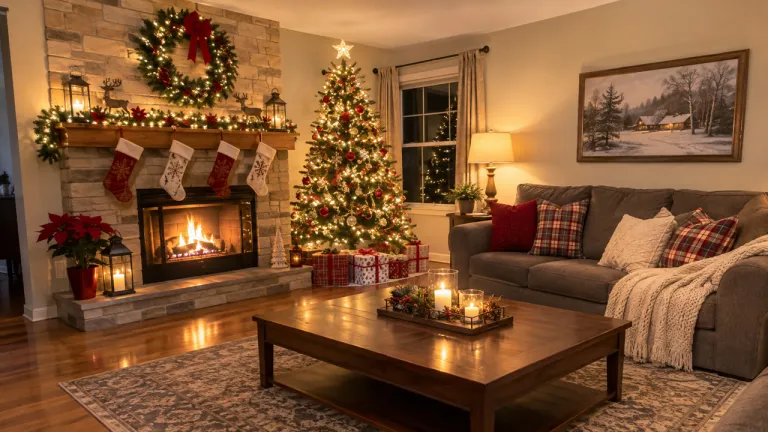
Every December the same question comes up at breakfast: does the elf really move at night? Elf on the Shelf AI answers it with footage from your own house. Take one photo of the spot where the elf usually turns up, such as the Christmas tree, the mantel or the kitchen counter. Shoot it wide and in normal light, with no people in the frame. The video keeps your furniture, tree and decorations, so it looks like your camera caught it.
The elf sneaks out while everyone sleeps
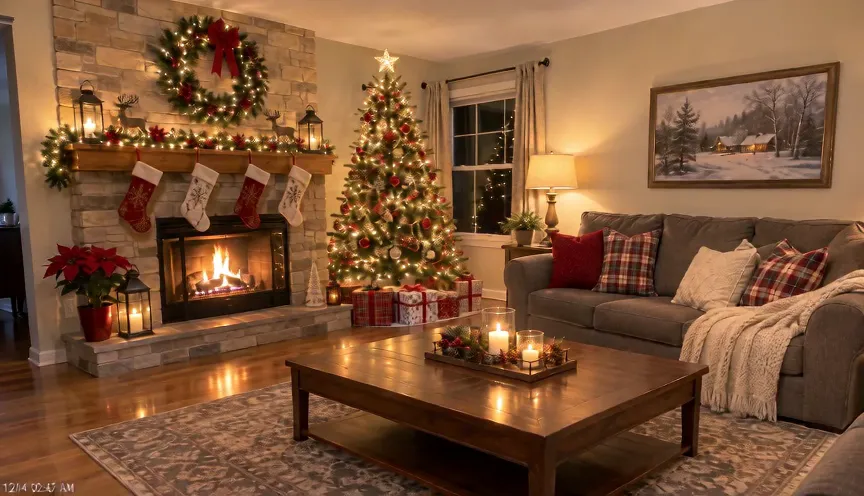
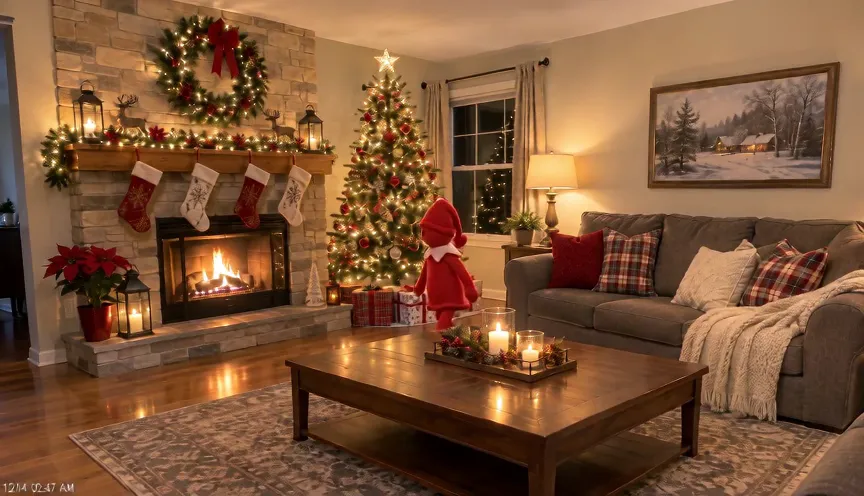
A few seconds in, a small red elf slips out from behind the tree and tiptoes across the floor, glancing around before climbing onto the table. The clip is framed like a home security camera mounted high in the corner, with a timestamp in the lower left and a little video grain. A fixed reference clip guides the camera look and timing; what the elf does around your furniture changes a little with every generation.
It spots the camera and goes still
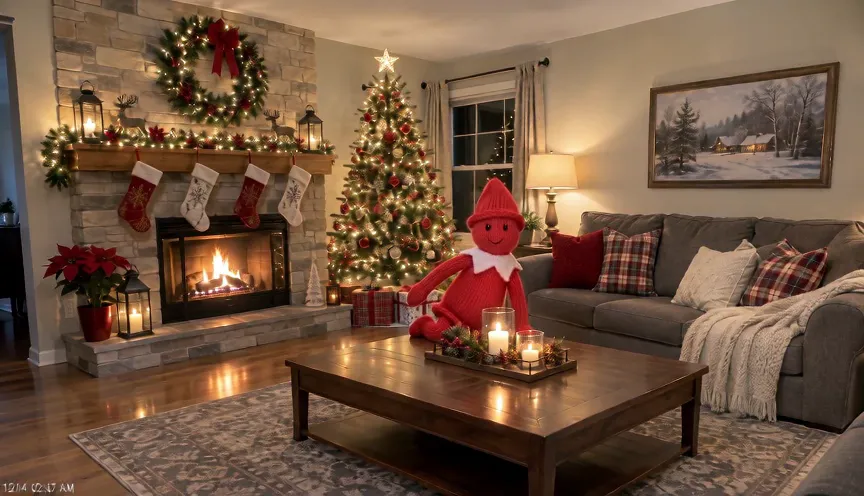
In the last seconds the elf turns, notices the lens and freezes stiff, back to being a toy. That is the moment kids replay. You get a landscape MP4 of about ten seconds with quiet room sound and a soft jingle. Pick Standard for the family chat or HD for a sharper picture, download it from the result card or My Creations, and have it ready before they come down for breakfast.
Choose a good room photo
One photo of the place where the elf should be caught.
Wide and steady
Give the elf room to move
When to use it
You want the whole scene in the shot.
What it produces
A security-cam view of your room.
- ✓Shoot from a corner
- ✓Normal room light
- ✓Keep it level
No people
Only the elf moves
When to use it
You want the footage to look real.
What it produces
An empty room where the elf is the only thing moving.
- ✓No people or pets
- ✓Tree, mantel or counter
- ✓Sharp original photo
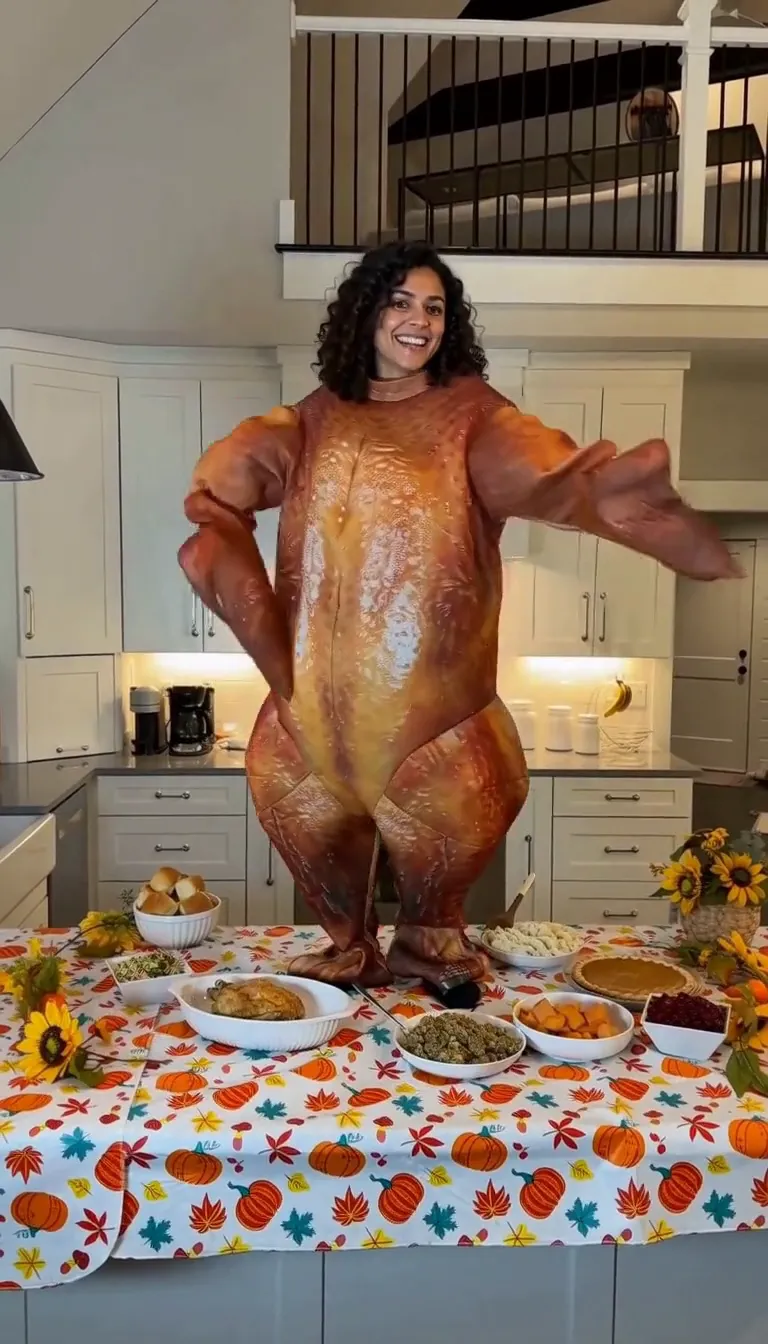
Turkey Dance AI
Do the turkey dance in a roast-turkey costume behind a Thanksgiving table.
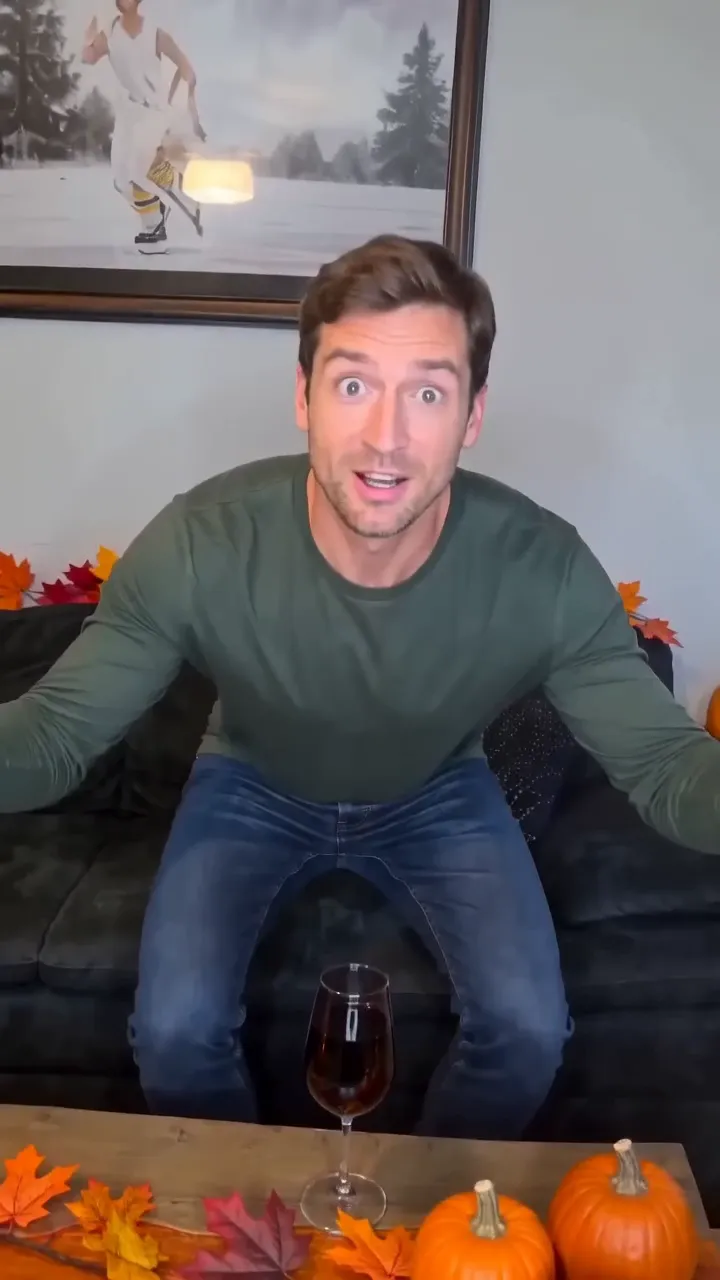
Funny Thanksgiving AI
Feathers burst out and you turn into a giant turkey in ten seconds.

Chhath Puja AI
Chhath Puja ghat portraits from one photo
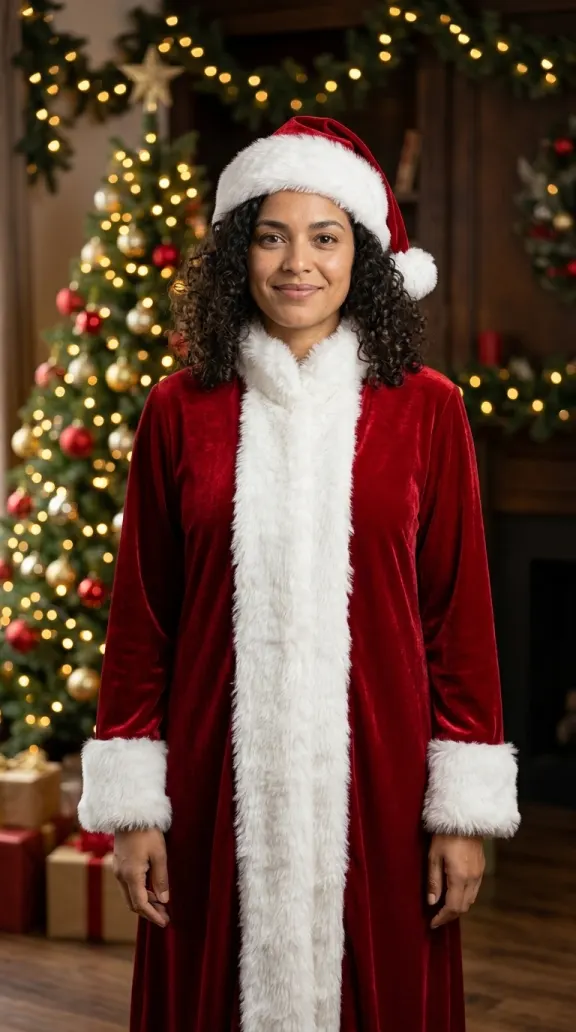
AI Christmas
Christmas portraits from one photo
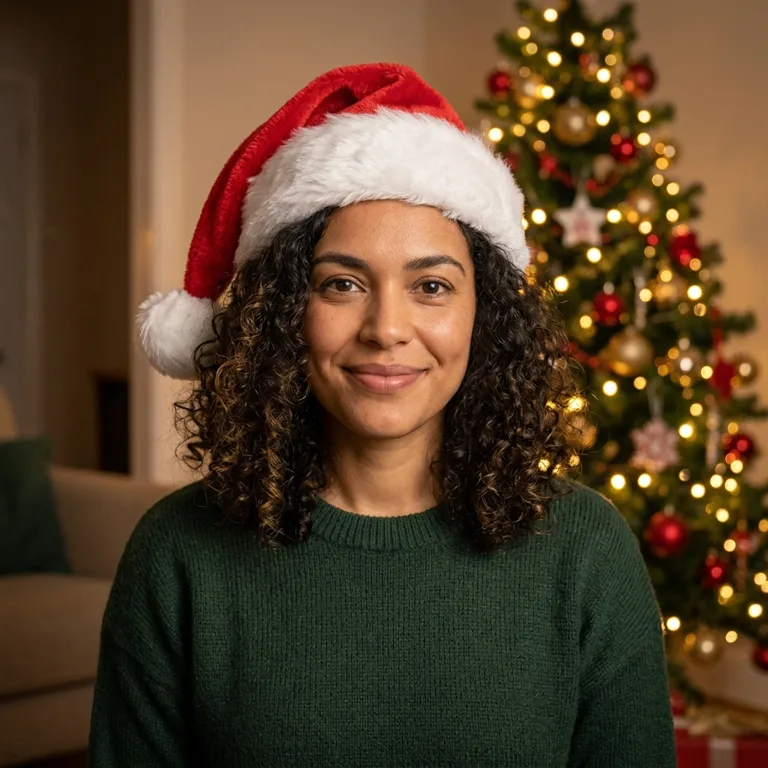
Christmas PFP AI
A square Christmas profile picture from one person or pet photo
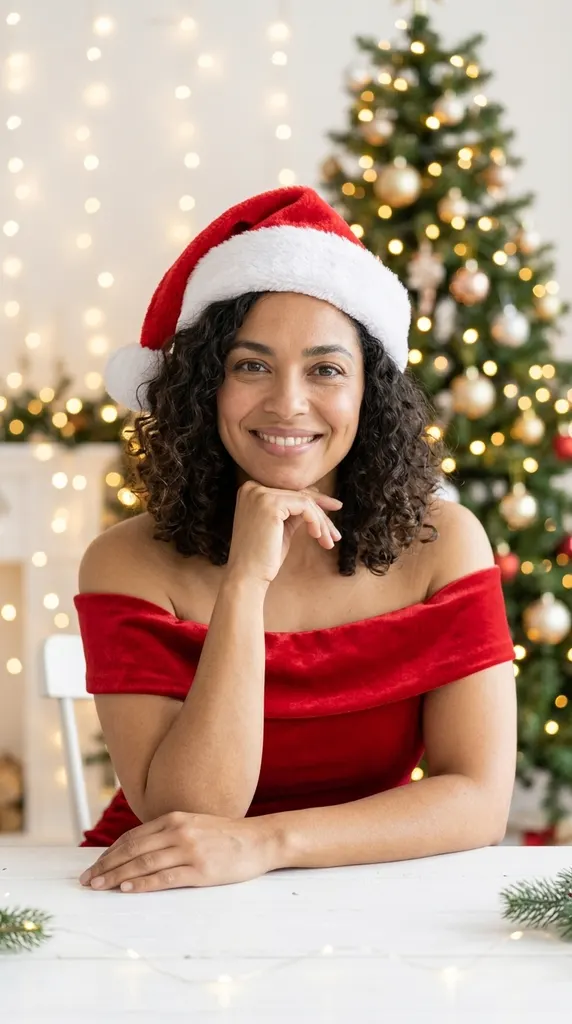
AI Christmas Photoshoot
Studio Christmas photoshoot from one selfie
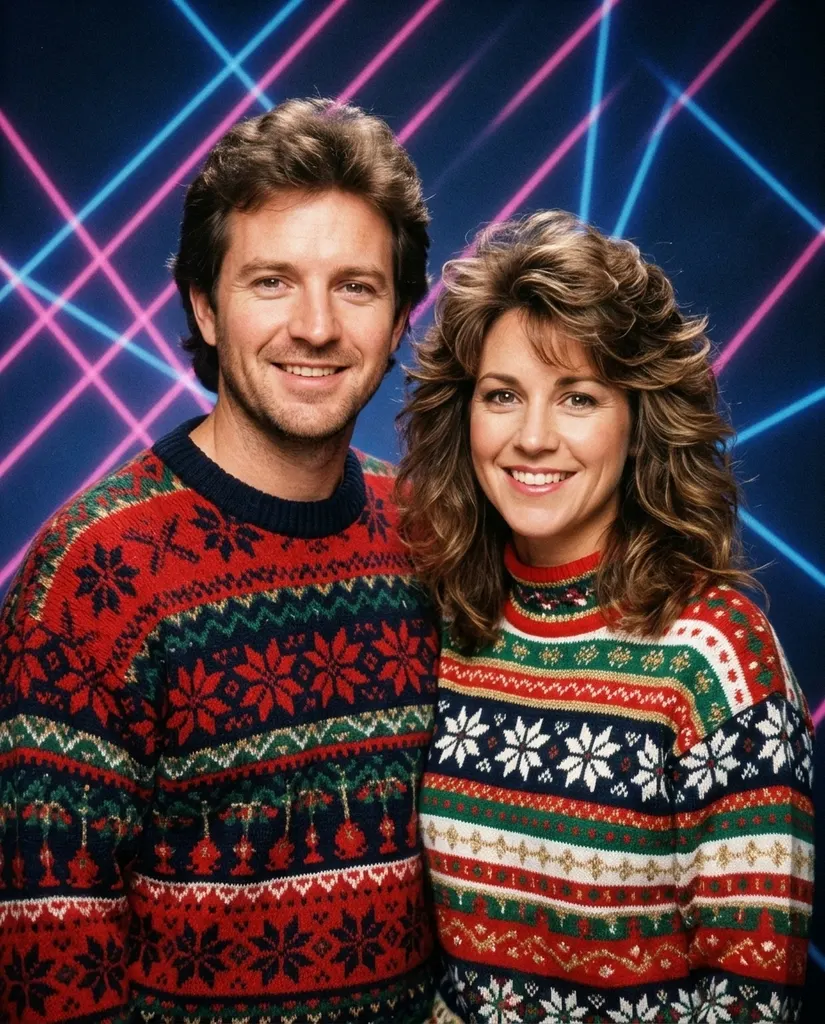
80s Christmas AI
1980s Christmas picture from one photo
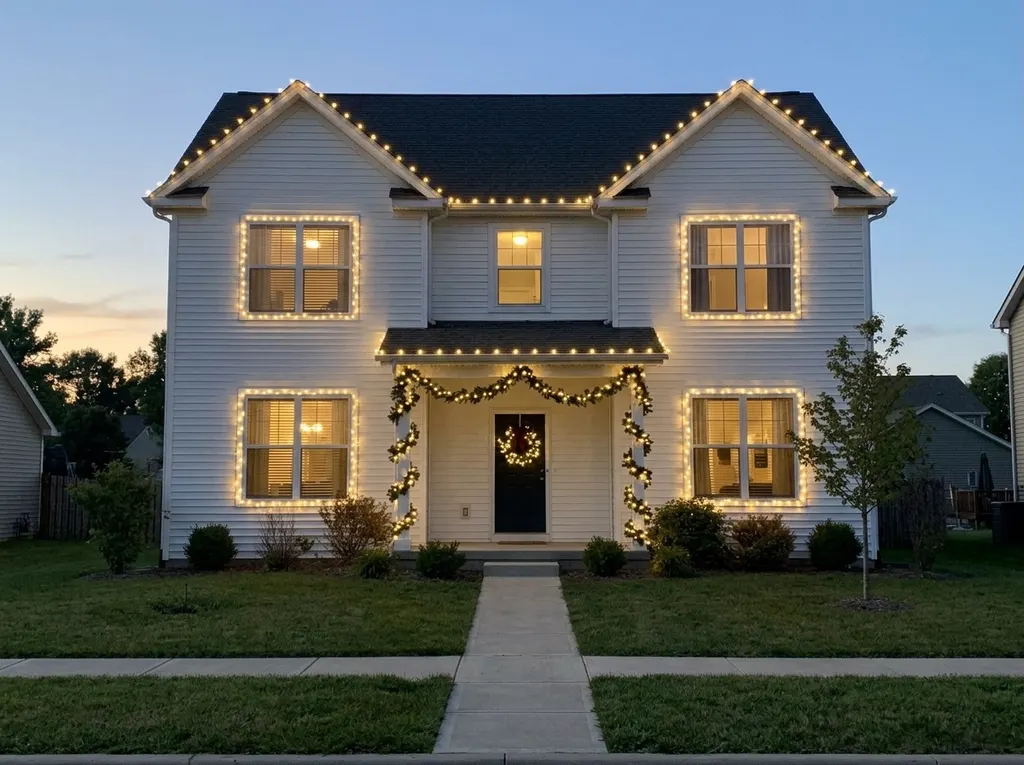
AI Christmas Lights
Preview Christmas lights on your house
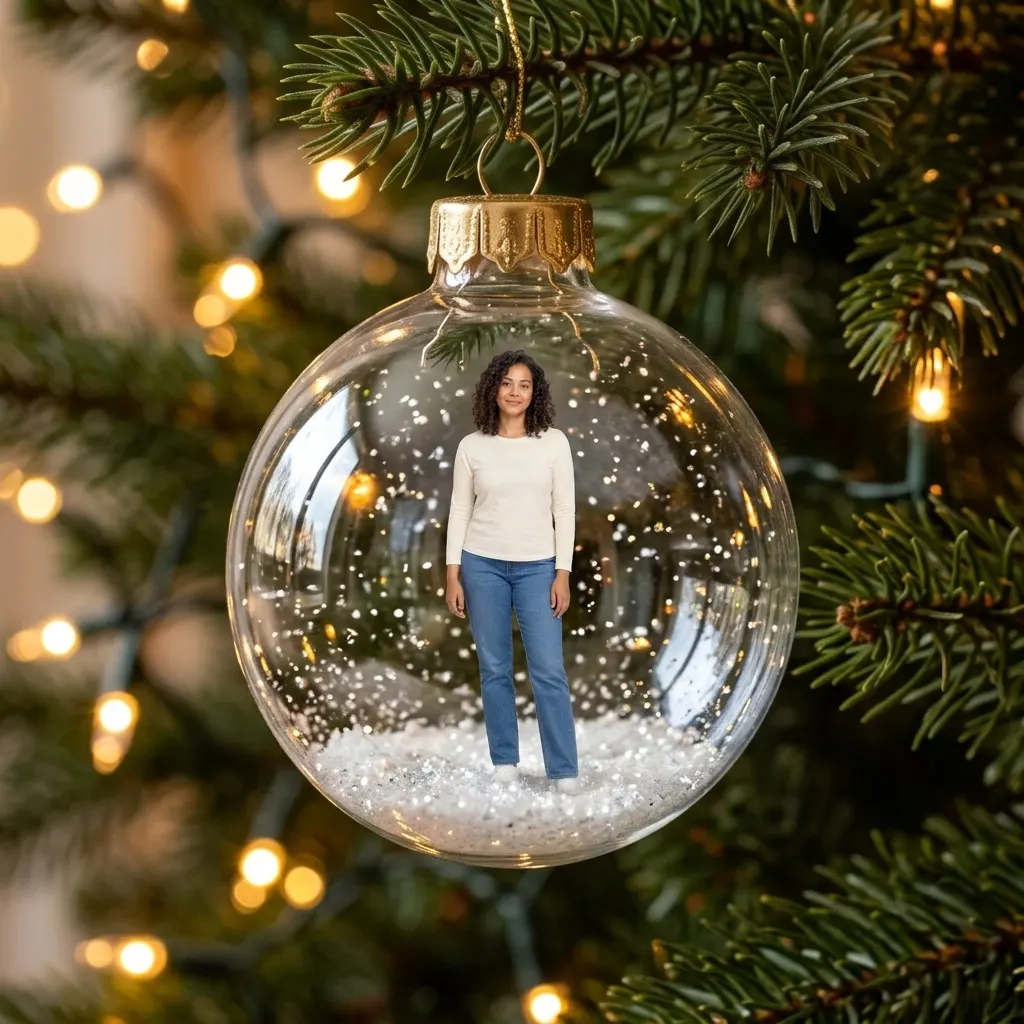
AI Christmas Ornament
You or your pet as a tree ornament
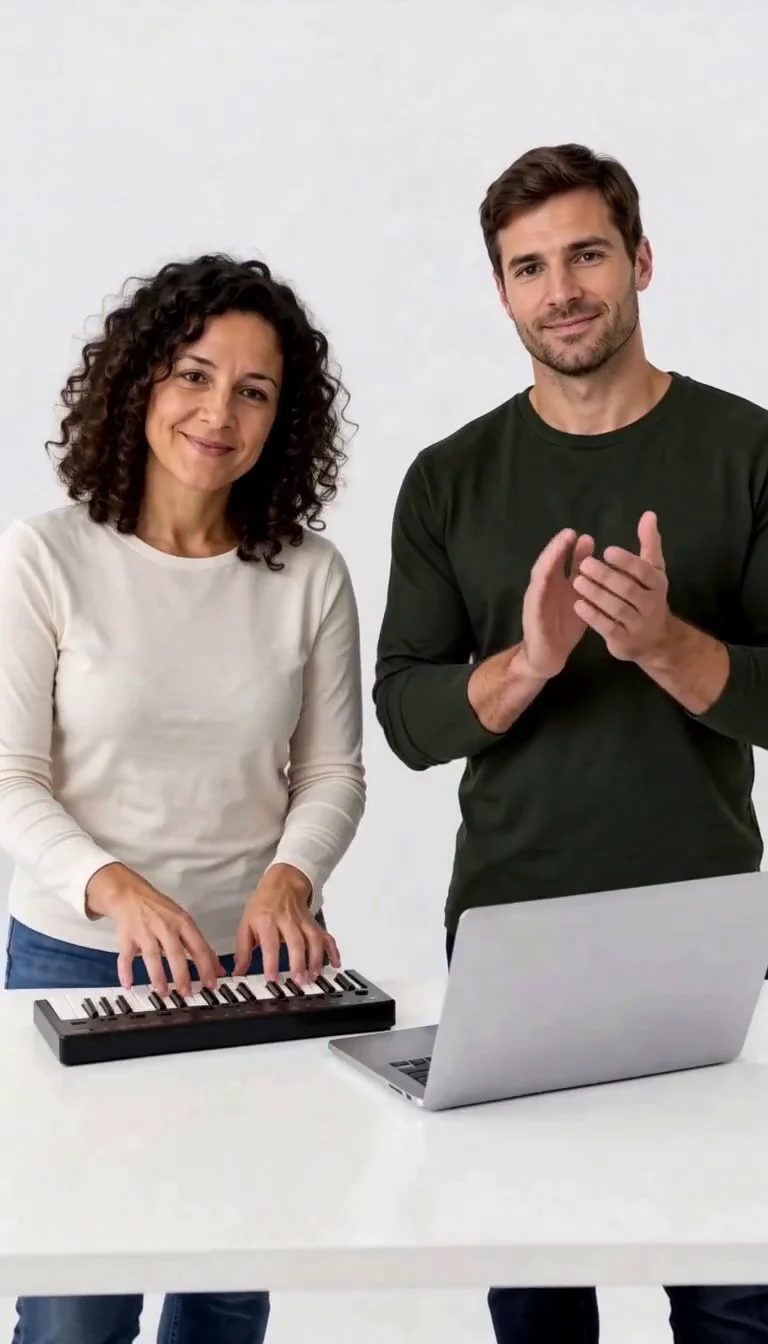
Keyboard Duo
Put two adults in a keyboard-and-clapping studio sketch.
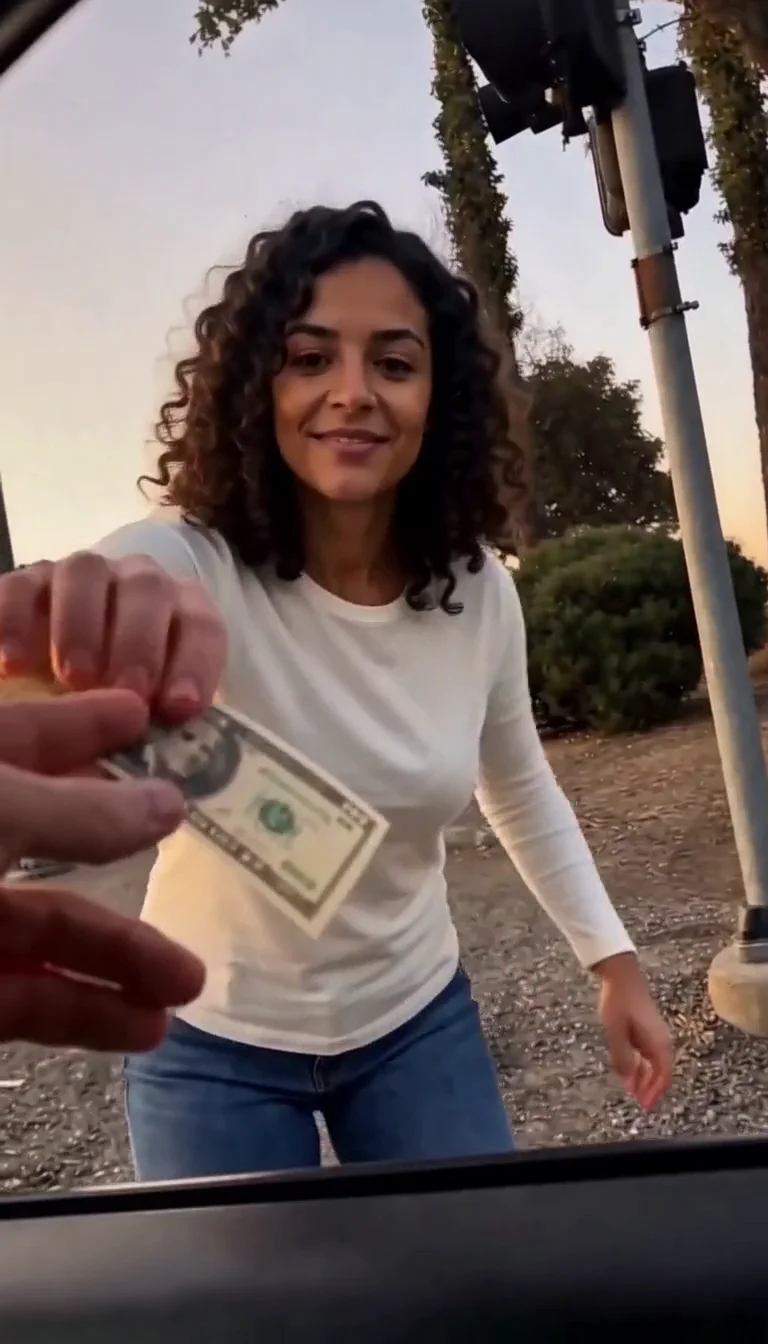
Plug Walk
Follow the car-window cash handoff, then step back into the reference dance.
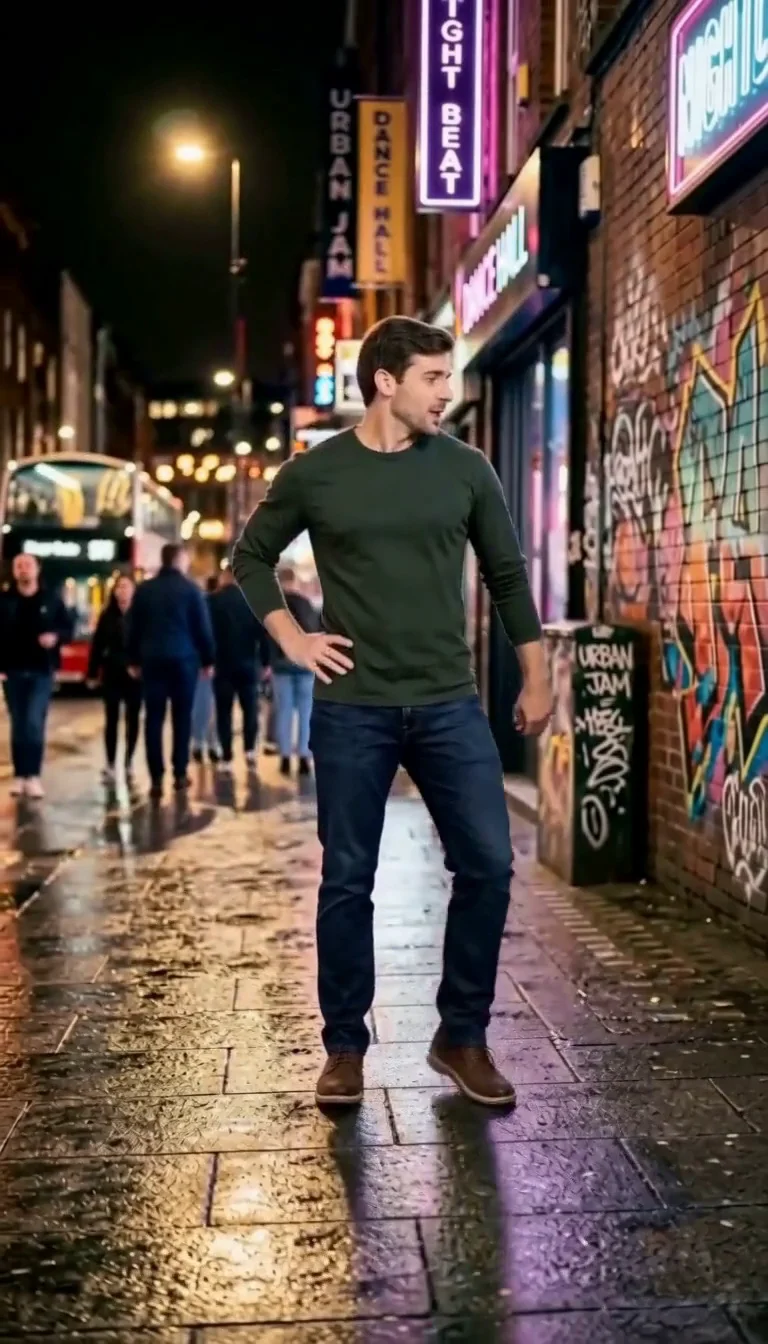
6 7 Dance
Follow a fourteen-second Six Seven street dance with counting gestures, bouncy steps and claps.
Frequently asked questions
What is Elf on the Shelf AI?⌄
It turns one photo of your room into a short clip that looks like your home security camera caught the elf moving at night. The elf sneaks around, then spots the camera and freezes.
What photo should I use?⌄
A wide photo of the spot where the elf usually appears, such as the Christmas tree, fireplace or kitchen counter, with no people in it. Normal room light works best.
Does it use my elf?⌄
The video shows a classic red elf in a pointed hat. Your photo sets the room, furniture and decorations.
What format do I get?⌄
A landscape 16:9 MP4 of about ten seconds with room sound, a timestamp and a night-cam look.
What is the difference between Standard and HD?⌄
Standard is 480p and costs 29 credits. HD is 720p and costs 60 credits. Both are ten seconds with sound.
Is Elf on the Shelf AI free?⌄
A Standard clip costs 29 credits, and eligible new accounts get welcome credits that can cover one. The price is shown before you generate.
Is this the official Elf on the Shelf?⌄
No. ClipTrend is not affiliated with The Elf on the Shelf or its makers. The clip is an AI-generated video for family fun; label it as AI-generated when you share it.
How long does it take and where is my video?⌄
Usually a few minutes; busy periods can take longer. Download the clip from the result card or find it later in My Creations.
Make your Elf on the Shelf AI video
Upload one photo of your room and catch the elf on camera.
Catch my elf